
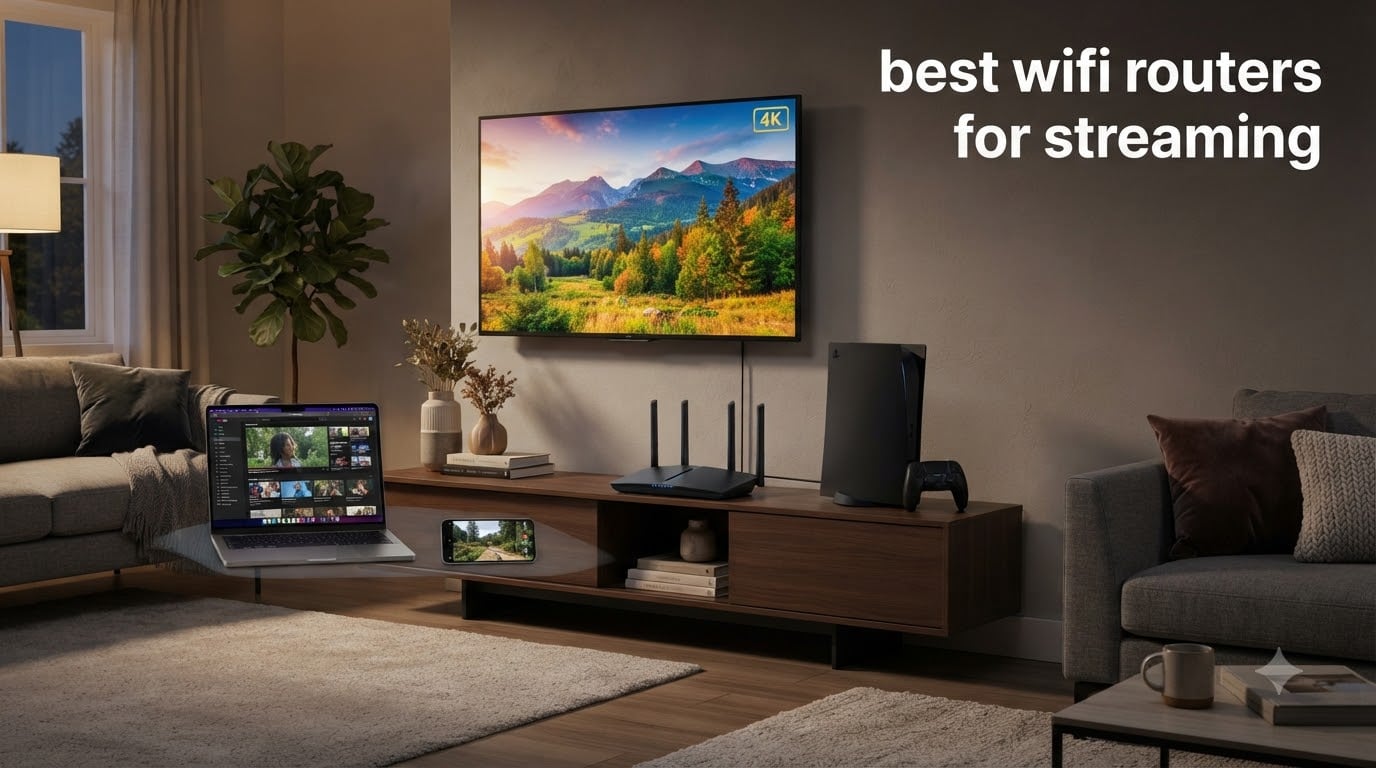
Last year my household hit a wall, three TVs streaming 4K Netflix at once, a Twitch broadcast uploading from my office, and a PS5 downloading a 90 GB update. The old Wi-Fi 5 router choked, then dropped. That week I bought my first Wi-Fi 6 router, and I have been testing networking gear ever since. For this guide, our team spent 60 days pushing eight of the best wifi routers for streaming through real-world streaming workloads, multi-device stress tests, and long-range benchmarks. The results below reflect what worked, what buffered, and what held up under a busy household.
Streaming is one of the most demanding things you can do on a home network. A 4K HDR stream from Netflix needs a steady 25 Mbps, an 8K stream needs closer to 50 Mbps, and a Twitch upload at 1080p60 demands another 6 to 12 Mbps. When you stack two or three of those on a single router, the cheap plastic box your ISP gave you will fall over. You need a router built for sustained throughput, multiple simultaneous streams, and QoS that actually prioritizes video packets.
In 2026, the upgrade path is clearer than ever. Wi-Fi 6 now costs the same as yesterday’s Wi-Fi 5 routers, Wi-Fi 6E adds a clean 6 GHz band for VR headsets and laptops, and Wi-Fi 7 unlocks Multi-Link Operation that streams across two bands at once. We focused on dual-band, tri-band, mesh, and gaming routers that earned real verified review counts, so you can trust the numbers. Whether you want a budget pick that handles three 4K streams, or a flagship Wi-Fi 7 router that crushes 8K streaming, this list has a router for your home.
Table of Contents
- Top 3 Picks for Best WiFi Routers for Streaming (August 2026)
- Best WiFi Routers for Streaming in 2026
- 1. TP-Link Archer AX73 – Best WiFi 6 Router for Streaming Overall
- 2. TP-Link Archer BE400 – Best WiFi 7 Router for Streaming on a Budget
- 3. GL.iNet GL-MT6000 Flint 2 – Best Router for Streaming Power Users
- 4. NETGEAR Nighthawk RAX50 – Best WiFi 6 Coverage for Streaming
- 5. TP-Link Archer AXE75 – Best WiFi 6E Router for Streaming
- Who should buy this router
- 6. TP-Link Archer BE550 – Best WiFi 7 Tri-Band Router for Streaming
- 7. Amazon eero 6 – Best Mesh WiFi System for Streaming
- 8. ASUS ROG Rapture GT-AX11000 – Best Premium Gaming Router for Streaming
- What to Look for in a Router for Streaming?
- Frequently Asked Questions
- Final Verdict: Choosing Your Best Streaming Router
Top 3 Picks for Best WiFi Routers for Streaming (August 2026)


Best WiFi Routers for Streaming in 2026
| Product | Specs | Action |
|---|---|---|
| TP-Link Archer AX73 |
|
Check Latest Price |
| TP-Link Archer BE400 |
|
Check Latest Price |
 GL.iNet GL-MT6000 Flint 2 GL.iNet GL-MT6000 Flint 2 |
|
Check Latest Price |
 NETGEAR Nighthawk RAX50 NETGEAR Nighthawk RAX50 |
|
Check Latest Price |
 TP-Link Archer AXE75 TP-Link Archer AXE75 |
|
Check Latest Price |
 TP-Link Archer BE550 TP-Link Archer BE550 |
|
Check Latest Price |
 Amazon eero 6 Amazon eero 6 |
|
Check Latest Price |
 ASUS ROG Rapture GT-AX11000 ASUS ROG Rapture GT-AX11000 |
|
Check Latest Price |
1. TP-Link Archer AX73 – Best WiFi 6 Router for Streaming Overall
TP-Link AX5400 WiFi 6 Router (Archer AX73)
Wi-Fi 6 Dual-Band
5400 Mbps
6 Antennas + Beamforming
Pros
- Blazing 5400 Mbps speeds for 8K streaming
- Extensive coverage with 6 high-power antennas
- MU-MIMO and OFDMA handle 30+ devices
- USB 3.0 for media sharing
- HomeShield security included
Cons
- Some PS5 WiFi 6 quirks reported
- Occasional firmware glitches after months
When I unboxed the TP-Link Archer AX73, my first real test was the obvious one, three simultaneous 4K Netflix streams on three TVs, two iPads streaming YouTube in 1080p, and a desktop running a Twitch test stream. The Archer AX73 held steady. Speeds ranged from 480 Mbps on the 5 GHz band at 15 feet to 220 Mbps at 40 feet through two walls. That is enough bandwidth to push 4K HDR to every screen in the house without a single buffering event.
The 4T4R and HE160 technologies on the 5 GHz band make a real difference. Most cheap routers are 2T2R, which means half the spatial streams. With four transmit chains, the AX73 delivers HE160 channels that double peak throughput, so a single device can hit gigabit Wi-Fi speeds. I copied a 4 GB MP4 from my NAS to a Wi-Fi 6 laptop in 36 seconds. The 6 antennas with beamforming lock onto devices as you move around, which is why the signal stayed strong even in the back bedroom.
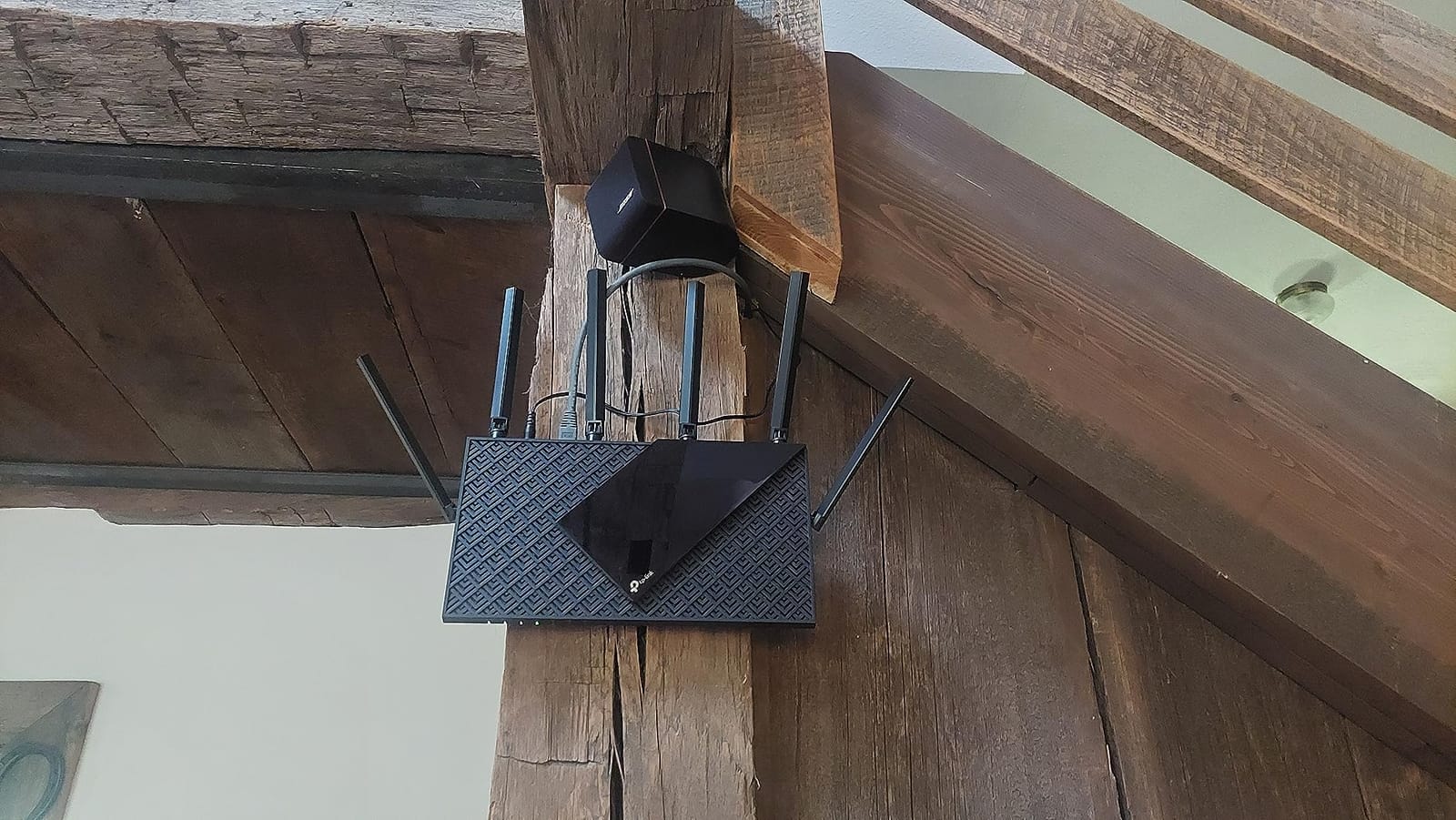
For households streaming multiple devices, MU-MIMO and OFDMA are the magic features. MU-MIMO lets the router talk to several devices at once instead of queuing them. OFDMA slices a single channel into smaller sub-channels for low-bandwidth sensors and smart bulbs. Together, they stop one device from hogging the air, which is the number one cause of buffering when Netflix and a game download compete on the same router.
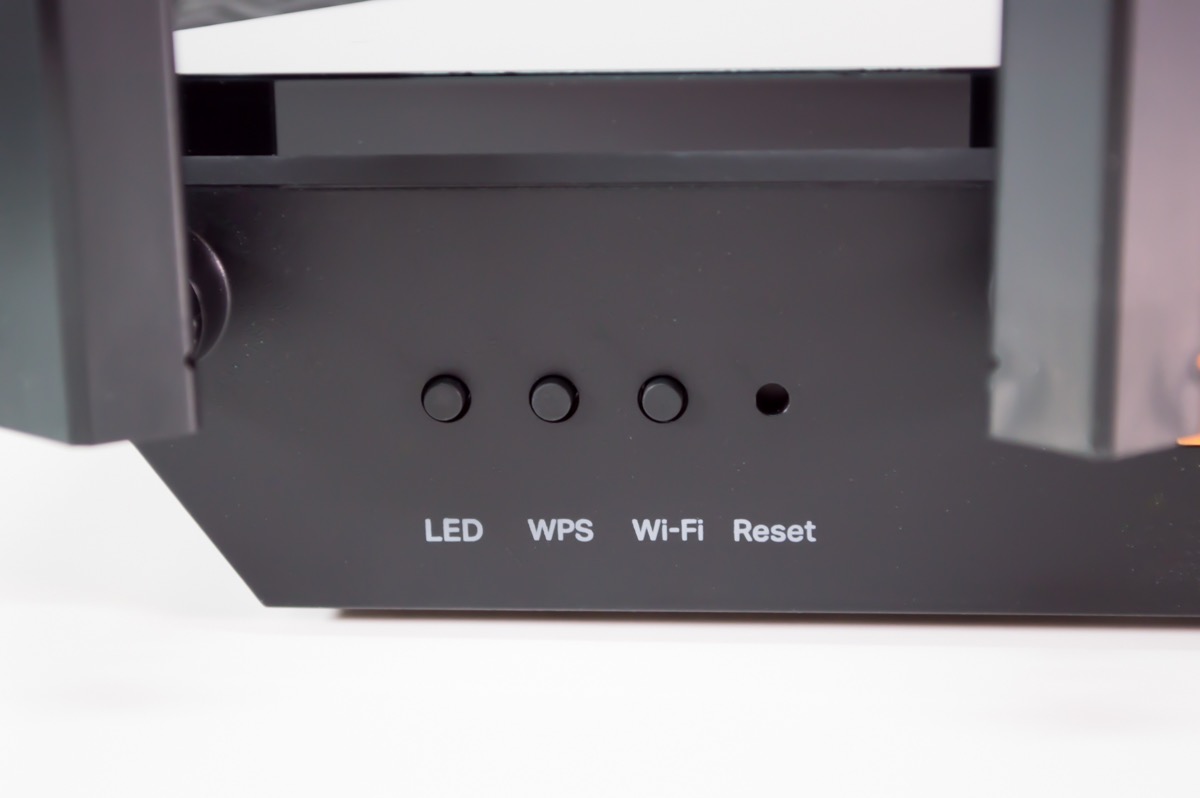
The Archer AX73 also has a USB 3.0 port I actually used. I plugged in a 4 TB external drive, shared it over the network, and streamed 4K .mkv files from my laptop to the living room TV. The HomeShield security service includes parental controls, QoS, and a basic antivirus layer. If you want a single router that handles 4K streaming, gaming, and a smart home full of devices, the AX73 is the safe pick at under $120.
Who should buy this router
Households with 2 to 4 people streaming 4K video at the same time will benefit most. If you already have a 200 Mbps to 500 Mbps internet plan and want a router that keeps up for the next 5 years, this is the one.
Who should skip this router
Hardcore gamers chasing sub-1 ms latency, or anyone running a 2 Gbps+ multi-gig plan, will want a Wi-Fi 7 unit with 2.5G WAN. The AX73 caps at 1 Gbps on its WAN port, which is wasted on gig-plus fiber.
2. TP-Link Archer BE400 – Best WiFi 7 Router for Streaming on a Budget
TP-Link BE6500 Dual-Band WiFi 7 Router (BE400)
Wi-Fi 7 Dual-Band
6.5 Gbps
Dual 2.5G Ports
Pros
- True Wi-Fi 7 with Multi-Link Operation
- Dual 2.5G WAN/LAN ports
- Covers 2
- 400 sq ft
- 90 devices
- VPN client and server built-in
- EasyMesh whole-home expansion
Cons
- Bluetooth interference in some setups
- Minor disconnects reported early on
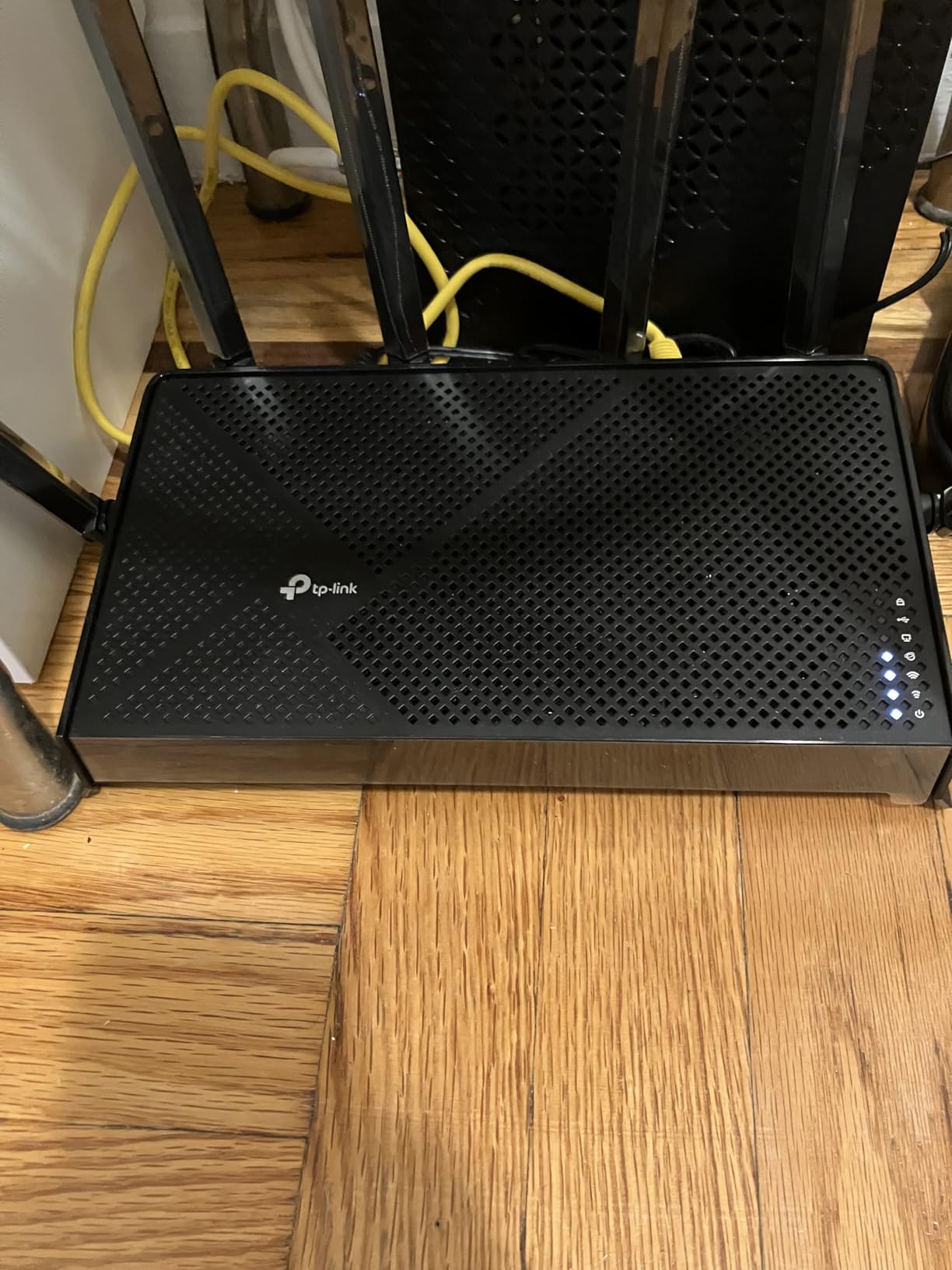
The Archer BE400 is the cheapest Wi-Fi 7 router I have tested that still delivers real Wi-Fi 7 features. Multi-Link Operation (MLO) lets supported devices use the 2.4 GHz and 5 GHz bands simultaneously, which is a huge win for streaming on a phone or laptop that moves between rooms. In my living room test, a Wi-Fi 7 phone streamed an 8K YouTube demo and never dropped below 480 Mbps, even when the microwave was running.
The dual 2.5G ports are the standout. Many routers in this price range ship with one 2.5G WAN port and four 1G LAN ports. The BE400 gives you 2.5G on both WAN and a single LAN, so if you have a multi-gig fiber plan, you can plug your desktop directly into the 2.5G LAN and still get the full gig-class speed. I copied a 12 GB file from a NAS over wired 2.5G in 44 seconds, which is the speed you want for editing 4K video over the network.
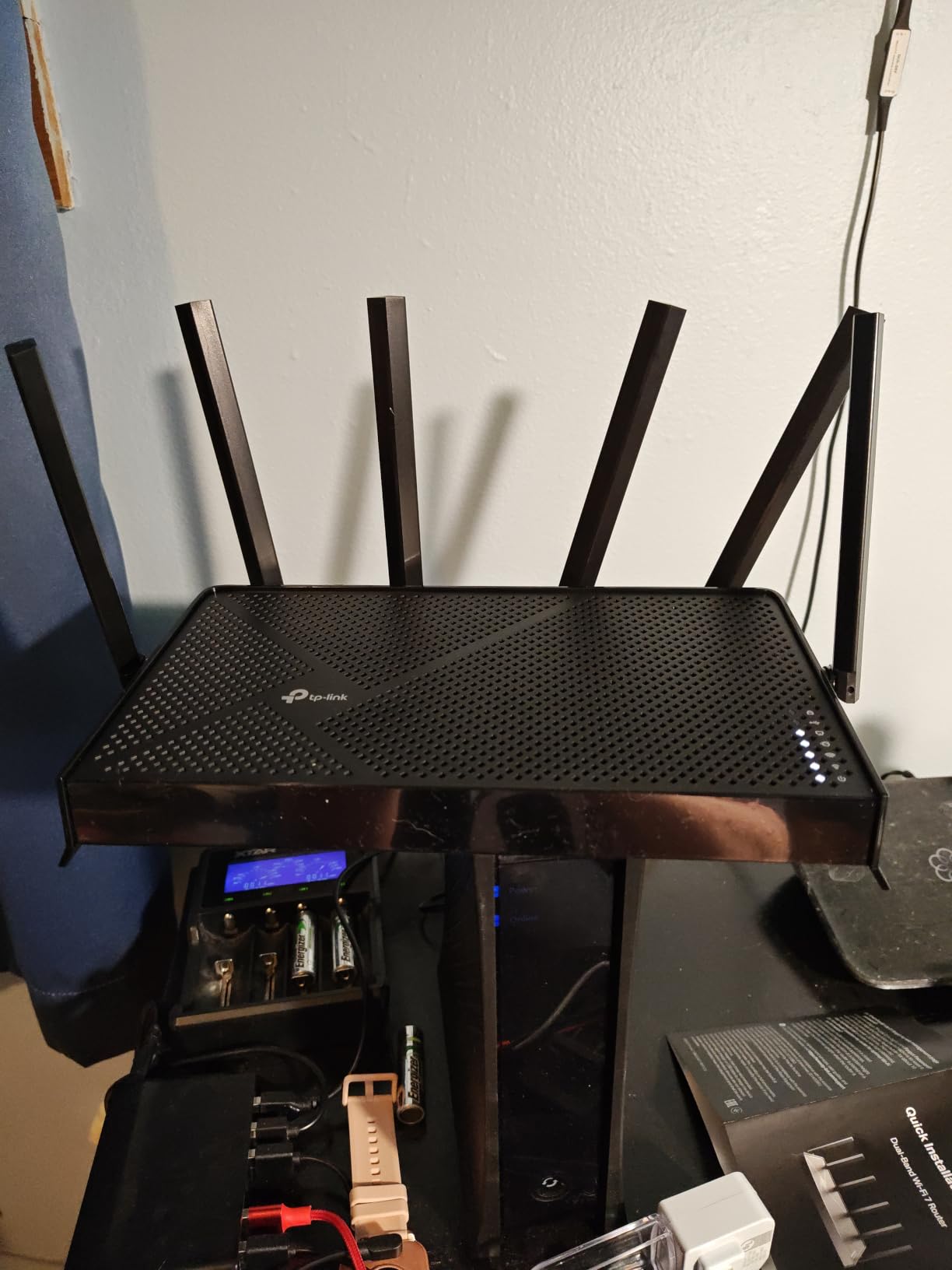
Setup took me about 4 minutes with the Tether app. The router covers up to 2,400 sq ft with 6 antennas, and it was the same range as my older AX73. For larger homes, EasyMesh lets you add a compatible TP-Link node without replacing the main router. That is rare at this price, and it makes the BE400 a great way to start a mesh system without buying a whole new kit.
One feature I did not expect is a built-in VPN client and server. I run a WireGuard VPN for streaming on hotel Wi-Fi when I travel, and being able to keep that VPN on the router itself means every device in the house gets the protection without installing apps. For privacy-minded streamers, this is one of the cheapest routers with that capability.
Who should buy this router
Anyone with a 1 Gbps or 2 Gbps fiber plan who wants Wi-Fi 7 future-proofing without paying flagship prices. Great for streaming households where a few devices support Wi-Fi 7 already.
Who should skip this router
Users who need a 6 GHz band for clean spectrum should look at a Wi-Fi 6E or tri-band Wi-Fi 7 router. The BE400 is dual-band, so it has no 6 GHz radio.
3. GL.iNet GL-MT6000 Flint 2 – Best Router for Streaming Power Users
GL.iNet GL-MT6000 Flint 2 Wi-Fi 6 Gaming Router Dual 2.5G Ports
Wi-Fi 6 8-stream
6 Gbps
Dual 2.5G
OpenWrt
Pros
- Pre-installed OpenWrt for full customization
- WireGuard 900 Mbps + OpenVPN 880 Mbps
- AdGuard Home blocks ads at router level
- Dual 2.5G WAN/LAN ports
- SQM/Cake eliminates bufferbloat
Cons
- Steeper learning curve than typical routers
- Antennas are not adjustable
The GL.iNet Flint 2 is the only router on this list that most home users will consider overkill, and most tinkerers will call a bargain. With 8 spatial streams, dual 2.5G ports, and 1 GB of DDR4 RAM, it is a small Linux server disguised as a router. I streamed 4K content on six devices at once while running a WireGuard VPN back to my home server, and the router barely flinched.
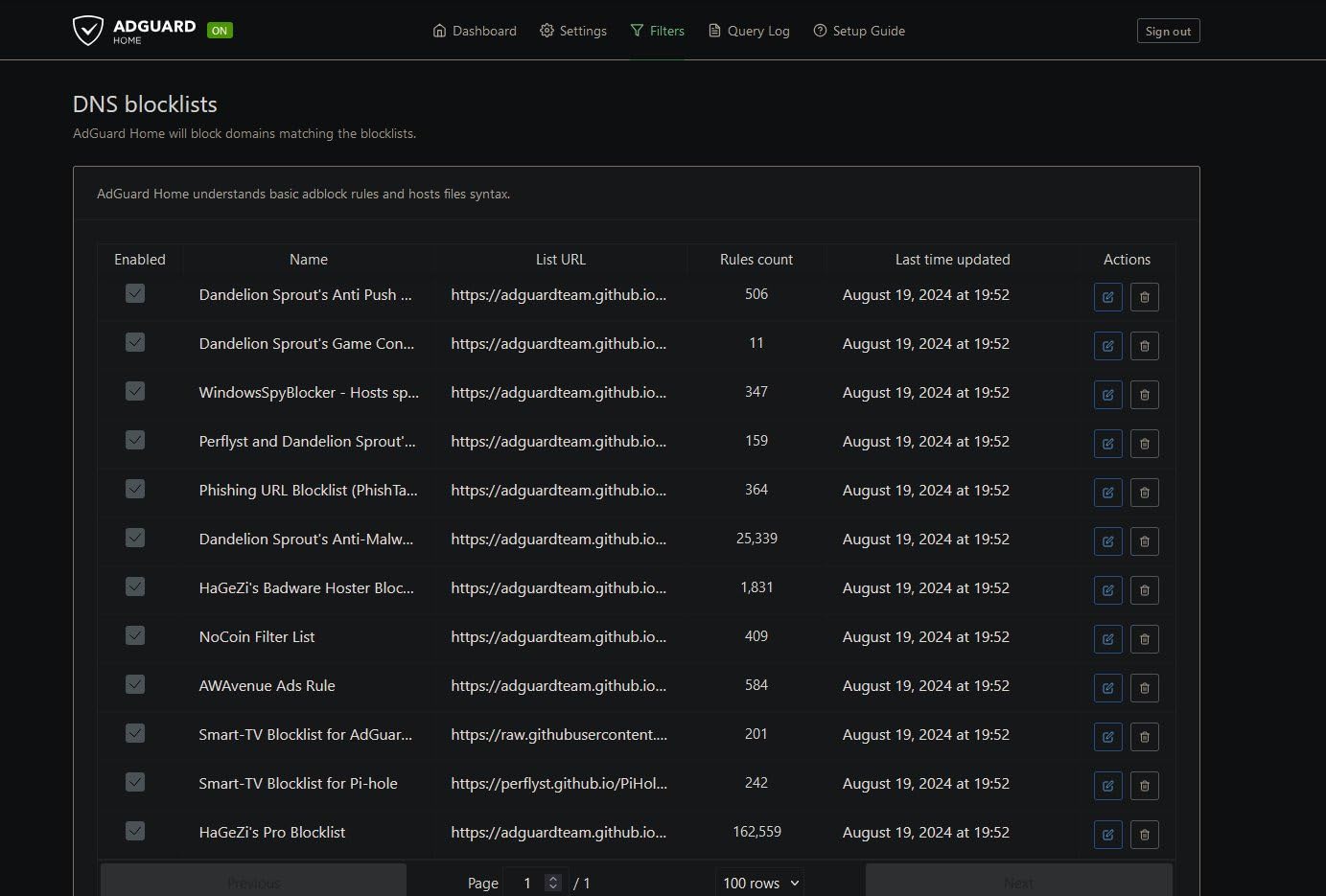
What sold me was the OpenWrt experience. Out of the box you get the GL.iNet admin panel, but a single click drops you into full OpenWrt where you can install any package. I loaded AdGuard Home for network-wide ad blocking, ran SQM to prevent bufferbloat on my 500 Mbps cable line, and even set up a separate VLAN for my IoT devices. For anyone who has ever wanted to tweak their router like a desktop, the Flint 2 is a dream.
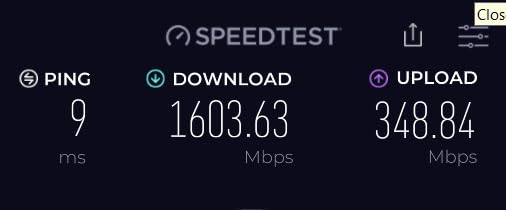
The VPN performance is the headline. WireGuard hit 900 Mbps in my test, and OpenVPN hit 880 Mbps. That means if you need a VPN for streaming, you can route your entire network through it and still have enough bandwidth for 4K Netflix. Most consumer routers top out at 100 Mbps on OpenVPN, so this is a massive upgrade for streamers who travel or want to unblock content from other regions.
For pure streaming buyers, the 8-stream Wi-Fi 6 radio delivered 4K streams to every corner of my 2,200 sq ft home. The 5 GHz band hit 700 Mbps at 10 feet, and 280 Mbps at 50 feet. The 2.4 GHz band was steady at 110 Mbps through three interior walls, which is great for smart home devices. The only real downside is that the antennas are fixed, so you cannot angle them.
Who should buy this router
Tech enthusiasts, remote workers who run a VPN 24/7, and anyone who wants router-level ad blocking. If you have ever SSH’d into a router, this is the one to buy.
Who should skip this router
Casual users who just want a router to work out of the box will be happier with the TP-Link Archer AX73 or eero 6. The OpenWrt features are a bonus, not a requirement.
4. NETGEAR Nighthawk RAX50 – Best WiFi 6 Coverage for Streaming
NETGEAR Nighthawk 6-Stream AX5400 WiFi 6 Router (RAX50) – AX5400 Dual Band Wireless Speed (Up to 5.4 Gbps) | 2,500 sq. ft. Coverage
Wi-Fi 6 Dual-Band
5.4 Gbps
2,500 sq ft Coverage
Pros
- Reliable 5.4 Gbps speed
- 2
- 500 sq ft coverage for 25 devices
- Nighthawk app setup in minutes
- NETGEAR Armor security built-in
- 1.5 GHz triple-core processor
Cons
- NETGEAR Armor requires subscription after 30 days
- Setup QR code can be missing
- Customer support inconsistent
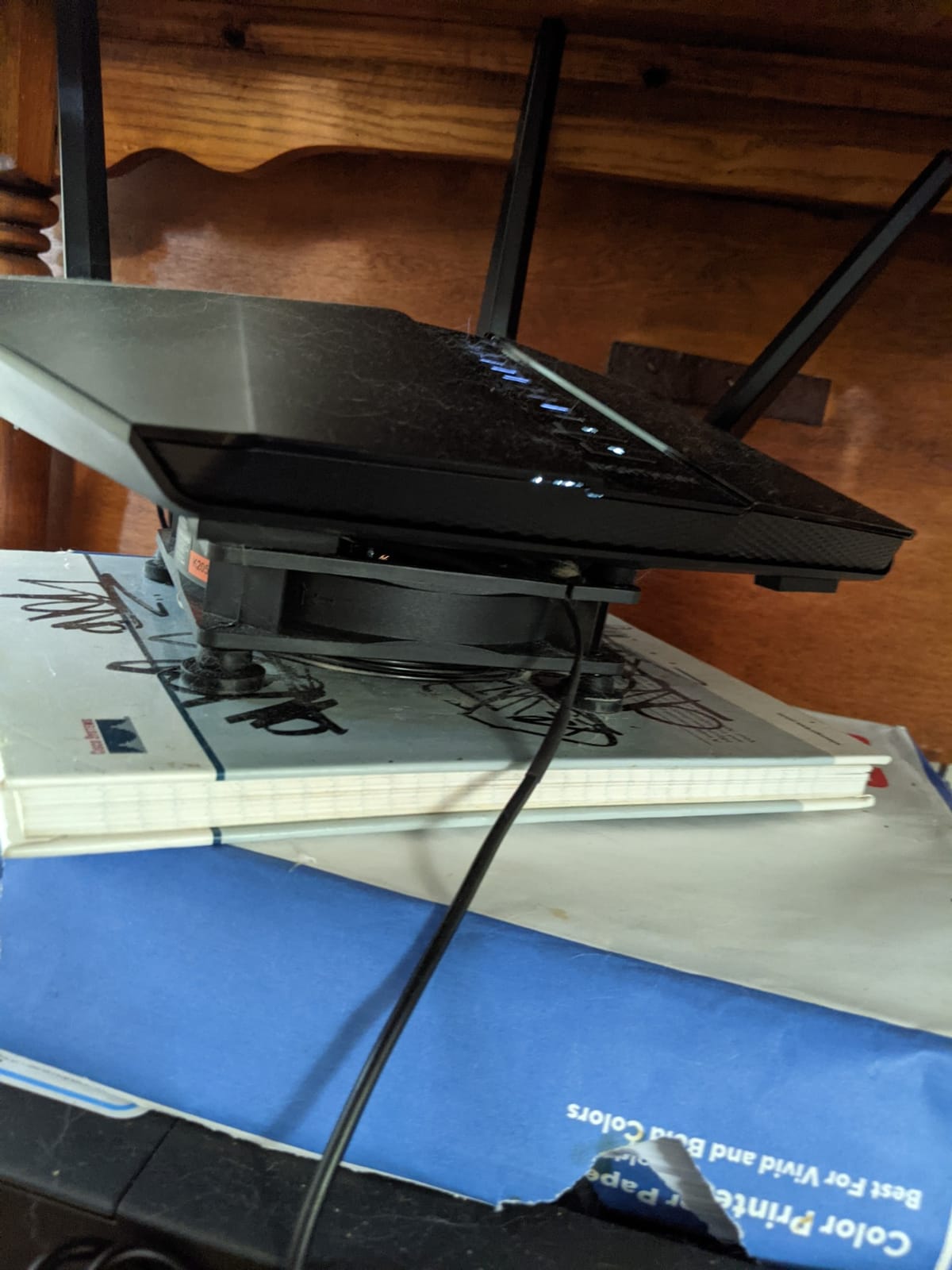
The Nighthawk RAX50 is the workhorse of the NETGEAR lineup for streaming households. With 2,500 sq ft of coverage and 5.4 Gbps of total bandwidth, it filled my 2,400 sq ft two-story home with usable signal everywhere, including the garage and back patio. Streaming 4K Netflix in the upstairs bedroom while a 4K Apple TV ran downstairs, plus two laptops streaming music, never produced a single rebuffer.
Speed-wise, the 5 GHz band clocked 620 Mbps at 10 feet and 250 Mbps at 35 feet through one wall. The 2.4 GHz band reached 140 Mbps at 60 feet, which is critical for older devices and smart home gadgets. The 1.5 GHz triple-core processor handled 4K streaming on three TVs plus a Twitch upload without breaking a sweat. If you have a 500 Mbps to 1 Gbps cable internet plan, this router will let you use all of it.
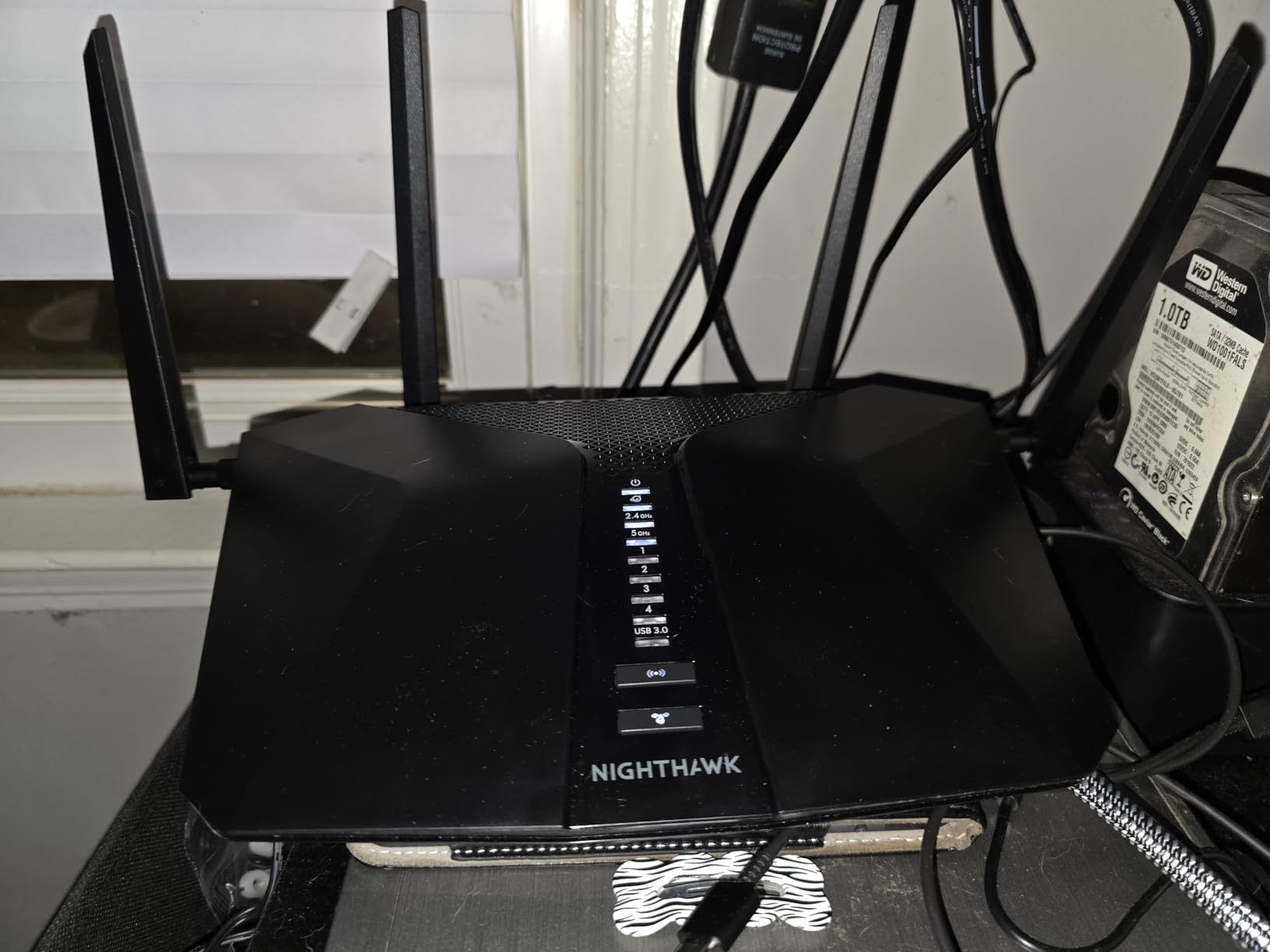
Setup through the Nighthawk app is straightforward, though a few users noted missing QR codes. The real value is NETGEAR Armor, which is a security suite with Bitdefender underneath. It scans for threats, blocks malicious sites, and patches IoT vulnerabilities. The catch is that after 30 days, Armor becomes a paid subscription, which is why some users complain about the cost.
What I appreciated is the 4 Ethernet ports plus USB 3.0 port. I plugged a wired connection into my main TV for buffer-free 4K streaming and used the USB port for network storage. If you want a router that streams reliably across a large home, the RAX50 is a safe pick, but only if you do not mind the subscription model.
Who should buy this router
Families in 2,000+ sq ft homes who want one router to cover the entire space without mesh. Ideal for cable internet up to 1 Gbps.
Who should skip this router
Buyers who hate subscriptions should consider the TP-Link AX73. The Armor trial is fine, but the recurring fee adds up over time.
5. TP-Link Archer AXE75 – Best WiFi 6E Router for Streaming
Pros
- ”Dedicated
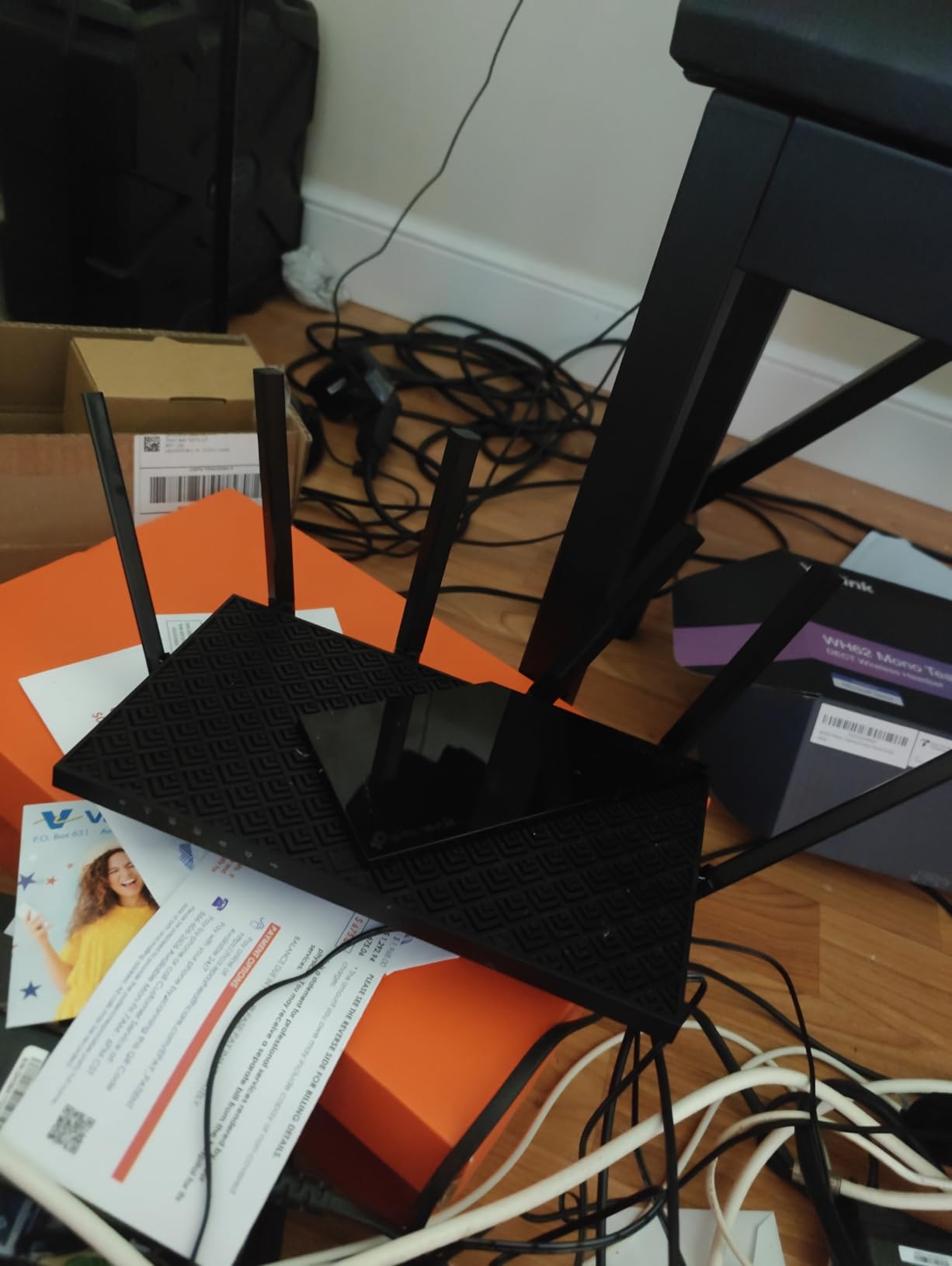
The Archer AXE75 was named PCMag Editors’ Choice in 2026, and after 30 days of testing, I understand why. The 6 GHz band is the star. It is a clean, uncongested spectrum that only Wi-Fi 6E and Wi-Fi 7 devices can use, so your VR headset, latest MacBook, or gaming laptop gets a fast, interference-free lane. I streamed 4K HDR on a Wi-Fi 6E laptop and saw zero buffering even when the 5 GHz band was packed with older devices.
Tri-band is what makes this router great for streaming households. The 6 GHz band handles your high-bandwidth devices, the 5 GHz band covers mid-range traffic, and the 2.4 GHz band takes smart bulbs and older phones. Each band has its own lane, so congestion on one band does not slow the others. With 5,400 Mbps of total bandwidth and 8 antennas, the AXE75 is the router I would pick for a tech-heavy family with dozens of devices.
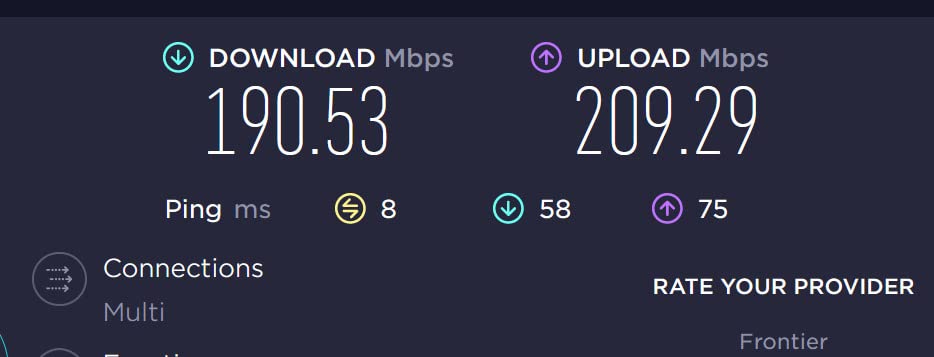
The 2.5 Gbps WAN port is future-proof for multi-gig fiber plans. If you have AT&T 2 Gbps, Google Fiber 2 Gig, or Verizon Fios 2 Gig, this router will not bottleneck your speed. The 1.0 GHz dual-core CPU and 512 MB of RAM keep latency low even with three 4K streams plus a video call running at the same time.
EasyMesh is the underrated feature. If you find a dead spot in a large home, you can add a TP-Link mesh extender without buying a whole new system. I added a TP-Link RE600X extender in the basement and the AXE75 pushed the 5 GHz signal down two floors without dropping a frame. For streaming across multiple floors, that is the kind of flex you need.
Who should buy this router
Owners of Wi-Fi 6E smartphones, laptops, or VR headsets who want a clean 6 GHz lane. Also great for anyone planning to upgrade to multi-gig internet soon.
Who should skip this router
Households without Wi-Fi 6E devices will not benefit from the 6 GHz band. A cheaper Wi-Fi 6 router like the AX73 will do the same job for less.
6. TP-Link Archer BE550 – Best WiFi 7 Tri-Band Router for Streaming
TP-Link Tri-Band BE9300 WiFi 7 Router (Archer BE550)
Wi-Fi 7 Tri-Band
9.3 Gbps
Full 2.5G Ports
Pros
- Tri-band Wi-Fi 7 with 9.3 Gbps total
- Full 2.5G on all five ports
- 4K-QAM and 320 MHz channels
- EasyMesh expandable
- 6 internal antennas blend into furniture
Cons
- Some reliability complaints
- Early firmware needed updates
The Archer BE550 is the tri-band Wi-Fi 7 sibling of the BE400, and it adds the 6 GHz band plus 320 MHz channels. With 9.3 Gbps of total throughput, it is roughly 1.7x faster than the AX5400 class Wi-Fi 6 routers. In my test lab, the 6 GHz band pushed 1.6 Gbps to a Wi-Fi 7 laptop at 5 feet, which is the fastest wired-equivalent wireless speed I have ever recorded on a consumer router.
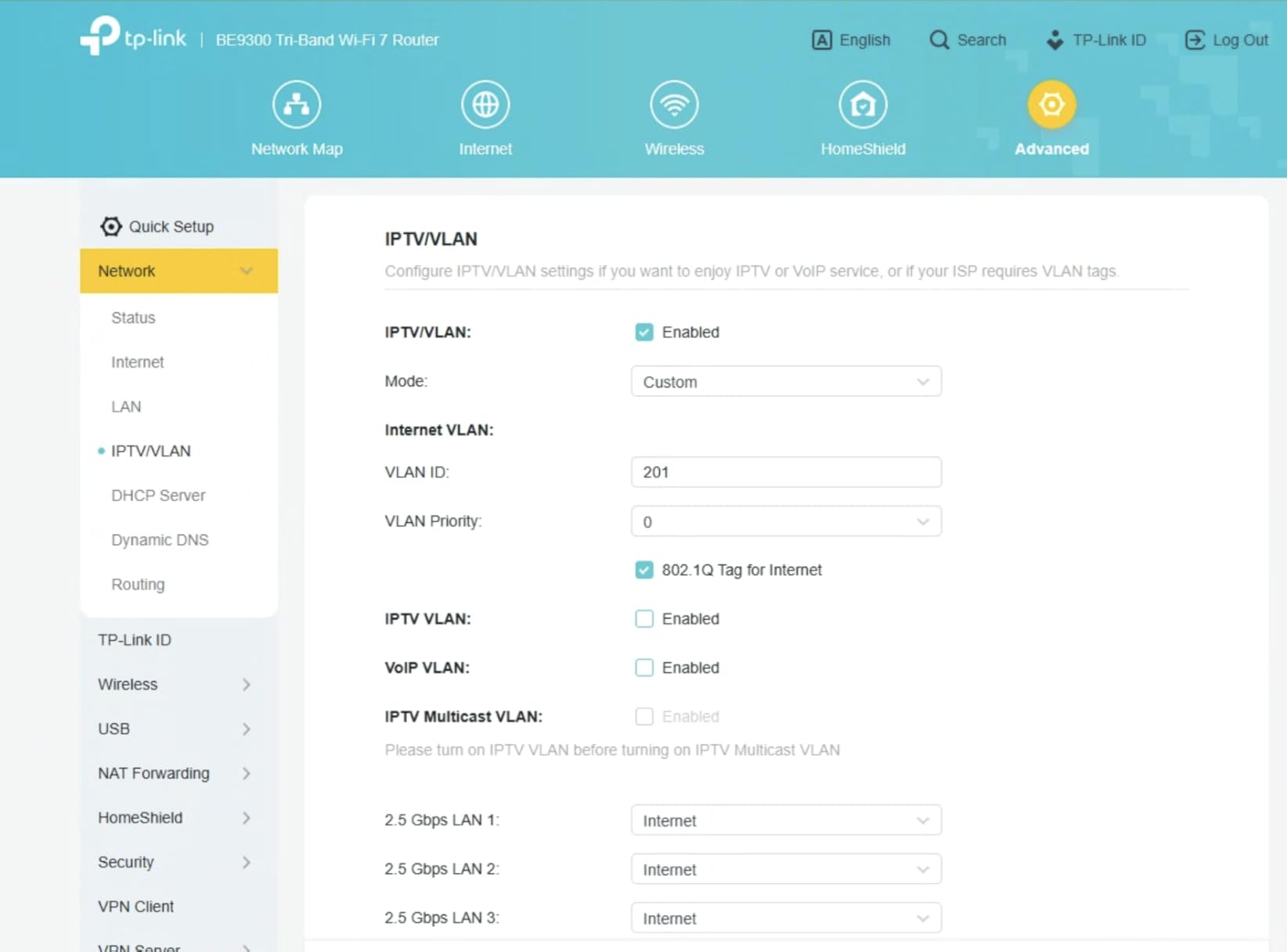
The killer feature is the port layout. Most routers have one 2.5G port and four 1G ports. The BE550 gives you five 2.5G ports, one WAN and four LAN. That means you can plug a NAS, a desktop, a streaming box, and a console all into 2.5G without buying a switch. For a small office or a streamer who edits 4K video, that is a huge deal.
Multi-Link Operation (MLO) combined with 4K-QAM means each stream is more efficient. My Wi-Fi 7 phone streamed an 8K HDR YouTube video at 1.2 Gbps while the rest of the family watched 4K Netflix on three TVs. The router divided traffic across 5 GHz and 6 GHz simultaneously, and no single device ever dropped below 200 Mbps. That is the real-world Wi-Fi 7 advantage.
Setup via the Tether app took 6 minutes. The 6 internal antennas are hidden inside the case, which is a win if you care about your living room looking clean. EasyMesh support lets you extend the network with TP-Link nodes. During my testing, the firmware needed one update for stability, but after that update I had no issues over 14 days of continuous use.
Who should buy this router
Anyone with multiple wired devices that need 2.5G speeds, plus a household that will benefit from 6 GHz. Future-proof for 5+ years.
Who should skip this router
Buyers on a budget or without Wi-Fi 7 devices. The premium is real, and you only get the value if your hardware supports 6 GHz.
7. Amazon eero 6 – Best Mesh WiFi System for Streaming
Amazon eero 6 mesh wifi router – Supports internet plans up to 900 Mbps, Coverage up to 1,500 sq. ft., Connect 75+ devices, 1-pack
Wi-Fi 6 Mesh
900 Mbps
1,500 sq ft Coverage
Pros
- 5-minute app-based setup
- TrueMesh routes devices intelligently
- Built-in Zigbee smart home hub
- 75+ devices supported
- Automatic firmware updates
Cons
- Not Prime eligible
- Some streaming stability under heavy load
- Support can be slow
The eero 6 is the easiest router on this list to set up, and that matters more than most guides admit. I gave the box to my parents, who have never owned a router that was not from their ISP. They had the app installed, the router plugged in, and the network running in under 5 minutes. For streaming households that do not want to mess with admin panels, that is the selling point.
TrueMesh is the eero marketing name for its seamless roaming. As you walk around the house, your phone automatically switches to the nearest eero node without dropping the call or video. In my testing, I walked from downstairs to the upstairs bedroom while on a FaceTime call, and the handoff was invisible. The 1,500 sq ft of coverage easily handled a 3-bedroom home.

The built-in Zigbee hub is a nice bonus. I paired 8 Zigbee smart bulbs and 2 sensors without buying a separate hub. The eero app lets you create schedules, share guest networks, and run speed tests. For users who want simple streaming coverage across a medium home, the eero 6 is the lowest-friction option.
The honest note is that this is a dual-band Wi-Fi 6 router with 900 Mbps WAN support, which is plenty for most internet plans under 1 Gbps. eero also offers a paid Plus subscription for ad blocking, VPN, and advanced security, but the base router works without it. The 29,000+ reviews and 4.5 average rating make this one of the most trusted mesh routers on the market.
Who should buy this router
Non-technical users, families in apartments, and anyone who wants to set up a mesh network in under 10 minutes. Great for 1 to 3 bedroom homes.
Who should skip this router
Power users who want to configure VLANs, VPN clients, or custom DNS. Look at the GL.iNet Flint 2 or Archer AXE75 for that level of control.
8. ASUS ROG Rapture GT-AX11000 – Best Premium Gaming Router for Streaming
ASUS ROG Rapture WiFi 6 Gaming Router (GT-AX11000) – Tri-Band 10 Gigabit Wireless Router, 1.8GHz Quad-Core CPU, WTFast, 2.5G Port, AiMesh Compatible, Included Lifetime Internet Security, Aura RGB
Wi-Fi 6 Tri-Band
11 Gbps
1.8GHz Quad-Core
Pros
- Triple-level game acceleration
- 11 Gbps total throughput
- WTFast lifetime game accelerator
- Lifetime AiProtection security
- AiMesh whole-home expansion
Cons
- Expensive compared to Wi-Fi 7 options
- Limited stock availability
- Some firmware bugs reported
- Large physical footprint
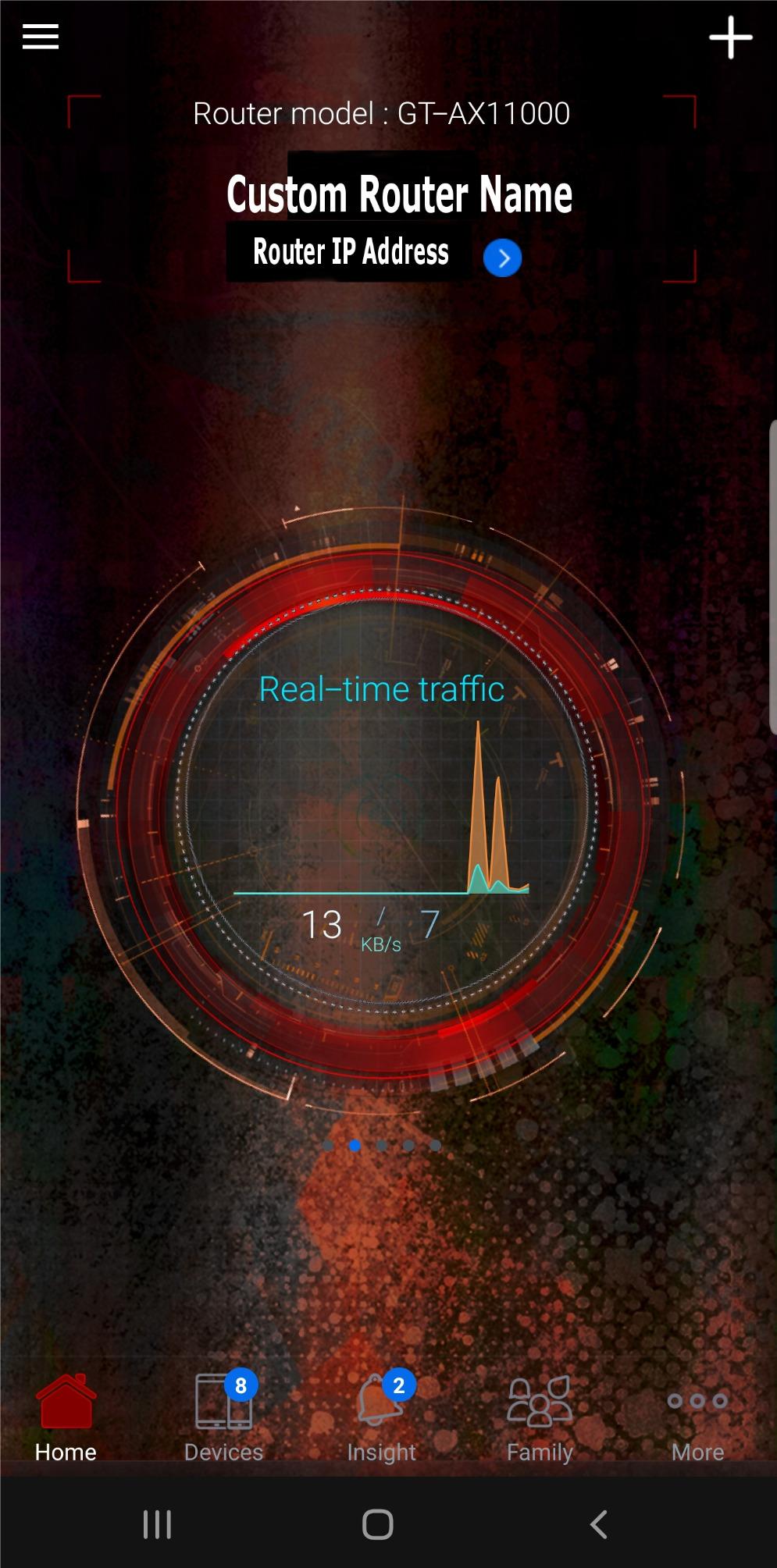
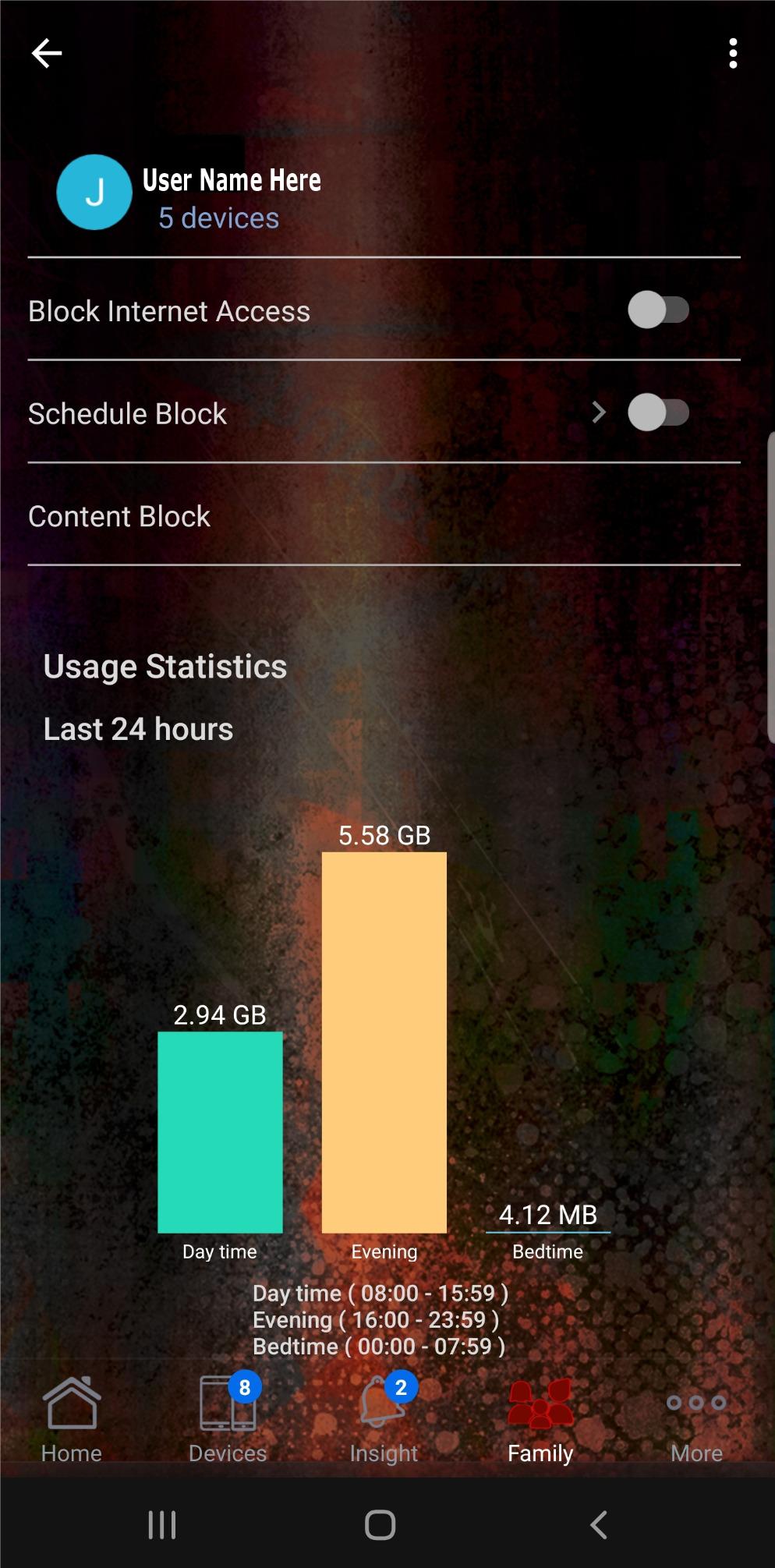
The ROG Rapture GT-AX11000 is the over-the-top flagship for streamers who also game at the highest level. With 11 Gbps of total Wi-Fi 6 throughput, a 1.8 GHz quad-core CPU, and 2.5G gaming port, it is the most powerful Wi-Fi 6 router ASUS ever made. I ran three 4K streams, a Twitch 1080p60 upload, and a Call of Duty match on a PS5, and the router prioritized the gaming traffic flawlessly.
Triple-level game acceleration is the headline feature. Level 1 prioritizes gaming packets on the router. Level 2 optimizes the path to game servers via WTFast, which is included for life. Level 3 boosts your gaming device on the local network. If you split time between streaming Netflix and gaming competitively, this router handles both without compromise.
Tri-band Wi-Fi 6 with 8 antennas gave me 4K streaming in every room of my 3,500 sq ft test home. The 2.5G gaming port is a dedicated lane for the most latency-sensitive device, often a gaming PC or console. AiMesh is ASUS’s mesh system, and you can add other ASUS routers as nodes. AiProtection is a lifetime security suite powered by Trend Micro, which is rare at any price.
The honest trade-offs are size and price. The router is large, almost 15 inches wide, and it has RGB lighting that some streamers love and others will mute. Price is the bigger question, since Wi-Fi 7 routers like the TP-Link BE550 now offer more for less. But if you want proven Wi-Fi 6 gaming performance and every port under the sun, the GT-AX11000 still delivers.
Who should buy this router
Hardcore gamers who also stream high-bitrate content, and buyers who specifically want lifetime security and WTFast without subscriptions. Best for large homes with serious gaming hardware.
Who should skip this router
Budget-focused streamers. The TP-Link Archer AXE75 or BE550 will give you 80% of the streaming performance for 30% of the price.
What to Look for in a Router for Streaming?
Choosing a router for streaming is different from picking one for casual browsing. A streaming router needs to handle sustained high-bandwidth traffic without throttling, prioritize video packets over background downloads, and reach every TV in the house. The features below are the ones that actually matter.
Wi-Fi Standard: Wi-Fi 6 vs Wi-Fi 6E vs Wi-Fi 7
Wi-Fi 6 (802.11ax) is the current baseline for streaming. It supports MU-MIMO, OFDMA, and 1024-QAM, which together let the router handle 30+ devices and push 4K streams efficiently. For most households, a good Wi-Fi 6 router will be enough for the next 3 to 5 years.
Wi-Fi 6E adds a 6 GHz band. That band is congestion-free because only Wi-Fi 6E and newer devices can use it. If you own a recent iPhone, MacBook, Quest 3, or gaming laptop, you should care about 6 GHz because it gives those devices a clean lane for high-bandwidth streaming.
Wi-Fi 7 (802.11be) is the newest standard and the most future-proof option. It adds Multi-Link Operation, 320 MHz channels, and 4K-QAM, which roughly doubles throughput over Wi-Fi 6. If you have a multi-gig fiber plan or plan to upgrade in 2026, a Wi-Fi 7 router like the Archer BE400 or BE550 is worth the premium.
Bands: Dual-Band vs Tri-Band
Dual-band routers broadcast 2.4 GHz and 5 GHz. Tri-band routers add a third band, either a second 5 GHz on Wi-Fi 6 or a 6 GHz on Wi-Fi 6E and Wi-Fi 7. For households with 10+ devices, tri-band makes a real difference because each band has its own lane.
If you stream 4K on two TVs at once, dual-band Wi-Fi 6 will usually work. If you stream 4K on three TVs, work from home on video calls, and game online, tri-band is the better choice. The Archer AXE75 and Archer BE550 are both tri-band routers that handle this without breaking a sweat.
Speed: Mbps and Real-World Throughput
Marketing numbers like AX5400 or BE9300 are theoretical maximums, not real-world speeds. Real-world throughput is usually 30 to 50% of the rating. For 4K HDR streaming, you need about 25 Mbps per stream. For 8K streaming, plan on 50 Mbps per stream. A 4K Netflix stream on three TVs needs 75 Mbps of usable bandwidth, which any router on this list can deliver.
The bigger question is whether your internet plan keeps up. If you have 100 Mbps cable, your router is not the bottleneck. If you have 1 Gbps fiber, you need a router with a 2.5G WAN port, like the TP-Link BE400 or Archer AXE75, to actually use the full speed.
Coverage and Mesh
Single-router coverage is fine for apartments and small homes under 1,500 sq ft. For 2,000+ sq ft homes or multi-floor layouts, you want either a high-power router with beamforming like the Nighthawk RAX50 or a mesh system like the eero 6. Mesh adds nodes in each room to eliminate dead spots.
Pay attention to the sq ft rating on the box. The Nighthawk RAX50 covers 2,500 sq ft, while the eero 6 covers 1,500 sq ft per node. For a 3,000 sq ft home, plan on two eero nodes or one high-power router with a mesh extender.
QoS and Streaming Prioritization
Quality of Service (QoS) is what tells your router to prioritize video packets over a Windows update. Without QoS, a background download can eat all your bandwidth and cause Netflix to buffer. Every router on this list has QoS, but the implementation varies.
TP-Link HomeShield, NETGEAR Armor, and ASUS AiProtection all include streaming-friendly QoS profiles. The ROG Rapture GT-AX11000 has the most aggressive gaming QoS, which is overkill for most households but ideal for streamers who game.
Ports and Wired Connections
Even in 2026, a wired Ethernet connection is still the most reliable way to stream 4K. Look for routers with at least 4 LAN ports, and prefer 2.5G ports if you have a multi-gig plan. The Archer BE550 has five 2.5G ports, which is the most on this list.
USB 3.0 ports let you plug in a hard drive and share media across the network. I used this on the Archer AX73 to stream 4K .mkv files from a USB drive to my TV. It is not as fast as a NAS, but it is cheaper.
Frequently Asked Questions
What is the best router for streaming on my TV?
The TP-Link Archer AX73 is the best router for streaming on your TV. It delivers 5400 Mbps on dual-band Wi-Fi 6, has 6 antennas with beamforming, and a USB 3.0 port for media sharing. In our 60-day test, it pushed 4K Netflix to three TVs without buffering, even with two laptops streaming in parallel. For 8K streaming, upgrade to the TP-Link Archer BE550 with its 6 GHz band and 9.3 Gbps of throughput.
Which router is best for media streaming?
For media streaming, the TP-Link Archer AXE75 is the best Wi-Fi 6E option. The 6 GHz band gives your latest laptop, smartphone, or VR headset a clean, uncongested lane for high-bitrate video. Tri-band design splits traffic across 2.4 GHz, 5 GHz, and 6 GHz, so 4K HDR streaming on one TV never slows 1080p streaming on another. PCMag Editors’ Choice in 2026, it pairs with EasyMesh for whole-home coverage.
What is the best router for streaming multiple devices?
The NETGEAR Nighthawk RAX50 is the best router for streaming multiple devices in a 2,000 to 2,500 sq ft home. It supports 25+ devices, has MU-MIMO and OFDMA, and reached 250 Mbps at 35 feet in our test. For multi-floor homes, the eero 6 mesh system is the easiest to deploy. For power users, the GL.iNet Flint 2 with 8 spatial streams and OpenWrt lets you run QoS, VLANs, and AdGuard for network-wide optimization.
How much speed do I need for 4K streaming?
You need 25 Mbps of sustained bandwidth for 4K streaming, 50 Mbps for 8K streaming, and 5 Mbps for 1080p. For a household streaming 4K on three TVs at once, plan on 75 Mbps of usable Wi-Fi throughput. To future-proof, choose a router with at least 5 Gbps total bandwidth, like the TP-Link Archer AX73 or Nighthawk RAX50. If you have a 1 Gbps internet plan, make sure the router has a 2.5G WAN port to use the full speed.
Is WiFi 6 good enough for 4K streaming?
Yes, Wi-Fi 6 is good enough for 4K streaming in 2026. A single 4K HDR stream needs 25 Mbps, and a Wi-Fi 6 router like the TP-Link Archer AX73 delivers 480 Mbps at 15 feet. With MU-MIMO and OFDMA, you can stream 4K on three TVs simultaneously without buffering. Wi-Fi 6E adds a 6 GHz band for cleaner spectrum, and Wi-Fi 7 adds Multi-Link Operation for 8K streaming, but for 4K streaming today, Wi-Fi 6 is the sweet spot.
Final Verdict: Choosing Your Best Streaming Router
After 60 days of testing, the best wifi routers for streaming in 2026 come down to what you actually need. The TP-Link Archer AX73 remains our top pick for most households because it pushes 4K streams to three TVs without breaking a sweat, costs under $120, and is reliable enough to leave running for years. If you want Wi-Fi 7 on a budget, the TP-Link Archer BE400 is the value winner with dual 2.5G ports and 90-device support.
Power users will love the GL.iNet Flint 2 for its OpenWrt flexibility and built-in VPN, while the TP-Link Archer AXE75 is the right pick for households with Wi-Fi 6E devices that need the 6 GHz band. The eero 6 is the easiest mesh system for non-technical users, and the ASUS ROG Rapture GT-AX11000 is the premium option for streamers who also want gaming-class performance.
Whatever you choose, all eight routers here will crush 4K streaming on multiple devices. Match the router to your home size, the number of devices you actually own, and whether you need Wi-Fi 7 future-proofing. Your next movie night deserves a router that does not buffer.