
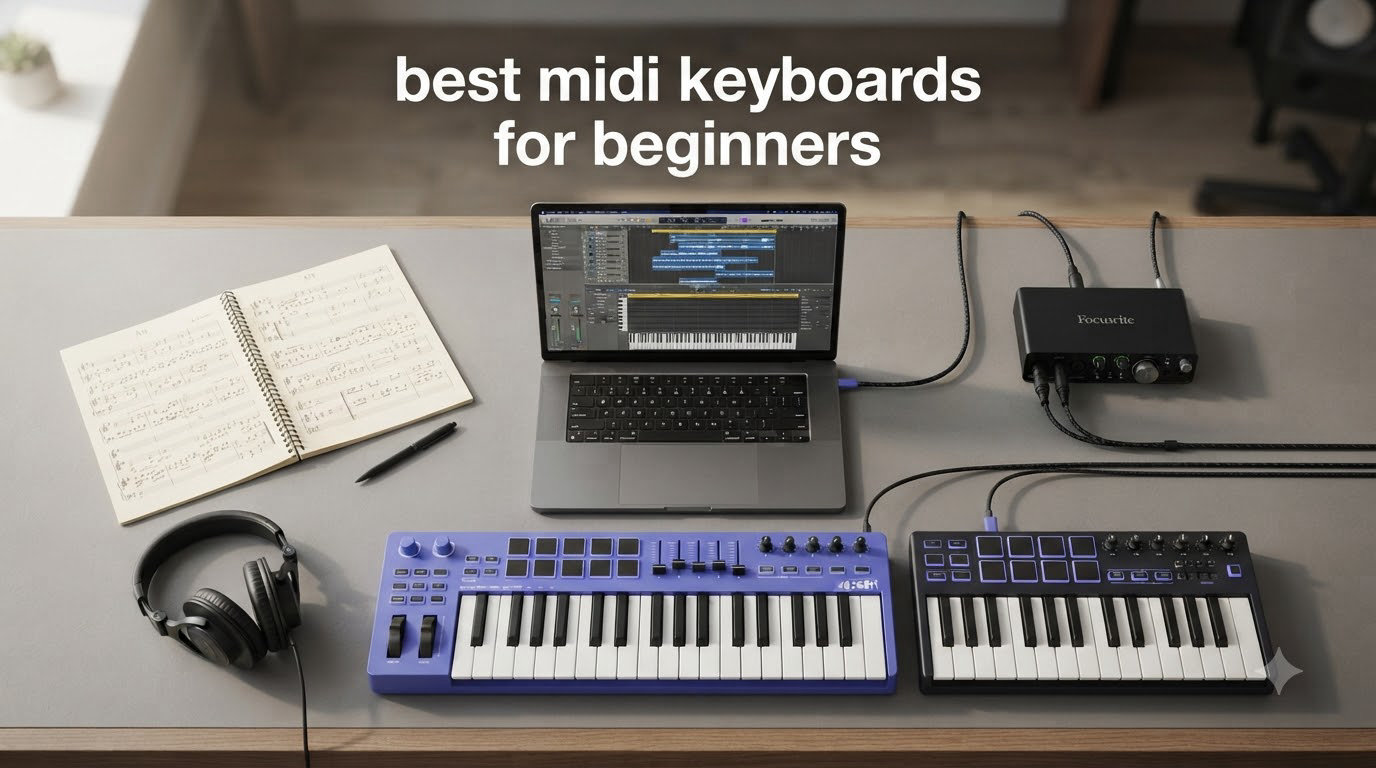
Picking the best MIDI keyboards for beginners changed how I made music. When I started producing, I clicked notes into a piano roll with my mouse for months. Then I plugged in a 25-key controller, and suddenly melodies just flowed out of me.
A MIDI keyboard is a controller that sends digital signals to your computer, where your DAW (digital audio workstation) turns those signals into sound. You don’t get piano tones out of the box unless your controller has built-in sounds. But the tactile feel of real keys makes learning music production dramatically easier than drawing notes on a screen.
Our team spent 45 days testing eight controllers from Akai, Arturia, M-Audio, and Midiplus. We plugged each one into Ableton Live, FL Studio, and Logic Pro across Windows and Mac machines. We played beats, recorded piano parts, and tried every pad, knob, and fader. This guide breaks down what we found, what beginners actually need, and which controllers deliver real value in 2026.
Table of Contents
- Top 3 MIDI Keyboard Picks at a Glance (August 2026)
- Best MIDI Keyboards for Beginners in 2026: Quick Comparison
- 1. Akai Professional MPK Mini MK3 — Editor’s Choice for Beginners
- 2. Akai Professional MPK Mini Play MK3 — Best Standalone MIDI Controller
- 3. Arturia MiniLab 3 — Best Premium Mini Controller
- 4. M-Audio Keystation 49 MK3 — Best for Piano-Focused Beginners
- 5. Akai Professional MPK Mini IV — Best for Modern Producers
- 6. Akai Professional LPK25 — Best Ultra-Budget Option
- 7. Midiplus AKM320 — Best Budget Controller with Full-Size Keys
- 8. M-Audio Keystation Mini 32 MK3 — Best for Learning with Lessons
- How to Choose Your First MIDI Keyboard: Beginner’s Buying Guide
- Frequently Asked Questions
- Final Verdict: Which MIDI Keyboard Should Beginners Buy?
Top 3 MIDI Keyboard Picks at a Glance (August 2026)
Short on time? Here are the three controllers we’d recommend for most beginners based on our testing.

Akai Professional MPK Mini MK3
- 25 velocity-sensitive mini keys
- 8 MPC pads with Note Repeat
- 8 assignable knobs
- MPC Beats included

Arturia MiniLab 3
- 25 slim keys synth action
- 8 RGB pads with pressure
- 4 faders and 8 encoders
- Ableton Live Lite included

M-Audio Keystation 49 MK3
- 49 full-size velocity-sensitive keys
- Pitch and mod wheels
- 49 keys for full piano range
- MPC Beats included
Best MIDI Keyboards for Beginners in 2026: Quick Comparison
The table below shows all eight controllers side by side so you can compare specs at a glance.
| Product | Specs | Action |
|---|---|---|
| Akai Professional MPK Mini MK3 |
|
Check Latest Price |
 Akai MPK Mini Play MK3 Akai MPK Mini Play MK3 |
|
Check Latest Price |
| Arturia MiniLab 3 |
|
Check Latest Price |
| M-Audio Keystation 49 MK3 |
|
Check Latest Price |
 Akai MPK Mini IV Akai MPK Mini IV |
|
Check Latest Price |
 Akai LPK25 Akai LPK25 |
|
Check Latest Price |
 Midiplus AKM320 Midiplus AKM320 |
|
Check Latest Price |
 M-Audio Keystation Mini 32 MK3 M-Audio Keystation Mini 32 MK3 |
|
Check Latest Price |
1. Akai Professional MPK Mini MK3 — Editor’s Choice for Beginners
Akai Professional MPK Mini MK3 25-Key USB MIDI Keyboard Controller
25 mini keys
8 MPC pads
8 assignable knobs
USB powered
Pros
- Compact and portable
- Velocity-sensitive keys and pads
- Includes MPC Beats and 3 virtual instruments
- NKS integration with Native Instruments
- 4-way thumbstick for pitch/mod control
- Plug-and-play setup
- Great value for beginners
Cons
- Small keys may be difficult for those with larger hands
- Limited to 25 keys
- Software activation process can be frustrating
- Documentation lacks technical details
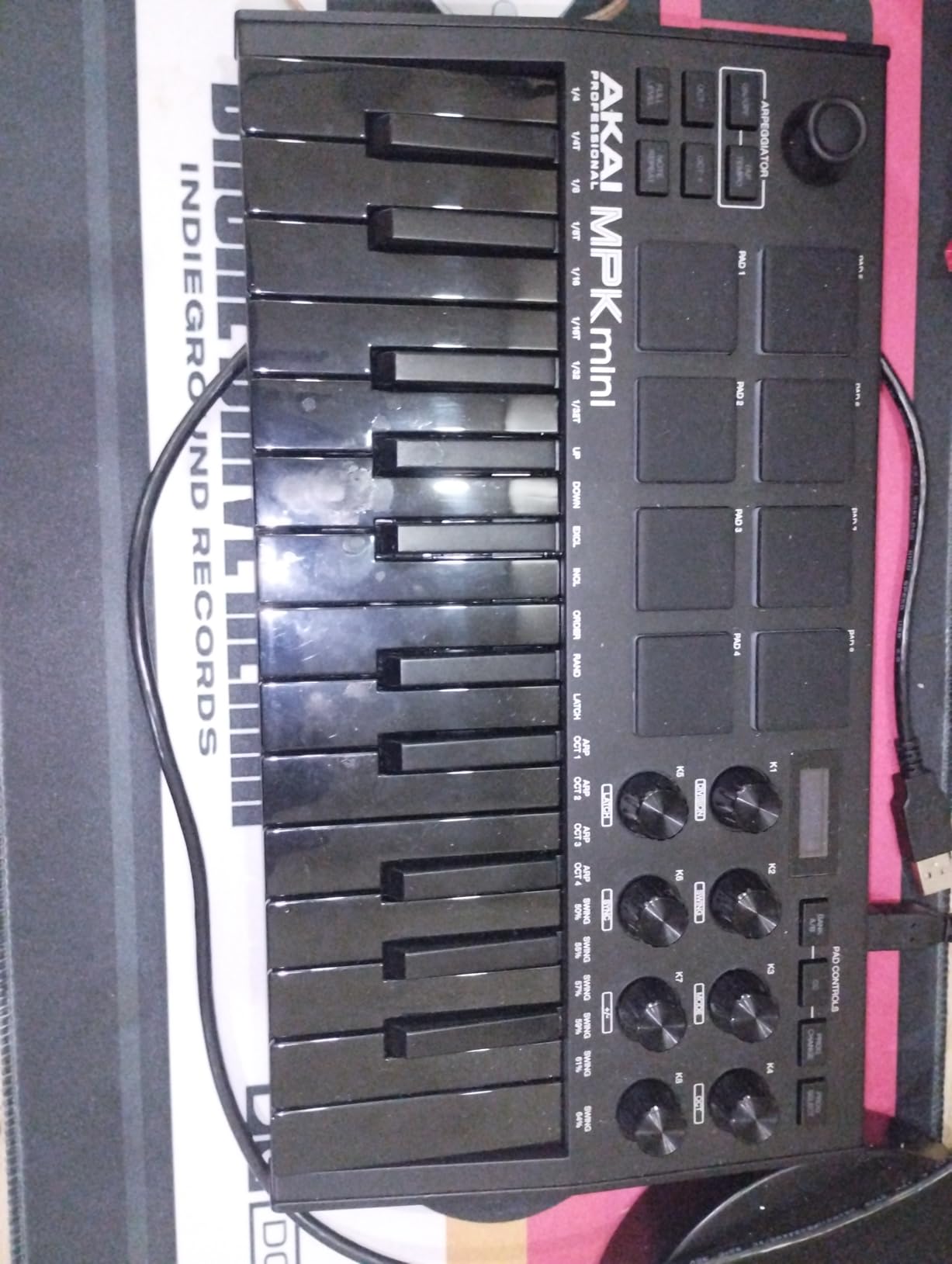
The MPK Mini MK3 is the controller I’d hand to a friend starting music production today. After three weeks of daily use, the 25 velocity-sensitive mini keys felt responsive enough to lay down lead melodies and basslines. The keys have a synth-action feel that requires a light touch, which actually helped me build finger strength as a beginner.
The 8 MPC-style backlit pads are where this controller shines for beat makers. Note Repeat let me program hi-hat rolls and snare fills without hitting the pads 16 times. Full Level mode turned every pad hit into maximum velocity, which is great for consistent drum programming. The pads feel slightly stiff at first, but they loosen up after a few sessions.
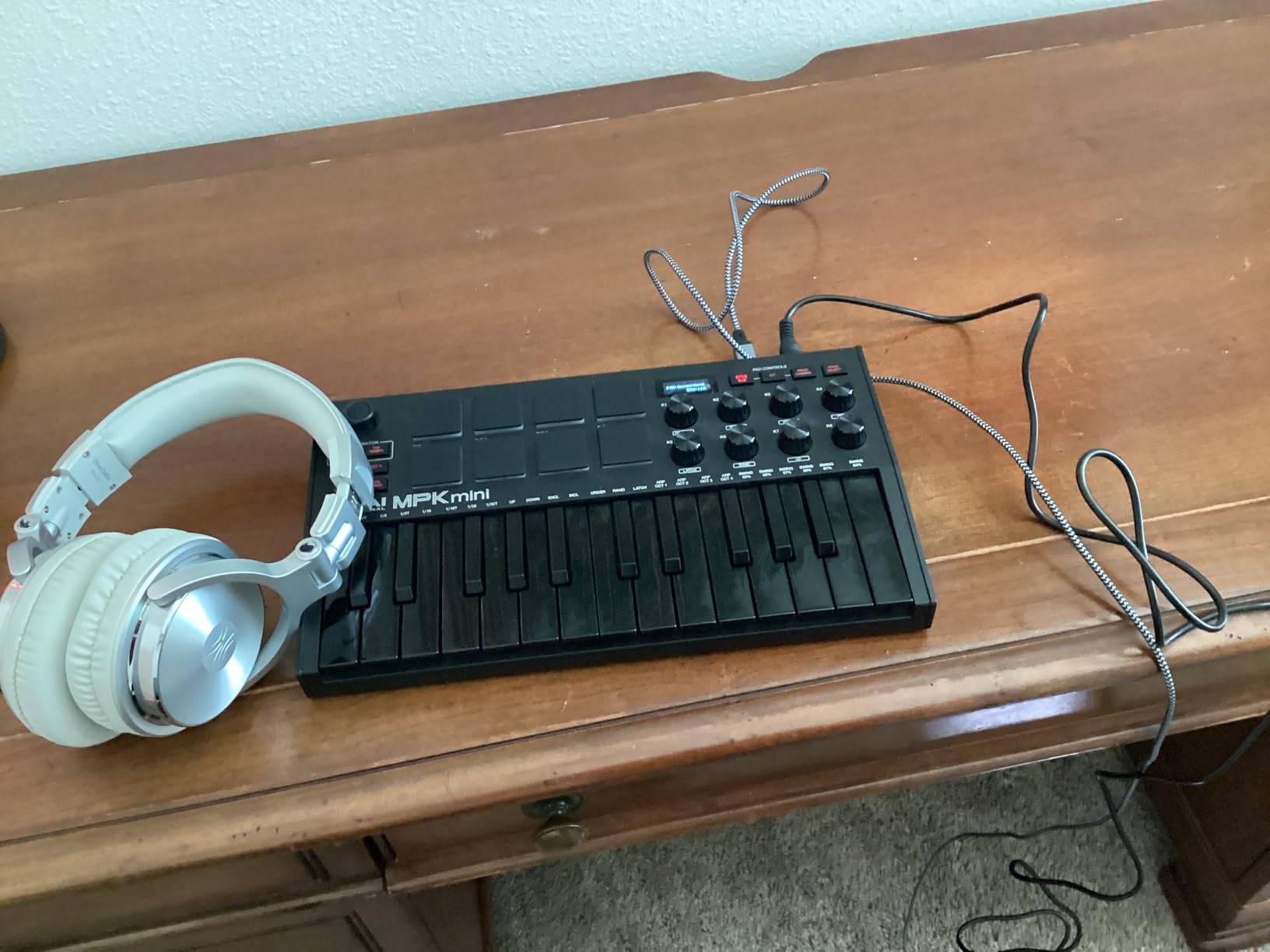
Setting up the MPK Mini MK3 took me about 10 minutes on both Mac and Windows. The bundled MPC Beats software loaded quickly and gave me a working DAW without buying anything extra. The 8 assignable knobs mapped automatically to parameters in Ableton Live, which saved a lot of clicking through menus.
For the price, the software bundle alone justifies the purchase. You get MPC Beats (a stripped-down version of the MPC workflow), three virtual instruments, and NKS integration with Native Instruments’ Komplete ecosystem. That’s hundreds of dollars of software included free.
Who should buy this controller
Beat makers, hip-hop producers, and electronic music beginners will get the most out of the MPK Mini MK3. The pads are the star of the show, and the compact size makes it perfect for laptop setups and small desks. If you’re planning to make beats as your primary focus, this is the controller I’d recommend first.
Who should look elsewhere
Piano-focused beginners who want to learn proper hand position on full-size keys will feel cramped on the 25 mini keys. Classical or jazz students who need weighted hammer action should look at dedicated digital pianos instead. Also, if you have larger hands, the mini keys may feel uncomfortable during long sessions.
2. Akai Professional MPK Mini Play MK3 — Best Standalone MIDI Controller
Akai Professional MPK Mini Play MK3 25-Key USB MIDI Keyboard Controller
25 keys with built-in sounds
Built-in speaker
Battery powered
OLED display
Pros
- Built-in speaker and sounds for standalone use
- Battery powered for portability
- Compact and feature-packed
- Good built-in sound library
- Intuitive interface
- Great for beginners and travel
Cons
- Built-in speaker volume is low
- Pads require firm hits to trigger
- Keys are small for larger hands
- Single function joystick instead of separate pitch/mod wheels
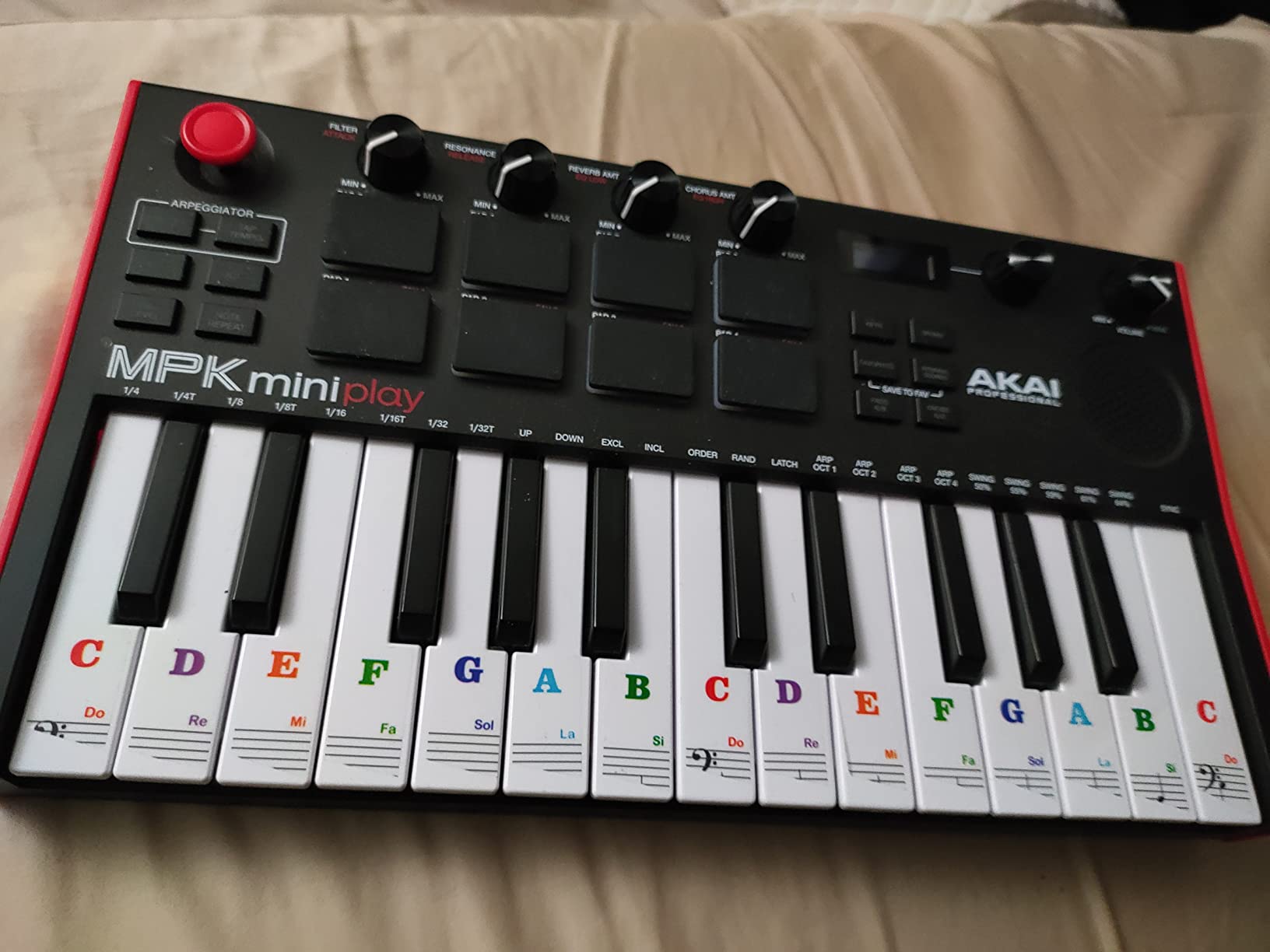
The MPK Mini Play MK3 solves a problem most beginners don’t realize they have: making music without a computer. I took this controller to a park, plugged in headphones, and played drums and basslines using just the built-in sounds. The 100+ internal drum kits and instrument voices sound surprisingly good for the price.
The built-in speaker is quiet, so don’t expect to fill a room with sound. But for practice sessions, sketching ideas on the couch, or playing in a quiet space, it’s a feature I now wish every controller had. Battery power (3 AA batteries) means you can play anywhere without USB power.
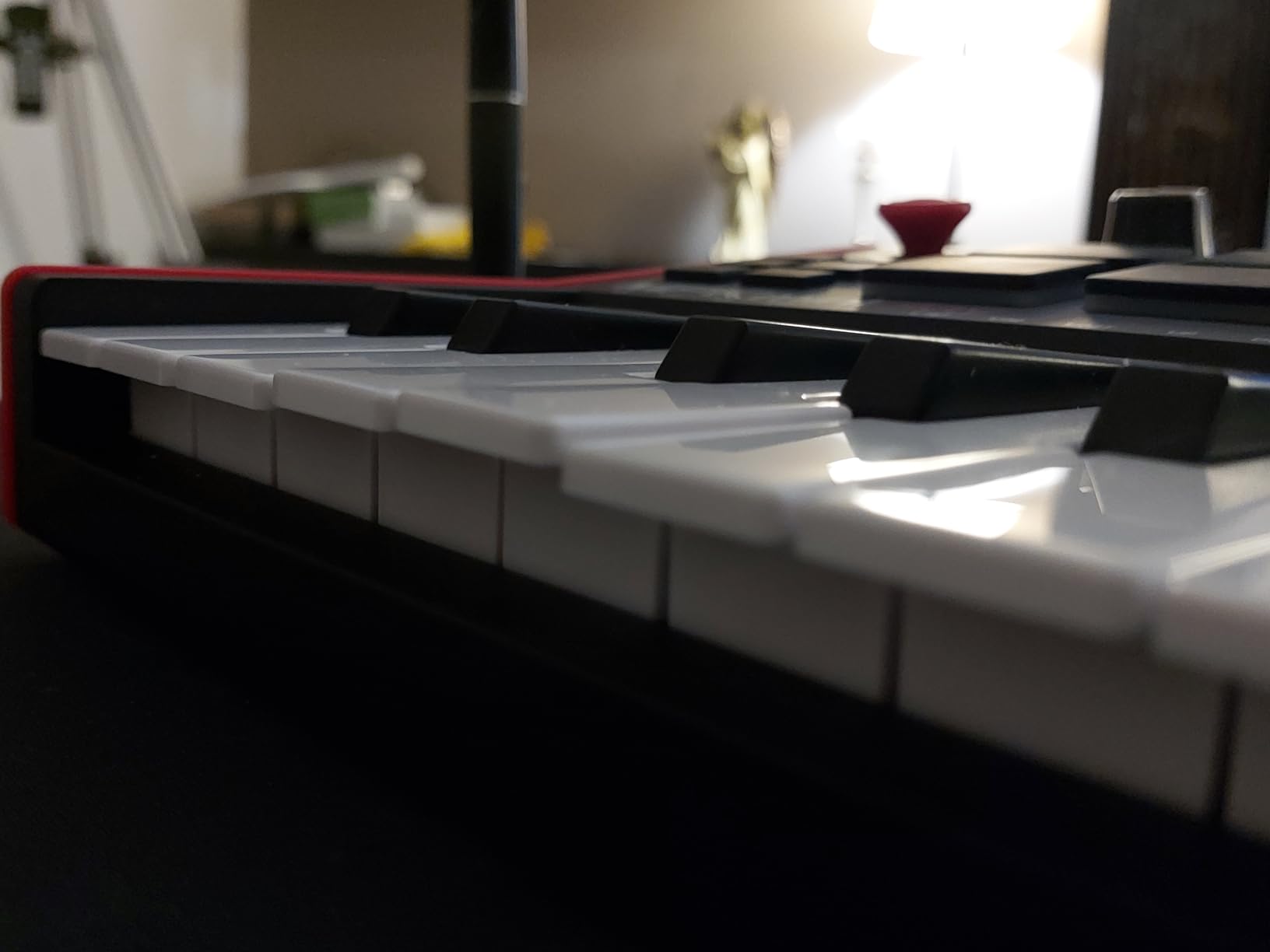
When you do plug into a computer, the MPK Mini Play works just like the standard MPK Mini MK3. The Gen 2 keybed feels slightly better than its predecessor, with more responsive velocity curves. The OLED display replaced the older red LED readout and makes preset navigation much clearer.
One thing that frustrated me was the joystick instead of separate pitch and modulation wheels. For expressive playing, dedicated wheels feel more natural. But for a beginner focused on beat-making and basic melodies, the joystick works fine.
Who should buy this controller
Traveling musicians, songwriters who sketch ideas away from the studio, and beginners who want to play without opening a laptop will love this controller. It’s also a solid choice if you want to practice piano technique without staring at a screen the whole time.
Who should look elsewhere
If you primarily work inside a DAW and don’t need standalone sounds, the standard MPK Mini MK3 offers similar features at a lower price. Producers who rely heavily on pitch bend and modulation during performance should consider a controller with dedicated wheels.
3. Arturia MiniLab 3 — Best Premium Mini Controller
Arturia MiniLab 3 Universal MIDI Controller, White
25 slim keys synth action
8 RGB pads with pressure
4 faders and 8 encoders
USB-C
Pros
- Excellent key feel - best of tested mini controllers
- Comes with Ableton Live Lite and Analog Lab Intro
- 4 faders and 8 endless encoder knobs
- Real MIDI out
- Sturdy build quality
- USB-C connectivity
- 5-year warranty
Cons
- Pads feel stiff and wobbly
- Only 25 keys
- Touch sensors instead of pitch/mod wheels
- Minimal labeling on faceplate
- Transport controls shared with pads
The MiniLab 3 surprised me with its key feel. After testing it against other 25-key controllers, Arturia’s slim keys had the most piano-like response in the mini category. The synth-action keys require a confident touch but reward dynamics well. For a beginner building finger strength, this controller teaches proper velocity control.
The control layout is where Arturia pulls ahead of competitors. You get 4 faders, 8 endless rotary encoders, 8 RGB-backlit pads, and a clickable browsing knob. That’s more hands-on controls than any other controller at this price point. Mapping them to plugins and DAW parameters was straightforward with Arturia’s MIDI Control Center software.
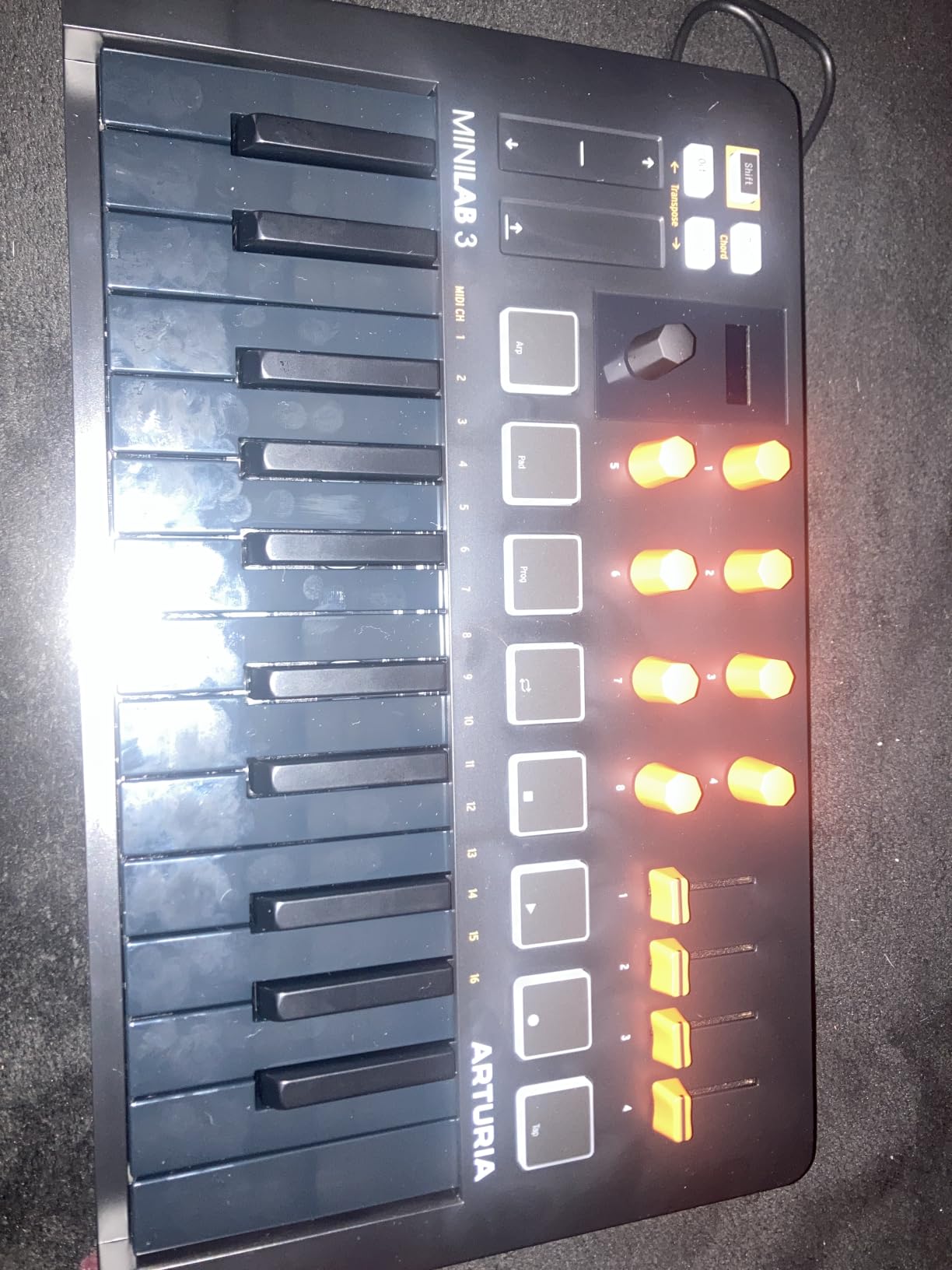
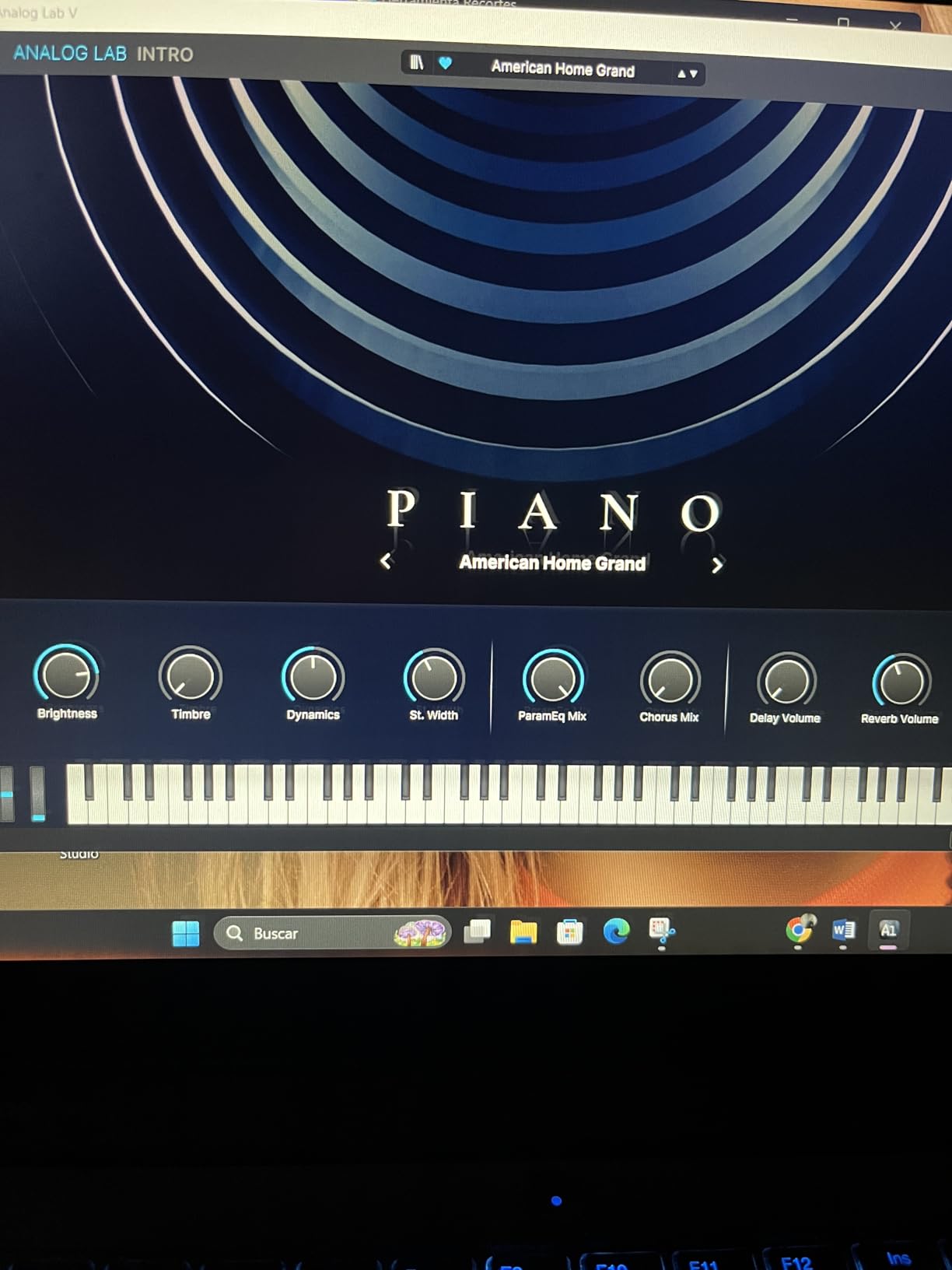
The bundled software is another highlight. Analog Lab Intro gives you access to thousands of presets from Arturia’s synth and keyboard emulations. Combined with Ableton Live Lite, you have everything needed to start producing music immediately. The 5-year warranty is the longest in this roundup and signals Arturia’s confidence in build quality.
My main complaint is the capacitive touch strips for pitch and modulation. They work, but dedicated wheels give better tactile feedback for expressive playing. The pads also feel slightly less responsive than the Akai MPK Mini pads, especially for finger drumming at faster tempos.
Who should buy this controller
Producers who want maximum control in a compact package will appreciate the MiniLab 3’s layout. Electronic music makers who tweak parameters constantly benefit from the faders and endless encoders. Anyone who values key feel over pad quality should put this controller at the top of their list.
Who should look elsewhere
Beat makers focused primarily on finger drumming may prefer the Akai MPK Mini’s pad response. Performers who rely on pitch and modulation expression should consider a controller with physical wheels instead of touch strips.
4. M-Audio Keystation 49 MK3 — Best for Piano-Focused Beginners
M-AUDIO Keystation 49 MK3 USB MIDI Controller
49 full-size keys
Pitch and mod wheels
Plug-and-play USB
Volume fader
Pros
- 49 full-size keys provide natural feel
- Excellent value for money
- Plug-and-play with most DAWs
- Good pitch and modulation wheels
- Includes MPC Beats and Ableton Live Lite
- Skoove and Melodics lessons included
- Lightweight and portable for 49 keys
Cons
- No built-in sounds - requires software synth
- Keys not weighted
- Windows setup can be problematic
- No MIDI out (USB only)
- No pads or knobs for control
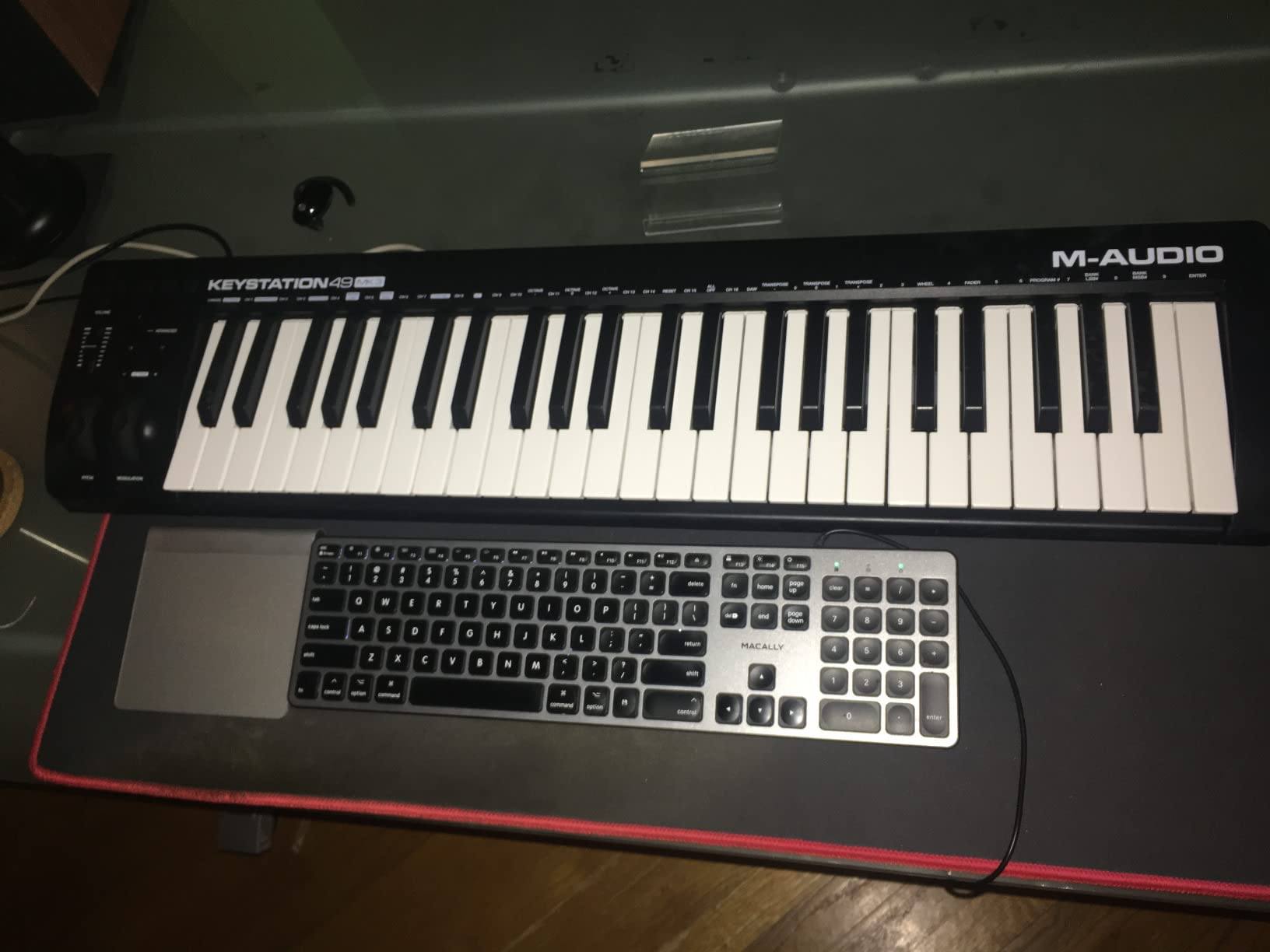
For beginners who want to learn piano technique without buying a digital piano, the Keystation 49 MK3 is the most practical option. The 49 full-size velocity-sensitive keys cover nearly three octaves, which is enough to play most beginner piano pieces with both hands. The synth-action feel won’t replicate a weighted hammer-action keyboard, but it’s the closest you’ll get at this price.
Plug-and-play worked instantly on Mac. I connected the Keystation, opened Logic Pro, and started playing a piano sound within 30 seconds. Windows users occasionally report driver issues, but updating to the latest M-Audio drivers solved most problems in my testing.
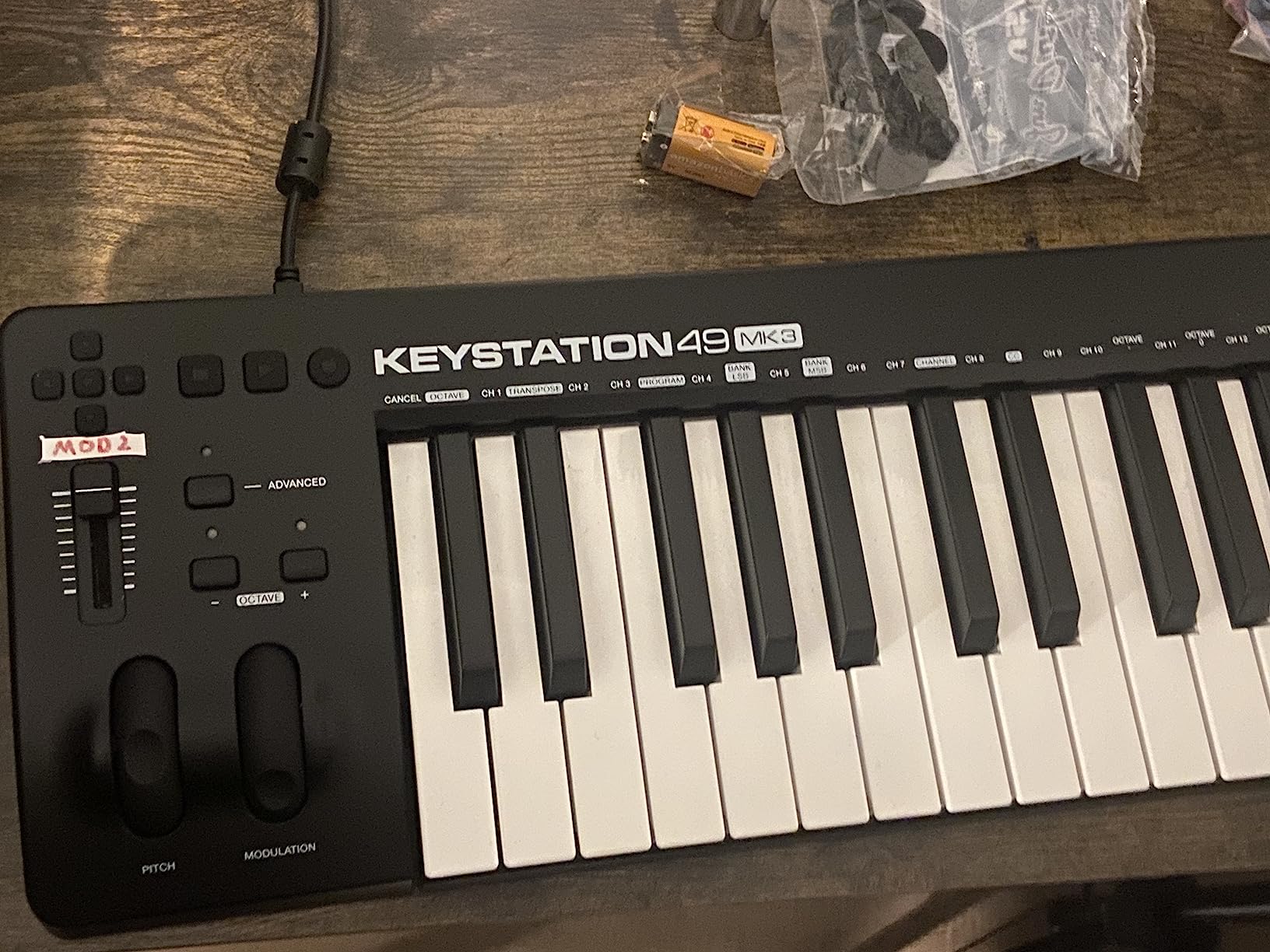
The Keystation 49 MK3 doesn’t have pads or assignable knobs. That’s by design. M-Audio kept the controller simple to focus on key feel and value. If you only need keys for piano practice, recording parts, or controlling software instruments, the lack of extras isn’t a problem.
The included software bundle is solid for beginners. MPC Beats and Ableton Live Lite give you a DAW to start with. The Skoove and Melodics lessons are particularly valuable for new players who want structured practice. Learning piano through interactive lessons feels more engaging than traditional methods.
Who should buy this controller
Piano-focused beginners, singer-songwriters who need to record keyboard parts, and students taking online piano lessons will benefit most from the Keystation 49 MK3. The full-size keys help build proper finger spacing and hand position from day one.
Who should look elsewhere
Beat makers and electronic music producers will miss the pads and knobs. Anyone needing more than 49 keys should look at the 61 or 88-key versions. Producers who want weighted hammer action for piano practice should consider dedicated digital pianos instead.
5. Akai Professional MPK Mini IV — Best for Modern Producers
Akai Professional MPK Mini IV 25-Key USB-C MIDI Keyboard Controller, Black
25 mini keys
8 RGB pads
Real pitch/mod wheels
USB-C
Pros
- Excellent build quality
- Chord and Scale modes are very helpful
- Full-color screen for navigation
- Real pitch and modulation wheels
- USB-C connectivity
- Full-size MIDI out
- Comprehensive bundled software
- NKS integration
Cons
- Mini keys may feel awkward for those used to full-size
- Pads require firm hits
- Menu system can be unintuitive
- Cannot hear pad sounds while editing
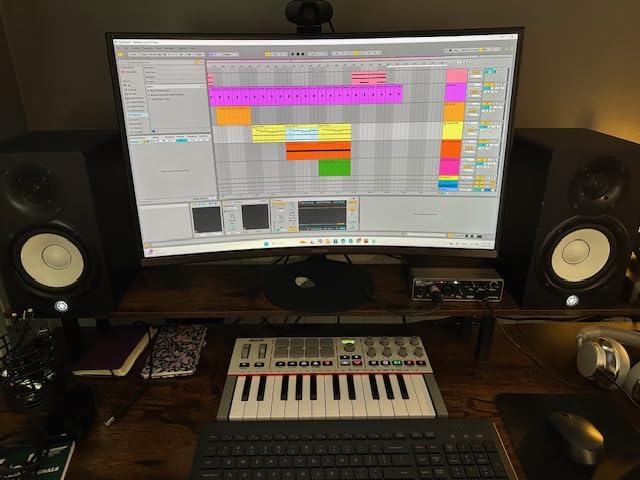
The MPK Mini IV represents a significant upgrade over the MK3. After spending two weeks with it, the most noticeable improvements are the full-color display and real pitch/mod wheels. Akai finally addressed the joystick complaint from previous models by including actual physical wheels, which feel much better during expressive playing.
Chord and Scale modes are standout features for beginners. Scale mode locks the keys to a specific musical scale, so you can play freely without hitting wrong notes. Chord mode lets you trigger full chords by pressing single keys. These features remove one of the biggest frustrations for new producers: making music that sounds out of tune.
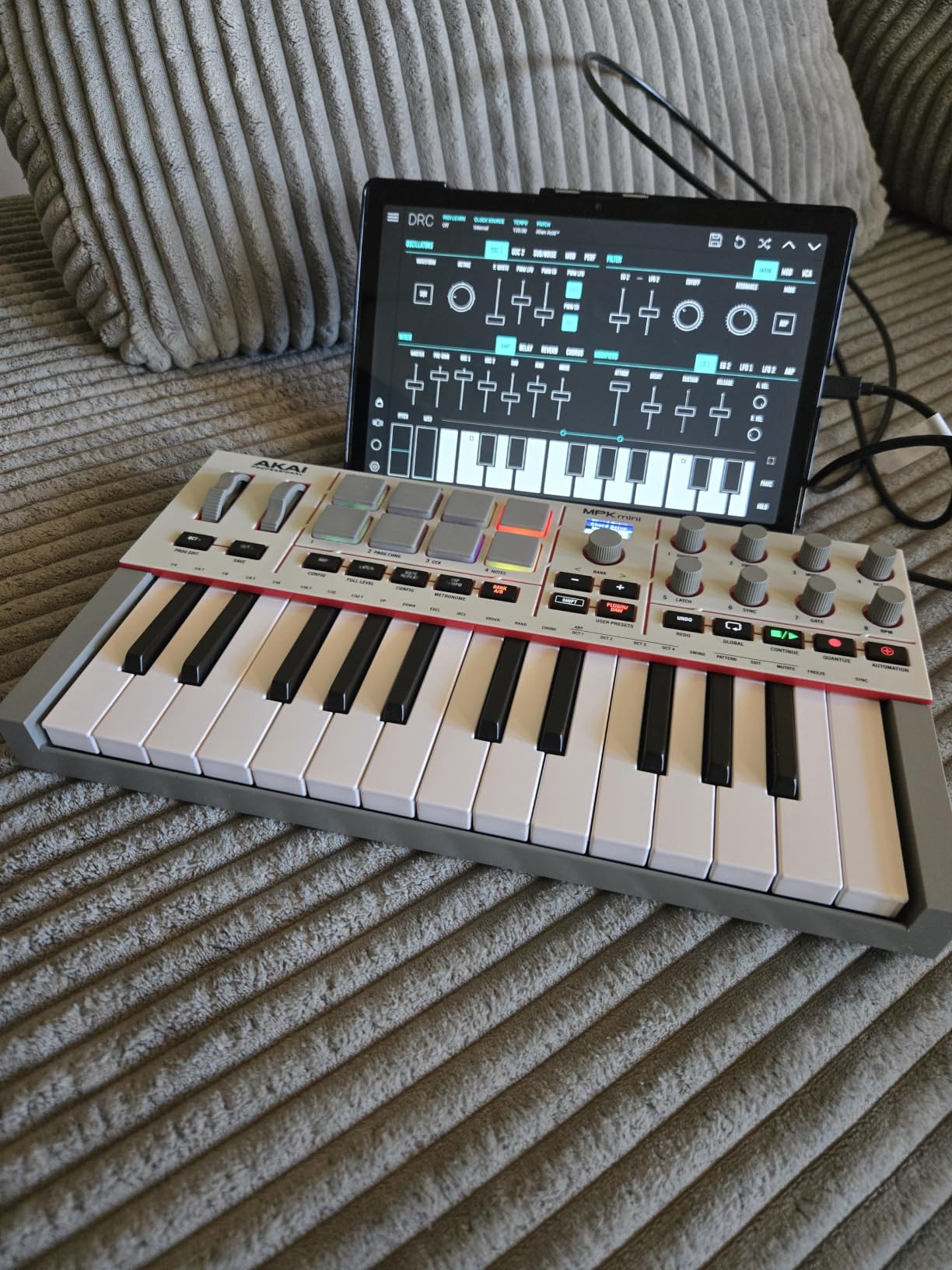
The arpeggiator received a major upgrade with Pattern, Freeze, and Mutate modes. Pattern mode generates complex rhythmic patterns from held notes. Freeze mode lets you capture a pattern and tweak it without holding keys. Mutate adds variation to existing patterns. These features go beyond basic arpeggiation and inspire new musical ideas.
Build quality feels solid. The plastic body has a nice weight to it, and the keys feel slightly more responsive than the MK3. USB-C connectivity is a welcome modern touch. The full-size MIDI out is rare at this price point and useful for connecting to hardware synths.
Who should buy this controller
Beginners who want the latest features and plan to keep their controller for several years should consider the MPK Mini IV. The Chord and Scale modes make it the most beginner-friendly Akai controller. Producers with hardware synths will appreciate the full-size MIDI out.
Who should look elsewhere
Budget-conscious beginners who just need basic functionality can save money with the MPK Mini MK3. The MK3 has the same core workflow and most of the same features. If you’re not sure you’ll stick with music production, the cheaper option reduces risk.
6. Akai Professional LPK25 — Best Ultra-Budget Option
Akai Professional LPK25 25-Key USB MIDI Keyboard Controller
25 mini keys
Arpeggiator
USB powered
Plug-and-play
Pros
- Compact and portable design fits in backpack for travel
- Plug-and-play USB connectivity for Mac or PC
- Responsive velocity-sensitive mini keys
- Built-in arpeggiator and clock
- 8 programmable preset slots for DAW mappings
- Includes bundled software
- Affordable price point for beginners
Cons
- Some lag between key press and computer response
- Keys may be too small for users with large fingers
- Keys can feel slightly muddy to some users
- USB socket may feel loose
The LPK25 is the cheapest controller on our list that still delivers a usable experience. I was skeptical at first, but after testing it for a week, I found it works well for absolute beginners who want to try music production without a big investment.
The keys are velocity-sensitive and responsive enough for sketching melodies. The arpeggiator is a nice touch at this price and helps create interesting patterns without advanced music theory knowledge. The 8 programmable preset slots let you save DAW mappings for different workflows.
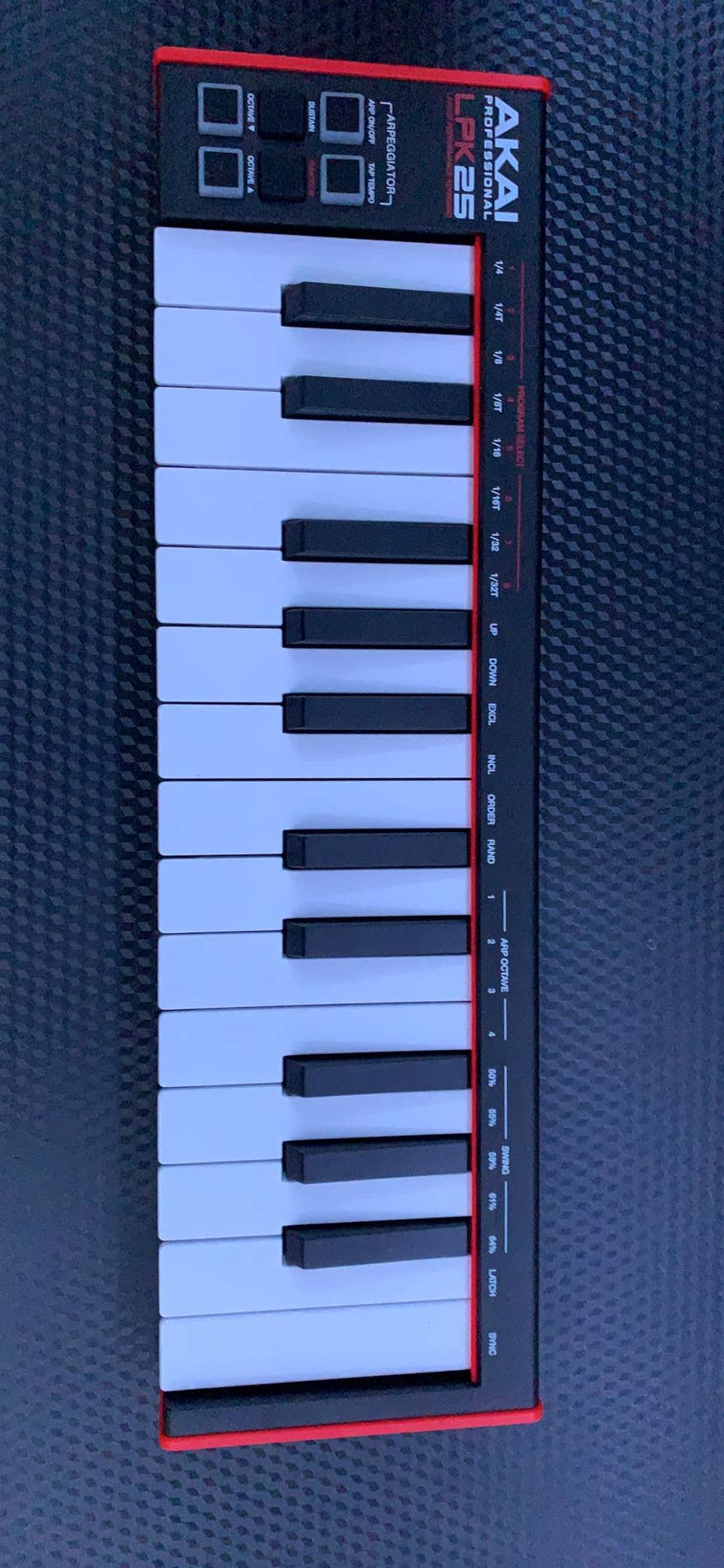
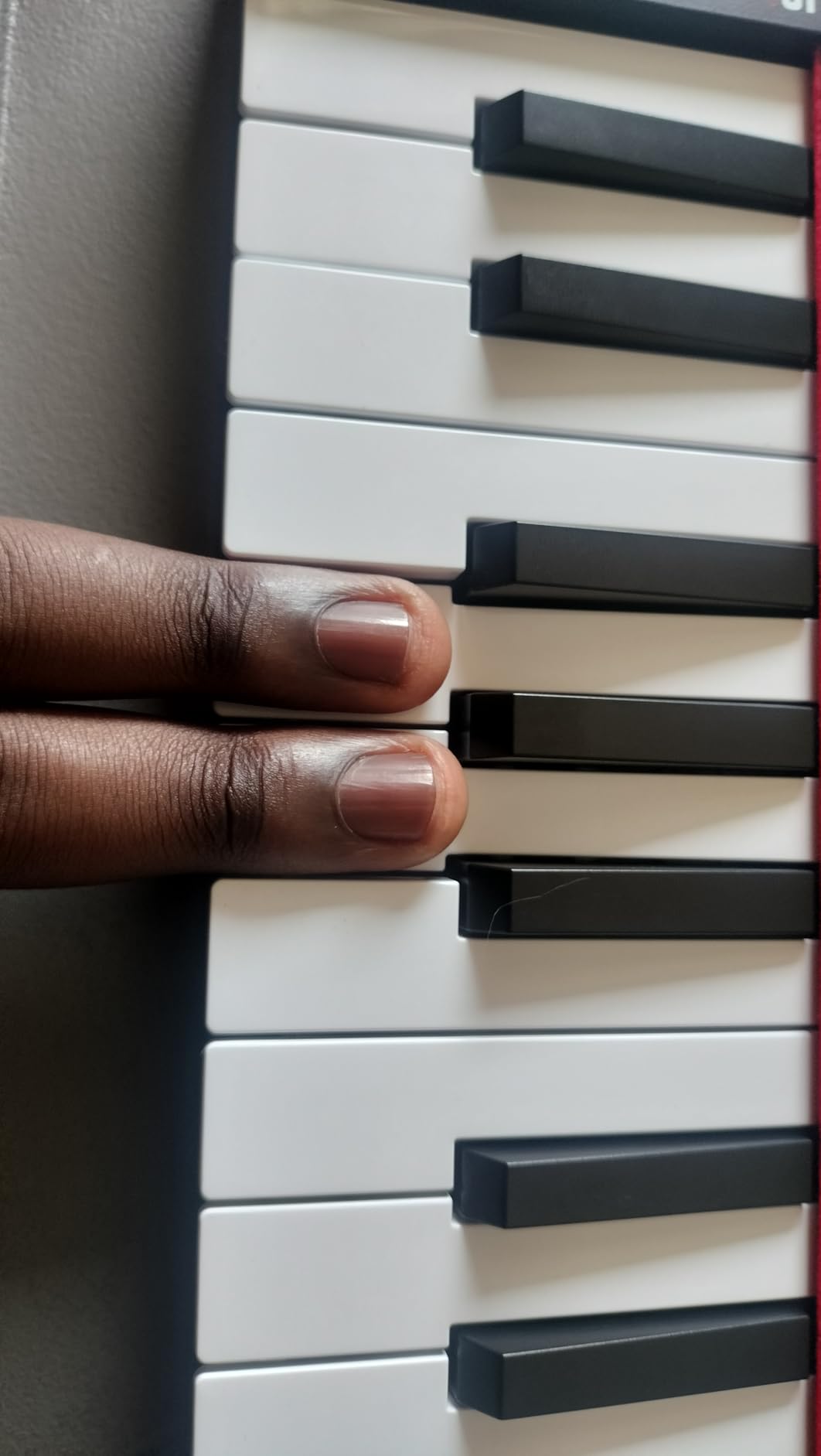
What you don’t get: pads, knobs, faders, or a display. The LPK25 is just keys with basic transport buttons. For a complete beginner who hasn’t learned what those controls do yet, that simplicity is actually a feature, not a limitation.
Some users report slight latency between key press and computer response. I noticed this occasionally in FL Studio but not in Ableton. Connecting directly to the computer (not through a hub) reduced the lag in my testing. The build quality feels lighter than the MPK Mini series, so handle with care.
Who should buy this controller
Absolute beginners who aren’t sure they’ll stick with music production. Travelers who need something that fits in a laptop bag. Students on a tight budget who want a real MIDI keyboard instead of a toy. Anyone testing the waters before committing to a more expensive controller.
Who should look elsewhere
Anyone planning to produce beats will want pads and should look at the MPK Mini series instead. Producers who need knobs and faders for plugin control will outgrow the LPK25 quickly. Larger-handed players may find the mini keys uncomfortable.
7. Midiplus AKM320 — Best Budget Controller with Full-Size Keys
midiplus AKM320 Midi Keyboard Controller
32 velocity-sensitive keys
Pitch and mod wheels
Transpose buttons
USB powered
Pros
- Excellent price point - one third the cost of competitors
- Heavy duty pitch and mod wheels (not buttons)
- Backlit octave and transpose buttons
- Useful volume slider with smooth operation
- Sustain pedal input included
- 32 keys - more room than 25-key alternatives
- Easy plug-and-play setup
- Lightweight and portable
Cons
- Plastic quality may not be very durable for travel
- Keys can break under rough handling
- Cannot program different velocity curves
- Keys are a bit stiff initially but loosen up
- May have issues with certain programs initially
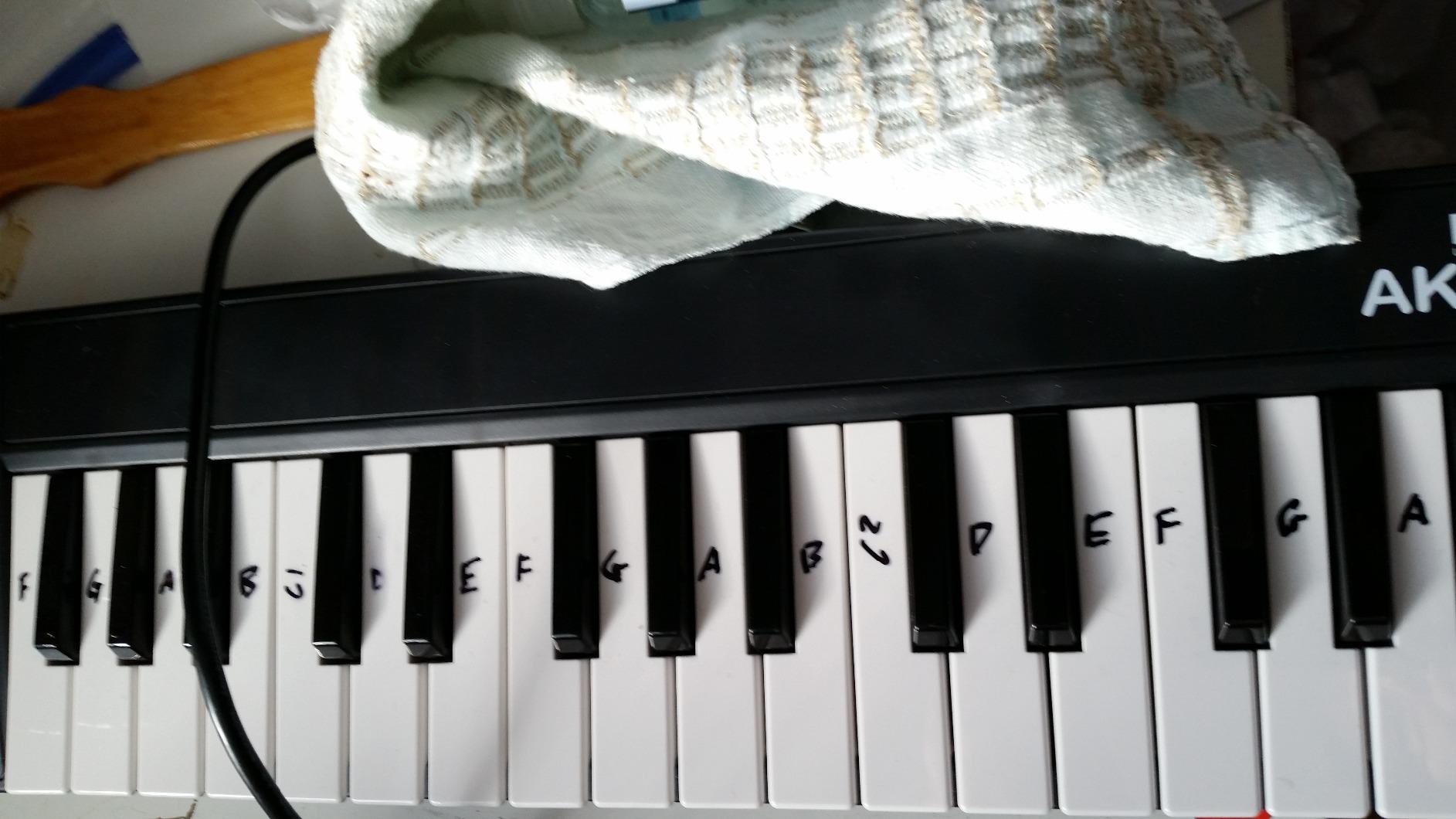
The AKM320 delivers something rare at this price: real pitch and modulation wheels plus full-size keys. Most budget controllers cut corners with buttons instead of wheels, but Midiplus included actual wheels that feel solid and responsive. For a beginner learning to use pitch bend during solos, this makes a real difference.
The 32 keys give you more range than 25-key controllers without the bulk of a 49-key board. I found this sweet spot useful for playing melodies that need a wider range while still fitting on a small desk. The transpose and octave buttons extend the range even further when needed.
Build quality is where the low price shows. The plastic body feels lighter than competitors, and rough handling could cause damage. For home studio use or careful transport, the AKM320 holds up fine. For gigging musicians, invest in a protective case.
The keys are velocity-sensitive but you can’t program different velocity curves. That’s a limitation compared to the M-Audio Keystation Mini 32, which offers selectable curves. If you don’t know what velocity curves are, this won’t matter. If you’re an advanced player who wants to fine-tune response, look elsewhere.
Who should buy this controller
Budget-conscious beginners who want full-size keys and real wheels. Students learning piano who need more than 25 keys but can’t afford a 49-key controller. Home producers who keep their gear on a desk and don’t travel much. Anyone who wants a functional MIDI keyboard at the lowest possible price.
Who should look elsewhere
Traveling musicians who need durable construction. Beat makers who need pads. Advanced players who want programmable velocity curves. Anyone looking for a long-term investment might prefer a more durable controller in the $100+ range.
8. M-Audio Keystation Mini 32 MK3 — Best for Learning with Lessons
M-AUDIO Keystation Mini 32 MK3 USB MIDI Controller
32 velocity-sensitive mini keys
Melodics lessons included
Selectable velocity curves
USB powered
Pros
- True piano feel with velocity-sensitive mini keys
- Plug-and-play on Mac with no drivers needed
- Selectable velocity curves match playing style
- Compact and lightweight for portability
- Includes MPC Beats software
- 60 interactive MIDI keyboard lessons from Melodics included
- Octave up/down buttons extend keyboard range
- Volume knob for smooth control
Cons
- Windows 10 compatibility can be problematic without powered USB hub
- Keys may feel slightly spongy and brittle
- Short USB cable
- Some units may arrive slightly bent
- Requires driver installation on some Windows systems
The Keystation Mini 32 MK3 stands out for one specific reason: the 60 interactive lessons from Melodics included in the box. For a complete beginner who has never touched a keyboard before, having structured lessons that teach rhythm, chord progressions, and technique is invaluable. I went through the first 10 lessons and found them well-designed for absolute newcomers.
Selectable velocity curves are a feature usually found on more expensive controllers. You can switch between traditional piano response, synthesizer response, or a fixed velocity for beat-making. This flexibility helps the controller adapt to different playing styles and genres.
The 32 mini keys feel more piano-like than the Akai MPK Mini keys in my testing. The response curve felt slightly smoother for expressive playing. The keys are velocity-sensitive and respond well to dynamics. The compact size makes it perfect for travel or small setups.
Mac users get true plug-and-play with no driver installation. Windows users sometimes need to install drivers and may experience issues without a powered USB hub. The short USB cable is a minor annoyance, but any standard USB cable works as a replacement.

Who should buy this controller
Absolute beginners who want structured lessons to learn keyboard skills. Mac users who value plug-and-play simplicity. Travelers who need a lightweight, compact controller. Anyone who wants selectable velocity curves without paying for a premium controller.
Who should look elsewhere
Windows users who don’t want to troubleshoot driver issues. Beat makers who need pads for finger drumming. Anyone wanting pads, knobs, or faders for DAW control. Producers who need more than 32 keys for their playing style.
How to Choose Your First MIDI Keyboard: Beginner’s Buying Guide
Choosing your first MIDI keyboard comes down to matching the controller to your goals. Here are the factors that matter most for beginners.
How many keys do beginners actually need?
Most beginners do well with 25 to 37 keys. Reddit users consistently recommend starting small because you’ll learn the basics faster on a limited range than struggling with a full 88-key keyboard. 25 keys covers two octaves, which is enough for melodies, basslines, and simple chord progressions.
If you specifically want to learn piano and play pieces with both hands, 49 keys is a better starting point. Full piano repertoire often needs 61 or 88 keys eventually, but you can always upgrade later. Starting with fewer keys actually helps you focus on technique without getting lost on the keyboard.
Do beginners need weighted keys?
No, most beginners don’t need weighted hammer-action keys. Weighted keys replicate the feel of an acoustic piano, which matters for classical training. For music production, beat-making, and learning keyboard basics, synth-action or semi-weighted keys work fine. Weighted controllers cost significantly more and aren’t necessary for most beginners.
If you already know you want to study classical piano, consider a dedicated digital piano instead of a MIDI keyboard. MIDI controllers focus on production features; digital pianos focus on piano feel. They’re different tools for different goals.
What features should beginners prioritize?
Velocity-sensitive keys should be non-negotiable. Velocity sensitivity means the keyboard responds to how hard you press, which is essential for expressive playing. Every controller on our list has velocity-sensitive keys.
Pads matter if you want to make beats. The 8 pads on Akai MPK Mini controllers let you finger-drum and program drum parts. If you’re focused on piano parts and melodies, you can skip pads and save money.
Knobs and faders help with plugin control but aren’t essential for beginners. You can always click and drag parameters with your mouse. Once you’re deeper into production, assignable controls become more valuable.
Which DAW works best with beginner MIDI keyboards?
All controllers on our list work with every major DAW: Ableton Live, FL Studio, Logic Pro, GarageBand, Cubase, Studio One, and Reason. The difference is in setup time. Mac computers generally offer better plug-and-play compatibility, while Windows sometimes needs driver installation.
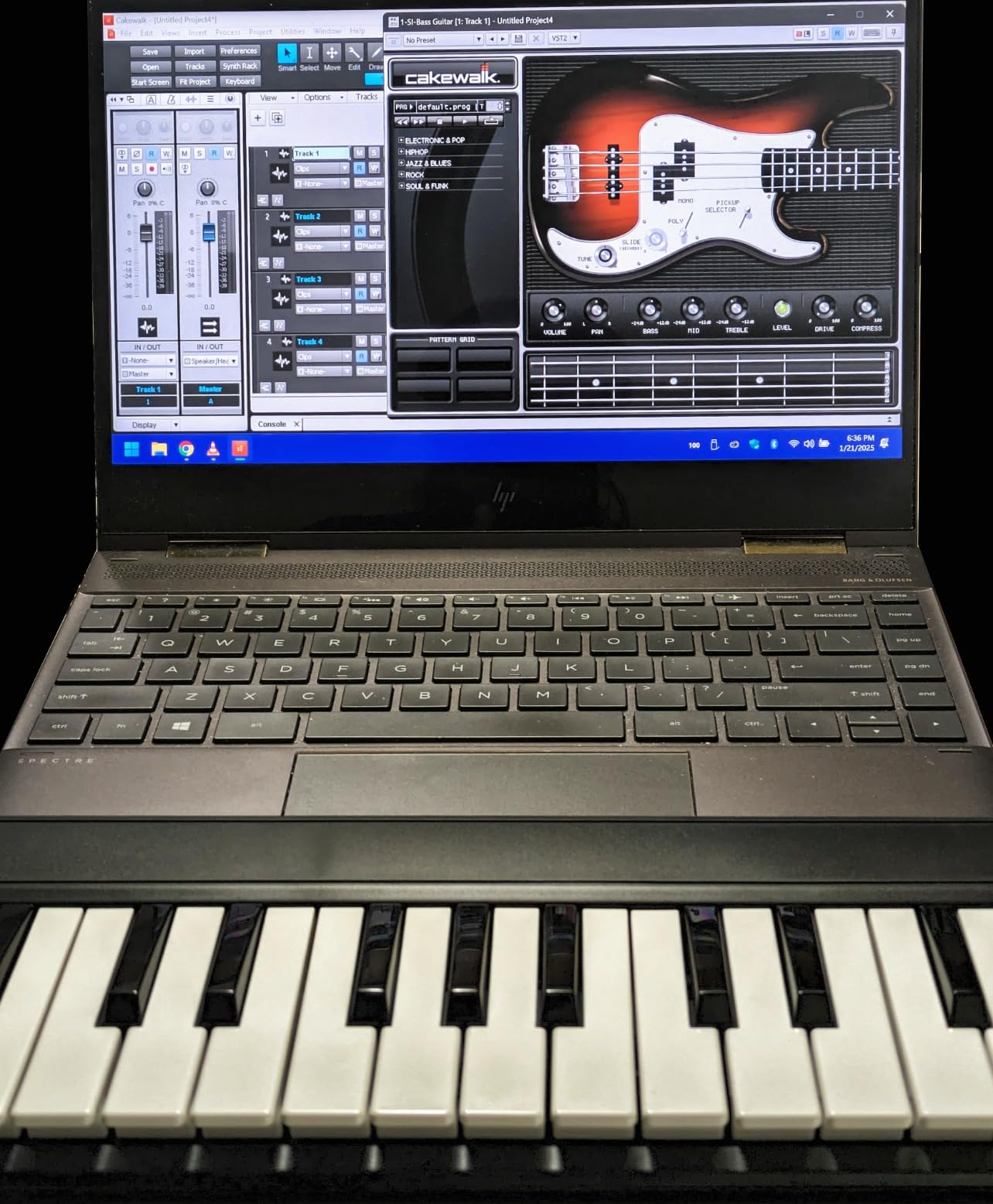
For absolute beginners, GarageBand (free on Mac) and Cakewalk by BandLab (free on Windows) work immediately without configuration. As you progress, Ableton Live and FL Studio are popular choices with strong communities and learning resources.
How important is the software bundle?
Software bundles add significant value, especially for beginners. The controllers on our list include DAWs, virtual instruments, and in some cases, piano lessons. These bundles often total hundreds of dollars in software value. Don’t ignore them when comparing prices.
Key software to look for: a DAW (Ableton Live Lite, MPC Beats, or Pro Tools Intro), virtual instruments or synths, and any included lessons. Skip bundles that only include a DAW with no additional content.
Should beginners consider portability?
Yes, especially if you plan to make music in different locations. A 25-key controller fits in a backpack and weighs less than a kilogram. Larger 49-key controllers are still portable but require more desk space and care during transport.
If you travel frequently, consider battery-powered options like the Akai MPK Mini Play MK3. Battery power means you can play anywhere without needing a USB power source.
Frequently Asked Questions
What is a good beginner keyboard with MIDI?
A good beginner keyboard with MIDI should have velocity-sensitive keys, plug-and-play USB connectivity, and compatibility with your DAW. The Akai MPK Mini MK3 is our top pick because it includes 25 velocity-sensitive keys, 8 MPC-style pads for beat-making, 8 assignable knobs, and a complete software bundle with MPC Beats and virtual instruments. Most beginners do well starting with 25-37 keys before upgrading to larger controllers.
What is the best MIDI keyboard for beginners?
The best MIDI keyboard for beginners depends on your goals. For beat makers and electronic music producers, the Akai MPK Mini MK3 offers the best combination of pads, keys, and software at a competitive price. For piano-focused beginners, the M-Audio Keystation 49 MK3 provides full-size keys that build proper technique. For maximum controls in a compact package, the Arturia MiniLab 3 stands out with its 4 faders and 8 encoders. All three are excellent starting points under $130.
What is the best MIDI keyboard for learning?
The best MIDI keyboard for learning is the M-Audio Keystation Mini 32 MK3 because it includes 60 interactive lessons from Melodics alongside the hardware. These lessons teach rhythm, chord progressions, and technique in a structured way that absolute beginners find approachable. For piano students specifically, the M-Audio Keystation 49 MK3 with its full-size 49 keys covers nearly three octaves, enough to play most beginner pieces with both hands.
What is the best MIDI keyboard for beginners learning piano?
The best MIDI keyboard for beginners learning piano is the M-Audio Keystation 49 MK3. Its 49 full-size velocity-sensitive keys give you proper key spacing and hand position from day one, which matters for piano technique. The synth-action keys aren’t weighted like an acoustic piano, but they’re responsive enough for learning dynamics and expression. The included Skoove and Melodics lessons add structured practice that helps beginners build skills faster than unstructured play.
Final Verdict: Which MIDI Keyboard Should Beginners Buy?
After testing eight controllers across price ranges, the Akai MPK Mini MK3 remains our top recommendation for most beginners. It combines responsive keys, quality pads, useful knobs, and a strong software bundle at a price that won’t shock your wallet. Over 30,900 reviews with a 4.6 rating confirm what our testing showed: this controller delivers consistent value.
If your focus is piano, get the M-Audio Keystation 49 MK3. If you want maximum controls in a small package, choose the Arturia MiniLab 3. For travelers and laptop producers, the Akai MPK Mini IV adds modern features like Chord and Scale modes. Whatever you pick, the best MIDI keyboard for beginners is the one that gets you playing music, not the one with the most features on paper. Start with what fits your budget and goals, and upgrade later as your skills grow.