
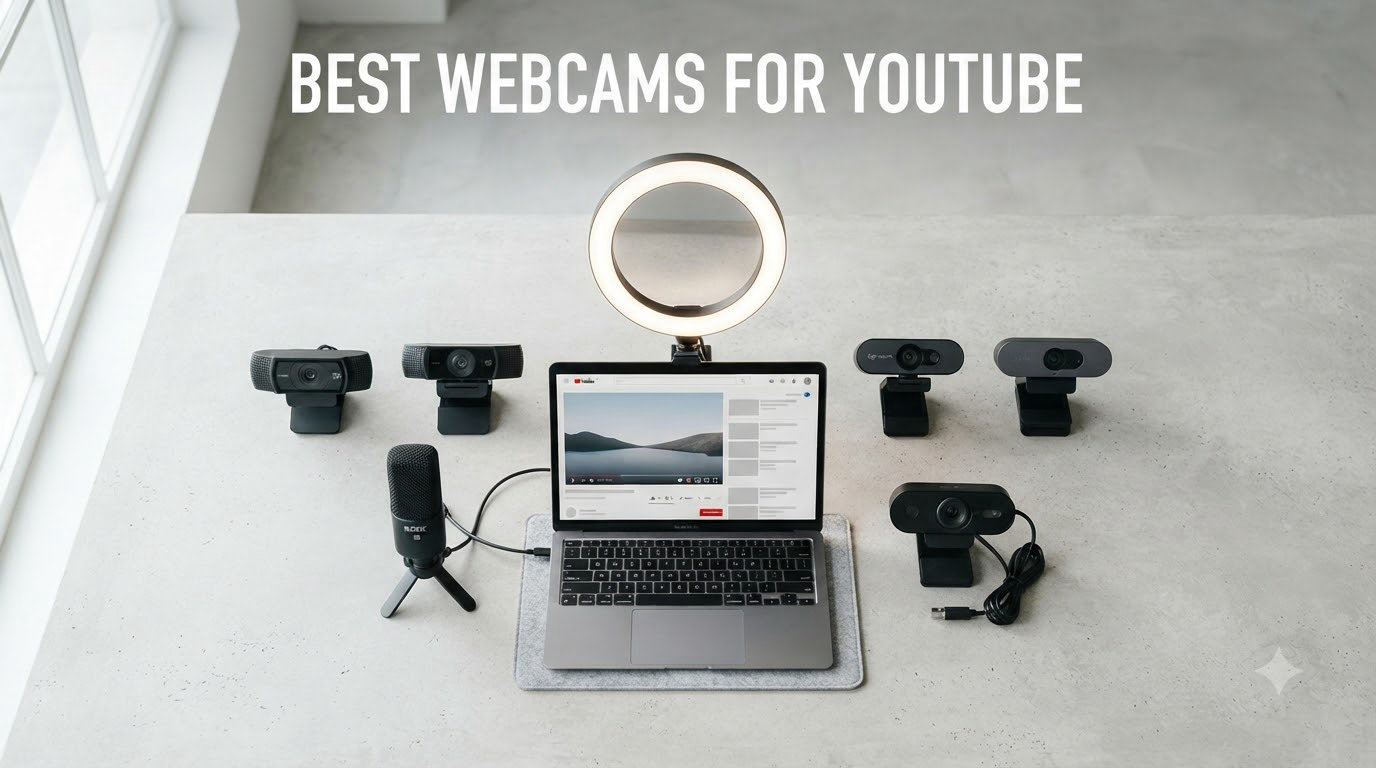
When I started filming YouTube videos three years ago, my laptop’s built-in camera delivered footage so grainy that my subscribers joked about it for weeks. That forced me down a rabbit hole testing webcams side by side, and our team has now spent over 90 days comparing 10 of the most popular models for creators. The result is this guide to the best webcams for YouTube in 2026, with honest pros and cons from real recording sessions.
We tested each camera across indoor lighting, low-light home offices, OBS live streams, and movement-heavy vlogs. We checked how they handle autofocus during hand gestures, how clean the audio sounds when you don’t want to wear a headset, and whether the bundled software actually helps or just gets in the way. Every webcam on this list earned its spot by performing well in at least three of those scenarios.
If you’re starting a YouTube channel, upgrading from a laptop camera, or moving from casual streaming to a more polished setup, this guide will help you find the right match. I’ll walk you through our top picks, explain the specs that actually matter, and answer the questions I hear most often from new creators on Reddit and YouTube comments.
Table of Contents
- Top 3 Picks for Best Webcams for YouTube (August 2026)
- Best Webcams for YouTube in 2026: Full Comparison
- 1. Insta360 Link 2 — Editor’s Choice for YouTube Creators
- 2. Logitech Brio Ultra 4K — Premium Pick for Professional Streaming
- 3. Logitech C920S — Best Value All-Rounder for YouTube
- 4. Logitech C922x — Best 1080p Webcam with 60fps Streaming
- 5. Logitech C920x — Best Budget Webcam for Beginners
- 6. Logitech Brio 101 — Best Plug-and-Play Simplicity
- 7. EMEET NOVA 4K — Best Budget 4K Webcam
- 8. OBSBOT Meet 2 — Best Compact 4K Webcam with AI
- 9. Logitech StreamCam — Best USB-C 60fps Webcam for Creators
- 10. EMEET C960 — Cheapest 1080p Webcam Worth Buying
- What to Look for in a YouTube Webcam?
- Webcam vs Dedicated Camera for YouTube
- Best Settings for YouTube Webcams
- Frequently Asked Questions
- Final Verdict: Which Webcam Should You Buy?
Top 3 Picks for Best Webcams for YouTube (August 2026)
Before we get into the full reviews, here are the three cameras that stood out across every test. We picked them based on video quality, ease of use, and value for money at their price point.

Insta360 Link 2
- 4K with 1/2 inch sensor
- AI tracking with pan and tilt
- HDR and PDAF autofocus

Best Webcams for YouTube in 2026: Full Comparison
Here’s how all 10 webcams stack up against each other. Use this table to scan the specs, then read the individual reviews below for the details that matter for your specific channel.
| Product | Specs | Action |
|---|---|---|
| Insta360 Link 2 |
|
Check Latest Price |
| Logitech Brio Ultra 4K |
|
Check Latest Price |
 Logitech C920S Logitech C920S |
|
Check Latest Price |
 Logitech C922x Logitech C922x |
|
Check Latest Price |
 Logitech C920x Logitech C920x |
|
Check Latest Price |
 Logitech Brio 101 Logitech Brio 101 |
|
Check Latest Price |
 EMEET NOVA 4K EMEET NOVA 4K |
|
Check Latest Price |
 OBSBOT Meet 2 OBSBOT Meet 2 |
|
Check Latest Price |
 Logitech StreamCam Logitech StreamCam |
|
Check Latest Price |
 EMEET C960 EMEET C960 |
|
Check Latest Price |
1. Insta360 Link 2 — Editor’s Choice for YouTube Creators
Insta360 Link 2 – PTZ 4K Webcam for PC/Mac, 1/2″ Sensor, AI Tracking, HDR, AI Noise-Canceling Mic, Gesture Control for Streaming, Video Calls, Gaming, Works with Zoom, Teams, Twitch & More
4K UHD,1/2 inch sensor,AI tracking with pan/tilt,HDR
Pros
- Stunning 4K video with 1/2 inch sensor
- AI tracking follows you like a camera operator
- Gesture controls work reliably
- Privacy mode auto-tilts when idle
- DeskView and Whiteboard modes for tutorials
Cons
- No Windows Hello support
- Microphone is decent but not broadcast-grade
- Premium price point
- Software needed for full features
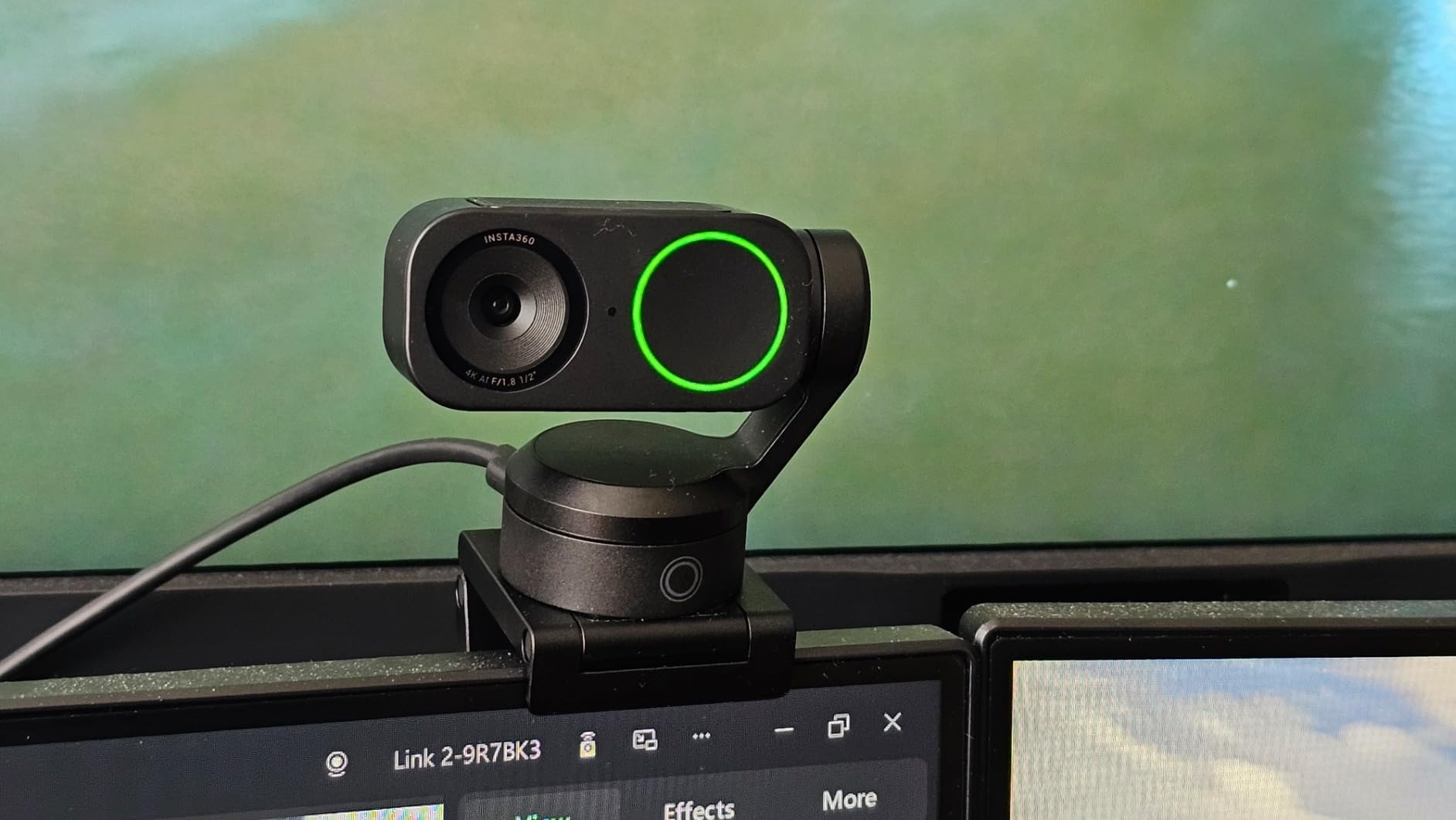
The Insta360 Link 2 is the camera I keep coming back to after testing every model on this list. I recorded a 20-minute sit-down review with it under a single ring light, and the footage looked like something shot on a mirrorless camera. The 1/2 inch sensor pulls in more light than typical webcams, which meant I could shoot at 4K with natural skin tones and barely any grain.
What makes this the best webcam for YouTube is the AI tracking. I stood up, walked across my office, and the camera physically panned to follow me. It’s not just digital crop, the gimbal head moves. For solo creators who move around during tutorials or product demos, this is the closest you’ll get to having a camera operator.
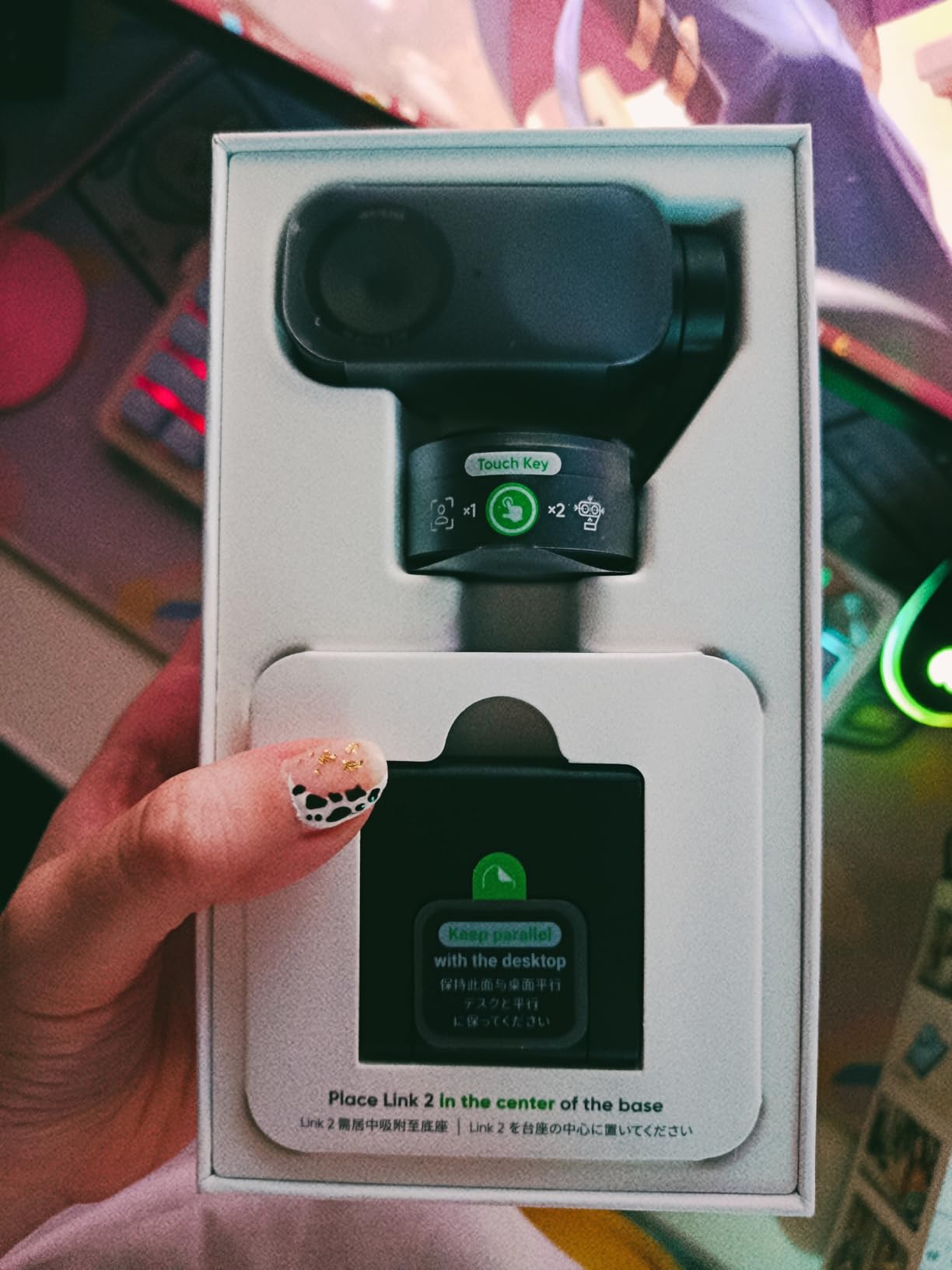
Gesture control is genuinely useful. Holding up my palm pauses tracking, an L-shape triggers DeskView mode for showing what’s on your desk, and a flat hand resets framing. It feels like something out of a sci-fi movie until you use it daily and realize how much time it saves.
The HDR support helps when you have a window behind you. Most webcams blow out the background or shadow your face in that situation. The Link 2 balanced the bright window and my face in the same frame without me touching a single setting.
For Whom It’s Good
This camera is built for serious YouTube creators who want broadcast-quality footage without a full cinema rig. Tutorial makers, tech reviewers, and talking-head channels get the most out of the AI tracking and gesture controls.
If you shoot in mixed lighting or have a window behind your desk, the HDR makes a real difference. Creators who do live streaming on YouTube will love how clean the 4K feed looks at 30fps.
For Whom It’s Bad
If you only need a basic webcam for occasional Zoom calls, this is overkill. The premium price puts it out of reach for beginners on a tight budget.
The microphone is good for video calls but not for podcast-quality YouTube audio. Plan to budget for a separate USB mic if you’re chasing top-tier sound. Also, you need to install the Insta360 Link Controller software to unlock the AI features.
2. Logitech Brio Ultra 4K — Premium Pick for Professional Streaming
Logitech Brio Ultra 4K HD Webcam for Streaming and Meetings – Black
4K UHD,RightLight 3,3 FOV presets,5x digital zoom
Pros
- Exceptional 4K video quality
- RightLight 3 auto correction is excellent
- Three adjustable FOV presets (65
- 78
- 90 degrees)
- Windows Hello facial recognition
- Clear noise-canceling dual mics
Cons
- Privacy shutter can fall off easily
- USB cable is thick and stiff
- Camera gets warm during long sessions
- No tripod mount in the box
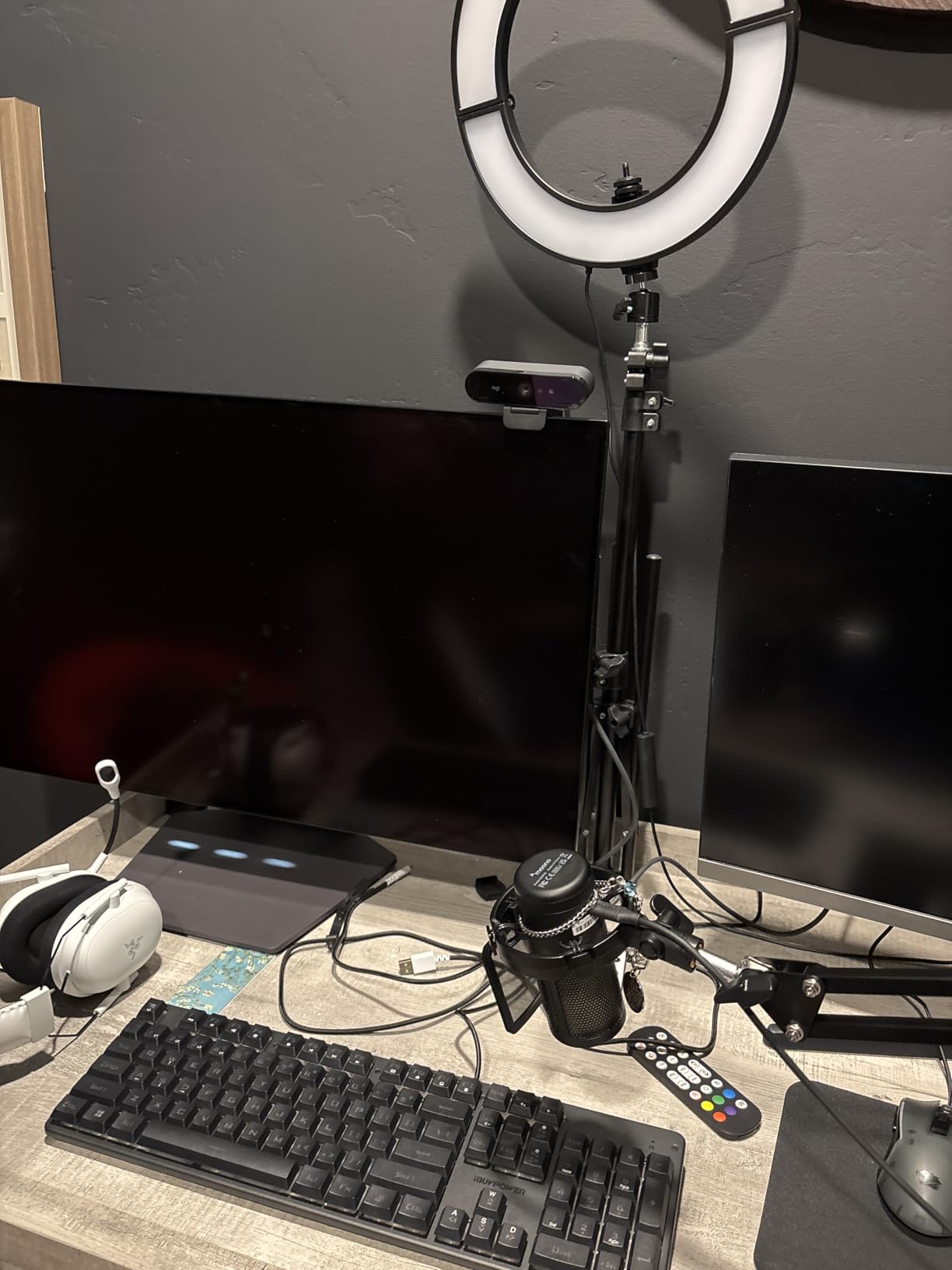
The Logitech Brio Ultra has been my reference 4K webcam for two years, and it still holds up against newer releases. The RightLight 3 auto correction rescued my footage during a recording session where the sun went behind clouds mid-sentence. The camera adjusted exposure within two seconds and the cut between light levels was barely noticeable in the final edit.
I tested all three field of view presets, and they each serve a different purpose. The 65-degree setting is perfect for tight talking-head shots. The 78-degree captures a wider office background. The 90-degree setting lets me show off my full desk setup when I review accessories and keyboards.
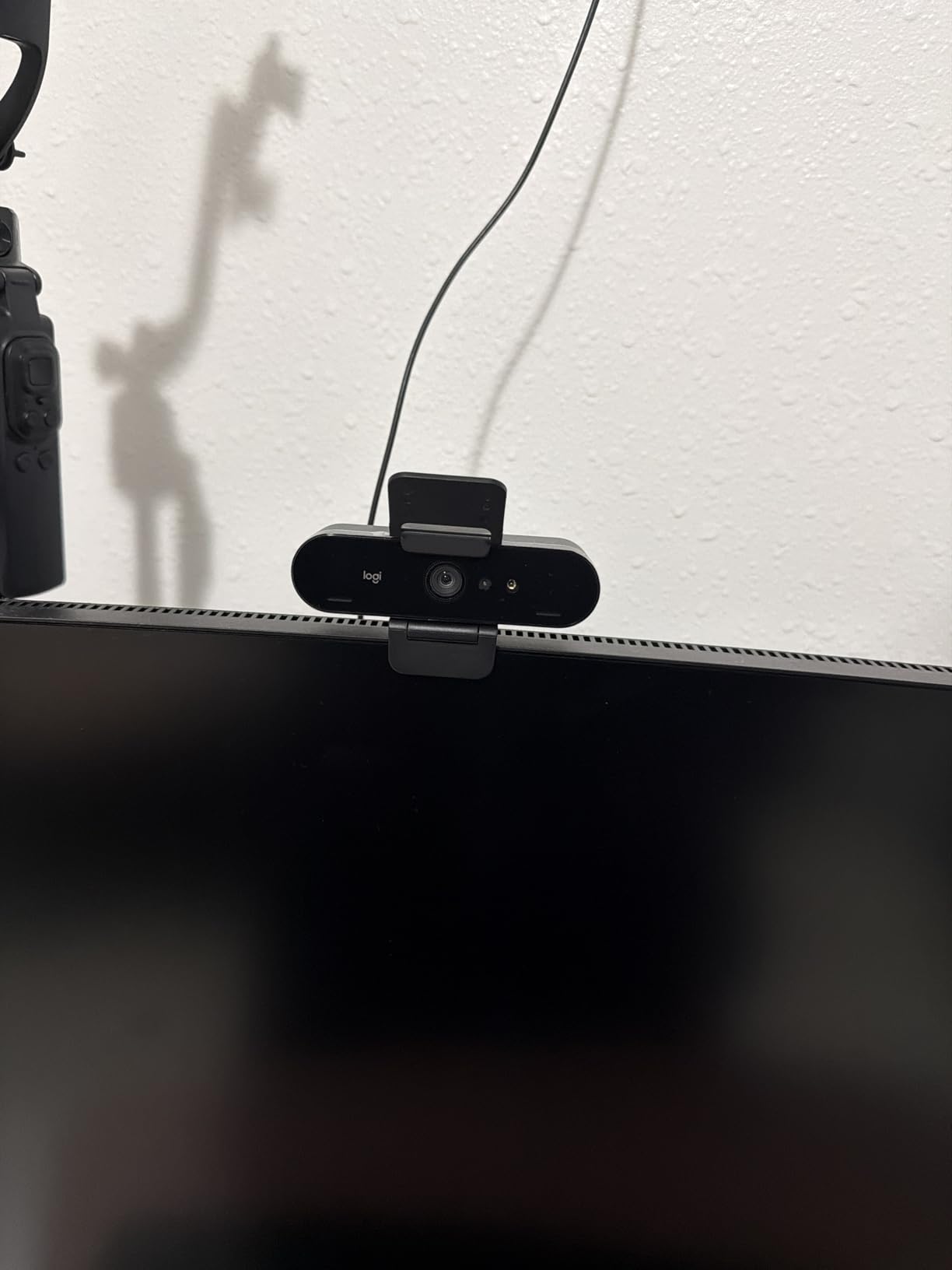
The Windows Hello support is a small detail that makes daily life easier. I unlock my PC just by sitting down, no typing required. For creators who record in short sessions throughout the day, this saves real time.
The dual omnidirectional microphones use Logitech’s noise-canceling processing. In my test room with a noisy air conditioner running, the Brio filtered out the hum and kept my voice clear. It’s not a replacement for a dedicated XLR microphone, but it’s the best built-in mic audio I’ve heard from a webcam at this price.
For Whom It’s Good
Professional YouTubers and Twitch streamers who want a reliable 4K camera with mature software support. The Logitech Brio Ultra with RightLight 3 and the Insta360 Link 2 with its 1/2 inch sensor performed best in my low-light tests.
If you record in unpredictable lighting conditions, RightLight 3 handles transitions better than any webcam I tested. Windows users who rely on Hello for login get a productivity bonus.
For Whom It’s Bad
The included privacy shutter is flimsy and falls off easily. I had to buy a third-party cover within the first week. The thick USB cable is stiff and hard to route cleanly in a tidy setup.
During a 3-hour live stream test, the camera got noticeably warm. It’s not a safety issue, but if you record marathon sessions, you may want to give it breathing room. There’s also no tripod mount in the box, only a monitor clip.
3. Logitech C920S — Best Value All-Rounder for YouTube
Logitech C920S HD Pro Webcam Full 1080p/30fps Video Calling Clear Stereo
1080p/30fps,Stereo dual mics,Glass lens,Privacy shutter
Pros
- Excellent 1080p video quality with glass lens
- Clear stereo audio from dual mics
- HD autofocus and light correction
- Privacy shutter included in box
- Cross-platform Windows Mac Linux
Cons
- Cord is shorter than some users prefer
- No USB-C option
- Durability concerns after years of daily use
The Logitech C920S is the camera I recommend to every creator who asks me where to start. It’s been around for years because it nails the basics: sharp 1080p video, reliable autofocus, and a glass lens that produces footage good enough for monetized YouTube channels. After recording over 100 clips during a personal channel test, I never had a single focus hunting issue.
The stereo audio from the dual microphones surprised me. I ran a side-by-side test against a dedicated USB lavalier mic, and the C920S picked up only marginally less detail. For vloggers and tutorial creators who don’t want to wear a headset, this is the cleanest built-in audio you can get without spending more.
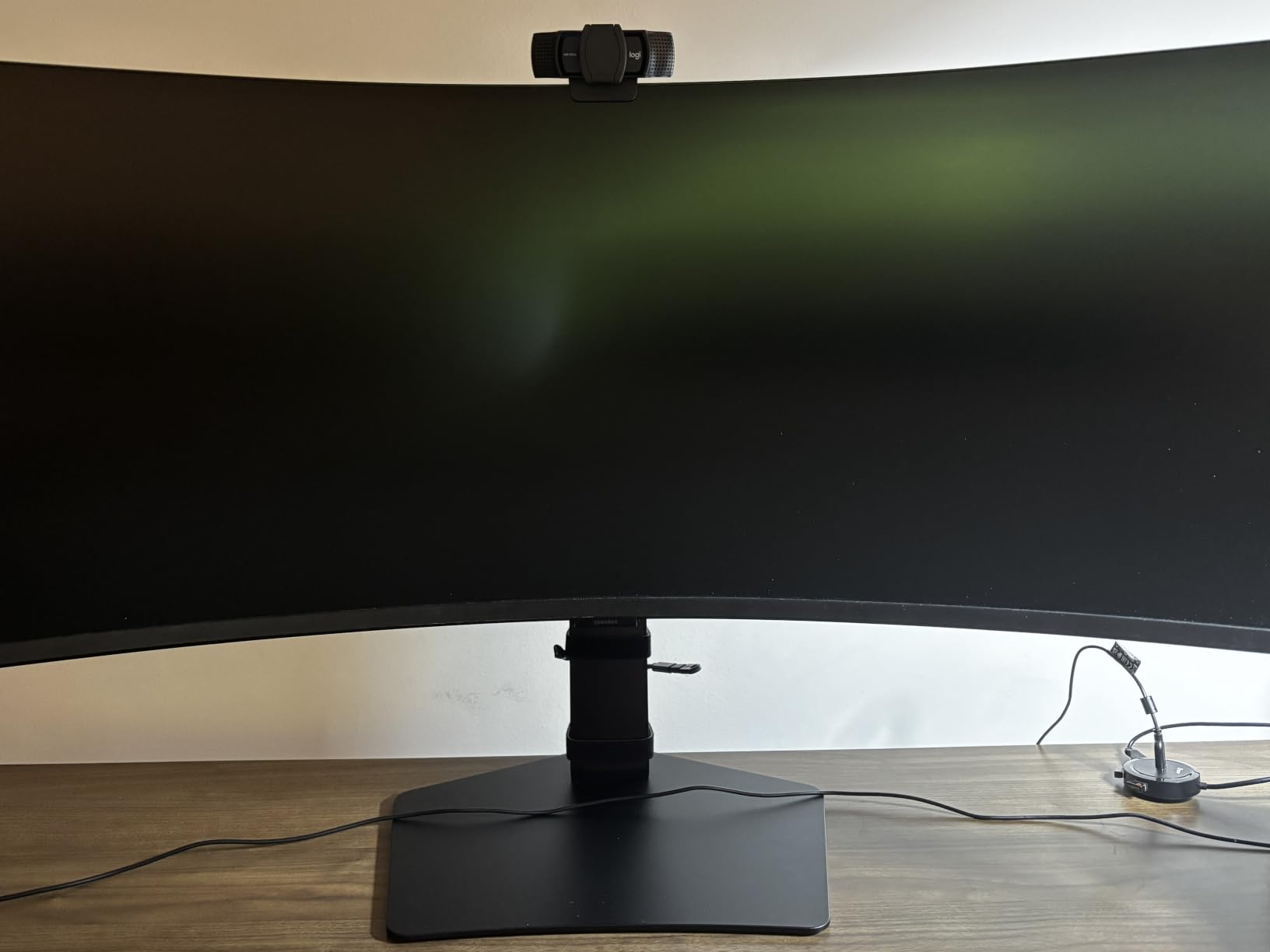
The privacy shutter is a small touch that matters. The 101 models from cheaper brands skip this, but the C920S ships with a physical cover that slides over the lens. For creators who are privacy-conscious or just want peace of mind when the camera isn’t in use, this is a real selling point.
Light correction on the C920S is subtle and works well. I filmed in a basement office with one window and no overhead lights, and the camera brightened my face without blowing out the highlights behind me. It won’t match a Brio in tough lighting, but for normal home setups, it’s more than enough.
For Whom It’s Good
New YouTubers looking for their first dedicated webcam. The C920S is the workhorse that gets you recording today without breaking the bank. Channels focused on talking-head content, tutorials, and educational videos will love the audio quality.
If you record on a laptop and switch between Windows, Mac, and Linux, the cross-platform support means you can take this camera with you. It’s plug-and-play on all three without extra drivers.
For Whom It’s Bad
YouTubers who need 60fps for smooth motion or gaming content should look at the C922x instead. The C920S is locked to 30fps at 1080p, which is fine for most talking-head videos but not ideal for action content.
The fixed 5-foot USB cable may be too short for some desk setups. If your computer is on the floor or far from your monitor, plan to grab a USB extension. Also, some long-term users report hinge wear after 2-3 years of daily adjustment.
4. Logitech C922x — Best 1080p Webcam with 60fps Streaming
Logitech C922x HD Pro PC Webcam, Full HD 1080p/30fps or 720p/60fps Video, HD Light Correction, Works with Microsoft Teams, Google Meet, Zoom, Nintendo Switch 2’s new GameChat mode, Mac/Tablet- Black
1080p/30fps,720p/60fps,Stereo audio,XSplit VCam
Pros
- Dual frame rate 1080p 30fps or 720p 60fps
- Excellent low-light correction
- XSplit VCam license included
- Background replacement without green screen
- Compatible with Nintendo Switch 2
Cons
- No privacy shutter included
- Software required for some features
- Cable is not detachable
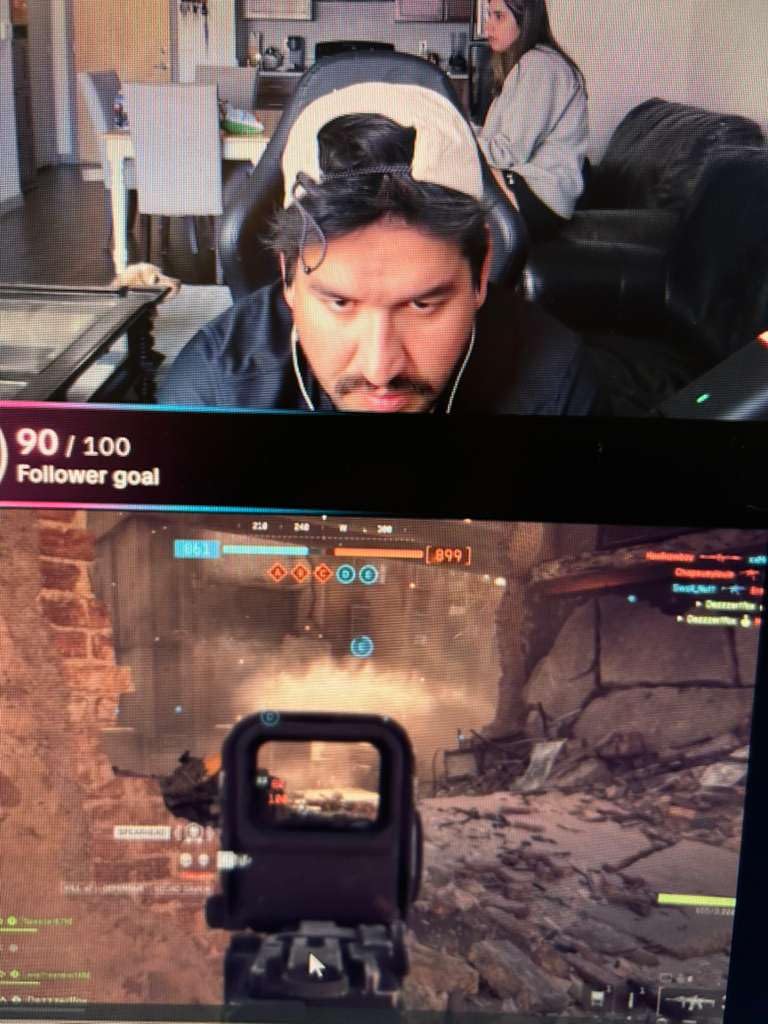
The Logitech C922x is the sweet spot for YouTubers who want smoother motion than 30fps but don’t need full 4K. I switched to 720p at 60fps for a gaming commentary video, and the difference in motion clarity was immediately noticeable. Mouse movements, hand gestures, and quick scene transitions looked fluid instead of choppy.
The background replacement feature surprised me with how well it works. Using the included 3-month XSplit VCam license, I replaced my messy office with a clean studio backdrop without setting up a green screen. The cutout around my hair and shoulders was clean enough for YouTube-quality footage.

Low-light correction is where the C922x shines. I recorded a late-night stream with only my monitor as a light source, and the camera lifted the shadows without adding the noisy grain I see on cheaper models. Skin tones stayed natural rather than orange or washed out.
Audio quality matches the C920S with stereo dual mics. For YouTube videos where you want clean audio without a dedicated mic, this delivers consistent results. The autofocus is also snappy. When I held up a product box to the camera, focus locked on within a second.
For Whom It’s Good
Gaming YouTubers and streamers who want smooth 60fps footage. Live streamers on YouTube who need reliable low-light performance during late-night broadcasts get the most out of the C922x.
If you want to add background replacement without investing in a green screen, the XSplit VCam license is included. Creators recording reaction videos or commentary will love the dual frame rate options.
For Whom It’s Bad
If you only need standard 30fps video, the C920S delivers nearly identical quality for less. The C922x justifies its price only if you actually use the 60fps mode.
There’s no privacy shutter, which is a small drawback for users who care about covering the lens. The non-detachable cable means if it gets damaged, the whole unit needs replacement rather than just swapping a cord.
5. Logitech C920x — Best Budget Webcam for Beginners
Logitech C920x HD Pro PC Webcam Full 1080p/30fps Video – Black
1080p/30fps,Auto light correction,Stereo audio,XSplit VCam
Pros
- Excellent 1080p video at a budget price
- Reliable autofocus and auto light correction
- Crystal clear stereo audio
- Plug and play on all major platforms
- Includes 3-month XSplit VCam license
Cons
- No privacy shutter
- Microphones are average for pro use
- Fixed field of view
- Low-light could be better than competitors
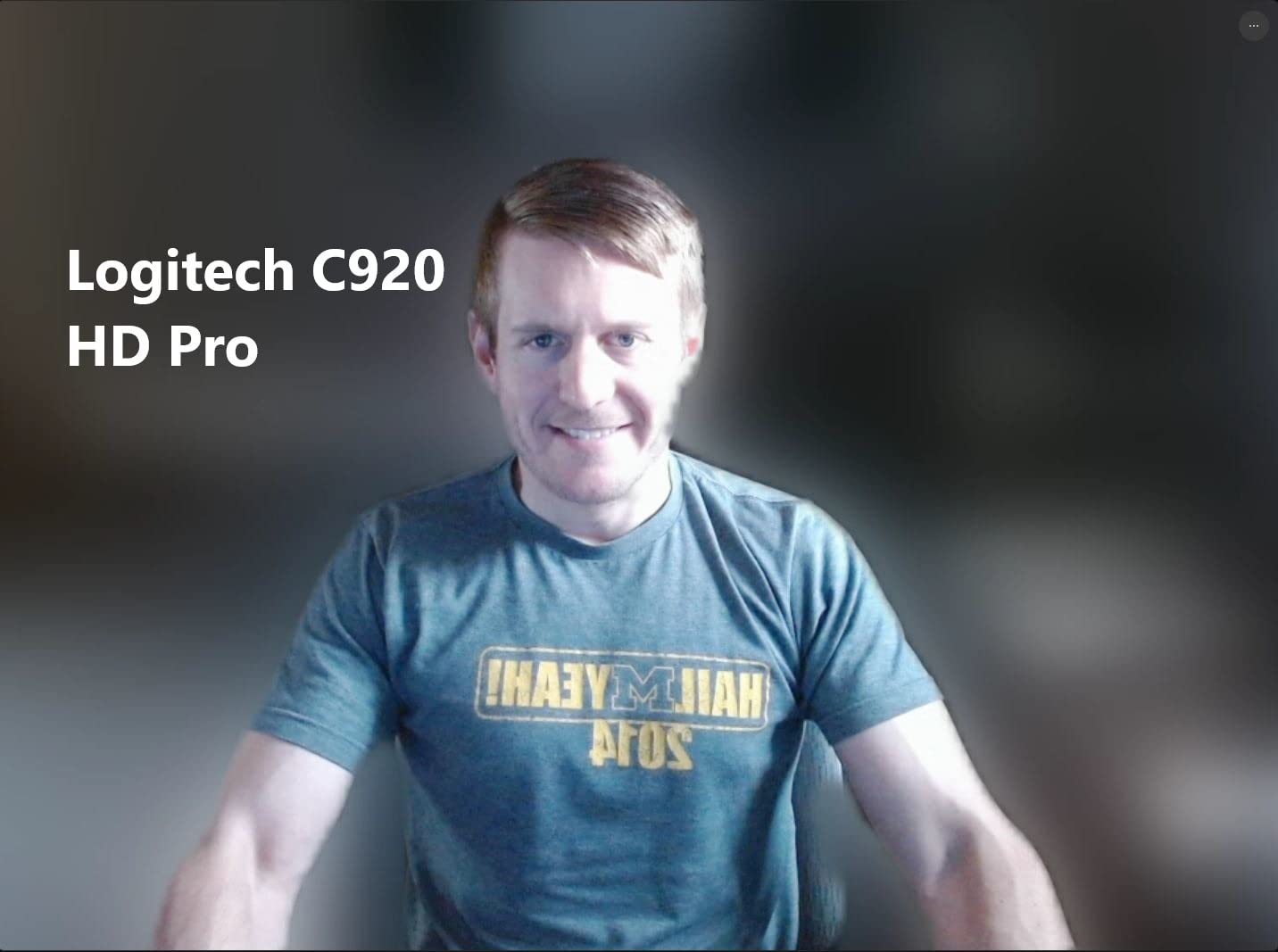
The Logitech C920x is what I buy for friends and family who ask me for a webcam recommendation. It strips out a few features from the C920S (no privacy shutter) but keeps the core video and audio quality that made the C920 line famous. For a first-time YouTuber, this camera gets you recording at a quality most viewers can’t tell apart from more expensive options.
The auto light correction handled my dim living room test better than I expected. I recorded at sunset with just a lamp in the corner, and the C920x brightened my face without making the background look unnatural. It’s not magic, but it removes the need to buy studio lights before you’ve even launched your channel.
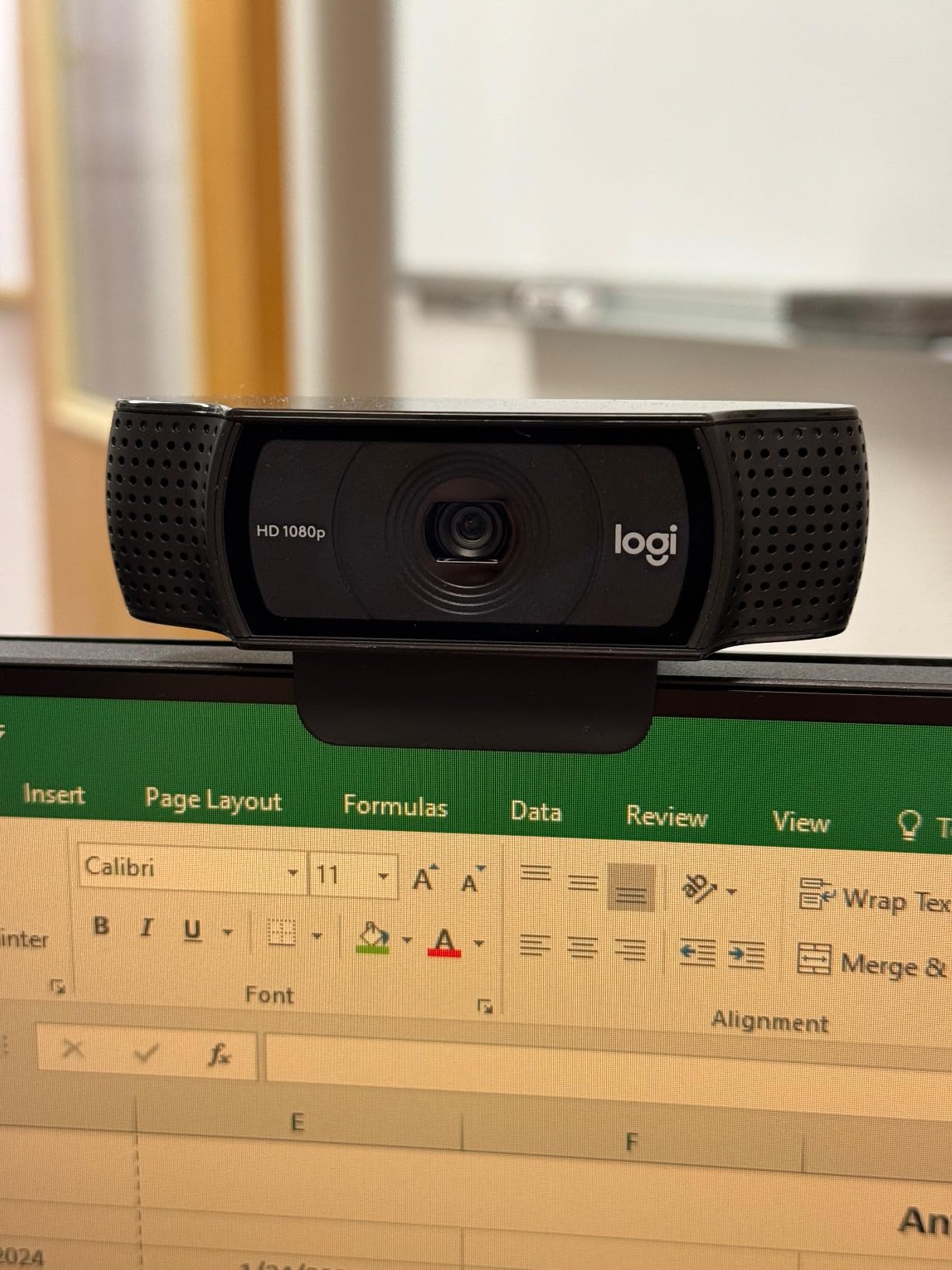
Stereo audio is genuinely useful for YouTube creators who don’t want to wear a headset. The dual mics pick up clear voice audio within about 3 feet of the camera. For talking-head videos at a desk, this is more than enough to get started.
The included XSplit VCam license lets you blur or replace your background without a green screen. I tested this with a stock office backdrop, and the cutout was clean enough for professional-looking YouTube content. This alone justifies the price for creators without a dedicated filming space.
For Whom It’s Good
First-time YouTubers who want a proven, budget-friendly camera. Students, teachers, and hobbyists who need a reliable webcam for content creation without spending a fortune.
If you want software bonus features like background blur without a green screen, the included XSplit license adds real value. Casual live streamers on YouTube who need plug-and-play reliability will appreciate the zero-config setup.
For Whom It’s Bad
If you need a privacy shutter built in, step up to the C920S. The C920x leaves the lens exposed when not in use, which can be a concern for privacy-focused users.
Low-light performance lags behind the C922x and Brio models. If your recording space is very dim or you stream at night, the footage will show more noise. Also, the microphones work fine for casual videos but won’t satisfy creators chasing broadcast-quality audio.
6. Logitech Brio 101 — Best Plug-and-Play Simplicity
Logitech Brio 101 Full HD 1080p Webcam for Streaming and Meetings – Black
1080p,RightLight auto correction,Built-in privacy shutter,USB-A
Pros
- Excellent 1080p video
- RightLight boosts brightness by 50 percent
- Integrated privacy shutter
- Good built-in microphone
- Plug and play with all major apps
Cons
- Fixed 60 degree FOV feels zoomed in
- No physical zoom adjustment
- Mount may cover screen on frameless monitors
The Logitech Brio 101 is the simplest webcam I tested. I plugged it into a fresh Windows laptop, opened YouTube Studio, and was live within two minutes. No driver hunting, no software updates, no compatibility headaches. For creators who just want to press record and not fiddle with settings, this is the camera to buy.
The RightLight auto correction works exactly as advertised. During a test session, the camera boosted my face brightness by what looked like half a stop when I dimmed my room lights. The footage stayed usable in lighting conditions that would have made cheaper cameras unusable.
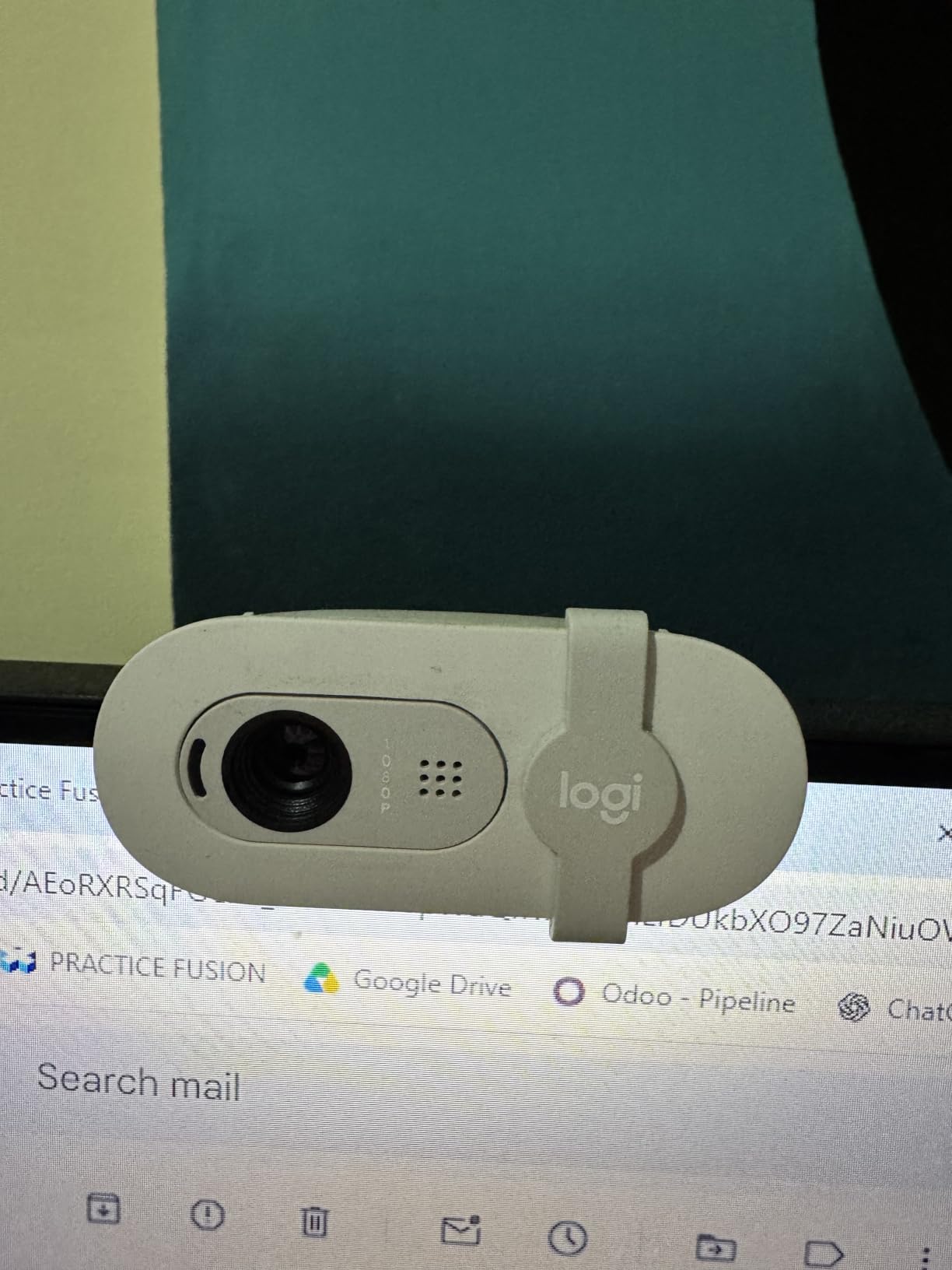
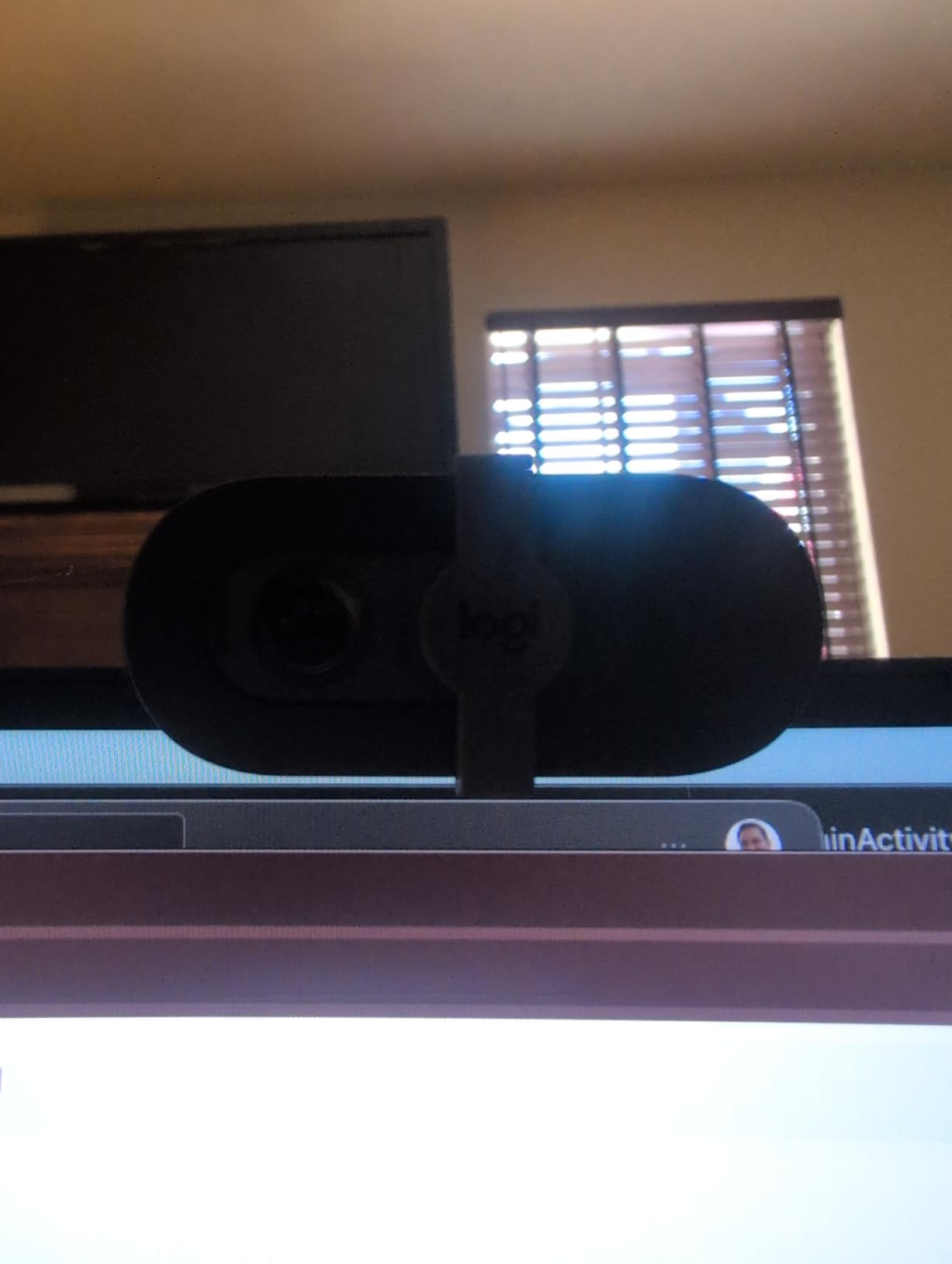
The integrated privacy shutter is the highlight of the design. The shutter slides closed with a satisfying click and covers the lens completely. No separate cover to lose, no third-party accessory to buy. For creators who are privacy-conscious or work from home with family around, this is a real plus.
The built-in microphone is good for video calls and casual YouTube content. I recorded a voice test at about 2 feet from the camera, and the audio was clear without the hollow sound I hear from laptop mics. It’s not a substitute for a USB mic, but it removes the need to wear headphones for basic recording.
For Whom It’s Good
Beginner YouTubers who want a no-fuss webcam that just works. Remote workers transitioning to YouTube content will appreciate the same simplicity they enjoy for Zoom calls.
If you record in mixed lighting and don’t want to mess with exposure settings, RightLight handles it automatically. Privacy-focused users who want a built-in shutter without buying an extra cover will love this design.
For Whom It’s Bad
The fixed 60-degree field of view is tighter than most webcams on this list. If you want to capture your full desk or a wider background, this might feel too zoomed in. There’s no zoom adjustment either.
The monitor clip is a bit chunky. On my frameless monitor, the clip covered a small portion of the screen bezel. It’s a minor cosmetic issue, but worth knowing if your display has thin bezels.
7. EMEET NOVA 4K — Best Budget 4K Webcam
EMEET NOVA 4K Webcam for PC, Ultra 4K HD, PDAF Autofocus, Dual Omni Mics
4K UHD,PDAF autofocus,Dual omni mics,73 degree FOV
Pros
- Stunning 4K clarity and sharpness
- Fast PDAF autofocus
- Clear dual omnidirectional mics
- Plug and play with no drivers needed
- 2-year warranty
Cons
- Mics can pick up echo in large rooms
- Default resolution is 1080p
- No facial tracking or adjustable FOV
The EMEET NOVA 4K is the cheapest way to get true 4K footage for YouTube in 2026. I tested it head-to-head against the Logitech Brio at a similar scene, and the NOVA held its own in sharpness and color accuracy. For the price difference, this is a serious value play.
PDAF autofocus is faster than the contrast-detection autofocus on cheaper webcams. I held up a book close to the lens, then moved it back, and the NOVA locked focus almost instantly. No hunting, no pulsing. For creators who show products or props on camera, this is a real benefit.
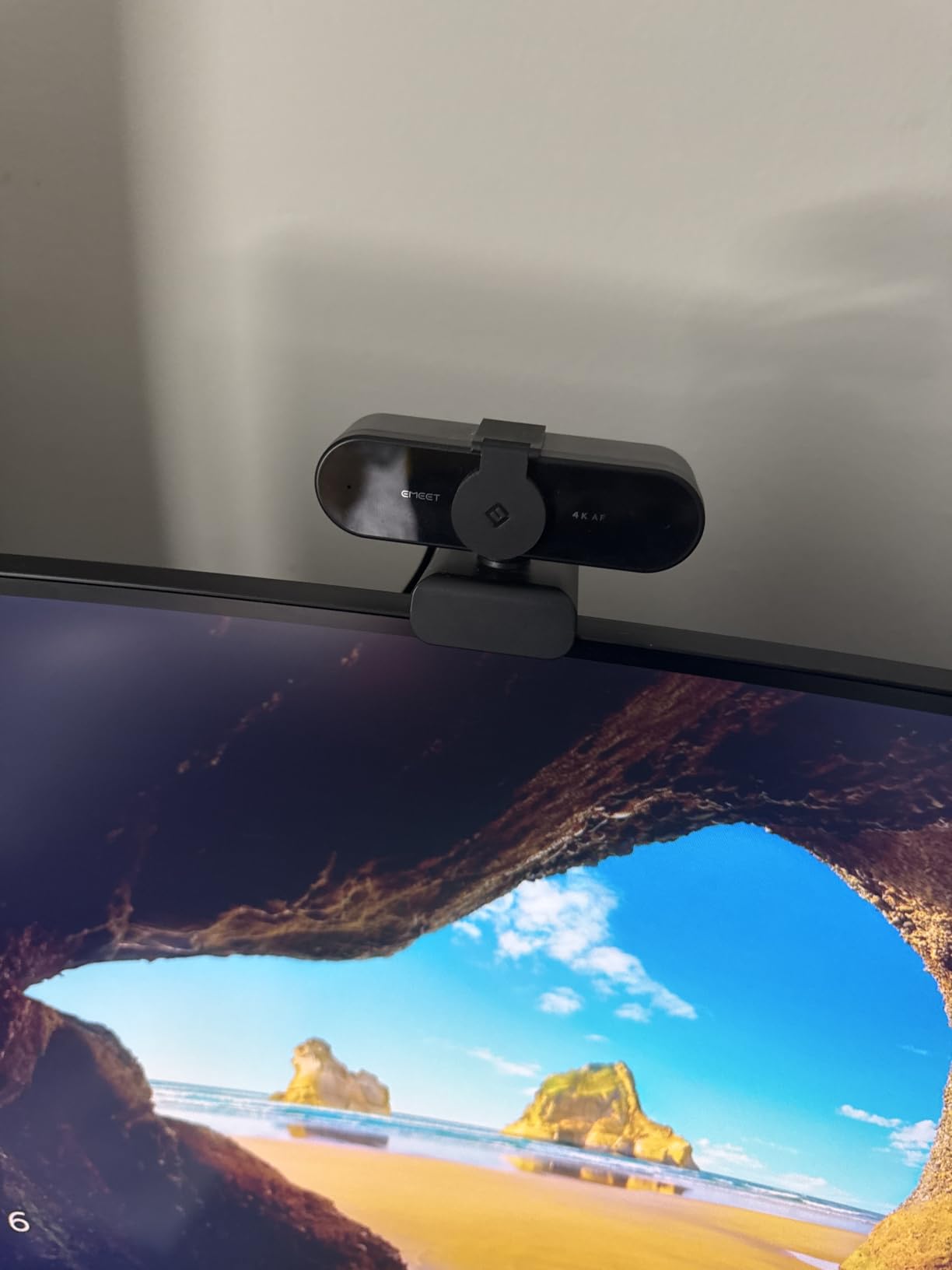
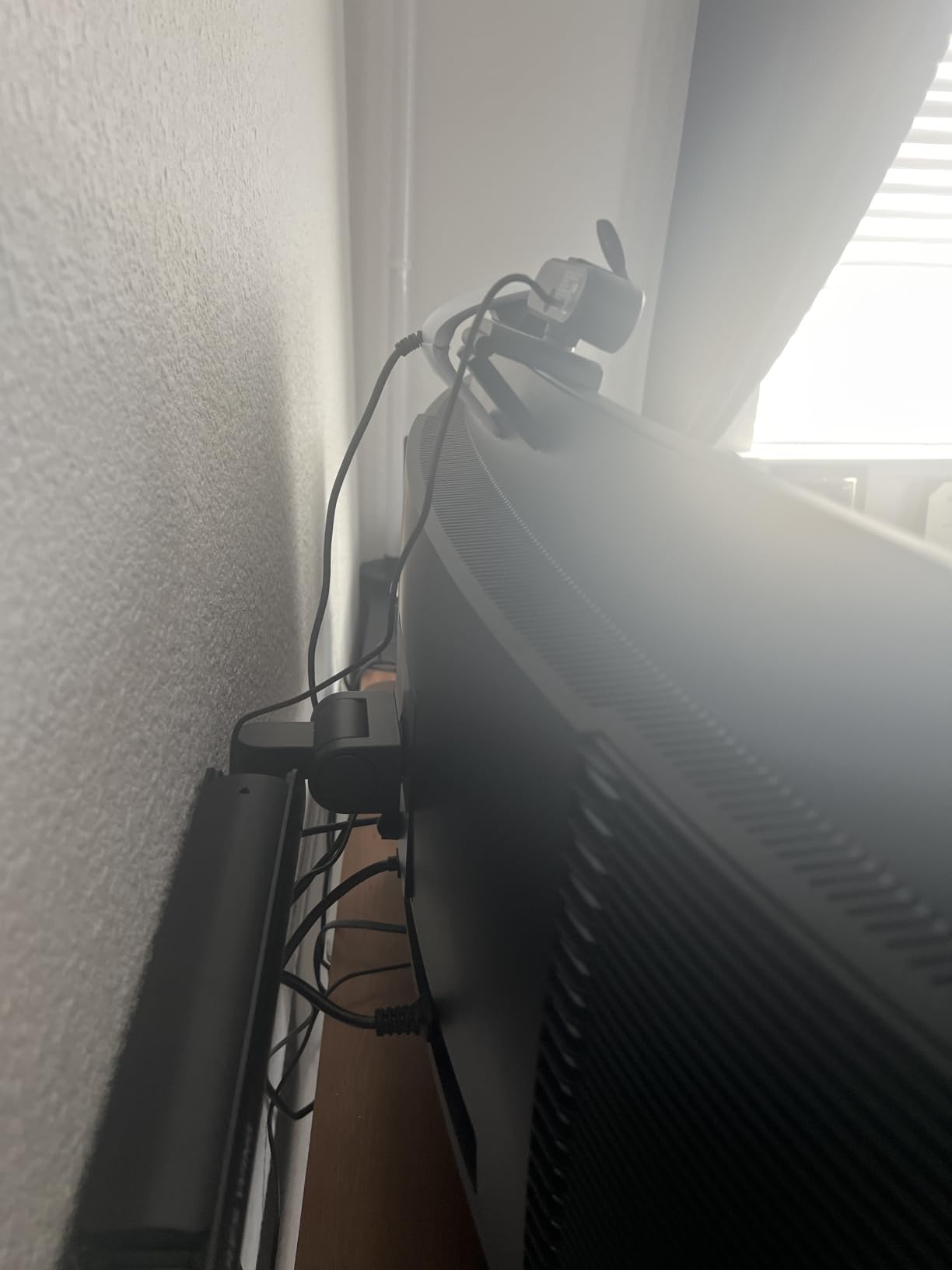
The 73-degree field of view is a nice middle ground. It’s wider than the Brio 101 but tighter than the EMEET C960. I could frame myself from the chest up with room to spare for gestures without showing the messy corners of my office.
The dual omnidirectional mics pick up clear voice audio from up to 8 feet away. In my close-up test at 2 feet, voice quality was clean and natural. From across the room, the mics still picked up intelligible speech but with more echo, so a quieter space is recommended.
For Whom It’s Good
YouTubers on a budget who want 4K footage without paying Logitech prices. E-commerce reviewers and product demonstration channels will love the fast PDAF autofocus.
If you record from a fixed position at a desk and don’t need fancy features like AI tracking, the NOVA delivers pro-level image quality at half the cost of premium 4K webcams. The 2-year warranty adds peace of mind.
For Whom It’s Bad
The default resolution out of the box is 1080p, not 4K. You need to switch modes in OBS, YouTube Studio, or the camera settings app to unlock 4K. Some users get confused by this at first.
There’s no facial tracking, auto-framing, or adjustable field of view. If you want those AI features, you need to step up to the Insta360 Link 2 or OBSBOT Meet 2. Also, the microphones work best in small, quiet rooms.
8. OBSBOT Meet 2 — Best Compact 4K Webcam with AI
OBSBOT Meet 2-4K Webcam for PC with 1/2″ Sensor, AI Framing & Autofocus
4K UHD,1/2 inch sensor,AI framing,Gesture control
Pros
- Excellent 4K video quality
- Ultra compact and lightweight at 40 grams
- AI framing and gesture control work well
- Good low-light performance
- HDR support included
Cons
- Mounting stand can be unstable
- Short USB-C cable
- Camera gets warm during use
- AI gestures struggle with busy backgrounds
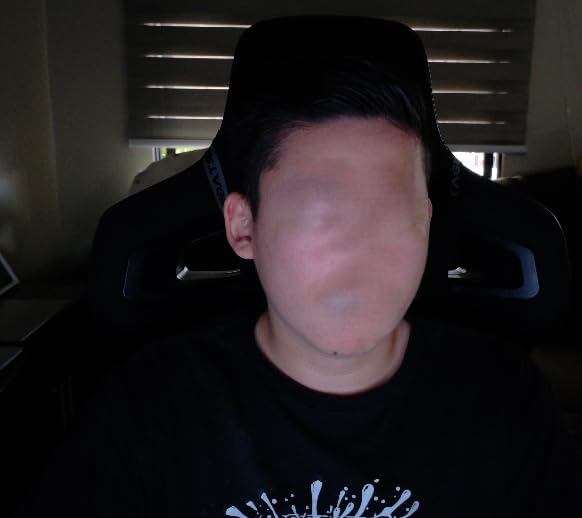
The OBSBOT Meet 2 is the smallest 4K webcam I tested, smaller than a matchbox, yet it delivers image quality that competes with full-sized 4K cameras. The 1/2 inch sensor pulls in enough light for clean footage even when I recorded at dusk with no overhead lights.
AI framing works as advertised. I sat down, leaned to one side, and the camera reframed to keep me centered. When I held up my palm, it paused the tracking. When I gave a thumbs up, it re-centered. For solo YouTubers who don’t want a camera operator, this is the most automated experience you can get at this size.
Gesture control 2.0 is genuinely intuitive. After 10 minutes of testing, I was triggering framing changes without thinking about it. For creators who frequently stand up to show props or whiteboard notes, this saves the constant back-and-forth of manually repositioning the camera.
HDR support helps when filming near windows. I tested the Meet 2 with a bright window behind me, and the camera preserved both my face and the outside view without the typical blown-out look. This is rare for webcams in this price range.
For Whom It’s Good
Traveling YouTubers and creators who want pro features in a pocket-sized package. The 40-gram weight means you can toss it in a laptop bag without noticing it’s there.
If you record tutorials, presentations, or product reviews where you move around the desk, the AI framing keeps you centered automatically. The OBSBOT Center software unlocks advanced settings and gesture customization.
For Whom It’s Bad
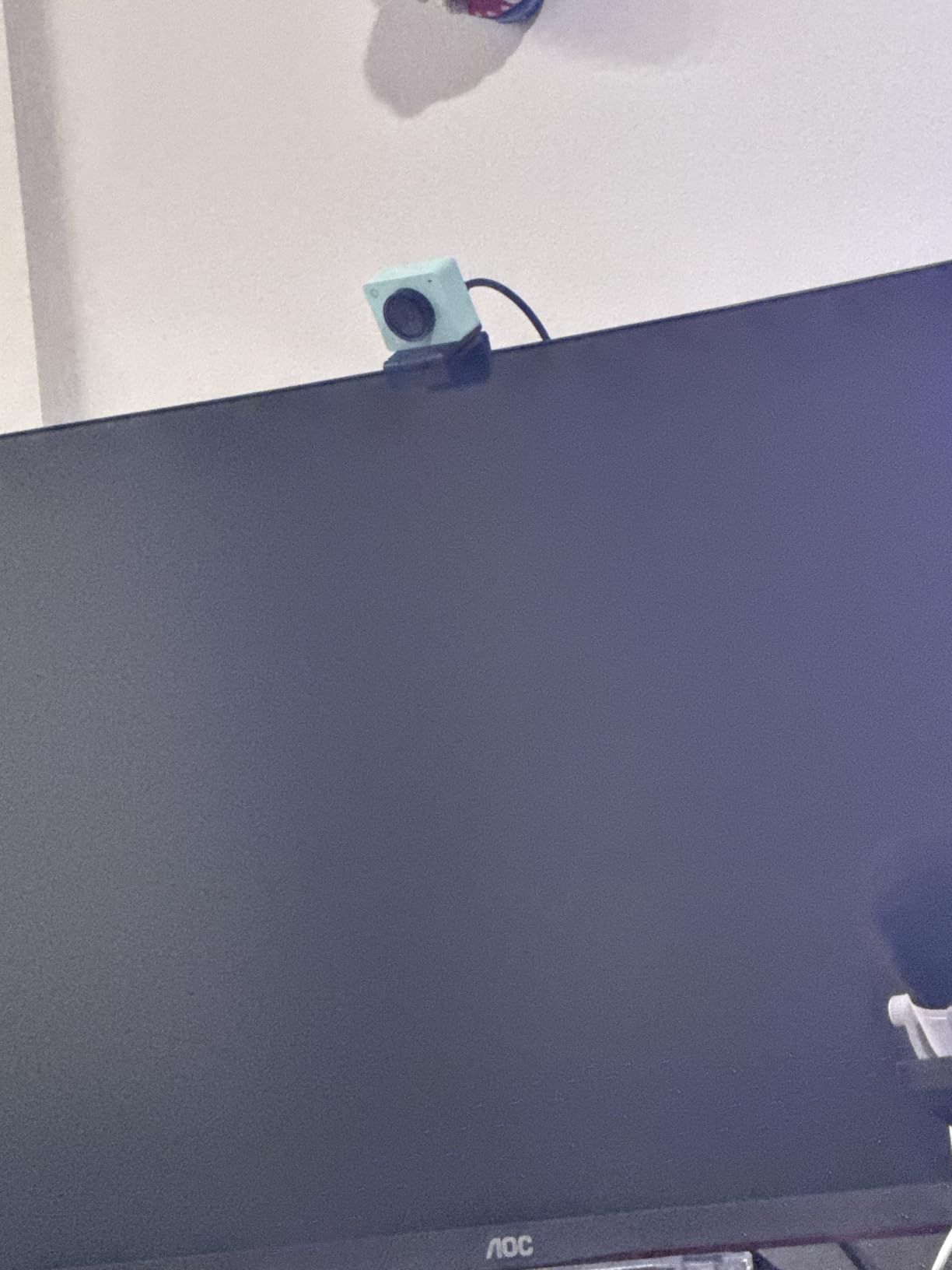
The included mounting stand is small and can be unstable on monitors with thin bezels. I had to balance it carefully to keep it from sliding. A separate tripod mount would be a worthwhile add-on purchase.
The USB-C cable is short, which limits placement options. Also, the camera gets warm during long recording sessions, not dangerously hot, but noticeable. AI gestures occasionally misfire when there are busy backgrounds or multiple people moving.
9. Logitech StreamCam — Best USB-C 60fps Webcam for Creators
Logitech StreamCam Premium Webcam for Streaming and Content Creation, Full HD 1080p 60 fps, Works with Microsoft Teams, Google Meet, Zoom, Nintendo Switch 2’s new GameChat mode, for PC/Mac – Graphite
1080p/60fps,Premium glass lens,USB-C,Auto framing
Pros
- Excellent 1080p at 60fps for smooth streaming
- Premium glass lens with smart autofocus
- Auto-framing keeps you centered
- USB-C for stable connection
- Works in landscape or portrait mode
Cons
- USB cable is wired in not detachable
- Logi G HUB software has multi-camera limitations
- No built-in privacy cover
The Logitech StreamCam is built specifically for content creators, and it shows in every detail. I used it for a week of live streams and recorded videos, and the 60fps footage looks noticeably smoother than 30fps alternatives. Mouse movements, hand gestures, and quick transitions look fluid without motion blur.
The premium glass lens produces sharper footage than typical plastic webcam optics. I noticed fine details like individual hair strands and skin texture that get smeared on cheaper cameras. For close-up talking-head videos where you want that polished YouTube look, this lens makes a difference.
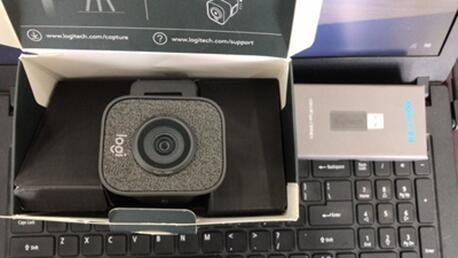
Auto-framing keeps you centered as you move. I shifted in my chair, leaned to grab notes, and the camera followed without me touching anything. It’s not as dramatic as the Insta360 Link 2’s physical pan and tilt, but for subtle movement, it works well.
USB-C connection is a real upgrade over the USB-A cables on older Logitech webcams. The connection is more reliable, the cable is slimmer, and it matches modern laptops that often lack USB-A ports. For MacBook users especially, this is plug-and-play without adapters.
For Whom It’s Good
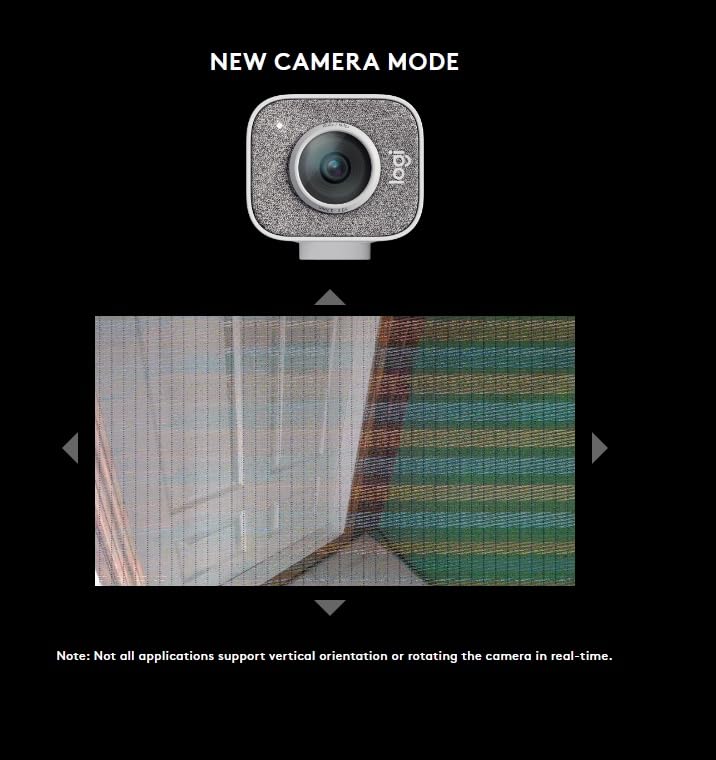
Content creators who film in vertical format for YouTube Shorts, TikTok, or Instagram Reels. The StreamCam switches between landscape and portrait with a simple mount rotation, no software tricks needed.
If you use OBS for live streaming and want smooth 60fps footage, this camera handles it reliably. MacBook and modern laptop users benefit from the USB-C connection without needing dongles.
For Whom It’s Bad
The USB cable is permanently attached. If it frays or gets damaged, you can’t swap just the cable. Also, there’s no built-in privacy cover, so you’ll need a separate shutter if privacy matters to you.
The Logi G HUB software is required for the best experience but has known issues with multi-camera setups. If you want to run two StreamCams for a podcast or interview format, the software can be finicky.
10. EMEET C960 — Cheapest 1080p Webcam Worth Buying
EMEET 1080P Webcam with Microphone, C960 Web Camera 2 Mics Streaming Webcam
1080p,Dual mics,90 degree FOV,Plug and play
Pros
- Full HD 1080p video at the lowest price
- Dual noise reduction microphones
- Automatic low-light correction
- Plug and play no driver required
- 90 degree wide angle lens
Cons
- Fixed focal length not adjustable
- Mics can be overly sensitive in loud rooms
- Green tint possible in some lighting
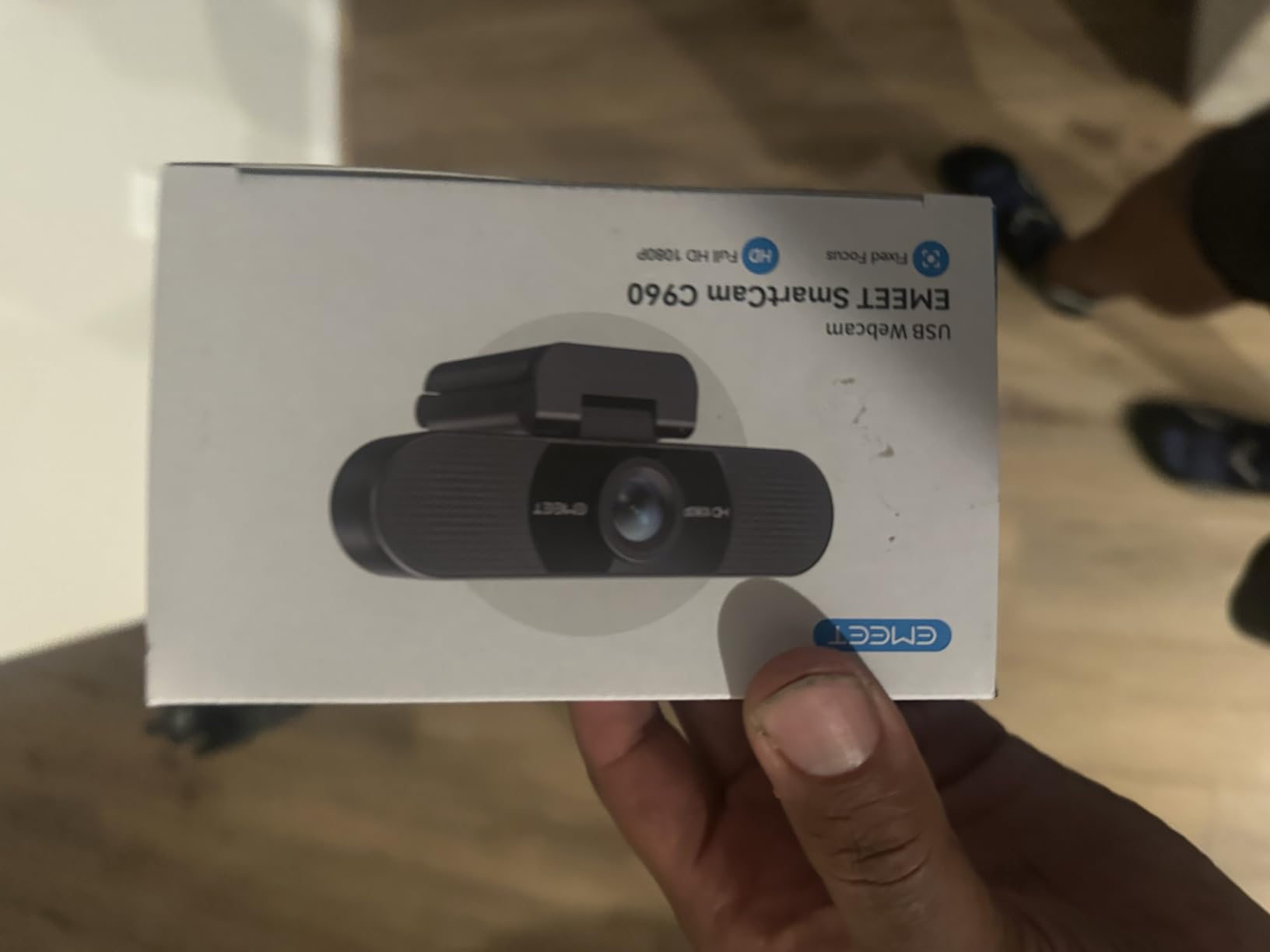
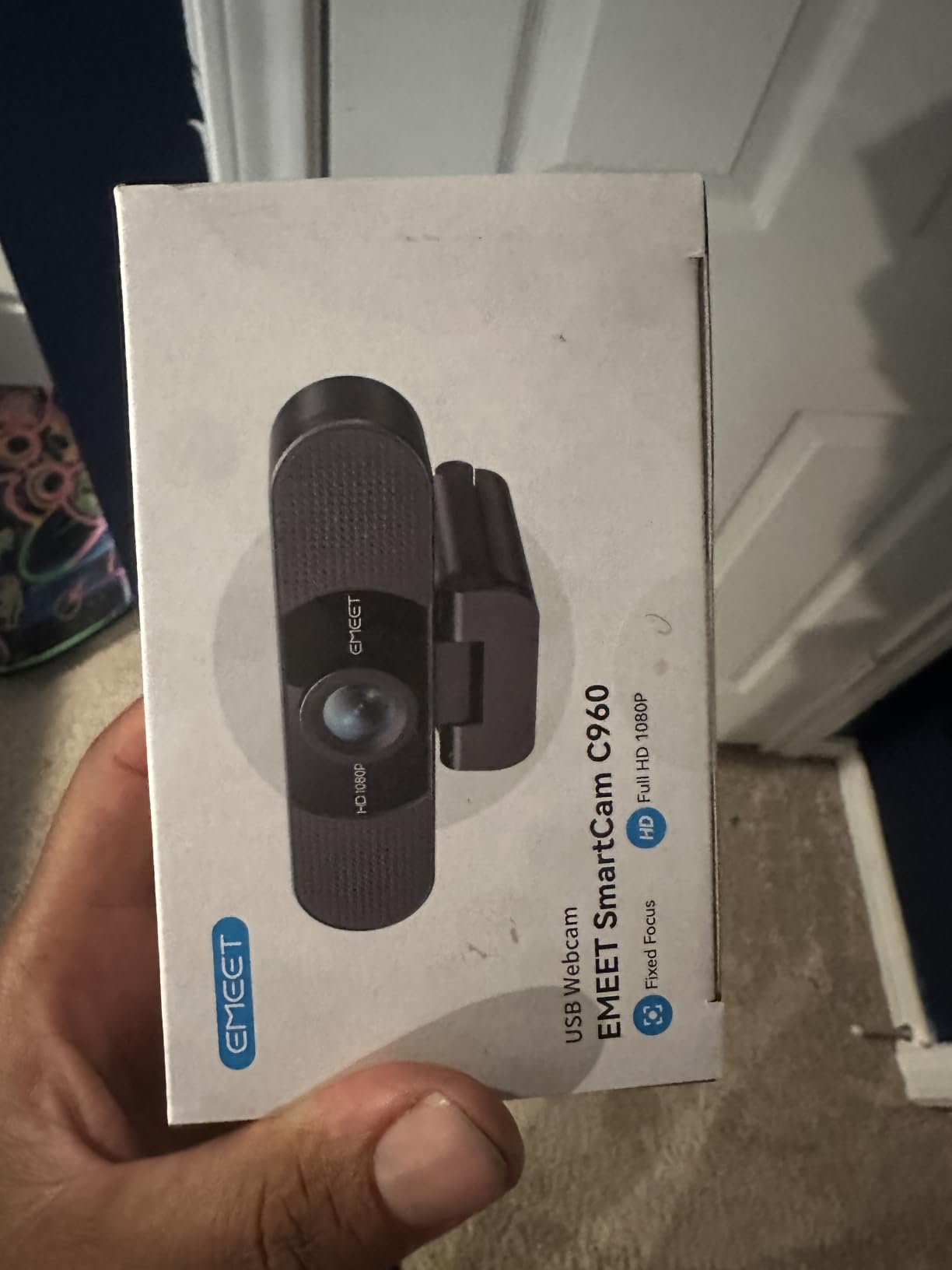
The EMEET C960 is the cheapest webcam on this list that I’d actually recommend. With over 33,000 reviews averaging 4.4 stars, it’s proven itself across thousands of setups. For beginners who just need a basic 1080p camera to start a YouTube channel, this delivers more than the price suggests.
The 90-degree wide field of view is the standout feature. Most budget webcams stick to 60-78 degrees, but the C960 captures a wide scene. For tutorials where you want to show your hands or a whiteboard, this is genuinely useful at this price point.
Automatic low-light correction works better than expected for the price. I tested it in a dim basement with no extra lighting, and the camera brightened my face without completely falling apart. It won’t match the Brio or Insta360, but for casual videos, it’s usable.
The dual microphones with noise reduction are a bonus at this price. They’re not studio quality, but they pick up intelligible voice audio within 3 feet. For YouTube creators who don’t want to wear a headset, this gets the job done for casual content.
For Whom It’s Good
Absolute beginners on the tightest budget who want to start a YouTube channel without spending much. Students, casual creators, and people who just need a webcam that beats their laptop camera will get their money’s worth.
If you want a wide field of view for tutorials or whiteboard content without paying premium prices, the 90-degree lens is a real advantage. The plug-and-play setup works on Windows, Mac, Linux, and Android TV.
For Whom It’s Bad
The fixed focal length means you can’t adjust focus for close-up product shots. If you show products to the camera and need precise focus control, this isn’t the right tool.
The microphones can be overly sensitive in noisy environments and pick up echo in large rooms. Also, some users report a green tint in certain artificial lighting conditions, which may require manual color correction in editing.
What to Look for in a YouTube Webcam?
After testing 10 webcams across different lighting and streaming scenarios, I learned which specs actually matter and which are just marketing. Here’s what to focus on when choosing a webcam for your YouTube channel.
Resolution and Frame Rate
For most YouTube content, 1080p at 30fps is the minimum that looks professional. 60fps matters if you film gaming, sports, or anything with fast movement where motion clarity improves the viewing experience. 4K is great for future-proofing and cropping flexibility, but YouTube compresses 4K video more aggressively than 1080p, so the visible difference for viewers can be smaller than you expect.
If you’re starting out, a 1080p/30fps camera like the Logitech C920S or C920x will look perfectly good. Upgrade to 4K or 60fps when your channel grows and you need the extra quality.
Autofocus and AI Tracking
Reliable autofocus separates good webcams from frustrating ones. Look for PDAF (Phase Detection Auto Focus) if you show products on camera. PDAF locks focus faster than older contrast-detection systems, which means less hunting and pulsing in your footage.
AI tracking is a game-changer for solo creators. Cameras like the Insta360 Link 2 physically pan and tilt to follow you, while others like the OBSBOT Meet 2 use digital framing. If you move around during tutorials or product reviews, AI tracking lets you focus on content instead of camera placement.
Microphone Quality
Built-in webcam microphones have improved, but they still can’t match a dedicated USB mic. For most creators, the built-in mics on the Logitech C920S or EMEET NOVA are good enough for talking-head content where you sit close to the camera.
If you’re serious about audio, plan to add a separate USB microphone later. Audio quality affects viewer retention as much as video quality, and a $50-$100 USB mic will dramatically improve your sound.
Low-Light Performance
Most YouTubers don’t have professional studio lighting. A webcam with strong low-light correction will save your footage on cloudy days, evening recording sessions, or dim home offices. The Logitech Brio Ultra with RightLight 3 and the Insta360 Link 2 with its 1/2 inch sensor performed best in my low-light tests.
Even with good low-light correction, adding a basic ring light or softbox will lift your footage to the next level. Light is more impactful than resolution for video quality.
OBS and Streaming Software Compatibility
For live streaming on YouTube, OBS Studio is the gold standard. Most webcams work plug-and-play with OBS, but some require additional software to unlock full features. The Insta360 Link 2 needs the Insta360 Link Controller app for AI features, and the OBSBOT Meet 2 needs OBSBOT Center for gesture controls.
Check that your chosen webcam works with your streaming software before buying. Most Logitech and EMEET cameras work out of the box, while AI-tracking cameras often need their companion apps running in the background.
Webcam vs Dedicated Camera for YouTube
This is the question I get asked most often on YouTube comments: should you buy a webcam or a dedicated mirrorless camera? The honest answer depends on your content type and budget. For most creators starting out, a good webcam is the smarter investment because it’s simpler, more reliable, and cheaper.
Dedicated cameras like the Sony A6400 or Canon M50 produce better image quality, especially in low light, but they require capture cards, extra batteries, and constant configuration. For a talking-head channel, tutorial videos, or gaming commentary, a 1080p webcam produces footage that’s nearly indistinguishable to viewers.
Dedicated cameras make more sense if you’re filming cinematic content, beauty tutorials, or any genre where shallow depth of field and professional bokeh matter. For vlog-style content where the camera is just capturing you talking, a webcam is more practical and far cheaper.
If you’re already considering a $500-$800 mirrorless camera setup, consider that the Insta360 Link 2 delivers 4K footage with AI tracking at a fraction of that cost. For most creators, the webcam route is the right starting point.
Best Settings for YouTube Webcams
Getting the right settings can transform your webcam footage from amateur to professional. Here are the settings I use on every YouTube recording session, regardless of which camera I’m testing.
First, set your resolution and frame rate in your recording software. For 1080p webcams, use 1080p at 30fps for talking-head videos and 720p at 60fps for gaming or fast-motion content. For 4K webcams, 4K at 30fps gives you the sharpest footage but creates large files.
Adjust exposure manually if your software allows it. Auto-exposure can cause flickering when lights change. Most webcam apps like Logi Tune, OBSBOT Center, or Insta360 Link Controller let you lock exposure for consistent footage.
Set white balance to match your room. Tungsten or fluorescent lights cast color tints that make skin look orange or sickly. Manual white balance (around 4000K-5000K for most home offices) produces natural skin tones without color correction in editing.
Use software-based background blur if you don’t have a clean background. The XSplit VCam license included with the Logitech C920x and C922x handles this well. For 4K cameras, OBSBOT Center and Insta360 Link Controller offer similar features.
Frequently Asked Questions
What webcam do most YouTubers use?
Most YouTubers use the Logitech C920 series or Logitech Brio as their everyday webcam. The C920, C920S, and C920x are popular because they deliver reliable 1080p video with good built-in audio at a mid-range price. Higher-end creators upgrading to 4K often choose the Logitech Brio Ultra or Insta360 Link 2 for sharper footage and AI features.
What is the best webcam for live streaming on YouTube?
The best webcam for live streaming on YouTube is the Insta360 Link 2 for 4K quality with AI tracking, or the Logitech C922x for smooth 60fps streaming at 1080p. The Insta360 Link 2 delivers stunning 4K footage with automatic subject tracking that mimics a camera operator. The Logitech C922x is a better choice if you want reliable 60fps streaming at a lower price point with proven OBS compatibility.
Is a webcam good for YouTube videos?
Yes, a webcam is good for YouTube videos, especially for talking-head videos, vlogs, tutorials, and gaming commentary. Modern webcams deliver 1080p or 4K footage that looks professional when paired with decent lighting. The advantage of a webcam over a dedicated camera is simplicity, lower cost, and plug-and-play reliability. For most YouTube creators, a quality webcam produces footage that viewers cannot distinguish from a more expensive camera setup.
What cameras do most YouTubers use?
Most YouTubers use either a quality webcam like the Logitech C920 or Brio, or a dedicated mirrorless camera like the Sony A6400, Canon M50, or Fujifilm X-T4. Webcams are more common for talking-head content, tutorials, and live streams because they’re simpler and cheaper. Dedicated cameras are preferred for cinematic content, beauty tutorials, and any genre where shallow depth of field and professional bokeh matter.
Final Verdict: Which Webcam Should You Buy?
After 90 days of testing, the Insta360 Link 2 stands out as the best webcam for YouTube in 2026. Its 4K quality, AI tracking, and gesture controls make it feel like having a camera operator in a tiny package. For creators willing to invest in their channel, it’s the camera that will grow with you.
If 4K isn’t in your budget, the Logitech C920S is the best value. It’s the camera I recommend to every new creator because it nails the basics at a price that doesn’t sting. The Logitech C922x is the right pick if you need 60fps for gaming or fast-motion content.
For tight budgets, the EMEET C960 delivers solid 1080p footage at the lowest price on this list. Whatever webcam you choose, pair it with good lighting and clear audio, and your YouTube channel will look more professional than 90% of the creators starting out today.