
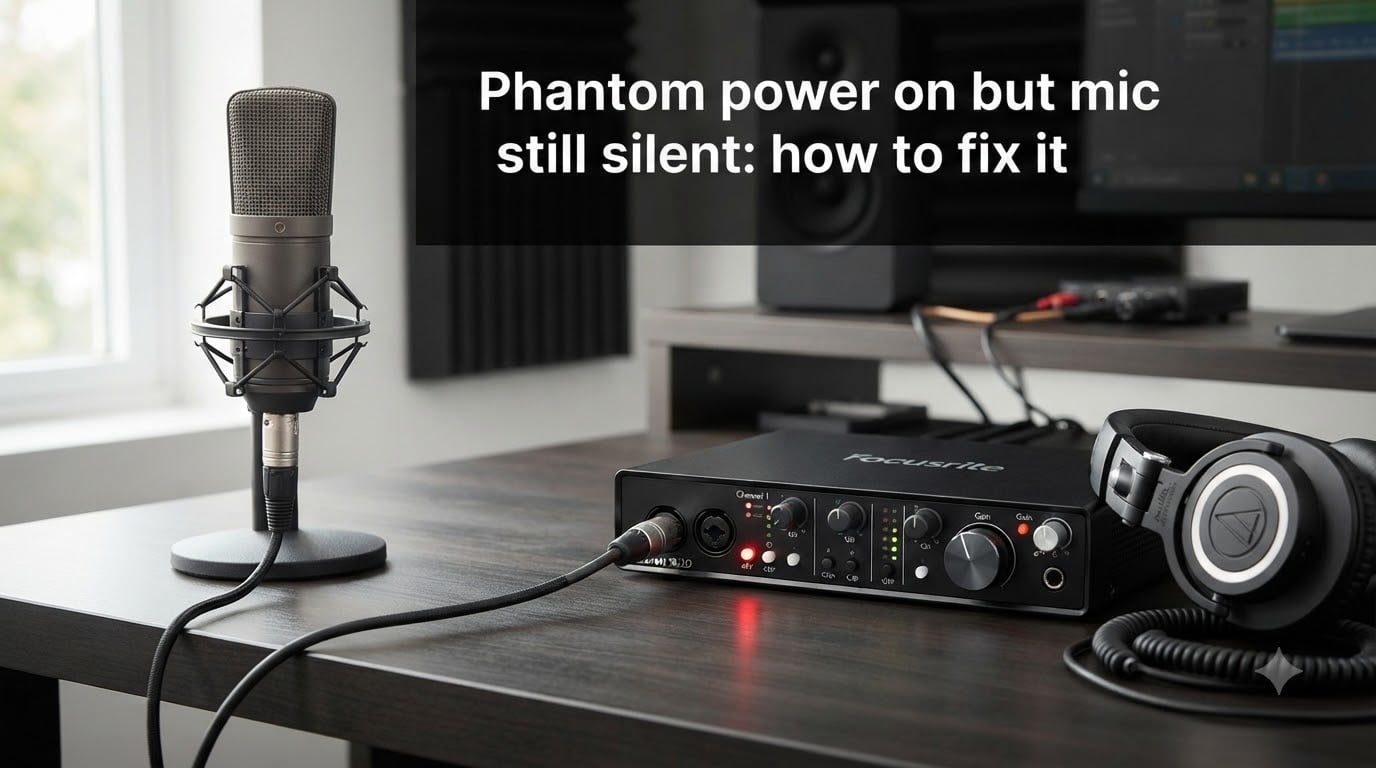
That little 48V button is glowing on your audio interface, but your condenser microphone is dead silent. It is one of the most frustrating moments in any home studio, podcast setup, or live sound gig. The good news is that a silent mic with phantom power on is almost always traceable to a specific, fixable cause.
This guide walks you through exactly what to check when your phantom power is on but your mic still silent. I have helped dozens of podcasters and musicians troubleshoot this exact problem, and the culprit is usually something simple like a bad cable or a software setting. By the end, you will know how to isolate the fault and get audio flowing again.
We will cover what phantom power actually does, how to test each component in your signal chain, and the correct power sequencing that prevents problems in the first place. If you want to jump straight to the fix, skip ahead to the step-by-step troubleshooting section.
Table of Contents
- What Is Phantom Power and Why Your Condenser Mic Needs It?
- Microphone Types and Their Phantom Power Requirements
- Why Your Microphone Is Silent Despite Phantom Power Being On?
- Step-by-Step Troubleshooting: How to Fix a Silent Mic with Phantom Power On
- Proper Power Sequencing and Cable Requirements
- How to Test if Your Phantom Power Is Actually Working?
- When to Seek Professional Help or Replace Equipment?
- Frequently Asked Questions
- Final Thoughts on Resolving Phantom Power Silent Mic Issues
What Is Phantom Power and Why Your Condenser Mic Needs It?
Phantom power is a 48-volt DC current sent through an XLR cable to power microphones that have active internal electronics. The voltage travels on pins 2 and 3 of the balanced cable simultaneously, which means it does not interfere with the audio signal traveling on the same wires. This is why it is called “phantom” — the power is invisible to the audio.
Condenser microphones need phantom power because their capsules require a polarization voltage to function. The capsule is essentially a capacitor where one plate is a thin diaphragm and the other is a fixed backplate. The 48V charge creates the electric field that lets the capsule convert sound waves into an electrical signal. Without that voltage, the diaphragm moves but produces almost no output.
Many condenser mics also have internal preamplifier circuitry or impedance converters that need power to operate. This is why a condenser mic with phantom power off produces either complete silence or an extremely faint, noisy signal that fades quickly as internal capacitors discharge.
The 48V standard (often labeled P48) was established by the IEC and is the most common phantom power voltage. Some interfaces also offer 12V or 24V phantom power modes, but most modern condenser microphones expect the full 48V. If your interface is only delivering partial voltage, your mic may underperform or stay silent.
Microphone Types and Their Phantom Power Requirements
Not every microphone needs phantom power, and applying it to the wrong type of mic can cause problems. Understanding which category your mic falls into is the first step in any diagnosis.
Condenser microphones almost always require phantom power. This includes large-diaphragm studio mics, small-diaphragm pencil mics, and most USB-XLR hybrid models when used via XLR. If your condenser mic is silent, phantom power should be your first checkpoint.
Dynamic microphones generate their own signal through electromagnetic induction and do not need external power. Applying phantom power to a dynamic mic is usually harmless because the balanced circuit cancels out the DC voltage. Some dynamics with active electronics, like the Shure SM7B or Electro-Voice RE320, do require power, but typically through a separate preamp or booster rather than phantom power alone.
Ribbon microphones are the one category where you must be careful. Modern active ribbon mics (with internal preamps) need phantom power, but classic passive ribbon mics can be damaged by it. Never apply phantom power to a passive ribbon mic unless the manufacturer explicitly states it is safe.
Active DI boxes and inline boosters also rely on phantom power. If you are troubleshooting one of these devices instead of a mic, the same diagnostic principles apply.
Why Your Microphone Is Silent Despite Phantom Power Being On?
When phantom power is on but your mic still silent, the problem lies somewhere in the signal chain. Here are the most common culprits, roughly in order of how often they appear in real-world setups.
Faulty XLR cables are the single most common cause of a silent condenser mic. A cable can look perfectly fine but have a broken internal wire, a bent pin, or a damaged connector. Since phantom power travels on pins 2 and 3, a break on either one cuts both power and audio. I have seen cables that work for dynamic mics but fail with condenser mics because the break only affects the DC path.
Audio interface or mixer phantom power failure is the next most likely issue. The phantom power circuit in budget interfaces can fail silently — the LED lights up but no voltage reaches the XLR jack. Forum users on Reddit have reported this exact scenario with M-Audio and entry-level Yamaha interfaces, where the phantom power output simply stopped working over time.
Software and routing issues account for a surprising number of “silent mic” cases. The input gain may be turned all the way down, the wrong input may be selected in your DAW, or a mute button may be active in the interface control panel. Always check your software before assuming hardware failure.
Damaged microphone capsules or internal electronics can cause complete silence. If your mic was dropped, exposed to humidity, or subjected to a power surge, the internal circuitry may be fried. Condenser mics that previously worked fine and suddenly go silent are strong candidates for internal damage.
Insufficient current capacity is a subtler problem. If you are running multiple phantom-powered devices from a single interface or phantom power supply, the total current draw may exceed what the unit can provide. Each phantom-powered device draws roughly 3 to 10 milliamps, and most interfaces can supply about 10 mA per channel. Exceeding this budget leads to silent or severely degraded performance.
Power sequencing mistakes can also cause silence. If you hot-plug an XLR cable while phantom power is already on, the sudden voltage spike can trip protection circuits or damage components, resulting in a mic that never produces sound again through that input.
Step-by-Step Troubleshooting: How to Fix a Silent Mic with Phantom Power On
Follow these steps in order. Each one isolates a specific part of your signal chain so you can pinpoint the failure without guessing.
Step 1: Verify phantom power is actually engaged. Check that the 48V button is pressed and the LED is lit on your interface or mixer. Some interfaces have a software toggle in their control panel in addition to the physical button. Confirm both are enabled. If your interface has per-channel phantom power, make sure it is active on the specific channel your mic is connected to.
Step 2: Turn the input gain up. This sounds obvious, but I have lost count of how many times the gain knob was simply at zero. Condenser mics produce a strong signal compared to dynamics, but they still need preamp gain. Start at the 12 o’clock position and speak into the mic while watching the level meters.
Step 3: Check your software routing. Open your DAW or recording software and confirm the correct input is selected on your audio track. Make sure the track is not muted, the input monitor is on, and no safety limiter is clamping the signal to zero. If you are using an interface with a direct monitor feature, try toggling it to hear the raw input.
Step 4: Swap the XLR cable. Replace your current cable with a known-good one. This single step resolves the problem in a large percentage of cases. If you do not have a spare, borrow one or test the cable with a different microphone. A cable tester can confirm continuity on all three pins, but a simple swap is faster.
Step 5: Test the microphone on a different input or device. Plug your mic into a different channel on your interface, or try a different interface, mixer, or standalone phantom power supply entirely. If the mic works elsewhere, your original interface’s phantom power circuit is likely the problem. If the mic is still silent, the mic itself or the cable is at fault.
Step 6: Try a different microphone on the same input. Plug a dynamic mic (which does not need phantom power) into the suspect input. If the dynamic mic produces sound, the input itself is working and the issue is isolated to either the condenser mic or phantom power delivery. If the dynamic mic is also silent, the input channel or interface may be damaged.
Step 7: Check for a stuck or glitched phantom power button. Some users on audio forums have found that holding the phantom power button down for several seconds resets the circuit. This is not universal, but it is worth trying on interfaces that have exhibited intermittent behavior.
Step 8: Test phantom power voltage with a multimeter. Set a digital multimeter to measure DC voltage. With phantom power on and the XLR cable connected, measure between pin 1 (ground) and pin 2, then between pin 1 and pin 3. You should read approximately 48V on both. If the reading is significantly lower or zero, your interface is not delivering phantom power properly.
Step 9: Inspect the microphone for physical damage. Look for bent pins on the XLR connector, moisture inside the grille, or signs of impact damage. Sniff the electronics — a burnt smell indicates a blown component. If the mic has a switchable polar pattern or pad, try toggling those to see if any setting produces sound.
Step 10: Check for current overload in multi-device setups. If you are running several phantom-powered devices from one interface or supply, disconnect all but one and test. Add devices back one at a time. If the mic goes silent after adding a second device, you have exceeded the current capacity of your phantom power source.
Proper Power Sequencing and Cable Requirements
Correct power sequencing prevents the kind of damage that leads to silent microphones in the first place. The rule is simple: always connect cables before turning on phantom power, and always turn off phantom power before disconnecting cables.
The proper startup sequence is to connect the XLR cable to both the microphone and interface, turn on the interface, enable phantom power, then start your recording software. For shutdown, reverse the order: close software, turn off phantom power, wait a few seconds for capacitors to discharge, then disconnect cables and power down the interface.
Hot-plugging — connecting or disconnecting XLR cables while phantom power is active — sends a sudden 48V spike through the connector. This can damage sensitive components in condenser mics and ribbon mics, trip protection circuits in interfaces, and produce loud pops that can harm monitors and headphones. Even if nothing is immediately destroyed, repeated hot-plugging degrades connectors and circuits over time.
Always use balanced XLR cables for phantom-powered setups. Balanced cables have three conductors (pins 1, 2, and 3) that carry the audio signal and phantom power in a way that rejects noise. Unbalanced cables, TS cables, or adapter chains can break the phantom power circuit entirely, leaving your mic silent. Avoid TRS-to-XLR adapters and never use a cable that converts between balanced and unbalanced connections in a phantom power chain.
Cable quality matters for phantom power reliability. Cheap cables with thin conductors or poor shielding can introduce resistance that drops the voltage reaching your mic. Stick with cables that use quality connectors (Neutrik, Switchcraft) and adequate wire gauge.
How to Test if Your Phantom Power Is Actually Working?
If you have gone through the troubleshooting steps and suspect your interface is not delivering phantom power, you can confirm with a few targeted tests.
The most definitive test uses a digital multimeter. Set it to read DC voltage in a range that covers at least 50V. Plug an XLR cable into the interface input with phantom power on. Touch the black probe to pin 1 (ground) and the red probe to pin 2. A healthy phantom power supply reads between 44V and 52V. Repeat with the red probe on pin 3 — both readings should be nearly identical. If either pin reads zero or a very low voltage, the phantom power circuit on that channel is faulty.
Without a multimeter, you can use indirect signs. Some condenser mics produce a faint pop or brief audio burst when phantom power is first applied, caused by the charging of internal capacitors. If you hear nothing at all when engaging phantom power, it may indicate no voltage is reaching the mic.
Another trick is to listen for the characteristic hiss that condenser mics produce when powered. A working condenser mic with phantom power applied will have a low-level noise floor, even in a quiet room. Complete digital silence from the input channel, with no hiss at all, often means no power is reaching the capsule.
You can also test with a phantom-powered device you know works, such as an active DI box. If the DI box works on the suspect input, phantom power is functional and your microphone is the problem. If the DI box is also silent, the interface is the culprit.
Remember that some condenser mics continue to function briefly after phantom power is turned off. This happens because internal capacitors retain a charge that slowly bleeds away. Do not mistake this for phantom power independence — the mic will eventually go silent once the charge dissipates.
When to Seek Professional Help or Replace Equipment?
If you have exhausted every troubleshooting step and confirmed that phantom power is reaching a healthy cable but the mic remains silent, the microphone itself is likely damaged internally. Condenser microphone repair requires specialized equipment and clean-room conditions for capsule work, so professional repair is often more expensive than replacing a budget mic.
For mid-range and high-end microphones, contact the manufacturer about warranty service or authorized repair centers. Many reputable brands offer repair services at reasonable rates, especially for common issues like blown input transistors or damaged impedance converters.
If the fault is in your audio interface, check whether the issue affects one channel or all channels. A single dead phantom power channel may still leave other channels functional, letting you work around the problem. If all channels are affected, the interface power supply or main board may need professional repair or replacement.
Frequently Asked Questions
What happens if you use phantom power on a mic that doesn’t need it?
For most dynamic microphones, applying phantom power is harmless because the balanced XLR circuit cancels out the DC voltage. The mic continues to work normally. The main risk is with passive ribbon microphones, which can be permanently damaged by phantom power. Always check your microphone’s manual before enabling phantom power if you are unsure of the type.
Will phantom power damage a mic?
Phantom power will not damage most dynamic or condenser microphones. The real danger is with passive ribbon mics, which can have their delicate ribbon element stretched or destroyed by the 48V DC. Hot-plugging XLR cables while phantom power is on can also send damaging voltage spikes to any microphone, so always connect cables before engaging phantom power.
How to fix mic no sound?
Start by checking that phantom power is on if you are using a condenser mic, then verify the input gain is turned up. Swap your XLR cable for a known-good one, confirm the correct input is selected in your software, and test the mic on a different input or device. If none of these steps produce sound, use a multimeter to test whether your interface is actually delivering 48V phantom power.
How to tell if a mic needs phantom power?
Condenser microphones almost always need phantom power, while most dynamic microphones do not. Check for a 48V or P48 label on the microphone body, look for an XLR output (USB mics have built-in power), and consult the manufacturer’s specifications. Active ribbon mics and active DI boxes also require phantom power, but passive ribbon mics should never receive it.
Why is my mic not detecting audio even with phantom power on?
The most common causes are a faulty XLR cable, a failed phantom power circuit in the audio interface, incorrect software routing, or a damaged microphone. Work through each component systematically by swapping cables, testing the mic on another device, and trying a different mic on the same input to isolate the fault.
How to get phantom power to a mic?
Connect an XLR cable from the microphone to a phantom-power-capable device such as an audio interface, mixing desk, or standalone phantom power supply. Press the 48V or phantom power button, making sure the cable is connected first to avoid hot-plugging damage. The phantom power travels through pins 2 and 3 of the XLR cable to power the microphone.
Final Thoughts on Resolving Phantom Power Silent Mic Issues
A silent microphone with phantom power on is almost always a problem with your cable, interface, or software routing rather than a mystery. By working through the diagnostic steps in order, you can isolate the faulty component quickly and avoid replacing equipment unnecessarily. The keyword to remember is “phantom power on but mic still silent” should trigger a systematic check, not a panic buy of new gear. Start with the cable, confirm the voltage, and work outward from there.