
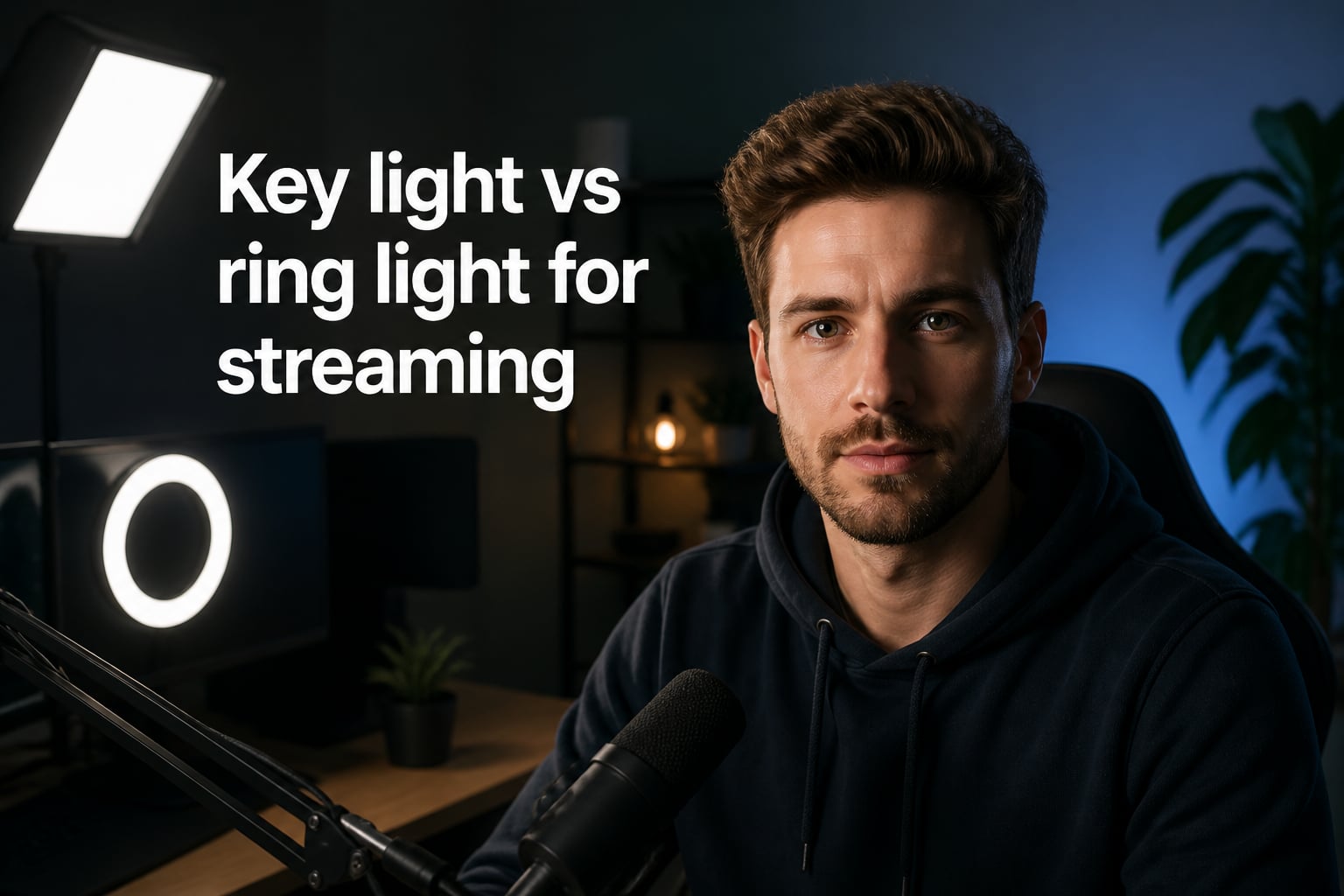
I remember when I set up my first streaming desk, I bought a ring light because every creator on YouTube had one. Within two weeks I switched to a key light and never looked back, except when I’m filming makeup reviews where the ring light still earns its place. The key light vs ring light for streaming debate is real, and the right answer depends on what kind of content you make.
Our team has tested both lighting styles across dozens of streams and video shoots over the past year. We’ve mounted them on tiny desks, big desks, boom arms, and floor stands. We’ve adjusted color temperature at 2 AM before a launch. This guide breaks down everything we’ve learned so you can pick the right light for your setup without wasting money on the wrong one.
By the end you’ll know exactly how key lights and ring lights differ, when each one shines (pun intended), and which one matches your content style. We’ll cover brightness, shadow handling, eye strain, app control, and budget options so you have a complete picture.
Table of Contents
- What Is a Key Light and How Does It Work for Streaming?
- What Is a Ring Light and Why Do Streamers Use It?
- Key Light vs Ring Light: Head-to-Head Comparison
- Pros and Cons of Each Lighting Option
- Best Use Cases for Key Lights and Ring Lights
- App Control, Automation, and Stream Deck Integration
- Setup Complexity and Desk Space Requirements
- Eye Strain and Comfort During Long Streams
- Hybrid Lighting Setups: Combining Both Lights
- Budget Alternatives Beyond Premium Brands
- Frequently Asked Questions
- Final Verdict: Which Light Belongs on Your Stream?
What Is a Key Light and How Does It Work for Streaming?
A key light is a directional LED panel that you position at roughly a 45-degree angle to your face. It’s the main light source in any studio setup, whether that’s for film, photography, or live streaming. The whole point is to create depth by casting controlled shadows on one side of your face while keeping the other side lit.
Most streaming key lights, including the popular Elgato Key Light, produce around 2,800 lumens of brightness with adjustable color temperature from roughly 2,900K to 7,000K. That range lets you shift from warm tungsten tones to cool daylight, matching whatever ambient lighting you have in your room.
The directional nature of a key light is what gives your stream a professional, cinematic look. Shadows under your cheekbones, a defined jawline, and a subtle highlight on the side closer to the light all add dimension. Viewers may not consciously notice these details, but they read the image as “high quality” compared to flat lighting.
Key lights typically mount on a desk clamp, boom arm, or floor stand. They take up more physical space than a clip-on webcam light, but they also give you complete control over where the light comes from. That control is what separates beginner-looking streams from professional-looking ones.
Why Directional Lighting Matters
Directional lighting creates contrast. Your brain interprets contrast as depth, and depth makes faces look three-dimensional on a 2D screen. Without it, even a high-end camera will make you look flat and washed out, almost like a passport photo.
I tested this side by side during a multi-camera shoot. Same camera, same settings, same room. With only overhead room lighting my face looked puffy and tired. After adding a single key light at 45 degrees, my face looked alert and defined. The difference was night and day without changing anything else.
What Is a Ring Light and Why Do Streamers Use It?
A ring light is a circular LED light with the camera or your face positioned in the center of the ring. Because the LEDs wrap all the way around the lens, they create very even, almost shadow-free illumination across your face.
Ring lights come in many sizes, from 6-inch clip-on models for laptops to 18-inch professional versions like the Elgato Ring Light. Brightness typically ranges from 500 to 2,500 lumens, with adjustable color temperature on most mid-tier and premium models.
The signature look of a ring light is the circular catchlight reflected in your eyes. Beauty creators, makeup artists, and ASMR performers love this effect because it makes eyes look bigger, more awake, and more engaging. There’s also no harsh shadow under your nose or chin, which is a problem that plagues new streamers using only overhead lights.
The even illumination is also much more forgiving for webcam quality. If you have a less-than-perfect skin day or you haven’t slept, a ring light will smooth out those imperfections better than a key light can. It’s essentially softbox lighting in a portable circular format.
How Ring Lights Handle Shadows
Ring lights minimize shadows by attacking the problem from multiple angles at once. With light coming from all sides of the ring, no single shadow has room to form on your face. The trade-off is that you lose dimensional depth, and your face can look slightly flat.
This trade-off works perfectly for content where the face is the entire product, like makeup tutorials, skincare reviews, or close-up unboxings. It works less well for narrative content, gaming streams with full-screen gameplay, or anything where you want a cinematic feel.
Key Light vs Ring Light: Head-to-Head Comparison
Here’s a side-by-side comparison of the two lighting styles across the specs and features that matter most for streamers. Both premium options use Elgato since they’re the most common reference point in the streaming community, but the principles apply to any brand.
| Feature | Key Light (Elgato) | Ring Light (Elgato) |
|---|---|---|
| Brightness | 2,800 lumens | 2,500 lumens |
| Color Temperature | 2,900K – 7,000K | 3,000K – 6,500K |
| Mounting Style | Desk clamp, boom, floor stand | Desk stand, tripod, wall mount |
| App Control | Yes (Wi-Fi via Elgato Control Center) | Yes (Wi-Fi via Elgato Control Center) |
| Shadow Style | Defined, dimensional | Minimal, even |
| Catchlight in Eyes | Single circular highlight | Distinct ring reflection |
| Best For | Talking head, gaming, podcasts | Makeup, ASMR, beauty, tutorials |
| Desk Space Needed | Moderate (arm or stand required) | Moderate to large (depends on size) |
| Eye Comfort | Can be intense at full power | Generally softer on eyes |
Both lights offer app control through the Elgato ecosystem, which is a major plus for streamers who already use Stream Deck. You can swap between lighting presets, sync brightness to time of day, and trigger scene changes without ever touching the physical light.
Brightness and Color Temperature Differences
Key lights typically edge out ring lights on raw brightness, though the difference is rarely noticeable in normal streaming conditions. Color temperature ranges are similar, but key lights usually offer a wider spread, going slightly cooler than most ring lights. This matters if your room has cool ambient light from monitors or LED strips.
Pros and Cons of Each Lighting Option
Every lighting option has trade-offs. Here’s the honest breakdown of what you gain and what you give up with each style.
Key Light Pros
- Creates professional, cinematic depth and dimension
- Works for almost every content style
- Flexible positioning with boom arms and stands
- Wider color temperature range
- Easy to combine with fill and hair lights
Key Light Cons
- Requires dedicated mounting space
- Can feel harsh on eyes at full brightness
- Cast shadows can emphasize blemishes or wrinkles
- Steeper learning curve to position correctly
Ring Light Pros
- Even, flattering light on your face
- Iconic catchlight looks great on camera
- Often gentler on eyes for long sessions
- Excellent for close-up content
- Beginner-friendly with minimal setup
Ring Light Cons
- Flat-looking for full-screen gameplay streams
- Larger models eat desk space
- Limited ability to add layered lighting
- Reflects harshly in glasses (a common streamer frustration)
- Less control over shadow direction
The glasses reflection issue is one of the most common complaints I see on Reddit. If you wear glasses, a ring light almost always shows up in your lenses. A key light positioned slightly off-center usually avoids this problem, which is one reason many bespectacled streamers prefer key lights.
Best Use Cases for Key Lights and Ring Lights
Different content types call for different lighting philosophies. Here’s how to match the light to what you’re actually creating.
Key Lights Excel At
- Twitch gaming streams with facecam in the corner
- YouTube talking-head videos and vlogs
- Professional podcast recording with video
- Product review channels where depth helps showcase items
- News-style or interview-style content
Ring Lights Excel At
- Makeup tutorials and beauty content
- ASMR and whisper content with close-up shots
- TikTok and Instagram Reels with face-forward framing
- Skincare reviews and close-up demonstrations
- Haul videos where you want even lighting on products
For most streaming setups focused on gameplay, a key light wins because it adds professional polish without competing with the game on screen. For content where your face is the entire frame, a ring light often wins on simplicity and the signature catchlight effect.
App Control, Automation, and Stream Deck Integration
Both key lights and ring lights from premium brands now come with Wi-Fi app control. This is a huge upgrade from the old days of physical dials and buttons. You can adjust brightness, color temperature, and save presets from your phone or desktop.
Elgato takes this a step further with Stream Deck integration. I have presets set up for “Daytime Stream,” “Night Stream,” and “Camera Off” so I can shift my lighting instantly when transitioning between scenes. A ring light works with the same system, so the app advantage isn’t unique to key lights.
Both lights can also sync brightness to your screen or time of day using third-party automation tools. If you spend hours tweaking your setup, this kind of automation saves real time.
Setup Complexity and Desk Space Requirements
Here’s where the practical frustrations show up. Ring lights often look simple but their stands and tripods can be bulky. A large 18-inch ring light on a desk stand takes up nearly as much room as a key light on a boom arm.
Key lights win on flexibility because they can clamp to the back of your desk, mount on a boom arm above your monitor, or sit on a floor stand behind your setup. This is one reason many small-desk streamers prefer key lights despite the higher cost.
Monitor wobble is a real concern with both lights if you’re mounting them directly to your monitor. A heavy light pulling on a thin monitor can cause visible shake, especially when typing. Always clamp to your desk, not your monitor, if possible.
Eye Strain and Comfort During Long Streams
Eye comfort matters more than most guides admit. Streamers regularly do 6 to 10 hour sessions, and harsh lighting can lead to headaches, dry eyes, and general fatigue by the end of the day.
Ring lights tend to feel softer on eyes because the LEDs are spread around a wide arc and aren’t pointed directly at you. Key lights at full brightness can feel intense, especially if you’re sensitive to bright lights. The fix is to dial down the brightness and add a fill light from the opposite side.
Color temperature also affects eye strain. Cooler temperatures (5,500K and above) feel more energetic but can cause more strain over long sessions. Warmer temperatures (around 3,200K) feel easier on the eyes but can make your stream look yellow on camera. I run 4,000K to 4,500K as a compromise that looks natural on stream and doesn’t fry my eyes.
Hybrid Lighting Setups: Combining Both Lights
You don’t actually have to pick one. Many professional streamers run a hybrid setup with a key light as the main source and a smaller ring light or LED accent as fill or background lighting. The key light does the heavy lifting for your face, while the secondary light adds depth or color to the background.
This setup costs more and requires more desk space, but it gives you the best of both worlds. You get the dimensional look of a key light with the flattering fill that a ring light provides.
Budget Alternatives Beyond Premium Brands
Elgato isn’t the only option. Neewer makes solid LED panels at roughly half the price with similar lumens and color temperature ranges. You lose the Elgato app ecosystem but gain significant savings.
Generic LED panels on Amazon work fine for beginners. Look for panels with at least 2,000 lumens, adjustable color temperature, and a sturdy mount. Avoid ultra-cheap options without proper heat dissipation, since LEDs that run too hot lose brightness fast.
For ring lights, the same logic applies. A Neewer or generic 18-inch ring light costs a fraction of premium brands and works well for most content.
Frequently Asked Questions
What type of lighting is best for streaming?
For most streamers doing gaming, talking head content, or podcasts, a key light positioned at a 45-degree angle is best. It creates depth, dimension, and a professional look. For beauty content, ASMR, or close-up tutorials, a ring light is often a better fit because it provides even, shadow-free illumination with a signature catchlight in the eyes.
Should I use a ring light for streaming?
You should use a ring light for streaming if your content focuses on your face, like makeup tutorials, ASMR, skincare reviews, or TikTok-style videos. For gaming streams or full-screen content with a small facecam, a key light is usually the better choice because it adds dimension without competing with the action on screen.
What is the difference between a ring light and a key light?
A key light is a directional LED panel placed at an angle to your face, creating controlled shadows and depth. A ring light is a circular LED light with your face in the center, producing even, shadow-free illumination. Key lights give a cinematic look, while ring lights give a flattering, soft look ideal for close-ups.
What is the best ring light for streaming videos?
The best ring lights for streaming offer at least 2,000 lumens, adjustable color temperature from 3,000K to 6,500K, a sturdy mount, and ideally app or remote control. Premium options like the Elgato Ring Light integrate with Stream Deck, while budget-friendly Neewer ring lights deliver similar core performance for less money.
What is the best key light for live streaming?
The best key lights for live streaming offer around 2,800 lumens, a color temperature range of 2,900K to 7,000K, app control, and flexible mounting options like a desk clamp or boom arm. The Elgato Key Light and Key Light Air are popular choices, but Neewer and other brands offer solid alternatives at lower price points.
What is the best lighting setup for live streaming?
The best lighting setup for most streamers is a key light at a 45-degree angle from your face, paired with a dimmer fill light or ring light on the opposite side to soften shadows. Add a backlight or hair light for separation if you want a polished studio look. For small desks, a single key light on a boom arm often suffices.
Final Verdict: Which Light Belongs on Your Stream?
The key light vs ring light for streaming choice comes down to what your audience is looking at. If your face is most of the frame, a ring light’s even glow and signature catchlight will flatter you and keep viewers engaged. If your face is just part of a larger scene, a key light’s directional depth will make you look professional without overpowering the rest of the content.
For most streamers just starting out, I’d recommend a single key light on a boom arm. It teaches you how directional lighting works, gives you room to grow into a multi-light setup, and works for nearly every content type. Add a ring light later if you start filming beauty content or want that signature catchlight look.
Whichever you choose, proper lighting will instantly level up your stream quality more than any camera upgrade. Viewers may not notice a great light, but they absolutely notice bad lighting. Start with one good light, position it correctly, and adjust from there.