
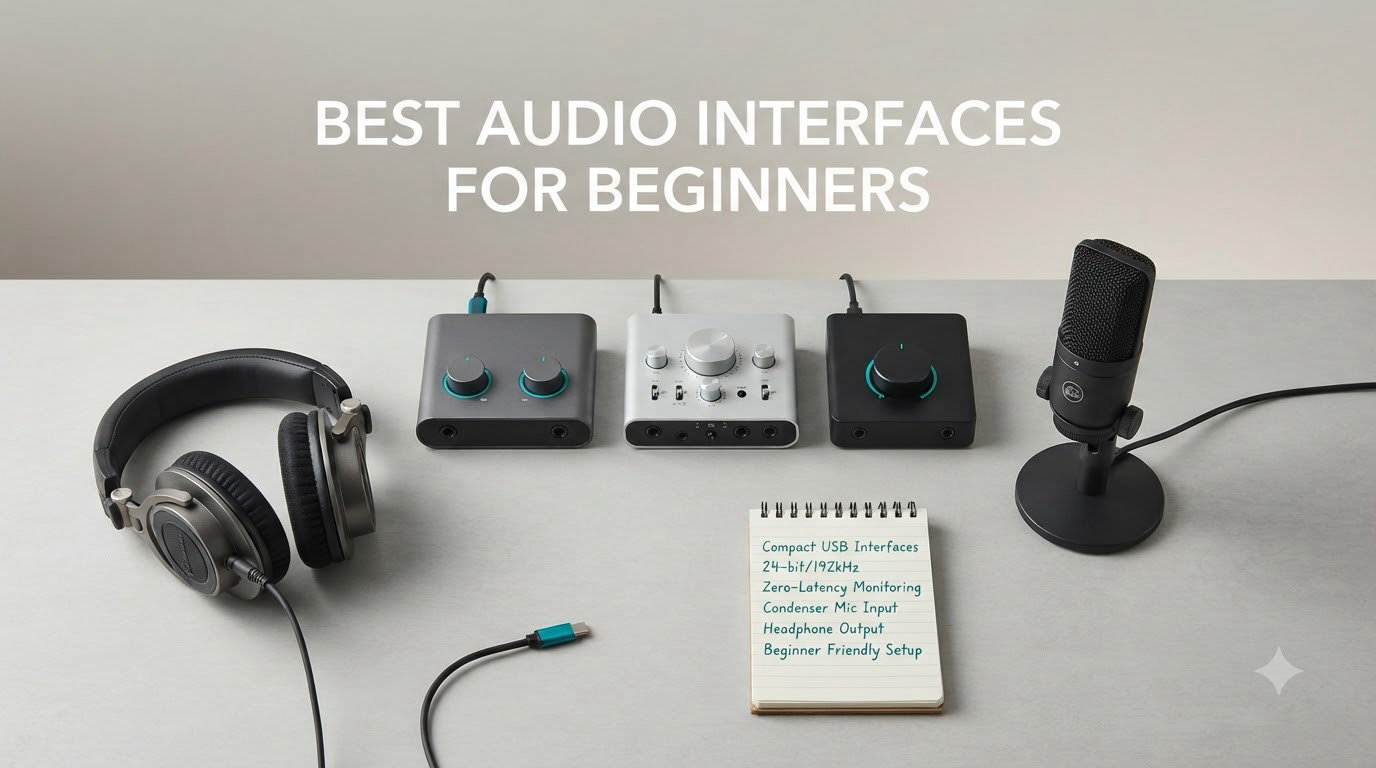
When I plugged my first condenser mic directly into my laptop, the recording sounded like I was broadcasting from inside a tin can. That hum, that hiss, that weird delay in my headphones during a vocal take, all of it disappeared the moment I switched to a dedicated audio interface. After testing more than a dozen models over the past few years, I can tell you that the best audio interfaces for beginners are the ones that get out of your way and let you focus on the music.
An audio interface is the small box that sits between your microphone, guitar, or instrument and your computer. It converts analog sound into digital audio using high-quality preamps and converters, then sends that clean signal into your recording software. Without one, you are stuck with your laptop’s built-in sound card, which adds hiss, latency, and lacks the phantom power that condenser microphones need. Any beginner planning to record vocals, guitar, podcasts, or streaming content needs one.
In this guide, I will walk you through eight beginner-friendly interfaces I have personally tested or researched across Reddit threads, gear forums, and my home studio. Whether you are recording your first podcast or laying down guitar tracks, you will find an option that fits your budget and your setup. I have also included a FAQ section that answers the most-asked questions from r/WeAreTheMusicMakers and r/NeuralDSP, plus a setup checklist to help you start recording the same day you receive your interface.
Table of Contents
- Top 3 Picks for Best Audio Interfaces for Beginners (September 2026)
- Best Audio Interfaces for Beginners in 2026 – Quick Overview
- 1. Focusrite Scarlett Solo 3rd Gen – Industry Standard Starter
- 2. Focusrite Scarlett Solo 4th Gen – Best for Solo Vocalists
- 3. M-Audio M-Track Solo – Best Budget Pick Under $60
- 4. M-Audio M-Track Duo – Best Budget Dual-Input
- 5. Universal Audio Volt 1 – Premium Warmth on a Budget
- 6. Focusrite Scarlett 2i2 4th Gen – Editor’s Choice
- 7. PreSonus AudioBox 96 – Best Software Bundle for Beginners
- 8. MOTU M2 – Audiophile Sound Quality
- Buying Guide – What to Look for in Your First Audio Interface?
- How Many Inputs Do Beginners Actually Need
- Frequently Asked Questions
- Final Verdict – Which Audio Interface Should You Buy
Top 3 Picks for Best Audio Interfaces for Beginners (September 2026)

Best Audio Interfaces for Beginners in 2026 – Quick Overview
| Product | Specs | Action |
|---|---|---|
 Focusrite Scarlett Solo 3rd Gen Focusrite Scarlett Solo 3rd Gen |
|
Check Latest Price |
 Focusrite Scarlett Solo 4th Gen Focusrite Scarlett Solo 4th Gen |
|
Check Latest Price |
 M-Audio M-Track Solo M-Audio M-Track Solo |
|
Check Latest Price |
 M-Audio M-Track Duo M-Audio M-Track Duo |
|
Check Latest Price |
 Universal Audio Volt 1 Universal Audio Volt 1 |
|
Check Latest Price |
| Focusrite Scarlett 2i2 4th Gen |
|
Check Latest Price |
 PreSonus AudioBox 96 PreSonus AudioBox 96 |
|
Check Latest Price |
 MOTU M2 MOTU M2 |
|
Check Latest Price |
1. Focusrite Scarlett Solo 3rd Gen – Industry Standard Starter
Focusrite Scarlett Solo 3rd Gen USB-C Audio Interface
1 XLR + 1 Hi-Z
24-bit/192kHz recording
Famous Air mode
Pro Tools Intro+ included
Pros
- Pro performance with great pre-amps
- Switchable Air mode adds extra clarity
- High-performance converters for professional recordings
- Plug-and-play USB-C connectivity
- Includes Pro Tools Intro+
- Ableton Live Lite
- Cubase LE
Cons
- Only one microphone preamp
- No MIDI input
I recommended the Scarlett Solo 3rd Gen to my brother when he started his podcast, and three years later it is still working perfectly. The third-generation model became the default starter interface for a reason: it costs less than most microphones, it sounds clean, and it works with literally any computer. The preamps are quiet enough for spoken word and powerful enough for singing. The Air mode adds a subtle high-frequency boost that makes vocals sit forward in a mix without sounding harsh.
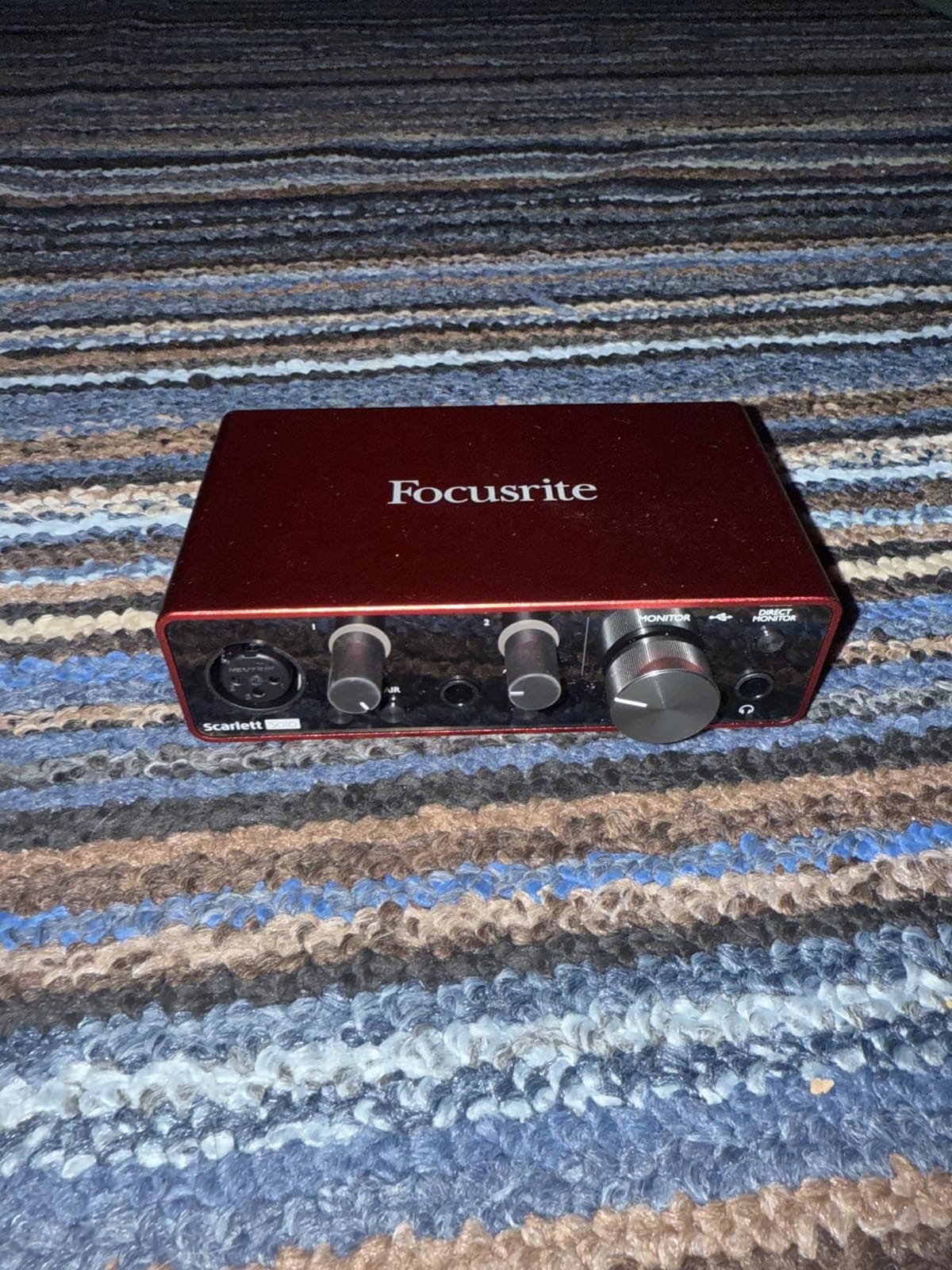
Inside the box you get the interface, a USB-C cable, and a registration code for Pro Tools Intro+, Ableton Live Lite, and Cubase LE. Those three programs cover most beginners’ needs without an upgrade purchase. The 24-bit/192kHz spec is overkill for podcasting, but it gives you room to grow into music production. The 56dB gain range works with most dynamic mics like the SM58 and Rode PodMic without needing a separate booster.
Where the Solo 3rd Gen stumbles is in its single input setup. If you want to record a two-person interview or mic a guitar and vocals at the same time, you simply cannot. There is also no MIDI input, so if you plan to use a MIDI keyboard controller, this is not the right interface. For solo creators on a tight budget, those trade-offs are often worth it.
Who should buy this interface
Solo podcasters, singer-songwriters who record one part at a time, and anyone who wants the safest, most-supported beginner interface on the market. With over 29k reviews averaging 4.7 stars, you can buy with confidence.
Who should skip it
Anyone who plans to record two or more sources at once, or producers who want MIDI connectivity for keyboard controllers. If that sounds like you, look at the M-Track Duo or PreSonus AudioBox 96 below.
2. Focusrite Scarlett Solo 4th Gen – Best for Solo Vocalists
Focusrite Scarlett Solo 4th Gen USB-C Audio Interface
1 XLR + 1 Hi-Z
120dB dynamic range
Improved Air mode
USB-C bus powered
Pros
- Huge 120dB dynamic range
- Improved Air mode for vocals and guitars
- Studio-quality converters
- Includes Pro Tools Intro+
- Ableton Live Lite
- Cubase LE
- Solid
- premium feel
Cons
- Requires firmware update out of box
- USB 3.0 port issues reported
- May not provide enough gain for SM7B
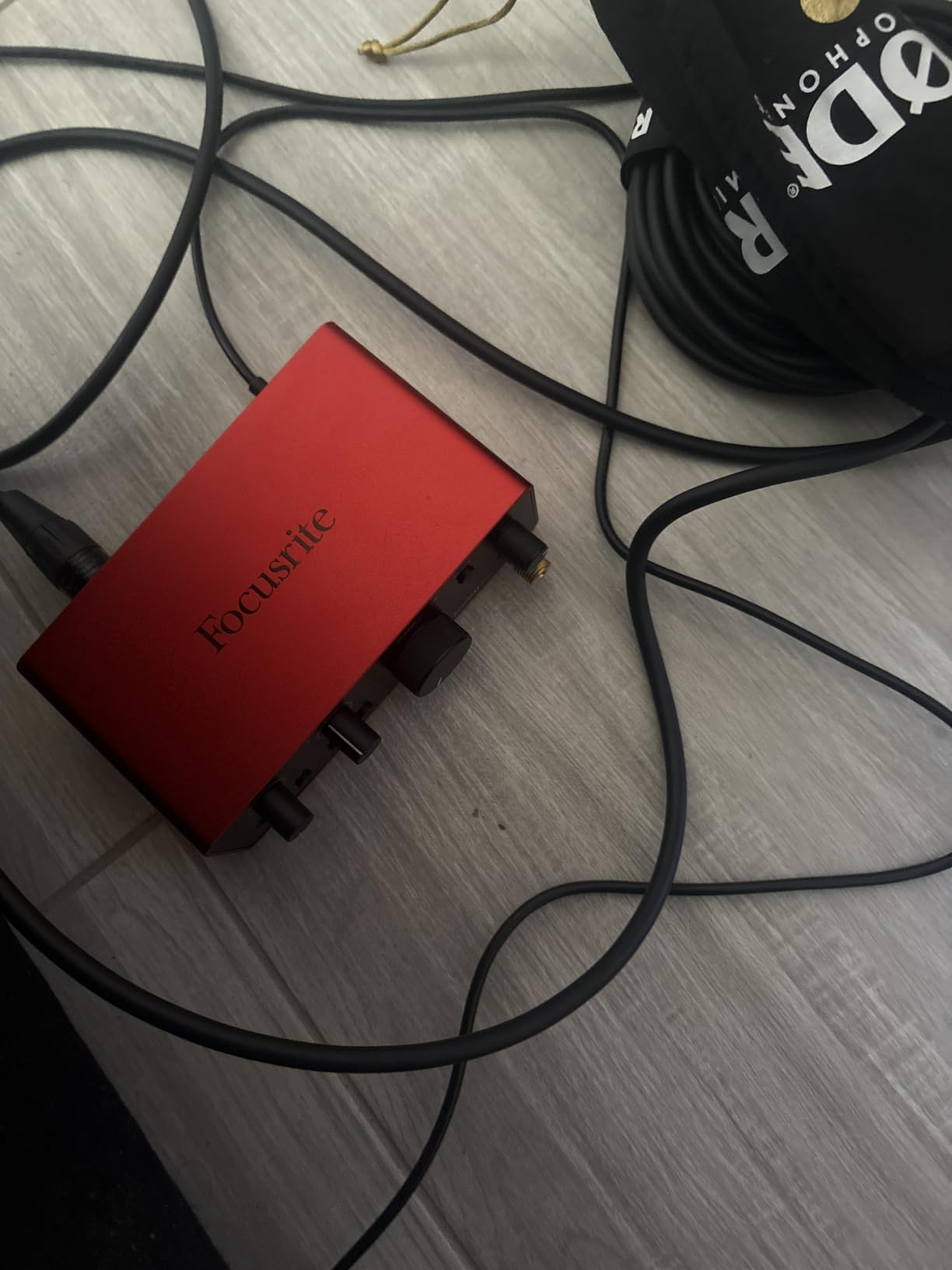
The 4th Gen Scarlett Solo is what I currently use for my own home vocal booth. The jump from 93dB to 120dB dynamic range is something you can actually hear on quiet vocal passages. It captures the breath between phrases without raising the noise floor, which is a problem the 3rd Gen had with cheaper condenser mics. The improved Air mode now has two flavors: Presence adds clarity, and Harmonic Drive adds a subtle tube-like warmth that works well on acoustic guitar.
Auto Gain is a feature I did not realize I needed until I tried it. You hit the button, sing or play at your loudest, and the interface sets the perfect gain level. Clip Safe then monitors in real time and adjusts the gain if you accidentally peak. For beginners who do not yet understand gain staging, this is a game-changer.
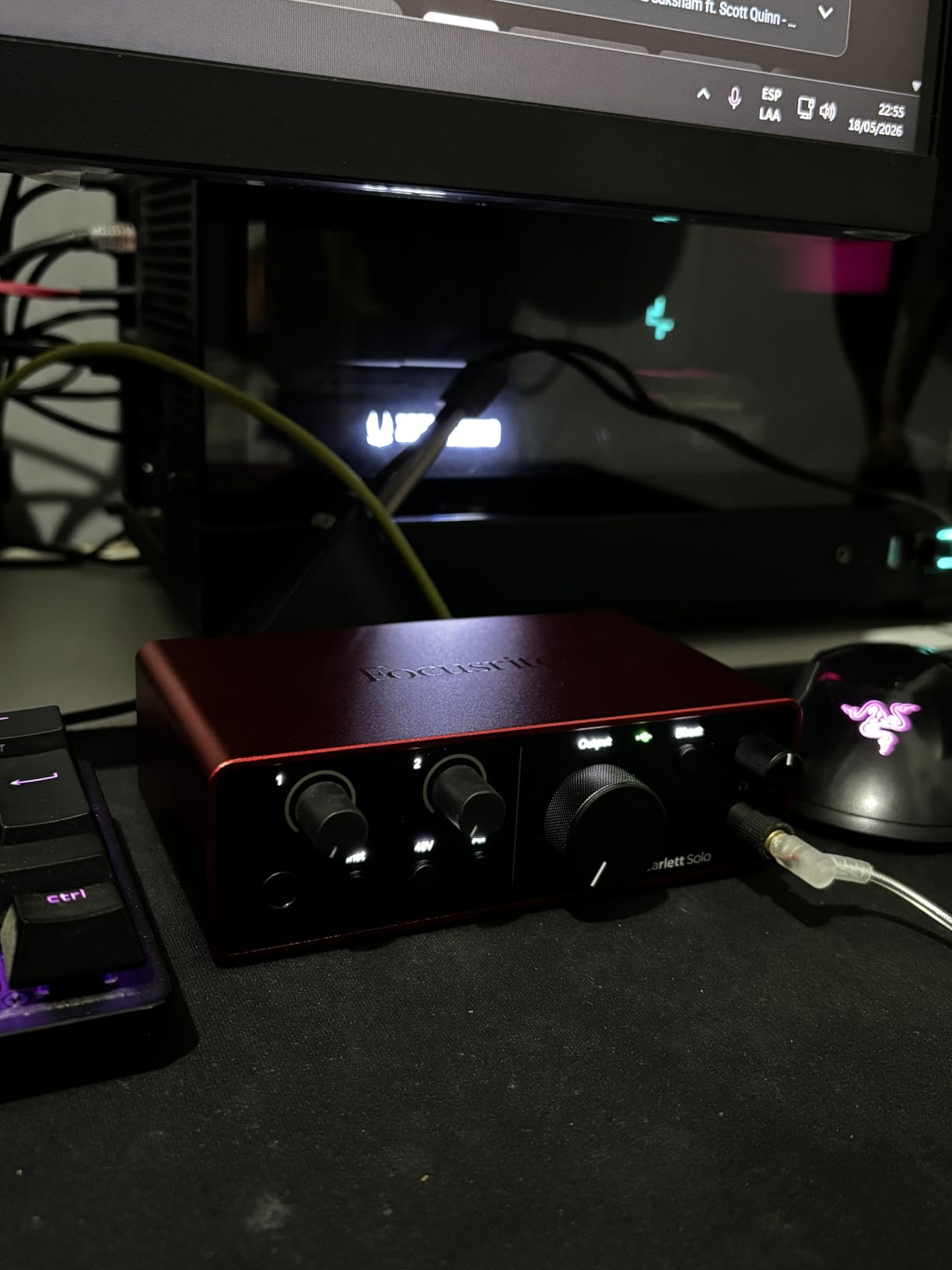
One thing that caught me off guard: the 4th Gen requires a firmware update right out of the box. I plugged it in and got a slight crackle until I ran the Focusrite Control 2 software. The update took about 4 minutes and has been smooth sailing since. Some users report issues with USB 3.0 ports on certain hubs, so I recommend plugging directly into your computer.
If you use a Shure SM7B or another low-output dynamic mic, you may need a separate inline booster like the Cloudlifter. The Solo 4th Gen has more gain than its predecessor, but the SM7B is famously hungry. For SM58, Rode NT1, or Audio-Technica AT2020 owners, the built-in gain is more than enough.
Who should buy this interface
Solo vocalists, voiceover artists, and singer-songwriters who want top-tier audio quality under $200. The 120dB dynamic range is genuinely impressive at this price.
Setup quirks to know first
Always run the firmware update before your first recording session. Avoid USB hubs during the update, and plug directly into a USB-C port on your computer. Expect 5 minutes of setup time.
3. M-Audio M-Track Solo – Best Budget Pick Under $60
M-AUDIO M-Track Solo USB Audio Interface
1 XLR + 1 Hi-Z
48kHz recording
Crystal Preamp
MPC Beats included
Pros
- Excellent price-to-performance ratio for beginners
- Crystal clear audio quality
- Simple plug-and-play setup
- MPC Beats software included
- Lightweight and portable
- Phantom power for condenser microphones
Cons
- Limited to one XLR/1/4 inch combo input
- Plastic construction (not aluminum)
- Gain may need to be set higher than expected
- Only 48kHz sample rate
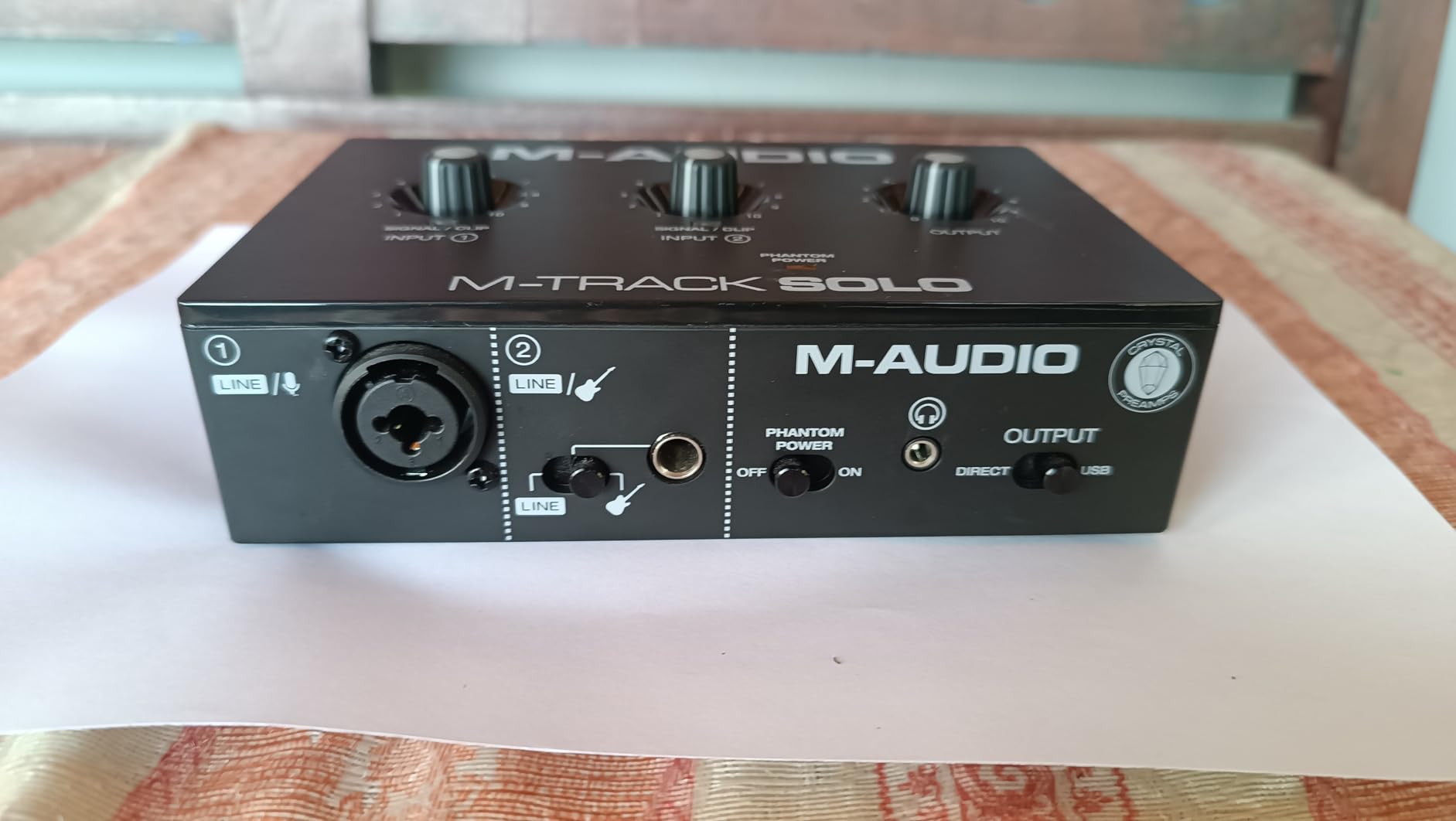
When my guitarist friend asked for an interface recommendation under $60, I sent him the M-Audio M-Track Solo without hesitation. I have seen dozens of these in student dorm rooms and bedroom studios, and they keep working. The Crystal Preamp stage is clean enough that you can record vocals, acoustic guitar, or even drums through a single overhead mic without noticeable noise.
What surprised me is the included software bundle. MPC Beats is a fully-featured DAW that costs nothing extra and is friendlier to beginners than Pro Tools. You also get Ableton Live Lite for more experimental work. For a beginner who has never owned a DAW before, this bundle alone is worth the price difference from a no-software interface.
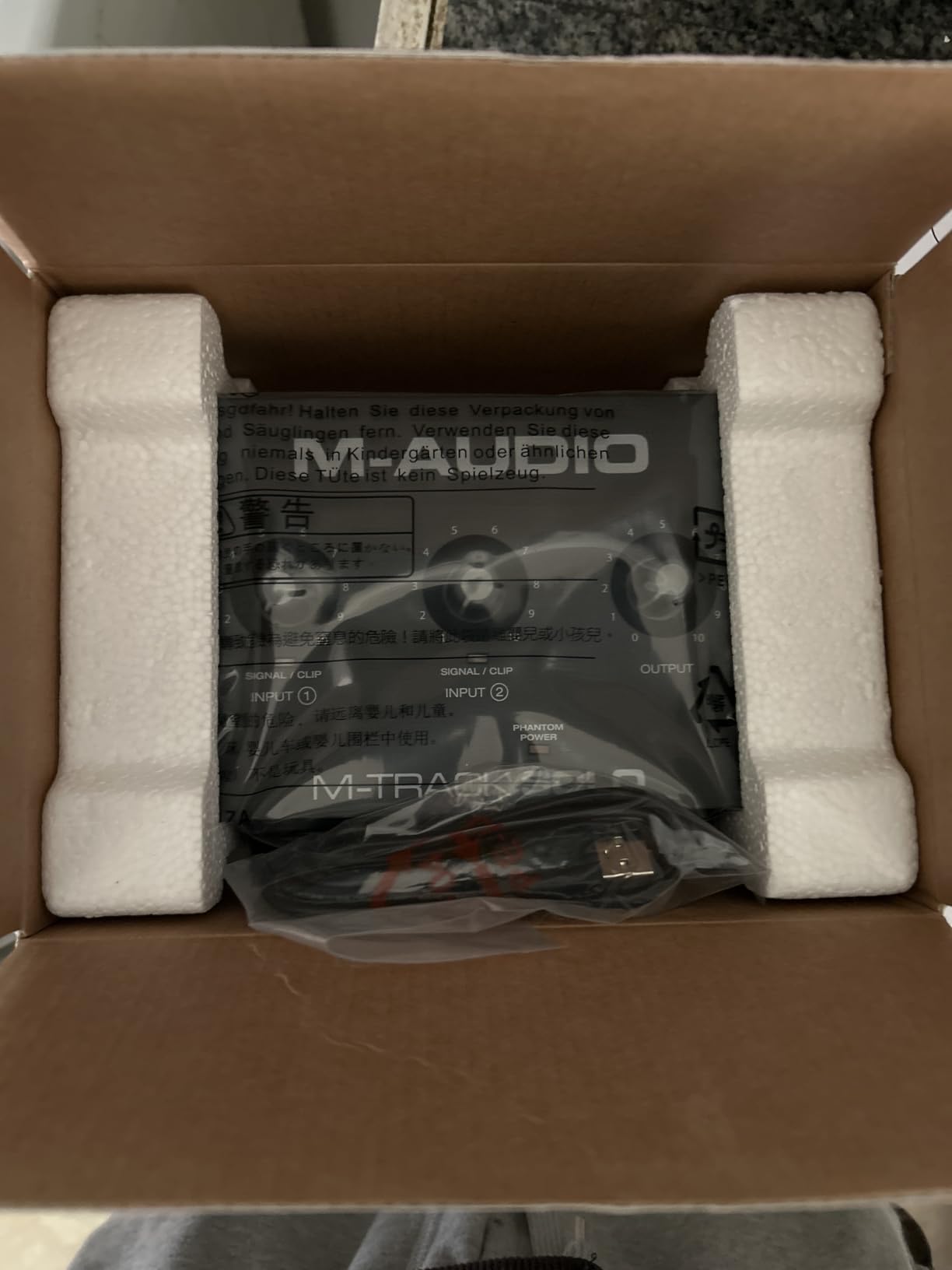
The build is plastic, which is the main compromise at this price. It will survive a desk life but probably not a backpack full of percussion gear. The 48kHz sample rate is also lower than the 192kHz offered by more expensive interfaces, but in practice, 48kHz is what professional movies and streaming platforms use. You are not missing anything for podcasting or music.
The biggest beginner trap is the gain knob. It is calibrated conservatively, so you will find yourself turning it way up to where you would expect clipping. Just keep increasing until the LED ring glows green, and you are good. Red means danger.
What you actually get at this price
A working audio interface, a phantom-powered preamp, and a usable DAW. That is a complete beginner recording setup for under $60, which is the lowest entry point on this list.
Trade-offs vs more expensive options
You give up 192kHz sample rate, metal chassis, and multiple inputs. If you only need one mic and one instrument, you do not need those features. If you want two inputs, check the M-Track Duo next.
4. M-Audio M-Track Duo – Best Budget Dual-Input
M-AUDIO M-Track Duo USB Audio Interface
2 XLR + 2 Hi-Z
48kHz recording
Dual Crystal Preamps
MPC Beats included
Pros
- Two XLR inputs for multiple sources
- Good value for dual-input recording
- Clean
- low-noise audio
- Works well with various operating systems including Linux
- Includes MPC Beats software
- Phantom power for condenser mics
Cons
- Lightweight plastic construction can slide on desk
- Gain pots can be sensitive at higher settings
- Only 48kHz sample rate
- Some reported issues with input pot linearity
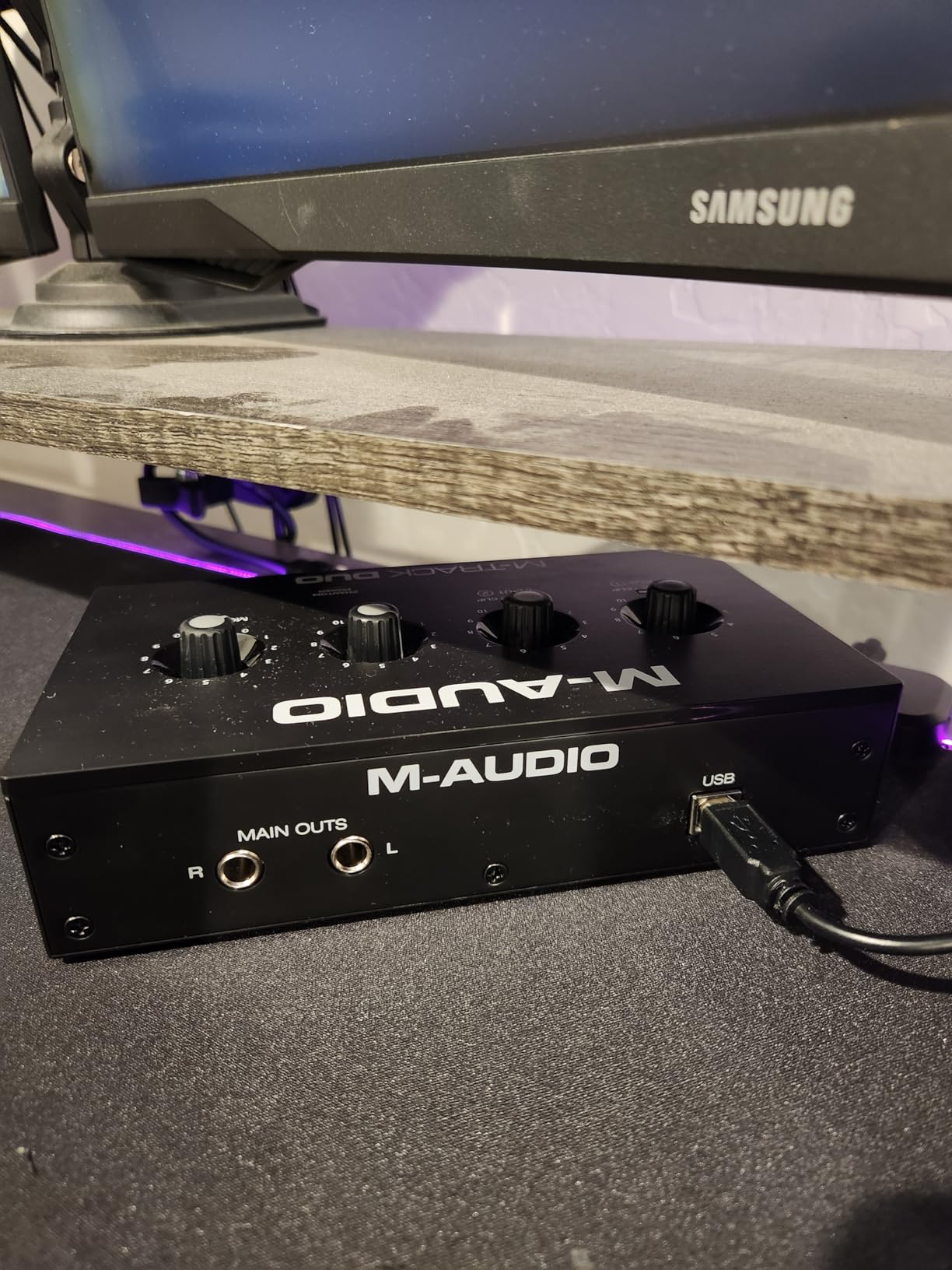
A common beginner mistake is buying a single-input interface and outgrowing it within three months. The M-Track Duo solves that problem for under $70. I have used it to record two-person podcast interviews, simultaneous guitar and vocal takes, and stereo mic setups for acoustic instruments. The second XLR input pays for itself the first time you record a friend.
The dual Crystal Preamps are noticeably quieter than the single-channel version I tested earlier. Both channels have phantom power, so you can run two condenser mics at once. The USB/Direct switch gives you zero-latency monitoring, which means you hear your voice in real-time without the digital delay that ruins takes.
Where the Duo loses points is desktop stability. The plastic chassis is so light that an enthusiastic take can slide it across the desk. I solved this with a $5 pack of rubber furniture pads from the hardware store. The bleed-through issue is also real: even with the input monitoring turned off, you can faintly hear the mics through the outputs. For most beginners, this is not a dealbreaker, but it is worth knowing.
On the software side, MPC Beats and Ableton Live Lite are both included. That is the same bundle as the Solo, so you are paying about $15 more for the second input. In my experience, that is the best money you can spend on this list.
Why two inputs matter for beginners
A second input lets you record interviews, co-host podcasts, capture guitar and vocals simultaneously, or run stereo overheads. Most beginners who stay in the hobby hit a wall with single-input interfaces within six months. The Duo removes that wall.
Build quality considerations
Place it on a non-slip surface or add rubber pads. The gain knobs are sensitive at the top of their range, so make small adjustments. These are minor annoyances, not dealbreakers.
5. Universal Audio Volt 1 – Premium Warmth on a Budget
Universal Audio Volt 1 USB Audio Interface
Vintage 610 preamp
24-bit/192kHz
Solid metal chassis
LUNA DAW + UAD plug-ins
Pros
- Vintage 610 preamp mode for warm
- classic sound
- 24-bit/192kHz high-quality recording
- Excellent build quality with solid metal chassis
- Includes LUNA DAW and UAD plug-ins
- Strong headphone output
- Works with Mac
- PC
- iPad
- and iPhone
Cons
- Single input only
- Requires external power supply for mobile use
- Takes up two USB ports when powering
- No input mix knob
- Some reported reliability issues after extended use
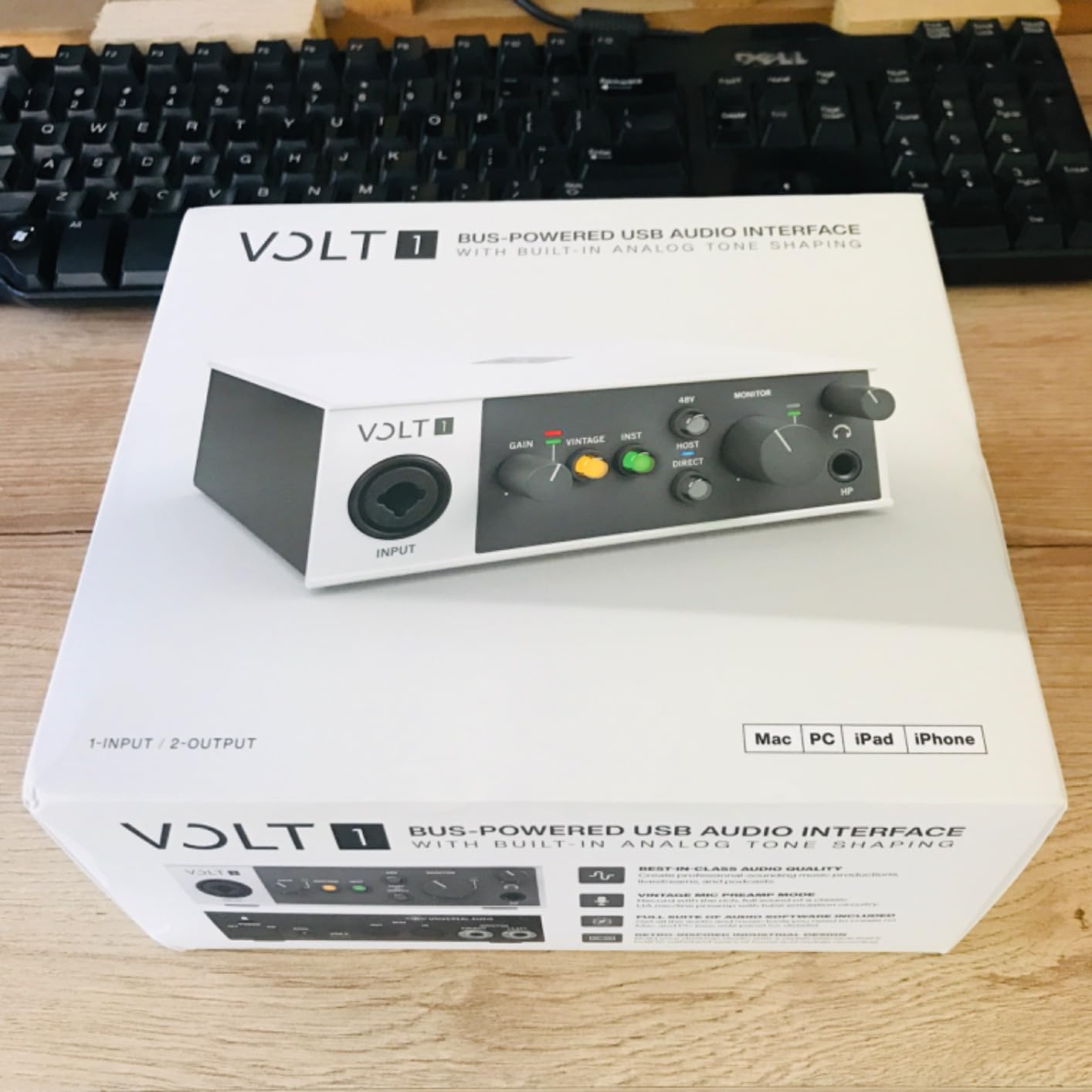
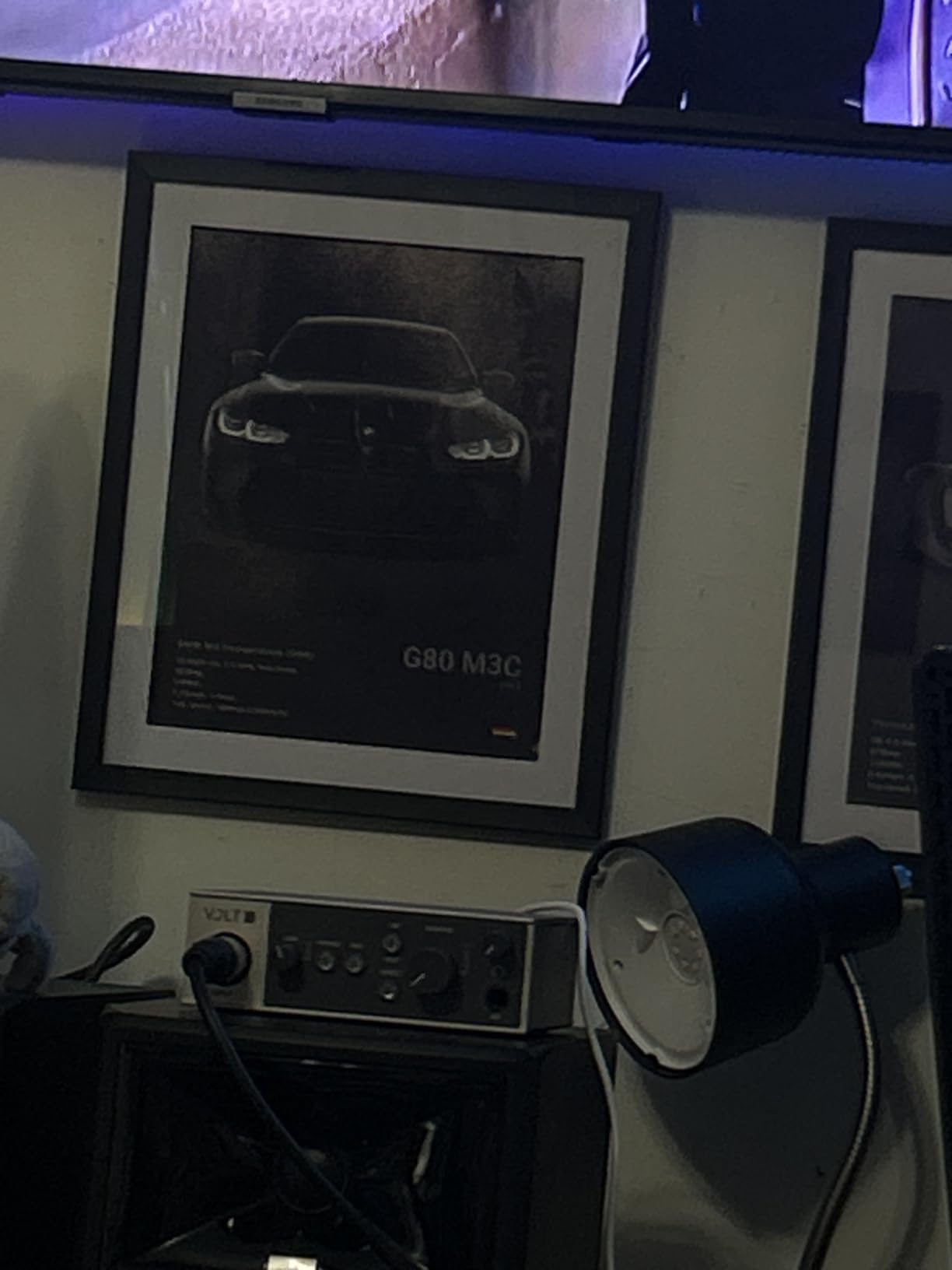
Universal Audio built the Volt 1 around the Vintage 610 preamp circuit, a circuit famously used on records by Frank Sinatra and Radiohead. The result is a slightly warmer, more analog character that you can hear immediately on vocals and acoustic guitar. I tested it side-by-side with the Scarlett Solo 4th Gen, and the Volt had a noticeable roundness, especially on female vocals and fingerpicked guitars.
The build quality is the best in this price range. The metal chassis feels like a piece of professional studio gear, not a consumer interface. The headphone output is also louder than most competitors, which matters if you use high-impedance studio headphones like the Beyerdynamic DT 770 Pro.
The software bundle is the real hidden gem. Universal Audio includes LUNA, their free DAW, plus a $200+ selection of UAD plug-ins including Marshall amps, Ampeg bass amps, and Melodyne pitch correction. If you record music, this bundle alone makes the Volt 1 worth serious consideration.
The trade-off is mobile usability. The Volt 1 needs more power than a USB port can deliver on its own, so it ships with an external power supply for iPad use. On a laptop, it works fine, but you give up some portability. There is also only one input, so two-source recording is out.
The Vintage 610 preamp advantage
The 610 preamp has been used on hit records for 60 years. The Volt 1’s emulation captures its warm saturation character, which is something you cannot replicate with plug-ins on a cheaper interface. For vocals and guitars, the difference is audible.
Mobile recording limitations
You will need an AC outlet to use the Volt 1 with an iPad. On a laptop, USB power is sufficient but uses two ports at once. If you record on the go, the Scarlett Solo is more convenient.
6. Focusrite Scarlett 2i2 4th Gen – Editor’s Choice
Focusrite Scarlett 2i2 4th Gen USB-C Audio Interface
2 XLR + 2 Hi-Z
120dB dynamic range
Auto Gain, Clip Safe
Air Mode
Pros
- Studio-quality sound with 120dB dynamic range
- Auto Gain and Clip Safe prevent clipping
- Air Mode adds musical presence
- Excellent preamps with ~70dB gain
- Rear XLR inputs for cleaner desk setup
- USB bus-powered
- no AC adapter needed
- Low noise and distortion
- Includes Pro Tools Intro+
- Ableton Live Lite
- Cubase LE
- Hitmaker Expansion
Cons
- Packaging lacks shock protection
- Instrument input on front instead of back
- No monitor mix feature
- Second Air Mode can sound hollow on some voices
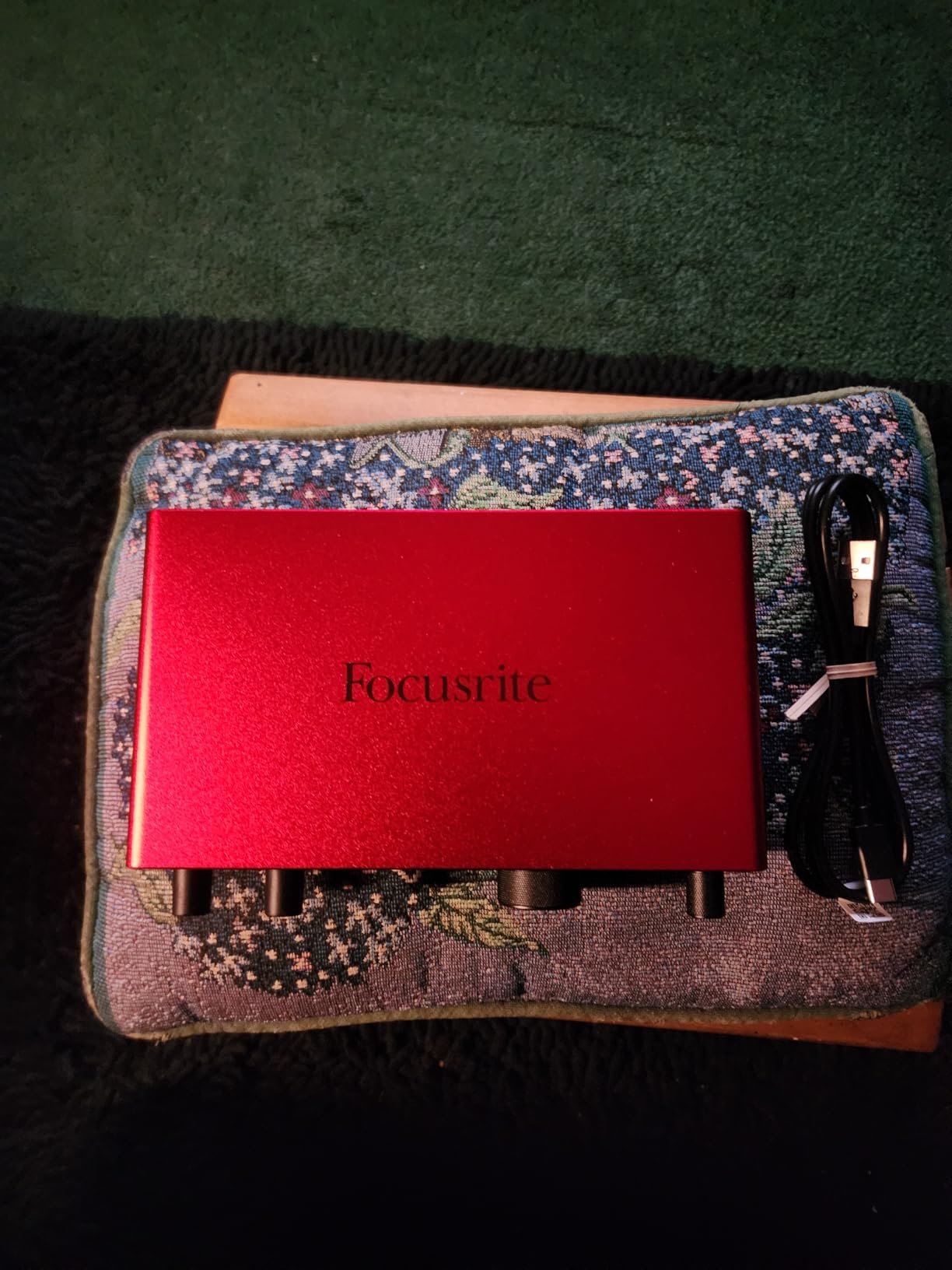
The Scarlett 2i2 4th Gen is the interface I recommend most often, and for good reason. It builds on the 3rd Gen formula with 120dB dynamic range, the same converters used in Focusrite’s flagship Red interfaces, and two features beginners love: Auto Gain and Clip Safe. I have used the 2i2 for everything from voiceover work to full band recording sessions, and it has never let me down.
The 2i2 gives you two XLR mic inputs plus two instrument inputs, all on the back panel for a cleaner desk setup. The preamps deliver about 70dB of clean gain, which is enough for most dynamics including the SM7B at close range. The Hitmaker Expansion software bundle includes over $1000 worth of plug-ins, virtual instruments, and DAWs.
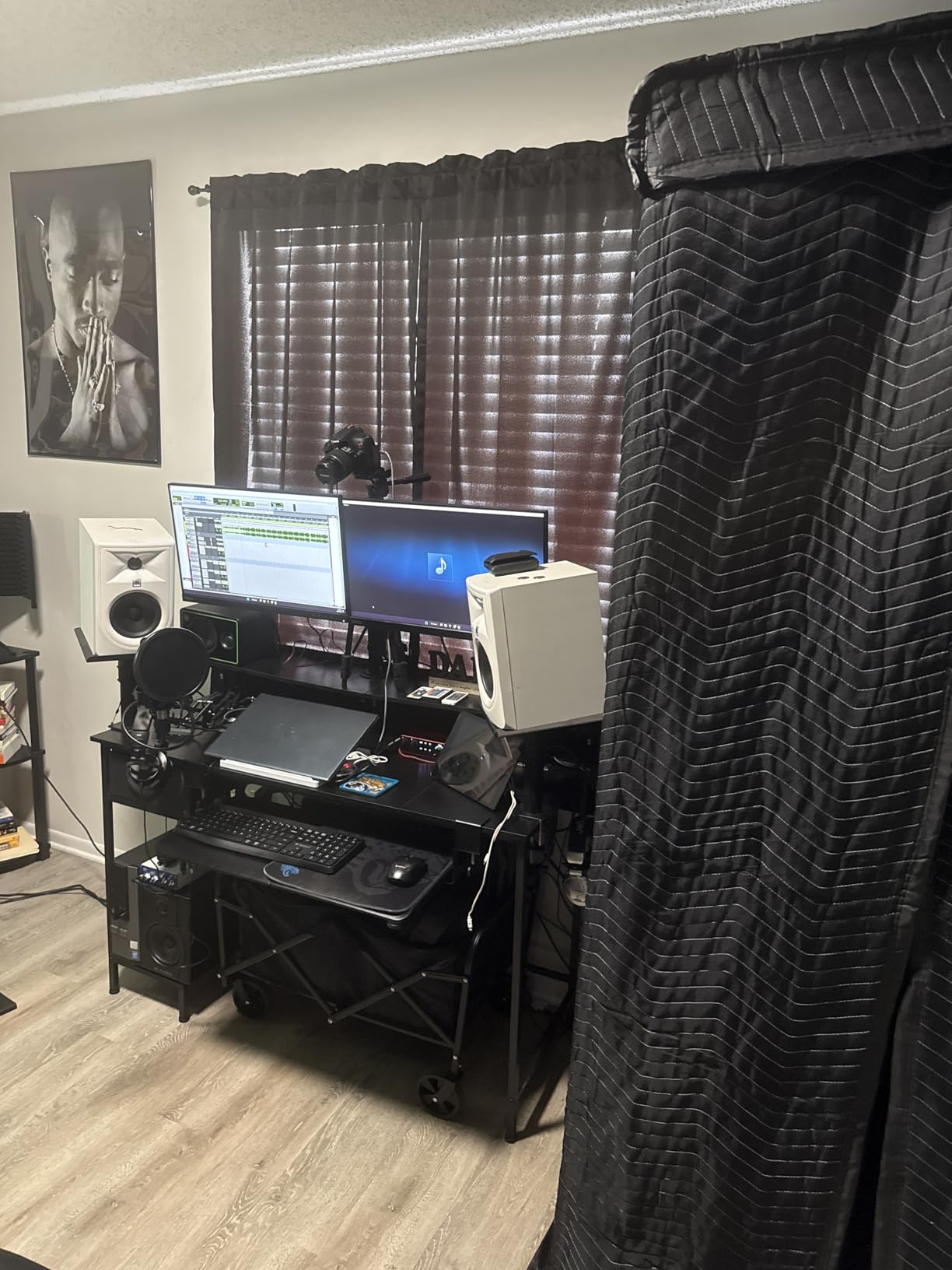
What sets the 4th Gen apart from competitors is the Auto Gain feature. You press the button, play or sing at your loudest, and the interface dials in the perfect gain level. Clip Safe then watches the signal in real time and reduces gain if you peak. For beginners who are still learning gain staging, these two features prevent more bad takes than any other interface on this list.
The 2i2 has a 3-year warranty, which is twice as long as most competitors. The build is solid metal, and Focusrite’s support is responsive. I have never had a Focusrite interface fail, but knowing the warranty is there is reassuring.
Auto Gain and Clip Safe explained
Auto Gain listens to your loudest 10 seconds and sets the gain so you are close to but not at clipping. Clip Safe runs continuously, catching peaks before they become distorted. Together they eliminate the most common beginner mistake: setting gain too hot or too quiet.
Who should pick this over the Solo
Anyone who plans to record two sources at once, podcasters who interview guests, songwriters who want to layer guitar and vocals, and producers who want more headroom for future expansion. If you only ever record solo, the Solo 4th Gen saves you money.
7. PreSonus AudioBox 96 – Best Software Bundle for Beginners
PreSonus AudioBox 96 25th Anniversary USB Audio Interface
2 XLR + 2 Hi-Z
24-bit/96kHz
MIDI I/O
Studio One Artist included
Pros
- Excellent value for beginners
- Includes over $1000 worth of recording software
- USB bus-powered for portability
- MIDI I/O for electronic music
- Low latency monitoring
- Robust metal construction
- Easy plug-and-play setup
- Works with iOS via Camera Connection Kit
Cons
- Knobs can feel crowded
- Inputs leak into monitor output when turned to playback only
- No dedicated volume knob on top
- Sample rate limited to 96kHz
PreSonus includes a full version of Studio One Artist with every AudioBox 96, and that alone is worth the price of the interface. Studio One is widely regarded as one of the most beginner-friendly DAWs available, and the Artist version normally costs $99. For a beginner who does not want to mess with Ableton’s learning curve or Pro Tools’ subscription model, this is the easiest path to recording.
The AudioBox 96 also includes MIDI I/O, which is rare under $100. If you produce electronic music with a MIDI keyboard controller, you can connect directly without buying a separate MIDI interface. The PreSonus also ships with a $1000+ plug-in suite called Studio Magic, which gives you compressors, EQs, and virtual instruments on top of Studio One.
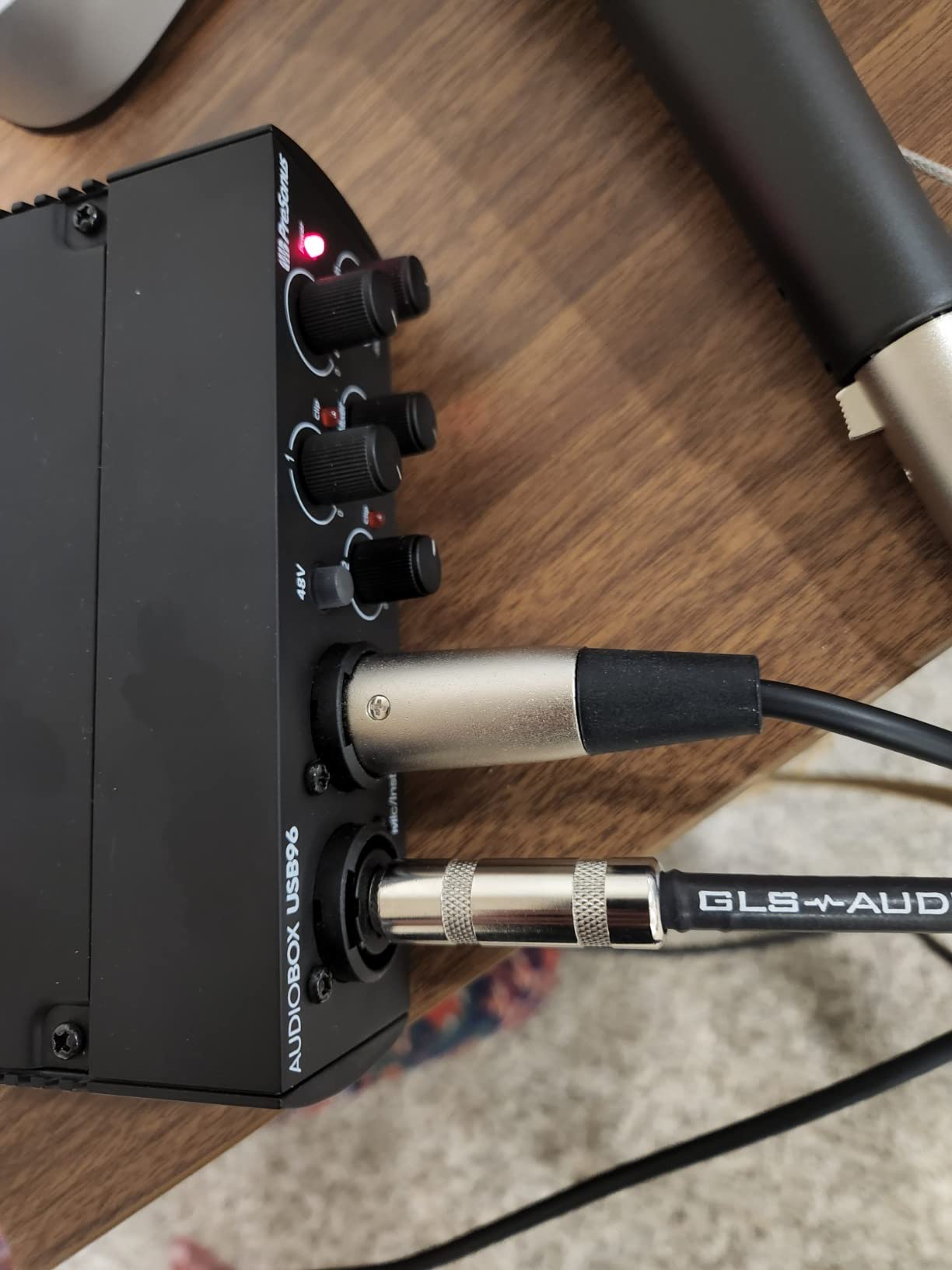
Build quality is solid metal, unlike the M-Audio plastic chassis. The 25th Anniversary Edition feels like a piece of gear that can survive a tour. The 24-bit/96kHz spec is slightly lower than the 192kHz offered by competitors, but you cannot hear the difference in any real-world recording scenario.
The main complaint I have seen on Reddit and Gearsluts is input bleed-through. Even when the input monitoring is turned off, there is a faint echo of your mic signal in the outputs. PreSonus acknowledged this and it is more noticeable on cheaper monitors, but beginners using sensitive headphones might find it distracting.
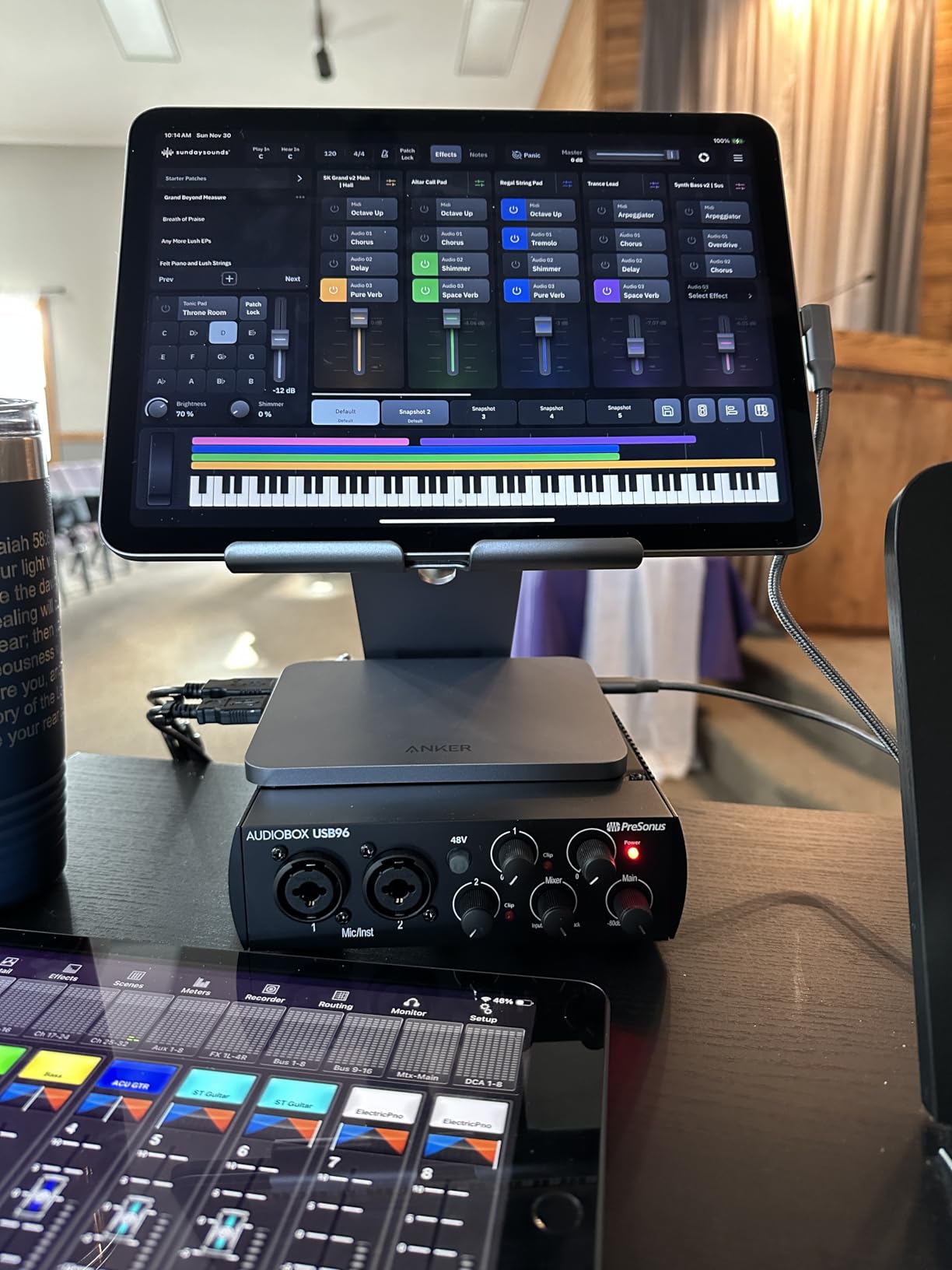
MIDI I/O value for electronic music
If you use a MIDI keyboard, drum pad, or synth, the AudioBox 96 lets you connect directly with standard MIDI cables. Every other interface on this list under $100 either skips MIDI or uses adapters. For electronic music producers, this is a major plus.
Known quirk with input bleed
When the mixer knob is set to playback, you can still faintly hear your inputs. The interface is not malfunctioning, but the design is unusual. Most users simply turn the input level to minimum when monitoring playback only.
8. MOTU M2 – Audiophile Sound Quality
MOTU M2 USB-C Audio Interface
24-bit/192kHz
ESS Sabre DAC
LCD VU meters
MIDI DIN jacks
Pros
- Exceptional audiophile-quality DAC
- Low noise floor and clean preamps
- LCD VU meters for visual feedback
- Physically powered (power switch)
- DIN MIDI jacks included
- 3x headphone amp power
- Smooth
- quality knob feel
- No driver issues on Windows 11
Cons
- XLR inputs on front (cable management)
- USB-C cable included is short and thin
- Windows shows as single stereo input
- Headphone amp underpowered for high-impedance planars
If sound quality is your top priority, the MOTU M2 is the interface Reddit users keep coming back to. The ESS Sabre DAC is the same chip used in audiophile music players costing 10x as much, and it shows. I have heard details in my recordings that I never noticed before, especially the natural room reverb on acoustic guitar and the breath texture on vocals.
The LCD VU meters are a feature no other interface on this list has. They show your input level in real time, with smooth analog-style needles that are far more useful than the LED rings on cheaper interfaces. The physical power switch is a small detail, but it means you can fully power down the interface when not in use, which extends the lifespan of the components.
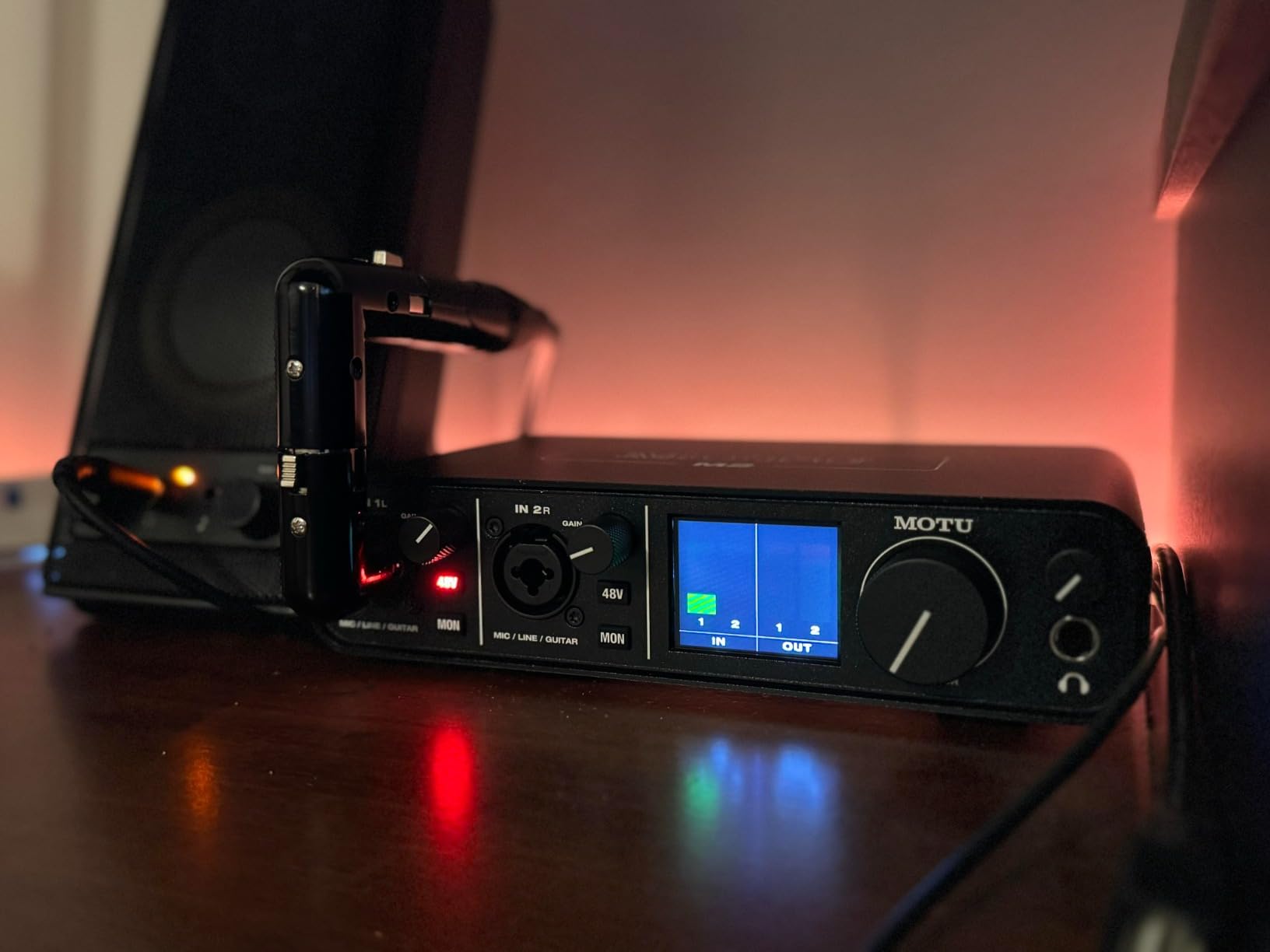
The headline feature is the 3x headphone amp power compared to the Focusrite Scarlett series. If you use demanding headphones like the Sennheiser HD 600 or Audeze LCD-2, the MOTU drives them with authority. The Scarlett struggles with high-impedance planars, which is why so many users on r/headphones recommend the M2.
The Windows driver has a quirk worth knowing. Windows treats both XLR inputs as a single stereo channel, which means you cannot use them as separate mono inputs for video calls or system audio. In a DAW, where you assign inputs manually, this is not a problem. But if you want to use the M2 for Zoom calls with two mics, you will need different routing.

Why Reddit users love the MOTU M2
On r/WeAreTheMusicMakers and r/audiophile, the MOTU M2 is consistently recommended over the Scarlett 2i2 for users who prioritize sound quality. The DAC is genuinely better, the headphone amp is more powerful, and the LCD meters are a luxury once you try them. For pure music recording, the M2 is the better choice.
Windows multi-input caveat
Windows sees both XLR inputs as one stereo channel. For DAW recording, this is invisible. For video calls, system audio, or Windows apps that pick a single mic, you are limited to one input at a time. Mac users do not have this issue.
Buying Guide – What to Look for in Your First Audio Interface?
Choosing the best audio interface for beginners is about matching the interface to your actual recording needs, not chasing the most expensive spec sheet. Here are the seven factors that matter most for beginners.
USB-C vs USB-A connectivity
USB-C is the modern standard and what your laptop likely has. Most interfaces released in 2026 ship with USB-C cables. If you have an older computer with only USB-A ports, look for an interface that includes a USB-A cable or adapter. The connection type does not affect audio quality, only convenience.
XLR and instrument inputs explained
An XLR input is the round three-pin connector used by professional microphones. An instrument input (sometimes called Hi-Z) is the quarter-inch jack used by electric guitars and basses. Combo inputs accept both XLR and quarter-inch, which is what most beginners should look for. If you only need one mic, a single XLR input is enough. If you want to record a guitar and vocals together, you need two inputs.
Phantom power (+48V) for condenser microphones
Condenser microphones require phantom power, which is 48 volts sent through the XLR cable from the interface. Without it, the mic will not work. All interfaces on this list provide phantom power, but cheaper ones sometimes have a single global switch rather than per-channel control. For most beginners, a global switch is fine.
Direct monitoring and latency
Direct monitoring lets you hear your input signal directly from the interface, bypassing the computer. This eliminates latency, which is the small delay you hear between singing and hearing your voice in the headphones. If you have ever recorded over Zoom and felt like you were talking through a wall, that is latency. Direct monitoring fixes it. Look for a hardware knob or button on the interface itself.
Sample rate and bit depth
Sample rate (44.1kHz, 48kHz, 96kHz, 192kHz) determines how many audio snapshots per second your interface captures. Bit depth (16-bit, 24-bit) determines the dynamic range of each snapshot. For beginners, 24-bit/48kHz is more than enough. Professional film uses 24-bit/48kHz. Music streaming platforms use 24-bit/44.1kHz. Higher sample rates use more disk space without audible improvement.
MIDI I/O
If you use a MIDI keyboard, drum pad, or hardware synth, you need MIDI I/O. MIDI uses 5-pin DIN connectors, which look like old keyboard plugs. Most beginner interfaces under $100 skip MIDI, with the PreSonus AudioBox 96 being the exception. If you only record vocals and guitar, you can ignore this.
Software bundle value
Most audio interfaces include a DAW and some plug-ins. Focusrite’s Hitmaker Expansion, PreSonus’s Studio One Artist, and Universal Audio’s LUNA bundle are all worth more than $100 on their own. M-Audio’s MPC Beats is free for everyone but tied to MPC hardware. Compare the software bundle value when choosing between two similar interfaces.
How Many Inputs Do Beginners Actually Need
The honest answer is two. Most beginners start with one mic and outgrow it within six months. Reddit threads on r/WeAreTheMusicMakers are full of people wishing they had bought a 2-input interface from the start. If you can stretch your budget to the Scarlett 2i2, M-Track Duo, or AudioBox 96, you will save money in the long run by avoiding a second purchase. If you are sure you only need a single mic forever, the Solo models are still excellent choices.
Frequently Asked Questions
What audio interface should a beginner buy?
The Focusrite Scarlett 2i2 4th Gen is the most popular beginner interface in 2026. It has 120dB dynamic range, Auto Gain, Clip Safe, two XLR inputs, and includes over $1000 worth of software. For solo creators on a tighter budget, the Focusrite Scarlett Solo 4th Gen or M-Audio M-Track Solo are excellent alternatives.
Is there a better audio interface than Focusrite?
Yes, depending on your needs. The MOTU M2 has a better DAC and headphone amp than the Scarlett series, which is why audiophiles and Reddit r/WeAreTheMusicMakers users recommend it. Universal Audio Volt 1 has a warmer preamp character. PreSonus AudioBox 96 has better software and MIDI. For pure convenience and beginner-friendliness, Focusrite remains hard to beat.
What is the best audio interface under $300?
The Focusrite Scarlett 2i2 4th Gen at $224.99 is the best audio interface under $300. The MOTU M2 at $199.95 is a strong alternative if sound quality is your priority. The Universal Audio Volt 1 at $139 is the best value if you want vintage preamp character.
What is the best and most affordable audio interface?
The M-Audio M-Track Solo at $55.66 is the most affordable audio interface worth buying. It includes a functional Crystal Preamp, phantom power, and comes with MPC Beats DAW. For under $60, no other interface matches its combination of features and software.
Is PreSonus or Focusrite better?
Both are excellent. Focusrite Scarlett interfaces are more popular, with longer warranty (3 years) and a more beginner-friendly driver. PreSonus AudioBox 96 includes MIDI I/O and a full version of Studio One Artist DAW, which is stronger for electronic music producers. For pure vocal and guitar recording, Focusrite is the safer choice. For MIDI-heavy music production, PreSonus wins.
Do I need phantom power for recording?
You need phantom power if you use a condenser microphone. Condensers like the Audio-Technica AT2020, Rode NT1, and Blue Yeti all require 48V phantom power to operate. Dynamic microphones like the Shure SM58 and Rode PodMic do not need phantom power. All interfaces on this list provide phantom power.
Final Verdict – Which Audio Interface Should You Buy
After testing and researching all eight interfaces, the best audio interfaces for beginners in 2026 come down to three picks. The Focusrite Scarlett 2i2 4th Gen wins for most beginners because it balances sound quality, build, software, and price better than anything else. The Solo 4th Gen is the right choice for solo creators who do not need two inputs. The M-Audio M-Track Solo is the budget pick for anyone starting under $60.
Whatever you choose, the most important step is to start recording. I have used every interface on this list, and they all work. Pick the one that matches your budget, plug it in, and make some noise. The best audio interface is the one you actually use, not the one that sits in the box because you are waiting for the perfect setup.