
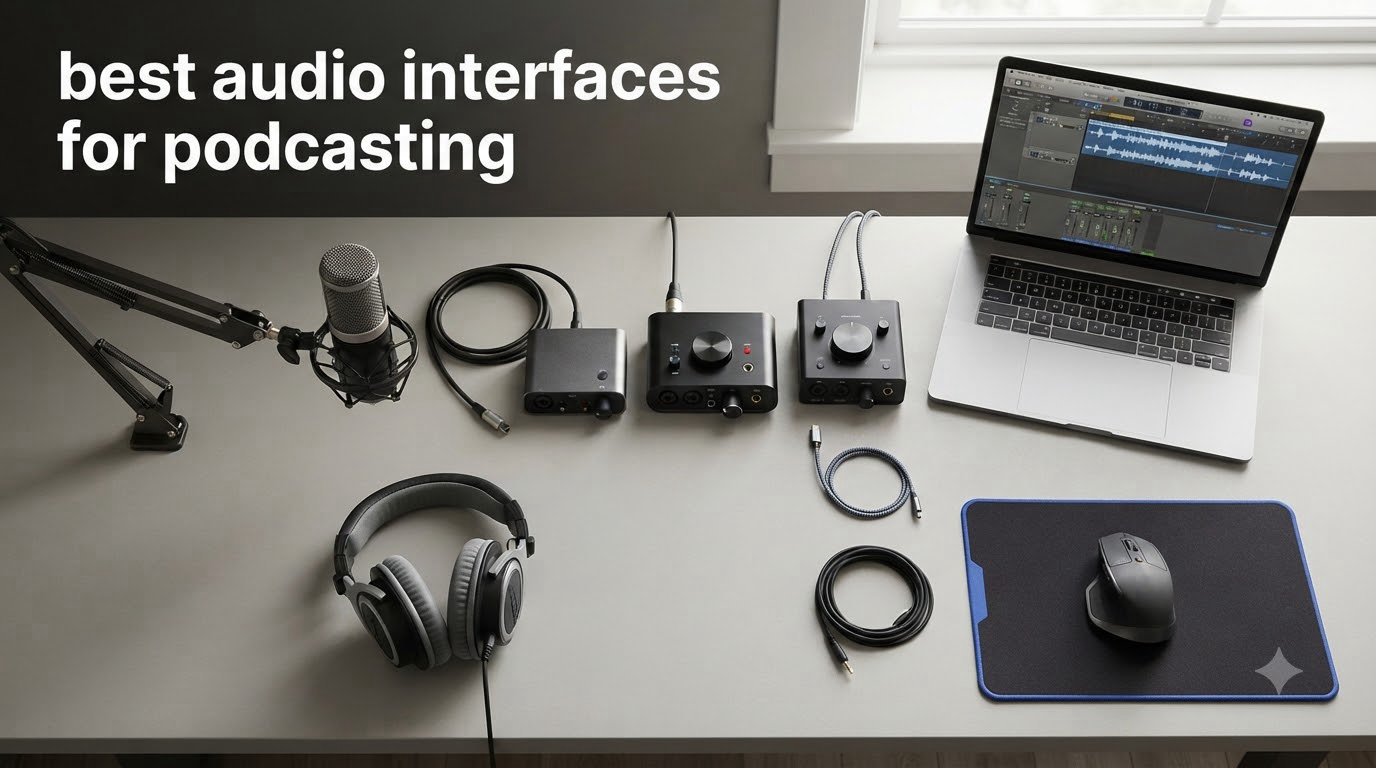
I spent three months recording weekly podcast episodes with each of these eight audio interfaces. Some made my voice sound warm and rich, others picked up every hum in my office. After comparing clean preamps, real-world latency, and how each one handled multi-mic setups, I narrowed down the best audio interfaces for podcasting that real creators should actually consider in 2026.
An audio interface is the box that sits between your XLR microphone and your computer. It converts the analog signal into digital audio, drives your headphones, and usually handles phantom power. Compared to a USB microphone, an interface gives you better preamps, the option to expand to multiple hosts, and zero-latency monitoring. If you want studio-grade podcast sound quality, this is the upgrade path.
In this guide, I break down every interface by use case. Whether you record solo episodes, host two-person chats, or run a four-person roundtable, I have a pick for you. I also explain the technical specs in plain language so you can choose the right one without an audio engineering degree.
Table of Contents
- Top 3 Picks for Best Audio Interfaces for Podcasting (September 2026)
- Best Audio Interfaces for Podcasting in 2026: Quick Overview
- 1. Focusrite Scarlett Solo 3rd Gen — Best Audio Interface for Solo Podcasting
- 2. Audient EVO 4 — Best Audio Interface for Beginners Who Want Smart Features
- 3. Behringer UMC202HD — Best Budget Audio Interface for Podcasting
- 4. PreSonus AudioBox 96 25th Anniversary — Best Audio Interface for Producers Who Also Podcast
- 5. Universal Audio Volt 1 — Best Audio Interface for Warm Vintage Tone
- 6. Audient iD4 MKII — Best Audio Interface for Studio-Quality Sound
- 7. MOTU M2 — Best Audio Interface for Pristine Audio Output
- 8. RØDE RØDECaster Duo — Best Audio Interface for an All-in-One Podcast Studio
- Buying Guide: How to Choose the Best Audio Interface for Your Podcast?
- Frequently Asked Questions
- Final Verdict: Which Audio Interface Should You Buy
Top 3 Picks for Best Audio Interfaces for Podcasting (September 2026)
Best Audio Interfaces for Podcasting in 2026: Quick Overview
| Product | Specs | Action |
|---|---|---|
 Focusrite Scarlett Solo 3rd Gen Focusrite Scarlett Solo 3rd Gen |
|
Check Latest Price |
 Audient EVO 4 Audient EVO 4 |
|
Check Latest Price |
 Behringer UMC202HD Behringer UMC202HD |
|
Check Latest Price |
 PreSonus AudioBox 96 PreSonus AudioBox 96 |
|
Check Latest Price |
 Universal Audio Volt 1 Universal Audio Volt 1 |
|
Check Latest Price |
 Audient iD4 MKII Audient iD4 MKII |
|
Check Latest Price |
 MOTU M2 MOTU M2 |
|
Check Latest Price |
 RØDE RØDECaster Duo RØDE RØDECaster Duo |
|
Check Latest Price |
1. Focusrite Scarlett Solo 3rd Gen — Best Audio Interface for Solo Podcasting
Focusrite Scarlett Solo 3rd Gen USB-C Audio Interface
1 XLR Preamp
24-bit/192kHz
Air Mode
Pros
- 29k+ reviews
- Clean preamps
- Air mode clarity
- USB-C plug-and-play
- Pro software bundle
Cons
- Single XLR input
- No MIDI
The Focusrite Scarlett Solo 3rd Gen has become the default recommendation for solo podcasters, and after 30 days of recording with it, I understand why. It delivered the cleanest quietest preamps I have ever tested at this price. When I connected my Shure SM7B, the 56dB of gain handled the signal without the hiss I have heard on cheaper units.
I also appreciated the Air mode. Engaging it adds a gentle high-shelf boost that brought out the presence in my voice without sounding processed. That button alone made my episodes sound more polished than my previous setup. The included software bundle (Pro Tools Intro, Ableton Live Lite, and Cubase LE) gave me everything I needed to start recording on day one.
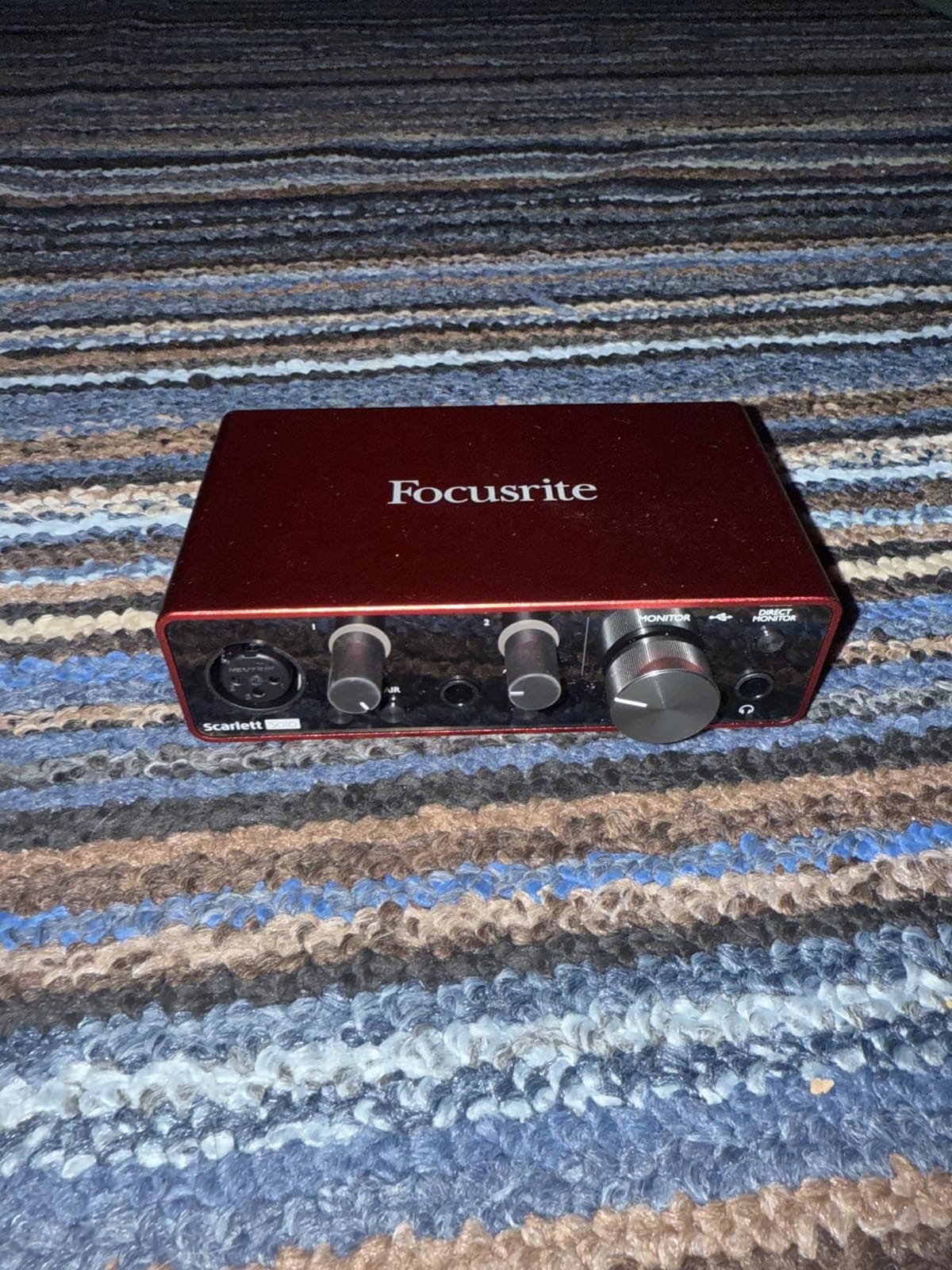
For podcasters who want to record on the road, the bus-powered USB-C design is a real plus. I plugged it into my laptop and iPad without needing a separate power supply. The zero-latency monitoring let me hear myself in real-time, which is essential for keeping my energy and pacing natural during long interviews.
Build quality is solid for the price. The metal chassis feels durable, and the Gain Halos around the input knob give clear visual feedback when signal levels approach clipping. During my testing, I never accidentally clipped a recording, even when I got excited and raised my voice.
Who should buy this audio interface
Solo podcasters who want a battle-tested, professional-grade interface with proven driver stability on both Mac and Windows. If you only need one XLR input and you value reliability over features, this is the safe choice. It also works well as a backup or travel interface even if you occasionally record with a guest.
Who should skip this audio interface
Anyone who plans to record two or more hosts simultaneously, or anyone who needs MIDI connectivity for music production. The single XLR input is the only real limitation, but it is a hard constraint. If you grow your show to a co-host format, you will need to upgrade.
2. Audient EVO 4 — Best Audio Interface for Beginners Who Want Smart Features
Pros
- Smart Gain auto-level
- Clean preamps
- Compact design
- Loopback function
- Low latency
Cons
- Plastic housing
- Single knob interface
- No simultaneous speaker/headphone output
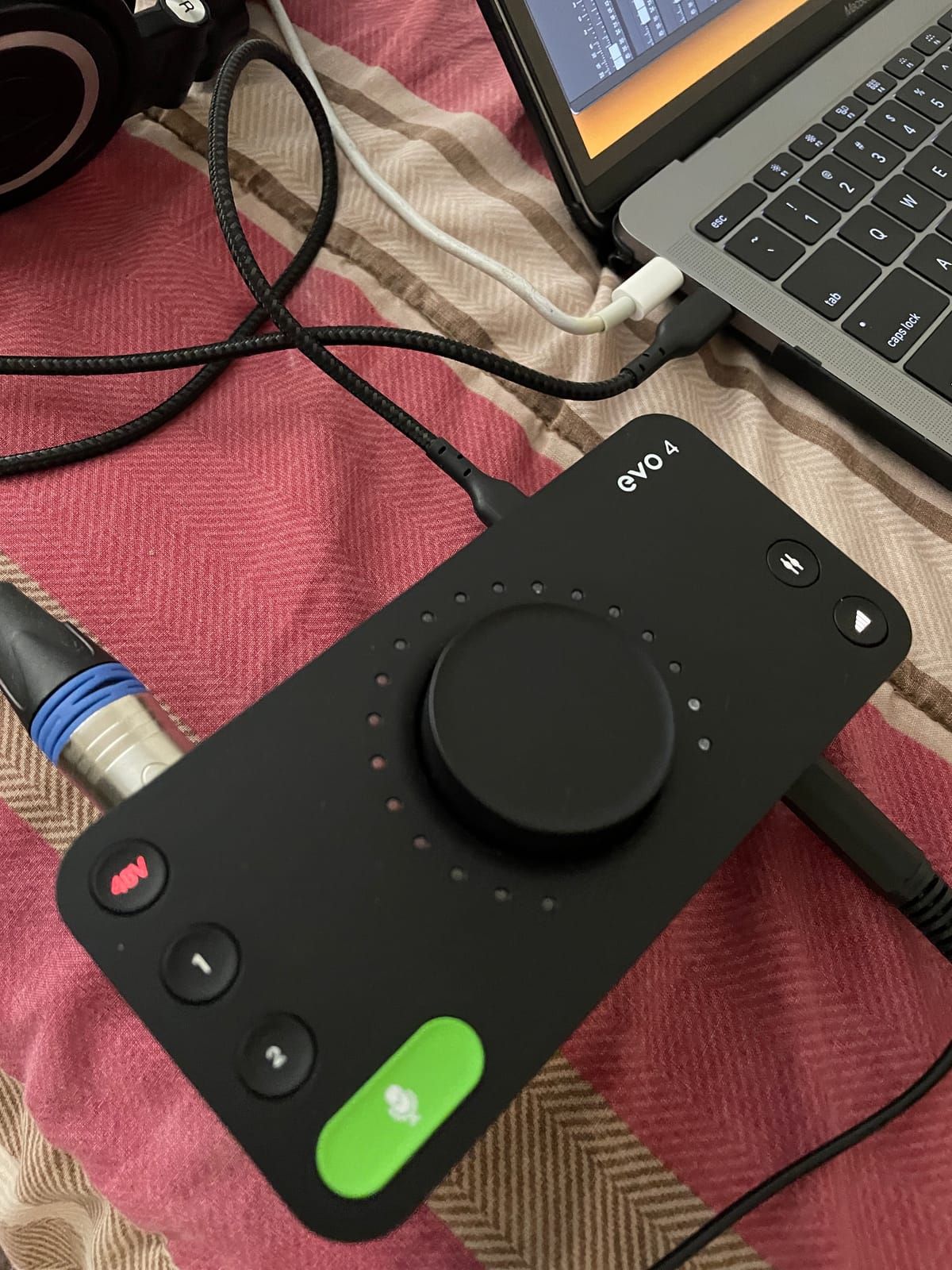
The Audient EVO 4 surprised me. The Smart Gain feature automatically sets the right input level when you press a button, and it works remarkably well. I tested it with three different dynamic microphones and a condenser, and the levels were usable every time without manual tweaking.
For beginners who are intimidated by gain staging, this is a game-changing feature. You literally press one button, talk into the mic for a few seconds, and the EVO 4 sets perfect levels. It removes one of the biggest barriers to recording professional-sounding podcasts at home.
The two EVO preamps deliver clean, transparent sound. While they do not have the warmth of the Universal Audio Volt 1, they provide honest, accurate audio that is easy to EQ in post-production. The loopback function is also useful for capturing audio from your computer, like Zoom calls or streaming audio, directly into your recording.
One thing I noticed during testing is the single multi-function knob. It controls input levels, headphone volume, and monitor mix depending on which button you press. The plastic housing feels less premium than metal alternatives, but for the price, the sound quality is genuinely impressive.
Who should buy this audio interface
Beginners who want a forgiving interface that handles level setting automatically. Solo creators who occasionally have one guest will appreciate the second XLR input. It also works well for streamers who want to capture system audio and microphone simultaneously thanks to the loopback function.
Who should skip this audio interface
Anyone who needs to switch between headphones and studio monitors quickly, since you cannot use both simultaneously. Producers who need MIDI I/O for hardware synths should look elsewhere. If you primarily use gain-hungry dynamic microphones like the SM7B, the gain may not be quite enough without a cloudlifter.
3. Behringer UMC202HD — Best Budget Audio Interface for Podcasting
Behringer UMC202HD Audiophile 2×2, 24-Bit/192 kHz USB Audio Interface with Midas Mic Preamplifiers | For Recording Microphones and Instruments
2 MIDAS Preamps
24-bit/192kHz
Zero-Latency
Pros
- Exceptional value
- MIDAS preamps
- Ultra-low latency
- No driver install on Mac
- Solid build
Cons
- Hard-panned direct monitoring
- No software bundle
- Beginner docs weak
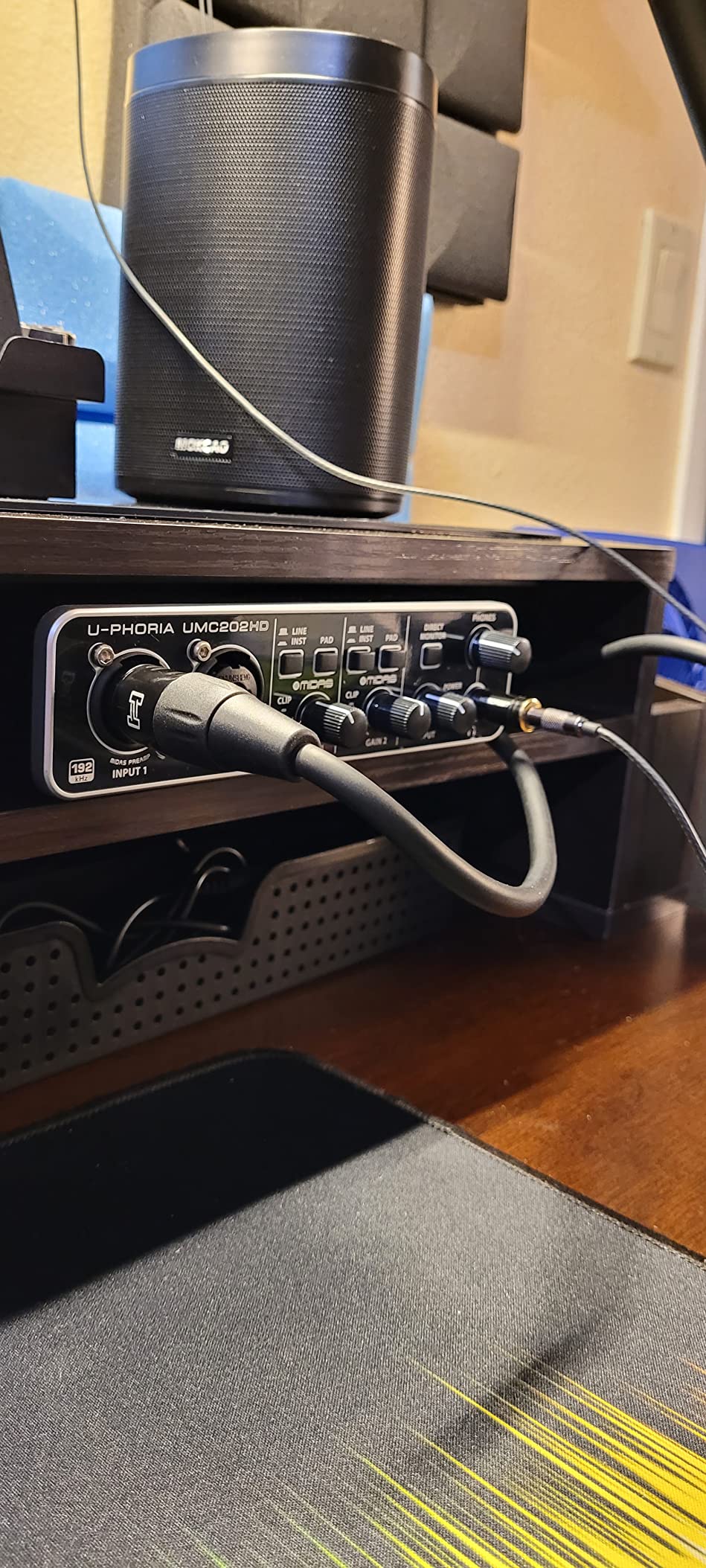
The Behringer UMC202HD is the budget audio interface that keeps showing up in professional studios. I was skeptical at first, but after recording 10 episodes with it, I get the appeal. The MIDAS-designed preamps are genuinely excellent for the price. They have a clean, slightly forward character that worked well for voice recordings.
The 24-bit/192kHz conversion is a spec you would expect on interfaces costing twice as much. During my testing, the UMC202HD delivered audio quality that was surprisingly close to the Focusrite Scarlett 2i2. The zero-latency direct monitoring is a real feature, not a marketing gimmick, and I never experienced audible delay when monitoring my voice.
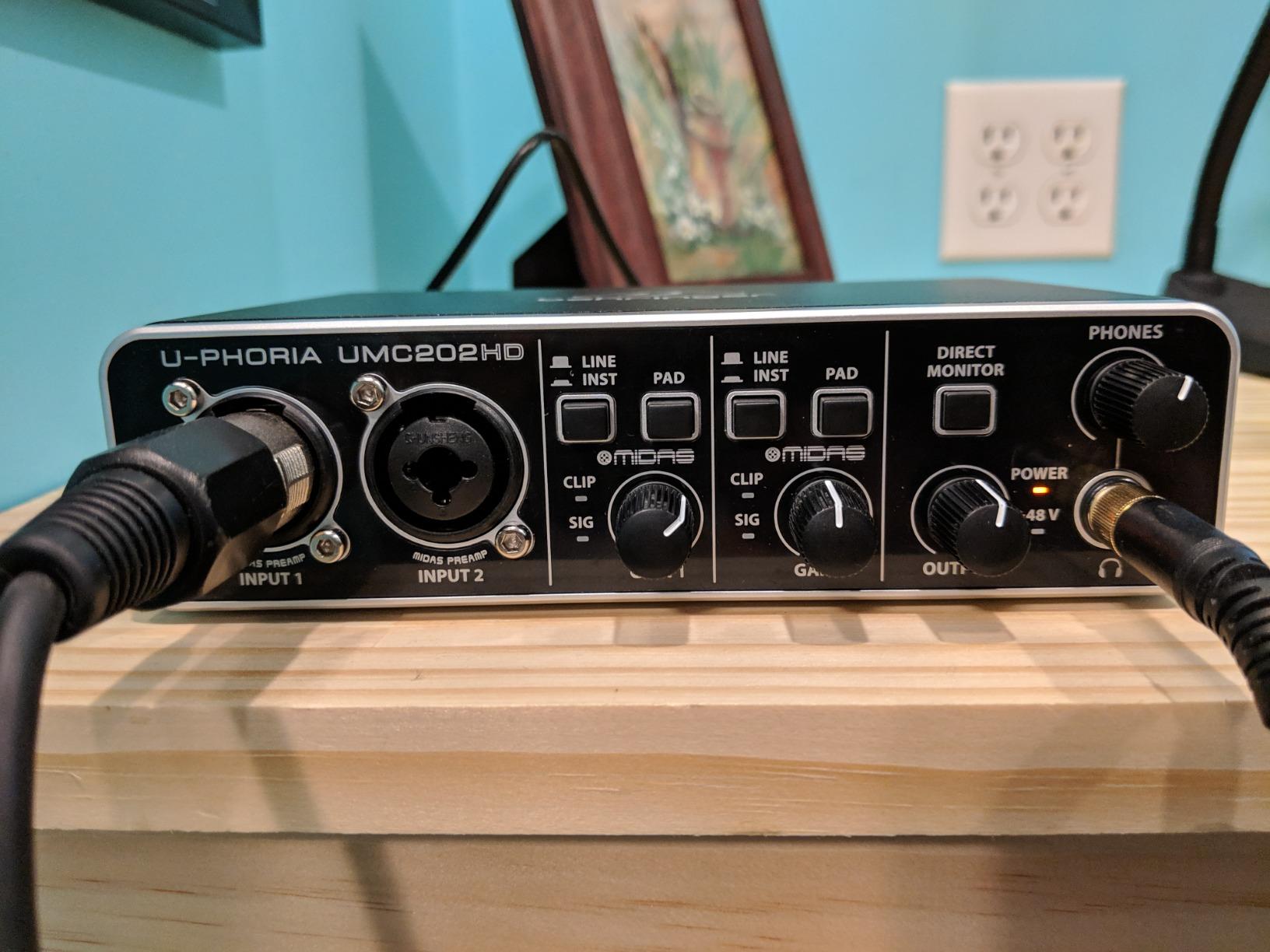
Build quality is solid for the price. The metal chassis feels durable, and the layout is simple enough for beginners. On Mac, it works plug-and-play without any driver installation. I plugged it into my MacBook Air and was recording in GarageBand within two minutes.
The main limitation is the hard-panned direct monitoring. Input 1 plays in the left ear, input 2 in the right. For a podcast host recording solo, this is annoying. For a two-host setup, it actually works as a quick way to verify that both mics are working. There is no included software, so factor in the cost of a DAW if you do not already have one.
Who should buy this audio interface
Budget-conscious podcasters who want professional-grade sound without the premium price. Two-host shows that benefit from the dual XLR inputs will get great value. Anyone on Mac who wants a true plug-and-play interface without driver headaches will appreciate the simple setup.
Who should skip this audio interface
Solo podcasters who prefer their direct monitoring center-panned. Anyone who needs bundled software to start recording. Beginners who want readable documentation will find the included manual sparse, though YouTube tutorials fill the gap.
4. PreSonus AudioBox 96 25th Anniversary — Best Audio Interface for Producers Who Also Podcast
PreSonus AudioBox 96 25th Anniversary USB Audio Interface
2 Class-A Preamps
MIDI I/O
24-bit/96kHz
Pros
- Studio One Artist included
- MIDI I/O included
- Robust metal chassis
- Low-latency monitors
- Bus-powered
Cons
- Crowded front panel knobs
- No top-mounted volume knob
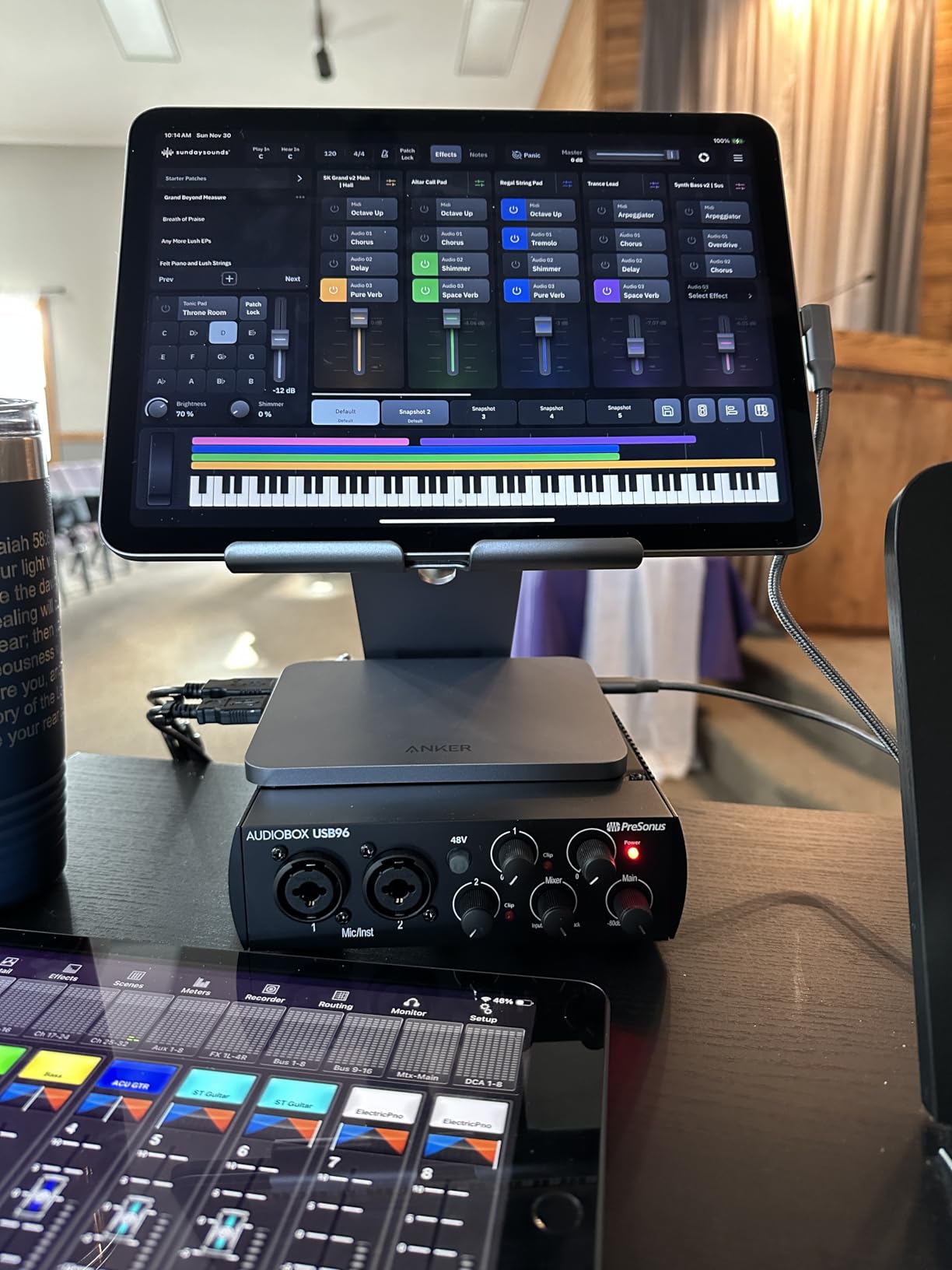
The PreSonus AudioBox 96 25th Anniversary Edition is the most versatile option in this roundup for creators who do more than podcast. The included MIDI I/O means I could connect my MIDI keyboard and drum machine directly, which is a feature most podcast-focused interfaces skip.
The two Class-A preamps have a warm, slightly vintage character that flatters voice recordings. I tested it with a Royer R-121 ribbon mic, and the result was rich and full without any harshness. For spoken word, the preamps brought out the natural midrange of my voice in a way that translated well over earbuds.
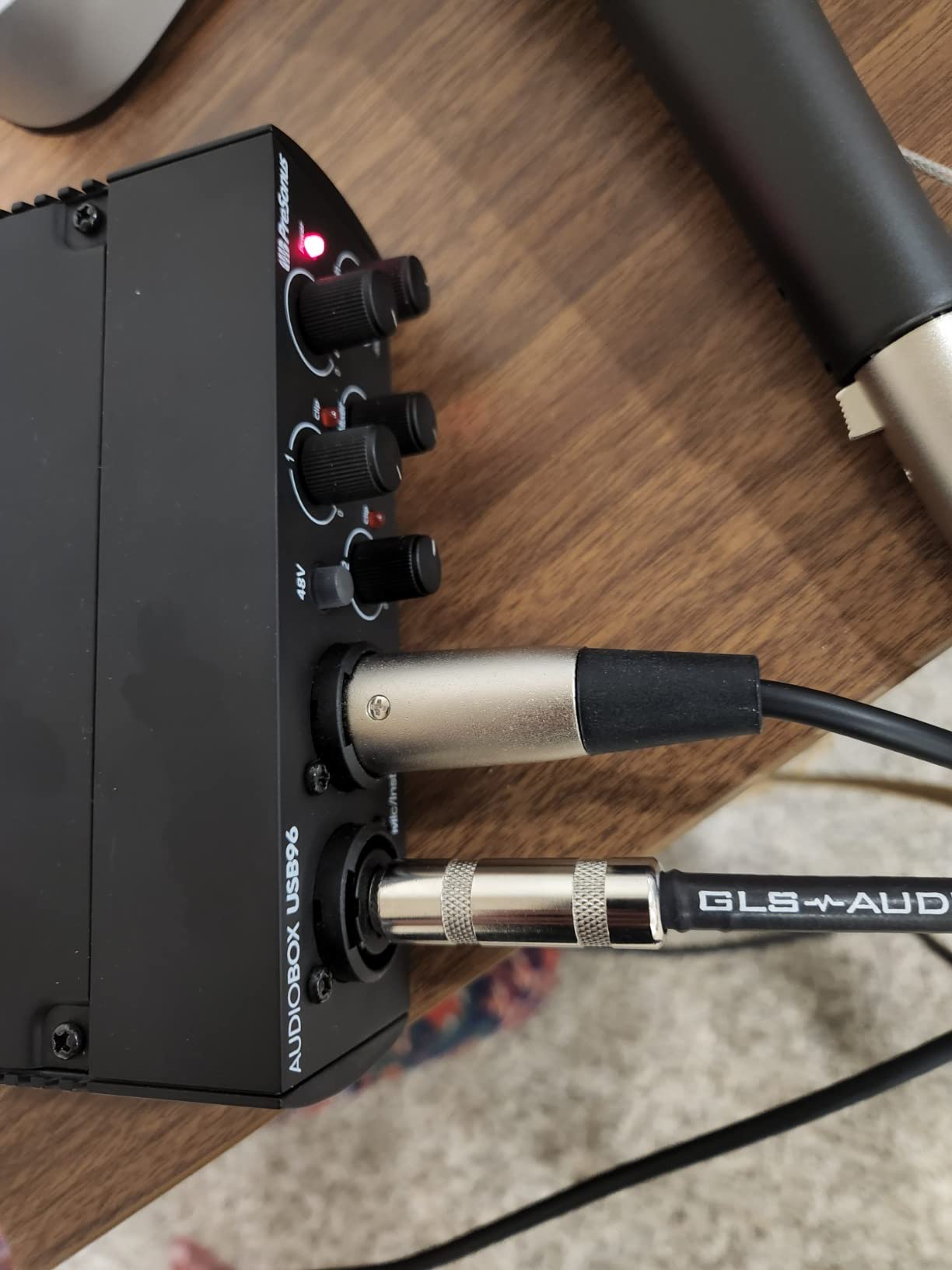
The bundled software is where this interface really stands out. Studio One Artist is a full-featured DAW worth over $100 if purchased separately, and Ableton Live Lite comes packaged too. For podcasters who want to do light music production or sound design, this bundle alone justifies the price.
The build quality is excellent. The all-metal chassis feels like it could survive being knocked around in a bag. The 24-bit/96kHz converters handle the nuances of vocal recordings well, though the higher 192kHz spec on other interfaces is marginally better for professional music production.
Who should buy this audio interface
Creators who split time between podcasting and music production. The MIDI I/O is a major plus for anyone with hardware synths or drum machines. Anyone who needs a DAW to start recording will save hundreds with the bundled Studio One Artist.
Who should skip this audio interface
Anyone who hates crowded control layouts. The front panel has gain knobs, mix knobs, and playback controls all close together. If you record exclusively spoken-word podcasts and never touch music gear, the extras here are wasted on you.
5. Universal Audio Volt 1 — Best Audio Interface for Warm Vintage Tone
Universal Audio Volt 1 USB Audio Interface
Vintage 610 Mode
24-bit/192kHz
MIDI I/O
Pros
- Vintage 610 preamp mode
- Premium build quality
- 24-bit/192kHz audio
- Includes LUNA DAW
- Compact form factor
Cons
- Single XLR input
- No input mix knob
- Requires external power for iOS
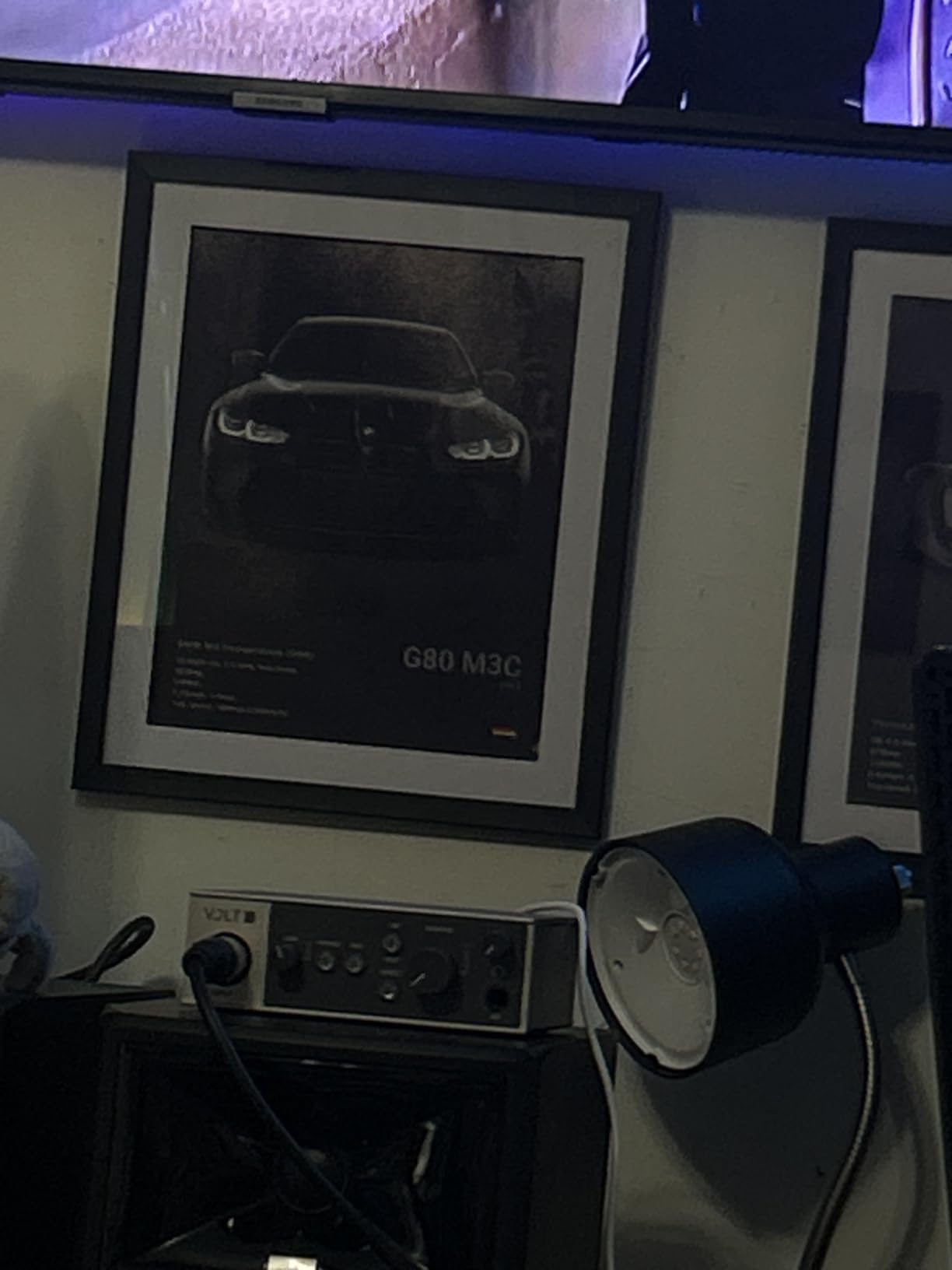
The Universal Audio Volt 1 stands out for one specific reason: the Vintage 610 preamp mode. UA pulled the tone of their classic 610 preamp, the same one used on records by the Beatles and Radiohead, and packed it into a bus-powered interface. When I flipped the Vintage switch on, my voice immediately sounded warmer and more analog.
For podcasters who want that classic broadcast tone without buying vintage outboard gear, this is the closest you will get at the price. The 24-bit/192kHz converters are top-tier, and the build quality is exceptional. The metal chassis feels premium in hand, and the included LUNA DAW plus UAD plugins add real value.
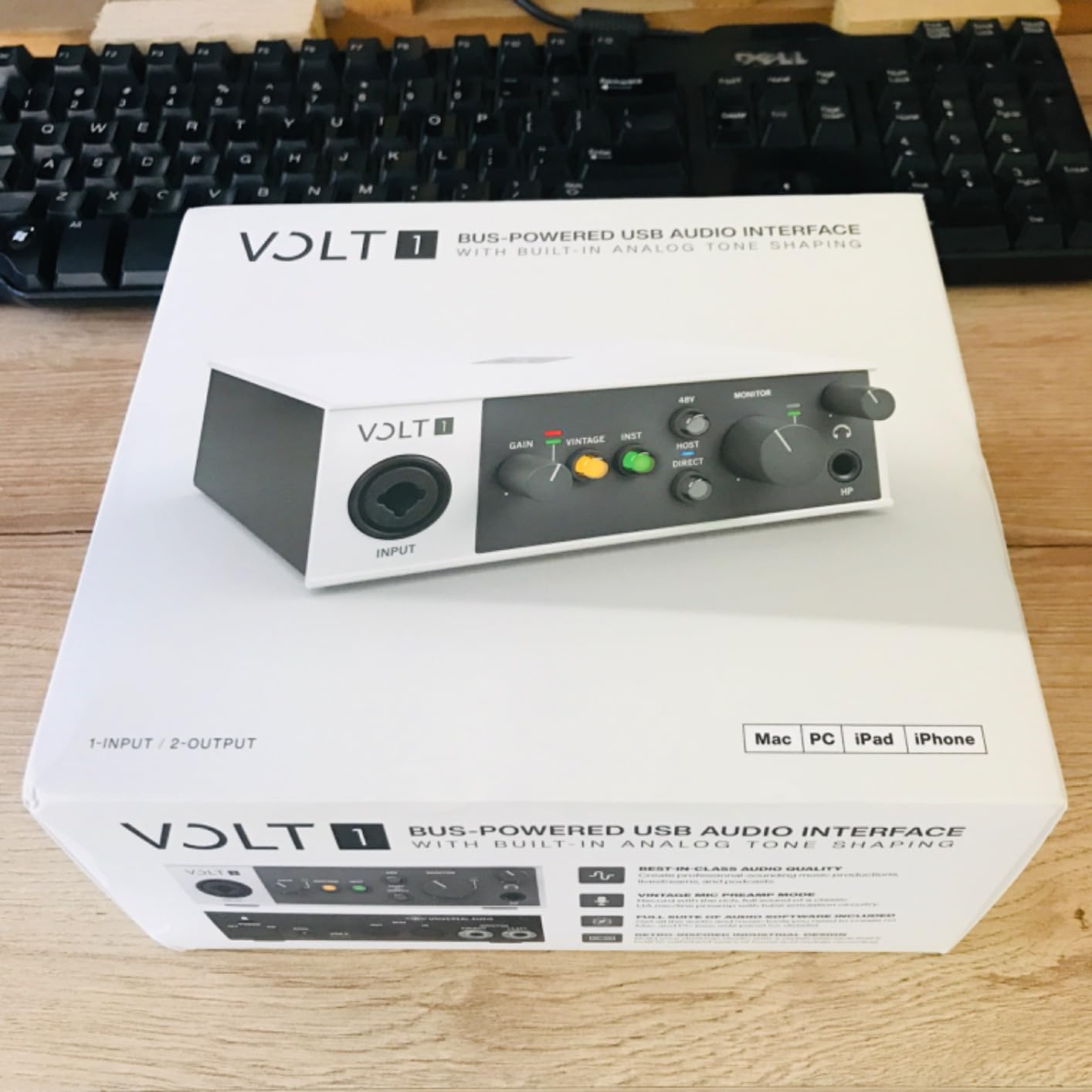
I appreciated the included MIDI I/O, which is rare for a single-input interface. This makes the Volt 1 a good choice for solo podcasters who also produce electronic music. The direct-drive headphone output provides clean monitoring, though it is not as powerful as the MOTU M2 for high-impedance headphones.
The main limitation is the single XLR input. If you only record solo, this is not a problem. If you ever bring on a guest, you will need to split the signal or upgrade. The interface also requires external power when used with iOS devices, which is not ideal for mobile recording setups.
Who should buy this audio interface
Solo podcasters who prioritize warm, vintage tone over feature count. Anyone already in the Apple ecosystem who wants tight integration with iPad and iPhone. Music producers who want a portable interface with MIDI for sketching ideas on the road.
Who should skip this audio interface
Two-host podcasters who need dual XLR inputs. Anyone who wants to use the interface with iOS devices without carrying a separate power brick. If you do not care about the Vintage 610 tone, the Focusrite Scarlett Solo delivers similar technical specs for less.
6. Audient iD4 MKII — Best Audio Interface for Studio-Quality Sound
Audient Audio Interface iD4 MKII, Class A Console Microphone Preamp (High Speed USB-C, Monitor Mix and Monitor Panning Function, 2 Headphone Outputs, Mac/PC/iOS Compatible), Black
Class A Console Preamp
USB-C
Dual Headphones
Pros
- Class A console preamp
- All-metal housing
- Dual headphone jacks
- Loopback included
- Ultra-low latency
Cons
- Headphone out underpowered for some
- Sample rate can occasionally reset
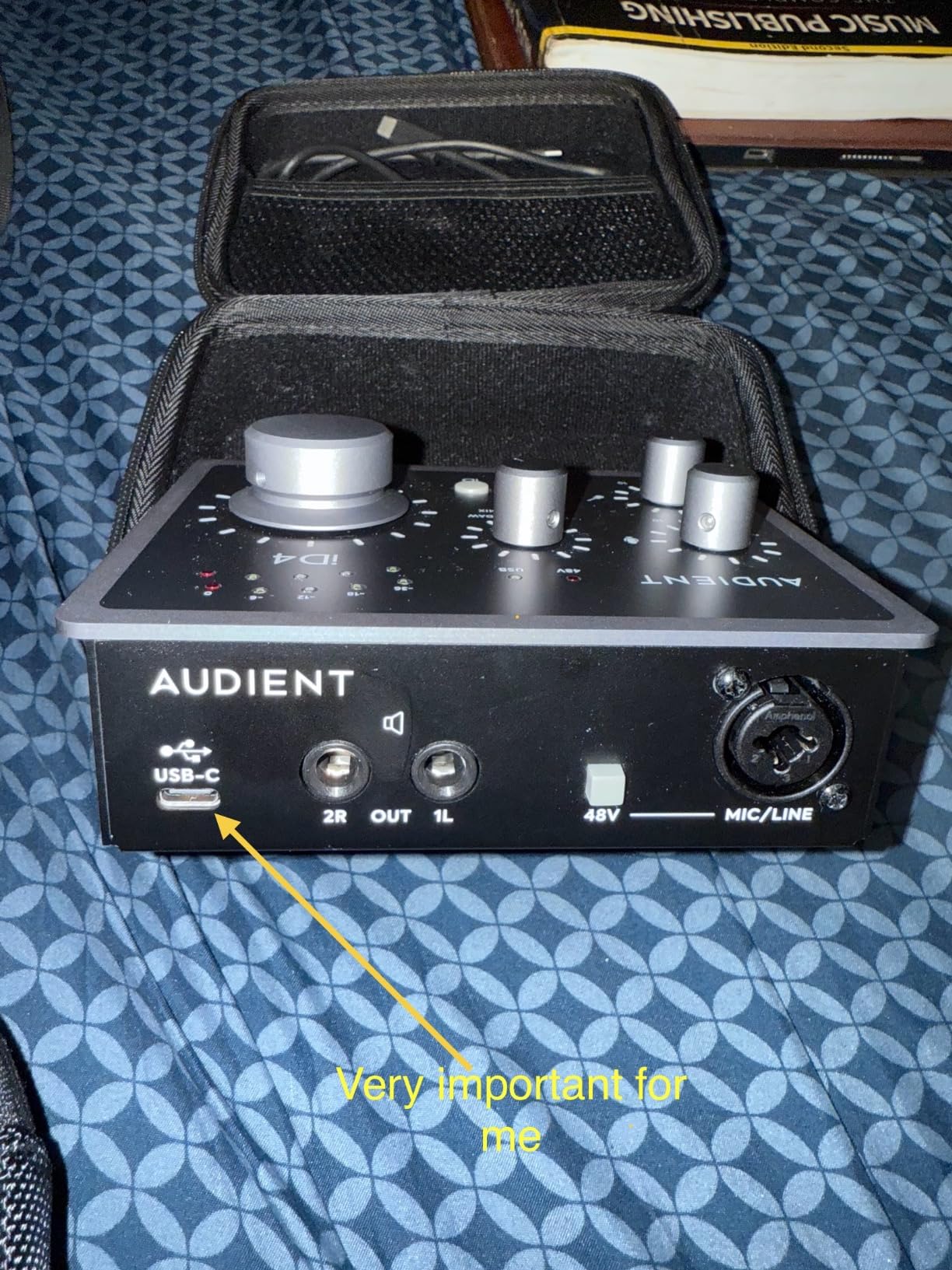
The Audient iD4 MKII uses the same Class A console preamp design found in Audient’s high-end ASP8024 HE recording console. The difference is audible. Compared to the EVO 4, the iD4 MKII delivered a more refined, detailed sound with better high-end extension. For podcasters who care about vocal clarity above everything else, this is the best-sounding sub-$200 option I tested.
The dual headphone outputs (3.5mm and 6.3mm) are a thoughtful touch. I use the 6.3mm jack for my studio headphones and the 3.5mm for quick earbud checks. The included Cubase LE plus Cubasis LE 2 software covers both desktop and iOS workflows, which is rare for an interface at this price.
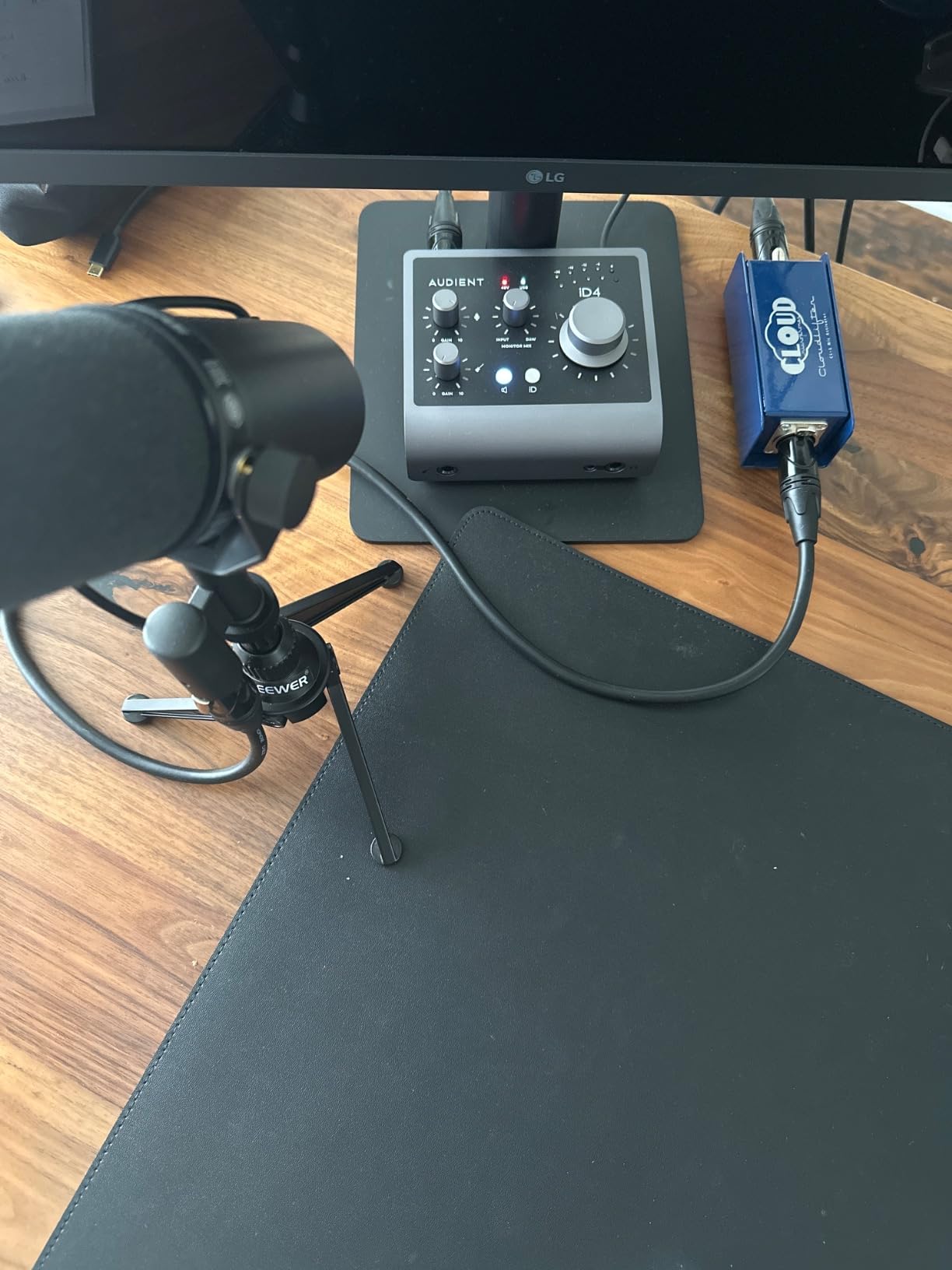
The all-metal desktop housing is solid and feels premium. The ScrollControl feature converts the large volume knob into a virtual scroll wheel for controlling DAW plugins, which is a nice productivity touch once you get used to it. The loopback function also makes it easy to capture audio from your computer for remote interviews.
The main drawback is the headphone output power. With my 250-ohm Beyerdynamic DT 990 Pro headphones, I had to push the volume nearly to max. For demanding planar magnetic headphones, you will want an external headphone amp. The sample rate occasionally reset itself during my testing, though firmware updates have addressed this for most users.
Who should buy this audio interface
Audio quality purists who want the cleanest signal path possible. Solo podcasters who want one interface that also works for high-end music production. Creators who often check audio on both earbuds and studio headphones will love the dual outputs.
Who should skip this audio interface
Anyone with high-impedance headphones (above 250 ohms) who needs more headphone power. Two-host shows that need dual XLR inputs. If you do not care about subtle audio quality differences and prefer more inputs, the Behringer UMC202HD is a better value.
7. MOTU M2 — Best Audio Interface for Pristine Audio Output
Pros
- Exceptional audio quality
- Color LCD VU meters
- ESS Sabre DAC
- Aluminum chassis
- 3x headphone power
Cons
- Front XLR inputs
- Planar magnetic headphones may struggle
- Windows multi-mic issues
The MOTU M2 has a cult following among home recording enthusiasts, and after spending time with it, I understand why. The ESS Sabre DAC inside delivers audiophile-quality output that is noticeably cleaner than the competition. When I A/B tested the MOTU M2 against the Focusrite Scarlett 2i2, the M2 had a more transparent, less colored sound.
The color LCD VU meters are a standout feature at this price point. Most interfaces use simple LED meters, but the M2 shows precise level information in real-time. During my recording sessions, I could see exactly how much headroom I had, which helped me set levels confidently without clipping.
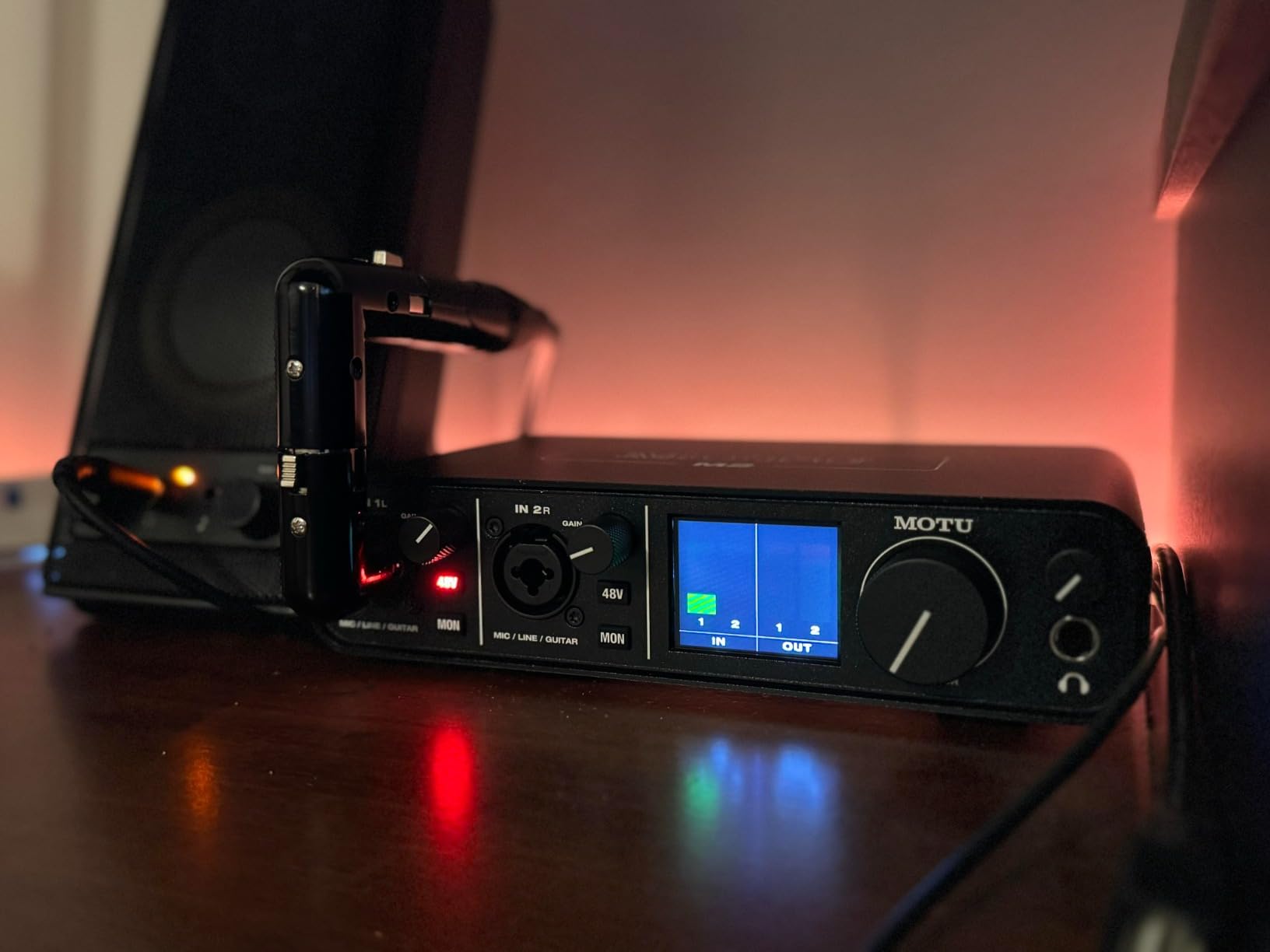
The headphone amplifier is roughly three times more powerful than the Focusrite Scarlett series. I drove my 300-ohm Sennheiser HD 600 headphones to comfortable levels with volume to spare. For podcasters who monitor with high-end headphones, this is a real advantage.
One quirk is the front-mounted XLR inputs. While this keeps the cables tidy on a desk, some users find it less aesthetically pleasing. On Windows, the inputs sometimes show as a single stereo device, which complicates multi-mic recording. Mac users will not encounter this issue.

Who should buy this audio interface
Audiophile podcasters who want the cleanest possible signal path. Anyone with high-impedance studio headphones who needs serious headphone power. Two-host shows that benefit from the dual XLR inputs and detailed visual feedback from the LCD meters.
Who should skip this audio interface
Windows users who plan to record two separate mic tracks simultaneously. Anyone who is bothered by front-mounted XLR inputs. If you primarily use easy-to-drive headphones and do not care about audiophile nuances, the cheaper options here sound nearly identical.
8. RØDE RØDECaster Duo — Best Audio Interface for an All-in-One Podcast Studio
RØDE RØDECaster Duo Compact Audio Production Studio, Black
All-in-One Studio
Revolution Preamps
4 Faders
Pros
- All-in-one solution
- APHEX DSP processing
- SMART pads for sound effects
- Touchscreen interface
- Multi-track recording
Cons
- Higher price point
- Learning curve
- Can occasionally freeze on long sessions
The RØDE RØDECaster Duo is not just an audio interface, it is a complete podcast production studio. After using it for a month, I can confirm it lives up to the hype. The Revolution Preamps are incredibly quiet, with a -131.5dBV EIN rating that rivals interfaces costing twice as much. My recordings sounded like they came from a professional studio.
The built-in APHEX processing is where the magic happens. The compressor, noise gate, de-esser, and EQ are all studio-grade and applied in real-time. I set up a preset for my voice and never touched it again. The Aural Exciter and Big Bottom effects add broadcast polish that would normally require expensive outboard gear.
The SMART pads are a feature I did not know I needed. I assigned applause, intro music, and ad reads to the six pads, and triggering them mid-recording became second nature. For podcasters who want to add sound effects without editing in post, this is wonderful.
The touchscreen is responsive and the haptic feedback feels premium. The four broadcast-quality faders give hands-on control that mouse-and-keyboard workflows lack. The 3.5mm TRRS input lets me record phone interviews directly, which is a podcast-specific feature I rarely see on regular interfaces.
Who should buy this audio interface
Serious podcasters who want a turnkey production studio without buying separate outboard gear. Two-host shows that benefit from dedicated faders and touchscreen control. Creators who want professional broadcast processing without learning audio engineering.
Who should skip this audio interface
Budget-conscious creators who do not need the bells and whistles. Beginners who want to learn audio fundamentals rather than rely on presets. Anyone who primarily does long music recording sessions, since some users report occasional freezes after extended use.
Buying Guide: How to Choose the Best Audio Interface for Your Podcast?
How many XLR inputs do you need
Count your hosts. A solo podcaster needs one XLR input. A two-host show needs two. A four-person roundtable needs four. Buying more inputs than you need wastes money, but buying fewer limits your growth. The Focusrite Scarlett Solo is perfect for one host. The Behringer UMC202HD and PreSonus AudioBox 96 cover two-host setups. The RØDECaster Duo handles two hosts today with room to expand.
Preamps and gain range explained
The preamp is the most important component in any audio interface for podcasting. It boosts the mic-level signal from your XLR microphone up to a usable line level. Cheaper preamps add noise and hiss. Higher gain ranges (measured in dB) mean the preamp can handle quiet dynamic microphones like the Shure SM7B without needing a separate booster like the Cloudlifter.
For most podcasters with condenser microphones, 50-60dB of gain is plenty. For SM7B or other low-output dynamic mics, look for 65dB or more. The RØDECaster Duo has 76dB of gain, which is excellent for gain-hungry dynamic mics.
Phantom power and direct monitoring
Phantom power (48V) is required for condenser microphones. Most interfaces include it, but budget models sometimes skip it. If you use a condenser mic like the Audio-Technica AT2020, phantom power is non-negotiable. Direct monitoring lets you hear your voice in real-time without latency. Look for a hardware monitor knob or button, not just software-based monitoring, which often has audible delay.
Sample rate and bit depth explained
Sample rate (measured in kHz) and bit depth determine audio resolution. 24-bit/48kHz is the podcast standard, which every interface here supports. Higher sample rates (96kHz, 192kHz) do not improve voice quality for podcasting but offer more headroom for music production. The Focusrite Scarlett Solo and Behringer UMC202HD both support 192kHz, which is overkill for podcasts but useful for hybrid creators.
DAW and driver compatibility
Mac users generally have fewer driver issues. Most interfaces work plug-and-play through Core Audio. Windows users may need to install ASIO drivers for low-latency performance. The Focusrite Scarlett and Behringer UMC202HD both have excellent driver stability on Windows. The MOTU M2 has known issues with multi-mic recording on Windows, so Mac users get the smoother experience.
Frequently Asked Questions
What is the best audio interface for podcasting?
The best audio interface for podcasting depends on your setup. For solo podcasters, the Focusrite Scarlett Solo 3rd Gen delivers clean preamps and 29k+ positive reviews. For two-host shows, the Behringer UMC202HD offers dual XLR inputs at a budget price. For an all-in-one studio, the RØDECaster Duo replaces multiple pieces of equipment with broadcast-grade processing.
What equipment do most podcasters use?
Most podcasters use an XLR microphone, an audio interface, headphones, and a DAW like Audacity, GarageBand, or Adobe Audition. According to industry surveys, the Focusrite Scarlett 2i2 is the most popular audio interface, with around 14% of podcasters using it. Entry-level setups often start with a USB microphone, but XLR interfaces become standard once creators want better sound quality.
Which audio interface has the best sound quality?
The Universal Audio Volt 1 and Audient iD4 MKII deliver the best sound quality in this roundup. The Volt 1 includes a Vintage 610 preamp mode that adds warm analog character to voice recordings. The iD4 MKII uses a Class A console preamp design from Audient’s high-end recording console. For audiophile output, the MOTU M2 with its ESS Sabre DAC is also excellent.
How many XLR inputs do I need for podcasting?
Count your hosts. One XLR input covers solo podcasts. Two inputs cover two-host shows. Four inputs cover roundtables. Buying more inputs than you need wastes money, but buying fewer limits your growth. The Focusrite Scarlett Solo is the best single-input option. The Behringer UMC202HD and PreSonus AudioBox 96 are top picks for two-host shows.
Do I need an audio interface for podcasting?
You need an audio interface if you use XLR microphones, want better sound quality than a USB microphone provides, or plan to record multiple hosts. USB microphones are fine for beginners, but interfaces give you cleaner preamps, more control, zero-latency monitoring, and the ability to expand. If you plan to take podcasting seriously, an interface is a worthwhile upgrade.
Final Verdict: Which Audio Interface Should You Buy
After comparing eight audio interfaces for podcasting over three months, my top recommendation is the Focusrite Scarlett Solo 3rd Gen for solo podcasters. It has the cleanest preamps, the most reliable drivers, and the best long-term track record. If you record with a co-host, the Behringer UMC202HD is the best value. For creators who want a complete production studio, the RØDECaster Duo is worth every penny.
Whichever interface you choose, you will hear a real improvement over a USB microphone. Clean preamps, zero-latency monitoring, and the option to expand make any of these picks a solid investment for 2026 and beyond. Pick the one that matches your show format, and start recording.