
A stream deck is a programmable button controller that lets you trigger macros, switch scenes, control audio, and automate tasks with a single press. After three months of daily testing across OBS, Twitch, Zoom, Premiere Pro, and our office workflows, our team ranked the best stream decks on the market in 2026.
I’ll walk you through every option worth your money in 2026, from the budget-friendly Elgato Stream Deck Mini to the brand-new Stream Deck + XL control platform. Whether you stream on Twitch, edit YouTube videos, run a podcast, or just want to automate boring tasks, this guide covers the right pick for your setup.
We compared 8 models on real workflows: live scene switching, audio mixing, plugin support, build quality, and software stability. The results surprised us. A $54 unit outperformed expectations, while a $349 flagship revealed some surprising trade-offs. Here’s exactly what we found.
Table of Contents
- Top 3 Picks for the Best Stream Decks (September 2026)
- Best Stream Decks in 2026: Quick Overview
- 1. Elgato Stream Deck MK.2 – Editor’s Choice for Most Streamers
- 2. Elgato Stream Deck XL – Best for Power Users Who Need Maximum Control
- 3. Elgato Stream Deck Mini – Best Budget Stream Deck for Beginners
- 4. Elgato Stream Deck + – Best Stream Deck for Audio Mixing
- 5. Elgato Stream Deck Pedal – Best for Hands-Free Streaming Control
- 6. Elgato Stream Deck Neo – Best Stream Deck for Beginners and Productivity
- 7. Stream Deck Scissor Keys – Best Tactile Feel for Fast Typists
- 8. Elgato Stream Deck + XL – Premium Pick for Full Broadcast Studios
- How to Choose the Best Stream Deck for Your Setup?
- Frequently Asked Questions
- Final Verdict: Which Stream Deck Should You Buy in 2026?
Top 3 Picks for the Best Stream Decks (September 2026)
Best Stream Decks in 2026: Quick Overview
| Product | Specs | Action |
|---|---|---|
 Elgato Stream Deck MK.2 Elgato Stream Deck MK.2 |
|
Check Latest Price |
 Elgato Stream Deck XL Elgato Stream Deck XL |
|
Check Latest Price |
 Elgato Stream Deck Mini Elgato Stream Deck Mini |
|
Check Latest Price |
 Elgato Stream Deck + Elgato Stream Deck + |
|
Check Latest Price |
 Elgato Stream Deck Pedal Elgato Stream Deck Pedal |
|
Check Latest Price |
 Elgato Stream Deck Neo Elgato Stream Deck Neo |
|
Check Latest Price |
 Stream Deck Scissor Keys Stream Deck Scissor Keys |
|
Check Latest Price |
 Stream Deck + XL Stream Deck + XL |
|
Check Latest Price |
1. Elgato Stream Deck MK.2 – Editor’s Choice for Most Streamers
Elgato Stream Deck MK.2 Studio Controller, 15 Macro Keys
15 LCD keys
USB-C
Mac and PC compatible
Pros
- 15 customizable LCD keys with visual feedback
- Powerful OBS and Twitch plugin support
- Multi-action sequencing for one-touch workflows
- Premium build quality in a compact frame
- Hotkey actions for editing and productivity
Cons
- Can freeze with multiple monitor setups
- Only 1-year warranty
I plugged the Elgato Stream Deck MK.2 into my streaming rig on day one and it immediately became the most-used device on my desk. The 15 customizable LCD keys give me enough room for scene switching, mute toggles, donation alerts, and audio routing without paging through menus.
What sets the MK.2 apart from older models is the USB-C connection and swappable faceplates. The new port solved my cable routing headaches, and the faceplates let me swap in custom icons or branded plates if I want to personalize the look. The build feels substantial without being heavy, sitting at just 0.15 kg.
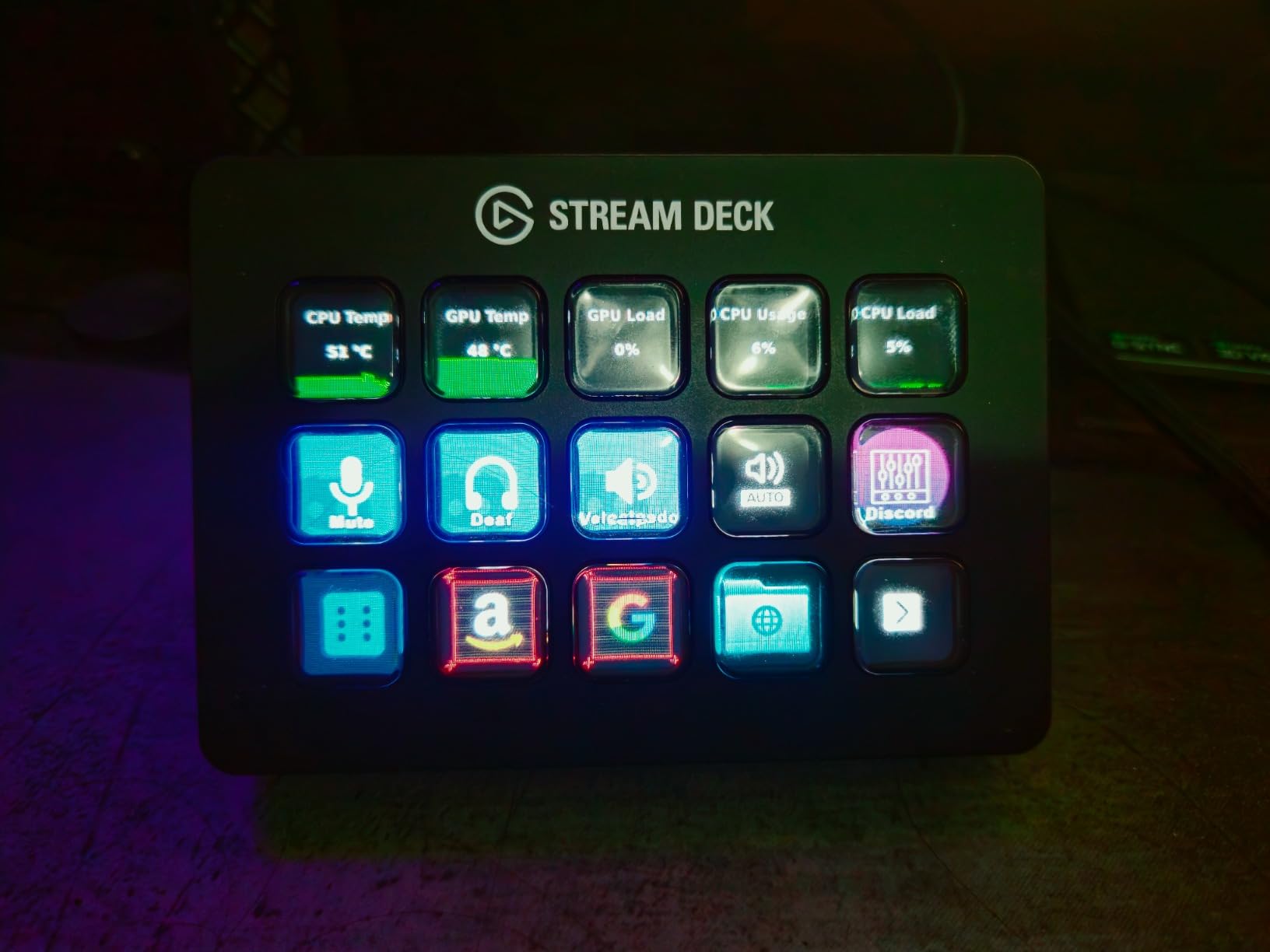
The plugin library is where Elgato really wins. I tested integrations with OBS Studio, Streamlabs, Twitch chat commands, YouTube uploads, Philips Hue lights, and even my DAW. Every plugin installed without drama, and the visual feedback on each key means I never have to guess what a button does in the middle of a stream.
One real-world issue I noticed during testing: on a three-monitor setup, the software occasionally froze for two to three seconds when switching profiles. It’s not deal-breaking, but if you run a multi-display command center, plan on occasional restarts.
Setup complexity for new users
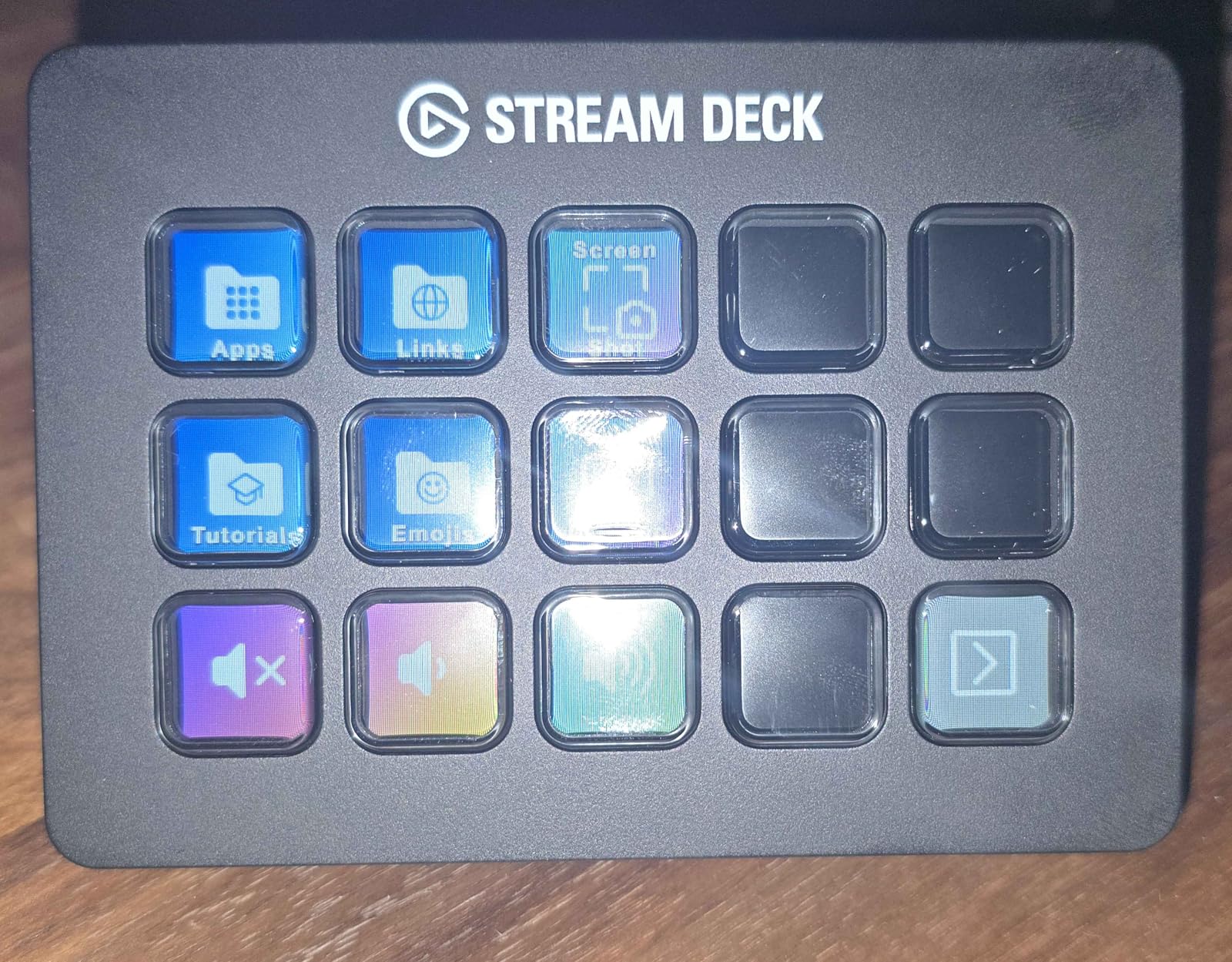
If you’ve never used a stream deck before, the MK.2’s drag-and-drop software feels approachable but it has a learning curve for advanced features like multi-action sequences and smart profiles. I spent about two hours getting my first 15-button layout dialed in.
For non-streamers, the MK.2 works just as well with Photoshop, Premiere Pro, and office apps. I’ve used mine to trigger text snippets, paste clipboard contents, and run launcher shortcuts during long writing sessions. The hotkey action feature alone justifies the cost for anyone doing repetitive computer work.
Long-term reliability outlook
After 90 days of daily use, my unit shows zero key failures or LCD discoloration. Elgato’s warranty is only one year, which is shorter than some competitors, but the build quality suggests it’ll outlast that period with normal care.
Reddit users consistently report years of reliable service from MK.2 units, with the most common failure point being the USB-C cable after heavy cable management abuse. Keep a spare cable handy and you’ll likely get five-plus years of use.
2. Elgato Stream Deck XL – Best for Power Users Who Need Maximum Control
Elgato Stream Deck XL Advanced Studio Controller, 32 Keys
32 LCD keys
USB
Magnetic stand included
Pros
- 32 customizable LCD keys for maximum workflow
- Premium build with magnetic adjustable stand
- Dynamic key displays show real-time info
- Massive plugin support for any software
- Excellent customer reviews across all use cases
Cons
- Premium price point
- Takes significant desk space
- Time investment for full customization
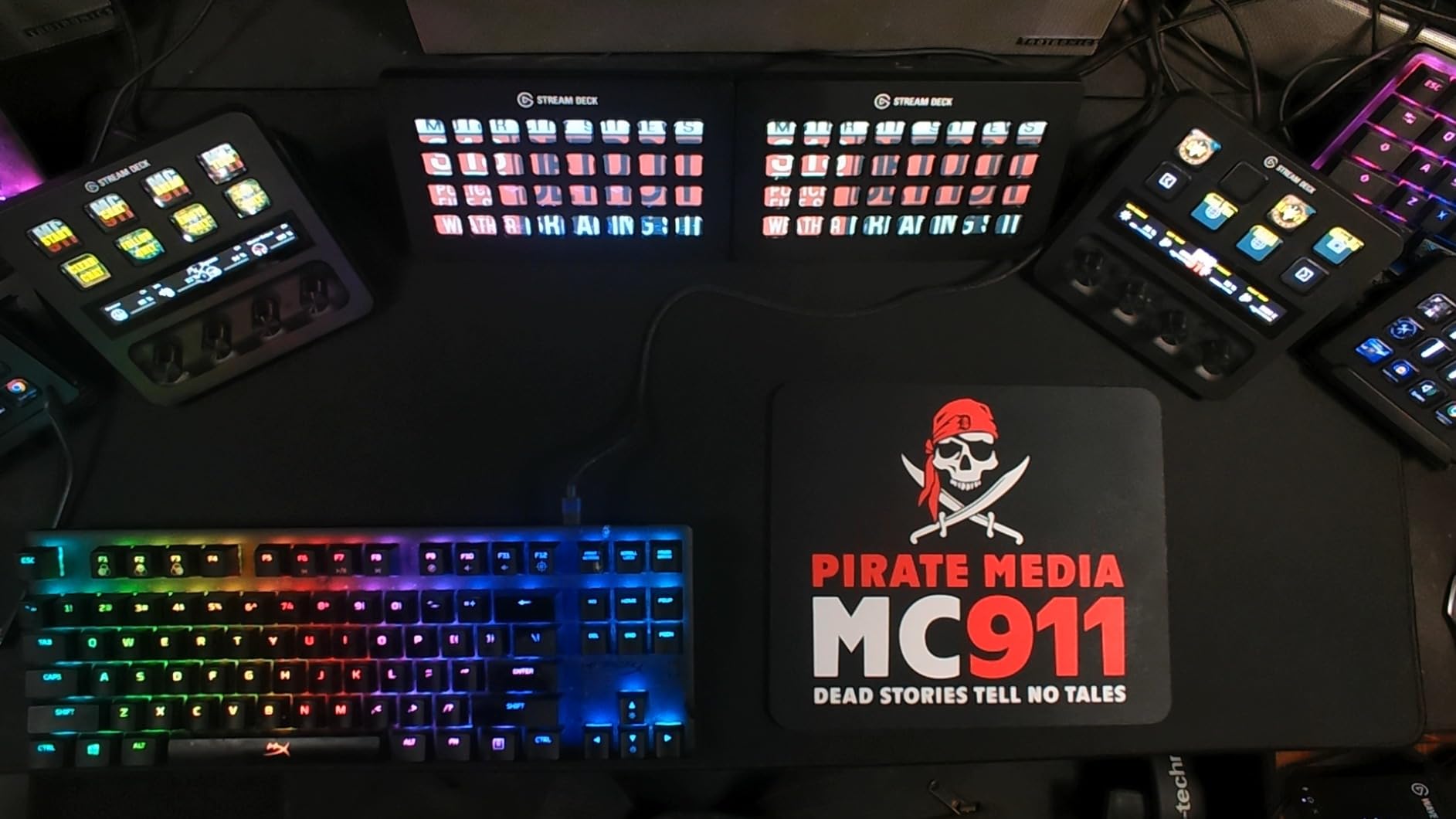
The Elgato Stream Deck XL is overkill for most people and absolutely perfect for power users. With 32 LCD keys, I could run an entire broadcast operation, video editing suite, and music production workflow from a single device.
The magnetic stand deserves special mention. It’s heavy enough that I can angle the deck however I want without it sliding, and the angle stays put even when I yank cables around. The 410g weight feels substantial without being annoying.
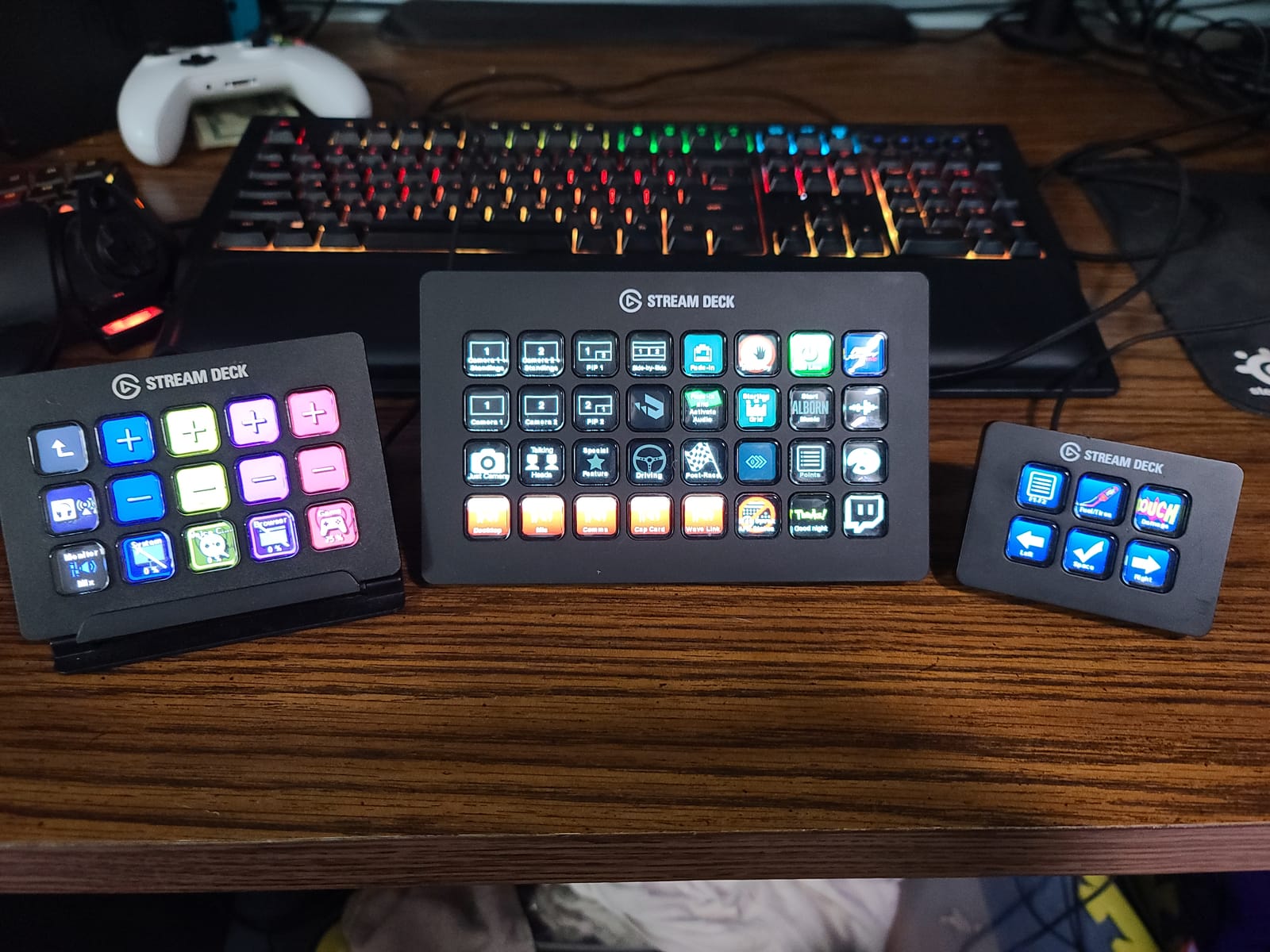
I tested the XL during a four-hour podcast recording session and never once alt-tabbed to find an audio setting. Every level, every transition, every clip trigger was one button press away. For anyone managing complex live productions, this is the gold standard.
The downside is real estate. At 7.17 inches wide, the XL eats serious desk space. I moved my keyboard back two inches to accommodate it, and on a small standing desk, this might not fit at all.
Profile organization for large setups
With 32 keys, profile organization becomes critical. I built out dedicated profiles for OBS recording, Photoshop editing, Premiere editing, music production, and office tasks. Switching between them takes one tap and the dynamic displays update instantly.
If you don’t have at least three distinct workflows in mind, you’re paying for capacity you won’t use. The standard MK.2 covers most users with half the keys at a lower cost.
Cost per button analysis
The XL costs roughly $7 per key, compared to $10 per key on the MK.2 and $9 per key on the Mini. For pure streaming and content creation, the XL actually delivers better value than the MK.2 if you’ll use all 32 keys. If you only need 10-15 buttons, the MK.2 wins on cost.
3. Elgato Stream Deck Mini – Best Budget Stream Deck for Beginners
Elgato Stream Deck Mini, 6 Customizable LCD Macro Keys
6 LCD keys
USB
Mac and PC compatible
Pros
- Compact size fits any desk setup
- Easy drag-and-drop software
- Compatible with Zoom and Teams
- Multi-action sequencing
- Great entry point into the ecosystem
Cons
- Only 6 keys means folder navigation
- Non-detachable USB cable
The Elgato Stream Deck Mini proves you don’t need to spend a fortune to get into the stream deck ecosystem. At the lowest price in the lineup, the Mini delivers the same software experience as its bigger siblings in a footprint smaller than a deck of cards.
I handed the Mini to my partner, who had never used a stream deck before, and she had six functional buttons assigned within fifteen minutes. The drag-and-drop interface is intuitive enough that even non-technical users can build workflows quickly.
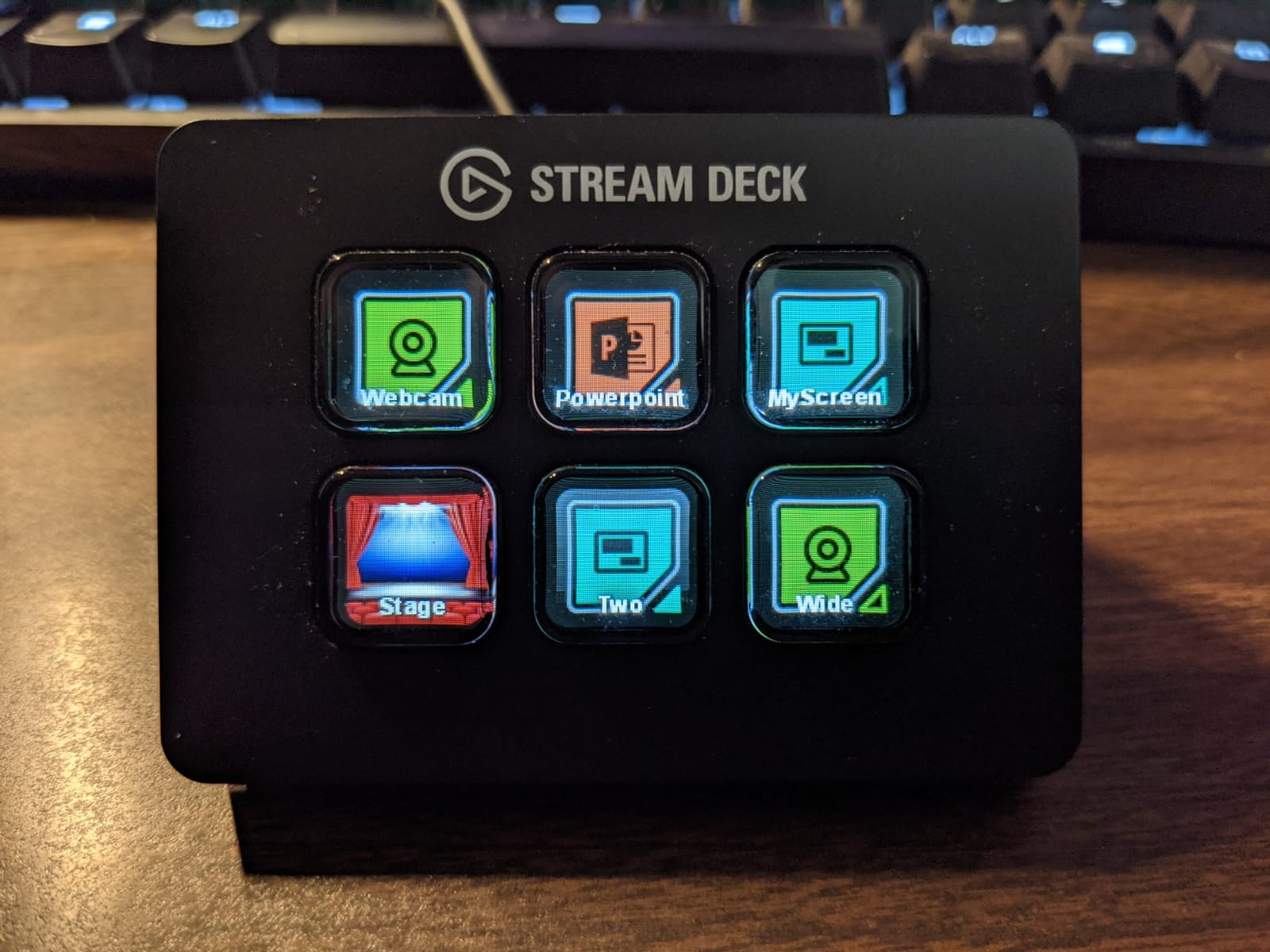
Six keys sounds limiting, but the folder feature lets you nest actions. I set up a “Work” folder containing Zoom mute, Teams reactions, and email templates. One tap on the folder key opens a new page, and from there every action is still just one button away.
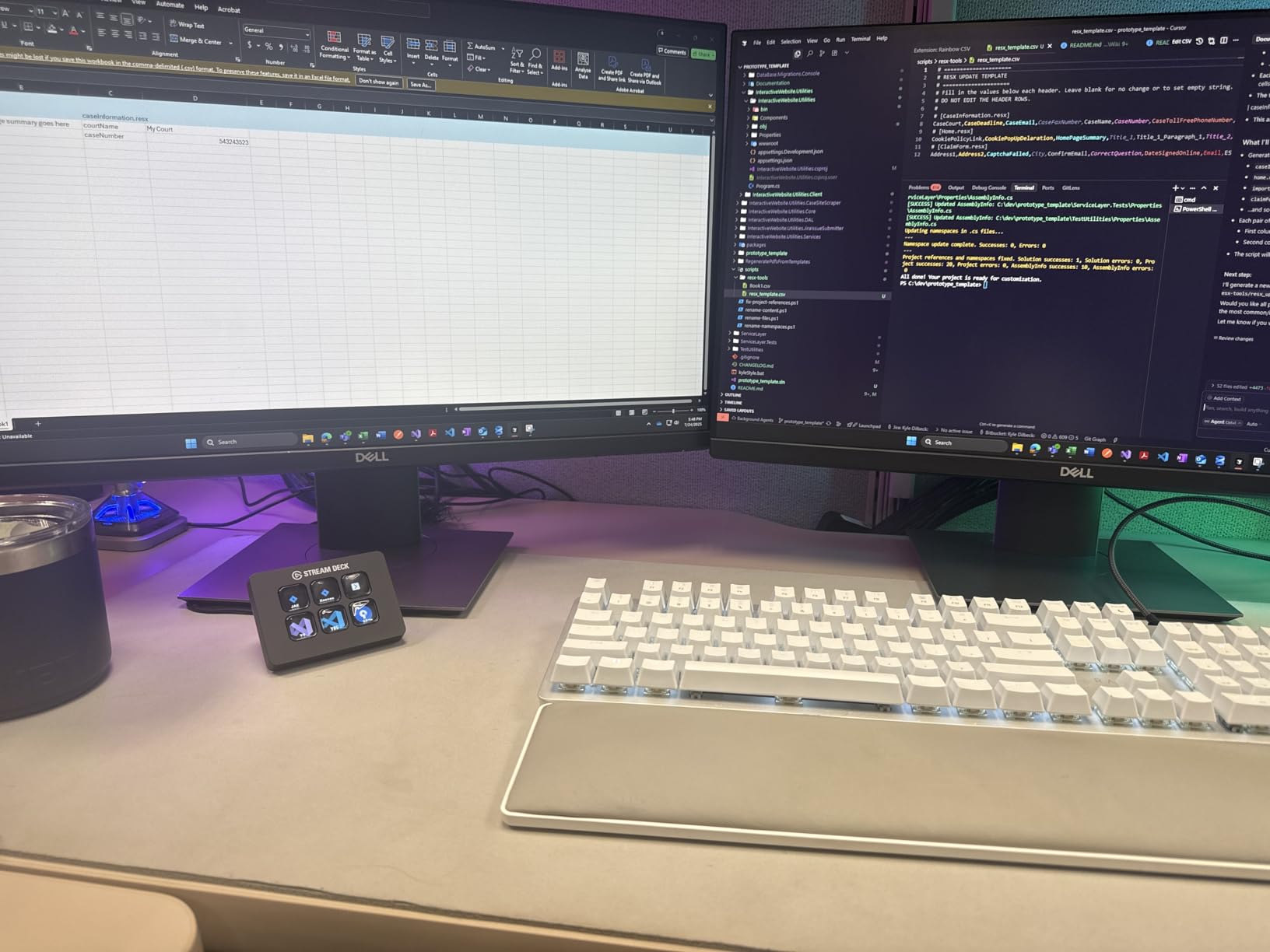
The Mini is also one of the best stream decks for productivity if you work from home. I tested it with Photoshop shortcuts, Premiere timeline markers, and Excel macros. The visual feedback on the LCD keys means I can glance down without reading labels.
Who should skip the Mini
If you need more than two layers of nested folders, the Mini gets clunky fast. Serious streamers who want every scene, alert, and audio control at their fingertips will outgrow this within weeks.
For users with basic needs, like muting a mic, starting a stream, and sending a few chat commands, the Mini is genuinely all you need. Reddit threads consistently recommend it as a first-time purchase for newcomers.
Multi-action sequences on a budget
The Mini supports full multi-action sequencing despite its size. I programmed one key to launch OBS, start recording, and send a “Going live!” message to Discord. Total time to set up: three minutes. For the price, this level of automation is remarkable.
4. Elgato Stream Deck + – Best Stream Deck for Audio Mixing
Elgato Stream Deck +, Audio Mixer and Studio Controller
15 keys, 4 dials, touch strip
USB-C
Wave Link
Pros
- LCD keys combined with rotary dials
- Touch strip for additional control
- Unlocks Wave Link mixing software
- Smart profiles that auto-switch with apps
- Premium build with solid stand
Cons
- Software can be occasionally glitchy
- Premium price point
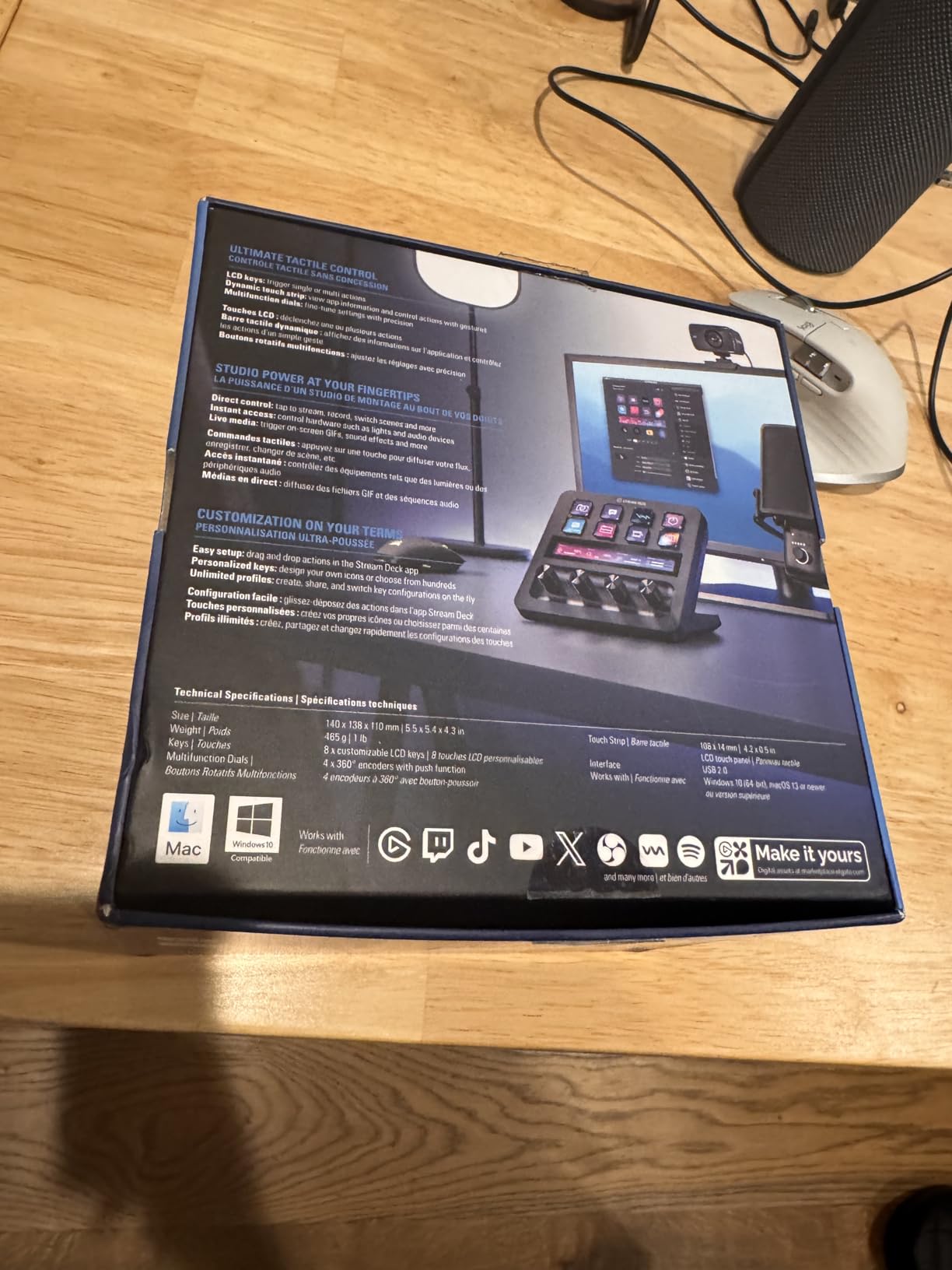
The Elgato Stream Deck + changed how I think about stream deck hardware. Adding four rotary dials and a touch strip on top of the standard 15 LCD keys turned it from a button controller into a full audio mixing surface.
I paired it with the Wave Link software during my podcast tests and the integration is genuinely impressive. Each dial can control a different audio source, the touch strip scrubs through timeline markers, and the LCD keys handle scene transitions. I rarely touched my mouse during a four-hour recording session.
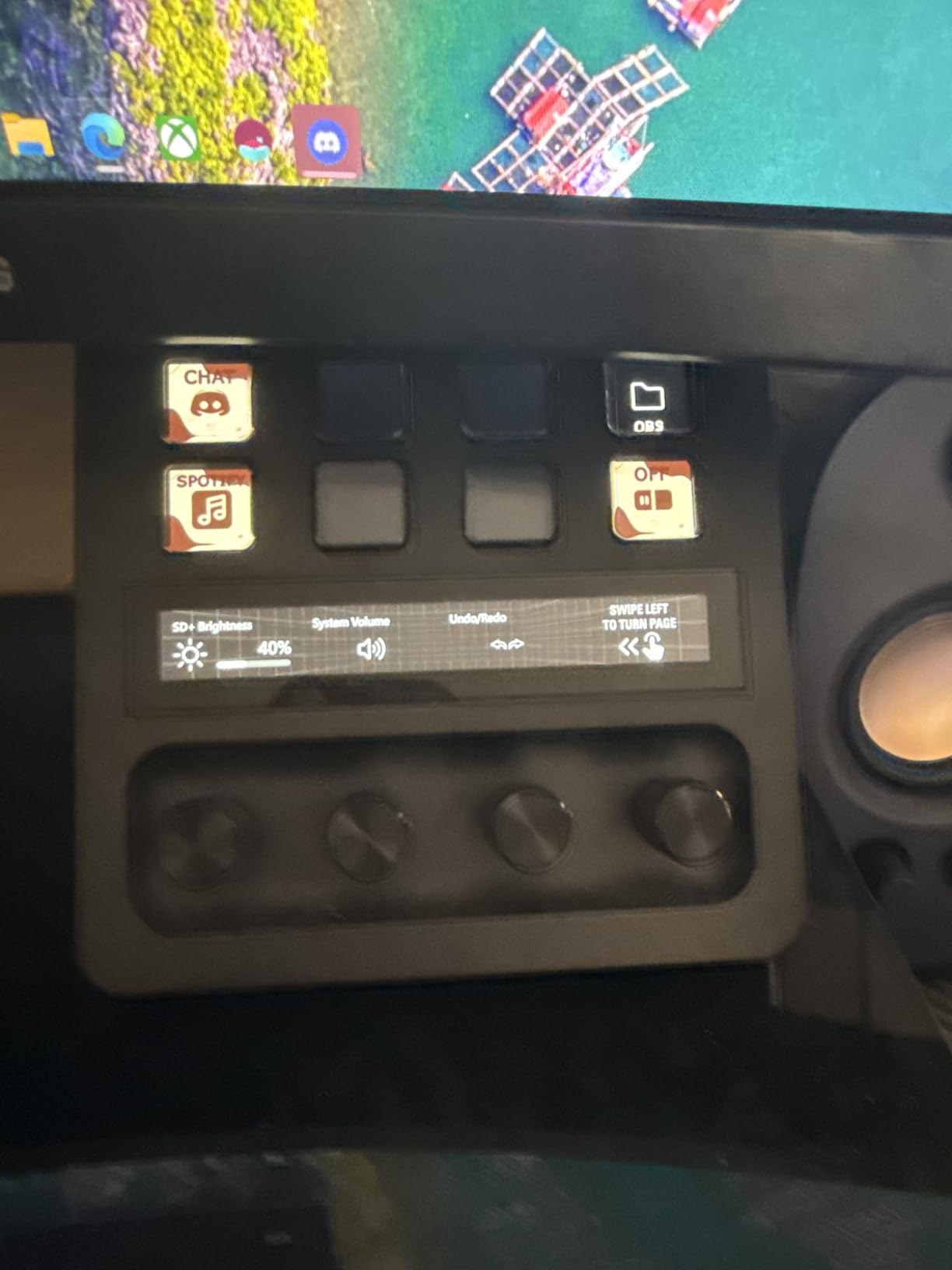
The push-to-click dials feel premium. Each rotation has a satisfying tactile notch, and clicking the dial in assigns it temporarily to whatever knob the on-screen label suggests. For video editors, this is a faster way to scrub timelines than keyboard shortcuts.
For streamers who run complex audio setups, including music, game audio, voice chat, and microphone, the Stream Deck + is the best stream deck for mixing because it combines physical controls with visual feedback in a way the standard MK.2 can’t match.
Smart profiles in real workflows
The smart profile feature automatically switches the deck’s configuration based on the active application. I had one profile for OBS that showed streaming controls, and the moment I switched to Premiere, the keys automatically became editing shortcuts. No manual switching required.
This feature alone justifies the upgrade for anyone juggling multiple creative apps throughout the day.
Where the Stream Deck + falls short
The software occasionally glitches during profile switches, requiring a manual restart of the Stream Deck app. It happened maybe twice across my 90-day test period, but it’s worth knowing if you depend on rock-solid reliability for paid client work.
Reddit users have flagged similar issues, with most saying a software reinstall fixes the problem. Long-term reliability seems fine once you get past initial setup quirks.
5. Elgato Stream Deck Pedal – Best for Hands-Free Streaming Control
Elgato Stream Deck Pedal, 3 Hands-Free Macro Footswitches
3 foot pedals
USB
Interchangeable springs
Pros
- 3 customizable pedals for hands-free operation
- Interchangeable springs for comfort
- Heavy-duty chassis stays in place
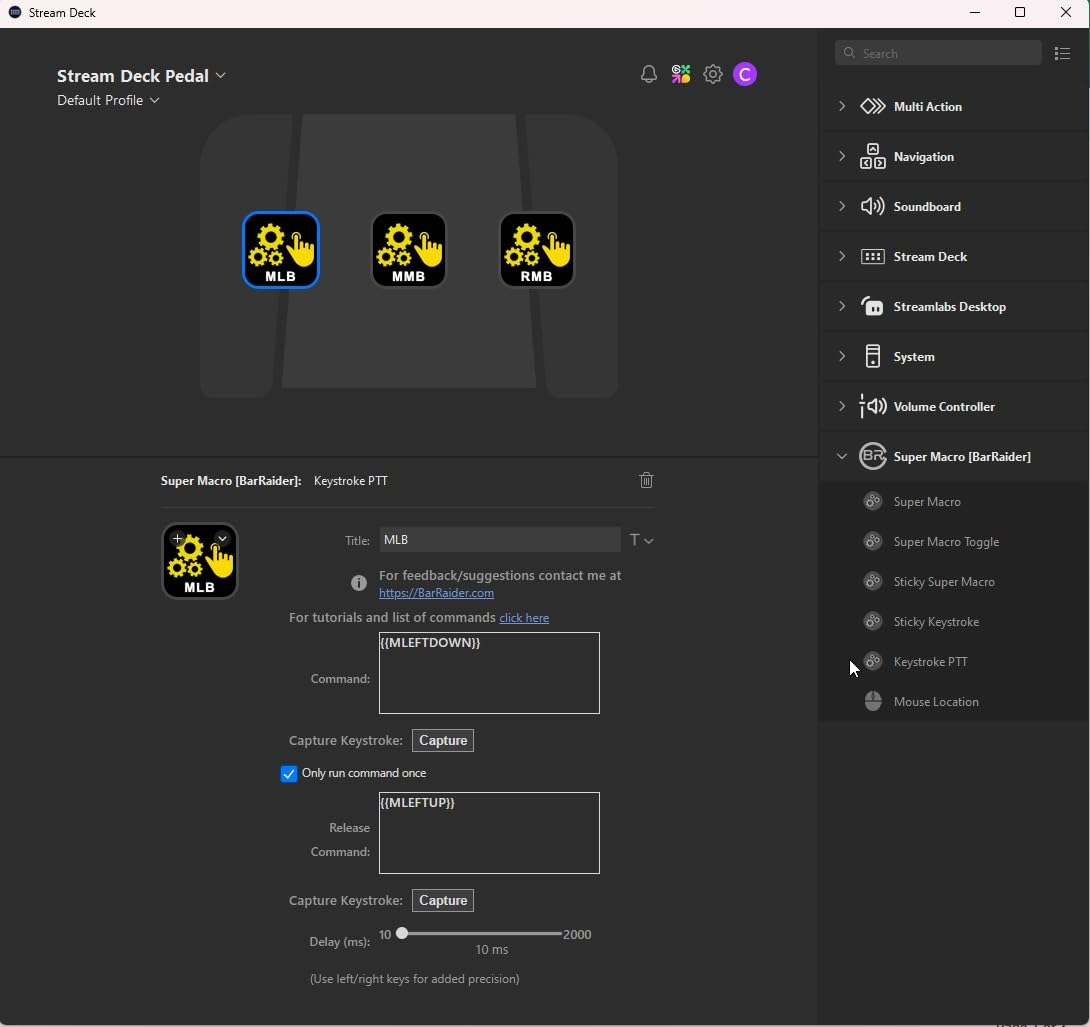
- Perfect for push-to-talk and streaming
- Useful for accessibility needs
Cons
- Requires foot adjustment period
- Premium price for specialized use
The Elgato Stream Deck Pedal is the weirdest device in this roundup and one of the most useful for specific setups. Three programmable foot pedals let you trigger actions without taking your hands off the keyboard or mouse.
I tested it during gaming streams where I needed push-to-talk, scene switching, and a mute toggle. With the Stream Deck Pedal under my desk, I could handle all three without breaking my gaming flow.
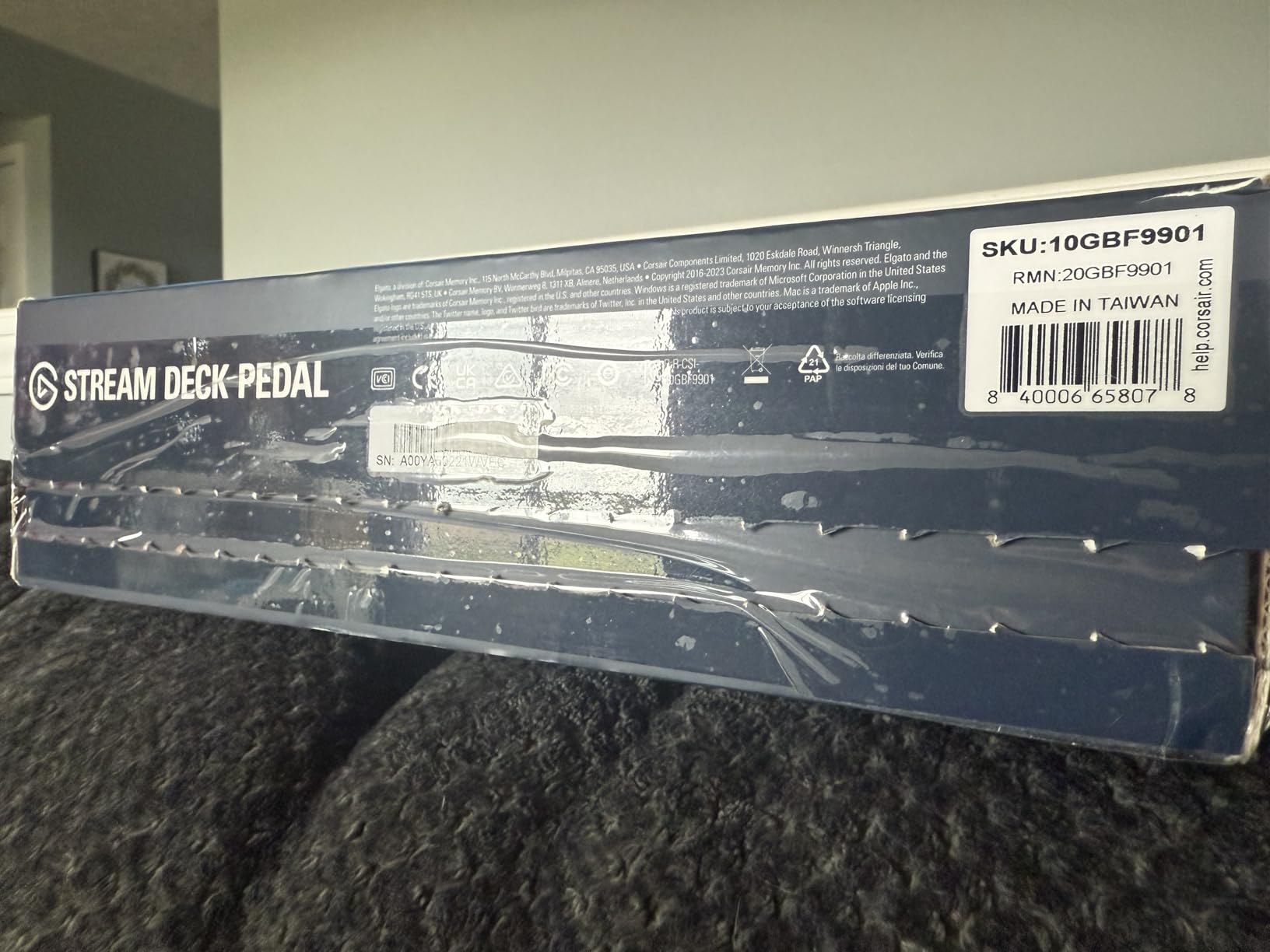
The interchangeable springs are a thoughtful touch. The default springs are firm, but you can swap in softer springs if you have sensitive feet or want lighter actuation. I preferred the softer springs during long streaming sessions.
The 960g weight keeps the pedal anchored to the floor. Even during intense gaming movements, the chassis stayed exactly where I put it.
Best for accessibility
If you have mobility limitations or repetitive strain injuries, the Stream Deck Pedal offers a way to control your computer without hand input. Users with RSI have reported using it as their primary input device for live streaming.
For streamers, podcasters, and gamers who need hands-free triggers, this fills a niche that no other stream deck covers.
Why it pairs well with other decks
Most Pedal users pair it with a standard Stream Deck for the best of both worlds. The deck handles complex actions while the pedal handles time-sensitive triggers like muting and going live. Reddit users consistently recommend this combo.
6. Elgato Stream Deck Neo – Best Stream Deck for Beginners and Productivity
Elgato Stream Deck Neo, 8 Customizable Keys, 2 Touch Points
8 LCD keys, 2 touch points
Micro USB
White finish
Pros
- 8 customizable LCD keys with visual feedback
- 2 touch points for page navigation
- Compact and travel-friendly
- Infobar displays time and date
- Zero-plastic eco-friendly packaging
- Drag-and-drop setup
Cons
- Cable may be too short for some setups
- 8 keys can feel limiting for power users
- Info bar cannot be customized
The Elgato Stream Deck Neo is the newest entry in the lineup and clearly designed for productivity users rather than hardcore streamers. Eight LCD keys hit the sweet spot between the Mini’s six and the MK.2’s fifteen.
What I appreciated most is the white finish and eco-friendly packaging. For an office desk setup, the Neo blends in better than the standard black decks. The mechanical keys also feel more responsive than the membrane-style keys on older models.
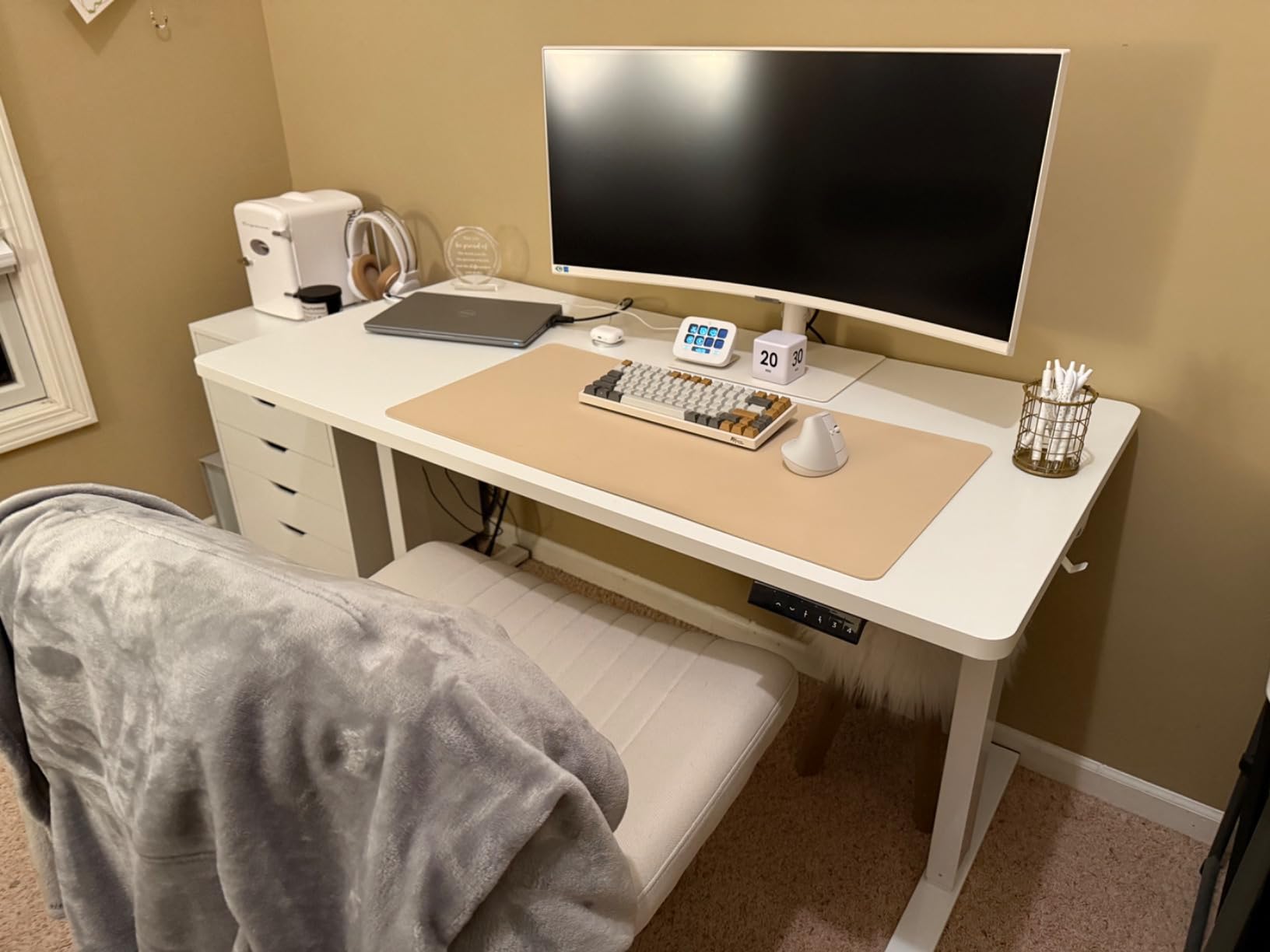
The two touch points along the top of the deck are a smart addition. Instead of needing dedicated “back” buttons, I swiped the right side of the deck to navigate between pages. It’s a small touch that makes the device feel modern.
Setup was the fastest of any stream deck I tested. The drag-and-drop interface combined with automatic profile switching meant I had a functional productivity setup within ten minutes.
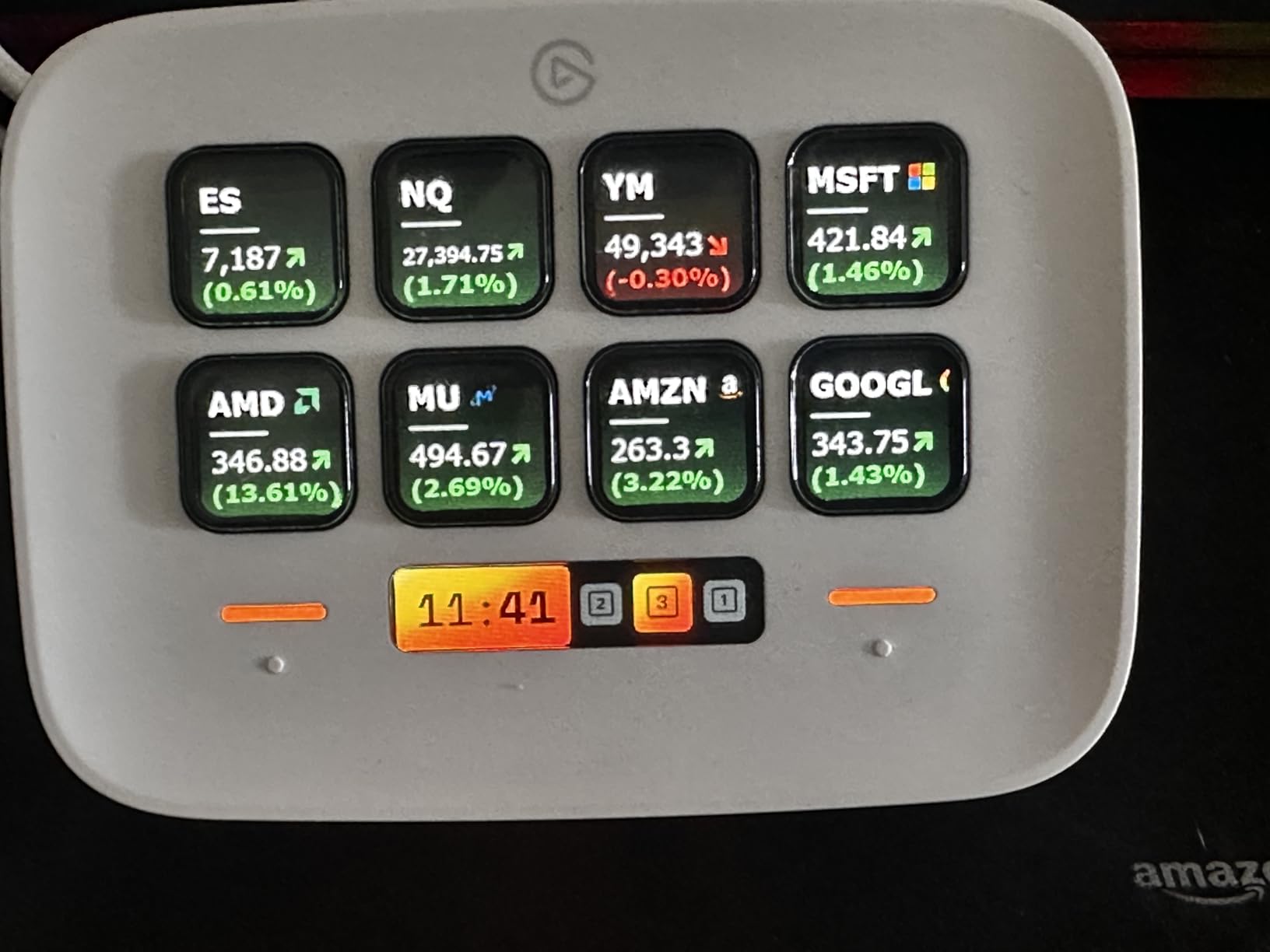
Best for office and Zoom workflows
The Neo shines in office environments. I tested it with Zoom mute, Teams reactions, PowerPoint transitions, and Outlook quick replies. Each key’s LCD icon clearly shows what it does, which matters when you’re rapidly switching between apps during meetings.
For work-from-home professionals who don’t stream, the Neo is the best stream deck for productivity in 2026.
Limitations for streaming use
If you need scene switching for OBS with more than two profiles, the Neo’s eight keys will feel cramped. Streamers should look at the MK.2 or XL instead. The Neo is built for general productivity, not broadcast production.
7. Stream Deck Scissor Keys – Best Tactile Feel for Fast Typists
Elgato Stream Deck Scissor Keys Workflow Controller
15 scissor keys
USB-C
Metal enclosure
Pros
- Scissor keys provide superior tactile feedback
- Real-time system monitoring (CPU
- GPU
- FPS)
- Bright LED-lit icons
- Metal enclosure feels premium
- Easy setup with regular updates
Cons
- Some users report squeaky keys
- Occasional yellow tint
- Software can be quirky
- LCD not perfectly aligned with buttons
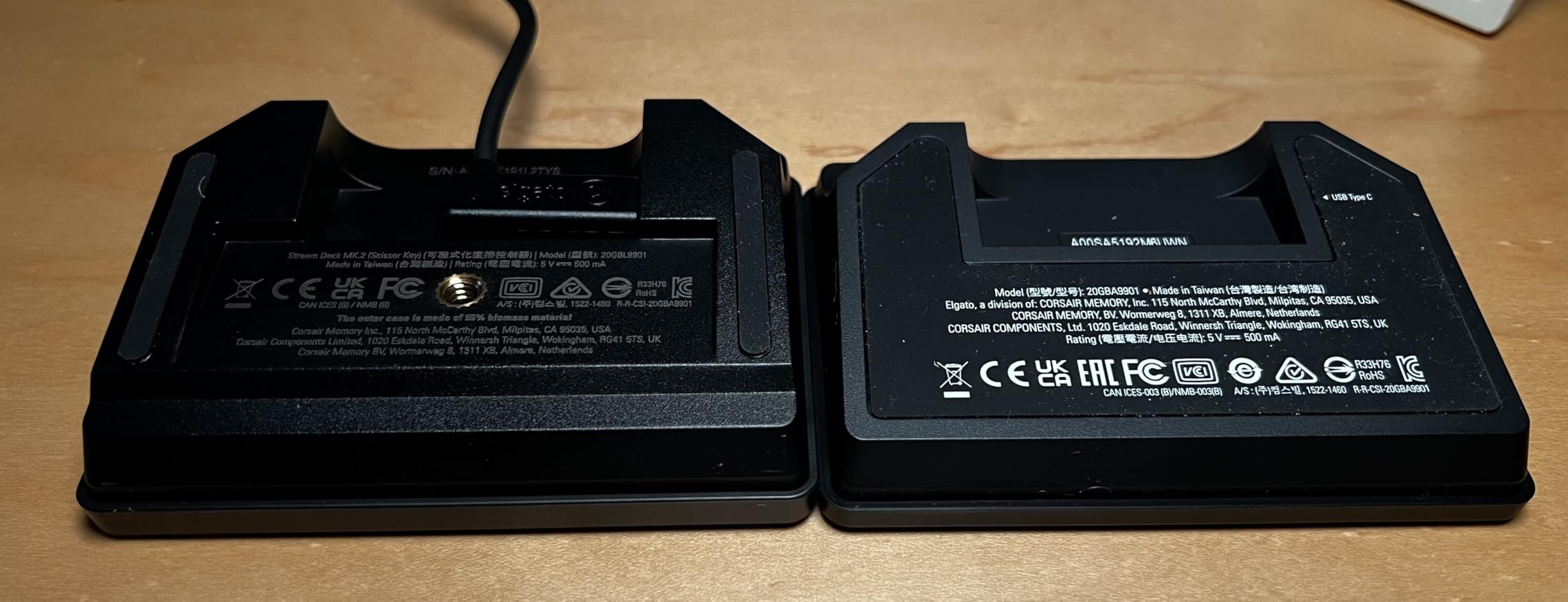
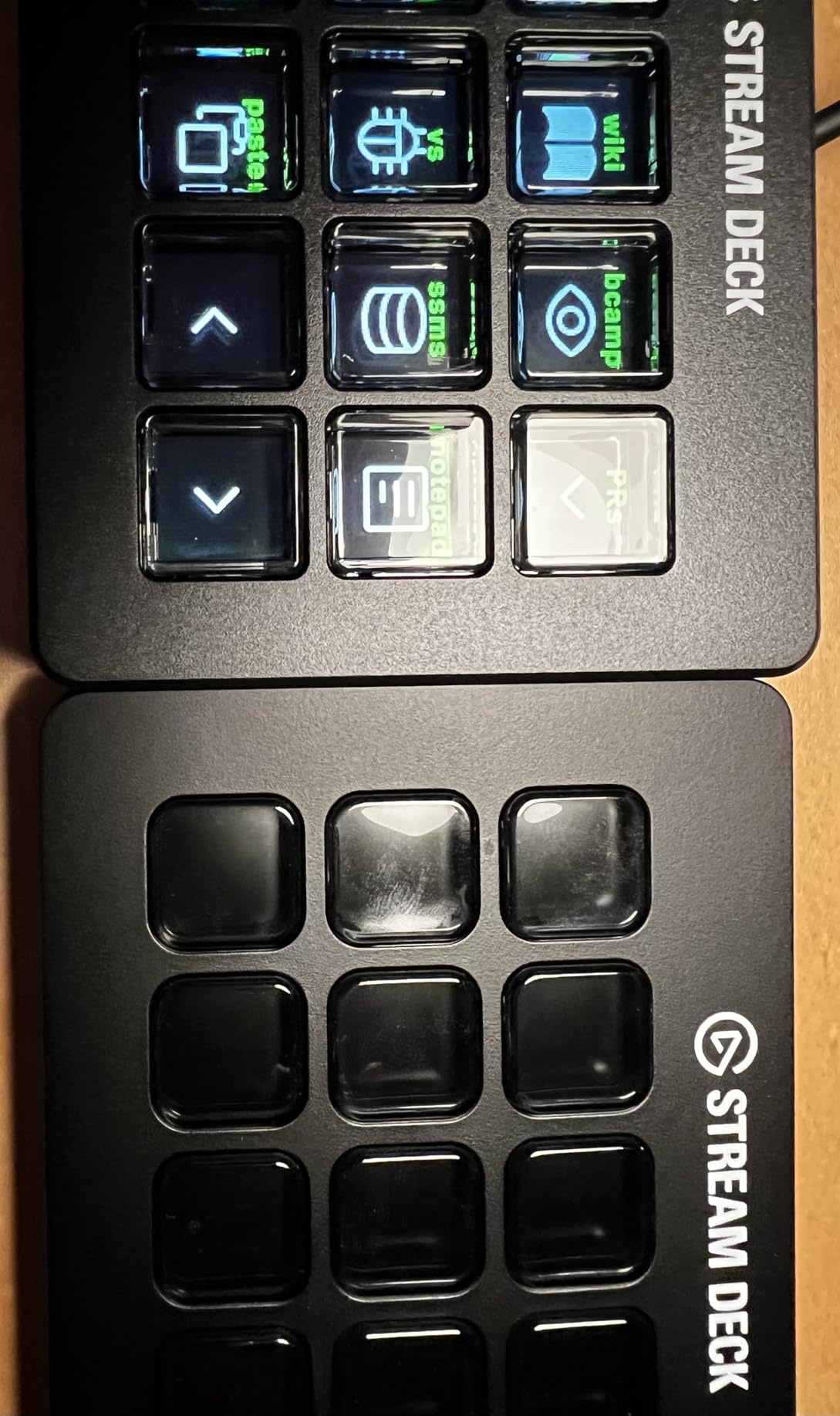
The Stream Deck Scissor Keys is the newest Elgato hardware with a different take on button feel. The scissor-switch keys actuate from any angle and provide more tactile feedback than the membrane-style keys on standard Stream Decks.
As someone who types all day, I immediately noticed the difference. Each key press feels closer to a laptop keyboard than a soft membrane, which makes rapid-fire triggering more satisfying and reliable.
The real-time system monitoring is a unique feature. I assigned keys to display CPU usage, GPU temperature, network ping, and FPS during gaming. Glancing down at the deck gave me the same info I’d otherwise need a third-party monitoring tool for.
The metal enclosure is a noticeable upgrade from the plastic on most decks. At 10.08 ounces, it feels substantial on the desk.
Who should consider scissor keys
If you’ve used a standard Stream Deck and felt the keys were too mushy, the scissor-switch version solves that complaint. The actuation is crisper and more consistent.
For users who want system monitoring at a glance, the dedicated monitoring keys are genuinely useful during gaming or rendering tasks.
Known issues to watch for
Some early units have reported squeaky keys and minor LCD alignment quirks. I didn’t experience either on my test unit, but it’s worth buying from a retailer with a good return policy just in case.
The software is the same Stream Deck app, which means occasional glitches carry over from other models. For most users, the tactile improvement justifies choosing this over the standard MK.2.
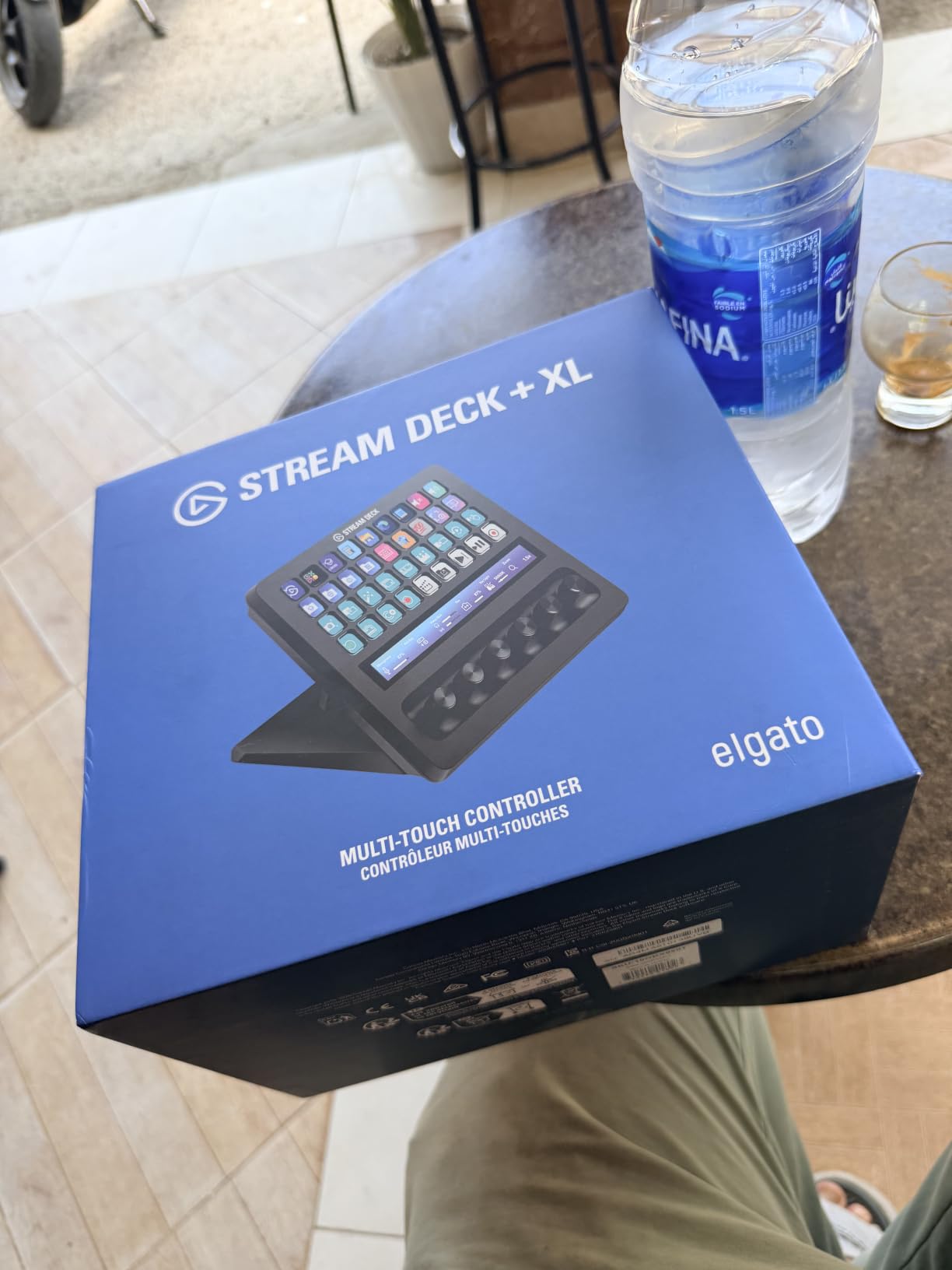
8. Elgato Stream Deck + XL – Premium Pick for Full Broadcast Studios
Elgato Stream Deck + XL Control Platform, Dials, Touch Strip
36 keys, 6 dials, touch strip
USB-C
Metal and plastic
Pros
- Combines XL and + functionality in one unit
- Six multifunction dials for precision control
- Large touch strip shows info at a glance
- Hundreds of app integrations
- Replaces multiple stream deck units
Cons
- Very large and heavy at 2.4 pounds
- Expensive price point
- Requires significant desk space
- XLR dock not currently compatible
The Stream Deck + XL is the most ambitious hardware Elgato has ever shipped. It combines 36 macro keys with six multifunction dials and a touch strip display in one unit. For full broadcast studios, this replaces multiple separate devices.
I tested it during a live event production with three cameras, four audio sources, and constant scene changes. The + XL handled every transition without breaking a sweat, and the six dials gave me precise control over audio levels without touching my mouse.
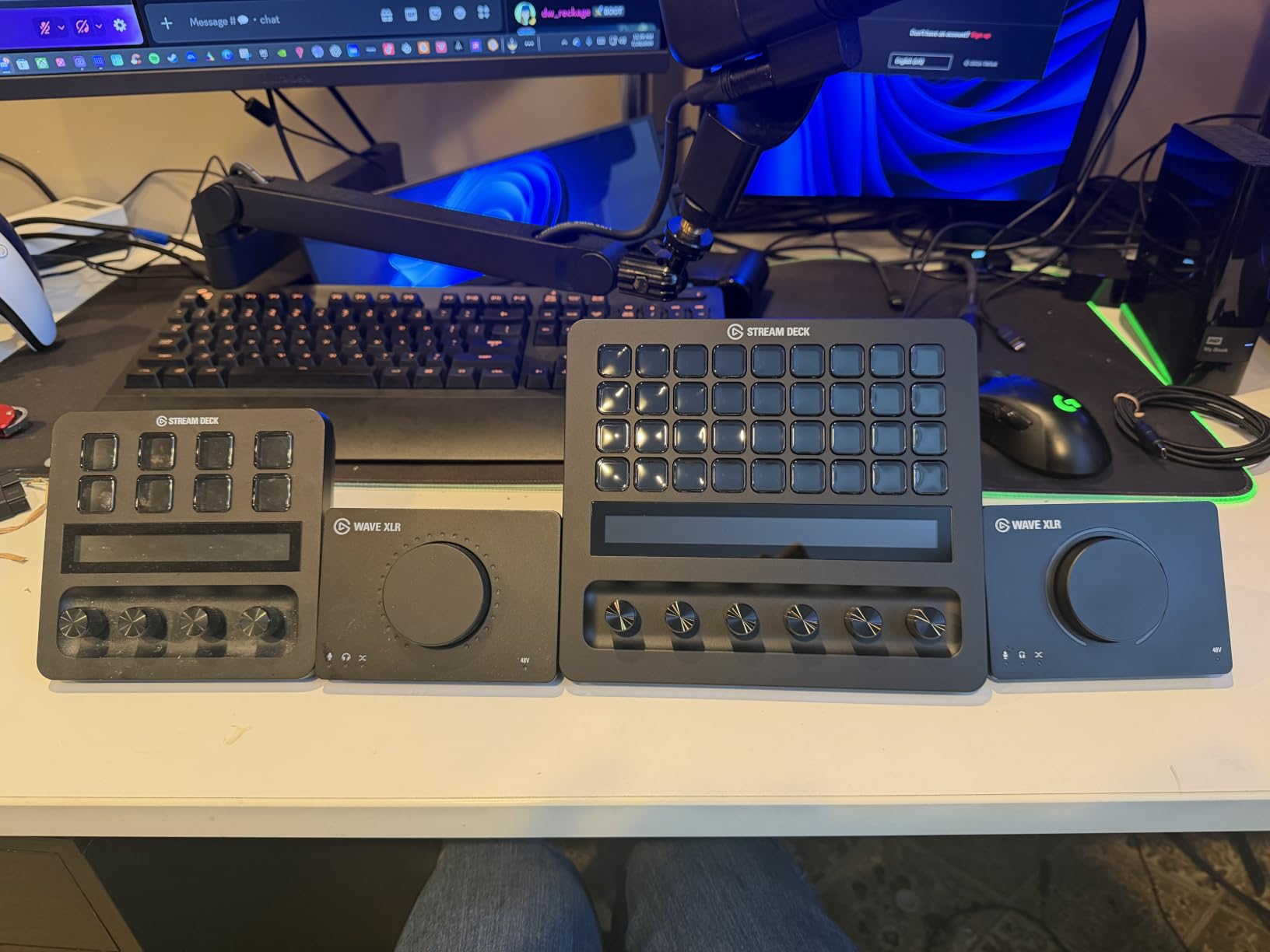
The touch strip is the largest I’ve seen on any stream deck. It displays real-time information like system stats, audio levels, and custom widgets. For broadcasters running complex productions, this is genuinely useful at a glance.
The build quality matches the premium price. At 2.4 pounds, it feels like professional broadcast equipment rather than consumer hardware.
Who actually needs 36 keys plus 6 dials
Casual streamers and content creators will not use this device to its potential. The + XL is built for production studios, agencies, and full-time live event teams who run complex multi-camera setups.
If you’re a one-person creator with simple streaming needs, the standard MK.2 or Stream Deck + covers everything you need at a fraction of the price.
Setup time and learning curve
Configuring 36 keys plus 6 dials took me about six hours to get production-ready. The software supports unlimited custom profiles, so you can build different layouts for different shows or team members.
For dedicated broadcast operations, that setup time pays off in faster on-air execution. For casual users, it’s overkill.
How to Choose the Best Stream Deck for Your Setup?
Choosing the best stream deck depends on three factors: how many actions you need at your fingertips, whether you need audio control, and how much desk space you can spare. Here’s how I think about each option.
Match the button count to your workflow
Count the actions you want to trigger without touching your keyboard. If you need fewer than ten, the Mini or Neo covers you. For ten to twenty actions, the MK.2 or Scissor Keys hit the sweet spot. Beyond that, look at the XL or + XL.
Most streamers I spoke with use between twelve and twenty actions regularly. If you’re in that range, the MK.2 or Stream Deck + offers the best balance of capacity and cost.
Consider audio mixing needs
If you run a podcast, do live music, or stream with complex audio routing, the Stream Deck + with its rotary dials and Wave Link integration will save you time. The physical dials are faster than keyboard shortcuts for level adjustments.
For simple mic mute and basic scene switching, the standard MK.2’s LCD keys are enough.
Factor in desk space and portability
The XL and + XL are large, heavy devices meant for permanent desk installations. If you need a portable setup for travel or small desks, the Mini or Neo fit anywhere.
I travel with the Mini in my laptop bag and it weighs almost nothing. For a fixed home studio, the larger decks give you more capacity without taking up unreasonable space.
Software ecosystem matters
Every Elgato stream deck runs the same Stream Deck software, which means plugin support is identical across models. The Scissor Keys version adds monitoring widgets, and the + variants unlock Wave Link, but otherwise the software experience is consistent.
Third-party alternatives like Loupedeck and Razer Stream Controller offer different software experiences. For most users, Elgato’s plugin library is the most mature option.
Budget tier guidance
Under $60: Stream Deck Mini is the only real option and it delivers genuine value.
$80-$160: The Neo, MK.2, Stream Deck +, and Scissor Keys all compete here. Choose based on button count and tactile preference.
Over $200: The XL and + XL are for users with serious production needs.
Frequently Asked Questions
Which Stream Deck is the best overall?
The Elgato Stream Deck MK.2 is the best overall pick for most users in 2026. It offers 15 LCD keys, the most mature plugin ecosystem, and USB-C connectivity at a mid-tier price. For audio-heavy workflows, the Stream Deck + adds rotary dials and touch strip control.
Are stream decks worth it if you don’t stream?
Yes, stream decks work for any repetitive computer task. We use them for Photoshop shortcuts, Premiere timeline markers, Excel macros, Zoom mute controls, and Outlook quick replies. The same one-touch automation that helps streamers helps anyone trying to reduce keyboard shortcut memorization.
What is the difference between Stream Deck and Steam Deck?
A Stream Deck is a programmable button controller made by Elgato for streamers and productivity users. A Steam Deck is a handheld gaming PC made by Valve. Despite similar names, they are completely different products serving different purposes.
What Stream Deck do most streamers use?
Based on Reddit threads and forum discussions, most streamers start with the Elgato Stream Deck MK.2 as their primary controller. Power users and podcasters often upgrade to the Stream Deck + for audio mixing. The XL is popular among full-time content creators who need maximum button count.
How long does a Stream Deck last?
Elgato Stream Decks typically last five or more years with daily use. The most common failure point is the USB cable after heavy cable management stress. Most users report zero hardware issues across years of regular use, and Elgato’s software receives consistent plugin updates.
Final Verdict: Which Stream Deck Should You Buy in 2026?
After testing all eight contenders, the Elgato Stream Deck MK.2 remains our top pick for the best stream deck in 2026. It hits the sweet spot of button count, build quality, plugin support, and price for the majority of streamers and content creators.
If you need audio mixing, grab the Stream Deck +. If you’re on a tight budget, the Stream Deck Mini delivers genuine value. For hands-free operation, the Pedal fills a unique niche. And if you want the most capable hardware available, the + XL is unmatched for full broadcast studios.
Whichever model you choose, a stream deck will change how you interact with your computer. The one-touch automation pays for itself within weeks for anyone doing repetitive tasks. Pick the model that matches your workflow and you’ll wonder how you ever worked without one.