
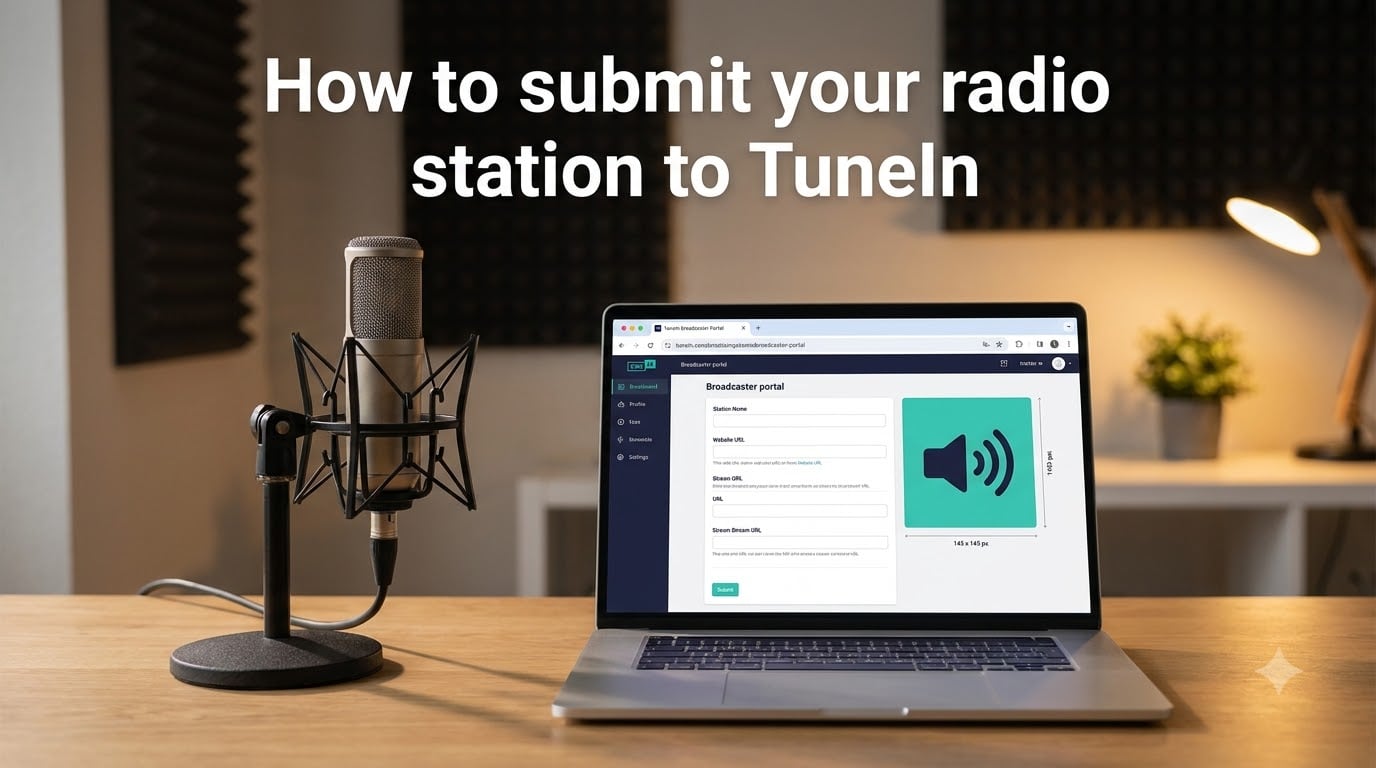
Submitting your radio station to TuneIn is free and runs through TuneIn’s self-service broadcaster portal. You provide your stream URL, station details, and a 145×145 logo, then wait for the TuneIn team to review and publish your listing.
If you run an internet radio station and want listeners on smart speakers, phones, and TVs, this guide walks you through the exact steps I have used to get stations listed on TuneIn. I also cover the common mistakes that get submissions rejected, so you can avoid them.
Table of Contents
- What Is TuneIn and Why Submit Your Radio Station?
- TuneIn Submission Requirements Before You Start
- How to Submit Your Radio Station to TuneIn: Step-by-Step
- US vs Non-US Station Submission Differences
- How Long TuneIn Takes to Approve Your Station
- How to Update Your TuneIn Station Listing
- Common Mistakes and How to Fix Rejected Submissions
- Is TuneIn Free for Broadcasters?
- FAQs
- Final Thoughts on Submitting Your Radio Station to TuneIn
What Is TuneIn and Why Submit Your Radio Station?
TuneIn is one of the largest internet radio directories in the world, with more than 75 million monthly active listeners across web, mobile, smart speakers, and connected cars. When you submit your radio station to TuneIn, your stream becomes discoverable inside the TuneIn app and on every device that integrates with it.
Listing your station is free, and TuneIn does not take a cut of advertising or subscriptions from broadcasters. For independent and community stations, that matters. I have seen small jazz and college stations double their daily listeners within a month of getting listed, simply because TuneIn pushes them into search results inside its apps.
Beyond exposure, TuneIn also powers voice search on Alexa and Google Assistant for radio requests. A correct listing means listeners can find your station by saying “play [station name] on TuneIn.” Skipping TuneIn means losing that audience entirely.
TuneIn Submission Requirements Before You Start
Before you open the TuneIn broadcaster portal, gather the basics. The form rejects submissions with missing or malformed data, and you will need to start over each time you fix something.
Information you need on hand
Working stream URL: An HTTP or HTTPS link to your live MP3, AAC, or OGG stream. HLS streams (m3u8) and Shoutcast/Icecast links both work.
Station name and slogan: How listeners will see your brand in the app.
Station description: Up to a few sentences describing your format, genre, or mission.
Genre category: Pick the closest match from TuneIn’s list.
Contact email: Used by TuneIn if they have questions about your submission.
Logo and asset requirements
TuneIn accepts a single square logo at 145×145 pixels. PNG or JPG formats work, and the file should be under 1 MB. Use a clean, high-contrast image with no small text. I have watched submissions get bounced because a logo included a tiny URL or schedule that disappeared at that size.
You should also have your website URL ready. TuneIn links your listing to your site and uses it to verify you control the stream you are submitting.
How to Submit Your Radio Station to TuneIn: Step-by-Step
Here is the process I follow every time. The form has changed slightly over the years, but the core steps remain the same.
Go to the TuneIn broadcaster portal. Open broadcasters.tunein.com/stations/add in your browser. This is the official self-service entry point.
Choose your station type. The portal asks whether you are a US-based station or a non-US station. Pick the option that matches where your station is licensed, not where your listeners live.
Fill in basic info. Enter your station name, slogan, description, genre, language, and contact email. Keep the description factual and short.
Enter your stream URL. Paste your working stream link into the streaming URL field. Make sure the link plays in a browser before you submit. TuneIn will silently reject a stream that is offline or returns an error.
Upload your logo. Drop in your 145×145 PNG or JPG file. The form shows a preview immediately.
Add your website and social links. These are optional but help TuneIn verify your station and improve your listing’s appearance.
Submit the form. Click the submit button. You will get a confirmation screen with a station ID you can reference if TuneIn contacts you.
Save the confirmation email or screenshot. If your station does not appear within a week, the station ID is the fastest way to chase the support team.
US vs Non-US Station Submission Differences
The TuneIn broadcaster portal treats US-licensed and non-US-licensed stations differently. Knowing which path you are on saves time.
US-licensed stations
If you are a US broadcaster, TuneIn cross-references your submission with FCC registration data. Make sure your station call sign, frequency, and licensee name match what the FCC has on file. Mismatches are the single biggest reason US stations get bounced.
Non-US stations
For stations outside the US, TuneIn does not perform a regulatory lookup, but it does verify that your stream URL is reachable and stable. Streams that drop offline during review get delayed. Use a hosting provider that has at least 99 percent uptime.
In both cases, TuneIn may request a partner agreement if your station plans to use the AIR API for track metadata or premium placements. You do not need a partner agreement to get a free listing.
How Long TuneIn Takes to Approve Your Station
Most submissions are reviewed within 3 to 7 business days. In my experience, simpler stations with clean streams and matching FCC data get approved faster, often in 2 to 3 days. Streams that require manual testing or extra verification can take up to 14 days.
If you have not heard back after two weeks, email [email protected] with your station ID. A nudge usually gets the review moving.
How to Update Your TuneIn Station Listing
Once your station is live, you can update almost every field through the same portal. I update mine whenever I change stream hosts or rebrand the station logo.
Log into broadcasters.tunein.com with the email you used during submission. Click your station, then choose “Edit Station.” From there you can change the stream URL, description, genre, logo, and contact email. Save the changes and TuneIn will reprocess the listing, usually within 24 to 48 hours.
If you cannot log in, your original email may not be associated with the account. Reach out to TuneIn support and ask them to link your station ID to a current email address.
Common Mistakes and How to Fix Rejected Submissions
This is where most guides fall short. After helping several stations get listed, I have seen the same rejection reasons over and over.
Stream URL errors
If your stream URL returns an “unknown stream error,” TuneIn cannot pull audio from it. Test the URL in a private browser tab before submitting. If your host requires a token in the URL, include the full tokenized link, not a base path.
Logo rejections
Logos that are too small, blurry, or contain tiny text get flagged. Stick to a square 145×145 image with bold, readable elements.
Mismatched station metadata
TuneIn compares the call sign and frequency you submit against public records for US stations. A typo or outdated FCC data will hold up approval.
Streams that go offline
If your stream drops during review, TuneIn marks the submission as failed. Restart the review by resubmitting once the stream is stable.
For each of these, the fix is the same: correct the data and resubmit through the portal. There is no penalty for fixing and resubmitting.
Is TuneIn Free for Broadcasters?
Yes. Submitting your radio station to TuneIn through the self-service portal is free, and TuneIn does not charge a listing fee or take a percentage of your ad revenue. The free listing includes search, app placement, smart speaker support, and basic station metadata.
TuneIn does sell an optional paid tier called TuneIn On Air, which historically costs around 249 dollars per quarter for promoted placement and enhanced metadata. That program is separate from the standard submission flow and is not required to be listed.
FAQs
How do I get my radio station on TuneIn?
Open broadcasters.tunein.com/stations/add, choose US or non-US, fill in your station name, slogan, description, and genre, paste a working stream URL, upload a 145×145 logo, and submit. TuneIn usually reviews submissions within 3 to 7 business days.
How much does it cost to broadcast on TuneIn?
Listing your radio station on TuneIn is free. The optional TuneIn On Air promoted program is a paid upgrade and is not required for a standard listing.
How long does TuneIn take to approve a station?
Most submissions are reviewed within 3 to 7 business days. Complex cases or streams that need manual testing can take up to 14 days. If you do not hear back after two weeks, contact [email protected].
What stream URL format does TuneIn accept?
TuneIn accepts HTTP or HTTPS stream links in MP3, AAC, OGG, or HLS (m3u8) format. Shoutcast and Icecast links also work. The stream must be reachable and stable when TuneIn reviews your submission.
Why are some stations not available on TuneIn?
Some stations are restricted by regional rights, fail TuneIn’s stream testing, or have been removed by the broadcaster. US stations also need accurate FCC registration data to be approved.
Can I update my station after it is listed?
Yes. Log into broadcasters.tunein.com with the email you used to submit, open your station, and choose Edit Station. You can update the stream URL, logo, description, genre, and contact email. Changes usually go live within 24 to 48 hours.
Final Thoughts on Submitting Your Radio Station to TuneIn
To submit your radio station to TuneIn, head to broadcasters.tunein.com, choose your station region, fill in the basic info, paste a working stream URL, and upload a 145×145 logo. Most stations are live within a week, and updates can be made anytime from the same portal.
If your first submission is rejected, do not panic. Test your stream, fix your logo, double-check your FCC data, and resubmit. TuneIn’s broadcaster team is responsive, and a clean second submission almost always goes through.