
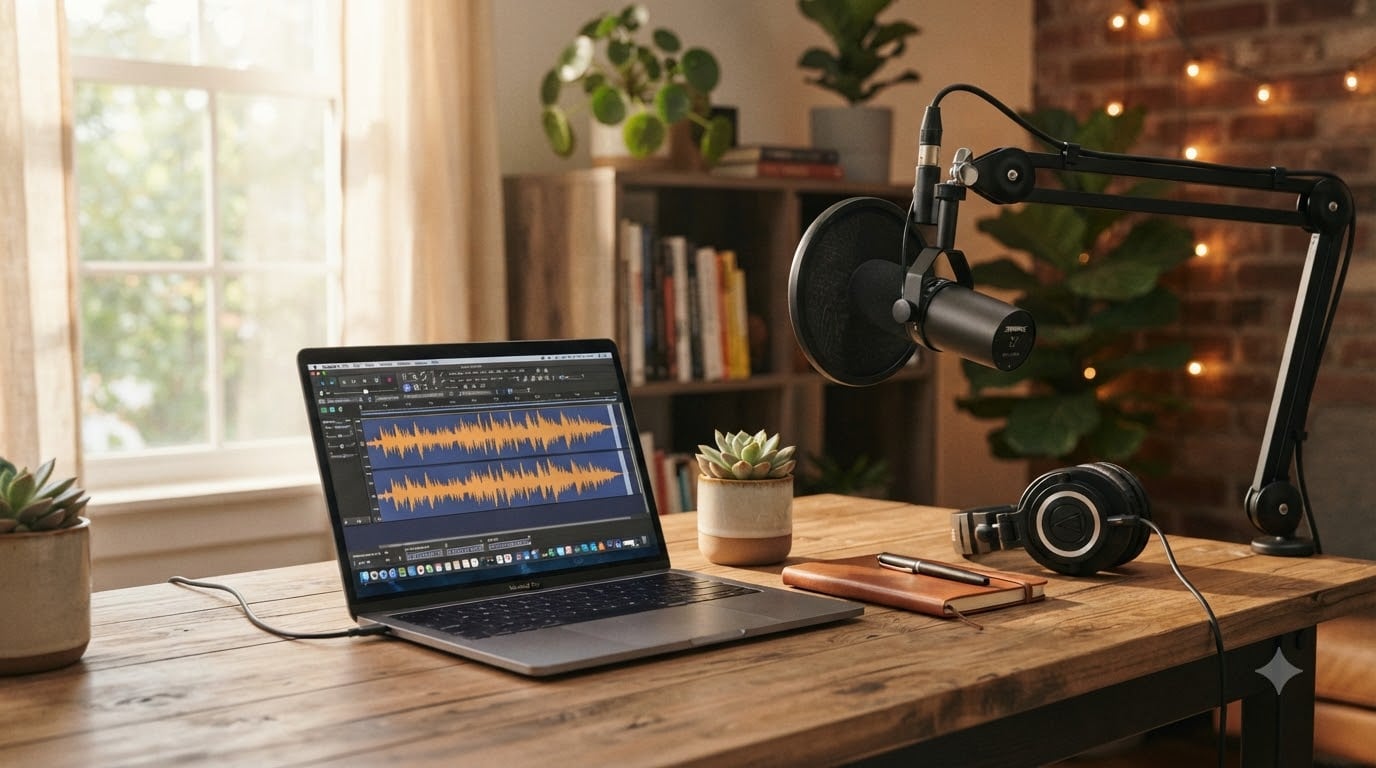
Learning how to make a podcast trailer is one of the smartest moves you can make before launching your show. Think of it as a movie preview for your podcast: a short, punchy audio clip that tells potential listeners exactly what they are in for and why they should hit subscribe.
I have helped dozens of podcasters plan, record, and publish their trailers, and the difference a well-made one makes is immediate. Shows with trailers get featured more prominently on Spotify and Apple Podcasts. They convert casual browsers into loyal subscribers. And they give you a shareable asset you can use across social media, email newsletters, and cross-promotion opportunities.
In this guide, I will walk you through the entire process from start to finish. You will learn what a podcast trailer is, why it matters, what to include, what equipment and free software to use, and a step-by-step process for recording and publishing. I will also share a script template, common mistakes to avoid, and real examples of trailers that work.
Whether you are launching your first show or promoting a new season of an existing one, this guide will give you everything you need to create a trailer that turns first-time listeners into subscribers.
Table of Contents
- What Is a Podcast Trailer?
- Why You Need a Podcast Trailer?
- Key Elements of an Effective Podcast Trailer
- Equipment and Software You Need (Including Free Options)
- How to Make a Podcast Trailer: Step-by-Step
- Best Practices and Common Mistakes to Avoid
- Examples of Great Podcast Trailers
- Frequently Asked Questions
- Conclusion
What Is a Podcast Trailer?
A podcast trailer is a short, promotional audio episode that gives potential listeners a preview of your show. It typically runs between 30 seconds and 2 minutes and acts as an introduction to your podcast before listeners commit to a full episode.
Think of it the same way you think about a movie trailer. A good movie trailer shows you just enough to get excited without giving away the whole story. A podcast trailer does the same thing for your show.
Podcast trailers go by a few different names, and it helps to understand the distinction between them:
Trailer episode: A standalone short episode that introduces your show and appears in podcast directories.
Teaser: An even shorter clip, usually 15 to 30 seconds, often used on social media to build anticipation.
Promo trailer: A clip designed specifically for cross-promotion, such as when you swap trailers with another podcaster.
Apple Podcasts also recognizes three functional categories. A coming soon trailer builds hype before your official launch. A show trailer sits permanently on your podcast profile and serves as an evergreen introduction. A teaser trailer gives a sneak peek of an upcoming episode or season.
No matter which type you create, the goal is the same. You want to give listeners a taste of your show’s personality, topic, and value so they feel compelled to subscribe.
Why You Need a Podcast Trailer?
A podcast trailer is the first impression many listeners will have of your show. When someone discovers your podcast on Spotify, Apple Podcasts, or any other directory, the trailer is often what they press play on first.
Here is why that matters. Without a trailer, a potential subscriber has to commit 30 to 60 minutes to a full episode just to find out if they like your show. Most people will not take that risk with an unknown podcast. A trailer removes that barrier by letting them sample your content in under two minutes.
Beyond first impressions, a trailer serves several practical purposes:
Pre-launch promotion: You can share your trailer on social media and in your email newsletter to build buzz before your first full episode drops.
Directory visibility: Platforms like Spotify and Apple Podcasts give special placement to trailers, which can help new listeners find you faster.
Higher conversion rates: A compelling trailer makes browsers more likely to subscribe, which improves your ranking in podcast directories.
Cross-promotion and trailer swaps: You can share your trailer with other podcasters for mutual promotion. Many shows run trailer swaps where each host plays the other’s promo on their feed.
Season launches: If you already have an established show, a trailer is the perfect way to announce a new season or re-engage your audience.
In short, a trailer is a low-effort, high-reward piece of content. You record it once and it works for you permanently on your profile page, in directories, and across every promotional channel you use.
Key Elements of an Effective Podcast Trailer
An effective podcast trailer should include your show name, a clear explanation of what the podcast is about, a host introduction, the target audience, a taste of your personality or content, and a strong call to action. Let us break down each element.
Every great trailer follows a predictable structure. When a listener presses play, they are subconsciously looking for answers to a few questions: What is this show? Who is behind it? Why should I care? And what do I do next? Your trailer needs to answer all four in under two minutes.
Here are the essential elements, in the order they typically appear:
1. Podcast Name and Show Tagline
Start by stating the name of your podcast clearly. Follow it with a one-sentence tagline that captures the essence of your show. For example: “Welcome to Budget Bites, the podcast that teaches you how to eat well on ten dollars a day.”
This opening does two things. It confirms to the listener that they have found the right show, and it immediately communicates your unique value proposition.
2. Host Introduction
Introduce yourself briefly. Share your name and one or two credentials that establish why people should listen to you. Keep it short. “I am Sarah, a former restaurant chef turned home cooking educator” is enough. Your listeners do not need your full resume.
3. Topic Overview and Target Audience
Explain what your show covers and who it is for. Be specific. “Each week, we break down personal finance strategies for freelance creatives” is much stronger than “We talk about money.” Specificity helps the right listeners self-identify and subscribe.
4. A Taste of Your Content
Include a brief clip, a sample question you explore on the show, or a compelling hook. This is where you let your personality shine. If your show is funny, be funny. If it is investigative and serious, set that tone. Audio clips from past or upcoming episodes work well here because they prove your show delivers value.
5. Call to Action
End with a clear, direct call to action. Tell listeners exactly what to do next. “Subscribe now so you do not miss our first episode” or “Follow Budget Bites on Apple Podcasts and Spotify.” Do not leave it vague. People need to be told what action to take.
One call to action per trailer is ideal. Asking listeners to subscribe, leave a review, follow you on Instagram, and join your email list all at once dilutes the message. Pick the single most important action and focus on it.
Equipment and Software You Need (Including Free Options)
You do not need expensive gear to make a great podcast trailer. In fact, you can produce a professional-sounding trailer using entirely free tools. Here is what you need at each stage of the process.
Microphone
A decent microphone is the one piece of equipment worth investing in. Your trailer will be judged on audio quality before anything else. If it sounds muddy or echoey, listeners will click away.
USB microphones are perfect for beginners because they plug directly into your computer with no extra hardware. Popular options include the Blue Yeti, Audio-Technica ATR2100x, and Samson Q2U. Any of these will give you clean, broadcast-quality audio.
If budget is tight, even the earbuds that came with your phone will work better than your laptop’s built-in microphone. The key is to get the mic close to your mouth and record in a quiet room.
Recording and Editing Software
This is where free tools shine. Here are the best free options for recording and editing your trailer:
Audacity (Mac, Windows, Linux): The most popular free audio editor. It handles recording, noise reduction, cutting, and MP3 export. The learning curve is gentle, and thousands of tutorials exist online.
GarageBand (Mac, iOS): Apple’s free audio software comes pre-installed on every Mac and iPhone. It is user-friendly and includes built-in royalty-free music and sound effects.
Anchor (Web, iOS, Android): Spotify’s free podcast platform includes built-in recording and basic editing tools. You can record, edit, and publish your trailer all from one app.
Audiotool (Web): A browser-based audio editor if you cannot install software on your device.
For paid options, Adobe Audition and Descript offer more advanced features, but they are not necessary for your first trailer.
Background Music and Sound Effects
Music adds polish and energy to your trailer, but you must use royalty-free tracks to avoid copyright issues. Here are reliable free sources:
YouTube Audio Library: Free music and sound effects, searchable by genre and mood.
Pixabay Music: A large collection of free tracks with no attribution required.
Incompetech: Kevin MacLeod’s library of royalty-free music, widely used by podcasters.
Free Music Archive: A curated archive with various licensing options.
Keep your background music at a low volume beneath your voice. A good rule is that the music should be noticeable but never compete with your words. Most editing software lets you duck the music, which automatically lowers its volume when you speak.
Headphones
Any pair of wired headphones will work. You need them to monitor your recording and catch issues like background noise, popping sounds, or volume drops while you are still in the editing phase.
How to Make a Podcast Trailer: Step-by-Step
Here is the complete step-by-step process for creating your podcast trailer from scratch. Follow these six steps and you will have a finished, publish-ready trailer in a single afternoon.
Step 1: Write Your Script
Start with a script. Writing it out forces you to clarify your message and keeps your recording tight. A good script for a 60-second trailer is about 130 to 150 words.
Here is a fill-in-the-blank template you can adapt:
“Welcome to [Podcast Name], the show where we [what your show does] for [your target audience]. I am [your name], [one-line credential]. Each week, we [describe what listeners will get]. Whether you [relatable situation], this podcast is for you. Subscribe to [Podcast Name] on [platforms] so you never miss an episode. New episodes drop [schedule]. See you there.”
Read your script aloud and time it. If it runs over 90 seconds, cut. The shorter, the better.
Step 2: Set Up Your Recording Space
Choose a quiet room with soft surfaces like carpets, curtains, and furniture that absorb echo. Avoid empty rooms with hard walls, which make your voice sound hollow. If you do not have an ideal space, record inside a closet filled with clothes. The fabric absorbs reflections beautifully.
Position your microphone about a fist’s width from your mouth. Speak slightly off-axis, meaning do not point your mouth directly at the mic capsule. This reduces plosives, those harsh popping sounds on letters like P and B.
Step 3: Record Your Voice
Open your recording software (Audacity, GarageBand, or your app of choice) and hit record. Read your script naturally, as if you are explaining the show to a friend. Energy matters here. Your trailer should sound enthusiastic and inviting.
Record at least three takes. You will rarely nail it on the first try, and having options makes editing easier. Do not stop if you stumble. Just pause, take a breath, and re-read the sentence. You will cut the mistakes later.
Step 4: Edit Your Audio
Import your best takes into your editing software and start cutting. Here is what to focus on:
Remove long pauses, stumbles, and breath sounds.
Use noise reduction to eliminate background hum or room tone. Audacity has a built-in noise reduction tool that works well.
Add your background music on a separate track and lower its volume so it sits beneath your voice.
Apply gentle compression to even out your volume levels so quiet and loud parts are balanced.
Add a fade-in at the start and a fade-out at the end for a professional finish.
Keep the total length between 30 and 90 seconds. Tighter is almost always better.
Step 5: Export as MP3
Export your finished trailer as an MP3 file. This is the standard format for podcast audio. Use these settings for the best balance of quality and file size:
Bit rate: 128 kbps (or 192 kbps if you want higher quality)
Sample rate: 44.1 kHz
Channels: Mono or stereo (mono is fine for voice-only trailers)
Listen to the exported file one more time on headphones and on your phone speakers. Make sure it sounds good on both.
Step 6: Publish to Your Hosting Provider
Upload your MP3 to your podcast hosting provider. When you create the episode, look for an option to mark it as a trailer. Apple Podcasts supports an episode type tag specifically for trailers, which tells directories to feature it prominently on your show page.
Write a short description for your trailer episode. Something like “Get a sneak peek of what [Podcast Name] is all about. Subscribe now so you do not miss our first episode.” Add relevant tags and publish.
One important tip: publish your trailer before your first full episode. This gives directories time to index your show and gives potential subscribers something to listen to immediately. Many podcasters backdate their trailer so it appears as Episode 0, keeping it separate from their numbered episodes.
Best Practices and Common Mistakes to Avoid
Even with a solid script and good equipment, small mistakes can undercut your trailer’s effectiveness. Here are the best practices to follow and the most common pitfalls to steer clear of.
Best Practices
Lead with value. Do not spend your trailer talking about yourself. Spend it talking about what your listener will gain. Your audience cares about what is in it for them.
Match your trailer tone to your show. If your podcast is upbeat and casual, your trailer should sound that way. If it is a serious investigative show, keep the tone measured and intriguing. Consistency builds trust.
Use one call to action. Choose subscribe, follow, or sign up, and stick with that single ask. Multiple requests overwhelm listeners and reduce action.
Refresh your trailer for new seasons. An outdated trailer is worse than no trailer. If your show has evolved, record a fresh one for each new season to keep it accurate.
Common Mistakes to Avoid
Making it too long. The number one mistake is treating your trailer like a full episode. Anything over two minutes loses attention. Aim for 30 to 60 seconds and cut anything that is not essential.
Poor audio quality. A great script will not save a trailer recorded in a noisy room with a laptop microphone. Listeners judge audio quality within the first five seconds. Invest in a decent USB mic and record in a treated space.
Using copyrighted music. Never use popular songs in your trailer. Platforms can take down your show for copyright violations. Stick to royalty-free libraries like the ones listed earlier.
Forgetting the call to action. A surprising number of trailers end without telling the listener what to do. If you do not ask for the subscribe, most people will not give it.
Too many hosts talking. If your show has co-hosts, do not have everyone introduce themselves individually in a 60-second trailer. One person should handle the intro to keep things moving.
Avoid explicit language in your trailer. Trailers are public-facing content that often plays automatically. Keep it clean so directories do not flag it and new listeners are not put off.
Examples of Great Podcast Trailers
The best way to understand what makes a trailer work is to study real examples. Here are a few types of trailers that consistently perform well, along with what makes each effective.
The narrative hook trailer. Shows like Serial and S-Town use a compelling 10-second clip from the actual story to pull listeners in. The clip raises a question so intriguing that you have to subscribe to find out the answer. This approach works because it lets the content speak for itself rather than describing the show abstractly.
The personality-driven trailer. Comedy and interview podcasts often open with the host being funny or asking a surprising question. Conan O’Brien Needs a Friend uses Conan’s natural humor to instantly communicate the show’s vibe. The listener gets a sample of the entertainment value before they even reach the show description.
The expert credential trailer. Educational and business podcasts lean on the host’s authority. The trailer quickly establishes why the host is worth listening to. “I spent ten years analyzing financial markets at Goldman Sachs before starting this show” is the kind of credential that makes target listeners stop scrolling and subscribe.
The audience-direct trailer. Some of the most effective trailers address the listener directly. They start with a relatable question like “Are you tired of starting a diet every Monday only to quit by Friday?” When the listener thinks “Yes, that is me,” they are already invested in the show before the host even says the podcast name.
What all these examples share is clarity. Within the first 15 seconds, the listener knows what the show is, who it is for, and why they should keep listening. That clarity is the single most important quality of a great podcast trailer.
Frequently Asked Questions
What should a podcast trailer include?
A podcast trailer should include your podcast name, a one-sentence description of what the show is about, a brief host introduction, the target audience, a short clip or hook showcasing your content, and a clear call to action telling listeners to subscribe.
How long should a podcast trailer be?
A podcast trailer should be between 30 seconds and 2 minutes long. The ideal length is 30 to 60 seconds, as shorter trailers hold attention better. Anything longer risks losing the listener before the call to action.
How to create your own trailer?
To create your own podcast trailer, write a short script introducing your show, record your voice using a USB microphone and free software like Audacity or GarageBand, edit out mistakes and add background music, export the file as an MP3, and upload it to your podcast hosting provider marked as a trailer episode type.
Can you give me an example of a podcast trailer?
An example of a podcast trailer script is: Welcome to Budget Bites, the show that teaches you how to eat well on ten dollars a day. I am Sarah, a former restaurant chef. Each week we share recipes, grocery hacks, and cooking tips that save you money. Subscribe on Apple Podcasts and Spotify so you never miss an episode.
Do I need a podcast trailer before launching?
Yes, you should publish a podcast trailer before your first full episode. A trailer gives directories time to index your show, builds anticipation with your audience, and gives potential subscribers something to listen to immediately while they wait for your official launch.
Conclusion
Knowing how to make a podcast trailer is a foundational skill for any podcaster, whether you are launching your first show or promoting a new season. The process is straightforward: write a tight script, record in a quiet space with a decent microphone, edit using free tools like Audacity or GarageBand, add royalty-free background music, and publish as a trailer episode type.
Your trailer is your elevator pitch to every potential listener who discovers your show. Keep it under 60 seconds, lead with value, include a single call to action, and make sure the tone matches what listeners will get from your full episodes.
Now it is your turn. Write your script using the template above, set aside an afternoon to record, and get your trailer live before your first episode drops. The listeners you gain from that short clip will make the effort more than worth it.