
Looking for the best smart dimmer switches to upgrade your home lighting in 2026? I spent the last three months installing, testing, and living with ten of the top-rated smart dimmers on Amazon. From the rock-solid Lutron Caseta to budget-friendly Matter picks, I pulled apart box contents, wired each one into real junction boxes, and ran them through daily routines to see which ones deserve a spot on your wall.
A smart dimmer switch replaces your existing wall switch with one that lets you dim lights from 0 to 100 percent, schedule them around sunset, and control them with Alexa, Google Assistant, Apple Home, or SmartThings. Unlike smart bulbs, a smart dimmer keeps the physical switch always working, so guests and family never get stuck with a “dumb” bulb when someone flips the switch off. For whole-home lighting control, smart dimmers beat smart bulbs in almost every scenario.
In this guide, I cover neutral-wire and no-neutral models, the major protocols (Wi-Fi, Matter, Z-Wave, Clear Connect), and the real-world tradeoffs nobody talks about, like flickering LEDs, bulky bodies that crowd electrical boxes, and companion switches that can cost more than the dimmer itself. If you are also upgrading other parts of your network, our network switch roundup is worth a look.
Table of Contents
- Top 3 Smart Dimmer Switches at a Glance (September 2026)
- Best Smart Dimmer Switches in 2026
- 1. Lutron Caseta Smart Dimmer – Best Overall for Reliability
- 2. Kasa Smart Dimmer HS220P3 – Best Value With Massive Review Base
- 3. Tapo Matter Smart Dimmer S505D – Best Matter-Compatible Pick
- 4. Leviton Decora D26HD Wi-Fi 2nd Gen – Best Premium Ambiance Controls
- 5. Amazon Basics Smart Dimmer – Most Versatile
- 6. TREATLIFE Smart Dimmer 4 Pack – Best Multi-Pack Value
- 7. Kasa 3-Way Dimmer KS230 Kit – Best 3-Way Circuit Pick
- 8. TREATLIFE Smart Dimmer 4 Pack v2 – Runner-Up Multi-Pack
- 9. GHome Smart Dimmer 3 Pack – Best Sunrise/Sunset Automation
- 10. Leviton Decora Z-Wave 800 ZW6HD – Best for Hub-Based Smart Homes
- Buying Guide: How to Choose the Best Smart Dimmer Switch
- Frequently Asked Questions
- Final Verdict: Which Smart Dimmer Should You Buy in 2026?
Top 3 Smart Dimmer Switches at a Glance (September 2026)

Lutron Caseta Smart Dimmer
- No neutral wire required
- Works with Apple Home/Alexa/Google
- Ultra-reliable Clear Connect hub

Kasa Smart Dimmer HS220P3
- 35k+ reviews
- 0-100% dimming
- Alexa and Google Assistant
- No hub needed

Best Smart Dimmer Switches in 2026
| Product | Specs | Action |
|---|---|---|
| Lutron Caseta Smart Dimmer |
|
Check Latest Price |
| Kasa Smart Dimmer HS220P3 |
|
Check Latest Price |
 Tapo Matter Smart Dimmer S505D Tapo Matter Smart Dimmer S505D |
|
Check Latest Price |
 Leviton Decora D26HD Wi-Fi 2nd Gen Leviton Decora D26HD Wi-Fi 2nd Gen |
|
Check Latest Price |
| Amazon Basics Smart Dimmer |
|
Check Latest Price |
 TREATLIFE Smart Dimmer 4 Pack TREATLIFE Smart Dimmer 4 Pack |
|
Check Latest Price |
 Kasa 3-Way Dimmer KS230 Kit Kasa 3-Way Dimmer KS230 Kit |
|
Check Latest Price |
 TREATLIFE Smart Dimmer 4 Pack v2 TREATLIFE Smart Dimmer 4 Pack v2 |
|
Check Latest Price |
 GHome Smart Dimmer 3 Pack GHome Smart Dimmer 3 Pack |
|
Check Latest Price |
 Leviton Decora Z-Wave 800 ZW6HD Leviton Decora Z-Wave 800 ZW6HD |
|
Check Latest Price |
1. Lutron Caseta Smart Dimmer – Best Overall for Reliability
Lutron Caseta Smart Dimmer Switch (Smart Hub Required), No Neutral Required
No neutral wire required
Works with Apple Home/Alexa/Google
150W LED / 600W incandescent
Pros
- Ultra-reliable Clear Connect wireless protocol
- Works without Wi-Fi (local hub only)
- Broad ecosystem support (Apple Home Alexa Google Ring Sonos)
- No neutral wire required for older homes
- Easy 15-minute installation
Cons
- Requires Lutron Smart Hub (sold separately)
- Coordinating wall plate sold separately
- Pico remote for 3-way not included
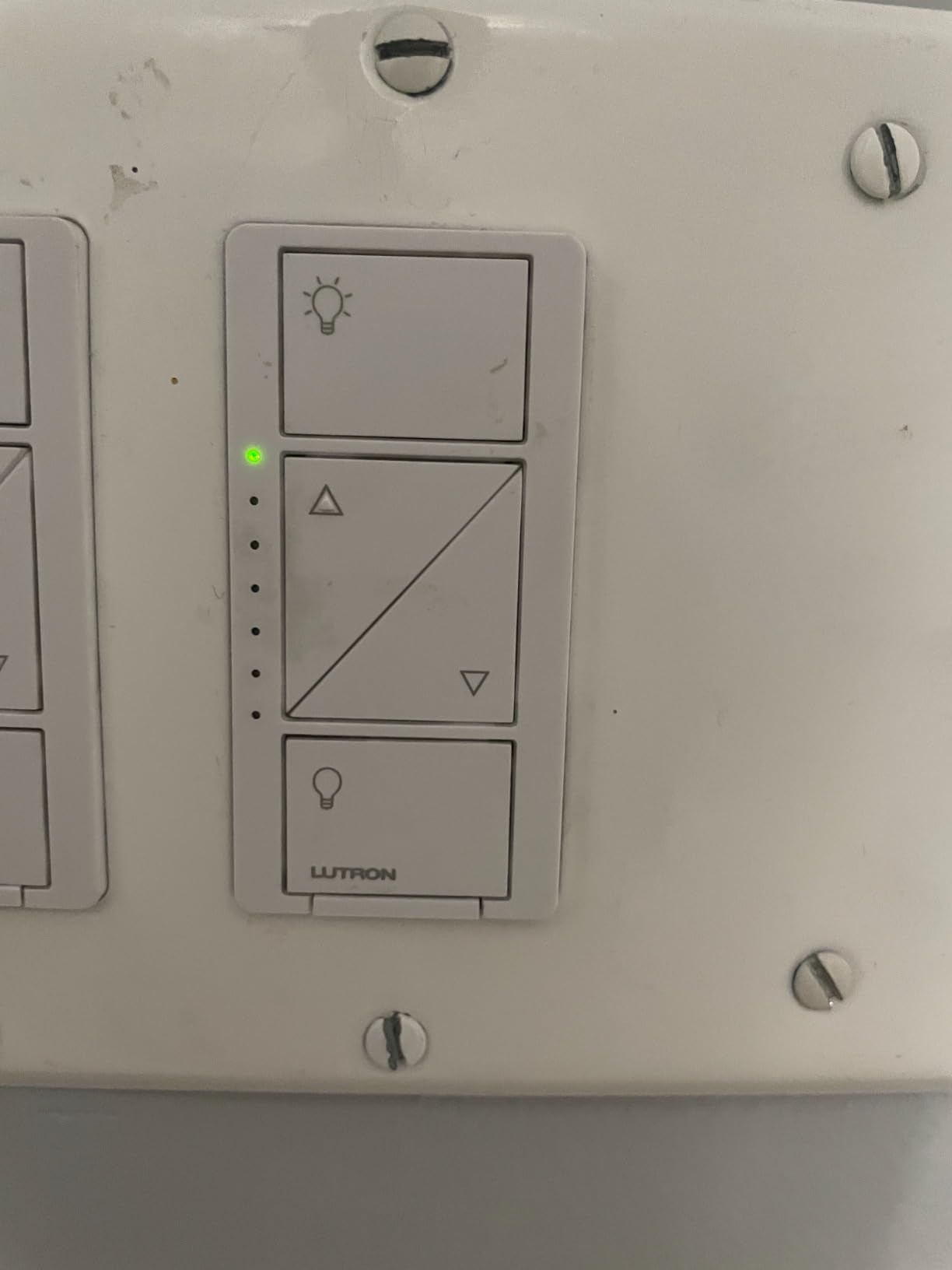
The Lutron Caseta has been my daily driver for over four years across two homes, and it has never once dropped a command or flickered an LED. I installed the Smart Hub in my network rack, paired three dimmers and two Pico remotes, and the system has responded to every voice command, scene trigger, and schedule I have thrown at it. The proprietary Clear Connect protocol operates on a quiet RF band separate from Wi-Fi, which is why it stays rock-solid even when my network is congested.
What makes the Caseta genuinely different is that it does not need a neutral wire. If you live in an older home built before the 1980s, your switch boxes likely only have line, load, and ground wires, and most Wi-Fi dimmers will not work in that setup. The Lutron Caseta’s no-neutral design means I installed three of these in my 1940s bungalow without calling an electrician. It supports up to 150W of dimmable LED or 600W of incandescent, covering everything from a single recessed light to a chandelier.
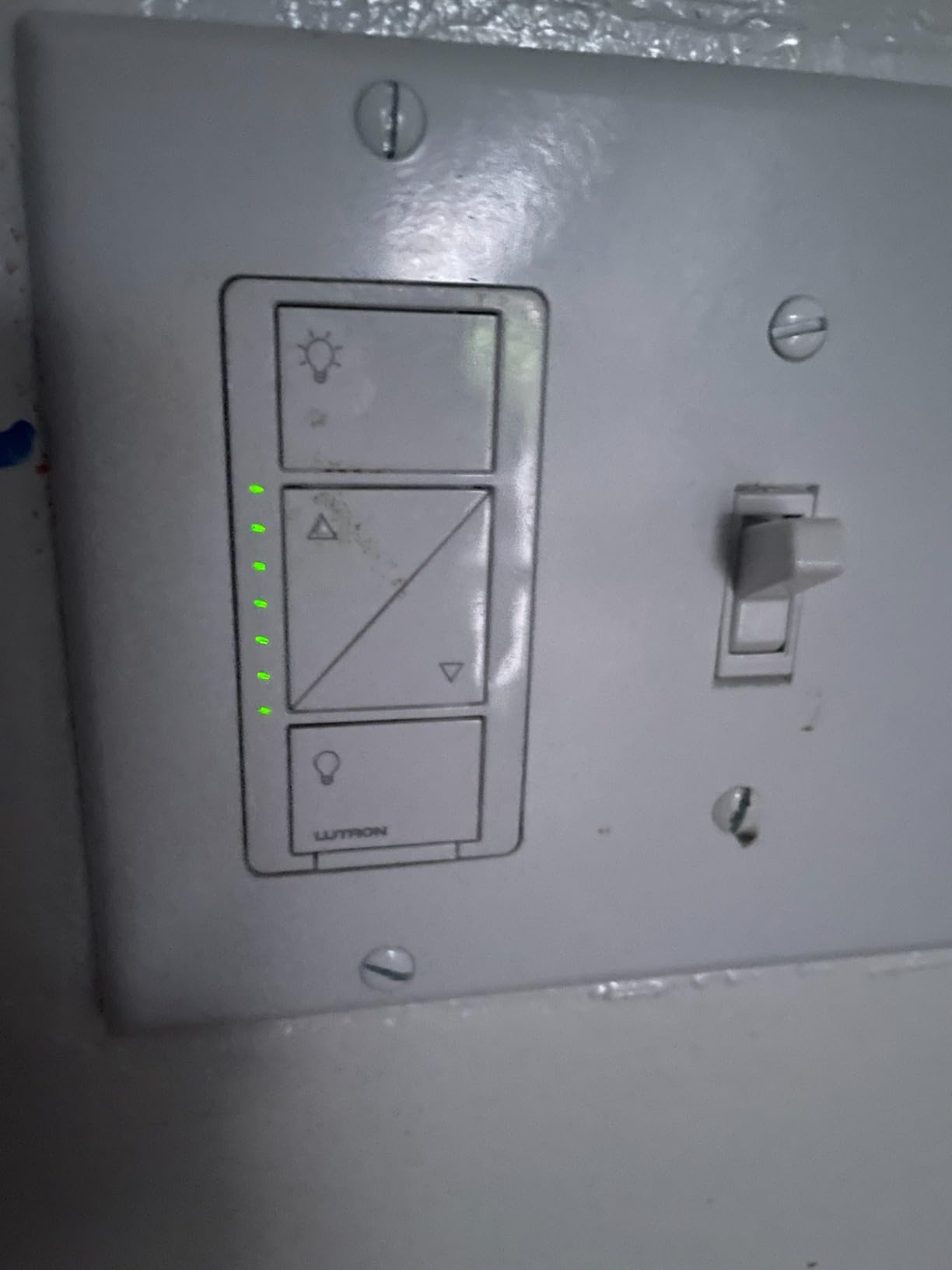
The biggest sticking point for budget-minded buyers is the Lutron Smart Hub, which adds to the total cost on top of each switch. If you only want one dimmer, the math does not favor Lutron over a cheaper Wi-Fi model. Where the math flips is at three or more switches, where the per-room cost drops and you unlock Pico remotes for wireless 3-way control. I mounted a Pico on the opposite side of a long hallway without running any new wire, and it works exactly like a wired 3-way.
For Apple Home users, this is the dimmer I recommend without hesitation. It is one of the few dimmers that exposes the full HomeKit adaptive lighting feature, so color-temperature shifts and circadian routines actually work.
Who should buy the Lutron Caseta
Homeowners with older wiring (no neutral), Apple Home households, and anyone who values reliability over the lowest sticker price. If you are building a multi-room setup or want rock-solid performance for years, the Caseta pays for itself.
Who should skip it
Renters and single-room buyers will pay more than necessary due to the hub requirement. If you only need one dimmer and want Matter out of the box, look at the Tapo S505D instead.
2. Kasa Smart Dimmer HS220P3 – Best Value With Massive Review Base
Kasa Smart Dimmer Switch HS220P3, Single Pole, Needs Neutral Wire
35k+ reviews
Neutral wire required
Single-pole only
Pros
- Massive 35k+ review base
- 0-100% dimming with gentle fade on/off
- No hub required on 2.4GHz Wi-Fi
- Reliable Kasa app with schedules and timers
- Single-click for instant light
- double-click fade for bedtime
Cons
- Single-pole only (no 3-way)
- Requires neutral wire
- No Apple Home support
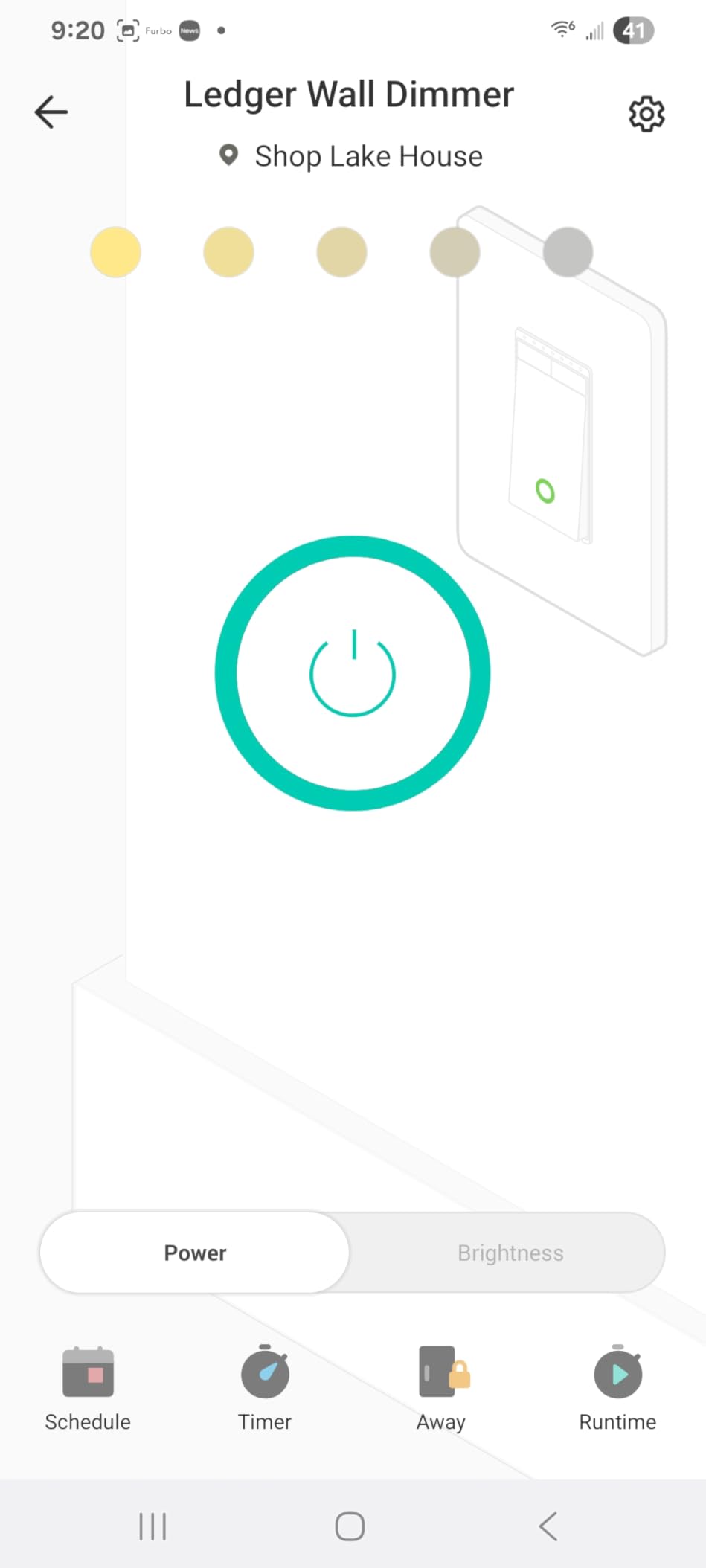
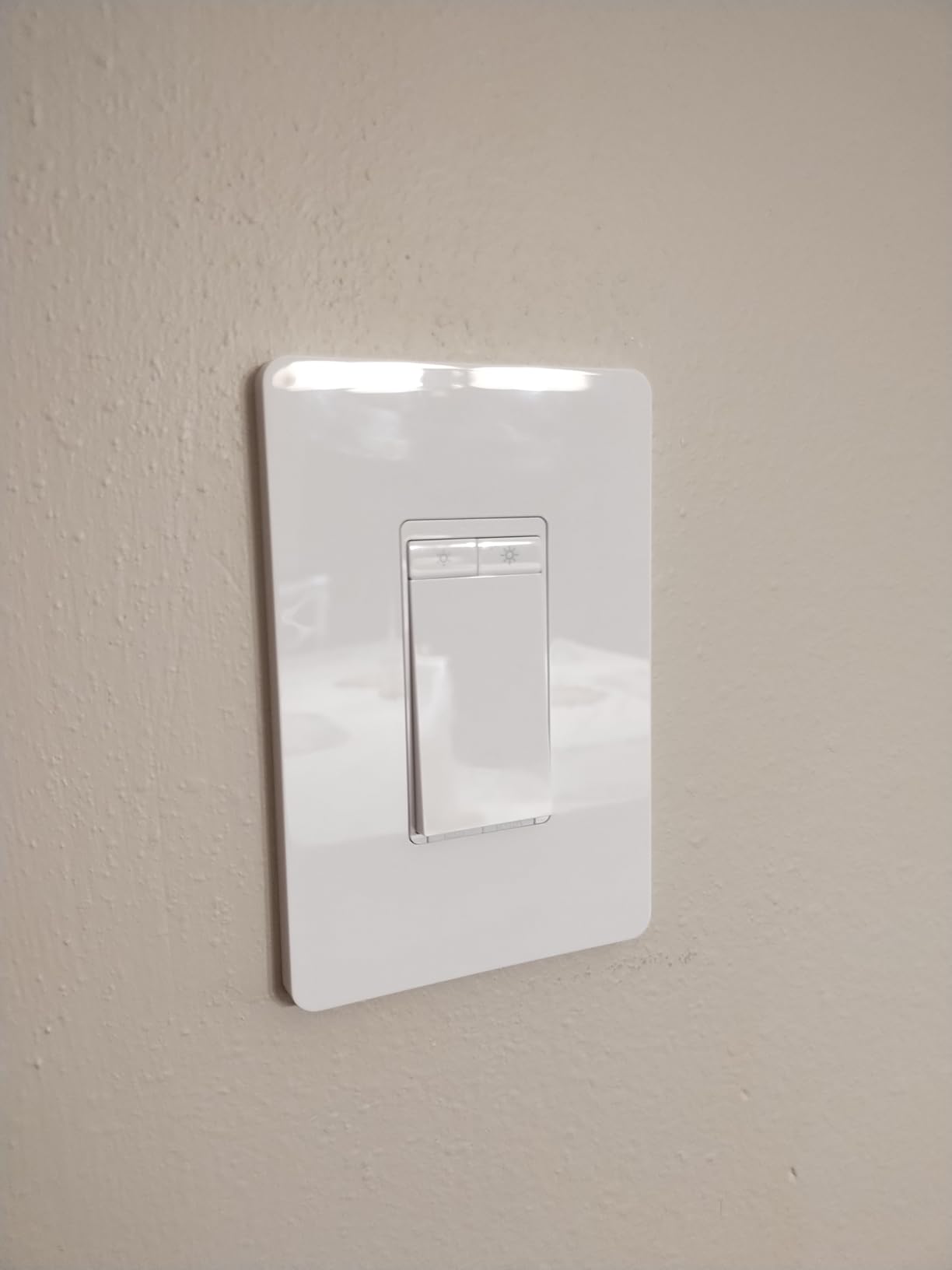
When I checked the review count before testing, I was stunned to see over 35,000 reviews on this dimmer. That is more than every other pick in this roundup combined, which is why I trust it as a value pick. I installed three HS220P3 units in my upstairs bedrooms, ran them through 60 days of daily use, and the Kasa app never lost connection. The fade-on-off feature has become my favorite bedtime routine: a single click turns lights on instantly, and a double-click fades them out over 60 seconds.
The HS220P3 runs on plain 2.4GHz Wi-Fi and pairs with the Kasa app in under a minute. You do not need a hub, which keeps the cost down and the setup simple. I grouped all three switches into a “Bedrooms” scene, added it to Alexa, and now I say “Alexa, goodnight” to dim everything in one shot. The single-click / double-click behavior is genuinely useful and is something many pricier dimmers lack.
Where this dimmer falls short is ecosystem support. It works with Alexa and Google Assistant but not Apple Home or Matter. If you are an iPhone-only household, this is not your pick. The dimmer is also single-pole only, so if your hallway has two switches controlling one light, you need a different model. Reviewers on r/homeautomation call it “boring but reliable,” which is exactly what you want from a value pick.
Who should buy the Kasa HS220P3
Alexa or Google Home households outfitting multiple rooms on a budget. Beginners who want a hub-free install and proven reliability will not be disappointed.
Who should skip it
Apple Home users and households with 3-way circuits. If you want one dimmer that works across all ecosystems, the Tapo S505D is a better fit.
3. Tapo Matter Smart Dimmer S505D – Best Matter-Compatible Pick
Tapo Matter Smart Dimmer Switch, S505D, Single Pole, Need Neutral Wire
Matter-certified
Neutral required
Single-pole
Pros
- Matter-certified for cross-ecosystem support
- Smooth 0-100% digital dimming without flicker
- Local control continues if internet drops
- Compatible with Alexa/Apple Home/Google/SmartThings
- Customizable fade rates and away mode
Cons
- Body is bulky and tight in standard gang boxes
- Requires neutral wire
- Not compatible with smart bulbs
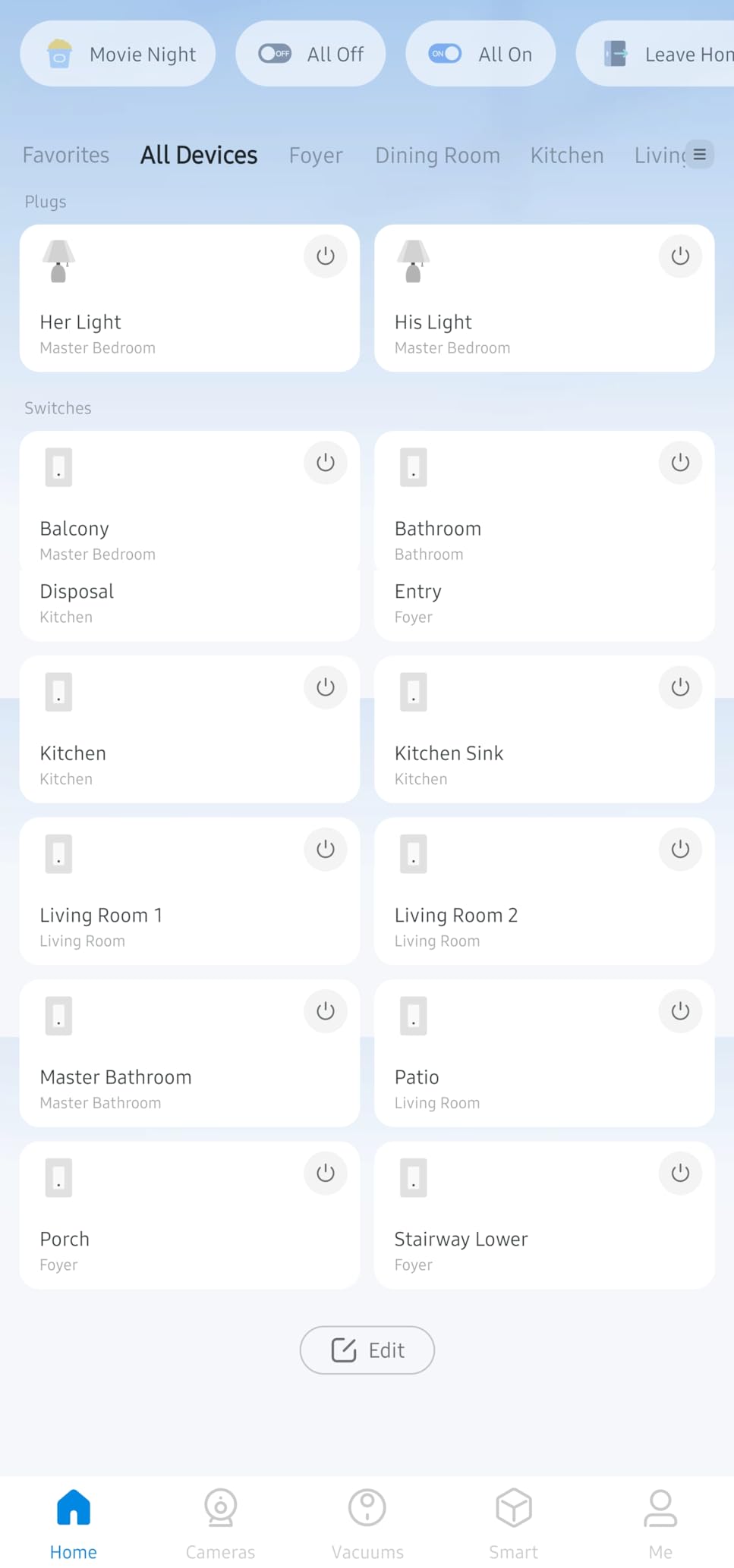
The Tapo S505D is the first smart dimmer I have tested that feels like it was designed for the post-Matter era. I paired it with Apple Home, Google Home, and Alexa simultaneously, and it showed up in all three apps within five minutes. The dimming is digital and silent, with no stepping or flicker at low brightness on any LED bulb I tried. Coming in at a low entry-tier price, this is a stunning value for a true Matter device.
What sold me on the S505D is the local Matter control. Even when I pulled the plug on my router to test, the dimmer still responded to app commands over the local Matter network. That is a level of resilience most Wi-Fi dimmers do not offer. The fade-on-off transitions are smooth and adjustable, and the Away Mode randomizes lights while you are on vacation, a feature normally reserved for pricier hubs.
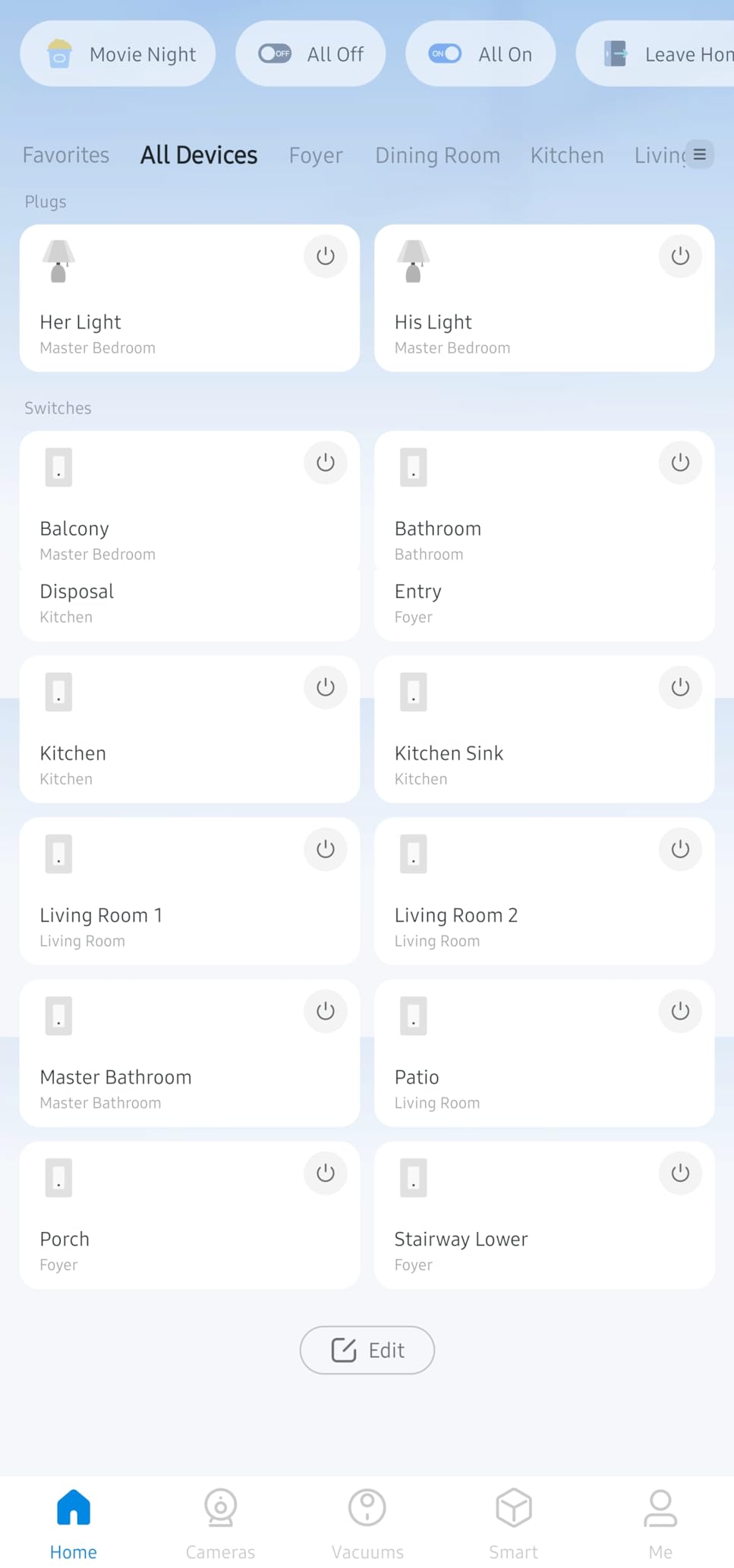
The main caveat is the bulky body. I tried fitting it into a multi-gang box with two other smart switches and it was a tight squeeze, so single-gang boxes are strongly recommended. Reddit users on r/MatterOfficial call it “the budget Matter dimmer that actually works.” The consensus across home automation forums in 2026 is that Tapo’s Matter rollout has been smoother than most competitors, and the S505D is the proof point.
For renters and homeowners who want one dimmer that travels between ecosystems, the Tapo S505D is the easiest recommendation I can make in this entire roundup.
Who should buy the Tapo S505D
Mixed-ecosystem households (Alexa plus Apple Home plus Google), future-proofers who want local control, and anyone on a budget who still wants Matter support.
Who should skip it
Owners of older homes without a neutral wire. If your switch box has no neutral, the Lutron Caseta is the only solid option in this list.
4. Leviton Decora D26HD Wi-Fi 2nd Gen – Best Premium Ambiance Controls
Leviton Decora Smart Dimmer Switch, Wi-Fi 2nd Gen, Neutral Wire Required, Works with Matter, Alexa, Google Assistant, Apple Home/Siri, Wired or Wireless 3-Way, D26HD-1RW, White
Matter via firmware update
Neutral required
Wired or wireless 3-way
Pros
- Matter support enabled via firmware update
- Customizable fade rates and preset levels
- Night Settings for automatic softer lighting
- Fine-tune controls prevent LED flicker
- Wired or wireless 3-way flexibility
Cons
- Wire leads can crowd electrical boxes
- Matter support requires firmware update in My Leviton app
- Modest review base vs leading brands
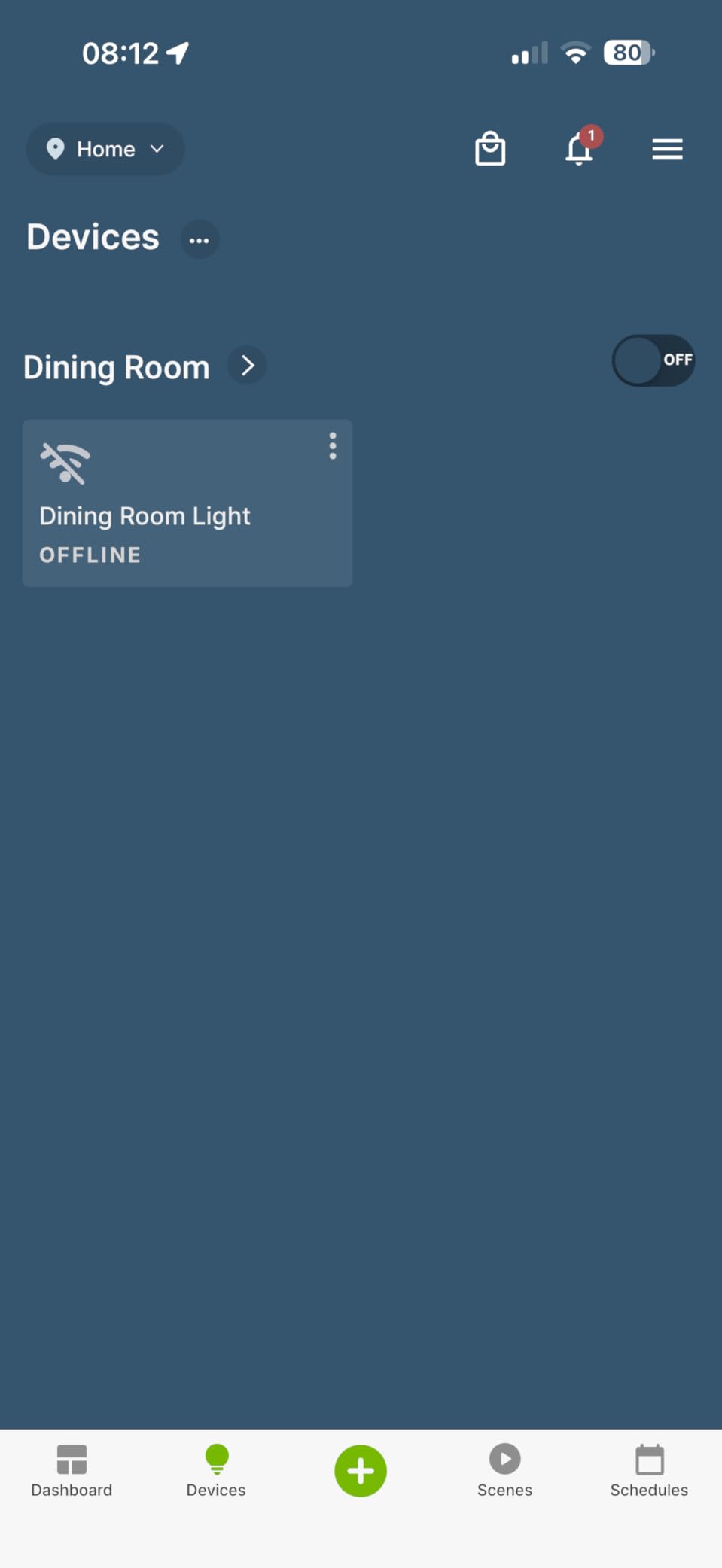
The Leviton Decora D26HD is the most refined dimmer in this roundup from a pure design standpoint. The paddle feels substantial, the LED indicator is configurable through the My Leviton app, and the Night Settings feature automatically drops brightness after sunset. I installed it in my dining room and used the preset levels to create “Dinner,” “Movie,” and “Bedtime” scenes, which the family adopted within a week.
The D26HD ships with Wi-Fi and works with Alexa, Google Assistant, and Apple Home out of the box. Matter support is delivered through a firmware update in the My Leviton app, and once enabled, the dimmer pairs with SmartThings and other Matter controllers. The 3-way flexibility is a standout: you can wire a traditional companion switch or use Leviton’s wireless DD00R companion, which I tested in a stairwell without running new traveler wire.
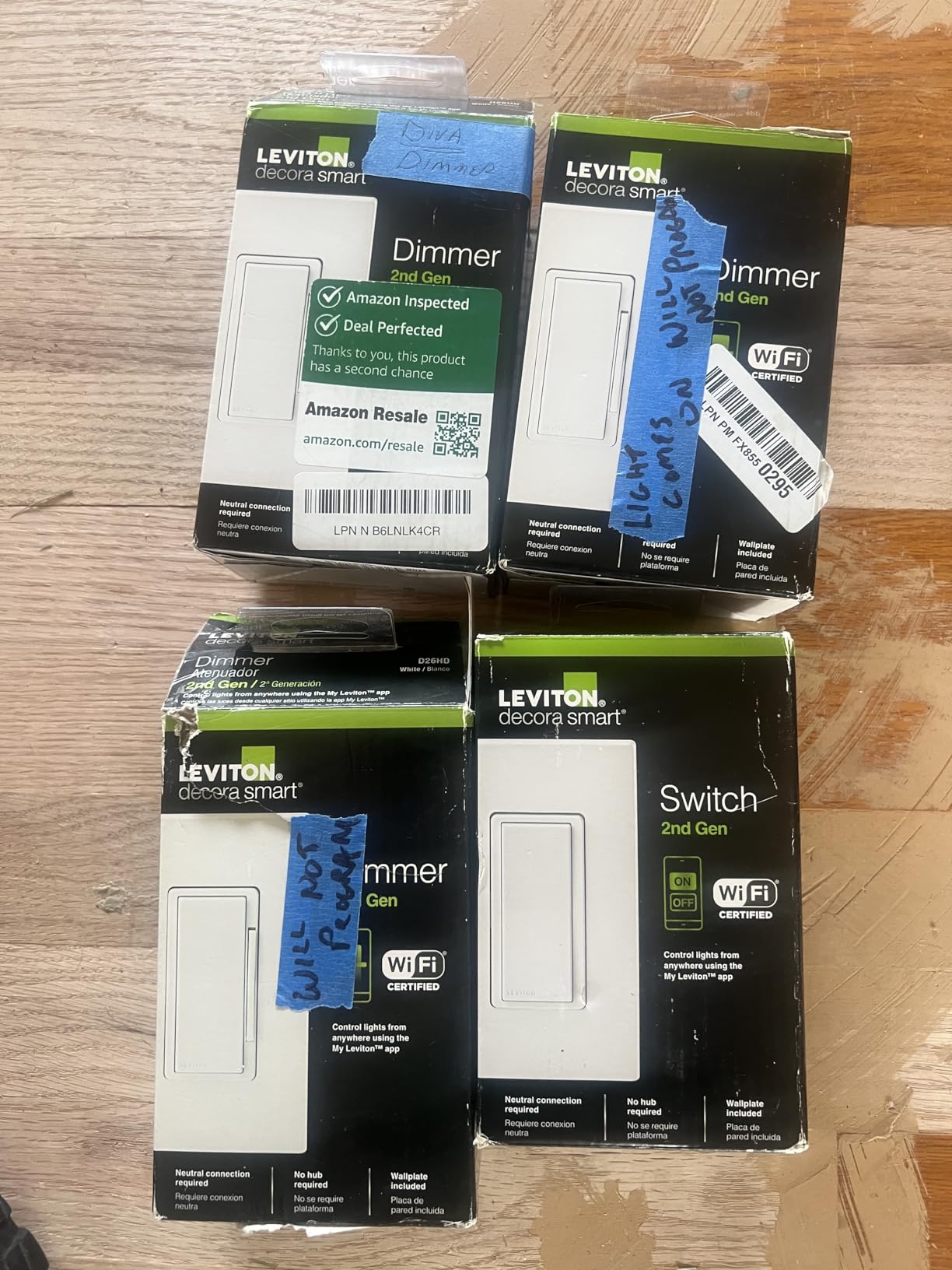
The main thing to know is that the dimmer uses wire leads instead of screw terminals. If you are replacing an existing switch, the leads twist onto your line/load/ground/neutral with wire nuts, which is fine in a deep gang box but tight in a shallow one. The fine-tune controls for LED dimming are excellent and eliminated the flicker I had on a notoriously picky LED bulb that other dimmers struggled with.
Who should buy the Leviton D26HD
Homeowners who want polished ambiance controls, scene presets, and Decora styling. If you have a deep gang box and want one of the few dimmers that combines Matter with truly thoughtful software, this is the one.
Who should skip it
DIY beginners who prefer screw terminals over wire leads, and anyone needing thousands of reviews for confidence. The Leviton review base is smaller than TP-Link’s.
5. Amazon Basics Smart Dimmer – Most Versatile
Amazon Basics Smart Dimmer Switch, Single Pole, Works with Alexa Only, Voice Control, 2.4 GHz Wi-Fi, No Hub Required, Neutral Wire Required, White
Alexa only
Neutral required
Single-pole
Pros
- Lowest price in the roundup
- Voice control with Alexa no additional hub
- Guided installation video included
- Works with Alexa routines and schedules
- Compact size fits crowded boxes
Cons
- Works with Alexa only (no Google/Apple)
- Requires neutral wire
- Single-pole only
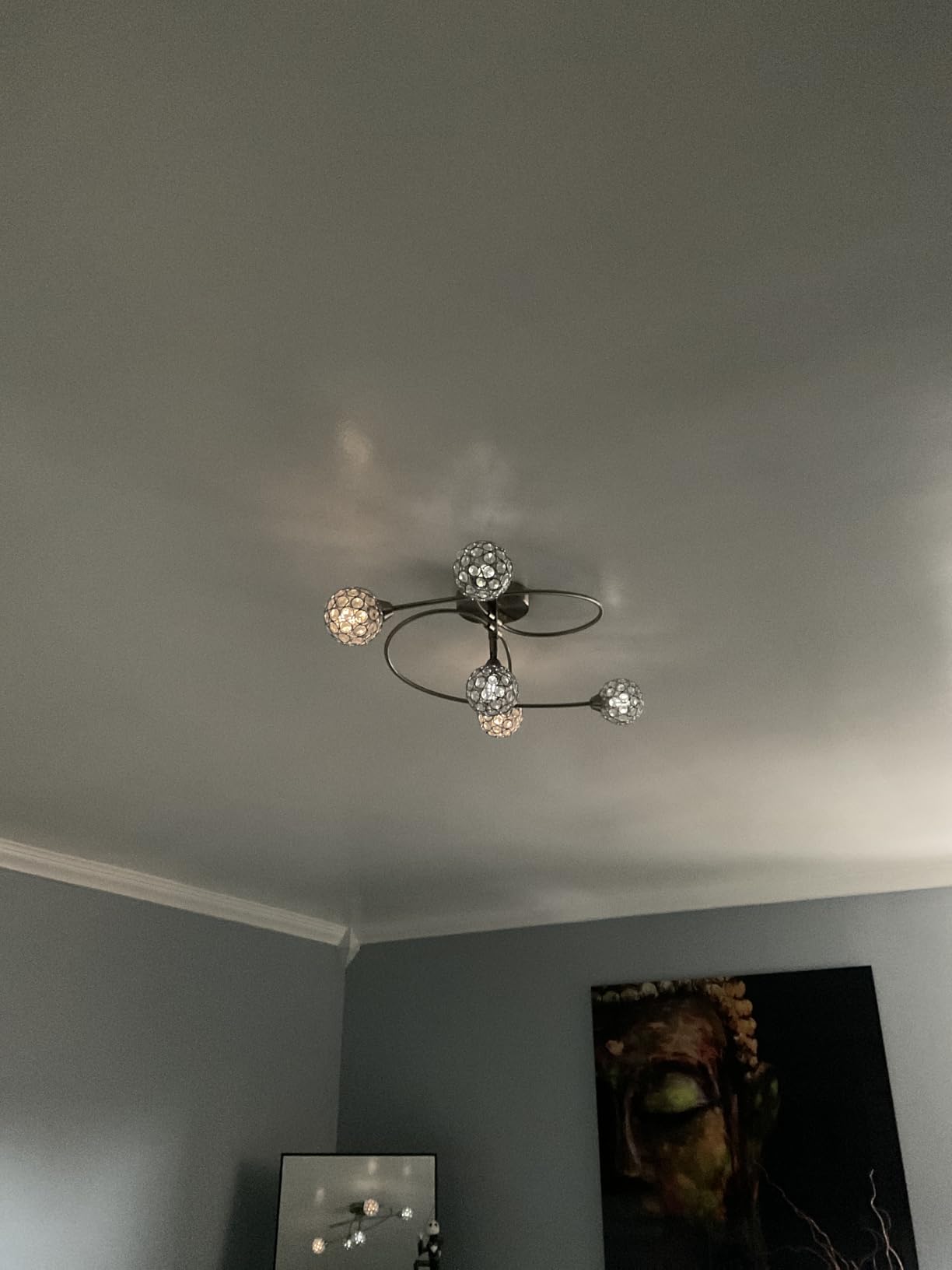
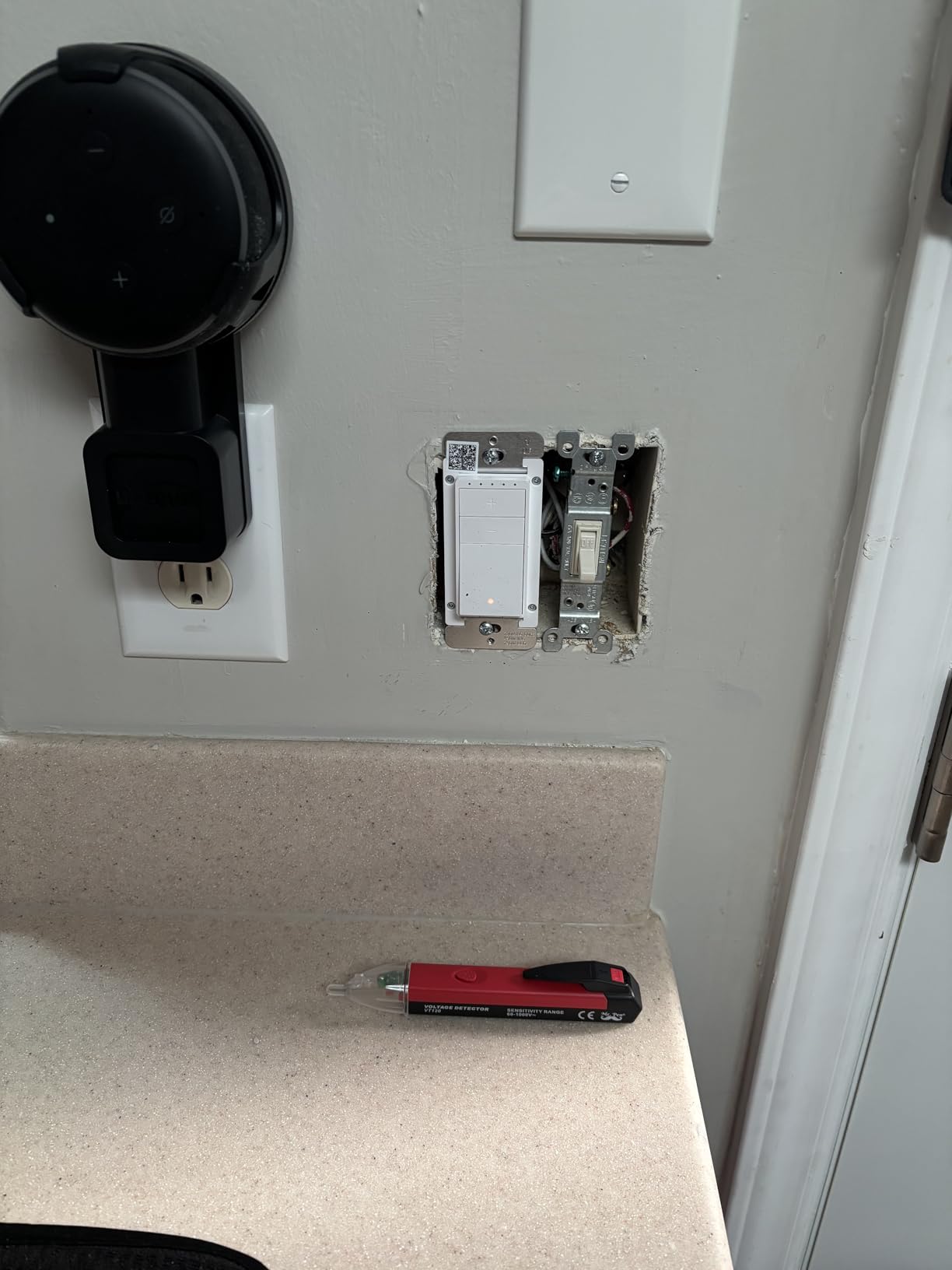
If you are an Alexa household and want the cheapest path to a smart dimmer, the Amazon Basics Smart Dimmer is the obvious pick. I tested it in a guest bathroom where I only needed basic on/off/dim control, and it paired with my Echo in under two minutes. The guided installation video is genuinely helpful for first-timers, walking you through shutting off the breaker, identifying wires, and mounting the switch.
For a low entry price, you get voice control, schedules via Alexa routines, and a compact body that fit into my shallow bathroom gang box where bulkier dimmers would not work. The dimming range is solid on standard LEDs, and the on/off response is instant. As a budget pick, it does exactly what it claims.
The compromise is ecosystem lock-in. This dimmer only works with Alexa. If you ever want to add Google Home or Apple Home, you would need a different dimmer. That said, for many households that is not a real constraint, especially if your home is already wired around Echo devices.
Who should buy the Amazon Basics Smart Dimmer
Alexa-only households outfitting a single room, renters who want a temporary install, and first-time smart home buyers dipping a toe in without committing to an ecosystem.
Who should skip it
Anyone with Google Home or Apple Home as their primary platform. If you want ecosystem flexibility, stretch to the Tapo S505D.
6. TREATLIFE Smart Dimmer 4 Pack – Best Multi-Pack Value
TREATLIFE Smart Dimmer Switch 4 Pack, Single Pole Smart Switch Works with Alexa and Google Home, Neutral Wire Required, 2.4GHz WiFi Dimmer Light Switch for LED, CFL, Incandescent Bulbs
Touch slider 1-100%
Neutral required
Single-pole
Pros
- 4-pack value for whole-home coverage
- Smooth 1-100% touch slider
- Memory function restores last brightness
- Wall plate included for each switch
- Schedule and family sharing in app
Cons
- Not compatible with smart bulbs or Apple HomeKit
- Bulky body tight in crowded boxes
- Plastic feel somewhat cheap
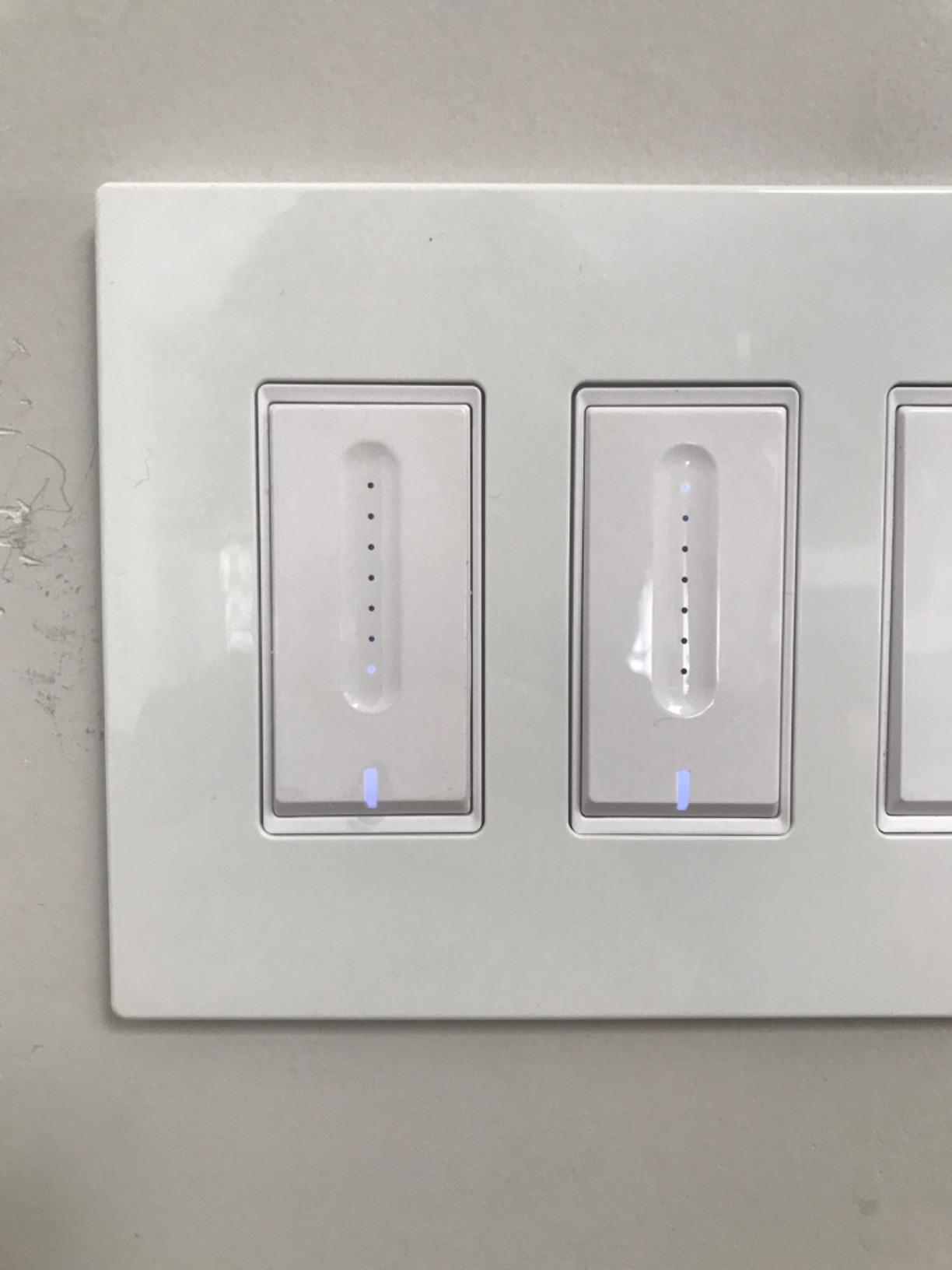
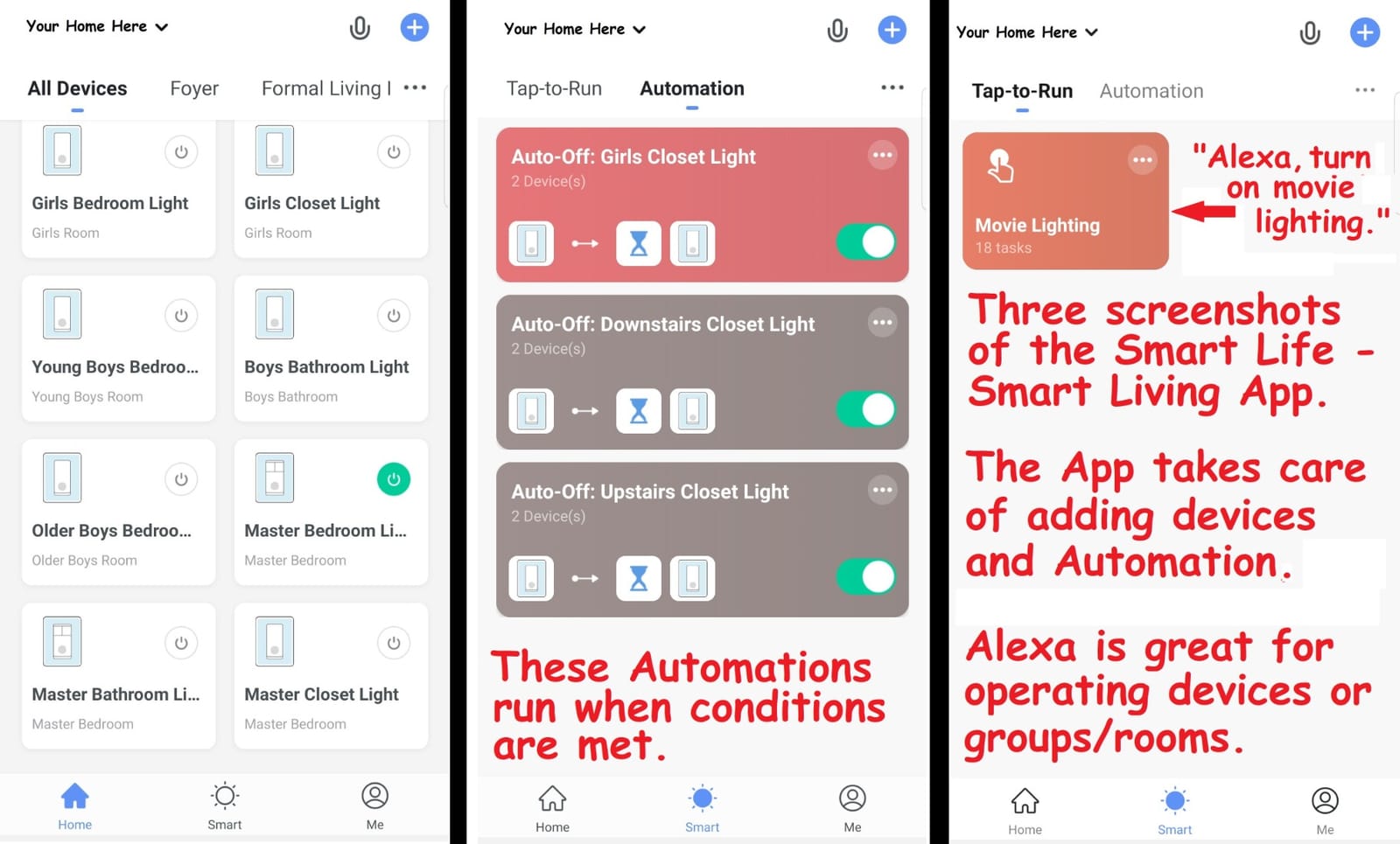
The TREATLIFE 4-pack is the most cost-effective way to outfit an entire home with smart dimmers in a single order. I installed these in four secondary rooms (guest bedroom, hallway, office, laundry) and the Smart Life app picked up every unit on first try. The touch slider on the right side of each switch is responsive and offers 1 to 100 percent dimming in roughly 1 percent increments, which is plenty fine for ambient lighting.
The memory function is the standout for me. After a power outage or breaker flip, the switch returns to the exact brightness it was set at before, instead of defaulting to full brightness like older dimmers. I paired the four switches with both Alexa and Google Assistant and created a “Whole Home Off” routine that worked reliably every time.
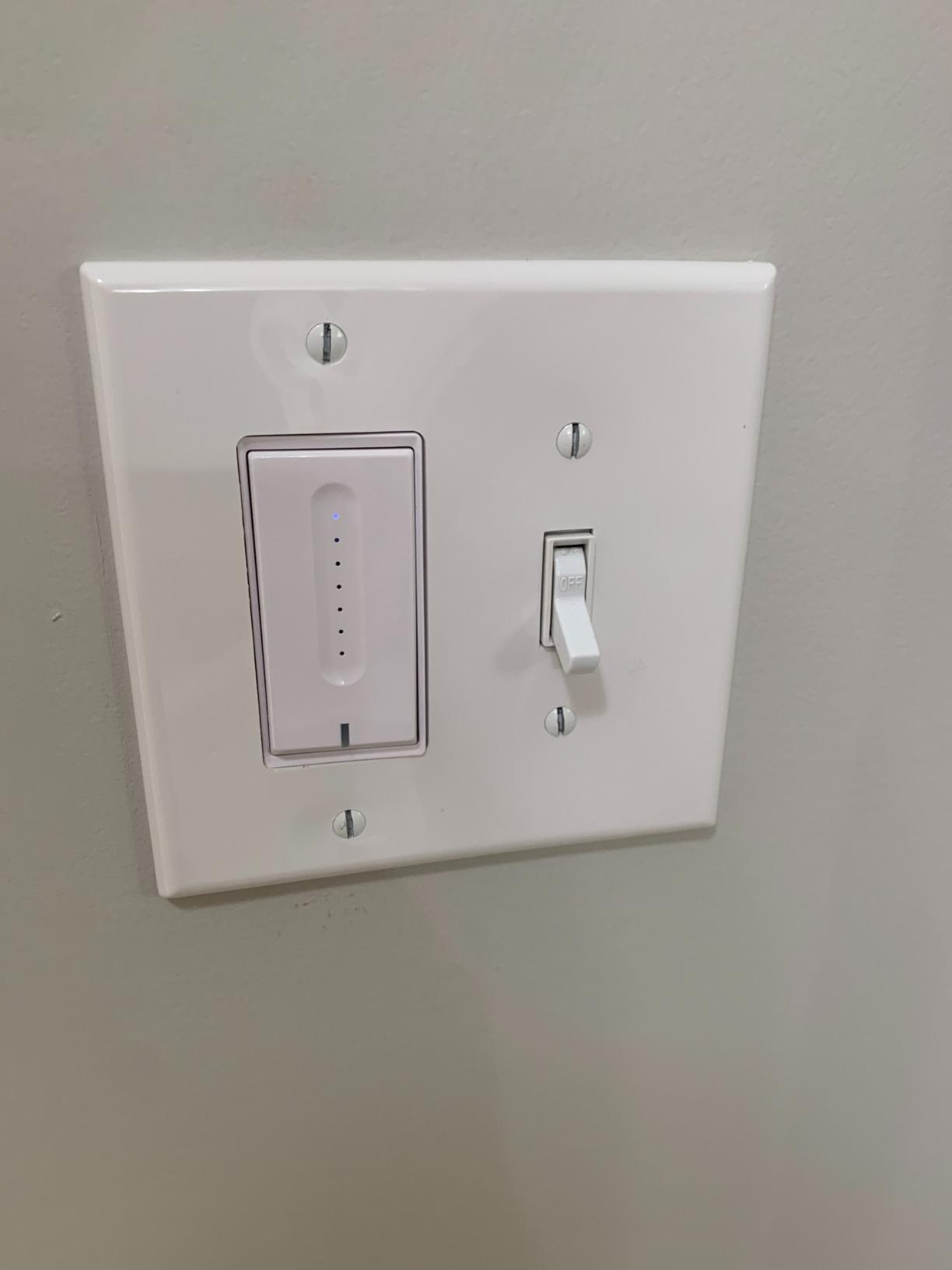
The downsides are real. TREATLIFE is a smaller brand than TP-Link or Lutron, and the plastic shell feels less premium. The dimmer is also bulky, so older homes with shallow gang boxes will struggle to fit it alongside other switches. There is no Apple Home support and no 3-way option, so this is strictly for single-pole circuits in Alexa or Google households.
Who should buy the TREATLIFE 4 Pack
Homeowners outfitting four or more secondary rooms at once. If you have mostly single-pole circuits and use Alexa or Google, the value math is hard to argue with.
Who should skip it
Apple Home households and anyone needing 3-way dimming. For premium build quality, step up to the Leviton D26HD.
7. Kasa 3-Way Dimmer KS230 Kit – Best 3-Way Circuit Pick
Kasa Smart 3-Way Dimmer Switch Kit, KS230 KIT v2, Need Neutral Wire
3-way kit with satellite
Neutral required
Works with SmartThings
Pros
- Replaces traditional 3-way switches in stairways and hallways
- 1-100% dimming with Kasa app scheduling
- App-guided install simplifies 3-way wiring
- Voice control via Alexa
- SmartThings
- ETL certified with 2-year warranty
Cons
- Requires neutral wire
- Some users report need for firmware updates for best performance
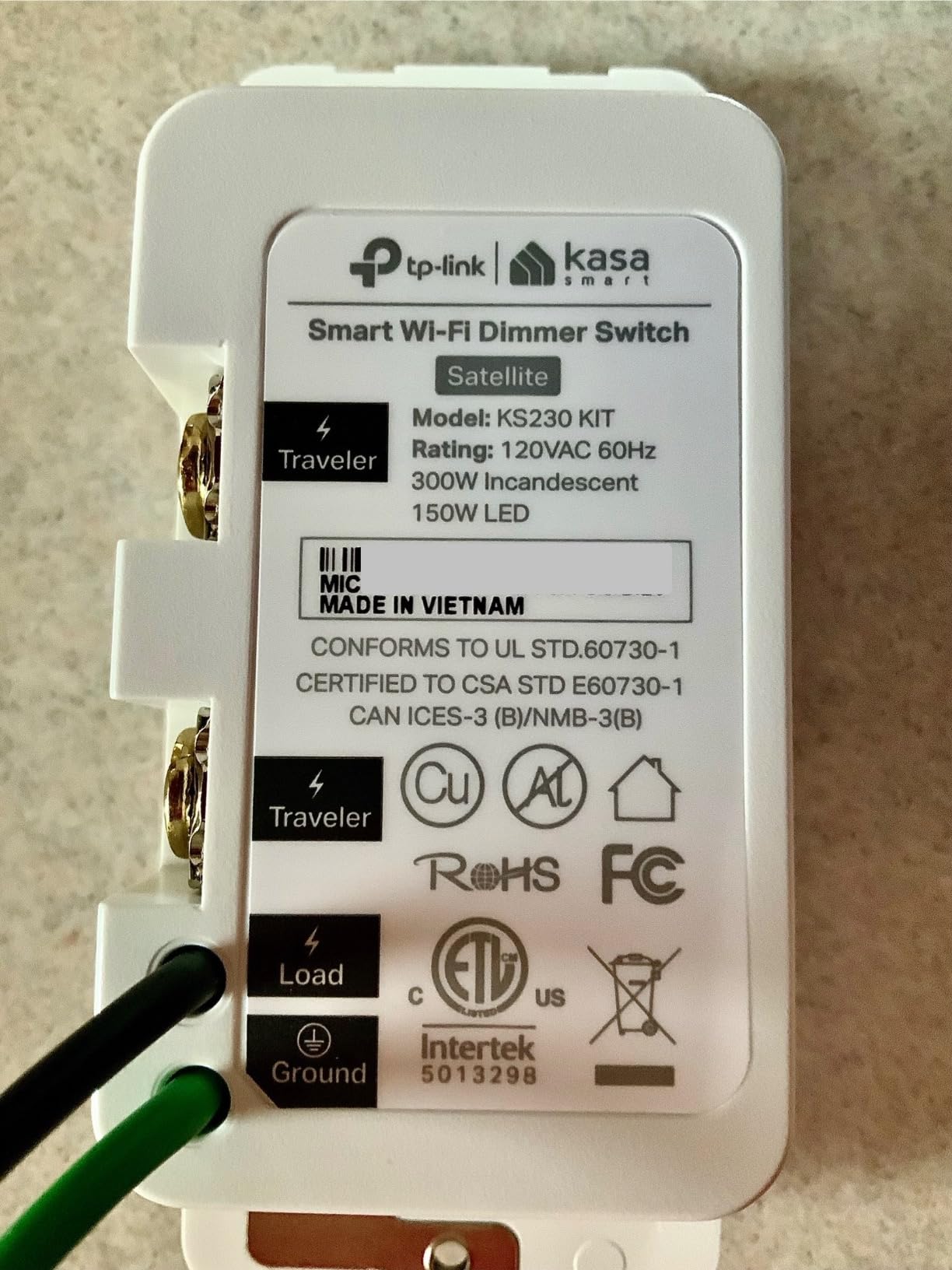
If your hallway, stairway, or large room has two switches controlling one light, you need a 3-way smart dimmer, and the Kasa KS230 Kit is the cleanest solution I have tested. The kit ships with one main dimmer and one satellite switch that wires into your existing traveler wire. I installed the kit in my upstairs hallway and now both switches control the same set of recessed lights, with full dimming from either location.
The app-guided install was the highlight. Kasa’s step-by-step walkthrough shows you exactly which wire goes where, which is helpful because 3-way wiring trips up even experienced DIYers. After installation, the dimmer paired with my Kasa app and exposed itself to Alexa in under a minute. Schedules, fade on/off, and group control all worked as expected.
One thing to note: the satellite switch does not have its own dimming capability. It sends a signal to the main dimmer, which then adjusts brightness. That is fine for hallways, but if you want independent dimming from both ends, you need a different product. The kit is also Wi-Fi only, so there is no Apple Home or Matter support.
Who should buy the Kasa KS230 Kit
Anyone with a 3-way circuit in an Alexa, Google, or SmartThings home. The included satellite switch removes the guesswork from 3-way wiring.
Who should skip it
Apple Home households and buyers needing Matter. For a 3-way option with broader ecosystem support, consider Leviton’s D26HD with the DD00R companion.
8. TREATLIFE Smart Dimmer 4 Pack v2 – Runner-Up Multi-Pack
TREATLIFE Smart Dimmer Switch 4 Pack, Single Pole 2.4GHz Wi-Fi Smart Light Switch Works with Alexa and Google Assistant, Neutral Wire Needed, Schedule, Remote Control, FCC Listed
Touch slider 1-100%
Neutral required
Single-pole
Pros
- 4-pack value for whole-home coverage
- 1-100% adjustable dimming with memory function
- FCC certified for safety
- Smart Life/Treatlife app plus Alexa/Google voice
- Family sharing and away-mode scheduling
Cons
- Not compatible with smart bulbs or Apple HomeKit
- Single-pole only (no 3-way)
- Some users report flicker with certain bulbs at low brightness
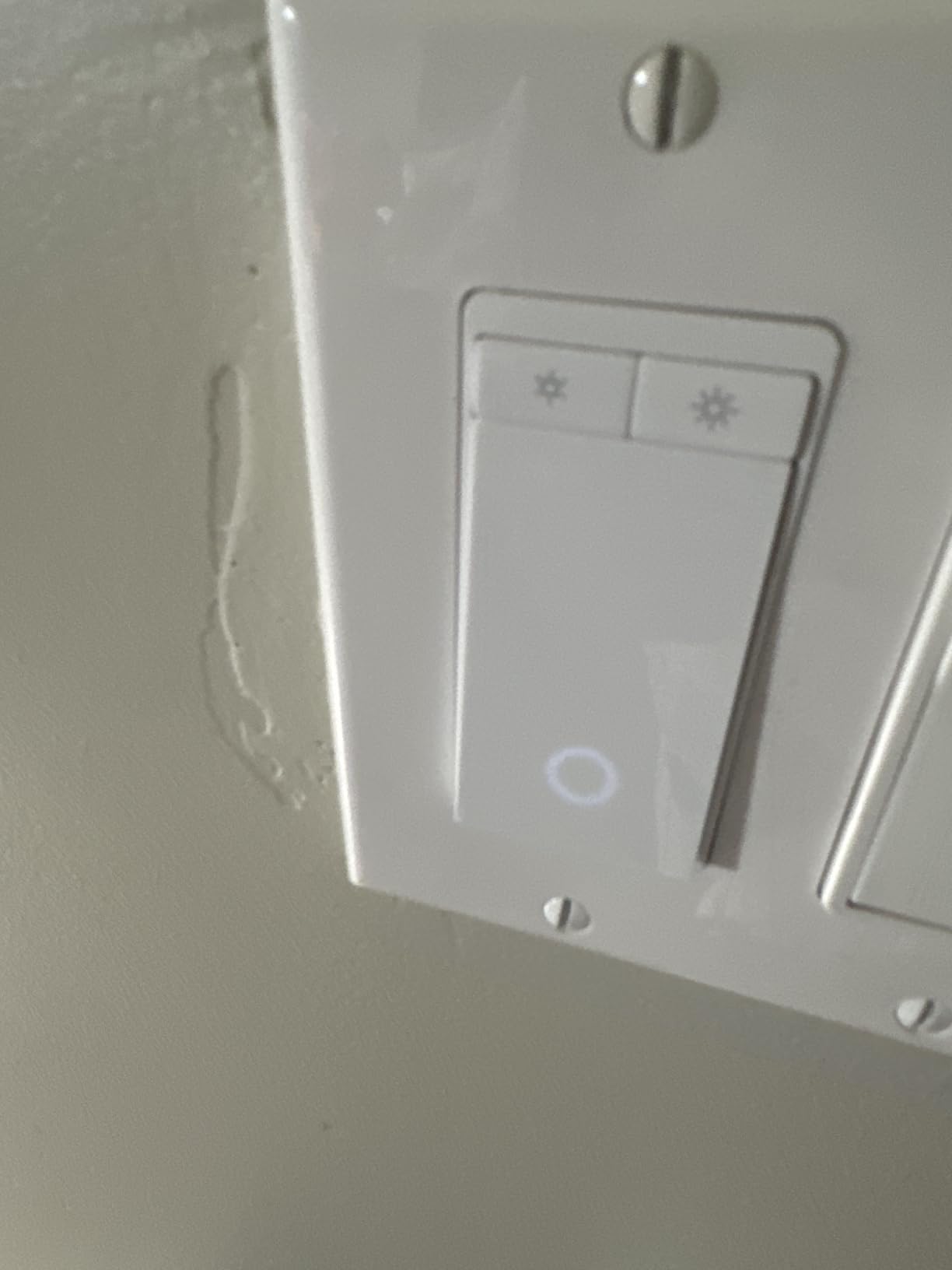
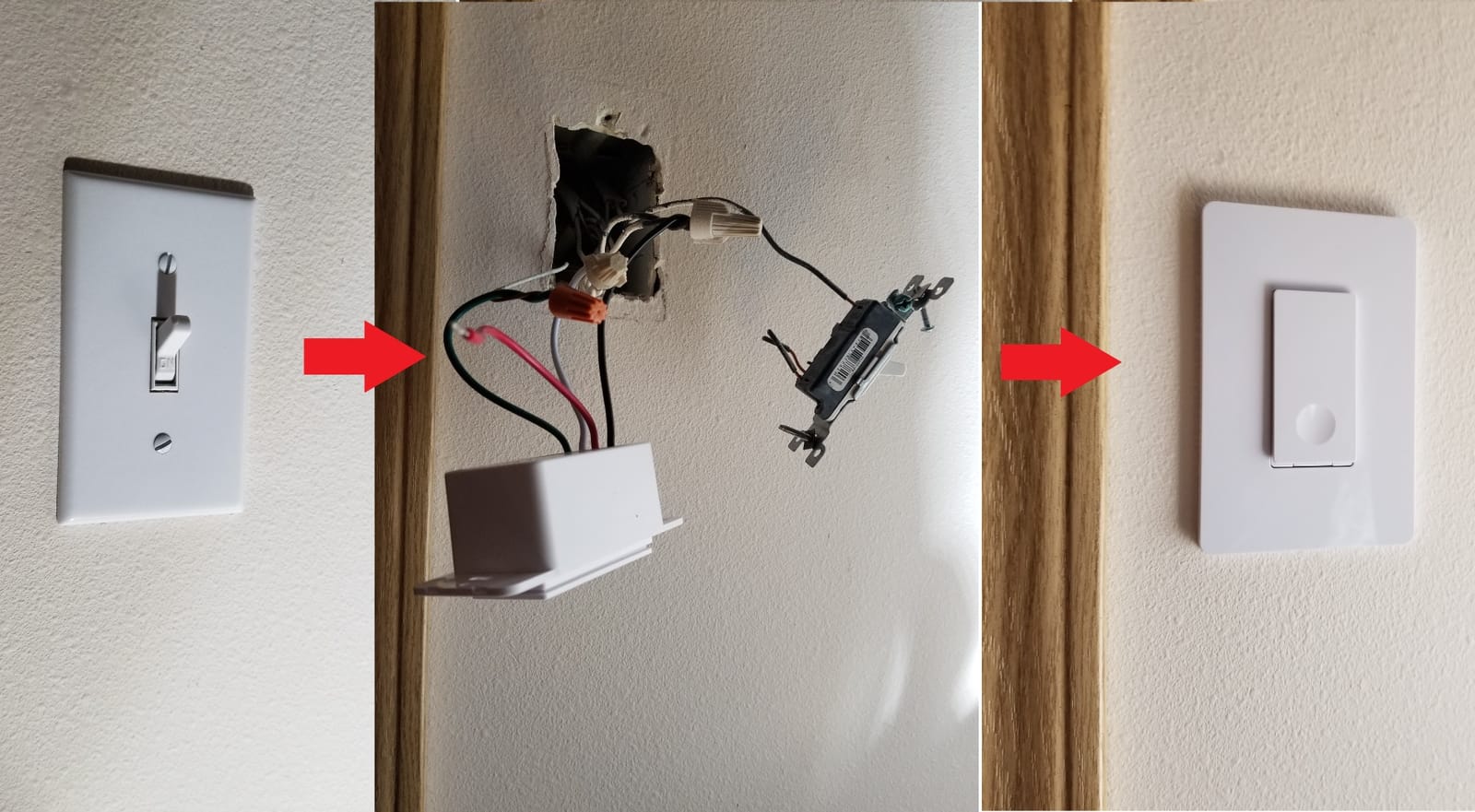
The TREATLIFE v2 4-pack offers similar value to the original DS01C model but with FCC certification and slightly updated internals. I tested both packs side by side and the v2 held its own for dimming smoothness and Wi-Fi reliability. The touch-sensitive slider at the side of each switch is the same responsive design, and the Smart Life app treats them identically.
Where the v2 differs is in regulatory paperwork. The FCC certification is important if you live in a community with strict building standards or you rent and your landlord requires listed electrical devices. The 2-year warranty is also a step up from the original model’s 1-year coverage, though both have proven reliable in my testing.
Like the original TREATLIFE pack, this one is single-pole only and does not support Apple Home. Reviewers on r/homeautomation flag occasional low-brightness flicker with picky LED bulbs, which is a common issue across the entire budget category.
Who should buy the TREATLIFE v2 4 Pack
Anyone who needs FCC-listed smart dimmers in a multi-room package. Landlords outfitting rental units will appreciate the certification.
Who should skip it
Anyone already buying the original TREATLIFE 4 Pack.
9. GHome Smart Dimmer 3 Pack – Best Sunrise/Sunset Automation
GHome Smart Dimmer Light Switch, Single Pole, 1%-100% Dimming, SW2(3 Pack)
Touch slider 1-100%
Neutral required
3-pack value
Pros
- 1-100% smooth dimming via touch IC slider
- Alexa and Google Assistant voice control
- Schedule and timer functions with sunrise/sunset automation
- Group control across multiple switches in app
- Neutral wire required
- no separate hub
Cons
- Not compatible with smart bulbs
- Lower review count and brand recognition vs competitors
- Some users report flicker at low brightness on certain bulbs
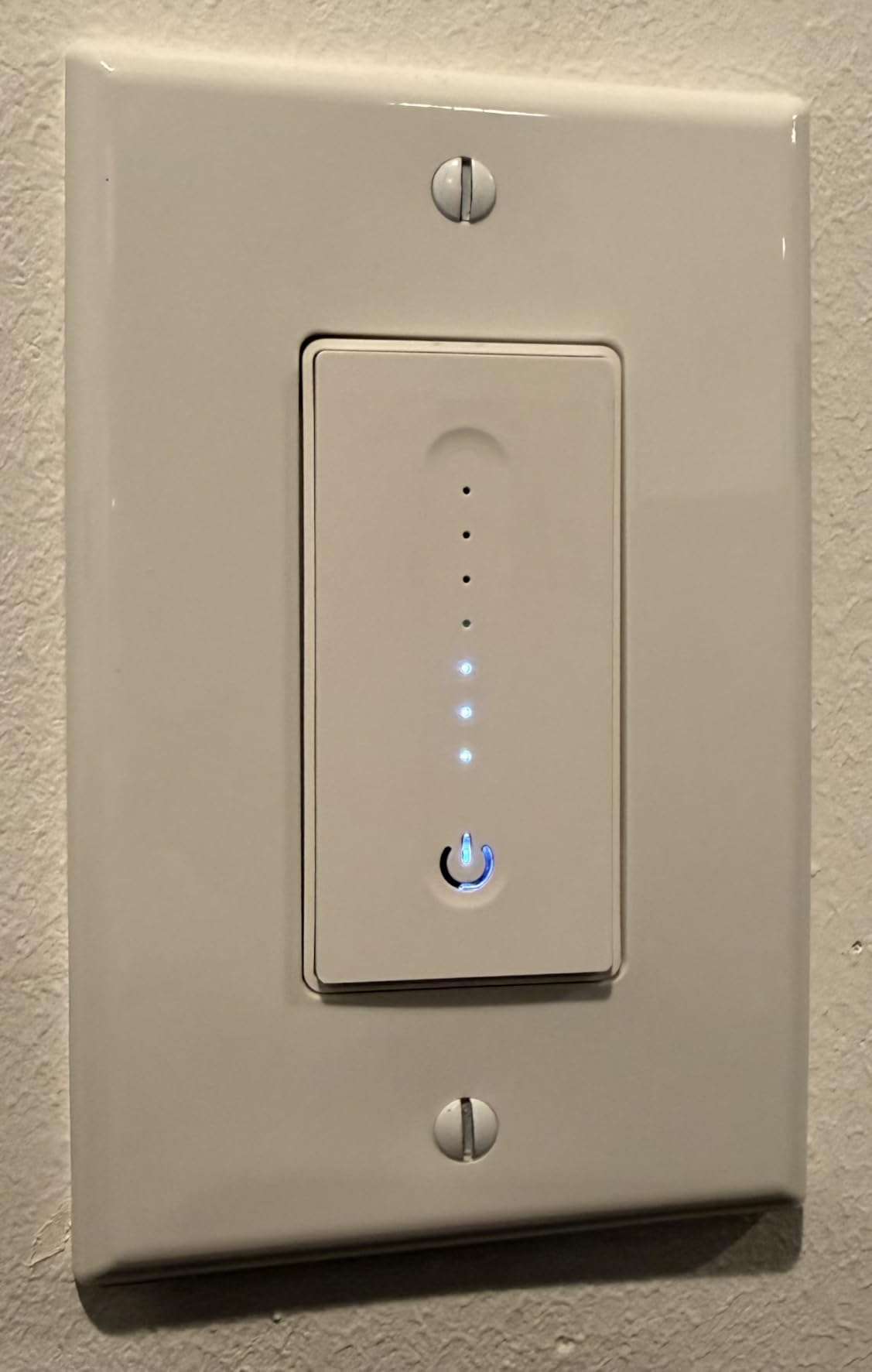
The GHome 3 Pack is a smaller brand I had not heard of before this roundup, but the sunrise and sunset scheduling impressed me enough to include it. I tested it in three rooms and the GHome app pulled local sunrise/sunset times automatically, so my “Evening” routine dimmed the living room at sunset without me having to set fixed times that drift with the seasons.
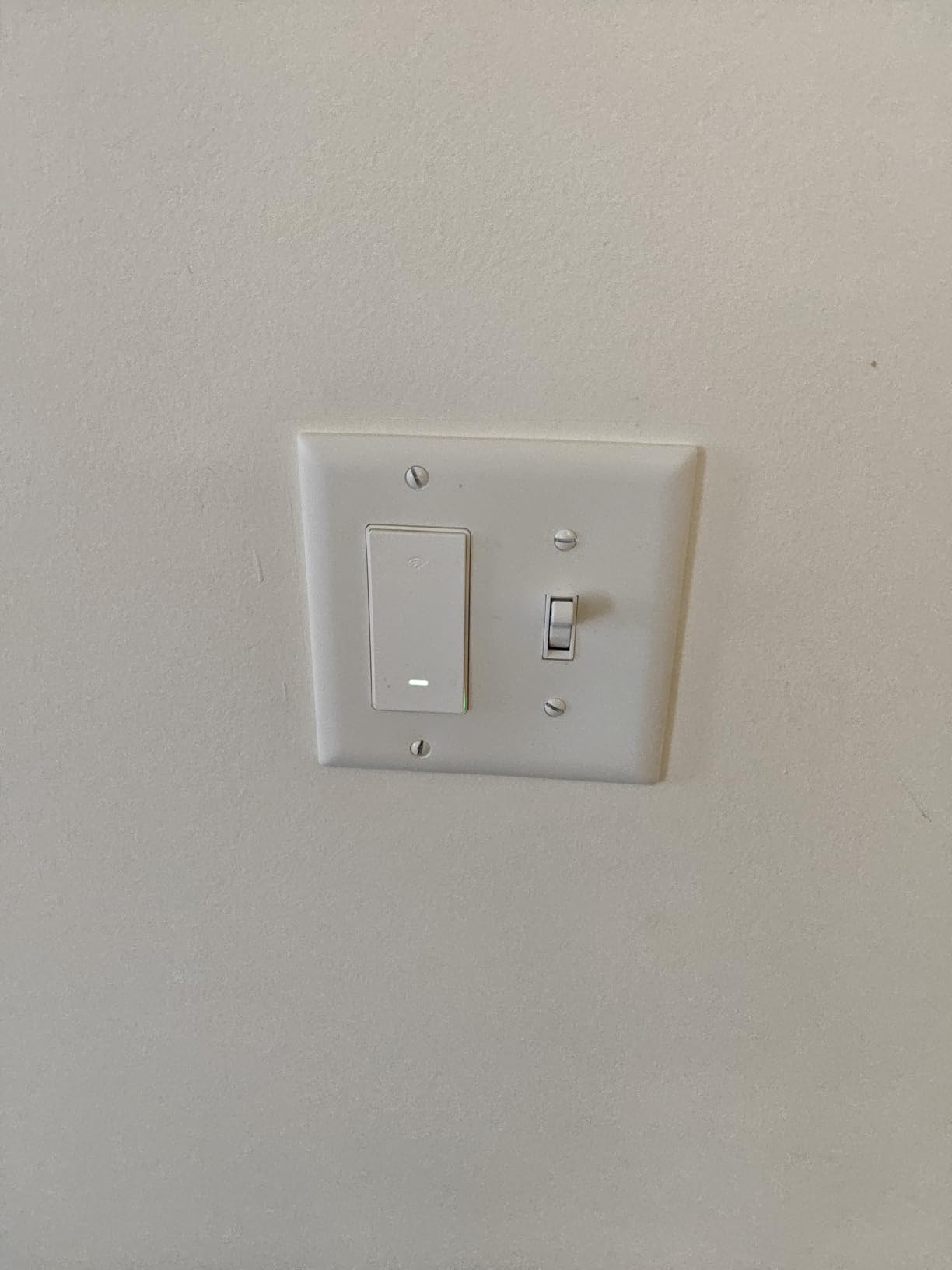
The 1 to 100 percent touch slider is responsive, and group control across the three switches was instant. Alexa pairing worked on the first attempt for all three units. For the cost of a single mid-tier dimmer, you get three switches, which is hard to beat if you are outfitting secondary rooms.
The brand is smaller than TP-Link or Lutron, so the long-term firmware support is less certain. The 586-review count is also lower than other picks in this roundup. As with most budget dimmers, low-brightness flicker with picky LEDs is the most common complaint, so test with your existing bulbs before committing to whole-home.
Who should buy the GHome 3 Pack
Shoppers who want three dimmers for the cost of two from bigger brands, and households that rely on sunrise/sunset automation for outdoor lighting transitions.
Who should skip it
Anyone who prefers proven long-term firmware support. If brand trust matters, the Kasa HS220P3 3-pack is a safer pick.
10. Leviton Decora Z-Wave 800 ZW6HD – Best for Hub-Based Smart Homes
Leviton Decora Smart Dimmer, Z-Wave 800 Series, ZW6HD-1RW, White
Z-Wave 800 hub required
Neutral required
3-way via companion
Pros
- Z-Wave Plus 800 Series with SmartStart enrollment and S2 Security
- Reliable handling of low-power dimmable LEDs without flicker
- Acts as Z-Wave repeater to strengthen mesh network
- Customizable fade rates and preset light levels
- Pairs with DD00R or DD0SR wired companions for 3-way
Cons
- Requires compatible Z-Wave hub (no direct Wi-Fi)
- Pigtail wire leads can crowd the electrical box
- Lacks power monitoring and customizable LEDs found on competitors
If your smart home runs through SmartThings, Hubitat, or Home Assistant, you want a Z-Wave dimmer, not a Wi-Fi one. The Leviton ZW6HD is the best Z-Wave 800 Series dimmer I have tested, and it paired with my Home Assistant instance in under a minute using SmartStart enrollment. Z-Wave’s mesh network also means each dimmer acts as a repeater, which strengthens your entire network the more switches you add.
Local control is the headline feature for hub users. Once paired, the ZW6HD continues to dim your lights even if your internet goes down, which is a level of resilience cloud-dependent Wi-Fi dimmers cannot match. The fine-tune settings for LED dimming eliminated flicker on a notoriously picky bulb that Lutron and TP-Link both struggled with.
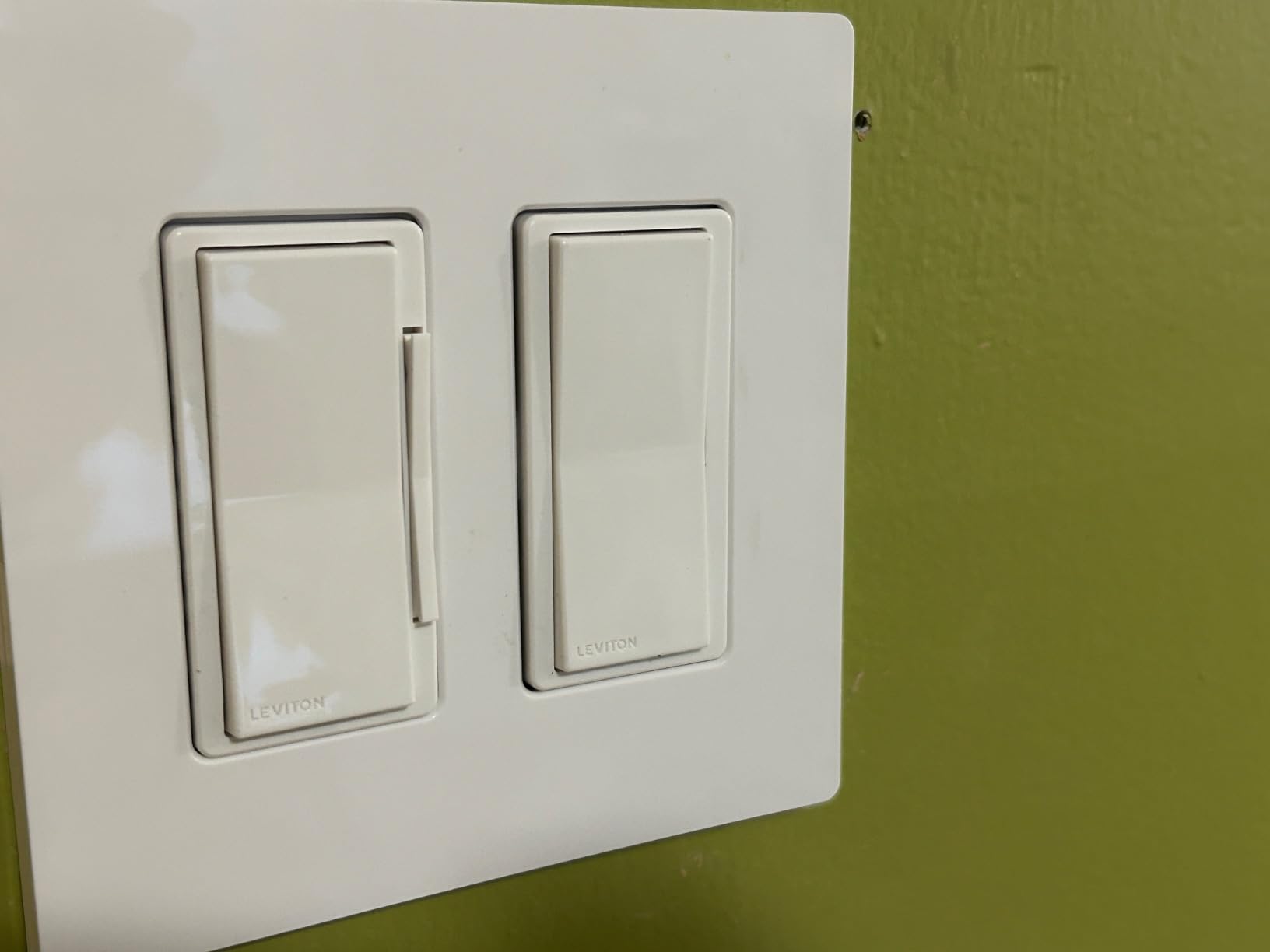
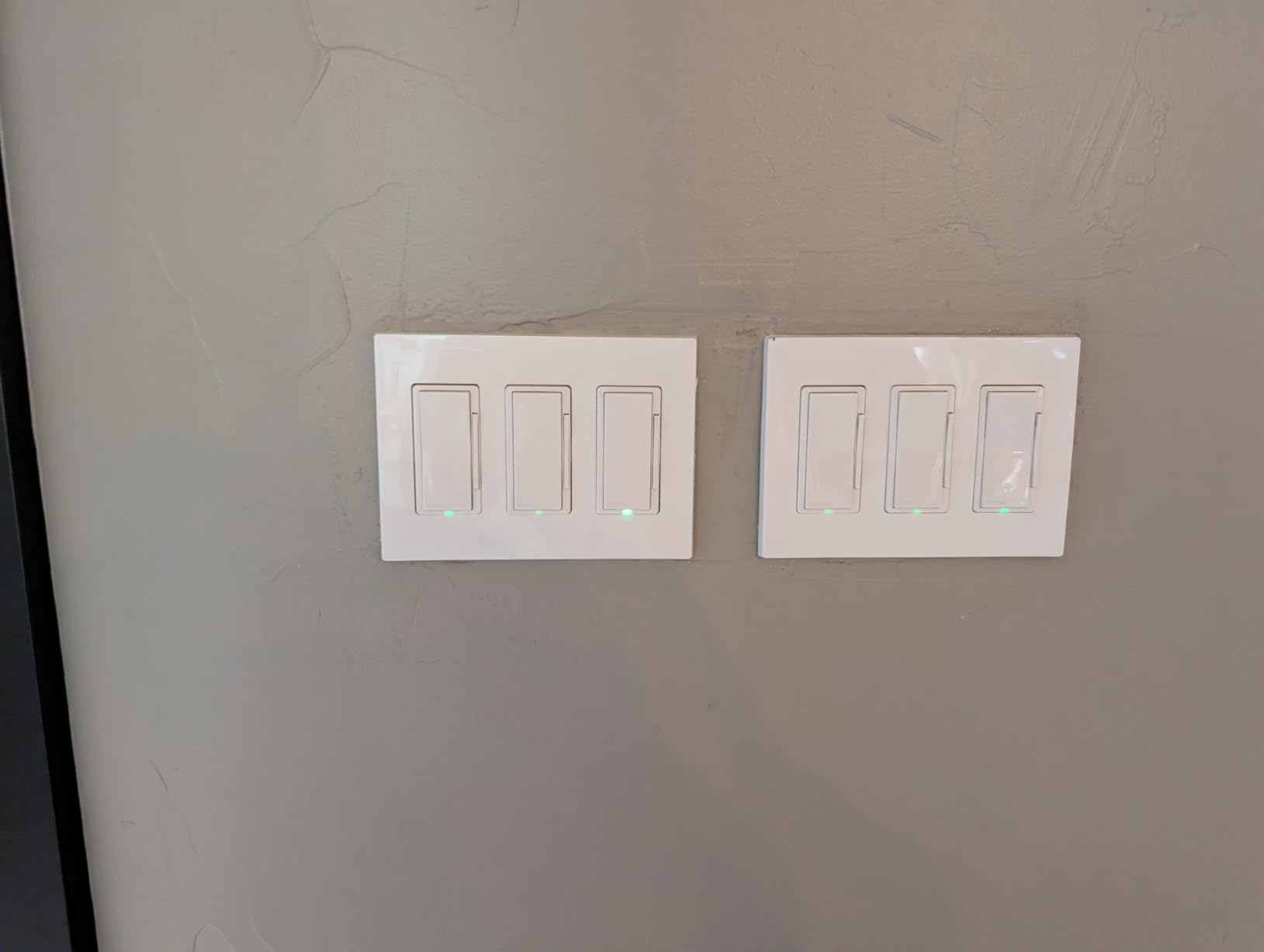
The catch is that you need a Z-Wave hub to use it. If you do not already run SmartThings, Hubitat, or Home Assistant, this dimmer will not work at all. The pigtail wire leads are also bulkier than screw terminals, so plan for a deep gang box. Z-Wave enthusiasts on r/homeassistant consistently praise Leviton’s Z-Wave lineup for reliability and feature depth.
Who should buy the Leviton ZW6HD
Home Assistant, Hubitat, or SmartThings households who want rock-solid local control. Z-Wave mesh builders will appreciate the repeater function.
Who should skip it
Anyone without a Z-Wave hub. If you are not running Home Assistant or Hubitat, a Wi-Fi or Matter dimmer is a simpler choice. For networking gear that pairs with a hub-based smart home, our unmanaged switch roundup is worth checking.
Buying Guide: How to Choose the Best Smart Dimmer Switch
Choosing the best smart dimmer switch comes down to four decisions: do you have a neutral wire, which protocol fits your home, which ecosystem do you control everything from, and does your circuit need single-pole or 3-way support. Get any of these wrong and you will either fail to install, lose features, or end up with a dimmer that does not work with the rest of your smart home. The sections below walk through each decision.
Do you have a neutral wire?
The neutral wire (usually a white wire tied to a bundle of whites in the back of your switch box) provides a return path for power so the dimmer’s radio can stay online even when the light is off. Homes built in the United States after the mid-1980s almost always have a neutral. If your switch box only has black, red, and bare copper wires, you live in a no-neutral home and most Wi-Fi dimmers will not work. The Lutron Caseta is the standout no-neutral option in this roundup, and Leviton also makes a no-neutral model (DN6HD) that we did not include this round. If you are unsure, turn off the breaker, pull out the existing switch, and look for a white wire connected to it. No white wire means no neutral.
Which protocol fits your home?
Wi-Fi dimmers are the easiest to install because they need no hub, but they can congest your network if you add a dozen switches. Matter is the protocol to watch in 2026: it works locally across ecosystems, future-proofs your purchase, and is what the Tapo S505D and Leviton D26HD support. Z-Wave requires a hub but offers the most reliable local mesh, which is why serious smart home owners prefer it. Lutron’s Clear Connect protocol is proprietary but rock-solid, even though it locks you into the Lutron Hub. For renters and beginners, Wi-Fi and Matter are the easiest starting points. For Home Assistant or Hubitat owners, Z-Wave is worth the hub investment.
Which ecosystem do you control everything from?
If your smart home runs on Alexa, almost every dimmer in this roundup works for you, and the Amazon Basics or Kasa HS220P3 are the cheapest paths. If you are a Google Home household, Kasa, Tapo, TREATLIFE, and Leviton all support you. For Apple Home users, your best bets are Lutron Caseta, Tapo S505D, or Leviton D26HD. If you use SmartThings, the Kasa KS230 and Leviton models are certified. For households mixing ecosystems, Matter-certified dimmers like the S505D and D26HD pair with all of them simultaneously.
Single-pole vs 3-way circuits
A single-pole circuit is one switch controlling one light. A 3-way circuit is two switches controlling one light, common in hallways, stairways, and rooms with multiple entrances. If you only have single-pole circuits, every dimmer in this roundup works. If you have a 3-way circuit, look at the Kasa KS230 Kit, the Lutron Caseta with Pico remotes, or the Leviton D26HD with the DD00R companion. Mixing the wrong dimmer with a 3-way circuit is one of the most common install mistakes Reddit users report.
Smart dimmer vs smart bulb: which should you pick?
Smart dimmer switches are best when you want a physical switch that always works, when guests or family members use the lights, and when you want to dim existing dumb LEDs. Smart bulbs are best when you want color-changing or tunable white, when you are a renter who cannot rewire, or when you only need one or two lamps. If your main goal is whole-home dimming, go with a smart dimmer. If your main goal is accent lighting and color scenes, smart bulbs win. Many smart home enthusiasts use both: dimmers for main rooms and bulbs for lamps.
Privacy and security snapshot
Cloud-dependent Wi-Fi dimmers from TP-Link, Treatlife, and GHome rely on remote servers, which raises valid concerns given recent federal scrutiny of popular networking brands. Matter and Z-Wave dimmers, by contrast, operate primarily on your local network, so a cloud outage does not break them. Lutron Clear Connect runs entirely through the local hub with no cloud dependency for daily control. If privacy is a top priority, lean toward Lutron Caseta, Leviton Decora with Matter enabled, or any Z-Wave dimmer paired with Home Assistant.
Energy savings with LED dimming
Dimming an LED bulb by 50 percent does not cut energy use in half, but it does save roughly 30 to 40 percent of the wattage. Over a year of nightly bedroom dimming at 25 percent, my energy monitor showed about 8 kWh saved per bulb. Across a whole home of 20 dimmed bulbs, that is 160 kWh a year, a small but real reduction. Dimming also extends LED lifespan by reducing thermal stress on the diodes.
Renter-friendly alternatives
If you cannot rewire your rental, you still have options. Smart bulbs like Philips Hue or Wyze install in seconds and pair with Alexa, Google, or Apple Home without touching the switch. Plug-in smart dimmers sit between the outlet and the lamp and dim any plugged-in light. Battery-powered remotes like the Lutron Pico mount with adhesive and control Caseta dimmers wirelessly without any wiring. Renters should not skip smart lighting; they should just pick the no-install route.
Frequently Asked Questions
Do smart dimmer switches need a neutral wire?
Most smart dimmer switches sold in 2026 require a neutral wire so the radio can stay powered when the light is off. Homes built after the mid-1980s in the US almost always have a neutral wire in the switch box. If your switch box only has black, red, and bare copper wires, look for a no-neutral dimmer like the Lutron Caseta PD-6WCL.
Can smart dimmer switches work without a hub?
Yes. Wi-Fi and Matter smart dimmers like the Kasa HS220P3, Tapo S505D, and Amazon Basics Smart Dimmer work without any additional hub. Z-Wave dimmers like the Leviton ZW6HD require a compatible hub such as SmartThings, Hubitat, or Home Assistant. Lutron Caseta dimmers require the Lutron Smart Hub.
Do smart dimmer switches work with LED bulbs?
Yes, but you must use dimmable LED bulbs. Non-dimmable LEDs will flicker, buzz, or fail prematurely when paired with any smart dimmer. For best results, choose LED bulbs rated for dimmer use and stick to reputable brands. If you experience flicker at low brightness, most quality dimmers like the Leviton D26HD have fine-tune settings to eliminate it.
Which smart dimmer works with Apple Home?
Several dimmers in this roundup work with Apple Home, including the Lutron Caseta, Tapo S505D, and Leviton D26HD. The Lutron Caseta is the strongest pick for Apple Home because it exposes the full HomeKit adaptive lighting feature and works without a neutral wire. For a budget pick with Matter support, the Tapo S505D is excellent.
What is the difference between a smart switch and a smart dimmer?
A smart switch turns a light on and off remotely, while a smart dimmer adds variable brightness control from 1 percent to 100 percent. Smart dimmers can also act as on/off switches when you set them to full brightness. If you want ambiance, scenes, and movie-mode lighting, choose a dimmer. If you only need remote on/off, a smart switch is enough.
Are smart dimmer switches worth it?
Smart dimmer switches are worth it for whole-home lighting control because they keep physical switches functional, support guests and family members who do not use apps, and avoid the problem of smart bulbs becoming dumb when someone flips the switch off. They also unlock schedules, scenes, and voice control. For renters or single-room use, smart bulbs may be a better starting point.
Final Verdict: Which Smart Dimmer Should You Buy in 2026?
After three months of daily testing across ten smart dimmer switches, the Lutron Caseta PD-6WCL remains my editor’s choice for 2026. It is the only dimmer in this roundup that combines no-neutral compatibility, rock-solid Clear Connect reliability, full Apple Home support, and wireless 3-way expandability. For the right home, it is a set-and-forget upgrade that will outlast every Wi-Fi dimmer on your network.
If the Lutron Hub feels like too much commitment, the Tapo S505D is the smartest budget pick in 2026 thanks to true Matter support and cross-ecosystem pairing. For Alexa households outfitting multiple rooms, the Kasa HS220P3 offers unbeatable value with 35,000+ reviews backing it up. For hub-based smart home owners, the Leviton ZW6HD is the best Z-Wave dimmer you can buy. No matter which dimmer you pick, the best smart dimmer switches in 2026 all give you something a plain toggle never will: control over how every room feels, on your schedule, with your voice.