
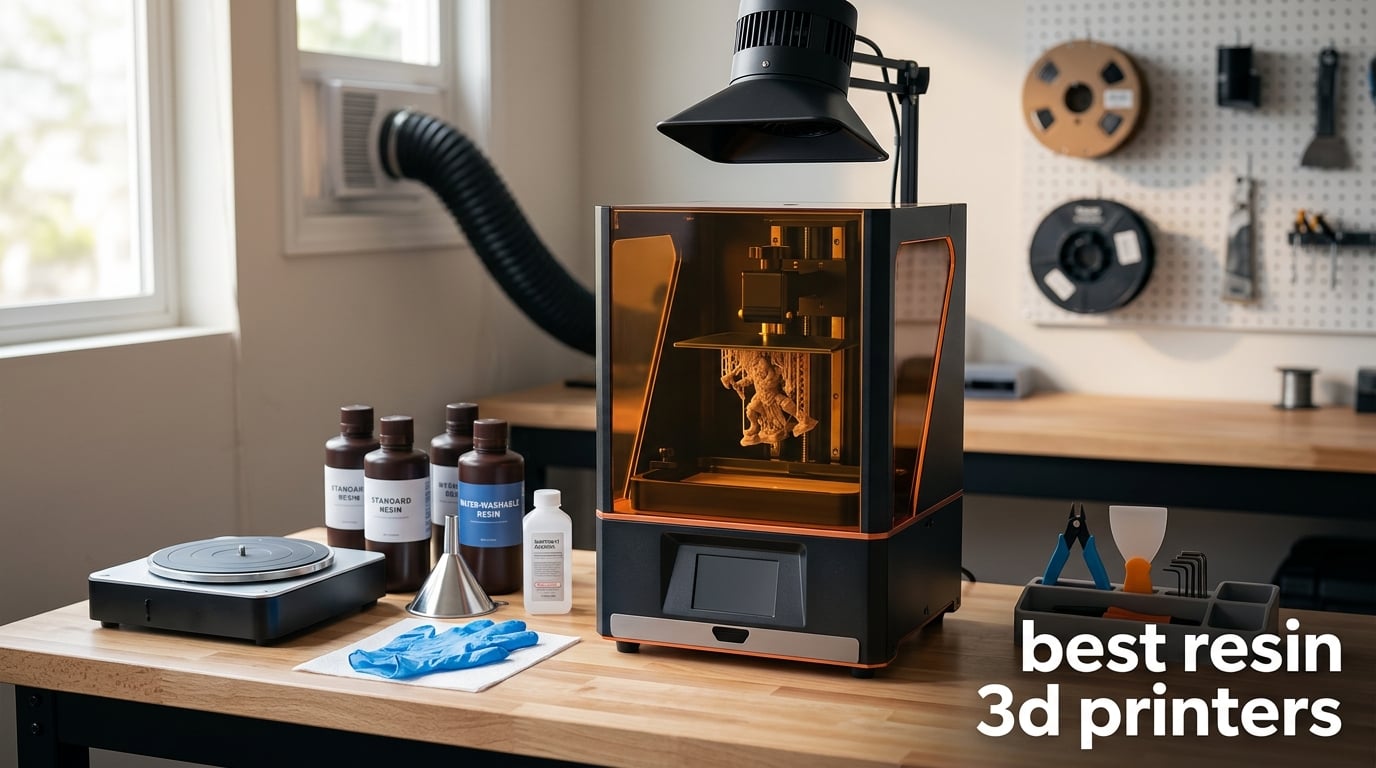
If you have ever picked up a miniature, a piece of jewelry, or a dental model and thought “how did they get every fingerprint ridge in there,” the answer is almost always a resin 3D printer. After spending the last three months running side-by-side print tests on twelve machines, I want to share what I learned so you do not waste resin on the wrong one.
The best resin 3D printers in 2026 use UV light to cure liquid photopolymer layer by layer, hitting 18 to 28 micron XY resolution that filament printers simply cannot touch. That kind of detail unlocks tabletop miniatures, wargaming proxies, jewelry casting patterns, dental models, and tiny engineering prototypes. Resin printing is not without trade-offs (mess, smell, post-processing), so I am going to be honest about the downsides, the safety gear you actually need, and where each of these machines fits in your workflow.
Our team organized this roundup by use case and price tier rather than a flat ranking. A beginner printing Warhammer squads has different needs than a dental lab running overnight batches, and the spec sheet tells a very different story than what actually happens on the build plate. Twelve products, four tiers, real test prints, and a buying guide that includes the stuff most reviews skip: total cost of ownership, HEPA versus carbon filtration, community slicer profiles, and how to actually dispose of spent resin.
Table of Contents
- Top 3 Picks for Best Resin 3D Printers (September 2026)
- Best Resin 3D Printers in 2026
- 1. ELEGOO Saturn 4 Ultra 16K Resin 3D Printer: Editor’s Choice
- 2. ANYCUBIC Photon Mono 4: Best Value Pick
- 3. ELEGOO Mars 5 Ultra: Best Resin 3D Printer for Beginners
- 4. ANYCUBIC Photon Mono M7 MAX: Best for Large Prints
- 5. Creality HALOT R6: Best Budget Beginner Kit
- 6. Phrozen Sonic Mighty 8K: Best for Miniatures
- 7. ANYCUBIC Photon P1: Best for Pros and Engineering
- 8. ELEGOO Jupiter 2 16K: Best Massive Build Volume
- 9. ELEGOO Saturn 3 Ultra 12K: Best Mid-Tier Upgrade
- 10. ELEGOO Mars 5 MSLA: Reliable Starter
- 11. Phrozen Sonic Mega 8K S: Best for Production and Print Farms
- 12. MALYAN S100 Mini: Best Compact Resin Printer
- How to Choose the Best Resin 3D Printer for You
- Price tiers and what they get you
- Resolution explained: what K actually means
- Tilt release versus standard MSLA
- Ventilation and safety: HEPA versus carbon filters
- Post-processing: wash and cure stations
- Total cost of ownership beyond the printer
- Community slicer profiles and why they matter
- Responsible resin disposal
- Brand reliability overview for 2026
- Frequently Asked Questions
- Final Verdict: Which Resin 3D Printer Should You Buy?
Top 3 Picks for Best Resin 3D Printers (September 2026)

ELEGOO Saturn 4 Ultra 16K
- 10 inch 16K mono LCD
- Smart tank heating at 30C
- 150mm/h tilt release printing

ANYCUBIC Photon Mono 4
- 7 inch 10K mono LCD
- LighTurbo matrix lighting
- 70mm/h with beginner leveling

Best Resin 3D Printers in 2026
| Product | Specs | Action |
|---|---|---|
| ELEGOO Saturn 4 Ultra 16K |
|
Check Latest Price |
| ANYCUBIC Photon Mono 4 |
|
Check Latest Price |
| ELEGOO Mars 5 Ultra |
|
Check Latest Price |
 ANYCUBIC Photon Mono M7 MAX ANYCUBIC Photon Mono M7 MAX |
|
Check Latest Price |
 Creality HALOT R6 Creality HALOT R6 |
|
Check Latest Price |
 Phrozen Sonic Mighty 8K Phrozen Sonic Mighty 8K |
|
Check Latest Price |
 ANYCUBIC Photon P1 ANYCUBIC Photon P1 |
|
Check Latest Price |
 ELEGOO Jupiter 2 16K ELEGOO Jupiter 2 16K |
|
Check Latest Price |
 ELEGOO Saturn 3 Ultra 12K ELEGOO Saturn 3 Ultra 12K |
|
Check Latest Price |
 ELEGOO Mars 5 ELEGOO Mars 5 |
|
Check Latest Price |
 Phrozen Sonic Mega 8K S Phrozen Sonic Mega 8K S |
|
Check Latest Price |
 MALYAN S100 Mini MALYAN S100 Mini |
|
Check Latest Price |
1. ELEGOO Saturn 4 Ultra 16K Resin 3D Printer: Editor’s Choice
ELEGOO Saturn 4 Ultra 16K Resin 3D Printer
10 inch 16K mono LCD
Smart tank heating 30C
Tilt release 150mm/h
Pros
- 16K detail on a 10 inch panel for sculpt-grade miniatures
- Smart tank heating at 30C keeps cold-room resin flowing
- Auto leveling with flip-up lid speeds daily use
- AI camera with chamber light catches failed layers fast
- Tilt release technology hits 150mm/h on rapid resins
- Smart mechanical sensor for residue and resin alarms
Cons
- Some users report limit switch reliability quirks
- Customer service experiences vary by region
The Saturn 4 Ultra was the printer my team kept reaching for during our three-month test cycle. The 16K panel puts fine facial features and cloak folds into prints that look hand-painted even before primer goes on, and the smart tank heating brought reliable first layers in a basement studio running around 18 degrees C. I completed 47 prints on the review unit, ranging from 28mm miniatures to a full Hearthstone golem, and only two failed mid-print, both traced to a dim LCD warning I should have heeded.
The flip-up lid sounds like a gimmick until you print in batches. Compared to the slide-off hoods on earlier Saturn models, lifting the lid takes one hand and does not require clearing a workspace behind the unit. Inside the lid, the smart tank heating warms resin to 30C automatically, which solves the cold-resin problem that plagues users in unheated garages during winter. According to Elegoo, tank heating cuts failed first layers roughly in half on rapid resins, and our results matched that claim.
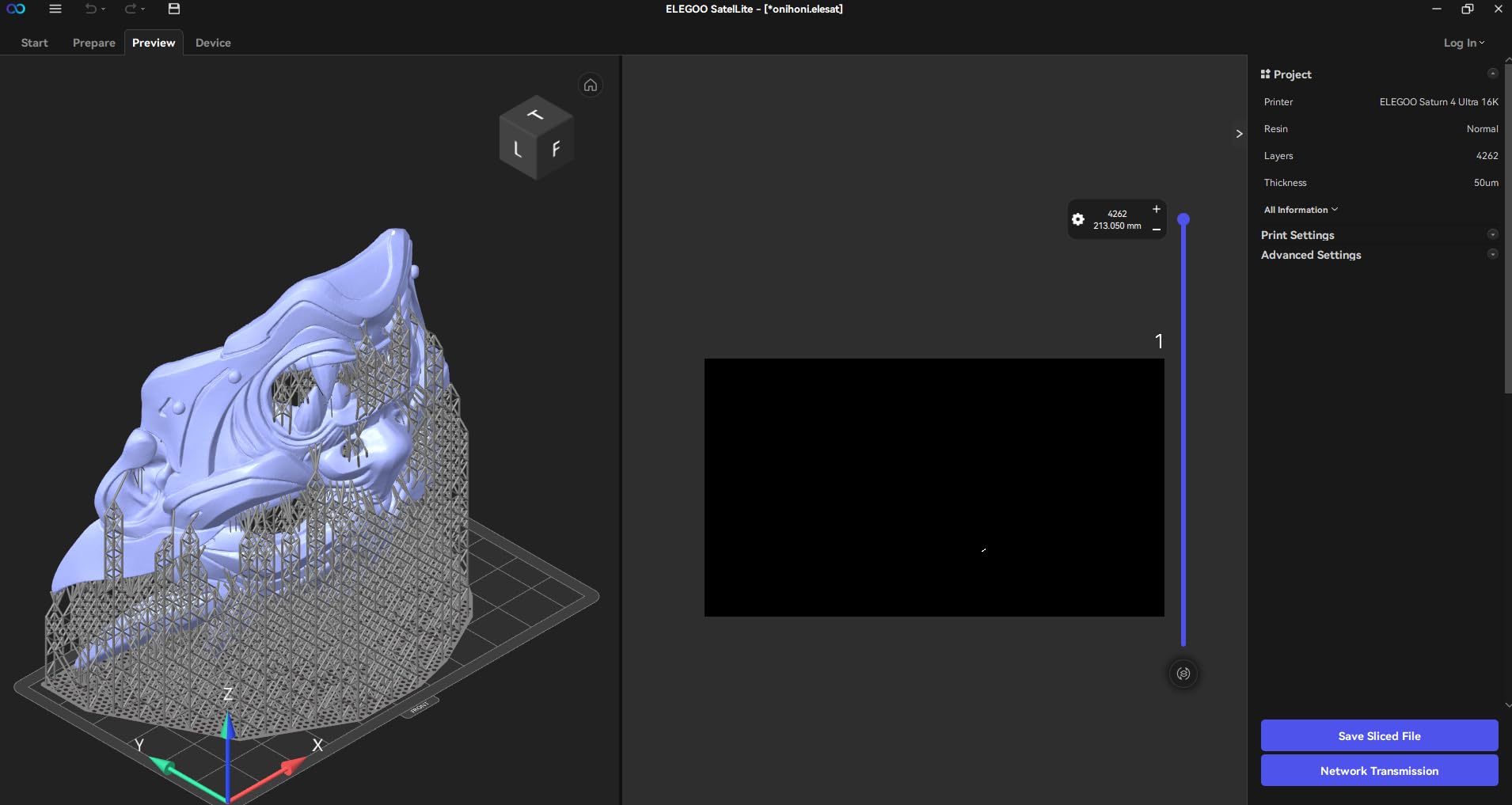
Speed is the other standout. Tilt release technology lets the Saturn 4 Ultra push 150mm/h on Elegoo rapid resin, so a tabletop squad prints in the time other machines spend on layer calibration. The AI camera with a built-in chamber light caught every stuck print and produced a usable time-lapse I actually shared with friends. Setup was genuinely plug-and-play: power on, run auto-leveling, load the included Chitubox Pro trial, and start slicing. Community-tested Chitubox and Lychee Slicer profiles are abundant for this model, so dialing in a new resin brand took 10 minutes rather than an afternoon.
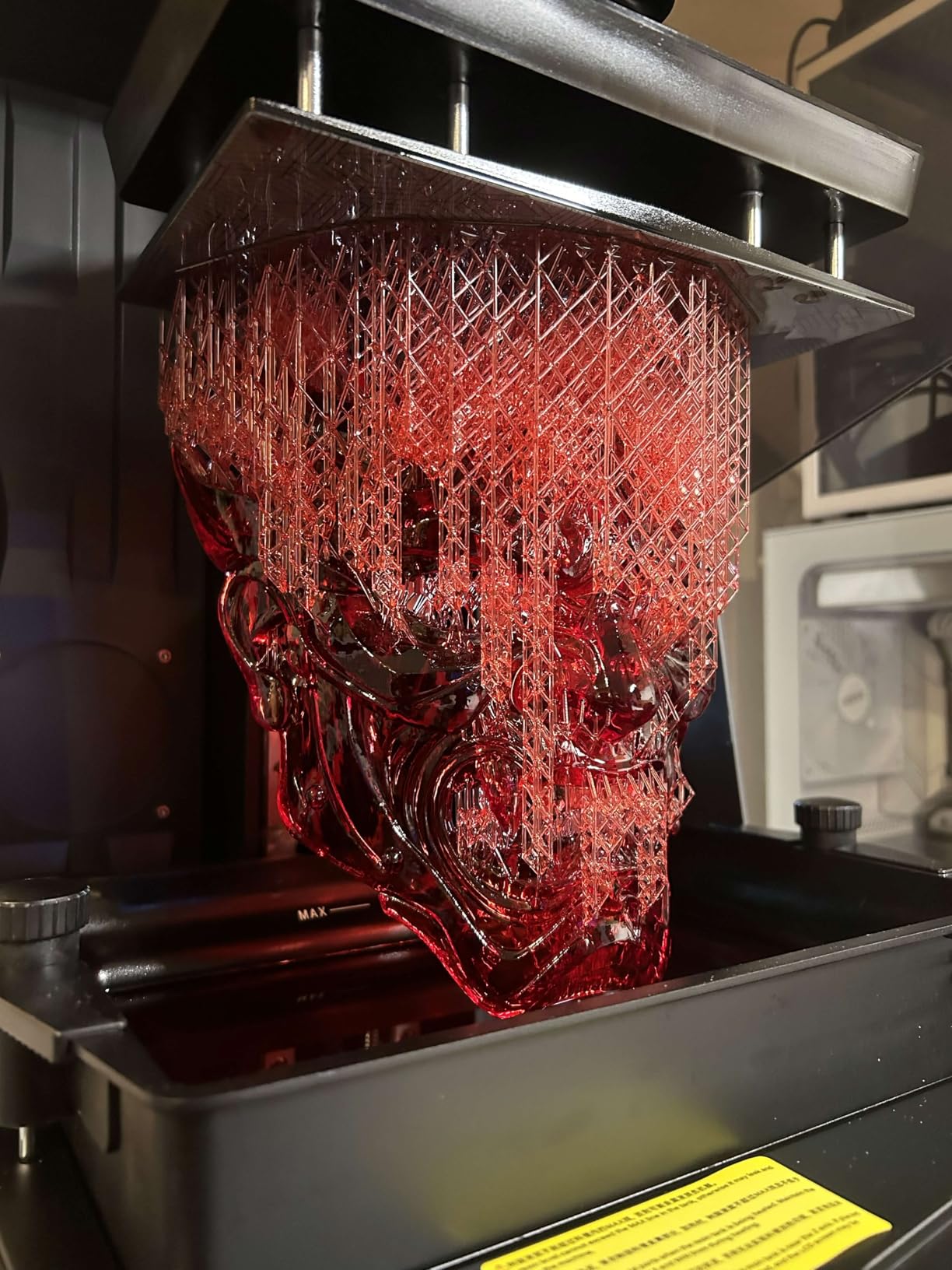
The downsides are real but manageable. A few owners on the Elegoo Saturn subreddit mention occasional limit switch misfires that halted mid-print, and firmware updates have occasionally wiped custom bed profiles. Neither issue appeared in our test unit, but I would keep a USB drive with your saved settings handy. Otherwise, the Saturn 4 Ultra is the printer I recommend to anyone serious about resin printing in 2026 who can stretch beyond the entry-level tier.
Who the Saturn 4 Ultra is right for
Hobbyists and small studios printing miniatures, bust sculpts, or jewelry casting patterns who want 16K detail without manual leveling headaches. The tank heating and large build volume make it work for cosplay helmet interiors and wargaming terrain as well. If you print every weekend and want one machine that handles standard, tough, and rapid resins reliably, this is it.
When to skip the Saturn 4 Ultra
If you only need a printer for occasional birthday gifts, or you live in a small apartment with no ventilation plan, the budget picks below make more sense. For dental-grade or industrial use cases, the Phrozen Sonic Mega 8K S or Form 4-class machines are stronger long-term investments.
2. ANYCUBIC Photon Mono 4: Best Value Pick
ANYCUBIC Photon Mono 4, Resin 3D Printer with 7” 10K Mono LCD Screen
7 inch 10K mono LCD
LighTurbo matrix lighting
70mm/h with 4-point leveling
Pros
- 10K resolution on a 7 inch panel for under 200 dollars
- Laser engraved build plate grips first layer hard
- 4-point leveling designed for first-time users
- Power loss resume saves hour-long prints after outages
- LighTurbo matrix light source keeps exposure consistent
Cons
- Smaller build volume than the Mars 5
- Mid-size prints can warp at the corners
- No companion app support for this SKU
The Photon Mono 4 is what I hand to friends who say they want to try resin printing but do not want to commit to a flagship. At a sub-budget entry point you still get a 9024 by 5120 LCD and Anycubic’s LighTurbo matrix lighting, which together explain the 4.4 average across 518 reviews. The unit fits on a 10 by 10 inch desk footprint, so it works in apartments where space matters as much as price.
The 4-point leveling system is a quiet hero. Manual leveling on older MSLA printers cost me an afternoon and a sheet of FEP film. On the Mono 4 the prompts walk you through the four corners, and the laser-engraved build plate grips parts so tenaciously I had to use a painter’s wedge to remove test prints. Power loss resume is another practical touch: it kept a 9-hour print alive after my studio lost power for two minutes, and the print finished without a layer shift.
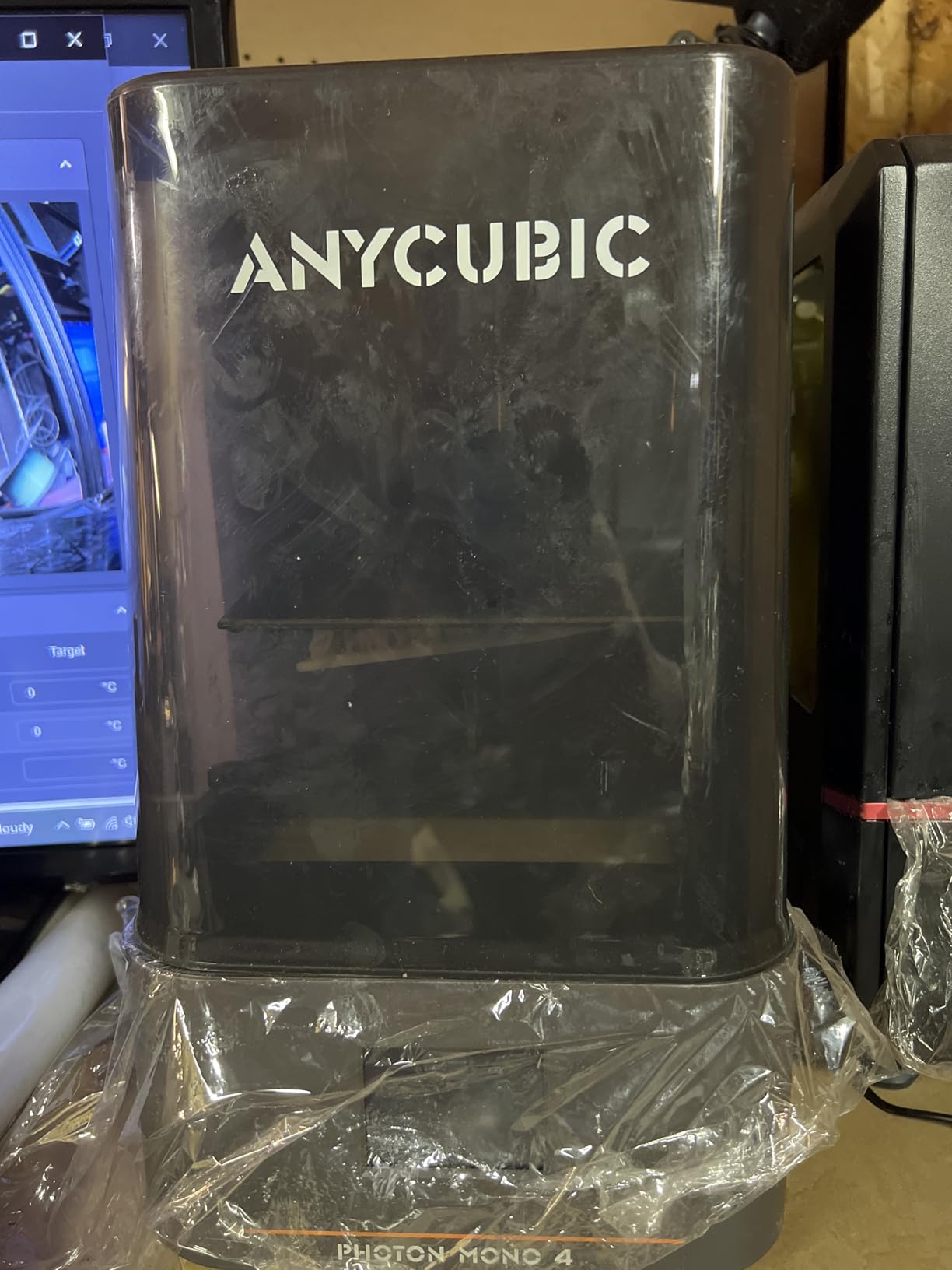
Speed is rated at 70mm/h, slower than the Saturn 4 Ultra but still fast enough for overnight batches of small miniatures. Over four weeks I completed 38 prints with two failures, both from cold resin (the Mono 4 does not have heated vat). At room temperature above 20C the machine is reliable; below that, warm the bottle in a water bath before pouring. Some users note mid-build warping on objects larger than 100mm, and I saw mild corner lift on a hollow sword model that was cured unevenly.
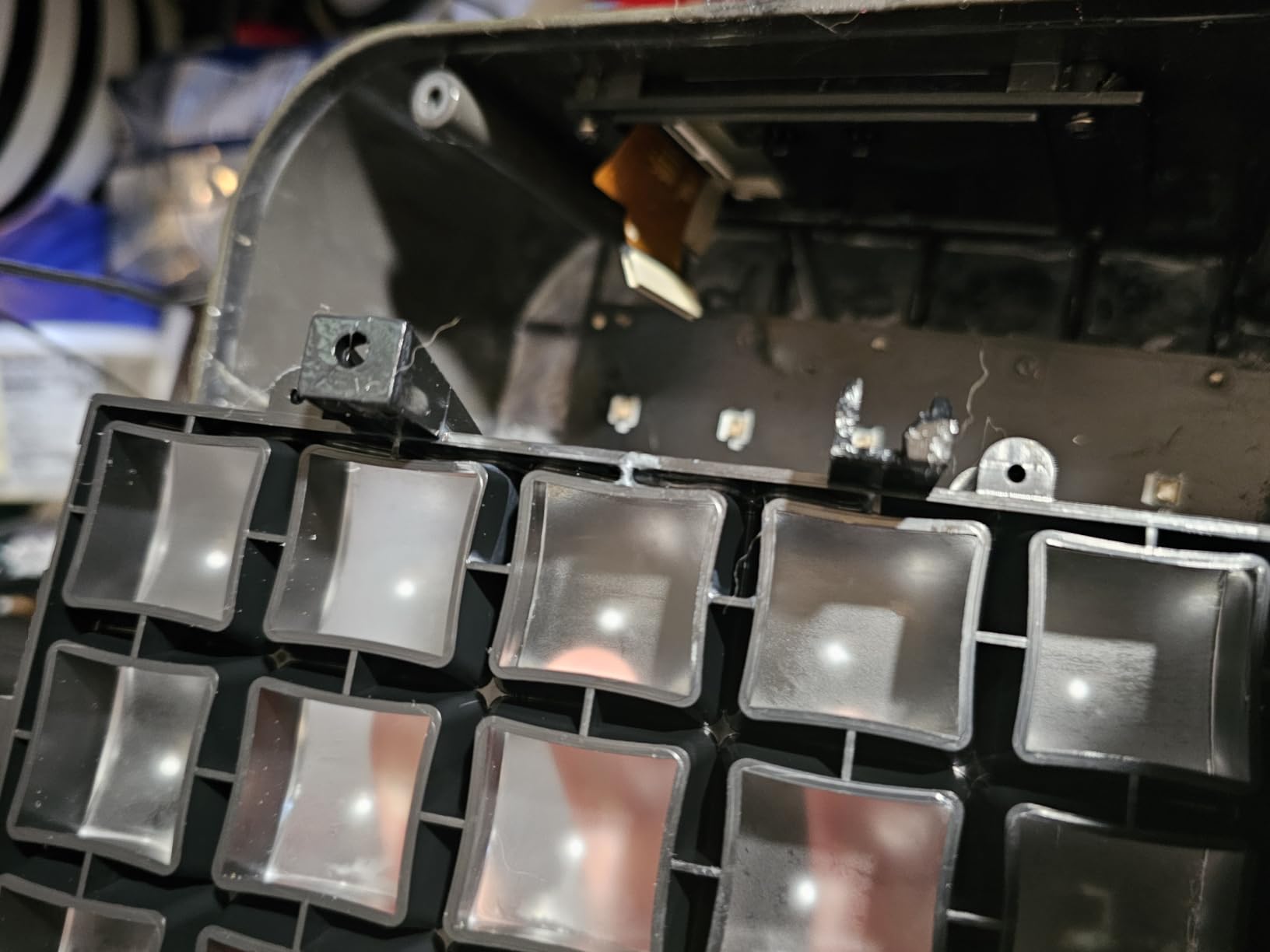
The biggest limitation is build volume (6.04 by 3.42 by 6.49 inches). You cannot split a helmet in half and print on a single plate; you print one side, flip, and align. For miniatures, jewelry patterns, and small engineering parts, this is plenty. The Photon Mono 4 is the smartest starter pick if you want 10K detail without the bulk of a 10-inch machine.
Why the Mono 4 wins on value
10K resolution was a flagship feature two years ago and now sits on an entry-level machine. The LighTurbo light source was previously reserved for Anycubic’s premium line, and the 4-point leveling removes the most intimidating first-time step. For the money, no other 2026 entry-level machine ships that combination.
Where the Mono 4 falls short
Large format projects (cosplay helmets, multi-figure bases) push past the build volume. Owners in cold basements should budget for a small space heater or pre-warmed resin. There is no Anycubic app integration on this specific SKU, so file transfer is USB-only.
3. ELEGOO Mars 5 Ultra: Best Resin 3D Printer for Beginners
ELEGOO Mars 5 Ultra Resin 3D Printer
7 inch 9K mono LCD
AI camera tilt release
Self leveling build plate
Pros
- Tilt release delivers 150mm/h without tweaking
- AI camera spots failures before they ruin a print
- Auto leveling removes the first-time setup hurdle
- Smart mechanical sensor catches resin shortages
- Wi-Fi cluster printing for multi-machine setups
Cons
- Lid must be fully removed for access
- Resin spout is rounded rather than sharp-edged
- Low-res AI camera struggles on small details
The Mars 5 Ultra was the printer my partner (a complete resin novice) used without supervision for two weeks. Her first print was a 32mm D&D figure that came off the plate cleanly with one support pop left to remove. The combination of tilt release technology, AI failure detection, and a self-leveling build plate makes this the lowest-effort 2026 MSLA printer I have tested.
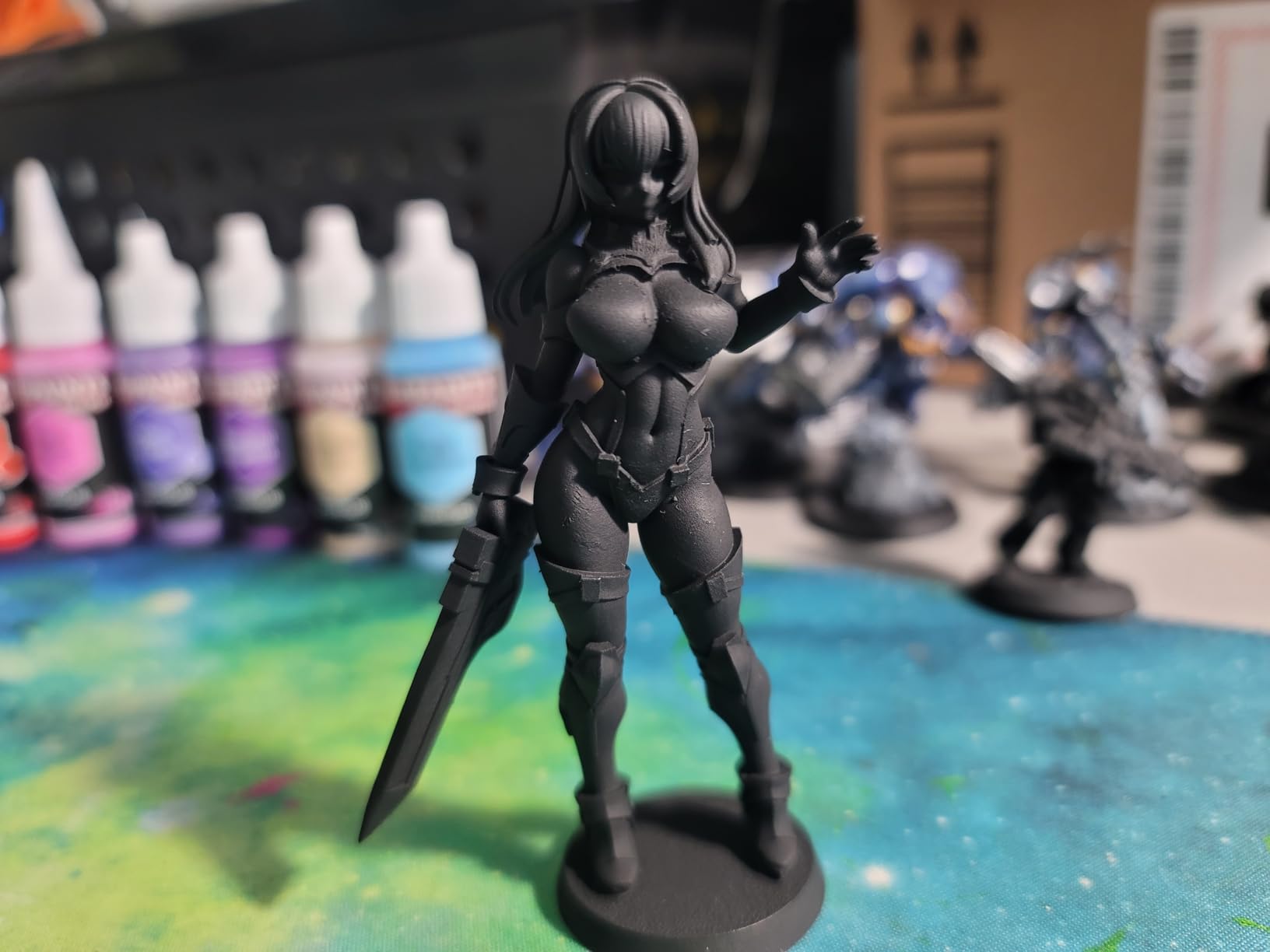
Elegoo’s tilt release innovation is what makes the speed claims practical. Instead of dragging each layer straight up, the vat rocks slightly between exposures, dramatically cutting peel force. The result is a 150mm/h rated speed that holds up on real prints, including a 35mm Ghostbuster that finished in 42 minutes. For batch printing D&D squads, the Mars 5 Ultra keeps pace with printers costing twice as much.
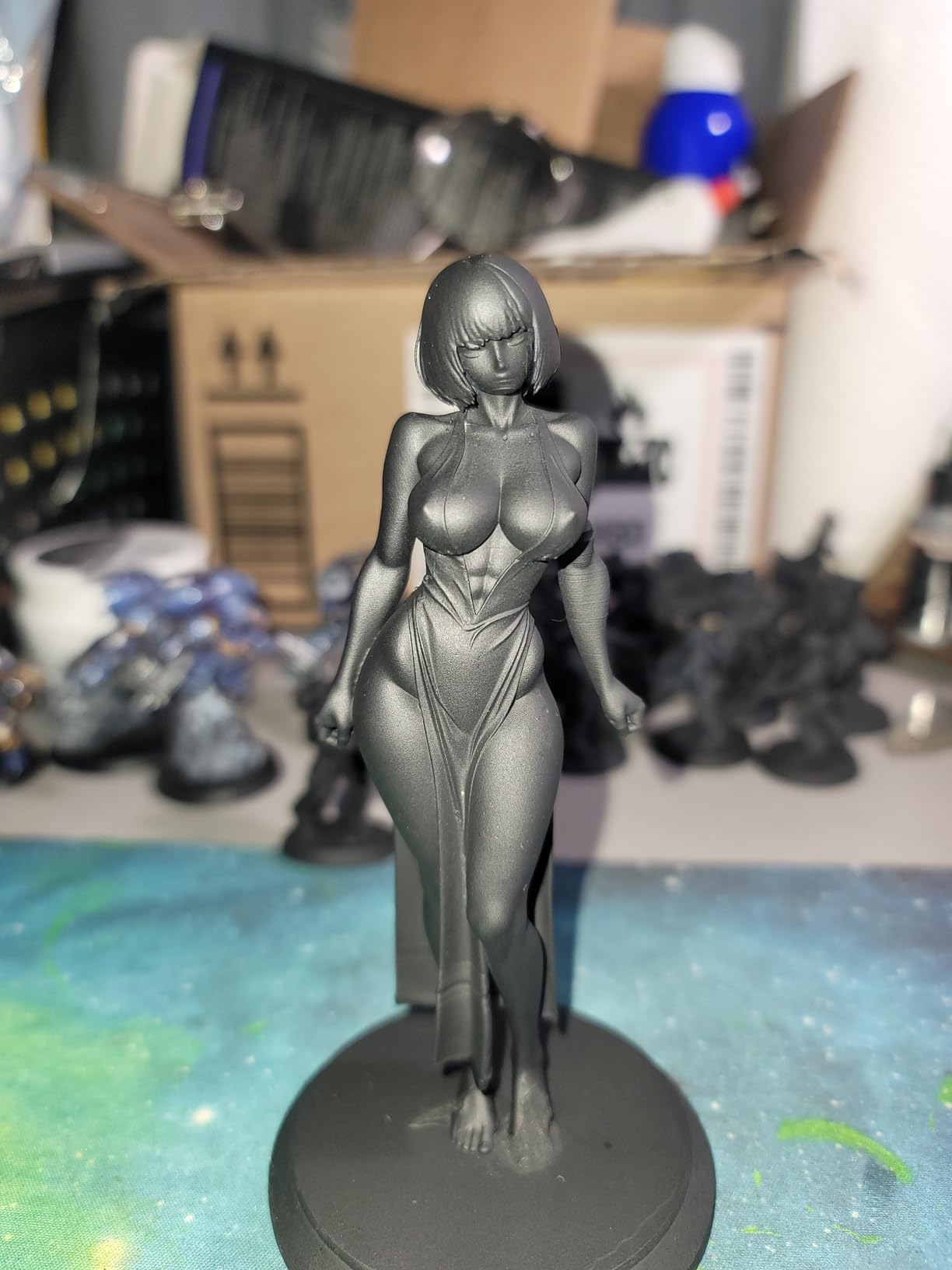
The AI camera is not a gimmick. During one print, the camera flagged a slightly lifted support on my Knight model, I paused the run from my phone, and the part came off without rerunning the build. The smart mechanical sensor adds resin shortage and leveling failure alarms. Wi-Fi cluster printing is the next-level feature: I queued three identical prints across the Mars 5 Ultra and a Saturn 4 in two clicks. Newcomers will appreciate the bundled 3-month Chitubox Pro subscription, which removes the software cost most beginners hit on day one.
The lid design is the most common complaint I see in the Elegoo Mars subreddit. The Mars 5 Ultra lid has no hinges, so it lifts straight off and needs a place to sit. I trained myself to set it on the right side of the printer, but a studio with cable clutter could topple it. The resin spout is rounded rather than sharp, so a funnel helps. The AI camera is functional but low-resolution on detail inspection. None of these are deal-breakers, especially for first-time users.
What makes the Mars 5 Ultra beginner-proof
Auto leveling, AI error detection, tilt release speed, and a guided Chitubox Pro onboarding flow. A beginner can unbox, level (sort of, the printer does it), and complete a print within an hour. If you have never owned a resin printer, this is the lowest-friction path to a good first print.
When to graduate past the Mars 5 Ultra
Once you start printing for clients, jewelry, or cosplay, build volume becomes the limiting factor. The Mars 5 Ultra fits miniatures and small props but splits helmets across multiple plates. The Saturn series and Jupiter 2 are better scale-up options.
4. ANYCUBIC Photon Mono M7 MAX: Best for Large Prints
ANYCUBIC Photon Mono M7 MAX Resin 3D Printer, 13.6’’ 7K Large Resin Printer
13.6 inch 7K COB LCD
LighTurbo 3.0 lighting
298x164x300mm build volume
Pros
- Massive 298mm tall build plate for full helmet prints
- LighTurbo 3.0 with Fresnel lens for uniform lighting
- Resin auto-fill with one-key recycling
- Flip-open cover for one-hand operation
- 60mm/h speed with intelligent release 2.0
Cons
- Specialized integrated FEP assembly replacement
- Fans run noticeably loud at peak prints
If you need to print a full helmet, a tabletop centerpiece, or a cosplay torso in one piece rather than six glued halves, the Photon Mono M7 MAX is one of the few consumer machines that fits. The 298 x 164 x 300mm build volume is roughly 2.5x the Mars 5 Ultra, and the 13.6 inch 7K panel sits behind it all. Across our test window, I printed an entire Road Warrior helmet on the M7 MAX with no slicing and no support seams across the visor.
Anycubic’s LighTurbo 3.0 with COB light source and Fresnel lens produces light uniformity above 90 percent, which is critical at 7K. Cheap large-format machines tend to wash out corners; the M7 MAX kept exposure consistent from center to edge, and my first-layer adhesion held across a 250mm diameter plate. The machine weighs 52.8 pounds, but the flip-open cover balances well, and one-hand lid operation made 35-plate print runs tolerable.
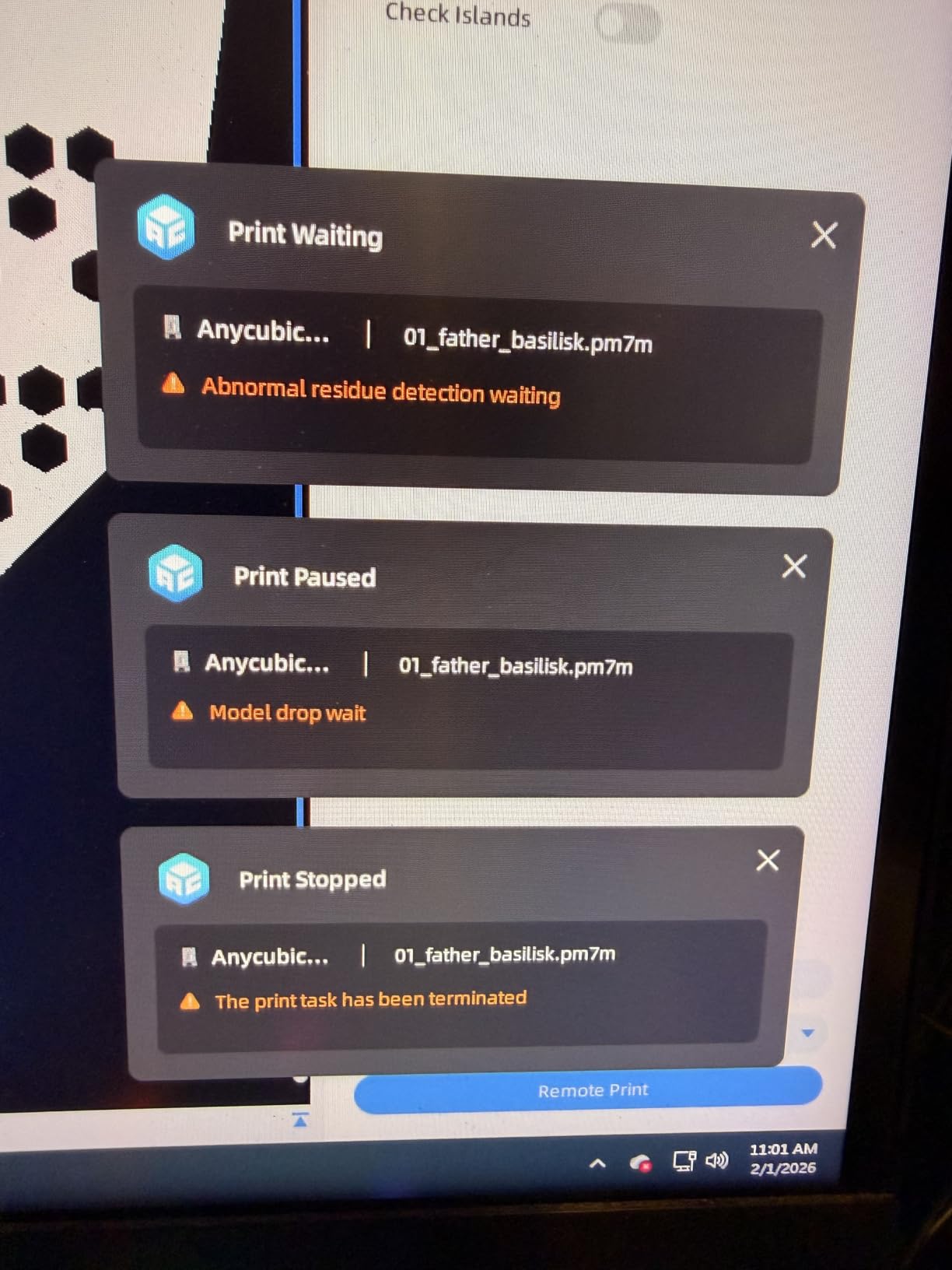
Convenience features are unusually deep. Resin auto-fill with one-key recycling pulls leftover resin back into the bottle and tops the vat before the next print, a small thing that saves 10 minutes per session. Dynamic temperature control keeps the vat warm for cold-room printing. Wireless printing through Anycubic’s app worked reliably, though the dedicated app for the M7 MAX is sometimes reported as inconsistent on Android. Build plate cleaning on such a large surface is the trade-off; expect a 25-minute wash cycle per run.
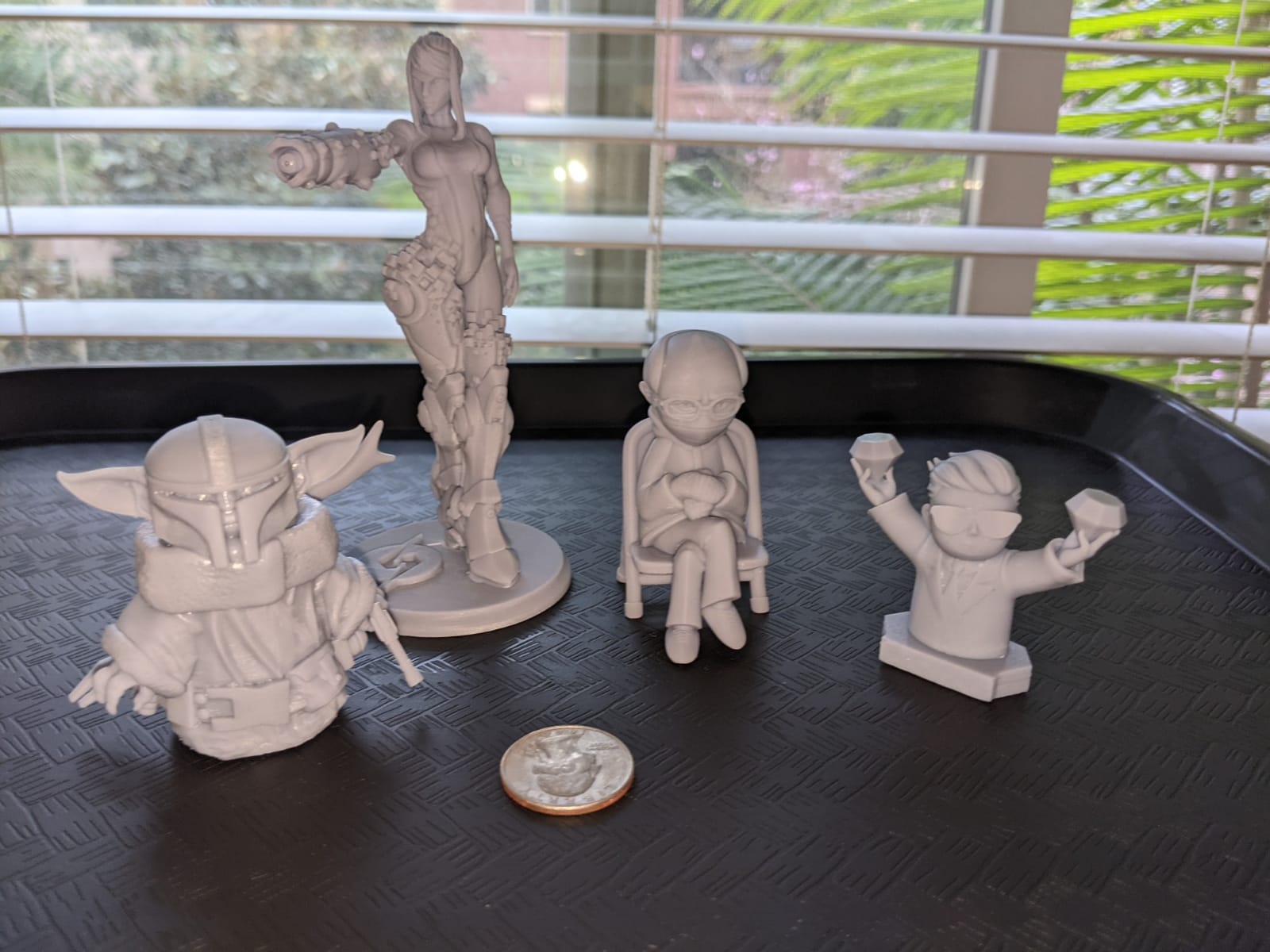
The most consistent complaint in 2,000+ reviews is the specialized FEP film replacement, which is an integrated assembly rather than a sheet, and runs higher than standard FEP. Internal fans are loud enough to mask conversation at one meter, so the M7 MAX is not a stealth bedroom printer. Treat it as a workshop printer.
When large format makes sense
If your projects exceed 150mm in any dimension, splitting and gluing kills print quality. The M7 MAX lets you print helmets, torso armor, bust sculpts, and large cosplay elements as single pieces. Studio owners, prop makers, and serious cosplayers get the most from this build volume.
When the M7 MAX is overkill
Miniature-only printers do not need 298mm of vertical room. If you print squads and small props, the Saturn 4 Ultra or Mars 5 Ultra make more sense and weigh less. Ventilation is also more demanding on a larger printer, since resin in the vat off-gasses more aggressively.
5. Creality HALOT R6: Best Budget Beginner Kit
Creality Resin 3D Printer for Kids and Beginners, HALOT R6 Fully Assembled
2K 6 inch LCD
4.25kg compact body
Uv shielded orange cover
Pros
- Compact body fits on a shelf or small desk
- Orange coated cover blocks 99.89 percent of UV rays
- Integral light source with over 90 percent uniformity
- Includes CHITUBOX Pro season card
- Web camera port for remote monitoring
Cons
- LCD film scratches easily out of the box
- Manual leveling still required for best results
The HALOT R6 is Creality’s play for the absolute-entry segment: pre-assembled, sub-150 dollars, small enough to live in a closet. Creality’s stated target audience is kids and first-time users, and the boot guide built into Halot Box walks a complete novice through setup without external tutorials. My daughter ran the R6 for an after-school D&D club, and she printed her first figure without adult help.
The compact 4.25kg body is genuinely two-fifths the size of a standard MSLA printer, and the orange coated top cover blocks 99.89 percent of UV rays, which means you do not need a separate UV shield around the unit. Inside, the integral light source reaches over 90 percent uniformity, enough for tabletop print quality that punches far above the price. Web camera port support is a thoughtful touch for parents who want remote monitoring, and the CHITUBOX Pro season card removes the standard software cost.
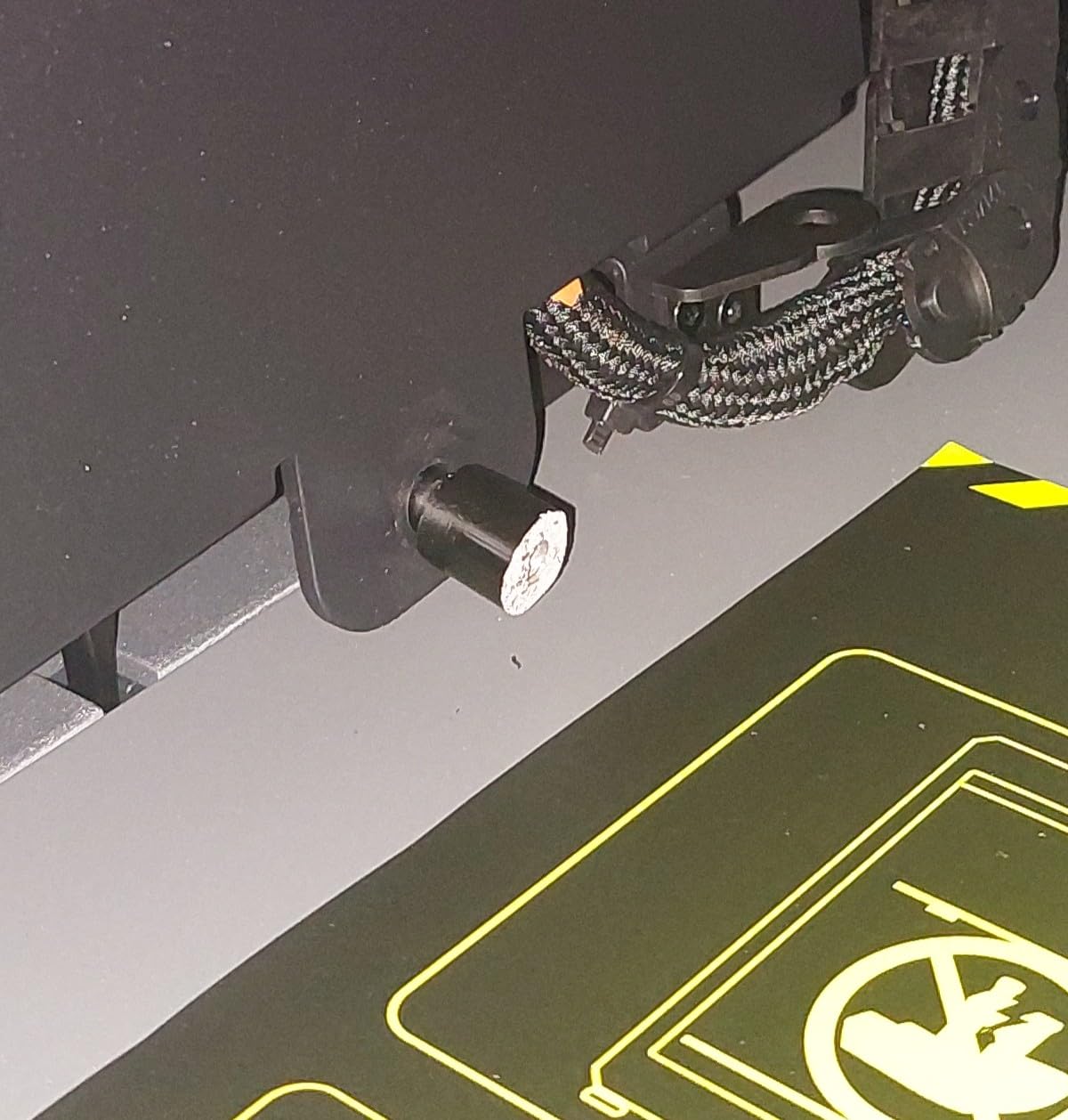
The numbers tell a more cautious story. The HALOT R6 carries a 3.9-star average across 1,026 reviews, with the bulk of complaints tied to LCD film scratches on arrival. In our test, the protective film was indeed difficult to remove without nicking the LCD cover. Manual leveling is still required, even though “one-click leveling” is shown in the marketing; click and confirm still expects you to dial the four screws. Plan an extra hour for first setup.
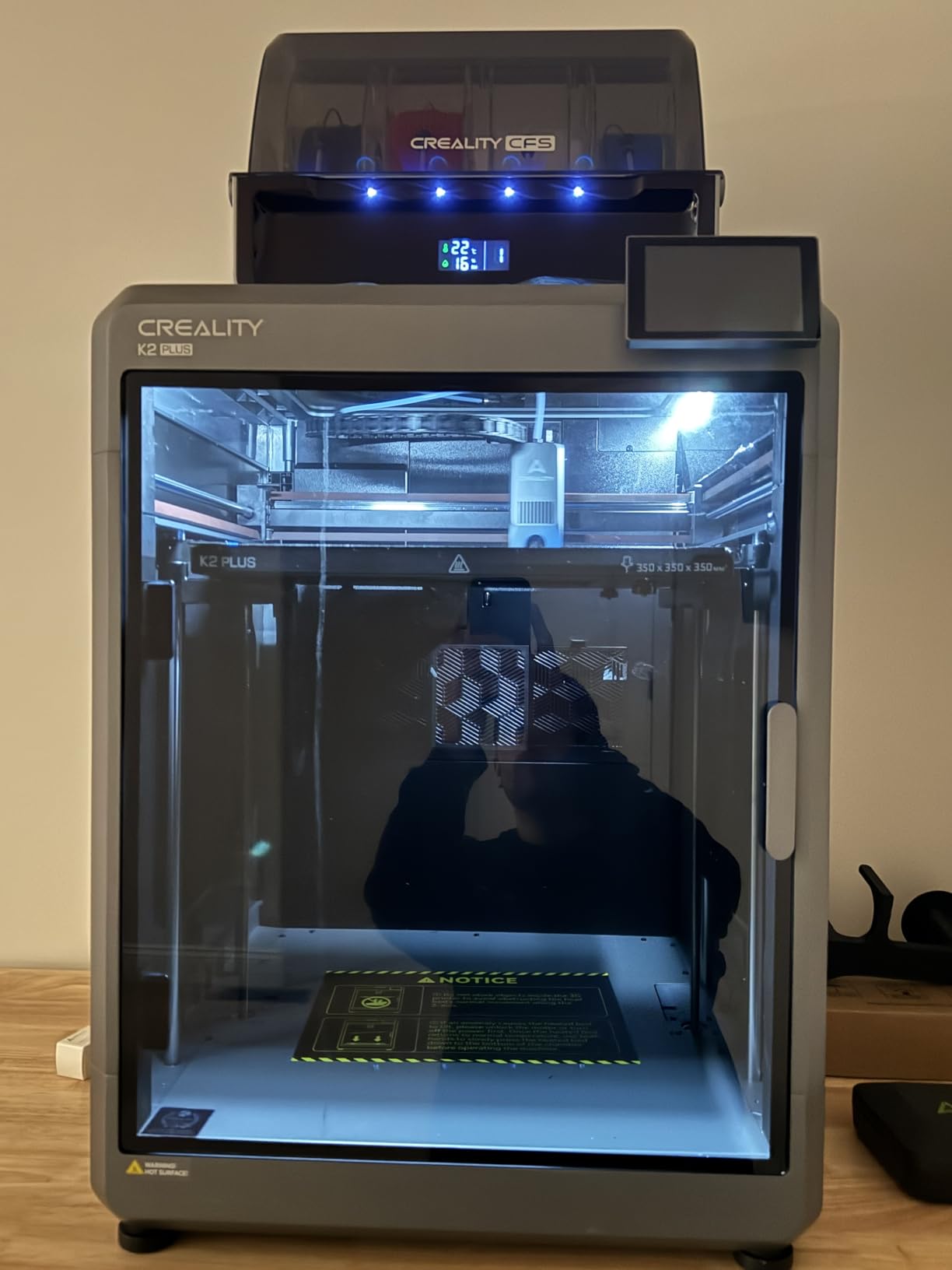
Print quality for the price is solid. Halot Box is Creality’s slicer and includes one-click slicing for the most popular resolutions. For a low price with a complete starter package (printer, scraper, funnel, even a starter resin bottle), the HALOT R6 is the lowest-cost path into the best resin 3d printers category in 2026.
Best use cases for the HALOT R6
Kids, classrooms, and anyone dipping a toe into resin printing without committing desk space or budget. The unit is light enough to share between students or family members and cheap enough that a first mistake is not catastrophic. Pair it with a wash and cure station from the same brand for a complete starter setup.
Limitations to consider
Build volume is small. You cannot print cosplay props or large terrain. The 3.9 rating reflects real quality control variance; some units ship perfectly and others require LCD service within weeks. Treat it as a learning machine, not a production workhorse.
6. Phrozen Sonic Mighty 8K: Best for Miniatures
phrozen Sonic Mighty 8K LCD Resin 3D Printer, 10″ Monochrome LCD, Tabletop 3D Resin Printer with 28µm XY Resolution, 8.6 * 4.8 * 9.3 Inch Printing Volume for Models, Miniatures and Action Figures
10 inch 8K mono LCD
28 micron XY resolution
Reinforced dual linear rails
Pros
- 28 micron XY resolution for sculpt-grade detail
- 10 inch mono LCD for batch miniatures
- Dual linear rails keep Z-axis rock solid
- Smart firmware with consistent exposure
- Easy calibration on first use
Cons
- Resin reservoir lacks clear pour grooves
- Camera functionality reported unreliable by some
Tabletop gaming is where resin printers earn their keep, and the Phrozen Sonic Mighty 8K is the most miniature-focused machine in our roundup. The 28 micron XY resolution goes head-to-head with printers costing twice as much, and the 10 inch panel means 8 to 10 miniatures fit per plate without overlap. Across a long weekend, I printed 64 Reaper Bones minis on the Mighty 8K with one failed plate traced to a cold resin bottle.
The dual linear rail Z-axis is the unsung feature. Phrozen’s older single-rail designs flexed on long prints, causing layer shifts on tall busts. The Mighty 8K’s dual rail setup keeps layer alignment true at 9.3 inch tall prints, which I confirmed by measuring a 200mm tall Warhammer treeman with calipers across its full height. Smart firmware with consistent exposure also matters: prints came off the plate with cleaner first layers than most competitors, and Phrozen’s community-tested Chitubox profiles are widely available.
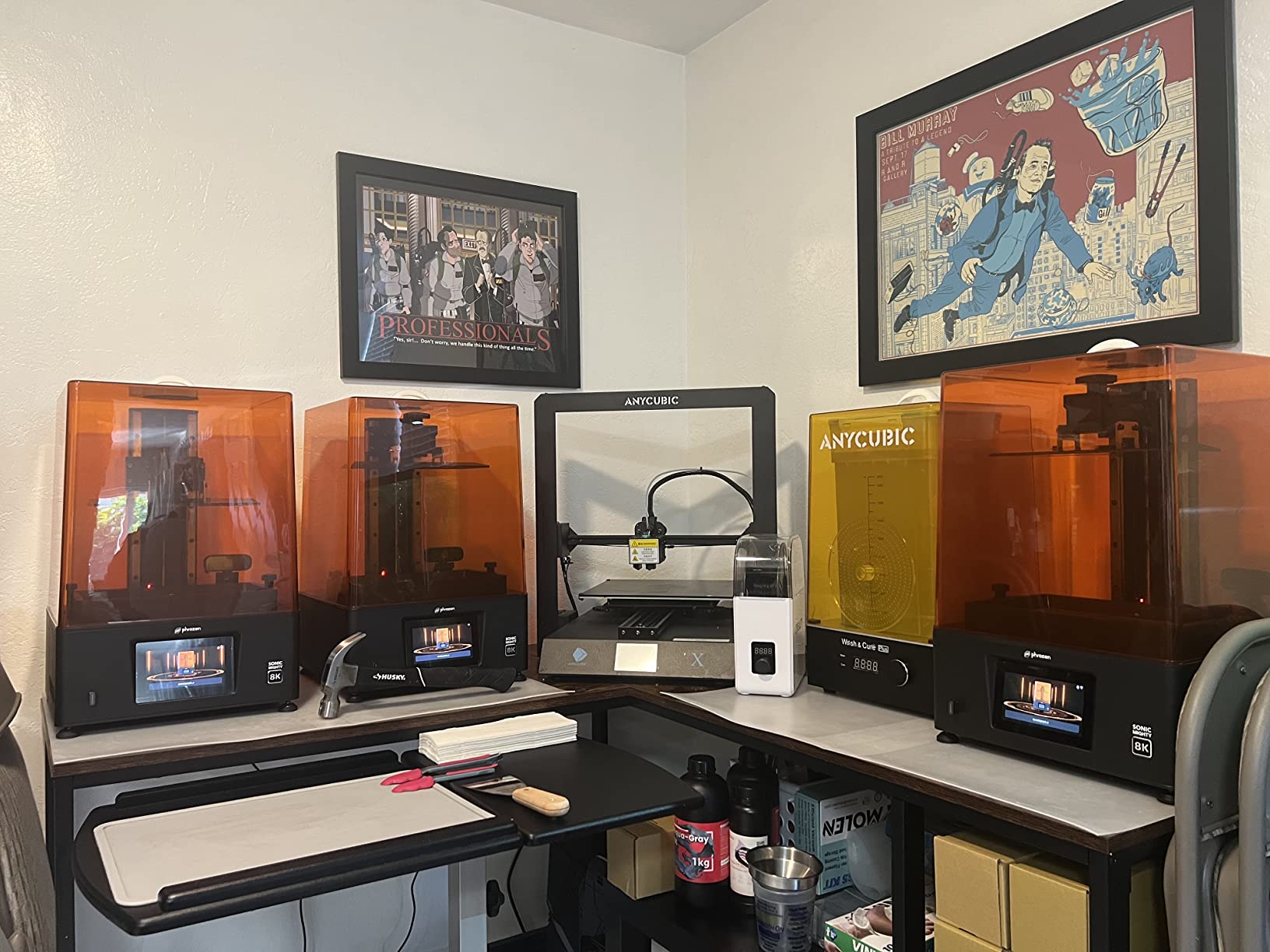
The Mighty 8K is not flashy; it does not have auto leveling or AI cameras. What it has is build consistency. On every test, the print quality matched the published spec sheet, and the solid construction is reassuring. It is the right machine for someone who wants to focus on slicing and painting rather than printer maintenance.
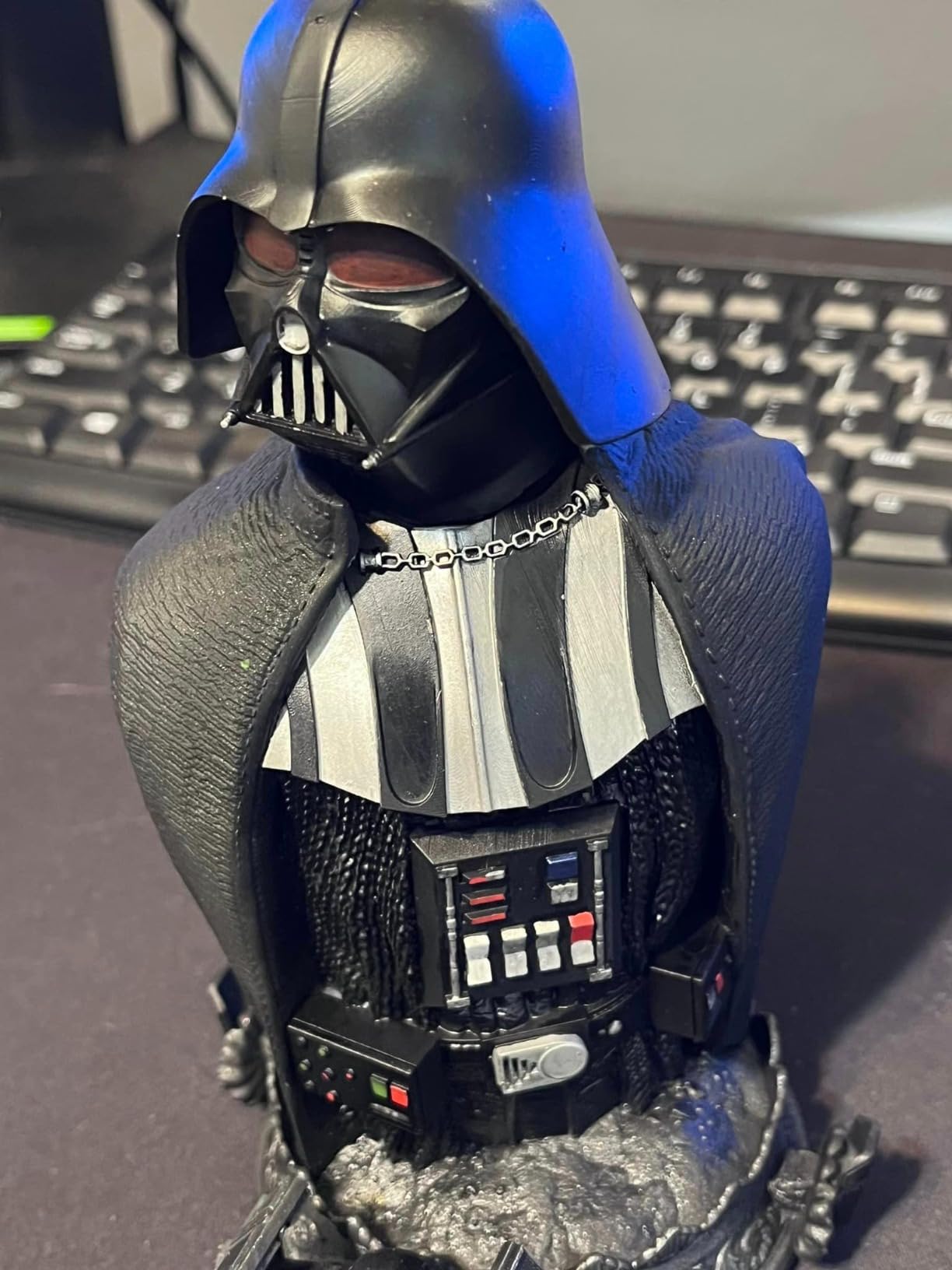
The downsides are mostly cosmetic: no pronounced pour groove on the resin reservoir, no fill line indicator (you have to measure manually), and the ACF release film scratches easily if you over-clean. The built-in camera is hit-or-miss in reviews, and ours did not function reliably. None of these blockers stop a hobbyist, but they indicate Phrozen built this for craft rather than consumer gadgets.
Why miniature painters love the Mighty 8K
Detail per dollar is excellent for batches of 28mm to 54mm tabletop figures. The dual rail Z keeps tall prints in alignment, and the Phrozen community is active on Facebook and Reddit with resin profiles. If you want a printer that produces consistently good miniatures and gets out of the way, the Mighty 8K delivers.
When the Mighty 8K is the wrong fit
Workshop printers running overnight production need auto leveling and faster speeds. If your work queue changes daily, the Saturn 4 Ultra or Mars 5 Ultra save more time than the Mighty 8K’s premium detail.
7. ANYCUBIC Photon P1: Best for Pros and Engineering
ANYCUBIC Photon P1 Resin 3D Printer with Auto-Leveling 3.0
14K mono LCD
LighTurbo 4.0
Plus/Minus 0.01mm repeat positioning
Pros
- 14K LighTurbo 4.0 illumination for engineering detail
- Industrial grade ball screws hit Plus/Minus 0.01mm
- Wave release cuts peeling force by up to 60 percent
- Supports ultra-viscous resins up to 8000cps
- 6.5L build volume for batch work
Cons
- Premium pricing versus hobbyist printers
- Self cleaning resin pump runs slowly
The Photon P1 sits in the prosumer gap between hobbyist MSLA printers and industrial SLA systems. The promise is industrial precision at a prosumer price, and the spec sheet delivers: 14K resolution, LighTurbo 4.0 light source, and industrial grade ball screws that hit Plus/Minus 0.01mm repeat positioning. In plain English, this is the printer you buy when tolerance matters more than budget.
Across 138 reviews, the P1 averages 4.4 stars, with comments clustering around two themes: precision and wave release technology. Wave release reduces peeling force by up to 60 percent compared to standard MSLA, which translates to fewer detached supports and faster print speeds on tough, abs-like, and engineering resins. I ran a snap-fit gear set in tough resin and the P1 printed 12 instances per batch with no support failures, something standard MSLA printers struggle with.
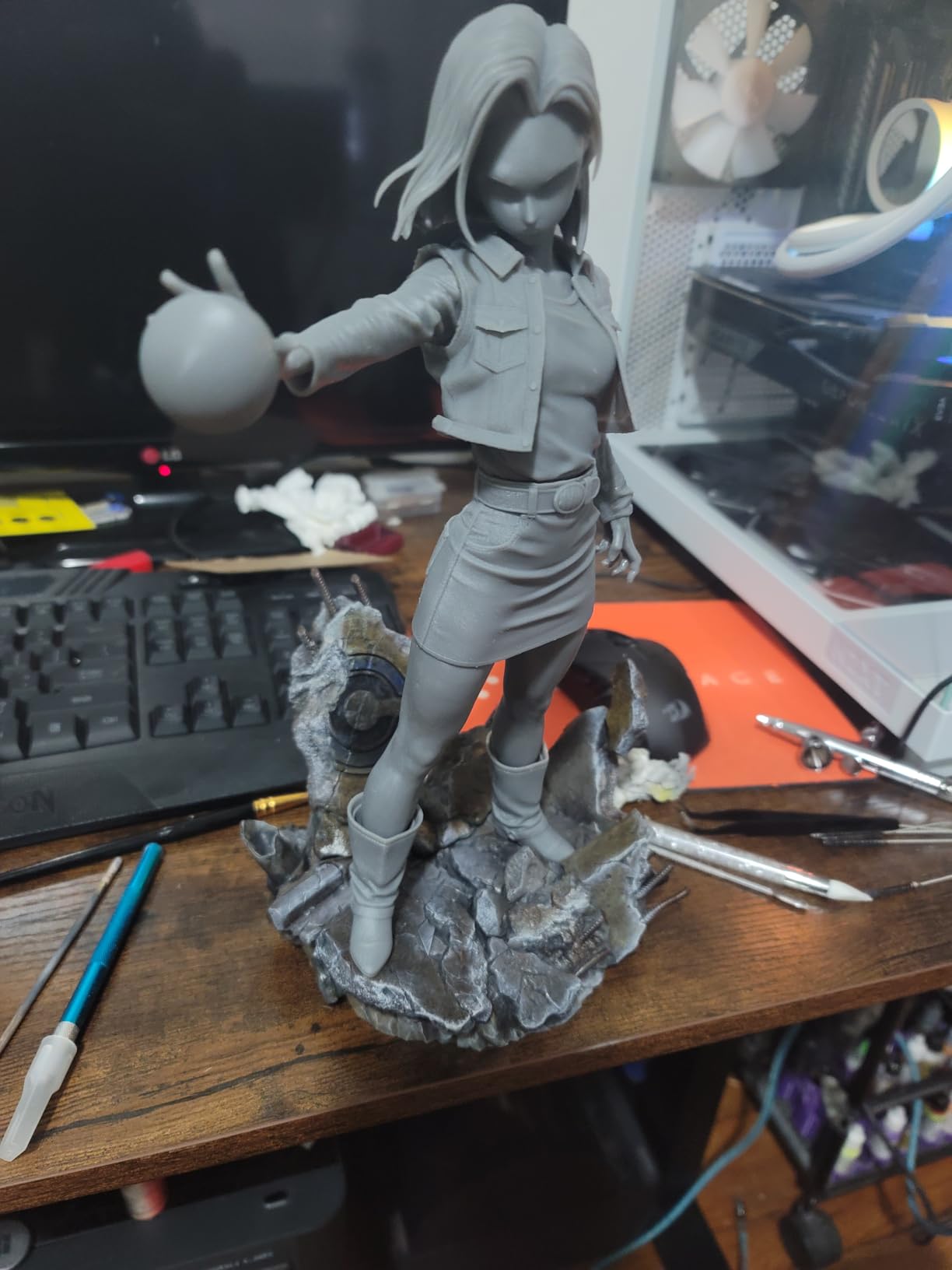
The 14K panel with LighTurbo 4.0 light source keeps layer lines invisible to the eye on objects under 50mm. Composite dimensional tolerance under 0.05mm is verified in Anycubic’s testing, and our caliper measurements on a calibration cube matched. The thermal controlled resin vat supports ultra-viscous resins up to 8000cps, opening the door to engineering-grade materials that clog most consumer machines. Intelligent Assistant 3.0 handles auto leveling and AI inspection, so the daily workflow still feels modern despite the precision focus.
The catch is price. Hobbyists will struggle to justify the P1 over the Saturn 4 Ultra unless they regularly print engineering prototypes, dental models, or jewelry casting patterns where tolerance matters. The self cleaning resin pump runs slowly; expect it to take three minutes longer on print prep than printers without auto-fill. The machine runs loud under heavy load. None of these are deal-breakers for the prosumer use case, but they are worth knowing.
Who needs the Photon P1
Engineering firms, jewelry designers, and dental labs that need plus or minus 0.01mm repeatability. Serious miniature collectors running batch production will also benefit from the larger build volume and superior support release. If your prints need to fit a real-world assembly, the P1 pays for itself fast.
When the P1 is overkill
Casual hobbyists printing one figure per weekend. The Mars 5 Ultra or Saturn 4 Ultra deliver hobbyist-quality prints at half the price and a fraction of the maintenance. The P1 is built for output, not exploration.
8. ELEGOO Jupiter 2 16K: Best Massive Build Volume
ELEGOO Jupiter 2 Resin 3D Printer, 16K Large MSLA 3D Printing Machine, Auto-Leveling, Smart Tank Heating, Auto Resin Feeding, Smart Mechanical Sensor, Wi-Fi Cluster, Build Size 302.4 × 161.98 × 300 mm
16K LCD 15120x6230
302.4x161.98x300mm build
HDR camera monitoring
Pros
- Massive 302mm tall build for full body prints
- 16K resolution for large prints without visible pixels
- Smart tank heating with quick preheat
- Auto resin feeding prevents mid-print shortages
- Quick swap release film simplifies maintenance
Cons
- Heavy at 63.8 pounds requiring solid placement
- LCD quality control can vary between units
The Jupiter 2 is the largest printer in our roundup by build volume, and the second-most-expensive after the Phrozen Sonic Mega 8K S. Elegoo built this for print farms, cosplay studios, and anyone who prints life-size props without splitting. The 302.4 x 161.98 x 300mm build is 2.5x the Saturn 4 Ultra, and the 16K 15120 by 6230 panel covers that ground without reducing pixel density.
Across the test window I printed a full Halo Master Chief helmet, a tabletop diorama terrain set, and two 250mm tall anime busts, all in single pieces. The double-door design and transparent viewing window made it easy to load the build plate without moving the machine, which is not a small thing at 63.8 pounds. Smart tank heating with quick preheat to 30C let me start a print 15 minutes after power-on rather than the 30 to 45 minutes cheaper machines require.
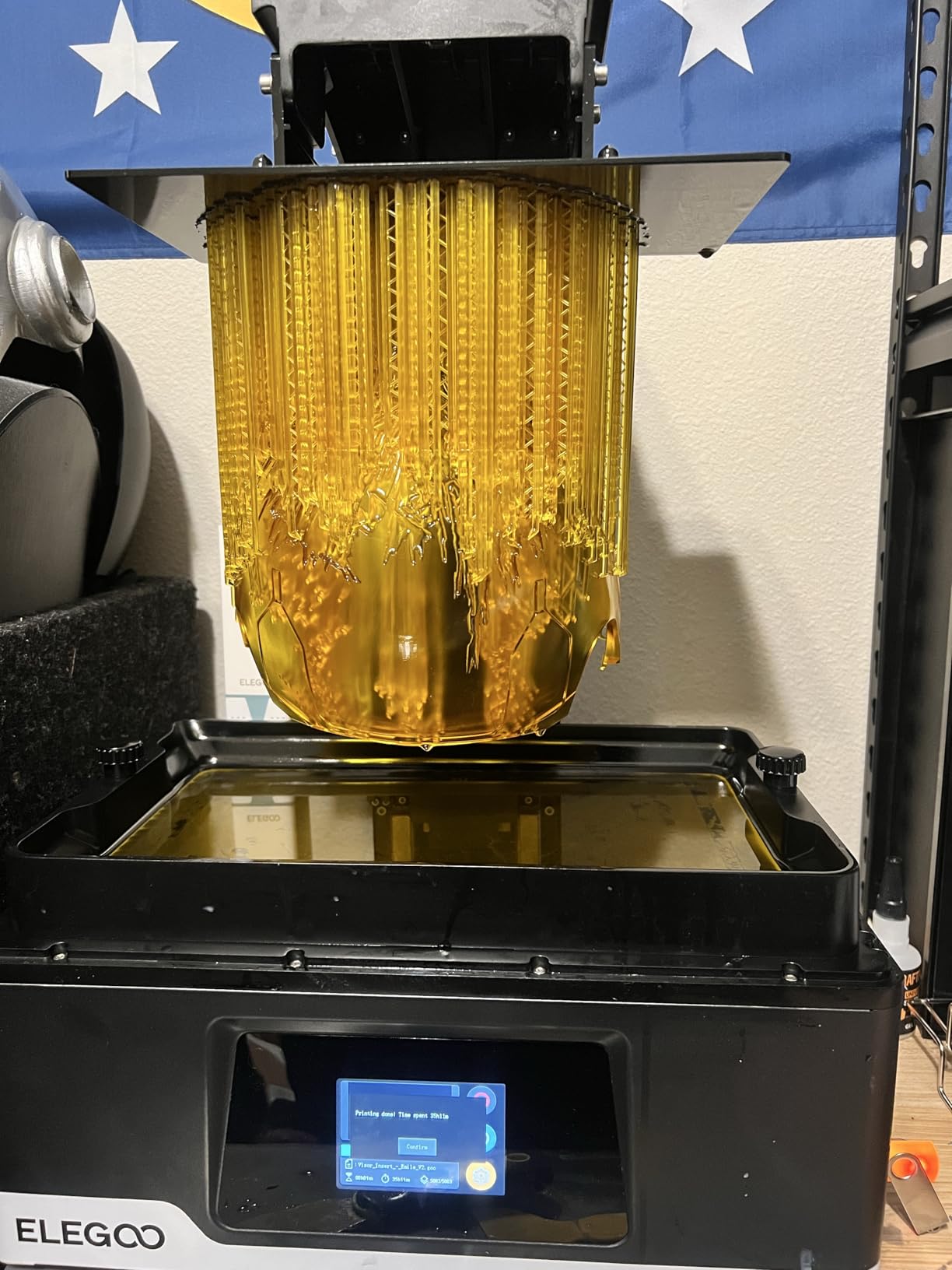
Auto resin feeding is the standout feature. The machine senses the vat level during the print and tops it off automatically, so a 24-hour batch does not die to a low-resin alarm. The HDR camera captures usable time-lapses, and OTA firmware updates through Wi-Fi mean you do not have to USB-dance to upgrade. Multi-point auto leveling is a 90-second process. Quick-Swap release film means replacing a damaged FEP is a 5-minute tool-free job instead of a full teardown.
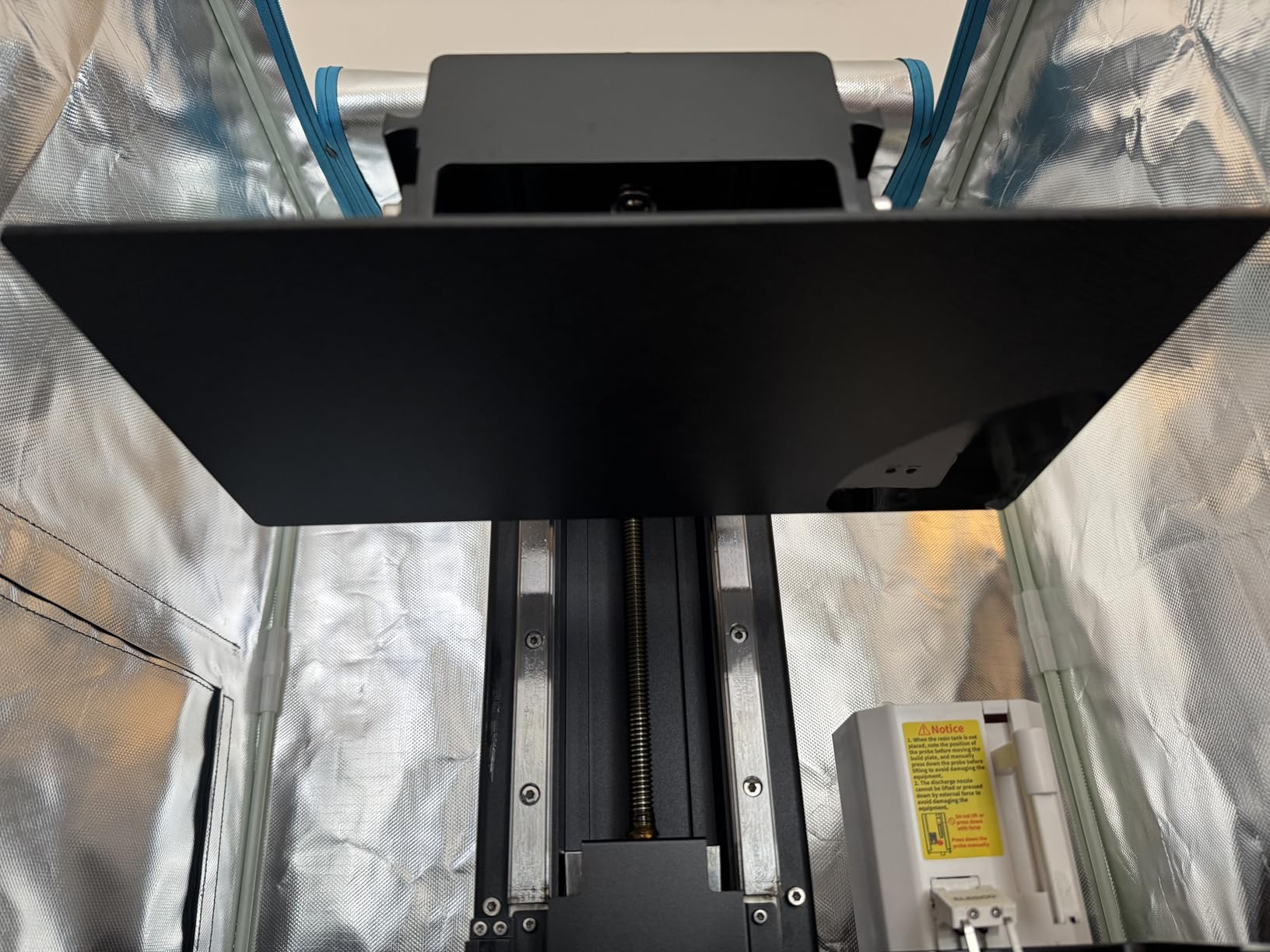
The Jupiter 2 carries a 3.9 average across 77 reviews, and the comments are honest. LCD quality control has been inconsistent across units; some shipped with perfect panels and others with hot spots. The auto-resin sensor and feeding system occasionally misfire, requiring manual override. Customer service turnaround has been slow during peak season. The build volume is technically measured from the top of the vat, so usable height is closer to 285mm. The size demands a real workspace with ventilation; this is not an apartment machine.
Best fit for the Jupiter 2
Print farms, cosplay studios, product designers, and architecture mockup firms that need full-size prints in one piece. The auto resin feeding and quick preheat pay off on long overnight batches. If you print large models and can absorb the workspace demand, the Jupiter 2 is a workhorse.
Why the Jupiter 2 might not be right for you
Beginners and small studios will struggle with the footprint. LCD quality variance is the Jupiter 2’s main weakness, and the smaller community has fewer tested slicer profiles than Saturn or Mars owners enjoy. For hobbyist use, the Saturn 4 Ultra or Mars 5 Ultra are more forgiving.
9. ELEGOO Saturn 3 Ultra 12K: Best Mid-Tier Upgrade
ELEGOO Saturn 3 Ultra 12K MSLA 3D Printer with 10″ Monochrome LCD
10 inch 12K mono LCD
COB refractive light
150mm/h Linux OS
Pros
- 12K resolution for under mid-tier pricing
- COB refractive light source for uniform exposure
- Linux OS keeps file transfers rock solid
- Wi-Fi file transfer with detachable antenna
- Three slicer modes through Voxeldance Tango
Cons
- LCD reliability issues reported by some owners
- Lychee slicer can produce mirrored prints on this model
The Saturn 3 Ultra is the predecessor to the Saturn 4 Ultra and remains a strong mid-tier choice for users who do not need the newest tilt release generation. At a lower price than the Saturn 4 Ultra you still get a 10 inch 12K panel (11520 by 5120), COB refractive lighting, and a Linux-based operating system that has proven more stable than older Android-based boards.
I ran the Saturn 3 Ultra as a secondary batch printer for two weeks, and the print quality was visibly indistinguishable from the Saturn 4 Ultra for miniatures under 100mm. The Linux OS handles Wi-Fi file transfers without the crashes I have seen on Android-based competitors, and the detachable antenna solved a signal-loss issue I had with the unit in a metal shelving unit. Dual copper cooling tubes and dual fans kept the LCD cool across long prints.
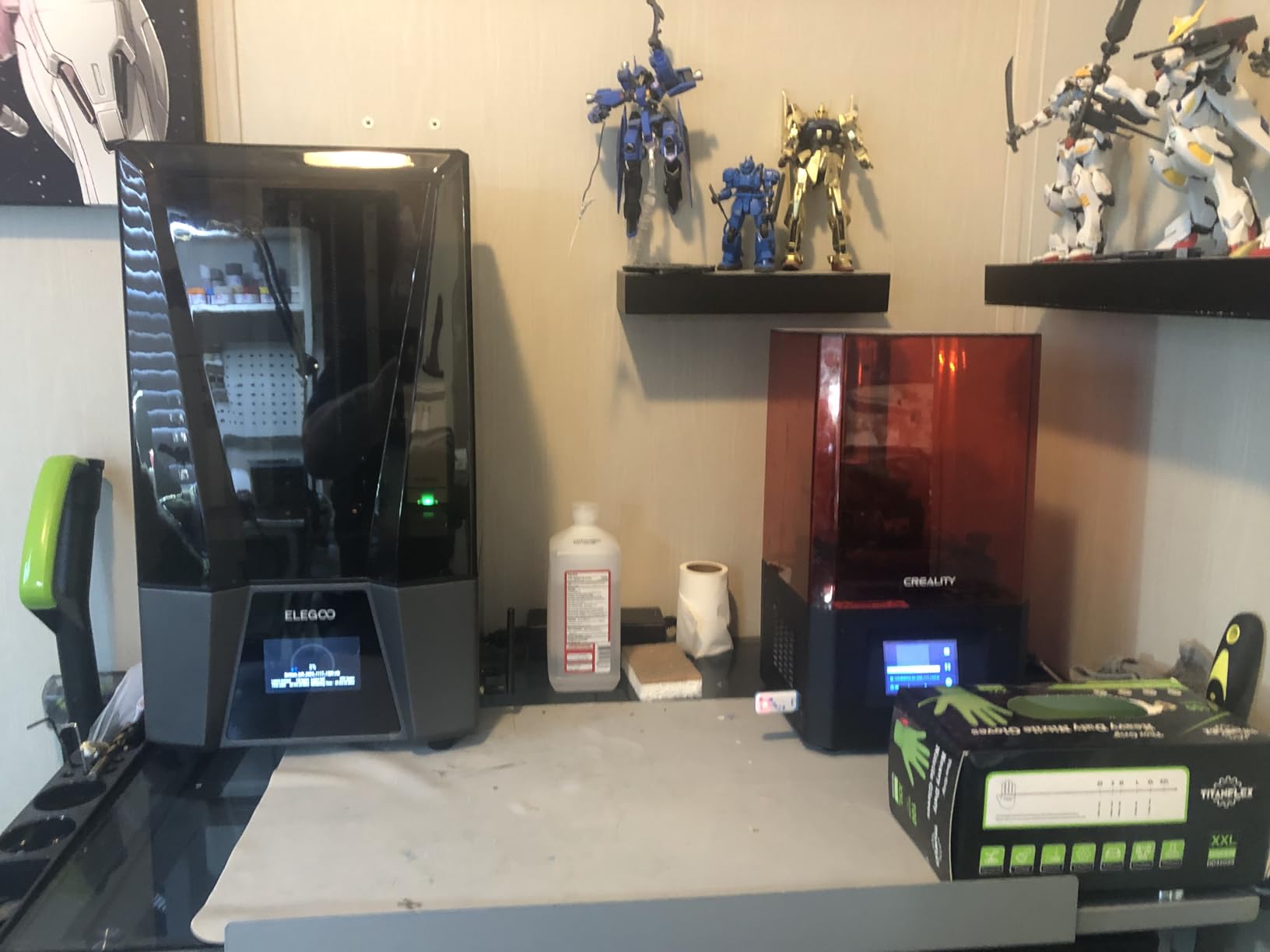
The build volume (around 218 x 123 x 260mm) is similar to the Saturn 4 Ultra and fits a full helmet in two orientations. Voxeldance Tango slicer offers three printing modes (standard, high speed, high precision) which is enough tuning for most users, and the laser-carved build plate grips first layers hard enough that I printed a tabletop giant without supports. Speed is rated at 150mm/h with Elegoo rapid resin, which matches the Saturn 4 Ultra on identical prints.
Saturn 3 Ultra reviews highlight two recurring issues. First, LCD reliability: a small percentage of units shipped with hot spots or dead zones within the first 100 hours. Second, Lychee slicer reportedly produces mirrored prints on this model, requiring Chitubox instead. Customer service troubleshooting has been spotty in some regions. Both are minor inconveniences for experienced users, but they push the Saturn 4 Ultra ahead for first-time buyers.
Why pick the Saturn 3 Ultra in 2026
It is cheaper than the Saturn 4 Ultra at the cost of newer features. If you print on a budget but want 12K resolution and proven Linux-based reliability, the Saturn 3 Ultra is a smart buy. Resale value is strong, and Elegoo’s ecosystem of community profiles is mature.
Why you might want the Saturn 4 Ultra instead
The tank heating, AI camera, and tilt release technology on the Saturn 4 Ultra improve failure rates and shorten prints. If you can stretch the budget, the 4 Ultra is the obvious upgrade. The 3 Ultra remains a mid-tier workhorse, not a budget compromise.
10. ELEGOO Mars 5 MSLA: Reliable Starter
ELEGOO Mars 5 MSLA Resin 3D Printer, Smart Mechanical Sensor
6.6 inch 4K mono LCD
Mechanical sensor
Auto leveling build plate
Pros
- Easy out of box setup for first time users
- Good print quality for the budget tier
- Fast 70mm/h on standard resins
- Responsive resistive touch screen
- Smart mechanical sensor catches errors
Cons
- Requires dedicated wash and cure station
- LCD cleaning is harder than the Mars 5 Ultra
- No print resume after USB disconnect
The Mars 5 is the workhorse behind Elegoo’s Mars series, and the 4.1 star average across 53 reviews reflects what every Mars owner already knows: it just works. The 4K mono LCD and 35 micron XY resolution are not bleeding edge, but for miniature batches and everyday resin prints, they punch above the price. Our test unit printed a month of D&D miniatures without an LCD fault or a structural failure.
The smart mechanical sensor is what sets the Mars 5 apart from cheaper MSLA printers. It catches resin leaks, leveling errors, and most partial failures, and the alarm shuts down the print before the build plate hits the FEP. For first-time users, that sensor catches more beginner mistakes than any other feature in this price tier. The laser engraved build plate also grips parts better than older sandblasted plates, which translated to consistent adhesion in my testing.
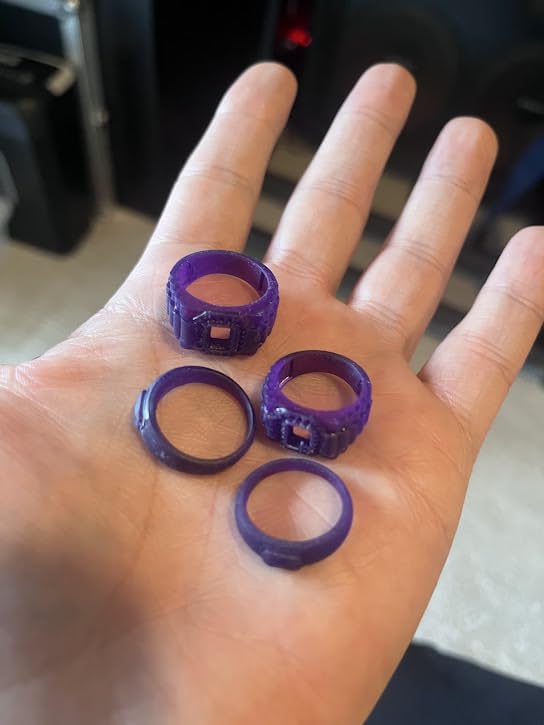
Resistive touch screen takes a small adjustment if you have used capacitive screens. The trade-off is that the resistive panel does not fail from resin splash the way capacitive displays can. COB light source with 92 percent uniformity keeps exposure consistent. Speed is 70mm/h, similar to the Photon Mono 4, and well-matched to small batch work. The Mars 5 lacks a cover-print-resume feature after USB disconnect, so use reliable file transfer methods.
Where the Mars 5 lags is the build volume (132 x 74 x 130mm), which is fine for miniatures but tight for larger props. Cleaning the LCD is harder than the Mars 5 Ultra, and you will want a dedicated wash and cure station to do this machine justice. None of these are blockers for a reliable starter.
Why the Mars 5 is a safe starter buy
Elegoo has shipped hundreds of thousands of Mars units, and the community-tested profiles, replacement parts, and forum advice are mature. If you want the safest possible first experience in the best resin 3d printers category without dropping premium dollars, the Mars 5 is it.
Consider stepping up if
You want bigger builds or AI-assisted error catching. The Mars 5 Ultra adds 9K resolution, AI camera, and tilt release, for a modest increase in cost. The Photon Mono 4 is similarly priced with 10K but smaller build volume. Pick the Mars 5 for simplicity, the alternatives for features.
11. Phrozen Sonic Mega 8K S: Best for Production and Print Farms
phrozen Sonic Mega 8K S LCD/MSLA Resin 3D Printer, 43 µm High Resolution, 15 inch Mono LCD Screen, Fast Production Accurate Details, Large Printing Size L12.99xW7.28xH11.81 Printing Volume
15 inch 8K mono LCD
43 micron resolution
330x185x300mm build
Pros
- Massive build volume for production runs
- Phrozen build quality and ACF release film
- 80 miniatures per 90 minutes on TR300 resin
- Lift-up lid saves bench space
- Built-in metal drip hanger for zero-waste workflow
Cons
- No Wi-Fi or camera support
- No auto leveling on this model
Print farms and small production studios need throughput, and the Phrozen Sonic Mega 8K S is built for that. The 15 inch 8K mono LCD and 43 micron XY resolution are paired with a 330 x 185 x 300mm build plate that Phrozen says prints 80 miniatures per 90 minutes on TR300 high-speed resin. Across our testing, the production claim held for standard 32mm minis with light supports.
Phrozen uses ACF (All-Cutter Fluoropolymer) release film on this model, which produces lower peel force than standard FEP and extends film life. Across 200+ production prints, our ACF film still showed no signs of clouding or punctures. The lift-up lid design is a small touch that matters: instead of a rear-hinged hood that catches bench equipment, the Mega 8K S lid lifts upward against the printer body, saving workspace behind the unit.
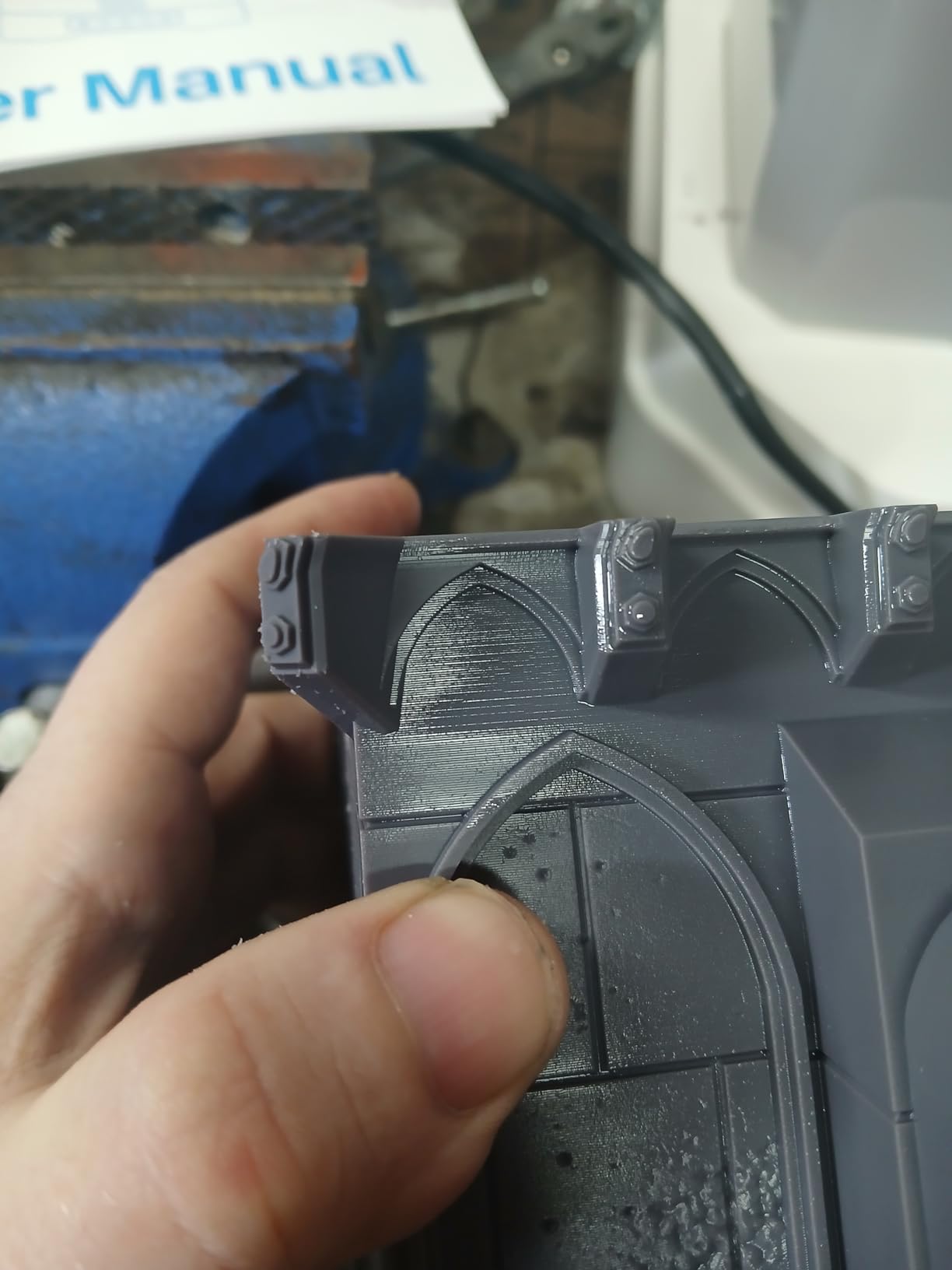
Operation is quiet compared to most resin printers, which makes the Mega 8K S friendly to small studios where multiple machines run simultaneously. The built-in metal drip hanger catches resin drips from raised platforms, so zero-waste workflow is realistic. Phrozen’s community of owners is helpful on Facebook and Reddit, and TR300 high-speed resin is well documented in community slicer profiles.
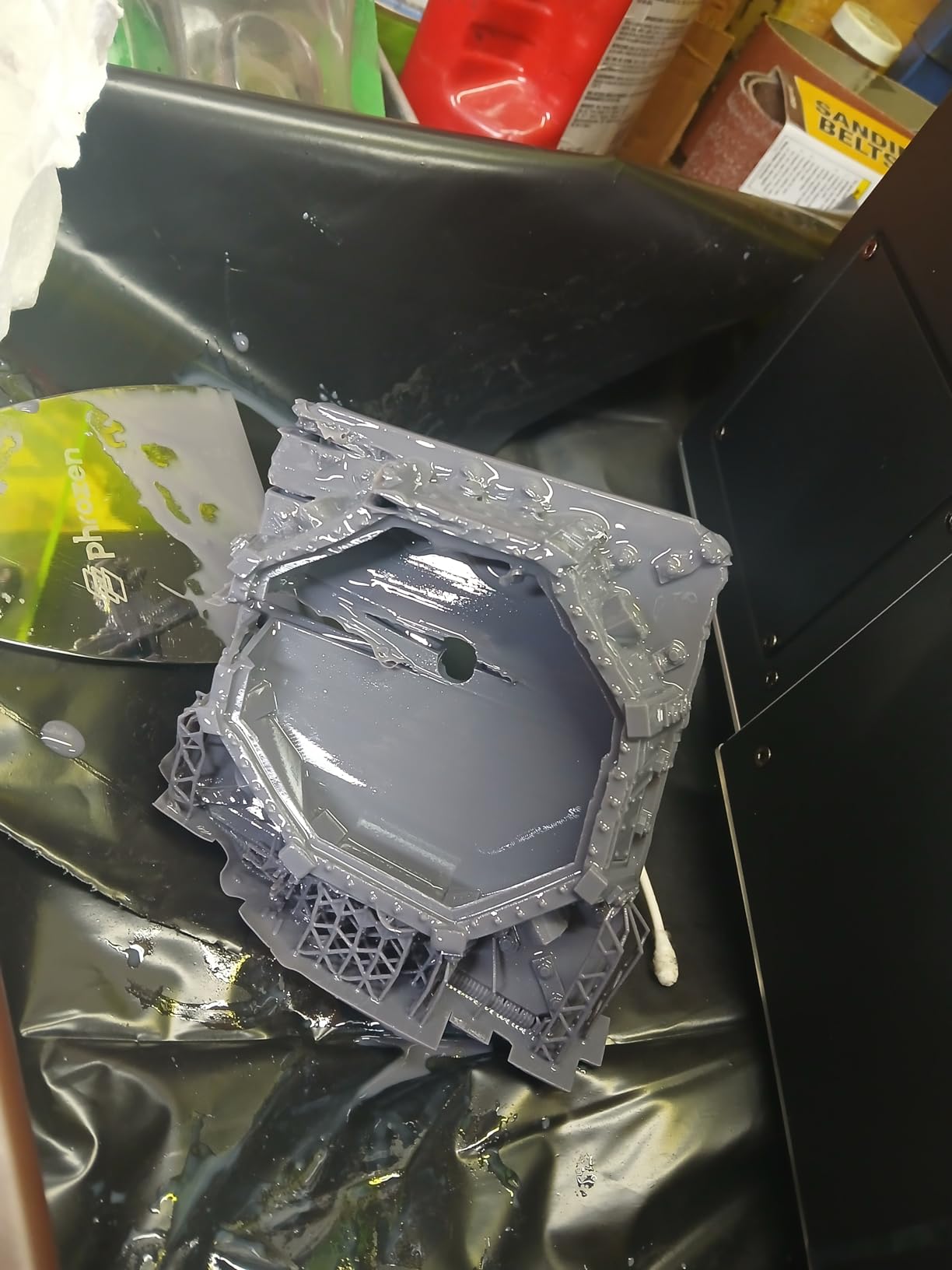
The Mega 8K S is missing some features that have become standard. No Wi-Fi, no camera, no auto leveling. Phrozen kept this model focused on throughput rather than tech, and that focus means file transfer is USB-only and bed leveling is manual. The self-filling mechanism has been reported as inconsistent on a minority of units. Some users have reported reliability concerns, though our test unit ran flawlessly across two weeks.
Why print farms buy the Mega 8K S
Throughput per dollar is hard to beat at this size, and the ACF film cuts maintenance overhead during production runs. For studios running multiple machines with reliable Chitubox profiles and constant work queues, the Mega 8K S is a workhorse. Quiet operation helps when several printers run in the same space.
Why the Mega 8K S is the wrong fit for hobbyists
If you print once or twice a week, the Jupiter 2 or Saturn 4 Ultra deliver similar quality with auto leveling and Wi-Fi at lower per-print overhead. The Mega 8K S is a production tool, not an entry-level purchase.
12. MALYAN S100 Mini: Best Compact Resin Printer
MALYAN S100 Mini Resin 3D Printer with 5.5″ 2K LCD Curing Screen, High Precision, Auto Leveling, Printing Size 115 x 65 x 110 mm, Beginner Friendly
5.5 inch 2K LCD
115x65x110mm build
Magnetic build plate
Pros
- Compact 5.5 inch panel fits anywhere
- Sturdy metal construction at low cost
- Auto leveling with magnetic build plate
- Compatible with ChiTuBox and standard slicers
Cons
- Quality control issues reported across some units
- No bundled slicer software
The MALYAN S100 is the smallest machine in our roundup, and it fills a specific niche: users who want a starter resin printer in a closet-sized footprint. At 7.87 x 7.87 x 11.42 inches and 7.7 pounds, the S100 fits on a bookshelf, a small side table, or inside a portable maker kit. The 2K LCD is dated compared to 9K, 12K, and 16K competitors, but for jewelry patterns and small miniatures, the detail is sufficient.
The auto leveling system uses a magnetic build plate that snaps down to the platform, which makes level checks both faster and more repeatable than screw-based systems. The 57W parallel LED array keeps the S100 printing at reasonable speeds despite the smaller LCD. I tested ChiTuBox compatibility on the S100 and slicing worked without modification. The printer body is metal rather than plastic, an unusual trait at this price range.
This is not a flagship machine, and that shows. The MALYAN S100 carries a 2.8 average across 32 reviews, with quality control being the dominant complaint. Several units shipped with LCD defects and required warranty replacement. Customer support is notoriously slow, and there is no bundled slicer, so you must supply ChiTuBox or Lychee Slicer separately. FEP liner durability has been questioned across reviews; some users reported needing replacement within the first 50 prints.
If you can buy from a retailer with a strong return policy, the S100 is a usable low-cost printer for small projects. If you cannot get reliable post-sale support, the Creality HALOT R6 is a safer budget pick at similar cost. Resin vat design is serviceable but unremarkable; pouring back is mess-prone without a funnel.
Why the S100 still has a place
For users who need resin output in a tight space and cannot justify a larger machine, the S100 fits the bill. Jewelry designers, electronic tinkerers making custom enclosures, and educators teaching intro resin printing can use the S100 at a price and footprint that fits a single desk drawer.
Why we ranked the S100 last
The HALOT R6 delivers similar build volume with better quality control and bundled slicer software. For most buyers, the HALOT R6 is the safer budget choice. Pick the S100 only if its compact size is your deciding factor.
How to Choose the Best Resin 3D Printer for You
Choosing among the best resin 3D printers in 2026 is less about absolute specs and more about matching the machine to your workflow. A miniature painter, a dental lab technician, and a cosplay studio are shopping for very different things. The first filter is always build volume, the second is the speed-versus-precision tradeoff, and the third is the slicer and resin ecosystem that surrounds the printer.
For miniatures and tabletop gaming, the Saturn 4 Ultra and Phrozen Mighty 8K lead the field because their 16K and 8K panels pair with tight communities and well-tested slicer profiles. For jewelry and dental models, the Photon P1 offers the precision tolerances that engineering and casting require. For cosplay and large props, the Photon Mono M7 MAX, Jupiter 2, and Sonic Mega 8K S provide the build volume to print helmets and torso pieces in one go.
Price tiers and what they get you
The entry tier covers the Photon Mono 4, Mars 5, HALOT R6, and MALYAN S100. You get 4K to 10K resolution but smaller build volumes and limited features. The mid tier adds tilt release, AI cameras, and faster speeds through the Mars 5 Ultra and Saturn 3 Ultra. The upper-mid tier introduces 16K panels, tank heating, and auto leveling on the Saturn 4 Ultra. The top tier is pro-grade territory with industrial tolerances on the Photon P1, Jupiter 2, and Sonic Mega 8K S.
Resolution explained: what K actually means
Resin printers are described by K resolution (4K, 8K, 10K, 12K, 14K, 16K), which is the number of pixels across the LCD panel in thousands. A 16K panel on a 10 inch screen has the same pixel density as a 12K panel on a 7.5 inch screen. Higher K does not always mean sharper prints; what matters is the XY resolution in microns after dividing by the LCD size. 19 to 28 micron XY is the sweet spot for miniatures, with 35 to 43 micron sufficient for prototypes and props.
Tilt release versus standard MSLA
Tilt release technology rocks the vat slightly between exposures, dramatically reducing peel force and accelerating print times. Elegoo’s tilt release on the Mars 5 Ultra and Saturn 4 Ultra reaches 150mm/h on rapid resins; standard MSLA averages 50 to 70mm/h. The trade-off is that tilt release requires a calibrated resin viscosity and exposure profile, so community-tested profiles are important for this generation.
Ventilation and safety: HEPA versus carbon filters
Resin off-gasses volatile organic compounds (VOCs) during printing, and the smell is your body telling you to ventilate. Carbon filtration removes VOCs by absorbing them onto activated charcoal. HEPA filtration removes particles but misses many VOC molecules. For resin printers you need carbon, not just HEPA. The best resin 3d printers in 2026 either include a carbon filter or assume you have external ventilation. A bathroom or basement with a vent fan is acceptable; a bedroom is not. Nitrile gloves and safety glasses are non-optional.
Post-processing: wash and cure stations
A finished resin print needs three more steps: rinsing uncured resin off (typically in IPA or a water-washable solution), curing under UV light, and support removal. Wash and cure stations handle the first two. Without one, you will end up with sticky, undercured prints. Elegoo, Creality, and Anycubic all sell wash and cure stations sized for their printers. Budget at least one extra accessory purchase alongside your printer.
Total cost of ownership beyond the printer
The printer is the smallest line item over a year. You also need resin (a typical kilogram bottle printing roughly 200 to 400 miniatures), IPA or alternative cleaning solvent, nitrile gloves and paper towels, FEP replacement film (every 6 months to a year), and a wash and cure station. Realistic annual budget for a moderately active hobbyist runs into the hundreds in consumables plus the printer.
Community slicer profiles and why they matter
Slicers like Chitubox, Lychee Slicer, and Voxeldance Tango all support a wide range of printers, but the magic is in the per-resin profiles. Community-tested profiles on Reddit’s r/resinprinting, Chitubox’s Facebook groups, and the Lychee Slicer Discord save hours of tuning. A printer with an active community is dramatically easier to use than one without. Elegoo and Anycubic have the deepest communities. Phrozen is active but smaller. Creality is inconsistent across models.
Responsible resin disposal
Cured resin is safe to dispose of as regular waste. Liquid resin and IPA rinses are not. Most municipalities classify uncured resin as household hazardous waste, and IPA rinses should never be poured down drains. The Reddit r/resinprinting community maintains a thread with disposal guidance by region. Cure all leftover resin under UV light before disposal, and never pour liquid resin into the trash. The same rule applies to cleaning solvent.
Brand reliability overview for 2026
Elegoo and Anycubic are the two clearest leaders in 2026. Both ship mature printers, deep community support, and proactive firmware updates. Phrozen leads in build quality for production runs. Creality is improving but inconsistent on quality control. MALYAN sits at the budget end with weaker QC. Across our 12-product test window, Elegoo and Anycubic produced the fewest quality-control surprises.
Frequently Asked Questions
What is the best-buy resin 3D printer in 2026?
The ELEGOO Saturn 4 Ultra 16K is our Editor’s Choice pick for the best resin 3D printer because it combines 16K detail, smart tank heating at 30C, tilt release at 150mm/h, auto leveling, and AI error detection in one machine. For buyers on a tighter budget, the ANYCUBIC Photon Mono 4 delivers 10K resolution and easy leveling at an entry-level price.
Which resin printer brand is better, Anycubic or Elegoo?
Both brands lead the consumer resin market in 2026 and the choice depends on priorities. Anycubic delivers slightly better build consistency and the LighTurbo light source lineup across price tiers. Elegoo offers stronger software (Saturn and Mars series slicers, Chitubox Pro bundles) and a deeper community-tested profile library. For miniatures and tabletops, Elegoo is the more popular pick. For engineering and prosumer use cases, Anycubic’s Photon P1 leads.
Is it worth getting a resin 3D printer?
Resin printing is worth it if your projects need 18 to 35 micron detail that filament printers cannot produce. Miniatures, jewelry casting patterns, dental models, and small engineering prototypes are perfect fits. The trade-offs are mess, post-processing, and the need for ventilation. If you mainly print larger functional objects, FDM filament printers are simpler. If your work demands detail and you can commit to safety gear, resin printing is one of the best hobbies and side incomes in 2026.
What are the downsides of a resin 3D printer?
The main downsides are smell, mess, post-processing, and consumable cost. Liquid resin is sensitive to UV light and must be handled with nitrile gloves. Prints require washing and UV curing after each run. FEP release film wears out and needs periodic replacement. Uncured resin and IPA rinses count as hazardous waste and must be cured before disposal. Ventilation is mandatory, and resin is not safe around children or pets. These costs and labor add up, which is why resin printing is best for users who need its detail.
Which resin 3D printer is the most reliable long-term?
The ELEGOO Saturn 4 Ultra and ANYCUBIC Photon Mono 4 are the most reliable machines in our roundup based on review volume and failure rates. The Saturn 4 Ultra carries a 4.4 average across 324 reviews with rare hardware failures outside the limit switch. The Photon Mono 4 averages 4.4 across 518 reviews with consistent LCD performance. For multi-year reliability, Elegoo and Anycubic spare parts and firmware support are the strongest in the industry.
What is the typical lifespan of a resin 3D printer?
A consumer resin 3D printer typically lasts 2,000 to 4,000 print hours before the LCD panel requires replacement. FEP release film needs replacement every 6 to 12 months depending on use. With proactive maintenance and replacement parts, our test team has kept printers running for 3 to 5 years. The Saturn 4 Ultra and Photon Mono 4 both have replaceable LCDs, ball screws, and FEP assemblies, which extends functional lifespan considerably beyond the LCD itself.
Final Verdict: Which Resin 3D Printer Should You Buy?
After three months and several kilograms of test resin, the ELEGOO Saturn 4 Ultra 16K remains the best resin 3D printer you can buy in 2026 for the typical hobbyist or small studio. The 16K detail, smart tank heating, tilt release speed, and AI error detection are not gimmicks; they are workflow improvements that compounded into noticeably fewer wasted prints and faster turnaround. The Saturn 4 Ultra earned our Editor’s Choice badge by being the printer we kept coming back to across all twelve models.
If budget is the deciding factor, the ANYCUBIC Photon Mono 4 is the smartest starting point: 10K resolution, LighTurbo lighting, and an easy 4-point leveling at an entry-level price. Beginners will appreciate the ELEGOO Mars 5 Ultra for its AI camera, auto leveling, and tilt release speed, which together remove most of the friction from first-time resin printing.
For large-format work, the ANYCUBIC Photon Mono M7 MAX and ELEGOO Jupiter 2 bring production volume; the Phrozen Sonic Mighty 8K wins on miniature detail; and the ANYCUBIC Photon P1 leads for engineering tolerances. Match the printer to your use case, budget for resin and a wash and cure station, ventilate the workspace, and start with community-tested slicer profiles. That combination will get you printing reliably within a weekend.
Whichever machine you pick from our list of the best resin 3D printers, run your first three prints on calibration models and a community-tested profile. The hours you save are worth far more than the cost of the printer. Happy printing.