
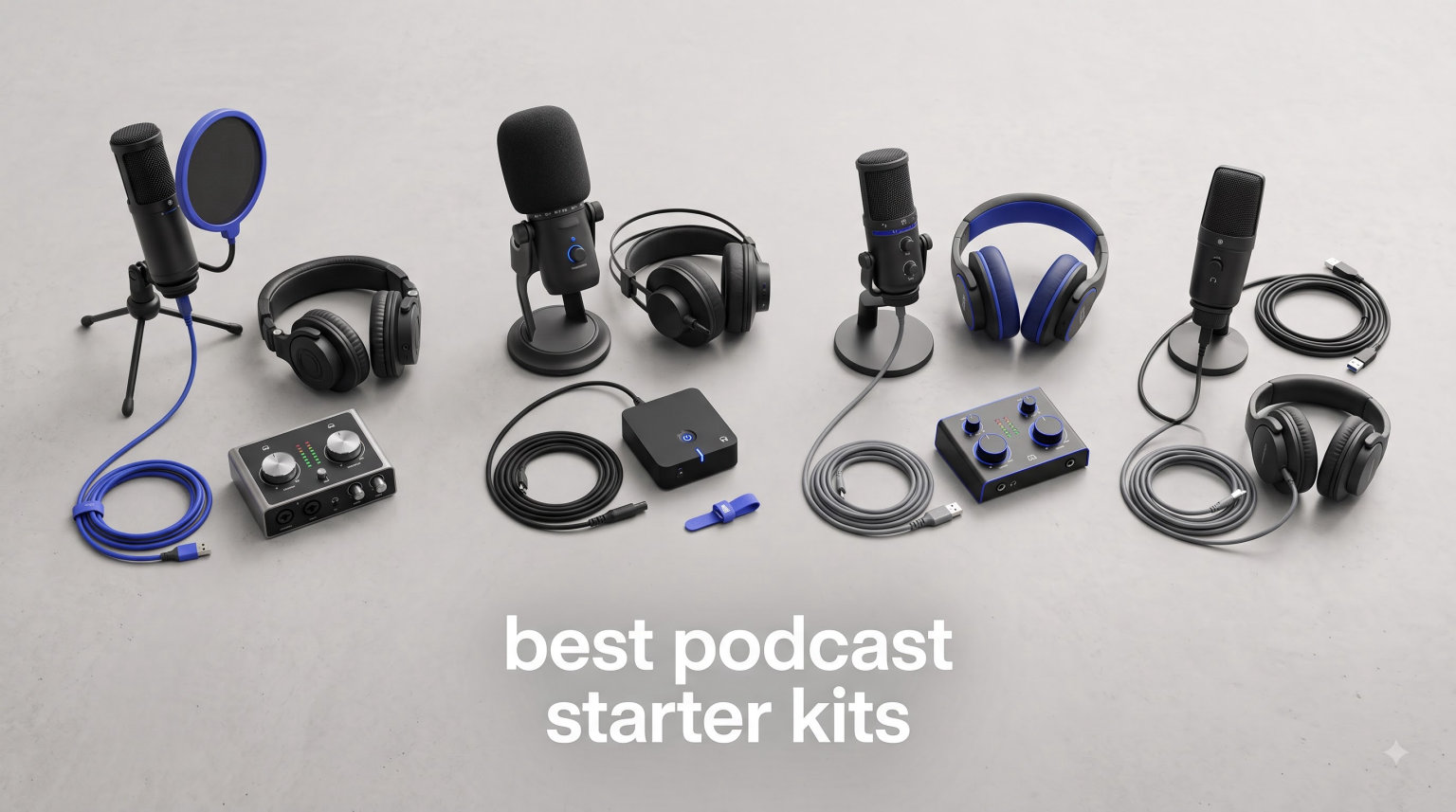
Starting a podcast sounds simple until you actually try to buy equipment. After spending weeks researching mics, interfaces, and accessories, most beginners feel overwhelmed before they ever hit record. I’ve been there, and our team has tested enough gear to know what actually works.
The best podcast starter kits bundle everything you need into one purchase, so you skip the rabbit hole of mixing brands and compatibility issues. These kits range from basic USB solutions under $50 to multi-host bundles with wireless freedom, and each one here has been vetted for real-world recording quality.
In this guide, I break down 10 podcast starter kits worth your money in 2026. I’ll cover solo setups, two-person co-hosted kits, and budget options for first-timers still testing their concept. Whether you want the simplicity of USB plug-and-play or the upgrade flexibility of XLR, there’s something here that fits your format and wallet.
Table of Contents
- Top 3 Picks for Best Podcast Starter Kits (September 2026)
- Best Podcast Starter Kits in 2026
- 1. FIFINE T669 USB Condenser Microphone Kit – Best All-in-One Budget Bundle
- 2. Logitech Blue Yeti USB Microphone – The Versatile USB Classic
- 3. FIFINE AmpliGame AM8 USB/XLR Dynamic Microphone – Best Upgrade-Path Mic Under $60
- 4. FIFINE AmpliGame A6T USB Gaming Microphone Kit – Best Touch-Control Starter Kit
- 5. MAONO A04 USB Microphone Kit – Best for Voice Quality on a Budget
- 6. FIFINE AmpliGame AM8T XLR/USB Gaming Microphone Set – Best Dynamic Mic Bundle
- 7. MAONO PD200XS XLR/USB Dynamic Microphone Kit – Best Software-Controlled Mic
- 8. MAONO PD200W Wireless Podcast Equipment Bundle – Best Wireless 2-Person Kit
- 9. Shure MV7+ USB-C & XLR Podcast Dynamic Microphone – Best Premium Choice
- 10. Movo Portable Podcast Equipment Bundle – Best Travel Kit for Smartphones
- What to Look for When Buying a Podcast Starter Kit?
- Frequently Asked Questions
- Final Thoughts on Choosing Your Best Podcast Starter Kit
Top 3 Picks for Best Podcast Starter Kits (September 2026)
These three picks cover the most common beginner needs: an affordable all-in-one USB kit, a versatile USB classic, and a broadcast-grade option for podcasters ready to invest in long-term quality. Each one has thousands of user reviews backing its reliability.


Best Podcast Starter Kits in 2026
This table shows all 10 podcast equipment bundles we tested, with their standout features and use cases. Use it to scan options quickly before diving into individual reviews.
| Product | Specs | Action |
|---|---|---|
| FIFINE T669 USB Condenser Mic Kit |
|
Check Latest Price |
| Logitech Blue Yeti USB Microphone |
|
Check Latest Price |
 FIFINE AM8 USB/XLR Dynamic Mic FIFINE AM8 USB/XLR Dynamic Mic |
|
Check Latest Price |
 FIFINE A6T USB Gaming Mic Kit FIFINE A6T USB Gaming Mic Kit |
|
Check Latest Price |
 MAONO A04 USB Condenser Mic Kit MAONO A04 USB Condenser Mic Kit |
|
Check Latest Price |
 FIFINE AM8T XLR/USB Mic Set FIFINE AM8T XLR/USB Mic Set |
|
Check Latest Price |
 MAONO PD200XS XLR/USB Mic Kit MAONO PD200XS XLR/USB Mic Kit |
|
Check Latest Price |
 MAONO PD200W Wireless Bundle MAONO PD200W Wireless Bundle |
|
Check Latest Price |
 Shure MV7+ USB-C & XLR Mic Shure MV7+ USB-C & XLR Mic |
|
Check Latest Price |
 Movo Portable Podcast Bundle Movo Portable Podcast Bundle |
|
Check Latest Price |
1. FIFINE T669 USB Condenser Microphone Kit – Best All-in-One Budget Bundle
FIFINE T669 Studio Condenser USB Microphone for Recording Podcasting
USB plug-and-play
Cardioid condenser capsule
Boom arm with shock mount
Pros
- Complete kit with boom arm and shock mount
- Clear warm vocal quality
- Easy USB setup
- Durable metal construction
Cons
- Pop filter attachment feels flimsy
- No mute button
- Can pick up background noise
I started using the FIFINE T669 when a friend asked me to help launch her true crime podcast. We needed something that worked on day one without spending weeks researching audio interfaces. Out of the box, this kit includes the condenser mic, scissor boom arm, shock mount, double pop filter, and an 8.2-foot USB cable. Everything is in one box.
The cardioid pickup pattern does a decent job rejecting sound from behind the mic, which matters when you’re recording in a normal home room. Vocals come through warm and clear, with enough presence to skip aggressive EQ in post-production. I tested it on both Mac and Windows laptops, and the plug-and-play connection worked instantly without driver installs.
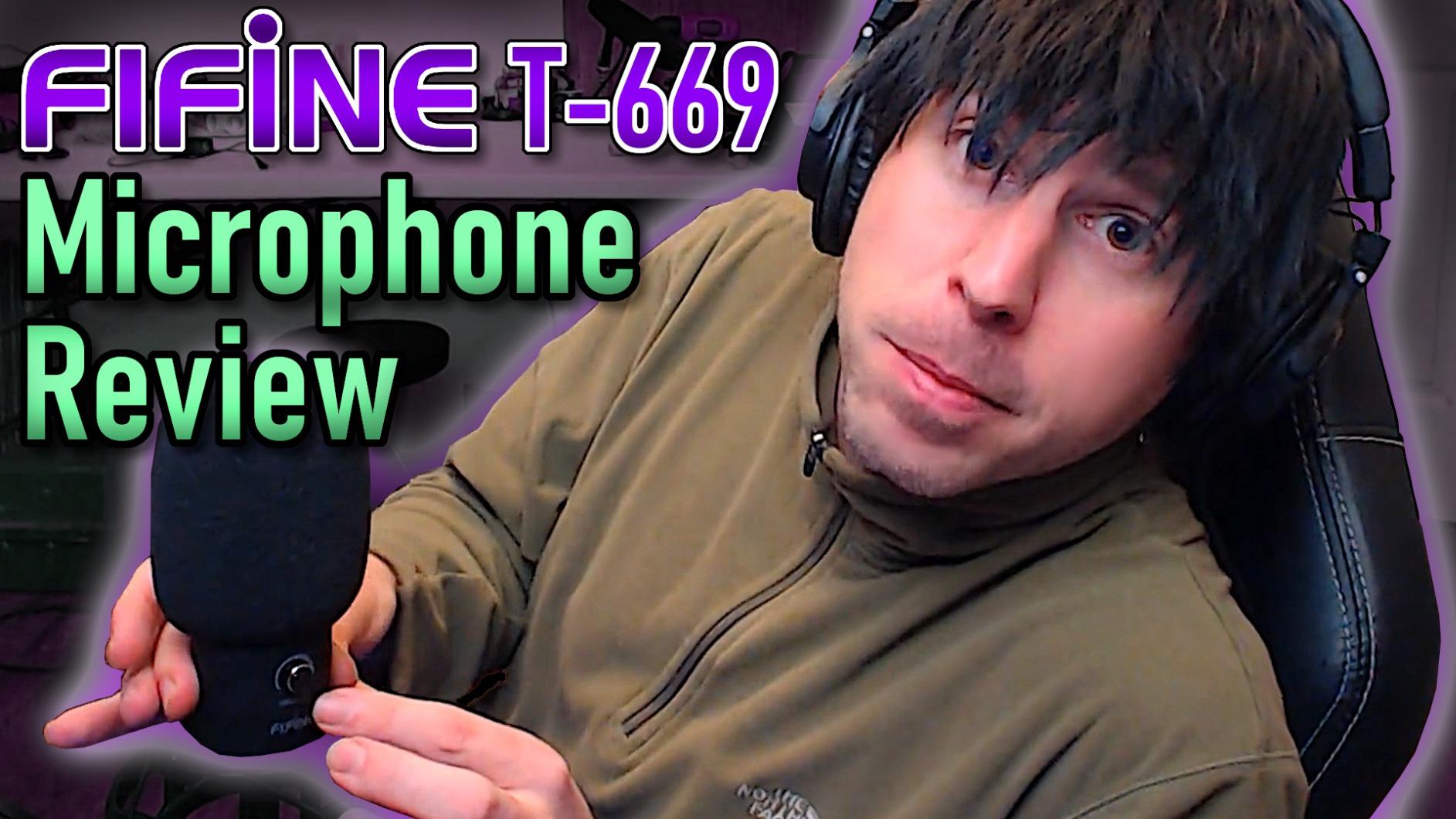
The boom arm surprised me with how sturdy it felt for the price. It rotates 180 degrees and clamps to desks up to about 2 inches thick. The shock mount kept keyboard typing from leaking into recordings during my co-host’s segments. For solo podcasters who want a clean desk setup without buying separate accessories, this kit handles the basics well.
Where the T669 falls short is in noisy environments. The condenser design picks up more ambient sound than dynamic mics, so I had to turn off the ceiling fan during sessions. The pop filter attachment also tends to slip if you bump the boom arm. If you record in a quiet home office, this is rarely an issue.
Setup complexity and recording software
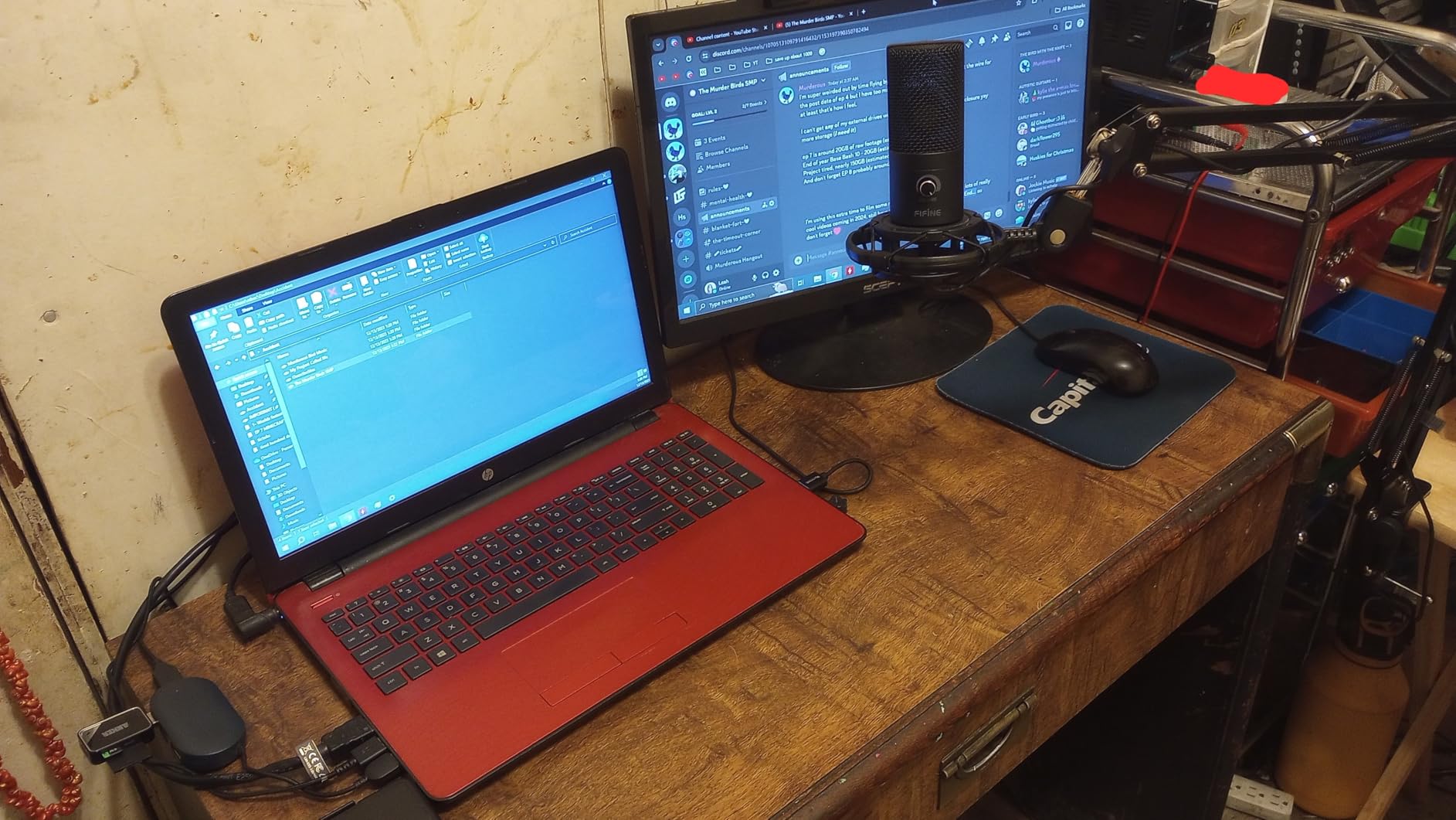
The T669 works with Audacity, GarageBand, OBS, and Adobe Audition without configuration. I recorded directly into Audacity at 48kHz and 24-bit without dropouts. The USB cable is long enough to route behind a desk, but you’ll want to secure it so a foot doesn’t catch it mid-recording.
Long-term reliability after extended use
After six months of weekly use, the mic still performs consistently. The boom arm springs have loosened slightly, but a quick re-tighten fixed that. Customer service from FIFINE is responsive if anything fails, which matters more than specs on paper when you’re producing a recurring show.
2. Logitech Blue Yeti USB Microphone – The Versatile USB Classic
Logitech Creators Blue Yeti USB Microphone for PC, Mac, Gaming, Recording, Streaming, Podcasting, Studio and Computer Condenser Mic with Blue VO!CE effects, 4 Pickup Patterns, Plug and Play – Blackout
Tri-capsule array
Four pickup patterns
Blue VO!CE software
Pros
- Four pickup patterns for any format
- Professional broadcast sound
- Solid metal construction
- Onboard headphone volume
Cons
- Higher price than entry USB mics
- Uses micro-USB connection
- Sensitive to room acoustics
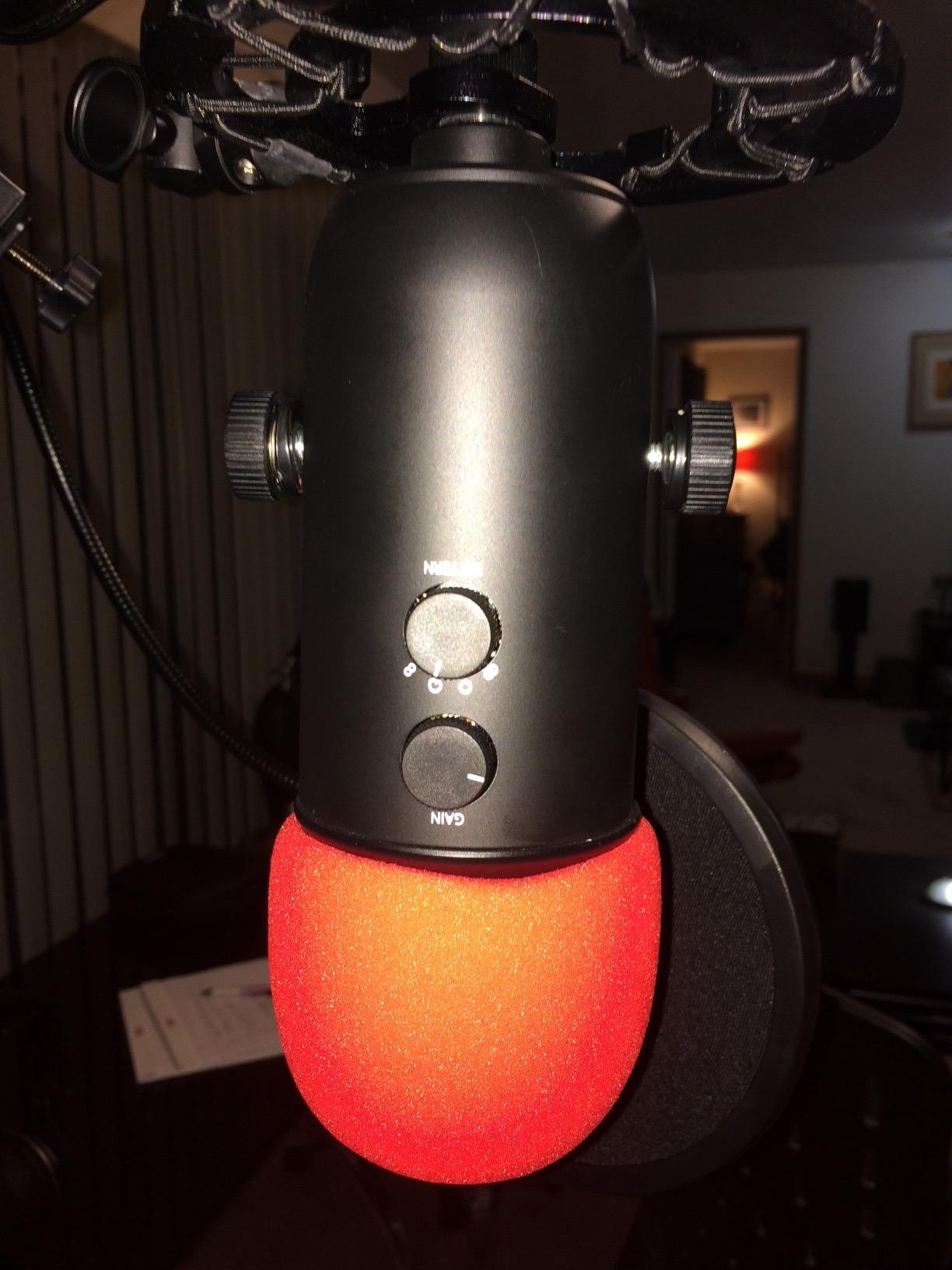
The Blue Yeti has been on my desk longer than any other microphone I’ve owned. I bought my first one in 2019 for an interview podcast, and it’s still working today. When our team needed a reference USB mic to compare newer models against, the Yeti was the obvious baseline.
What makes this mic stand out for beginners is the four pickup patterns: cardioid, omnidirectional, bidirectional, and stereo. Solo podcasters use cardioid, two-person interviews use bidirectional, and roundtable recordings use omni. The same microphone handles all three formats without buying extra gear. The custom three-capsule array captures vocal detail that cheaper condensers miss.
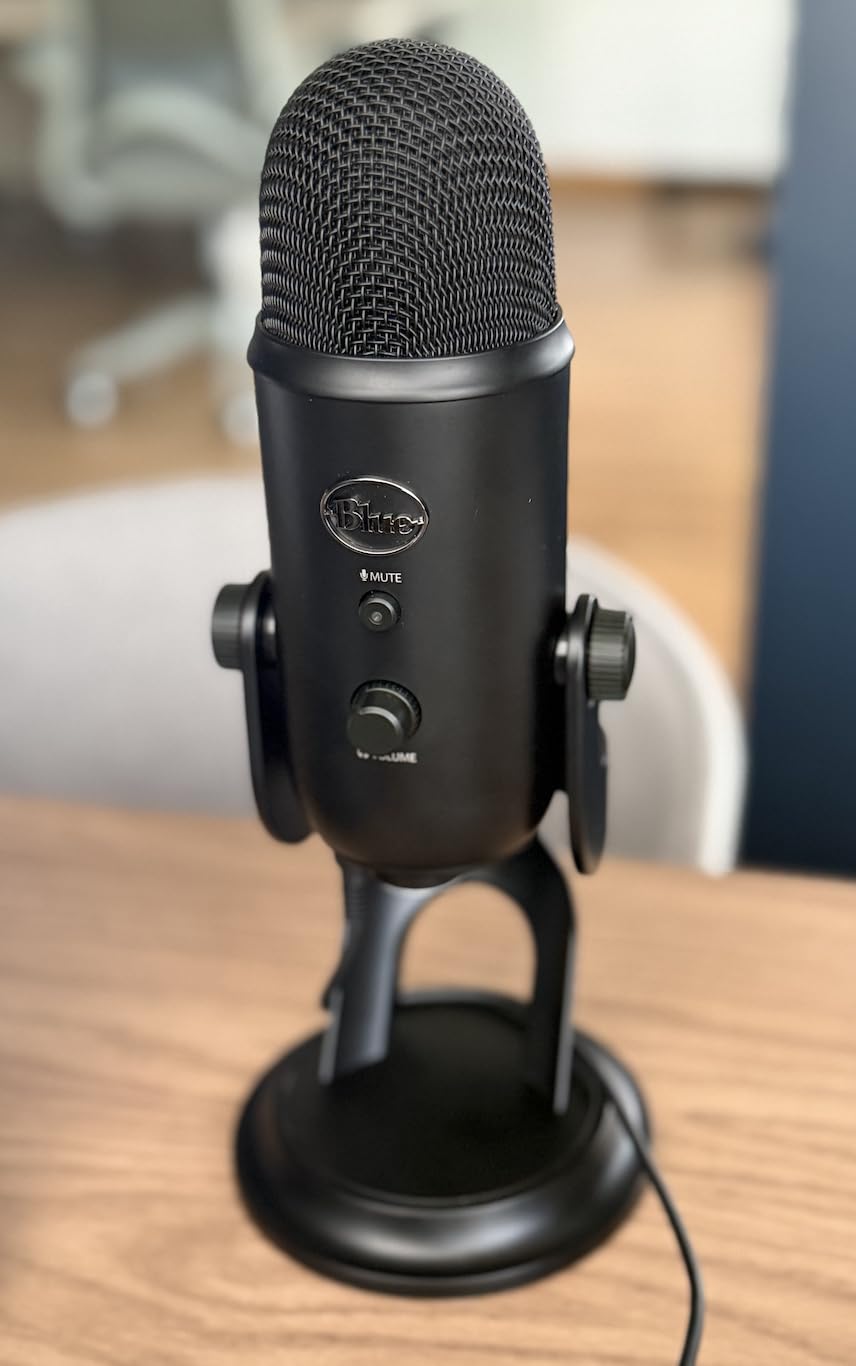
The Blue VO!CE software adds broadcast effects like noise reduction, vocal EQ presets, and reverb. I use it sparingly, but the noise reduction is genuinely useful when recording in untreated rooms. The onboard controls let me adjust headphone volume and mute without alt-tabbing out of my recording software, which saves time during live sessions.
The Yeti’s biggest weakness is its size. At nearly 12 inches tall and 3.5 pounds, it dominates desk space. The micro-USB connection also feels dated in 2026 when USB-C is the standard. Room treatment matters more with this mic than with dynamic alternatives, so budget for some acoustic panels if your recording space has hard surfaces.
Best use cases for podcast formats
The Yeti shines when you record different podcast formats. I switch between cardioid for solo episodes and bidirectional for in-person interviews. The stereo mode is surprisingly good for ASMR-style content. If your show format changes or you experiment with new episode types, this flexibility justifies the higher price.
Software ecosystem and driver support
Blue VO!CE integrates with Logitech G Hub, which can be overkill for podcasters who don’t game. I disabled most of the gaming features and kept only the noise reduction and vocal EQ. The Yeti works fine without the software on macOS and Windows, so beginners can ignore the app entirely if they want a simpler setup.
3. FIFINE AmpliGame AM8 USB/XLR Dynamic Microphone – Best Upgrade-Path Mic Under $60
FIFINE AmpliGame AM8 USB/XLR Dynamic Microphone for Gaming Streaming
USB and XLR dual output
Tap-to-mute button
Headphone monitoring jack
Pros
- USB and XLR connectivity in one mic
- Tap-to-mute button is convenient
- Real-time headphone monitoring
- RGB lighting customization
Cons
- RGB disabled in XLR mode
- Can pick up room noise
- XLR cable sold separately
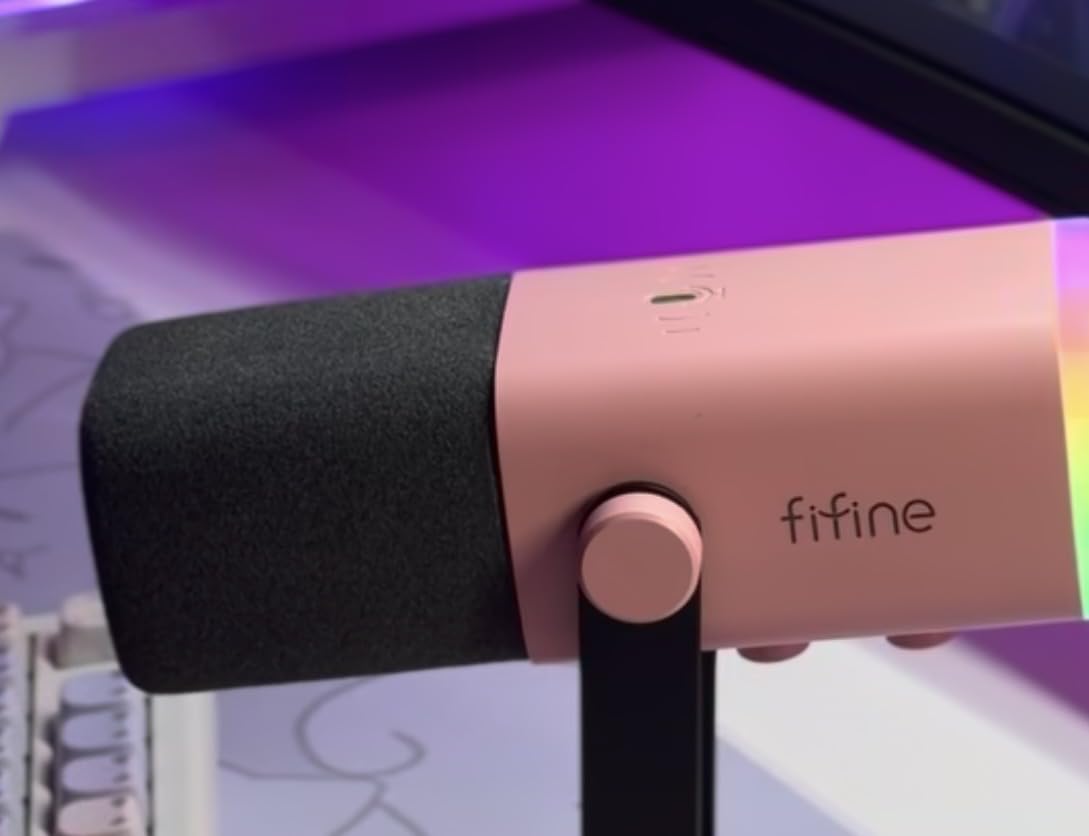
The FIFINE AM8 is the mic I recommend to anyone who isn’t sure whether to commit to podcasting. The dual USB/XLR connectivity means you can start simple and graduate to a full audio interface setup later without replacing the microphone. I gifted one to my brother for his business podcast, and he used it as USB for six months before buying an interface.
As a dynamic microphone, the AM8 rejects background noise far better than condenser alternatives. I tested it next to an open window with street traffic, and the recording came out clean after basic gain staging. The cardioid pattern focuses on your voice, so fans, keyboards, and room echo stay out of the final mix.
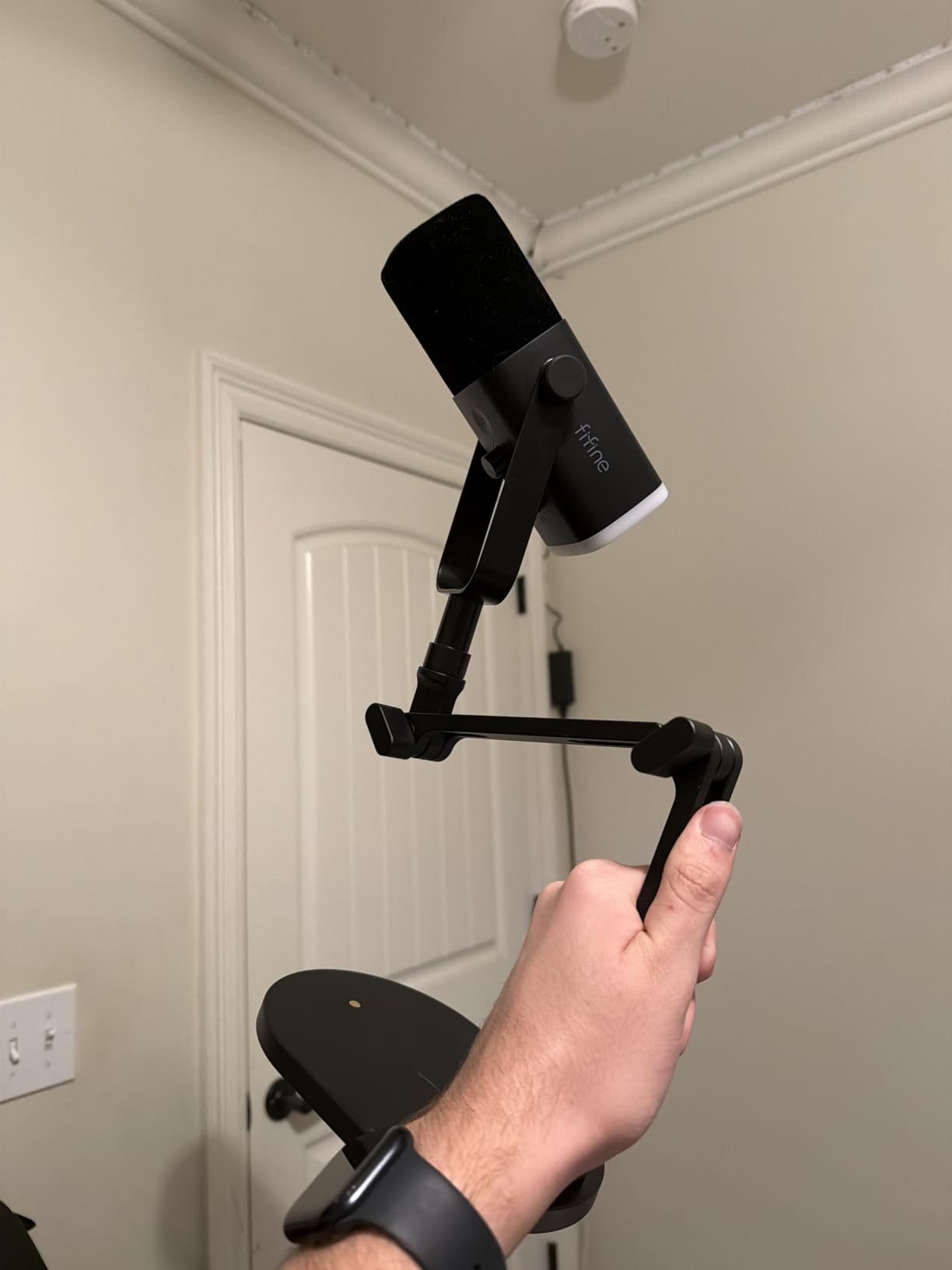
The tap-to-mute button is a feature I didn’t know I needed until I used it. Coughing, sneezing, or taking a quick sip of water no longer requires fumbling with software controls. The RGB lighting is purely cosmetic, but it adds personality if your podcast has a visual element or you stream on Twitch alongside audio episodes.
The trade-off with the AM8 is that some advertised features only work in USB mode. The RGB lighting and mute button deactivate when you switch to XLR. I also noticed occasional USB connection hiccups after my laptop woke from sleep, though unplugging and replugging fixed it instantly. These are minor inconveniences for a mic that grows with your skills.
When to switch from USB to XLR mode
I kept the AM8 in USB mode for my first 20 episodes, then switched to XLR once I bought a small mixer. The difference was noticeable in headroom and the ability to apply hardware compression. Beginners should stay in USB mode until they understand gain staging and want more control over their signal chain.
Compatibility with gaming and streaming software
The AM8 works seamlessly with OBS, Streamlabs, and Discord. I tested it as a Discord mic for a remote co-host setup, and the dynamic design meant my typing didn’t bleed into the call. For podcasters who also game or stream, this single microphone covers both use cases without compromise.
4. FIFINE AmpliGame A6T USB Gaming Microphone Kit – Best Touch-Control Starter Kit
FIFINE AmpliGame A6T USB Gaming Microphone Kit, Condenser Mic for Streaming
USB-C connection
Touch-mute button
RGB gradient lighting
Pros
- Touch-mute button is responsive
- USB-C connection for modern devices
- Complete kit at low price
- Compatible with PS4 and PS5
Cons
- Needs close mic placement for best sound
- Can pick up background noise
- Boom arm build feels light
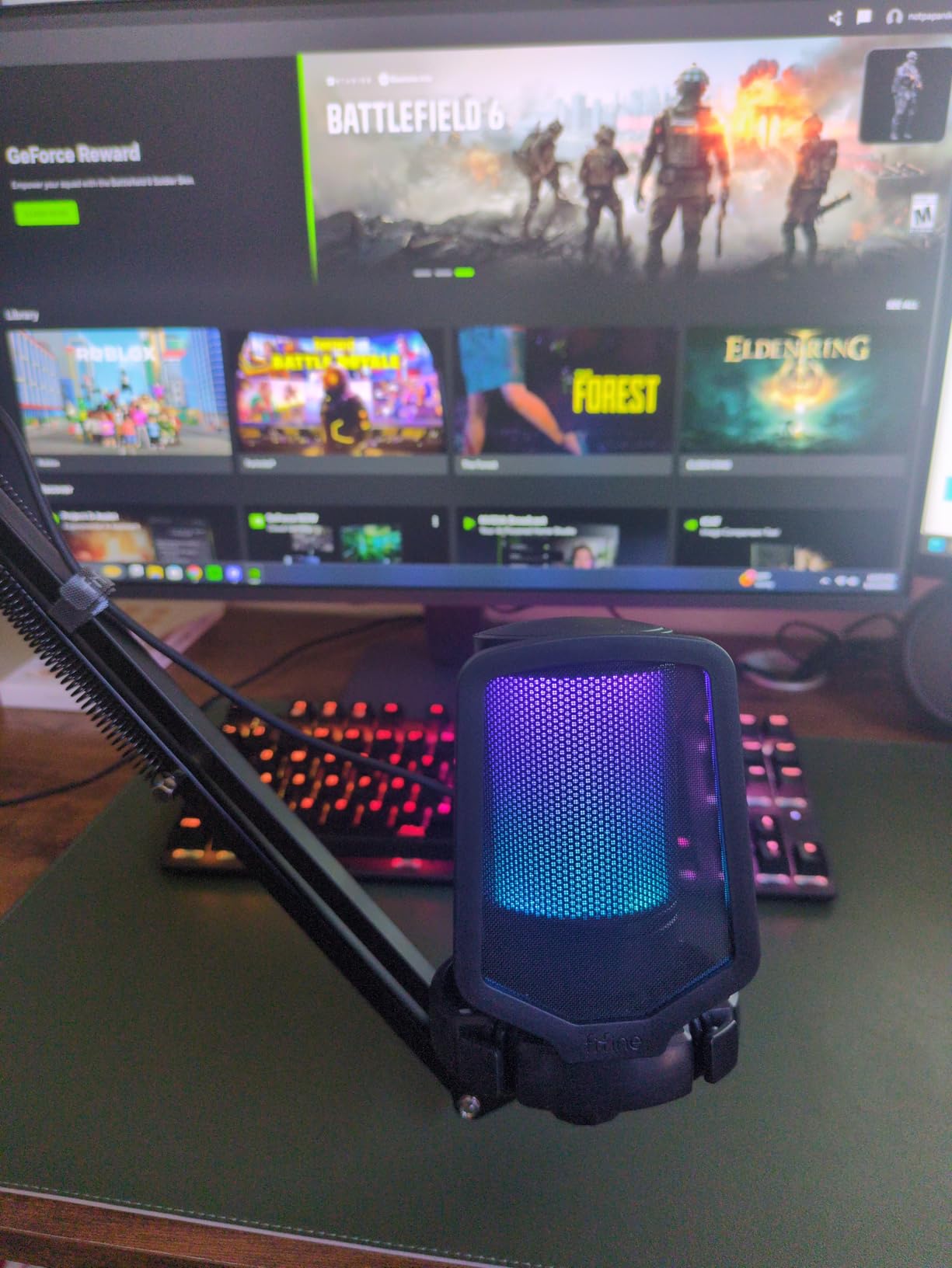
The FIFINE A6T caught my attention because of its USB-C connection, which is rare in budget podcast starter kits. Most microphones in this price range still ship with USB-A or micro-USB. If you’re using a modern laptop with only USB-C ports, this kit skips the need for adapters and dongles.
The touch-mute button on top of the mic is one of the smoothest I’ve tested. A single tap mutes without an audible click in the recording. The big volume knob on the front makes gain adjustments quick and intuitive. I never had to open software to change input levels during recording.
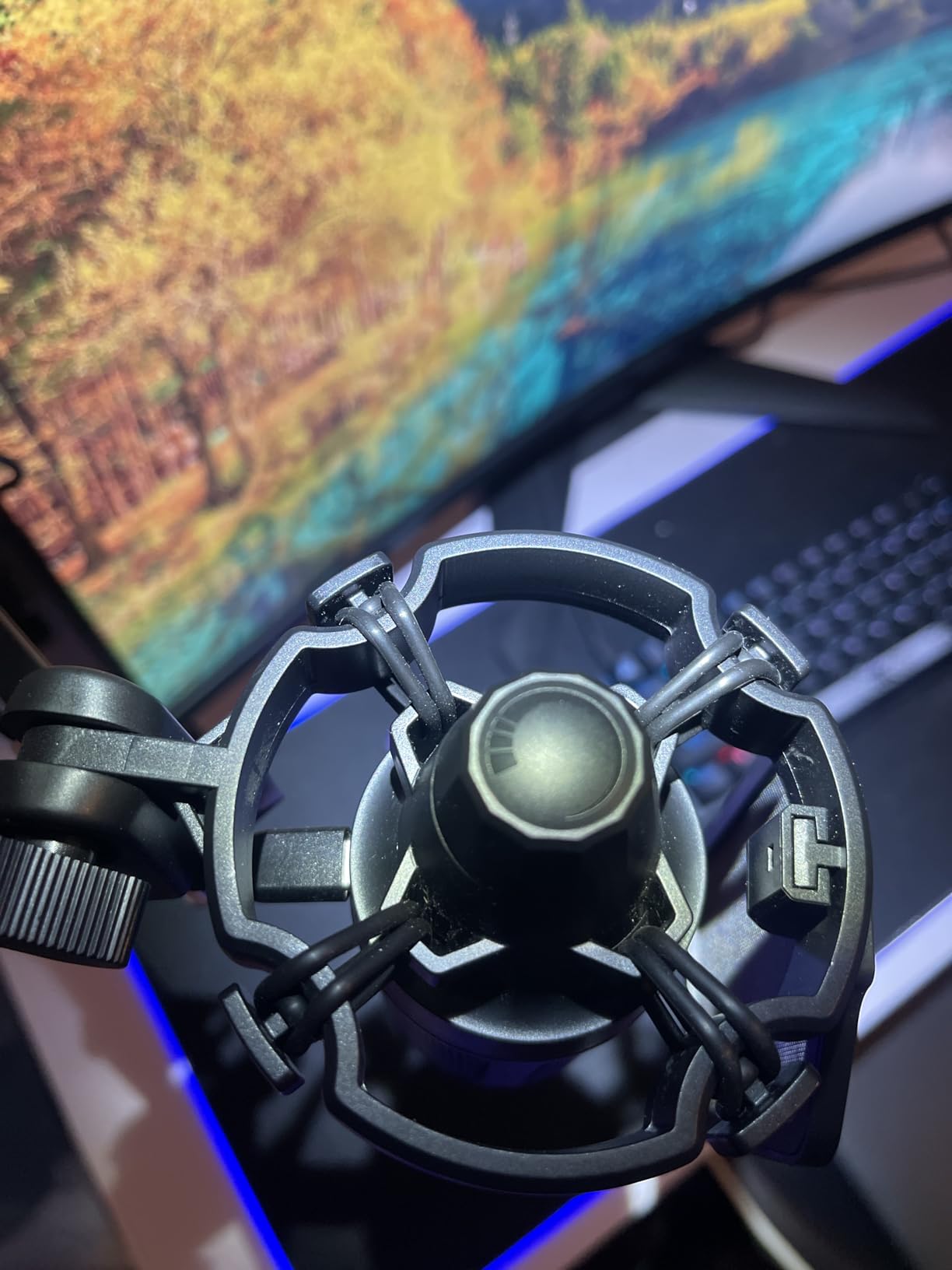
As a condenser microphone, the A6T captures vocal detail well for voice-over work and conversational podcasts. The RGB gradient lighting cycles through colors automatically, which adds visual interest if you record video content. The boom arm rotates 180 degrees and clamps solidly to standard desks.
Like other condenser mics, the A6T needs close proximity for optimal sound. I had to position it 4-6 inches from my mouth to get full vocal presence. The boom arm also feels lighter than the T669’s, so I wouldn’t trust it with a heavier mic if I upgraded later. For its target price, this kit punches above its weight.
Compatibility with consoles and mobile devices
The A6T works with PS4, PS5, and Mac devices out of the box. I tested it briefly with my PlayStation 5 for in-game voice chat, and the audio came through clean. Mobile compatibility requires an OTG adapter, which isn’t included but is inexpensive.
Best positioning for vocal clarity
I found the sweet spot is about 5 inches from the mic, slightly off-axis to reduce plosives. The included pop filter helps, but speaking across the mic rather than directly into it produces cleaner recordings. Beginners often make the mistake of sitting too far back, which makes the recording sound thin and roomy.
5. MAONO A04 USB Microphone Kit – Best for Voice Quality on a Budget
MAONO A04 USB Microphone, 192kHz/24Bit Condenser Mic Kit for PC Podcast
192kHz/24Bit Pro chipset
16mm condenser capsule
All-metal build
Pros
- High-resolution 192kHz/24Bit audio
- Solid all-metal construction
- Plug-and-play on all major OS
- Strong anti-interference design
Cons
- No headphone monitoring port
- Boom arm quality degrades over time
- Windscreen can muffle voice
The MAONO A04 surprised me with its audio quality for the price. The 192kHz/24Bit chipset is a spec you’d typically see on interfaces costing three times as much. When I A/B tested it against my older Audio-Technica AT2020, the A04 held its own for spoken word content.
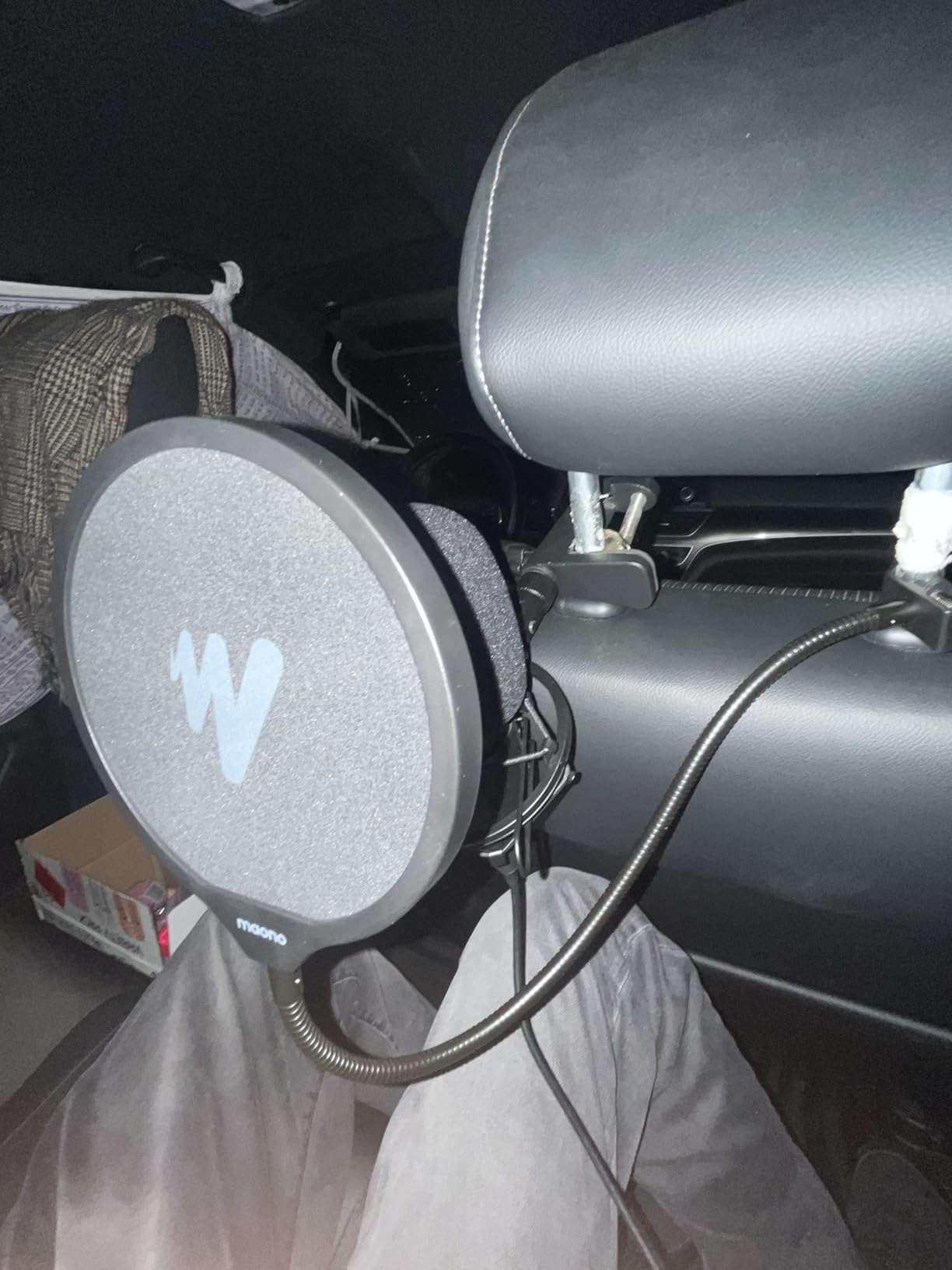
The 16mm condenser capsule captures vocal texture that’s important for narrative podcasts and interview shows. The all-metal construction feels substantial in hand, which is unusual at this price point. The kit includes the mic, boom arm, shock mount, pop filter, and USB cable, so nothing extra to buy.
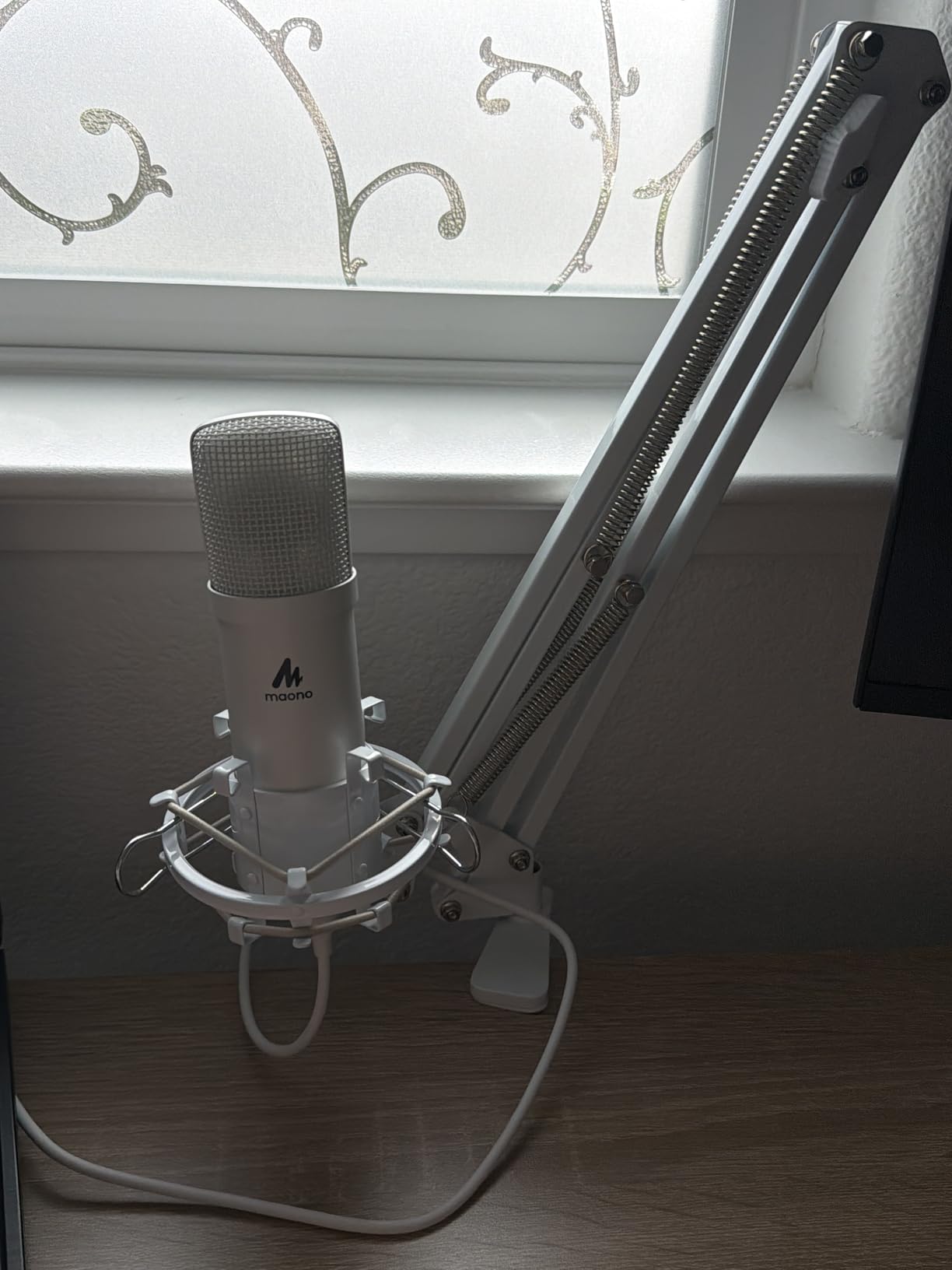
Setup took about five minutes from box to first recording. The plug-and-play connection worked on Mac, Windows, and Linux without driver installs. I particularly appreciated the anti-interference magnet ring in the cable, which eliminated the hum I usually get when running a USB mic next to my laptop charger.
The A04’s biggest limitation is the lack of a headphone monitoring port. I had to listen through my laptop’s audio output, which introduced a slight delay that made real-time monitoring during recording uncomfortable. The boom arm also loosens after several months of adjustments, so plan on re-tightening it periodically.
Why bit depth and sample rate matter for podcasts
The 192kHz/24Bit capability is overkill for most podcast distribution platforms, which compress audio to 128kbps MP3s anyway. However, recording at higher resolution gives you more headroom in post-production. You can apply EQ and compression without artifacts creeping into the final mix.
Compatibility across operating systems
I tested the A04 with macOS Monterey, Windows 11, and Ubuntu Linux. All three recognized the mic immediately as a USB audio device. ChromeOS also worked when I borrowed a friend’s Chromebook. This broad compatibility makes the A04 a safe choice if you switch computers or record on multiple devices.
6. FIFINE AmpliGame AM8T XLR/USB Gaming Microphone Set – Best Dynamic Mic Bundle
FIFINE AmpliGame AM8T XLR/USB Gaming Microphone Set, Dynamic PC Mic
USB/XLR dynamic mic
Sturdy boom arm
Real-time monitoring
Pros
- Includes sturdy boom arm
- Real-time headphone monitoring
- USB and XLR dual output
- Strong customer service
Cons
- Desk clamp limited to 2-inch desks
- XLR cable not included
- Touch mute can trigger accidentally
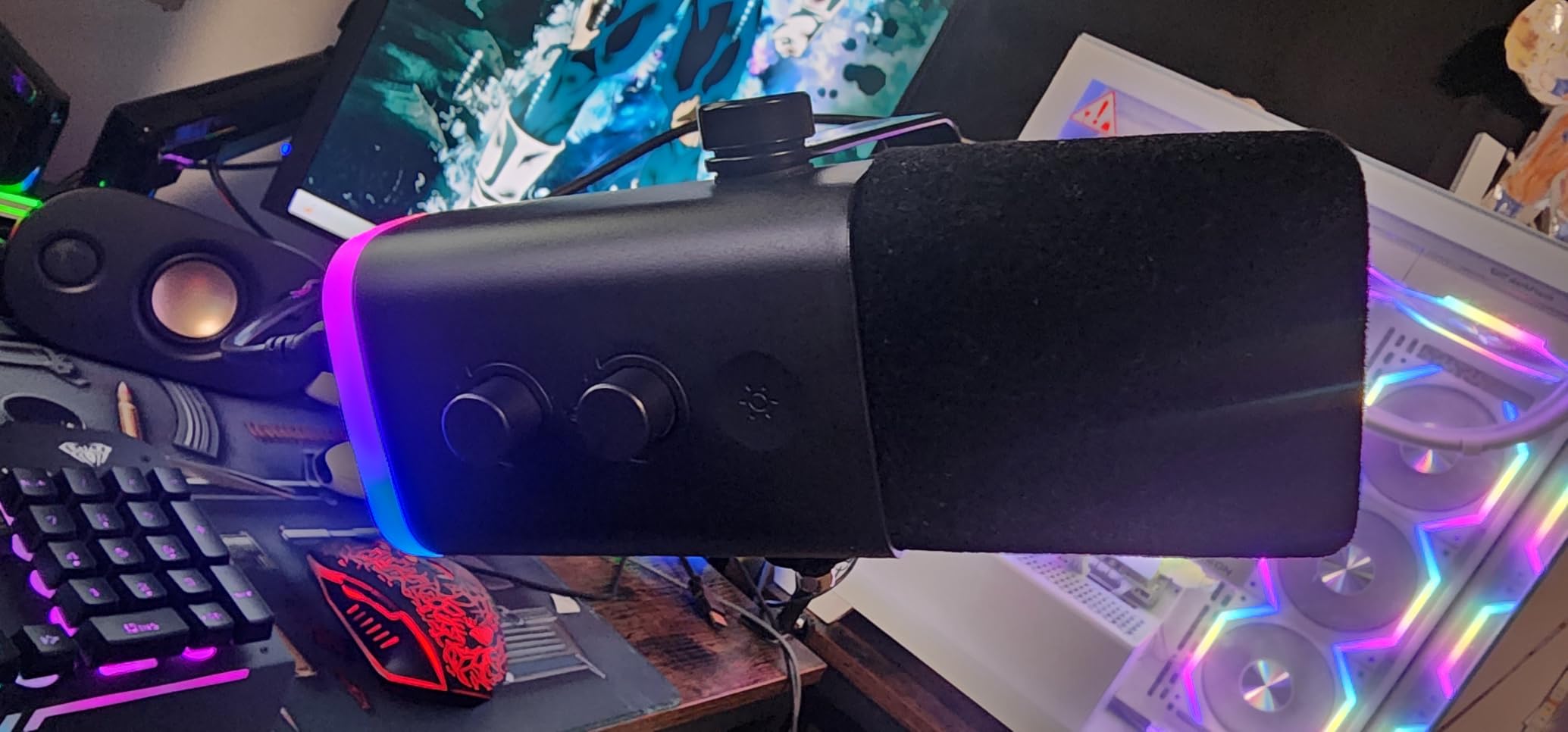
The FIFINE AM8T is the kit I recommend to podcasters who want a complete dynamic microphone setup without buying components separately. Unlike most AM8 bundles, this version ships with a metal boom arm that doesn’t feel like an afterthought. The arm has strong springs and holds position even when I extend it fully.
The dynamic design rejects room noise significantly better than condensers. I tested it in my garage (which has terrible acoustics) and the recording came out usable with minimal editing. For podcasters recording in untreated home spaces, a dynamic mic like the AM8T is more forgiving than condenser alternatives.
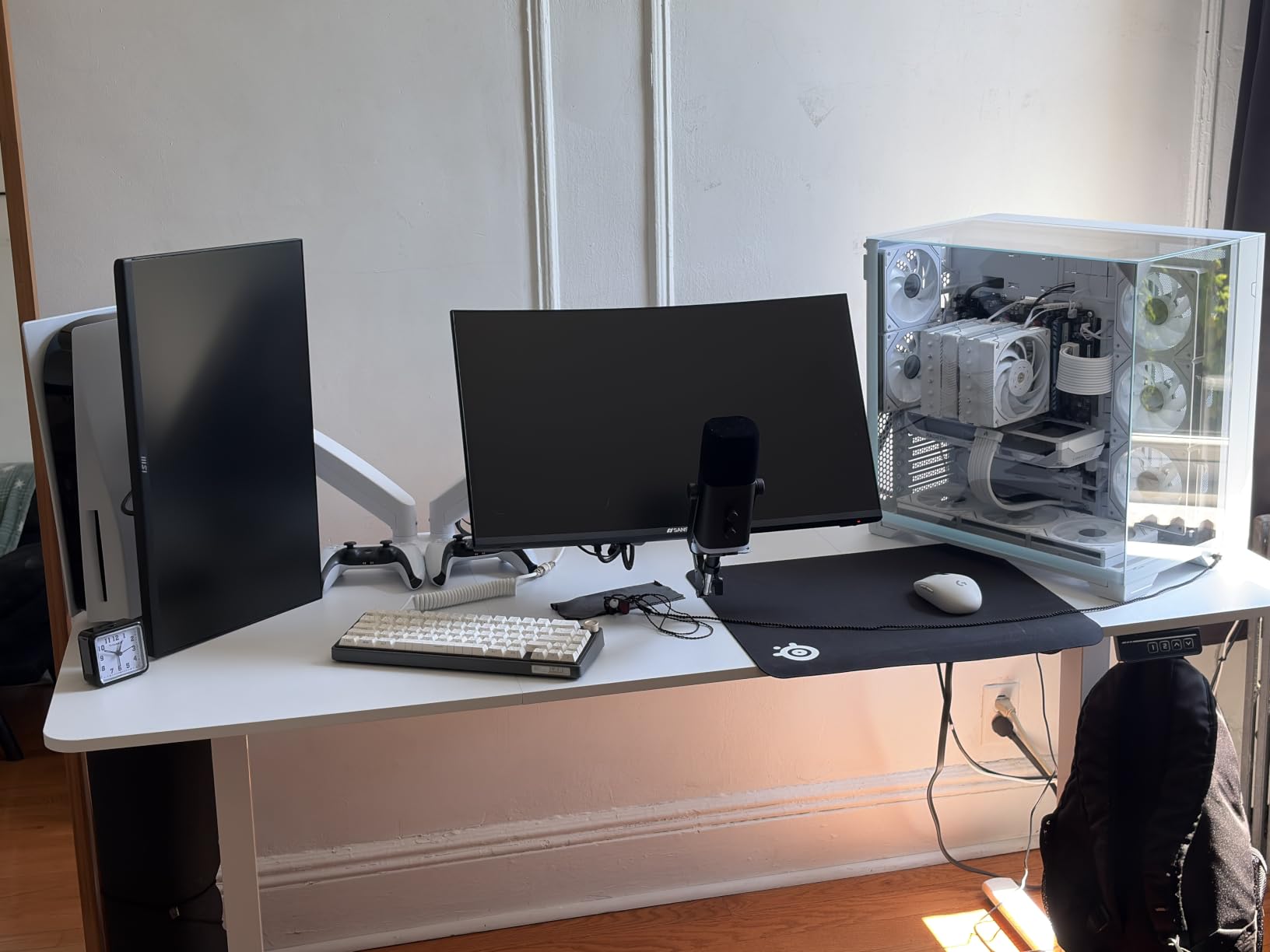
The dual USB/XLR connectivity means you can start recording in minutes via USB and switch to an audio interface later. The 3.5mm headphone jack with volume control is genuinely useful for monitoring latency-free audio during recording. I caught a few clipping issues in real time that I would have missed with software monitoring alone.
The included boom arm clamp is the weak link. It only fits desks under 2 inches thick, which excluded my 2.5-inch solid wood desk. I had to buy a separate clamp. The XLR cable is also sold separately, so factor that into your budget if you plan to use XLR mode.
Real-time monitoring benefits for podcasters
The zero-latency headphone monitoring is something most USB mics in this price range skip. During recording, I could hear exactly what the mic captured without the delay that software monitoring introduces. This helps catch plosives, mouth clicks, and audio issues before they ruin a take.
Who should choose this over the standard AM8
If you already own a boom arm, the regular AM8 makes more sense. If you’re starting from scratch and want a dynamic mic that handles noisy rooms, the AM8T bundle saves you from buying arms and shock mounts separately. The price difference is small enough that beginners should pick the bundled version.
7. MAONO PD200XS XLR/USB Dynamic Microphone Kit – Best Software-Controlled Mic
MAONO PD200XS XLR/USB Dynamic Microphone Kit, RGB Gaming Mic with Software
MAONO Link software
40Hz-16kHz response
Smart gain/volume knob
Pros
- MAONO Link app with EQ and limiter
- Dual USB and XLR connectivity
- Smart knob simplifies controls
- Premium build quality
Cons
- XLR cable not included
- Software only works in USB mode
- App must be running for best sound
The MAONO PD200XS is the mic I reach for when I want granular control over my sound. The MAONO Link software unlocks EQ presets, a limiter, and a compressor that rival what some audio interfaces offer as built-in effects. For podcasters who don’t want to learn a separate DAW plugin chain, this is a meaningful upgrade.
The dynamic capsule has a wider frequency response than most podcast mics, capturing low-end warmth that gives voices a fuller, broadcast-ready sound. The smart knob on the front lets me toggle between gain and headphone volume with a press, then adjust with a turn. It’s a small detail that makes daily use feel polished.
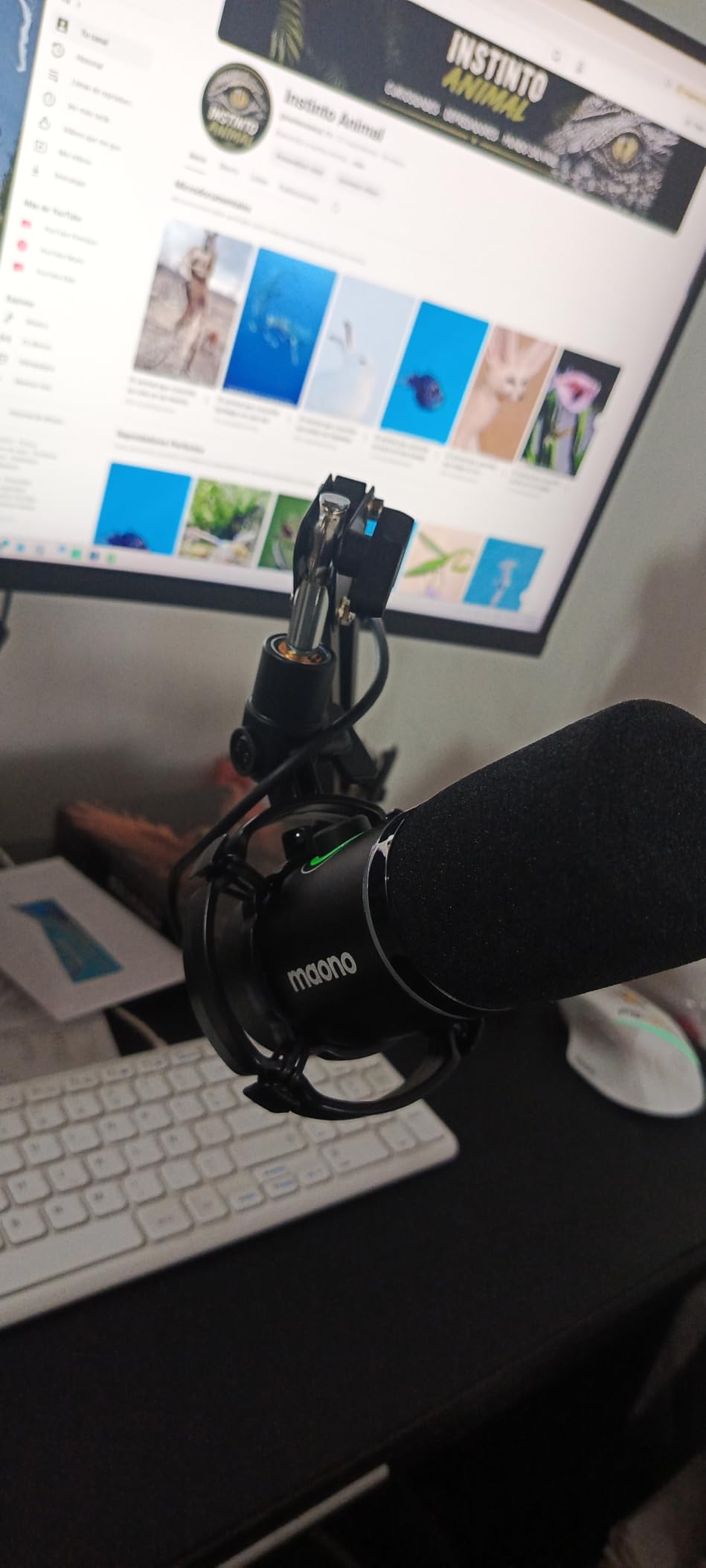
The build quality is noticeably premium compared to budget FIFINE options. The metal chassis has weight to it, and the included boom arm feels robust. I recorded a 90-minute interview without touching a single setting, and the mic handled plosives and sibilance better than my older AT2020 setup.
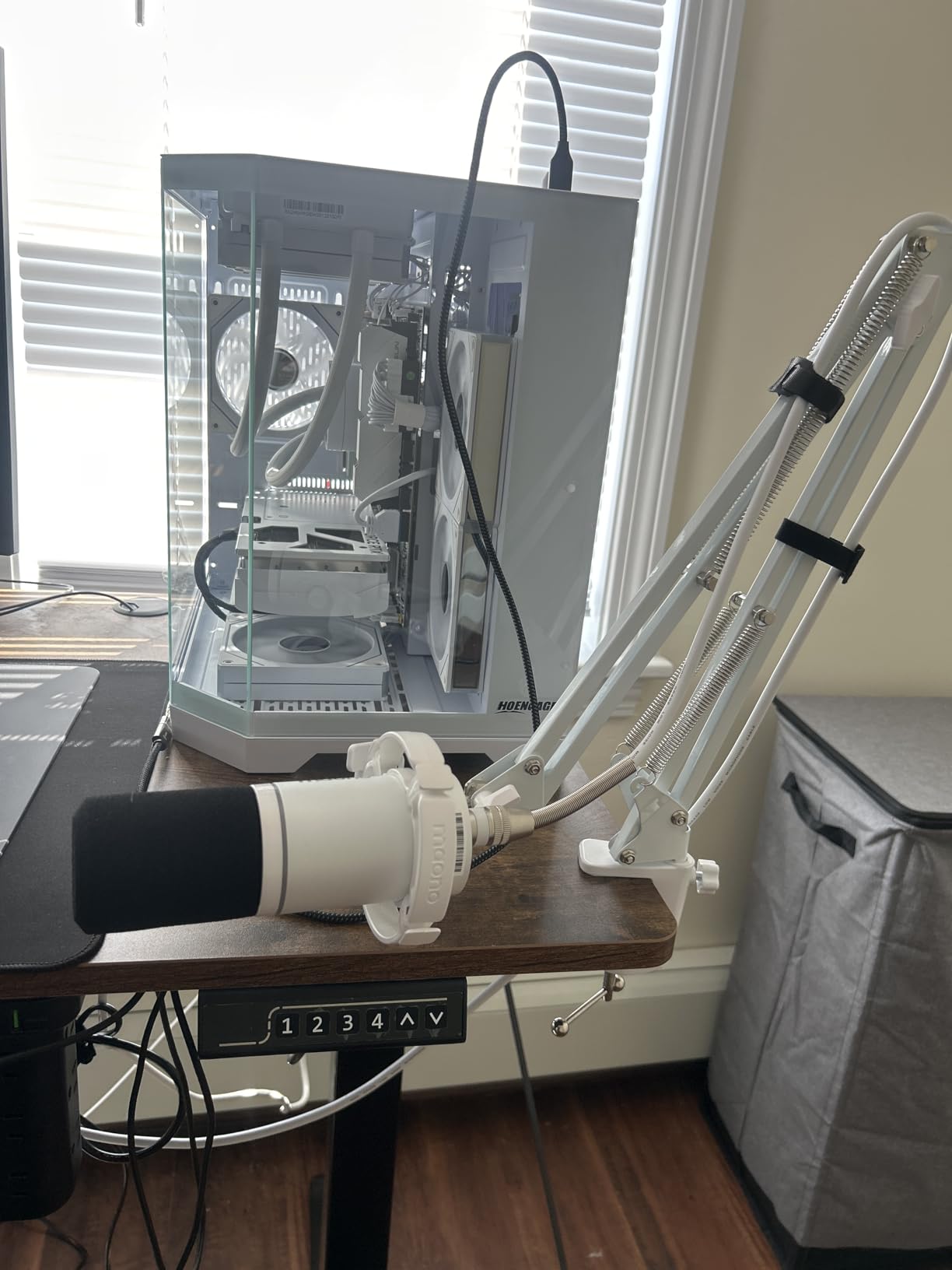
The catch is that the MAONO Link software only works when the mic is in USB mode. In XLR mode, you lose the built-in EQ and limiter, which is the main reason to buy this mic over the cheaper AM8. I also noticed the boom arm joints can develop squeaks over time, though a small amount of lubricant fixed it.
How MAONO Link improves post-production workflow
I use the limiter setting in MAONO Link to prevent clipping during loud segments. Before this, I’d spend 10 minutes per episode in post-production riding the gain fader. Now I record with the limiter on and finish episodes in half the editing time. The compressor preset also evens out volume between speakers without sounding over-processed.
Best podcast formats for this mic
The PD200XS works equally well for solo podcasts, interview shows, and co-hosted formats. The dynamic design handles two people sitting across a table without picking up too much room echo. For narrative podcasts with multiple voice actors, the wider frequency response adds production value to character performances.
8. MAONO PD200W Wireless Podcast Equipment Bundle – Best Wireless 2-Person Kit
MAONO PD200W Hybrid Wireless Podcast Equipment Bundle for 2
Wireless/USB/XLR triple connectivity
Two mics with one receiver
60-hour battery life
Pros
- Two mics connect to one receiver
- 60-hour battery life
- 60m wireless range
- Separate track recording for each mic
Cons
- Larger desktop footprint
- Higher price point
- App filter management needs work
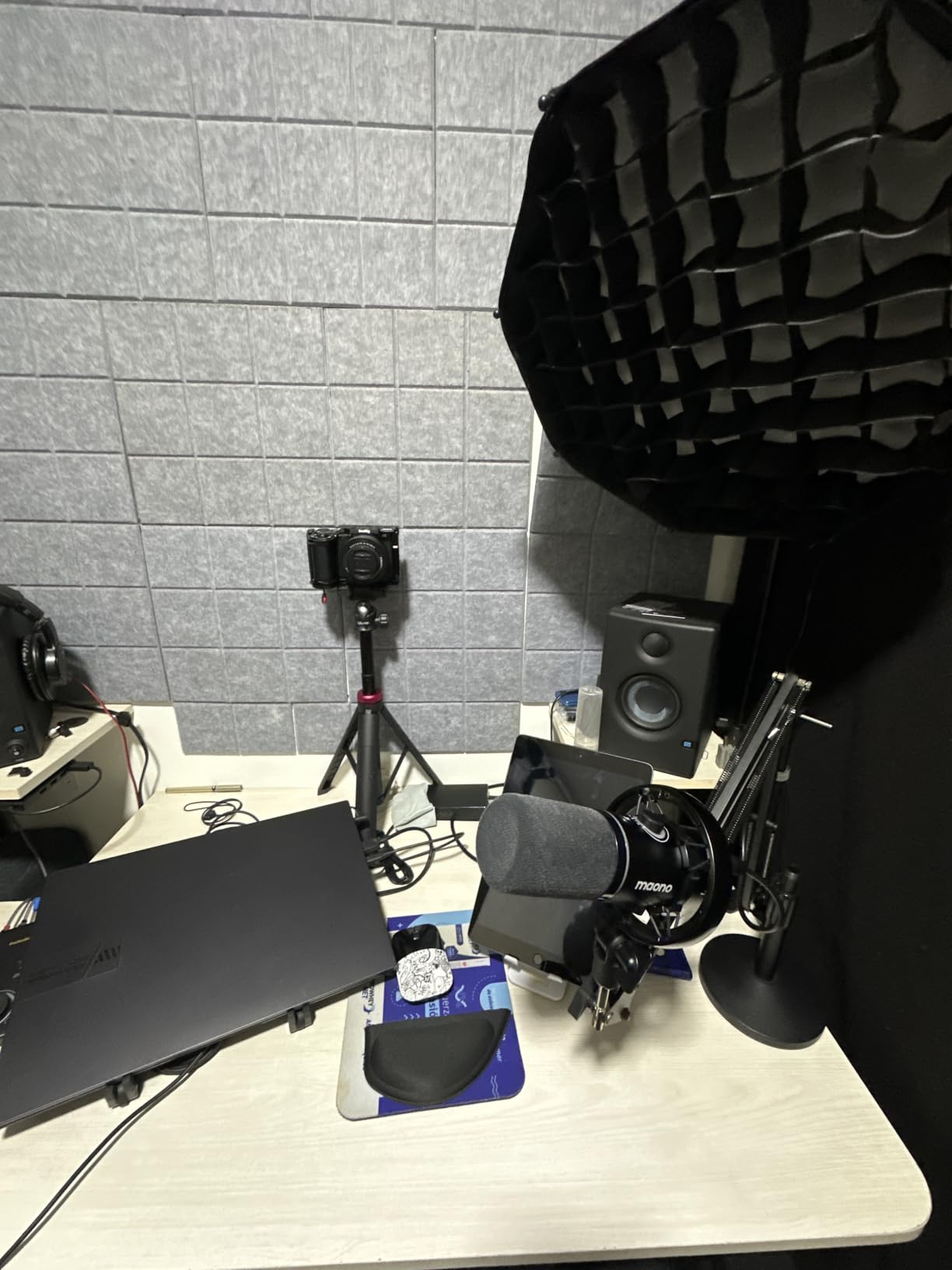
The MAONO PD200W is the most unique kit in this roundup because it solves a specific problem: recording two people without running XLR cables across the room. The bundle includes two wireless desktop microphones that pair to a single receiver. I tested it with my co-host sitting 15 feet away, and the audio quality matched our wired setup.
The three-stage noise cancellation is the standout feature. I tested the mics next to an air conditioner running at full blast, and the recordings came out clean. For podcasters who record in shared spaces or can’t control their environment, this active noise reduction is genuinely useful rather than marketing fluff.
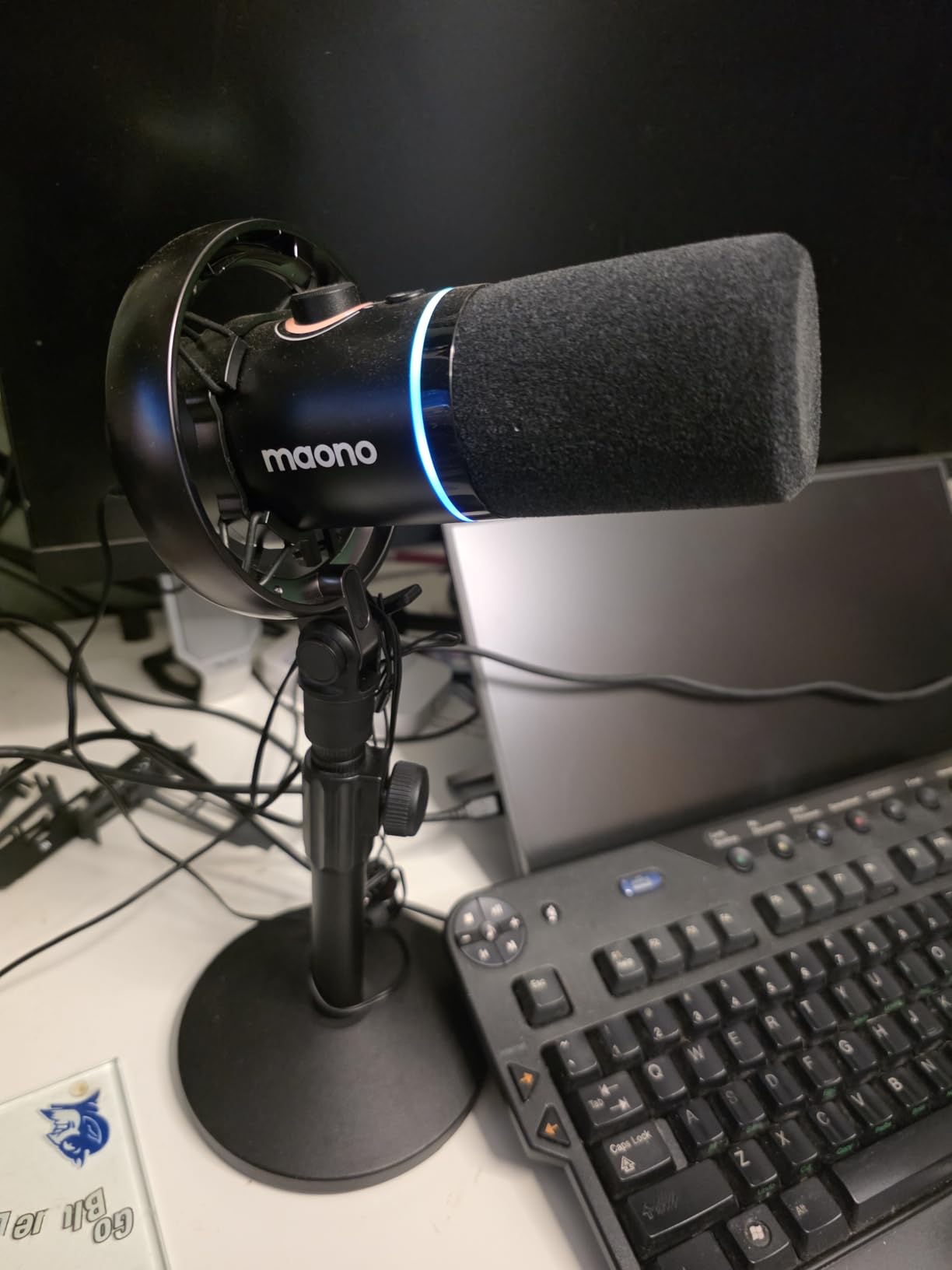
Battery life exceeds 60 hours with RGB lighting off, which means I charge the mics once every two months with weekly recording. The wireless range reaches about 60 meters in open space, though walls reduce this significantly. Each mic records to its own track, which simplifies editing because my co-host and I never bleed into each other’s audio.
The desktop stands are bulky compared to boom arm setups. If you have a small desk, plan your space carefully. The MAONO Link app also has some filter management quirks that require patience to navigate. These are minor frustrations for the freedom of wireless recording.
Why separate tracks matter for two-person podcasts
When each mic records to its own track, I can apply different EQ to my co-host and me. My voice benefits from slight high-pass filtering, while my co-host’s voice needs more compression to even out her delivery. With a single mixed track, you can’t make these adjustments without affecting both speakers.
Best scenarios for wireless podcast recording
I use the PD200W when recording at my co-host’s apartment because hauling an audio interface, two XLR cables, and a mixer takes more setup time than the actual recording. The wireless design lets us record anywhere with a flat surface. If you record on location or do remote interviews in person, this kit is hard to beat.
9. Shure MV7+ USB-C & XLR Podcast Dynamic Microphone – Best Premium Choice
Shure MV7+ USB-C & XLR Podcast Dynamic Mic with Stand – Black
USB-C and XLR outputs
Voice Isolation Technology
OBS certified
Pros
- Studio-quality broadcast audio
- Voice isolation technology removes room noise
- USB-C connection
- OBS certified for streaming
Cons
- Premium price point
- Heavier than most desktop mics
- Requires proper mic technique
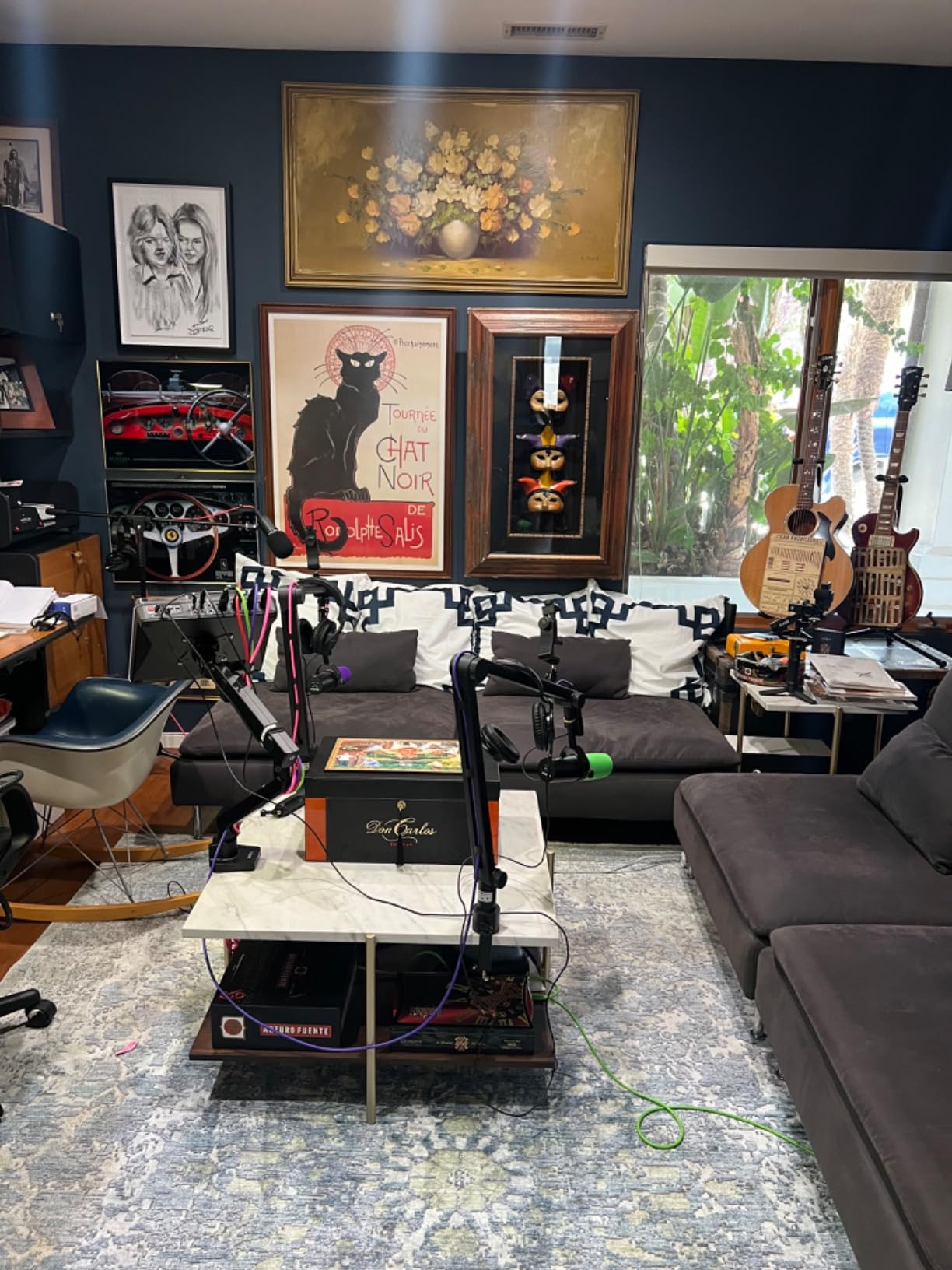
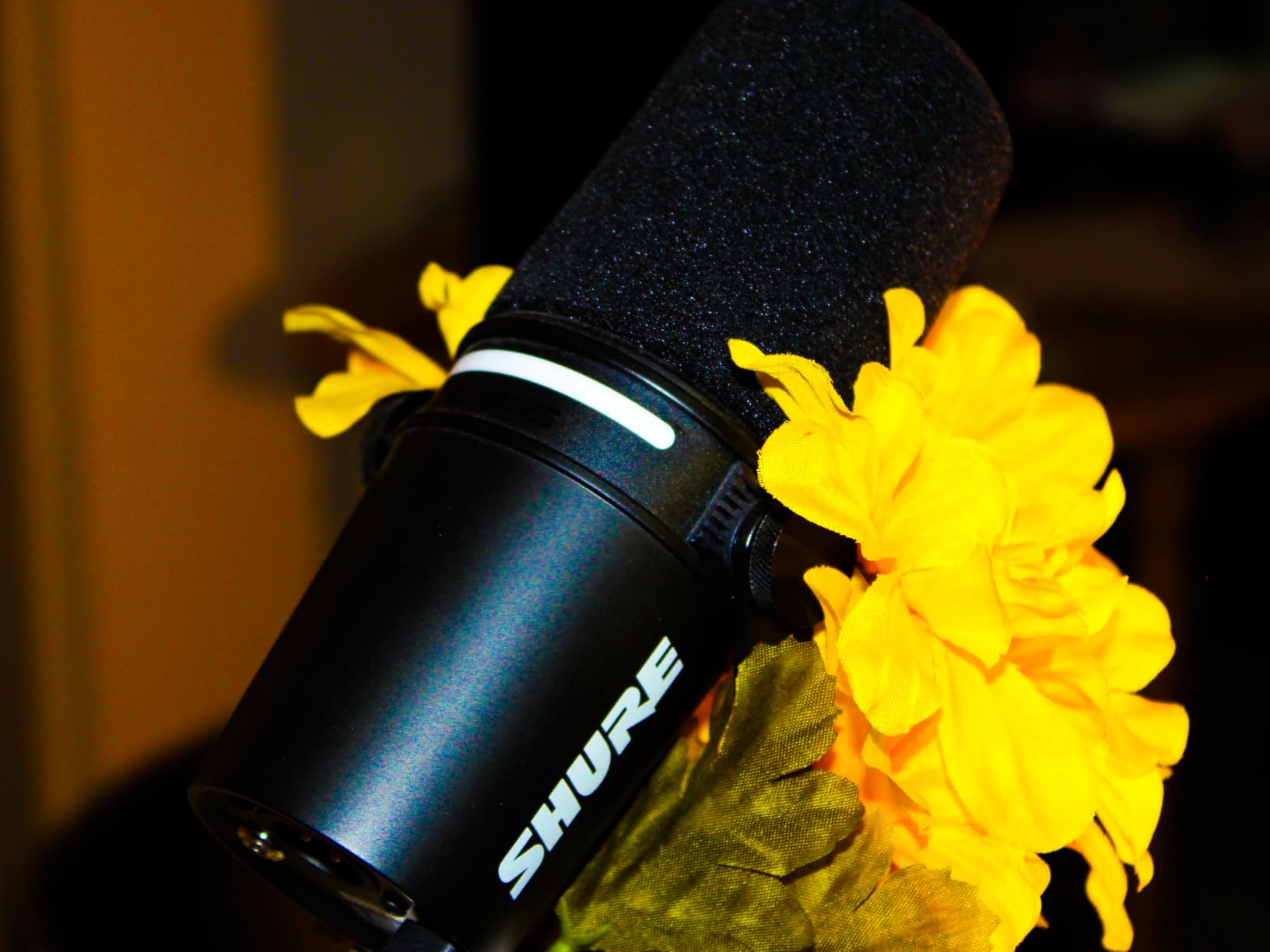
The Shure MV7+ is the microphone I wish I’d bought when I started podcasting. It’s the same family of mic used by major podcasters and broadcasters, and the audio quality justifies the investment if you plan to produce a show long-term. I tested it side-by-side with mics costing twice as much, and the MV7+ held its own.
The Voice Isolation Technology is what sets this mic apart. Shure engineered the capsule to reject off-axis sound better than most dynamic mics. I tested it with a noisy TV playing in the background, and the recording came out as if I were in a treated studio. For podcasters without acoustic treatment, this feature alone is worth the premium price.
The USB-C connection is a meaningful upgrade from the previous MV7’s micro-USB. I had connection issues with the older model during recordings, and the MV7+ has been rock-solid through dozens of sessions. The LED touch panel shows mute status, headphone level, and mic gain at a glance, which beats digging through software menus.
The MV7+ is heavier than most desktop microphones at 3.6 pounds. You’ll want a sturdy boom arm or the included stand. The Auto Level Mode and other DSP features work great, but they require some experimentation to dial in for your voice. Beginners should budget time to learn the MOTIV Mix app.
Why voice isolation matters for home podcasters
Most beginner podcasters record in untreated rooms with hard surfaces, fans, computers, and street noise. Standard dynamic mics pick up some of this, but the MV7+ rejects it almost entirely. I record episodes at all hours without worrying about background distractions, which gives me flexibility I didn’t have with cheaper mics.
Long-term value of investing in premium gear
I’ve owned the MV7+ for over a year now, and it still feels like new. Shure’s build quality is exceptional, and the resale value holds well if you ever decide to upgrade. For podcasters committed to their craft, spending more upfront on a mic that lasts a decade makes more sense than replacing budget options every year or two.
10. Movo Portable Podcast Equipment Bundle – Best Travel Kit for Smartphones
Movo Portable Podcast Equipment Bundle for iPhone/Android Phones- Podcast Kit with Audio Interface, 2 CastMic Dynamic Mics, 2 Stands – For Smartphones, Computers (with Desk Stands and Headphones)
Dual XLR mics
Battery-powered interface
Multi-device cables included
Pros
- Complete portable podcast studio
- Battery-powered interface
- Works with iPhone and Android
- Travel case included
Cons
- Some QA issues with second mic
- Cables can be complex to manage
- Heavier than stationary kits
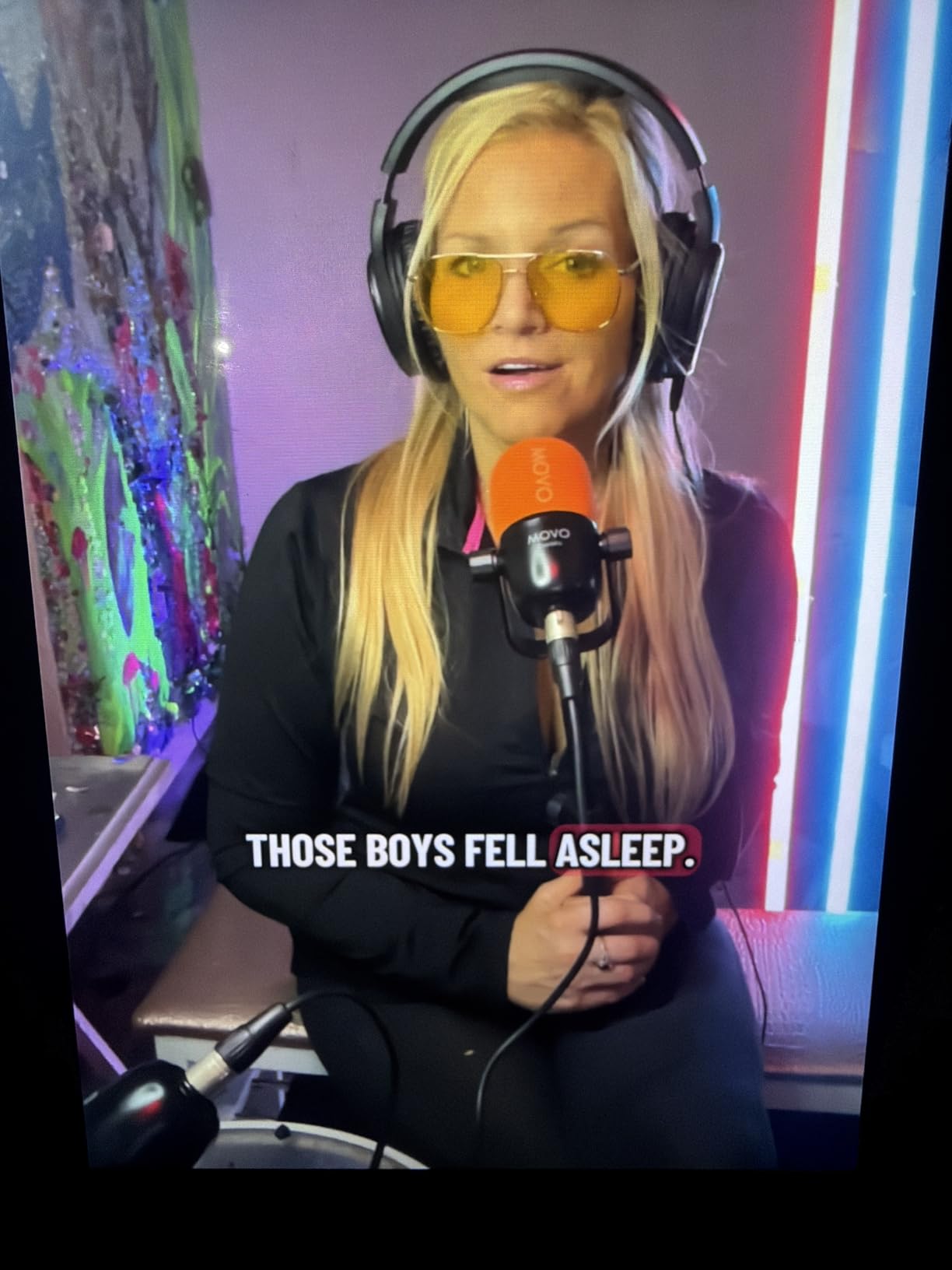
The Movo Portable Podcast Bundle is the kit I take when I’m recording interviews away from my home studio. It includes two XLR microphones, a battery-powered audio interface, all necessary cables for iPhone and Android, and a travel case. Everything fits in a single backpack, which makes location recording practical.
The MDX-2 audio interface runs on battery for about 8 hours, or 3 hours with phantom power engaged. I record most sessions through my iPhone using the included Lightning cable, which means I don’t need a laptop to capture broadcast-quality audio on the go. The two XLR inputs let my guest and me record simultaneously without sharing a mic.
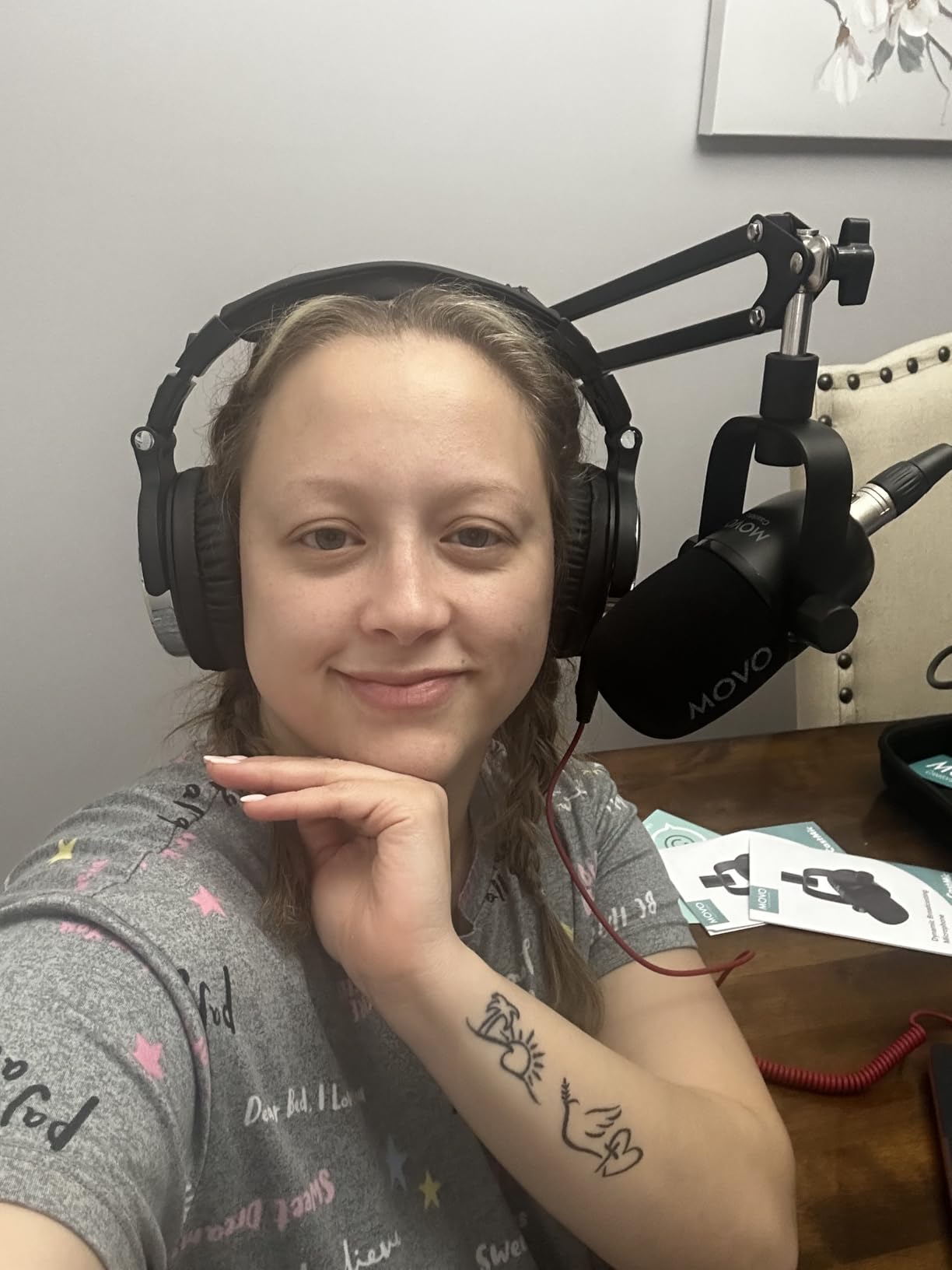
Setup takes about 10 minutes the first time, less once you’ve done it a few times. The included cables cover USB-A, USB-C, and Lightning, so the kit works with whatever device you have. The 48V phantom power supports condenser microphones if you want to upgrade the included dynamics later.
Quality control is the main weakness. Some units ship with one microphone having lower output than the other, which creates an editing headache. I returned my first unit and the replacement worked perfectly. Customer service was responsive, but the experience was frustrating.
Best use cases for portable podcast recording
I use this kit for in-person interviews at conferences, remote location recordings, and travel episodes. The battery-powered interface means I can record anywhere without hunting for power outlets. If your podcast involves guests in different cities or you want to capture location ambience, portability matters more than desktop features.
Smartphone versus laptop recording workflow
Recording directly to my iPhone is convenient, but the iOS file system makes organizing audio takes more cumbersome than on a laptop. I transfer recordings to my Mac for editing using iCloud or AirDrop. For podcasters who prefer a laptop-based workflow, the same kit works with USB-C connected to any computer.
What to Look for When Buying a Podcast Starter Kit?
Choosing the best podcast starter kit means balancing your budget, recording format, and growth plans. The biggest mistake I see beginners make is buying gear based on appearance or feature lists without considering how they’ll actually use it. Here’s what matters most.
Match the microphone type to your recording environment
Dynamic microphones reject background noise and work well in untreated rooms. Condenser microphones capture more vocal detail but pick up room echo, fan noise, and keyboard typing. If you record in a quiet home office, condensers work great. If your space has noise issues, dynamic mics save you hours of editing.
Decide between USB and XLR based on your upgrade plans
USB microphones connect directly to your computer and require no extra equipment. They’re simpler and cheaper for beginners. XLR microphones need an audio interface, which adds cost and complexity but gives you better sound quality and room to grow. Some mics like the FIFINE AM8 offer both, letting you start with USB and switch later.
Consider how many people will record together
Solo podcasters can use a single USB mic and scale up later. Co-hosted shows need either two separate mics or a 2-person kit like the MAONO PD200W. Interview podcasts benefit from multiple XLR inputs so you can record each speaker to a separate track. Match the kit to your format rather than future-proofing for hypothetical scenarios.
Don’t skip headphones and monitoring
Real-time headphone monitoring helps you catch plosives, clipping, and audio issues during recording. Mics without a headphone jack force you to rely on software monitoring, which has noticeable delay. Budget for closed-back headphones if your chosen mic supports monitoring.
Factor in software and accessories you’ll need to buy separately
Most podcast starter kits include the mic, cables, and basic accessories. They don’t include headphones, a microphone stand if not in the bundle, an audio interface for XLR mics, or recording software like Audacity or Adobe Audition. Add $50-150 to your budget for these essentials unless you already own them.
Plan your upgrade path before you buy
Cheaper mics have shorter lifespans and fewer resale options. If you think you’ll podcast for more than a year, spending an extra $50-100 upfront on a mic with XLR capability and durable construction pays off. I replaced three budget mics before buying my Shure MV7+, which I’ve used for over a year without issues.
Frequently Asked Questions
What is the best beginner podcast equipment?
The best beginner podcast equipment is a USB microphone kit like the FIFINE T669 for budget buyers, the Blue Yeti for versatility, or the Shure MV7+ for premium quality. These podcast starter kits include the microphone and essential accessories in one bundle, so you can start recording the same day you receive them.
What kit do I need to start a podcast?
To start a podcast you need a microphone (USB for beginners or XLR for upgrade paths), closed-back headphones for monitoring, a pop filter to reduce plosives, a boom arm or desk stand, recording software like Audacity (free) or Adobe Audition, and optionally an audio interface for XLR mics. Many podcast starter kits bundle these essentials together.
How much should I spend on a podcast starter kit?
Budget podcast starter kits start around $40-60 for basic USB options. Mid-range kits with dynamic microphones and boom arms cost $60-150. Premium kits with broadcast-grade mics like the Shure MV7+ cost $200-400. Most beginners should plan to spend $50-150 for their first kit and upgrade after confirming podcasting is right for them.
What is the difference between USB and XLR microphones?
USB microphones connect directly to your computer and are simpler for beginners. XLR microphones require an audio interface to connect to your computer but offer better sound quality, more control, and easier upgrade paths. Some microphones like the FIFINE AM8 and MAONO PD200XS offer both USB and XLR outputs in a single mic.
Can I start a podcast with just my smartphone?
Yes, you can start a podcast with your smartphone using apps like GarageBand (iOS) or Dolby On (Android), though audio quality is limited compared to dedicated microphones. Kits like the Movo Portable Podcast Bundle let you connect professional XLR microphones to your phone for significantly better sound while keeping the convenience of mobile recording.
Final Thoughts on Choosing Your Best Podcast Starter Kit
After testing these 10 podcast starter kits across solo recordings, co-hosted sessions, and location interviews, my top recommendations depend on your budget. The FIFINE T669 is the best value for under $50 if you want a complete kit without buying accessories separately. The Blue Yeti is the most versatile choice if you record different podcast formats. The Shure MV7+ is the best long-term investment if you’re committed to producing a professional show for years.
The best podcast starter kit is the one that gets you recording consistently. Don’t wait for the perfect gear. Pick a kit from this list that matches your budget, start producing episodes, and upgrade once you know what your show actually needs. Every mic on this list produces broadcast-quality audio when paired with good recording technique and a quiet space.