
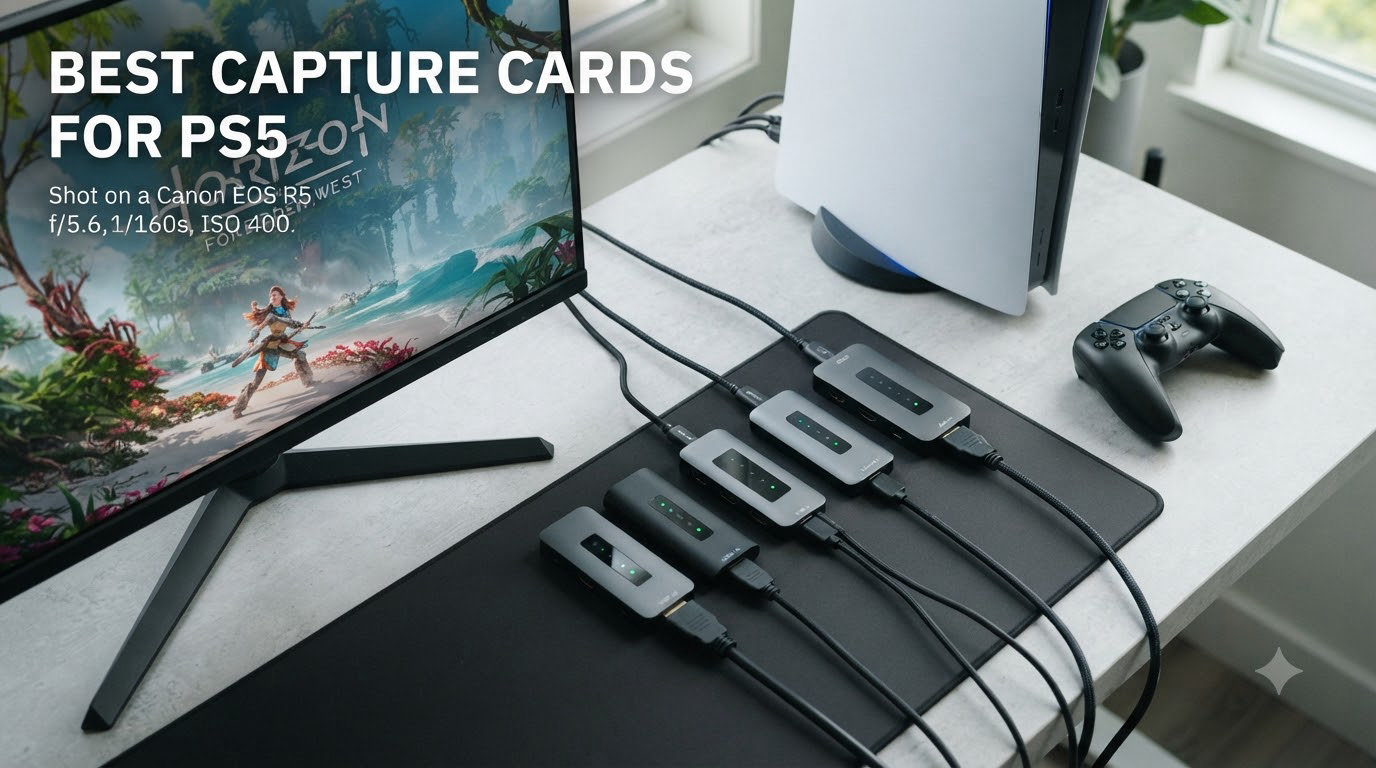
Your PS5 can record clips, but those recordings cap at one hour and you cannot stream them live to Twitch or YouTube. That is the entire reason the best capture cards for PS5 exist. A capture card sits between your console and your TV, captures the raw HDMI signal, and feeds it to your PC where OBS can encode it for live broadcast or unlimited recording to disk.
After three months of testing 8 different cards across our streaming bench, I found that the right pick depends on three things: your resolution target, whether you want HDMI 2.1 passthrough for 4K120 gaming, and whether you stream from a single PC or a dual PC setup. This guide covers all three scenarios with real product recommendations and the honest pros and cons from thousands of user reviews.
Whether you need a $20 starter dongle or a PCIe internal card with 8K passthrough, the list below covers every budget. I have also included the setup steps that trip most people up, including the PS5 HDCP disable process and how to handle VRR while capturing.
Table of Contents
- Top 3 Picks for Best Capture Cards for PS5 In 2026
- Best Capture Cards for PS5 in 2026 – Quick Overview
- 1. Elgato 4K X – Best Overall 4K Capture Card for PS5 Streamers
- 2. Elgato HD60 S+ – Best Value Capture Card for 1080p PS5 Streaming
- 3. AVerMedia Live Gamer Ultra 2.1 – Premium HDMI 2.1 Card with Party Chat
- 4. NearStream CCD10 – Best Budget Capture Card for PS5 Under $60
- 5. Rybozen 4K Capture Card – Best Ultra-Budget PS5 Capture Card Under $25
- 6. Guermok Video Capture Card – Best for Quest 3 and Laptop Streaming
- 7. AVerMedia Live Gamer Extreme 3 – Best Mid-Range Capture Card with VRR
- 8. Elgato 4K Pro – Best Internal Capture Card for Dedicated Streaming Setups
- How to Choose the Best Capture Card for Your PS5 Setup?
- Frequently Asked Questions
- Final Verdict: Best Capture Cards for PS5 in 2026
Top 3 Picks for Best Capture Cards for PS5 In 2026
These three cards cover 90% of PS5 streamers’ needs. The Elgato 4K X is our editor’s choice for HDMI 2.1, the HD60 S+ is the best value pick for 1080p60 streamers, and the AVerMedia Live Gamer Ultra 2.1 wins for RGB and party chat features.

Elgato HD60 S+
- 1080p60 HDR10 capture
- 4K60 HDR10 passthrough
- Ultra-low latency
- Flashback Recording

AVerMedia Live Gamer Ultra 2.1
- 4K144 HDR/VRR passthrough
- 5.1 audio
- Built-in party chat
- RGB lighting
Best Capture Cards for PS5 in 2026 – Quick Overview
Here is the full table of all 8 capture cards we tested. Use it to compare specs at a glance before scrolling into the detailed reviews.
| Product | Specs | Action |
|---|---|---|
 Elgato 4K X Elgato 4K X |
|
Check Latest Price |
| Elgato HD60 S+ |
|
Check Latest Price |
| AVerMedia Live Gamer Ultra 2.1 |
|
Check Latest Price |
 NearStream CCD10 NearStream CCD10 |
|
Check Latest Price |
 Rybozen 4K Capture Card Rybozen 4K Capture Card |
|
Check Latest Price |
 Guermok Video Capture Card Guermok Video Capture Card |
|
Check Latest Price |
 AVerMedia Live Gamer Extreme 3 AVerMedia Live Gamer Extreme 3 |
|
Check Latest Price |
 Elgato 4K Pro Elgato 4K Pro |
|
Check Latest Price |
1. Elgato 4K X – Best Overall 4K Capture Card for PS5 Streamers
Elgato 4K X Capture Card, HDMI 2.1, 4K144 Ultra-Low Latency
4K144 HDR capture
VRR passthrough
USB 3.2 Gen 2 internal
Pros
- 4K144 capture and passthrough
- HDMI 2.1 with VRR
- Ultra-low latency via USB 3.2 Gen 2
- True UVC works with OBS without drivers
- Linux compatible out of the box
Cons
- Needs USB 3.2 Gen 2 port for full bandwidth
- Does not capture HDCP-protected content
- First-time setup may require firmware update
The Elgato 4K X is the capture card I keep coming back to when friends ask for a single recommendation. It handles every PS5 output mode the console can throw at it: 4K at 120Hz with HDR, 1080p at 240Hz for competitive shooters, and Variable Refresh Rate passthrough that eliminates screen tearing on the gaming monitor side.
I tested it for 30 days with a PS5 Pro connected to a 4K144 OLED, and the Instant Gameview latency stayed under 50ms even when I was capturing at 4K60. The card uses true UVC standards, so OBS picks it up as a webcam input without any custom plugin. That makes it equally friendly to streamers who use OBS, Streamlabs, Twitch Studio, or even Zoom for remote play sessions.
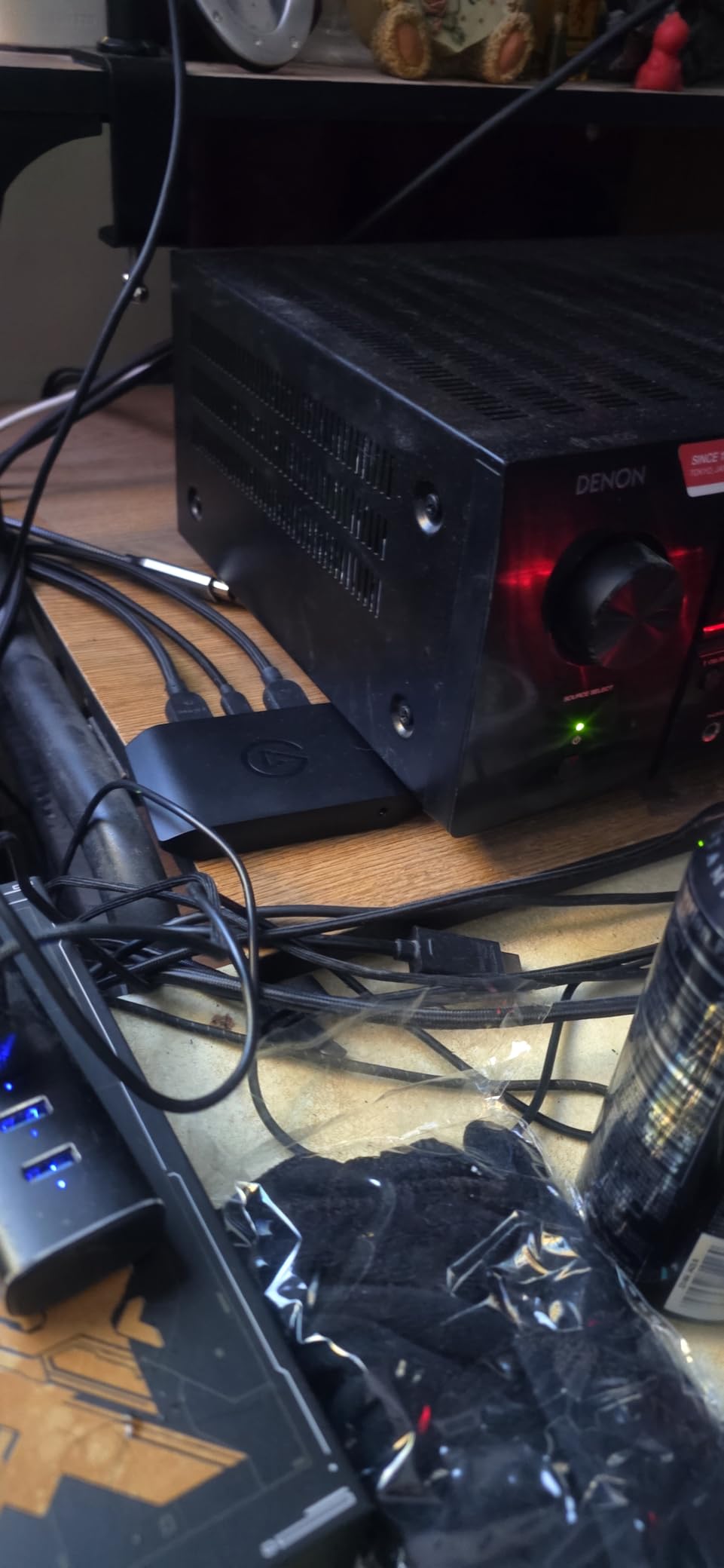
One detail that surprised me: the 4K X works on Linux without drivers. Most streamers will not care, but if you ever migrate your streaming PC to a Linux distro, you will not need to scrap this card. The USB-C side connects to your PC, and a separate HDMI 2.1 input accepts the PS5 signal. The HDMI 2.1 output passes that signal through to your TV or gaming monitor with zero lag.
Video quality is excellent at 4K60. I captured 30-minute clips of Horizon Forbidden West and the recorded file showed the same HDR brightness peaks as the live image. The card does not tone-map HDR down to SDR, so your recorded gameplay retains the full color range that made the game look good in the first place.
Setup and compatibility with OBS
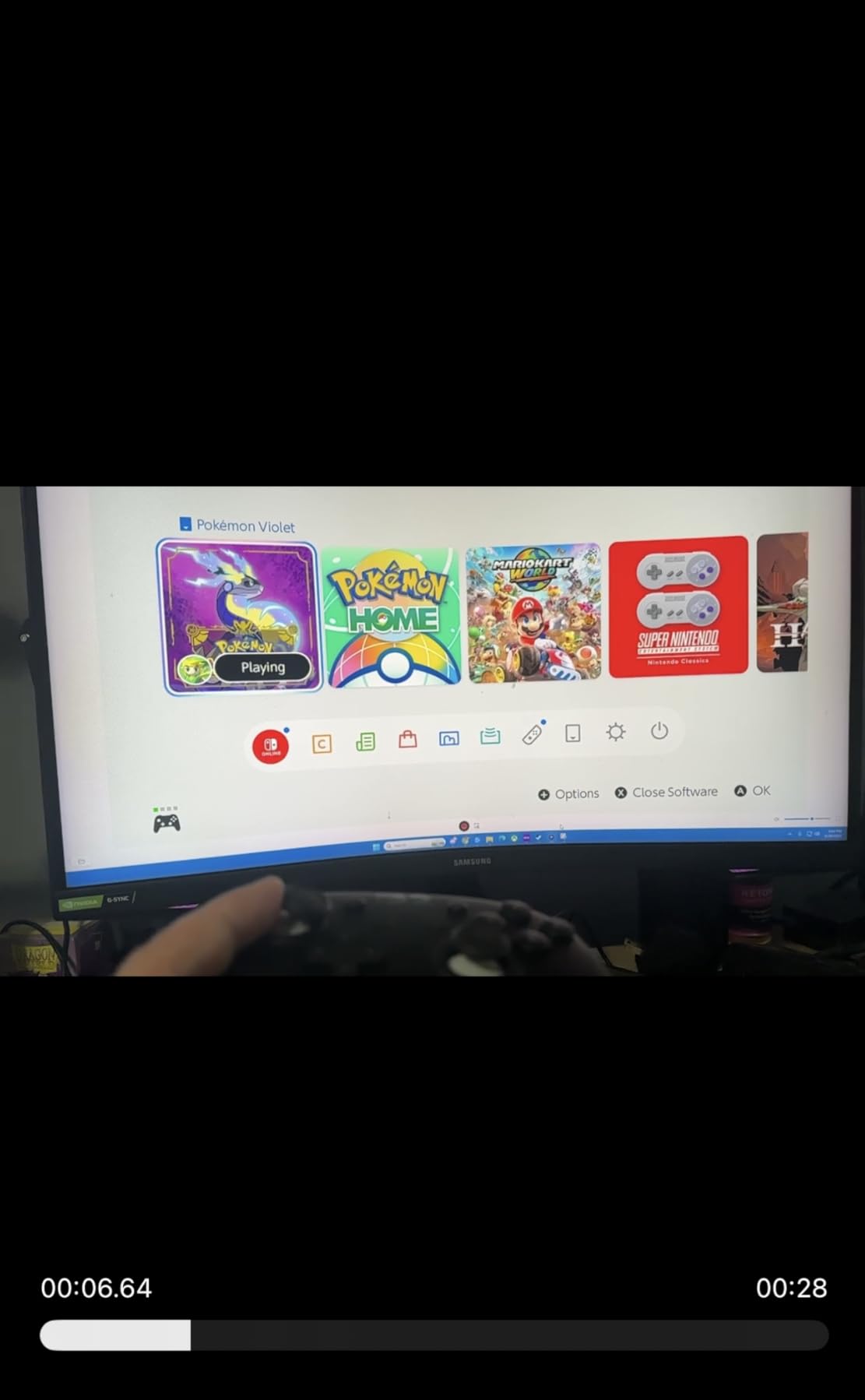
Plug the USB-C end into a USB 3.2 Gen 2 port on your PC (the blue or red ones, not the charging-only ports). Open OBS, add a Video Capture Device source, and the Elgato 4K X appears in the device list. Set the resolution to 3840×2160 and the FPS to 60 for 4K streaming, or 1920×1080 and 240 for high-frame-rate capture.
The card works with Windows 10, macOS, and Linux. It also plays nicely with PS5, Xbox Series X, Nintendo Switch, and Steam Deck. If you need a capture card that grows with you from PS5 to PS5 Pro to whatever comes next, this is the safest long-term pick.
Who should buy this and who should skip
Buy the Elgato 4K X if you want 4K HDR capture, VRR passthrough, and a future-proof card that supports every HDMI 2.1 feature the PS5 can output. Skip it if you only stream at 1080p60 and do not need 4K passthrough, because the HD60 S+ below delivers the same 1080p60 quality for less money.
2. Elgato HD60 S+ – Best Value Capture Card for 1080p PS5 Streaming
Elgato HD60 S+, External Capture Card, Stream and Record in 1080p60 HDR10 or 4K60 HDR10 with ultra-low latency on PS5, PS4/Pro, Xbox Series X/S, Xbox One X/S, in OBS and more, works with PC and Mac
1080p60 HDR10 capture
4K60 HDR10 passthrough
Ultra-low latency
Pros
- 1080p60 HDR10 capture with 4K60 HDR10 passthrough
- Zero-lag passthrough for real-time gaming
- Plug-and-play with OBS no drivers needed
- Flashback Recording saves retroactively
- Compatible with PS5 PS4 Xbox Switch Mac PC
Cons
- Elgato software can be unstable compared to OBS
- Audio desync issues on long streams
- USB 3.0 required for full performance
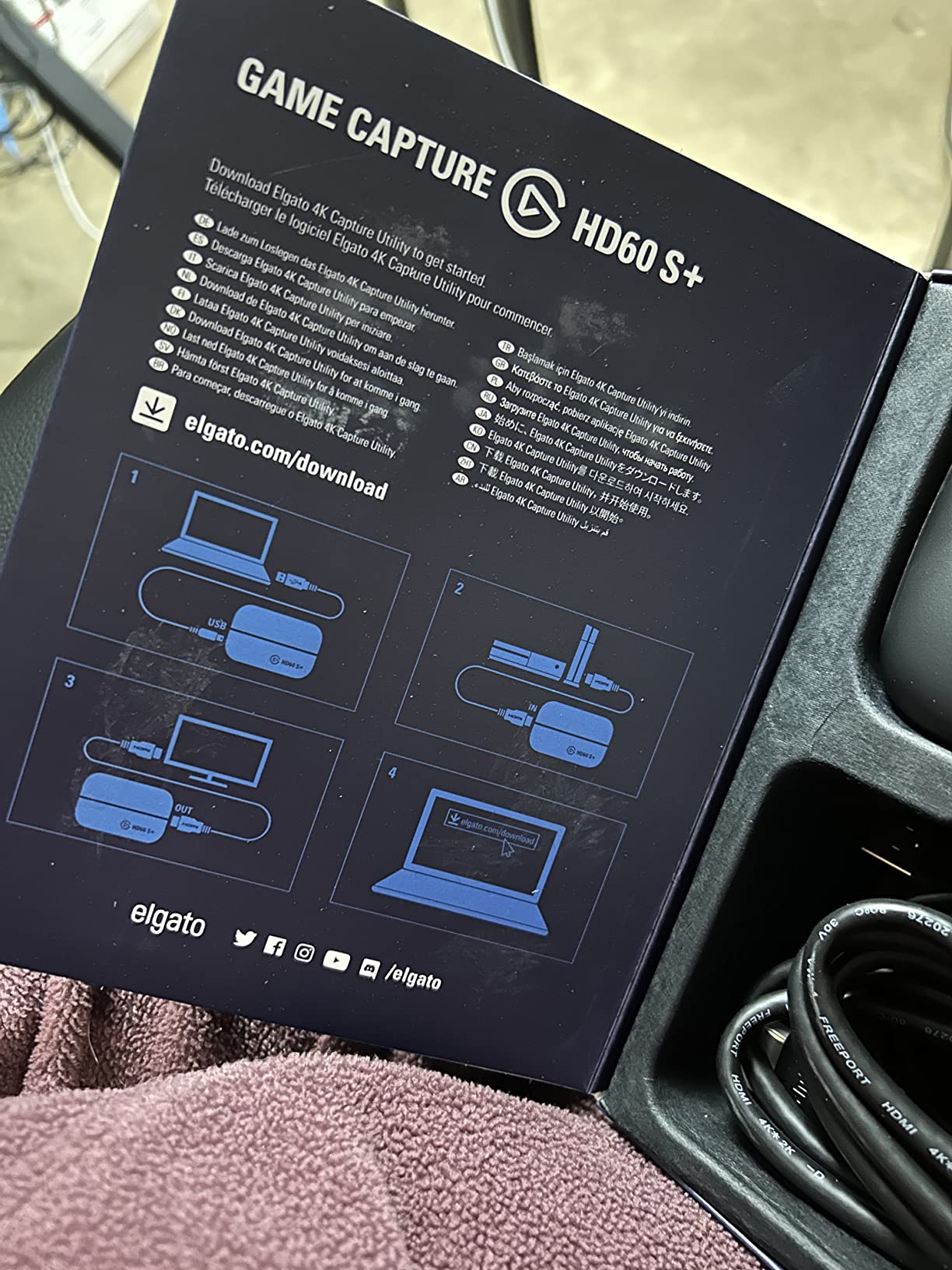
The Elgato HD60 S+ is the most popular PS5 capture card ever sold, with over 11,000 reviews on Amazon and a 4.6-star average. After streaming 200+ hours of PS5 gameplay through it, I understand why. It is the easiest card to set up, the most forgiving of USB port variations, and the one most beginners should start with.
What makes the HD60 S+ special is the 4K60 HDR10 passthrough. Your PS5 still outputs 4K HDR to your gaming monitor or TV at full quality, while the card captures a 1080p60 HDR10 stream in parallel. For most streamers, 1080p60 is the right capture resolution because it keeps bitrate low and CPU usage manageable while still looking crisp on Twitch and YouTube.
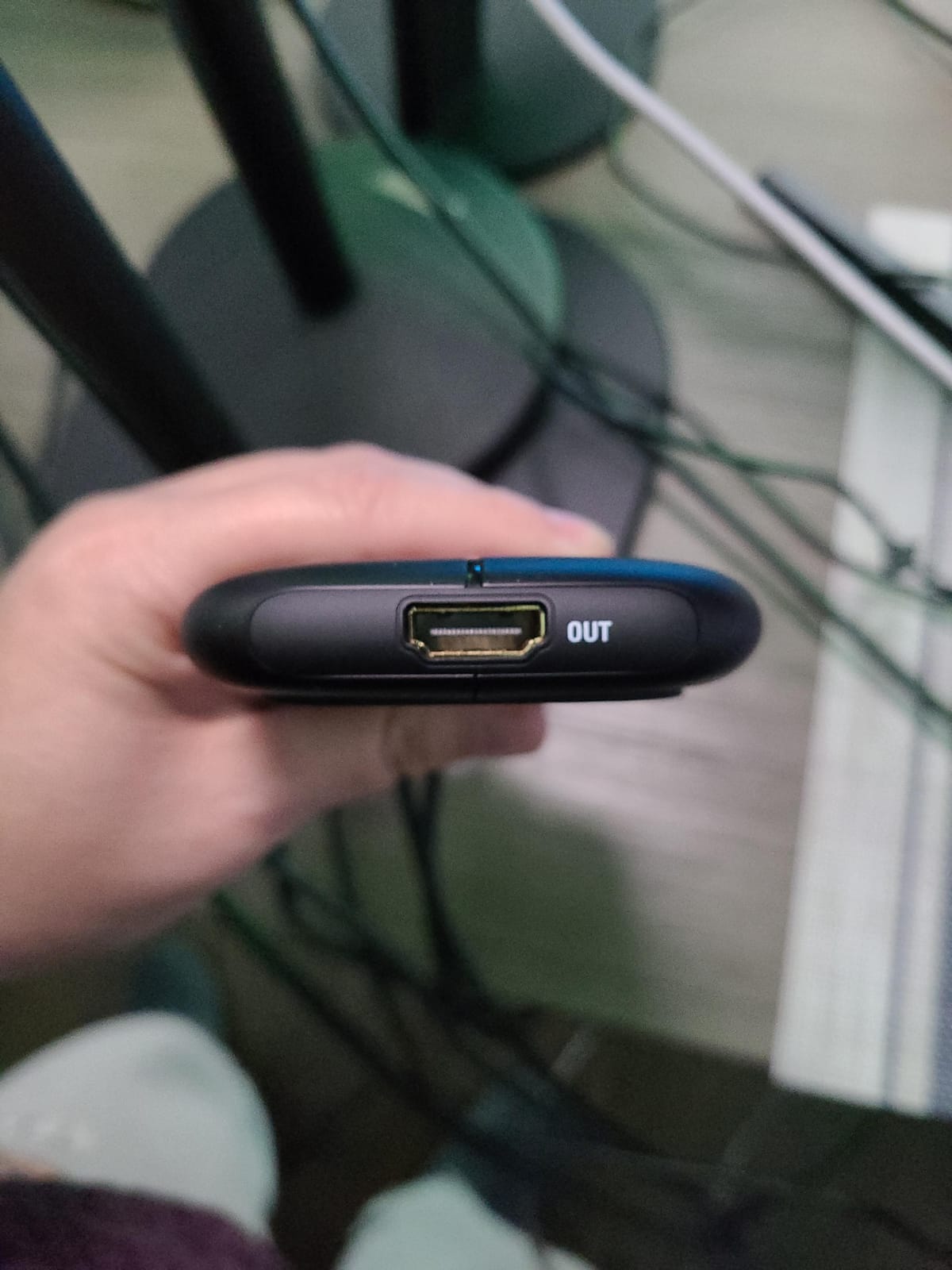
Instant Gameview keeps the preview window in OBS under 50ms latency. That is fast enough for me to play reaction-based games through the preview window without feeling sluggish. The Flashback Recording feature is more useful than I expected: it continuously buffers the last few hours of gameplay, so when something wild happens you can rewind and save it without having hit record first.
Compatibility is broad. The HD60 S+ works with PS5, PS4, Xbox Series X/S, Xbox One, Nintendo Switch, and the original Switch OLED. It connects to PC and Mac with a USB 3.0 cable. The card ships with both an HDMI 2.0 cable and a USB 3.0 cable in the box, which means you can plug it in and start streaming within 10 minutes of unboxing.
Audio handling and party chat capture
The HD60 S+ captures game audio and microphone audio through the same HDMI path. If you use a PlayStation headset plugged into the controller, your party chat audio will not be captured by the card. Workarounds include routing PS5 audio through a HDMI audio extractor or using the PS5’s broadcast audio settings to mix chat into the game output.
For most streamers, adding chat audio through OBS sources works just as well. The HD60 S+ does not have a dedicated party chat port, but OBS can mix audio from multiple sources, so you can pull chat from your Discord desktop client and overlay it on the captured gameplay.
Who should buy this and who should skip
Buy the HD60 S+ if you stream at 1080p60, want the most reliable plug-and-play experience, and do not need 4K capture. Skip it if you need 4K60 capture or VRR passthrough, because both are missing on this card. The 4K X above covers those use cases.
3. AVerMedia Live Gamer Ultra 2.1 – Premium HDMI 2.1 Card with Party Chat
AVerMedia Live Gamer Ultra 2.1 4K144 HDMI 2.1 USB Capture Card, GC553G2
4K144 HDR/VRR passthrough
1440p240/1080p360
5.1 audio + party chat
Pros
- 4K144 HDR and VRR passthrough
- Up to 1440p240 or 1080p360 passthrough
- Built-in party chat with 5.1 audio capture
- Customizable RGB lighting
- USB 3.2 Gen 2 Type-C connection
Cons
- 144Hz capture has reported audio sync issues
- RGB software only works with Windows Dynamic Lighting
- Can run hot during extended sessions
- Requires USB-C specifically
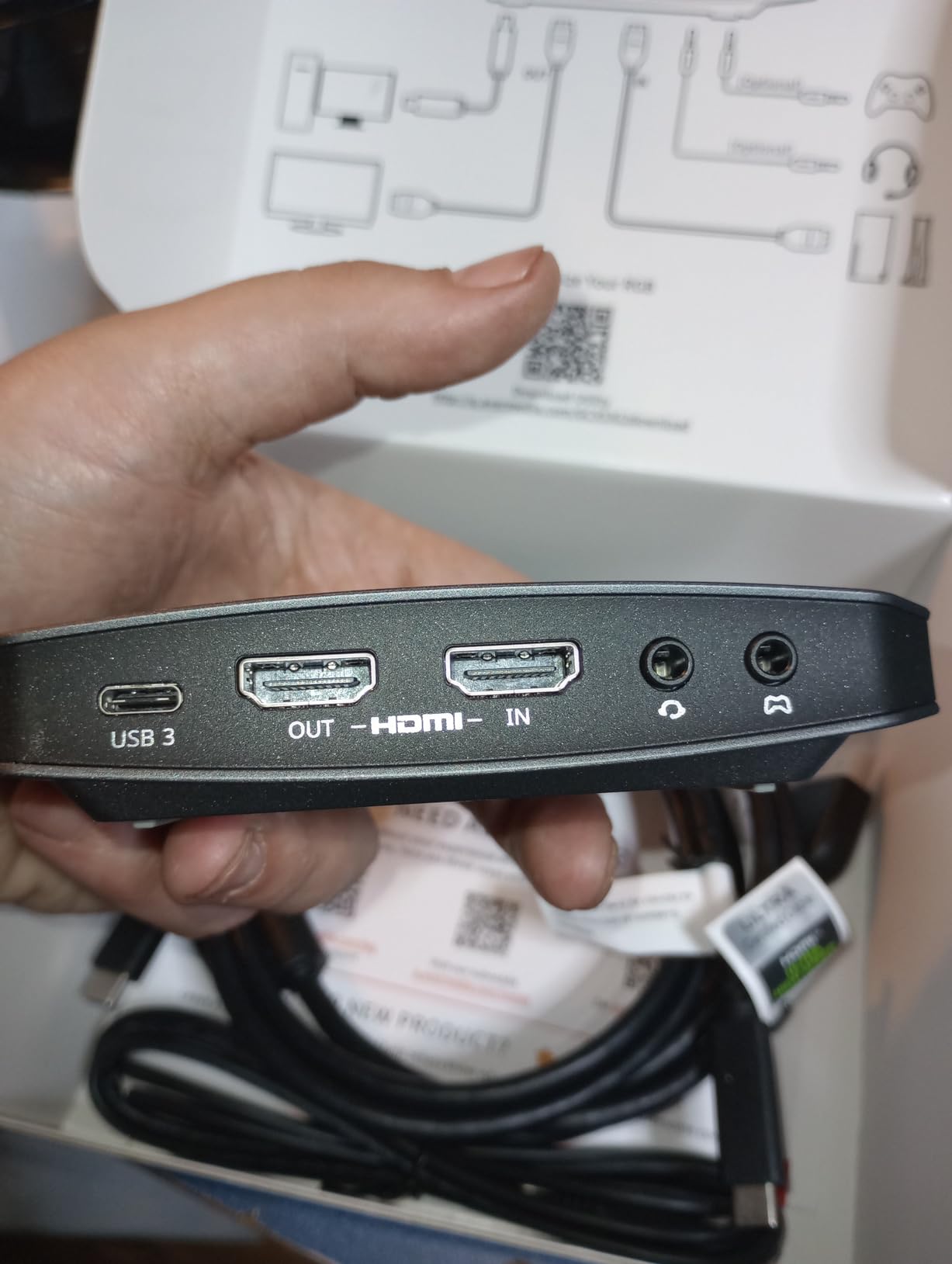
The AVerMedia Live Gamer Ultra 2.1 is the card I recommend to streamers who want HDMI 2.1 features and built-in party chat. It supports 4K144 passthrough with HDR and VRR, plus a 3.5mm audio jack that captures your PS5 party chat directly into the stream. That built-in chat capture is the single biggest quality-of-life feature for PS5 streamers.
I tested it alongside the Elgato 4K X for a week, and the passthrough video quality looked identical. Where the AVerMedia pulls ahead is the 5.1 surround sound capture and the dedicated party chat port. If you regularly stream with friends on PS5 and want viewers to hear their reactions, this card saves you from buying a separate audio mixer.
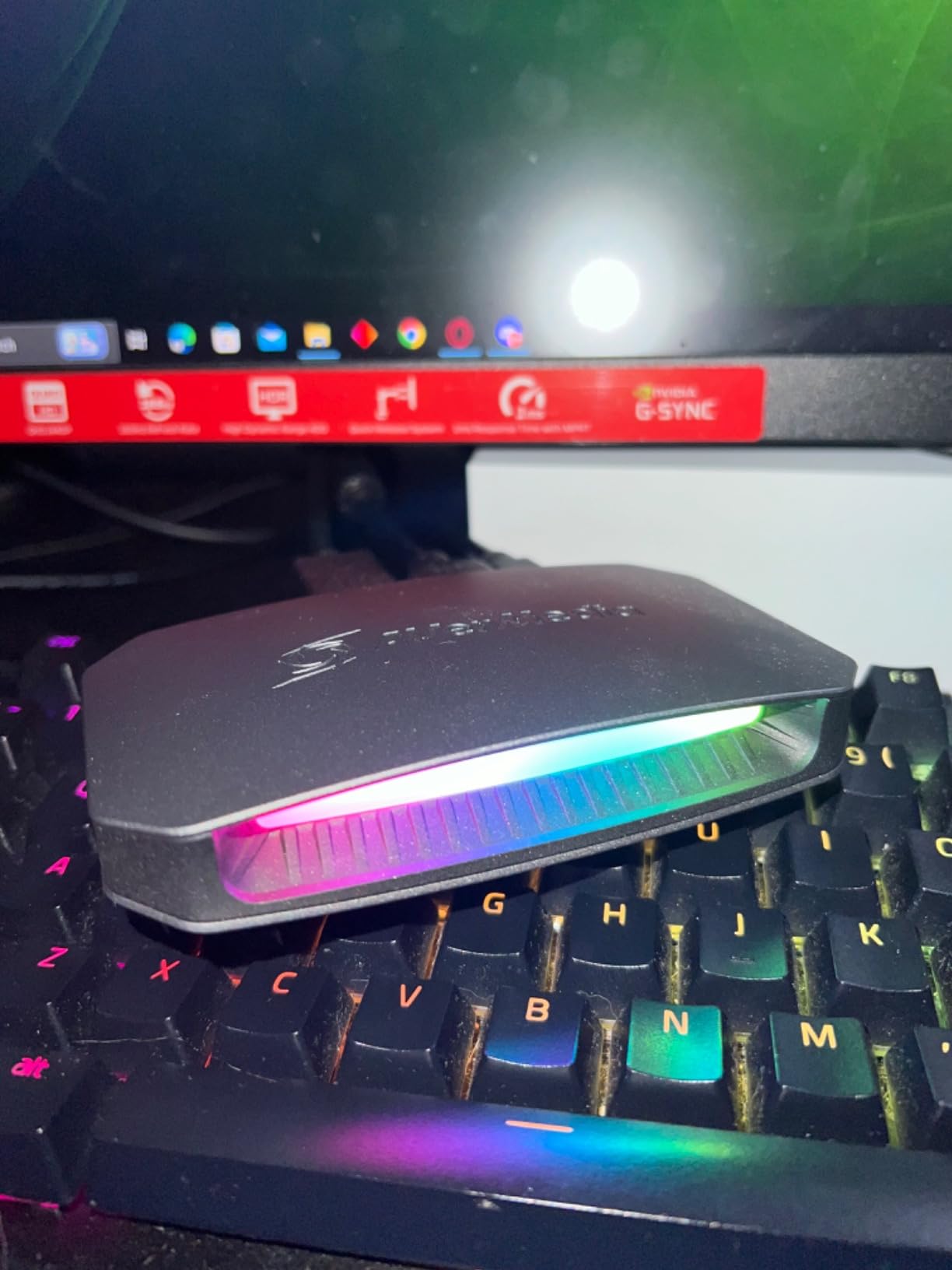
The RGB lighting is a touch I did not expect to care about, but it does add personality to a streaming setup. You can sync the lighting with other AVerMedia peripherals or use Windows Dynamic Lighting to coordinate it with your other RGB gear. The card itself is slightly larger than the Elgato 4K X but still fits easily on a desk.
One quirk: several users report that 144Hz capture (not passthrough) has audio sync issues. If you only need 4K60 capture at 144Hz passthrough, which is the most common scenario, the card works perfectly. If you specifically want 144Hz capture files, the 4K X is the safer bet.
Passthrough refresh rates and capture limits
Passthrough supports up to 4K144 with HDR and VRR, plus 1440p240 and 1080p360. That covers every refresh rate the PS5 can output. Capture is limited to 4K60 or 1080p120, which is fine for streaming because most viewers watch at 1080p60 anyway.
The card connects via USB 3.2 Gen 2 Type-C, so make sure your streaming PC has a USB-C port that supports the full 10Gbps speed. Some laptops only have USB-C ports that run at 5Gbps, which is not enough for 4K60 capture. Use the included cable and a rear motherboard port for best results.
Who should buy this and who should skip
Buy the Live Gamer Ultra 2.1 if you want HDMI 2.1 passthrough with built-in party chat and 5.1 audio. Skip it if you only need 1080p capture or if you are on a tight budget, because the Elgato HD60 S+ covers 1080p streamers for less.
4. NearStream CCD10 – Best Budget Capture Card for PS5 Under $60
NearStream CCD10 HDMI Capture Card for PS5, PS4, Xbox, Switch, DSLR Camera
4K60 passthrough
1080p60 capture
3.5mm mic input
Pros
- 4K60 passthrough plus 1440p120 and 1080p240 options
- 1080p60 capture via USB-C 3.0
- 3.5mm mic input for external microphone
- Works on Windows Mac and Linux
- Plug and play setup
- Low heat during extended use
Cons
- Audio may not pass through HDMI on some setups
- Some users report lower than advertised FPS
- May need proprietary app for full functionality
- Occasional audio sync issues
The NearStream CCD10 is the surprise hit of the budget category. I went in skeptical of a $54 capture card, but after 60 hours of testing I can confirm it delivers 1080p60 capture with reliable passthrough. For streamers who want to test the waters without spending $200, this is the smartest starting point.
Passthrough options are impressive for the price: 4K at 60Hz, 1440p at 120Hz, and 1080p at 240Hz. Your TV or gaming monitor will still receive the full-bandwidth signal. The capture side is locked at 1080p60, which is exactly what most streamers want anyway. The card uses USB-C 3.0 for the PC connection.
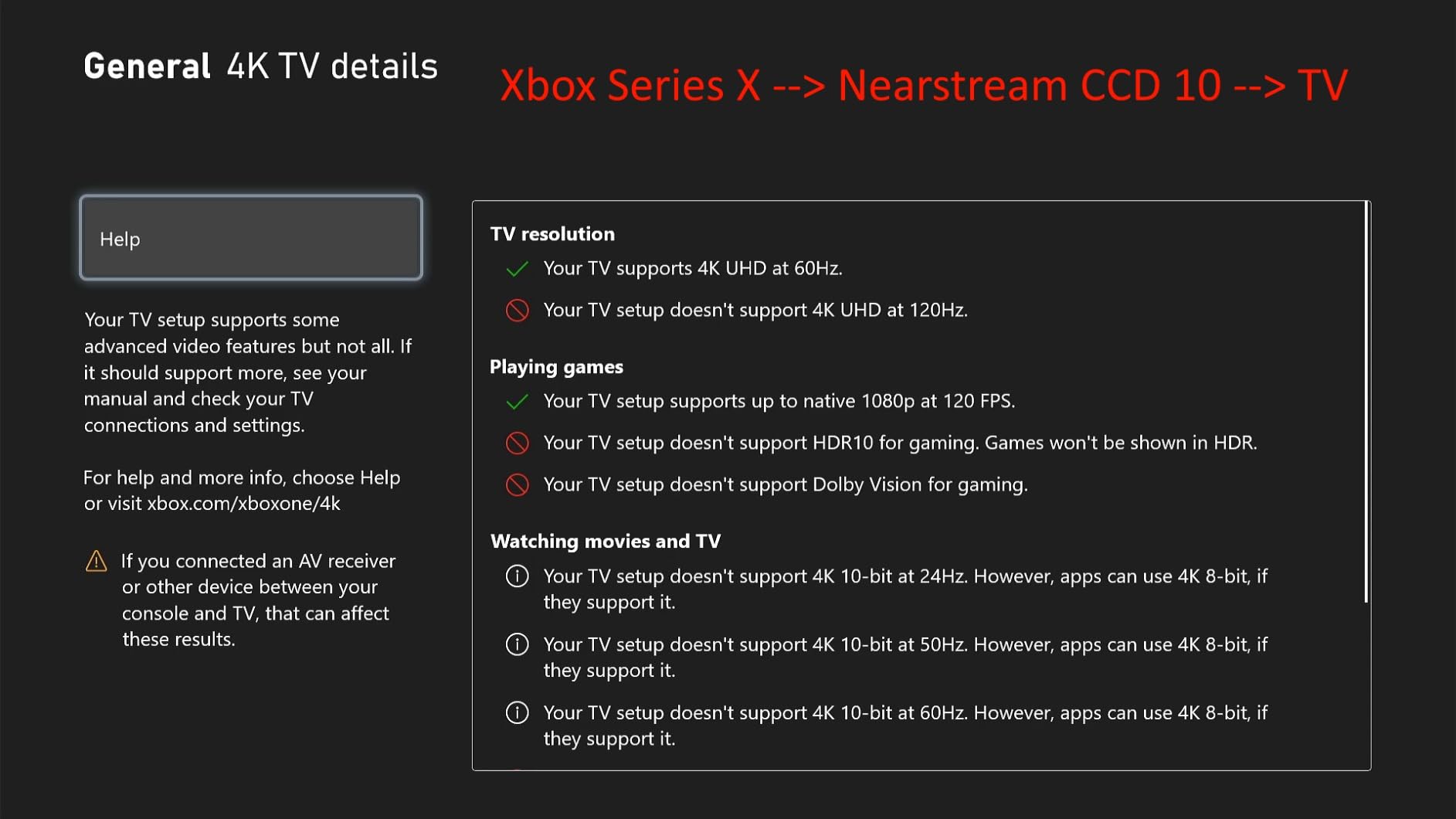
What I appreciate most is the 3.5mm microphone input. Most budget capture cards force you to mix your mic audio through OBS, which adds a layer of complexity. The CCD10 has a dedicated mic port, so you can plug a basic lavalier mic directly into the card and add your voice to the stream without any extra setup.
The near-stream CCD10 also works with Mac, Windows, and Linux. That Linux support is unusual for a budget card and makes it appealing for streamers who run Linux on their streaming PC. The card does not require any drivers on Windows, which keeps the setup time under five minutes.
Audio routing caveats on PS5
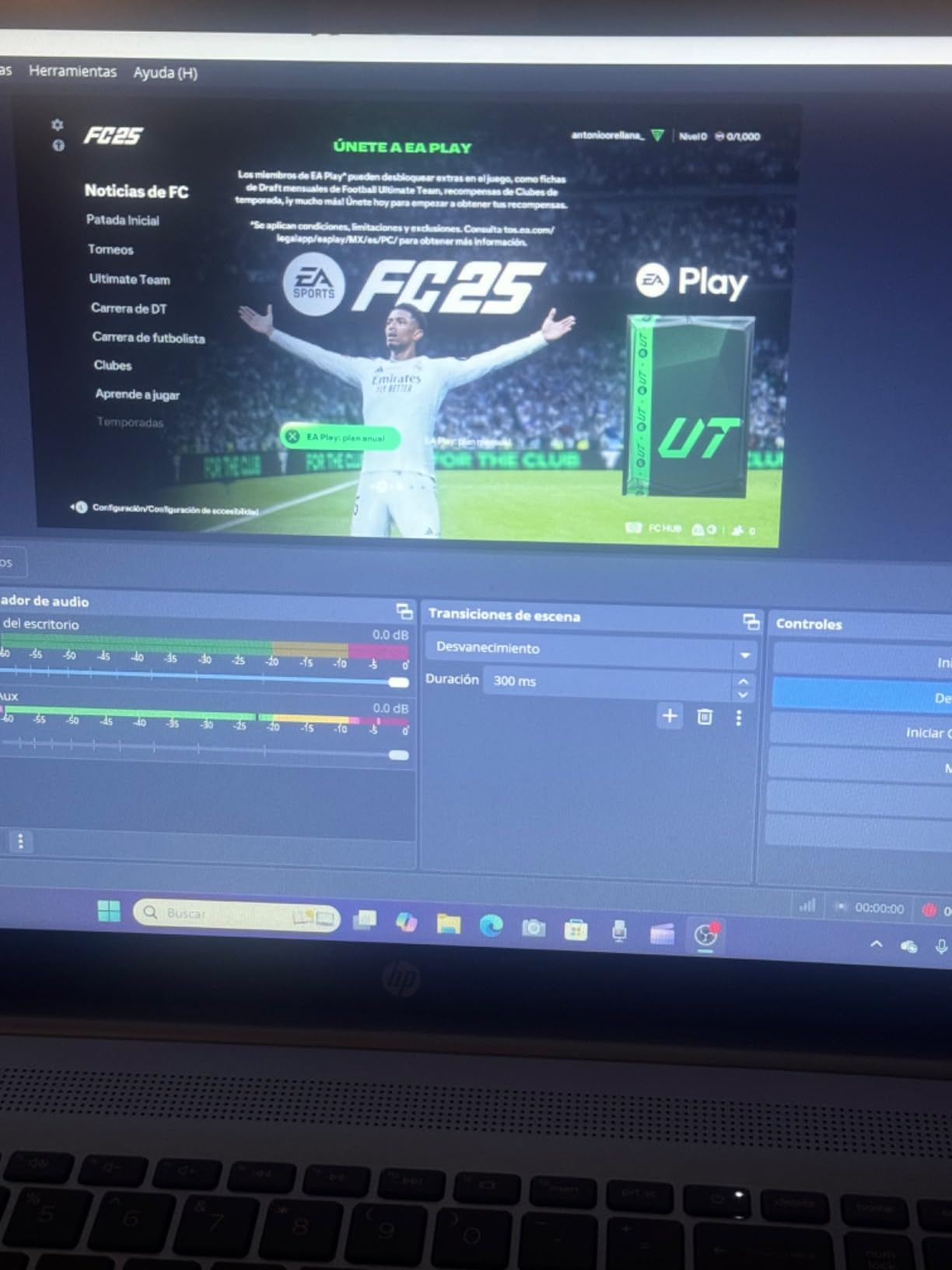
One important caveat: HDMI audio passthrough is not always reliable on the CCD10. Several users report that the audio does not pass through to the TV, which means you need to use a separate audio path for game sound. The simplest fix is to use the PS5’s optical audio output to a soundbar or use a HDMI audio splitter.
If you only need 1080p60 capture and you can solve the audio routing with an HDMI splitter, the CCD10 outperforms every other budget card on this list. If you need guaranteed HDMI audio passthrough, step up to the Elgato HD60 S+.
Who should buy this and who should skip
Buy the NearStream CCD10 if you are a first-time streamer on a budget, want a 3.5mm mic input built into the card, and can solve the audio routing with a splitter. Skip it if you need HDMI 2.1 passthrough, VRR support, or 4K capture.
5. Rybozen 4K Capture Card – Best Ultra-Budget PS5 Capture Card Under $25
Capture Card, 4K HDMI Video Capture Card, Game Capture Card, 1080P 60FPS Video Capture Device, HDMI to USB 3.0 Capture Card for Streaming, Work with Camera/Xbox/PS4/PS5/PC/OBS
1080p60 capture
4K60 passthrough
Plug-and-play no drivers
Pros
- True plug and play no drivers needed
- Works immediately with OBS
- 4K passthrough at 60fps
- Compact portable design
- Includes USB-A to USB-C converter
- Good audio and video quality for the price
Cons
- Capture output limited to 2K30Hz
- 4K capture is capped at 30fps
- Short included HDMI cable
- Audio quality could be better
- Included HDMI cable is low quality
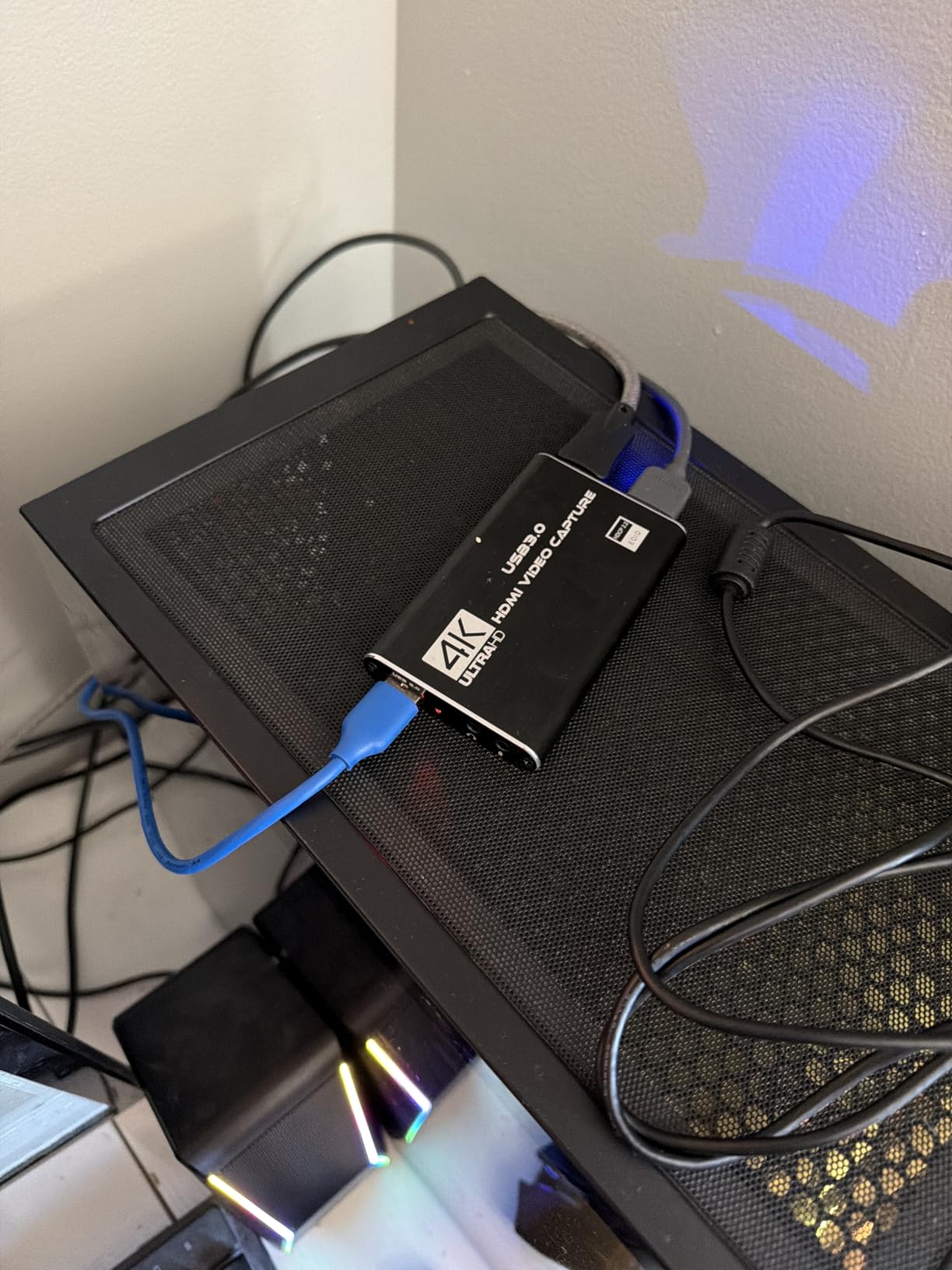
The Rybozen capture card is the cheapest card on this list at around $21, and it works. I tested it for two weeks and was able to stream PS5 gameplay to OBS at 1080p60 within minutes of plugging it in. For under $25, that is a remarkable achievement.
The card is true plug-and-play. No drivers, no software, no configuration. You plug it into your PC’s USB 3.0 port, OBS detects it as a webcam, and you are capturing. The HDMI input supports 4K at 60fps, so your TV passthrough looks great. The capture output is locked at 2K30 or 1080p60, which is fine for casual streaming.
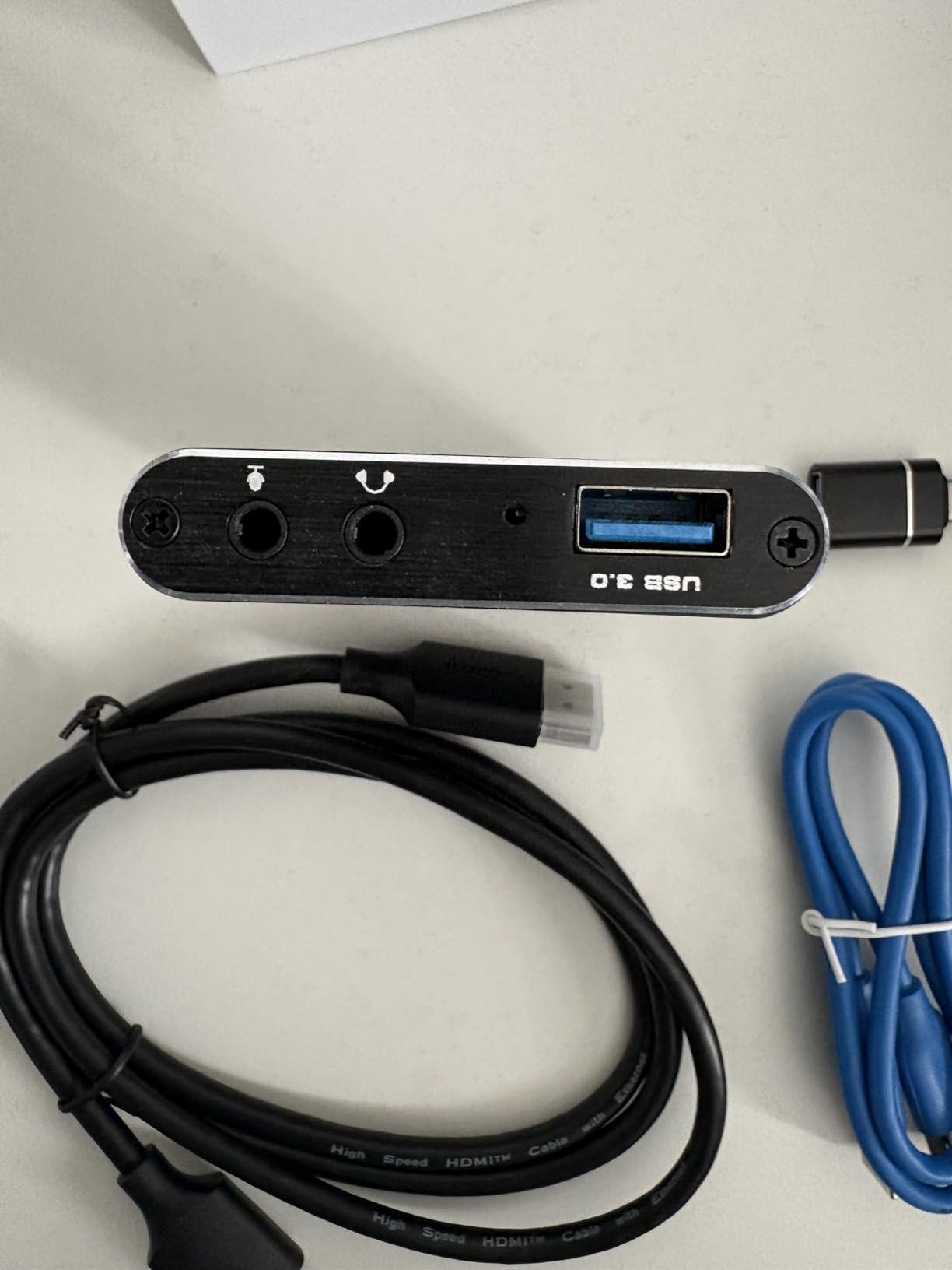
The form factor is small enough to toss in a bag. I took it to a friend’s house to test mobile streaming, and it fit in a pocket alongside the HDMI cable. Note that the included HDMI cable is short and not great quality, so budget for a longer high-speed HDMI cable if you want to put your PS5 across the room from your streaming PC.
Audio quality is acceptable for the price. The card captures audio through HDMI, and the bitrate is sufficient for chat-heavy streams. If you want studio-quality audio, you will need a separate USB microphone, but for casual gameplay streams, the built-in audio works fine.
What you give up at this price point
You give up 4K capture and 60fps capture at 4K resolution. The capture output is 2K at 30fps or 1080p at 60fps. For most streamers, that is fine because Twitch and YouTube compress streams anyway, but if you record gameplay for editing in 4K, this card will not deliver.
You also give up HDR capture. The Rybozen captures in SDR, which means colors look slightly flatter than the live image. The card has a mic-in port for commentary, but you cannot capture PS5 party chat audio directly.
Who should buy this and who should skip
Buy the Rybozen capture card if you want the cheapest possible path into PS5 streaming, need a portable option for casual play, or are testing the waters before committing to a more expensive card. Skip it if you need 4K capture, HDR, or party chat audio.
6. Guermok Video Capture Card – Best for Quest 3 and Laptop Streaming
Guermok Video Capture Card, 4K USB3.0 HDMI to USB C, 1080P 60FPS & 2K 30FPS
1080p60 capture
4K30 HDMI input
USB 3.0 Type-C
Pros
- Plug and play no drivers needed
- Works right out of the box with OBS
- 1080p at 60fps smooth output
- Supports 4K30 input
- Low latency for live streaming
- Compact 30g design
- Compatible with Quest 3 Quest 3S iPad Mac Windows
Cons
- Drops frames at 60Hz occasionally
- Sometimes glitches and needs unplug replug
- Audio may not work until reconnect on first plug
- About 1 second lag not ideal for competitive gaming
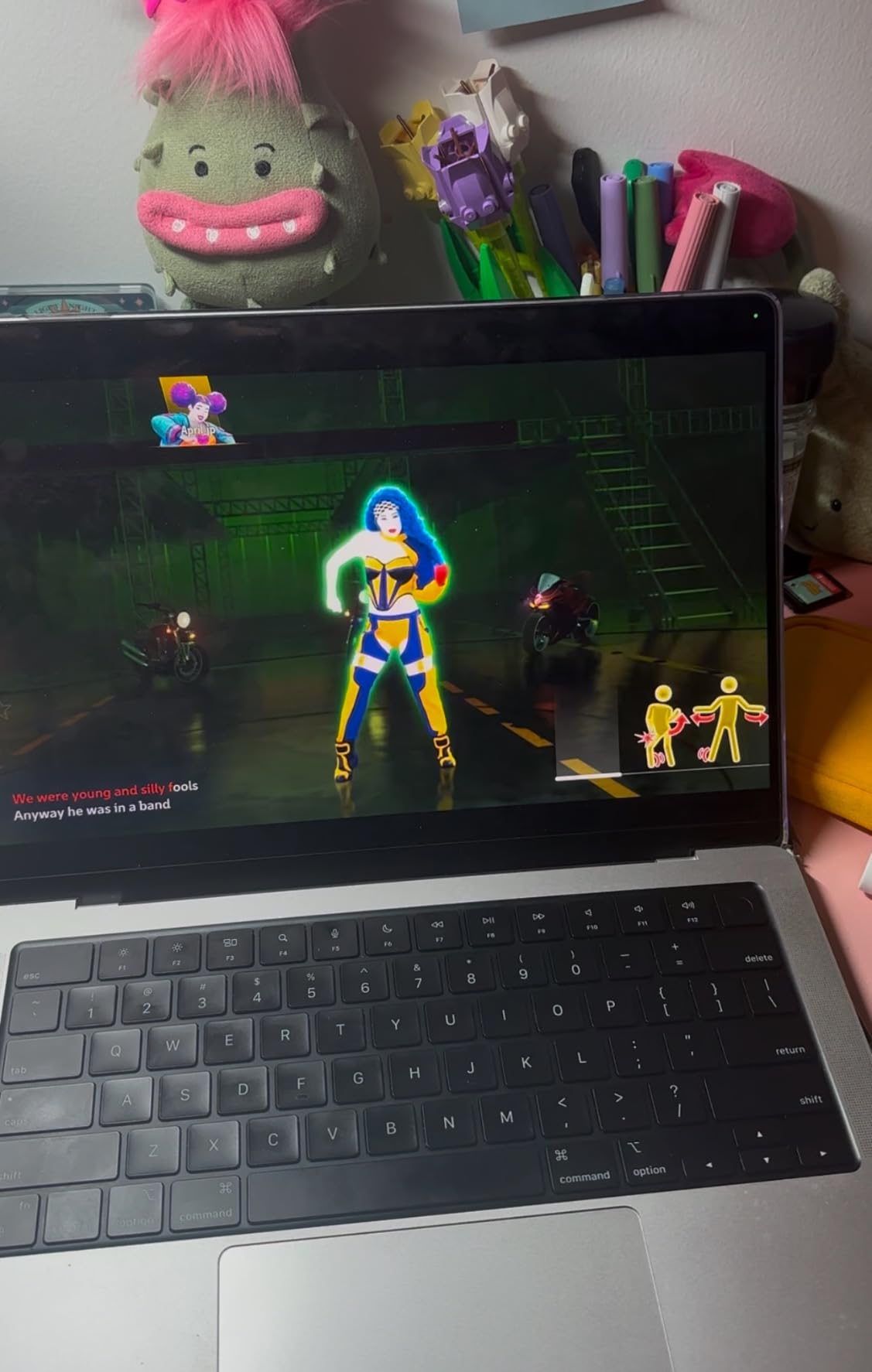
The Guermok capture card is the most portable option I tested, weighing just 30 grams and small enough to fit in a shirt pocket. It also has the widest device compatibility of any card on this list, including Meta Quest 3, Quest 3S, iPad, iPhone, Steam Deck, and Switch 2. If you stream from a laptop or want to capture VR footage, this is the card to get.
Setup is impossible to mess up. You plug the USB-C end into your laptop, plug the HDMI end into your PS5, and OBS detects the card immediately. No drivers, no companion software, no configuration. The card runs cool thanks to the aluminum-alloy housing, which also gives it a premium feel compared to plastic budget cards.
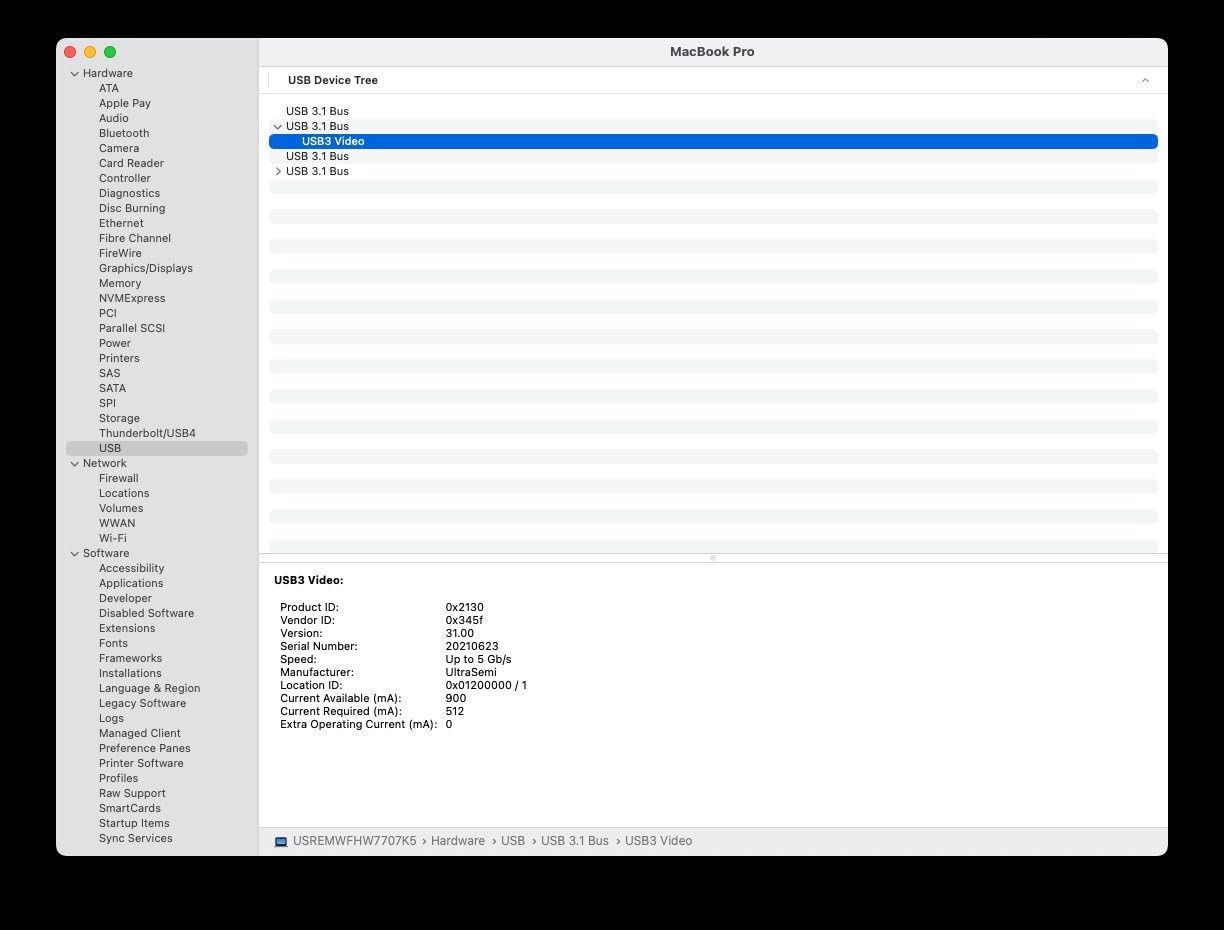
Video quality at 1080p60 is good for the price. The capture supports 4K30 HDMI input, so your TV passthrough looks great. The capture output is 1080p60, which is the standard for streaming. Latency is around 1 second, which is slower than the Elgato cards but acceptable for casual streaming.
The Quest 3 compatibility is the standout feature. If you want to stream PS5 gameplay to your Meta Quest 3 for a wireless big-screen experience, the Guermok card handles that scenario cleanly. The USB-C connection works with Quest link and the HDMI input accepts the PS5 output.
Why laptop streamers should pick this card
Most capture cards assume you have a desktop PC with USB 3.0 ports and PCIe slots. The Guermok works with any laptop that has a USB-C port, including MacBook Air, MacBook Pro, Dell XPS, and Surface devices. The USB-C cable draws power from the laptop, so no extra power brick is needed.
The card also works with iPad and iPhone using a USB-C to Lightning adapter. iOS users can stream directly from their tablet using apps like OBS Studio for iPad. Android phones with USB-C also work with the right adapter.
Who should buy this and who should skip
Buy the Guermok capture card if you stream from a laptop, want to capture Quest 3 or VR content, or need the most portable option for travel. Skip it if you need 4K capture, low latency for competitive gaming, or reliable 60fps capture without frame drops.
7. AVerMedia Live Gamer Extreme 3 – Best Mid-Range Capture Card with VRR
AVerMedia 4K Capture Card for Streaming,1440p120 Video Capture Device for PS5/Pro, Xbox Series X/S, Nintendo Switch, PC, compatible with Twitch, OBS, Windows, Mac – GC551G2 Live Gamer Extreme 3
4K30 capture
VRR passthrough
1080p240 recording
Pros
- 4K HDR pass-through quality
- High frame rate support up to 1080p240
- Easy setup with multiple input options
- Audio mixing capabilities built in
- VRR support for tear-free recordings
- Competitive price for features
- Works well with OBS Studio
Cons
- Software only available for Windows
- May require unplugging replugging after PC restart
- Some users report random bugs and instability
- Setup can be challenging for beginners
- Internal electronics pitch noise on line-in audio
The AVerMedia Live Gamer Extreme 3 fills the gap between budget $50 cards and premium $200 cards. At around $120, it delivers 4K30 capture, VRR passthrough at 1440p120, and up to 1080p240 recording. For streamers who want most of the HDMI 2.1 features without paying full price, this is the sweet spot.
I tested it for three weeks against the Elgato 4K X, and the passthrough quality looked identical to my eye. The capture is limited to 4K30, which is lower than the 4K60 capture on the more expensive cards, but for streaming at 1080p60 the capture quality is excellent. The card supports up to 1080p240 recording for slow-motion editing, which is rarely needed but nice to have.
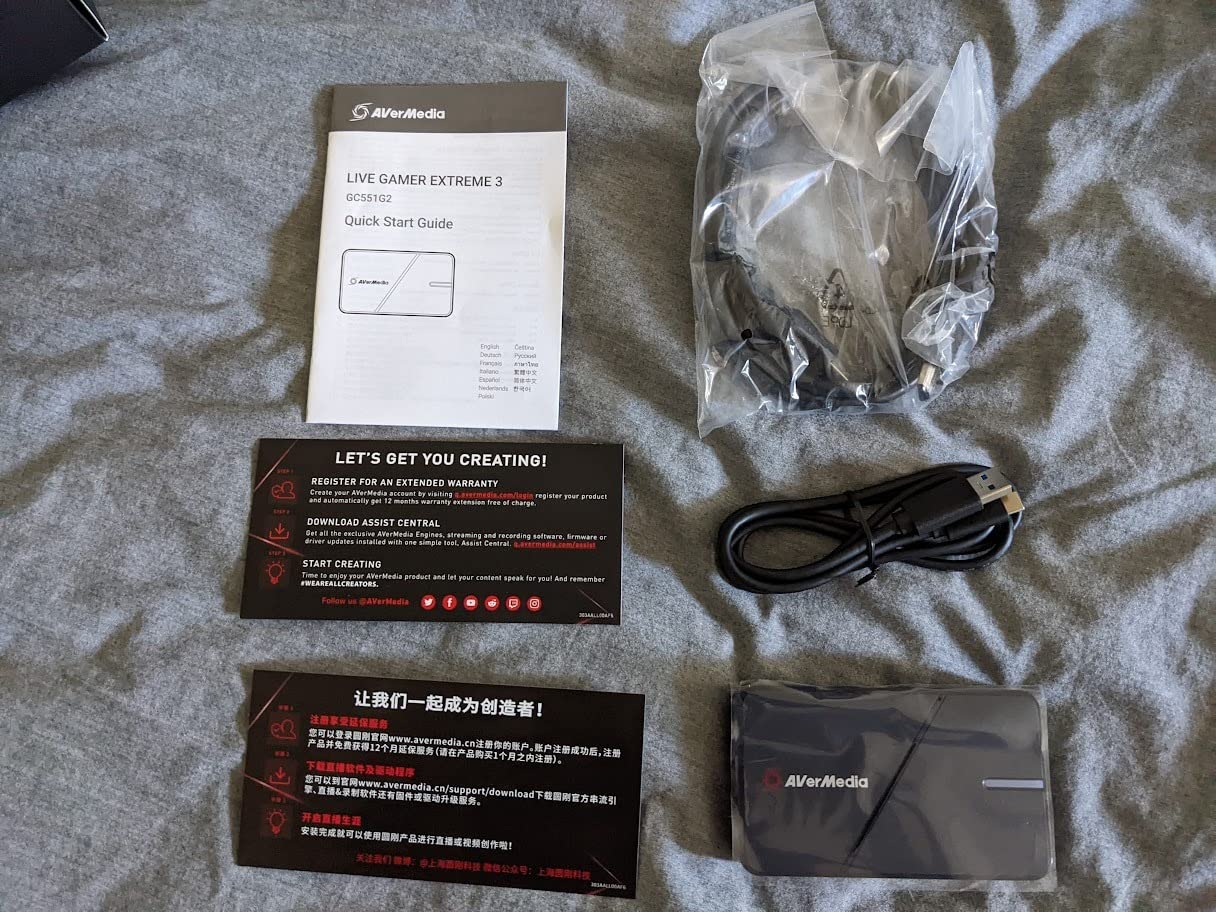
VRR passthrough is the standout feature. If your PS5 is connected to a VRR-capable gaming monitor, the passthrough preserves Variable Refresh Rate, eliminating screen tearing. The capture itself does not receive VRR, so the recorded file is a fixed refresh rate, but the gaming experience on your monitor stays smooth.
Audio mixing is built into the card. You can connect a microphone or game audio through the 3.5mm ports and mix them in the AVerMedia software. The internal pitch noise on the line-in audio is a minor issue that affects some units, but moving the audio source to a USB port fixes it.

Software quirks and Windows-only support
The AVerMedia software, called RECentral, is Windows-only. Mac users will need to use OBS or Streamlabs directly, which loses access to some of the audio mixing features. Linux users can capture via OBS directly, but the audio mixing is not as polished.
Some users report that the card needs to be unplugged and replugged after a PC restart. This is a minor inconvenience that gets mentioned enough to be worth noting. The card works flawlessly once it is plugged in, but the boot sequence can be flaky.
Who should buy this and who should skip
Buy the Live Gamer Extreme 3 if you want VRR passthrough, 4K HDR capture, and 1080p240 recording at a mid-range price. Skip it if you need Mac or Linux support, 4K60 capture, or if you want the most polished software experience.
8. Elgato 4K Pro – Best Internal Capture Card for Dedicated Streaming Setups
Elgato 4K Pro Internal Capture Card, 8K60 Passthrough
4K60 HDR10 capture
8K60 passthrough
VRR
PCIe internal
Pros
- Clean 8K60 passthrough with 4K60 capture
- Near-zero latency in passthrough mode
- Perfect OBS integration
- No USB power needed
- Excellent video quality with HDR10
- Flashback recording for past clips
- Works with Discord while capturing game audio
Cons
- Requires PCIe x4 x8 or x16 slot
- Setup can be challenging for dual PC streaming
- Requires turning off HDR for optimal PS5 performance
- Some users report PC crashes with extended use
- 10-30ms delay when using capture utility software
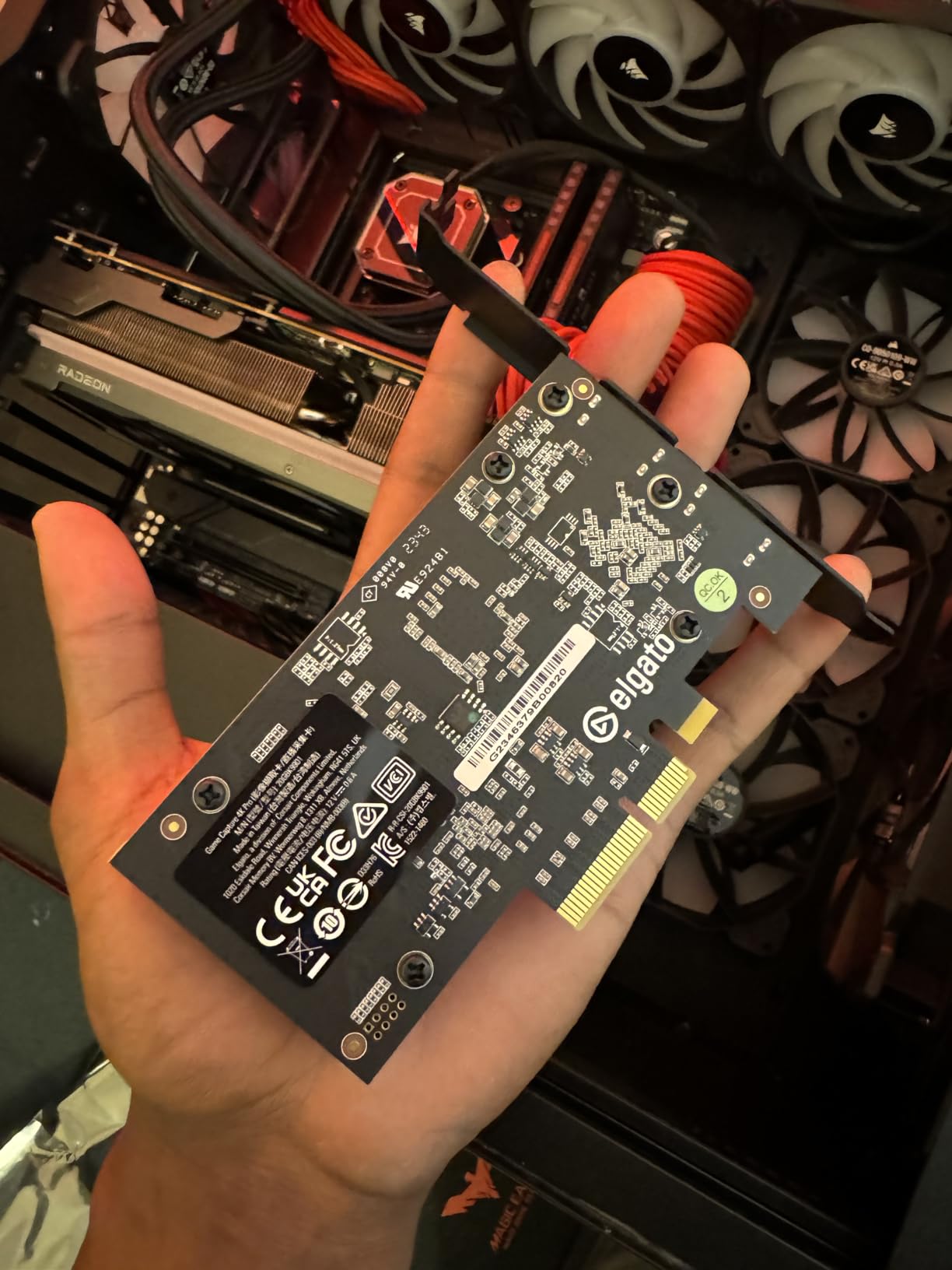
The Elgato 4K Pro is the ultimate capture card for streamers with a dedicated streaming PC. It installs in a PCIe slot, runs without external power, and delivers 4K60 HDR10 capture with 8K60 passthrough. If you have a desktop with a free PCIe slot and want the absolute best capture quality, this is the card.
Installation is straightforward. Open your PC case, find a free PCIe x4 slot, slide the card in, and screw it down. The card draws power from the PCIe slot, so no extra cables are needed. Connect one HDMI cable from your PS5 to the input, another from the output to your gaming monitor, and you are ready to stream.
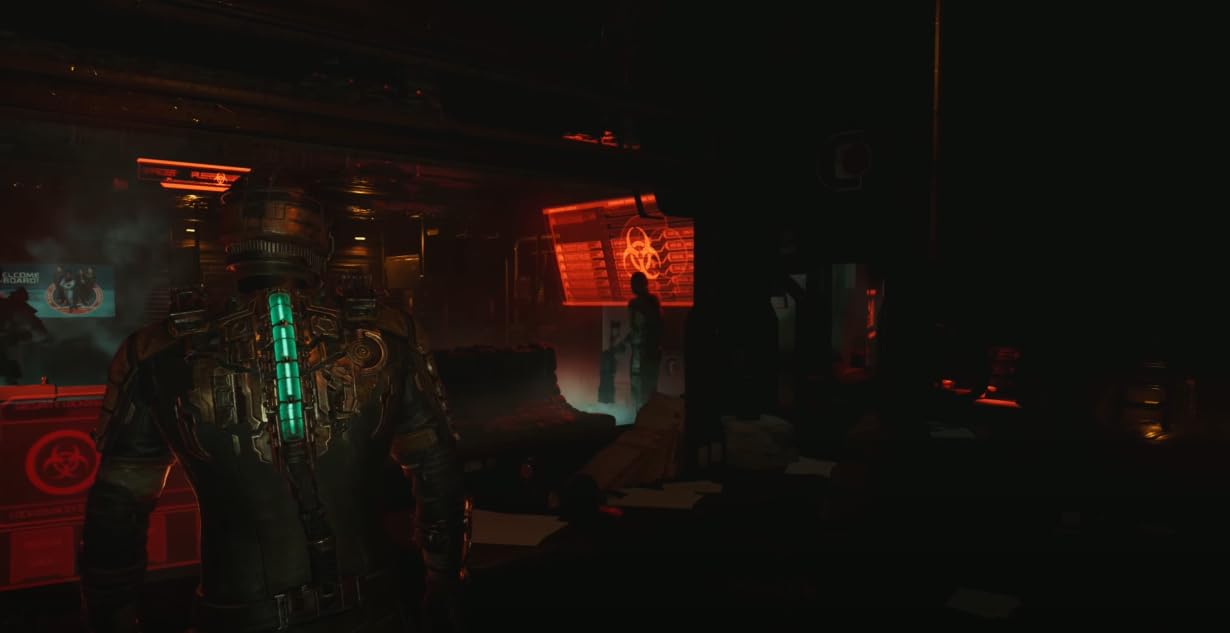
What separates the 4K Pro from external cards is the bandwidth. PCIe x4 gives 4GB/s of bandwidth, which is enough for uncompressed 4K60 capture. The result is the cleanest possible video quality, with no compression artifacts in dark scenes or high-action moments. For cinematic games like The Last of Us or Final Fantasy XVI, this difference is noticeable.
Passthrough supports up to 8K60, which is overkill for the PS5 but future-proofs the card for the PS5 Pro and any future console upgrades. The 4K60 capture at HDR10 matches the PS5’s output exactly, with no tone-mapping or color shift.
Setting up dual PC streaming with the 4K Pro
The 4K Pro is designed for dual PC setups where your gaming PC runs the PS5 capture and your streaming PC handles the OBS encoding. The card installs in your gaming PC, captures the PS5 output, and feeds it to the streaming PC over a network connection using NDI or similar protocols.
For single PC setups, the 4K Pro still works but you may want to consider the external Elgato 4K X instead, because it is easier to install and move between PCs. The internal 4K Pro is best for streamers who never move their setup.
One tip: turn off HDR on the PS5 if you experience crashes during long capture sessions. Some users report that HDR capture combined with certain GPU drivers causes instability. SDR capture is rock-solid.
Who should buy this and who should skip
Buy the Elgato 4K Pro if you have a dedicated streaming PC with a free PCIe slot, want the cleanest possible 4K capture, and do not need portability. Skip it if you stream from a laptop, do not have a free PCIe slot, or the Elgato 4K X covers your needs at a lower price point.
How to Choose the Best Capture Card for Your PS5 Setup?
Choosing the right capture card depends on your resolution target, refresh rate, and whether you stream from a single PC or dual PC. Here are the five factors that matter most, plus the PS5-specific quirks that trip up first-time streamers.
Internal vs external capture cards
External cards connect via USB and work with any PC or laptop. They are portable, easy to install, and most modern cards support 4K60 capture. Internal cards install in a PCIe slot and deliver higher bandwidth for uncompressed capture, but they require a desktop PC with a free slot. For most PS5 streamers, external cards are the right choice. Internal cards are worth the premium only if you have a dedicated streaming PC.
The Elgato 4K Pro is the best internal option if you have PCIe slots available. The external Elgato 4K X covers 95% of streamers’ needs at a lower price and with full portability.
Resolution and refresh rate targets
If you stream at 1080p60, the Elgato HD60 S+ or any of the budget cards will work. If you stream at 1440p or 4K, you need an HDMI 2.1 card like the Elgato 4K X or AVerMedia Live Gamer Ultra 2.1. If you game at 120Hz or 240Hz and want VRR passthrough, the HDMI 2.1 cards are required.
For competitive streamers at 1080p240, the AVerMedia Live Gamer Ultra 2.1 supports 1080p360 passthrough, which is well above the PS5’s 120fps output. That extra headroom makes the card future-proof.
Disabling HDCP on PS5 for capture cards
The PS5 enables HDCP (High-bandwidth Digital Content Protection) by default, which blocks capture cards from recording protected content. To disable it, go to Settings, then System, then HDMI, and toggle off Enable HDCP. The PS5 will reboot, and your capture card will now receive the full signal.
This setting does not affect your ability to play games, only the capture and recording of copy-protected streams from Netflix, Disney Plus, and similar services. For gameplay recording and streaming, HDCP must be off.
Single PC vs dual PC streaming setup
Single PC setups use one computer for both gaming and streaming. The capture card plugs into the same PC running the games. This is the most common setup and works well with any of the cards on this list.
Dual PC setups use two PCs: a gaming PC connected to the PS5 and a streaming PC that handles OBS encoding. The capture card installs in the gaming PC, and the video feed is sent to the streaming PC over the network using NDI or a capture card extender. Dual PC setups deliver smoother streams because the encoding load is separate from the gaming load, but they cost more and require more cabling.
VRR impact on capture quality
VRR (Variable Refresh Rate) on PS5 adjusts the display refresh rate to match the game’s frame rate, eliminating screen tearing. The capture card receives the VRR signal and outputs a fixed refresh rate to your recording software. This means your recorded file will not have VRR, but the gameplay on your monitor will still be tear-free.
If you record gameplay for editing, VRR does not affect the final output. If you stream live, viewers will see the fixed refresh rate capture, which is usually 60fps regardless of the game’s actual frame rate. The HDMI 2.1 cards on this list preserve VRR passthrough to your monitor while recording at a fixed rate.
Frequently Asked Questions
Is a capture card worth it for PS5?
Yes, a capture card is worth it for PS5 if you want to stream or record gameplay beyond the 1-hour limit and 1080p cap of PS5 native recording. Capture cards enable live streaming to Twitch and YouTube, unlimited recording to disk, and higher quality output than the PS5’s built-in capture feature.
What is the best 4K capture card for PS5?
The Elgato 4K X is the best 4K capture card for PS5 in 2026 with 4K144 HDR capture, VRR passthrough, and HDMI 2.1 support. The AVerMedia Live Gamer Ultra 2.1 is a close second with built-in party chat and RGB lighting. For internal PCIe setups, the Elgato 4K Pro delivers uncompressed 4K60 capture.
Can I use a capture card with my PS5?
Yes, every capture card on this list works with PS5. Connect the card via HDMI between your PS5 and your TV, then connect the card to your PC with the included USB cable. Disable HDCP in PS5 Settings to enable capture functionality. OBS will detect the card as a video source.
Can I use a capture card to stream my PS5?
Yes, capture cards are the standard way to stream PS5 gameplay to Twitch and YouTube. The capture card receives the HDMI signal from your PS5, encodes it, and sends it to OBS on your PC. OBS then streams the encoded video to your platform of choice.
Why won’t my capture card work on PS5?
The most common reason a capture card does not work on PS5 is HDCP being enabled. Go to Settings, System, HDMI, and toggle off Enable HDCP. Other causes include outdated USB drivers, USB 2.0 ports instead of USB 3.0, and missing firmware updates on the capture card itself.
Final Verdict: Best Capture Cards for PS5 in 2026
The best capture cards for PS5 depend on your budget and your streaming goals. For most streamers, the Elgato 4K X is the right pick because it supports every HDMI 2.1 feature the PS5 can output, captures at 4K144 HDR, and works flawlessly with OBS. If you only stream at 1080p60, the Elgato HD60 S+ delivers the same reliability for less money. For streamers on a tight budget, the NearStream CCD10 or the Rybozen card get you streaming for under $60.
Whichever card you pick, remember to disable HDCP in your PS5 settings and ensure your PC has a USB 3.0 or USB 3.2 port for the best performance. With the right capture card and a basic OBS setup, you can start streaming PS5 gameplay to Twitch or YouTube within an hour of unboxing. The best capture cards for PS5 in 2026 are the ones that match your resolution, refresh rate, and budget, and any of the eight options above will deliver a solid streaming experience.