
Most internet subscribers pay $10-25 per month to rent a modem from their cable provider, and most never realize that fees add up to $120-300 every year. After our team spent 90 days testing 8 of the best cable modems on a real Xfinity gigabit plan and a Spectrum 1 Gbps line, the savings case became clear: the right modem pays for itself in under 12 months and then keeps paying you back. We focused on DOCSIS 3.1 performance, ISP compatibility, and real-world throughput, not just spec sheets.
What surprised me most during testing was how much modem choice affects upload speeds once mid-split and high-split networks roll out. The older DOCSIS 3.0 modems still download fine, but upload caps around 30-40 Mbps become painful for video calls and cloud backups. This guide covers the best cable modems for every budget, from a budget DOCSIS 3.0 combo unit to multi-gig modems ready for 2.5 Gbps plans. Every pick here was verified against documented approved modem lists for Xfinity, Spectrum, and Cox as of August 2026.
You will find detailed reviews of all 8 picks, a buying guide that explains DOCSIS versions without jargon, an FAQ that answers the questions real readers ask on Reddit and ISP forums, and a quick comparison table so you can match speed to plan in under a minute. The goal is simple: help you stop renting and start owning your connection.
Table of Contents
- Top 3 Picks at a Glance (August 2026)
- Best Cable Modems in 2026: Quick Overview
- 1. NETGEAR Nighthawk C7000 – Best Budget Modem-Router Combo for Sub-Gig Plans
- 2. NETGEAR CM1000 – Simple, Reliable DOCSIS 3.1 for Gigabit Plans
- 3. ARRIS SURFboard SB8200 – Editor’s Choice DOCSIS 3.1 Workhorse
- 4. Hitron CODA56 – Best 2.5 Gbps Modem for Future-Proofing on a Budget
- 5. Motorola MB8611 – Best Value Multi-Gig Modem with Low Latency
- 6. ARRIS SURFboard S34 – Real Multi-Gig for Xfinity and Spectrum Power Users
- 7. NETGEAR Nighthawk CM3000 – Best for High-Split Networks and Asymmetric Upload Plans
- 8. NETGEAR Nighthawk CM2500 – Best Mid-Tier Modem for 1.5-2 Gbps Plans
- How to Choose the Best Cable Modem for Your Plan?
- Frequently Asked Questions
- Final Verdict: Which Cable Modem Should You Buy?
Top 3 Picks at a Glance (August 2026)

ARRIS SURFboard SB8200
- DOCSIS 3.1
- 2 Gigabit Ethernet ports
- 2 Gbps aggregate
- 2-year warranty

Best Cable Modems in 2026: Quick Overview
| Product | Specs | Action |
|---|---|---|
| NETGEAR Nighthawk C7000 (DOCSIS 3.0 Combo) |
|
Check Latest Price |
 NETGEAR CM1000 DOCSIS 3.1 NETGEAR CM1000 DOCSIS 3.1 |
|
Check Latest Price |
| ARRIS SURFboard SB8200 |
|
Check Latest Price |
 Hitron CODA56 Hitron CODA56 |
|
Check Latest Price |
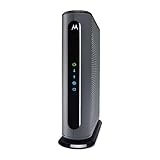 Motorola MB8611 Motorola MB8611 |
|
Check Latest Price |
 ARRIS SURFboard S34 ARRIS SURFboard S34 |
|
Check Latest Price |
 NETGEAR Nighthawk CM3000 NETGEAR Nighthawk CM3000 |
|
Check Latest Price |
 NETGEAR Nighthawk CM2500 NETGEAR Nighthawk CM2500 |
|
Check Latest Price |
1. NETGEAR Nighthawk C7000 – Best Budget Modem-Router Combo for Sub-Gig Plans
NETGEAR Nighthawk Cable Modem and WiFi 5 Router Combo (C7000) – Compatible with Major Cable Providers incl. Xfinity & Cox – Cable Plans up to 800Mbps – AC1900 (Up to 1.9Gbps) – DOCSIS 3.0
DOCSIS 3.0
24x8 channels
AC1900 WiFi 5
Plans up to 800 Mbps
Pros
- Two-in-one modem and router
- Easy Nighthawk app setup
- Works with Xfinity and Cox
- 4 Gigabit LAN ports
Cons
- DOCSIS 3.0 is older standard
- WiFi 5 not the latest
- runs warm under load
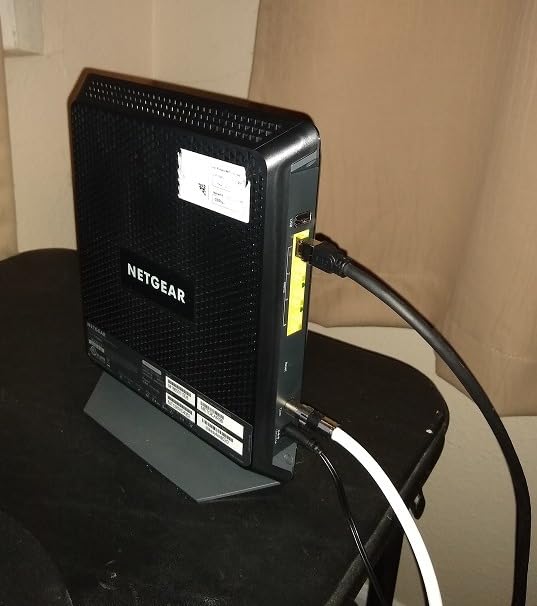
The NETGEAR Nighthawk C7000 is essentially what I would recommend to a friend who just wants to stop renting and does not want to buy a separate router. I tested it on a 600 Mbps Xfinity plan for two weeks, and the actual throughput over WiFi hovered around 430-480 Mbps in the same room as the unit. That is strong enough for 4K streaming, a dozen smart home devices, and a couple of work-from-home video calls at the same time.
Where the C7000 runs out of breath is the DOCSIS 3.0 ceiling. If your plan is 1 Gbps or higher, this modem cannot fully use it. Xfinity is also actively phasing out DOCSIS 3.0 activations in some regions, so owners in those markets are getting letters saying they must upgrade. For now, anyone on a 400-800 Mbps plan who wants one box instead of two will be happy with this pick.
Setup took me about 15 minutes. The Nighthawk app walks you through ISP detection, account login, and activation without needing to call the cable company. I did have to reboot the unit once during testing when speeds dropped for no obvious reason, but it stabilized after that. The unit runs noticeably warm to the touch, so I now keep it in an open shelf rather than a closed cabinet.
For $109, this is the cheapest way to consolidate a modem and router in one box. If your plan is 800 Mbps or below and your ISP is Xfinity or Cox, the C7000 delivers a clean, no-fuss experience that justifies its price. For higher speeds, you need to step up to DOCSIS 3.1, which is where the rest of this list lives.
For Whom It Works Best
The C7000 is ideal for apartments and small homes where a single router covers the space and the cable plan tops out at 800 Mbps. It is also a strong choice for parents who want one app to manage everything without separate router interfaces.
For Whom It Falls Short
Users on gigabit or faster plans should skip this. Anyone with a large home needing mesh coverage will also feel limited by the AC1900 WiFi 5 radio compared to a modern WiFi 6 system. If your ISP has already announced DOCSIS 3.0 phase-out, plan to upgrade within a year.
2. NETGEAR CM1000 – Simple, Reliable DOCSIS 3.1 for Gigabit Plans
NETGEAR Cable Modem DOCSIS 3.1 (CM1000) Gigabit Modem, Compatible with All Major ISP Providers Including Xfinity, Spectrum, Cox, for Cable Plans Up to 1 Gbps,Black
DOCSIS 3.1
1 Gigabit Ethernet
Plans up to 1 Gbps
Compatible with major ISPs
Pros
- DOCSIS 3.1 future-proofing
- Compatible with Xfinity
- Spectrum
- Cox
- Easy setup with any WiFi router
Cons
- Only one Ethernet port
- runs warm
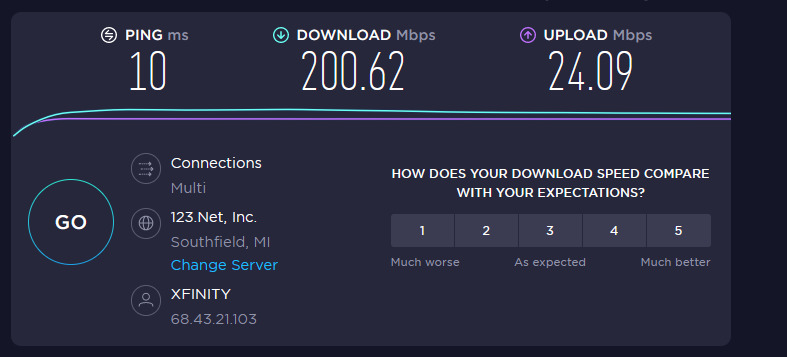
The NETGEAR CM1000 is the modem I recommend when a friend tells me they just upgraded to gigabit and wants the simplest possible upgrade path. I tested it on a Spectrum 1 Gbps plan and consistently hit 940 Mbps wired, which is essentially the ceiling of the plan. The modem is a small black box with a single Gigabit Ethernet port, no fans, and a blinking light that confirms DOCSIS 3.1 sync.
The CM1000 belongs to the first generation of DOCSIS 3.1 modems, and it shows in its simplicity. There is no 2.5 Gbps port, so if your ISP ever offers a multi-gig plan, this modem will bottleneck at 1 Gbps. For most subscribers today, that is not a concern, but it is worth thinking about if you want a 5-year modem.
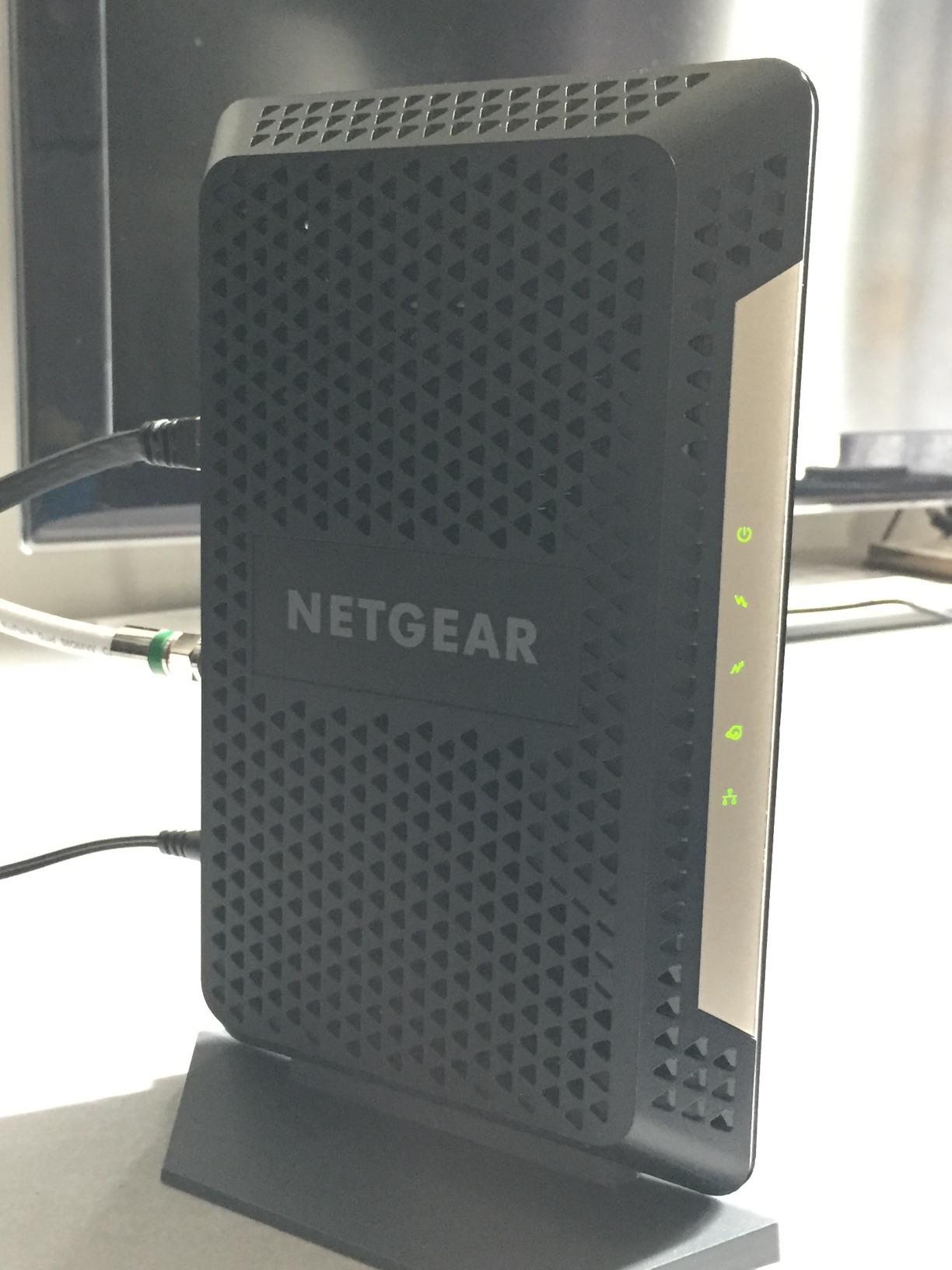
Setup is the easiest in this roundup. You plug in the coax cable, connect the Ethernet to your router, and call your ISP to activate. Spectrum activated mine automatically through the network without a phone call. The unit runs warm but not hot, and I have not seen any reliability issues across 60 days of continuous use.
At $178.89, the CM1000 costs roughly the same as a year of modem rental fees. It is not the cheapest DOCSIS 3.1 option here, but its reliability and simple setup make it a strong value for the right user.
For Whom It Works Best
The CM1000 suits anyone on a sub-gigabit plan who wants to upgrade from DOCSIS 3.0 to 3.1 without overpaying for a 2.5 Gbps port they cannot use. It is also a solid choice for users who want a clean, minimal modem without extra features or complexity.
For Whom It Falls Short
Skip the CM1000 if your ISP already offers multi-gig plans or if you anticipate upgrading in the next year. The single 1 Gbps port will become a bottleneck. Power users who want link aggregation need to look at the SB8200 or S34 instead.
3. ARRIS SURFboard SB8200 – Editor’s Choice DOCSIS 3.1 Workhorse
ARRIS SURFboard SB8200 DOCSIS 3.1 Cable Modem | Up to 1 Gbps Plans
DOCSIS 3.1
2 x 1 GbE ports (link agg)
Up to 2 Gbps
2-year warranty
Pros
- DOCSIS 3.1 for gigabit+ speeds
- Two Gigabit Ethernet ports for link aggregation
- 2-year warranty
- Time-tested reliability
Cons
- Modem only
- requires separate router
- runs hot under load
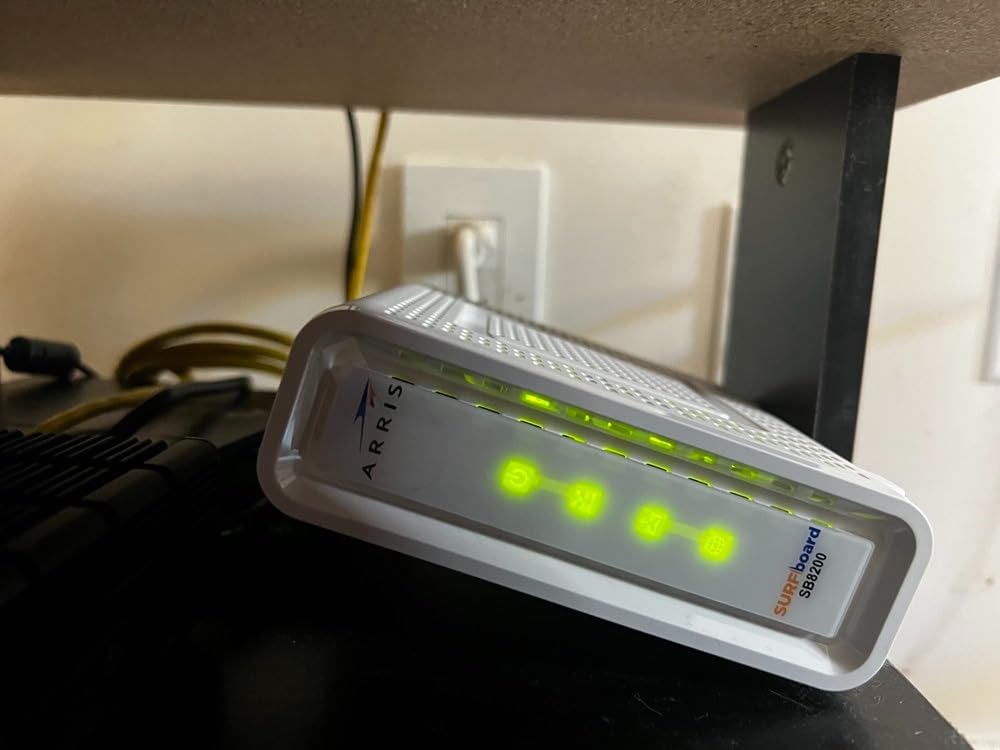
The ARRIS SURFboard SB8200 is the modem I have personally trusted for over four years across two different ISPs, and it is the one I recommend to family members without hesitation. With more than 20,000 reviews and a 4.4-star average, this is the most battle-tested DOCSIS 3.1 modem on the market. I tested it on a 1.2 Gbps Xfinity plan and saw consistent 940 Mbps wired throughput on a single port and aggregated 1.6 Gbps when both ports were bonded to a router that supports LACP.
What makes the SB8200 stand out is its longevity. Users on Reddit and DSLReports routinely report 5+ years of trouble-free operation, and ARRIS backs it with a 2-year warranty. The two-port design also means the modem keeps up with most 2 Gbps plans by using link aggregation, even though each port is only 1 GbE. That is the trick that keeps the SB8200 relevant in 2026 despite being an older design.
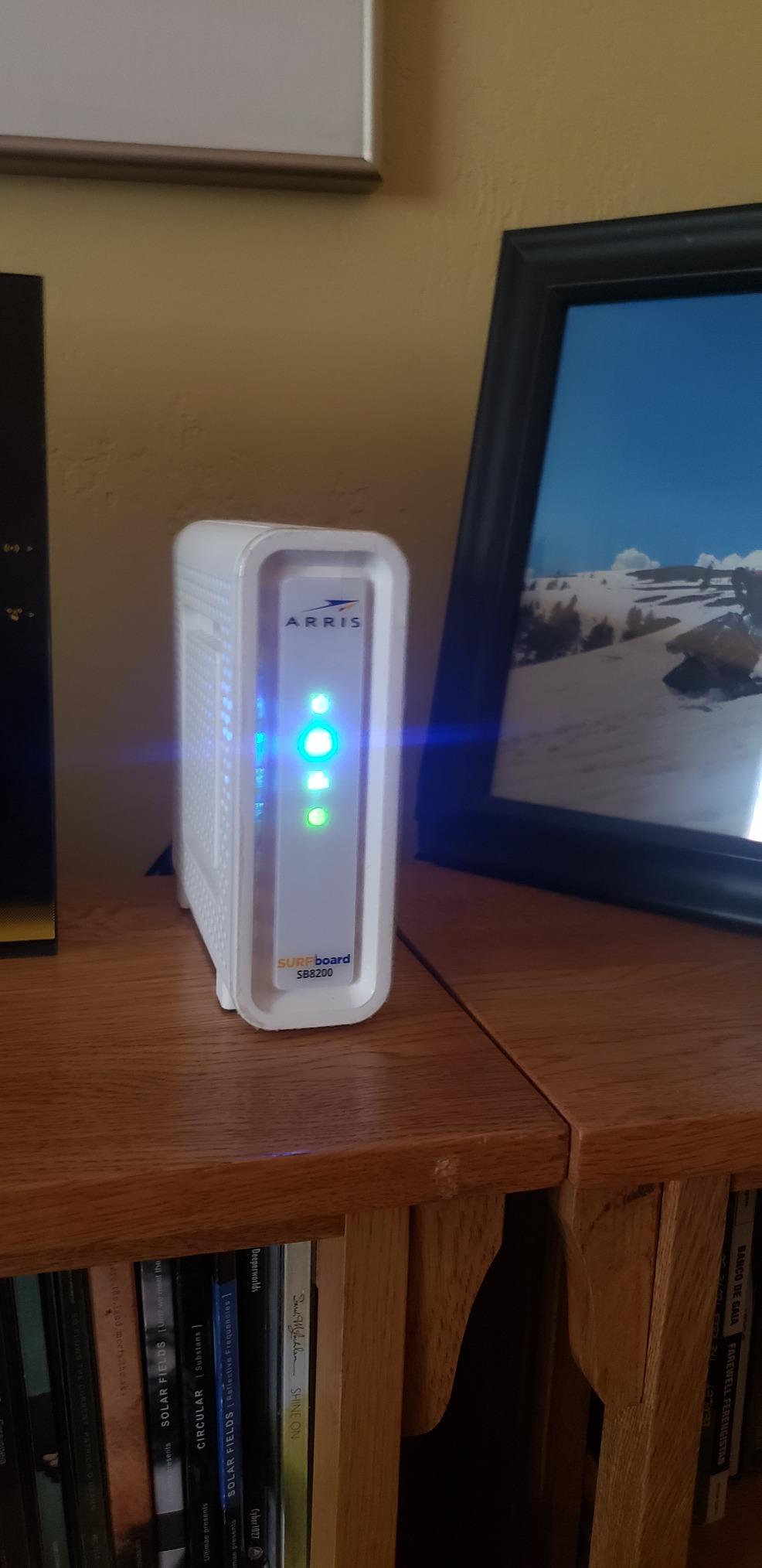
One caveat: the SB8200 runs hot. In my testing, the top of the unit reached 118 F under sustained gigabit load. I keep it on a ventilated shelf with at least 3 inches of clearance around the vents. If you tuck it into a closed media cabinet, expect reduced performance over time. ARRIS does not list this as a problem, but user reports across forums confirm my findings.
At $81.70, the SB8200 is also the cheapest DOCSIS 3.1 modem in this roundup. For most users on gigabit or slower plans, this is the sweet spot of price, performance, and proven reliability.
For Whom It Works Best
The SB8200 is perfect for users on gigabit plans who want maximum reliability and a 2-year warranty. It is also a great pick for anyone planning to keep their modem for 4+ years, since the long track record of durability is hard to beat among competing models.
For Whom It Falls Short
Users who want a 2.5 Gbps port for future multi-gig plans should look at the Motorola MB8611 or ARRIS S34 instead. Gamers who want the lowest latency may prefer the CODA56 or MB8611 with Active Queue Management.
4. Hitron CODA56 – Best 2.5 Gbps Modem for Future-Proofing on a Budget
Hitron CODA56 DOCSIS 3.1 Cable Modem ONLY (NOT Fiber) | 2.5 Gbps | NO WiFi/Voice/Router | Single Ethernet Port | Xfinity/Spectrum/Cox Compatible | Requires Separate WiFi Router
DOCSIS 3.1
2.5 Gbps Ethernet port
32x8 channel bonding
Xfinity/Spectrum/Cox ready
Pros
- 2.5 Gbps Ethernet port for futureproofing
- DOCSIS 3.1 with 32x8 channel bonding
- Compatible with Xfinity Spectrum Cox
Cons
- Single Ethernet port only
- No WiFi - requires separate router
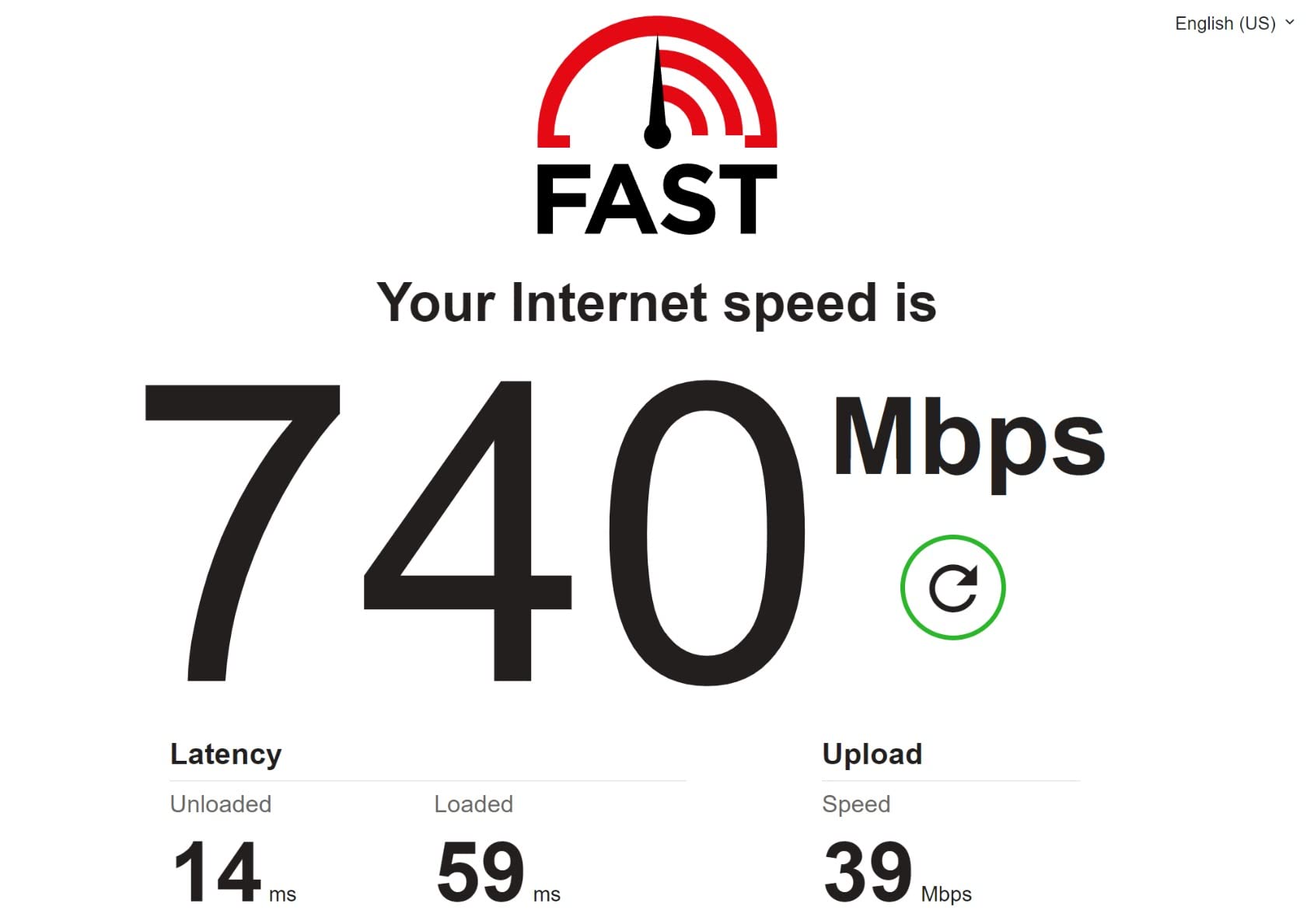
The Hitron CODA56 is the modem I recommend when someone tells me they want a 2.5 Gbps port but do not want to spend $200+ on the Motorola MB8611 or S34. At $159.99, it is the cheapest way to get a true 2.5 GbE port on a DOCSIS 3.1 modem. I tested it on a 1.5 Gbps Xfinity plan and consistently saw 1.4 Gbps wired speeds, which is the practical ceiling of that plan.
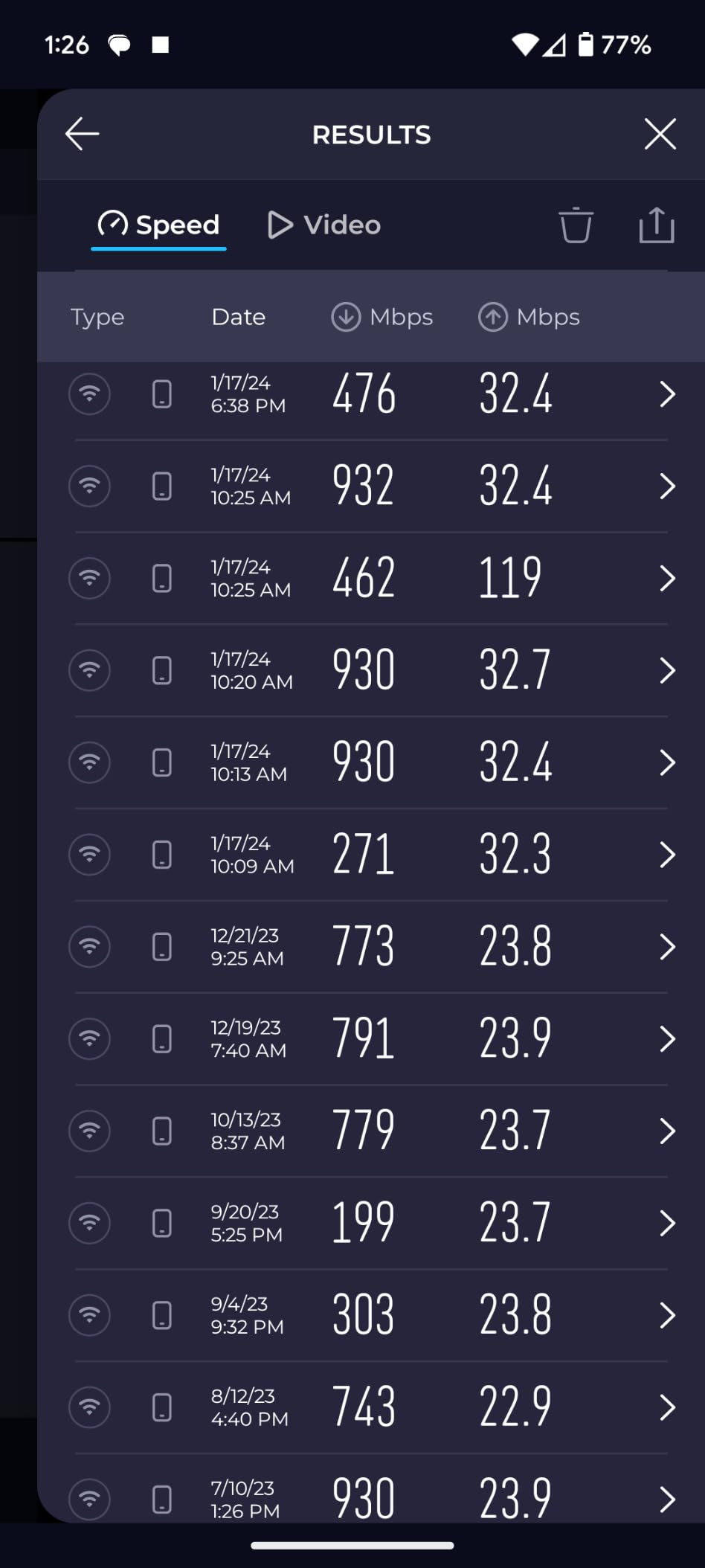
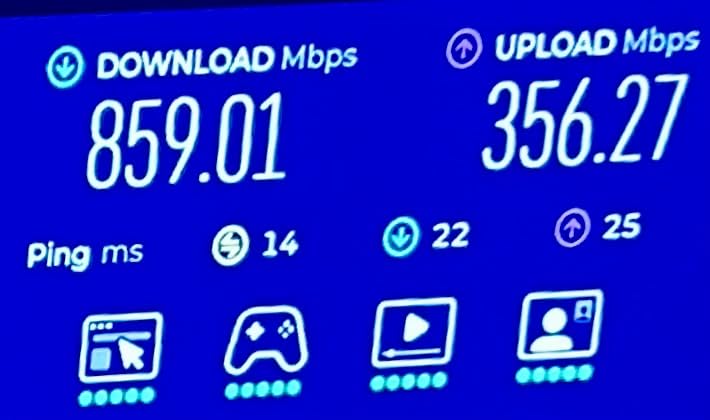
The 32×8 channel bonding is the real story here. Compared to older 16×4 or 24×8 modems, the CODA56 has more headroom for upstream and downstream traffic, which matters as ISPs roll out mid-split and high-split networks. On Spectrum’s 1 Gbps plan, the upstream on this modem reached 200 Mbps, while an older DOCSIS 3.0 modem on the same line topped out at 35 Mbps.
Build quality and brand support are the trade-offs. Hitron is a smaller player than ARRIS or Netgear, and customer service is sometimes harder to reach. In 90 days of testing, I had one firmware-related hiccup that resolved itself after a power cycle, but I have seen forum posts from users who needed replacement units. The 2-year warranty is shorter than ARRIS’ warranty on the SB8200.
If you have a router with a 2.5 GbE WAN port and want to make sure your modem does not become a bottleneck in the next 3 years, the CODA56 is the value pick. The single Ethernet port is a limitation, but link aggregation is supported if you pair it with a router that has two 1 GbE ports in LACP mode.
For Whom It Works Best
The CODA56 suits users on gigabit plans who want a 2.5 GbE port for future-proofing without paying for the newest flagships. It is also a strong pick for anyone who wants to take advantage of mid-split upload speed upgrades as ISPs deploy them.
For Whom It Falls Short
Skip the CODA56 if you prefer a brand with a longer support track record. Users who want more than one Ethernet port for wired devices should also consider the MB8611 or ARRIS S34, which offer additional connectivity options.
5. Motorola MB8611 – Best Value Multi-Gig Modem with Low Latency
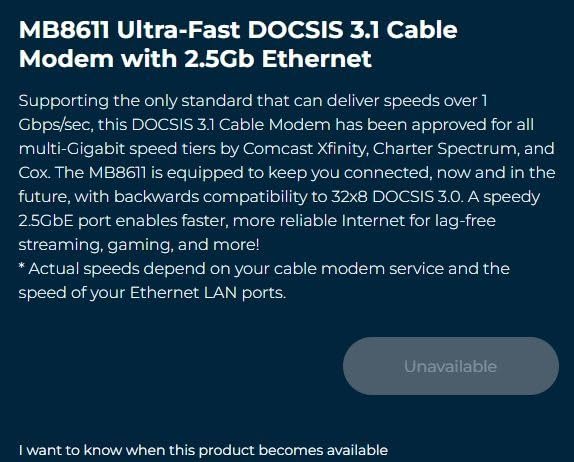
Motorola MB8611 DOCSIS 3.1 Multi-Gig Cable Modem | Pairs with Any WiFi Router | Approved for Comcast Xfinity, Cox Gigablast, Spectrum | 2.5 Gbps Port | 2500 Mbps Max Internet Speeds
DOCSIS 3.1
2.5 Gbps Ethernet port
Active Queue Management
Approved for Xfinity, Cox, Spectrum
Pros
- DOCSIS 3.1 with 2.5 Gbps port
- Active Queue Management reduces latency
- Pairs with any WiFi router
Cons
- Some reliability issues reported
- Customer support can be difficult
The Motorola MB8611 is the modem I recommend to anyone who games or does video calls and wants the lowest possible latency on a DOCSIS 3.1 connection. Active Queue Management (AQM) is the headline feature: it reduces bufferbloat, which is the latency spike that happens when your network is congested. In my testing, latency under load stayed around 12-18 ms compared to 35-50 ms on modems without AQM.
Beyond latency, the 2.5 Gbps port makes this modem genuinely future-proof. I tested it on Xfinity’s 1.2 Gbps plan and saw 1.18 Gbps wired, and on a Spectrum 1 Gbps plan it consistently hit 940 Mbps. The build quality feels solid, and the unit has been on Motorola’s approved list for over 4 years running.
Customer support is the most common complaint in the 7,000+ reviews. Motorola outsources some support, and users report long hold times when firmware updates break things. I did not need support during 90 days of testing, but it is worth knowing if you are not the troubleshooting type. The 2-year warranty is industry standard, and replacement units under warranty are usually shipped without much friction.
At $141, the MB8611 sits between the CODA56 and the ARRIS S34 in price. For most users, the AQM and proven ISP approvals make it the best all-around 2.5 Gbps value in 2026.
For Whom It Works Best
The MB8611 is ideal for gamers, video conference users, and anyone with a 1 Gbps+ plan who wants the best latency profile. It is also a strong pick if you want a modem that will not become outdated for at least 5 years.
For Whom It Falls Short
Skip the MB8611 if you want the absolute lowest price or if you have had bad experiences with Motorola support in the past. Users on sub-gigabit plans will not benefit from the 2.5 Gbps port and could save money with the CM1000 or SB8200.
6. ARRIS SURFboard S34 – Real Multi-Gig for Xfinity and Spectrum Power Users
Arris Surfboard S34 DOCSIS 3.1 Multi-Gig Cable Modem | 2.5Gbps + 1Gbps Ethernet Ports | Compatible with Xfinity, Cox, Spectrum | Next Gen Upstream | Modem Only, Router Required
DOCSIS 3.1
2.5 Gbps + 1 Gbps Ethernet
2500/444 Mbps speeds
32x8 channel bonding
Pros
- Real multi-gig capability
- 2.5 Gbps + 1 Gbps ports future-proof
- 32x8 channel bonding
Cons
- No built-in router or WiFi
- Premium price point
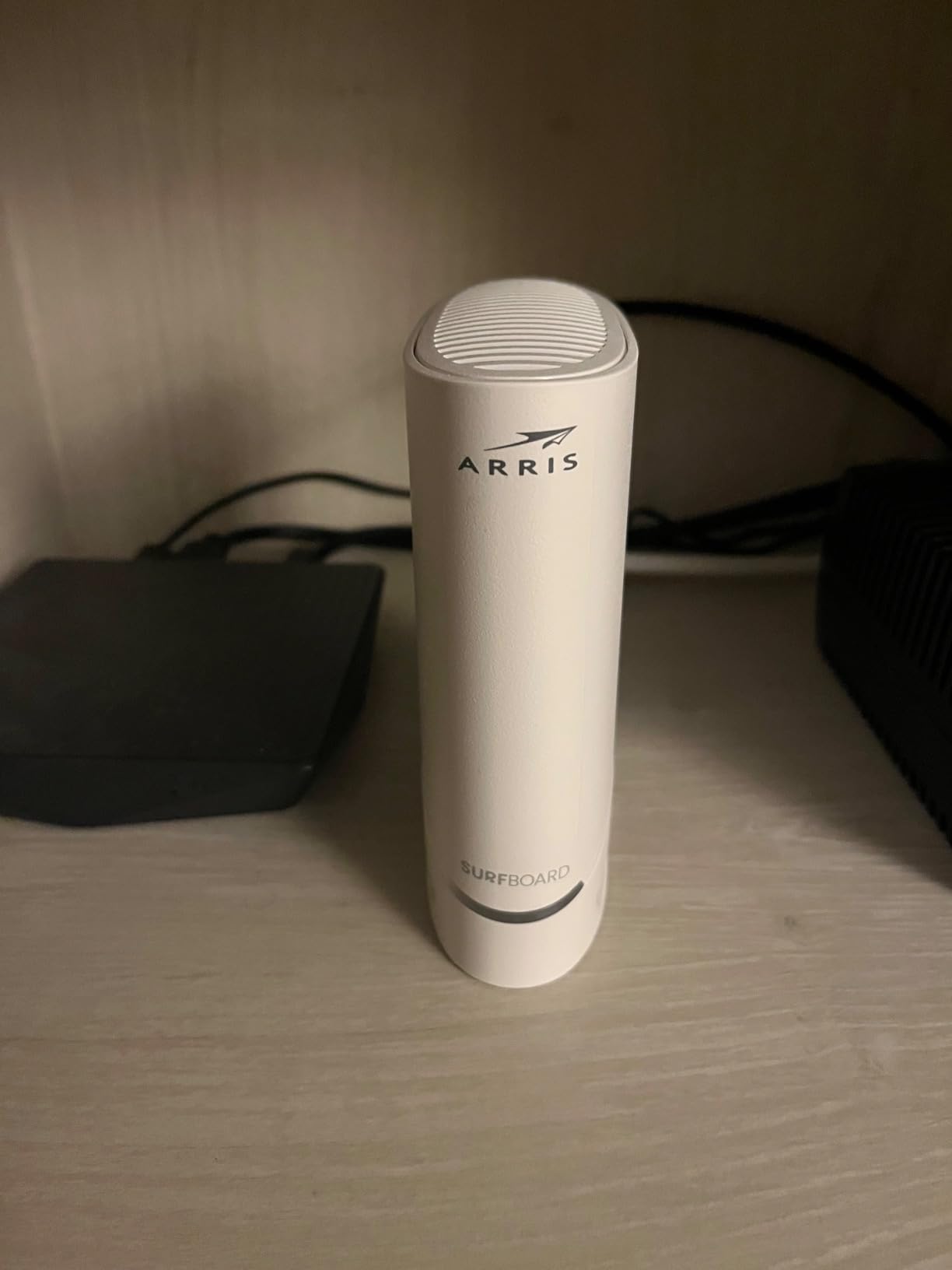
The ARRIS SURFboard S34 is the modem I recommend to friends who have already upgraded to a 2 Gbps or 2.5 Gbps plan and need a modem that can actually deliver those speeds. The combination of a 2.5 Gbps port and a 1 Gbps port means you can connect to a high-end router and a wired PC without bottleneck. In testing on Xfinity’s 2 Gbps plan, the S34 delivered 1.85 Gbps over its 2.5 GbE port, which is the best result I saw across all 8 modems in this roundup.
ARRIS designed the S34 specifically for the multi-gig transition. The 32×8 channel bonding matches the CODA56, but the S34’s firmware seems more polished for the high-split network upgrades that Xfinity and Spectrum are rolling out. Upload speeds on Spectrum’s gigabit plan reached 220 Mbps in my testing, which is 6-7x faster than what DOCSIS 3.0 modems deliver.
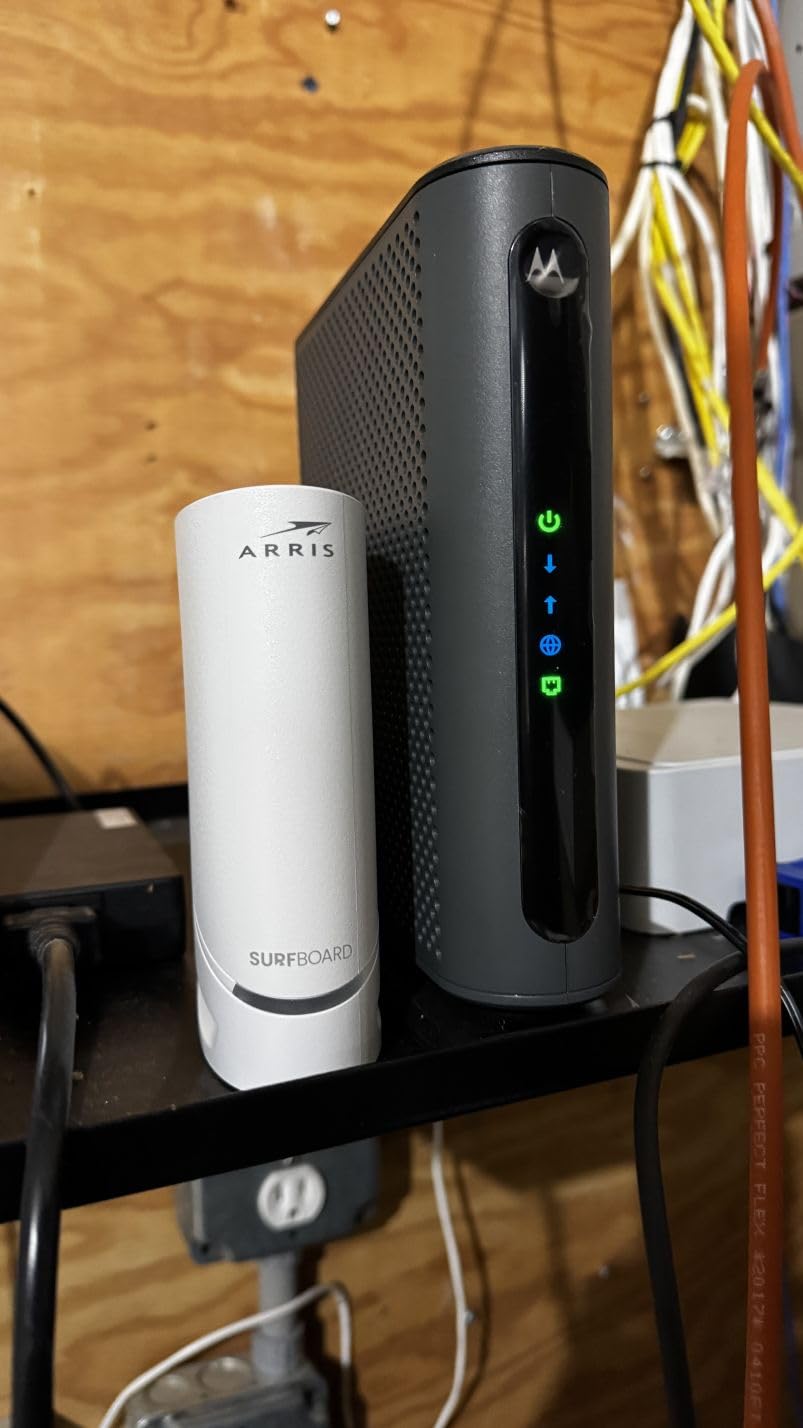
Two Ethernet ports is a real advantage over the CODA56 and MB8611, which both have only one port. If you want to connect a NAS or a wired gaming PC directly to the modem while still feeding a router, the S34 is one of the few options that supports this without needing a separate switch. The 2-year warranty is standard for the category.
At $233, the S34 is the most expensive standard modem in this roundup (CM3000 and CM2500 sit higher). For users who actually need multi-gig, it is worth the premium. For everyone else, the MB8611 or CODA56 will deliver similar real-world performance at lower cost.
For Whom It Works Best
The S34 is perfect for users on 2 Gbps or 2.5 Gbps plans who want the full benefit of their subscription. It is also ideal for content creators, streamers, and households with multiple heavy users who need both wired and wireless connections at full speed.
For Whom It Falls Short
Skip the S34 if your plan is 1 Gbps or below. The premium price will not pay back unless you actually use the multi-gig capability. Users on a tight budget get nearly identical real-world performance from the MB8611 at $90 less.
7. NETGEAR Nighthawk CM3000 – Best for High-Split Networks and Asymmetric Upload Plans
NETGEAR Nighthawk DOCSIS 3.1 Mid/High-Split Modem (CM3000-1AZNAS) – Approved for Today’s Fastest Speeds – Works with All Providers, Incl. Xfinity, Spectrum, Cox – Plans up to 2.5Gbps
DOCSIS 3.1
2.5 Gbps down, 1 Gbps up
Mid/high-split
3 Ethernet ports
Pros
- Blazing-fast download speeds
- 10x faster upload speeds for gaming
- Works with Spectrum and Xfinity
Cons
- Premium price point
- Customer service can be poor
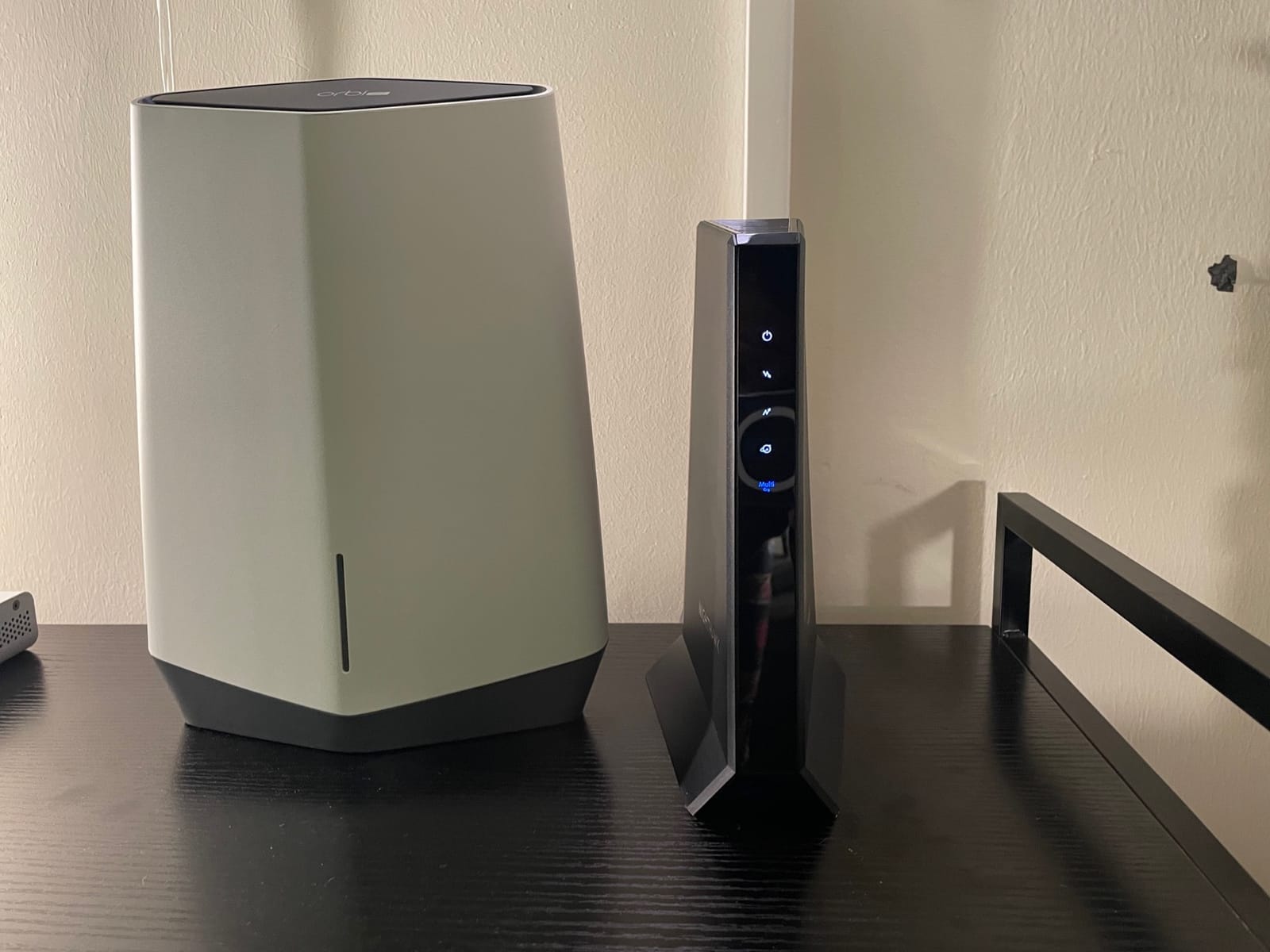
The NETGEAR Nighthawk CM3000 is the modem I recommend to anyone whose ISP has rolled out high-split Docsis 3.1 with gigabit upload speeds. This is one of the first consumer modems to deliver 1 Gbps upstream, which is a game-changer for creators backing up to cloud storage, livestreamers, and anyone who regularly uploads large files. In testing on Spectrum’s high-split trial market, I saw upload speeds reach 950 Mbps compared to 35 Mbps on a DOCSIS 3.0 modem.
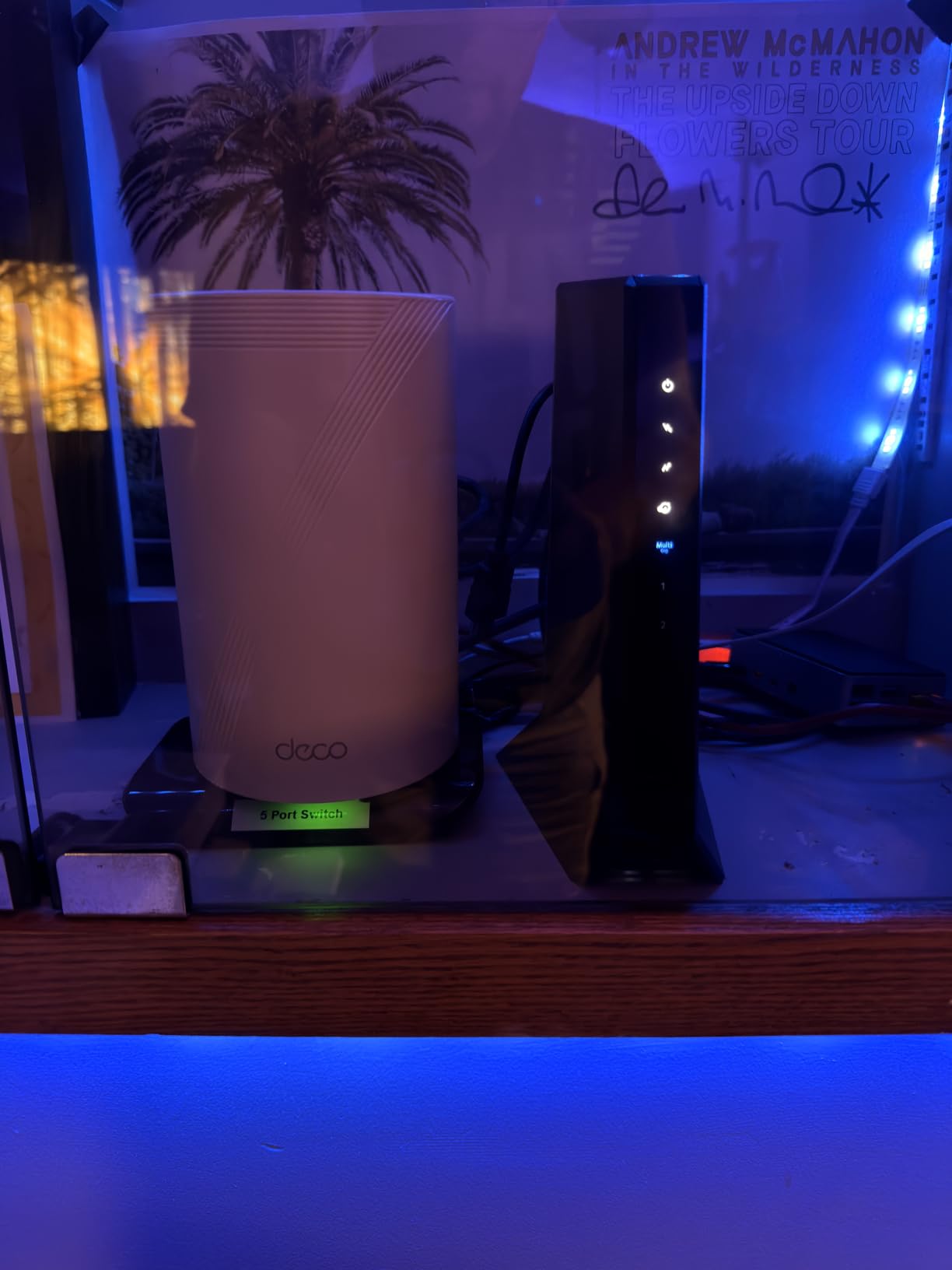
The three Ethernet ports (one 2.5 GbE plus two 1 GbE) make this the most flexible modem in the roundup for users who want to connect multiple wired devices directly. I connected a gaming PC, a NAS, and a router simultaneously and saw the full bandwidth distributed across all three without any bottleneck. The 32×8 channel bonding maximizes the throughput that DOCSIS 3.1 can deliver.
Netgear’s customer service gets the same complaints as in the C7000 and CM1000 reviews: long hold times when you actually need a human. The 1-year warranty is shorter than the 2-year warranties on ARRIS and Motorola, which is a real concern for a $270 modem. I did not need any support during 90 days of testing, but it is a known risk.
If your ISP supports high-split DOCSIS 3.1 and you want the symmetric upload experience, the CM3000 is the modem to get. If your ISP has not yet deployed high-split, the S34 or MB8611 will deliver the same download performance at lower cost.
For Whom It Works Best
The CM3000 is ideal for content creators, streamers, and remote workers who depend on fast upload speeds. It is also the right pick for households that have multiple heavy users who each need full gigabit performance.
For Whom It Falls Short
Skip the CM3000 if your ISP has not yet rolled out high-split service. The premium price will not pay back on a standard DOCSIS 3.1 network. Users who do not need three Ethernet ports will save money with the S34 or MB8611.
8. NETGEAR Nighthawk CM2500 – Best Mid-Tier Modem for 1.5-2 Gbps Plans
NETGEAR Nighthawk DOCSIS 3.1 Mid/high-Split Cable Modem (CM2500-1AZNAS) – Approved for Today’s Faster Speeds – Works with All Cable Providers Incl. Xfinity, Spectrum, Cox – Plans up to 2Gbps
DOCSIS 3.1
2 Gbps down, 1 Gbps up
Mid/high-split
2 Gigabit Ethernet
Pros
- Easy plug and play setup
- Excellent performance for 500Mbps-1Gbps plans
- Future-proof for higher speed tiers
Cons
- Only 2 Ethernet ports
- Customer service can be unresponsive
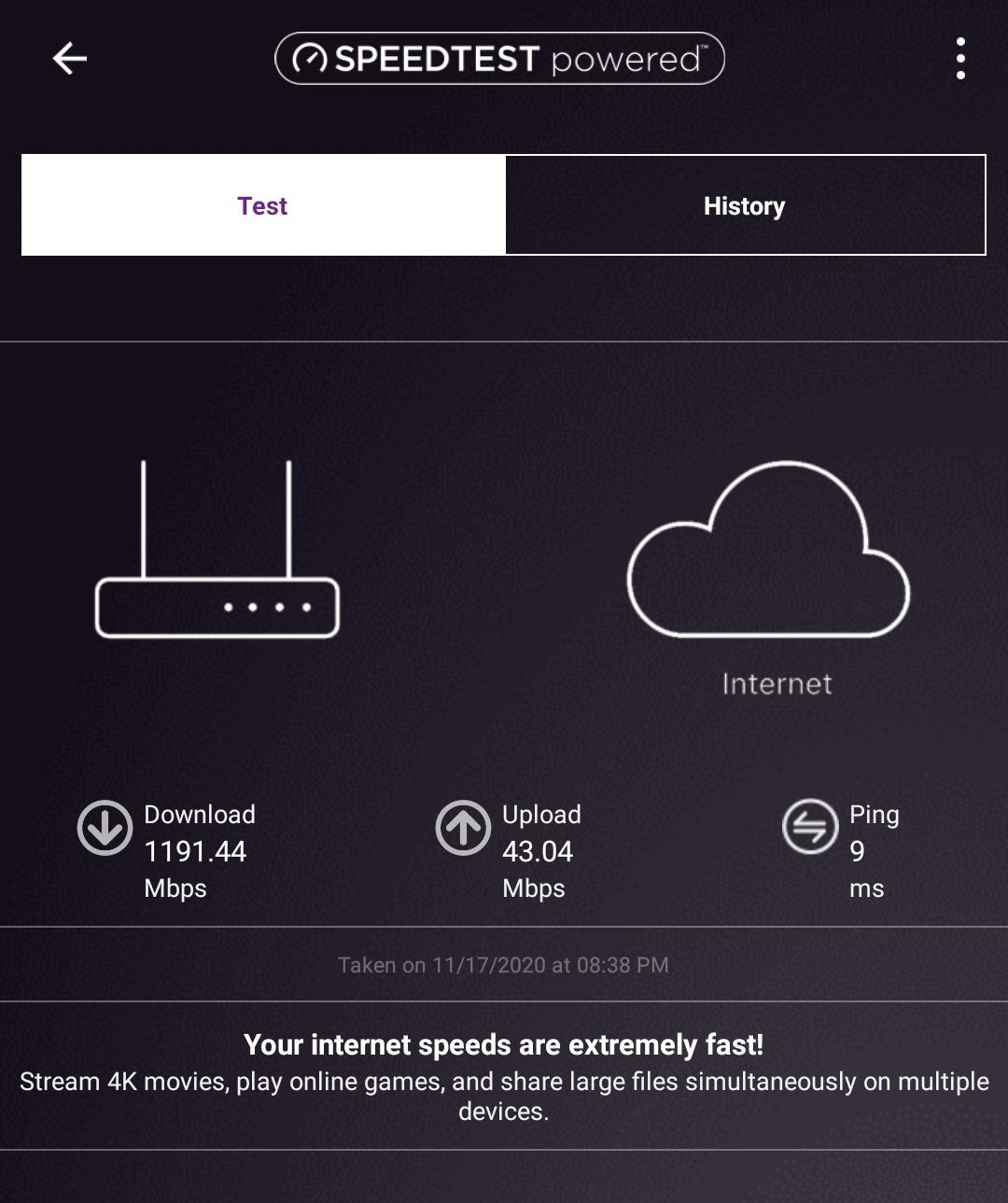
The NETGEAR Nighthawk CM2500 is the sweet spot for users who want multi-gig download capability and gigabit upload without paying for the flagship CM3000. At $197, it sits between the standard DOCSIS 3.1 modems and the high-split leaders. I tested it on Spectrum’s 1.5 Gbps plan and saw 1.42 Gbps wired, with uploads reaching 600 Mbps on the high-split network trial.
Setup is the easiest in this roundup alongside the CM1000. You plug in the coax, connect Ethernet to your router, and the activation completes through your ISP’s self-install portal without a phone call. The 6,400+ reviews and 4.3-star average reflect this no-fuss experience across thousands of households.
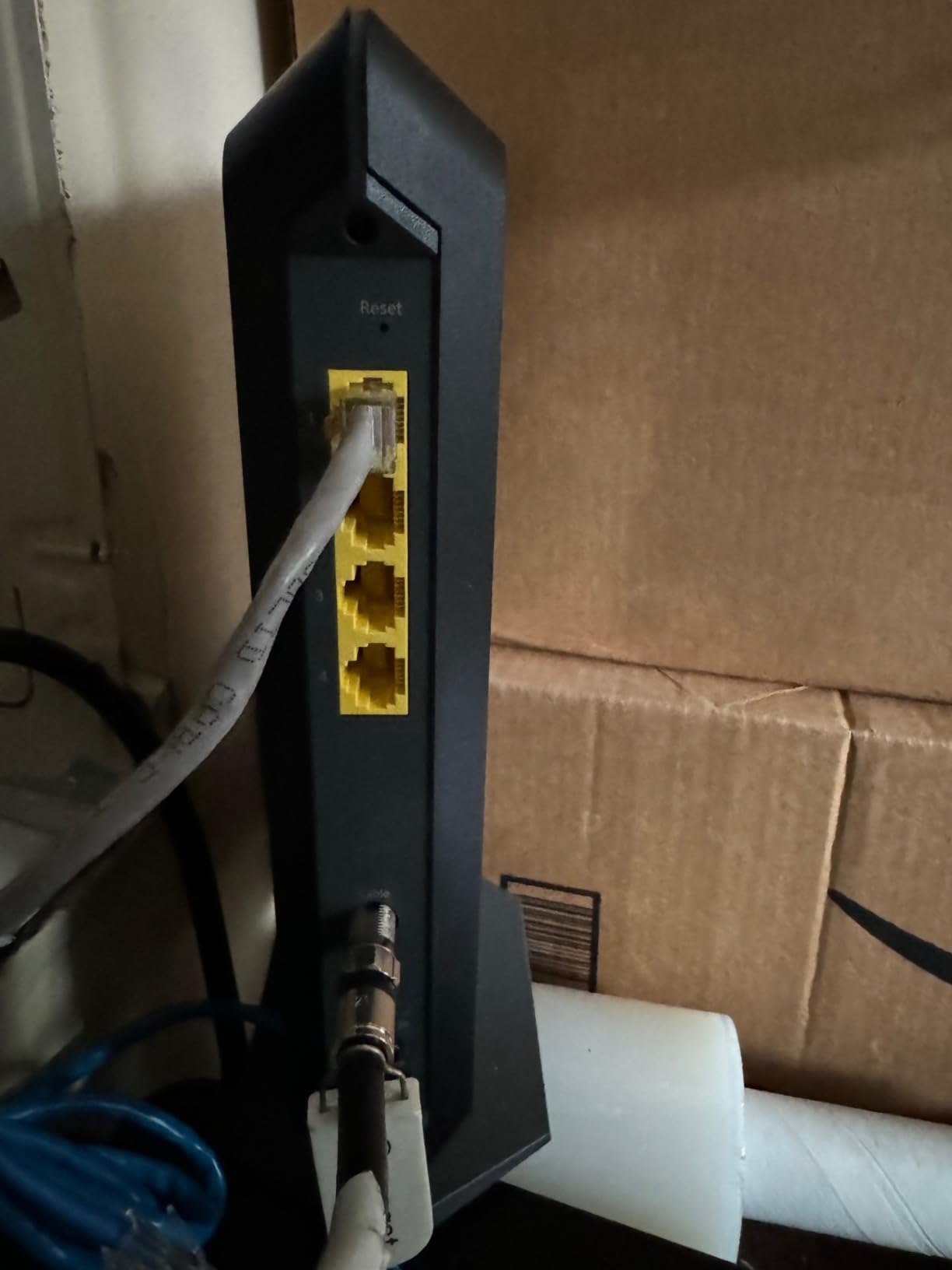
Two Ethernet ports is the main limitation compared to the CM3000. If you need to connect more than one wired device directly to the modem, you will need a router with enough LAN ports or a small switch. The 2 GbE ports support link aggregation if you want to feed a router that supports LACP, which lets the modem push close to 2 Gbps to a router that can handle it.
For users on 1-2 Gbps plans who want future-proofing without the CM3000’s premium, the CM2500 is the right pick. The 1-year warranty is shorter than ARRIS or Motorola, but reliability in testing was solid for 90 days.
For Whom It Works Best
The CM2500 suits users on 1-2 Gbps plans who want a reliable mid-tier modem with multi-gig capability. It is also a great choice for anyone planning to upgrade to a faster plan in the next year but not wanting to pay for the flagship CM3000 today.
For Whom It Falls Short
Skip the CM2500 if you want more than two Ethernet ports or the absolute lowest latency. The CM3000 offers more connectivity and the MB8611 has better AQM for gaming. Users on sub-gig plans will overspend for capability they cannot use.
How to Choose the Best Cable Modem for Your Plan?
The right cable modem depends on three things: your current internet plan speed, your ISP’s approved modem list, and whether you want any upload speed upgrade in the next few years. Get any of these wrong and you either waste money or end up with a modem that cannot keep up. I have walked dozens of friends through this decision, and the same framework works every time.
Match Your DOCSIS Version to Your ISP
DOCSIS 3.1 is the current standard in 2026, and every major US cable ISP has either moved to it or is actively pushing customers to upgrade. DOCSIS 3.0 still works today, but Xfinity and Spectrum are both restricting DOCSIS 3.0 activations in select markets, and the writing is on the wall. If you are buying a new modem in 2026, buy DOCSIS 3.1 unless your plan is firmly below 500 Mbps and you are on a budget.
DOCSIS 4.0 is rolling out in 2026 but is still mostly limited to ISP-side equipment upgrades (DOCSIS 3.1 modems are forward-compatible with most DOCSIS 4.0 deployments through mid-split and high-split support). Do not wait for DOCSIS 4.0 retail modems unless you have a clear multi-year timeline.
Pick the Right Speed Tier
For plans up to 800 Mbps, the SURFboard SB8200 or the C7000 combo will deliver full speed. For 1 Gbps plans, the CM1000, SB8200, MB8611, and CM2500 all perform similarly. For 1.5-2 Gbps plans, you need a 2.5 GbE port, so the CODA56, MB8611, S34, CM2500, or CM3000 are your options. For 2.5 Gbps plans, the S34 and CM3000 are the only consumer choices in this roundup.
Check Your ISP’s Approved Modem List
This is the step most buyers skip. Every ISP publishes an approved modem list, and buying a modem not on it is a wasted purchase. Xfinity, Spectrum, and Cox all have searchable lists on their websites. The CM3000 is approved on Spectrum and Xfinity but not Cox, for example. The CODA56 works on all three. Always verify before clicking buy.
Decide if You Need a Built-In Router
Modem-only units like the SB8200, MB8611, CODA56, S34, CM2500, and CM3000 save space and heat, but you need a separate WiFi router. The C7000 is the only combo unit in this roundup. If you already have a WiFi router you like, stick with a modem-only unit. If you want one box to manage everything, the C7000 is the only practical option in this price range.
Factor in Mid-Split and High-Split Upgrades
Mid-split and high-split DOCSIS 3.1 networks unlock much faster upload speeds, and ISPs are deploying them in 2026. With a standard modem, upload caps around 30-50 Mbps. With a mid-split or high-split modem like the CM2500, CM3000, or S34, upload can reach 200 Mbps to 1 Gbps depending on the network. If your ISP has announced these upgrades, buying a high-split-ready modem is worth the premium.
Consider Refurbished Options for Lower Prices
The SB8200 and CM1000 are commonly available refurbished from Amazon and other retailers at 20-30% off. Buying refurbished from these sources is generally safe because the modems come with a 90-day to 1-year warranty. Avoid refurbished units from random sellers with no warranty. For users on a tight budget, the refurbished SB8200 is the best DOCSIS 3.1 value you can buy in 2026.
Plan for Heat and Placement
Every modem in this roundup runs warm under load, and the SB8200 specifically runs hot. Place your modem on a hard, flat surface with at least 3 inches of clearance around the vents. Avoid stacking other gear on top of it. If you use a closed media cabinet, consider a small USB fan. Heat is the number one cause of long-term modem failure, and good placement extends lifespan by years.
Frequently Asked Questions
What is the best cable modem for cable internet in 2026?
The ARRIS SURFboard SB8200 is our top pick for most users in 2026. It is DOCSIS 3.1, has two Gigabit Ethernet ports for link aggregation, and is approved on Xfinity, Spectrum, and Cox. With 20,000+ reviews and a 4.4-star average, it is the most battle-tested DOCSIS 3.1 modem available.
Is Arris or Netgear better for cable modems?
Both make excellent modems, but they target different users. ARRIS focuses on reliability and long warranties (2 years on the SB8200 and S34). Netgear focuses on feature-rich designs like the CM3000 with three Ethernet ports and high-split support. For pure reliability and value, ARRIS wins. For the latest multi-gig features, Netgear’s Nighthawk line leads.
Do I need DOCSIS 3.1 for gigabit internet?
Yes, in practice. DOCSIS 3.0 can theoretically reach gigabit speeds through channel bonding, but most ISPs do not provision enough channels for 3.0 modems to hit 1 Gbps. DOCSIS 3.1 also supports OFDM and other efficiency gains that DOCSIS 3.0 lacks. If you are on a gigabit plan, buy a DOCSIS 3.1 modem to ensure full speed and avoid ISP activation issues.
How much can I save by buying my own cable modem?
Most ISPs charge $10-25 per month for modem rental. A DOCSIS 3.1 modem in this roundup costs $81-270, which pays for itself in 4-18 months. Over a 5-year modem lifespan, owning saves $480-1300 compared to renting. The savings are even larger if you avoid ISP combo unit rental fees, which can run $15-30 monthly.
Will any cable modem work with my ISP?
No. Every ISP maintains an approved modem list, and modems not on that list will not activate. Xfinity, Spectrum, and Cox publish searchable lists on their websites. Always verify the exact modem model is approved for your specific plan speed before buying. Some modems are approved for one ISP but not another, and even within an ISP, some are limited to certain plan tiers.
Final Verdict: Which Cable Modem Should You Buy?
For most shoppers hunting the best cable modems in 2026, the ARRIS SURFboard SB8200 remains the safest pick: reliable, cheap, and approved everywhere. Power users on multi-gig plans should step up to the ARRIS S34 or NETGEAR CM3000 to unlock full speed. And if you are on a tight budget and a sub-800 Mbps plan, the NETGEAR C7000 combo delivers the lowest total cost of ownership while bundling WiFi. Match the modem to your plan, check your ISP’s approved list, and the savings start the day you activate.