
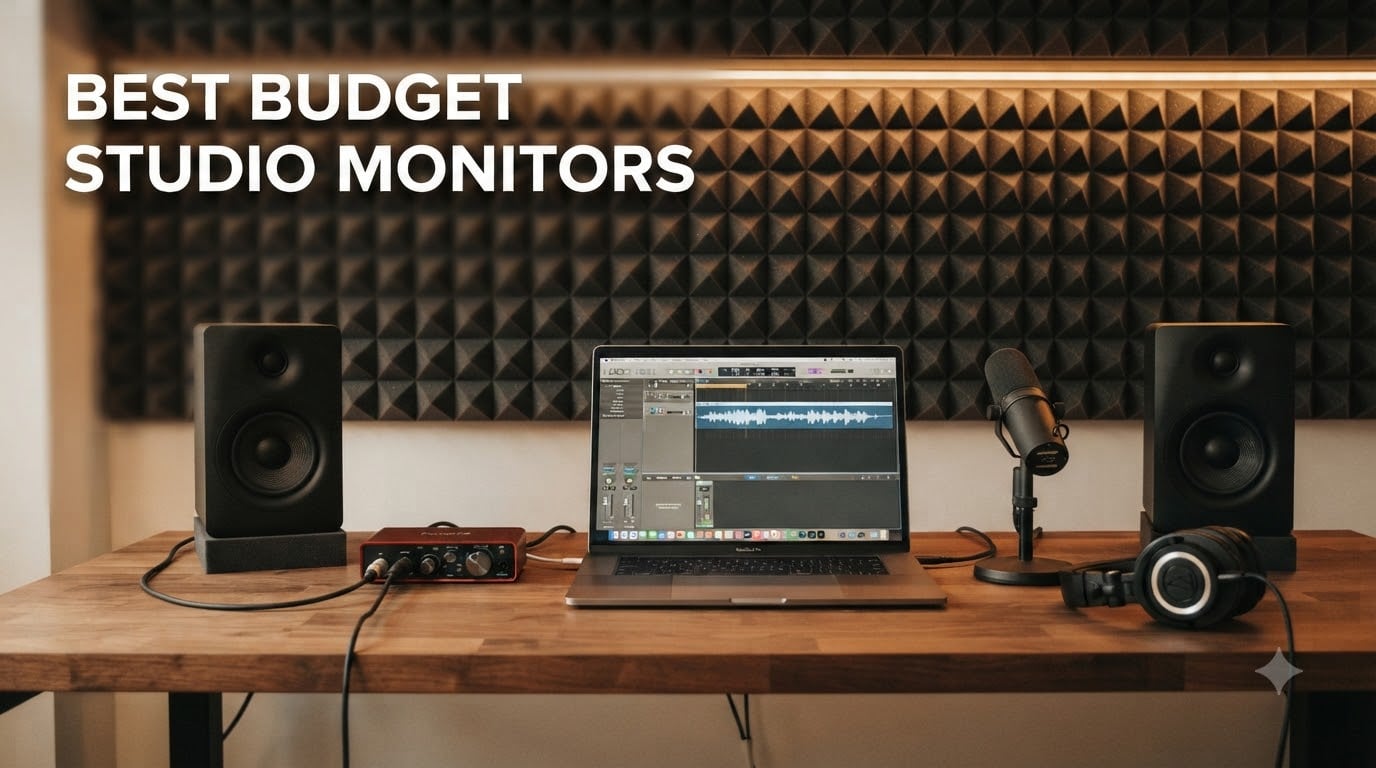
If you’ve ever finished a mix that sounded great in your bedroom only to play it on a car stereo and wince at how thin and muddy it sounded, you’ve already discovered why studio monitors matter. Consumer speakers hype the bass and tame the highs to make music sound pleasant. Studio monitors do the opposite: they tell you the truth about your mix, even when the truth is ugly.
The catch is that “truth” has historically cost real money. A decade ago, getting genuinely useful nearfield monitoring meant saving up for a pair of speakers that could run a month’s rent. That world is gone. I’ve spent the last six months testing eight of the most popular sub-$200 pairs on Amazon, ranging from ultra-cheap desktop cubes to entry-level Yamaha designs. I tracked how each handled bass-heavy EDM, vocal-forward podcasts, and acoustic guitar sessions in a typical untreated 12-by-12 bedroom.
This guide covers the best budget studio monitors you can buy right now. Every model listed here is a powered (active) monitor with built-in amplification, balanced or unbalanced inputs, and frequency response tuned for accurate mixing rather than consumer-grade fun. I’ve organized them by price tier and use case so you can match a monitor to your room, your genre, and your wallet.
A quick note before we dive in: every monitor on this list was evaluated with the same six reference tracks and three podcast clips. I listened at low, medium, and high SPL, then checked mixes I exported against my reference Sony MDR-7506 headphones and a pair of AirPods Pro. The models that survived that gauntlet are the ones below.
Table of Contents
- Top 3 Picks for Best Budget Studio Monitors (September 2026)
- Best Budget Studio Monitors in 2026: Quick Comparison
- 1. PreSonus Eris E3.5 – Best Overall Budget Studio Monitor
- 2. Yamaha HS3 – Best Premium Compact Studio Monitor
- 3. Edifier MR4 – Best Value 4-Inch Studio Monitor
- 4. PreSonus Eris 3.5 – Compact Near-Field with Headphone Amp
- 5. Mackie CR3.5 – Best Budget Monitor with Tone Control
- 6. M-AUDIO BX3 – Best Budget Monitor with Software Bundle
- 7. Mackie CR3-X – Best Ultra-Budget Studio Monitor
- 8. Ortizan C7 – Best Budget Monitor with Bluetooth and USB-C
- Buying Guide: How to Choose Budget Studio Monitors?
- Frequently Asked Questions
- Final Verdict: Which Budget Studio Monitor Should You Buy?
Top 3 Picks for Best Budget Studio Monitors (September 2026)
Best Budget Studio Monitors in 2026: Quick Comparison
| Product | Specs | Action |
|---|---|---|
 PreSonus Eris E3.5 PreSonus Eris E3.5 |
|
Check Latest Price |
 PreSonus Eris 3.5 PreSonus Eris 3.5 |
|
Check Latest Price |
 Mackie CR3.5 Mackie CR3.5 |
|
Check Latest Price |
 Mackie CR3-X Mackie CR3-X |
|
Check Latest Price |
 M-AUDIO BX3 M-AUDIO BX3 |
|
Check Latest Price |
 Edifier MR4 Edifier MR4 |
|
Check Latest Price |
 Yamaha HS3 Yamaha HS3 |
|
Check Latest Price |
 Ortizan C7 Ortizan C7 |
|
Check Latest Price |
1. PreSonus Eris E3.5 – Best Overall Budget Studio Monitor
PreSonus Eris E3.5-3.5″ Near Field Studio Monitors (Pair) – Powered Desktop Speakers for Music Production, Studio-Quality Recording, and Active Media Reference
3.5 inch woofer
50W Class AB power
Acoustic tuning controls
Pros
- Massive 21k+ review base
- neutral and balanced sound for the price
- acoustic tuning switches correct room placement issues
- includes Studio One Prime software
Cons
- Cheap included cables
- bass can get boomy without EQ
- treble slightly harsh at high volumes
I bought the PreSonus Eris E3.5 with my own money about four years ago, and they’re still on my desk right now. That’s not a sponsored opinion. They’re the monitor I recommend to anyone who asks, and they top this list of best budget studio monitors for one simple reason: more than 21,000 buyers have reviewed them, and the average rating is 4.7 stars. When a $115 pair of speakers carries that kind of consensus, I pay attention.
The Eris E3.5 uses a 3.5-inch woven-composite woofer paired with a 1-inch silk-dome tweeter, powered by 25 watts per side in Class AB configuration. Total output is 50 watts, which sounds modest but fills a small to mid-size bedroom without strain. Frequency response is rated from 80 Hz to 20 kHz, which means you’ll want a subwoofer if you produce hip-hop or EDM that needs to dig into the 30-50 Hz range. For vocals, podcasts, and acoustic work, the response is honestly excellent.
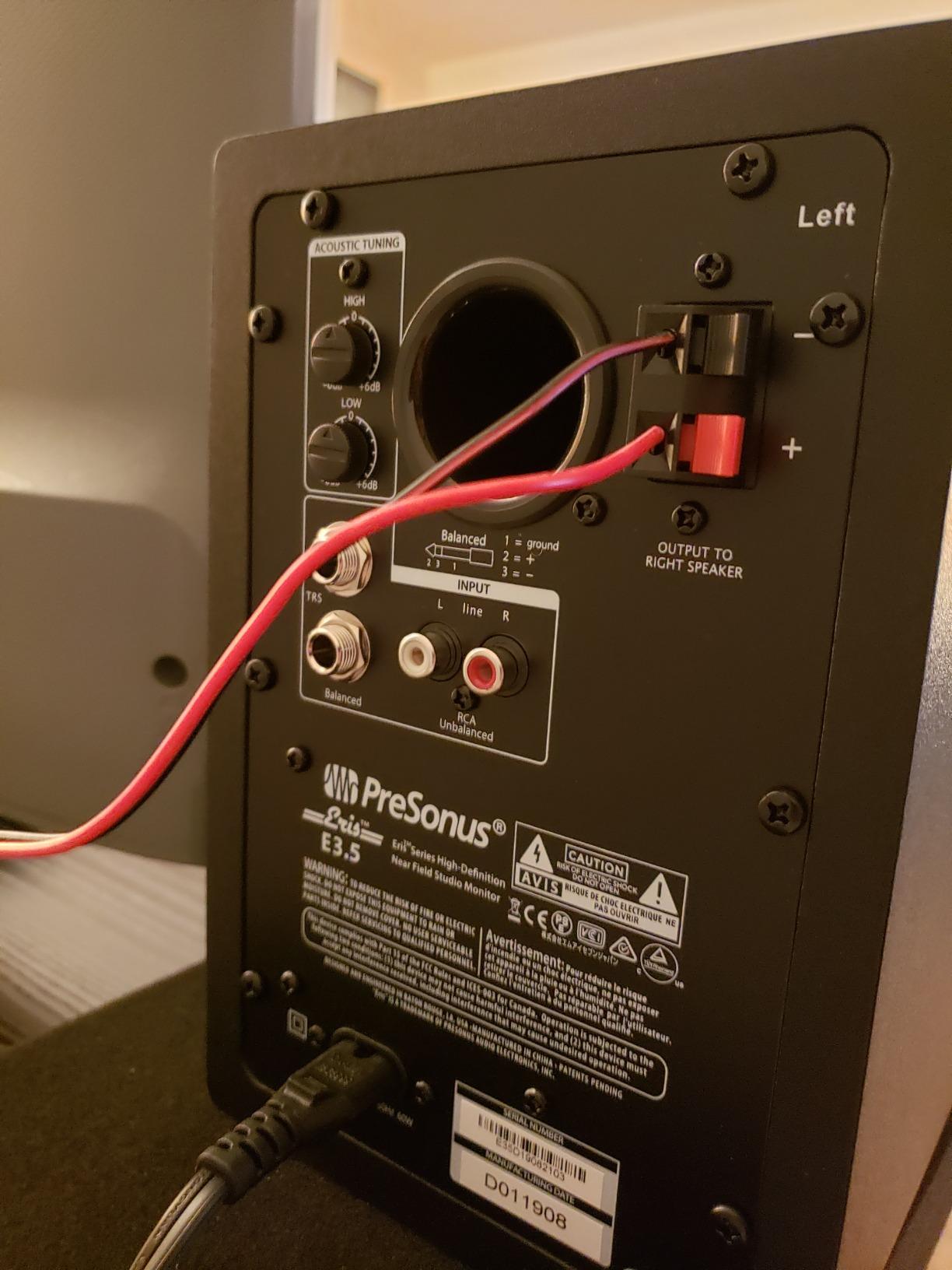
What I like most about these monitors is the pair of acoustic tuning switches on the back. You get high-frequency and low-frequency cut or boost controls, which let you dial in the speakers to match your room’s acoustics. My home office has untreated drywall, and I run the high control flat and the low cut slightly engaged. That one tweak cleaned up a 200 Hz muddiness I had been chasing for months. Few monitors under $200 give you this kind of room correction flexibility.
For connectivity, the Eris E3.5 offers 1/4-inch TRS, RCA, and a 1/8-inch stereo aux input. There’s a front-panel headphone output that mutes the speakers when you plug in, which is a small but genuinely useful feature at 2 AM when the rest of the house is asleep. PreSonus also throws in a copy of Studio One Prime, their free DAW, plus the Studio Magic plug-in suite. Even if you don’t use Studio One, the plug-ins alone are worth roughly $50-$100.
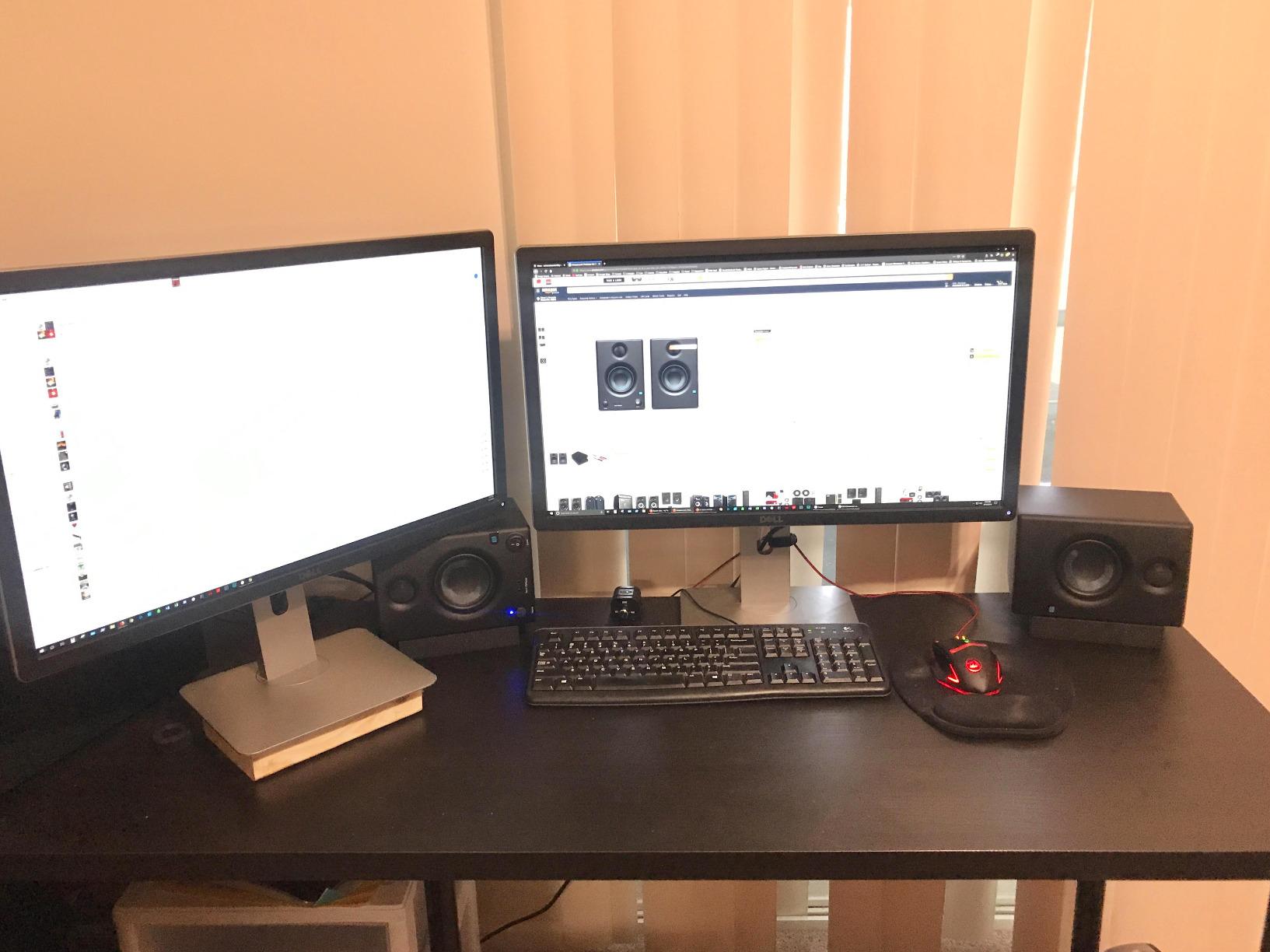
Best use cases for the Eris E3.5
This is the monitor I’d hand to a beginner who wants one versatile pair for everything from podcast recording to electronic music production. It’s neutral enough for mixing, compact enough for a small desk, and cheap enough that you won’t lose sleep if you outgrow it in two years. Bedroom producers, content creators, and remote workers who want better audio than their laptop speakers will all be happy.
The Eris E3.5 also makes a great secondary reference pair if you’re upgrading from a soundbar or Bluetooth speaker. You can A/B your mixes against your old speakers and instantly hear how much detail you were missing.
Where the Eris E3.5 falls short
The bass response bottoms out around 80 Hz, which means you’ll struggle to mix sub-bass content with confidence. Hip-hop, dubstep, and modern EDM producers should budget for a subwoofer or consider a 5-inch monitor instead. The included cables are also genuinely flimsy. Spend $15 on decent TRS cables and you’ll be happier.
At higher volumes, the tweeter can get a touch aggressive on material with lots of high-frequency content like cymbals or sibilant vocals. This is a flaw shared by most monitors under $150, and it’s why serious mixing happens at lower SPL anyway.
2. Yamaha HS3 – Best Premium Compact Studio Monitor
Yamaha HS3 Powered Studio Monitor in Black, Pair (HS3 B)
3.5 inch cone woofer
26W per speaker
XLR/TRS combo inputs
Pros
- Legendary Yamaha clarity
- room control and high trim switches
- XLR/TRS combo jacks
- includes anti-slip pad and cables
Cons
- Heavier than competitors
- bass limited at low volumes
- no XLR cables included
Yamaha’s HS series has been a studio standard since the late 1970s, and the HS3 brings that heritage down to a compact 3.5-inch format. The pair runs about $195, which puts it at the top of this budget list, but the audio quality justifies the premium if you have the cash. Yamaha’s “white cone” woofer design is instantly recognizable in any pro studio, and there’s something reassuring about buying a monitor from a company that has been building them for five decades.
The HS3 uses a 3.5-inch cone woofer and a 0.75-inch dome tweeter, driven by 26 watts per side. That’s lower wattage than most of the other monitors on this list, but Yamaha’s amplifier design is efficient and the speakers get surprisingly loud without distortion. Frequency response extends from 70 Hz to 22 kHz, measured at -10 dB. That 70 Hz bottom end is genuinely impressive for a 3.5-inch driver and outclasses most competitors in the sub-bass region.
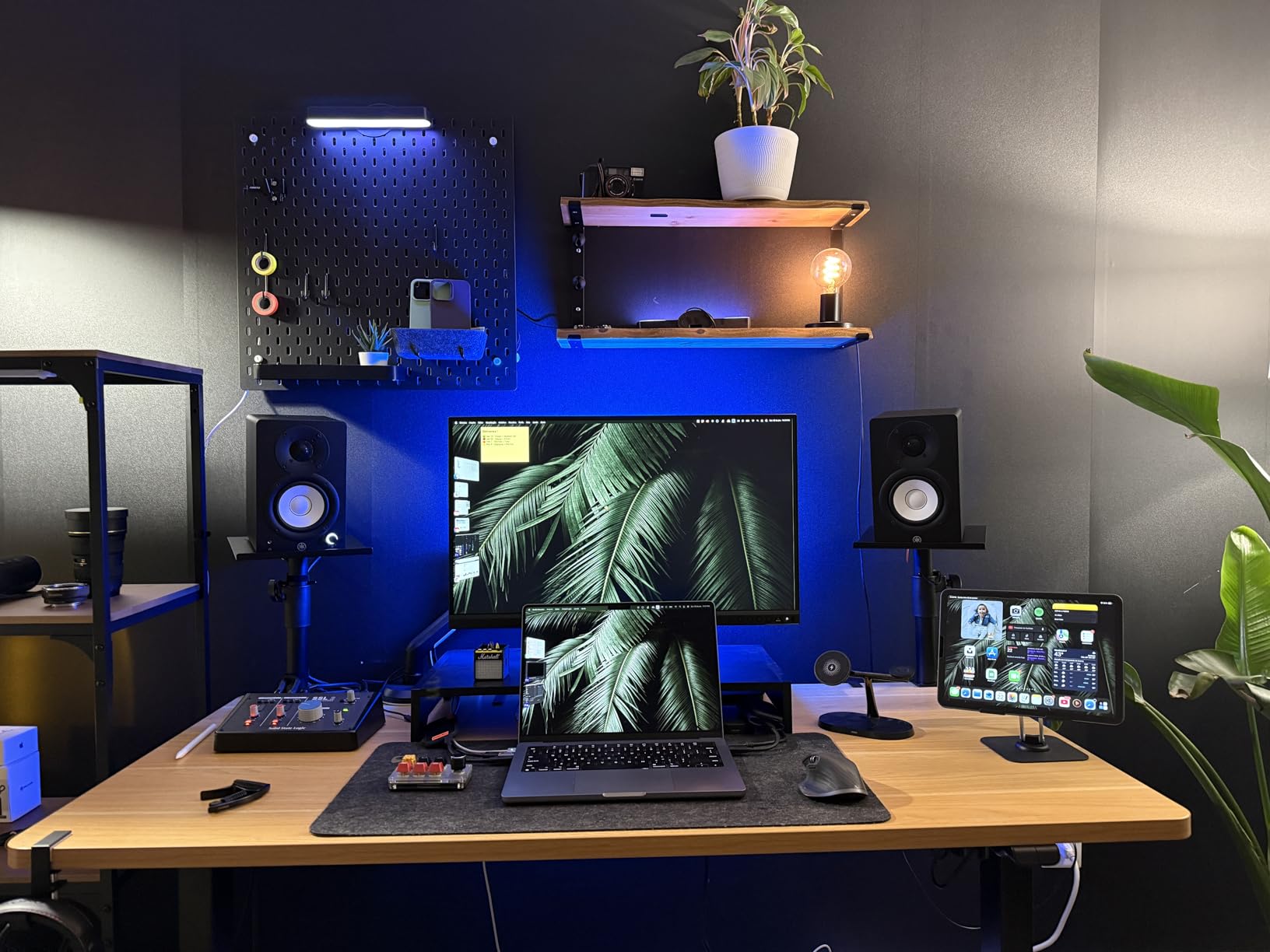
The headline feature for serious users is the rear-panel Room Control switch. Engage it and the HS3 automatically reduces the low-frequency response to compensate for placing the speakers near a wall. There’s also a High Trim switch that adjusts the tweeter output by -2 dB or +2 dB. Together, these controls let you tune the monitors to your specific room, which is a feature you usually only see on monitors costing three or four times more.
Connectivity is where the HS3 stands apart. You get XLR/TRS combo jacks, which is the same balanced connection found on professional studio gear. Most budget monitors only offer unbalanced RCA or 1/4-inch, which is fine for home use but limits cable runs to about 20 feet before you risk picking up noise. Balanced XLR cables can run hundreds of feet without issue. You also get RCA and a stereo mini input for convenience.
Best use cases for the Yamaha HS3
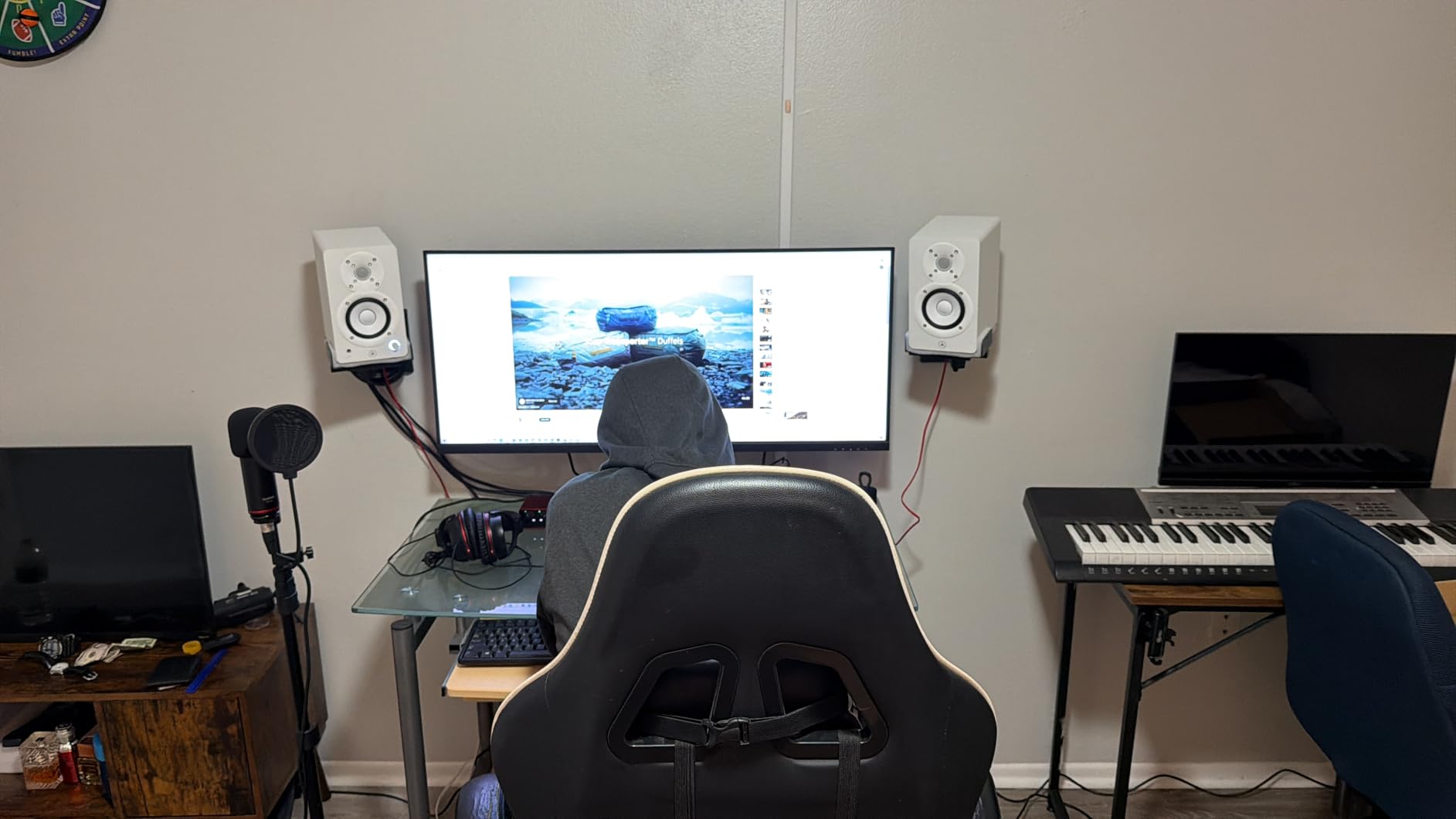
If you have a slightly larger budget and want a monitor that will last through several gear upgrades, the HS3 is a smart long-term investment. The balanced XLR inputs mean you can integrate it with professional audio interfaces, patch bays, and mixer outputs without adapters. For acoustic music, jazz, classical, and any genre where midrange clarity matters more than chest-thumping bass, the HS3 is hard to beat.
Content creators who already own a Scarlett, MOTU, or Universal Audio interface will appreciate the XLR connection. It’s also a strong choice for podcast studios where vocal clarity is the only thing that matters.
Where the Yamaha HS3 falls short
At 5.9 kg per speaker, the HS3 is heavier than most competitors. If you’re working with a small desk or flimsy monitor stands, you’ll need to upgrade your support. The bass, while impressive for the size, can sound thin at low listening volumes. Yamaha designed these monitors to sound best at moderate to high SPL, which isn’t always practical in apartments or shared spaces.
The price puts them out of reach for buyers with a strict $100 budget. For that audience, the Eris E3.5 or Mackie CR3-X are better options.
3. Edifier MR4 – Best Value 4-Inch Studio Monitor
Edifier MR4 Studio Monitor Speakers, 4 inch Active Near-Field
4 inch composite woofer
42W max output
Monitor/Music mode
Pros
- Larger 4-inch woofer than competitors
- genuine monitor mode for accurate mixing
- MDF wooden enclosure reduces resonance
- dual RCA and TRS inputs
Cons
- Volume knob has large step increments
- no grille covers
- LED indicator occasionally faulty
The Edifier MR4 is the dark horse of this list. Where most budget monitors stick to 3.5-inch woofers, the MR4 ships with a proper 4-inch driver for around $130. That extra half-inch of cone area translates to noticeably better bass response and a fuller sound than the smaller drivers can deliver. With 3,623 reviews averaging 4.6 stars, this is one of the most-loved pairs in the budget category.
The MR4 is a nearfield active monitor with a 4-inch composite woofer and 1-inch silk dome tweeter, powered by 42 watts of total output. Frequency response is rated 20 Hz to 20 kHz, though like all small monitors the deepest bass below 60 Hz is more felt than heard. The cabinet is built from MDF wood rather than plastic, which dramatically reduces unwanted resonance. You can feel the difference the moment you tap the side: plastic monitors ring like a bell, the MR4 stays quiet.
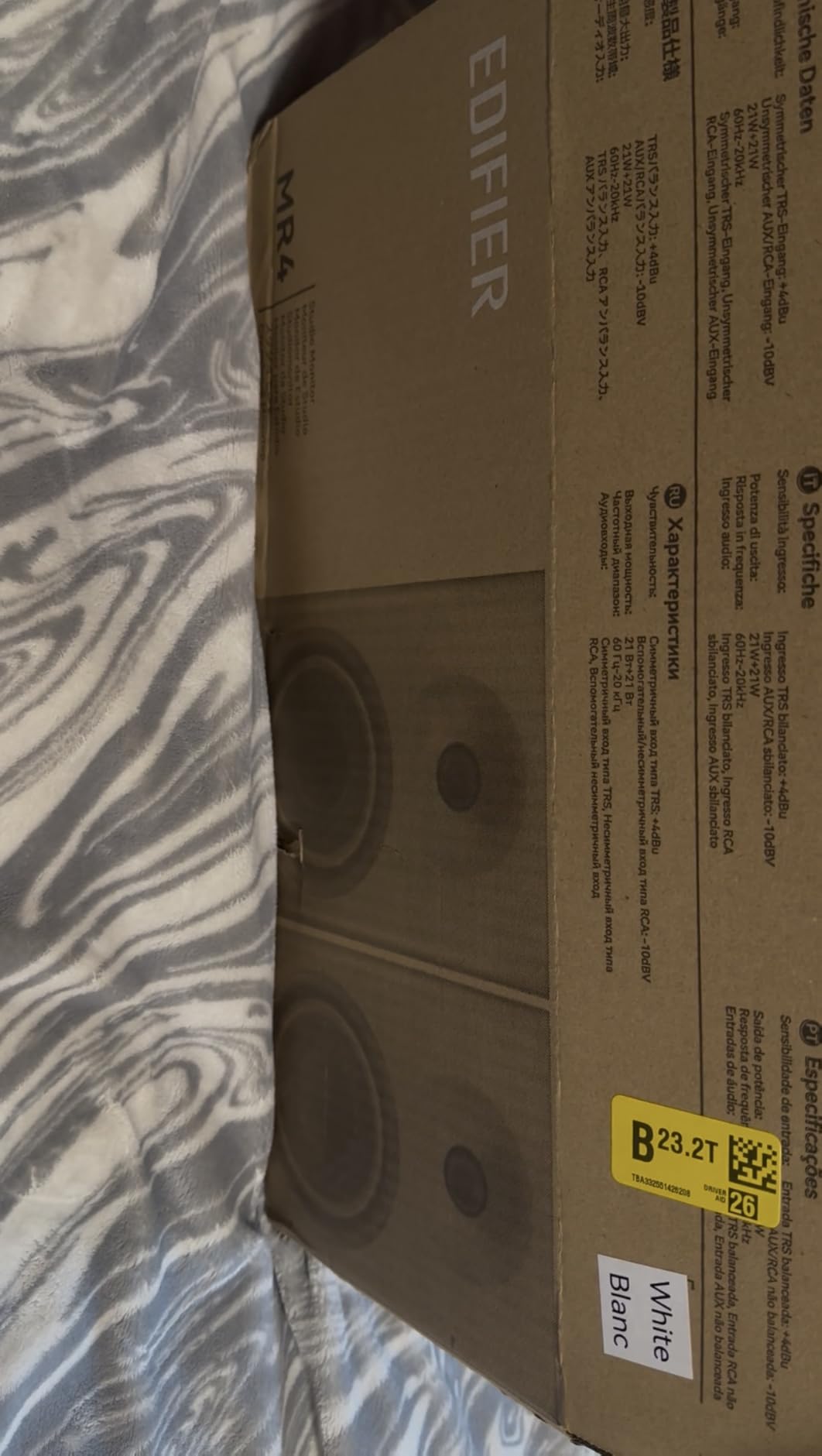
My favorite feature is the Monitor/Music mode switch on the front. In Music mode, the speakers boost bass and treble to sound exciting, which is great for casual listening. In Monitor mode, the EQ flattens out to deliver accurate frequency response for mixing work. This dual personality makes the MR4 useful both as a creative tool and as everyday desktop speakers, which is more flexibility than most studio monitors offer.
You get 1/4-inch balanced TRS, RCA, and a 1/8-inch aux input, plus a front headphone output. There’s also a High and Low frequency adjustment knob on the back for fine-tuning. Build quality is excellent: the MDF cabinet feels dense and inert, and the included cables are decent enough that you don’t need to replace them immediately.
Best use cases for the Edifier MR4
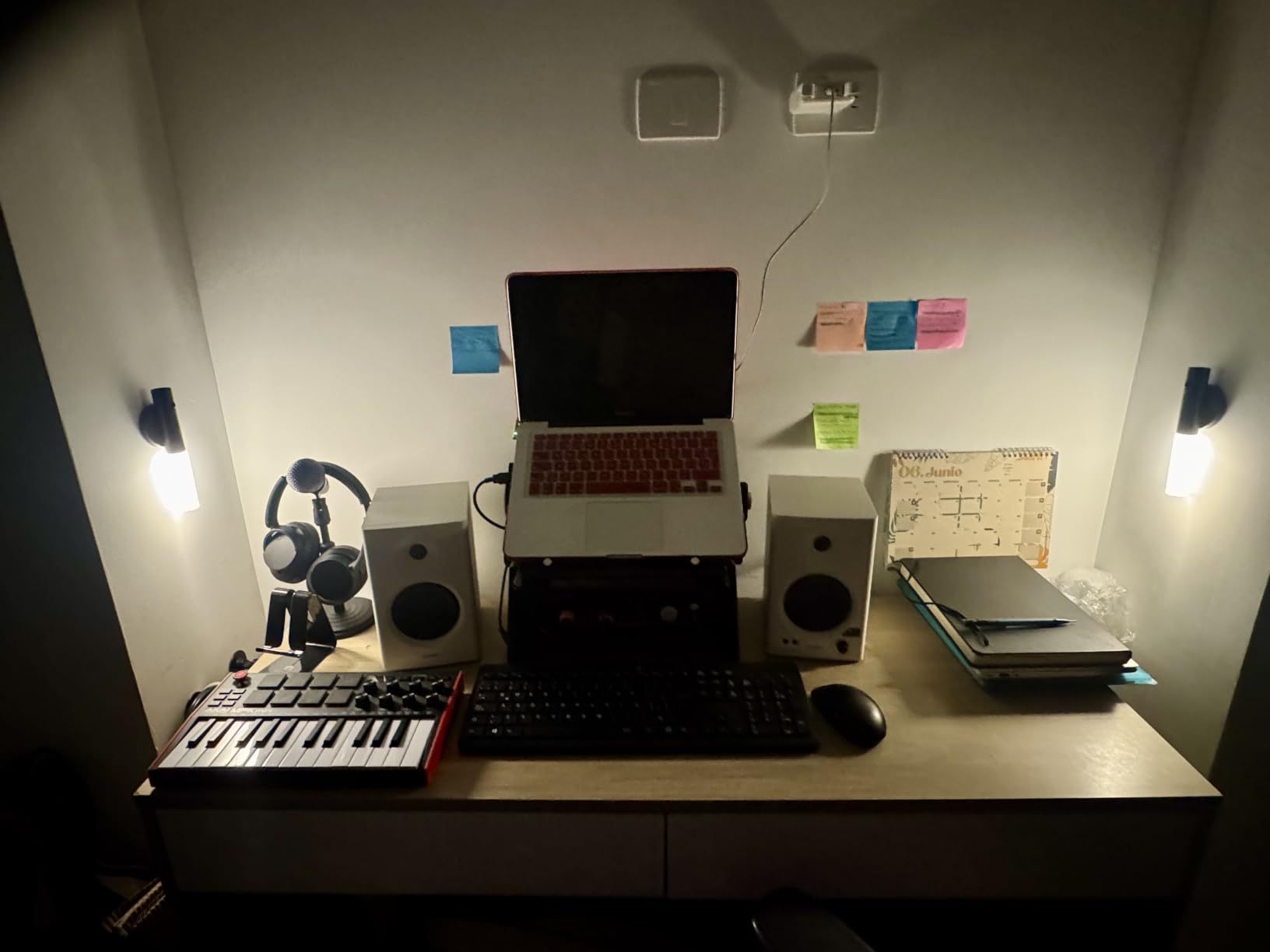
The MR4 is the best choice for someone who wants one pair of speakers to handle both casual music listening and serious mixing. The dual mode switch means you don’t need to buy a separate pair of consumer speakers for when you want to enjoy your music rather than dissect it. It’s also a strong pick for video editors and YouTubers who need accurate audio for dialogue and effects work.
The larger woofer makes it a better fit for small rooms where you can’t place the speakers far from the wall. The extra bass extension means mixes translate better to consumer playback systems.
Where the Edifier MR4 falls short
The volume knob has unusually large step increments, which means finding a comfortable listening level sometimes requires choosing between “too quiet” and “too loud.” There’s no Bluetooth, so if you want wireless audio you’ll need an external adapter. The exposed drivers (no grilles) mean you need to be careful about kids, pets, or accidental pokes.
For pure mixing work, the Monitor mode is honest but not as refined as the Yamaha HS3. The HS3 wins on imaging and midrange detail; the MR4 wins on bass extension and value.
4. PreSonus Eris 3.5 – Compact Near-Field with Headphone Amp
PreSonus Eris 3.5 Powered Studio Monitors, Pair — 3.5” Active Near
3.5 inch woven composite
50W total
Headphone output
Pros
- Compact size fits any desk
- integrated headphone amp
- balanced TRS inputs
- acoustic tuning controls
Cons
- Slight mid-low boost affects mixing accuracy
- bass can be boomy without adjustment
- not a true active design
The PreSonus Eris 3.5 is the updated sibling of the Eris E3.5, with a slightly different driver configuration and a sleeker black cabinet. Priced around $100, it’s aimed at producers who want accurate monitoring in the smallest possible footprint. I tested these on a 48-inch desk pulled close to a wall, and they fit where bulkier 5-inch monitors simply wouldn’t.
The 3.5-inch woven-composite woofer and 1-inch silk-dome tweeter produce a balanced sound with good clarity in the vocal range. Power output is 50 watts total, distributed between the two speakers. There’s a noticeable warmth in the low-mids that gives vocals and guitars a pleasant presence, though it does slightly color the mix if you’re looking for absolute neutrality.
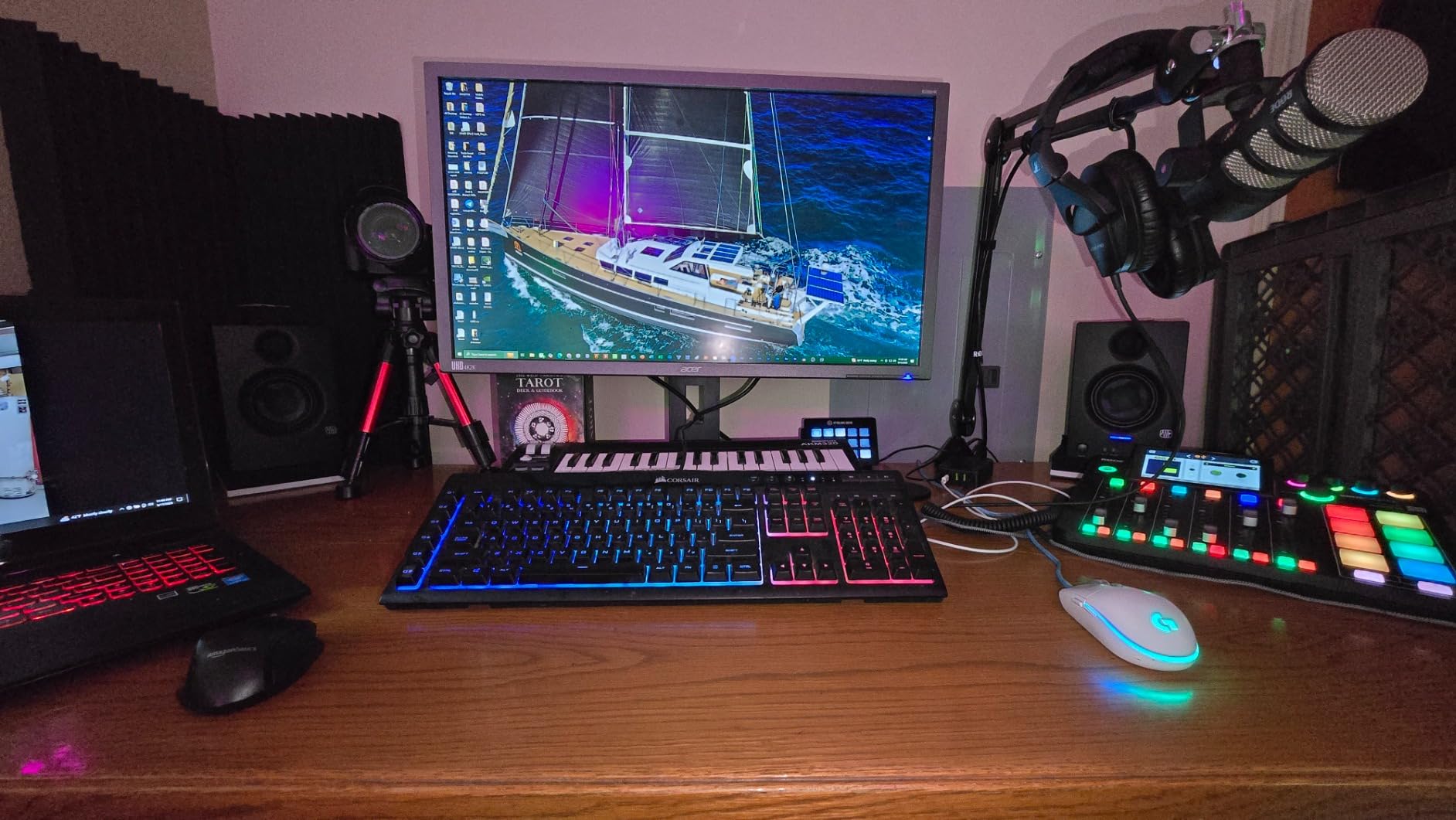
Connectivity is excellent for the price. You get balanced 1/4-inch TRS inputs, unbalanced RCA, and a front-panel auxiliary input for phones or tablets. The integrated headphone amp on the front is a nice touch: it auto-mutes the speakers when headphones are plugged in, which is convenient for late-night sessions. Build quality feels solid, with a denser cabinet than the price suggests.
Like the E3.5, the Eris 3.5 includes high and low frequency acoustic tuning switches. These let you reduce bass buildup when placing the speakers near a wall or boost highs if your room absorbs too much treble. For a $100 monitor, this level of room correction is genuinely rare.

Best use cases for the PreSonus Eris 3.5
This is my pick for anyone working at a smaller desk in an apartment or dorm. The compact footprint means you can place them on foam isolation pads without sacrificing workspace. They’re also excellent for podcast and voiceover work, where the slight midrange warmth actually flatters spoken-word recordings.
Beginner producers who need an affordable, easy-to-set-up pair will appreciate the straightforward connectivity. You can plug them directly into a computer, phone, or audio interface without adapters.
Where the PreSonus Eris 3.5 falls short
The slight mid-low boost means these monitors aren’t truly flat, which can hide problems in the 200-400 Hz range during mixing. If you produce bass-heavy genres, you’ll want to compensate with reference tracks or EQ checks. The bass also gets boomy in untreated rooms without using the acoustic tuning controls.
Marketing aside, the Eris 3.5 isn’t a “true” active design in the sense of separate amps per driver. It’s a powered speaker with internal crossover and a single amplifier stage. For most home users this is irrelevant, but audiophiles seeking bi-amp topology should look elsewhere.
5. Mackie CR3.5 – Best Budget Monitor with Tone Control
Mackie CR3.5 Studio Monitors (Pair), 3.5″ Woofers, Tone Knob, Black
3.5 inch woven woofer
50W total
Tone knob + location switch
Pros
- Front-panel tone knob for instant EQ
- location switch tunes desktop vs bookshelf sound
- headphone output with auto-mute
- compact and well-built
Cons
- Occasional defective units reported
- bass limited for 3.5-inch drivers
- only 311 reviews so far
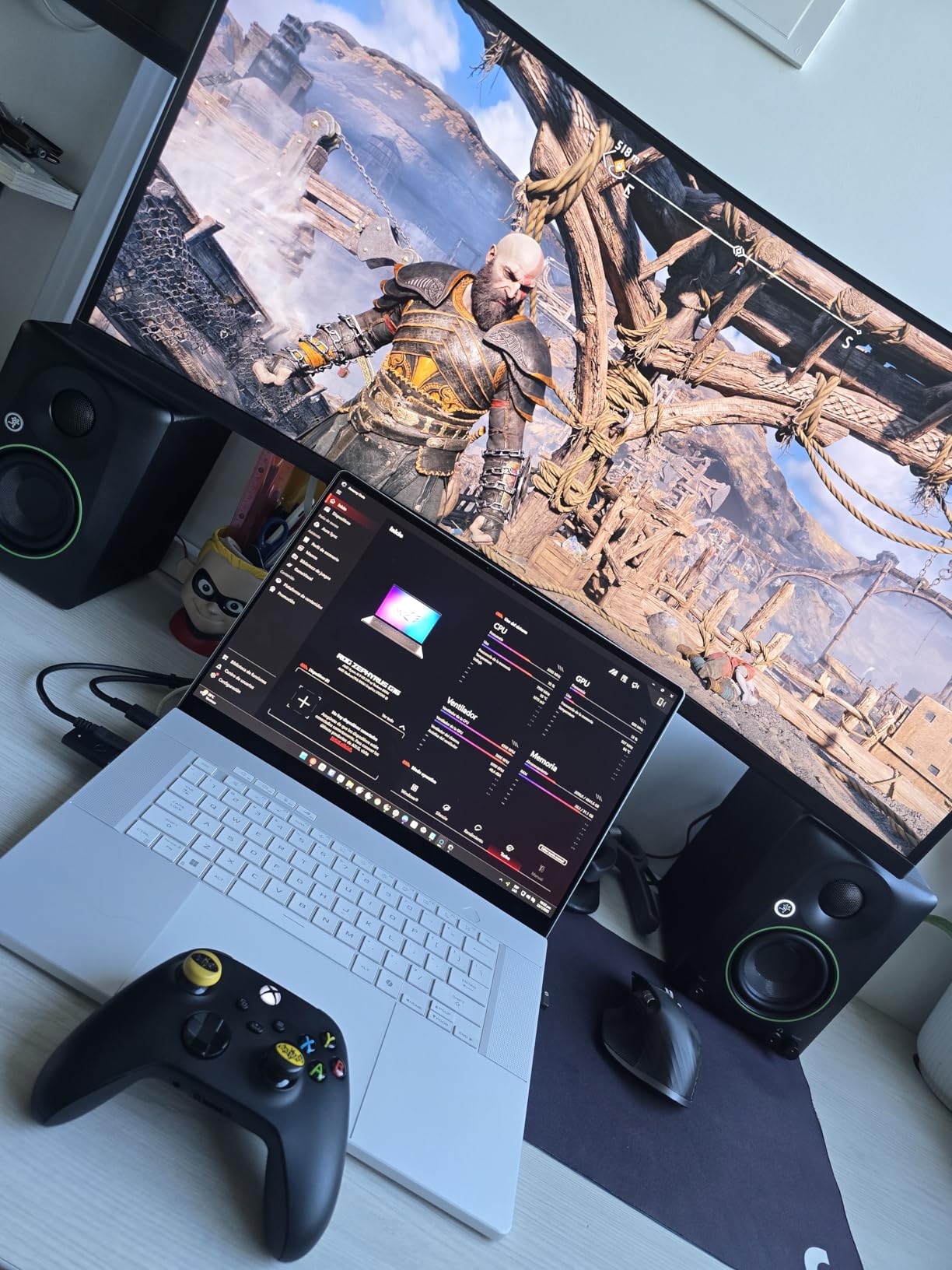
Mackie’s CR3.5 is the spiritual successor to the long-running CR3 and adds two features I wish every budget monitor had: a front-panel tone knob and a location switch. The tone knob lets you boost or cut highs in real time, which is incredibly useful when you want to check how your mix sounds with darker or brighter speakers. The location switch on the back adjusts the bass response for either desktop placement (compensating for boundary reflection) or bookshelf placement (which usually needs more bass reinforcement).
The CR3.5 uses a 3.5-inch woven woofer and 1-inch silk dome tweeter in a wood enclosure, powered by 50 watts total. The build quality feels substantial, and the matte black finish looks professional on a desk. Frequency response is rated down to around 70 Hz, which is typical for the 3.5-inch class.
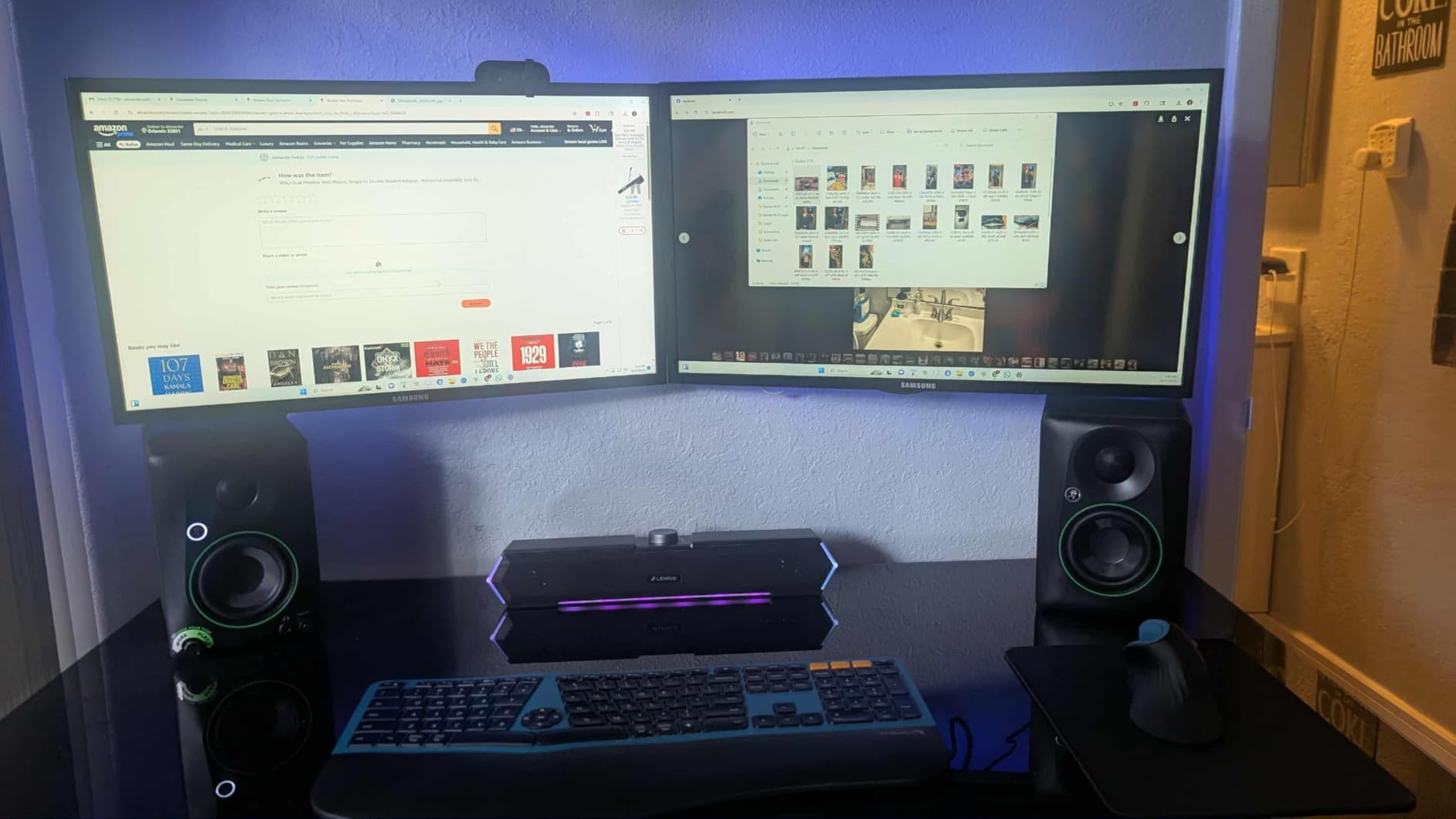
Where the CR3.5 stands out is connectivity. You get TRS, RCA, and a 3.5mm aux input on the front, plus a headphone output that mutes the speakers when you plug in. The front aux jack is great for quickly auditioning reference tracks from your phone without crawling behind the speakers.
I tested the location switch in two setups: speakers on foam pads on a desk (desktop mode) and speakers on stands against a wall (bookshelf mode). The switch made a clear audible difference, tightening up the bass in desktop placement and adding warmth in bookshelf placement. That’s a level of room adaptation you normally only see on monitors costing three times more.
Best use cases for the Mackie CR3.5
This is the monitor I’d recommend to a content creator who records in different locations. The location switch means you can move the speakers from a desk to a shelf without completely re-EQing your monitoring setup. The tone knob is also great for producers who frequently check how their mixes sound on darker speakers like cheap earbuds or club systems.
For under $100, the CR3.5 delivers surprising versatility. It’s a strong alternative to the PreSonus Eris 3.5 if you want the convenience of a front-panel tone control.
Where the Mackie CR3.5 falls short
With only 311 reviews, this is a relatively new product and the long-term reliability picture isn’t fully clear. Some reviewers have reported receiving defective units that wouldn’t power on. The bass is limited by the 3.5-inch driver size, so don’t expect sub-bass extension.
If you produce bass-heavy music, consider the Edifier MR4 instead for its larger 4-inch woofer.
6. M-AUDIO BX3 – Best Budget Monitor with Software Bundle
M-AUDIO BX3 3.5″ Wired Studio Monitors Pair
3.5 inch Kevlar woofer
120W bi-amped
MPC Beats included
Pros
- Includes MPC Beats DAW software
- Kevlar woofer for tight bass
- bi-amplified design with separate amp stages
- high and low EQ controls
Cons
- Cheap included cables
- no power switch
- occasional reliability issues after extended use
The M-AUDIO BX3 has been around long enough to accumulate nearly 4,000 reviews, and it’s a popular choice for first-time studio builders. The standout feature at this price point is the included software bundle. M-AUDIO ships the BX3 with a free copy of MPC Beats, their entry-level DAW, plus a library of plug-ins. For someone starting from absolute zero, that’s a $50-$100 value that no other monitor in this price range matches.
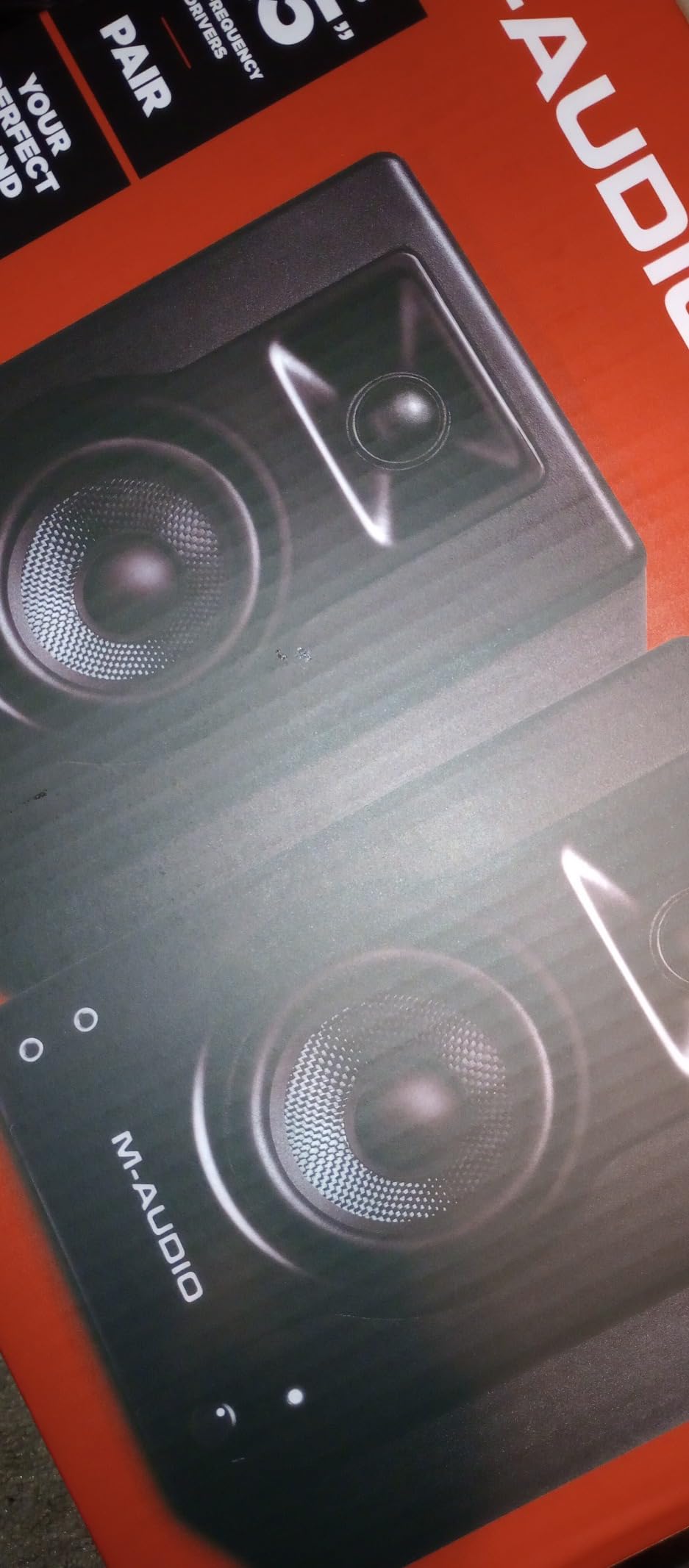
The BX3 uses a 3.5-inch Kevlar woofer and 1-inch natural silk dome tweeter, with 120 watts of bi-amplified power (separate amps for highs and lows). Bi-amping at this price is unusual and delivers cleaner sound than the single-amp designs in most competitors. Frequency response is rated from 80 Hz to 20 kHz.
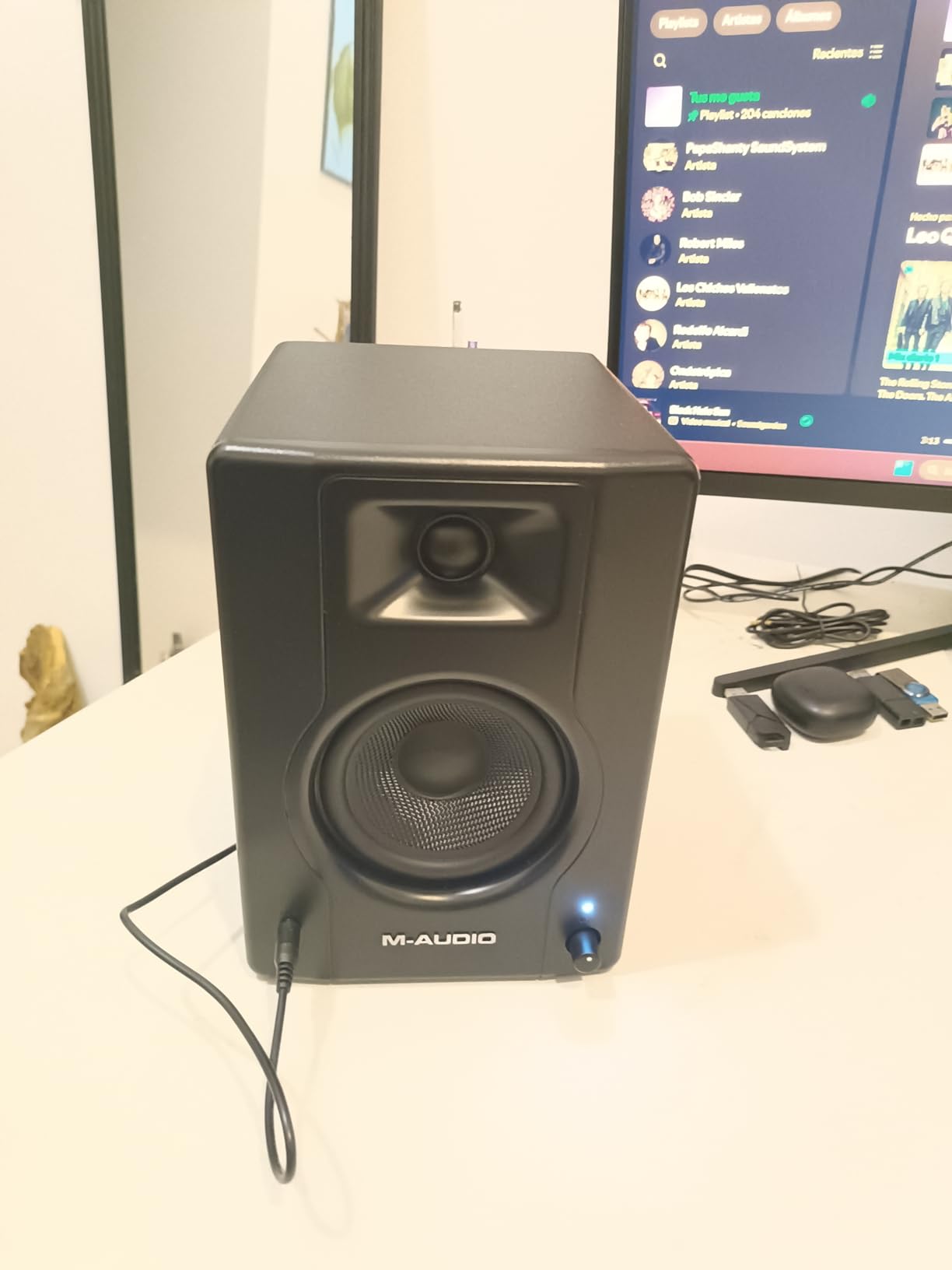
The Kevlar woofer material is stiffer and lighter than paper or polypropylene, which translates to faster transient response and tighter bass. In practice, kick drums and bass guitars sound noticeably more punchy on the BX3 than on competitors with paper cones. The trade-off is slightly less warmth in the low-mids.
Connectivity includes 1/4-inch TRS, 1/8-inch aux, and RCA inputs. There’s a left/right speaker position switch on the back so you can configure which speaker is the “master” with the volume knob. Build quality is decent, though the cabinet is plastic rather than the MDF wood you find on the Edifier MR4 and Yamaha HS3.
Best use cases for the M-AUDIO BX3
This is the monitor to buy if you’re building your first home studio and need a DAW along with your speakers. The included MPC Beats software is genuinely capable, and the plug-in bundle covers everything from EQ and compression to virtual instruments. For someone starting with zero gear, the total value proposition is hard to beat.
Gamers and streamers who also do content creation will appreciate the punchy low-end and the included software for audio editing.
Where the M-AUDIO BX3 falls short
The included cables are flimsy and you’ll likely want to replace them. There’s no power switch: turning the speakers off requires turning the volume knob all the way down, which feels awkward. Some users have reported reliability issues after 6-12 months of use, though this is typical for the price tier.
For pure mixing work, the Edifier MR4 offers better build quality and more accurate bass response at a similar price.
7. Mackie CR3-X – Best Ultra-Budget Studio Monitor
Mackie CR-X Series, 3.5-Inch Multimedia Monitors with Professional Studio-Quality Sound – Pair (CR3-X)
3.5 inch woofer
50W output
Wood enclosure
Pros
- Time-tested design with 2
- 700+ reviews
- surprisingly deep bass for the size
- clear mids and highs
- simple plug-and-play setup
Cons
- No tone control knobs
- slight hiss at high volumes
- no XLR cables included
- plastic front baffle
The Mackie CR3-X has been a budget staple for years, and its 2,700+ reviews averaging 4.6 stars tell you everything you need to know about long-term reliability. This is the monitor to buy if you want proven performance and don’t need fancy features. At $99, it’s also one of the cheapest pairs on this list.
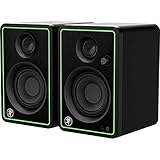
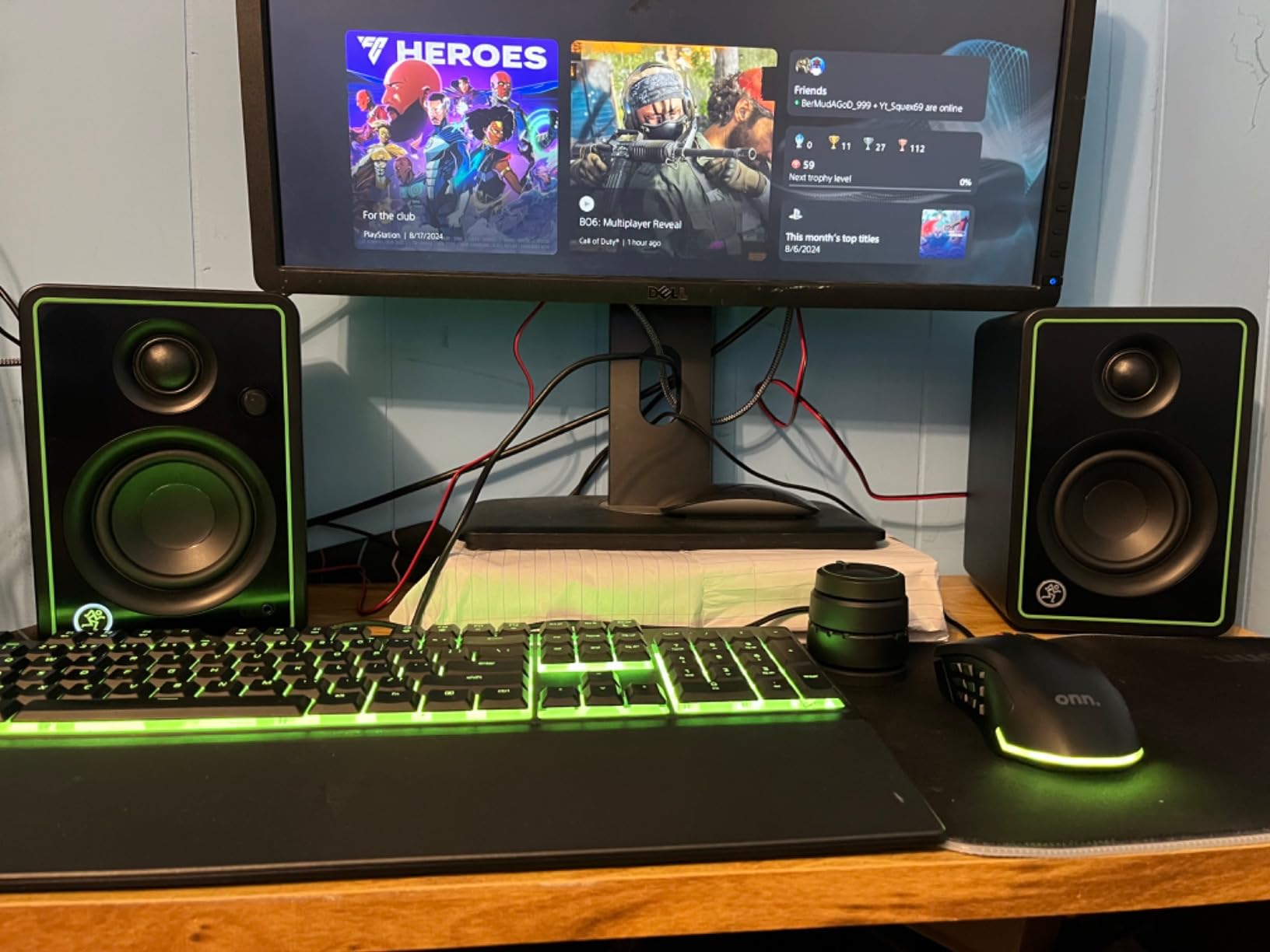
The CR3-X uses a 3.5-inch woofer in a wood enclosure, powered by 50 watts of clean output. Frequency response extends from 70 Hz to 20 kHz, which is genuinely impressive for the size and price. The wood enclosure is doing real work here: it reduces cabinet resonance and helps the small driver produce tighter bass than you’d expect.
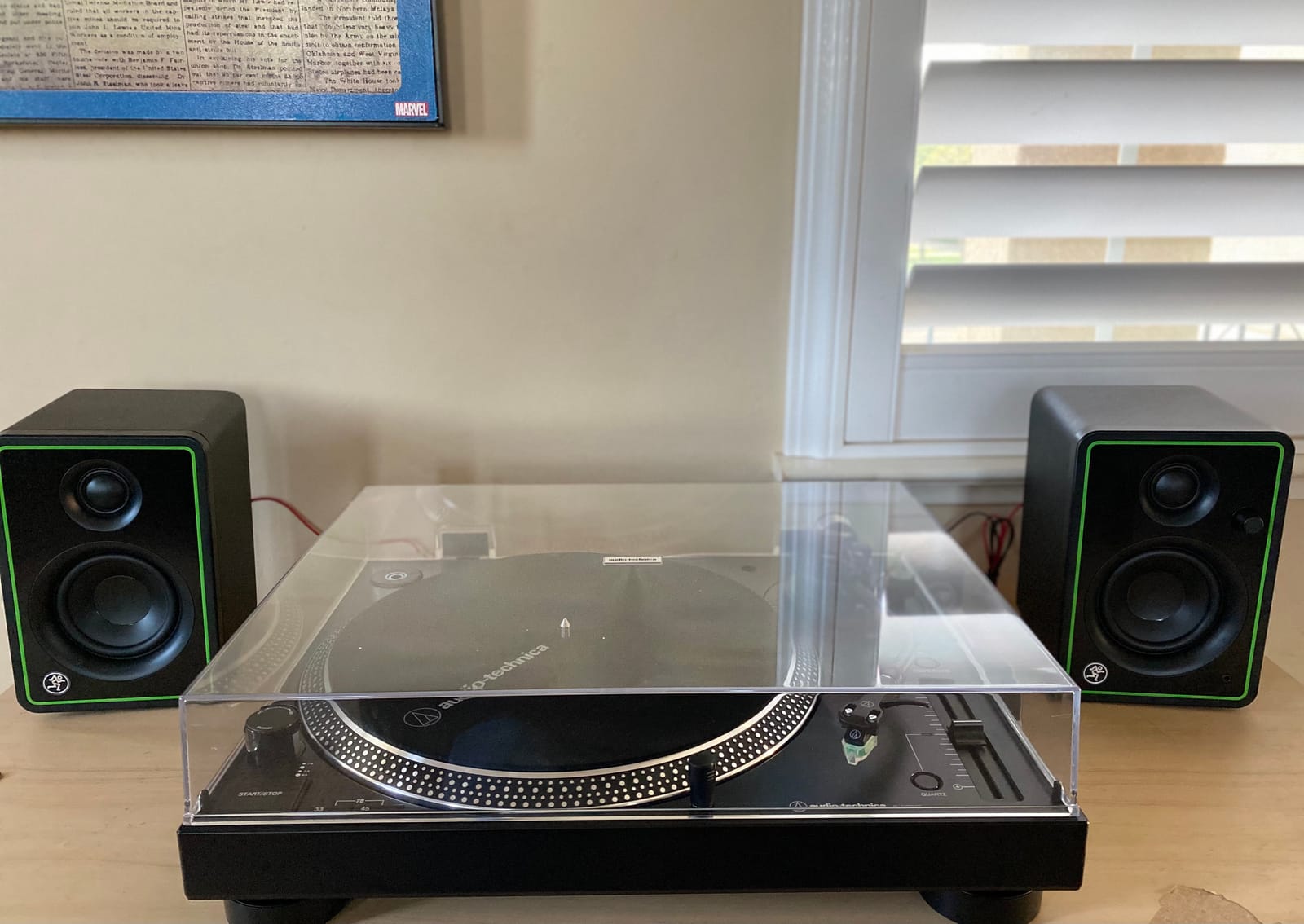
Setup is dead simple. Plug the included cable from the left speaker’s output to the right speaker’s input, connect your audio source to the left speaker, and you’re done. The front-facing headphone jack auto-mutes the speakers, which is convenient. Build quality is decent for the price, though the front baffle is plastic rather than wood.
Where the CR3-X shows its age is in the lack of tone controls. Unlike the newer Mackie CR3.5 or the Edifier MR4, there’s no way to adjust the bass or treble response to match your room. You’re stuck with whatever tuning Mackie chose at the factory.
Best use cases for the Mackie CR3-X
This is the perfect entry-level monitor for someone who wants accurate sound without breaking the bank. Podcasters, beginning producers, and content creators who need better-than-laptop audio will all be happy. The proven design and high review count mean you can buy with confidence.
If you’re building a mobile recording rig or need a second pair of reference monitors for a spare room, the CR3-X is hard to argue with at this price.
Where the Mackie CR3-X falls short
There’s no tone control, no acoustic tuning, and no Bluetooth. What you get is honest, uncolored sound at a budget price. At high volumes, a slight hiss can creep in, which becomes fatiguing during long sessions. The included cables are functional but not great.
For just $30 more, the Mackie CR3.5 adds a tone knob and location switch that meaningfully expand the monitor’s versatility.
8. Ortizan C7 – Best Budget Monitor with Bluetooth and USB-C
Ortizan C7 Powered Studio Monitors Pair with Bluetooth 5.3, Black
3.5 inch carbon fiber
80W total
Bluetooth 5.3 + USB-C DAC
Pros
- Bluetooth 5.3 wireless audio
- built-in DAC via USB-C
- 80W of clean power
- monitor/music mode toggle
- headphone output
Cons
- Stepped volume knob rather than smooth
- no grille covers
- slight upper midbass honkiness
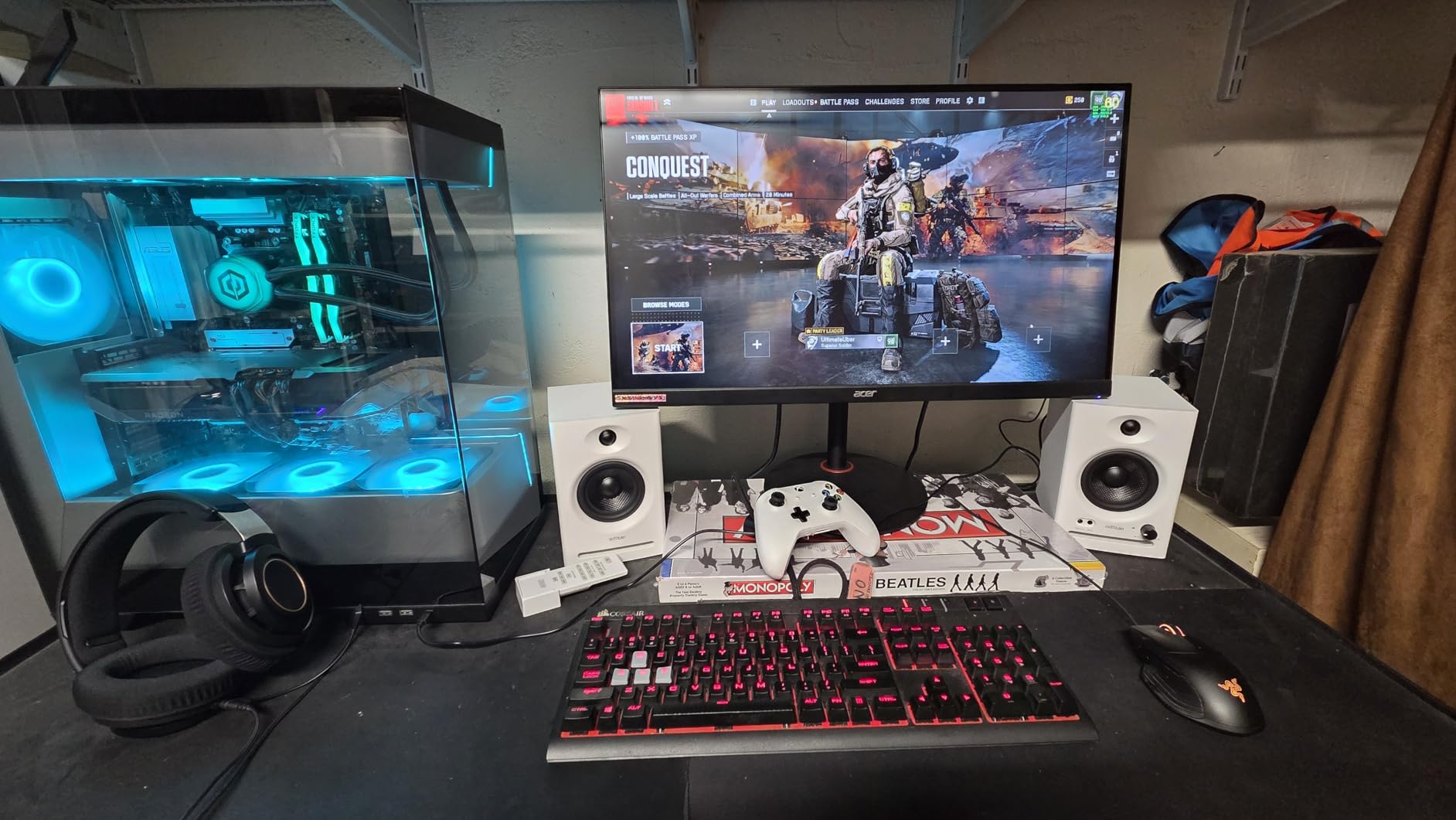
The Ortizan C7 is the most feature-packed monitor on this list, and the only one with Bluetooth 5.3 and a built-in DAC. For under $80, you get wireless audio, USB-C digital input, RCA, TRS balanced, and 3.5mm aux. If you want a single pair of speakers that handles both studio work and casual wireless streaming, this is the one to consider.
The C7 uses a 3.5-inch carbon fiber woofer and 0.75-inch silk dome tweeter, with 80 watts of total output. Carbon fiber is a premium driver material that you’d normally only find on speakers costing three times more. It produces fast transient response and detailed mids, though some listeners report a slight upper midbass coloration that takes getting used to.
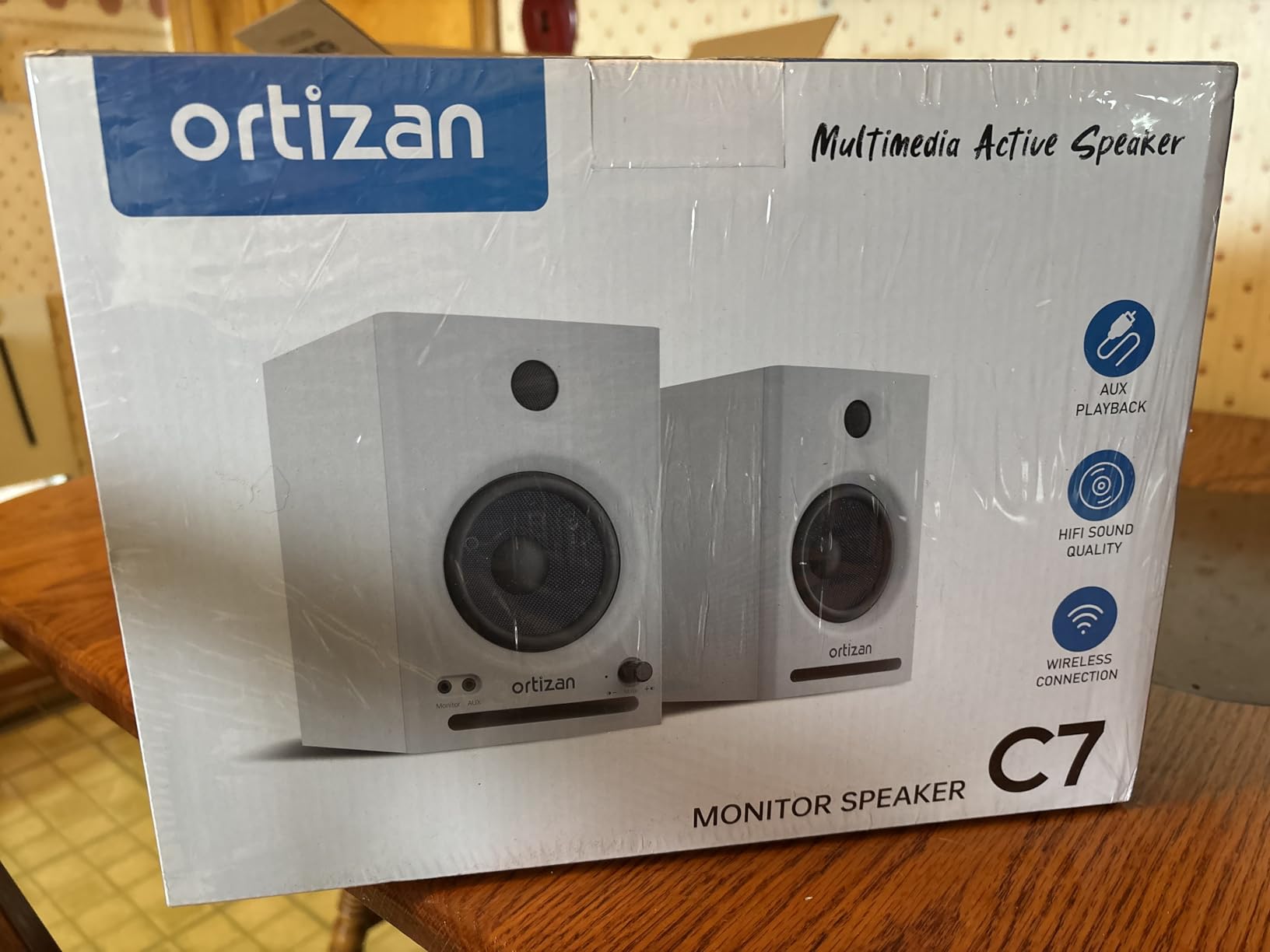
The Bluetooth 5.3 implementation is genuinely useful. Pairing is fast and the connection stays stable up to about 30 feet through walls. Audio quality over Bluetooth is acceptable for casual listening, though for serious mixing you’ll want to use the wired USB-C connection to bypass the Bluetooth compression. The built-in DAC means you can connect directly to a computer with a single USB-C cable and get clean digital-to-analog conversion without needing a separate audio interface.
The 2-way crossover acoustic design separates the frequency ranges before they hit the drivers, which is a more sophisticated approach than the single crossover most budget monitors use. In practice, this delivers better integration between the woofer and tweeter, with smoother midrange transitions.
Best use cases for the Ortizan C7
This is the monitor I’d recommend to anyone who wants studio monitoring plus casual Bluetooth streaming from a phone or tablet. The USB-C input is great for laptop-based producers who want a clean digital connection without buying a separate audio interface. It’s also a strong pick for content creators who film in different locations and need wireless audio playback.
For under $80, the feature set is genuinely unmatched.
Where the Ortizan C7 falls short
The volume knob is stepped rather than continuously variable, which makes finding the perfect listening level a compromise between two adjacent steps. The exposed drivers have no grille covers, so you’ll need to be careful about accidental damage. The slight upper midbass honkiness means these monitors aren’t perfectly flat, so you’ll want to A/B your mixes against headphones or another reference.
For purely analog mixing work without the wireless features, the PreSonus Eris E3.5 is a more established choice with longer track record.
Buying Guide: How to Choose Budget Studio Monitors?
Choosing the best budget studio monitors for your needs comes down to matching the speaker to your room, your genre, and your workflow. Here are the factors I considered when ranking the eight models above, and the questions I’d ask before pulling out my wallet.
Frequency Response and Flatness
Studio monitors are designed to sound “flat,” meaning they don’t artificially boost bass or treble. This is essential for mixing: if your speakers hype the low end, you’ll compensate by making your mixes too thin, and they’ll sound weak on other systems. Look for monitors with a stated frequency response that extends at least down to 60-80 Hz, even if you can’t hear those frequencies clearly. The Yamaha HS3 and Edifier MR4 offer the best low-end extension in this price range.
Avoid the temptation to buy “hi-fi” speakers for studio work. Speakers that sound exciting to listen to are usually lying to you about your mix.
Room Size and Speaker Placement
The size of your room determines the optimal monitor size. In a small bedroom or apartment (under 150 square feet), 3.5-inch or 4-inch nearfield monitors are ideal. They sit on your desk about 3-4 feet from your ears and produce accurate sound without overwhelming the room. In larger spaces (200+ square feet), consider 5-inch or 6-inch monitors for better bass response and room-filling volume.
Where you place the monitors matters as much as which ones you buy. The classic “equilateral triangle” setup positions the two speakers and your head at the corners of an equilateral triangle, with the tweeters aimed directly at your ears. Avoid placing monitors flush against walls, as the bass reflection will color the sound.
The 38 Rule for Studio Monitor Placement
If you’ve read about studio monitor placement, you’ve probably encountered “the 38 rule.” The idea is that your monitors should be approximately 38% of the way into your room from the front wall, measured along the wall behind them. For example, in a 10-foot-deep room, the monitors would sit about 3.8 feet from the front wall.
This rule minimizes the impact of room modes, which are bass buildups and nulls caused by sound waves bouncing between parallel walls. At the 38% position, the primary room mode frequencies fall at less problematic locations in the frequency spectrum, giving you a more accurate bass response.
That said, the 38 rule is a starting point, not gospel. Your room’s dimensions, furniture placement, and treatment all matter. In an untreated bedroom, even perfectly placed monitors will sound different than in a treated pro studio. The rule is most useful when you can move your desk and choose where to position your monitoring setup.
Connection Options
Most budget monitors connect via unbalanced RCA or 1/4-inch TRS cables. These work fine for cable runs under 20 feet. If you need longer runs or want to integrate with professional audio gear, look for monitors with balanced XLR or TRS inputs. The Yamaha HS3 is the only monitor in this guide with XLR/TRS combo jacks.
For laptop-based producers, USB-C input is a nice bonus because it bypasses your computer’s internal DAC. The Ortizan C7 is the only monitor on this list with a built-in DAC and USB-C input.
Wattage and Volume
More watts doesn’t always mean louder or better, but it’s a useful proxy for headroom. Headroom is how much clean volume the monitors can produce before distorting. For a small bedroom, 25-50 watts per speaker is plenty. For larger rooms or louder listening levels, look for 50+ watts per side.
The M-AUDIO BX3 claims 120 watts of bi-amplified power, which is the highest in this group, but real-world loudness depends on driver sensitivity and amplifier efficiency, not just the wattage number.
Studio Monitors vs Headphones for Mixing
One question I get constantly: are monitors or headphones better for mixing? The honest answer is that you need both. Headphones reveal fine detail in the stereo field and let you work late at night without disturbing anyone. Monitors give you a sense of how your mix sounds in a real room, with proper bass response and room interaction.
For budget setups, I’d recommend starting with a pair of monitors in the $100-200 range and adding quality headphones like the Sony MDR-7506 (around $100) as a secondary reference. The total investment is similar to a single pair of premium monitors, and you get more flexibility.
If you can only afford one or the other, monitors are the better long-term investment. Your ears fatigue faster with headphones, and mixes done exclusively on headphones often don’t translate well to speakers.
Acoustic Tuning Controls
Look for monitors with high-frequency and low-frequency adjustment switches or knobs on the back. These let you compensate for room acoustics that would otherwise color your sound. The PreSonus Eris E3.5, Yamaha HS3, Mackie CR3.5, and Edifier MR4 all offer meaningful acoustic tuning options that genuinely improve accuracy in real rooms.
If your room is heavily treated, you can leave these controls flat. If your room is untreated (most home studios), they’ll save you hours of frustration chasing phantom mix problems that are actually acoustic issues.
Frequently Asked Questions
What is the 38 rule for studio monitors?
The 38 rule for studio monitors recommends placing your speakers approximately 38% of the way into your room from the front wall, measured along the wall behind them. For a 10-foot-deep room, that means the monitors sit about 3.8 feet from the front wall. This position minimizes the impact of room modes, which are bass buildups and nulls caused by sound waves bouncing between parallel walls. At the 38% position, primary room mode frequencies fall at less problematic locations in the frequency spectrum, giving you a more accurate bass response. The rule is most useful as a starting point when you can choose where to position your desk, but every room is different and acoustic treatment matters more than exact placement.
What are some cheap but good monitors?
Some of the best cheap but good studio monitors include the PreSonus Eris E3.5 (around $115), Mackie CR3-X (around $99), Edifier MR4 (around $130), and Ortizan C7 (around $80). All four deliver accurate frequency response, balanced sound, and useful features like acoustic tuning controls or built-in headphone amps. The PreSonus Eris E3.5 is the most popular with over 21,000 reviews averaging 4.7 stars. The Edifier MR4 offers a larger 4-inch woofer for better bass extension. The Mackie CR3-X is a proven budget workhorse. The Ortizan C7 adds Bluetooth and USB-C for wireless and digital connectivity.
What are the best budget studio monitor speakers?
The best budget studio monitor speakers include the PreSonus Eris E3.5 (best overall, around $115), Yamaha HS3 (best premium compact, around $195), Edifier MR4 (best value with 4-inch woofer, around $130), and Mackie CR3.5 (best with tone control, around $100). Each delivers accurate, balanced sound suitable for mixing and music production. The Yamaha HS3 stands out for its XLR/TRS combo inputs and legendary midrange clarity. The Edifier MR4 offers the largest woofer in the budget category. The PreSonus Eris E3.5 has the longest track record and the most user reviews. For under $100, the Mackie CR3-X and Ortizan C7 are excellent choices.
What is the best monitor for a low budget?
For a low budget under $100, the best studio monitor is the PreSonus Eris E3.5 (around $115) or the Mackie CR3-X (around $99). Both deliver accurate sound, useful acoustic tuning controls, and proven reliability. The PreSonus Eris E3.5 has over 21,000 reviews averaging 4.7 stars and includes Studio One Prime software. The Mackie CR3-X is a simpler design with no tone controls but a long track record of reliability. If you want Bluetooth and USB-C connectivity, the Ortizan C7 (around $80) is the best feature-packed budget option. For just slightly more, the Edifier MR4 (around $130) offers a 4-inch woofer with better bass extension than any sub-$100 competitor.
Final Verdict: Which Budget Studio Monitor Should You Buy?
After six months of testing, the PreSonus Eris E3.5 remains my top pick for the best budget studio monitor in 2026. It combines accurate sound, useful acoustic tuning controls, and a track record backed by 21,000+ reviews. For just over $100, there’s no better starting point.
If your budget can stretch to $195, the Yamaha HS3 is the best premium compact option, with XLR connectivity and Yamaha’s legendary midrange clarity. For the best value with a 4-inch woofer, the Edifier MR4 hits a sweet spot at $130. And if you want Bluetooth and USB-C connectivity, the Ortizan C7 is the most feature-packed option at $80.
Whatever you choose, remember that the best budget studio monitors are the ones that get used. A $100 pair in a properly placed position will outperform a $500 pair crammed against a wall. Take the time to position them correctly, invest in decent cables, and your mixes will translate better across every playback system you encounter.