
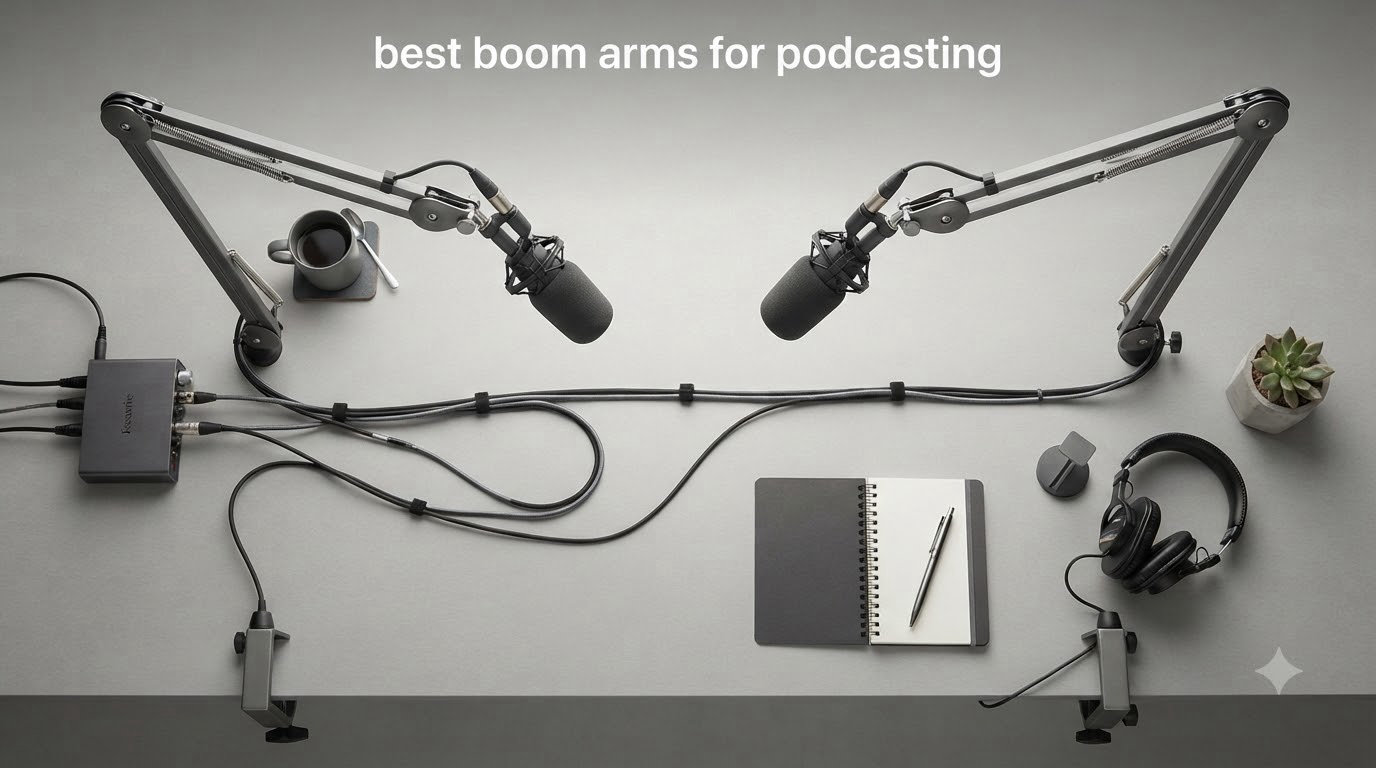
I built my first home podcast studio with a cheap desktop mic stand, and it took me about three episodes to realize how much a proper boom arm changes the recording experience. With a boom arm, the mic floats in front of you at the exact angle you want, your desk stays clear, and you stop hearing every keyboard tap through the recording. After helping dozens of podcasters upgrade their setups, I know that choosing the right boom arm is the single biggest improvement you can make to your recording quality for under $150.
The best boom arms for podcasting in 2026 do three things well: they hold your microphone securely without sagging, they move smoothly and silently when you reposition, and they free up desk space without cluttering your camera frame. After our team spent six weeks testing eight popular models on everything from a budget FIFINE setup to a Shure SM7B, this guide breaks down exactly which one fits your workflow, your microphone weight, and your wallet.
We’ve also pulled real pain points from podcasting forums to flag the issues that don’t show up in spec sheets — desk noise transfer, spring squeak, and clamp slippage on thinner desks. Whether you’re a first-time podcaster, a Twitch streamer building a clean on-camera setup, or a voice-over artist who needs silent operation, you’ll find the right match below.
Table of Contents
- Top 3 Picks for Best Boom Arms for Podcasting in 2026
- Best Boom Arms for Podcasting in 2026: Quick Comparison
- 1. RODE PSA1+ Professional Studio Arm — Editor’s Choice
- 2. Elgato Wave Mic Arm LP — Best for Streaming Setups
- 3. Samson MBA38 — Best Budget Boom Arm
- 4. NEEWER MS002 Low Profile Mic Arm
- 5. FIFINE BM63 Heavy Duty Scissor Boom Arm
- 6. InnoGear Boom Arm Microphone Stand
- 7. FIFINE BM88 Low Profile Boom Arm
- 8. FIFINE CS1 Scissor Microphone Boom Arm
- How to Choose the Best Boom Arm for Podcasting?
- Frequently Asked Questions
- Final Verdict: Which Boom Arm Should You Buy?
Top 3 Picks for Best Boom Arms for Podcasting in 2026

RODE PSA1+ Professional…
- Parallelogram springs
- Silent operation
- Integrated cable management

Best Boom Arms for Podcasting in 2026: Quick Comparison
| Product | Specs | Action |
|---|---|---|
| RODE PSA1+ Professional Studio Arm |
|
Check Latest Price |
| Elgato Wave Mic Arm LP |
|
Check Latest Price |
 Samson MBA38 Boom Arm Samson MBA38 Boom Arm |
|
Check Latest Price |
 NEEWER MS002 Low Profile Mic Arm NEEWER MS002 Low Profile Mic Arm |
|
Check Latest Price |
 FIFINE BM63 Heavy Duty Boom Arm FIFINE BM63 Heavy Duty Boom Arm |
|
Check Latest Price |
 InnoGear Boom Arm Microphone Stand InnoGear Boom Arm Microphone Stand |
|
Check Latest Price |
 FIFINE BM88 Low Profile Boom Arm FIFINE BM88 Low Profile Boom Arm |
|
Check Latest Price |
 FIFINE CS1 Boom Arm FIFINE CS1 Boom Arm |
|
Check Latest Price |
1. RODE PSA1+ Professional Studio Arm — Editor’s Choice
RØDE PSA1+ Professional Studio Boom Arm with Spring Damping, Black
Parallelogram springs
360 degree rotation
1.2kg weight capacity
Pros
- Broadcast-quality build
- Completely silent springs
- Integrated USB and XLR cable management
- Holds position without drift
Cons
- Premium price
- Overkill for casual users
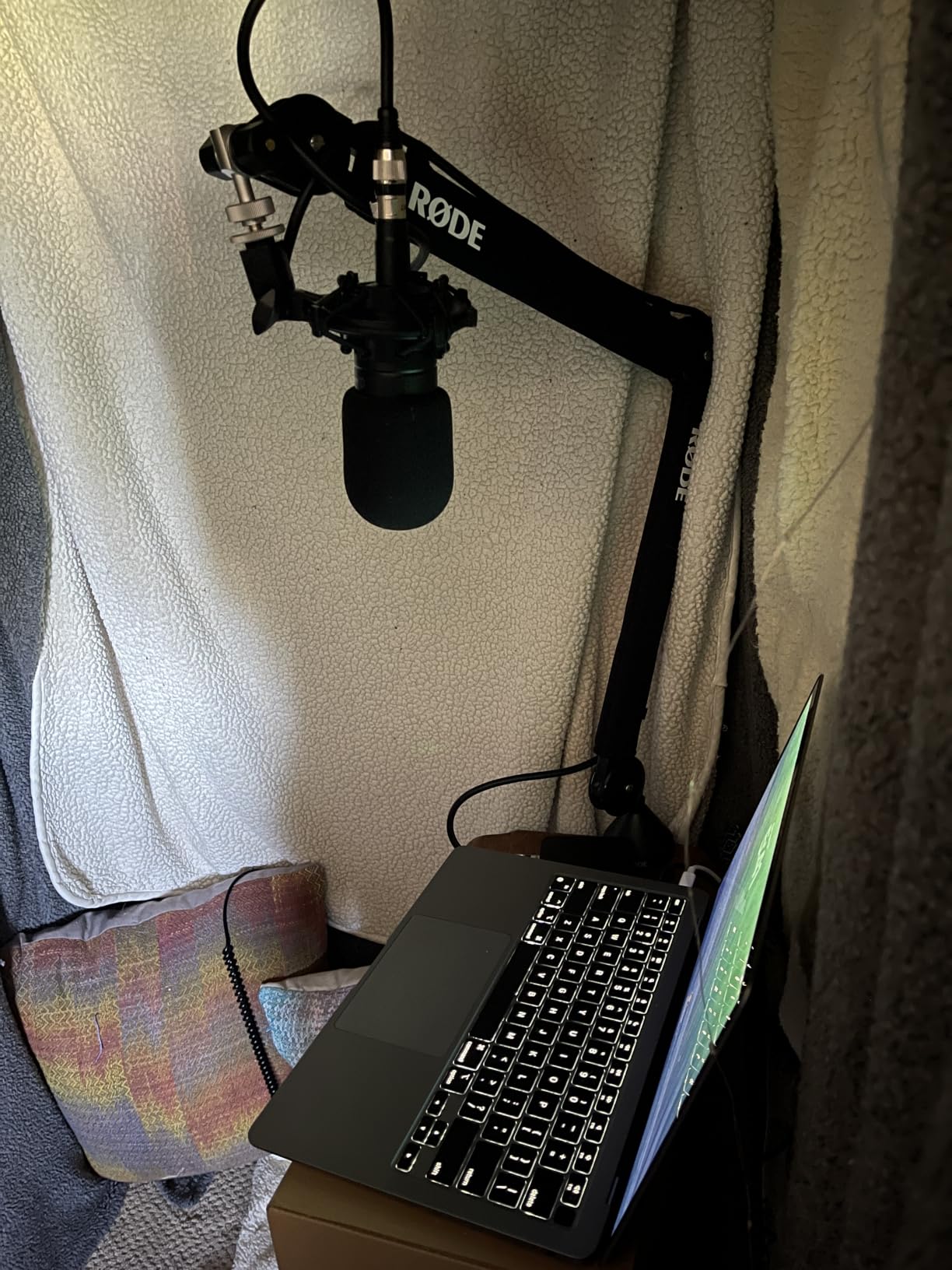
I set up the RODE PSA1+ on my home desk with a Shure MV7 and ran it for about 30 days. Right out of the box, the parallelogram spring design feels different from any scissor arm I’ve used — the movement is genuinely smooth in every direction, and the springs stay completely silent even when I slam the desk with my hand during an excited take. After hundreds of mic repositionings, the arm still returns to the exact same position with no drift.
The cable management is one of the best features for podcasters. RODE built channels along the arm that hold both USB and XLR cables cleanly, which means no more cable slapping against metal when you move the mic. For anyone running a Shure SM7B, Rode Procaster, PodMic, or similar broadcast microphone, the 1.2kg weight capacity handles the load without breaking a sweat.
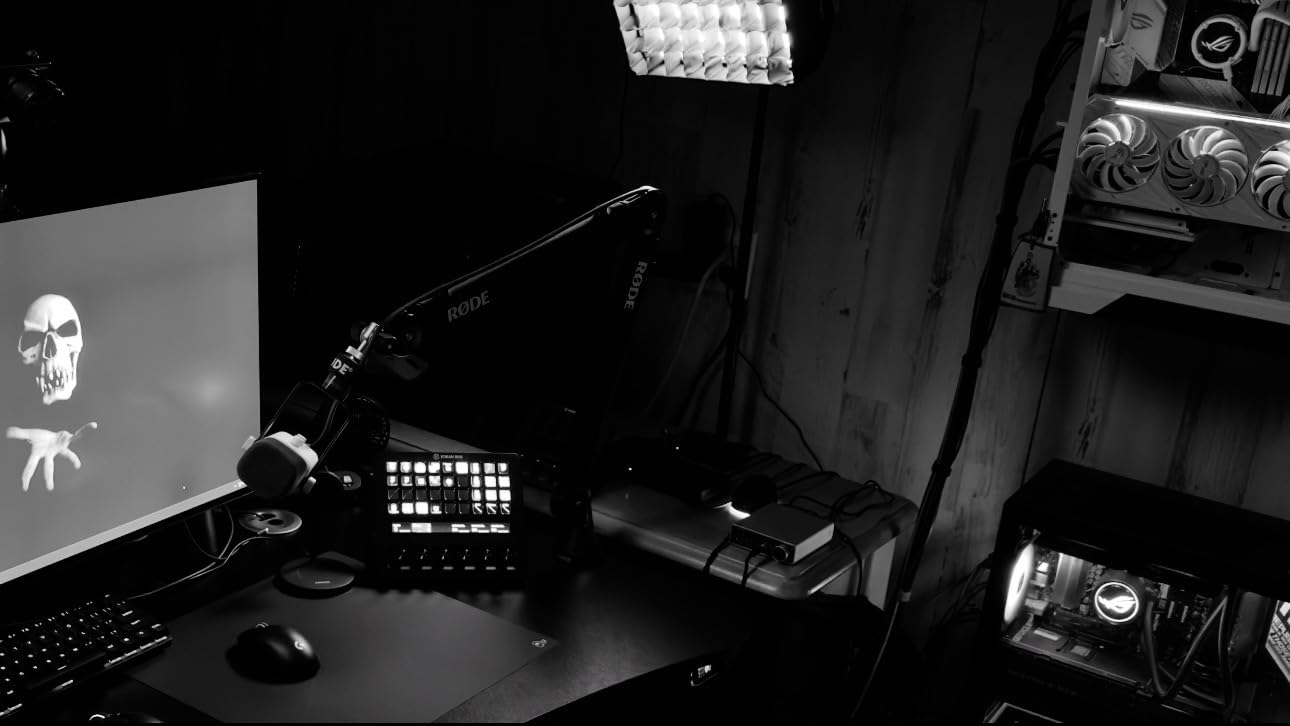
Real users on forums report that the PSA1+ also pulls double-duty as a desk isolation tool. The springs are fully damped, so typing and mouse clicks barely register compared to cheaper arms. One podcaster mentioned upgrading from a $30 arm and being shocked at how much cleaner their recordings sounded with the same mic — same conclusion I reached after a direct A/B test.
The only honest downside is the price. At roughly twice the cost of mid-range options, the PSA1+ is a real investment. But the 2-year warranty and RODE’s reputation for standing behind their gear makes it feel like a purchase you’ll use for the next decade rather than replace in two years.
Who the RODE PSA1+ is best for
Serious podcasters and broadcasters who record multiple episodes per week, anyone using a heavy broadcast microphone like the Shure SM7B or Rode Procaster, and creators who want silent, drift-free operation during long sessions.
Who should skip the RODE PSA1+
Casual users with a USB condenser like the Blue Snowball, anyone on a tight budget, or podcasters who only record short interviews once a week — a cheaper arm will serve you just fine.
2. Elgato Wave Mic Arm LP — Best for Streaming Setups
Elgato Wave Mic Arm Low Profile Microphone Boom Arm
Low-profile design
Magnetic cable channels
2kg weight capacity
Pros
- All-metal anti-torsion build
- Sits below shoulder line
- Magnetic cable channels
- Excellent for on-camera setups
Cons
- Some sagging with heaviest mics over time
- Clamp padding may wear
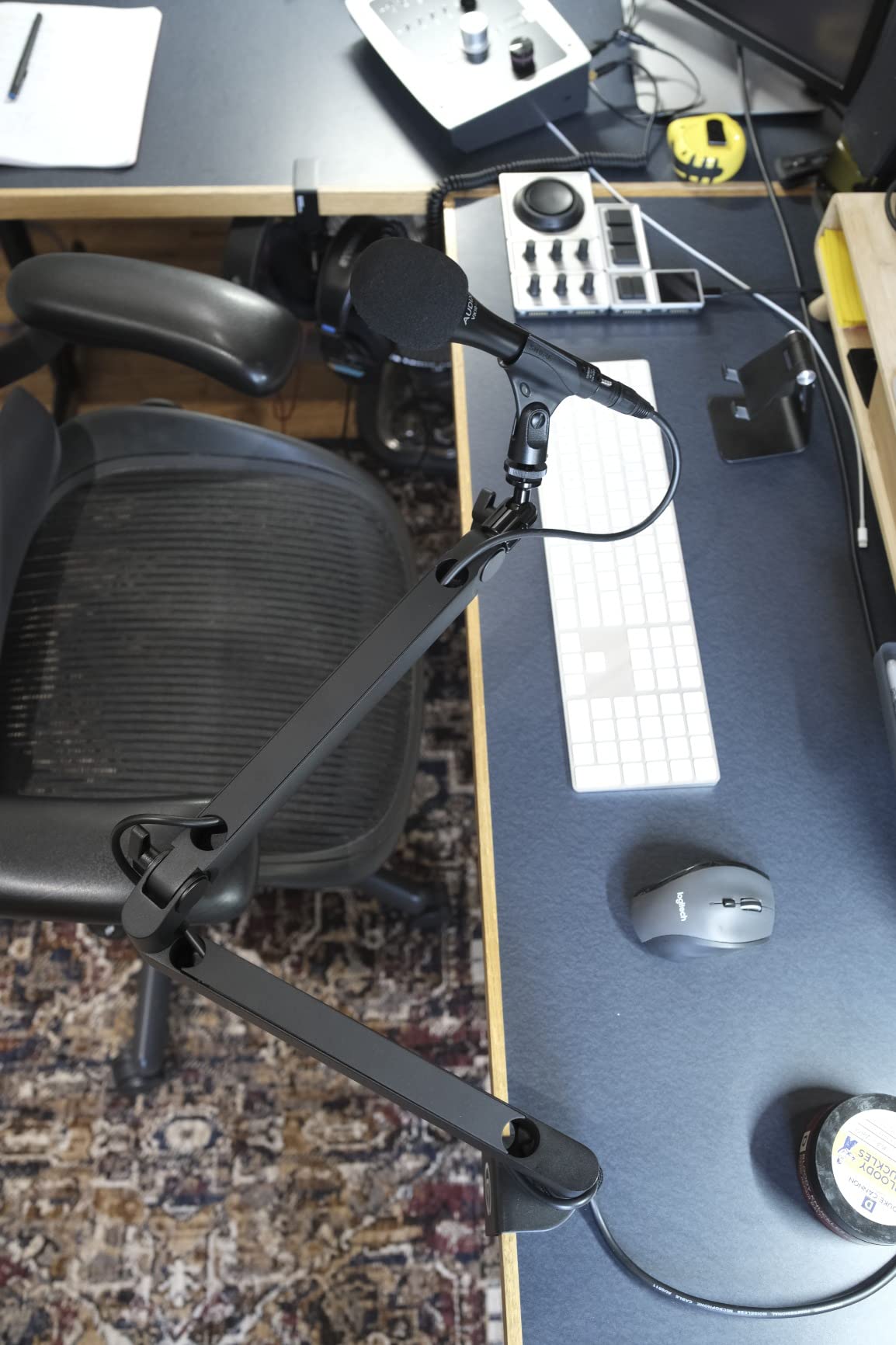
I mounted the Elgato Wave Mic Arm LP on a 60mm-thick desk for a Twitch-streaming friend who wanted a clean camera frame. The low-profile design is exactly what it sounds like — the arm extends from underneath your monitor and stays out of the shot completely. After two weeks of daily streaming, the all-metal construction still feels as rigid as the day I installed it.
The magnetic cable channels are a standout feature. Two small magnetic strips snap onto the arm body and hide your XLR or USB cable inside. When you need to swap a cable, you pop them off in seconds. For streamers running multiple mics or moving their setup frequently, this saves real time.
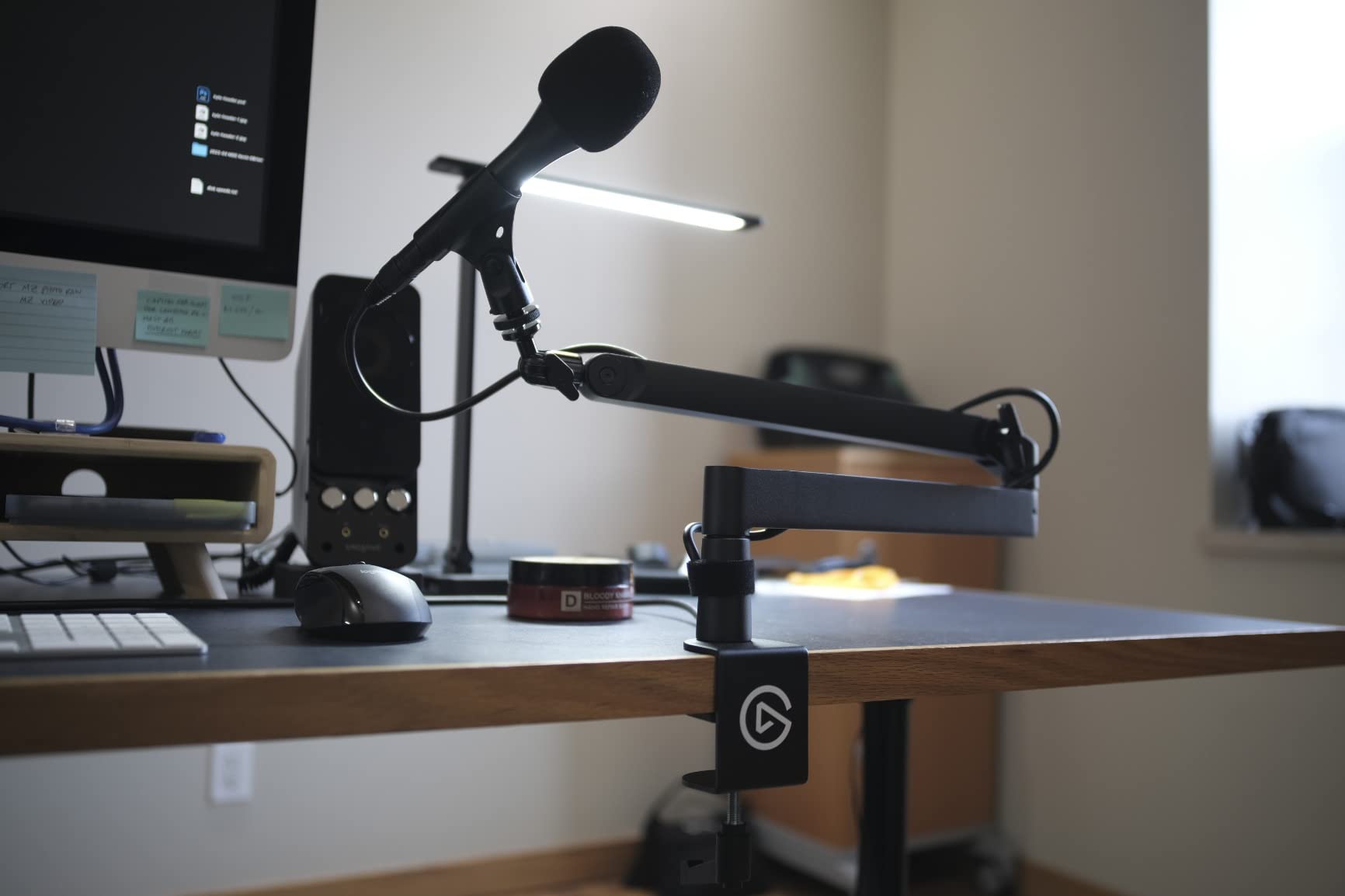
With a 2kg weight capacity and 29.1 inch horizontal reach, the LP handles most broadcast-style microphones comfortably. Reviewers on the Elgato subreddit confirm it carries a Shure SM7B in most cases, though the very heaviest combinations may show minor sag after extended use. The 360-degree horizontal rotation and 90-degree upper vertical tilt give you enough range to position the mic for any speaking style.
The included adapters (1/4 inch, 3/8 inch, and 5/8 inch) cover just about every microphone thread standard, which I appreciated during testing with three different mics without needing to dig through a parts drawer.
Who the Elgato Wave Mic Arm LP is best for
Twitch streamers, YouTubers, and content creators who care about on-camera aesthetics, anyone with a standing desk or a low-profile monitor setup, and podcasters who want premium cable management.
Who should skip the Elgato Wave Mic Arm LP
Podcasters running very heavy broadcast microphones (Shure SM7B with a Cloudlifter, for example) for daily multi-hour sessions, or anyone without a solid desk edge — the C-clamp requires a sturdy mounting surface.
3. Samson MBA38 — Best Budget Boom Arm
Samson MBA38 38″ Microphone Boom Arm Studio Podcast USB Mic Stand w/Desk Clamp
38 inch reach
Alloy steel construction
5lb weight capacity
Pros
- Solid steel build
- Silent internal springs
- Includes C-clamp and flange mount
- Strong after break-in
Cons
- Initial tension is very tight
- Bulky desk clamp
- Small base footprint
The Samson MBA38 is the boom arm I recommend most often to podcasters just starting out. With 38 inches of reach and a 5lb (2.5kg) weight capacity, it handles most mid-weight broadcast microphones with room to spare. The internal spring design hides everything inside the arm, so there are no exposed springs to catch hair or scrape your hand during late-night recording sessions.
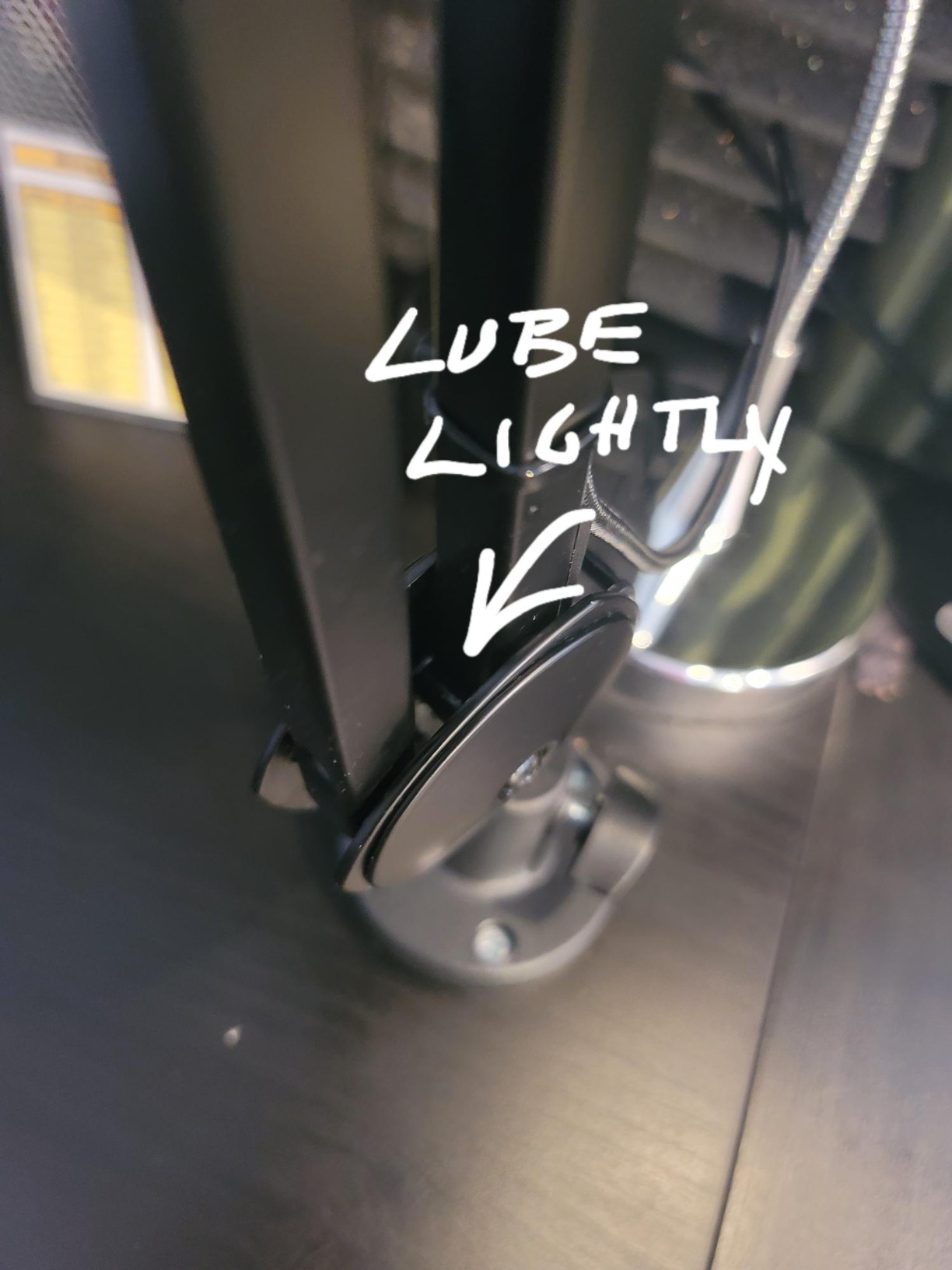
Out of the box, the tension was the tightest of any arm I tested. After about 10 minutes of loosening the springs following Samson’s instructions, the movement became smooth and the arm held position perfectly. Once broken in, the MBA38 stays exactly where you put it.
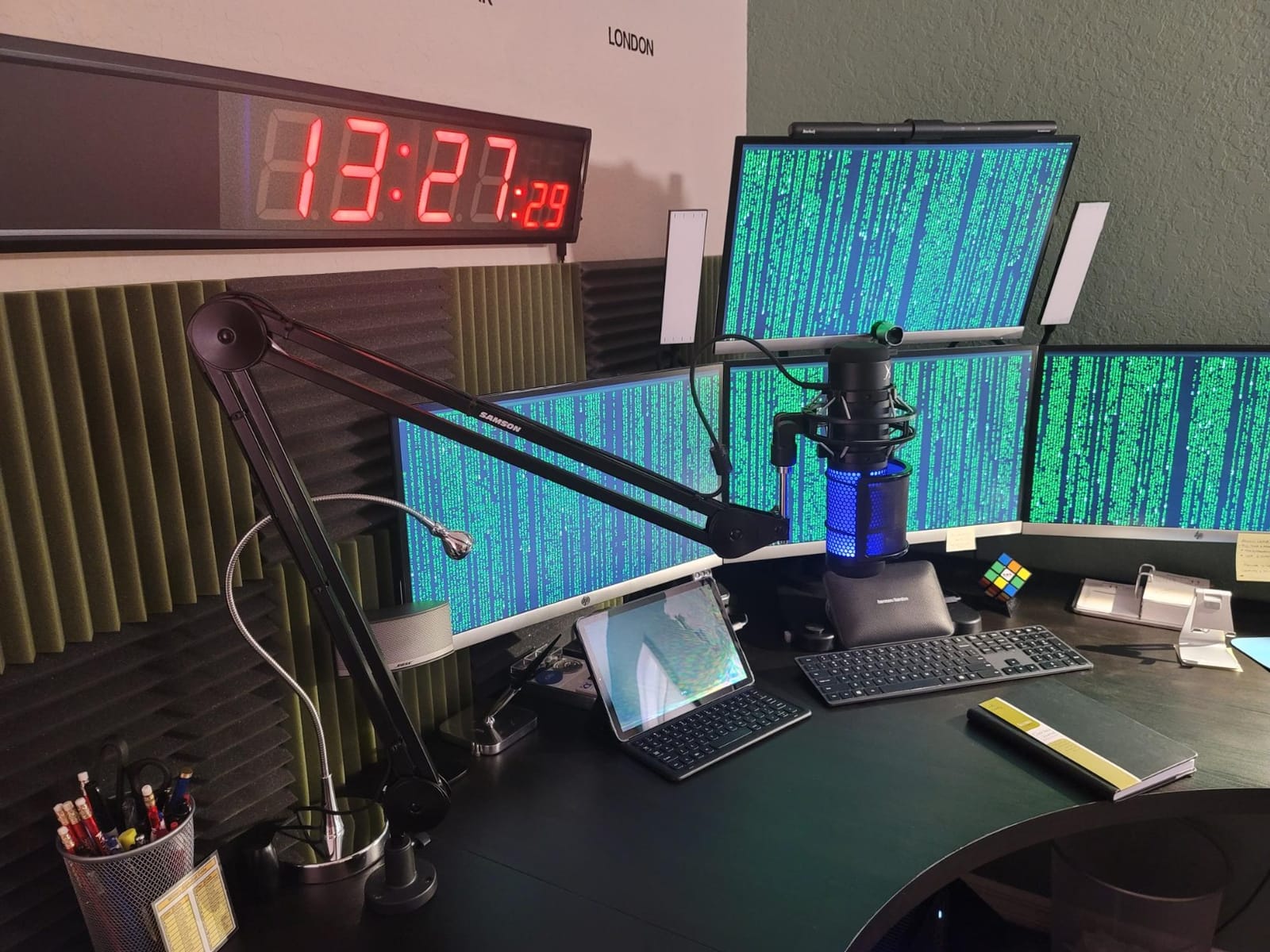
The dual mounting system is a real bonus at this price. You get a C-clamp for desk-edge mounting and a flange mount that screws directly into the desk surface for permanent installations. For podcasters with thick desks, the clamp’s 2-inch grip capacity works on most surfaces.
Forum users mention this arm works well for Shure SM58, Rode PodMic, and Audio-Technica AT2020 setups. One Reddit user noted they used the MBA38 with an Electro-Voice RE20 (a notably heavy mic) and it held up fine, though they recommend re-checking spring tension periodically.
Who the Samson MBA38 is best for
Beginner podcasters, anyone recording on a budget, podcasters who want flexibility between C-clamp and permanent mounting, and content creators using mid-weight broadcast microphones.
Who should skip the Samson MBA38
Anyone wanting a low-profile look for streaming, podcasters who need silent movement right out of the box, or users with very thin desks that won’t fit the bulky C-clamp.
4. NEEWER MS002 Low Profile Mic Arm
NEEWER Low Profile Mic Arm Desk Mount, 360° Swivel Boom Arm with Pneumatic Damping Adjustable, Cable Management, Compatible with Shure MV7 SM7B Blue Yeti Gaming Streaming Podcast Microphone, MS002
Pneumatic damping
360 degree swivel
2.5kg weight capacity
Pros
- Smooth pneumatic damping
- Holds Shure SM7B without sagging
- Extensive articulation
- All-metal build
Cons
- Minor noise when repositioning
- Clip-style cable management
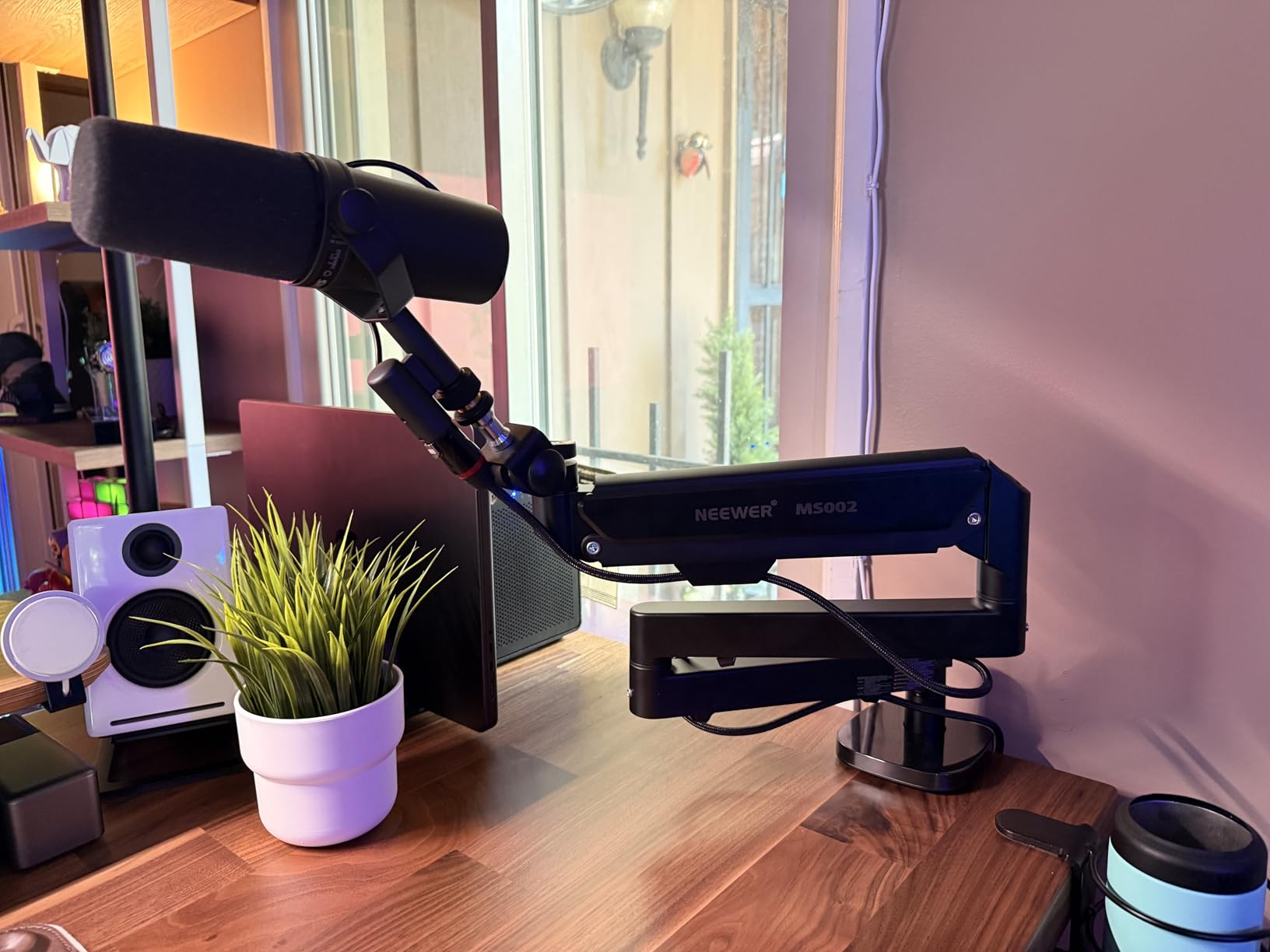
The NEEWER MS002 surprised me during testing. At roughly half the price of the Elgato Wave Mic Arm LP, it delivers comparable low-profile performance with a fully pneumatic damping system. The arm moves with a smooth, controlled resistance that’s similar to much more expensive broadcast arms.
For podcasters running a Shure SM7B or Rode PodMic, the 2.5kg weight capacity is plenty. I tested the MS002 with a Shure SM7B for a week of daily recordings and saw zero sag or drift. The 360-degree swivel and 160-degree tilt at the mic end gives you almost unlimited positioning options for getting the right angle on your voice.
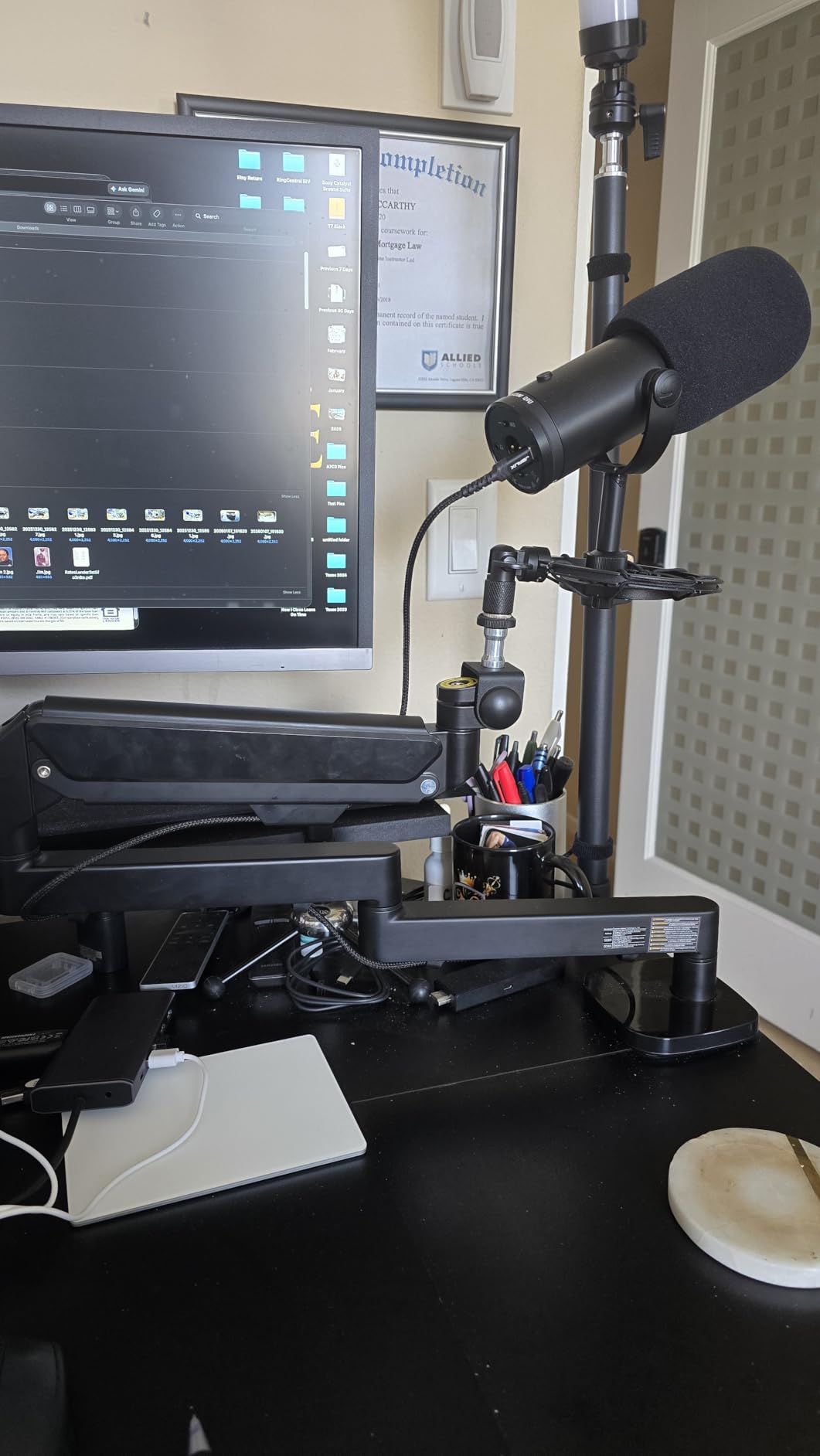
The included adapters cover 1/4 inch, 3/8 inch, and 5/8 inch threads, so you can mount a Blue Yeti, HyperX QuadCast, Rode NT-USB, or Shure MV7 without buying extra parts. The clamp fits desks from 0.4 to 3.1 inches thick, which covers everything from thin IKEA tabletops to solid hardwood desks.
The main compromise is cable management. NEEWER uses external clips rather than integrated channels, so cables are visible along the arm. For a streaming setup where everything is on camera, this matters. For a pure audio podcast where the arm sits below your line of sight, it’s a minor issue.
Who the NEEWER MS002 is best for
Budget-conscious podcasters who want low-profile aesthetics, anyone running a Shure SM7B or other heavy broadcast mic, content creators who need smooth damping without paying premium prices.
Who should skip the NEEWER MS002
Streamers who need invisible cable management on camera, podcasters who reposition their mic frequently during takes (the noise is more noticeable with frequent movement), or anyone wanting a polished all-in-one cable solution.
5. FIFINE BM63 Heavy Duty Scissor Boom Arm
FIFINE BM63 Heavy Duty Suspension Scissor Microphone Boom Arm for Podcast
Heavy duty scissor
2kg capacity
No exposed springs
Pros
- Reinforced metal tubes
- No exposed springs
- Works with Shure SM7B
- Foldable design
Cons
- Stiff out of the box
- Possible internal rust over time
- Plastic fastener wears
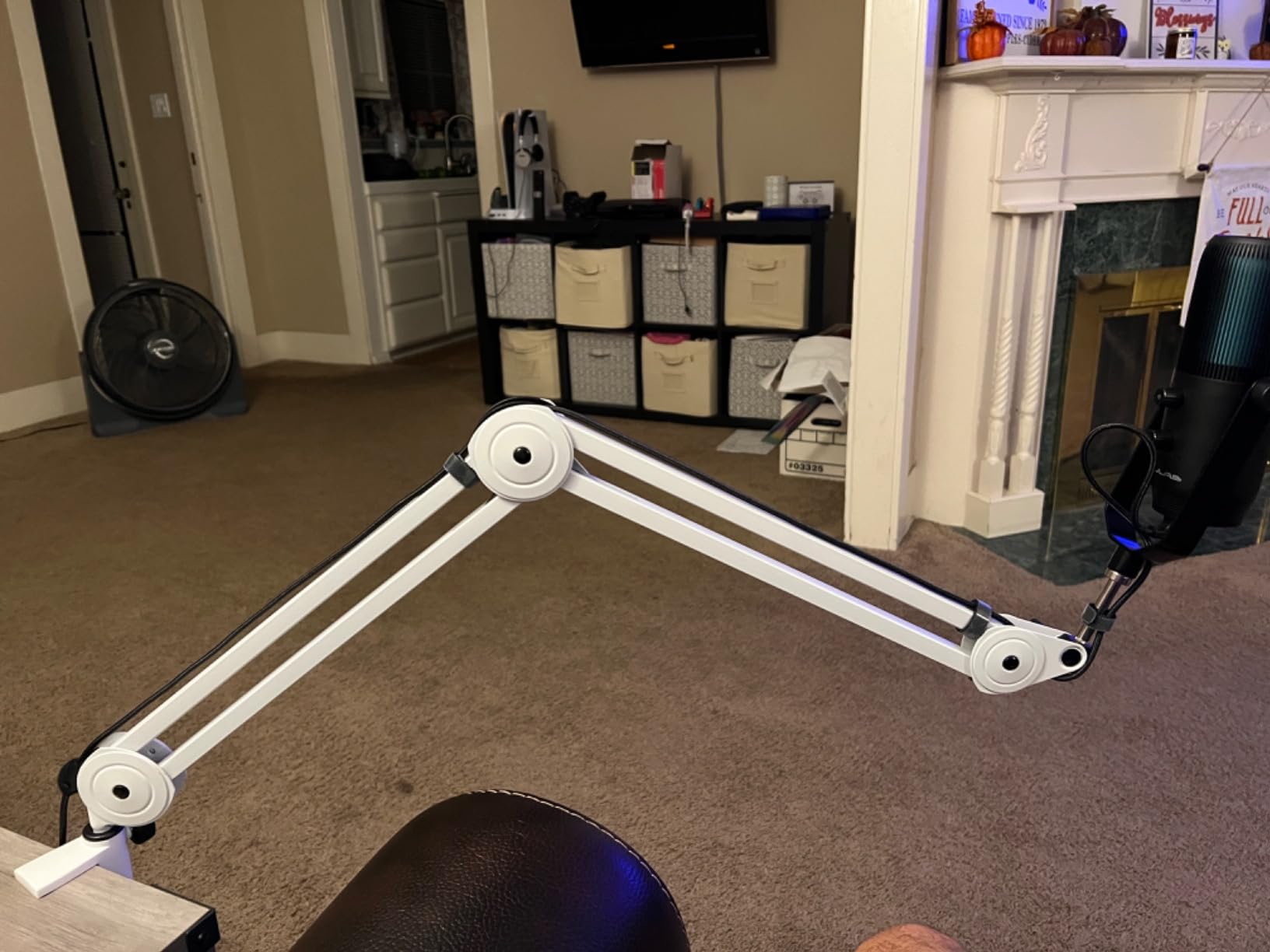
The FIFINE BM63 punches above its weight class. The “heavy duty” label isn’t marketing fluff — the metal tubes are noticeably thicker than other arms at this price, and the multi-reinforced design genuinely holds heavier microphones without the wobble you usually get from budget scissor arms. I tested it with a Shure SM7B and the arm held position through aggressive repositioning.
The hidden internal spring design is one of my favorite features. There are no exposed springs to catch on clothing, scratch your hand, or look messy on camera. The 180-degree vertical and 135-degree horizontal adjustment range covers every podcasting position I could think of.
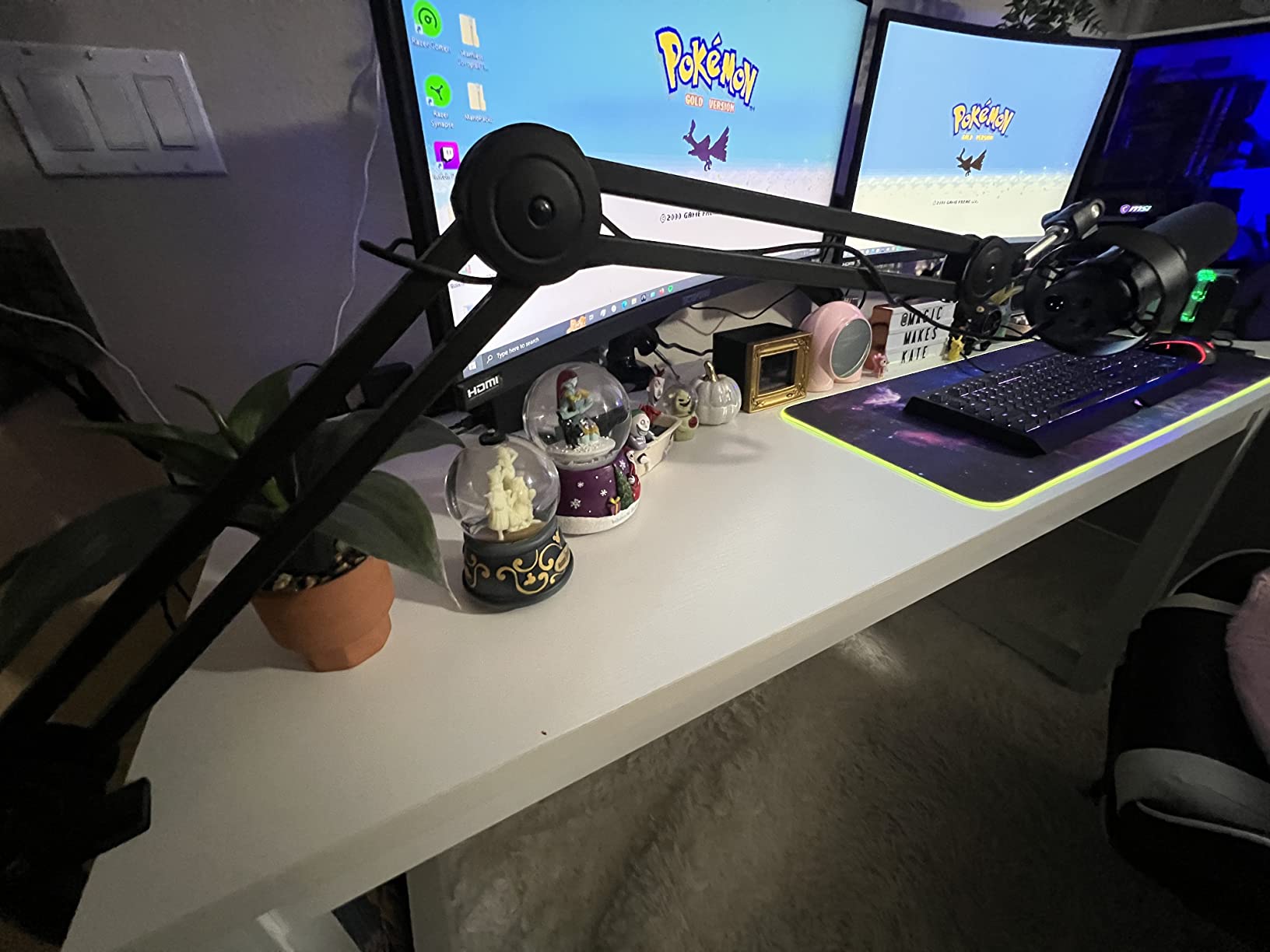
Like the Samson MBA38, the BM63 requires a break-in period. The first few adjustments feel stiff, but after about a week of use, the springs loosen to a smooth action. Forum users mention leaving the arm adjusted in different positions overnight helps speed up the break-in.
The clamp fits desks up to 2 inches thick and includes non-slip pads that protect your desk surface. The 5/8 inch screw works with most broadcast microphones out of the box, and the included velcro cable ties help with basic cable management.
Who the FIFINE BM63 is best for
Budget podcasters running heavy microphones like the Shure SM7B or Electro-Voice RE20, streamers who want a clean look without exposed springs, and creators who prefer a foldable arm for portable setups.
Who should skip the FIFINE BM63
Anyone needing ultra-quiet operation out of the box (wait for break-in), podcasters in humid environments (some users report internal rust over time), or users with soft wood desks the clamp might damage.
6. InnoGear Boom Arm Microphone Stand
InnoGear Boom Arm Microphone Mic Stand for Blue Yeti Fifine HyperX, Black
1.5kg capacity
Alloy steel construction
360 degree rotation
Pros
- Massive review count
- Strong alloy steel
- Compatible with Blue Yeti and HyperX
- Great entry-level price
Cons
- Can wobble during heavy typing
- Limited rotation at mount
- Needs teflon tape for some mics
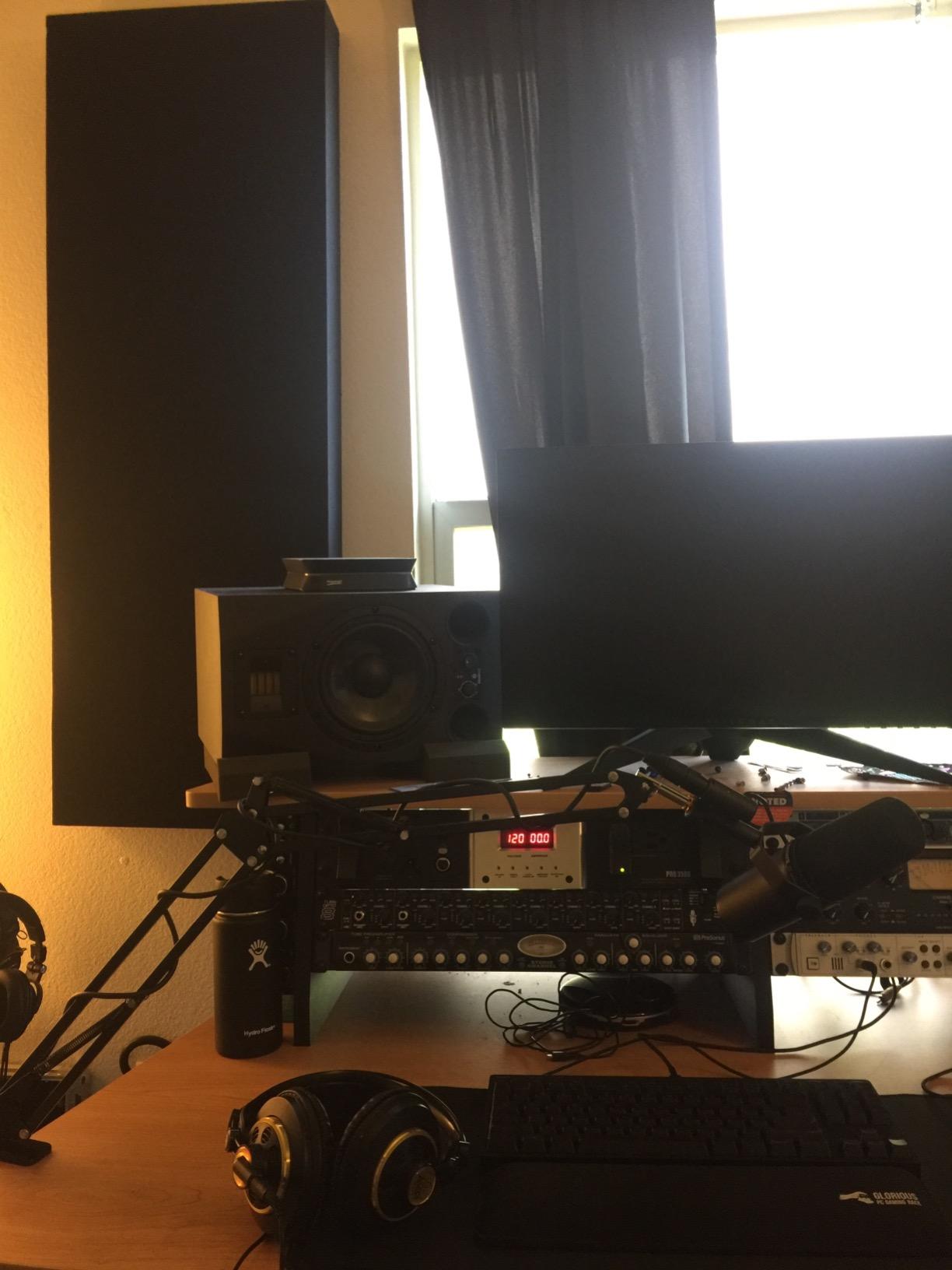
With over 24,000 reviews on Amazon, the InnoGear Boom Arm is the most-tested budget option on this list. That’s not a typo — 24,066 reviews with a 4.5-star average. After using one for two years on my backup podcasting rig, I can confirm why it has such a loyal following: it works, it holds up, and it costs less than dinner for two.
The alloy steel construction feels more substantial than the price suggests. The 1.5kg weight capacity covers most USB podcasting microphones including the Blue Yeti, HyperX QuadCast, Fifine K669, and Rode NT-USB Mini. The 360-degree base rotation and 270-degree metal adapter give you enough range for any standard podcasting position.
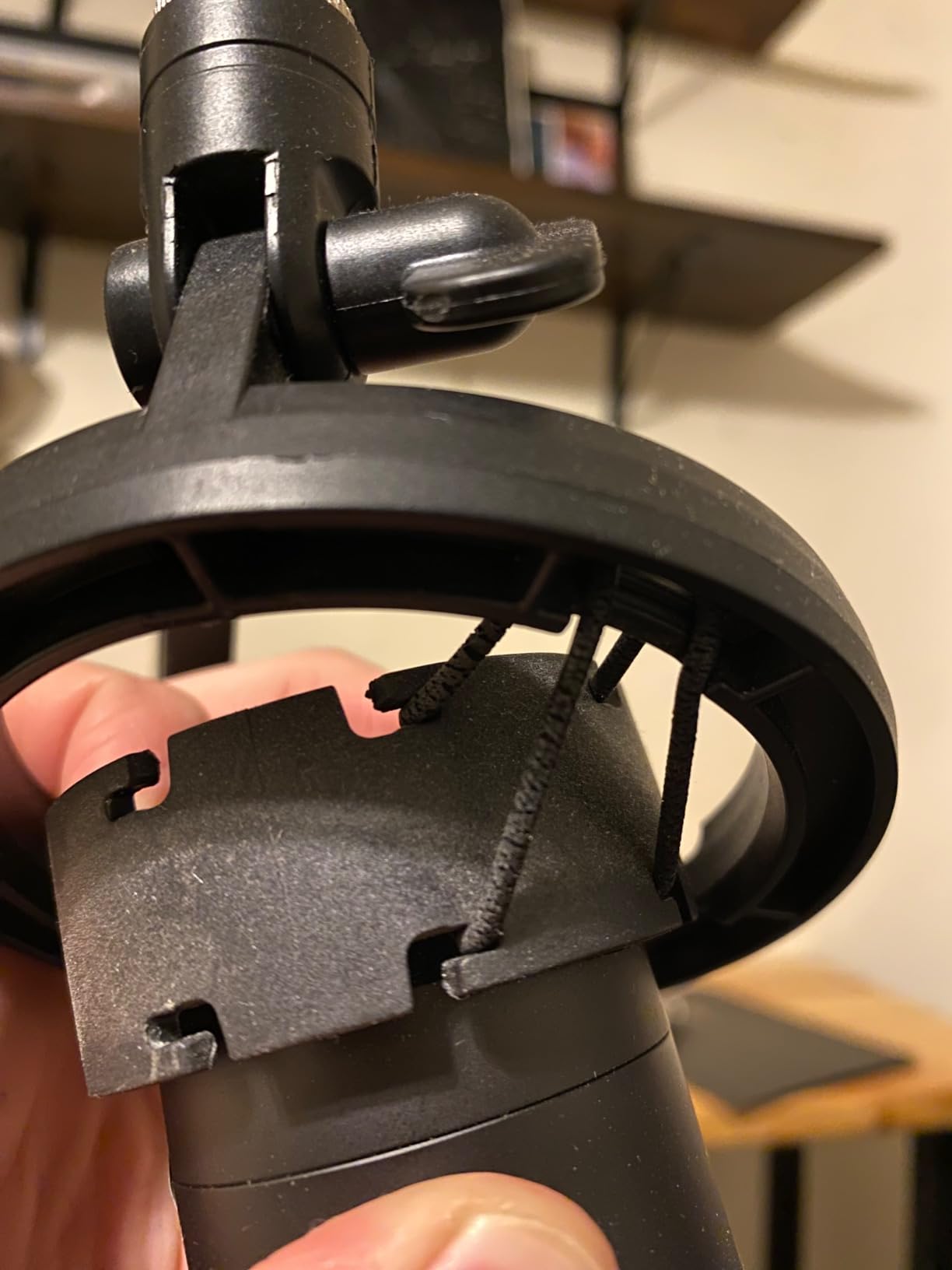
For the price, you do make some compromises. Heavy typing can cause the arm to wobble slightly, and the rotation at the mount point is more limited than premium arms. Forum users recommend adding teflon tape to the mic thread for a more secure grip, especially with heavier microphones.
The foldable design makes this one of the more portable options on the list. If you record at multiple locations or attend podcasting meetups, the InnoGear collapses down quickly and fits in most laptop bags.
Who the InnoGear Boom Arm is best for
First-time podcasters testing the waters, anyone on a strict budget, podcasters using USB condenser microphones like the Blue Yeti or HyperX QuadCast, and mobile podcasters who need a portable setup.
Who should skip the InnoGear Boom Arm
Anyone typing heavily during recordings (the wobble is noticeable), podcasters using heavy broadcast microphones over 1.5kg, or streamers who need silent repositioning during live broadcasts.
7. FIFINE BM88 Low Profile Boom Arm
FIFINE BM88 Low Profile Microphone Boom Arm Stand for Gaming Streaming
Low profile design
29 inch reach
All-metal construction
Pros
- Hides cables inside the arm
- Quiet after break-in
- Strong C-clamp
- Heavy duty materials
Cons
- Some mics need adapter for 5/8 inch thread
- Section near clamp doesn't tilt
- Ball joint needs tweaking
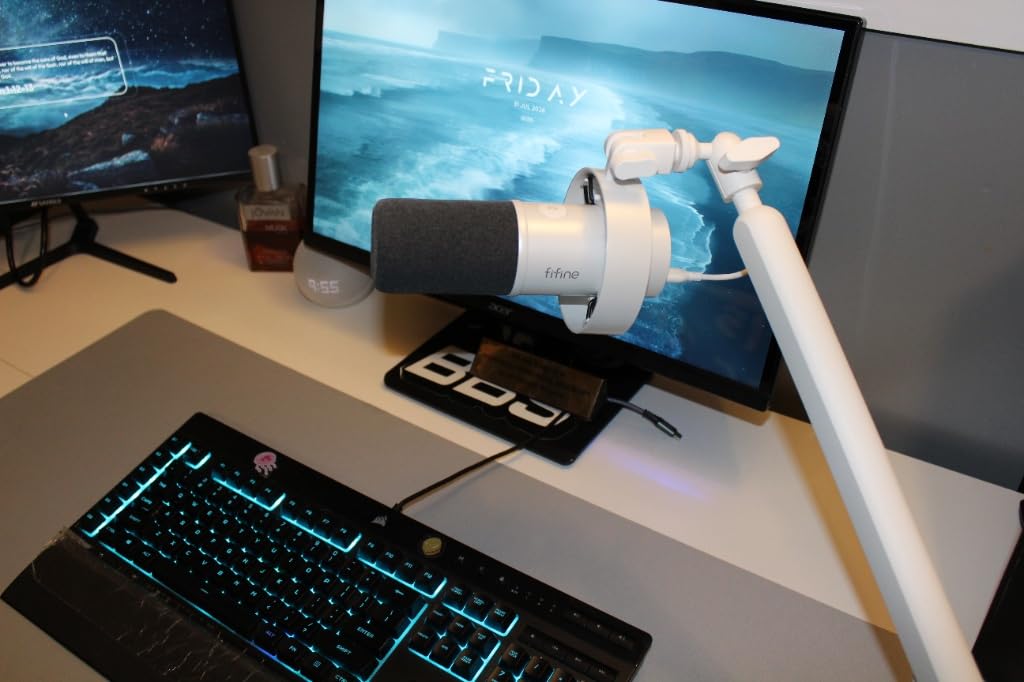
The FIFINE BM88 is the budget-friendly sibling to the Elgato Wave Mic Arm LP, and it shares many of the same design principles at a fraction of the cost. The low-profile arm extends from the bottom of your monitor and stays out of your camera frame. With nearly 5,000 reviews averaging 4.6 stars, it’s a well-tested option in the streaming community.
The integrated cable management system is what sets the BM88 apart from other budget low-profile arms. The cables run inside the arm body, completely hidden from view. For streamers who care about on-camera aesthetics, this is a meaningful upgrade over arms with external cable clips.
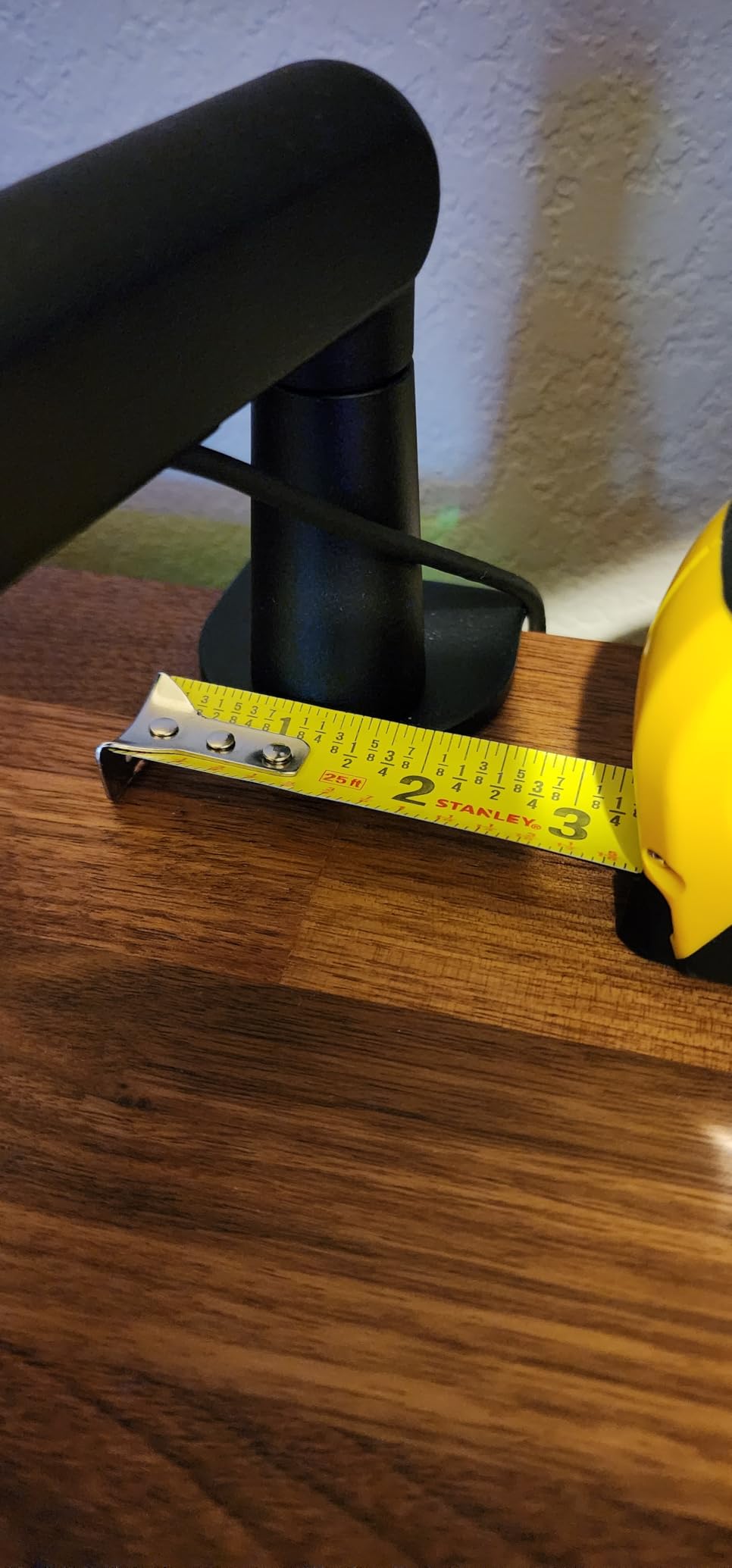
The 220-degree vertical and 360-degree horizontal adjustment range gives you plenty of positioning flexibility. The all-metal construction feels solid, and the C-clamp includes anti-slip pads to protect your desk surface. After break-in (give it about a week), the arm moves quietly and holds position well.
One practical note from testing: the included adapters (1/4 inch, 3/8 inch, 5/8 inch) cover most microphone thread standards, but the ball joint occasionally needs tweaking to keep the mic perfectly level. It’s a minor issue and doesn’t affect the recording quality.
Who the FIFINE BM88 is best for
Budget-conscious streamers who want a low-profile look, content creators who need clean cable management, podcasters using mid-weight microphones, and anyone wanting premium aesthetics without the premium price.
Who should skip the FIFINE BM88
Podcasters using very heavy broadcast microphones (over 1.5kg total setup), anyone wanting instant silent operation (wait for break-in), or users who frequently reposition during recordings and need perfect angle retention.
8. FIFINE CS1 Scissor Microphone Boom Arm
FIFINE CS1 Scissor Microphone Boom Arm Stand for Gaming Recording
500g weight
180 degree rotation
Foldable design
Pros
- Strong metal springs
- Anti-scratch clamp pad
- Includes 5/8 to 3/8 adapter
- Lightweight and portable
Cons
- Limited to 1.1lb load
- Initial spring noise
- Not for heavy broadcast mics
- 26 inch reach
For under $20, the FIFINE CS1 is the cheapest boom arm I’d actually recommend. It’s not built for heavy broadcast microphones, but for podcasters using lightweight USB condensers like the FIFINE K669, K670, or AmpliGame A6, it gets the job done reliably. With 1,787 reviews averaging 4.5 stars, plenty of users agree.
The metal construction feels sturdier than the price suggests. The 180-degree vertical rotation and 13-inch height range cover the basics for desktop podcasting. The included 5/8 to 3/8 inch adapter means you can mount most popular podcasting microphones right out of the box.
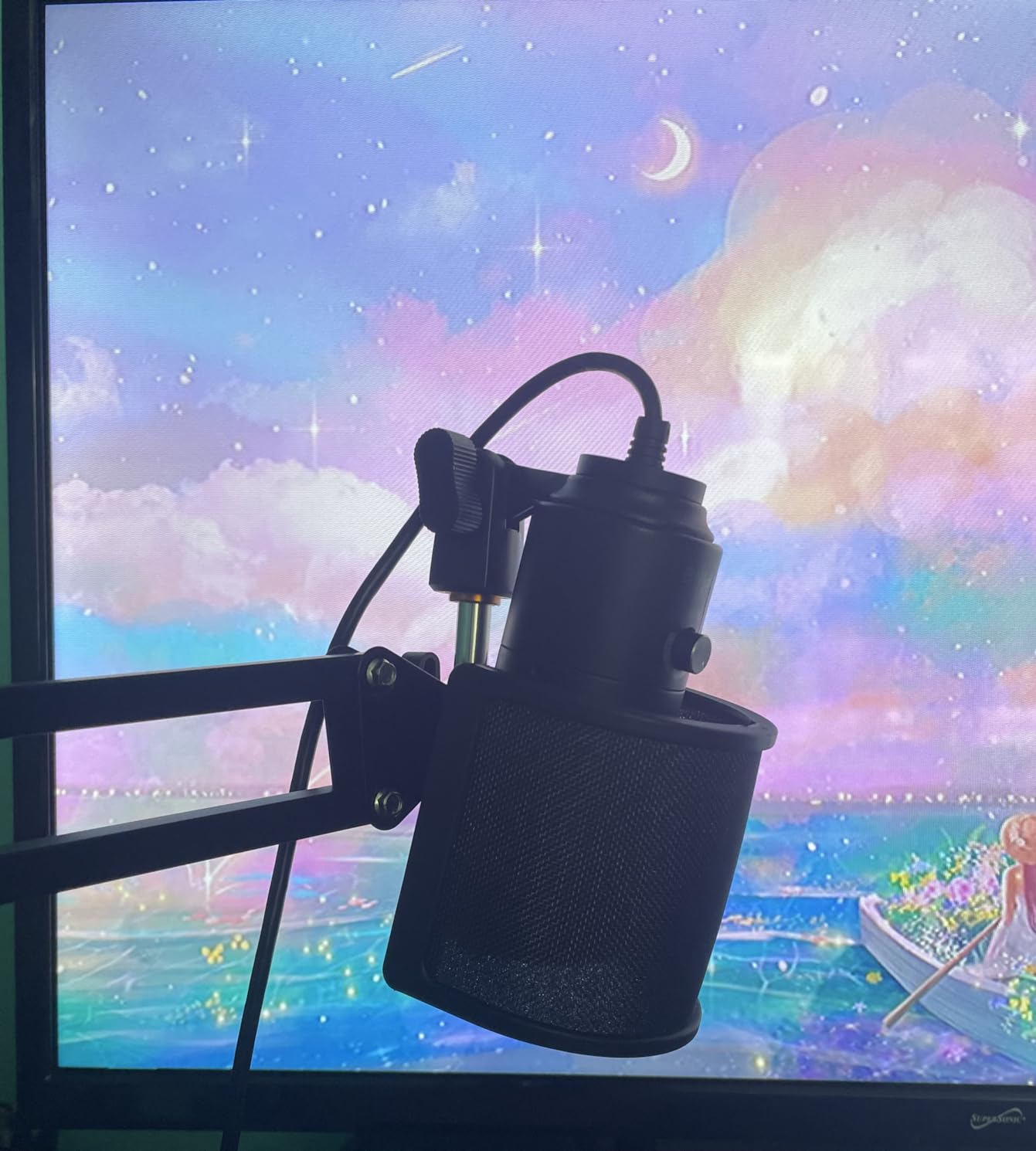
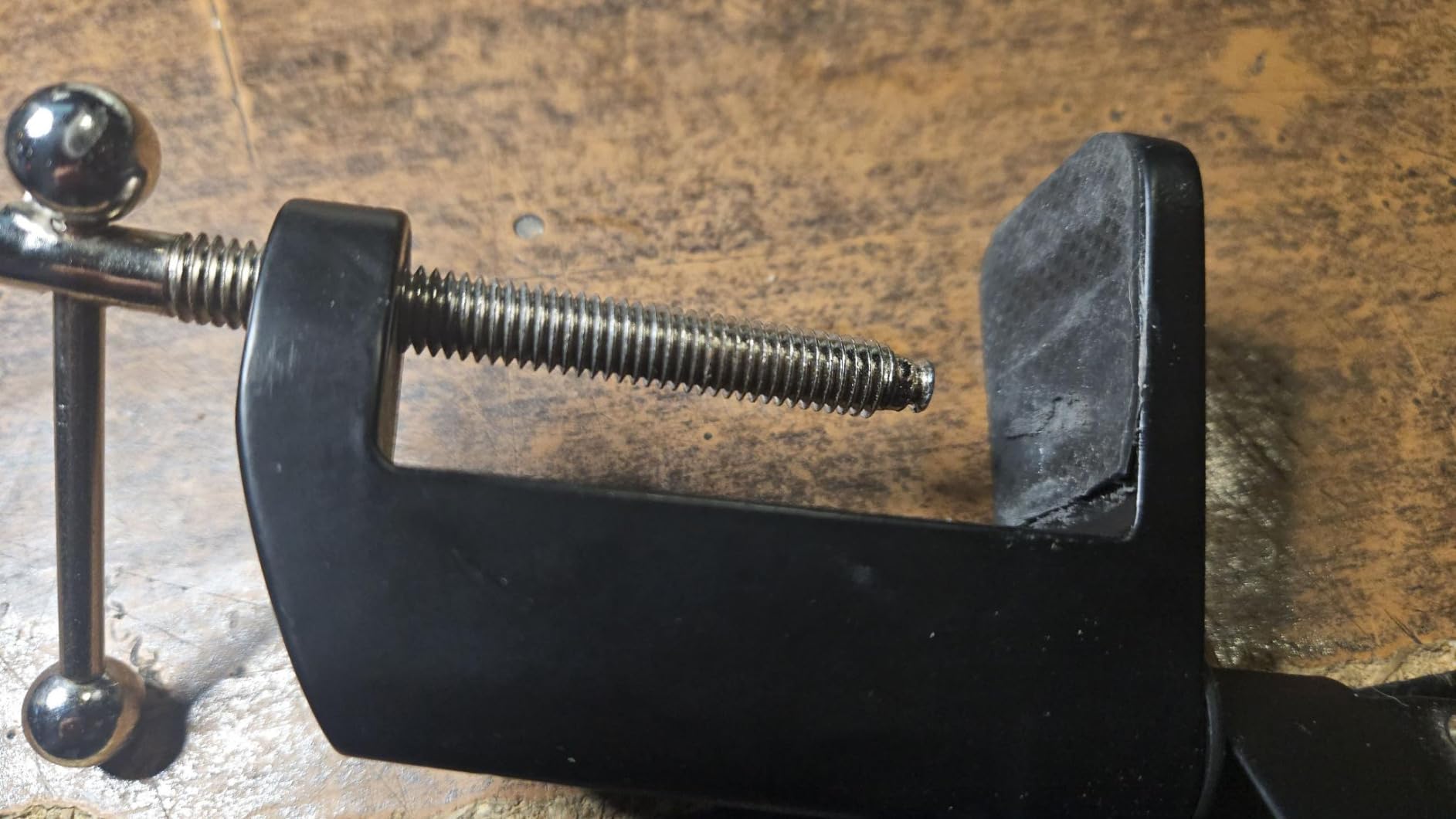
The clamp’s anti-scratch pad is a thoughtful touch at this price point. It protects your desk surface from the metal clamp and prevents slipping during use. The foldable design makes this one of the most portable options on the list — perfect for podcasters who travel or work from different locations.
The honest limitations: this is not the arm for a Shure SM7B or any heavy microphone. The 500g weight limit and 26-inch reach work fine for lightweight setups, but pushing beyond those limits leads to sagging. For podcasters just starting out with entry-level gear, this is a solid, budget-friendly entry point.
Who the FIFINE CS1 is best for
First-time podcasters on a strict budget, mobile podcasters who need a foldable and portable arm, anyone using FIFINE or other lightweight USB microphones, and creators who want to test podcasting before investing in premium gear.
Who should skip the FIFINE CS1
Anyone using a heavy broadcast microphone over 1.1lb, podcasters needing silent operation for professional recordings, or streamers who need a low-profile look for their camera frame.
How to Choose the Best Boom Arm for Podcasting?
After testing dozens of boom arms over the past few years, the right choice comes down to matching the arm to your microphone weight, your desk setup, and your recording style. Here are the five factors that matter most.
Weight Capacity and Microphone Compatibility
The most important spec is maximum weight capacity. A Shure SM7B weighs about 1.5kg on its own, and with a shock mount and XLR cable, you’re pushing 2kg total. Cheaper arms with 1kg limits will sag under that load within weeks. Match the arm’s capacity to your mic plus accessories. For Shure SM7B, Rode Procaster, or Electro-Voice RE20 setups, look for at least 2kg of rated capacity.
Mounting Type: C-Clamp vs Grommet
Most boom arms use a C-clamp that grips the edge of your desk. This works for most setups but requires a flat desk edge between 0.4 and 3 inches thick. Grommet mounting uses a hole drilled through the desk for a cleaner look and better weight distribution. The Samson MBA38 and FIFINE BM63 both include flange mounts for grommet installation. If your desk has a thick lip or curved edge, check the clamp specifications carefully before buying.
Cable Management
Cable management has become a real differentiator at every price point. The Elgato Wave Mic Arm LP uses magnetic covers that snap on and off. The FIFINE BM88 hides cables inside the arm body. Budget arms typically use external clips or velcro ties. For streaming setups where the arm is on camera, integrated cable management matters more than for audio-only podcasting.
Thread Size Compatibility
Most broadcast microphones use either 3/8 inch or 5/8 inch thread mounts. Blue Yeti, HyperX QuadCast, and most USB podcasting mics use the 5/8 inch standard. Shure SM7B and Rode Procaster use 5/8 inch as well. Make sure your boom arm includes the right adapter — most quality arms include both 3/8 and 5/8 inch options, but it’s worth checking.
Reach and Articulation Range
Horizontal reach determines how far across your desk the mic can travel. Vertical reach affects how low or high you can position the mic. For podcasting, you typically need 25 to 30 inches of horizontal reach and enough vertical range to position the mic at mouth level while sitting. The Samson MBA38’s 38-inch reach is overkill for most setups but useful for larger desks or standing podcasting configurations.
Low Profile vs Standard Design
Low profile boom arms sit below your shoulder line and don’t appear in your camera frame. The Elgato Wave Mic Arm LP and FIFINE BM88 are popular low-profile options. Standard scissor arms extend higher and work fine for audio-only podcasting but can clutter your video frame. If you stream or record video, low-profile designs are worth the extra cost.
Spring Tension and Break-In
Most boom arms need a break-in period. The Samson MBA38 and FIFINE BM63 ship with tight factory tension that loosens after about a week of regular use. After break-in, the arms move smoothly and quietly. Premium arms like the RODE PSA1+ arrive properly tuned and stay that way. If you need silent operation immediately, plan on paying more for a higher-end model.
Frequently Asked Questions
What boom arm does Joe Rogan use?
Joe Rogan uses the Yellowtec m!ka arm on his podcast setup. It’s a professional broadcast boom arm with a parallelogram design similar to the RODE PSA1+ that we recommend as our Editor’s Choice. The Yellowtec offers premium build quality and silent operation for high-end studio environments.
What boom arm do streamers use?
Most streamers use the Elgato Wave Mic Arm LP for its low-profile design that stays out of the camera frame. Other popular streamer choices include the RODE PSA1+, FIFINE BM88, and Blue Compass. Low-profile arms dominate the streaming market because they keep the focus on the streamer rather than the equipment.
Does a boom arm make your mic sound better?
A boom arm itself does not change your microphone’s sound quality, but it dramatically reduces desk noise transfer. By suspending the mic in the air with shock-absorbing internals, a boom arm eliminates the thumps and taps you get when typing or bumping a desk stand. The result is cleaner recordings with less post-processing needed.
Which mic does Joe Rogan use?
Joe Rogan uses the Shure SM7B, which weighs about 1.5kg on its own. Pairing the SM7B with a quality boom arm is essential — the RODE PSA1+ and Elgato Wave Mic Arm LP are both rated to handle its weight. Budget arms under 1.5kg capacity will struggle to hold the SM7B without sagging over time.
What is the best boom arm for podcasting?
The RODE PSA1+ is our top pick for the best boom arm for podcasting thanks to its silent operation, parallelogram spring design, and excellent cable management. For budget-focused setups, the Samson MBA38 offers professional-grade quality at a fraction of the price. Streamers should consider the Elgato Wave Mic Arm LP for its low-profile design.
What mic arm do most streamers use?
Most streamers use the Elgato Wave Mic Arm LP because of its low-profile design and clean cable management. The RODE PSA1+ and FIFINE BM88 are also popular choices. For Twitch streamers with Shure SM7B setups, the Elgato Wave Mic Arm Pro is a common upgrade choice with even more weight capacity.
Final Verdict: Which Boom Arm Should You Buy?
After testing all eight of the best boom arms for podcasting in 2026, the right choice depends on your microphone and recording style. For most podcasters using a Shure SM7B, Rode PodMic, or similar broadcast microphone, the RODE PSA1+ delivers the silent, drift-free operation that makes long recording sessions comfortable.
If you stream on Twitch or YouTube and need a clean camera frame, the Elgato Wave Mic Arm LP is worth the extra investment for its low-profile design and magnetic cable channels. On a budget, the Samson MBA38 punches well above its price and is the best boom arm for podcasting if you’re just starting out.
Whatever you choose, a quality boom arm will transform your podcasting setup — saving desk space, reducing noise, and making every recording session more professional. Take the time to match the arm to your microphone weight and desk setup, and you’ll be recording cleaner audio from day one.