
Shopping for a baby monitor with cameras means staring at spec sheets that all look identical, and the one question that actually matters is simpler: will this work at 3am in your house? Screen size, night vision, battery life and whether the picture survives a wall decide that. Everything else is marketing.
We read the customer review patterns behind the 10 camera-equipped monitors parents are actually buying, and kept only those that answer a distinct need. This list is camera-only by design. If you have not yet decided you need video, read the safety section first, because no monitor on this page reduces the risk of SIDS.
One pattern dominated every review set: privacy, range and running cost matter more to parents than any headline feature. Eight of these 10 monitors use an encrypted 2.4GHz FHSS signal with no WiFi connection at all, which removes the whole category of hacking worry. The other two add optional app access, and neither charges a subscription.
That makes this a genuinely different shortlist from the one search engines surface. The most commonly recommended products in this category are the ones reporting heart rate, breathing and oxygen data, and every one of them charges a recurring fee for the history or the accessory. We left those out of the picks because the fee is what parents regret, and we explain what that data is and is not worth further down.
If you want the wider picture on audio monitors and movement pads, our general baby monitor guide covers those too.
Table of Contents
- Top 3 Picks for Best Baby Monitors With Cameras (October 2026)
- Best Baby Monitors With Cameras in 2026
- 1. VTech VM819 – Best Overall for Private Non-WiFi Monitoring
- 2. HelloBaby HB6550 – Best Value 5-Inch Non-WiFi Monitor
- 3. GoodBaby SM663 – Best Budget 5-Inch Monitor With USB-C
- 4. iFamily SM650 – Best for Twins and Multiple Rooms
- 5. Babysense PRO – Best With Built-In Night Light and Soothing
- 6. VTech VM901 – Best for Phone and Parent Unit Together
- 7. Momcozy BM01 – Best for Sharp Night Detail and 4x Zoom
- 8. HelloBaby HB30 – Budget Pick and Very Small Nurseries
- 9. VTech VM924 – Best for Wide Room Pan and Tilt Coverage
- 10. eufy Baby Monitor C10 – Best 2K Hybrid Local and Remote Monitor
- How We Picked and Tested These 10 Baby Monitors
- How to Choose a Baby Monitor With Camera
- WiFi or no WiFi: the decision that settles most of it
- Which baby monitor has the best night vision?
- Which baby monitor has the farthest range?
- What screen size do you actually need?
- Do you need a subscription, and what does one cost?
- How many cameras do you need?
- Where to put the camera and how to run the cable
- What about a generic security camera instead?
- Privacy and Hacking: How Baby Monitors Get Compromised
- Are Baby Monitors Safe? What They Can and Cannot Do
- Frequently Asked Questions
- The Verdict: Which Baby Monitor Should You Buy?
Top 3 Picks for Best Baby Monitors With Cameras (October 2026)
The VTech VM819 wins on proven reliability, the HelloBaby HB6550 on screen size and expansion, and the GoodBaby SM663 on modern charging. All three are non-WiFi dedicated-screen monitors, which is what most families need.


Best Baby Monitors With Cameras in 2026
Eight products below use a dedicated encrypted signal with no internet connection, and two add optional phone access through an app. None requires a subscription.
| Product | Specs | Action |
|---|---|---|
| VTech VM819 |
|
Check Latest Price |
| HelloBaby HB6550 |
|
Check Latest Price |
 GoodBaby SM663 GoodBaby SM663 |
|
Check Latest Price |
 iFamily SM650 iFamily SM650 |
|
Check Latest Price |
 Babysense PRO Babysense PRO |
|
Check Latest Price |
 VTech VM901 VTech VM901 |
|
Check Latest Price |
 Momcozy BM01 Momcozy BM01 |
|
Check Latest Price |
 HelloBaby HB30 HelloBaby HB30 |
|
Check Latest Price |
 VTech VM924 VTech VM924 |
|
Check Latest Price |
 eufy Baby Monitor C10 eufy Baby Monitor C10 |
|
Check Latest Price |
1. VTech VM819 – Best Overall for Private Non-WiFi Monitoring
VTech Baby Monitor No WiFi – 19Hr Video Battery, 1000ft Range, Night Vision, Two-Way Talk, Temperature Sensor, Sound-Activated Screen, Lullabies | VM819
2.8-inch LCD
480p video
No WiFi 2.4GHz FHSS
1000ft range
2600 mAh
19-hour battery
Pros
- No WiFi so nothing to hack
- 19-hour video battery and 29 hours on audio
- Reliable 1000ft FHSS connection
- Temperature sensor with out-of-range alerts
- Plug and play with no app to learn
Cons
- 480p is soft when zoomed in
- 2.8-inch screen is small at 3am
- Camera needs a socket with no battery backup
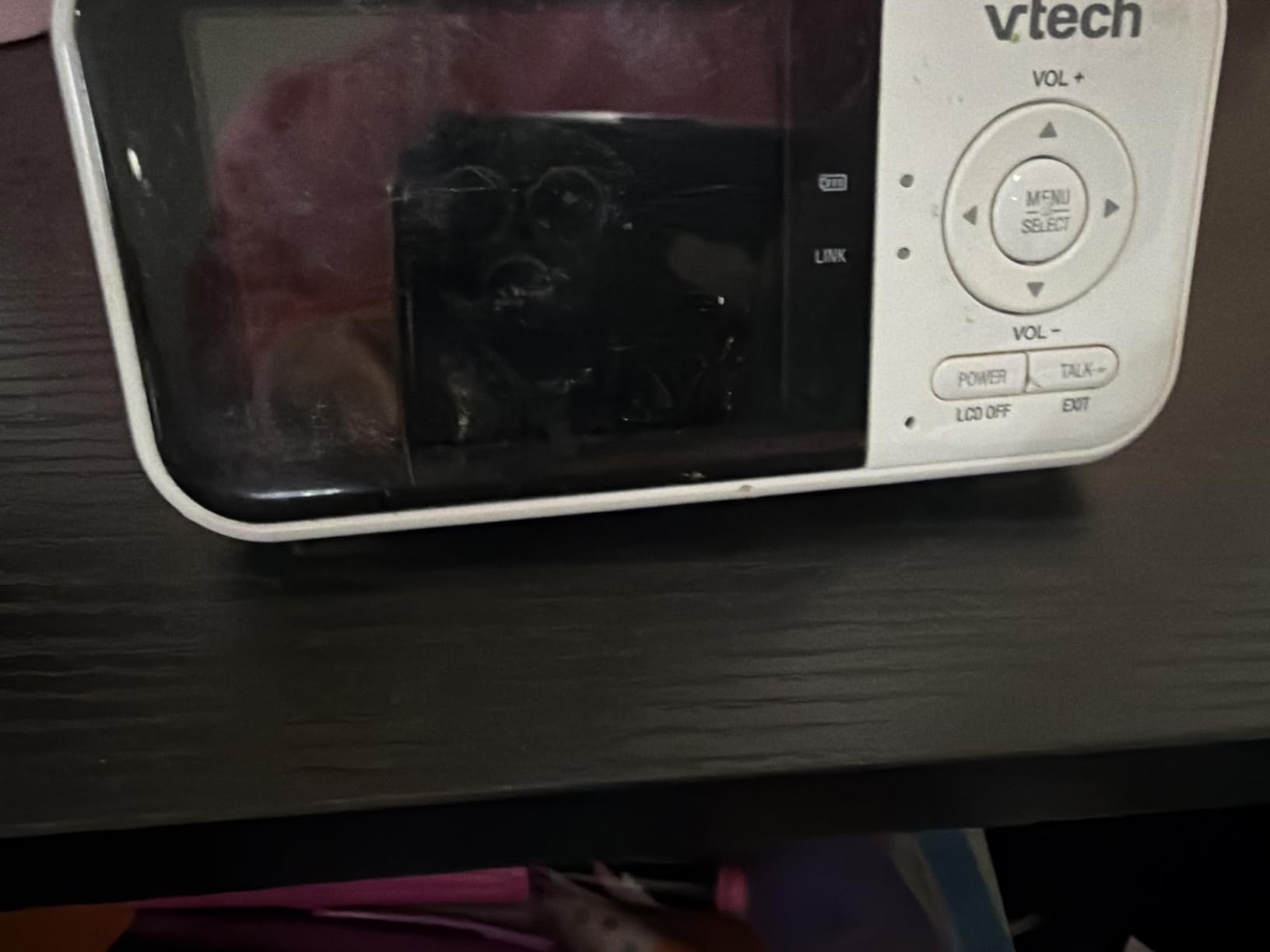
This is the monitor most first-time parents should buy, and the reason is boring: it works. The review base runs to nearly twenty thousand ratings, and those reviews are unusually consistent, which is the best signal a product can have.
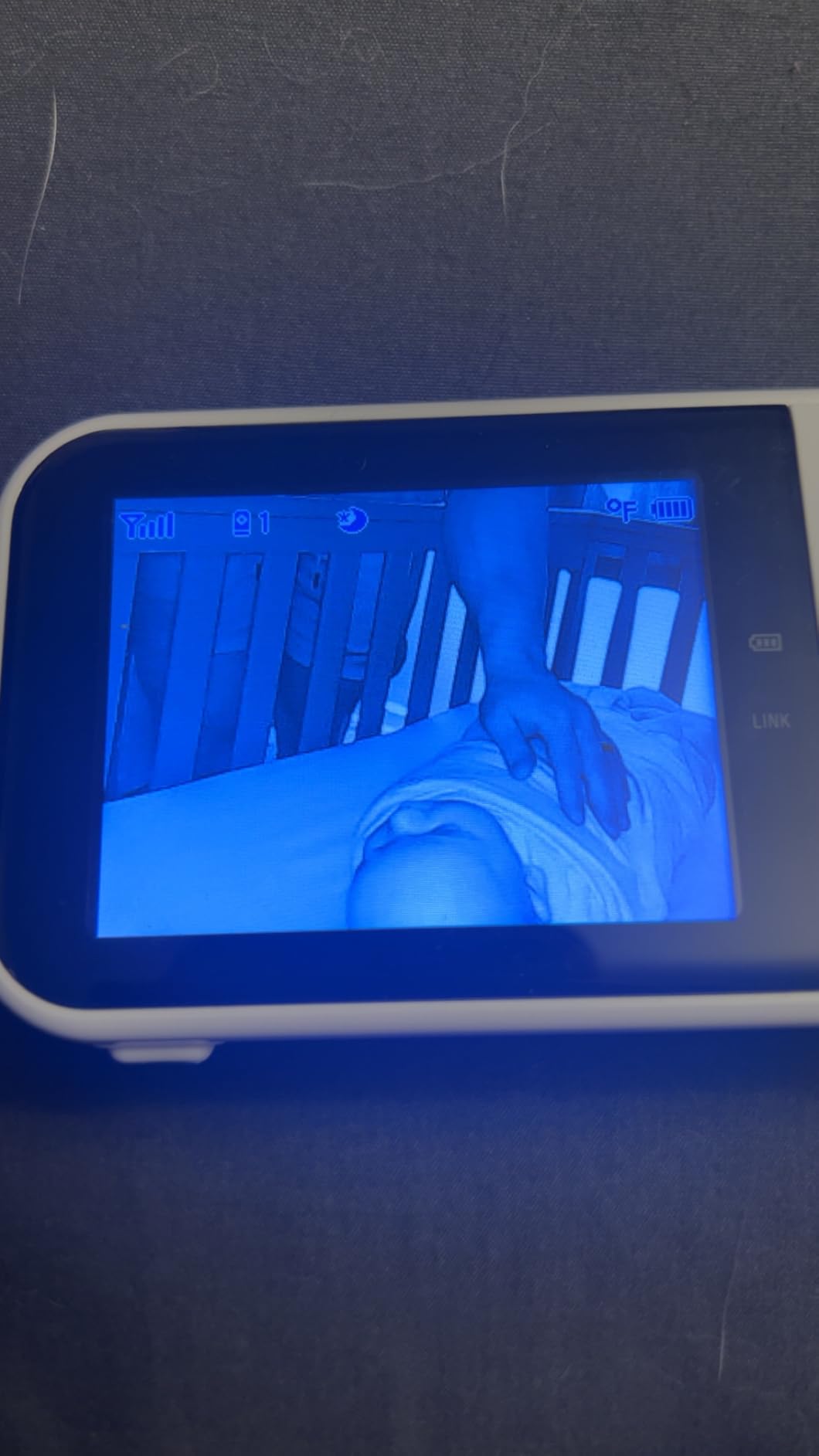
Owners report that setup takes about two minutes, that the connection holds through walls across a normal two-storey house, and that the battery genuinely lasts a full night. The quoted figures are 19 hours of video monitoring or 29 hours in audio-only mode, and a sound-activated screen keeps the display dark until the camera hears something.
The signal is 2.4GHz frequency-hopping spread spectrum, so the camera and parent unit jump channels constantly rather than broadcasting on a fixed frequency. With no WiFi, no cloud account and no app, there is nothing for anyone to reach remotely.
Two-way talk, a temperature sensor with out-of-range alerts and lullabies cover the routine jobs. The temperature readout matters more than most parents expect, because an over-warm nursery is an easy problem to miss.
What you give up is resolution and size. The camera records 480p, which is enough to confirm breathing or a blanket over a face and little more. The 2.8-inch screen has a 55-degree viewing angle and 2x digital zoom.
The parent unit measures 4.92 by 1.3 by 2.87 inches, so it is genuinely pocketable. VTech includes a one-year warranty, the parent unit runs on corded power so it survives an outage, and reviewers mention occasional battery degradation on units a year or more old.
What to check before buying
Look at the fixed viewing angle first if your nursery is a small room. There is no mechanical pan or tilt, so the mount position decides the shot, and parents upgrading from a moving camera are the group most disappointed by that.
Then decide whether 2.8 inches is enough at 3am. It is small, and if you want to read a facial expression rather than confirm general movement, move to a 5-inch model.
Who should skip it
Skip it if you need to watch from work or another building, because with no WiFi and no app there is no remote view at all.
Also skip it if a second child in another room is planned, since this is a single-camera system with no documented expansion path.
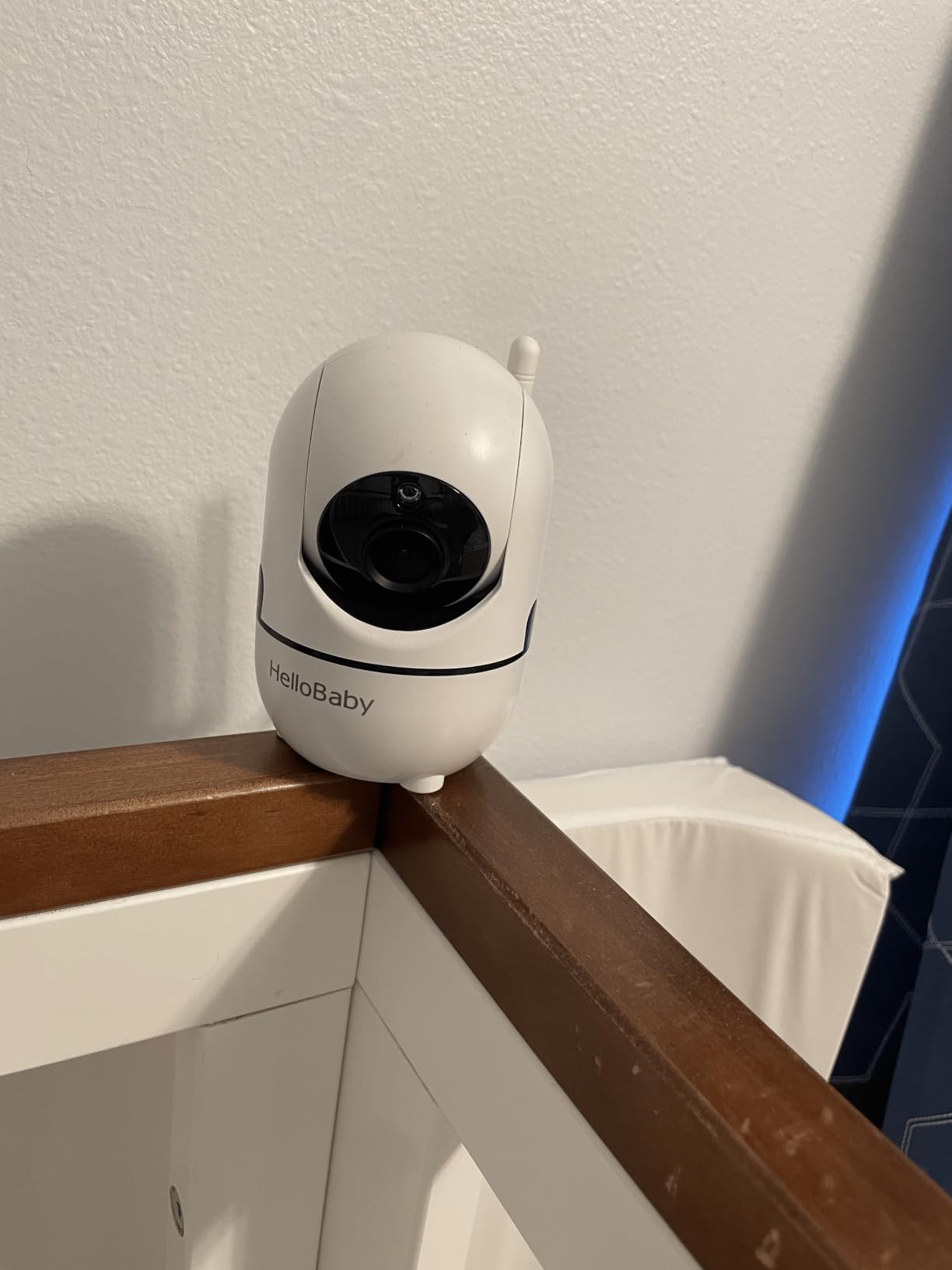
2. HelloBaby HB6550 – Best Value 5-Inch Non-WiFi Monitor
HelloBaby No WiFi Baby Monitor Camera and Audio HB6550, 5″ Video Screen
5-inch IPS screen
No WiFi FHSS
30-hour battery
355 degree pan and 120 degree tilt
Up to 4 cameras
Pros
- 5-inch IPS colour screen is easy to read at night
- 30-hour battery outlasts most nights
- Remote 355 degree pan and 120 degree tilt
- Expands to four cameras with split view
- Mounts on wall ceiling crib or desk
Cons
- Camera must stay plugged in
- Some owners report connection drops after long use
- Lullaby speaker quality is thin
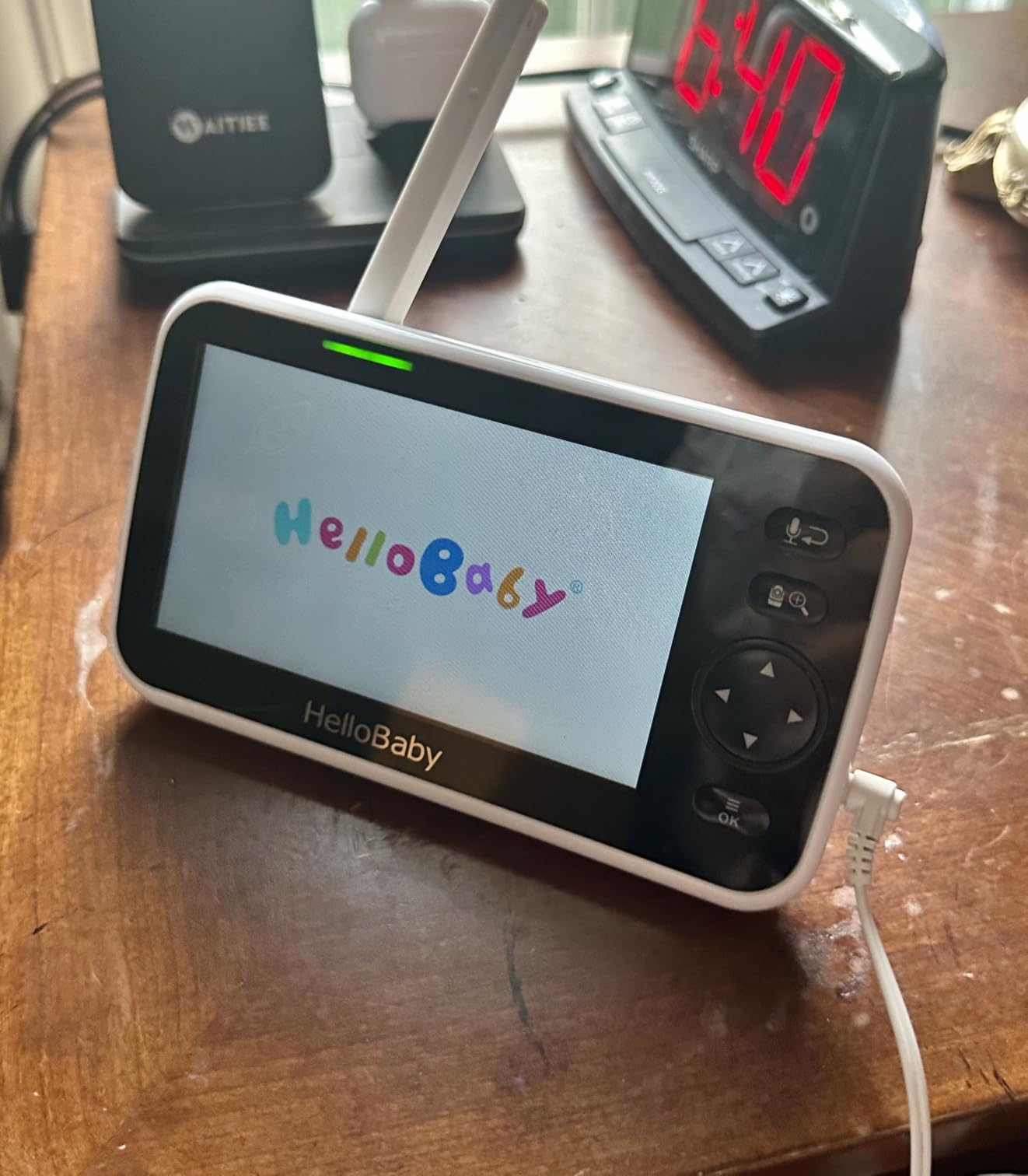
The HB6550 is the answer for parents who found the VTech screen too small and did not want a WiFi system. It gives a 5-inch IPS display, a camera that pans 355 degrees and tilts 120 degrees, and room to add cameras, all over a dedicated FHSS signal.
Thirty hours of claimed battery covers several nights, and the IPS panel stays readable in a dark room without the washed-out grey cheaper LCDs produce at low brightness. That matters more at 3am than any other display specification.
It is also the most expandable monitor here, supporting up to four cameras. Parents chasing a monitor for twins consistently name split screen as the deciding factor, and this unit handles it without an app. HelloBaby backs it with a one-year warranty and lifetime technical support.
Mounting is flexible across ceiling, wall, crib, desk or freestanding. The camera takes corded power and the parent unit is battery powered, so a mains cut in the nursery takes out the picture but not the screen.
Eight lullabies, a temperature readout with alerts, two-way audio and 2x digital zoom round out the package. Video is MPEG-4 rather than raw MJPEG, which is why the picture holds up better on a moving subject than the 480p units it is compared against.
Reviewers temper enthusiasm in the second year. A recurring minority describe intermittent connection loss on long-running units, and the lullaby speaker is repeatedly called thin and tinny.
What to check before buying
Confirm your room shape matches the camera movement. A 355-degree pan covers most standard nurseries, but the 120-degree tilt is modest, so very high or very low cot positions may sit near the frame edge.
Decide how many cameras you may need in two years. Expansion is genuinely useful for a second child, but each add-on is a separate purchase rather than something included in the box.
Who should skip it
Skip it if you want to watch remotely from outside the home, because this is a closed system with no app. If your only goal is a large screen, weigh it against the cheaper GoodBaby below, which shares most of the core specification.
3. GoodBaby SM663 – Best Budget 5-Inch Monitor With USB-C
GoodBaby 5″ Baby Monitor with Camera and Audio No WiFi
5-inch LCD
480p video
No WiFi FHSS
3500 mAh USB-C battery
30-hour VOX battery
Pros
- 5-inch screen at an entry price point
- USB-C charging removes the old barrel plug
- 3500 mAh battery and 30 hours in VOX mode
- Expands to four cameras
- Feeding timer and temperature alerts
Cons
- 480p picture quality
- Camera must stay plugged in
- Pan and tilt controls can feel laggy
Every 5-inch non-WiFi monitor in this roundup carries a rating of 4.5 or close to it, which tells you the category is mature and the margins are small. The GoodBaby SM663 sits at the accessible end and modernises one detail the others do not.
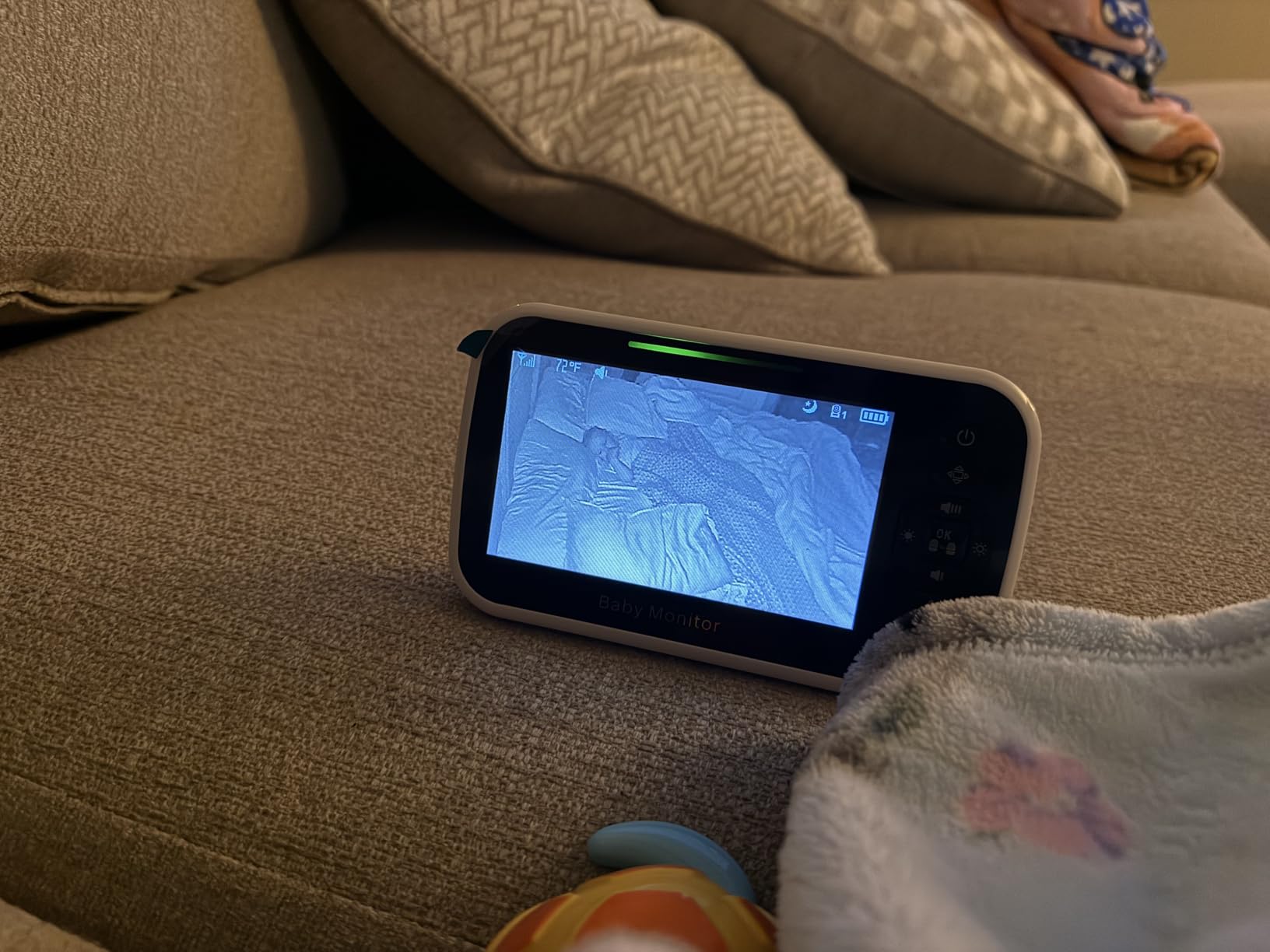
That detail is USB-C charging on a 3500 mAh battery. Many competing monitors still use a barrel connector, and losing that cable to a drawer is an irritation you avoid here. Battery life is quoted at 30 hours in VOX mode and 10 hours with the screen on.
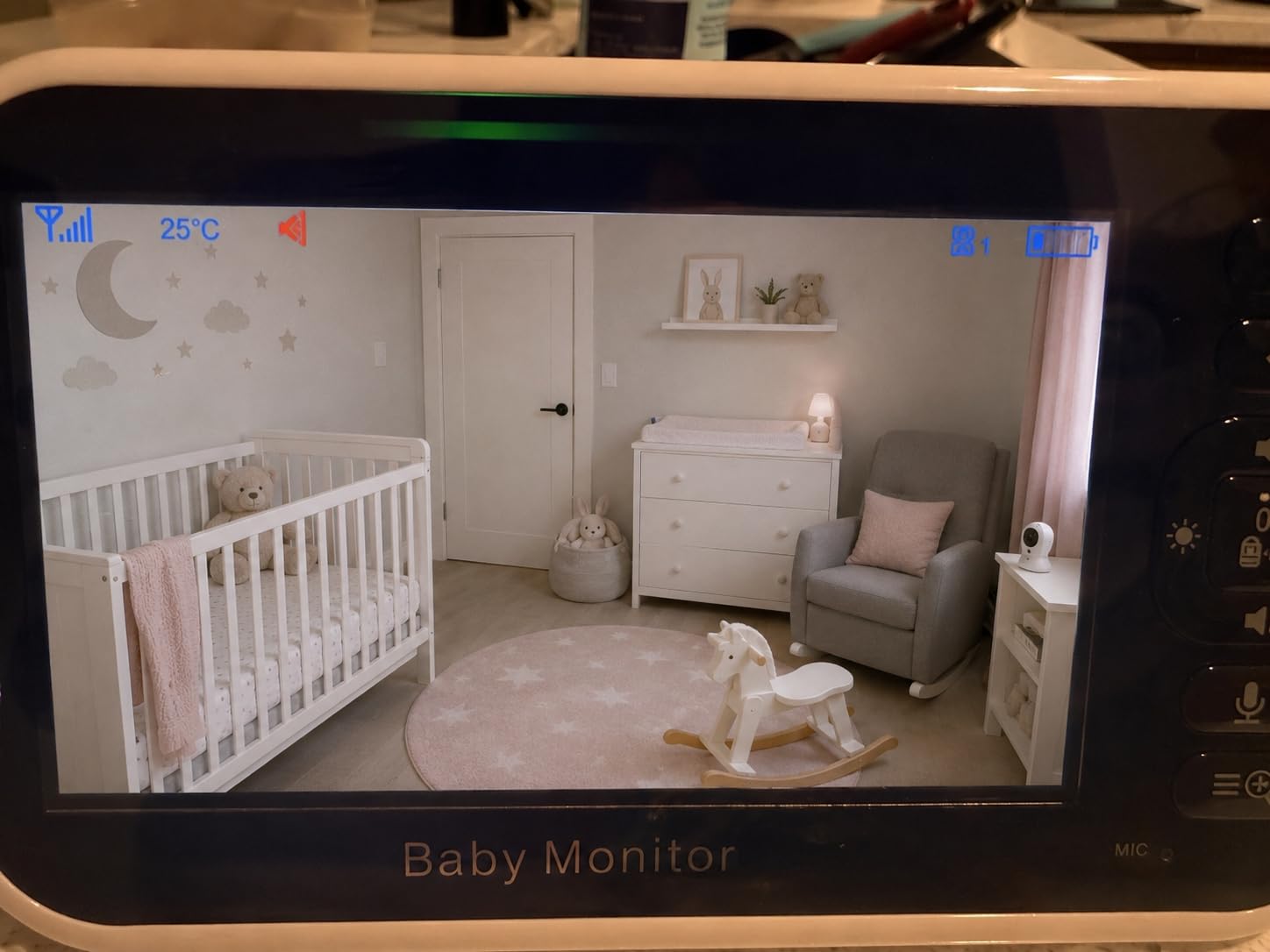
The camera gives 355-degree pan, 120-degree tilt and 2x zoom over encrypted FHSS with a quoted 1000ft range. Infrared night vision engages automatically, two-way talk works, and eight lullabies plus a feeding timer handle the routine jobs.
It expands to four cameras and mounts on a ceiling, wall, crib or desk. Video is MPEG-4, the camera takes mains power and the screen is battery powered, so an outage blinds the feed but keeps the handheld unit alive.
The weakness list from owners is specific. Pan and tilt are responsive but sometimes laggy under fast movement, the zoom has failed for a small number of owners, and the lullaby speaker is the weakest in this group. A few units have shown charging or freezing behaviour after several weeks.
The reliability complaints are about hardware failing after a couple of months, not features doing the wrong thing. If you want the same core specification with a much larger review base and longer support history, the HelloBaby above is the safer version of this purchase.
What to check before buying
Set the resolution expectation. This is 480p on a 5-inch panel, which is soft by modern standards and enough only for confirming that your baby is settled.
Confirm the charging situation. USB-C means one cable for the household, but the camera is corded and the parent unit takes roughly ten hours to refill, so top it up while the baby is awake.
Who should skip it
Skip it if you need remote viewing or health data, since there is no app and no vitals monitoring. Also skip it if you already own a 5-inch non-WiFi monitor, because the gains are the charging port and battery capacity rather than a change in capability.
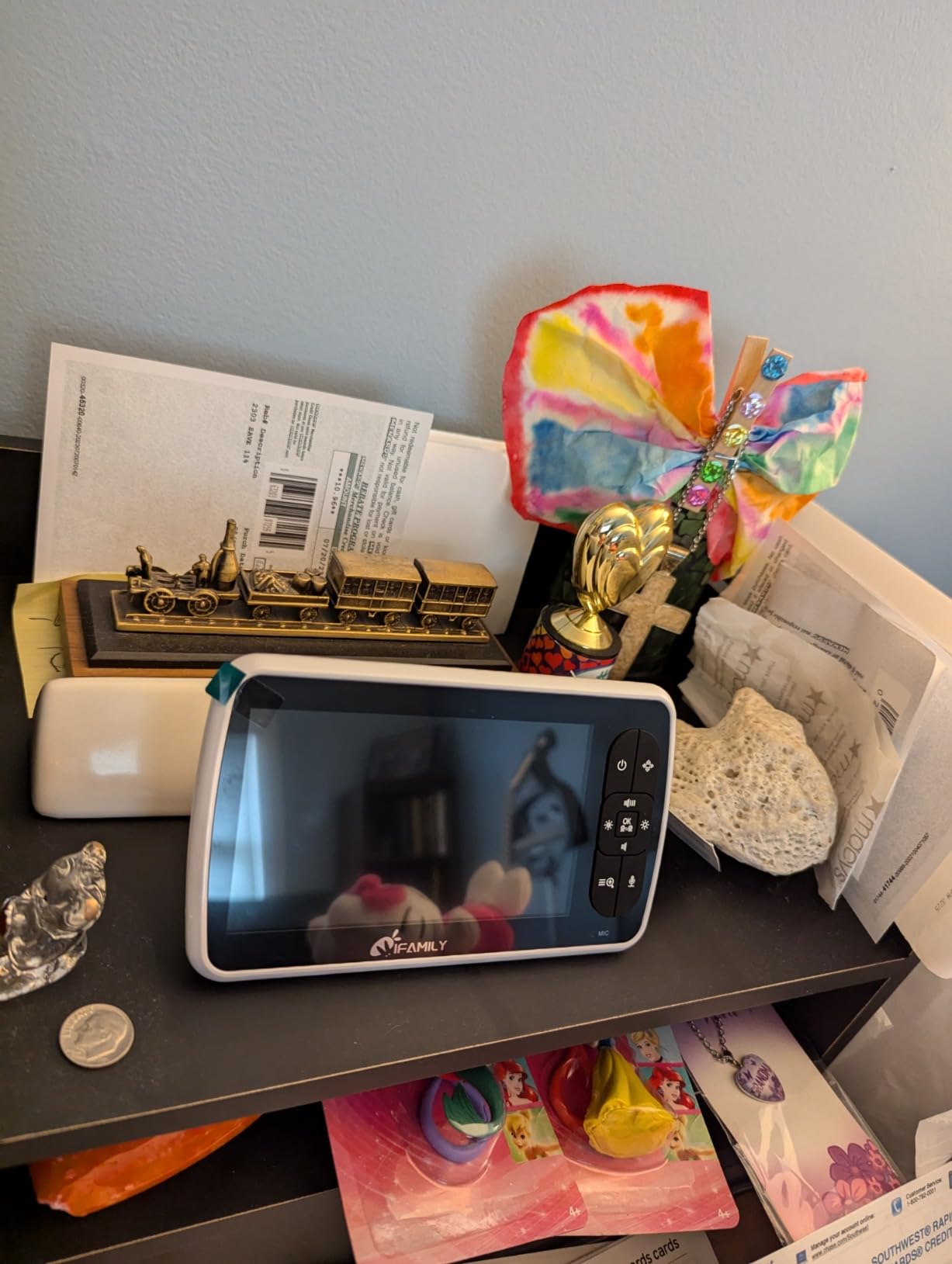
4. iFamily SM650 – Best for Twins and Multiple Rooms
iFamily Baby Monitor,5″ Screen with 30Hrs Battery Life,Remote Pan-Tilt-Zoom
5-inch screen
No WiFi FHSS
960ft range
Up to 4 cameras
IP65 camera rating
Pros
- Expands to four cameras with auto scan
- 30-hour battery life
- IP65 weather rating on the camera
- 110-degree viewing angle
- Disconnection and feeding alerts
Cons
- Cheaper build quality than VTech or HelloBaby
- Menus take some learning
- Real-world battery life shorter for some
The iFamily SM650 is the pick for two children in two rooms, because four-camera expansion and auto scan are the whole point of it. Parents in forums asking specifically about three-camera systems keep returning to this class of dedicated monitor.
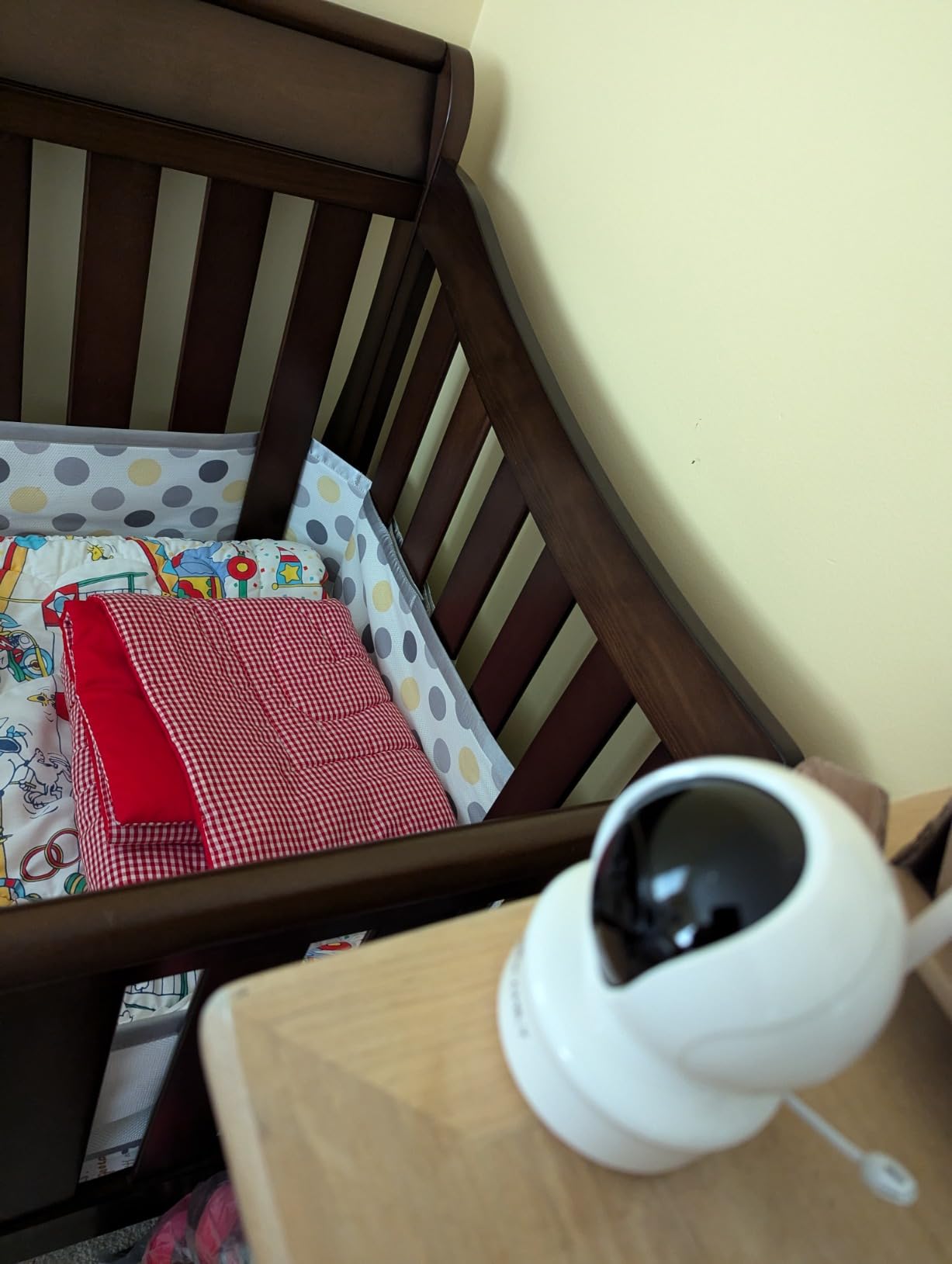
Auto scan cycles through paired cameras on one screen, so a split nursery or a toddler room down the hall stays covered without carrying two parent units. The 110-degree viewing angle is wider than several rivals here.
The quoted 960ft range is slightly below the 1000ft headline most rivals use, and it is measured in open air. Quoted battery life is 30 hours, though owners report shorter real-world figures on heavily used units.
Two features separate it from the cheaper end. The camera carries an IP65 weather rating, so a draughty nursery is not a problem, and disconnection notification tells you a camera has dropped rather than leaving you watching a frozen frame.
The build is where the saving shows. Owners describe the housing as feeling cheaper than VTech or HelloBaby equivalents, and the on-screen controls take longer to learn. The enclosure is ABS plastic, offered in blue, black and grey only.
Zoom is digital, so on a 110-degree lens it crops rather than magnifies optically. Treat it as a way to check a blanket position, not to read a face across the room.
What to check before buying
Check the range against your floor plan. 960ft is an open-air figure, and what matters is the picture after two walls and a floor. Measure the real diagonal from cot to where the parent unit will sit.
Check how many add-on cameras you would need over three years, because the four-camera capability belongs to the system rather than the box, and add-ons must be the matching model.
Who should skip it
Skip it if appearance matters, since this is a functional monitor with a utilitarian housing and no built-in night light or sound machine. Skip it if you will only ever monitor one child in one room.
5. Babysense PRO – Best With Built-In Night Light and Soothing
Babysense PRO Non-WiFi Full HD 5.5″ Split Screen Baby Monitor with Camera and Audio, 6-Color Night Light, White Noise, Sound & Light Machine, 20-Hour Battery, Hack-Proof Secure Connection
5.5-inch Full HD
1080p camera
Non-WiFi FHSS
Split screen for 4 cameras
20-hour eco battery
Pros
- 1080p resolution on a 5.5-inch screen
- Six-colour night light plus white noise
- Built-in sound and light machine
- Split screen for up to four cameras
- 20-hour battery in eco mode
Cons
- Split screen alternates every five seconds
- Cameras must be plugged in
- Bulkier than simpler monitors
The Babysense PRO is the only monitor here combining a 1080p camera with full nursery calming tools in the parent unit: a six-colour night light, white noise, and a sound and light machine. If your baby settles better with a dim glow and consistent audio, that is the reason to buy it.
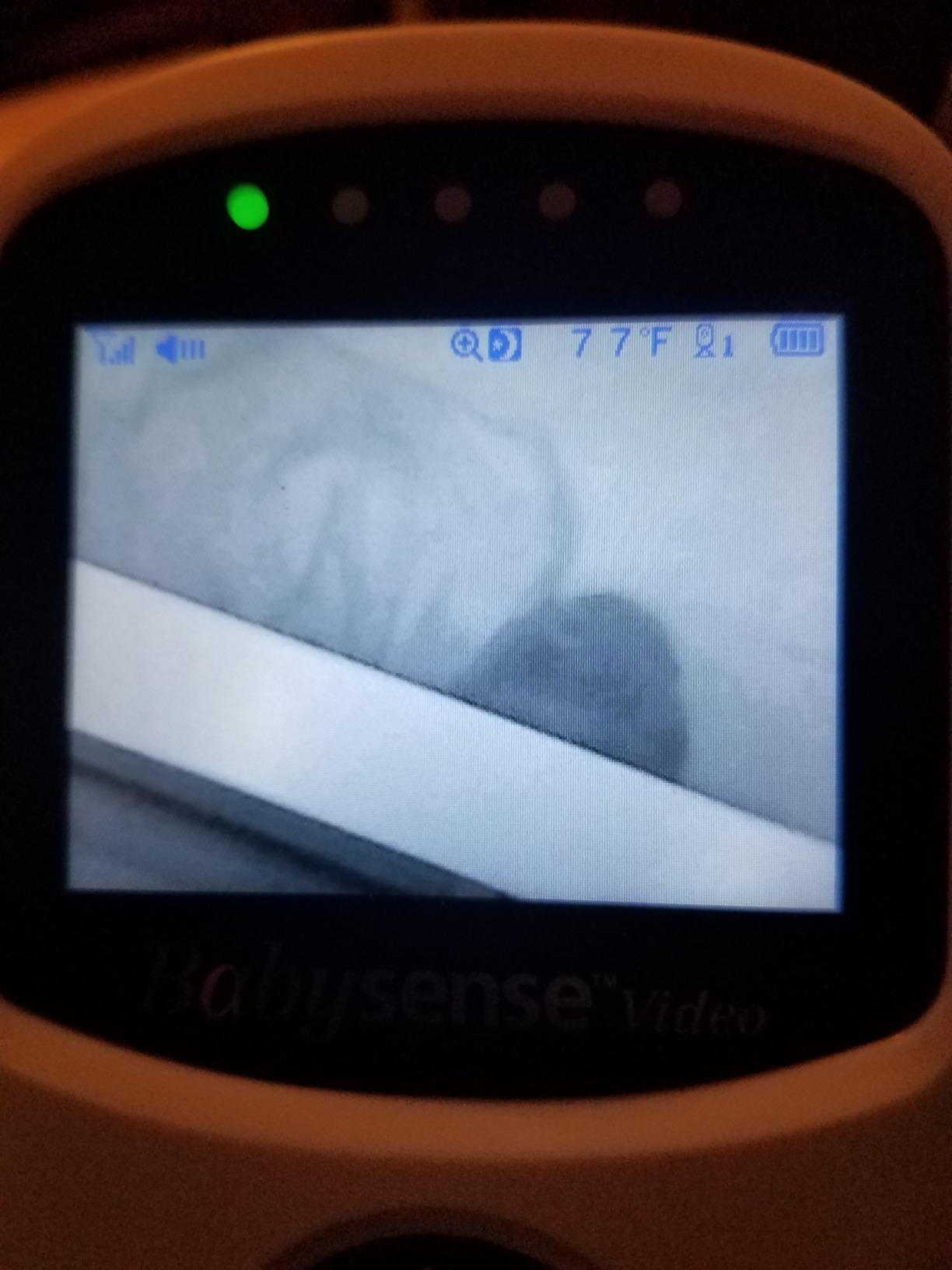
Picture quality is the strongest among the non-WiFi dedicated units. A 1080p sensor feeds a 5.5-inch Full HD display, a real step up from the 480p panels on the VTech and GoodBaby models, and owners single out low-light performance as the main reason to spend more.
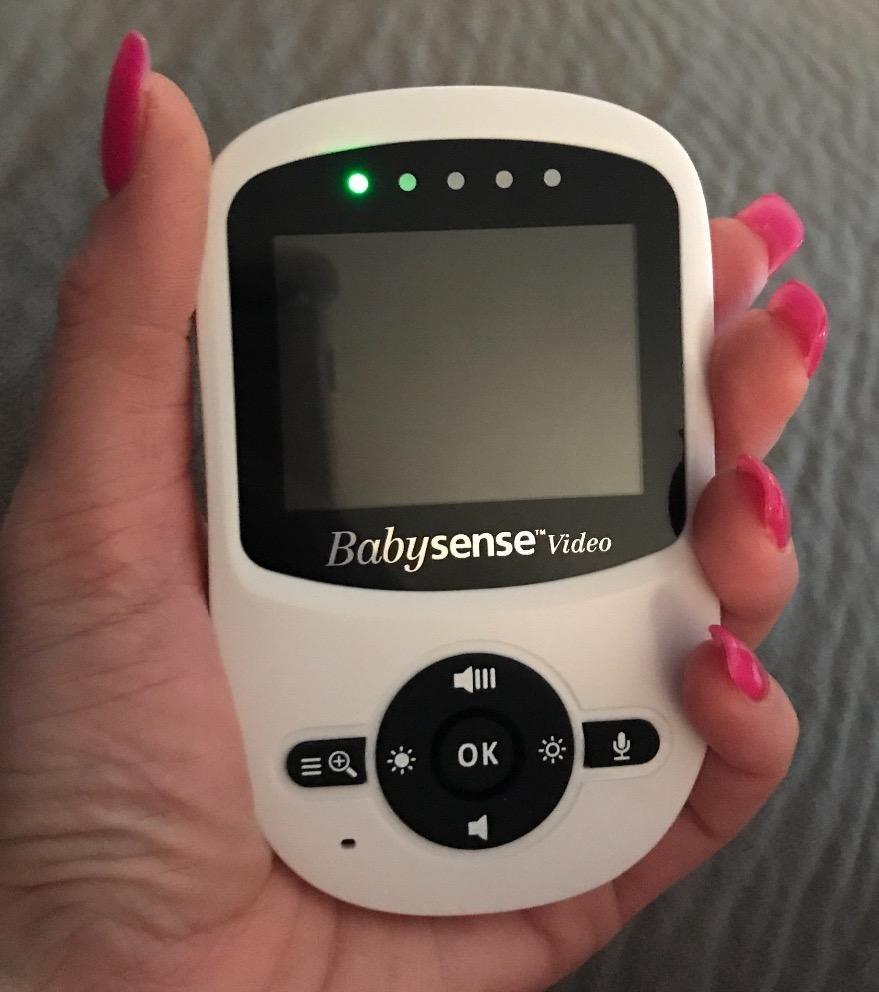
Split screen supports up to four Full HD PTZ cameras, which makes it a good fit alongside the expandable options if you want higher resolution per feed. The connection is 2.4GHz FHSS with no WiFi, and battery life is quoted at 20 hours in eco mode.
Two-way talk is supported, cameras take mains power, the parent unit runs on battery, and the unit mounts on a countertop or wall. Manufacturing is attributed to Hisense and the model number is MVPRO-1CAM USA, which is useful when you need support.
The honest limitation is how split screen works. Owners report it alternates every five seconds between cameras rather than showing two feeds at once, so it is a monitoring aid rather than a simultaneous picture.
A minority also report connectivity issues with remote access on hybrid variants, and the unit is bulkier than the simpler monitors here. If you will not use the calming features, the 1080p resolution is the only justification.
What to check before buying
Decide whether you will use the night light and sound machine, because they are the genuine differentiators and also the features you will notice most at bedtime. Everything else is a competent 1080p non-WiFi monitor in a bulky housing.
Check the split-screen behaviour against your expectations if you have twins. Alternating every five seconds confirms both are settled but does not give you a live view of both.
Who should skip it
Skip it as a portable monitor, since the bulk of a 5.5-inch unit with an integrated light and sound machine is a poor fit for a small bag. Skip it if you monitor one child and care mainly about picture quality, because you would pay for features you never switch on.
6. VTech VM901 – Best for Phone and Parent Unit Together
VTech Smart WiFi Baby Monitor – See Your Baby at Home or from Anywhere, Free App, 1080p Camera, 5″ Screen, Pan-Tilt-Zoom, Night Vision, Two-Way Talk | VM901
5-inch HD screen
1080p camera
2.4G WiFi and FHSS
Free MyVTech Baby app
128GB local storage
Pros
- 1080p camera feeds a 5-inch HD screen
- Free app with remote viewing from anywhere
- 128GB local storage with no subscription
- Multi-user sharing for partners and grandparents
- Pan tilt and zoom from app or parent unit
Cons
- 4.1 rating with app complaints
- Needs 2.4GHz WiFi and pairing
- Remote features stop without an internet connection
The VM901 is the only monitor here offering both a dedicated parent unit and a phone app, and that combination changes what the device is for. You can carry the handheld screen around the house and still check the nursery from your desk or a hotel room.
It is also the one WiFi product here with no subscription attached. Video records to 128GB of local storage, so there is no monthly cloud fee and nothing to cancel when the baby outgrows the monitor.
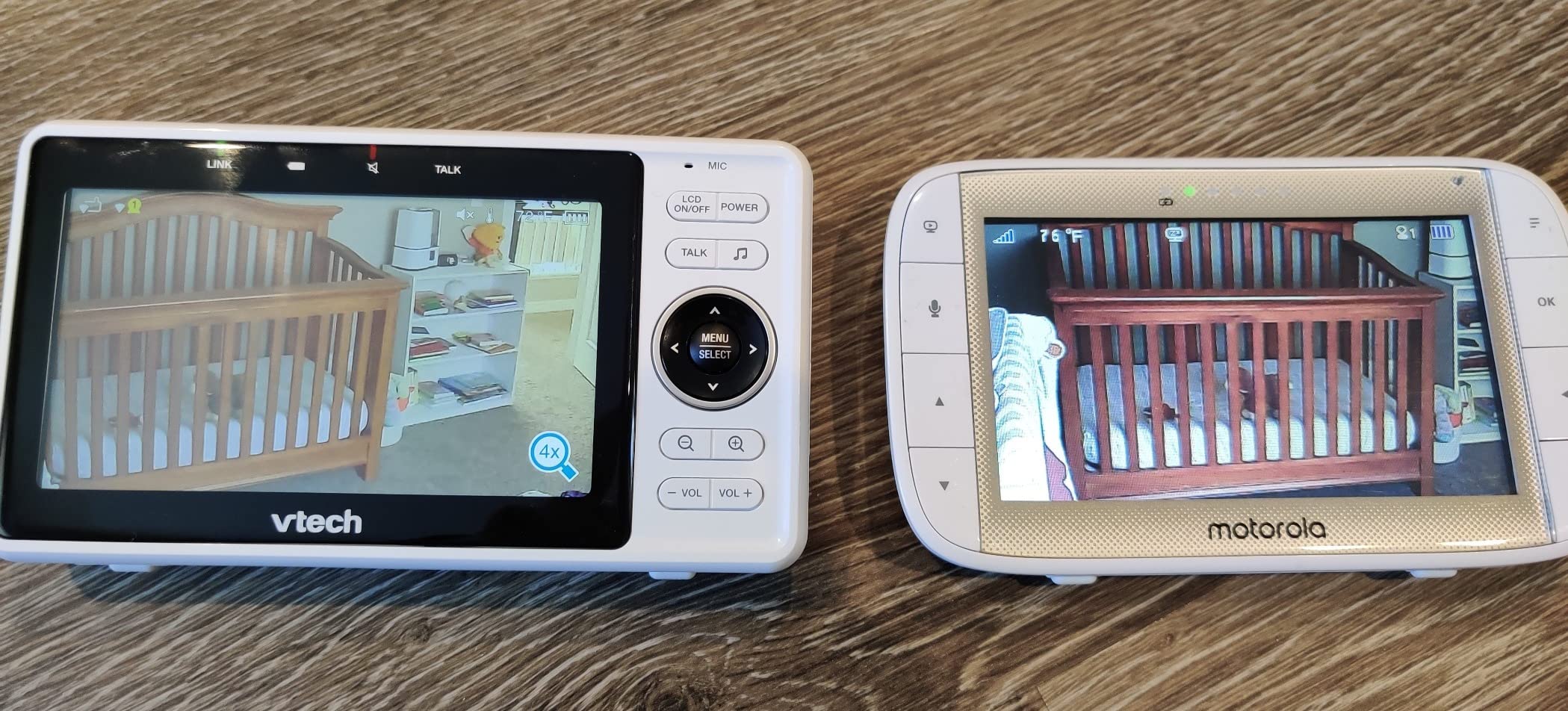
Specs are strong: a 1080p camera, a 5-inch HD parent unit screen, a 110-degree viewing angle with a 360-degree field of view, automatic starlight night vision, digital zoom, two-way talk, temperature alerts and soothing sounds. Multi-user sharing lets a partner, sitter or grandparent have their own access.
The reason it does not win is visible in the numbers. Its 4.1 rating is the joint lowest here, and the one-star rate sits around 13 percent, with complaints concentrated in app pairing and connection stability rather than hardware. A monitor needing a working app and stable 2.4GHz network can fail when you most need it.
The privacy trade is real too. A feed on your home network depends on your router, your network password and the vendor’s servers, and this category has a documented breach history when default credentials are never changed.
Those are fair prices for remote access, because no other unit here offers it. The 2100 mAh parent unit battery is more modest than the 5000 mAh cells elsewhere, which fits a device carrying a screen and a radio.
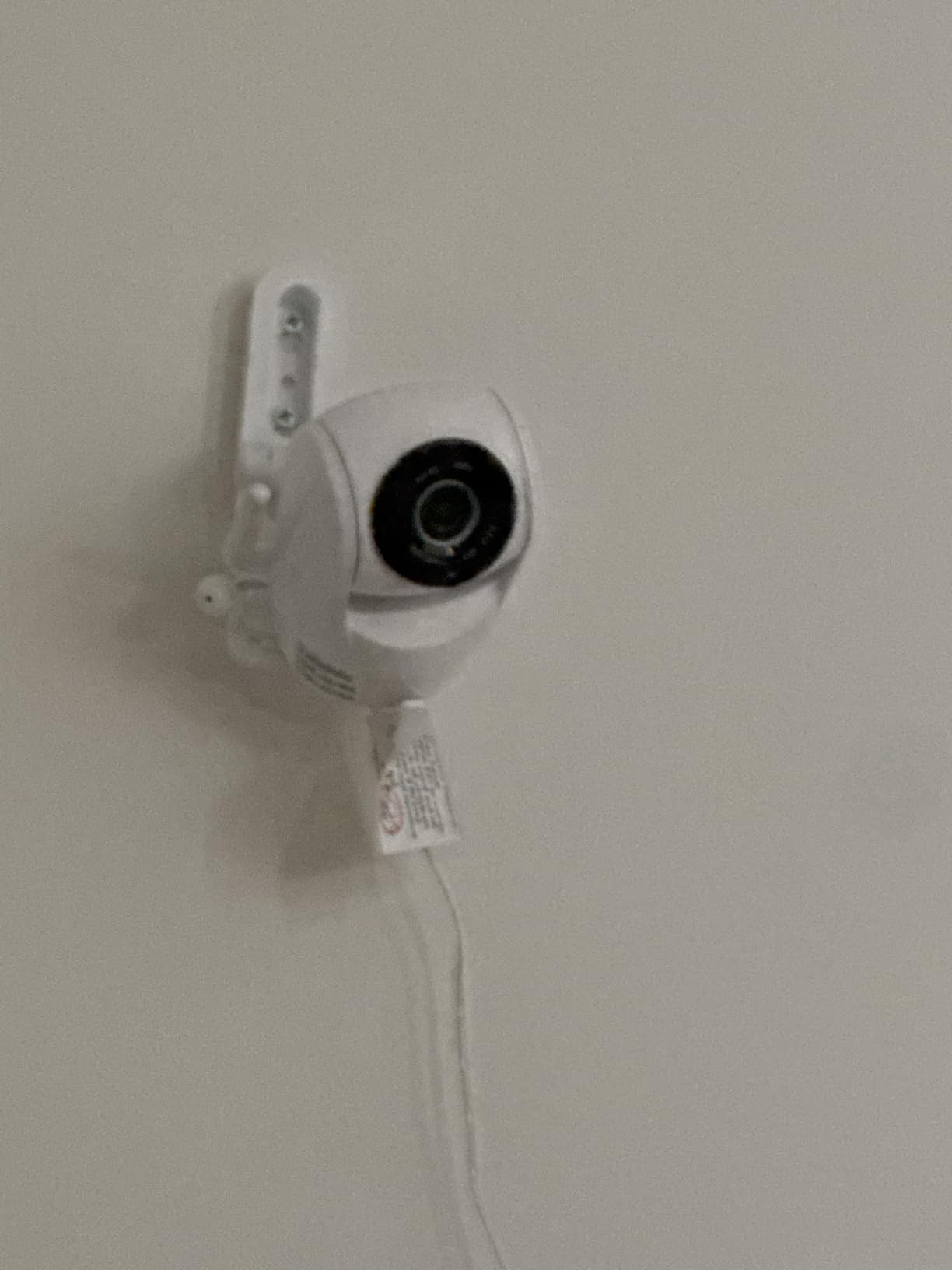
What to check before buying
Check your network before you buy, not after. A 2.4GHz-only connection is a real constraint in a home where 5GHz is the default band, and pairing a device at midnight with a newborn is a bad use of an evening.
Check whether the app is something you will still open in a year, because parents who buy a phone-based monitor and then dislike holding their phone as the only parent unit are a recurring pattern in reviews.
Who should skip it
Skip it if your home network is unreliable, since every remote feature depends on an internet connection. Skip it if your household is strongly privacy-focused, because a dedicated FHSS monitor gives the same picture with no account, no cloud and no way in from outside.
7. Momcozy BM01 – Best for Sharp Night Detail and 4x Zoom
Momcozy Video Baby Monitor, 5″ 1080P HD Baby Monitor with Camera and Audio
5-inch 1080p display
4x digital zoom
5000 mAh battery
360 degree field of view
No WiFi FHSS
Pros
- 1080p picture with 4x digital zoom
- 5000 mAh battery rated past 11 hours
- 360-degree field of view
- Loop playback and split screen for up to 4 cameras
- Infrared night vision across 15ft
Cons
- Review base is much smaller than VTech or HelloBaby
- Pairing extra cameras can be fiddly
- Camera must be plugged in
The Momcozy BM01 is the one to look at if your worry is what you can make out in the dark. It pairs a 1080p sensor with a 5-inch 1080p display and 4x digital zoom, a genuine step up from the 480p feeds that dominate the non-WiFi category.
It also solves a problem most monitors here create. Loop playback records a rolling buffer you can scrub back through, so if your baby did something interesting two minutes after you last looked, you can find it. Split screen and expansion to four cameras are supported.
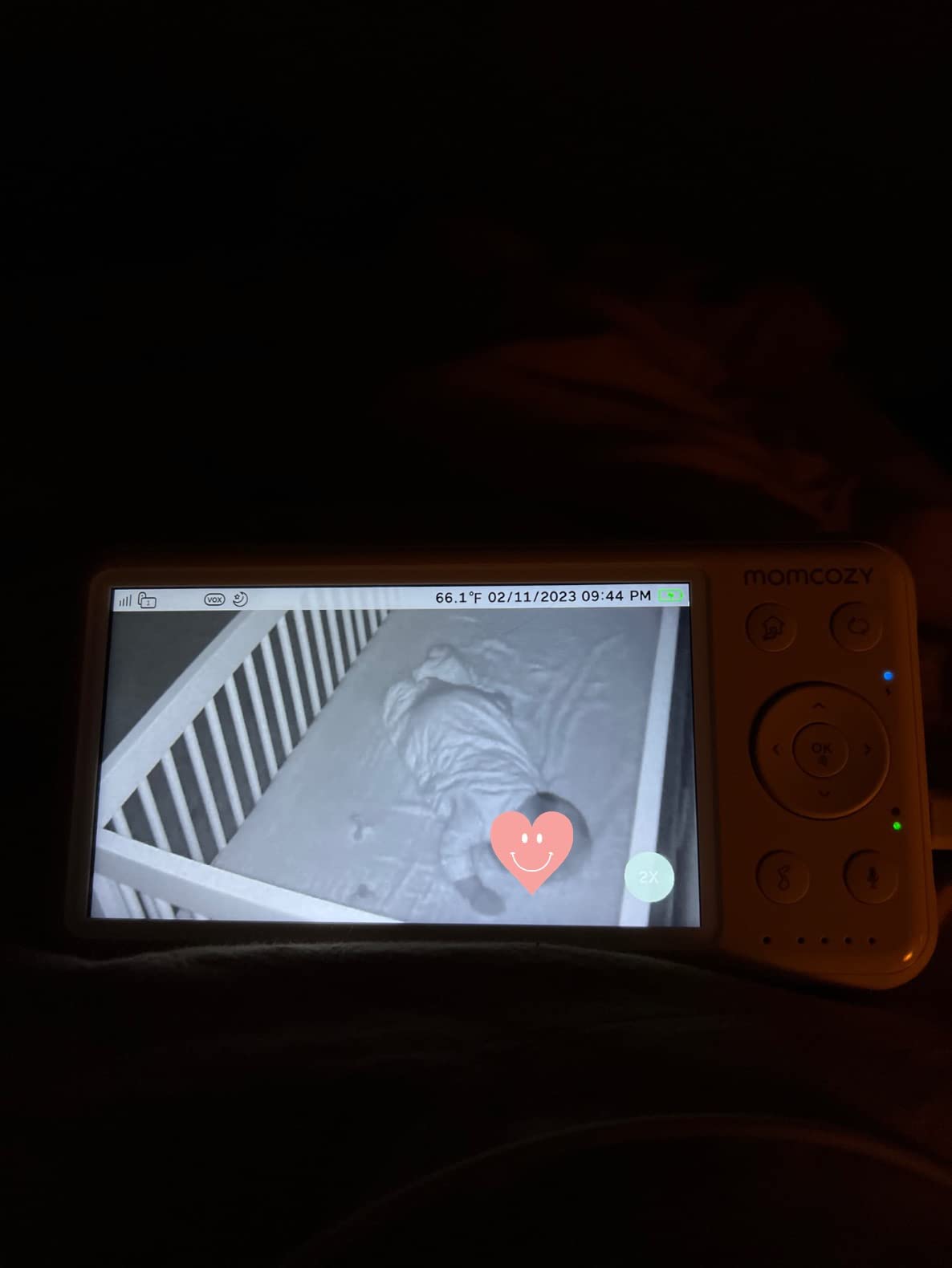
The battery is the largest in this roundup at 5000 mAh, quoted at more than 11.5 hours of typical use and enough for a full night even with frequent checks. The camera covers a 360-degree field of view, reducing how much you depend on repositioning the mount.
The signal is FHSS with no WiFi, and infrared night vision works across roughly 15ft. Two-way audio, a temperature sensor, lullabies and VOX mode complete the set, and the camera carries an IP54 rating.
What gives us pause is the review base. At roughly thirteen hundred ratings, this has a small fraction of the long-run data behind the VTech or HelloBaby units, and long-run data is exactly what tells you whether a monitor still works in year three. Owners report that pairing extra cameras can be fiddly.
Against that, the BM01 is a Mom’s Choice Award recipient with the strongest specification per feature in this group, which makes the trade worth making if you plan to keep one monitor for a second child.
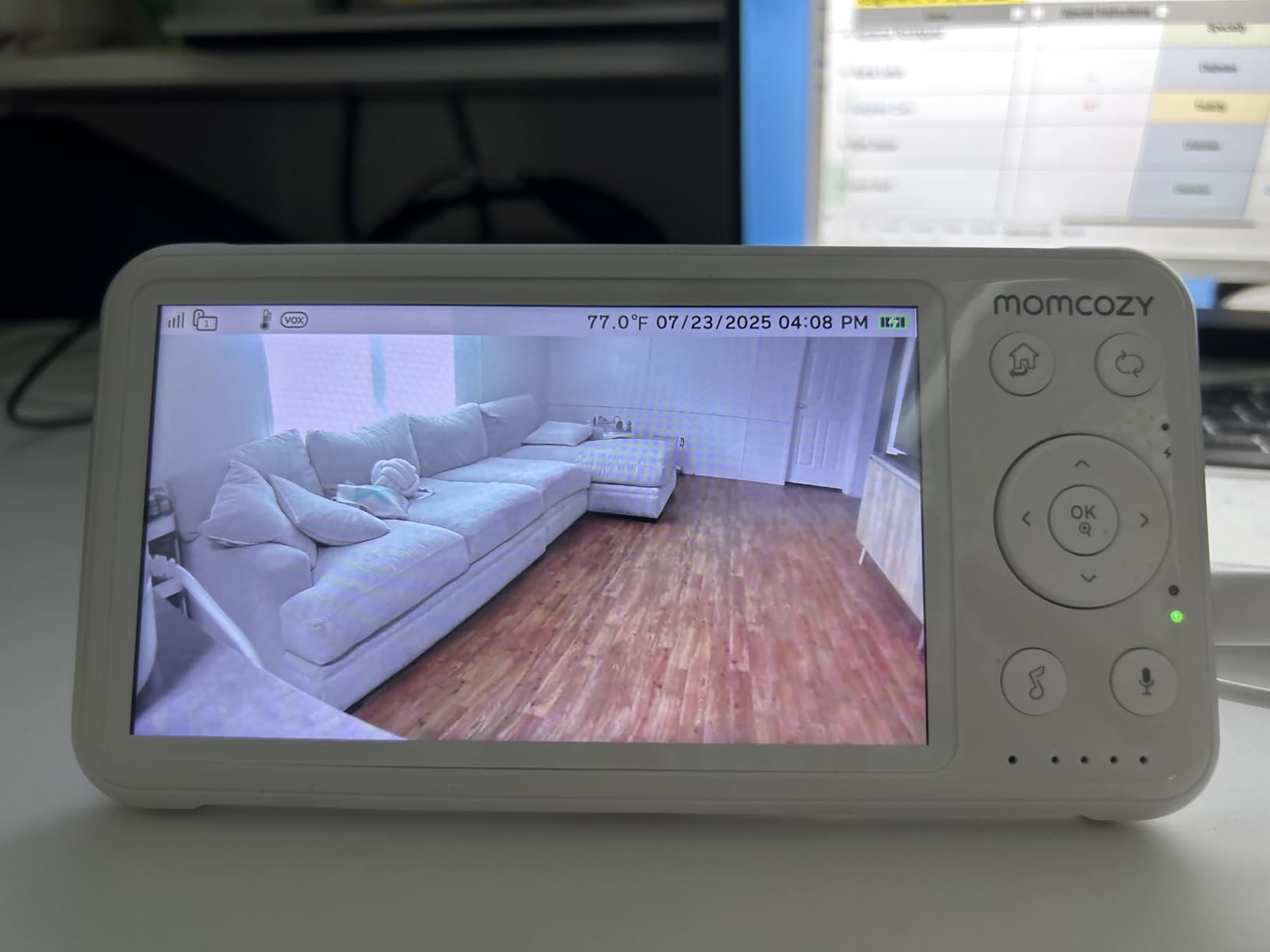
What to check before buying
Check your night-light conditions rather than your daytime ones. A 1080p sensor still needs infrared illumination, so a very dark room with the monitor placed too far away gives a dark image no resolution setting can fix.
Check that loop playback is something you will use, because it consumes storage and power and gains a parent who never scrubs back through footage nothing.
Who should skip it
Skip it if you are uneasy buying a monitor with a thin long-term record. Skip it if you will rotate it between rooms, because a 5000 mAh battery and a wall-mount design are built for a fixed nursery.
8. HelloBaby HB30 – Budget Pick and Very Small Nurseries
HelloBaby HB30 Video Baby Monitor with Digital Camera and Audio, No WiFi No App Safety Baby Monitor, 8 Languages, Auto Night Vision, 1000ft Transmission Range, 2.4 inch Portable Screen
2.4-inch 960x240 display
No WiFi FHSS
1000ft range
One-way talk
Expands to 4 cameras
Pros
- Pocket-sized 2.4-inch screen
- Light enough to move between houses
- One-way talk for soothing from another room
- Supports up to four cameras
- IP65 camera rating and 8 languages
Cons
- Narrow field of view as the baby grows
- 2.4-inch screen shows little detail
- One-way talk only
- Short camera power cord
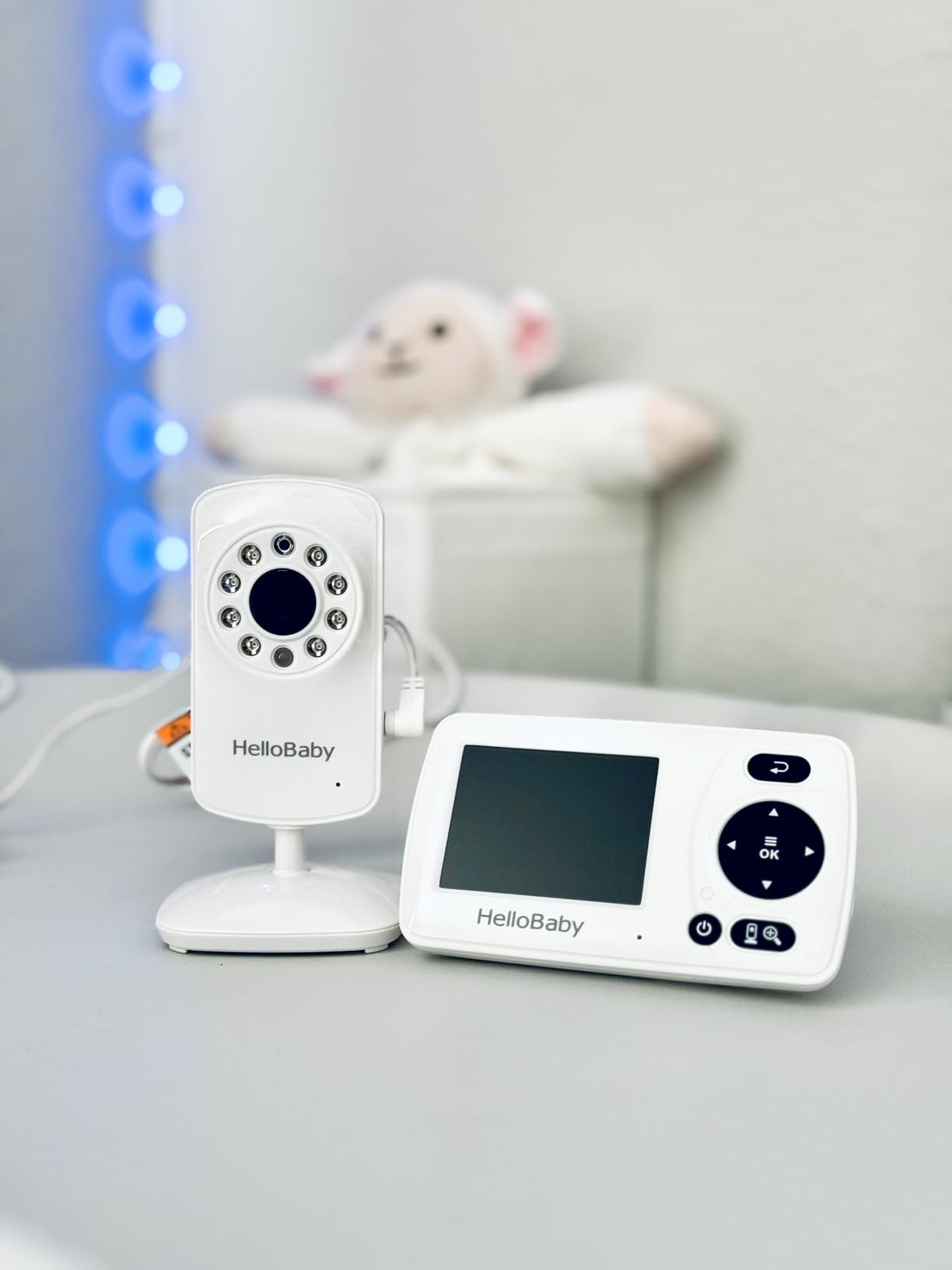
The HB30 solves a problem few of the others address: how to monitor a baby somewhere that is not your house. A grandparent’s place, a rental, a hotel. It has no WiFi and no app, so there is no network to join and no account to create, and the parent unit fits in a coat pocket.
It also suits very small nursery spaces, because a 2.4-inch display is proportionate to a room where the cot is two metres away rather than across the house. Support for up to four cameras covers a portable multi-room setup.
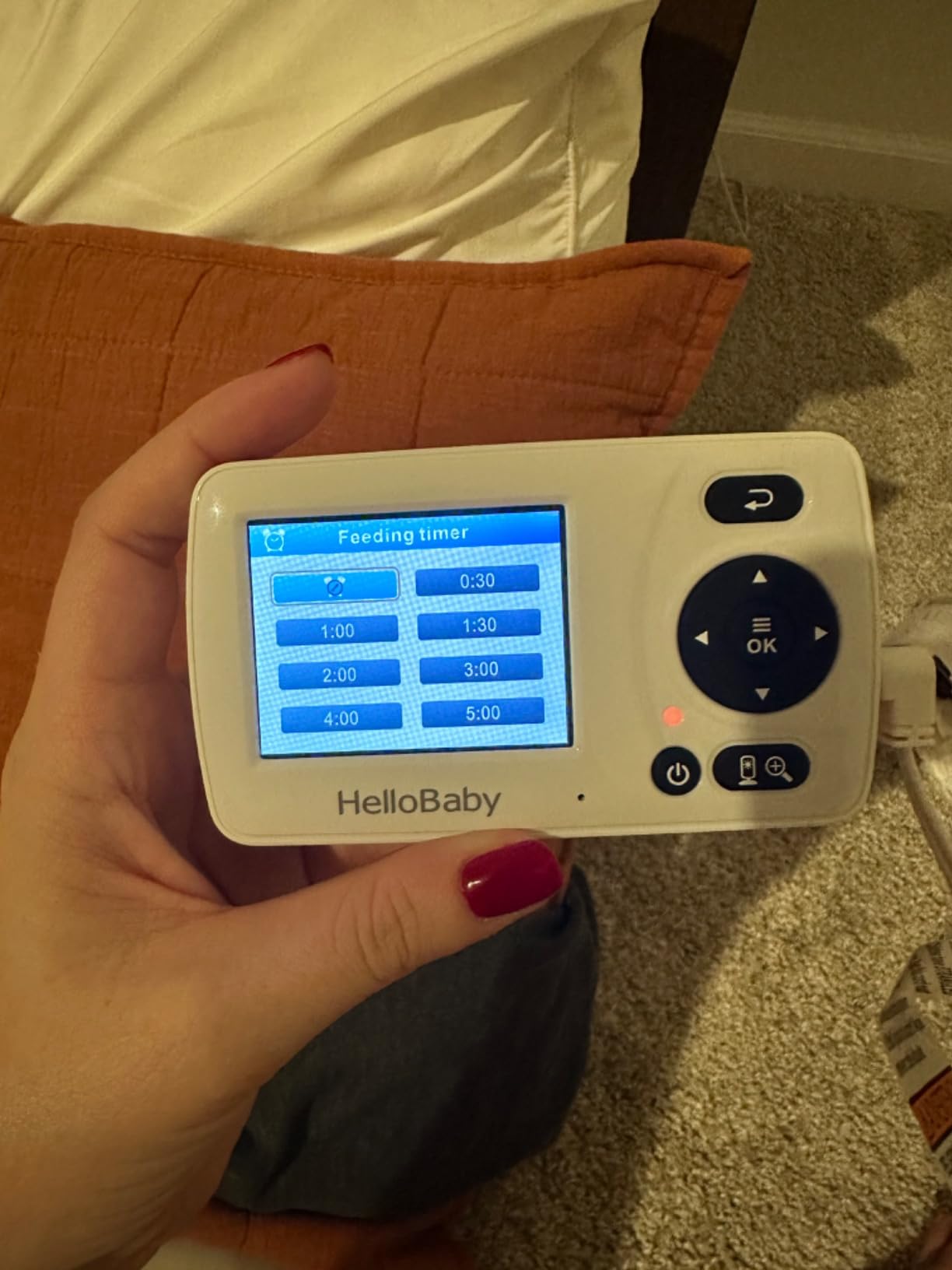
The signal is 2.4GHz FHSS with no WiFi, quoted at 1000ft in open conditions, and the camera carries an IP65 rating. Automatic infrared night vision engages as the light drops, VOX wakes the screen on sound, and a feeding timer helps when you are the only one tracking the clock.
There is one real compromise. Audio is one-way, parent to baby, so you can soothe a settling child but cannot hear the room in real time or talk back, which rules it out for anyone who needs a genuine two-way conversation.
The field of view is the other limitation, described repeatedly as narrow. It suits a small nursery and a young baby, then becomes a problem as the child grows and moves beyond the frame. The camera power cord is also short, which is awkward when the socket is not near the cot.
Customer service is praised for free replacement cameras, which matters on a portable product. Owners do report reliability issues on units a couple of months in, so treat it as a travel tool rather than a fixture.
What to check before buying
Check the one-way audio against how you plan to use it, because no software update will add a microphone to the parent unit. Check your outlet positions wherever you are going, since a short cord is a real constraint in a room with a different layout.
Who should skip it
Skip it as a primary nursery monitor if your child is already rolling, sitting or standing, because the narrow field of view and small screen stop being sensible shortcuts at that stage. Skip it if you plan to grow into a multi-camera setup over years.
9. VTech VM924 – Best for Wide Room Pan and Tilt Coverage
VTech Baby Monitor No WiFi, 5″ Screen & Remote Pan-Tilt-Zoom for Newborns – Hack-Proof, 17Hr Battery, 1000ft Range, Auto Night Vision, Temperature Sensor, Two-Way Talk | VM924
5-inch LCD
480p video
360 degree pan and 132 degree tilt
17-hour video battery
No WiFi FHSS
Pros
- Widest mechanical coverage in the roundup
- 17-hour video and 31-hour audio battery
- 1.33x optical zoom plus 2x digital
- Five lullabies and four ambient sounds
- IP65 camera rating and 1-year warranty
Cons
- 480p picture quality
- No expansion to a second camera
- Optical zoom is only 1.33x
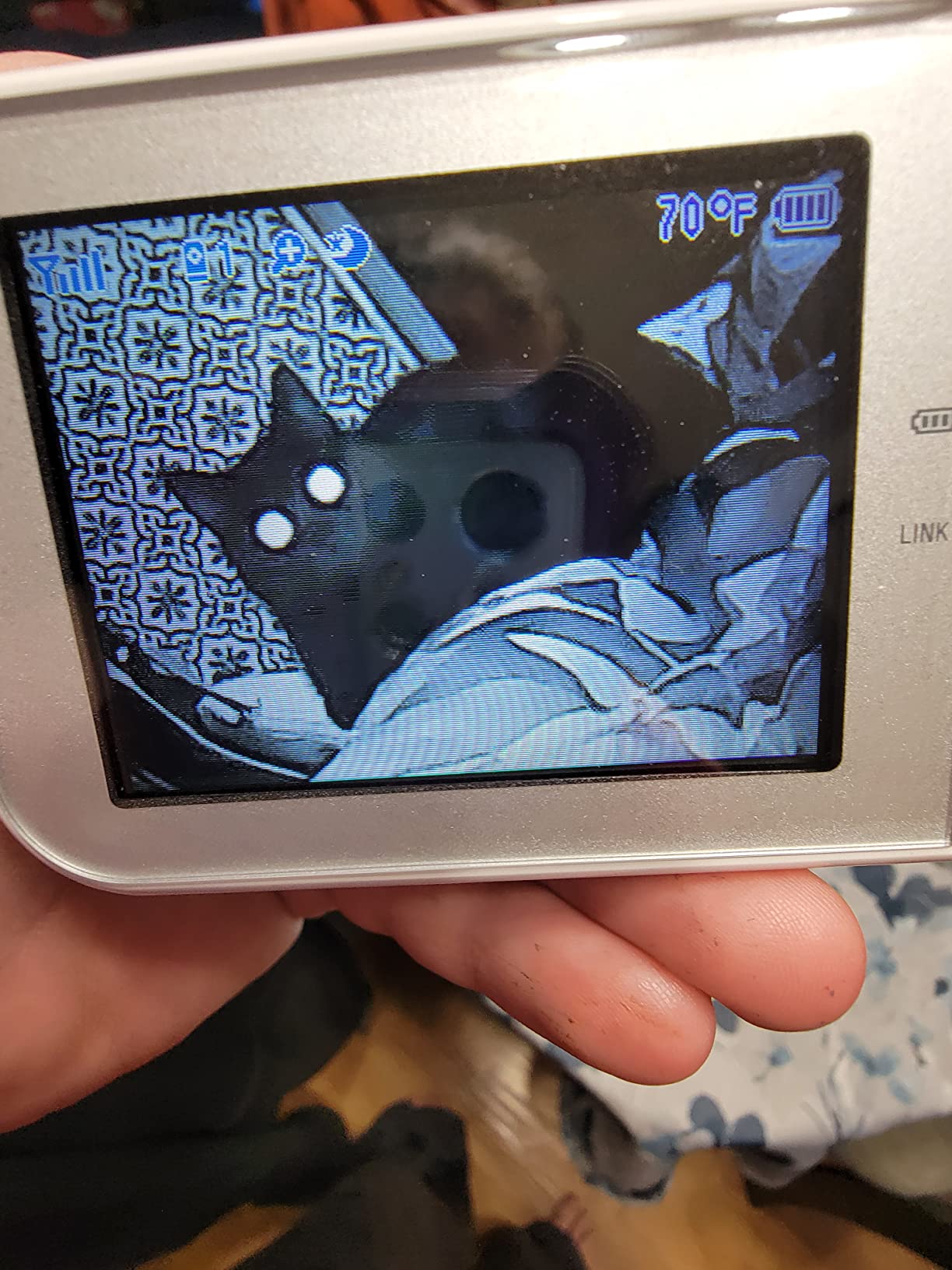
The VM924 solves one problem better than anything else here: seeing the whole room without moving the camera. A 360-degree pan and 132-degree tilt is the widest mechanical coverage in the roundup, so one unit mounted in a corner covers a square nursery, a long room and most awkward angles.
It is also the only unit here with genuine optical zoom at 1.33x, backed by 2x digital. Optical zoom crops the sensor rather than magnifying pixels, so the picture stays usable when you lean in to check a sleeping face.
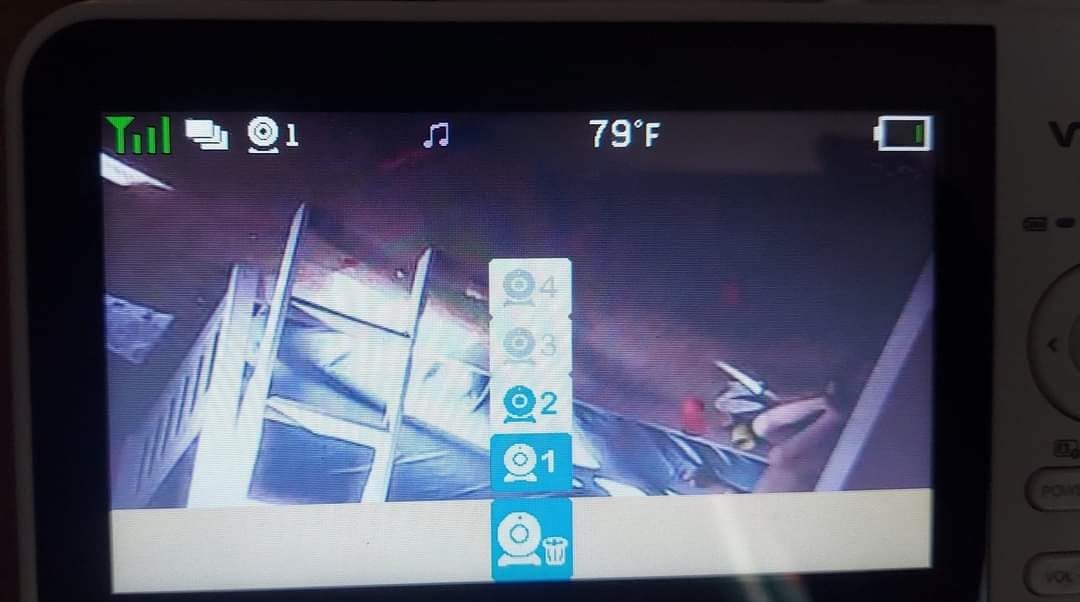
Battery life is quoted at 17 hours with video on and 31 hours in audio-only mode from a 2600 mAh cell, and the 2.4GHz FHSS signal runs over a quoted 1000ft with no WiFi. The camera carries an IP65 rating, and 32 selectable channels help in dense housing.
Automatic starlight night vision, a temperature sensor, two-way talk and a sound-activated screen complete the set. The sound library is unusually good: five lullabies plus four ambient sounds including white noise, enough for a consistent bedtime routine without a separate sound machine.
The trade-offs are a 480p sensor, the weakest resolution among the 5-inch units here, and no documented expansion to a second camera. That single-camera limit is why it sits below the expandable units despite better pan and tilt than any of them.
It is a single-room tool: excellent coverage of one nursery, no path to two. Owners note the 1.33x optical zoom is modest against security cameras, but for a cot-sized subject at two to three metres it is the right amount.
What to check before buying
Measure your room and mount point, because the movement only helps if a full sweep actually covers the cot, the door and the window. Check whether you will still be monitoring one room in two years, since a second child makes the lack of expansion expensive to fix later.
Who should skip it
Skip it if picture quality is your top priority, because 480p is serviceable in daylight and thin at night. Skip it if you need remote access or multiple rooms, since this is a closed single-camera system with no app.
10. eufy Baby Monitor C10 – Best 2K Hybrid Local and Remote Monitor
eufy Baby Monitor C10, 2K Camera, 4.5″ 480p Display, No Wi-Fi
2K camera
4.5-inch 480p display
Local mode and WiFi app
5000 mAh battery
No subscription
Pros
- 2K camera resolution
- Hybrid local and remote with one-tap WiFi off
- Encrypted SD card storage with no subscription
- 5000 mAh battery and 12 hours of screen time
- Built-in battery makes the camera portable
Cons
- Display is only 4.5 inches at 480p
- Small review base at 220 ratings
- Sound detection throws false alerts
- Audio stays on one camera in split screen
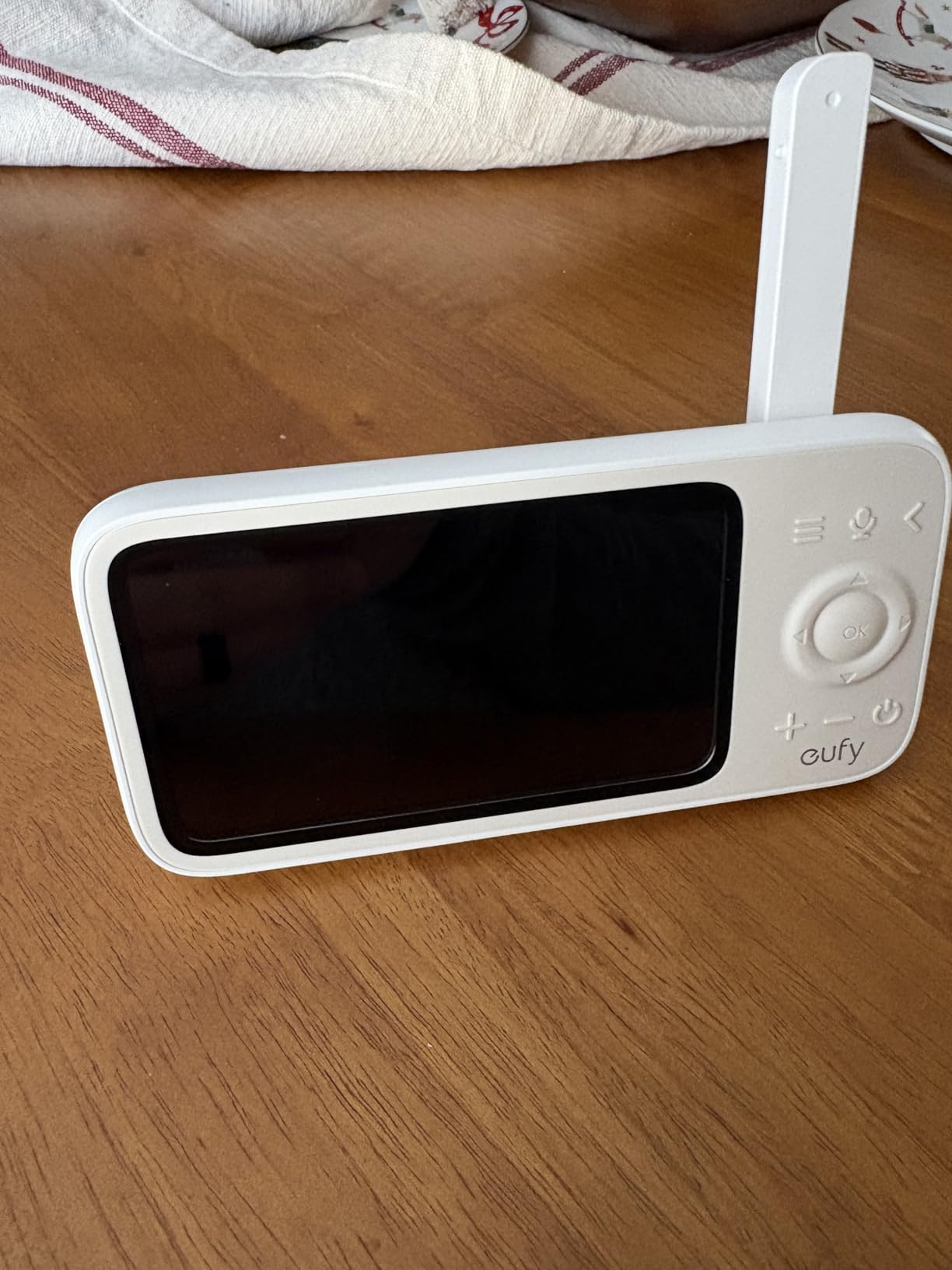
The eufy Baby Monitor C10 is the only product here with a 2K camera, and the only one letting you choose between fully local monitoring and optional remote access from the same hardware. Run it in local mode with no network and it behaves like a dedicated monitor; turn WiFi on when you need to check from elsewhere.
There is a one-tap WiFi off control on the camera, a direct answer to the privacy objection that stops most people buying a smart monitor. Recording goes to an encrypted SD card using RSA-1024 and AES-128 rather than a subscription cloud, and family sharing covers up to five members.
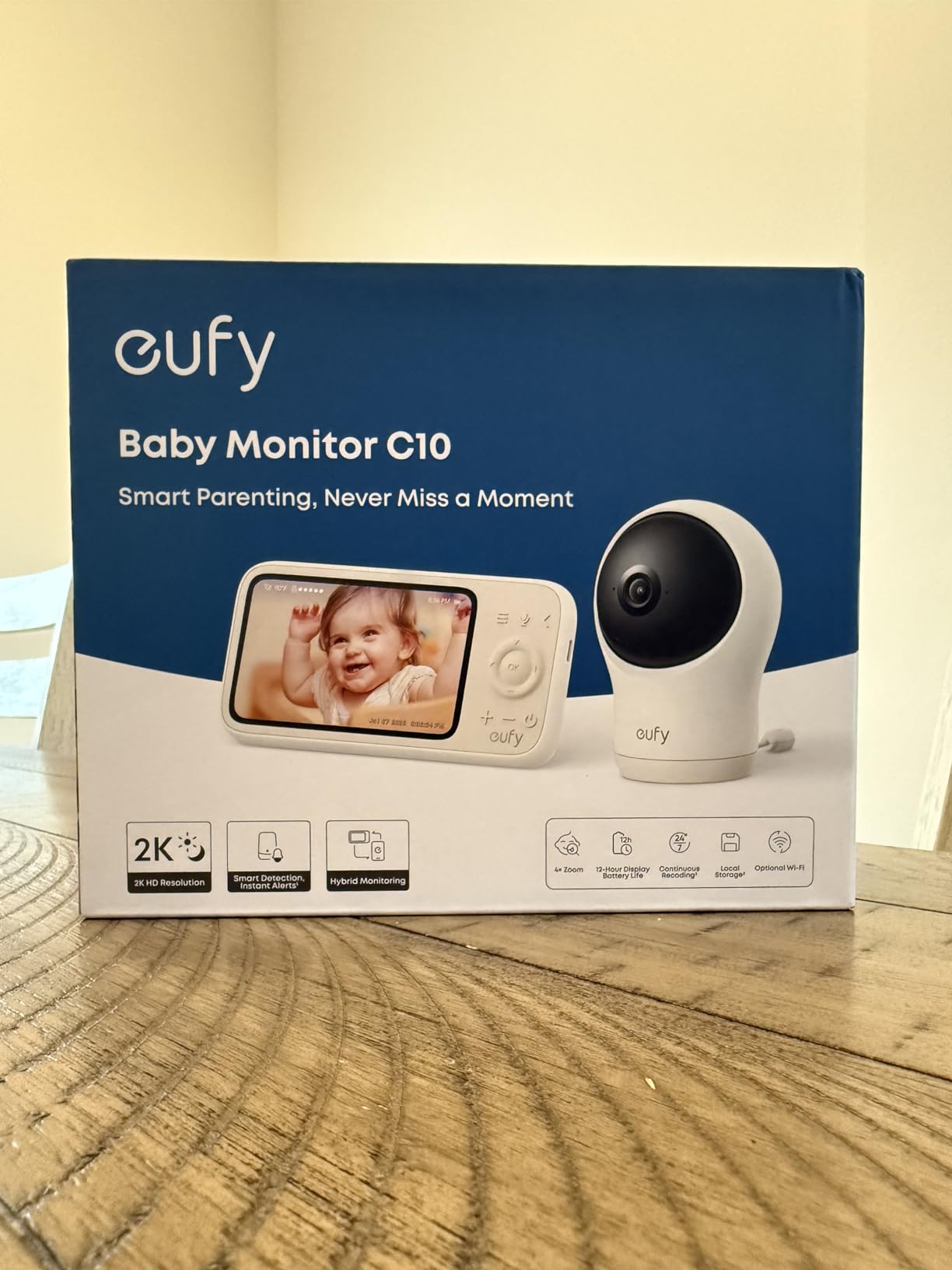
Smart detection covers motion, noise, cry and temperature with tunable sensitivity, which lets you restrict alerts to genuine crying rather than every rustle. The camera carries its own battery and is genuinely portable, and the parent unit runs a 5000 mAh cell for around 12 hours of screen time.
Here is the tension. The camera is 2K, but the parent unit display is 4.5 inches at 480p, so the handheld screen cannot show the resolution the sensor captures. You see the full quality on a phone, not on the device you hold in the dark. The camera pans 351 degrees and tilts 60 degrees with 4x zoom.
Reviewers also flag software immaturity. Sound detection throws false alerts, audio does not auto-switch between cameras in split screen, the monitor is slow to wake, and some owners report WiFi drops and inconsistent battery life. The one-star rate sits around 12 percent for a product this new, and the earlier SpaceView generation had comparable complaints.
That points to a coherent conclusion. The C10 suits a technically confident parent who wants 2K, local storage and remote access with no subscription, and who will tune settings and tolerate early software edges. It is not the set-and-forget choice, and a 220-rating review base is too thin to treat as proven.
What to check before buying
Check that you are comfortable with an app, because motion detection setup, SD card management and remote access all run through the eufy Security app. Check your alert expectations too, since reviewers report cry detection firing on white noise and background sound.
Who should skip it
Skip it if you want a proven long-term record, because 220 ratings say very little about year three. Skip it if the handheld screen is your main view, since a 4.5-inch 480p display is a step down from the 5-inch 1080p panels elsewhere.
How We Picked and Tested These 10 Baby Monitors
We assembled this list in October 2026 by pulling the camera-equipped monitors with the largest verified review counts available, then reading the review text rather than the star averages. Ten monitors out of thousands is a small sample, but it is the sample parents are buying and living with.
For each we weighed the completeness of the specification, the volume and age of customer reviews, the consistency of the complaints, and whether the product answers a distinct need. A monitor that duplicates another on paper but has a tenth of the long-run data did not make the list.
What we did not do is bench-test signal strength through walls or measure lux at 3am, and we would rather say so than imply a laboratory we did not run. Where we judge night vision or range, it comes from owner reports of real use plus the sensor and lens specification.
Our rubric is simple. A 5 means the monitor does its job with headroom and a long record behind it, a 4 means it does its job well with a clear compromise, a 3 means it works but you may be paying for something you will not use, and a 2 means the compromises outweigh the benefits. Nothing in this roundup scored below a 3.5.
One note on the writing. Wherever you see a claim about how a monitor performs at night or through walls, that came from owners describing months of use rather than from a specification sheet, and where those reports conflict we have said so rather than picking the more flattering version. Parent forums are where that detail lives, and several of the failure modes we mention here came from threads rather than from manuals.
How to Choose a Baby Monitor With Camera
The decision that matters more than any spec is whether you want a monitor that talks to the internet. Everything else follows from that answer, and it is worth settling it before reading a single feature list.
WiFi or no WiFi: the decision that settles most of it
A non-WiFi monitor broadcasts an encrypted 2.4GHz FHSS signal between the camera and the handheld parent unit and nowhere else. It cannot be reached from outside your house because it is connected to nothing that can be. Eight of the ten monitors here work this way.
A WiFi monitor adds remote access, phone alerts and sometimes cloud recording, which is genuinely useful if you work away from home. It also adds an account, a server dependency, and a camera on your network whose entire job is a cot.
A third option solves both. The eufy C10 runs as a dedicated local unit with WiFi switched off and only joins your network when you ask it to, which is the compromise design we would look for first if remote access is a must-have.
Which baby monitor has the best night vision?
For a dark nursery, infrared night vision on a dedicated monitor is genuinely sufficient, and the differences between units are smaller than the marketing suggests. What matters is not resolution but the amount of invisible IR illumination, since a 1080p sensor with weak illumination still gives you a dark, grainy image.
Colour night vision is different. The Babysense, Momcozy and the VTech starlight units use colour-capable low-light modes that are easier to read in a dim room, but they are more prone to a visible red glow that can disturb a light sleeper. Test with the lights off and the door closed.
Resolution matters less than most buyers assume. 480p is enough to see breathing movement and confirm a sleeping baby, which is the actual job. 1080p earns its money only when you are zooming in or the room is genuinely dim.
Which baby monitor has the farthest range?
Advertised range is measured in open air, and almost every monitor here quotes 960ft or 1000ft, which is why they look identical on a spec sheet. What matters is the diagonal from cot to parent unit, and the material that degrades the signal is floors and brick rather than distance.
Our rule of thumb from the review patterns: assume roughly a quarter of the advertised figure through a single timber floor and considerably less through masonry or a wired-network house. If the nursery is one floor away, none of these monitors will struggle. Two floors away with ducted heating between them, test before committing.
WiFi systems behave differently. A dedicated FHSS link is point-to-point and stable, while an app-based feed depends on your router, your internet connection and the vendor’s servers, so the practical limit is often the edge of your own network.
What screen size do you actually need?
Screen size is a usability decision, not a quality one. A 2.4 to 2.8-inch screen is for carrying around and travelling. A 4.5 to 5-inch screen is the sweet spot for reading a room from a metre or two away, which is how most parents hold it. A 5.5-inch screen suits closer viewing and multi-camera layouts.
Two things improve legibility far more than a larger panel. IPS displays stay readable at low brightness, which is why the HelloBaby HB6550 is easier to read at 3am than most of its size. Sound-activated screens, which switch the display off until the camera hears something, stop the unit glowing in a dark bedroom.
Screen glare is the other 3am problem nobody warns you about. A glossy panel angled toward a ceiling light will reflect straight into your eyes, so mount the parent unit low and tilt it away from the light rather than straight at the cot.
For grandparents and anyone not confident with apps, a dedicated screen beats a phone. A phone runs out of battery, dims itself, and lies face down, a criticism of the phone-as-monitor approach that shows up repeatedly in parent discussions.
Do you need a subscription, and what does one cost?
None of the ten monitors here requires a subscription. Several competing products in the wider market do charge for cloud video history or for accessories like breathing bands, and those fees are the single most common source of regret in parent forums.
When you compare a subscription product, do the arithmetic across the whole period you will use it. A monthly fee multiplied over two or three years frequently exceeds the price of the monitor itself, and that is the number that decides these purchases.
Watch the same logic in accessories. Breathing bands and smart socks are sold on health-adjacent claims that pediatricians do not generally endorse for reducing the risk parents fear most, and we would treat any such purchase as optional rather than essential.
There is a subtler version of the same trap in the purchase itself. Parents often assume a monitor is an investment that follows the child from cot to toddler bed to small bedroom, so they buy the most expensive unit available. Most cannot do that. A narrow field of view, a fixed lens and a screen that only reads at one distance are all built for a specific stage, and a monitor that suits a three-month-old in a small room can be the wrong tool eight months later.
How many cameras do you need?
One for a single child, two for twins either in one room with split screen or in two rooms. Four is the practical ceiling across this category, and six of the ten monitors here support that expansion, which is the cheapest way to plan for a second child without replacing the parent unit.
Check the expansion cost before you buy. Add-on cameras are separate purchases, and some units only pair with their own model rather than accepting a sibling unit, so a cheaper monitor can cost more across four cameras.
Where to put the camera and how to run the cable
Mount the camera high enough that the cot is in frame but out of reach, and route the cable along the wall rather than across anything a child could pull. Nothing belonging to the monitor belongs inside the cot, not even a cable and not even for a nap you are watching.
Check the field of view from the mount position before drilling. A 55-degree fixed lens in a square room is a bad combination, and the mechanical pan and tilt on the Babysense, GoodBaby, HelloBaby HB6550 and VTech VM924 exist because fixed cameras cannot cover an awkward room.
Run the cable along a skirting board or behind furniture to a socket that is not shared with a power strip. Every camera here is corded, so during an outage the feed stops even if your handheld screen keeps working on battery.
Test the whole thing before the birth, not after. The most common complaint in reviews is not a fault but a setup failure at an hour when nobody has patience for app pairing, so set it up during the day and check the night picture with the lights off.
What about a generic security camera instead?
It is a legitimate option and parents use it widely. A modern indoor security camera typically has a better sensor, better night vision and better app support than a dedicated monitor, and one parent in a forum thread described running a Tapo camera as the monitor, saying the video feed sometimes cuts out but it was not a huge deal.
The trade is honesty about what you lose: no cry detection tuned to a nursery, no sound-activated screen to save your phone battery, no temperature alerts, and no dedicated parent unit, which means your phone is the only screen and the only power source. You also inherit the security posture of a general-purpose camera.
If you go this way, treat the phone battery as the first problem to solve, because a phone face down on a charger is not a monitor. Current firmware, a unique password and a separate network segment matter more here than on a dedicated unit.
The other thing to weigh is what you gain. A general-purpose camera with a modern sensor will usually outperform a dedicated monitor in a dark room, and its software will keep improving for years without new hardware. What you are trading away is the small, specific conveniences a nursery monitor was designed around.
Privacy and Hacking: How Baby Monitors Get Compromised
Baby monitor breaches are not hypothetical, and the mechanism is almost always the same dull set of mistakes. This is the section most roundups skip, and it is the one that should decide your purchase.
The first and most common route is unchanged default credentials. A camera shipped with a factory username and password and no requirement to change it is reachable by anyone scanning for open devices, and automated scanning of this kind is continuous.
The second is an unpatched device. A monitor that has been unplugged in a closet for two years comes back out with old firmware, and a camera powered on with three-year-old firmware is not safe.
The third is your own network. A camera with port forwarding enabled, or on a router that exposes devices to the internet, can be found by anyone. Guest networks isolate devices from each other, which stops a compromised laptop or smart speaker reaching the nursery camera.
The fourth is the account layer. Shared app access means shared risk, so change credentials when a sitter or grandparent arrangement ends. Two-factor authentication closes a large share of account-takeover attempts outright.
Against all of that, a non-WiFi FHSS monitor has no IP address, no account and no server holding your footage, so none of these routes exist for it. That is the entire security argument for dedicated monitors, and the reason eight of the ten products here work this way.
Are Baby Monitors Safe? What They Can and Cannot Do
The most important thing to say about baby monitors is what they cannot do. The American Academy of Pediatrics is clear that consumer monitors and wearable breathing trackers have not been shown to reduce the risk of sudden infant death syndrome. Parents buy these devices hoping for protection, and no model here provides it.
What a monitor does is let you check a sleeping baby without entering the room and waking them, which is more than a small benefit during the room-sharing months. Studies in neonatal settings have associated bedside video monitoring with lower parental stress, a real benefit to a real person even though it is not a medical one.
Be honest about alert fatigue, because parents raise it openly. Cry detection and sound alerts can fire on white noise, a lullaby or ordinary movement, and a monitor that cries wolf at 2am trains you to ignore it. Turning sensitivity down is more useful than any premium feature.
There is also a version of this habit that works against you. Parents have described needing to stop looking at the screen to let a baby learn to sleep, and a monitor that keeps drawing you back to the door works against the routine you are trying to build.
For cord safety the rule is simple: keep the monitor, its camera and every cable out of the cot, out of reach, and away from where a baby could pull. Mount the camera out of reach and run cables along a wall.
For evidence-based protection rather than a screen, the guidance is not complicated: baby on the back, on a firm flat surface, in their own cot in the room with you, with nothing else in the crib. A monitor is a convenience and a reassurance tool, and it is honest to treat it that way.
Worth adding for room-sharing families, since this is where most monitors get bought: if your baby is sleeping in the same room, a camera monitor is checking on a baby you are close enough to hear. That is a legitimate reason to own one, and plenty of parents find the visual confirmation genuinely calming. It is simply worth being clear that the purchase is buying confidence rather than protection.
Frequently Asked Questions
What is the best baby monitor with a camera?
For most families the VTech VM819 is the best baby monitor with a camera, because it works over a dedicated encrypted 2.4GHz signal with no WiFi, no app and no subscription, and its battery covers a full night. Parents who want a larger screen and room to add cameras should choose the HelloBaby HB6550, and those who need to check in remotely should look at the VTech VM901 with its free app and 128GB local storage.
Which baby monitor has the best night vision?
Among the monitors we cover, the 1080p units give the clearest dark-room image, so the Momcozy BM01 and the Babysense PRO lead. Both combine a 1080p sensor with infrared illumination reaching about 15ft. Resolution matters less than illumination, and 480p units with starlight night vision are still adequate for confirming that a baby is settled. Colour night modes are easier to read but can show a visible glow.
Which baby monitor has the farthest range?
Several units in this roundup quote 1000ft, including the VTech VM819, the GoodBaby SM663 and the HelloBaby HB6550, with the iFamily SM650 slightly lower at 960ft. Advertised range is measured in open air, so treat it as a ceiling rather than a promise. Through a single timber floor, assume roughly a quarter of the figure, and through masonry considerably less. WiFi monitors are usually limited by your own router first.
What is a good range for a baby monitor?
What matters is the real distance from your cot to where the parent unit will sit, not the number on the box. A dedicated non-WiFi monitor with 1000ft of quoted range is comfortable across a normal two-storey house, and most parents never approach that limit. If your nursery is two floors away with masonry or ductwork between, test the signal before you rely on it overnight.
Can a baby monitor be hacked if it is not on WiFi?
Not remotely, because a monitor with no WiFi connection has no IP address, no cloud account and no server holding your video, so there is nothing on the internet to reach. Dedicated monitors broadcast an encrypted 2.4GHz FHSS signal between the camera and the parent unit and nowhere else. The remaining risks are physical, such as someone in the house handling the unit. Any WiFi monitor should be updated, given a unique password and two-factor authentication, and kept on a separate network segment.
Do pediatricians recommend baby monitors?
The American Academy of Pediatrics position is that consumer monitors and wearable breathing devices have not been shown to reduce the risk of sudden infant death syndrome, so they are not recommended as a protective measure. Pediatricians may suggest a monitor in specific circumstances, such as monitoring a baby who has needed additional support in hospital, but it is not standard advice for a healthy term infant. Evidence-based protection comes from safe sleep practice, not from a screen in the corner.
The Verdict: Which Baby Monitor Should You Buy?
After working through ten camera-equipped monitors, the answer for most families is the VTech VM819. It has the largest review base in the category, a battery that survives a night, and a signal no one outside your house can reach. If the 2.8-inch screen is the only thing holding you back, move up to the HelloBaby HB6550 for a 5-inch panel and room for four cameras.
Spend more only when you have a reason. The Babysense PRO earns its place if your baby needs a night light and white noise built in, the Momcozy BM01 if the quality of the dark-room picture worries you, and the VTech VM901 if you genuinely need to check the nursery from work. If none of those apply, our broader baby monitor guide covers audio-only and movement options that cost less and may be enough.
Whatever you choose, set it up before the baby arrives, tune the alert sensitivity, and keep the cable out of the cot. Those three things will do more for your nights than any specification on this page.