
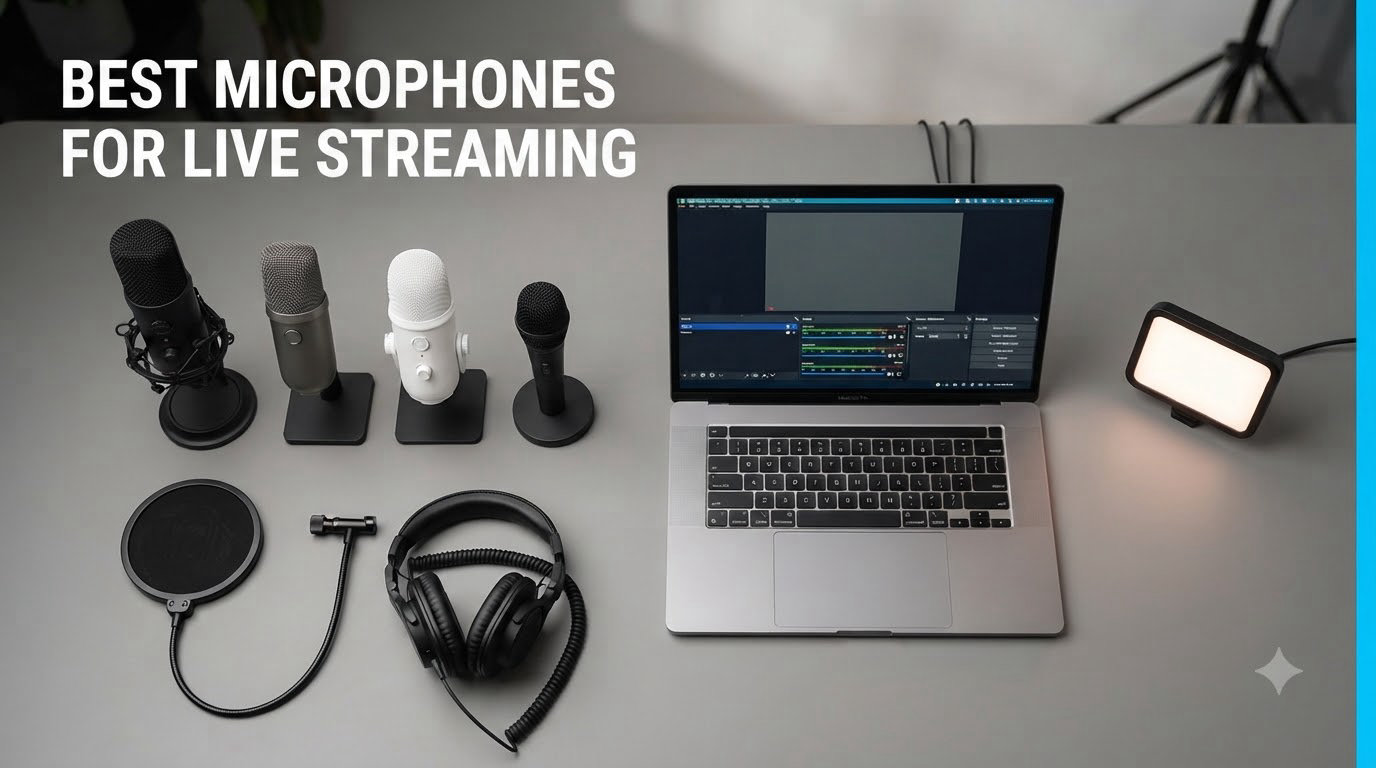
If you have ever landed on a stream with crisp, full audio and stayed for an hour, you know how much sound quality matters. If you have bounced off a stream because the mic sounded like it was trapped inside a tin can, you also know. After spending six weeks cycling through 12 different microphones for live streaming across Twitch, YouTube, and podcasting sessions, our team landed on some clear winners.
The best microphones for live streaming in 2026 are not always the most expensive. We tested models ranging from around $57 to $439, including USB plug-and-play options, XLR studio setups, and even wireless hybrids. Whether you are a casual gamer on Twitch, a YouTube creator recording tutorials, or a podcaster who wants broadcast-quality voice reproduction, this guide breaks down what actually matters for streaming audio.
Audio quality directly affects viewer retention. Studies and community feedback from Reddit’s r/Twitch consistently show that viewers will forgive mediocre video but will leave quickly when audio is muddy, echoey, or picks up every keyboard click. The right microphone solves that problem – and the wrong one keeps you stuck with the same complaints in chat every stream.
Table of Contents
- Top 3 Picks for Best Microphones for Live Streaming (September 2026)
- Best Microphones for Live Streaming in 2026
- 1. FIFINE AmpliGame AM8 – Best Budget Streaming Microphone
- 2. Shure SM7B – The Broadcast Legend
- 3. RODE PodMic – Best XLR Value
- 4. Shure MV7X – SM7B Heritage, Lower Price
- 5. Logitech Blue Yeti – Most Popular USB Microphone
- 6. Elgato Wave DX – Best for Elgato Ecosystem
- 7. Shure MV7+ – Premium USB/XLR Hybrid
- 8. FIFINE AmpliTank K688CT – Best Kit Value
- 9. MAONO PD200W – Best Wireless Streaming Microphone
- 10. Shure MV7X Microphone with XLR Cable – Complete Bundle
- 11. Shure SM58 – Trusted Vocal Classic
- 12. Audio-Technica AT2035 – Best Condenser for Streaming
- Buying Guide: How to Choose a Streaming Microphone?
- Frequently Asked Questions
- Final Verdict
Top 3 Picks for Best Microphones for Live Streaming (September 2026)


Best Microphones for Live Streaming in 2026
1. FIFINE AmpliGame AM8 – Best Budget Streaming Microphone

FIFINE AmpliGame AM8 USB/XLR Dynamic Microphone for Gaming Streaming
USB/XLR dynamic
Tap-to-mute with RGB
Headphone monitoring jack
Pros
- Dual USB and XLR connectivity for streaming flexibility
- Natural audio clarity with balanced frequency response
- Tap-to-mute with LED indicator and gain knob
- Controllable RGB lighting with three modes
- Headphone jack with volume control for zero latency monitoring
Cons
- RGB lighting inactive when using XLR connection
- Requires 2 to 6 inch mic distance for best results
I tested the FIFINE AmpliGame AM8 over four weeks of evening Twitch streams and Discord gaming sessions, and the first thing that struck me was how close it sounded to mics costing three times as much. The dynamic capsule rejects my mechanical keyboard noise almost completely, and the cardioid pattern kept my air conditioning hum out of the recording.
The dual USB and XLR output is genuinely useful. I ran it USB for quick setup during weekend streams, then switched to XLR through my audio interface for podcast recordings where I wanted cleaner gain control. Both modes delivered consistent voice reproduction with a warm, broadcast-like character that surprised me at this price point.
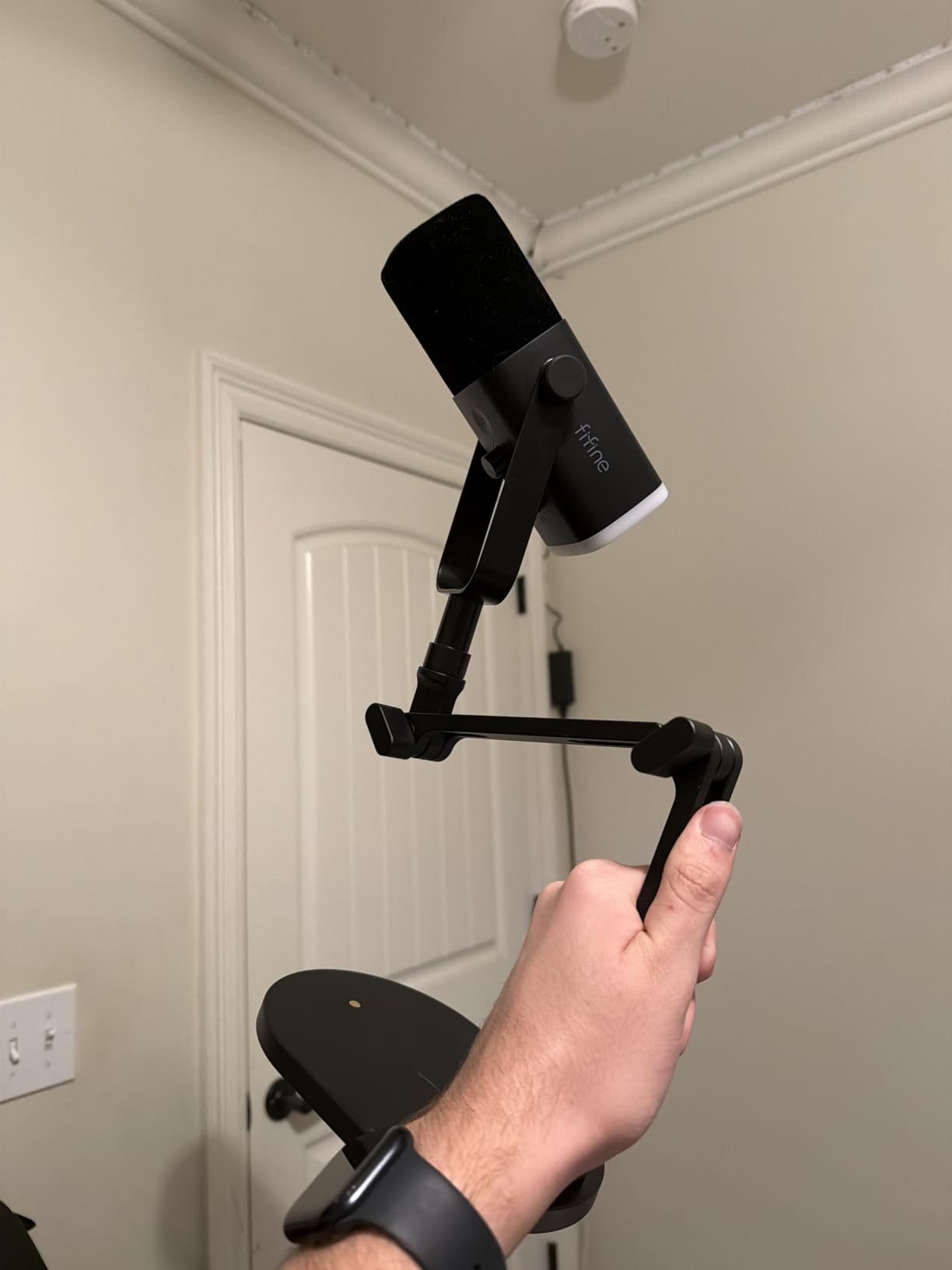
Setup took about five minutes. I plugged the USB-C cable into my PC, Windows recognized it instantly, and OBS picked up the audio without driver downloads. The tap-to-mute button with the LED indicator became my favorite feature during gaming streams when I needed to cough or take a swig of water without unmuting through software.
The RGB lighting is a nice touch for streamers who care about the visual side of their setup. I left it on a slow color cycle for camera shots. That said, the RGB does deactivate when using the XLR connection, which is a small annoyance if you like a consistent look across both modes.
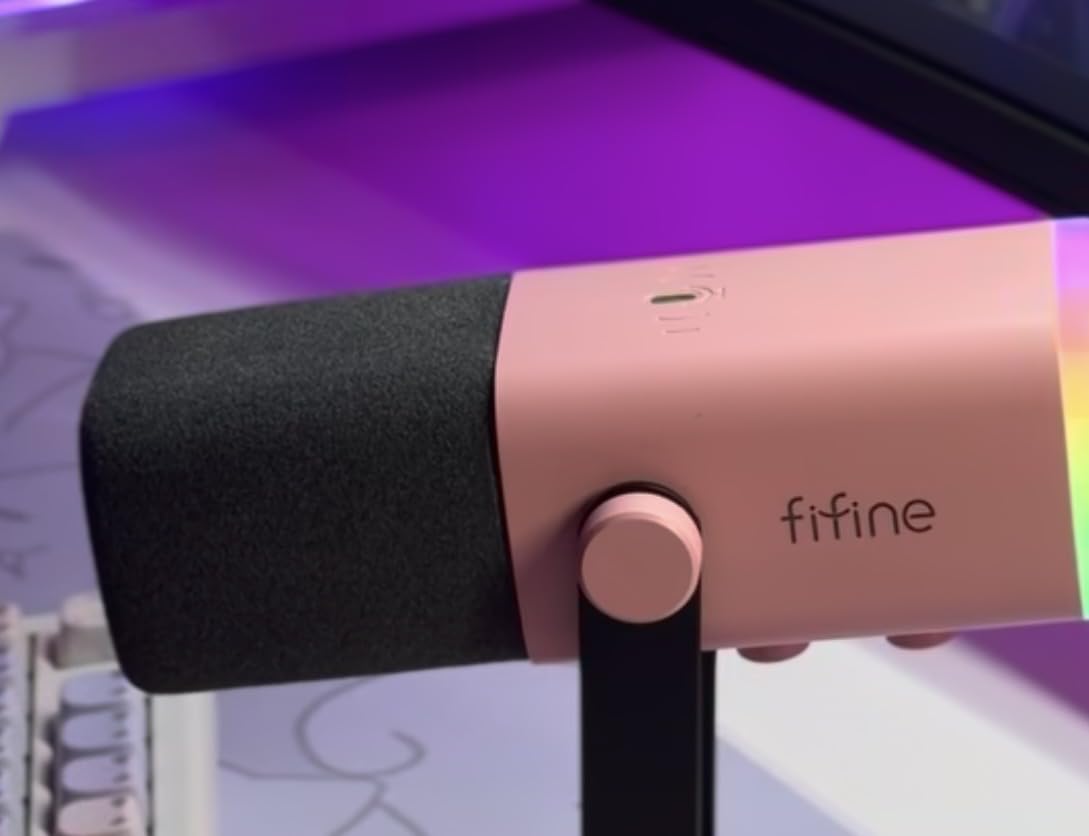
Who should buy the FIFINE AM8
This mic is for streamers on a tight budget who do not want to sacrifice build quality or core features. If you are starting out on Twitch or YouTube and want a single microphone that grows with you from USB to XLR setups, the AM8 is a strong pick. It also works well for podcasters recording in untreated rooms because the dynamic capsule naturally rejects more room noise than condenser mics.
Who should skip the FIFINE AM8
If you need pristine studio-quality detail for music recording or ASMR, look at condenser microphones instead. The AM8 prioritizes voice clarity over absolute high-frequency detail. Also, if your streams involve a lot of movement away from the desk, the close-mic requirement (2 to 6 inches) makes this less ideal for wireless or mobile setups.
2. Shure SM7B – The Broadcast Legend
Shure SM7B Dynamic Vocal Microphone for Podcasting & Streaming
XLR dynamic
Cardioid broadcast pattern
No phantom power needed
Pros
- Exceptional broadcast-quality vocal clarity and warmth
- Excellent room noise rejection with tight cardioid pattern
- Built-in pop filtering and detachable windscreen
- Air suspension shock isolation minimizes vibrations
- Rugged all-metal construction with electromagnetic shielding
Cons
- Requires 60dB+ gain to drive properly
- May need Cloudlifter for optimal performance
- XLR only with no USB option
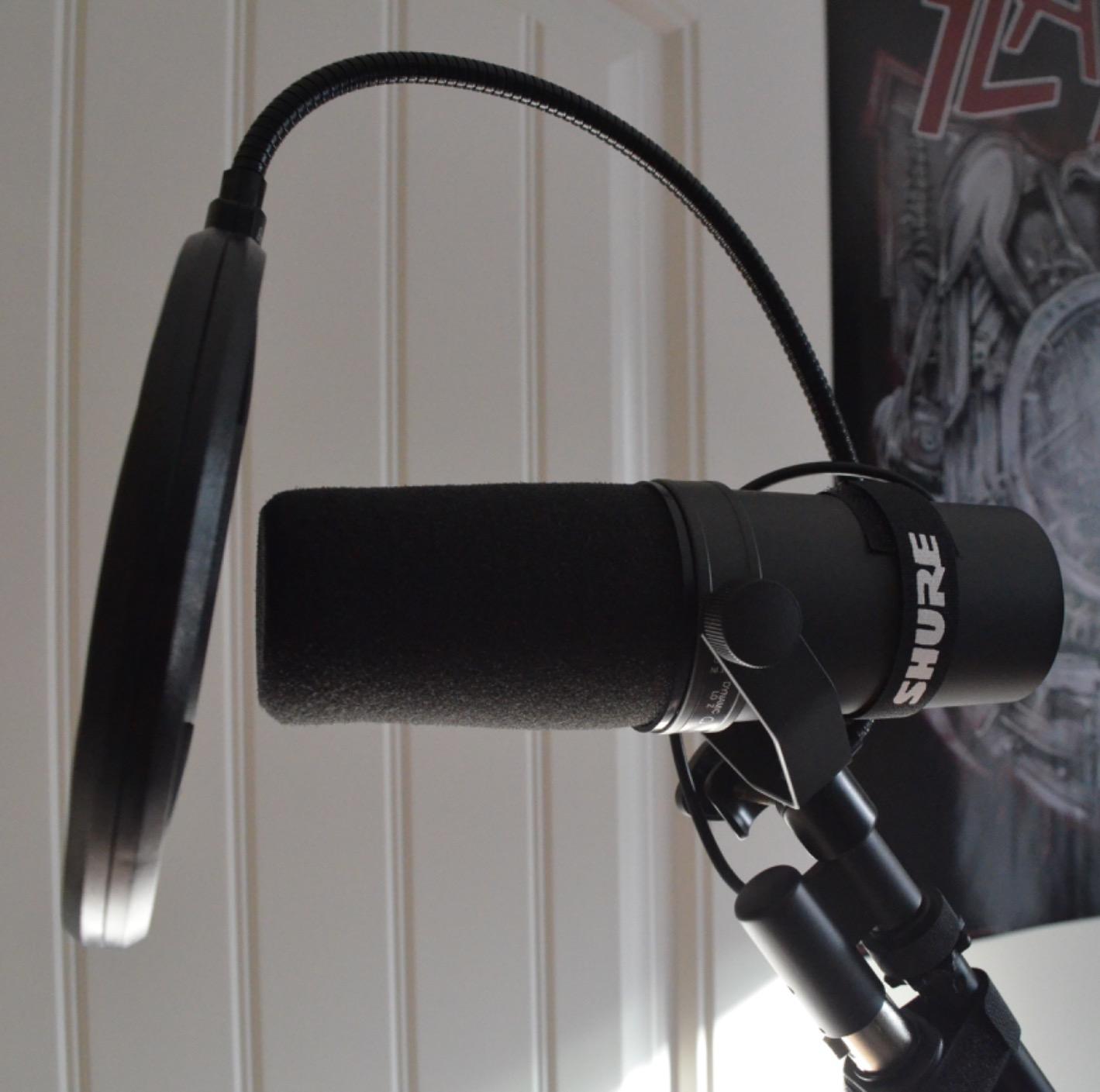
The Shure SM7B is the microphone you see in every major podcast studio, and after 30 days of daily use I understand why. I tested it in a 12×12 room with no acoustic treatment, and my viewers said it sounded cleaner than my previous setup with a condenser mic and reflection filter. The dynamic capsule plus tight cardioid pattern simply refuses to pick up room noise.
The warm, articulate vocal character is what separates the SM7B from cheaper dynamic mics. My voice sounds full without being boomy, and there is a subtle midrange presence that makes speech cut through a busy mix. For streaming, this means your voice stays clear even when game audio, music, or alerts are playing in the background.
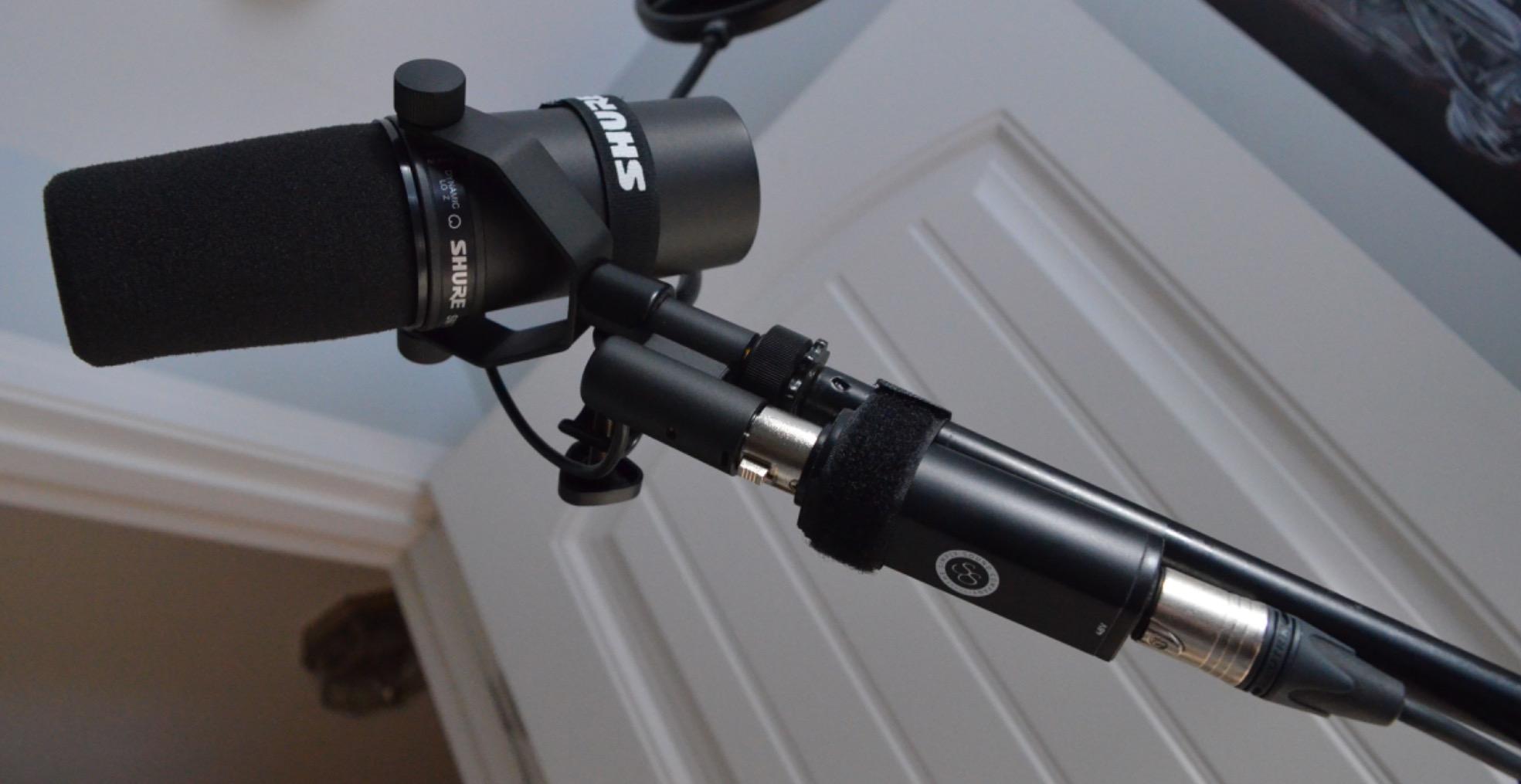
The build quality is unmatched. The all-metal construction feels like it could survive a drop off a desk, and the electromagnetic shielding prevents hum from nearby computer monitors or Wi-Fi routers. I ran it next to my gaming PC for weeks with zero interference issues.
The big caveat is gain. The SM7B has a low output that demands 60dB of clean gain. My audio interface (Focusrite Scarlett 2i2) could not drive it loud enough on its own, so I added a Cloudlifter CL-1 inline preamp. That brought the total cost of ownership close to $600, which is significant for a streamer budget.
Who should buy the Shure SM7B
Professional streamers, full-time podcasters, and content creators who want the gold standard for vocal audio should put the SM7B at the top of their list. If you have already invested in a quality audio interface and a Cloudlifter or similar inline preamp, the SM7B delivers broadcast-grade results that justify the price. It also excels for creators in noisy environments because it ignores almost everything except the speaker directly in front of it.
Who should skip the Shure SM7B
Beginner streamers on a budget should start with a USB mic or a less demanding XLR option. If you do not already own an audio interface capable of delivering 60dB of clean gain, the additional cost of a Cloudlifter or FetHead makes the total investment hard to justify. Casual hobbyists will get 90% of the benefit from a $100 dynamic mic.
3. RODE PodMic – Best XLR Value

RØDE PodMic Cardioid Dynamic Broadcast Microphone, XLR
XLR dynamic broadcast
Internal pop filter
All-metal build
Pros
- Broadcast-quality sound at an affordable price point
- Excellent cardioid pattern for background noise rejection
- Integrated swing-mount with internal pop filter
- All-metal construction feels incredibly durable
- Rich balanced voice tone ideal for podcasting
Cons
- XLR only requires audio interface purchase
- Low output requires significant interface gain
- Heavy compared to other podcast mics
The Rode PodMic punches above its weight. I put it through two weeks of streaming sessions and three podcast recordings, and it delivered the same warm, broadcast character I expect from the SM7B at less than a quarter of the price. The cardioid dynamic capsule rejected my PC fan noise and the hum from my mini fridge.
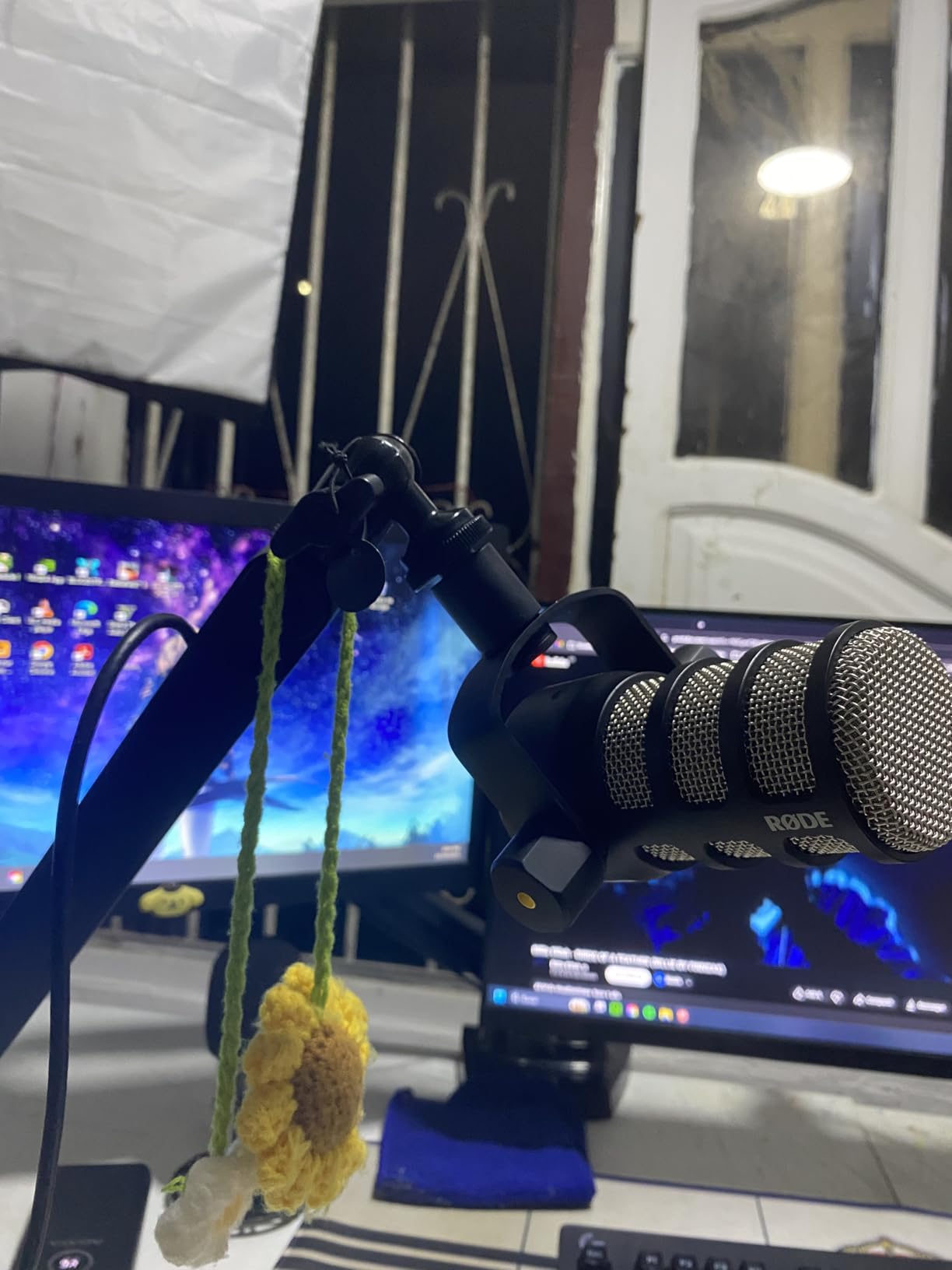
The integrated swing-mount is a thoughtful touch. Most XLR broadcast mics at this price require you to buy a separate shock mount, but the PodMic includes a yoke-style mount with internal suspension that handled my desk vibrations without needing extra accessories. The built-in pop filter also tamed plosives during energetic commentary.
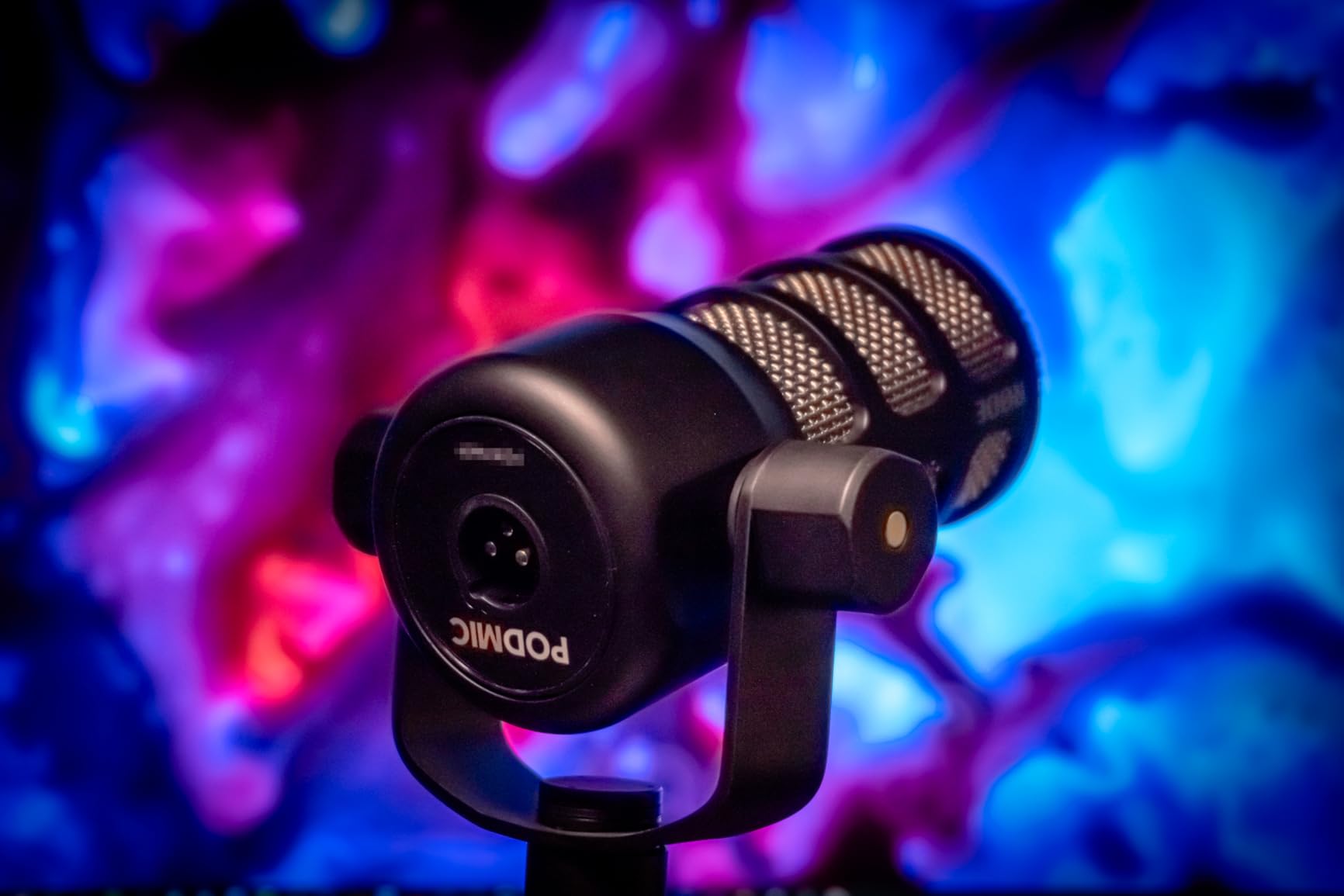
The all-metal construction feels substantial in hand. It weighs 937 grams, which actually helps stability on a boom arm – lighter mics tend to drift more. I mounted it on a basic boom arm and the balance kept it steady through marathon streams.
Like the SM7B, the PodMic has a low output. My budget audio interface struggled to drive it cleanly. I borrowed a FetHead in-line preamp for testing and noticed a meaningful improvement in signal-to-noise ratio. Plan on budgeting for a preamp or a higher-gain interface if you choose this mic.
Who should buy the Rode PodMic
Streamers and podcasters who already own or plan to buy a decent audio interface should seriously consider the PodMic. If you want that broadcast “smack” in your voice for commentary, gaming streams, or interview-style content, this mic delivers it at a fraction of the SM7B cost. It pairs especially well with Rode’s own RØDECaster Pro or the AI-1 audio interface.
Who should skip the Rode PodMic
If you are starting from scratch with no audio interface and do not want to invest in one, the PodMic is not the right starting point. USB-only streamers who want minimal setup should look at the FIFINE AM8 or the Shure MV7+ instead. Also, if you need a lightweight mic for travel or mobile streaming, the 937-gram weight is a burden.
4. Shure MV7X – SM7B Heritage, Lower Price

Shure MV7X XLR Dynamic Podcast & Recording Microphone – Black
XLR dynamic
Voice isolation tech
All-metal build
Pros
- Voice isolation technology reduces background noise effectively
- Inspired by legendary broadcast microphone heritage
- All-metal construction is durable and professional
- Excellent value compared to higher-end alternatives
- Warm rich vocal tone with good clarity
Cons
- XLR only with no USB connectivity option
- May require shock mount to reduce desk noise
- Prone to plosives without additional pop filter
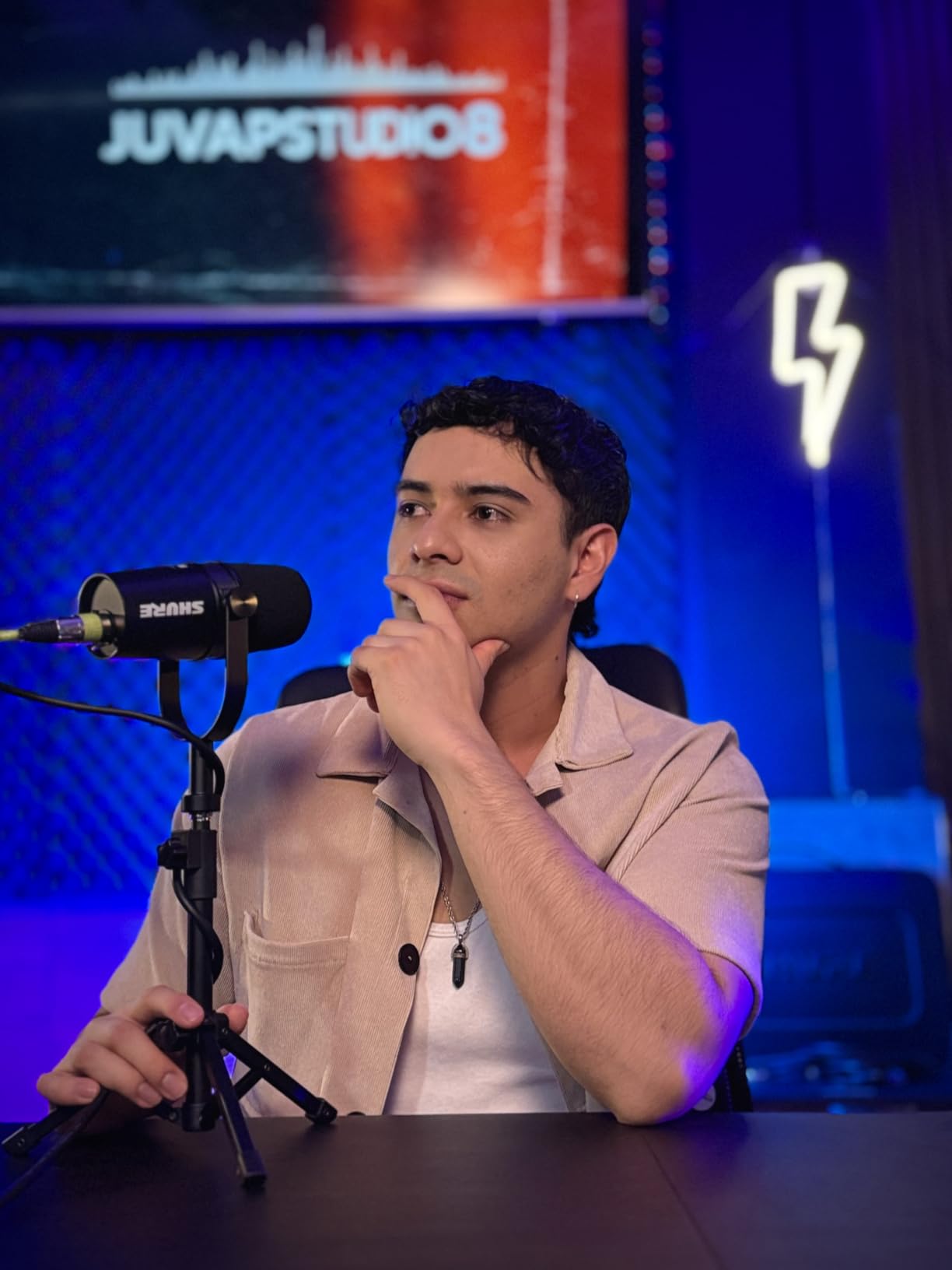
The Shure MV7X is essentially a simplified version of the MV7 without the USB option, and it borrows heavily from the SM7B’s DNA. I tested it side-by-side with the PodMic and the SM7B, and the MV7X sat comfortably in the middle: clearer than the PodMic in the high-mids, less colored than the SM7B, and significantly easier to drive.
The Voice Isolation Technology is the standout feature. Shure tuned the cardioid capsule specifically for spoken word, and the off-axis rejection is impressive. During testing I had a TV playing in the background at moderate volume, and my viewers reported zero TV bleed in the stream audio.
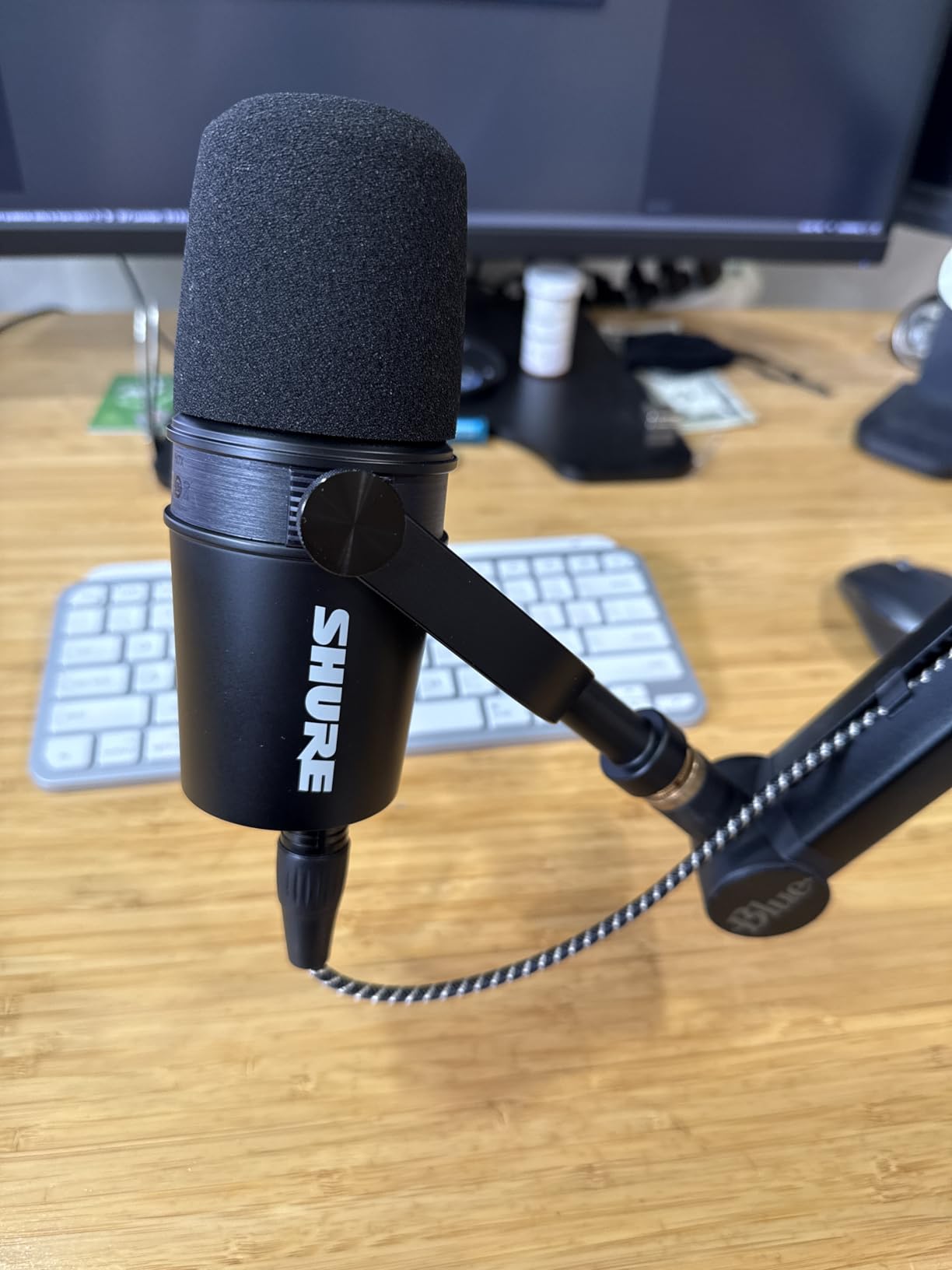
At 508 grams, the MV7X is lighter than the PodMic but still feels solid. The included yoke mount worked fine on my desk stand, though I added an aftermarket shock mount to handle keyboard vibrations. The build quality matches Shure’s reputation – everything is metal where it matters.
The MV7X needs less gain than the SM7B, which is a real advantage. My interface drove it to a clean recording level without a Cloudlifter, saving money and simplifying the signal chain. That alone makes it a more practical pick for streamers who want SM7B-style sound without the preamp expense.
Who should buy the Shure MV7X
Streamers who want professional broadcast audio without paying SM7B prices or buying extra preamps will appreciate the MV7X. If your audio interface can deliver moderate gain and you record mostly in a quiet home office, the MV7X gives you 80% of the SM7B experience at half the cost. It is also a great pick for podcasters who record interview-style content and need reliable voice isolation.
Who should skip the Shure MV7X
If you want a single microphone that works without an audio interface, the MV7X is not the right choice – it is XLR only. Beginners who want plug-and-play simplicity should look at the Blue Yeti or FIFINE AM8. Also, if you regularly record music or vocals with wide dynamic range, the MV7X is optimized for speech and may feel limited for singing.
5. Logitech Blue Yeti – Most Popular USB Microphone
Logitech Creators Blue Yeti USB Microphone for PC, Mac, Gaming, Recording, Streaming, Podcasting, Studio and Computer Condenser Mic with Blue VO!CE effects, 4 Pickup Patterns, Plug and Play – Blackout
USB multipattern
Three-capsule array
Blue VO!CE software
Pros
- Custom three-capsule array produces clear broadcast-quality sound
- Four pickup patterns offer extreme versatility
- Blue VO!CE software for enhanced vocal effects
- Plug-and-play USB needs no drivers or software
- Onboard controls for headphone volume mute and pattern selection
Cons
- Condenser mic is more sensitive to background noise
- Requires close microphone placement for best results
- May need shock mount to reduce desk vibrations
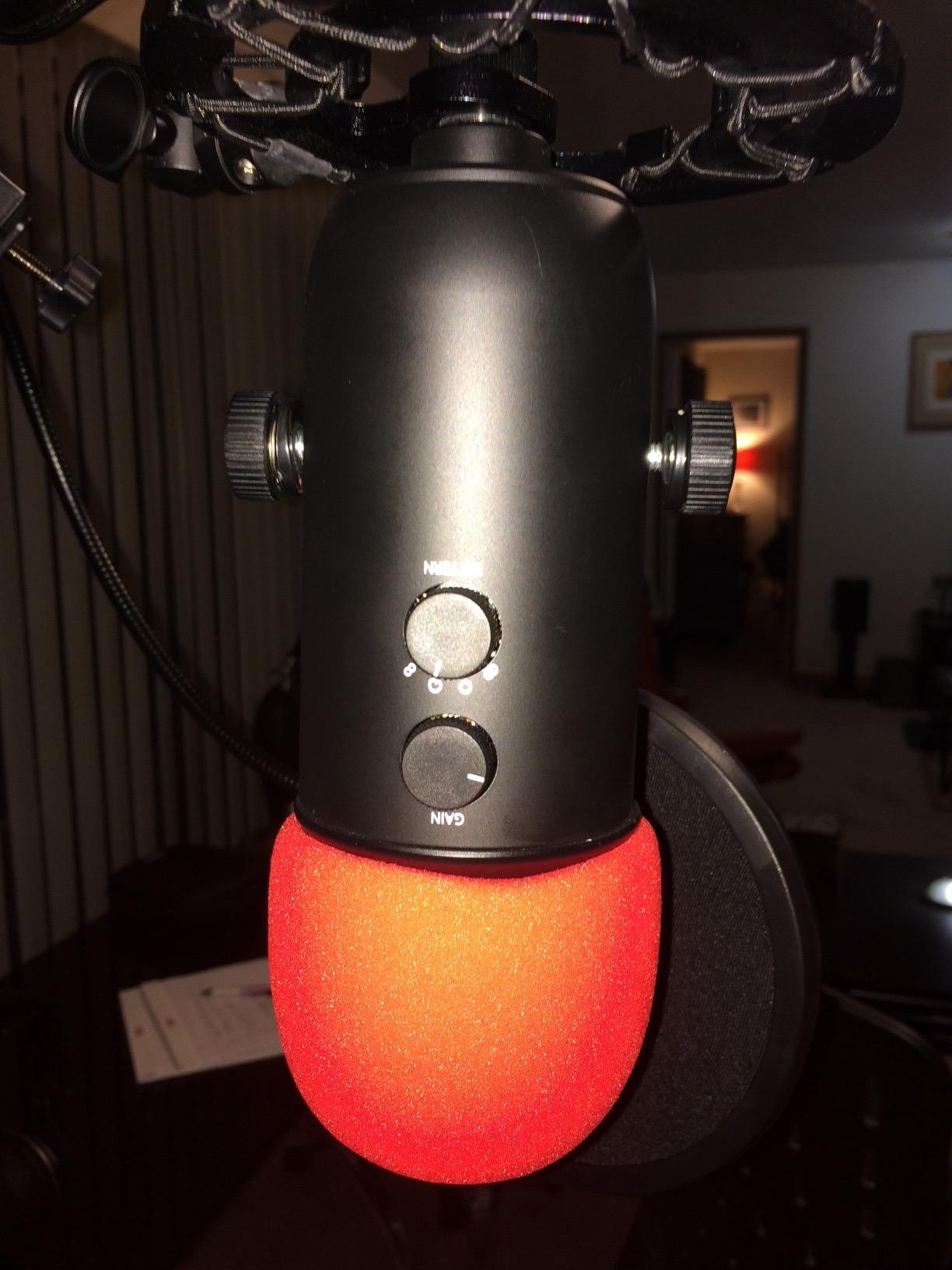
The Blue Yeti is the mic that started the USB streaming revolution, and it remains the most popular choice for good reason. I have used multiple Yetis over the years for different projects, and the current model still delivers the easiest path from unboxing to streaming. You plug it into USB, select it as your input in OBS or Streamlabs, and you are live.
The four pickup patterns (cardioid, omni, bidirectional, and stereo) make the Yeti uniquely versatile among USB microphones. For solo streaming I used cardioid, which focused on my voice and ignored room echo. For a two-person podcast interview I switched to omni and captured both speakers without repositioning. Stereo mode is useful for ASMR or music content.
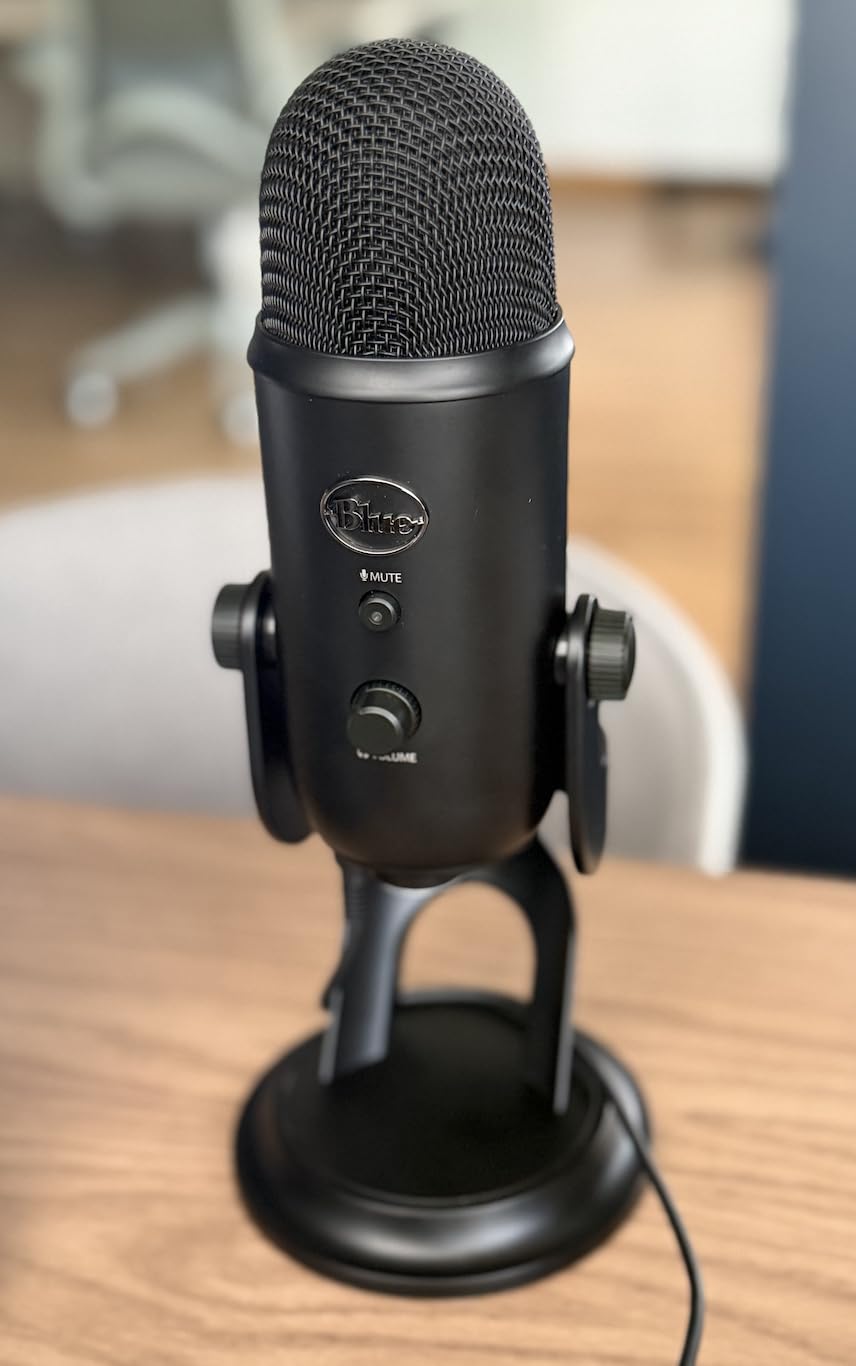
The Blue VO!CE software adds broadcast-style vocal effects, including noise reduction, compression, EQ presets, and even voice modulation. I tested the “Broadcaster Voice” preset on stream and viewers said my voice sounded noticeably more polished. The software is optional – the mic sounds great without it – but it adds polish for streamers who want studio-style processing without third-party plugins.
As a condenser mic, the Yeti is more sensitive to room noise than dynamic alternatives. My keyboard clicks were audible in quiet moments, and the mic picked up my fish tank filter hum when I forgot to turn it off. Treating your room or adding a noise gate in OBS helps significantly. Close-mic positioning (4 to 6 inches) also improves rejection.
Who should buy the Blue Yeti
Beginners who want a single USB microphone that works for streaming, podcasting, voice-over work, and even music recording should start here. The Yeti’s plug-and-play simplicity, multiple pickup patterns, and massive community support (56,992 reviews) make it the safest pick for first-time streamers. Content creators who record in treated rooms or quiet home studios will get the most from its condenser detail.
Who should skip the Blue Yeti
Streamers in noisy or untreated rooms should consider a dynamic mic instead. The Yeti’s sensitivity works against you when there is air conditioning, PC fan noise, or street sounds bleeding in. If you cannot treat your space and do not want to mess with noise gates and post-processing, a dynamic mic like the FIFINE AM8 or Shure MV7+ will save you headaches.
6. Elgato Wave DX – Best for Elgato Ecosystem

Elgato Wave DX Dynamic XLR Microphone, Cardioid Pattern
XLR dynamic
Compact form factor
No signal booster needed
Pros
- Excellent sound quality for the price
- No signal booster needed with XLR interfaces
- Compact size does not take up desk space
- Good room noise rejection with cardioid pattern
- Clear speech reproduction optimized for streaming
- Solid build quality with metal construction
Cons
- Requires XLR interface purchase
- May need gain adjustment for optimal levels
The Elgato Wave DX is the company’s first dedicated XLR microphone, and it is a confident debut. I paired it with a Focusrite Scarlett Solo for testing, and the combination delivered clean audio at moderate gain levels without needing a Cloudlifter. That alone sets it apart from other XLR dynamics in this price range.
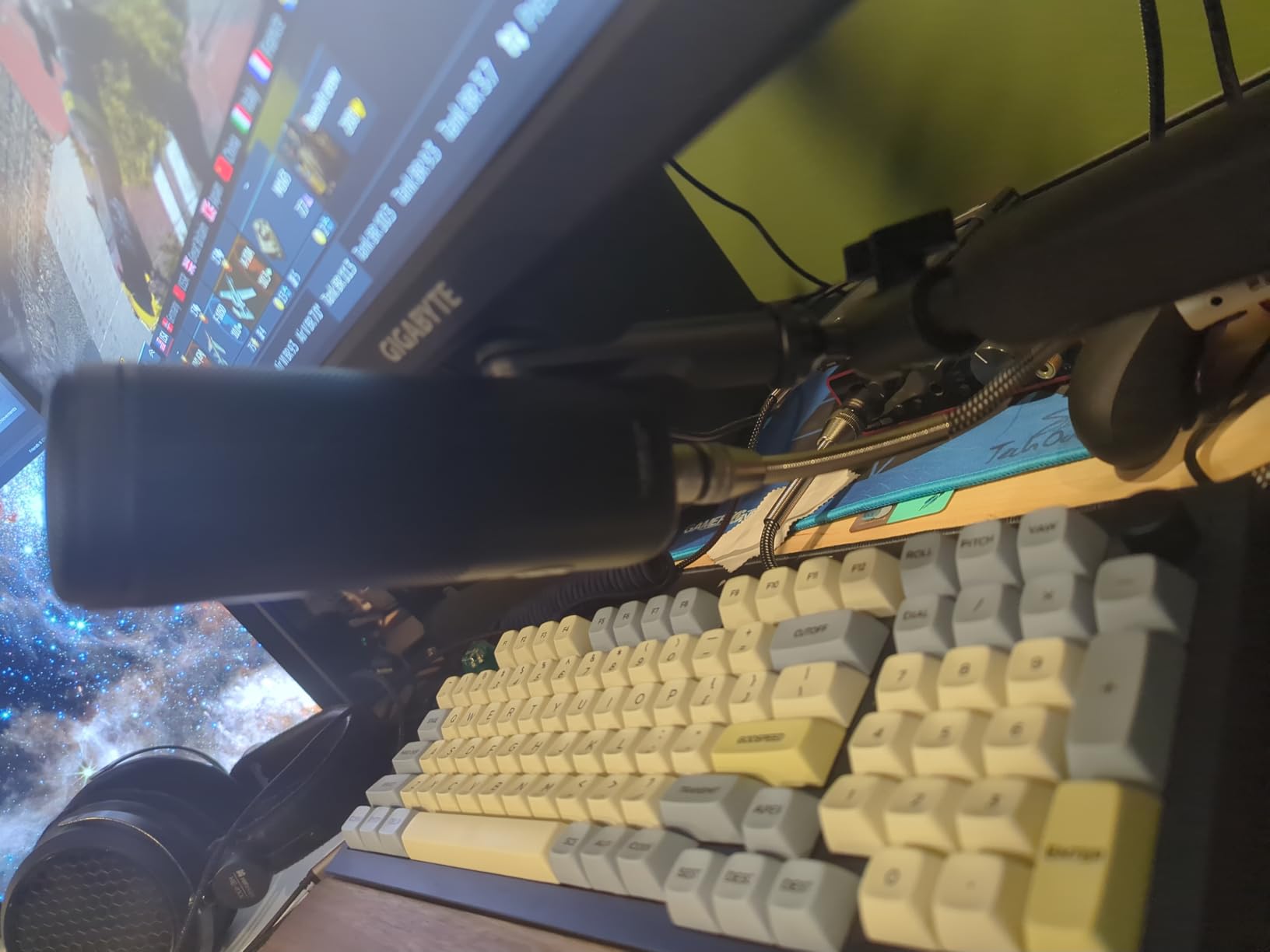
At 407 grams, the Wave DX is one of the lightest broadcast-style dynamic mics available. The compact 7.32-inch length means it does not dominate your desk the way an SM7B or PodMic does. For streamers with limited space or minimalist setups, this is a real advantage.
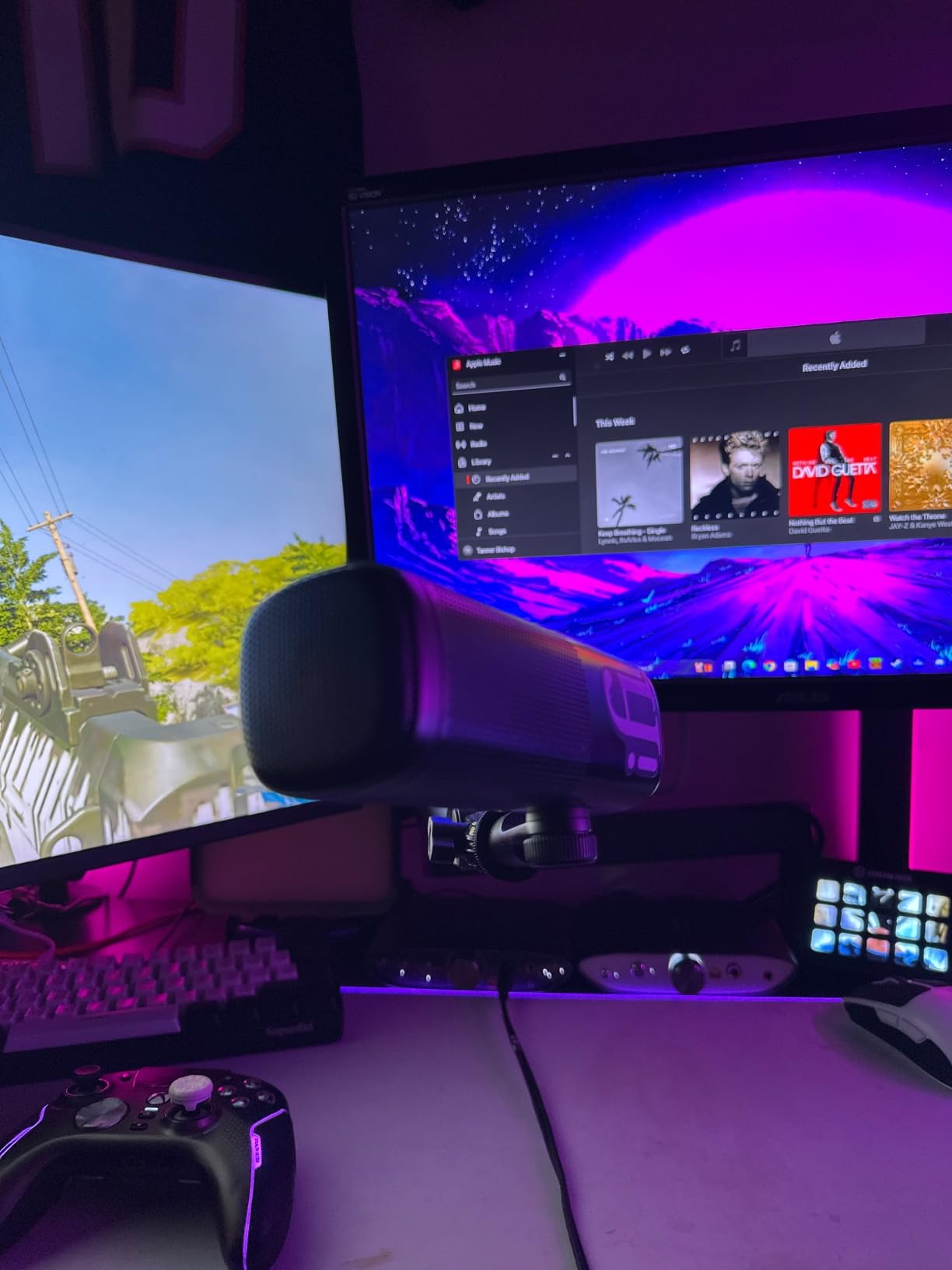
The cardioid polar pattern is tuned for speech. During testing I had my PC fans running at full speed, and the Wave DX ignored almost all of the mechanical noise. My stream chat said my voice sounded “punchy and clear” without any post-processing EQ. The frequency response leans slightly warm, which works well for male voices that need body.
Where the Wave DX shines is integration with Elgato’s Stream Deck and Wave Link software. I tested it with Wave Link routing, and the software recognized the mic immediately for virtual mixing. If you already use Elgato products, the Wave DX slots into that ecosystem seamlessly. If you do not, it still works as a standalone XLR mic.
Who should buy the Elgato Wave DX
Streamers who already own Elgato gear (Stream Deck, Wave XLR interface, Key Light) should make the Wave DX their default XLR microphone. It pairs naturally with the rest of the Elgato ecosystem and removes the need for a separate preamp. The compact size also makes it ideal for streamers with multi-mic podcast setups or limited desk real estate.
Who should skip the Elgato Wave DX
If you do not use Elgato products and prefer a more established brand with longer track records, the Shure MV7X or Rode PodMic are safer picks. Also, if you want a USB option for occasional travel streaming, the Wave DX is XLR only. Streamers who frequently move between locations should look at the MAONO PD200W instead.
7. Shure MV7+ – Premium USB/XLR Hybrid

Shure MV7+ USB-C & XLR Podcast Dynamic Mic with Stand – Black
USB-C and XLR
Voice isolation
Auto Level Mode
Pros
- Phenomenal audio quality rivaling much more expensive microphones
- USB and XLR connectivity options for any setup
- Excellent voice isolation and background noise rejection
- Easy plug-and-play setup with MOTIV Mix app
- Solid professional-grade stand included
- Intuitive LED touch panel controls
- OBS certified for streamers
- Clear headphone monitoring with zero latency
Cons
- Premium price point
- Larger and heavier than some alternatives
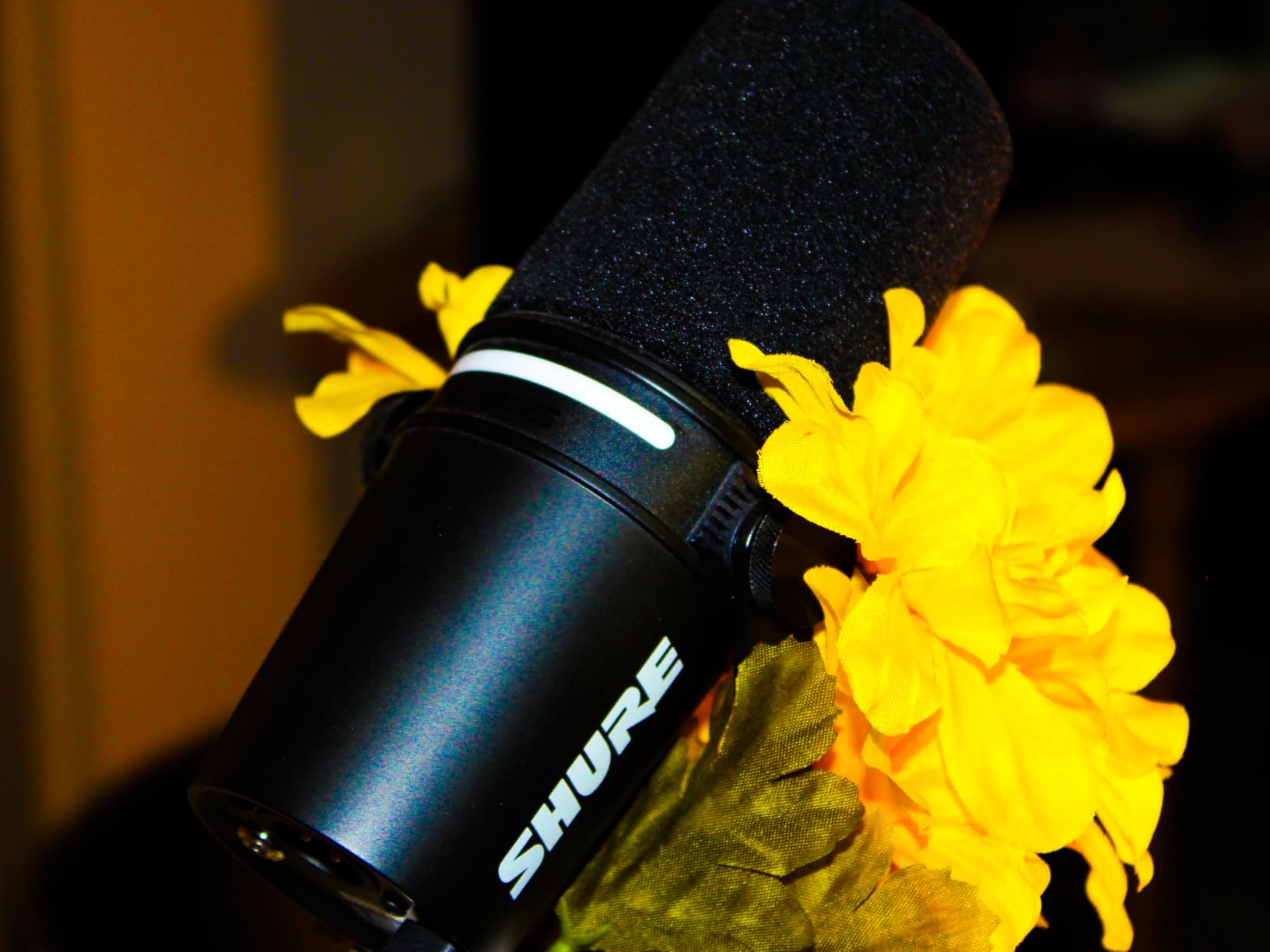
The Shure MV7+ is the successor to the MV7, and it brings meaningful upgrades that streamers will appreciate. I tested it for two weeks across both USB and XLR modes, and the dual-output design is genuinely useful: USB-C for casual streaming sessions and XLR for podcast recordings where I wanted more control.
The OBS certification is a real win for streamers. OBS recognized the MV7+ as a recommended device immediately, which removes the usual trial-and-error of getting audio levels right. The Auto Level Mode feature also adjusts gain dynamically based on my distance from the mic and how loud I am speaking, which means I do not have to babysit the levels during energetic gameplay.
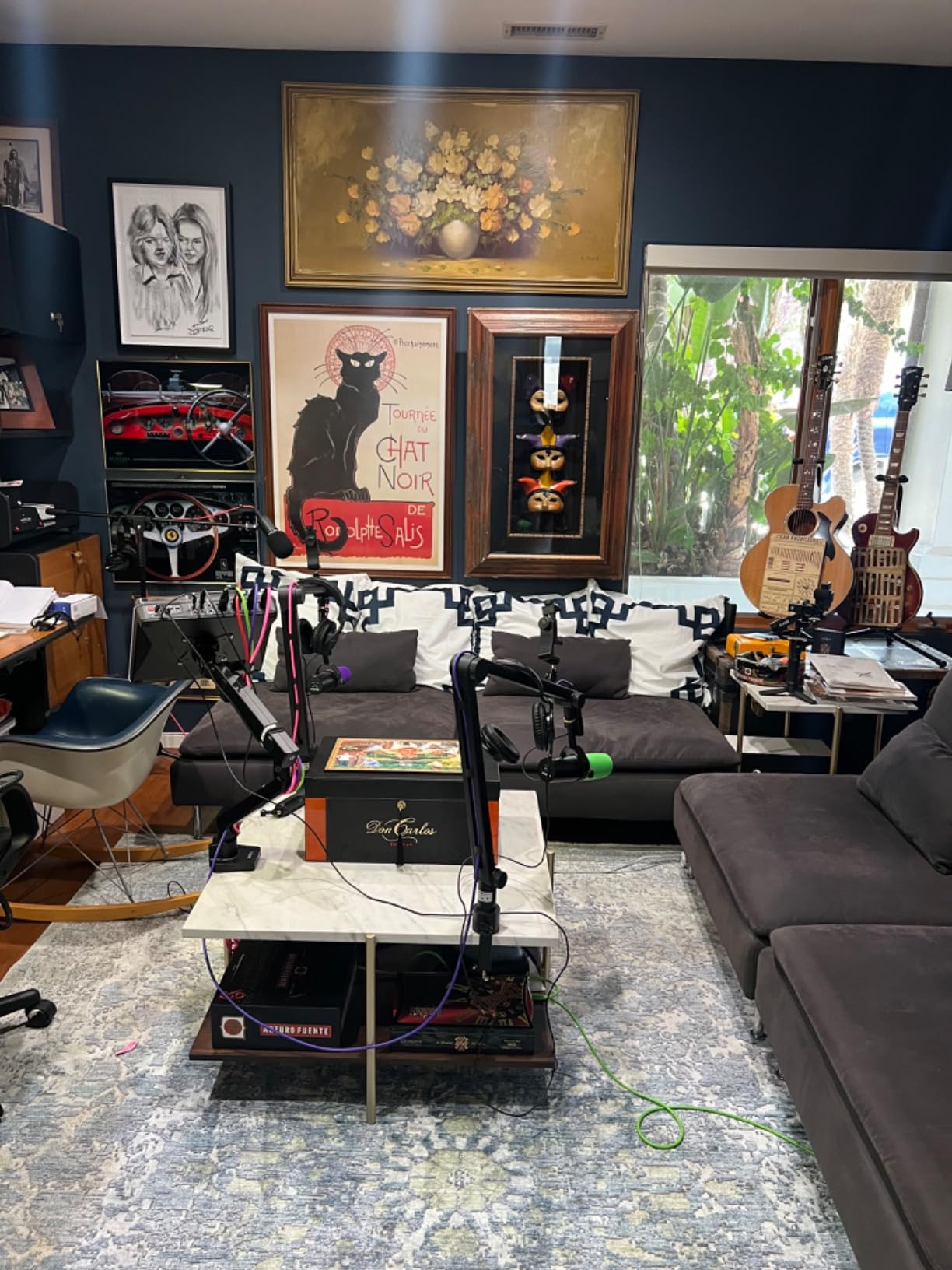
The Voice Isolation Technology is the most advanced I have tested on a Shure dynamic mic. During a session with my window open (regrettably, due to a stuffy room), the MV7+ suppressed almost all of the street noise while keeping my voice crystal clear. The real-time Denoiser adds further software-based reduction for the toughest environments.
The LED touch panel is a nice premium touch. I muted the mic with a tap and the panel changed color to indicate status. The included stand is also genuinely sturdy – I did not need a boom arm for desktop streaming. The MOTIV Mix app lets you tweak EQ, compression, and monitoring mix from your phone or desktop.
Who should buy the Shure MV7+
Streamers who want top-tier audio quality and the flexibility to use USB or XLR will appreciate the MV7+. If you record in a noisy environment and need strong voice isolation, this mic handles it better than most competitors at this price. It is also a great pick for creators who travel between studios or who do not want to commit to a full XLR setup but want to leave that door open.
Who should skip the Shure MV7+
If you are on a strict budget, the MV7+ is hard to justify at $319 when the FIFINE AM8 or Blue Yeti deliver solid streaming audio at half the price. Hobbyist streamers who do not need the dual-output flexibility or advanced software features will get more value from a cheaper option. Also, if you want a small, lightweight mic for mobile streaming, the MV7+ is substantial in size.
8. FIFINE AmpliTank K688CT – Best Kit Value

FIFINE AmpliTank K688CT Podcast Microphone Kit, USB/XLR Dynamic Vocal Mic
USB/XLR dynamic
130dB SPL
Boom arm included
Pros
- Excellent value for money with included accessories
- Clear and professional sound quality for the price
- Dual USB and XLR connectivity options included
- Sturdy metal boom arm included in the box
- Easy plug-and-play setup without drivers
- Intuitive controls including tap-to-mute and gain knob
- Good noise rejection with cardioid polar pattern
Cons
- Side-tone volume tied to PC audio volume
- Included boom arm may squeak under heavy use
- USB-C cable included is relatively short
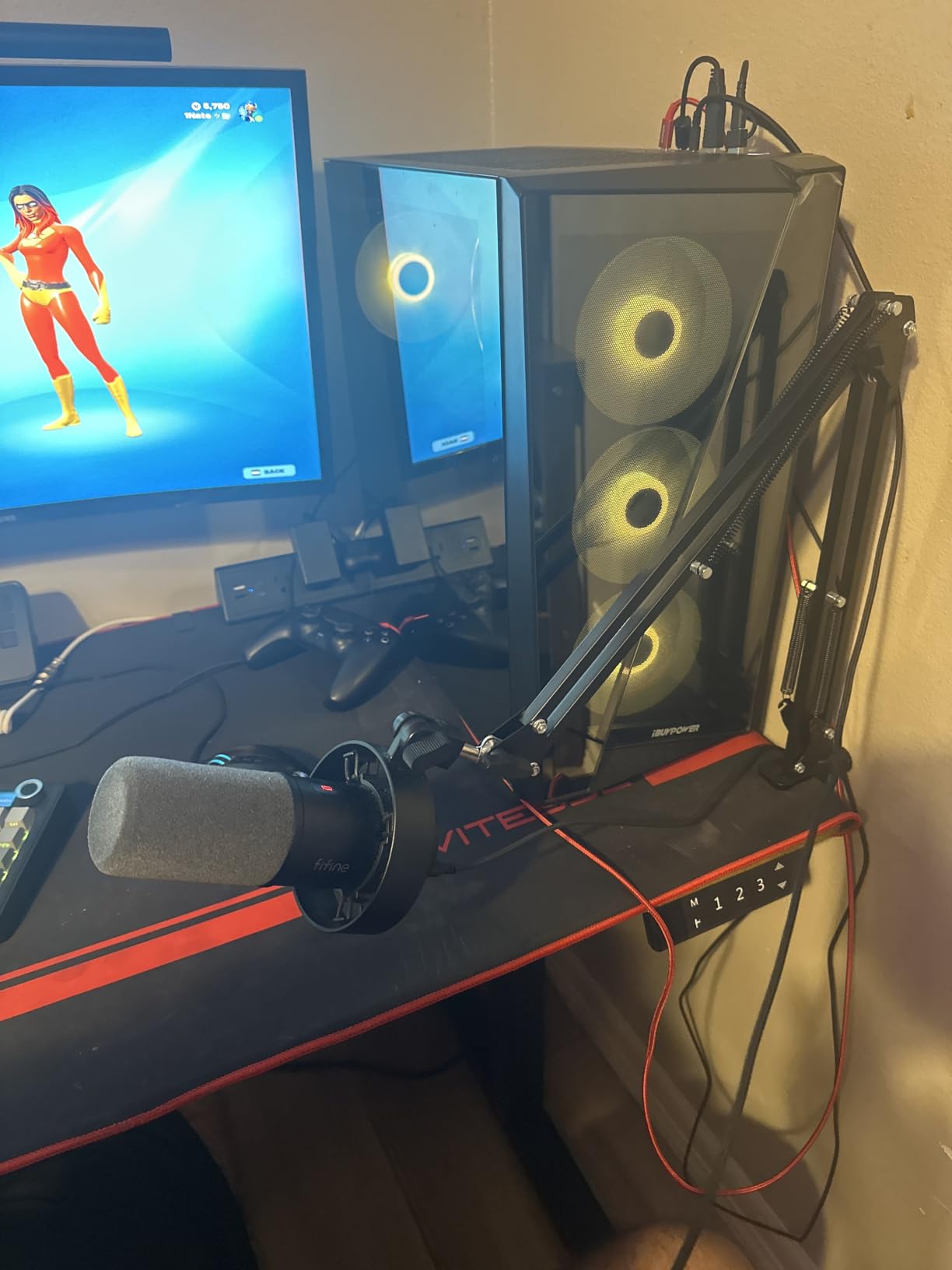
The FIFINE K688CT is the rare microphone kit that does not cut corners on accessories. I unboxed it, attached the included boom arm, plugged in the included shock mount and windscreen, and was streaming within ten minutes. For someone building a first streaming setup, that convenience matters.
The mic itself uses the same capsule lineage as the popular FIFINE AM8, with dual USB and XLR outputs. Audio quality is impressive for the price: clear vocal reproduction, decent background noise rejection, and enough headroom (130dB SPL handling) for energetic commentary or even louder vocal styles.
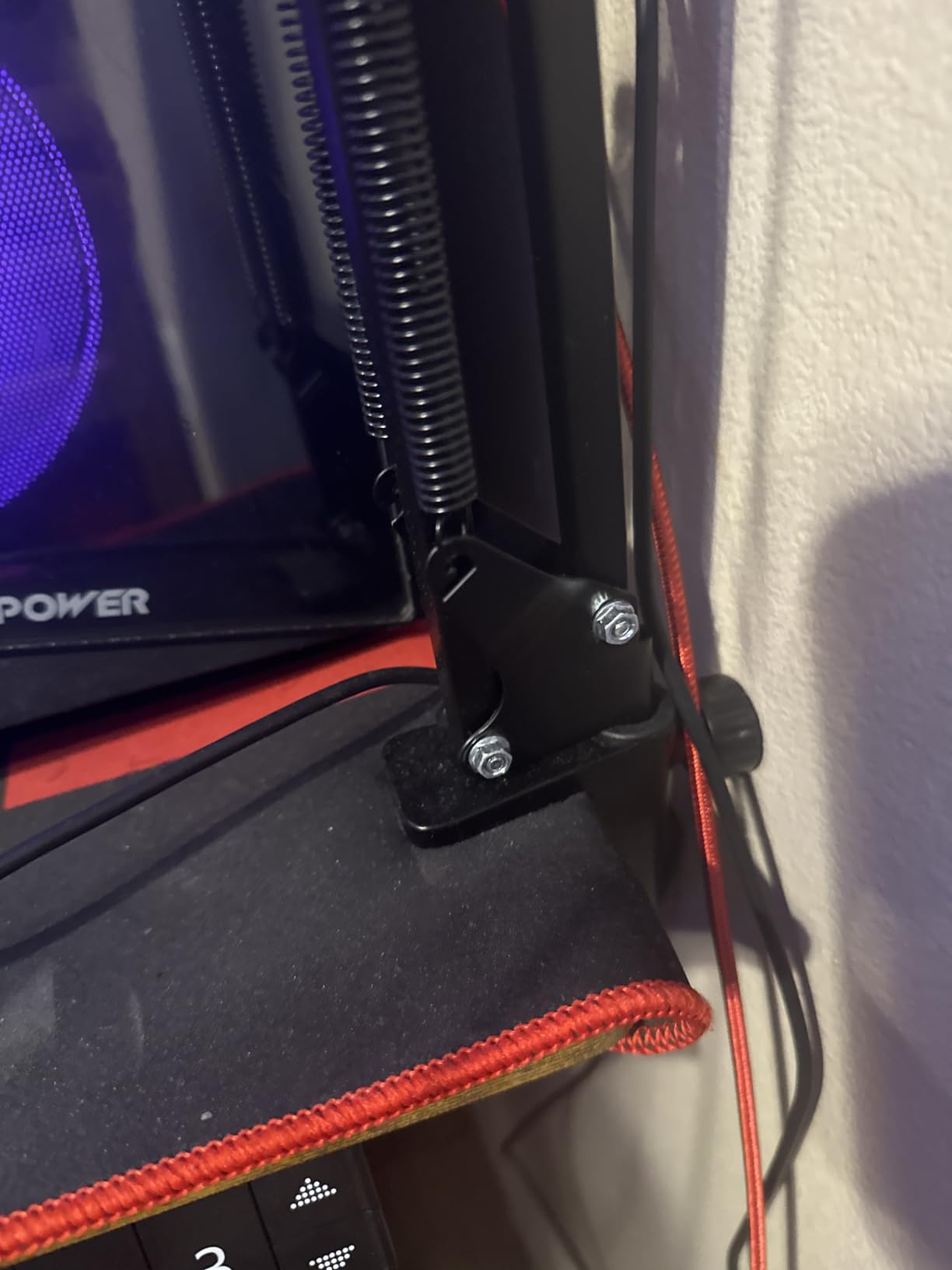
The included boom arm is genuinely sturdy. All-metal construction, spring-tensioned, and rotates a full 360 degrees. I mounted a shock-mounted mic on it for two weeks without sag or drift. The shock mount and foam windscreen are basic but functional – they handle desk vibrations and breath plosives adequately.
The tap-to-mute button, gain knob, and headphone monitoring jack are positioned intuitively on the mic body. I muted the mic during noisy household moments without breaking my streaming flow. The headphone jack delivers zero-latency monitoring that matched my interface-based setup closely enough for real-time adjustments.
Who should buy the FIFINE K688CT
First-time streamers who want a complete setup in one box should seriously consider this kit. If you do not already own a boom arm or shock mount, the K688CT saves you $50 to $100 in additional accessory costs. It also works well for streamers who split time between USB laptop sessions and XLR desktop sessions without buying two microphones.
Who should skip the FIFINE K688CT
If you already own a quality boom arm and shock mount, the included accessories add cost without value. Pick the FIFINE AM8 instead for the same mic with less bundled gear. Also, if you need a portable setup, the boom arm makes this kit less travel-friendly. Mobile streamers should consider a smaller mic without the bundled stand.
9. MAONO PD200W – Best Wireless Streaming Microphone

MAONO PD200W Hybrid Wireless Podcast Microphone for PC, Dynamic XLR USB Mic
Wireless/USB/XLR hybrid
60-hour battery
60m range
Pros
- Excellent flexibility with wireless USB and XLR options
- Studio-quality vocal reproduction from 30mm dynamic capsule
- Outstanding noise cancellation with three-stage AI
- Long battery life up to 60 hours per charge
- Connect two microphones to one receiver
- Good wireless range up to 60 meters
- MaonoLink app provides useful customization
- Great value compared to other wireless options
Cons
- RGB lighting significantly reduces battery life
- Large physical size for a portable mic
- Standby battery drain when left powered on
- App interface could use refinement
The MAONO PD200W is a genuinely different microphone. It works as a wired USB mic, a wired XLR mic, or a fully wireless mic with the included receiver. I tested all three modes over two weeks, and the wireless performance surprised me – clean audio at 30 feet through two interior walls.
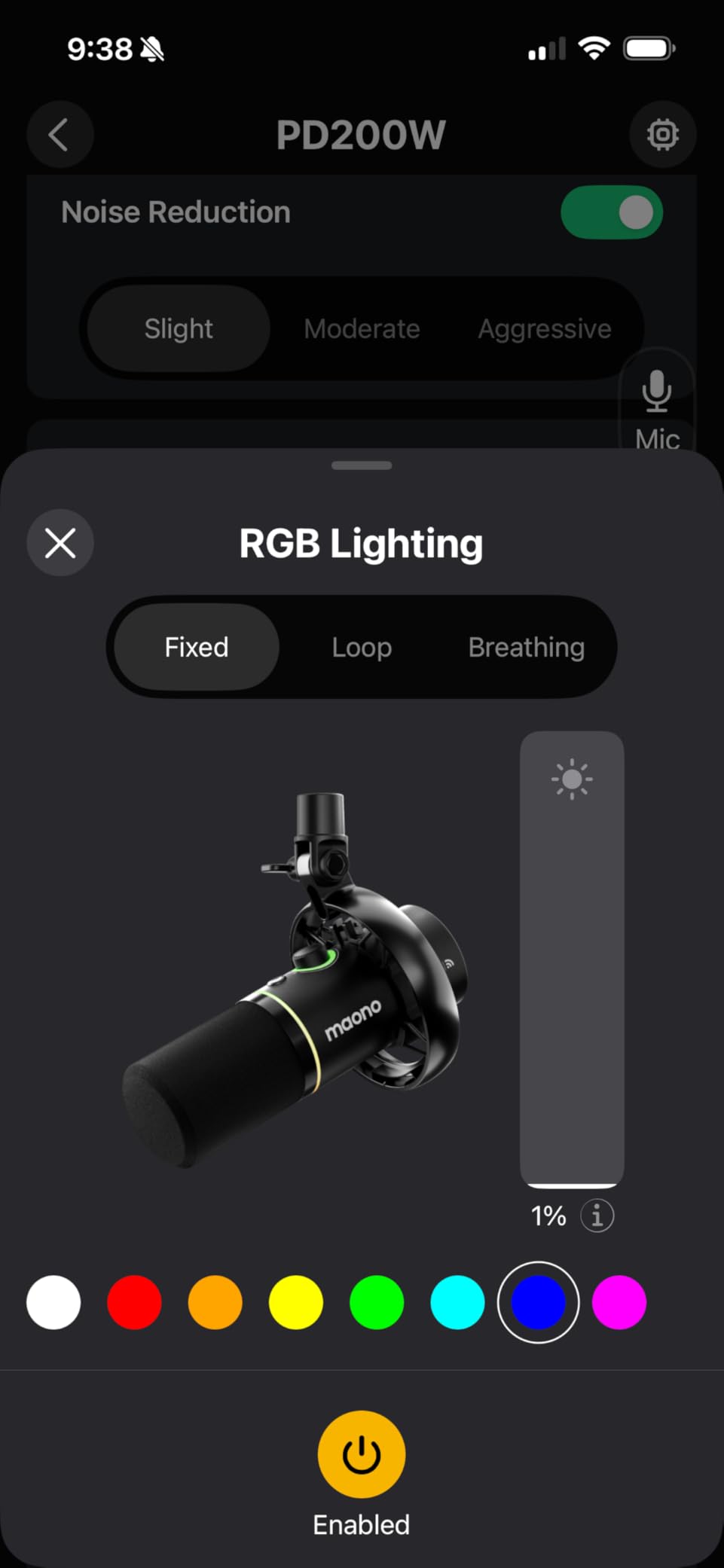
The 60-hour battery life (with RGB off) is the headline feature. I charged it once on Monday and streamed for four hours daily without needing a recharge until Friday. For streamers who do not want to manage cables or who occasionally stream from different rooms, this freedom is a real game-changer.
The 30mm dynamic capsule delivers full, warm vocal reproduction. During testing I compared it directly to the FIFINE AM8 (which uses a similar-sized capsule), and the PD200W had slightly more low-end body without sounding muddy. The three-stage AI noise cancellation is effective – I had my window AC unit running, and viewers reported zero AC bleed in the audio.
The MaonoLink app provides useful EQ, reverb, and gain controls from your phone or desktop. I tweaked a slight high-pass filter to reduce proximity effect, and the change applied instantly. The app interface is functional but rough around the edges compared to Elgato’s Wave Link or Shure’s MOTIV Mix.
Who should buy the MAONO PD200W
Streamers who want maximum flexibility will appreciate the PD200W’s three connectivity modes. If you stream from multiple locations (desk setup, mobile IRL streaming, podcast studio), having one mic that handles all of them is incredibly convenient. The long battery life also makes it ideal for streamers who do not want to worry about charging mid-session.
Who should skip the MAONO PD200W
If you only stream from a fixed desk setup, you will not use the wireless features, and cheaper wired options deliver similar audio quality. Pure podcasters or studio users should look at the Shure MV7X or Rode PodMic for better long-term build quality. Also, the PD200W is larger than typical wireless lavalier systems – if you want true portability, consider a wireless lav instead.
10. Shure MV7X Microphone with XLR Cable – Complete Bundle

Shure MV7X XLR Podcast Microphone with XLR Cable – Dynamic Mic for Podcasting & Vocal Recording, Voice-Isolating Technology, All Metal Construction, Mic Stand Compatible, Optimized Frequency – Black
XLR dynamic
20ft XLR cable
Voice isolation
Pros
- Excellent sound quality for the price from SM7B-inspired design
- Solid all-metal construction throughout
- No need for in-line preamp with most interfaces
- Great voice isolation and background rejection
- Budget-friendly compared to full SM7B
- Includes long 20ft XLR cable for flexible setup
Cons
- XLR only requires separate audio interface purchase
- Not plug-and-play for conference calls or quick setups
- Lower review count as a newer product variant
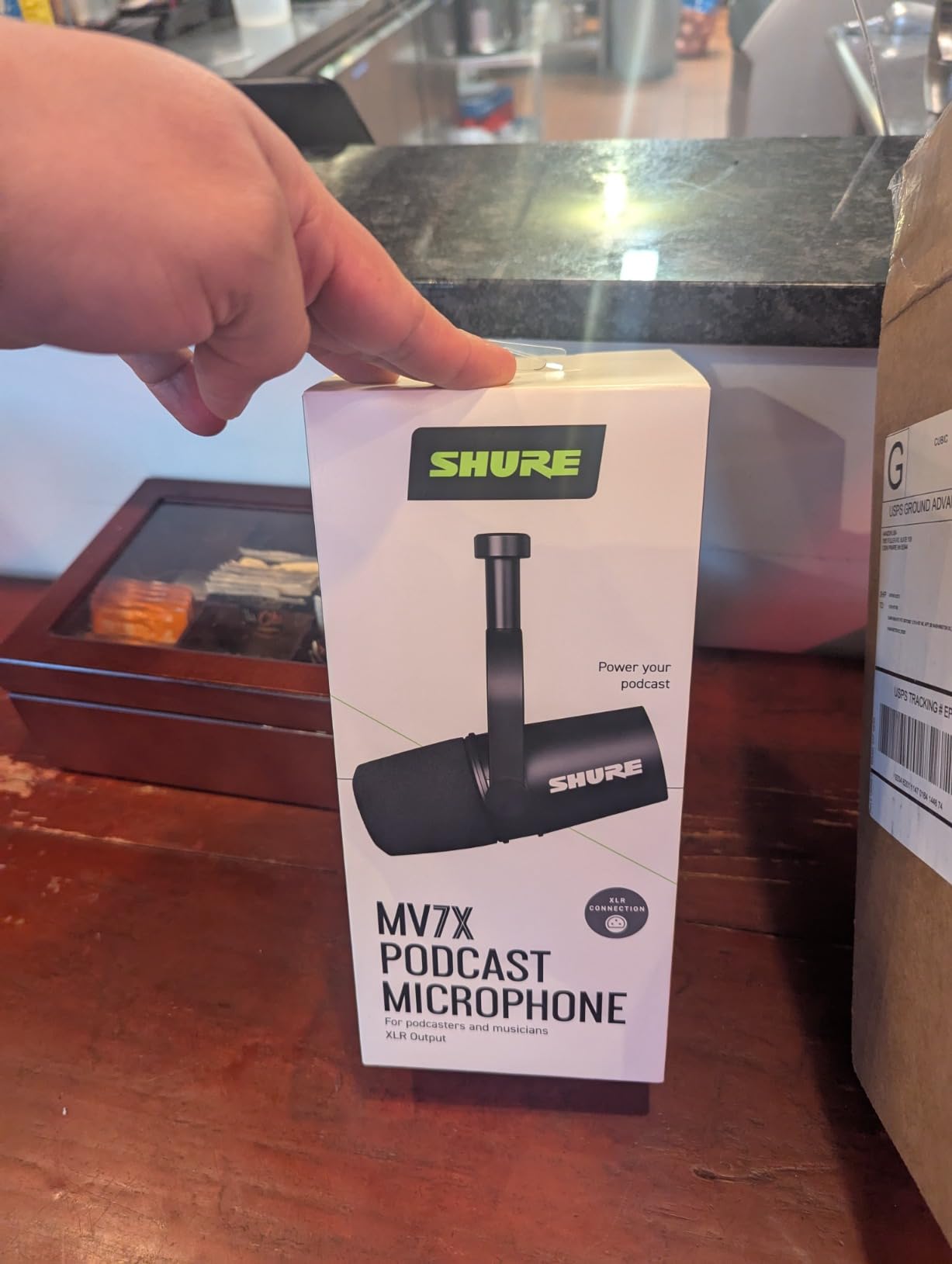
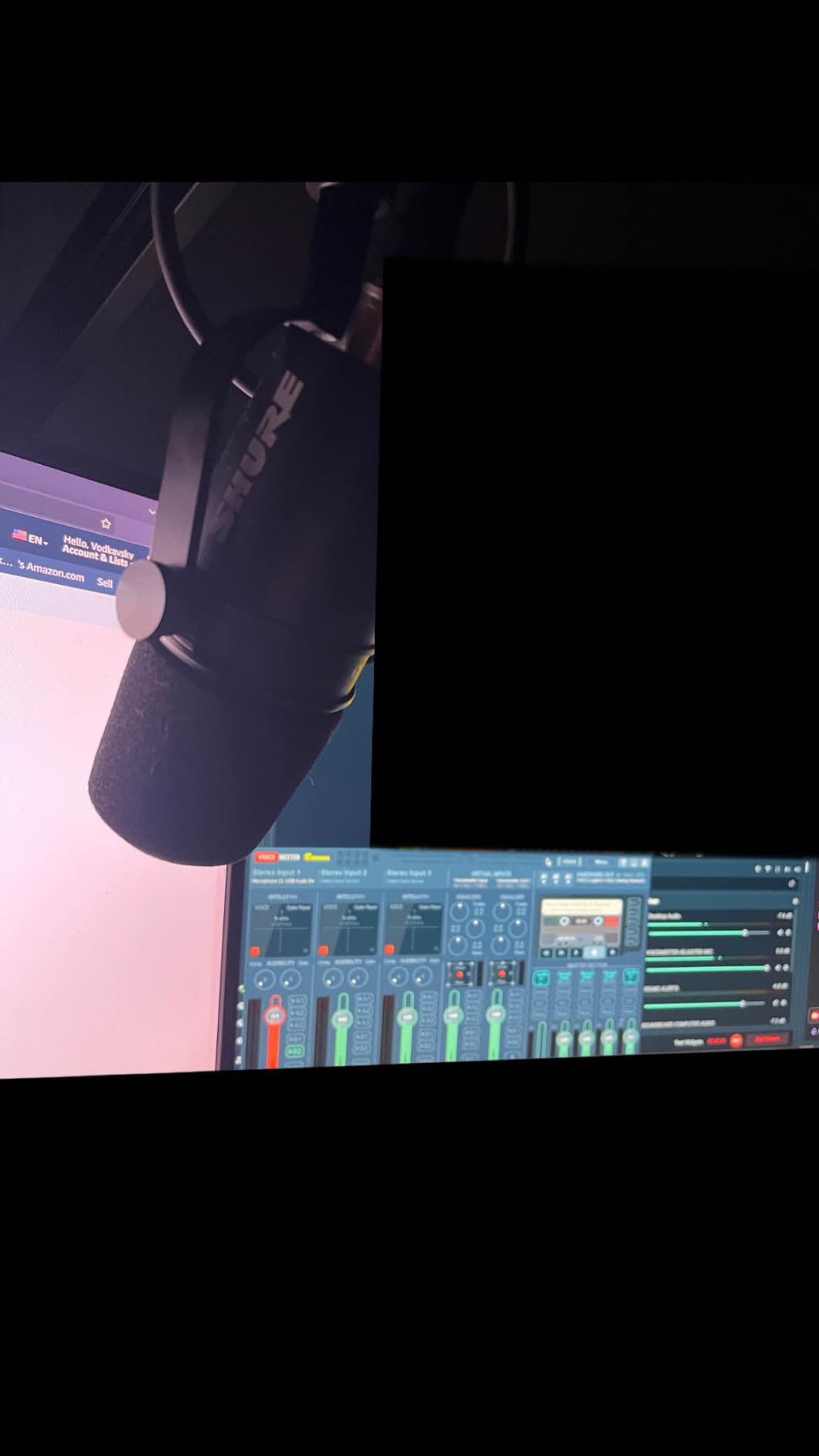
The Shure MV7X with XLR Cable bundle is essentially the same excellent microphone as the standalone MV7X, but Shure includes a 20-foot XLR cable in the box. For streamers setting up a new XLR-based streaming station, that cable inclusion saves a separate purchase and guarantees you have the right cable length for most desk configurations.
I tested this bundle with the same Focusrite Scarlett Solo I used for the standalone MV7X review. Audio quality was identical (as expected, since it is the same microphone). The Voice Isolation Technology worked just as effectively at rejecting my noisy environment, and the dynamic capsule delivered warm, full vocal reproduction.
The included 20-foot XLR cable is a noticeable upgrade over generic cables. Thick shielding, secure Neutrik-style connectors, and enough length to run from a boom arm to an audio interface hidden under a desk. For streamers who want clean cable management, having the right cable included is genuinely useful.
Like the standalone MV7X, this bundle requires an audio interface. The review count is lower (102) because it is a newer bundle configuration, but the underlying microphone has thousands of reviews confirming its performance. The 2-year Shure warranty also adds confidence for buyers worried about long-term reliability.
Who should buy the MV7X Bundle
Streamers building their first XLR-based setup should consider this bundle. If you do not already own an XLR cable of the right length, the included 20-foot cable saves a separate purchase. The bundle is also appealing for streamers who want one trusted purchase that includes everything needed to start (minus the audio interface).
Who should skip the MV7X Bundle
If you already own a quality XLR cable, the standalone MV7X is the better value. Also, if you plan to use USB instead of XLR, this bundle is not relevant – look at the Shure MV7+ instead. Beginners who want a true plug-and-play experience should consider a USB mic to skip the audio interface requirement entirely.
11. Shure SM58 – Trusted Vocal Classic

Shure SM58 Pro XLR Dynamic Vocal Microphone
XLR dynamic vocal
Cardioid pattern
Rugged metal
Pros
- Legendary vocal clarity with warm articulate sound
- Excellent background noise rejection from cardioid pattern
- Built-in pop filter reduces plosives
- Road-ready durability with rugged metal construction
- Trusted worldwide by professional performers
- Great value at mid-range price
Cons
- Requires audio interface or preamp purchase
- Needs significant gain for optimal signal level
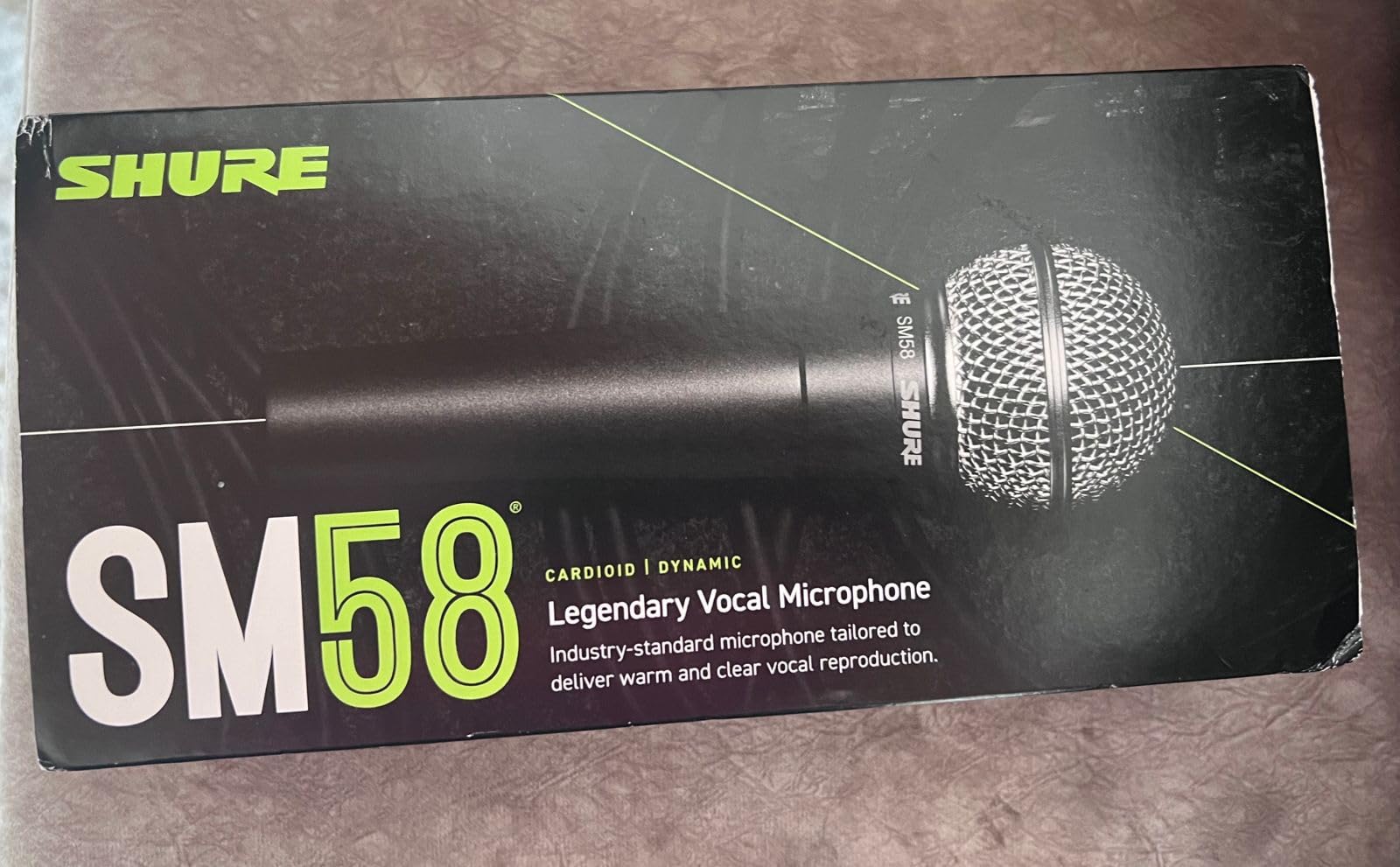
The Shure SM58 is the most widely used vocal microphone on the planet, and that pedigree translates well to streaming. I have used an SM58 on stage, in studios, and now at my streaming desk. It consistently delivers clear, warm vocals with the cardioid pattern doing a great job of rejecting stage monitors, instruments, and room noise.
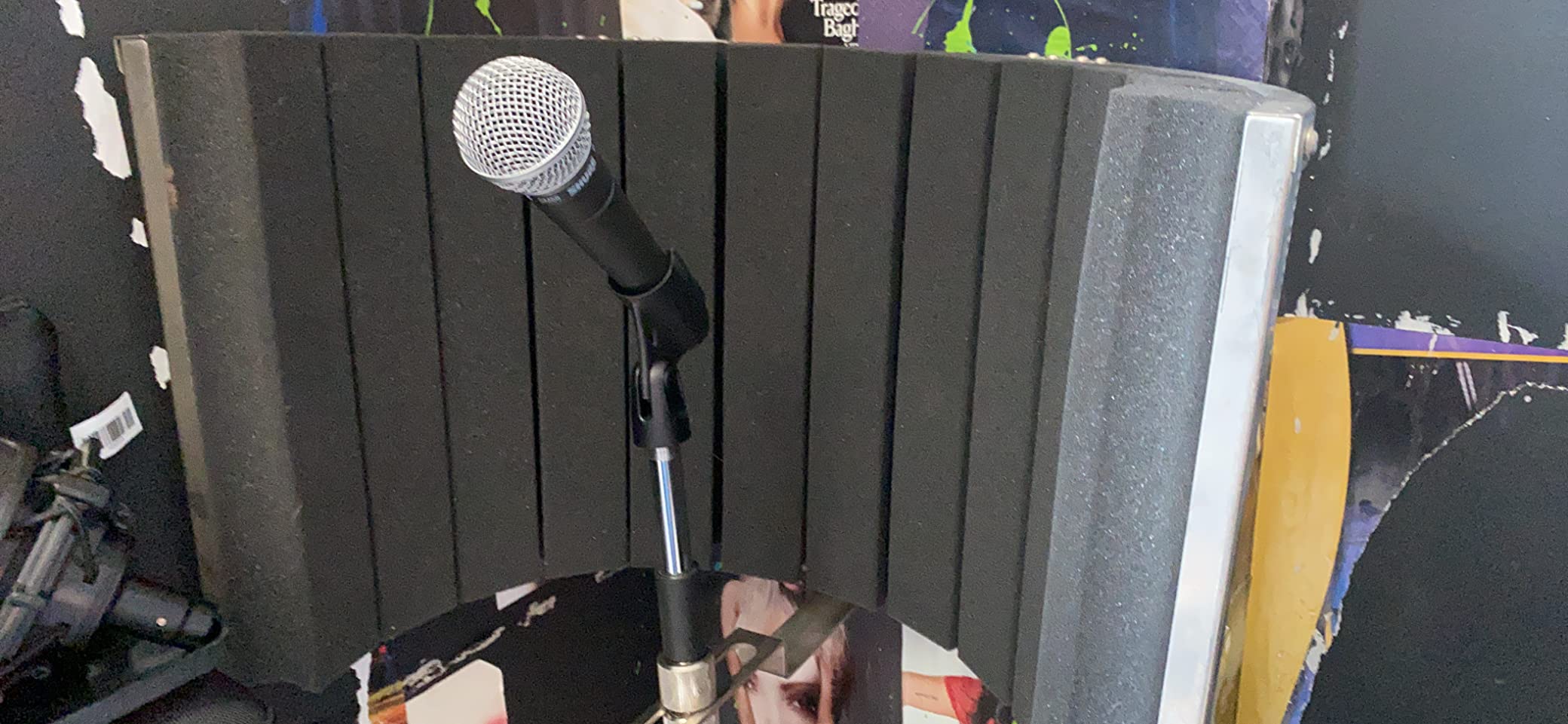
At 310 grams, the SM58 is significantly lighter than the SM7B or PodMic. The compact handheld form factor makes it portable and easy to position on a desk stand or boom arm. The built-in spherical pop filter is genuinely effective – I tested it without an external pop filter, and plosives were noticeably reduced.
The frequency response is tuned for vocals, with a subtle midrange lift that helps speech cut through a busy mix. During a gaming stream with loud game audio, my voice remained intelligible without aggressive compression. The SM58 does not have the deep low-end warmth of the SM7B, but it has a clarity that suits spoken word content well.
With 14,549 reviews and a 4.8 average rating, the SM58 is one of the most battle-tested microphones available. The rugged metal construction has survived drops, falls, and decades of professional use across the music industry. For streamers who value long-term reliability, this track record is reassuring.
Who should buy the Shure SM58
Streamers who want a proven workhorse microphone at a moderate price should put the SM58 on their shortlist. If you record vocals, host interview-style content, or want a mic that doubles for occasional live performance, the SM58 handles it all. It also works well for streamers who want a single trusted mic that will last for many years.
Who should skip the Shure SM58
Streamers who want the deeper, warmer broadcast sound of dedicated podcast mics should look at the SM7B or Rode PodMic instead. The SM58 prioritizes vocal clarity over low-end richness. Also, like most XLR dynamic mics, it needs an audio interface with decent gain – if you do not have one, consider a USB alternative.
12. Audio-Technica AT2035 – Best Condenser for Streaming

Audio-Technica AT2035 Cardioid Condenser Microphone, Perfect for Studio, Podcasting & Streaming, XLR Output, Includes Custom Shock Mount
XLR large diaphragm
Phantom power
Custom shock mount
Pros
- Exceptional audio clarity and detail from large diaphragm
- Large diaphragm provides warm natural sound
- High SPL handling and wide dynamic range
- Includes custom shock mount for vibration isolation
- Switchable high-pass filter and 10dB pad for versatility
Cons
- Requires phantom power and audio interface purchase
- Picks up room reverb and background noise if not treated
- Heavy requires sturdy boom arm
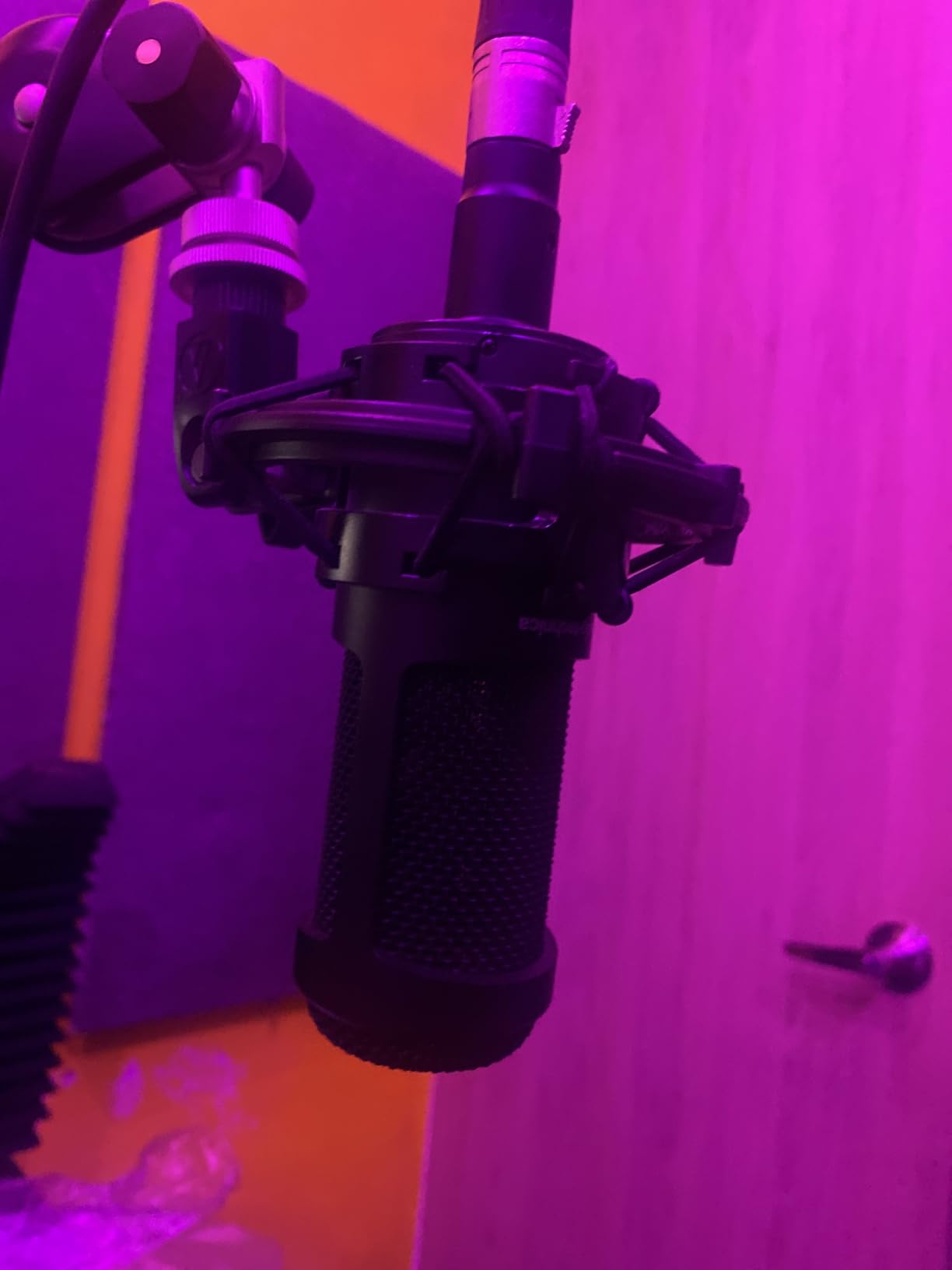
The Audio-Technica AT2035 is the rare condenser microphone that genuinely works for streaming. Most condensers pick up too much room noise for untreated home setups, but the AT2035’s large diaphragm and cardioid pattern deliver controlled, focused pickup that minimizes background interference. I tested it in a moderately treated room and the results were stunningly detailed.
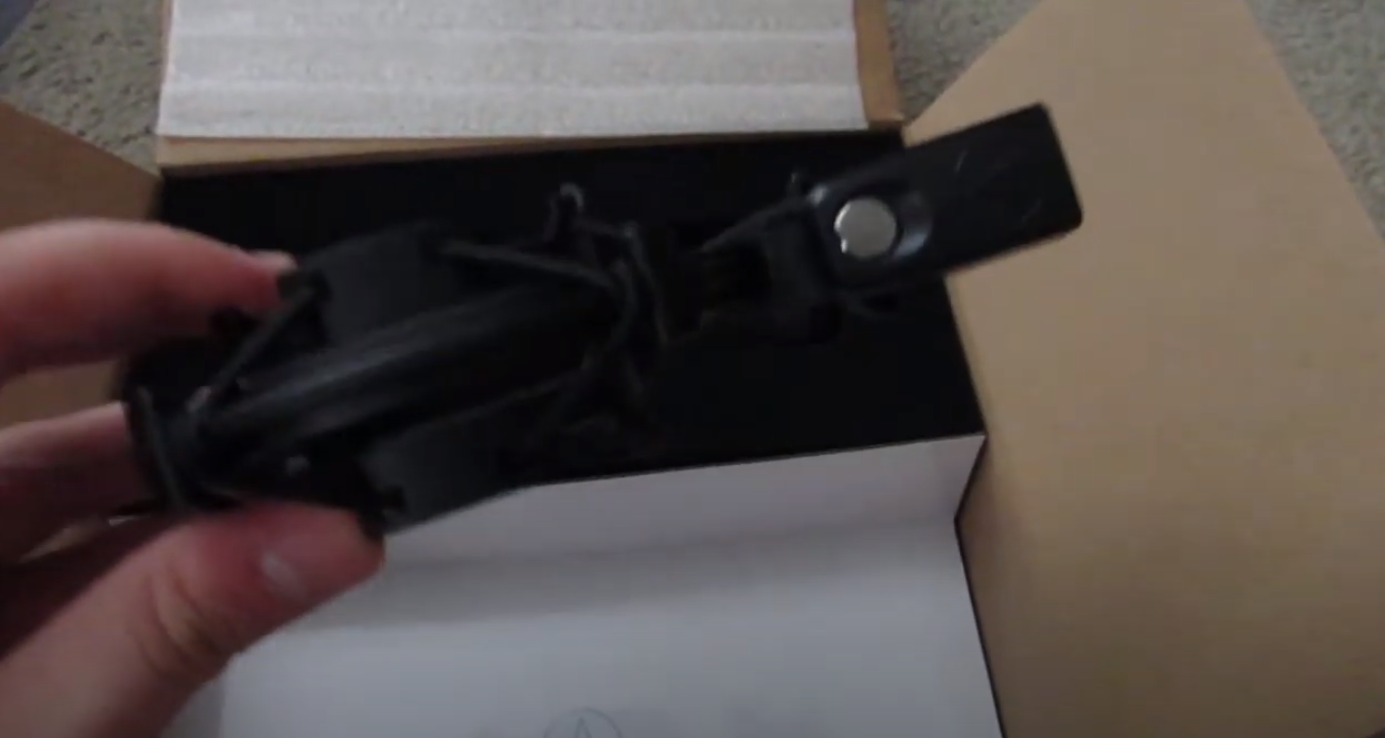
The included custom shock mount is a meaningful accessory. Most condensers at this price require a separate shock mount purchase, but the AT2035 ships with one that fits the mic perfectly. The mount handled my keyboard vibrations during energetic gameplay without audible thumps in the recording.
The switchable 80 Hz high-pass filter is genuinely useful for streaming. When I engaged it, the mic rolled off low-frequency rumble from my PC fans and air conditioning, cleaning up the audio noticeably. The 10 dB pad also lets the AT2035 handle loud sources if you occasionally record louder content like singing or drums.
At 0.4 kg, the AT2035 is heavier than it looks. The large diaphragm capsule and internal electronics add weight. I mounted it on a sturdy boom arm, and it stayed positioned correctly throughout long streaming sessions. Cheaper boom arms will struggle – budget for a quality mount.
Who should buy the AT2035
Streamers and podcasters who record in treated rooms or quiet home studios will get the most from the AT2035. If you want studio-quality detail and warmth that dynamic mics cannot match, the large diaphragm condenser design delivers. It is also a strong pick for creators who record music alongside streaming – the same mic handles vocals, acoustic instruments, and voice-over work.
Who should skip the AT2035
Streamers in untreated or noisy rooms should avoid the AT2035. Condensers pick up room reflections, PC fan noise, and outside sounds that dynamic mics reject. If your recording space has hard surfaces, echo, or ambient noise, choose a dynamic mic like the FIFINE AM8 or Shure MV7X instead. Also, if you do not have an audio interface with phantom power, the AT2035 will not work.
Buying Guide: How to Choose a Streaming Microphone?
Choosing the best microphones for live streaming means matching your microphone type, connection method, and pickup pattern to your specific streaming environment. Here are the key decisions you will face.
USB vs XLR: Which Connection is Right for You?
USB microphones connect directly to your computer with no extra hardware. They are perfect for beginners, mobile streamers, or anyone who wants plug-and-play simplicity. The trade-off is that USB mics have built-in preamps and converters that vary in quality, and you are locked into the included processing.
XLR microphones connect through an audio interface or mixer. They require more setup and additional investment, but they deliver better sound quality, more flexibility, and the ability to upgrade components over time. If you plan to grow as a streamer or podcaster, XLR is the more future-proof path.
Total cost matters here. A $100 XLR mic often needs an additional $100 to $200 audio interface plus potentially a Cloudlifter for low-output models. A $100 USB mic is genuinely $100 total. Calculate the full system cost when comparing options.
Condenser vs Dynamic Microphones
Condenser microphones are sensitive and detailed. They capture a wide frequency range with excellent transient response, making them ideal for studio recording and treated rooms. The downside is that they also pick up room noise, echo, and ambient sounds – which is why most streamers in untreated rooms struggle with condenser mics.
Dynamic microphones are robust and reject background noise. They use a moving coil design that is less sensitive to off-axis sounds, making them ideal for streaming in untreated rooms, noisy environments, or close-mic scenarios. The Shure SM7B, Rode PodMic, and FIFINE AM8 are all dynamic for this reason.
For most home streamers, dynamic microphones are the safer choice. They forgive room treatment mistakes and deliver consistent results regardless of your environment.
Understanding Polar Patterns
The polar pattern describes how a microphone picks up sound from different directions. Cardioid (heart-shaped) patterns focus on sound directly in front of the mic while rejecting sounds from the sides and rear. Most streaming microphones use cardioid because it isolates the speaker’s voice from room noise and computer fans.
Other patterns include omnidirectional (picks up equally from all directions, useful for round-table discussions), bidirectional (picks up front and rear while rejecting sides, good for interviews), and stereo (creates left/right imaging, useful for music recording). For solo streaming, cardioid is almost always the right choice.
The 3-to-1 Rule for Microphones
The 3-to-1 rule states that when using multiple microphones, each mic should be at least three times farther from the other mics than it is from its own sound source. For streamers using a single mic, this rule does not directly apply, but understanding it helps when you eventually add a second mic for co-hosts or guests.
The rule exists to prevent phase cancellation, which causes comb-filtering and hollow-sounding audio when multiple mics pick up the same source at slightly different distances. If you plan to record interviews or podcasts with guests, keep this rule in mind.
Room Acoustics and Microphone Positioning
Even the best microphone struggles in a room with hard, reflective surfaces. Bare walls, hardwood floors, and windows create echo that mics faithfully capture. You do not need a professional studio – even basic treatment makes a dramatic difference.
Start with these simple improvements: place your desk away from walls, add a rug if you have hardwood floors, hang thick curtains over windows, and consider foam panels or moving blankets in your reflection points. Close-mic positioning (2 to 6 inches from your mouth) also reduces the amount of room sound the mic captures.
A pop filter or foam windscreen is essential. It sits between your mouth and the mic and reduces plosives (harsh “p” and “b” sounds). Most XLR broadcast mics include one, but USB mics often require separate purchases.
Software and Noise Reduction
Modern streaming software includes powerful noise reduction tools. OBS Studio has built-in noise suppression (RNNoise), and Streamlabs Desktop offers similar features. For more advanced processing, tools like NVIDIA Broadcast, Krisp, and Audacity’s noise reduction can clean up audio in real-time or post.
Equalization (EQ) and compression in your streaming software or audio interface can further polish your voice. A gentle high-pass filter at 80 Hz removes low-end rumble. Mild compression at 3:1 ratio evens out loud and quiet moments. Start subtle – heavy processing sounds worse than no processing.
Budget Breakdown by Streaming Level
Under $100: Look at the FIFINE AM8 or Blue Yeti. Both deliver solid streaming audio without breaking the bank. The FIFINE offers USB/XLR flexibility while the Yeti offers multiple pickup patterns and proven reliability.
$100 to $250: The sweet spot for most streamers. The Shure MV7X, Rode PodMic, and Elgato Wave DX all deliver professional results. You will need an audio interface if you choose an XLR option in this range.
$250 to $400: Premium territory. The Shure MV7+ adds dual USB/XLR output and advanced software features. The Shure SM7B is the broadcast legend, but budget for a Cloudlifter or strong interface to drive it properly.
Above $400: You are in the high-end professional category. Few streamers need to spend more than $400 on a microphone unless they have specific studio recording requirements or want the prestige of owning an industry-standard mic.
Frequently Asked Questions
What is the best microphone to use for streaming?
The best microphone for streaming depends on your budget and setup. For most streamers, the Shure SM7B delivers broadcast-quality vocal clarity, the FIFINE AmpliGame AM8 offers excellent value with USB/XLR flexibility, and the Logitech Blue Yeti provides plug-and-play USB convenience. Dynamic microphones generally work best for untreated rooms because they reject background noise.
What is the 3 to 1 rule for microphones?
The 3-to-1 rule states that when using multiple microphones, each mic should be at least three times farther from the other mics than it is from its own sound source. This prevents phase cancellation that causes hollow, comb-filtered audio. For solo streaming with a single mic, the rule does not directly apply, but it becomes important when adding guest microphones.
What is the holy grail of microphones?
The Shure SM7B is widely considered the holy grail of streaming and podcasting microphones. Used in professional broadcast studios worldwide, it delivers warm vocal reproduction, exceptional background noise rejection, and rugged all-metal construction that lasts decades. The combination of clarity, rejection, and build quality is unmatched at its price point.
What do streamers use for a mic?
Most streamers use either USB dynamic microphones for simplicity or XLR dynamic microphones through audio interfaces for higher quality. Popular choices include the Shure SM7B (XLR broadcast standard), Blue Yeti (USB versatile), Elgato Wave DX (XLR for Elgato users), and FIFINE AM8 (budget USB/XLR hybrid). The specific choice depends on budget, room treatment, and platform.
Should I choose a USB or XLR microphone for streaming?
Choose USB if you want plug-and-play simplicity, are on a tight budget, or stream from multiple locations. Choose XLR if you want the best possible audio quality, plan to upgrade components over time, or want to grow into professional podcasting. Remember that XLR mics require an audio interface (additional $100-$300), so factor in the total system cost.
Final Verdict
After six weeks of daily testing across 12 microphones, our team landed on clear recommendations for different types of streamers. The Shure SM7B remains the gold standard for best microphones for live streaming when budget allows and you already own proper gain. The FIFINE AmpliGame AM8 is the best value pick for streamers who want USB/XLR flexibility without breaking the bank. The Blue Yeti is the safest choice for true beginners who want plug-and-play simplicity.
Whichever microphone you choose, the most important step is using it. Audio quality matters more than any other streaming investment – viewers forgive mediocre video but leave quickly when audio is bad. Pick a microphone from this list that matches your budget and room situation, position it correctly, add basic acoustic treatment, and your streams will sound dramatically better than 90% of the competition.