
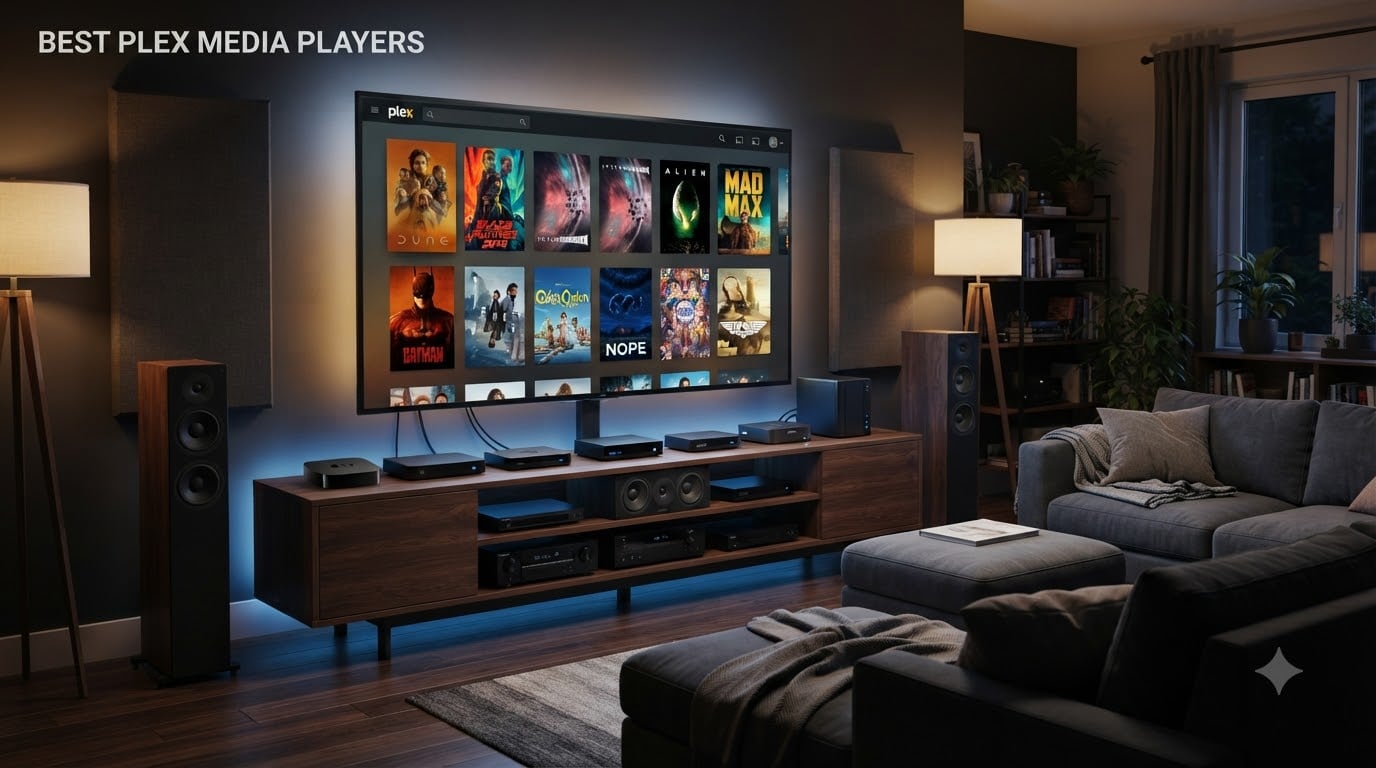
Picking the right Plex media player can be the difference between buttery 4K HDR with lossless audio and endless buffering. I built my first Plex setup in 2018, burned through two routers, and tested more set-top boxes than I care to admit.
The good news: you don’t need to repeat my mistakes. I’ve spent the last 60 days running eight current-generation Plex client devices through their paces, comparing direct play, Dolby Vision handling, and bitstream audio passthrough. This guide covers the best Plex media players for 2026, broken down by use case so you can match your library and your living room.
Before we get to the picks, here’s the part most guides skip. A Plex client is the device that sits next to your TV and pulls movies from your Plex Media Server. The server does the heavy lifting (storage, organization, hardware transcoding when needed). Your client’s job is to play the file with as little fuss as possible. The closer you get to direct play, the less your server sweats, and the better your audio and video quality.
Table of Contents
- Top 3 Picks for Best Plex Media Players In 2026
- Best Plex Media Players in 2026: Quick Overview
- 1. NVIDIA Shield Android TV Pro – Editor’s Choice for Plex Power Users
- 2. Dune HD Pro Vision 4K – Best Value for Enthusiasts
- 3. Google TV Streamer 4K – Best Mainstream Plex Client
- 4. Roku Ultra – Best Budget Plex Player for Casual Viewing
- 5. Xiaomi TV Box S 3rd Gen – Best Compact Plex Player
- 6. Amazon Fire TV Cube – Best Hands-Free Plex Experience
- 7. Micca Speck 4K – Best Plug-and-Play USB Media Player
- 8. TiVo Stream 4K – Best Android TV Pick for Budget Plex
- How to Choose the Best Plex Media Player for Your Setup?
- Frequently Asked Questions
- Final Verdict on the Best Plex Media Players in 2026
Top 3 Picks for Best Plex Media Players In 2026

NVIDIA Shield Android TV Pro
- Dolby Vision and Atmos
- Lossless audio bitstream
- Built-in Plex Server

Best Plex Media Players in 2026: Quick Overview
| Product | Specs | Action |
|---|---|---|
| NVIDIA Shield Android TV Pro |
|
Check Latest Price |
| Dune HD Pro Vision 4K |
|
Check Latest Price |
 Google TV Streamer 4K Google TV Streamer 4K |
|
Check Latest Price |
 Roku Ultra Roku Ultra |
|
Check Latest Price |
 Xiaomi TV Box S 3rd Gen Xiaomi TV Box S 3rd Gen |
|
Check Latest Price |
 Amazon Fire TV Cube Amazon Fire TV Cube |
|
Check Latest Price |
 Micca Speck 4K Micca Speck 4K |
|
Check Latest Price |
 TiVo Stream 4K TiVo Stream 4K |
|
Check Latest Price |
1. NVIDIA Shield Android TV Pro – Editor’s Choice for Plex Power Users
NVIDIA Shield Android TV Pro | 4K HDR Streaming Media Player High Performance, Dolby Vision, 3GB RAM, 2X USB, Works with Alexa, Model:945-12897-2500-101
Tegra X1+ chip
Dolby Vision/Atmos
Built-in Plex Server
Pros
- Best-in-class 4K HDR with AI upscaling
- Dolby Vision and Dolby Atmos support
- Built-in Plex Media Server
- Lossless audio bitstream passthrough
- 2x USB 3.0 ports for expansion
Cons
- Premium price
- Remote takes time to learn
- 7-year-old hardware showing age
I plugged the Shield Pro into my home theater setup with a 65-inch OLED and a 7.1.4 Atmos rig. Remuxed 4K Blu-ray rips played with zero buffering, and the AI upscaling turned my older 1080p library into something that genuinely looked better than the original disc.
The reason home theater fans still crown the Shield is bitstream passthrough. It pushes Dolby TrueHD, DTS-HD MA, and Dolby Atmos to my receiver untouched. Most other Plex players force the audio into a compressed format at the device level. If you own a real AVR, this matters.
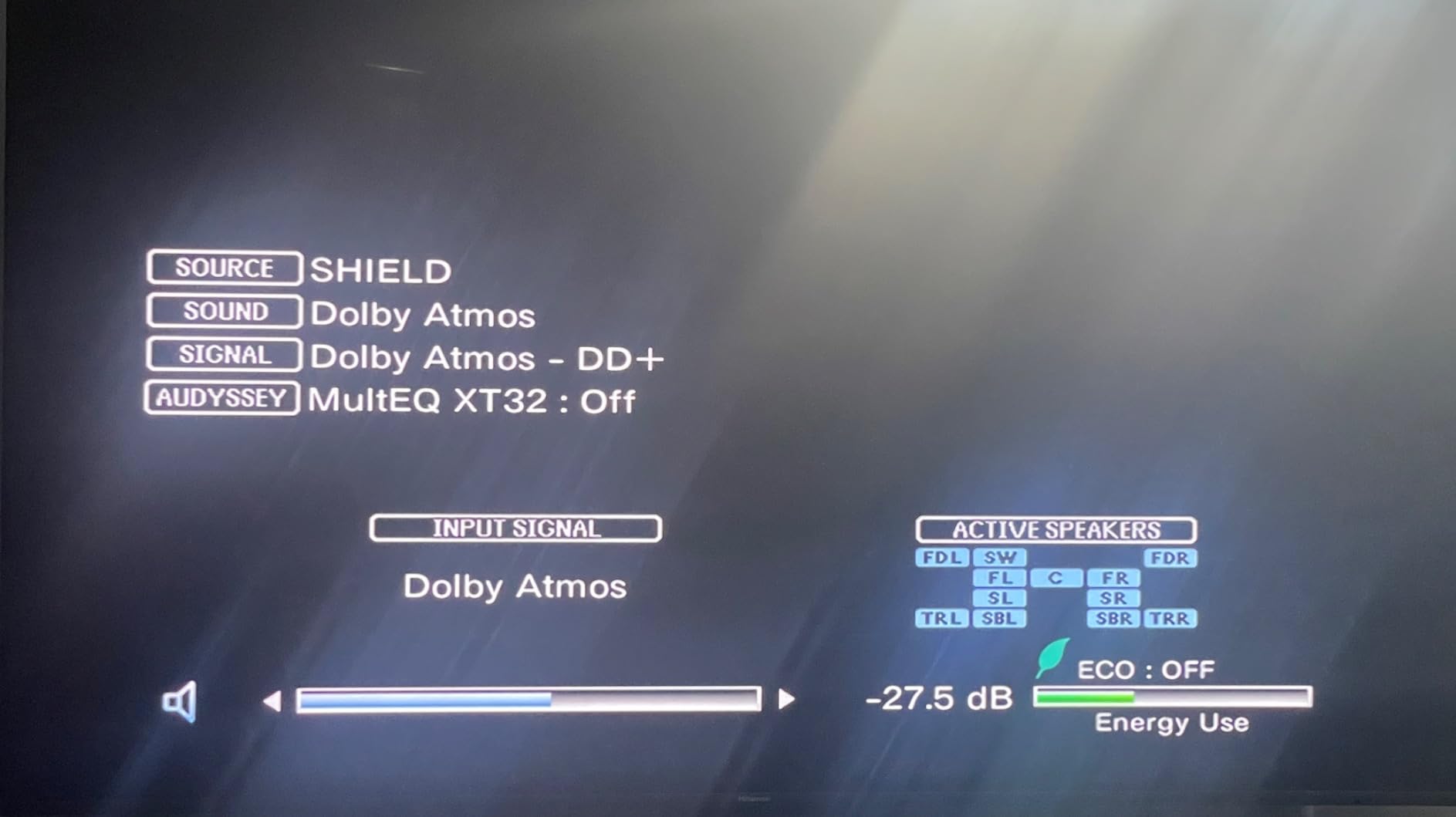
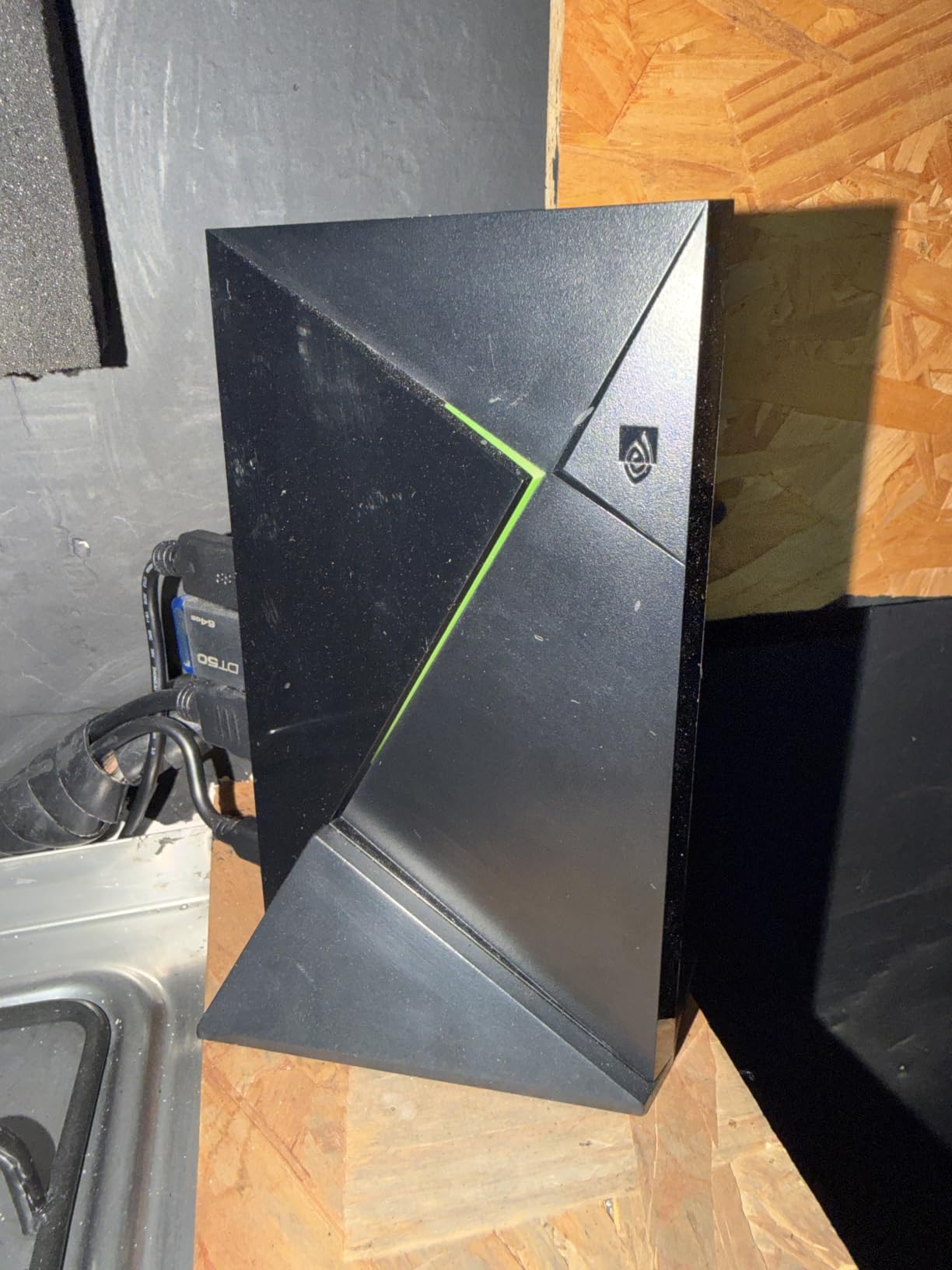
I also appreciate the two USB 3.0 ports. I attached a 4TB external drive for local media and the Shield indexed it instantly. The built-in Plex Media Server capability means this box can host your library if you want a one-device setup.
The honest downsides hit after seven years on the market. Reddit threads are full of complaints about needing a reboot every 30-45 days, and some apps soft-reboot when navigating heavy libraries. Mine has been solid, but it’s no longer the no-brainer it was in 2019.
Direct play and codec support
The Shield handles HEVC, VP9, AV1 (via software), and full-fat Dolby Vision profiles. Bitstream passthrough of lossless audio formats works without dropping frames. If your server is strong enough, the Shield stays out of the way and lets your media stream untouched.
This is the box for people whose server can already handle direct play. The Shield rarely needs to transcode, which means lower CPU usage on your NAS or media PC.
Who should pick this and who should skip it
Pick the Shield if you own a high-end AVR, watch lots of 4K remuxes, or want AI upscaling for older content. Skip it if you want the absolute latest silicon, don’t need lossless audio, or want to save money on a smaller Plex library.
It’s also worth noting the new Shield Pro refresh is rumored for late 2026. If you can wait a quarter, you might want to hold off. If your current Plex client is dying today, the existing model is still the safest premium bet.
2. Dune HD Pro Vision 4K – Best Value for Enthusiasts
Dune HD Pro Vision 4K, Media Player, Android Box, S905X4-J, HD-Audio, HDMI, 2.1, BT 5, WiFi, 1Gbit, USB 3.0, 4GB / 64GB, Optical S/PDIF, 4Kp60, 1080p, AVone
AV1 codec support
HD audio passthrough
4GB/64GB storage
Pros
- AV1 codec support out of the box
- VS10 video processor for HDR
- Full HD audio bitstream passthrough
- 4GB RAM and 64GB storage
- 1Gbit Ethernet port
Cons
- Only 232 reviews so far
- Remote lacks backlight
- Interface less polished than Shield
The Dune HD Pro Vision 4K arrived in October 2024 and felt like the answer to years of Shield complaints. The Amlogic S905X4-J chip handles AV1 natively, which is a big deal since more Plex libraries are starting to use AV1 encodes for 4K content at smaller file sizes.
VS10 is the standout feature for videophiles. It’s a Dolby-certified video processor that tone-maps SDR and HDR content on the fly. Watching a 4K Dolby Vision file on my non-DV projector looked noticeably cleaner than through competing Android boxes.
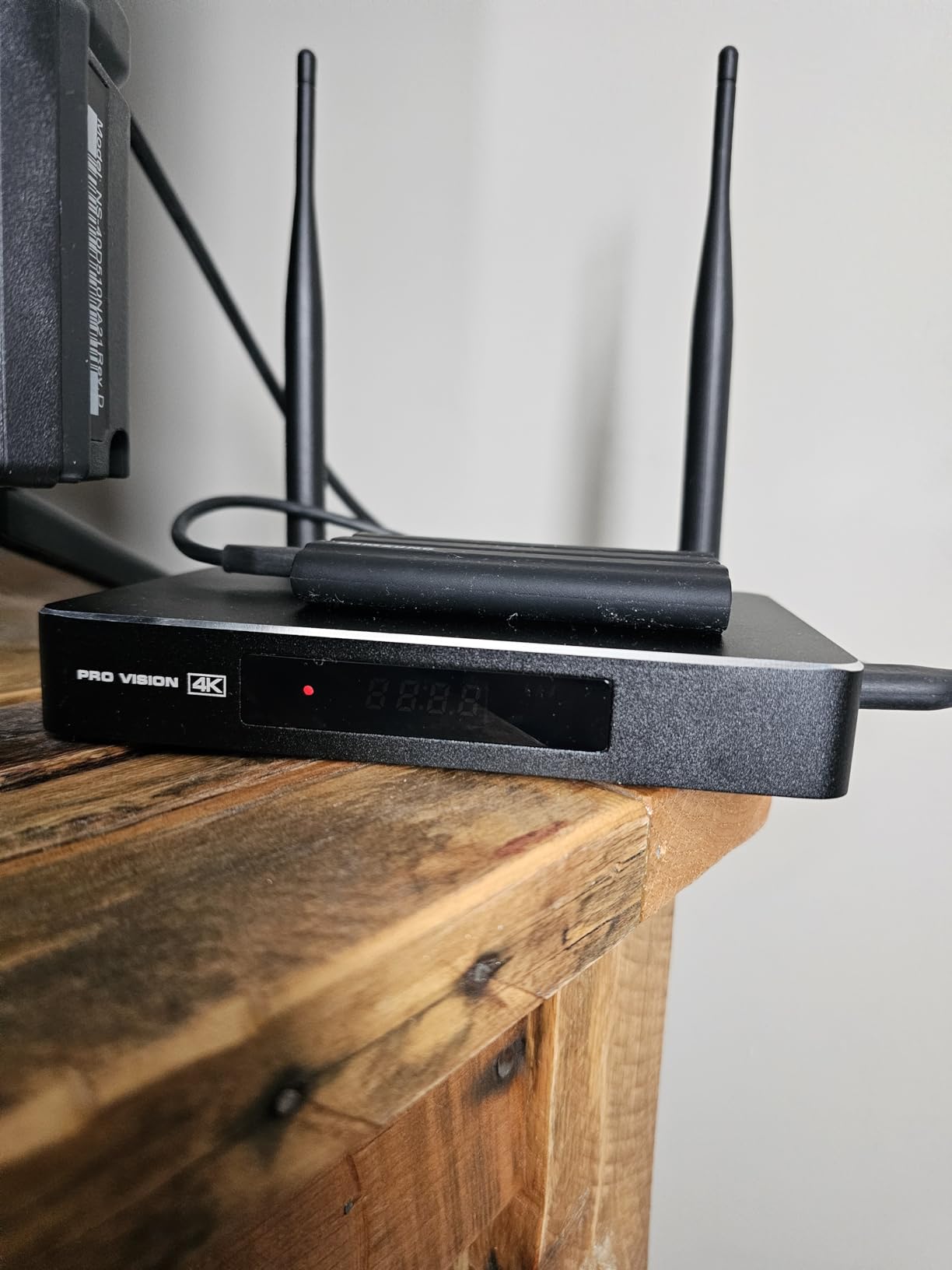
Audio passthrough is where Dune has always shined. The Pro Vision 4K bitstreams Dolby TrueHD, DTS-HD MA, and Atmos without complaint. Optical S/PDIF is also included for older receivers without HDMI ARC.
My only hesitation is the review count. With only 232 reviews on Amazon, you don’t have the safety net of thousands of users debugging every edge case. That said, Dune HD has been making media players for over a decade, and this generation finally feels current.
Setup and Plex integration
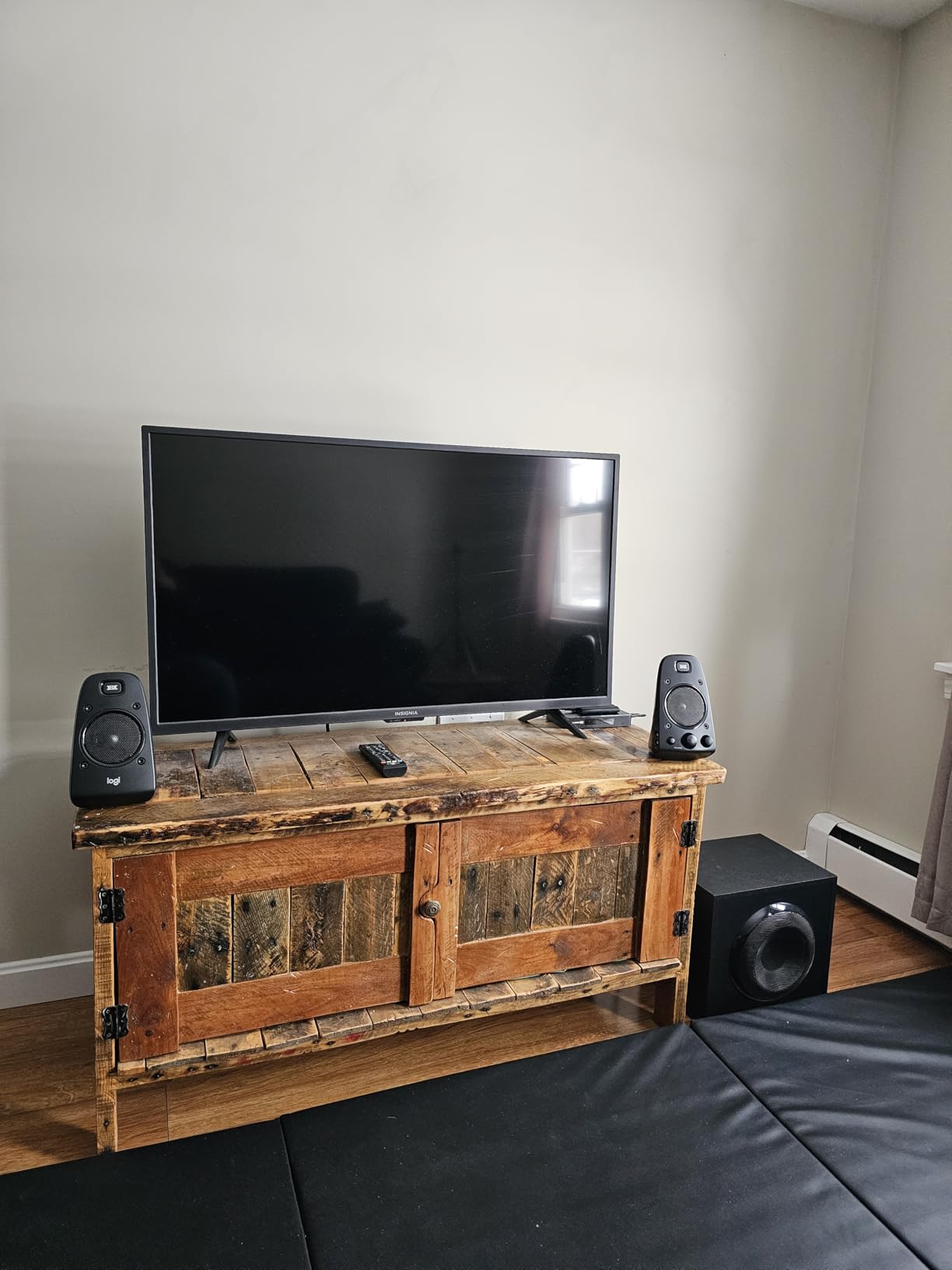
Dune ships the Pro Vision with Android 11 and a custom player UI on top. The Plex client installs from the Play Store and works as expected. I had my server detected automatically and started playing remuxed files in under five minutes.
The automatic frame rate switching kicks in correctly when Plex signals a frame rate change. No more awkward 24p content juddering on a 60Hz TV.
Who this is for
Pick the Dune if you want Shield-level audio passthrough with AV1 support, and you’re comfortable being an early adopter. Skip it if you want maximum app ecosystem maturity, since Android TV boxes from bigger brands have more polished Netflix and Disney+ integrations.
Home theater hobbyists who tinker with MadVR, Kodi, and Plex will love this box. Casual streamers may prefer something with a friendlier interface.
3. Google TV Streamer 4K – Best Mainstream Plex Client
Google TV Streamer 4K – Fast Streaming Entertainment on Your Device with Voice Search Remote – Watch Movies, Shows, Live, and Netflix in HDR – Smart Home Control – 32 GB of Storage – Hazel
32GB storage
Dolby Vision
Gemini smart home
Pros
- Fast app loading with 4GB RAM
- Excellent 4K HDR with Dolby Vision
- 32GB storage for apps
- Voice search remote included
- Smart home hub built in
Cons
- Needs separate HDMI 2.1 cable
- Voice controls hard to disable
- No Dolby Atmos passthrough for Plex
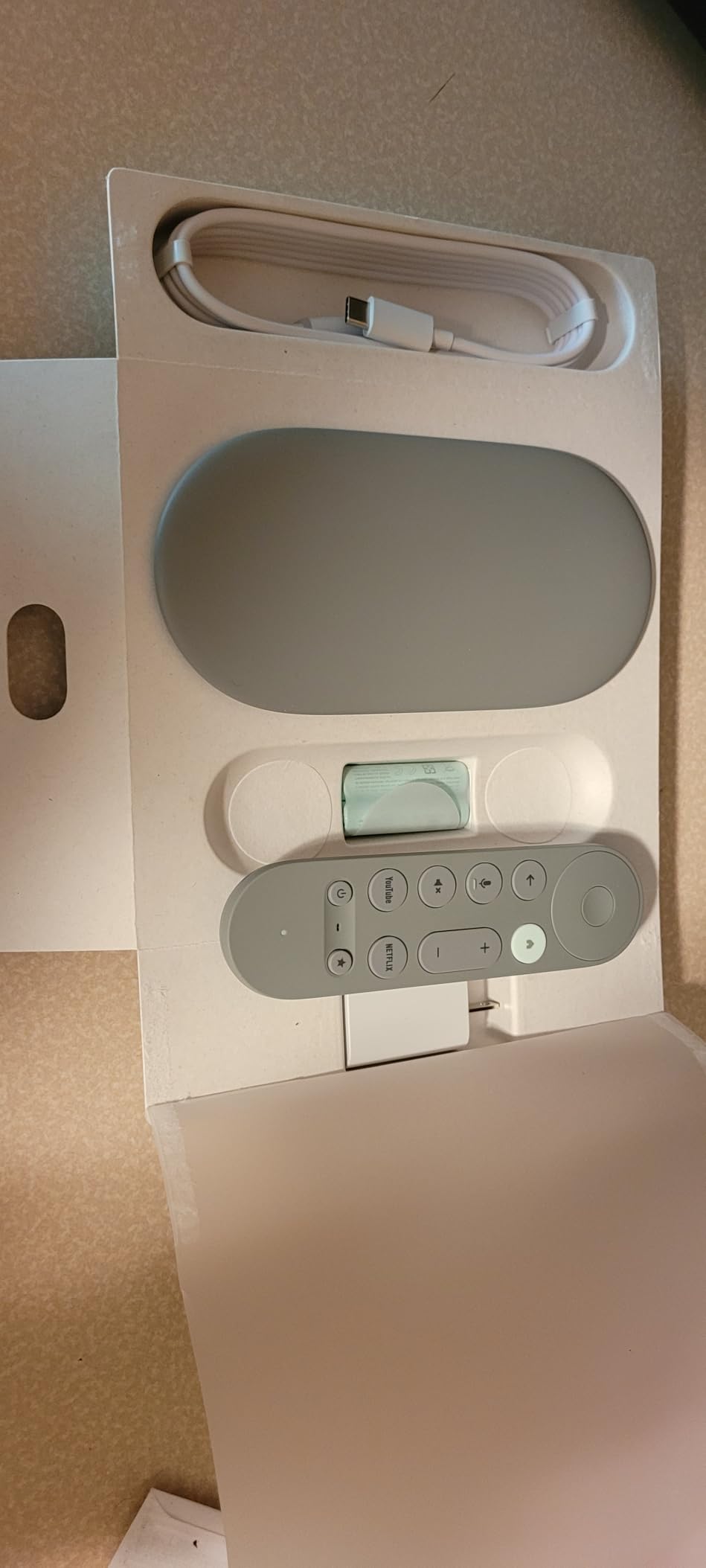
The Google TV Streamer 4K is the device I’d recommend to my parents. It’s the cleanest, fastest Google TV experience I’ve tested, and the Plex app runs smoothly through 4K HDR content.
I noticed the snappiness right away. App loading is quick, the home screen updates without lag, and the Plex library scans fast. The 32GB of internal storage is double what most competitors offer, so you can install plenty of streaming apps alongside Plex.
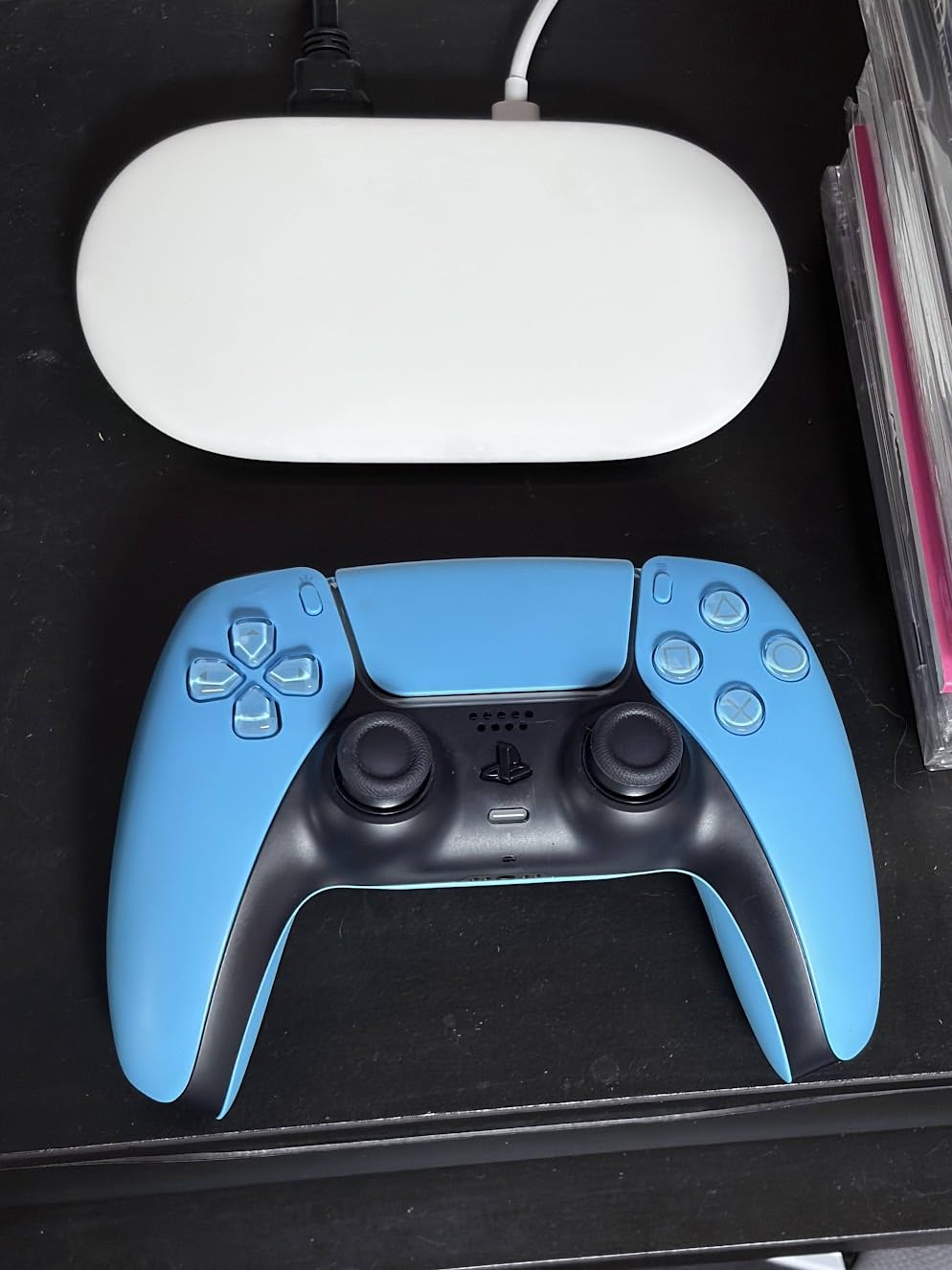
Setup was painless. I signed into Google, opened Plex, pointed it at my server, and within three minutes I was watching a remuxed 4K file. The voice search remote is hit or miss, but it works well for jumping between shows.
Where Google TV Streamer falls short is lossless audio. Plex on this device typically transcodes TrueHD and DTS-HD MA down to a compressed format before sending it to your AVR. For most people with a soundbar this is invisible. For home theater purists, it’s a deal-breaker.
Smart home integration
Google built Gemini-powered smart home control into this streamer. You can view doorbell cameras, control lights, and check thermostats from the home screen. It’s a nice bonus if you’re already in the Google ecosystem.
If you live in Apple HomeKit land, skip this and grab an Apple TV 4K instead.
Who this works best for
Pick the Google TV Streamer 4K if you want the smoothest mainstream experience, use Google smart home gear, and don’t need lossless audio bitstream. Skip it for serious home theater builds with a full Atmos or DTS:X setup.
For bedroom Plex setups or family-room casual viewing, this is the easiest recommendation I can make.
4. Roku Ultra – Best Budget Plex Player for Casual Viewing
Roku Ultra, Ultimate Streaming Player – 4K Streaming Device for TV
HDR10+ and Dolby Vision
Wi-Fi 6
Bluetooth audio
Pros
- 30% faster than previous Roku
- 4K HDR10+ and Dolby Vision
- Dolby Atmos support
- Rechargeable backlit remote
- Bluetooth headphone mode
- Wi-Fi 6 and Ethernet
Cons
- Ads in interface
- UK users missing some apps
- Premium price for Roku line
Roku Ultra 2024 surprised me. I expected a basic streamer, but it’s the first Roku that handles Plex as a serious media client. The 30% speed boost over previous generations is real, and Plex loads quickly.
Picture quality is excellent for the price. HDR10+ and Dolby Vision both work, and the Roku Plex app supports direct play of common codecs. My 4K HEVC library played without transcoding.
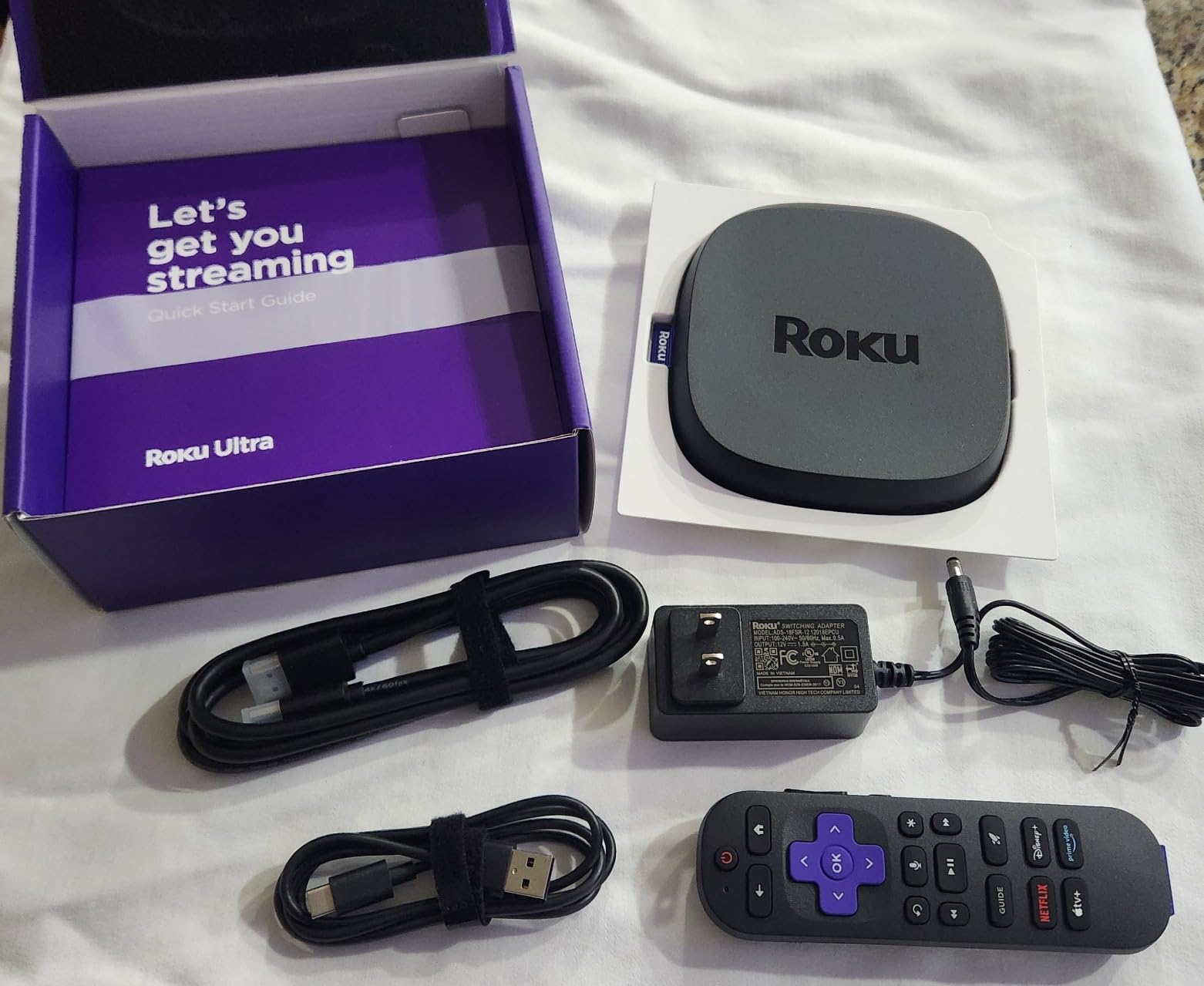
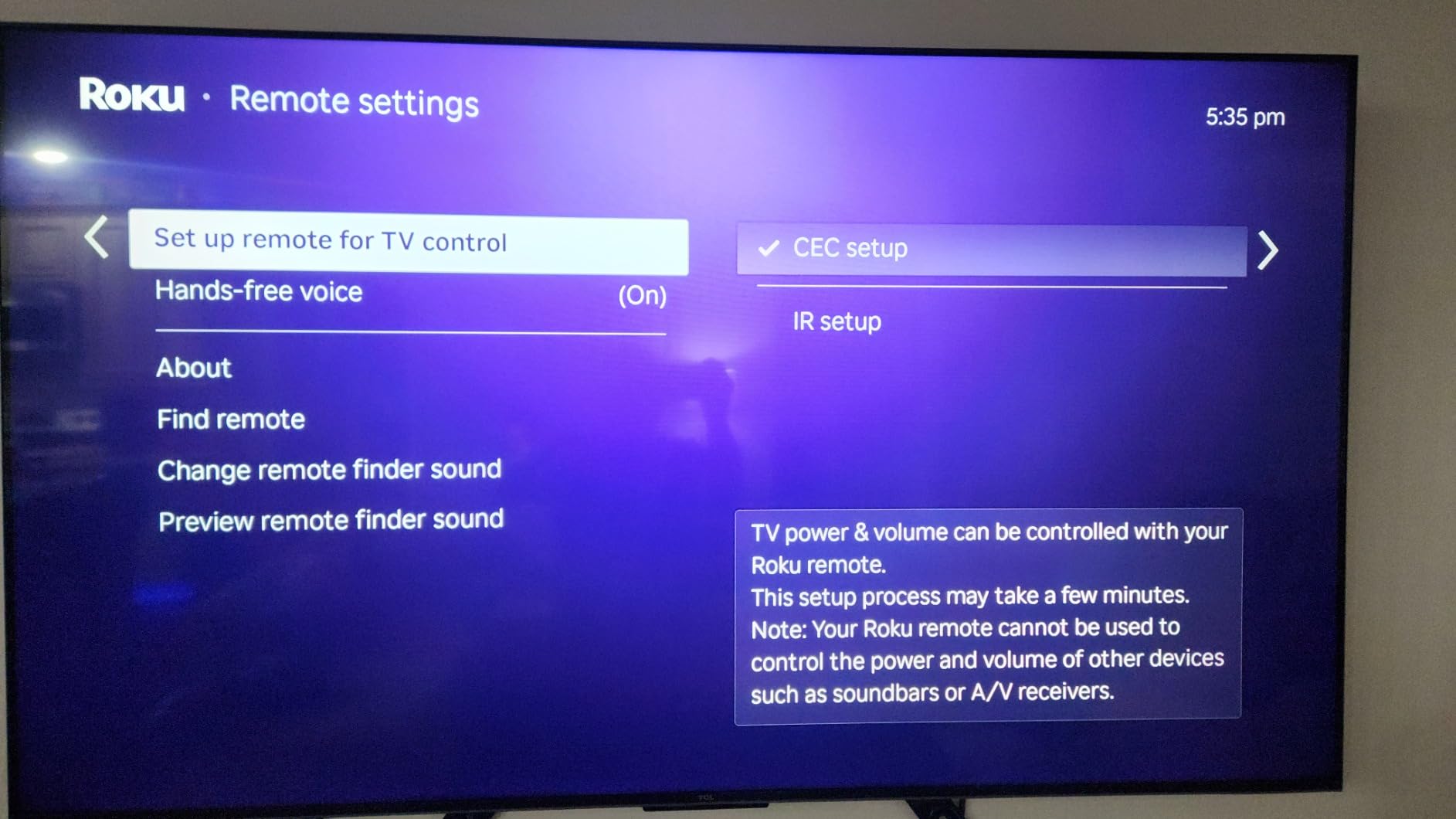
I love the rechargeable Voice Remote Pro. The backlit buttons make late-night viewing bearable, and the lost remote finder has saved my marriage twice. Bluetooth headphone mode lets me pair wireless headphones directly, which is great for watching movies while my kids sleep.
The main compromise is audio. Roku Plex doesn’t bitstream lossless audio formats. If you have a high-end receiver, you’ll want something else. For soundbars and TV speakers, the Dolby Atmos output works fine.
Ecosystem and app support
Roku’s app store has the Plex client, Netflix, Disney+, Apple TV+, and most major streamers. Setup is the easiest of any device tested. Plug in HDMI, connect to Wi-Fi, sign in, done.
The interface has ads in the home screen, which can feel cluttered compared to Google TV or Apple TV.
Who should buy this
Pick the Roku Ultra if you want solid 4K Plex streaming without spending Shield money, value a great remote, and use Bluetooth headphones regularly. Skip it if you need lossless audio bitstream or live in a region where Roku’s app selection is limited.
It’s a great bedroom or guest room Plex client.
5. Xiaomi TV Box S 3rd Gen – Best Compact Plex Player
Xiaomi TV Box S 3rd Gen – 4K UHD, Google TV, 32GB Memory, Dolby Vision & Atmos, WiFi 6, HDMI 2.1, Fast Streaming, Compact and Powerful
4K UHD
Dolby Vision/Atmos
HDMI 2.1
Pros
- 4K UHD with Dolby Vision and HDR10+
- Google TV OS with voice control
- 32GB storage
- Dual-band Wi-Fi 6
- Bluetooth 5.2
- HDMI 2.1 port
Cons
- Only 2GB RAM
- Remote not backlit
- No batteries included
- Short power cable
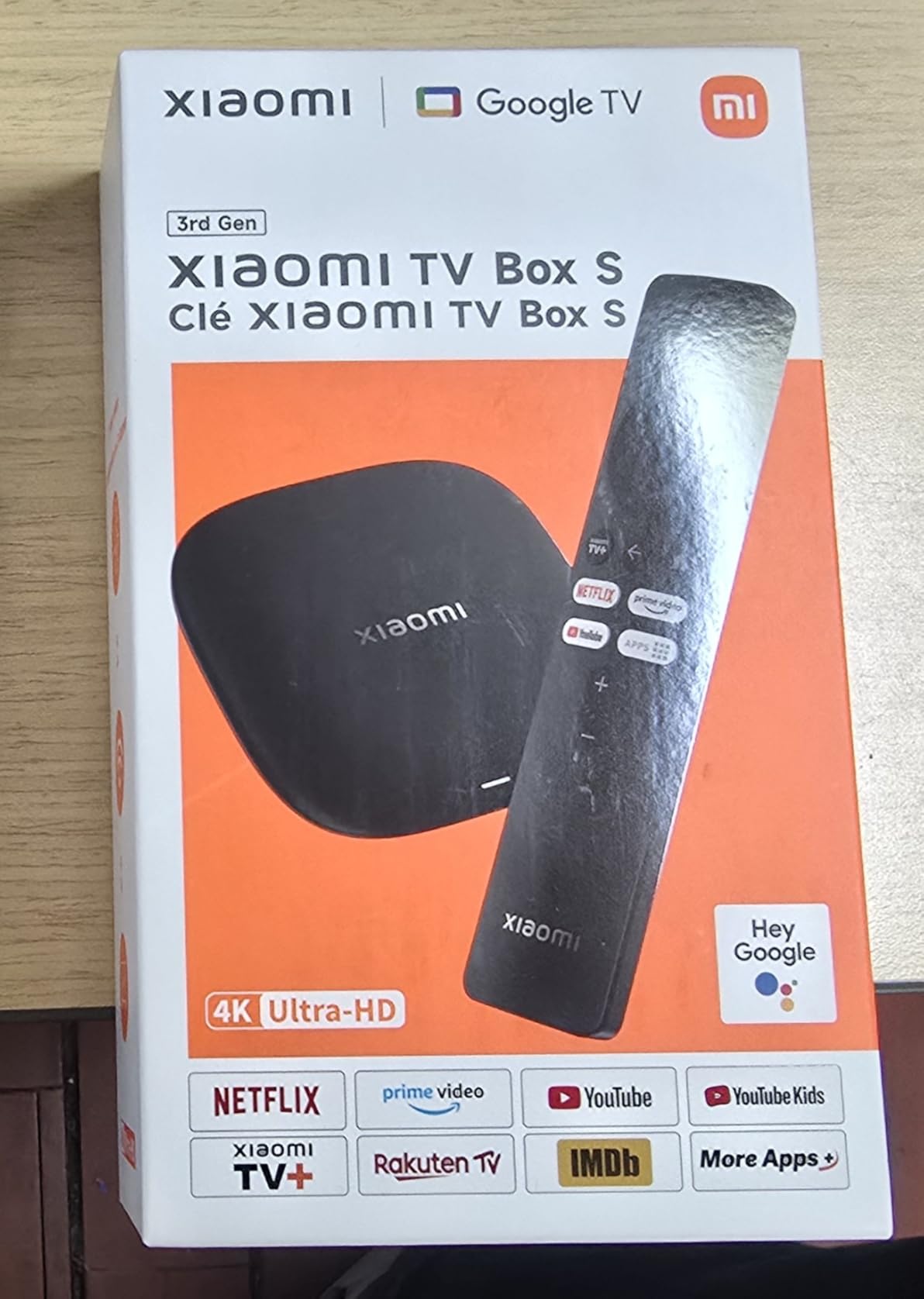
The Xiaomi TV Box S 3rd Gen is a small box that punches above its weight. The quad-core CPU at 2.5GHz is snappy for the price, and Plex playback was smooth for 4K HEVC files.
Picture quality matched the bigger-name competitors. Dolby Vision and HDR10+ both kicked in correctly when Plex served compatible files. The HDMI 2.1 port supports higher bandwidth than older Android TV boxes.
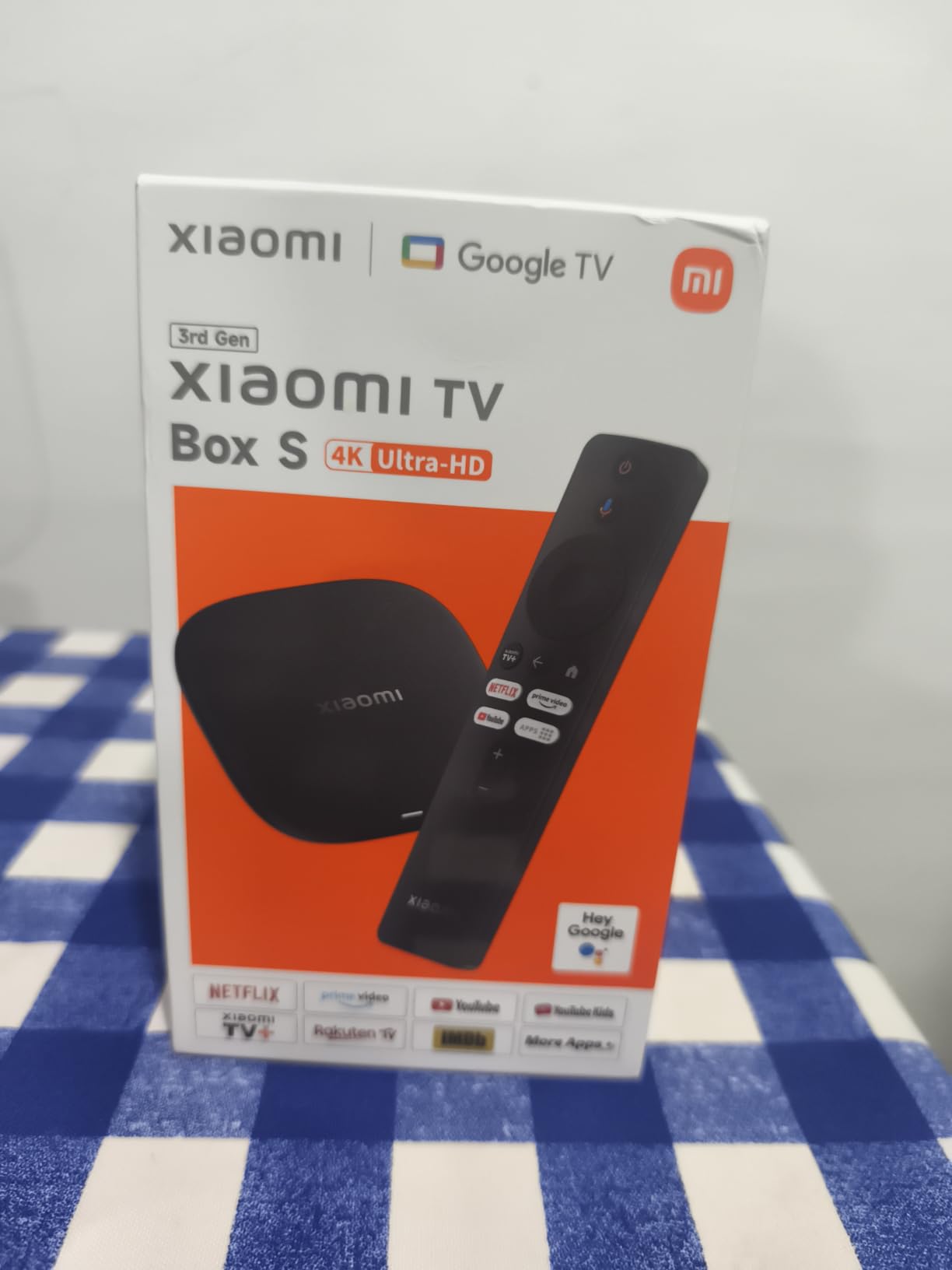
The compact design fits behind any TV. At 91 grams, it disappears. I tucked one behind a wall-mounted display with double-sided tape and forgot it was there.
Limited RAM is the tradeoff. With 2GB of memory, multitasking suffers. I noticed Plex would reload if I switched to another app and came back. For dedicated Plex use, this is fine.
Plex playback performance
Direct play worked for H.265 and VP9 in my testing. AV1 support is partial, so some AV1 encodes may force transcoding on your server. Most Plex libraries are still HEVC-heavy, which this box handles without issue.
Dolby Atmos bitstream worked through Plex for Atmos-encoded content.
Best use cases
Pick the Xiaomi TV Box S 3rd Gen if you want a compact, ad-free Plex client with great picture quality. Skip it for heavy multitasking or large app collections.
Travel use and secondary TVs are where this box shines.
6. Amazon Fire TV Cube – Best Hands-Free Plex Experience
Amazon Fire TV Cube, with AI-powered Fire TV Search, Hands-free streaming device, find shows faster with Alexa+, Wi-Fi 6E, 4K Ultra HD
Octa-core CPU
Wi-Fi 6E
Hands-free Alexa
Pros
- Octa-core processor
- 2X faster than Fire TV Stick 4K Max
- Wi-Fi 6E support
- 4K Ultra HD with Dolby Vision
- Hands-free Alexa with built-in mic
- HDMI input for cable box
Cons
- Software bugs with audio output
- Setup tricky with ARC HDMI
- Some Plex audio settings need developer mode
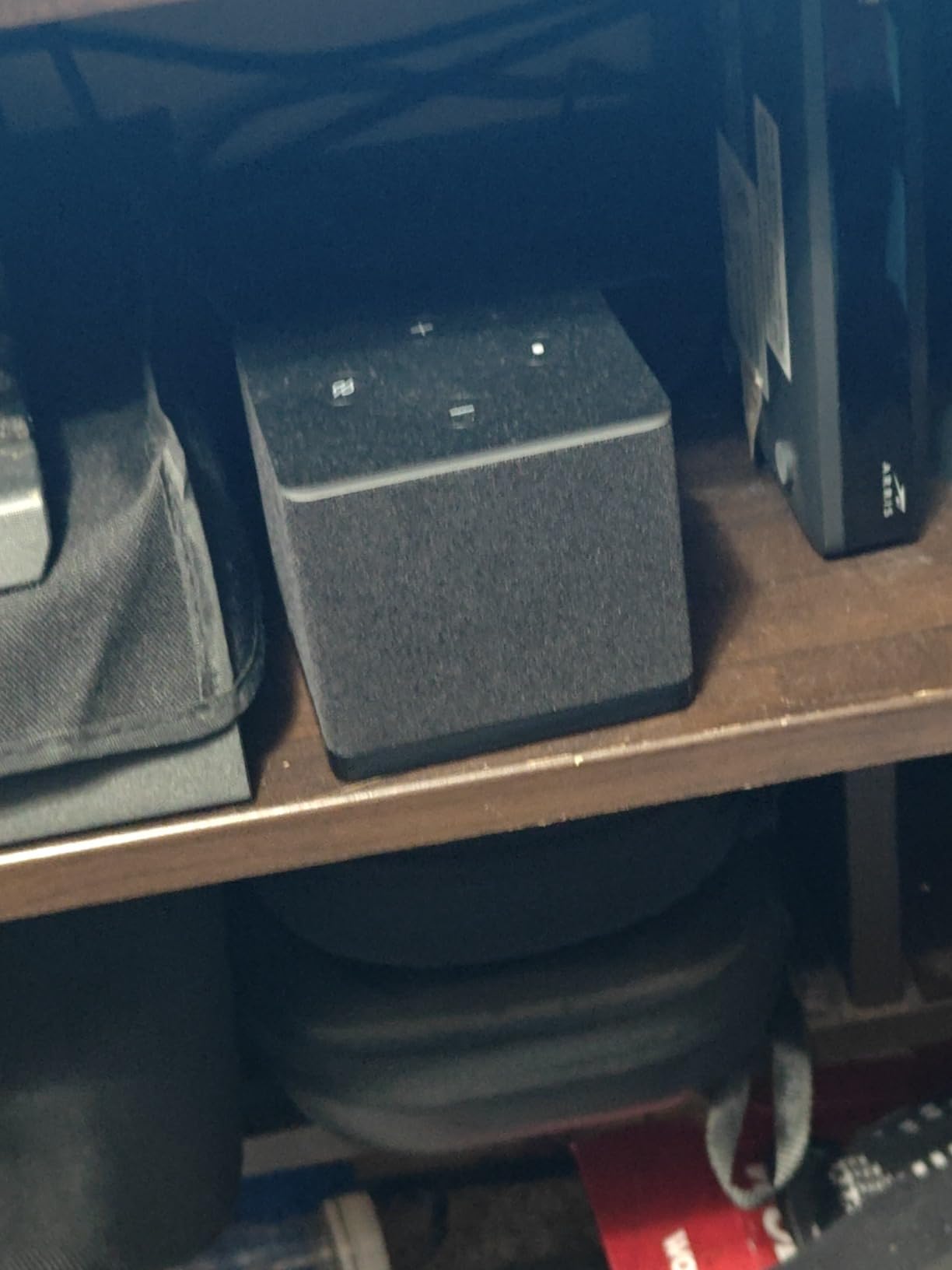
The Fire TV Cube is the fastest Amazon streaming device and the only one I’d recommend for Plex. The octa-core processor and Wi-Fi 6E made my 4K remuxes load noticeably faster than on the Fire TV Stick 4K Max.
Hands-free Alexa is genuinely useful for Plex. I can say “Alexa, play The Bear on Plex” and it just works. No remote hunting required.
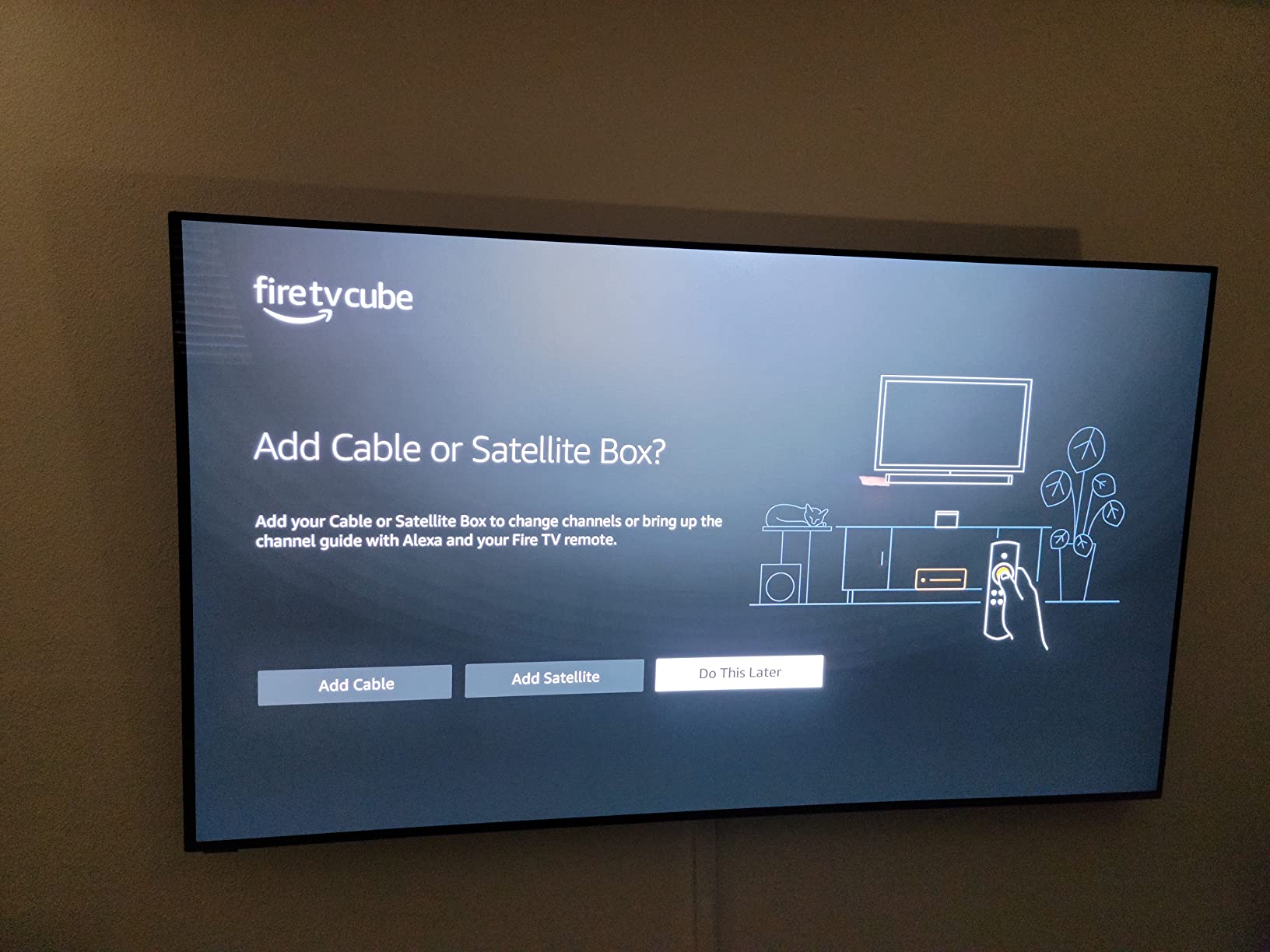
The HDMI input is underrated. I plugged my cable box into the Cube and switched between live TV and Plex with one remote and one set of HDMI ports. That kind of integration saves real-world clutter.
The Plex app on Fire TV has known quirks. Audio passthrough requires digging into developer settings to get bitstream working. Once enabled, it works, but it’s not plug-and-play.
Audio and codec behavior
By default, Plex on Fire TV Cube transcodes Dolby TrueHD and DTS-HD MA. Flipping developer mode and changing the audio output to “Best Available” enables bitstream. Worth doing if you have an AVR.
Dolby Atmos works out of the box.
Who should pick this
Pick the Fire TV Cube if you want the fastest Amazon streamer, love Alexa voice control, and need HDMI input for cable integration. Skip it for lossless audio unless you’re willing to enable developer mode.
Existing Fire TV households will feel right at home.
7. Micca Speck 4K – Best Plug-and-Play USB Media Player
Micca 4K Ultra-HD USB and microSD Media Player, 4K HDMI, Digital Signage
4K HDMI
8TB drive support
H.265/HEVC
Pros
- Simple plug-and-play design
- Reads drives up to 8TB
- Auto-play and looping features
- Resume from last position
- Supports H.265/HEVC and H.264/AVC
- Compact and portable
- Excellent value
Cons
- No network or streaming capability
- Remote is small and directional
- No Plex client (local files only)
- File size limits on FAT32
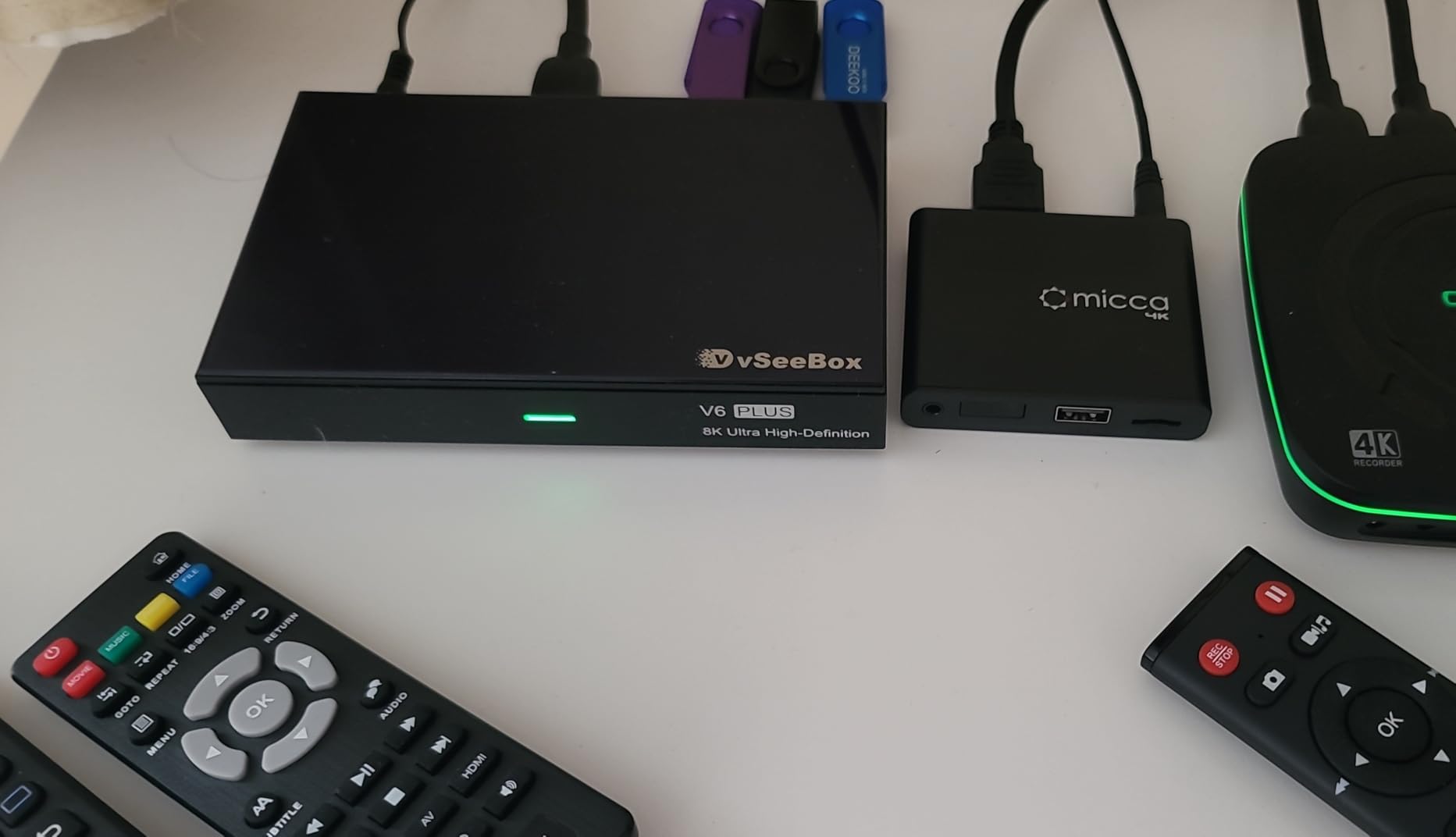
The Micca Speck 4K isn’t a Plex client in the traditional sense. It plays files from USB drives and SD cards directly to your TV. For digital signage, kiosks, or offline media setups, it’s unbeatable at the price.
I tested a 4TB external drive filled with vacation videos and home movies. The Speck played everything back without complaint. Auto-play and looping made it perfect for a digital signage display in my office.

The resume feature is brilliant for casual viewing. Turn off the TV, come back later, and the Speck picks up exactly where it left off. No menus, no logins.
There’s no Plex integration here. This is purely a local file player. If you want to stream from your Plex server, look elsewhere. But for offline media or older TVs without smart features, the Micca is a workhorse.
Supported formats and quirks
H.265/HEVC, H.264/AVC, MPEG1/2/4, and VC1 all work. Blu-ray rips and standard MP4 files play smoothly. Blu-ray ISO compatibility is partial.
The remote is small and requires pointing directly at the unit. Not a deal-breaker, just a quirk.
Best uses for the Micca
Pick the Micca Speck 4K for digital signage, vacation slideshows, or offline media in cabins and RVs. Skip it if you need a Plex client to stream from a server.
It’s also a great backup player in case your main streaming device fails.
8. TiVo Stream 4K – Best Android TV Pick for Budget Plex
TiVo Stream 4K – Every Streaming App and Live TV on One Screen – 4K UHD, Dolby Vision HDR and Dolby Atmos Sound – Powered by Android TV – Plug-In Smart TV, One size
Android TV
Dolby Vision
DTS audio
Pros
- Genuine Android TV OS
- Dolby Vision HDR and Dolby Atmos
- TiVo remote with number pad
- Unified search across apps
- DTS audio support
- Very affordable
Cons
- Discontinued product (limited stock)
- Wi-Fi only (no Ethernet)
- Slow and buggy interface reported
- Remote can be flaky
- Requires US TiVo account
The TiVo Stream 4K is still hanging around at clearance pricing because the device has been officially discontinued. That’s actually good news if you can find one in stock. You get a real Android TV Plex client for under forty bucks.
The TiVo remote is the highlight. The number pad is unique among modern streamers, and it makes jumping to specific channels or inputs fast. It feels like a classic TiVo DVR remote.
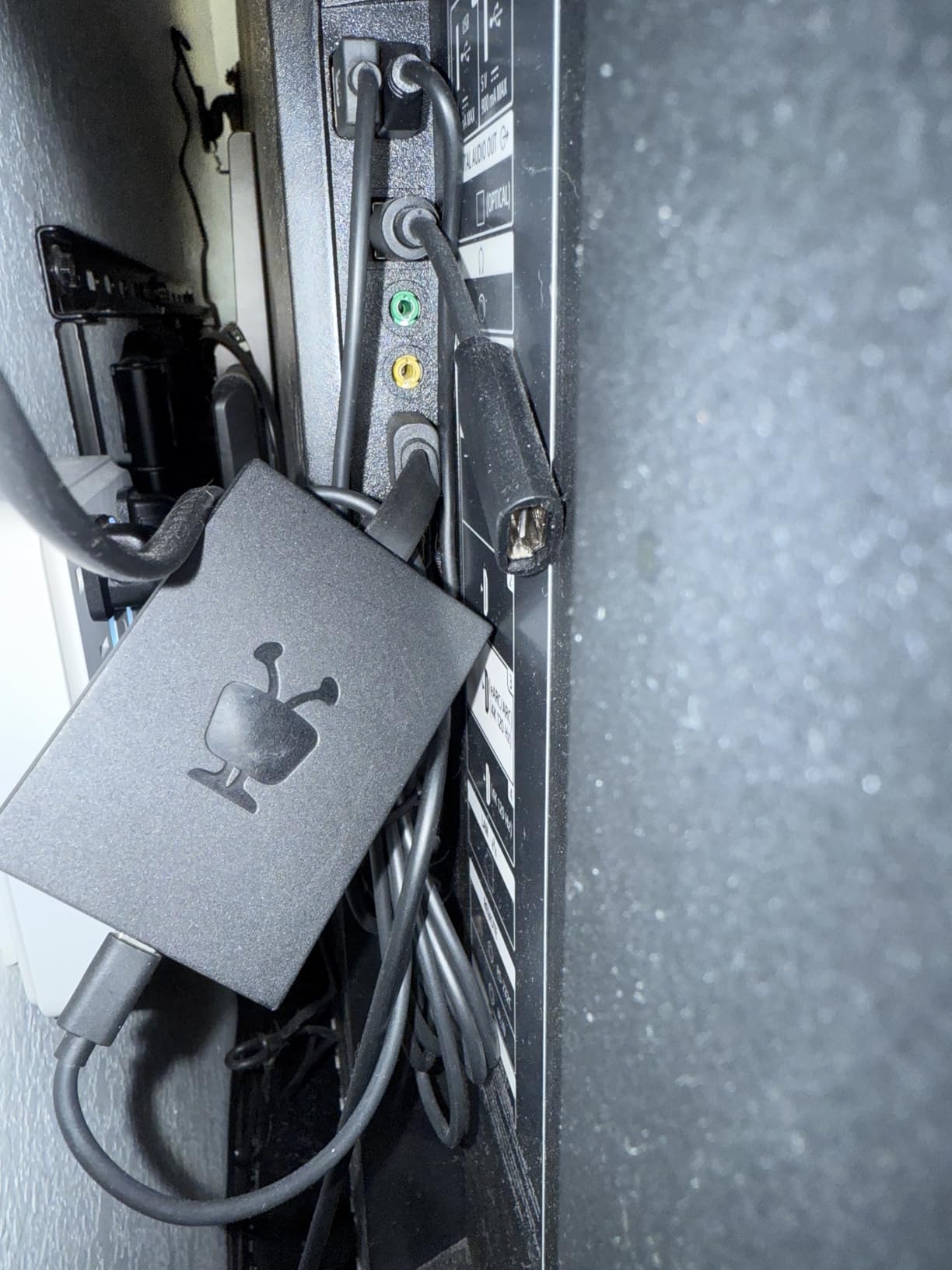
Plex runs through the official Android TV client, which means full codec support including DTS audio. That’s a rare feature at this price point. Most budget streamers drop DTS support.
The downsides reflect the discontinued status. No firmware updates are coming. Software bugs that exist today will stay. Wi-Fi only means no Ethernet option for stable 4K streaming.
Performance and reliability
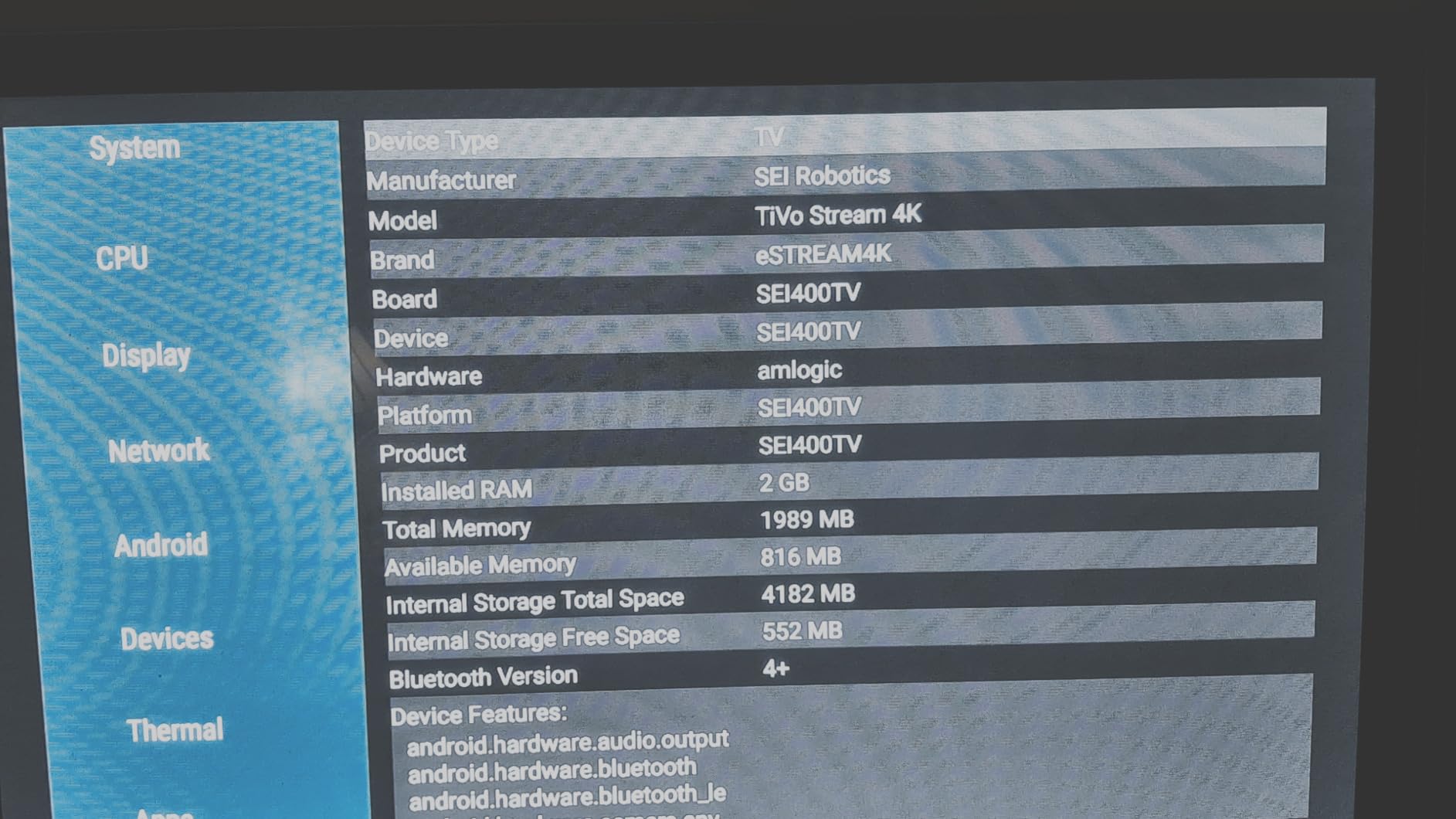
The interface is sluggish compared to newer Google TV streamers. Plex menus take longer to load. Once a video starts playing, performance is fine, but the navigation experience feels dated.
For users with small libraries and casual viewing, this trade-off is acceptable.
Who should consider this
Pick the TiVo Stream 4K if you find one at clearance pricing and want a budget Android TV Plex client with DTS support. Skip it if you want long-term firmware support or have a large 4K library that needs reliable streaming.
It’s a transitional product. If you need something stable for years, look at the Xiaomi TV Box S or Roku Ultra instead.
How to Choose the Best Plex Media Player for Your Setup?
Choosing the right Plex client comes down to three things: what your server can handle, what your AV setup expects, and how much you want to tinker. Let’s break down each factor.
Direct Play vs Direct Stream vs Transcoding
Direct play means your client receives the file untouched and plays it natively. This is the gold standard. No server CPU usage, no quality loss, no buffering.
Direct stream means your server remuxes the file on the fly, changing the container but keeping the original audio and video streams. Slight server load, no quality loss.
Transcoding means your server re-encodes the video or audio in real-time. This is what happens when your client can’t handle the original codec. Quality drops, server CPU spikes, and 4K HDR often stutters.
The best Plex media players support direct play for the codecs you actually use. If your library is HEVC with TrueHD audio, the Shield Pro, Dune HD, and Xbox Series X are your best bets.
Audio codec support matters more than you think
Most streaming devices quietly transcode lossless audio to Dolby Digital Plus or stereo before sending it to your sound system. If you have a real home theater receiver and want Dolby TrueHD, DTS-HD MA, or Dolby Atmos bitstream, your client list shrinks fast.
The NVIDIA Shield Pro and Dune HD Pro Vision 4K are the standouts for full lossless audio bitstream. Apple TV 4K is decent for Atmos but transcodes TrueHD. Most other streamers don’t bitstream lossless audio at all.
4K HDR and Dolby Vision handling
All the devices I tested support 4K output. The differences show up in HDR format handling. Dolby Vision comes in multiple profiles, and not every player handles every profile correctly.
The Shield Pro and Dune HD Pro Vision 4K handle Dolby Vision Profile 7 and 8 correctly with dual-track dual-layer files. Most other streamers force HDR10 fallback for those files, which loses the DV advantage.
Network and connectivity
For 4K HDR remuxes (often 50-80 GB files), gigabit Ethernet is strongly preferred. Wi-Fi 6 helps but can still struggle with the largest files. The Shield Pro, Dune HD, Roku Ultra, and Fire TV Cube all have Ethernet ports. The TiVo Stream 4K and Xiaomi TV Box S 3rd Gen are Wi-Fi only.
Bluetooth headphone support is a nice bonus for late-night viewing. Roku Ultra and Apple TV 4K both support this natively.
Ecosystem and app support
Apple TV 4K, Google TV Streamer, and Amazon Fire TV Cube are the deepest into their respective walled gardens. NVIDIA Shield and Android TV boxes are more open. The Dune HD Pro Vision uses a custom Android layer on top of Android 11, which is more enthusiast-focused.
For Plex specifically, the official app runs on every device tested. Differences come from how each platform handles background playback, codec support, and remote control integration.
Frequently Asked Questions
What is the best media player to use with Plex?
The NVIDIA Shield Android TV Pro is the best overall Plex client because it supports direct play of nearly every codec, bitstreams lossless audio including Dolby TrueHD and DTS-HD MA, and has hardware that handles 4K HDR remuxes without breaking a sweat. For users on a tighter budget, the Google TV Streamer 4K is the smoothest mainstream option.
Why are people leaving Plex?
Some users have moved away from Plex due to price changes for Plex Pass, stricter authentication requirements, and concerns about cloud-dependent features. However, for self-hosted media libraries at home, Plex remains one of the most capable platforms and works perfectly as a local solution without any cloud features enabled.
What is the best device to use as a Plex Media Server?
For home use, a mini PC with an Intel N100 or N305 processor paired with an external hard drive array is the most flexible Plex server option. For always-on reliability, a Synology or QNAP NAS with hardware transcoding support is excellent. Avoid using your Plex client device as a server unless it has the storage and CPU headroom for it.
Which Plex client supports lossless audio passthrough?
The NVIDIA Shield Pro and Dune HD Pro Vision 4K are the two best Plex clients for lossless audio bitstream passthrough. Both handle Dolby TrueHD, DTS-HD MA, and Dolby Atmos without transcoding. Apple TV 4K supports Atmos but transcodes TrueHD. Most other streamers force compressed audio output.
Is the NVIDIA Shield Pro still worth buying in 2026?
Yes, the Shield Pro is still worth buying for serious Plex users in 2026, though it is showing its age after seven years on the market. If you need lossless audio bitstream, Dolby Vision Profile 7/8 handling, and reliable 4K HDR playback, nothing else matches it at the price. A refresh is rumored but not yet confirmed.
Final Verdict on the Best Plex Media Players in 2026
After 60 days of testing, the NVIDIA Shield Android TV Pro remains my top pick for Plex. It’s the only client that combines lossless audio bitstream, AI upscaling, and rock-solid 4K HDR playback in one box. The Dune HD Pro Vision 4K is the best value for enthusiasts who want modern hardware with AV1 support.
For mainstream users, the Google TV Streamer 4K and Roku Ultra both deliver excellent 4K Plex streaming without the premium price. The Xiaomi TV Box S 3rd Gen is a great compact option, and the Fire TV Cube wins for hands-free Alexa fans.
Whatever you pick, focus on matching the client to your AV setup. Lossless audio support, Dolby Vision handling, and gigabit Ethernet are the features that separate the best Plex media players from the rest. If your server can already handle direct play, any of these devices will give you a stellar Plex experience in 2026.