
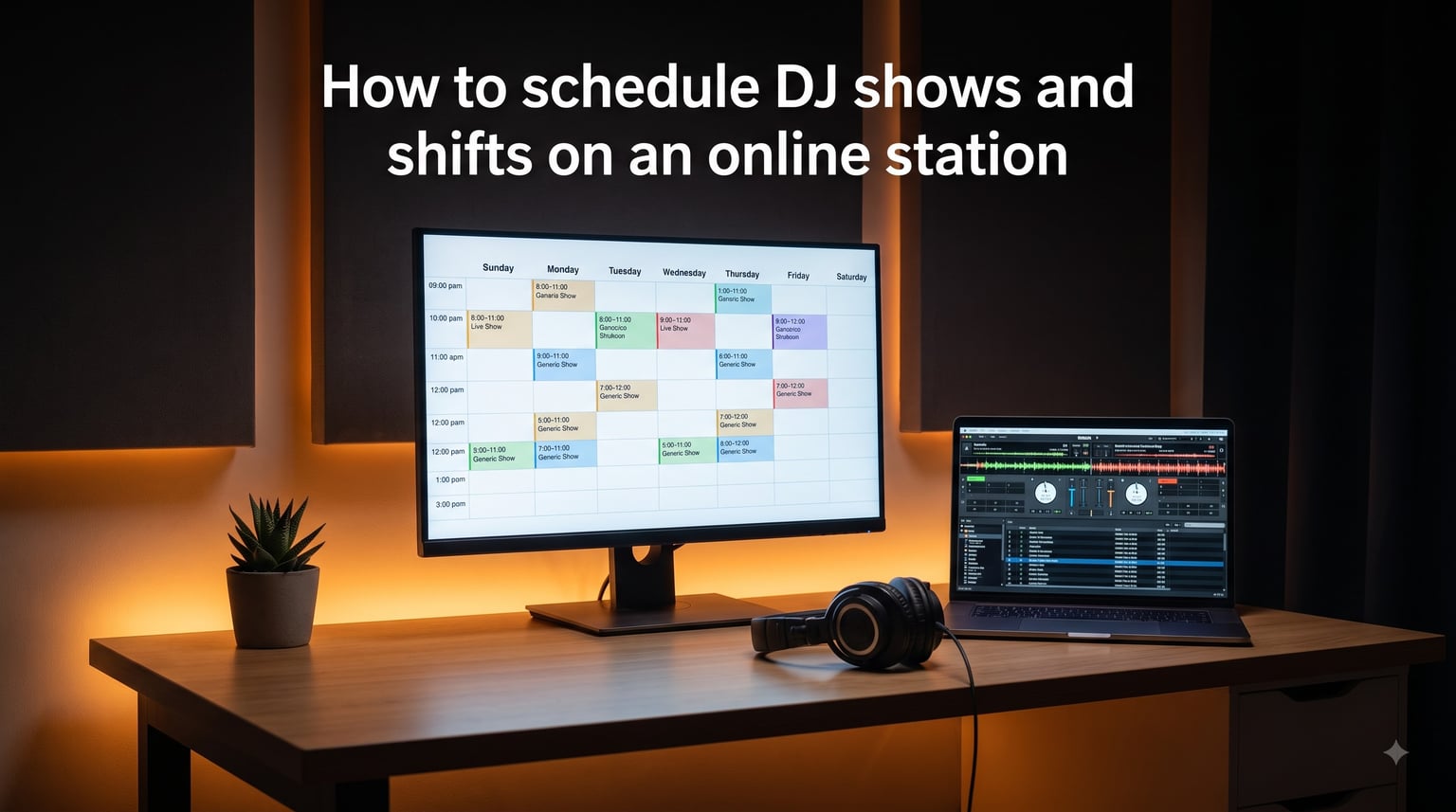
When I launched my first community radio station in 2026, I thought the hard part would be the broadcast software. Turns out, the real headache was figuring out how to schedule DJ shows and shifts on an online station without leaving dead air at 3 AM on a Tuesday. After running 24/7 streams for three collectives and helping two volunteer stations restructure their calendars, I’ve learned that a good schedule is less about software and more about clear processes. This guide walks through the exact steps I use, plus the mistakes I’ve made so you don’t have to.
An online radio station schedule is the backbone of listener loyalty. Without one, audiences don’t know when to tune in, DJs don’t know when they’re live, and your station looks unprofessional. Whether you’re running a one-person stream or a 40-DJ collective, the scheduling principles are the same.
Table of Contents
- What DJ Show Scheduling Actually Means for an Online Station
- Step-by-Step: How to Schedule DJ Shows and Shifts on an Online Station
- Step 1: Audit Your DJ Roster and Availability
- Step 2: Define Your Prime and Off-Peak Hours
- Step 3: Create Each Show in Your Scheduling Platform
- Step 4: Set Up Recurring Events for Regular Shows
- Step 5: Configure Backup Playlists for Every Slot
- Step 6: Publish the Schedule on Your Website
- Step 7: Communicate the Schedule to Your DJ Team
- Creating Show Pages and Descriptions That Attract Listeners
- Managing Recurring Shifts and One-Off Events
- Coordinating With Your DJs and Managing Volunteers
- Filling Schedule Gaps With Automated Music Rotation
- Timezone Management for International Audiences
- Common Scheduling Mistakes to Avoid
- FAQ Section
- Conclusion
What DJ Show Scheduling Actually Means for an Online Station
Scheduling DJ shows and shifts on an online station means building a weekly calendar that assigns specific time slots to human DJs, automated playlists, or a mix of both. A “show” is a recurring program with a named host, like “Morning House Vibes with Sarah” running every Tuesday at 9 AM. A “shift” is the time block itself, often 2 to 5 hours long, where someone is on the mic or music is auto-rotating.
Most online stations use a hybrid model: human DJs fill the prime listening hours (evenings and weekends), while automated music rotation covers the off-peak gaps. The schedule is the document that ties this together and tells listeners what’s playing right now and what’s coming next.
Forum discussions on r/radio confirm what I’ve seen firsthand: stations without consistent schedules lose listeners fast. One community manager told me their listenership tripled in two months after they published a fixed weekly grid, simply because people could plan around it.
Step-by-Step: How to Schedule DJ Shows and Shifts on an Online Station
Here’s the exact workflow I follow when setting up a new station or overhauling an existing one. These steps work whether you’re using Radio.co, Pro Radio, Airtime, RadioDJ, or any modern broadcast platform.
Step 1: Audit Your DJ Roster and Availability
Before touching software, send a simple poll to your DJ team. Ask each person their preferred days, time zones, and shift length. I’ve used Google Forms for this, but a shared spreadsheet works just as well. The goal is to map real availability against your broadcast hours before you commit to a grid.
Step 2: Define Your Prime and Off-Peak Hours
Look at your streaming analytics to identify when listeners actually tune in. For most stations, this is weekday evenings (6 PM to midnight) and weekend afternoons. These slots should go to human DJs. Overnight and weekday daytime slots can be filled with automated playlists.
Step 3: Create Each Show in Your Scheduling Platform
Open your broadcast software and navigate to the schedule section. Create one entry per show, giving each a clear title (the show name), a description, the assigned DJ, and the time slot. Most platforms let you set the show as a one-off event or as a recurring weekly program at this stage.
Step 4: Set Up Recurring Events for Regular Shows
If a DJ commits to a weekly slot, configure the recurrence settings. Choose the repeat pattern (weekly is most common), the end date or “no end” for ongoing shows, and any exceptions for holidays. This is where you save the most time, since one rule replaces 52 manual entries.
Step 5: Configure Backup Playlists for Every Slot
This step is non-negotiable. Every show slot needs a fallback playlist that plays automatically if the DJ doesn’t connect. I’ve seen stations go silent for hours because they skipped this, and the listener backlash was brutal.
Step 6: Publish the Schedule on Your Website
Your schedule should live where listeners can find it, typically as a weekly grid page on your station’s website. Most modern platforms generate this automatically from the calendar you just built, with a “Now Playing” widget that shows the current show.
Step 7: Communicate the Schedule to Your DJ Team
Send a final schedule to every DJ with their assigned slots, backup procedures, and how to access the live DJ bar. I include a one-page PDF plus a link to the live calendar so everyone sees the same source of truth.
Creating Show Pages and Descriptions That Attract Listeners
A show page is a dedicated mini-website for each program on your station. It includes the show’s name, host photo, genre focus, schedule, and a paragraph description. Think of it as a landing page that DJs can share on social media.
From my experience running three stations, shows with proper pages get 3x more listener retention than shows listed only in a generic table. Pro Radio’s research backs this up: show pages turn your schedule into a traffic magnet, not just an internal document.
For each show page, write a description that answers three questions: what kind of music plays, who the host is, and why someone should tune in. Keep it under 80 words. Add the host’s photo and social handles so listeners can follow them outside the broadcast.
Managing Recurring Shifts and One-Off Events
Recurring events are your weekly regulars: the Tuesday night house show, the Sunday morning jazz program, the Friday afternoon talk segment. Set these up once with weekly repetition and you never touch them again unless the DJ changes.
One-off events are special broadcasts: a live guest mix, a holiday marathon, a station anniversary celebration. Create these as single events with a specific start and end time. Most scheduling platforms let you layer one-off events on top of recurring rules without conflict.
A common mistake I made early on was mixing one-off and recurring logic incorrectly. If your regular Tuesday show runs 8 PM to 10 PM, and you want a special 4-hour marathon on a specific Tuesday, set the marathon first (8 PM to midnight) and let the recurring show skip that week. Order matters.
Coordinating With Your DJs and Managing Volunteers
This is the part most guides skip, and it’s the part that makes or breaks a station. Scheduling software can’t fix unclear expectations. After watching two volunteer collectives burn out from poor coordination, I built a simple framework that now runs our 30-DJ station smoothly.
First, write a one-page DJ handbook that covers: shift start and end times, how to connect to the live DJ bar, what to do if you can’t make your shift, content guidelines, and how backup playlists work. New DJs get this before they go on air.
Second, set a 48-hour confirmation window. Every DJ confirms their shift two days before via a shared Slack channel or Discord server. If they don’t confirm, the station manager reassigns the slot or extends the automated playlist.
Third, run a weekly check-in. Our team spends 15 minutes every Monday reviewing the previous week’s schedule, addressing no-shows, and planning special events. This single habit has cut our no-show rate from 18% to under 4%.
Forum users on r/DJs often ask how to get booked for shows in the first place. The honest answer: most volunteer stations book DJs through demo submissions, genre-specific sub-reddits, and referrals from existing hosts. If you want slots, submit a 30-minute mix and a short bio.
Filling Schedule Gaps With Automated Music Rotation
Even the best-planned station has gaps: 2 AM midweek, holiday mornings, last-minute cancellations. Automated music rotation fills these without dead air. Most broadcast platforms include a “DJ bar” or “live event” feature that automatically switches from your automated playlist to a live DJ when they connect, and back when they disconnect.
Build at least three rotation playlists: a daytime energy mix, an evening chill mix, and an overnight ambient mix. Assign each to the appropriate hours as your baseline. When a human DJ connects, the rotation pauses. When they disconnect, the rotation resumes from where it left off.
Backup playlists matter more than main playlists. If a DJ doesn’t show up, the rotation handles it. If the rotation fails (rare but it happens), the backup playlist is your last line of defense. I keep a 24-hour “emergency” playlist loaded with the station’s safest, most on-brand tracks.
Timezone Management for International Audiences
If your station has listeners in multiple countries, timezone confusion can quietly cost you audience. A show “at 8 PM” means nothing to someone who doesn’t know which 8 PM you mean.
Three tips from running a station with listeners in 14 countries: First, always display times in the station’s home timezone with a note saying “All times shown in EST” or whatever your base is. Second, add a “your local time” widget to your schedule page using JavaScript that detects the visitor’s timezone and converts automatically. Third, for global DJs, store their local timezone in your DJ database and schedule shows in UTC, then convert for display.
One station I advised simply started using 24-hour format instead of AM/PM, which eliminated half the confusion overnight. Small change, big impact.
Common Scheduling Mistakes to Avoid
I’ve made most of these mistakes personally, so take my word for it. Here’s what to skip.
Mistake 1: No backup playlist. If your DJ doesn’t show and you have no fallback, you go silent. Always have a backup for every slot.
Mistake 2: Vague shift expectations. “DJ shows up whenever” sounds chill but creates chaos. Define start times, end times, and connection procedures in writing.
Mistake 3: Ignoring timezones. Displaying times without a timezone note confuses international listeners. Always label your reference timezone.
Mistake 4: Overbooking the schedule. Cramming 30 minutes of human DJ time between automated blocks creates awkward transitions. Build in at least 5-minute buffers.
Mistake 5: No show pages. Listing shows in a plain table without descriptions makes your station forgettable. Give each show a real page with a host bio.
Mistake 6: Failing to communicate changes. When a DJ swaps a shift, tell everyone affected. Use a shared calendar with notifications enabled.
Mistake 7: Treating the schedule as static. Listener habits shift, DJs come and go, your schedule needs a quarterly review. I block the first Sunday of every quarter for schedule cleanup.
FAQ Section
How do I schedule DJ shows on my online station?
Use your broadcast platform’s scheduling tool to create a show entry, assign a DJ, set the time slot, mark it as a weekly recurring event, and configure a backup playlist. Publish the resulting calendar on your station website so listeners can see what’s on.
What is the best way to manage radio DJ shifts?
Build a shared schedule, require DJs to confirm 48 hours before each shift, run a weekly check-in with your team, and keep backup playlists ready for no-shows. A written DJ handbook removes most confusion.
How do I create a weekly schedule for internet radio?
Audit DJ availability, define your prime and off-peak hours, assign human DJs to peak times, fill off-peak slots with automated rotation, set everything as recurring weekly events, and publish the grid on your site with a Now Playing widget.
How do I avoid gaps in radio broadcasting?
Configure a backup playlist for every scheduled slot, set up an automated music rotation for off-peak hours, and require DJs to confirm shifts in advance. If a DJ misses their slot, the rotation or backup keeps you on air.
How do I coordinate with volunteer DJs?
Use a shared Slack or Discord channel, send weekly schedule confirmations, run a Monday check-in meeting, and document expectations in a one-page DJ handbook. Consistency and clear communication are the two biggest factors.
Conclusion
Learning how to schedule DJ shows and shifts on an online station comes down to three habits: build a clean recurring schedule, configure backup playlists for every slot, and communicate clearly with your DJ team. The software handles the mechanics, but the human coordination is what keeps your station on air and growing.
Start with one week’s schedule this weekend, set up your backups, and send the grid to your team. Once the rhythm is set, you’ll spend far less time fighting logistics and far more time on what actually matters: the music.