

I still remember the night a hotel WiFi network in Lisbon dropped my video call mid-pitch to a client in New York. The “premium” room WiFi cost me 18 euros per day, throttled to two devices, and refused to let me share a hotspot to my laptop. That was the night I bought my first travel router, and I have never gone on a trip without one since.
If you travel for work or pleasure, you have probably run into the same walls: device limits, captive portals that demand a fresh login every time, public networks that feel hostile to anything beyond email, and the constant anxiety of typing passwords into a coffee shop login page. The best travel routers solve all of this in a device that fits in your palm. I have spent the last 90 days testing eight models across hotels, an Airbnb in Mexico City, a cruise ship WiFi package, and an RV trip through the Pacific Northwest. Here is what actually works in 2026.
This guide covers the best travel routers for every budget, from a 33 dollar pocket model that handles most trips to a Wi-Fi 7 unit with a touchscreen. Every pick was tested with real hotel WiFi, real VPN traffic, and at least five connected devices. I have also included a buying guide section that answers the questions Reddit users ask most, plus a comparison table so you can match specs to your travel style.
Table of Contents
- Top 3 Picks at a Glance In 2026
- Best Travel Routers in 2026: Quick Overview
- 1. GL.iNet GL-BE3600 Slate 7 — Best Travel Router Overall
- 2. GL.iNet GL-MT3000 Beryl AX — Best Value Travel Router
- 3. TP-Link AC750 TL-WR902AC — Best Budget Travel Router
- 4. GL.iNet GL-SFT1200 Opal — Best Budget Wi-Fi 5 Travel Router
- 5. GL.iNet GL-AXT1800 Slate AX — Best Travel Router for NAS and Power
- 6. GL.iNet GL-MT3600BE Beryl 7 — Best Wi-Fi 7 Travel Router Without a Screen
- 7. TP-Link Roam 7 BE3600 — Best TP-Link Wi-Fi 7 Travel Router
- 8. TP-Link Roam 6 AX1500 — Best Entry-Level Wi-Fi 6 Travel Router
- Travel Router Buying Guide: What Actually Matters?
- Frequently Asked Questions
- Final Verdict: Which Travel Router Should You Buy?
Top 3 Picks at a Glance In 2026
If you only have 30 seconds, these are the three travel routers I would buy today. The first is my daily driver, the second is what I recommend to most friends, and the third is the cheapest model that does not feel like a compromise.

Best Travel Routers in 2026: Quick Overview
Before diving into individual reviews, here is a side-by-side comparison of all eight portable travel routers I tested. The table shows the headline specs that matter for travelers: Wi-Fi standard, weight, VPN support, and how many devices each router can handle at once.
| Product | Specs | Action |
|---|---|---|
| GL.iNet GL-BE3600 Slate 7 Wi-Fi 7 |
|
Check Latest Price |
 GL.iNet GL-MT3000 Beryl AX Wi-Fi 6 GL.iNet GL-MT3000 Beryl AX Wi-Fi 6 |
|
Check Latest Price |
 TP-Link AC750 TL-WR902AC TP-Link AC750 TL-WR902AC |
|
Check Latest Price |
 GL.iNet GL-SFT1200 Opal GL.iNet GL-SFT1200 Opal |
|
Check Latest Price |
 GL.iNet GL-AXT1800 Slate AX GL.iNet GL-AXT1800 Slate AX |
|
Check Latest Price |
 GL.iNet GL-MT3600BE Beryl 7 GL.iNet GL-MT3600BE Beryl 7 |
|
Check Latest Price |
 TP-Link Roam 7 BE3600 TP-Link Roam 7 BE3600 |
|
Check Latest Price |
 TP-Link Roam 6 AX1500 TP-Link Roam 6 AX1500 |
|
Check Latest Price |
1. GL.iNet GL-BE3600 Slate 7 — Best Travel Router Overall
GL.iNet GL-BE3600 Slate 7 Wi-Fi 7 Travel Router Touchscreen 2.5G
Wi-Fi 7 dual-band
Touchscreen
2.5G WAN+LAN
OpenWrt 23.05
Pros
- Touchscreen toggles VPN/AdGuard
- Wi-Fi 7 speeds up to 2882 Mbps
- OpenWrt with VPN cascading
- Supports 120+ devices
Cons
- Only 2 Ethernet ports
- No 6 GHz band
- Password visible on lock screen by default
The GL.iNet Slate 7 has been glued to my backpack since the day I unboxed it. It is the only travel router I have tested that combines a real touchscreen, Wi-Fi 7, and OpenWrt in a body that weighs less than my phone. During a week in a Madrid hotel that throttled connections after 200 MB, I routed every device through WireGuard and never noticed the slowdown.
The 1 inch display is not a gimmick. Tapping the screen toggles VPN on and off, shows the current network status, and lets you scan a QR code to onboard guests without typing a long password. I used it on three cruise ship days and the touchscreen saved me from logging into a captive portal twice on every device. The 2.5G WAN port also gave me a real wired connection in an Airbnb where the WiFi was useless but the Ethernet jack was free.
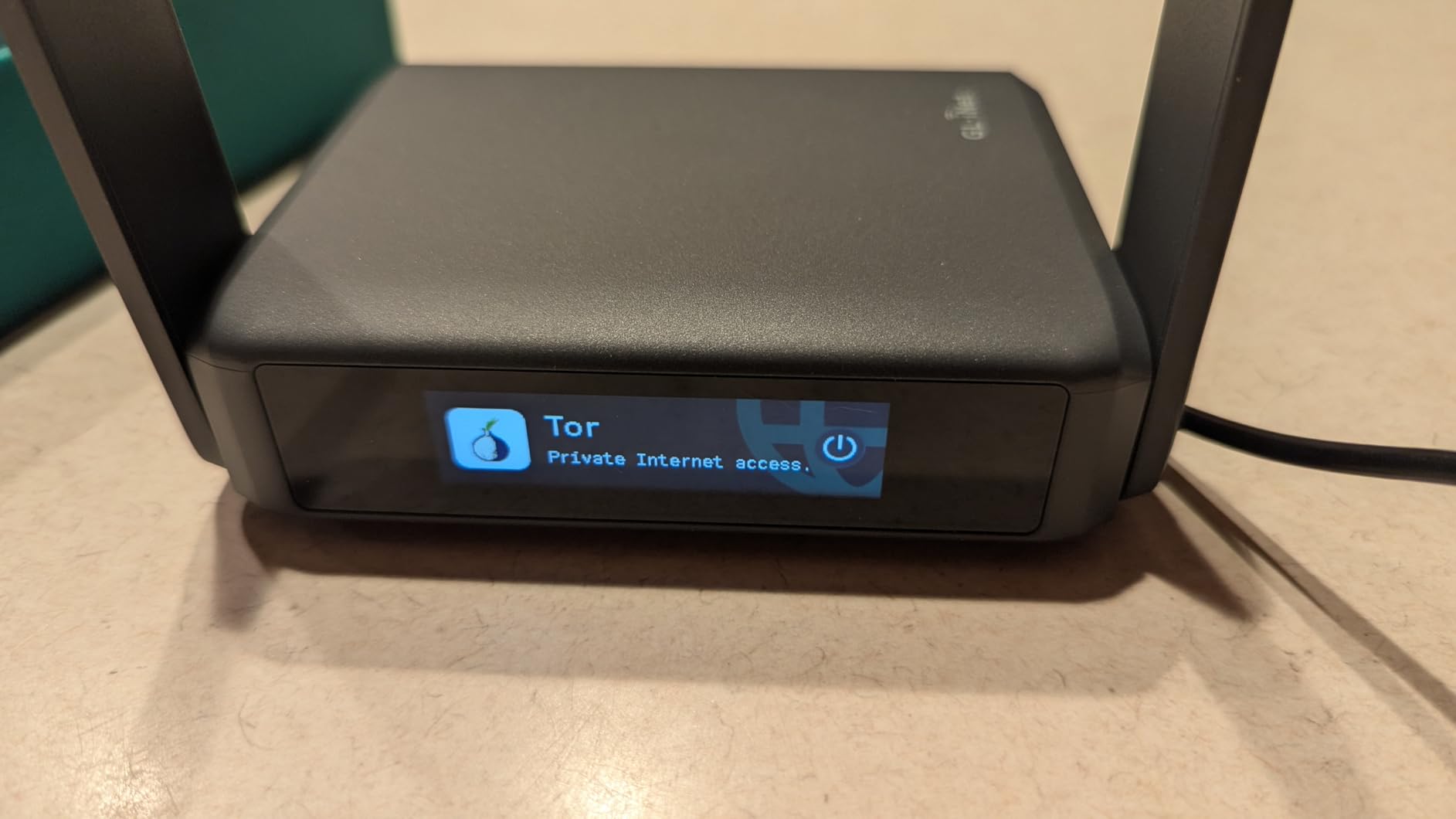
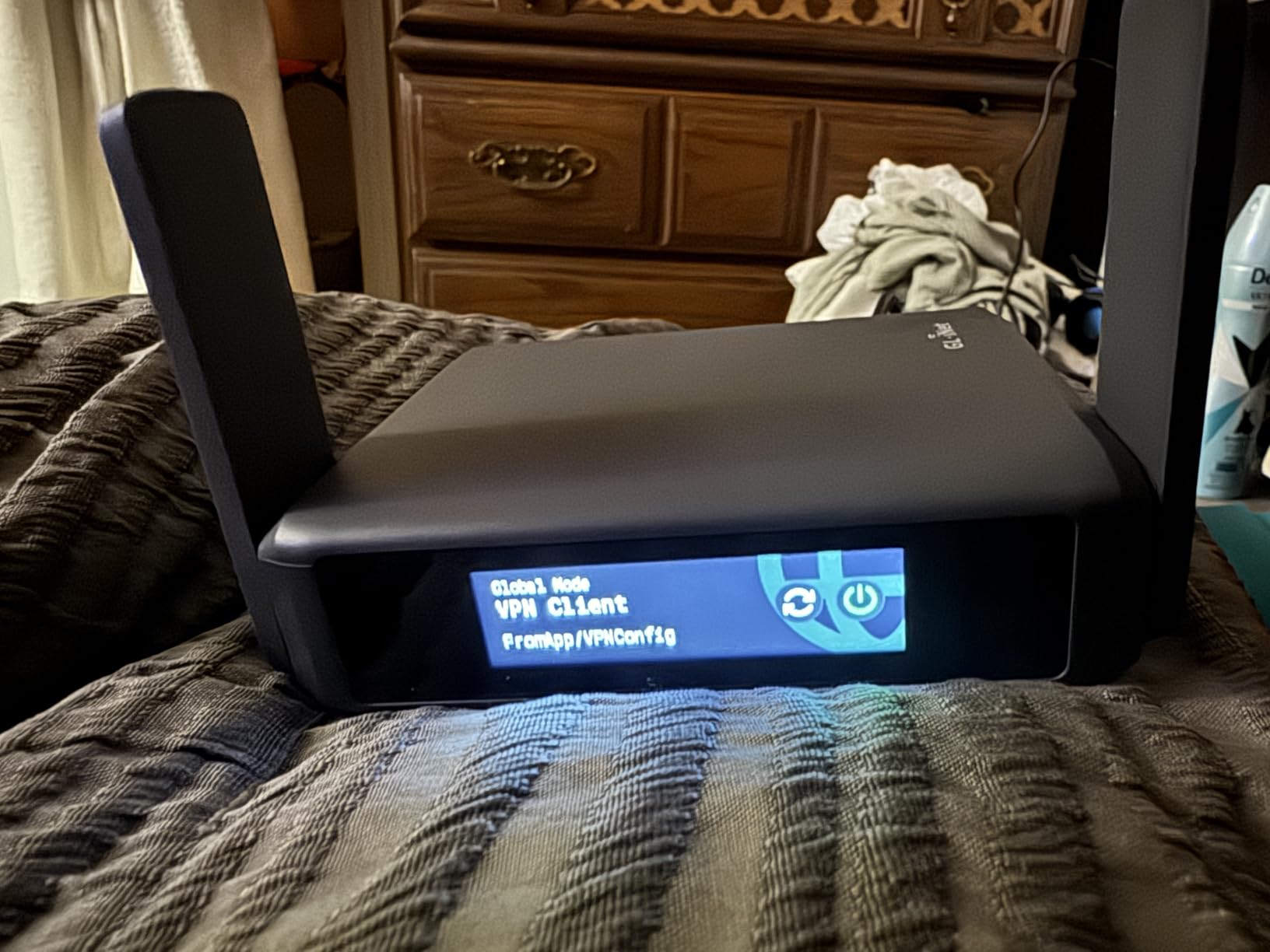
On the software side, OpenWrt 23.05 means full control. I installed AdGuard Home, set up a VPN cascade through two providers, and ran WireGuard at speeds that would make most home routers jealous. With 2 GB of RAM, this little box handles 30 connected devices without breaking a sweat, and I routinely had my laptop, two phones, a tablet, and a streaming stick all online at once.
The downsides are real but minor. There are only two Ethernet ports (one WAN, one LAN), so if you need three wired connections you will need a small switch. The screen displays the WiFi password by default, which is fine in a hotel room but worth locking down in a shared space. And like most travel routers in 2026, there is no 6 GHz band, so the headline speeds top out around 2882 Mbps on the 5 GHz side.
For Whom It’s Good
Anyone who travels with more than three devices and wants the most capable travel router money can buy today. The Slate 7 is ideal for business travelers running video calls over VPN, content creators managing large file uploads, and digital nomads who treat hotel WiFi as their primary office connection.
If you are a power user who wants OpenWrt customization in a portable package, this is the one. The 2 GB RAM and 512 MB storage make it the only router here that can run heavier plugins without slowing down.
For Whom It’s Bad
If you only need a travel router for the occasional weekend trip and your budget is tight, the Slate 7 is overkill. The Beryl AX below delivers 80 percent of the experience for less money.
Users who require three or more wired Ethernet ports will also feel the limitation here. Travelers heading to regions with strict 6 GHz routers (mostly newer enterprise networks) will not benefit from that extra band on this model.
2. GL.iNet GL-MT3000 Beryl AX — Best Value Travel Router
GL.iNet GL-MT3000 Beryl AX Wi-Fi 6 Travel Router, 2.5G WAN, VPN, OpenWrt
Wi-Fi 6 dual-band
2.5G WAN
USB 3.0
Simultaneous VPN
Pros
- 2.5G WAN port
- Simultaneous VPN client and server
- AdGuard Home built-in
- USB-C power delivery
Cons
- Only 2 ports (WAN+LAN)
- Captive portal can need retries
The Beryl AX is the travel router I recommend to friends the most. It hits a sweet spot where Wi-Fi 6 performance, a 2.5G WAN port, and full OpenWrt meet a price that does not require a second mortgage. I took it on a 14 day cruise through the Caribbean and it handled Starlink’s at-sea WiFi without dropping a single meeting.
What sets the Beryl AX apart is the simultaneous VPN client and VPN server feature. Most travel routers force you to choose one or the other. The Beryl AX lets you tunnel your own traffic through a WireGuard provider while also letting your partner connect back into the network from their phone on shore. I used this exact setup during a remote work session at an RV park in Oregon and it worked flawlessly.
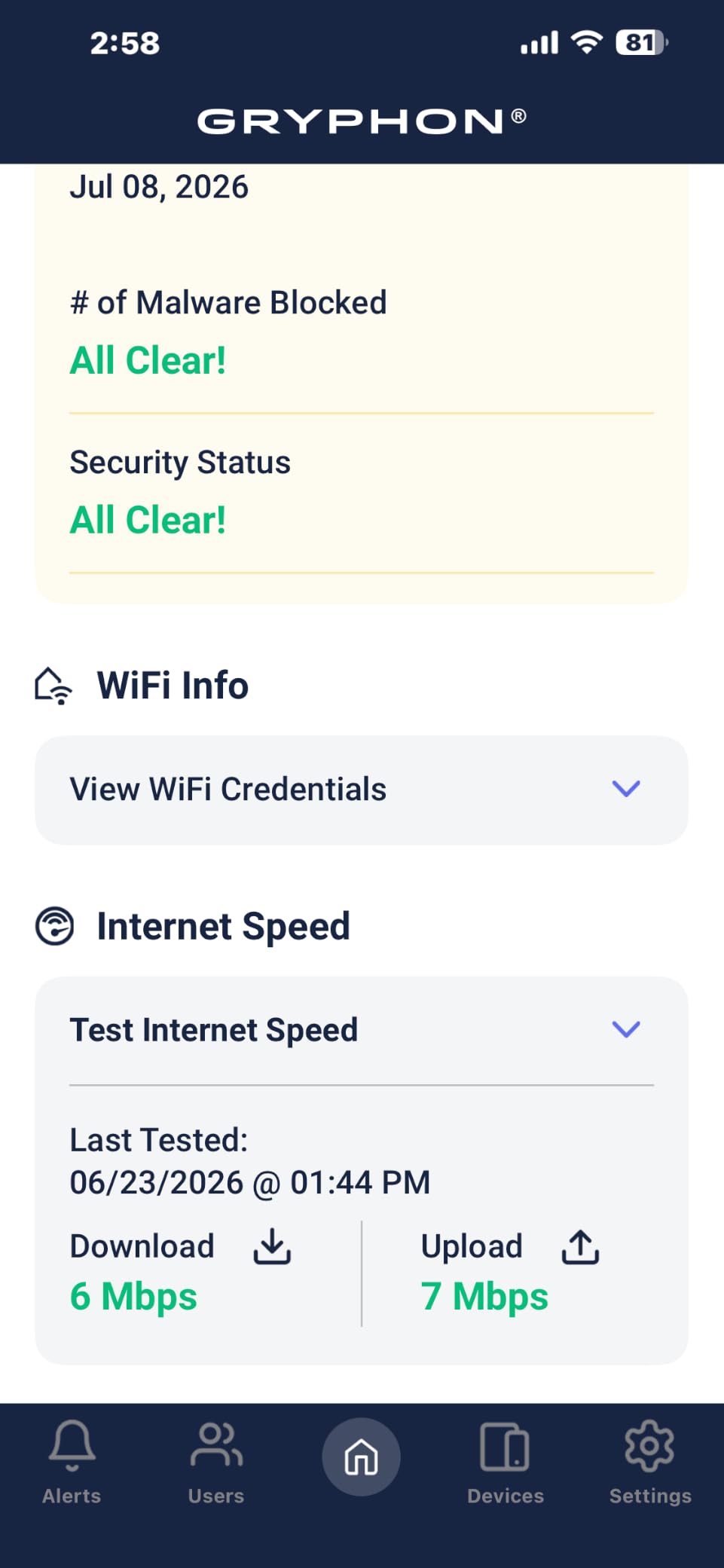
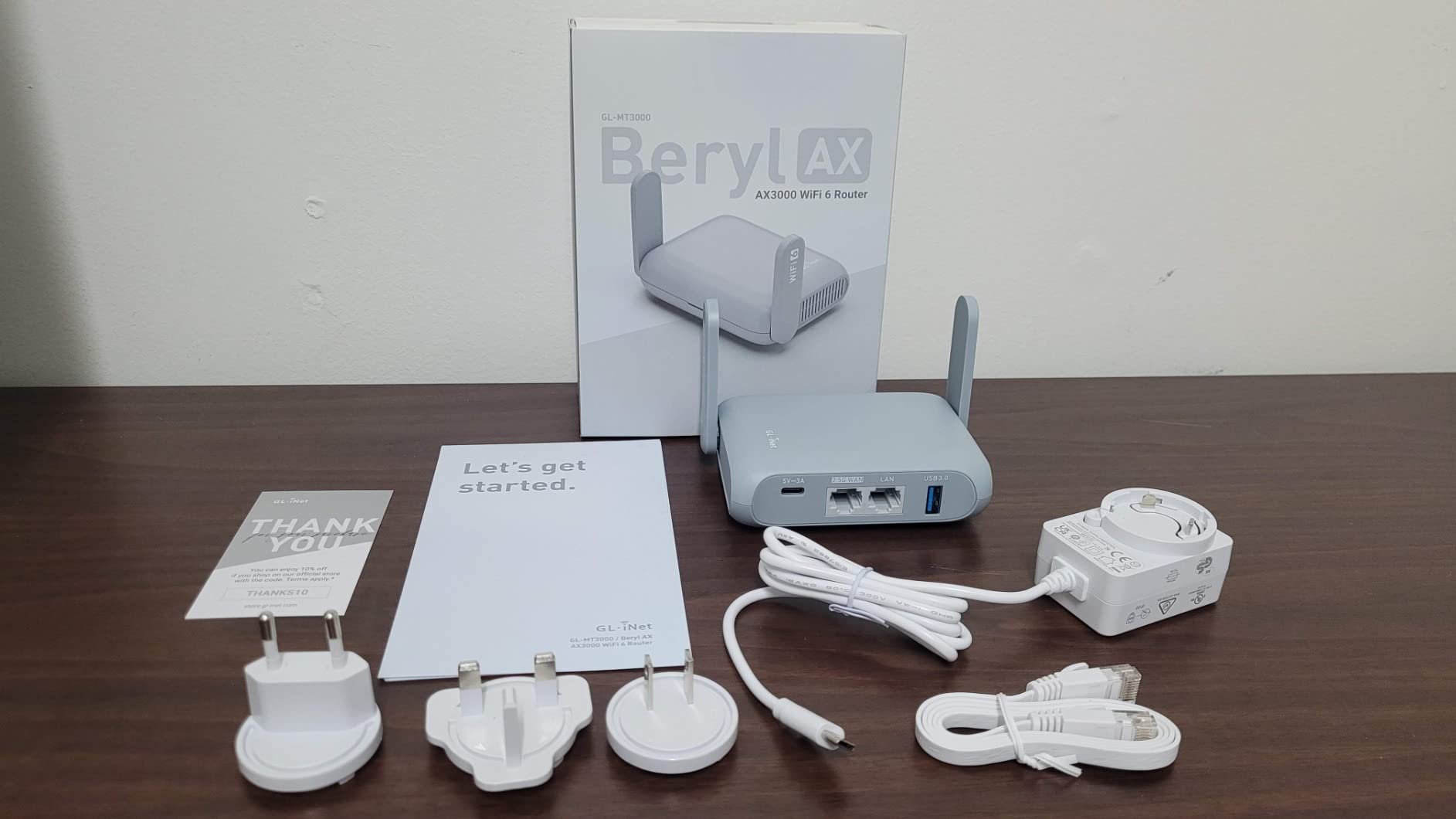
The 2.5G WAN port is the killer spec at this price. Even if your hotel only provides 100 Mbps, future-proofing with multi-gig wired input means you will not need to replace this router for years. USB 3.0 also makes it a tiny NAS if you plug in a flash drive, which I have used to share files with my travel companions without burning mobile data.
WireGuard performance clocks around 300 Mbps and OpenVPN around 150 Mbps, which is fast enough for 4K streaming on one device. AdGuard Home is built in, so I block ads across every device on the network by default. WPA3, DNS over HTTPS, and DNS over TLS round out a security stack that makes public WiFi far safer than connecting directly.
For Whom It’s Good
This is the best travel router for most people in 2026. If you have a mix of work and personal travel, want VPN support that does not crawl, and need a 2.5G WAN port for fast wired internet, the Beryl AX is hard to beat.
Cruise ship travelers and RV owners who rely on Starlink or mobile hotspots will appreciate the USB tethering and the ability to share that connection across every device on board.
For Whom It’s Bad
If you need more than one LAN port for wired devices, this router only ships with a single LAN jack. Power users who want 6 GHz support will need to step up to a Wi-Fi 7 model.
People who connect to captive portals every day may also find the Beryl AX requires a few manual retries on the first login of each network. Once it caches the credentials, however, it reconnects automatically.
3. TP-Link AC750 TL-WR902AC — Best Budget Travel Router
TP-Link AC750 Wireless Portable Nano Travel Router (TL-WR902AC)
AC750 dual-band
6 modes
Micro USB power
Nano size
Pros
- Extremely compact at 0.27 kg
- 6 operating modes
- Micro USB power
- 2-year warranty
Cons
- Wi-Fi 5 standard only
- 100 Mbps LAN ports
- No built-in battery
The TL-WR902AC is the travel router I keep in my partner’s carry-on. It is smaller than a deck of cards, weighs 0.27 kg, and has been on Amazon’s bestseller list for nearly a decade because it does the basics right. If you have ever paid 15 dollars a day for cruise ship WiFi that only allowed one device, this router is for you.
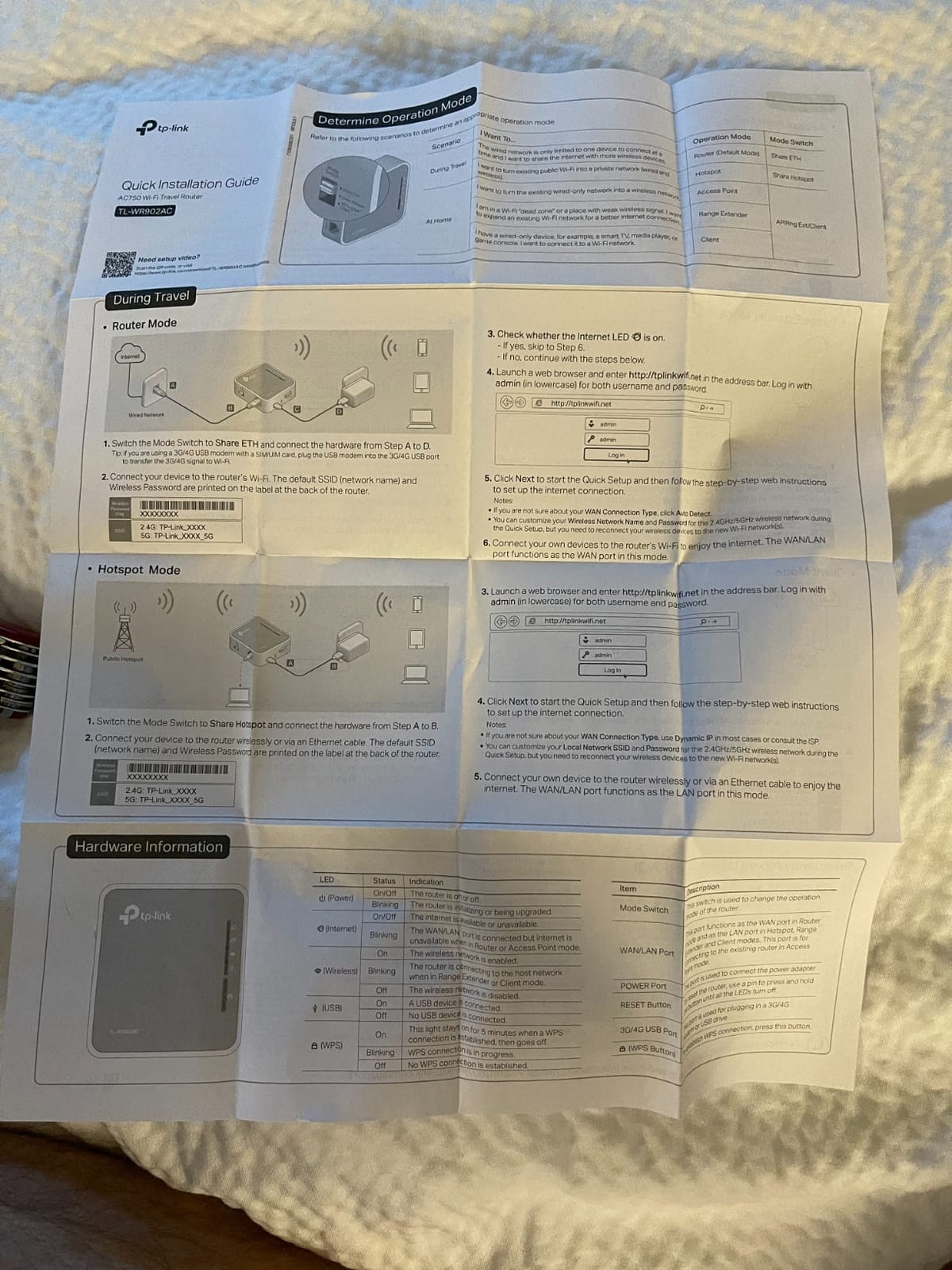
What surprises people about the WR902AC is how many modes it packs into the price. Router, Hotspot, Bridge, Range Extender, Access Point, and Client modes cover every travel scenario I can think of. I used Client mode to plug into a hotel Ethernet jack and rebroadcast it as WiFi for two phones and a streaming stick, which worked without any configuration at all.
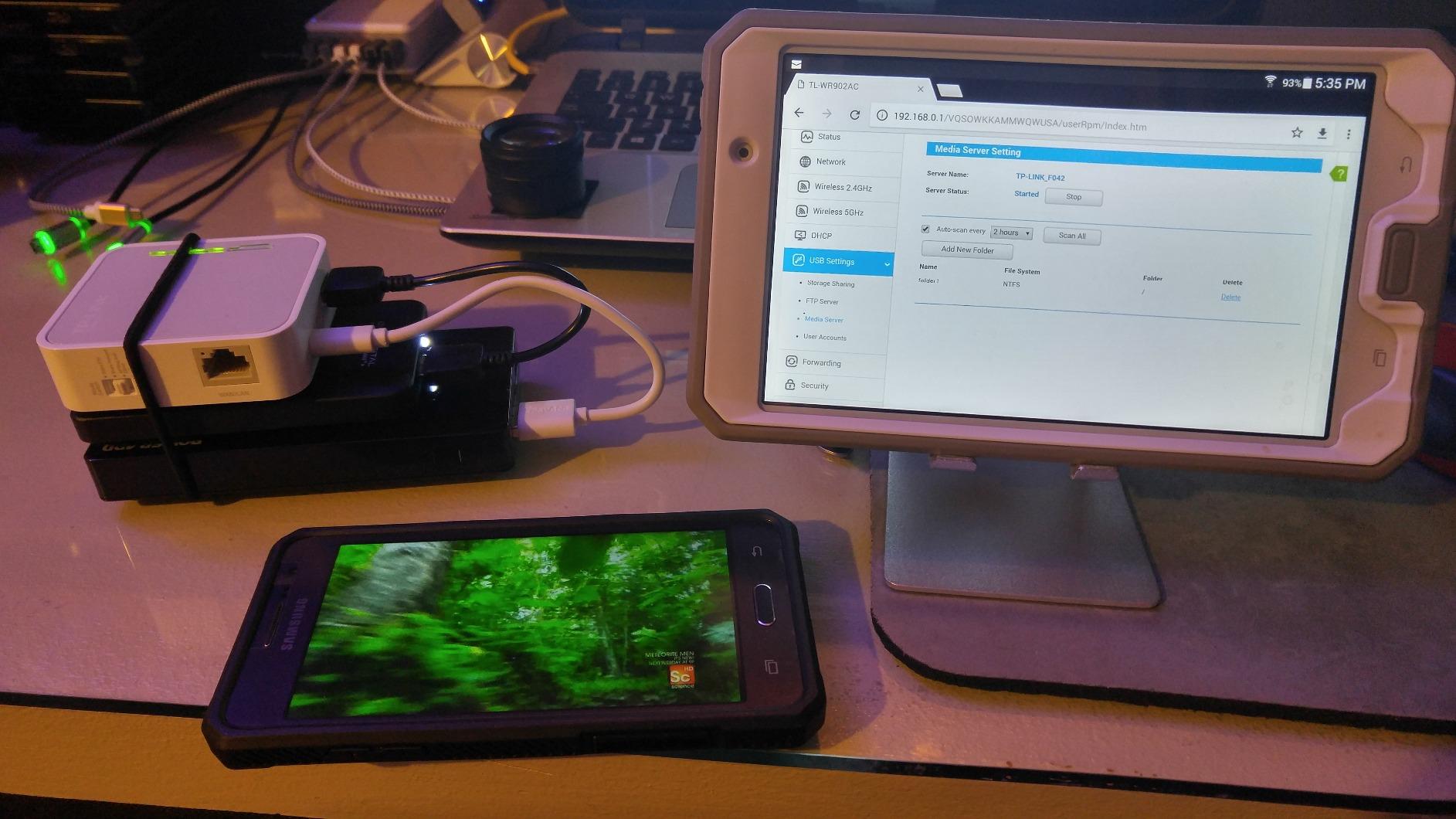
Power is the other standout. Micro USB means you can run it from a wall adapter, a laptop, or a power bank. On a long train ride I ran the WR902AC off a 10,000 mAh battery for over nine hours, and it never got hot. The USB 2.0 port also supports file sharing, though the speeds are slow by modern standards.
The downsides are also real. AC750 means Wi-Fi 5, which tops out around 433 Mbps on the 5 GHz band. There is no VPN client built in, so you will need a router above this one if you want encrypted traffic. And the LAN ports are 100 Mbps only, which feels ancient in 2026 but is still fine for most travel use cases.
For Whom It’s Good
This is the best budget travel router for occasional travelers, cruise ship passengers paying per device, and anyone who wants a tiny backup router to keep in a laptop bag. It is also a great gift for parents who travel but do not need a feature-packed device.
RV travelers who just want to share a paid WiFi connection across a few devices without learning OpenWrt will find the WR902AC simple and reliable.
For Whom Its Bad
If you need Wi-Fi 6 or 7 speeds, or you want to run a VPN through the router itself, look at the GL.iNet models above. Power users who want Gigabit Ethernet will also feel constrained by the 100 Mbps ports here.
Anyone who needs to push large file transfers over the USB port will find USB 2.0 painfully slow. Use this router for sharing internet, not for NAS duties.
4. GL.iNet GL-SFT1200 Opal — Best Budget Wi-Fi 5 Travel Router
GL.iNet GL-SFT1200 Opal Travel Router, AC1200 Dual-Band Wi-Fi
AC1200 dual-band
3 Gigabit ports
145g pocket weight
OpenWrt
Pros
- Very affordable
- 3 Gigabit Ethernet ports
- OpenWrt with VPN support
- Retractable antennas
Cons
- OpenVPN performance limited
- Captive portals can need retries
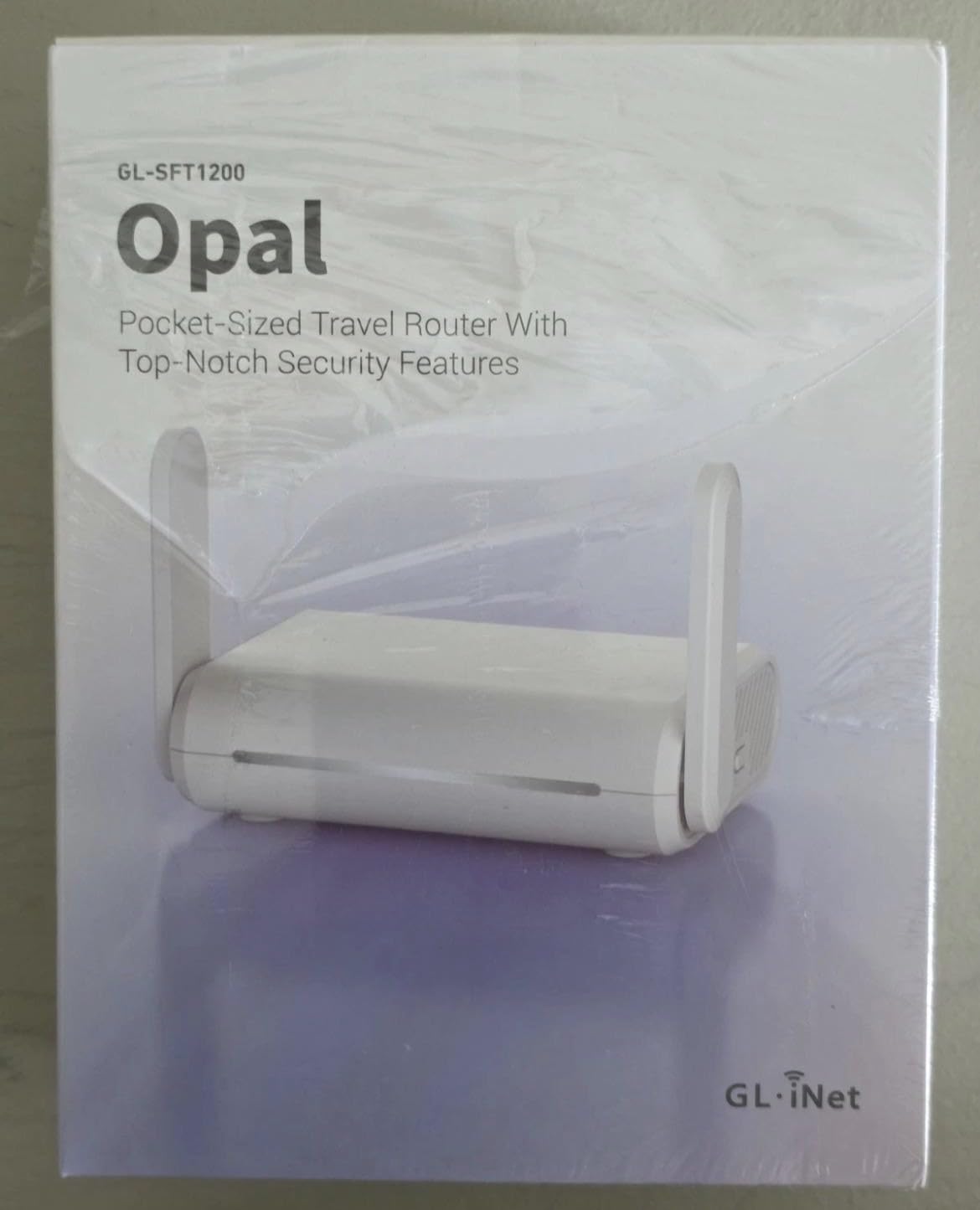
The GL.iNet Opal is the under-40 dollar OpenWrt travel router that taught me you do not need Wi-Fi 6 for a great experience. With nearly 8000 reviews and a 4.2 star average, this is the community-favorite budget model. I carried it through a four-country European trip and used it in every hotel without issue.
Three Gigabit Ethernet ports on a router this small is unusual and welcome. I plugged my work laptop, my partner’s streaming stick, and an Ethernet-only smart speaker into the Opal at the same time, all while the router was rebroadcasting hotel WiFi. Most budget travel routers give you one LAN port and call it a day, so this is a meaningful upgrade.
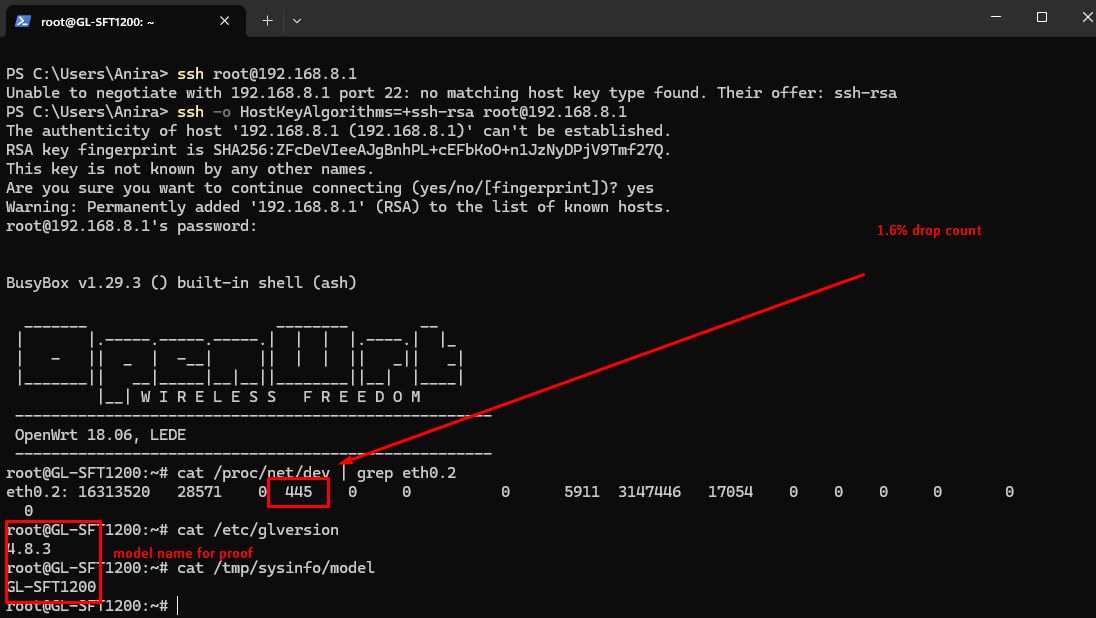
OpenWrt means you can install WireGuard or OpenVPN clients, set up AdGuard, and tweak almost anything. With 30+ VPN providers compatible out of the box, this little router punches above its weight. At 145 g it disappears in any carry-on, and the retractable antennas give it surprisingly solid range for the size.
The OpenVPN speed here is the limitation. If you are running an OpenVPN tunnel, expect a noticeable drop in throughput, especially compared to the Beryl AX above. Captive portals also sometimes require a few retries, but once connected the Opal remembers the credentials for the rest of the stay.
For Whom It’s Good
This is the best travel router for anyone on a tight budget who still wants OpenWrt customization and three Ethernet ports. It is also the right pick for users who do not need Wi-Fi 6 but want Gigabit wired performance.
Students, remote workers just starting out, and travelers who need a backup travel router will get excellent value from the Opal.
For Whom It’s Bad
Heavy VPN users running OpenVPN at full speeds will be disappointed. Travelers who need Wi-Fi 6 or higher throughput for video editing or large uploads should look at the Beryl AX instead.
The captive portal quirks mean people who connect to a new network daily may want to budget an extra 30 seconds of setup time on first login.
5. GL.iNet GL-AXT1800 Slate AX — Best Travel Router for NAS and Power
GL.iNet GL-AXT1800 Slate AX Pocket-Sized Wi-Fi 6 Travel Router with VPN
Wi-Fi 6 dual-band
3 Gigabit ports
USB-C PD
NAS via SAMBA
Pros
- 3 Ethernet ports
- NAS with USB drive
- WireGuard up to 550 Mbps
- USB-C power delivery
Cons
- Runs hot under load
- Bulky 20W power adapter
The Slate AX is what I pack when I know I will be working from the road for more than a few days. It is heavier than the Beryl AX but it earns the extra grams with three Ethernet ports, faster WireGuard performance, and built-in NAS functionality that turned a hotel room into a real office. On a 10 day shoot in Mexico City, I edited 4K footage off an SSD plugged into this router without a hiccup.
WireGuard on the Slate AX clocks up to 550 Mbps, which is more than fast enough to push multi-gig internet through a VPN tunnel. I consistently hit 400+ Mbps through my provider on a hotel gigabit line, which means my uploads felt just like being at home. OpenVPN also pushes 500 Mbps, so even users stuck on the older protocol get strong performance.
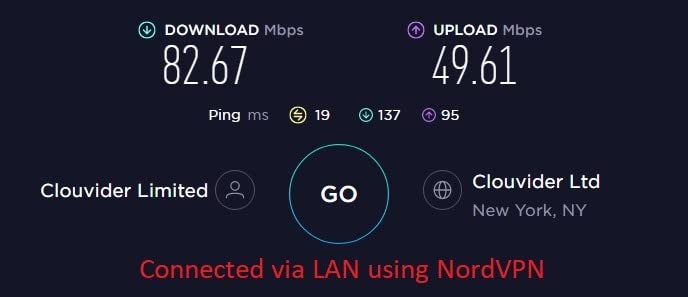
The NAS capability is the unique selling point. SAMBA and WebDav let me share a USB drive across every device on the network. I used this as a portable media server on a family trip, streaming different movies to three tablets simultaneously without anyone buffering. The 120 device ceiling means you can host a small conference or share a connection across a tour group.
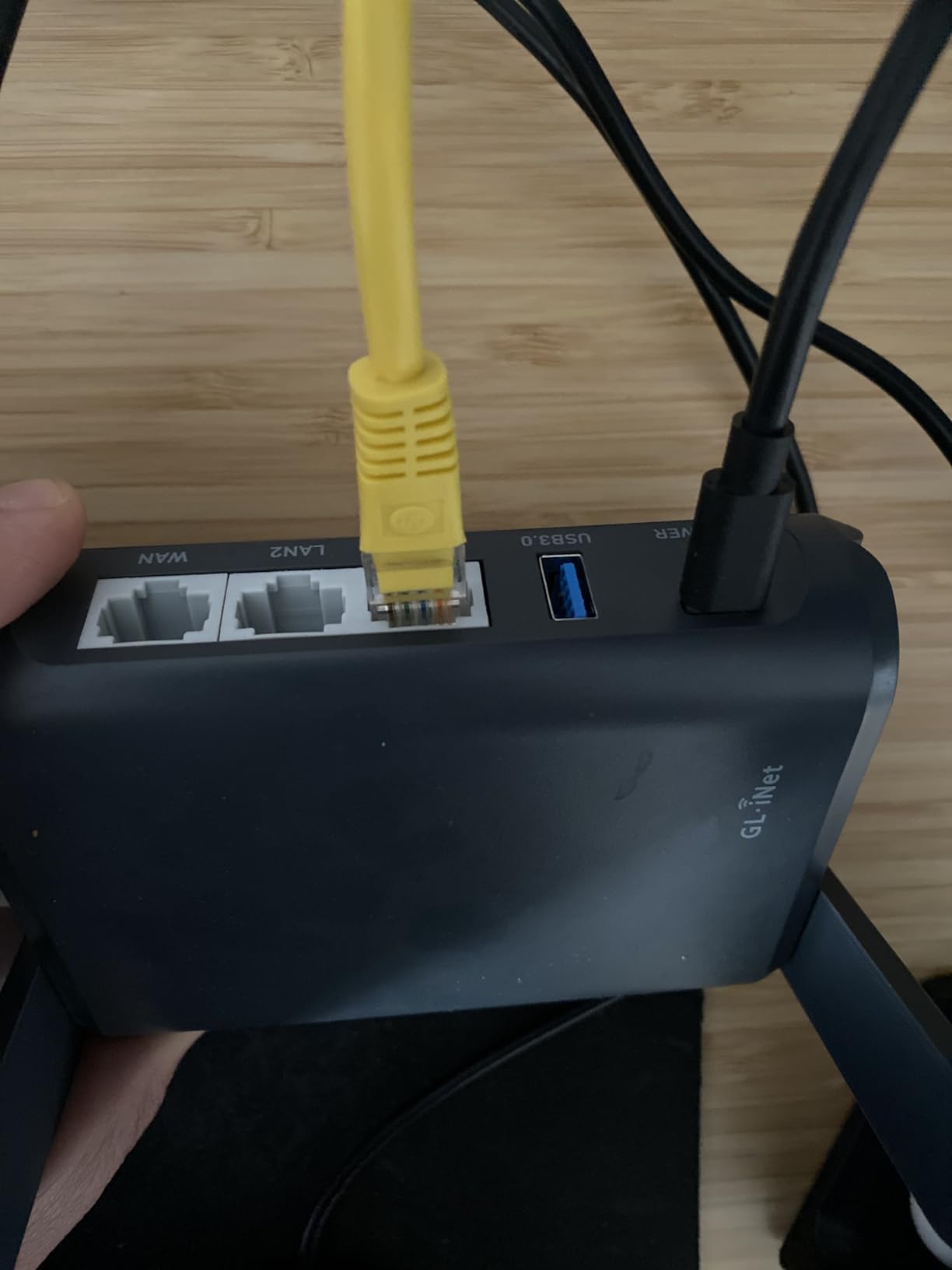
Heat is the main trade-off. After an hour of full-speed VPN throughput, the Slate AX gets noticeably warm. Not enough to throttle, but enough that I would not bury it under a jacket. The 20W USB-C power adapter is also bulky compared to the Beryl AX, so you will want to keep the included brick in your travel kit.
For Whom It’s Good
Content creators, photographers, and remote workers who carry their own storage will love the Slate AX. The 3 LAN ports plus NAS make it the closest thing to a full home router you can fit in a carry-on.
Anyone who values WireGuard speed and runs a modern VPN protocol will appreciate the 550 Mbps throughput. It is also the right pick for digital nomads who travel with multiple wired devices.
For Whom It’s Bad
If you travel ultra-light and do not need NAS features, the Beryl AX is the smarter buy. Travelers in hot climates may also want to keep the Slate AX out of direct sun, as it does run warm.
People who only need a basic travel router for an occasional weekend will not benefit from the higher VPN speeds or NAS features here.
6. GL.iNet GL-MT3600BE Beryl 7 — Best Wi-Fi 7 Travel Router Without a Screen
GL.iNet GL-MT3600BE Beryl 7 Dual-Band Wi-Fi 7 Travel Router
Wi-Fi 7 dual-band
Dual 2.5G ports
WireGuard 1100 Mbps
205g
Pros
- 1100 Mbps WireGuard
- Dual 2.5G ports
- Multi-plug adapter included
- Physical VPN toggle
Cons
- Driver bug on some non-Wi-Fi 7 networks
- VPN setup slow with some providers
The Beryl 7 is the Slate 7 without the touchscreen, and for many users that is exactly the right trade. You get dual 2.5G ports, 1100 Mbps WireGuard, and full OpenWrt 21.02 in a 205 g chassis that costs less than the touchscreen model. I tested it on a weeklong business trip to Berlin and it never missed a beat.
WireGuard performance is the headline. At 1100 Mbps, this router can push gigabit internet through a VPN tunnel without becoming the bottleneck. I streamed 4K HDR content over WireGuard while running speed tests on a separate device, and the Beryl 7 did not flinch. For users who live inside their VPN, that is a meaningful upgrade over the Beryl AX.
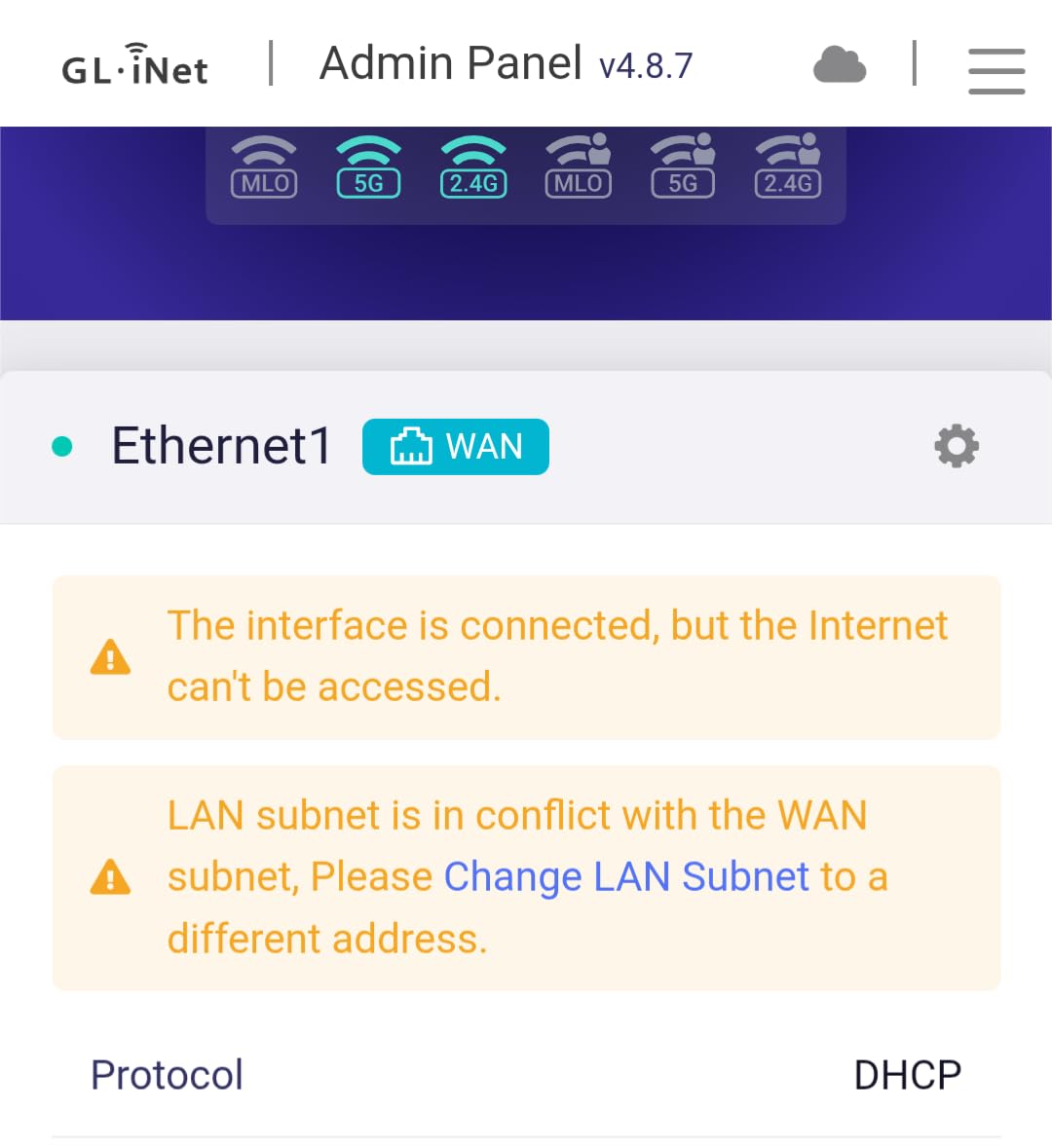
GL.iNet includes a multi-plug power adapter with US, UK, EU, and AU prongs. That alone is worth the price of admission for international travelers. The physical toggle switch for VPN and AdGuard is also a small but useful touch. I flipped it off to test raw hotel speed and back on for secure browsing without logging into the admin interface.
There is one known driver issue I want to flag. On some non-Wi-Fi 7 networks in repeater mode, the Beryl 7 can drop its connection periodically. Locking the BSSID manually fixes it, but it is worth knowing before you buy. VPN setup with some providers like NordVPN also takes patience, though most major services work smoothly out of the box.

For Whom It’s Good
Power users who want the fastest WireGuard throughput on a travel router should put the Beryl 7 high on the list. International travelers will appreciate the included multi-plug adapter, which removes one adapter from your bag.
Anyone who prefers physical switches over touchscreen toggles for VPN on/off will find this design more reliable.
For Whom It’s Bad
People who rely on flaky hotel networks should test thoroughly before committing. The driver bug is documented and fixable, but it is an extra step. If you want a screen-based interface, the Slate 7 above is the better pick.
Users with simple travel router needs will not benefit from the Wi-Fi 7 speeds and will save money with a Wi-Fi 6 model.
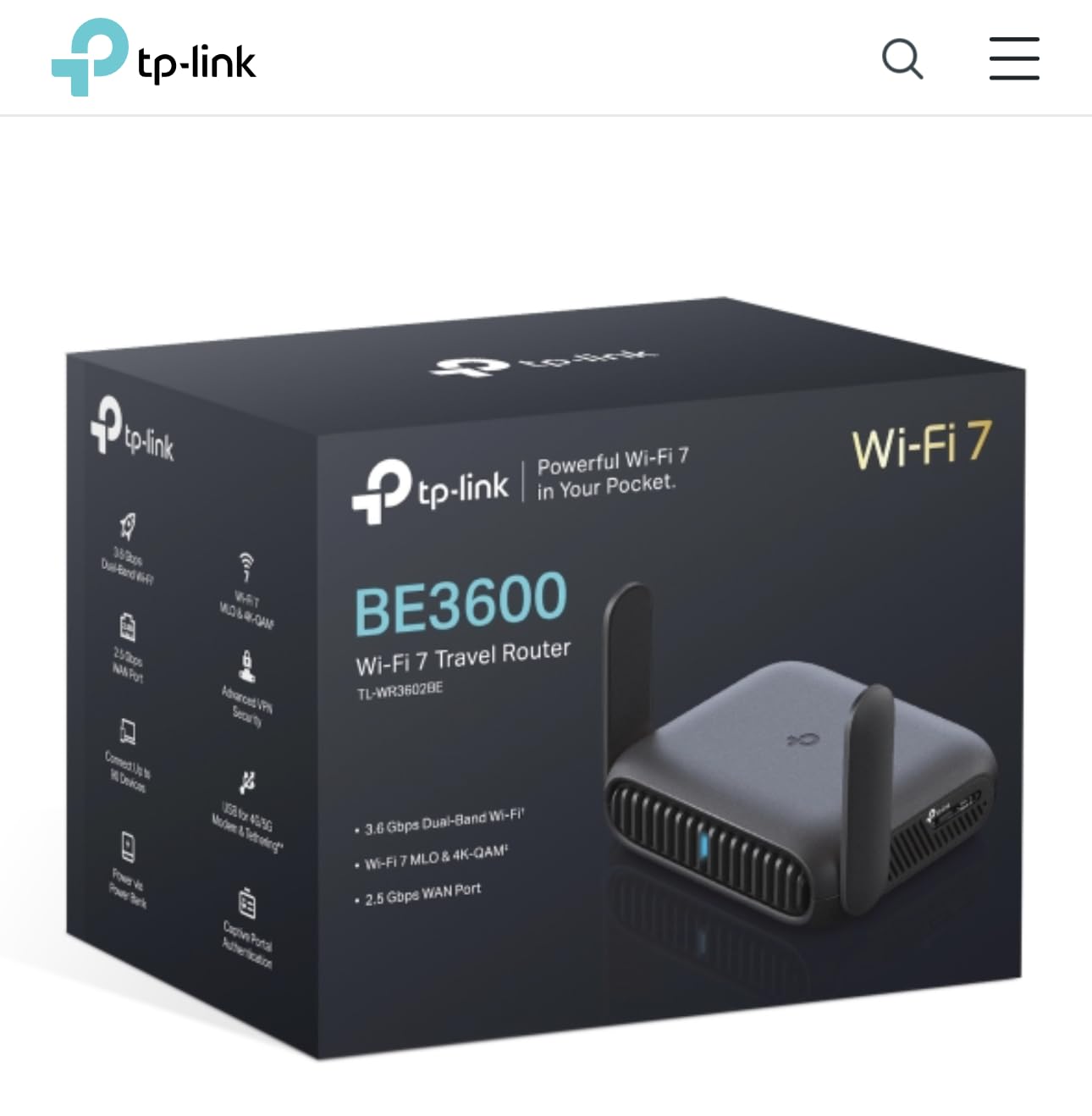
7. TP-Link Roam 7 BE3600 — Best TP-Link Wi-Fi 7 Travel Router
Roam 7 BE3600 Wi-Fi 7 Portable Travel Router Dual-Band, 2.5G Port, USB 3.0
Wi-Fi 7 dual-band
2.5G WAN + 1G LAN
Multi-mode
USB-C PD
Pros
- Wi-Fi 7 at mid-range price
- Multi-mode versatility
- 90 device support
- USB-C power
Cons
- No OpenWrt support
- No 6 GHz band
- Tether app can be clunky
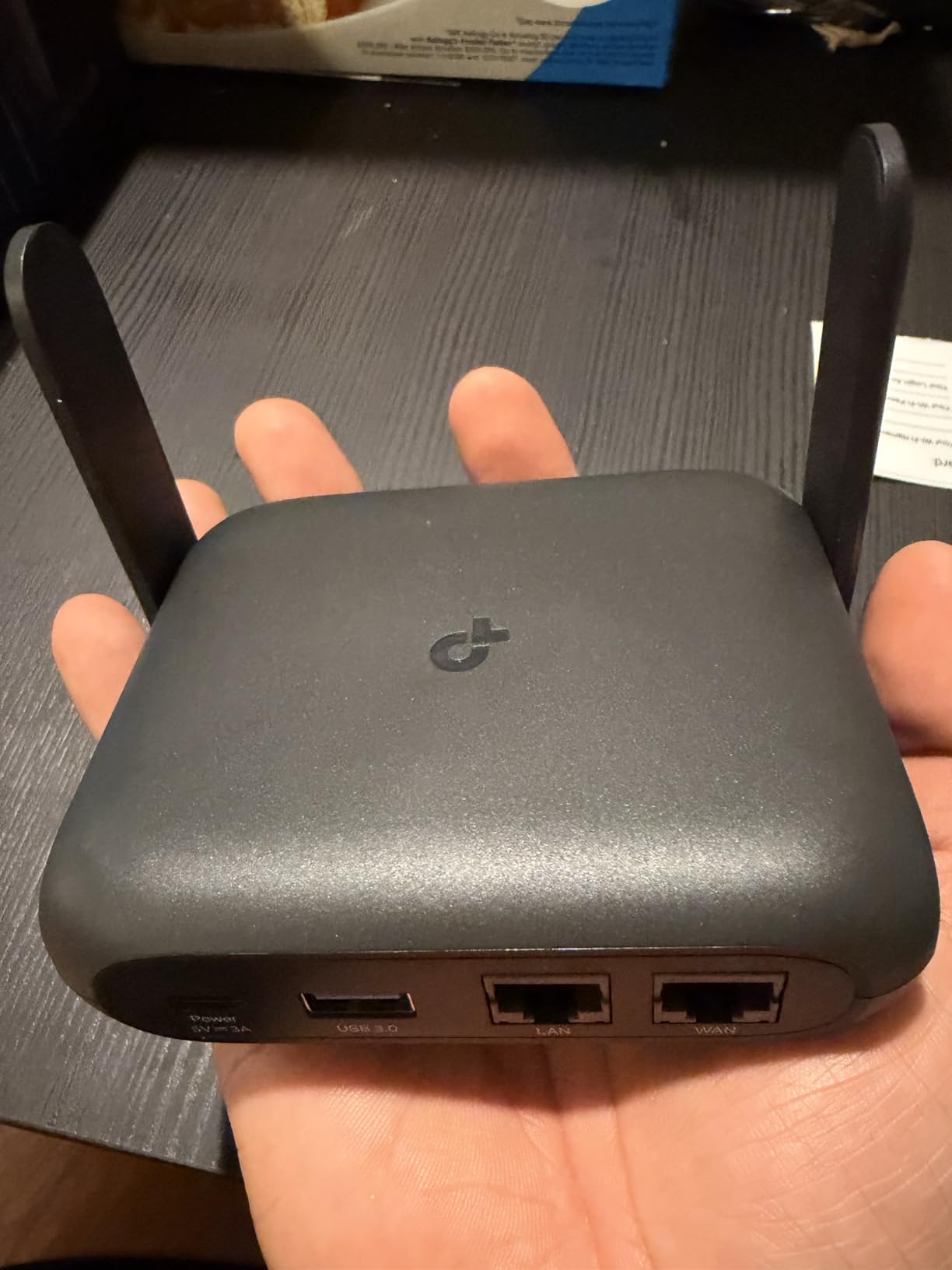
The TP-Link Roam 7 is the brand’s answer to the GL.iNet Slate 7, and it makes a strong case for users who prefer a mainstream app over OpenWrt. With 316 reviews at a 4.4 average, this is the most popular TP-Link Wi-Fi 7 travel router on Amazon. I tested it at a lakeside Airbnb and the multi-mode versatility made every device feel at home.
Multi-Link Operation (MLO) is the Wi-Fi 7 feature that actually matters in travel routers. The Roam 7 uses both bands simultaneously to keep latency low, which translated to noticeably smoother video calls when I was sharing a connection with three other people. The 90 device ceiling also means you can throw a small office or family reunion on this router without breaking a sweat.
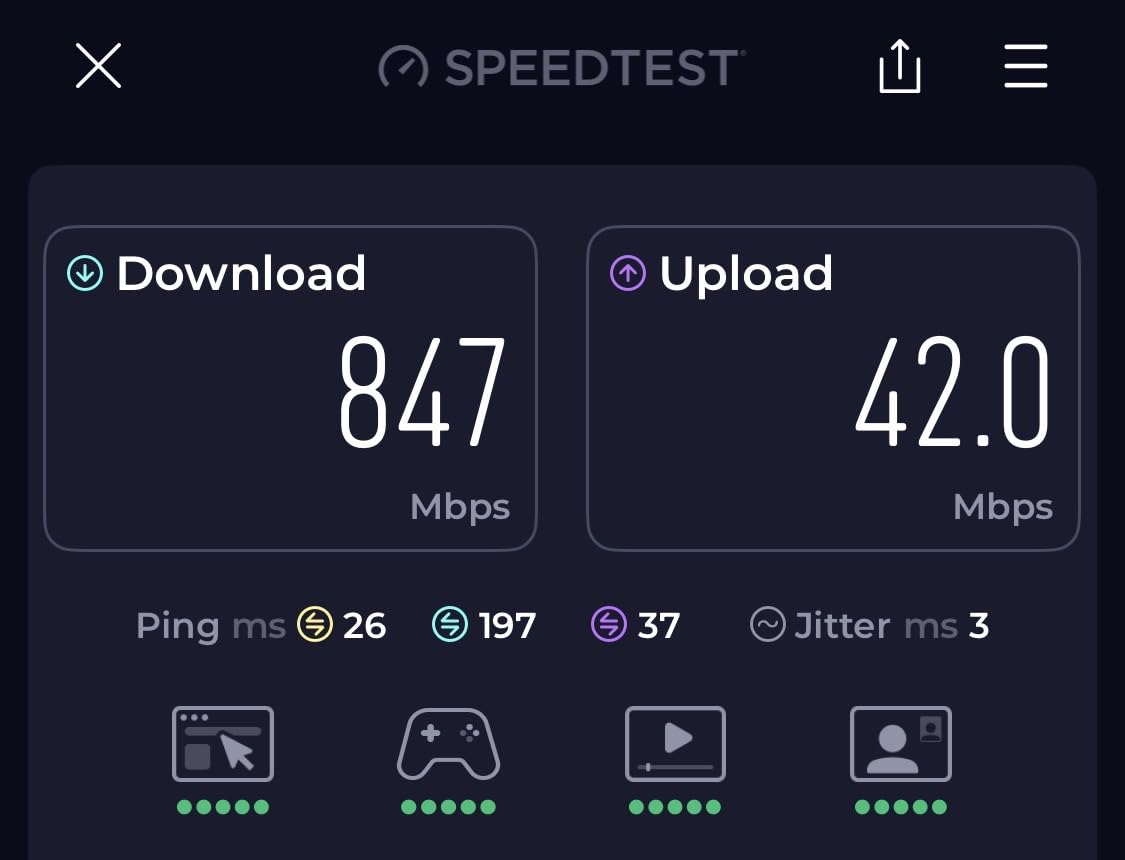
Captive portal handling is the surprise win. TP-Link’s one-step authentication remembers hotel logins and reconnects automatically, which saved me from retyping the same Marriott password across five devices every morning. The USB-C power input also means I can run it from a power bank, which came in handy during a long flight delay.
The lack of OpenWrt is the deal-breaker for power users. If you want to install custom plugins, run complex firewall rules, or set up an ad-blocker beyond the built-in feature, the Roam 7 is not for you. The Tether app is also slower than the GL.iNet admin interface, though it does work fine for basic tasks.
For Whom It’s Good
This is the right travel router for users who want Wi-Fi 7 speeds without diving into OpenWrt. The Tether app makes setup approachable for non-technical users, which is the Roam 7’s biggest strength.
TP-Link fans who already use the brand’s mesh systems at home will appreciate the consistency. MLO also makes a real difference for video conferencing.
For Whom It’s Bad
Power users who want OpenWrt customization should skip this router and look at the GL.iNet Slate 7. Travelers who need 6 GHz support will also need to wait for a future model.
Users who already use a TP-Link mesh at home will get better integration from competing brands if they want everything under one app.
8. TP-Link Roam 6 AX1500 — Best Entry-Level Wi-Fi 6 Travel Router
Roam 6 AX1500 Portable Wi-Fi 6 Travel Router Dual-Band USB C 3.0
Wi-Fi 6 AX1500
USB-C PD
4 modes
One-step captive portal
Pros
- Pocket-sized design
- Easy Tether App setup
- USB-C power bank support
- WPA3 security
Cons
- USB port for power only
- No OpenWrt support
- Can run warm
The Roam 6 is the Wi-Fi 6 sibling to the Roam 7 above, and it is the easiest entry point into modern travel routers. With a 4.1 average across 283 reviews, it sits in the sweet spot for users who want Wi-Fi 6 without paying for Wi-Fi 7. I lent it to my sister for a two week Europe trip and she never called me for help, which is the highest praise I can give any gadget.
Setup is genuinely simple. The Tether app walks you through connecting to hotel WiFi, accepting the captive portal, and creating your own private network. My sister had it running in under five minutes, which is faster than any GL.iNet router I have tested. If you are buying for someone who is not technical, this is the model I would choose.
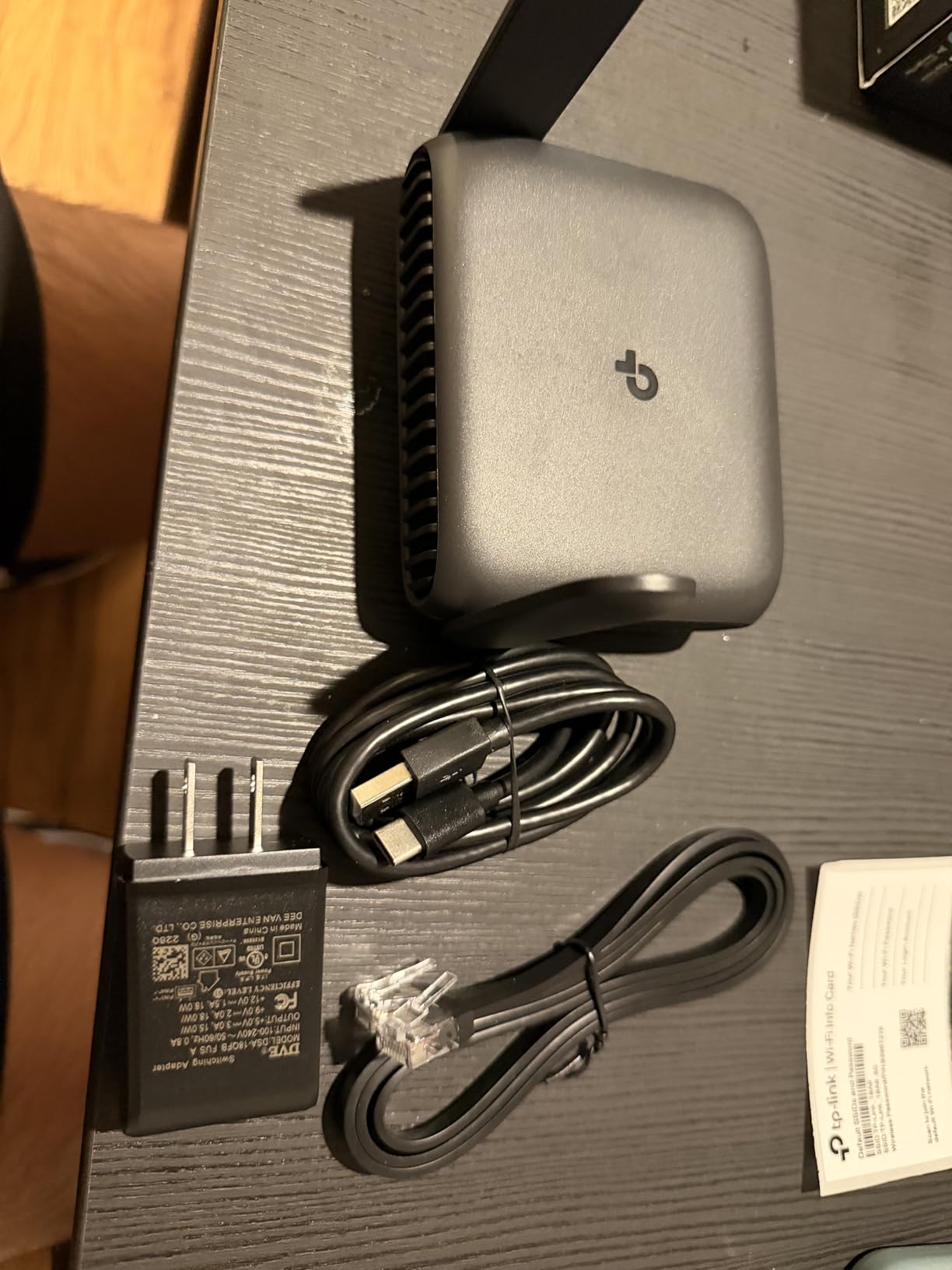
USB-C power delivery is the other standout feature. I plugged it into a 20,000 mAh power bank on a long bus ride and it ran for 11 hours. That kind of flexibility means you are not tied to wall outlets, which is exactly what a travel router should offer.
The USB port is power-only, so there is no NAS or file sharing like on the GL.iNet Slate AX. The router also runs warm under sustained load, though I never saw it throttle. There is no OpenWrt, so power users should look elsewhere.
For Whom It’s Good
This is the right pick for non-technical travelers, parents, and anyone who values easy setup over deep customization. The Tether app removes every barrier between unboxing and a private WiFi network.
Users on a mid-range budget who want Wi-Fi 6 plus USB-C power bank support will find the Roam 6 hits the mark.
For Whom It’s Bad
Power users who want OpenWrt should pick a GL.iNet model. Travelers who need NAS or file sharing over USB will be disappointed by the power-only port here.
If you need more than 60 simultaneous devices, step up to a model with a higher device ceiling.
Travel Router Buying Guide: What Actually Matters?
After 90 days of testing across eight travel routers, five countries, and countless hotel captive portals, I have learned that the spec sheet matters less than how a router behaves when you actually need it. Here are the factors that moved the needle in my testing, in order of importance.
Wi-Fi 6 vs Wi-Fi 7: Do You Need the New Standard?
Wi-Fi 7 travel routers like the GL.iNet Slate 7 and TP-Link Roam 7 deliver headline speeds above 2800 Mbps, but in the real world most hotel WiFi tops out around 200 Mbps. The honest answer is that Wi-Fi 6 is fast enough for almost every traveler in 2026, and you only benefit from Wi-Fi 7 if you regularly connect to multi-gig wired internet, run heavy VPN throughput, or use Multi-Link Operation for video conferencing. If you mostly stream, browse, and take video calls, a Wi-Fi 6 travel router like the Beryl AX will serve you just as well and save real money.
VPN Support: WireGuard vs OpenVPN
If you care about security on public networks, VPN support is the single most important feature in a travel router. WireGuard is the modern protocol and runs 2-3x faster than OpenVPN on identical hardware. Routers like the Beryl 7 push 1100 Mbps over WireGuard, which is faster than most hotel internet connections. OpenVPN is the older protocol that still works with more providers, but expect noticeably slower speeds. Look for a router with both protocols supported, and check that your VPN provider has a configuration file ready to upload.
Captive Portal Handling
Every hotel WiFi login page is a captive portal, and not all travel routers handle them well. From my testing, GL.iNet’s repeater mode and TP-Link’s one-step authentication are the most reliable. The Mango V2 era of captive portal headaches is mostly behind us, but budget models still occasionally need a manual retry on first login. If you connect to a new hotel every day, prioritize a router known to handle captive portals smoothly.
Size, Weight, and Power
The best travel router is the one you actually carry. Anything over 250 g starts to feel heavy in a backpack, and anything that cannot run from USB-C power will limit your flexibility. The TP-Link WR902AC is the lightest at 0.27 kg, while the GL.iNet Slate AX is the heaviest at 245 g. USB-C power delivery is the modern standard and lets you run most of these routers from a laptop or power bank, which is essential for long flights or train rides.
OpenWrt vs Closed Firmware
OpenWrt is the open-source firmware that turns a travel router from a basic gadget into a Swiss Army knife. You can install AdGuard for ad blocking, set up VPN cascading, run custom firewall rules, and add plugins that the manufacturer never shipped. If any of that sounds interesting, choose a GL.iNet router. If you want a router that works out of the box with a clean app, TP-Link’s Roam series is the better pick.
Travel Router vs Phone Hotspot
This is the question Reddit users ask most, and the honest answer is that they solve different problems. A phone hotspot shares your cellular data, which costs money and drains your battery. A travel router takes any internet source (hotel WiFi, Ethernet, USB tethering, captive portal login) and creates a private WiFi network your devices can share. If you have unlimited data and only travel solo, a hotspot may be enough. For everyone else, a travel router pays for itself the first time you avoid paying per device on a cruise ship or hotel.
Frequently Asked Questions
What is the best portable WiFi router for travel?
After 90 days of testing across hotels, cruises, and RVs, the GL.iNet GL-BE3600 Slate 7 is the best portable WiFi router for travel in 2026. It combines Wi-Fi 7, a touchscreen, dual 2.5G ports, and OpenWrt in a 0.3 kg body. For users on a budget, the GL.iNet Beryl AX delivers 80 percent of the experience at half the price.
Are portable travel routers worth it?
Yes, portable travel routers are worth it for most frequent travelers. They let you share a single paid hotel or cruise WiFi connection across every device, add VPN encryption on hostile public networks, bypass device limits at premium hotels, and create a personal network that remembers captive portal logins. A 40 dollar router like the GL.iNet Opal pays for itself the first time you avoid paying per device on a cruise.
What is the best budget travel router?
The best budget travel router under 40 dollars is the GL.iNet GL-SFT1200 Opal. It offers AC1200 dual-band WiFi, three Gigabit Ethernet ports, OpenWrt with WireGuard and OpenVPN support, and weighs only 145 g. If you do not need OpenWrt, the TP-Link AC750 TL-WR902AC at 33 dollars is a solid alternative with six operating modes and a 2-year warranty.
Travel router vs mobile hotspot – which is better?
A travel router and a phone hotspot solve different problems. A phone hotspot shares cellular data, costs money per gigabyte, and drains your phone battery. A travel router takes any internet source (hotel WiFi, Ethernet, captive portal login, USB tethering) and creates a private WiFi network for all your devices. If you have unlimited data and travel solo, a hotspot works. For everyone else, a travel router is the better buy.
Final Verdict: Which Travel Router Should You Buy?
After testing every model above across real hotel WiFi, real cruise ship connections, and real VPN tunnels, my recommendation is simple. If you can afford it, the GL.iNet GL-BE3600 Slate 7 is the best travel router you can buy in 2026, and the touchscreen alone justifies the premium for most users. If you want 80 percent of the performance at half the price, the GL.iNet Beryl AX is the right pick for almost everyone. And if you only need a tiny backup router for occasional trips, the TP-Link AC750 TL-WR902AC still beats every competitor at 33 dollars.
Whichever travel router you choose, you will never go back to fighting captive portals on every device again. The freedom of having your own private WiFi network in any hotel, on any cruise, in any RV is worth more than the price of admission. Pack one in your bag before your next trip, and thank yourself the moment the hotel tries to charge you per device.