
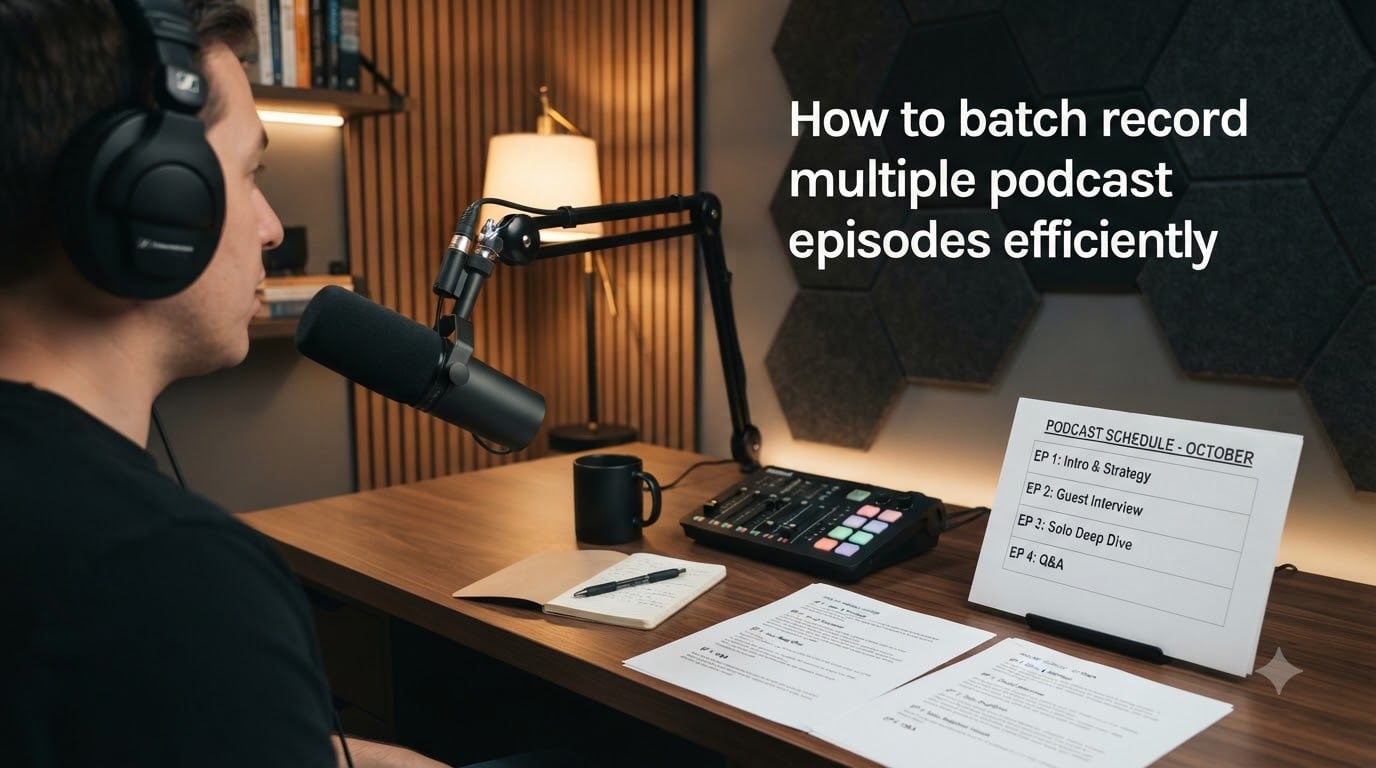
Recording one podcast episode every week feels productive until you add up the setup, the teardown, the guest wrangling, and the editing grind. Then it starts to feel exhausting. That is why I switched to batching, and why I now record a full month of episodes in a single afternoon. In this guide, I will walk you through exactly how to batch record podcast episodes efficiently, including the planning system I use, the energy tricks that keep my voice consistent, and the small mistakes that quietly ruin most first attempts.
If you have ever sat down to record and realized 90 minutes later you had only captured one episode, the workflow below is going to change how you podcast in 2026.
Table of Contents
- What Is Batch Recording and Why Podcasters Use It?
- Who Should Batch Record Podcast Episodes (And Who Shouldn’t)
- How to Batch Record Podcast Episodes: The 5-Step Workflow
- Batch Recording vs Weekly Recording: A Side-by-Side Comparison
- Top Tips for Successful Batch Recording Sessions
- Common Batch Recording Mistakes to Avoid
- Beyond Recording: Batching Show Notes, Artwork, and Promotion
- Frequently Asked Questions
- Final Thoughts on Batching Your Podcast Episodes
What Is Batch Recording and Why Podcasters Use It?
Batch recording is a podcast production method where you record multiple episodes in a single session, rather than recording one episode per week on a rolling basis. You plan, schedule, and capture several episodes at once, then schedule them to release on your normal cadence. It works for solo shows, co-hosted shows, and even most interview formats if you plan in advance.
There are four real reasons serious podcasters batch record instead of grinding through one episode at a time. First, you save enormous setup time. Wiping down the desk, plugging in the interface, and dialing in levels only happens once. Second, your audio sounds consistent because you record under the same room conditions, lighting, and microphone position. Third, it creates buffer episodes, which is a lifesaver when life gets busy or a guest cancels last minute. Fourth, it frees your weekly schedule to focus on editing, marketing, and guest outreach instead of production.
Stefanie Gass, who runs a seven-figure business partly built on her podcast, claims she batched 4 full episodes in under two hours using what she calls the “power batching” method. Whether your pace is that fast or not, the principle holds: one setup, multiple finished episodes, far less weekly friction.
Who Should Batch Record Podcast Episodes (And Who Shouldn’t)
Batch recording is not for every show, and being honest about this up front saves a lot of frustration. It works extremely well for solo shows, evergreen educational content, weekly interview shows with a guest pipeline, and seasonal podcasts where you front-load content before launch. It also works beautifully if you have a co-host or business partner who can block out the same recording day as you.
It does not work well if your show depends on breaking news, daily topical commentary, or unpredictable current events. It is also harder for shows where each guest conversation takes 90 minutes and you genuinely need to be fresh for every interview. If you find that your best interview moments come from spontaneous energy and you crash after two hours of talking, weekly recording might actually be your friend.
My quick rule of thumb after running batches for two years: if your episodes are scripted or semi-scripted, batch hard. If your episodes are unscripted interviews that demand peak social energy, record weekly or use a hybrid approach where you batch solo episodes and schedule interviews individually.
How to Batch Record Podcast Episodes: The 5-Step Workflow
The most efficient way to batch record podcast episodes follows a clean five-step workflow: schedule, plan, record, edit, repeat. I use this exact order on every batch and have not deviated in over a year. Each step feeds cleanly into the next, which is what makes the system work at speed.
Step 1: Schedule Your Recording Day in Advance
Pick one full day per month (or every two weeks if you publish more often) and block it on your calendar as “recording day.” Treat it like a meeting with a CEO, because it is one. Send your guests a single calendar invite with multiple time slots, or use a scheduling tool that lets you stack three or four recordings back-to-back with 15-minute buffers.
Pad the day with realistic buffers. If you think an interview takes 45 minutes, give it 75 minutes of calendar space. The forum post I read that stuck with me was a Reddit user warning, “You will regret it if you don’t leave breathing room, because someone always runs over.” They were not wrong.
Step 2: Plan Every Episode Before You Hit Record
Before your recording day, write the outline, intro script, and guest questions for every episode you plan to capture. I draft these in a single Google Doc with one episode per page, formatted the same way each time, so my brain does not have to switch gears during recording. This single document becomes my script for the entire session.
Prep show notes, titles, and artwork ideas in the same planning session. One of the competitors I researched made this point well: your show notes, cover art, and audiograms can be batched at the same time, multiplying your time savings. If you can knock out the rough draft of show notes during recording day itself, even better.
Step 3: Record Multiple Episodes in One Session
On recording day, start with your strongest, most energy-intensive content first. I record interview episodes in the morning when my voice is fresh and my social energy peaks. Solo episodes, scripted segments, and Q&A episodes come in the afternoon when fatigue is real but workable.
Aim for 3 to 6 episodes per session, depending on length and format. A Reddit user put it this way: “If you can comfortably make 30-minute episodes, aim for 20 minutes. I’d recommend recording at least 3 to 6 upfront.” That advice has served me well. Trying to record 8 in one day almost always ends with two of them sounding noticeably worse than the others.
Step 4: Edit in Batches Using a Text-Based Workflow
Editing multiple sessions back-to-back is where most podcasters burn out. The fix is using a text-based editor like Descript, which lets you edit audio the way you edit a Word document. Cut filler words by deleting text, edit mistakes by clicking and typing, and create shortcut rules that automatically remove “ums” and pauses across every project.
The Descript blog frames it perfectly: “Batch recording a podcast means capturing several episodes in one session, which removes the setup cost from every week but one.” The same logic applies to editing. If you edit 4 episodes in one afternoon using a master template, you ship a month of content in a single edit session. That is the holy grail of podcast workflows.
Step 5: Repeat Monthly With a Buffer
Set up a repeating batch cycle with at least one to two weeks of buffer between the day you finish editing and the day each episode releases. This buffer protects you from guest no-shows, sick days, technical problems, or those weeks where life simply gets in the way. Most professional podcasters I follow run a four-to-six-week buffer, which sounds excessive until the day you really need it.
Batch Recording vs Weekly Recording: A Side-by-Side Comparison
Neither workflow is objectively better. The table below compares batch recording and weekly recording on the factors that matter most to independent podcasters, based on what I have seen work across hundreds of episodes.
Batch recording wins on setup efficiency because you only configure your gear once for multiple episodes. It also wins on consistency since your room conditions stay identical, and on buffer because you always have spare episodes ready to publish. Weekly recording wins on topical relevance if your show covers news or trends, on guest freshness since you arrive at each conversation at full energy, and on creative variety because each episode gets its own dedicated prep window. For most educational, interview, or solo shows in 2026, batch recording is the stronger choice.
Top Tips for Successful Batch Recording Sessions
The five-step workflow handles the structure, but these tips handle the human part, which is where batches succeed or fail. I learned every one of these the hard way during my first year of podcasting.
Manage Your Vocal Energy Across Multiple Episodes
Drink a full glass of water before each episode and avoid coffee in the second half of your recording day. It dries out your mouth and your listeners can hear it. Hydration makes a bigger difference than any microphone upgrade. I keep a water bottle within arm’s reach throughout the entire session.
Take Real Breaks Every 60 to 90 Minutes
Even a 10-minute break to walk around, stretch, and check email resets your voice and your brain. The temptation is to power through, but your audio quality drops sharply after 90 minutes of continuous talking. Step away from the desk, breathe, and come back sounding like a different host.
Use the Same Equipment and Settings Every Time
Lock your mic position, your gain level, your headphones, and your software settings, then never touch them again during the batch. Write your gain value on a sticky note next to your interface if you have to. The single biggest audio killer in batch recording is someone “tweaking” levels mid-session and accidentally ruining two episodes at once.
Start With Your Hardest Episode First
Record the most challenging interview or the most emotional solo episode when you are freshest. Save your easiest evergreen episodes for when you are tired. This is a small scheduling trick that makes a massive difference in episode quality across the batch.
Batching Edit Marketing Content
Once your episodes are in the can, do not stop batching. Use the same afternoon to write social media captions, create audiograms, draft newsletter blurbs, and schedule show notes in your hosting platform. The Descript approach to workflows applies to everything downstream of recording, not just the audio itself.
Common Batch Recording Mistakes to Avoid
Three mistakes account for most failed batch sessions, and I have personally committed all of them. The first is skipping the planning step and assuming you can wing multiple episodes at once. You cannot. Each episode still needs its own outline, guest prep, and intro script, or the quality drop-off is obvious.
The second mistake is over-scheduling the day. I once tried to record 8 interviews in a single day and the last three sounded exhausted. Reddit users report the same problem: energy crashes dramatically after the first four episodes, no matter how much coffee you drink. Stop at 4 to 6 episodes and protect the quality of the ones you do ship.
The third mistake is forgetting to test record. Always do a 30-second test take before your first real episode. A Reddit user summed it up perfectly: “Make sure you push record. You will regret it if you don’t.” I have lost 20 minutes of my own voice to forgetting to hit record exactly once, and it still stings.
Beyond Recording: Batching Show Notes, Artwork, and Promotion
One of the biggest content gaps I noticed in competitor articles is that almost nobody talks about batching the marketing assets around each episode. Show notes, episode artwork, social captions, email newsletter snippets, blog post summaries, audiograms, and YouTube clips can all be batched at the same time as recording, especially if you use templates.
I created a single show notes template with placeholder fields for guest bio, key timestamps, and three pull quotes. I duplicate that template for every episode, fill in the blanks during the recording session, and ship a month of promo material in one afternoon. The same approach works for audiogram creation with tools like Headliner or Descript’s built-in video tools.
If you batch your recording but not your marketing, you end up with a strange hybrid workflow that wastes the very efficiency you built. Either commit to batching the full pipeline or stick with weekly recording and accept the friction. The middle path is the worst of both worlds.
Frequently Asked Questions
How many episodes should I batch record at once?
Most podcasters do best batching 3 to 6 episodes per session. Solo shows can push higher because they are easier to re-record if energy dips. Interview shows are usually capped at 4 episodes in a day because guest scheduling, social energy, and audio quality all degrade past that point. Start with 3 and grow as you learn your personal capacity.
How do you stay energized during long podcast recording sessions?
Hydrate constantly, take a real 10-minute break every 60 to 90 minutes, and record your hardest episodes first while your voice and focus are freshest. Avoid coffee in the second half of the day. Walking around between episodes resets your energy more than any other trick I have tried.
How far ahead should I record podcast episodes?
Aim for a 4 to 6 week buffer between your final recording date and your publish dates. That buffer covers guest no-shows, sick days, editing overruns, and life events. Most professional podcasters maintain at least one full month of pre-recorded content in the queue at all times in 2026.
Can you batch record interview podcasts with guests?
Yes, batch recording interviews works very well if you confirm all guests in advance and send them the same recording day invite with stacked time slots. Build in 15 to 30 minute buffers between interviews. The trade-off is that your energy dips by the third or fourth guest, so keep interviews under 60 minutes each when batching.
How long does a batch recording session usually take?
A full batch day usually runs 4 to 6 hours of total recording time, plus setup and breaks. Power batchers like Stefanie Gass report finishing 4 episodes in under 2 hours. Most podcasters should plan for 5 to 7 episodes over a 7 to 9 hour day, including editing handoffs and asset prep.
Final Thoughts on Batching Your Podcast Episodes
Learning how to batch record multiple podcast episodes efficiently is one of the highest-leverage skills a podcaster can build. You save setup time, lock in audio consistency, build a buffer that protects you from life’s worst weeks, and free your calendar to focus on guests and growth instead of weekly production grind.
Start small. Pick one recording day next month, plan three episodes, and run the workflow end to end. The first batch is always awkward, but by the third batch you will wonder how you ever podcasted any other way. If you found this guide useful, subscribe to our newsletter for more podcast production workflows in 2026.