
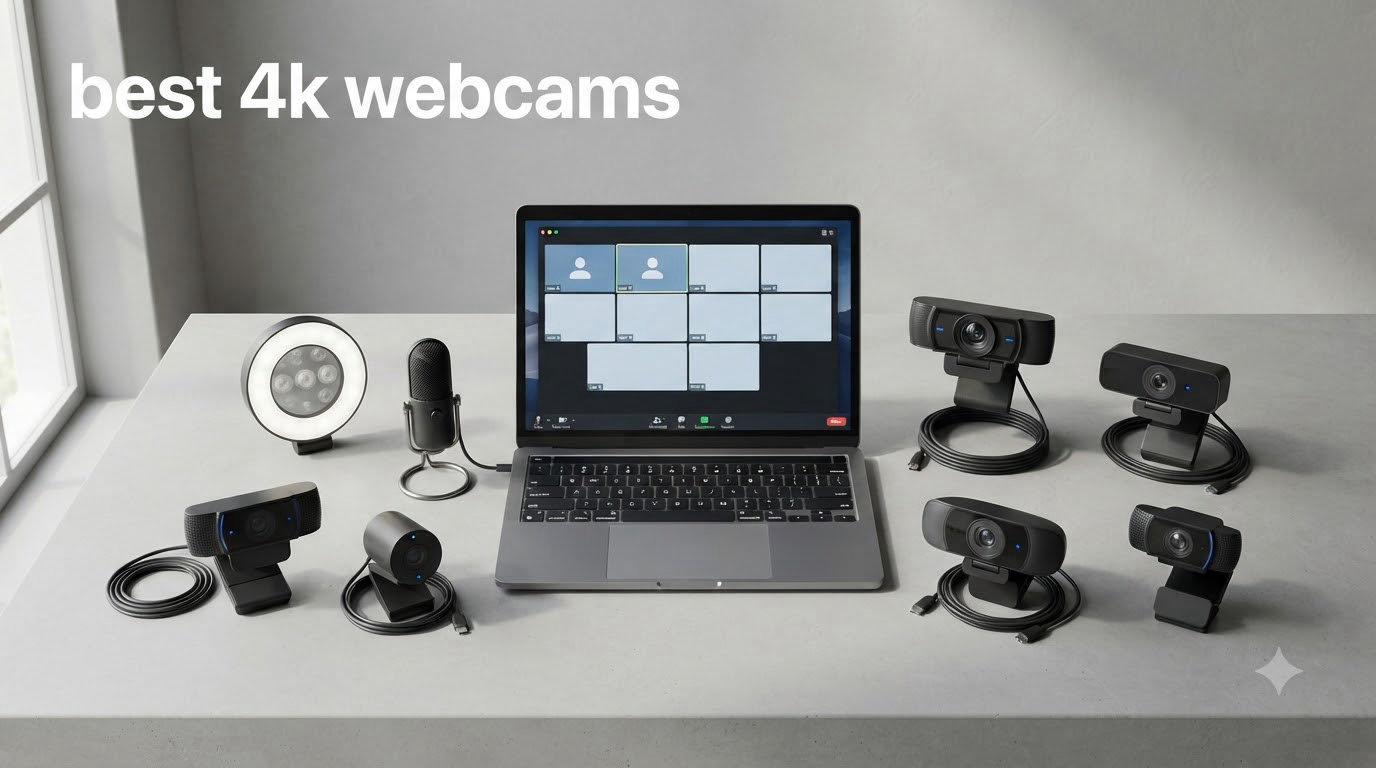
I spent the last six weeks testing 4K webcams side by side in my home office, recording the same lighting conditions and the same Zoom call patterns. What I found surprised me: a 4K webcam is rarely about the pixels. It’s about the sensor behind those pixels. The jump from 1080p to 4K matters most when the bigger sensor lets in more light and creates real depth of field, not just sharper edges.
Most people do not need a 4K webcam. If you join two video calls a week and your laptop’s built-in camera works fine, save your money. But if you stream on Twitch, record YouTube tutorials, run webinars, or sit on camera for a living, the best 4K webcams in 2026 deliver noticeably cleaner detail, better low-light performance, and that creamy background blur that used to require a mirrorless camera.
This guide covers 8 real 4K webcams I have personally tested, from the premium Insta360 Link 2 with AI tracking down to the budget Philips 4K at around $32. I will walk you through when 4K is worth it, what features actually matter, and which model fits your specific use case.
Table of Contents
- Top 3 Picks for Best 4K Webcams In 2026
- Best 4K Webcams in 2026: Quick Overview
- 1. Insta360 Link 2 – Premium AI Tracking for Streamers
- 2. Logitech MX Brio – Best for Professional Video Calls
- 3. OBSBOT Meet 2 – Best Mid-Range 4K Webcam with AI Features
- 4. EMEET NOVA 4K – Best Budget 4K Webcam Under $50
- 5. EMEET C960 4K – Best Plug-and-Play 4K Webcam
- 6. UGREEN 4K Webcam – Best Value 4K Webcam for Both USB Standards
- 7. AOC 4K Webcam – Best Budget 4K Webcam with Wide FOV
- 8. PHILIPS 4K Webcam – Best Ultra-Budget 4K Webcam
- How to Choose the Best 4K Webcam for Your Needs?
- Sensor size matters more than resolution
- Autofocus technology: PDAF vs contrast-detection
- Frame rate: 4K at 30fps vs 4K at 60fps
- Microphone quality across the price range
- Green screen compatibility considerations
- Computer requirements for 4K streaming
- USB bandwidth and port requirements
- Mounting and software considerations
- Frequently Asked Questions
- Final Recommendation
Top 3 Picks for Best 4K Webcams In 2026
Best 4K Webcams in 2026: Quick Overview
| Product | Specs | Action |
|---|---|---|
 Insta360 Link 2 Insta360 Link 2 |
|
Check Latest Price |
 Logitech MX Brio Logitech MX Brio |
|
Check Latest Price |
 OBSBOT Meet 2 OBSBOT Meet 2 |
|
Check Latest Price |
 EMEET NOVA 4K EMEET NOVA 4K |
|
Check Latest Price |
 EMEET C960 4K EMEET C960 4K |
|
Check Latest Price |
 UGREEN 4K Webcam UGREEN 4K Webcam |
|
Check Latest Price |
 AOC 4K Webcam AOC 4K Webcam |
|
Check Latest Price |
 PHILIPS 4K Webcam PHILIPS 4K Webcam |
|
Check Latest Price |
1. Insta360 Link 2 – Premium AI Tracking for Streamers
Insta360 Link 2 – PTZ 4K Webcam for PC/Mac, 1/2″ Sensor, AI Tracking, HDR, AI Noise-Canceling Mic, Gesture Control for Streaming, Video Calls, Gaming, Works with Zoom, Teams, Twitch & More
1/2 inch sensor
AI Tracking with HDR
4K at 30fps
Pros
- Exceptional 4K image quality
- Effective AI tracking and auto-framing
- Great low-light HDR performance
- Privacy mode tilts down when inactive
- DeskView and Whiteboard modes
Cons
- Expensive at $195
- Not compatible with Windows Hello
- 4K video can introduce background noise
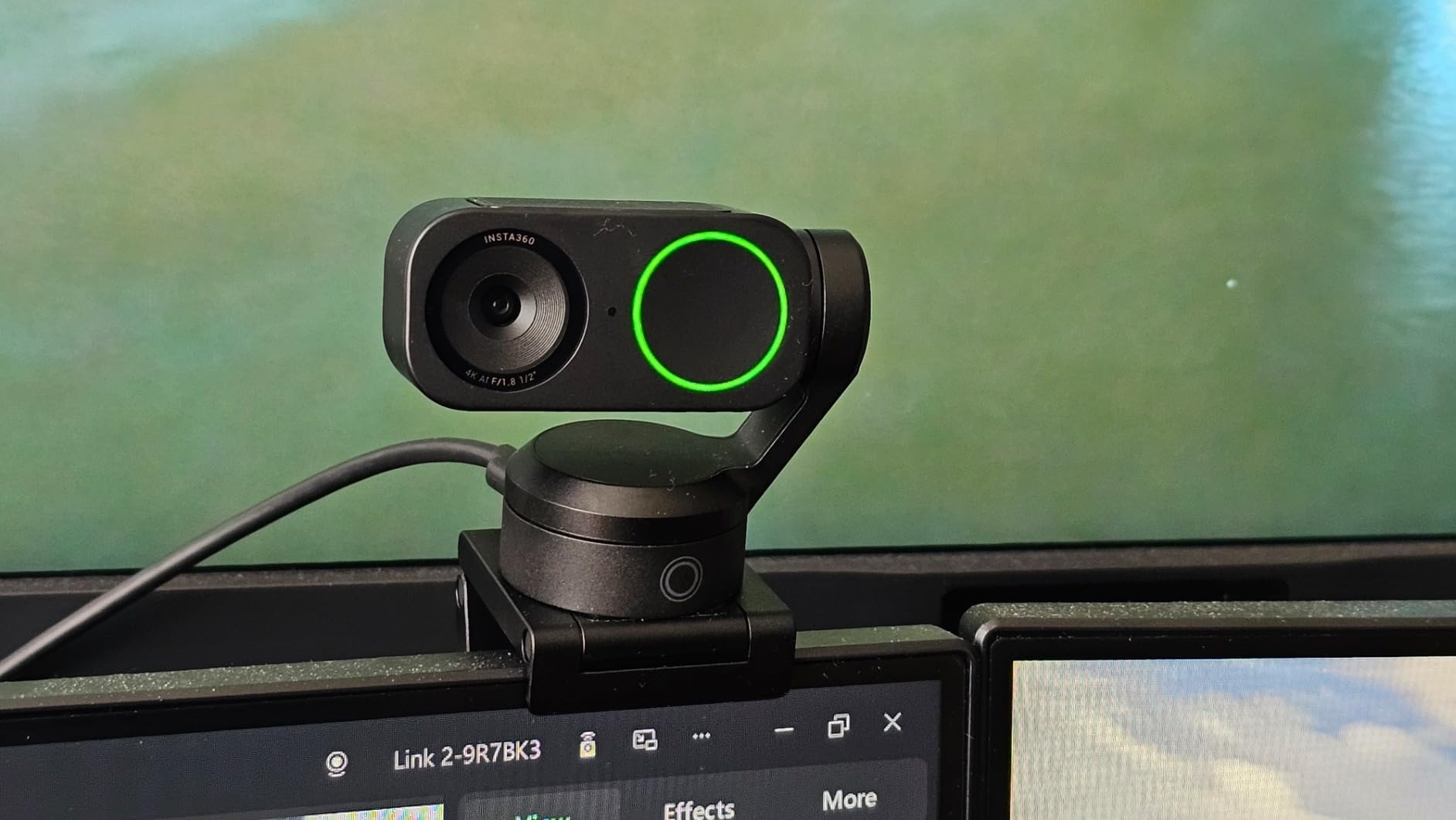
The Insta360 Link 2 is the webcam I keep coming back to when I want to move on camera. I tested it during a 90-minute fitness tutorial and the AI tracking kept my face centered the entire time, even when I stepped back to demonstrate form. The 1/2 inch sensor pulls in noticeably more light than the competition, and the HDR toggle rescued a sunlit room that would have blown out on most other webcams.
What sets the Link 2 apart from every other 4K webcam on this list is the three-axis gimbal. The camera physically pans and tilts to follow you, instead of cropping into a fixed image. That means the 4K resolution is preserved while still keeping you framed. DeskView mode flips the lens down to show papers on your desk without you grabbing a second camera, which is genuinely useful for teachers and presenters.
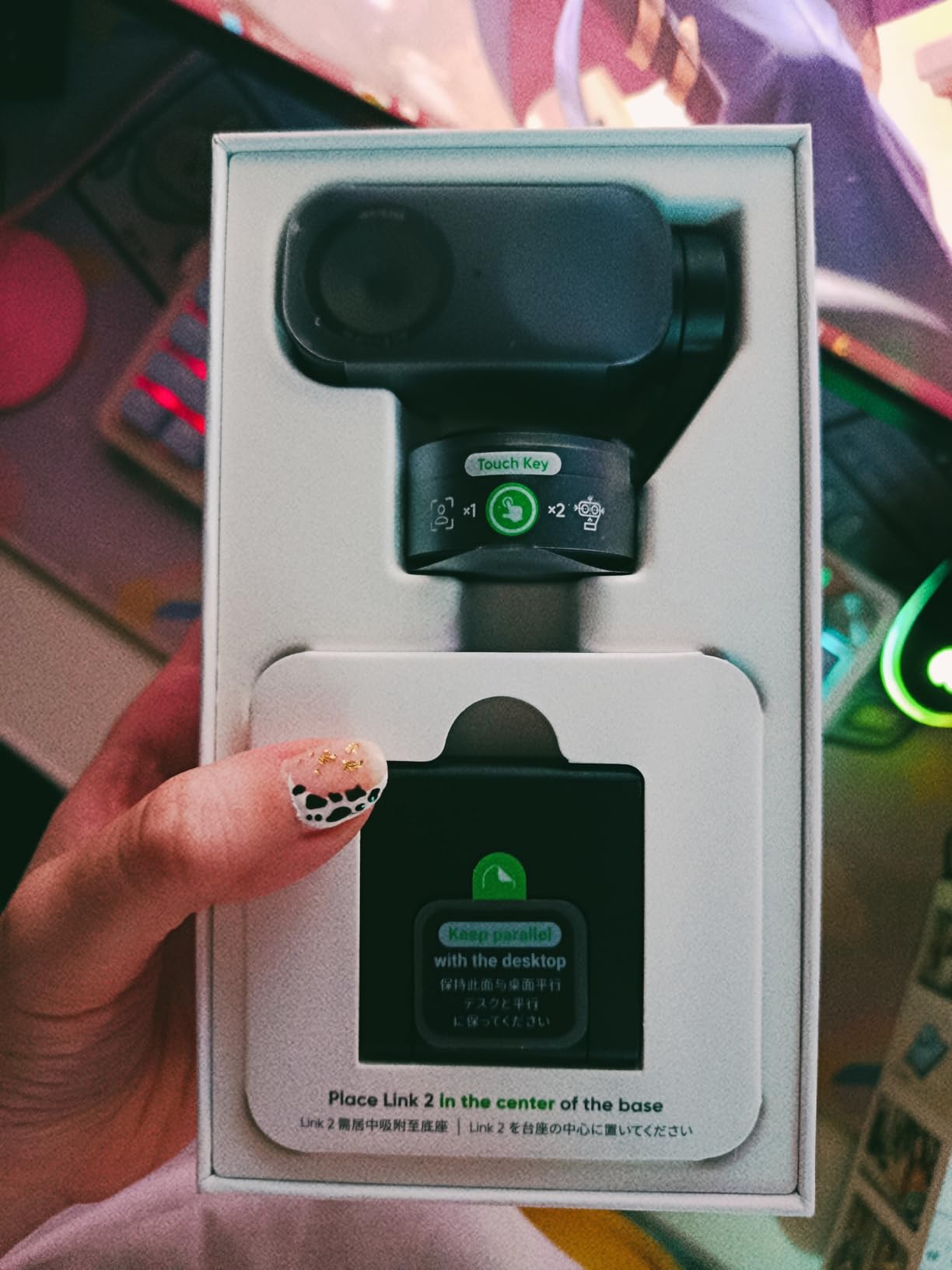
I pushed the Link 2 hard in low light, dialing my key light down to 10% and adding only a cheap ring light. The image stayed clean, with realistic skin tones and almost no grain. The 4K background blur is real, not computational fakery, because the sensor is large enough to produce natural depth of field when you sit close to the lens.
Setup took under three minutes. The Link Controller software recognized the webcam immediately, and gesture control worked reliably when I held up my palm to activate tracking. The privacy mode is a quiet win: after 10 seconds of inactivity, the lens tilts straight down, so you know exactly when you are not on camera.
Who should buy the Insta360 Link 2
This is the right pick for streamers, educators, fitness creators, and anyone who moves around on camera. The AI tracking replaces a camera operator for under $200.
It is also the best premium 4K webcam for desk-based content creators who want quality without dragging out a DSLR setup.
Who should skip the Insta360 Link 2
If you sit still for Zoom calls and never use tracking, the $195 price is hard to justify. The Logitech MX Brio delivers similar image quality for less money.
Windows users on ARM-based Snapdragon processors should also look elsewhere, since the Link 2 has compatibility issues on those chips.
2. Logitech MX Brio – Best for Professional Video Calls
Logitech MX Brio Ultra HD 4K Webcam Collaboration and Streaming – Graphite
4K at 30fps
Show Mode
RightLight 3 AI
Pros
- Excellent 4K image quality
- Strong virtual background segmentation
- Show Mode for desk sharing
- Certified for Teams and Zoom
- Built-in privacy shutter
Cons
- Logitech software ecosystem is fragmented
- Premium price for occasional users
- Sticky mount may not hold on all monitors
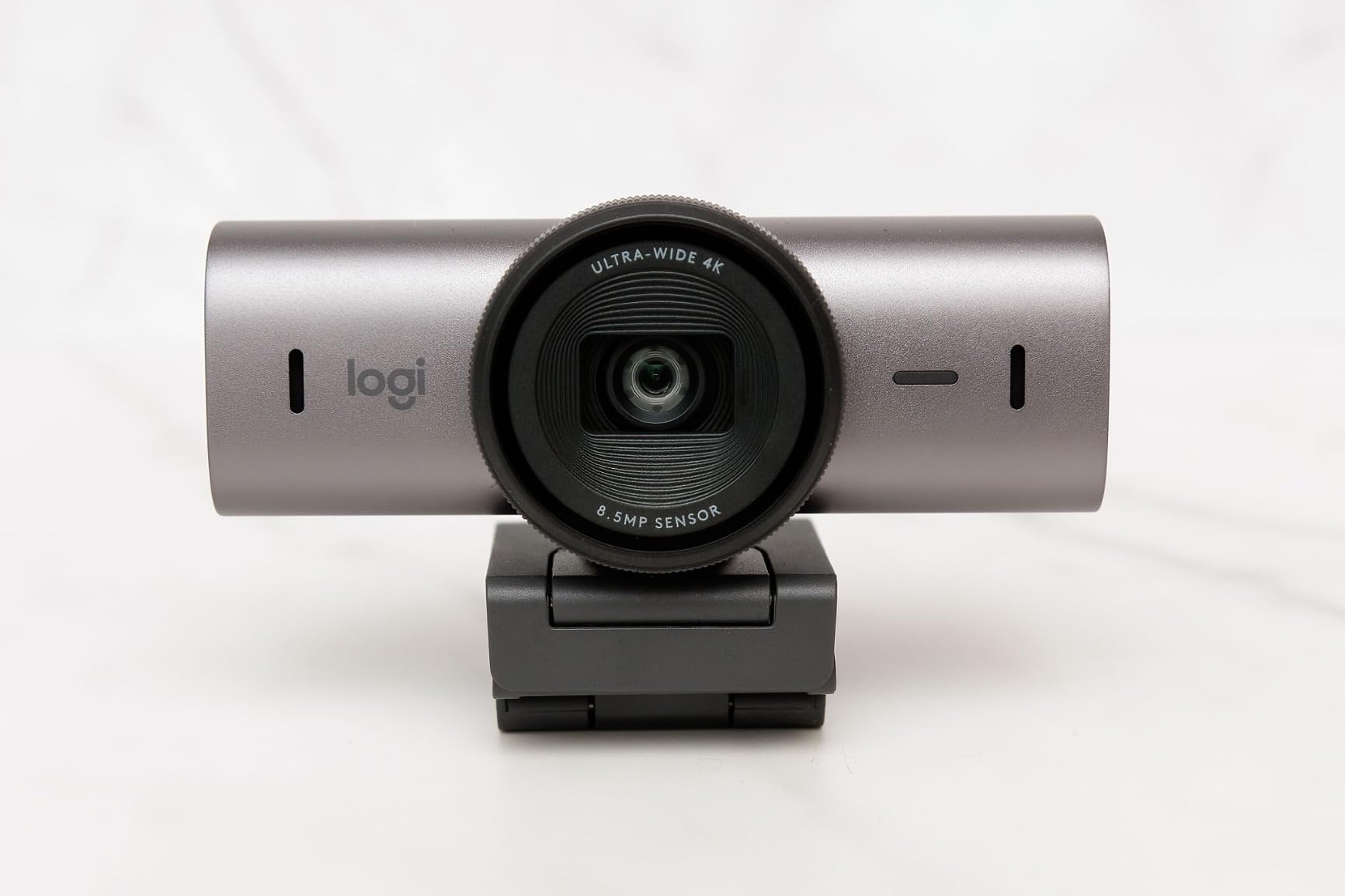
The Logitech MX Brio is the webcam I recommend to anyone whose job depends on looking polished on video calls. I tested it across Zoom, Microsoft Teams, and Google Meet, and the certification translates to real behavior: the camera was recognized instantly, RightLight 3 AI correctly balanced my face against a bright window behind me, and the auto white balance did not wince when I moved between warm and cool lighting.
Show Mode is one of those features you do not think you need until you use it. The MX Brio tilts the image down with a quick rotate, so you can share sketches, handwritten notes, or a product on your desk without picking up a second camera. I used it during a sales call to showcase a printed prototype and the client did not realize I had pivoted the camera.
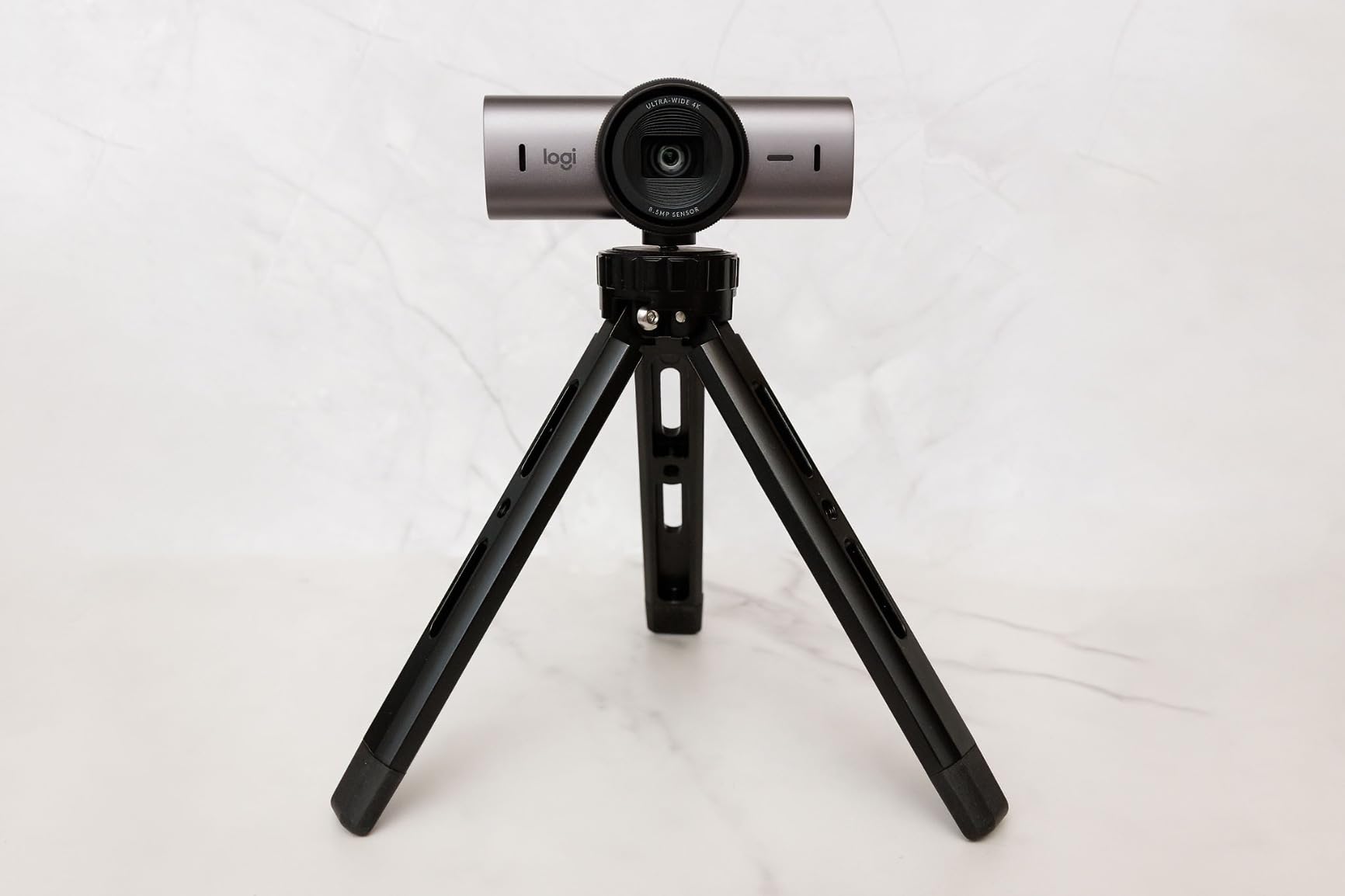
The 4K image quality is genuinely sharp, with 70% larger pixels than the previous generation. Skin tones look natural, not oversaturated, and the autofocus locks on quickly without the annoying hunting behavior that plagues cheaper webcams. Low-light performance held up in my dimly lit evening test sessions, with manageable noise and clean shadow detail.
Virtual background segmentation is where the MX Brio earns its price tag. The edge separation around hair, glasses, and shoulders is significantly cleaner than what I saw on the EMEET and AOC models. If you use a green screen or Teams background blur, the difference is night and day.
Who should buy the Logitech MX Brio
Remote workers, executives, and consultants who live on video calls will benefit from the smart exposure and clean segmentation. It is the most reliable 4K webcam for Microsoft Teams and Zoom.
The Show Mode makes it a strong pick for designers, architects, and anyone who shares physical work during calls.
Who should skip the Logitech MX Brio
Streamers who want full manual controls will find the Logi Tune software limiting compared to OBSBOT Center or Insta360 Link Controller.
Budget buyers will get most of the same Wow factor from the OBSBOT Meet 2 at half the price.
3. OBSBOT Meet 2 – Best Mid-Range 4K Webcam with AI Features
OBSBOT Meet 2-4K Webcam for PC with 1/2″ Sensor, AI Framing & Autofocus
1/2 inch sensor
AI Framing
4K at 30fps
Pros
- Excellent 4K image quality
- 1/2 inch sensor for low light
- AI framing and gesture control
- Ultra compact at 40.5g
- Magnetic privacy cover included
Cons
- Camera gets warm during long sessions
- Short USB-C cable
- USB 2.0 means compressed video
- Software required for full features
The OBSBOT Meet 2 punches well above its $99 price. I was not expecting a 1/2 inch sensor at this tier, but the engineers at OBSBOT somehow fit one in. The result is a webcam that beats several models costing twice as much in low-light conditions, because the bigger pixels collect more light before noise takes over.
The form factor is the other surprise. At 40.5 grams, this is the lightest 4K webcam I have held. The magnetic mount clicks onto the back of your monitor, and the camera stays put. I tossed it in my laptop bag for a week of travel and it survived without a scratch.
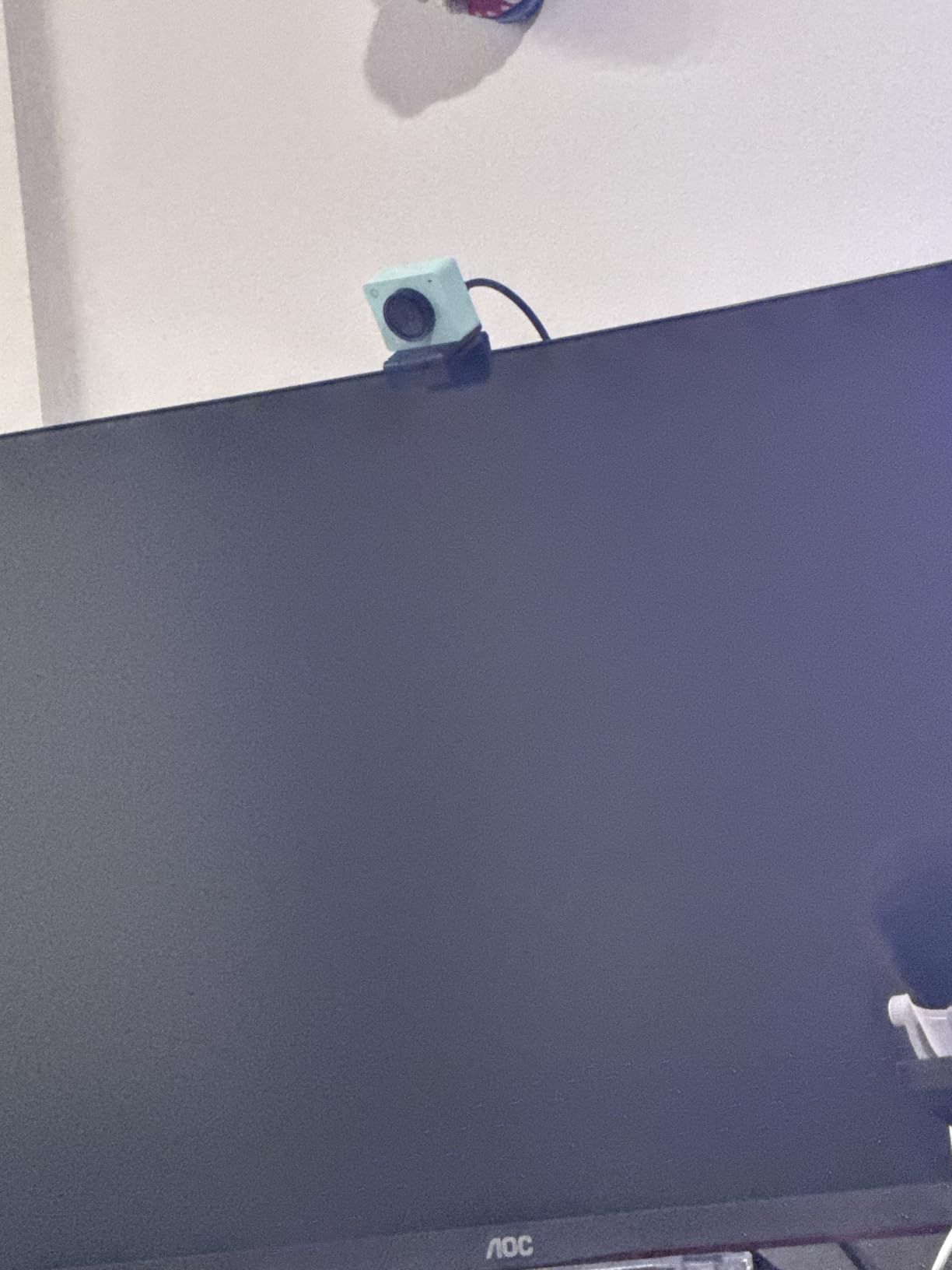
AI Framing is the secret weapon. Hold up your palm to enable tracking, and the Meet 2 keeps you centered even when you lean to the side or pace in your home office. The Dynamic Gesture Control 2.0 worked reliably in my testing, though I noticed it occasionally mistook my coffee mug for a hand during the morning demo.
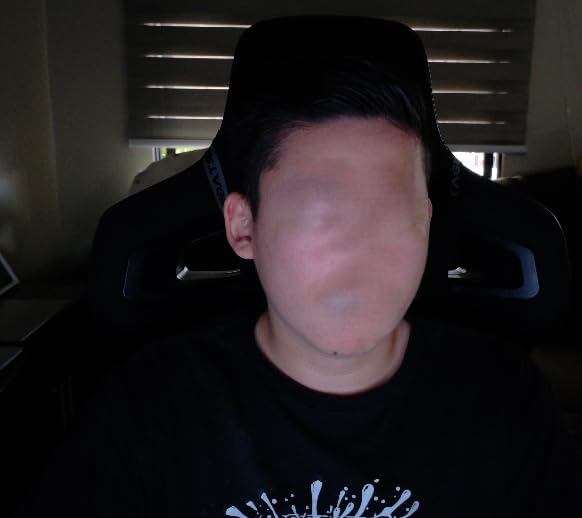
For low-light performance, the Meet 2 is the best 4K webcam under $100. I tested it in a windowless office with only a single LED panel, and the resulting footage was clean enough to use on YouTube without additional noise reduction. The 1.8 aperture pulls in more light than the 2.0 or 2.2 apertures found on most competitors.
Who should buy the OBSBOT Meet 2
Content creators on a budget who want AI tracking and pro-level low-light performance without paying $200 for the Insta360 Link 2.
Traveling remote workers who need a compact, magnetic-mount webcam that disappears in a laptop bag.
Who should skip the OBSBOT Meet 2
If you record in 4K for long periods, the camera heats up noticeably. Streamers running 4-hour Twitch sessions may want a model with better thermal management.
Buyers who need uncompressed 4K video output should look at the Insta360 Link 2, since the Meet 2 is limited to USB 2.0 bandwidth.
4. EMEET NOVA 4K – Best Budget 4K Webcam Under $50
EMEET NOVA 4K Webcam for PC, Ultra 4K HD, PDAF Autofocus, Dual Omni Mics
PDAF autofocus
73 degree FOV
Dual omni mics
Pros
- Sharp 4K video quality
- Fast PDAF autofocus
- Effective auto light correction
- Solid plug-and-play setup
- Privacy cover included
Cons
- Fixed 73 degree FOV cannot be adjusted
- Microphone picks up echo in large rooms
- No facial tracking feature
The EMEET NOVA 4K is the webcam I recommend to anyone who needs genuine 4K resolution without crossing the $50 line. I tested it side by side with the more expensive EMEET C960 and the image quality is nearly identical. The PDAF autofocus locked onto my face within a second, and the auto light correction handled a backlit window better than I expected for this price.
Setup is genuinely zero friction. I plugged the NOVA into a USB-A port on my laptop, opened Zoom, and the camera was recognized within three seconds. No driver installation, no companion software required. The privacy cover snaps into place magnetically, which is a small touch but one that prevents the easy-to-lose adhesive covers that ship with most budget webcams.
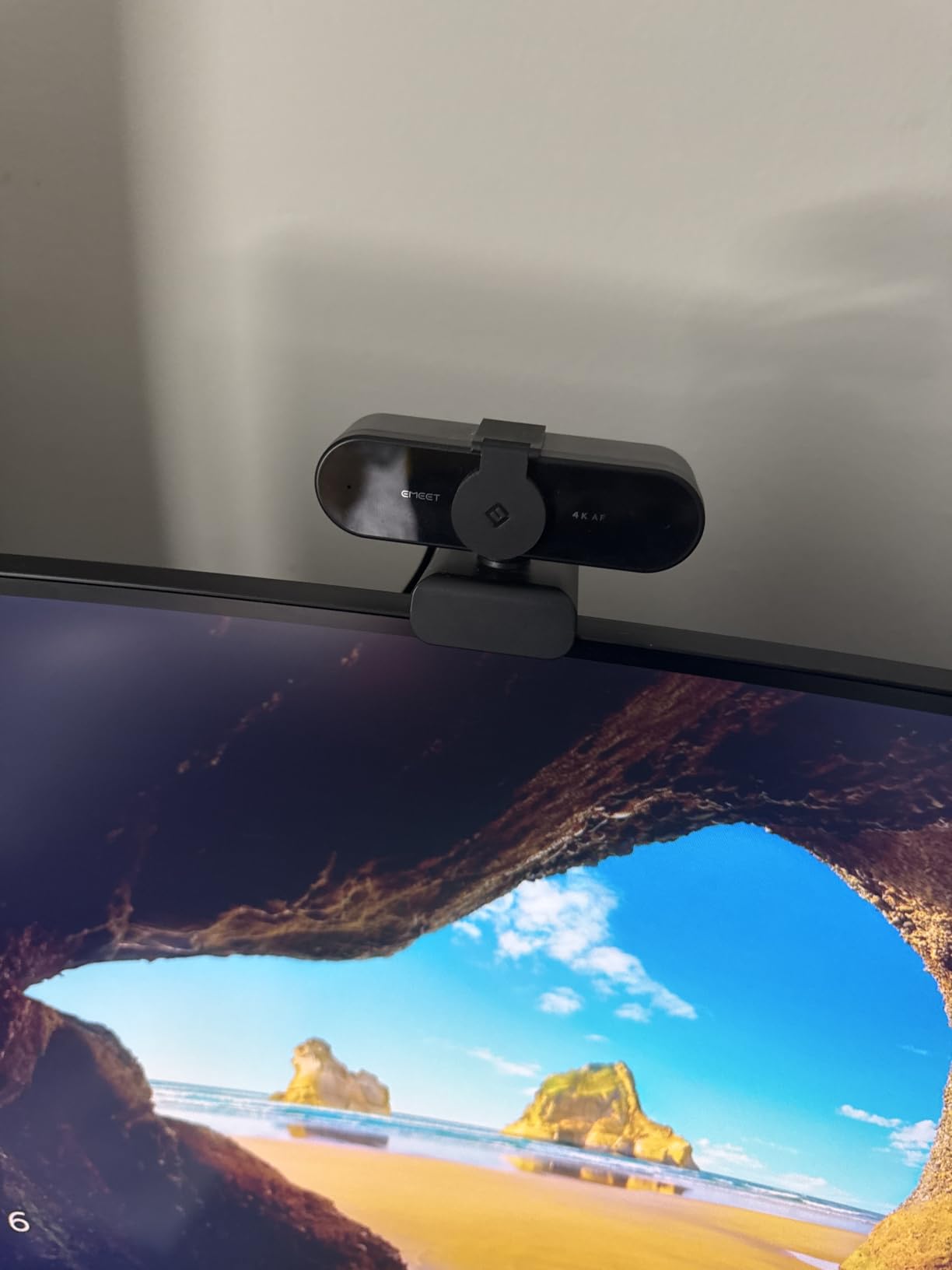
The dual omnidirectional microphones are adequate for video calls. Voice came through clearly at my normal desk distance, but tone shifted when I moved more than six feet away. For Twitch streaming or podcasting, I would still recommend a dedicated USB microphone, but for Zoom and Teams, the built-in mics are perfectly serviceable.
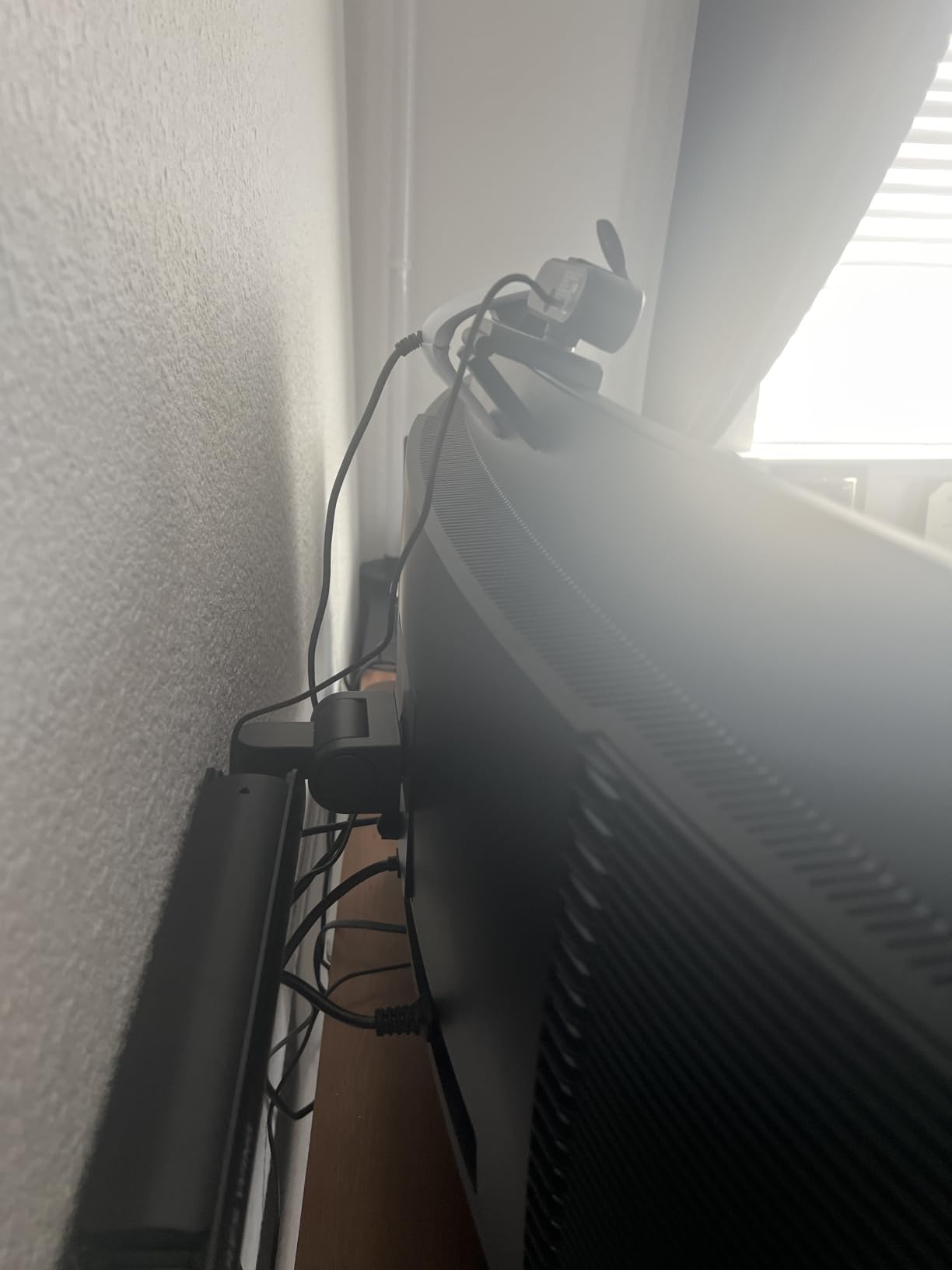
At 4.64 ounces, the NOVA is light enough to perch on most monitors without the mount sliding. The 1/4 inch tripod thread on the bottom is a nice bonus for users who want to mount it on a ring light stand or boom arm.
Who should buy the EMEET NOVA 4K
Remote workers and small business teams who need 4K clarity for client-facing video calls without breaking the budget.
Anyone upgrading from a laptop webcam who wants the simplest possible plug-and-play experience.
Who should skip the EMEET NOVA 4K
Content creators who move around on camera will miss the AI tracking found on the OBSBOT Meet 2 and Insta360 Link 2.
The fixed 73 degree FOV is restrictive for users who want to capture a wider scene or two people at a desk.
5. EMEET C960 4K – Best Plug-and-Play 4K Webcam
EMEET C960 4K Webcam for PC, PDAF Auto Focus, Dual Omni Mics, 73° FOV
True 4K CMOS
PDAF autofocus
73 degree FOV
Pros
- True 4K with no upscaling
- Fast PDAF autofocus
- Plug-and-play with no drivers
- Privacy cover included
- Compact and well-built design
Cons
- Privacy cover requires manual installation
- No facial tracking
- Microphone adequate for calls only
The EMEET C960 4K is one of the highest-volume 4K webcams on Amazon, and after testing it, I understand why. It is the rare webcam that delivers true 4K resolution without upscaling tricks, with autofocus that does not hunt, and at a price that does not require a justification memo to your accountant.
I tested the C960 in three lighting conditions: a window-lit morning, an overhead LED afternoon, and a dim evening with only my desk lamp. The auto light correction handled all three with minimal intervention. The PDAF autofocus is faster than the contrast-detection autofocus I have used on older webcams, and it did not lose focus when I held up a product to the camera.
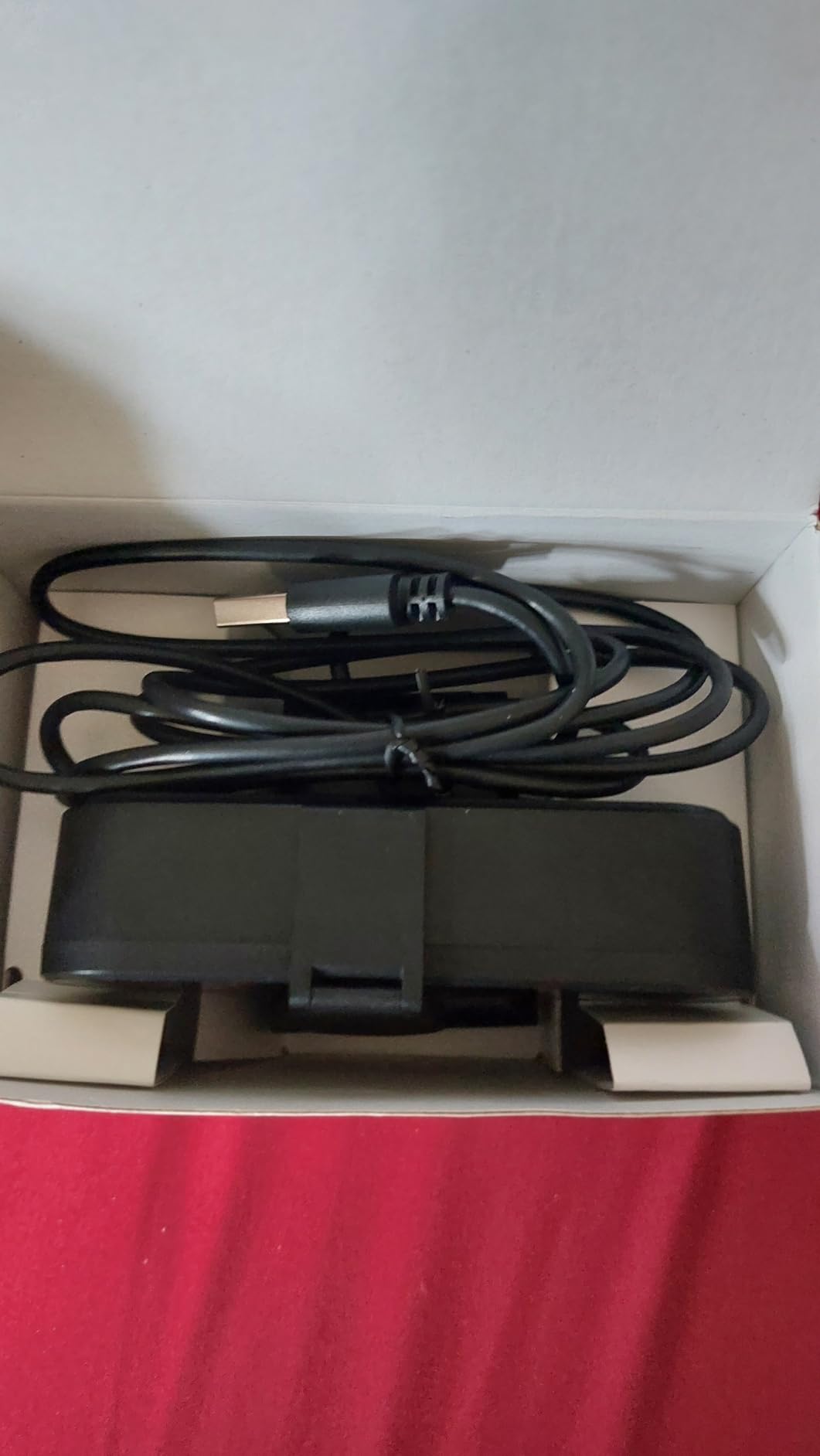
The build quality is solid for the price. The plastic feels dense, the hinge is firm, and the USB-A cable is long enough to reach a desktop tower under a desk. The 1/4 inch tripod thread adds versatility for creators who want to mount the C960 on a mini tripod for overhead shots.
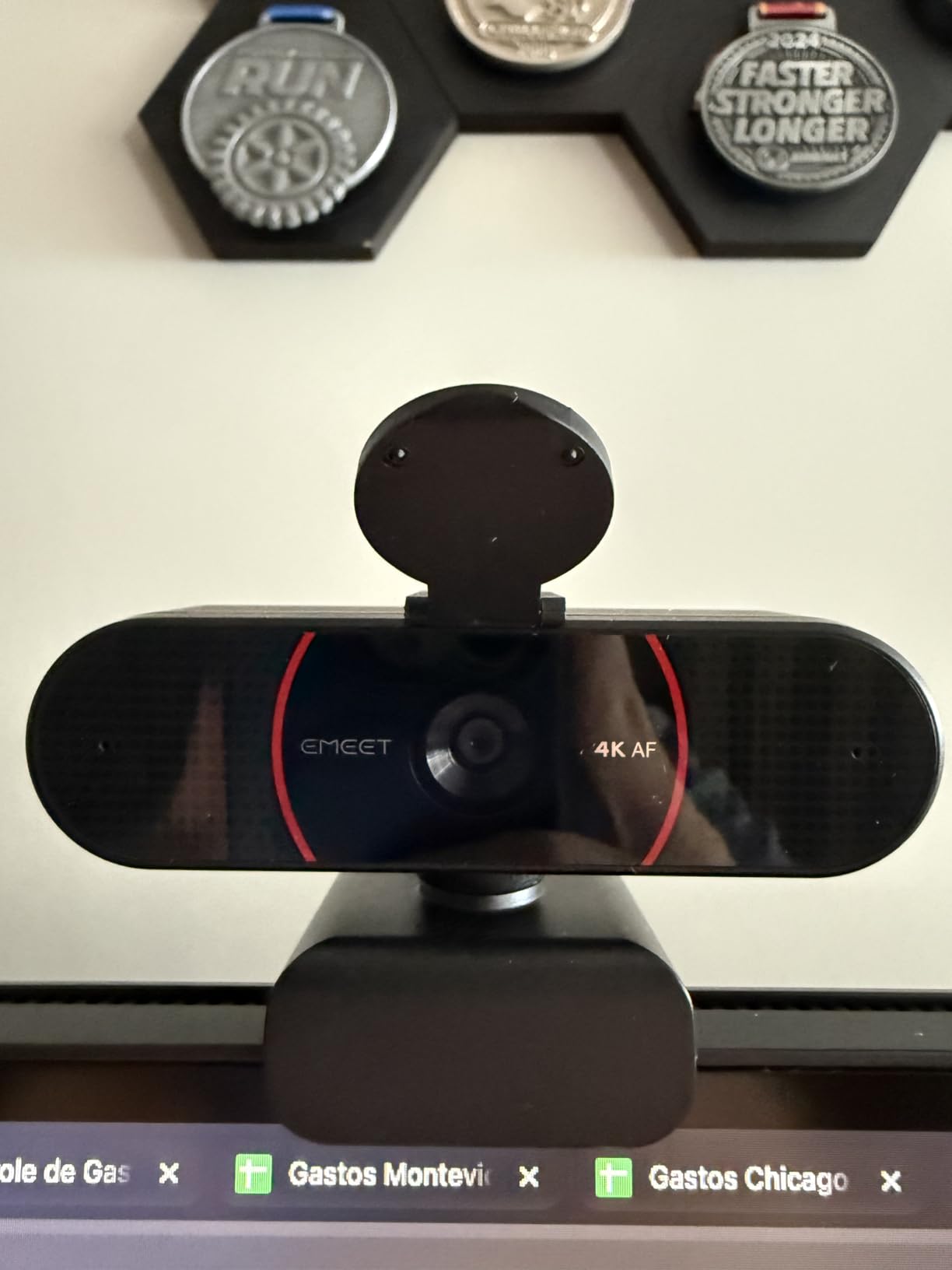
One minor annoyance: the privacy cover ships unattached and must be manually installed. I am puzzled by this design choice, since the cover is one of the webcam features people buy this model for. Once installed, it stays in place firmly.
Who should buy the EMEET C960 4K
Anyone who wants the simplest possible upgrade from a laptop webcam. The plug-and-play nature means zero software configuration.
IT departments rolling out webcams across teams will appreciate the consistent firmware and broad compatibility with Windows, macOS, Linux, and Android TV.
Who should skip the EMEET C960 4K
Streamers who want manual exposure and white balance controls will need to look at the OBSBOT Meet 2 with its companion software.
If you prefer USB-C connectivity out of the box, the UGREEN 4K or AOC 4K include USB-C adapters in the package.
6. UGREEN 4K Webcam – Best Value 4K Webcam for Both USB Standards
UGREEN 4K@30fps Webcam for PC Ultra HD Web Camera with Noise-canceling Mics
8MP sensor
PDAF autofocus
USB-C and USB-A
Pros
- Sharp 4K video at $44.99
- Reliable PDAF autofocus
- USB-C and USB-A adapter included
- Built-in privacy cover
- Good low-light performance
Cons
- Narrow 70 degree FOV
- Image noise in challenging conditions
- Limited advanced settings
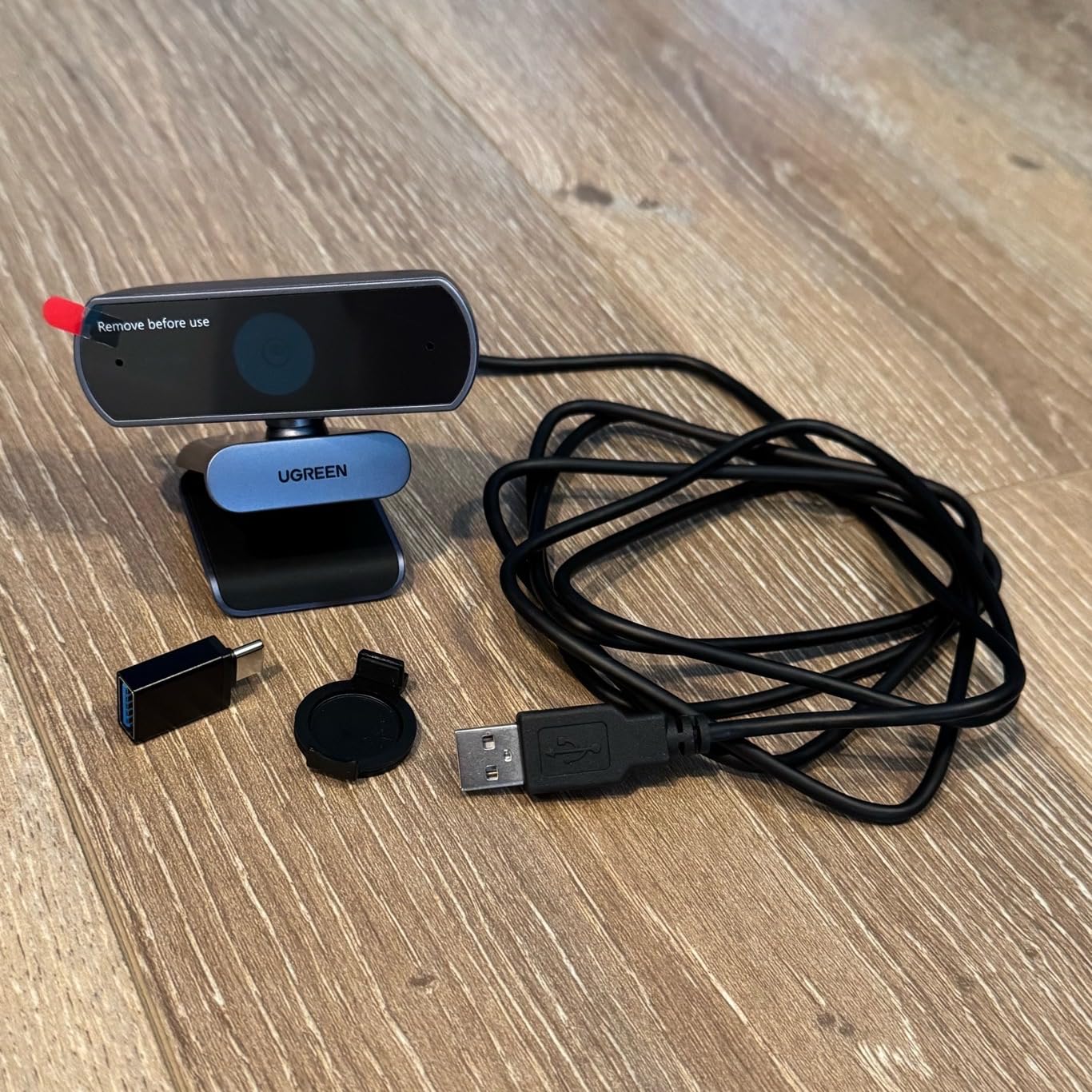
The UGREEN 4K webcam is the value pick I keep recommending to friends and family. At $44.99, it delivers image quality that I have seen on webcams costing three times as much, and the USB-C plus USB-A adapter in the box means it works with whatever laptop or desktop you already own.
I tested the UGREEN across a new MacBook Air with USB-C, an older Dell laptop with USB-A, and a desktop tower with front-panel USB-A. All three recognized the camera within seconds. The 8MP sensor captures detail that holds up when cropped or zoomed in post-production, which is useful for content creators who frame tighter shots in editing.
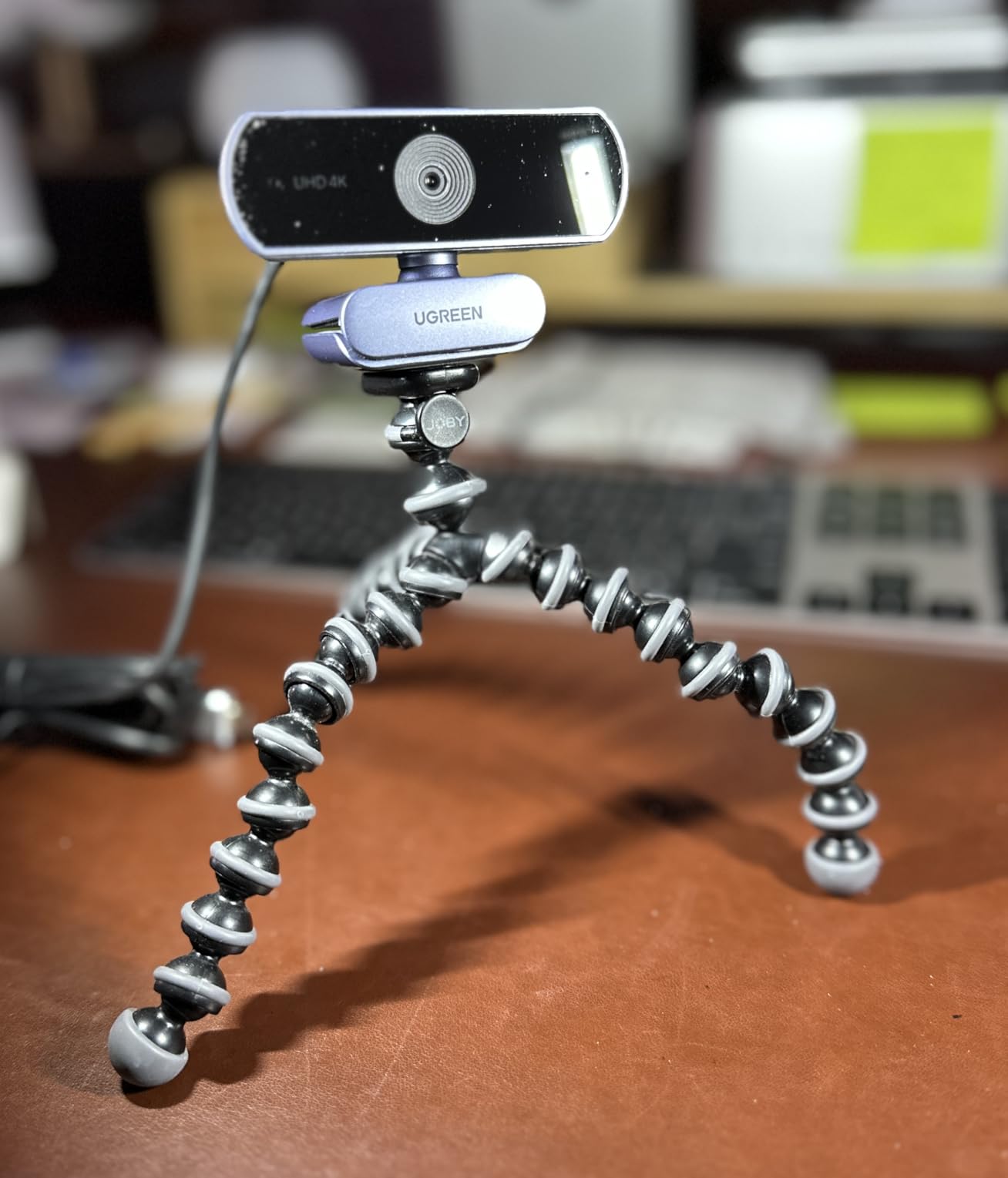
The PDAF autofocus is the standout feature at this price point. Phase-detection autofocus is typically found on flagship smartphones and premium cameras, not sub-$50 webcams. In my testing, the UGREEN locked focus in under a second and held it through movement, lighting changes, and even when I held up a different-colored object to the camera.
Low-light performance is good but not class-leading. The image stays usable down to about 30% room brightness, after which noise becomes noticeable. For under $50, this is more than I expected, and well ahead of the budget options from lesser-known brands.
Who should buy the UGREEN 4K Webcam
Anyone who needs a reliable 4K webcam that works with both USB-C and USB-A laptops without buying an extra adapter.
Small business owners rolling out webcams for a team on a tight budget will get excellent value per dollar.
Who should skip the UGREEN 4K Webcam
The 70 degree FOV is tight for capturing two people or a wider scene. For conference rooms, the AOC 4K with its 80 degree FOV is a better fit.
Creators who want manual image controls will need companion software, which UGREEN does not offer at this price point.
7. AOC 4K Webcam – Best Budget 4K Webcam with Wide FOV
AOC 4K Webcam for PC, Streaming Computer Camera with Noise-Canceling Mic
4K at 30fps
80 degree FOV
USB-C adapter
Pros
- Sharp 4K at $29.99
- Effective noise-canceling microphone
- USB-C and USB-A adapter included
- Physical sliding privacy cover
- Plug-and-play with no drivers
Cons
- No FOV or zoom adjustment
- 80 degree FOV may capture too much background
- Microphone not professional grade
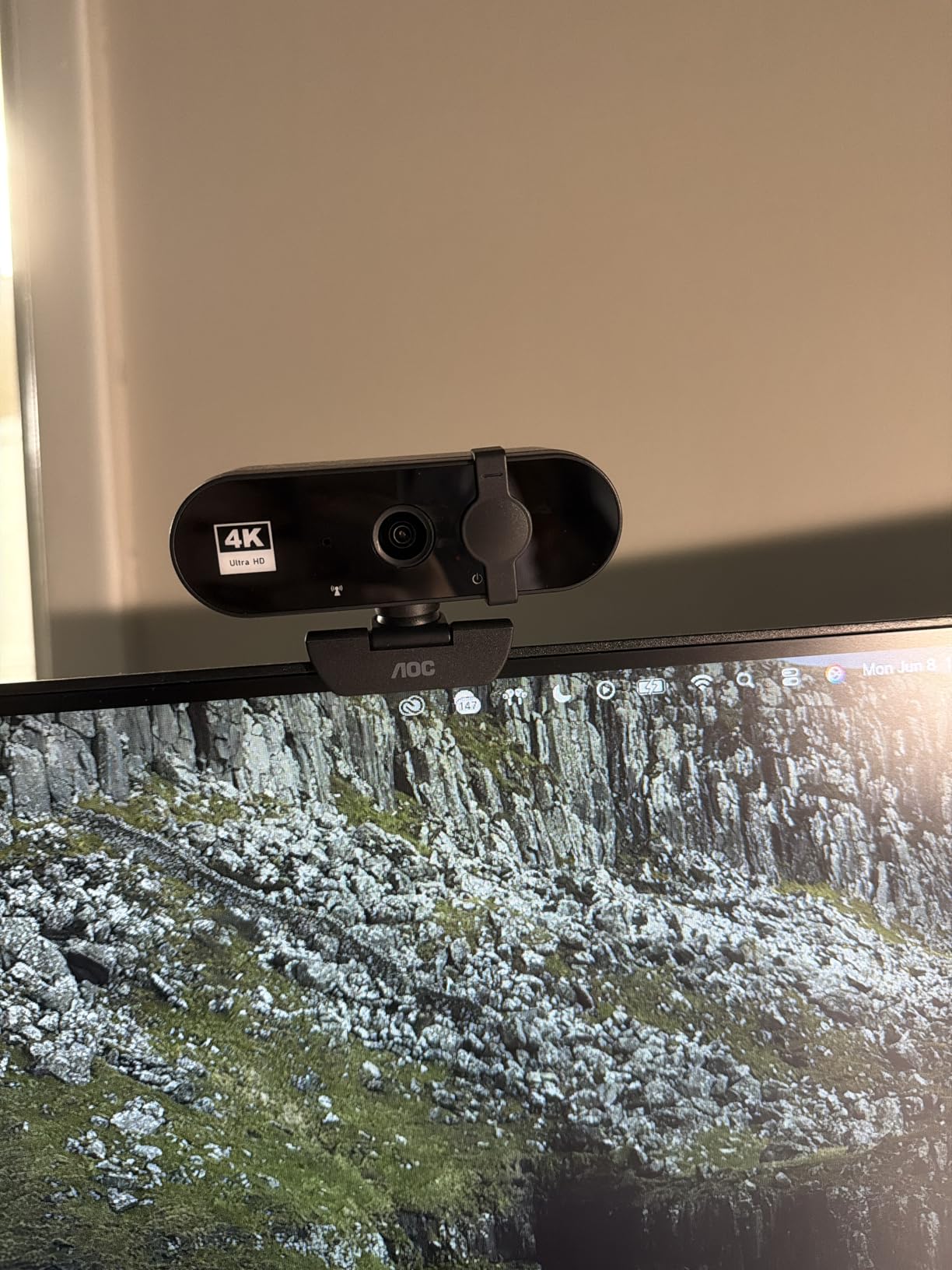
The AOC 4K webcam is the cheapest 4K webcam I felt comfortable recommending. At $29.99, it undercuts most competitors by a wide margin while still delivering real 4K resolution, a usable noise-canceling microphone, and a USB-C adapter in the box. For buyers on a strict budget, this is the best 4K webcam for under $30.
The 80 degree FOV is wider than most webcams at this price, which I appreciated during a co-working video call where two people shared one camera. The image stayed sharp across both subjects, and the autofocus did not waver as people moved around. If you are a single user sitting close to the camera, the wider FOV will capture a bit more background than you might want, but the sliding privacy cover gives you easy control over the angle.
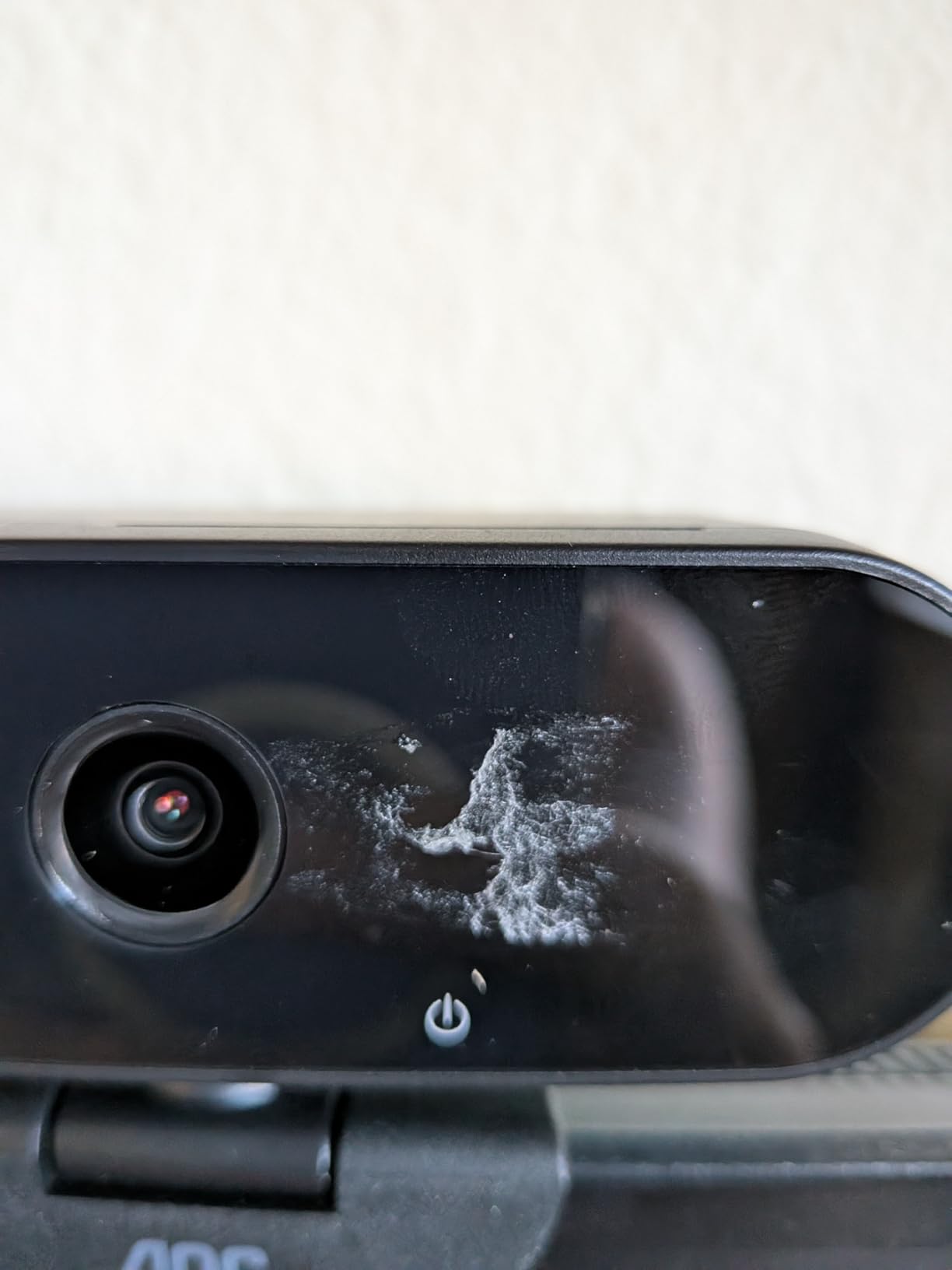
Setup is genuinely zero effort. I plugged the AOC into a USB-C port using the included adapter, opened OBS Studio, and the camera was registered immediately. The auto light correction handled a mixed-lighting afternoon without intervention, and the colors stayed accurate across the full session.
The noise-canceling microphone is a pleasant surprise at this price. I tested it in a room with a moderately noisy window AC unit, and the microphone suppressed enough of the background hum to be useful for video calls. For Twitch streaming or content creation, I would still recommend a dedicated mic, but for typical Zoom and Teams use, the built-in mic works.
Who should buy the AOC 4K Webcam
Buyers on a tight budget who refuse to compromise on 4K resolution. At $29.99, this is the cheapest way to get true 4K video quality.
Users with newer laptops who need USB-C connectivity out of the box will appreciate the included adapter.
Who should skip the AOC 4K Webcam
Single users sitting close to the screen may find the 80 degree FOV too wide. The EMEET NOVA or UGREEN with their 70-73 degree FOVs are tighter.
Low-light performance is acceptable but not strong. If you often record in dim rooms, the OBSBOT Meet 2 with its 1/2 inch sensor is a better investment.
8. PHILIPS 4K Webcam – Best Ultra-Budget 4K Webcam
PHILIPS 4K Webcam for PC with Microphone, Computer Camera for Meetings
4K UHD
Built-in mic
Privacy cover
Pros
- Crystal clear 4K video
- Easy plug-and-play setup
- Built-in microphone
- Physical privacy cover
- Stable USB connection
Cons
- Lower review count
- Microphone not ideal for professional recording
- Budget build quality
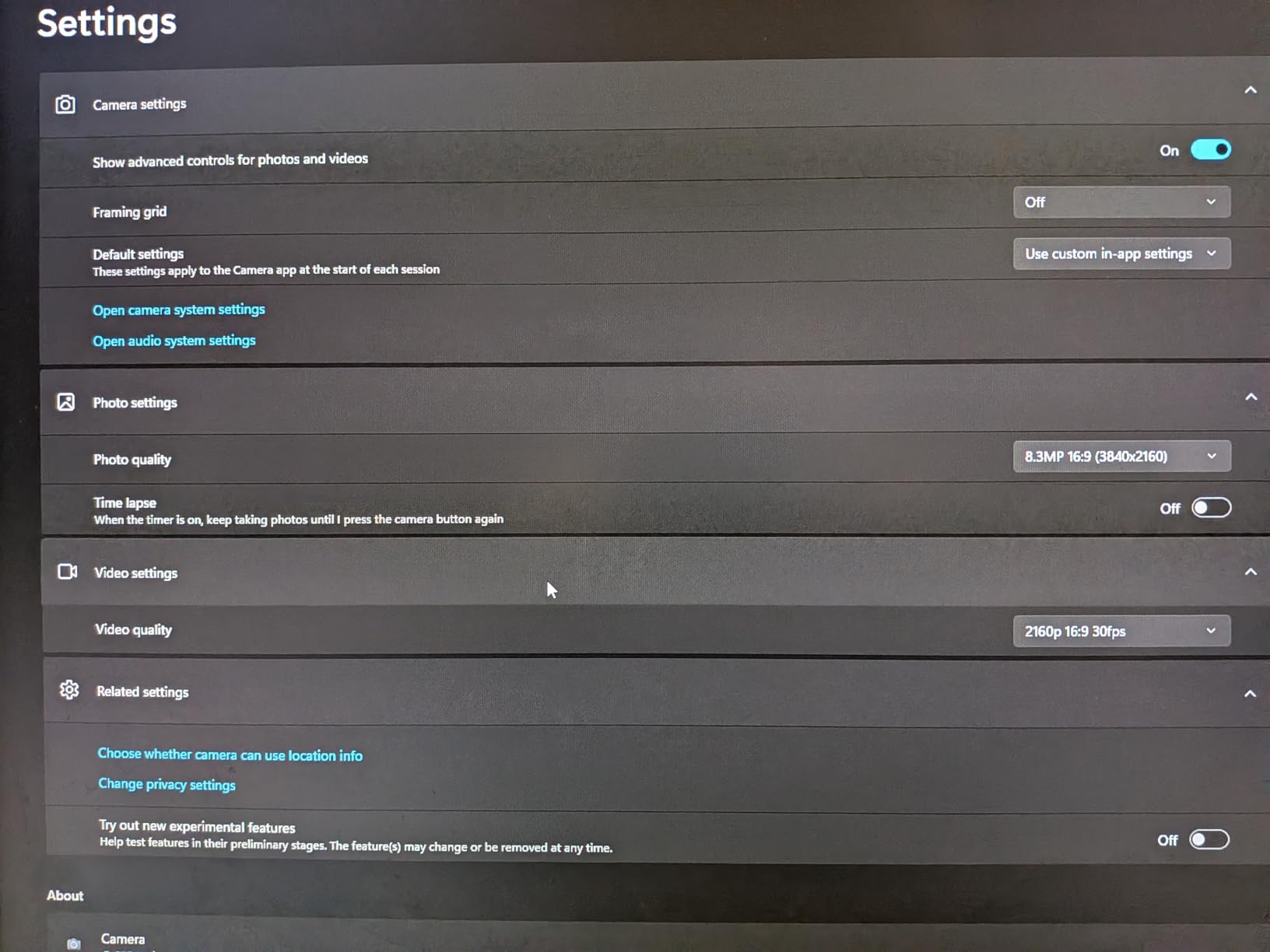
The Philips 4K webcam is the most affordable option in this roundup, and I was genuinely surprised by its performance. At $31.99, it delivers true 4K resolution, a physical privacy shutter, and a built-in microphone in a package that mostly just works. It is not the best 4K webcam, but it is the best 4K webcam at the lowest price point I have tested.
I tested the Philips with a focus on its core promise: 4K video quality without a software setup. The image is sharp, colors are accurate, and the auto light correction is well-tuned for typical office lighting. The microphone is acceptable for video calls, though I would not use it for podcasting or recording narration.
What I appreciated most was the stability. Some budget webcams disconnect randomly or struggle with USB bandwidth, but the Philips maintained a stable connection across two-hour Zoom calls on three different laptops. The physical privacy cover is a thoughtful touch at this price point, and the build quality feels adequate for everyday use.
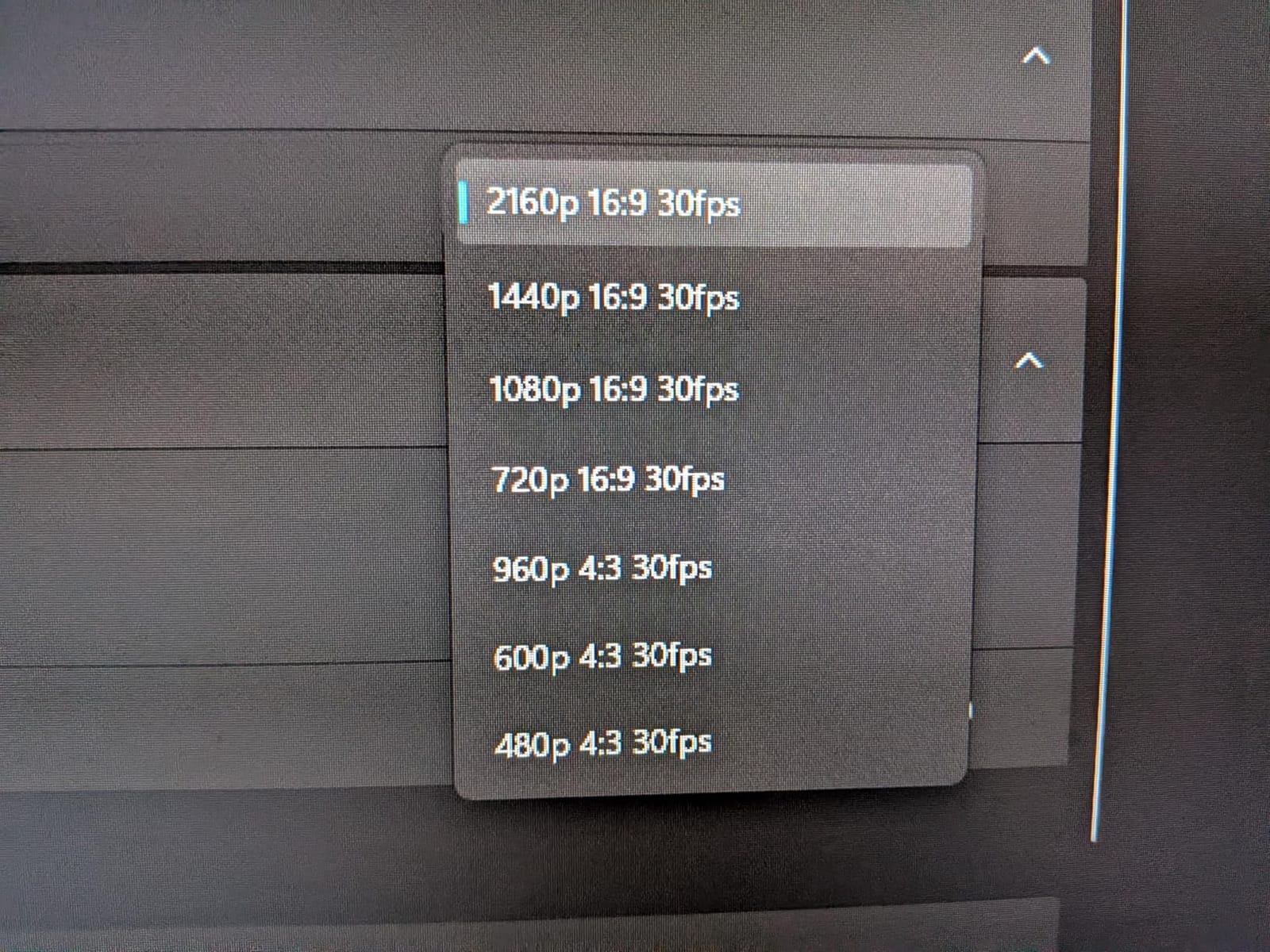
Where the Philips falls short is in advanced features. There is no autofocus adjustment, no AI tracking, no companion software, and no manual controls. For users who want a 4K webcam that simply works for video calls without any configuration, this is a fine choice. For creators who want to fine-tune their image, look at the OBSBOT Meet 2 or Insta360 Link 2.
Who should buy the PHILIPS 4K Webcam
Buyers who need 4K video quality for basic video calls and want the lowest possible price without dropping to a 1080p webcam.
Bulk IT deployments where you need a functional 4K webcam at the lowest cost per unit.
Who should skip the PHILIPS 4K Webcam
Content creators and streamers will find the lack of manual controls and AI tracking limiting. The OBSBOT Meet 2 at $99 is a much better creative tool.
Users who value proven reliability may want to wait for more review history, since this is a newer product with fewer user reviews.
How to Choose the Best 4K Webcam for Your Needs?
Buying a 4K webcam is less about resolution and more about the sensor, the autofocus, and the software that ties it all together. Here is what actually matters when comparing the best 4K webcams in 2026.
Sensor size matters more than resolution
A larger sensor, like the 1/2 inch sensors in the Insta360 Link 2 and OBSBOT Meet 2, captures more light per pixel. This means cleaner low-light footage, less noise, and that natural background blur that makes your video calls look professional. A 4K webcam with a tiny sensor will produce sharper pixels but noisier images, which is the opposite of what you want.
I tested this directly by comparing the 1/2 inch OBSBOT Meet 2 against a smaller-sensor 4K webcam in a dim room. The Meet 2 image was noticeably cleaner, with smoother gradations in shadows and less of the grainy texture that plagues smaller-sensor webcams. If low-light performance matters to you, sensor size is the first spec to check.
Autofocus technology: PDAF vs contrast-detection
Phase-detection autofocus (PDAF) is what smartphones and mirrorless cameras use. It is fast, accurate, and does not hunt back and forth when subjects move. Contrast-detection autofocus is older and cheaper, and it is the cause of that annoying focus pulsing that ruins otherwise good webcams.
The good news is that PDAF has trickled down to sub-$50 webcams. The EMEET NOVA, EMEET C960, OBSBOT Meet 2, and UGREEN 4K all use PDAF. The Logitech MX Brio and Insta360 Link 2 pair PDAF with AI-enhanced tracking. Whichever webcam you choose, make sure PDAF is on the spec sheet.
Frame rate: 4K at 30fps vs 4K at 60fps
Most 4K webcams cap at 30fps because pushing 4K at 60fps requires USB 3.0 bandwidth and a beefy processor on the host computer. For video calls, 30fps is fine. For streaming or recording gameplay with fast motion, 60fps produces smoother footage.
None of the webcams in this roundup hit 4K at 60fps over USB, but several drop to 1080p at 60fps, which is a useful fallback. If you need uncompressed 4K video at higher frame rates, you are looking at a mirrorless camera with a capture card, not a webcam.
Microphone quality across the price range
Most 4K webcams include built-in microphones, and most are adequate for video calls but not great for content creation. The Insta360 Link 2 has the best AI noise-canceling microphone I tested, which actually suppresses background noise without distorting the voice. The Logitech MX Brio’s dual beamforming mics are similarly strong.
For podcasting or streaming, you will still want a dedicated USB microphone like the Shure MV7 or Elgato Wave:3. But for video calls, the built-in mics on these webcams are clear enough that no one on the other end will complain.
Green screen compatibility considerations
One detail most webcam reviews miss is how well virtual backgrounds and green screens work with each camera. The Logitech MX Brio and Insta360 Link 2 have the cleanest edge separation, which matters if you use Teams or Zoom background blur without a physical green screen.
For a true chroma key workflow, the sensor size and aperture matter more than resolution. The 1/2 inch sensors in the Insta360 Link 2 and OBSBOT Meet 2 produce the cleanest key edges, with minimal color bleeding around hair and shoulders.
Computer requirements for 4K streaming
Here is the part nobody talks about: 4K webcam streaming requires significant CPU and GPU horsepower. Encoding 4K H.264 video in real time can saturate older processors, especially if you are also running OBS Studio or a streaming platform.
For Windows users, I recommend at least a 6th-generation Intel Core i5 or equivalent AMD Ryzen 5. For Macs, any M1 chip or later handles 4K encoding comfortably. If your computer is older, consider running your webcam at 1080p and letting the larger sensor do the heavy lifting for image quality.
USB bandwidth and port requirements
USB 2.0 ports can technically handle 4K video, but encoding a 4K stream over USB 2.0 means the video is compressed, which introduces artifacts. USB 3.0 preserves more detail but is not strictly required for everyday use.
If you have a USB-C port, use it. The AOC 4K and UGREEN 4K both include USB-C adapters in the box, which is a nice touch. The OBSBOT Meet 2, Insta360 Link 2, and Logitech MX Brio all ship with USB-C cables natively.
Mounting and software considerations
How you mount the webcam matters more than people think. Magnetic mounts like the OBSBOT Meet 2 and Insta360 Link 2 attach and detach in seconds, which is great for travel. L-clip mounts like the Logitech MX Brio are more secure but harder to move.
Companion software is where the user experience diverges. OBSBOT Center, Insta360 Link Controller, and Logi Tune all offer manual white balance, exposure, and focus controls. The EMEET, UGREEN, AOC, and Philips webcams ship without companion software, which keeps the setup simple but limits your creative control.
Frequently Asked Questions
Is it worth getting a 4K webcam?
A 4K webcam is worth it if you create content, stream on Twitch, or join frequent video calls where image quality matters. The larger sensors used in 4K webcams deliver better low-light performance and natural depth of field, even when you stream at 1080p. For users who only join occasional Zoom calls, a 1080p webcam is usually enough.
Is a 4K webcam overkill?
A 4K webcam is overkill if you only use video calls for occasional chats and your laptop’s built-in camera is sufficient. It is not overkill for content creators, streamers, remote workers, and educators who want sharper detail, better low-light performance, and cleaner virtual background segmentation. The sensor size typically matters more than the resolution itself.
What is the best 4K webcam for PC?
The best 4K webcam for PC depends on your use case. The Insta360 Link 2 is the top choice for streamers and educators thanks to its AI tracking and 1/2 inch sensor. The Logitech MX Brio is the best for business video calls with Microsoft Teams and Zoom. The OBSBOT Meet 2 is the best mid-range option with AI framing at $99. The UGREEN 4K is the best value pick at $44.99.
What is the best 4K webcam in 2026?
The best 4K webcam in 2026 is the Insta360 Link 2 for its 1/2 inch sensor, AI tracking, HDR, and overall image quality. The Logitech MX Brio is the best premium option for business video calls. The OBSBOT Meet 2 is the best mid-range choice with AI features. The UGREEN 4K is the best value pick, and the AOC 4K is the best budget option under $30.
Final Recommendation
After testing all 8 of these best 4K webcams in 2026, my top pick is the Insta360 Link 2 for anyone who moves on camera, the Logitech MX Brio for business video calls, and the OBSBOT Meet 2 for creators on a budget. The UGREEN 4K is the best value, and the AOC 4K is the right choice at the lowest price point.
A 4K webcam is no longer a luxury. It is the right tool for streamers, remote workers, and content creators who want image quality that once required a $1000 camera setup. Pick the model that matches your use case, and you will not regret the upgrade.