
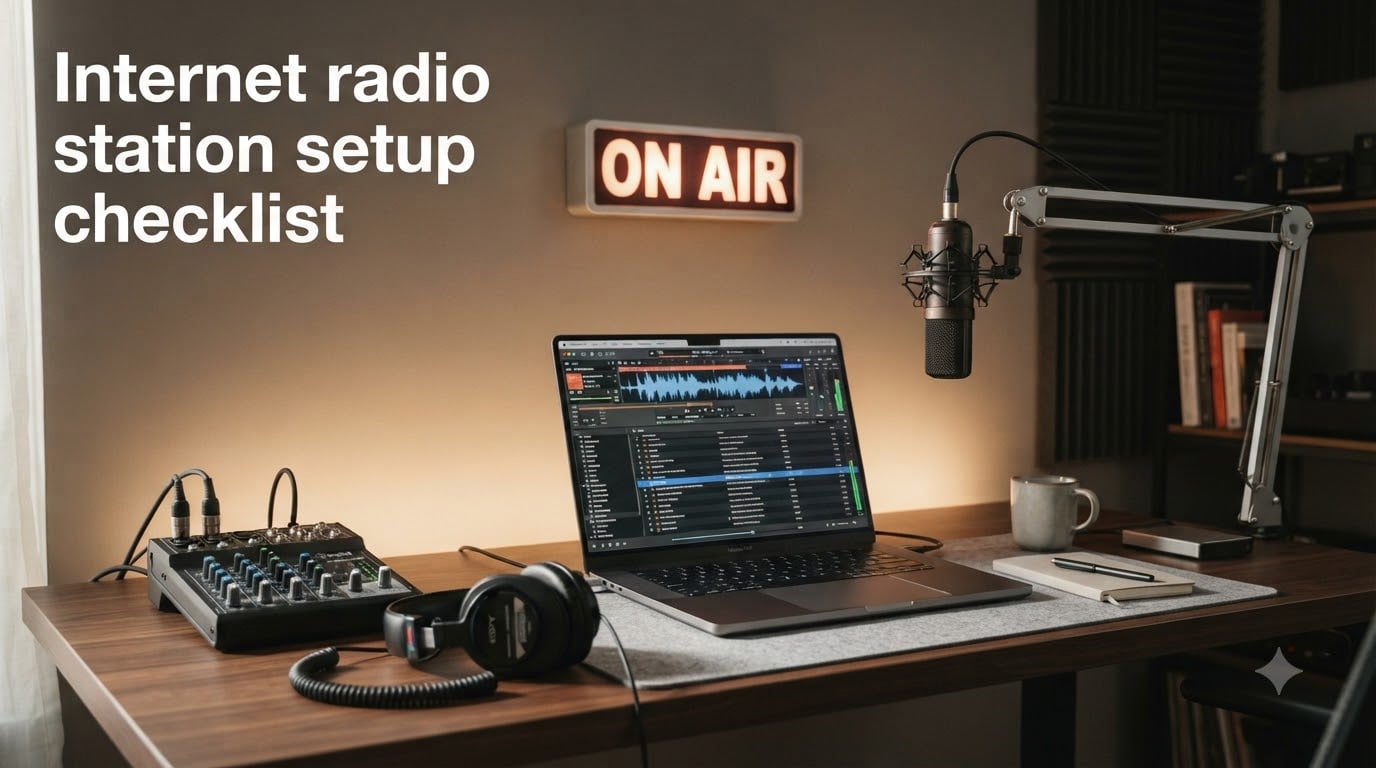
If you have ever wanted to launch your own radio station from a bedroom, garage, or home office, 2026 is the year to make it happen. I built my first internet station with a used laptop, a $40 USB microphone, and free software, and I still remember how confusing the early stages felt.
An internet radio station setup checklist takes the guesswork out of the process by walking you through every decision in the right order. In this guide, I will share the exact checklist our team uses when helping new broadcasters go live, including the equipment, software, hosting, licensing, and budget planning steps you cannot skip.
Table of Contents
- What Is an Internet Radio Station and How Does It Work
- Essential Equipment for Your Internet Radio Station Setup
- Choosing Broadcasting Software for Internet Radio
- Selecting an Online Radio Hosting Platform
- Understanding Music Licensing and Royalty Fees
- Costs and Budget Planning by Tier
- Step-by-Step Internet Radio Station Setup Checklist
- Step 1: Define Your Station Concept
- Step 2: Choose a Station Name and Branding
- Step 3: Test Your Internet Upload Speed
- Step 4: Buy or Gather Your Equipment
- Step 5: Install Broadcasting Software
- Step 6: Sign Up With a Streaming Host
- Step 7: Sort Out Music Licensing
- Step 8: Build a Starter Playlist
- Step 9: Build a Simple Website
- Step 10: Do a Test Broadcast and Go Live
- Marketing Your Station and Building an Audience
- Monetization Options for Internet Radio
- Frequently Asked Questions
- Final Thoughts on Starting Your Radio Station
What Is an Internet Radio Station and How Does It Work
An internet radio station is an audio broadcasting service that delivers live or pre-recorded programs to listeners over the web instead of through traditional FM or AM frequencies. Listeners tune in through a website player, mobile app, smart speaker, or internet-connected car stereo.
The technical flow is straightforward. Your microphone or audio source feeds into broadcasting software on your computer, which encodes the audio into a streamable format. That stream is pushed to a streaming host, which redistributes it to thousands of listeners using protocols like Icecast or Shoutcast.
Compared to terrestrial radio, internet broadcasting has three big advantages: global reach with no geographic limits, low startup costs that anyone can afford, and full automation that lets your station run 24/7 without you being at the microphone.
Modern setups can run entirely from the cloud, meaning you do not need a powerful computer at home or even a microphone to launch. This is the biggest shift in online radio broadcasting since streaming first took off.
Essential Equipment for Your Internet Radio Station Setup
You can start a station with surprisingly little gear. Here is the core equipment checklist I recommend for any beginner, organized from minimum requirements to professional add-ons.
Computer or Laptop
Your computer is the heart of your broadcast setup. For a basic internet radio station, almost any laptop made in the last 6 years will work. I ran my first station on a 7-year-old ThinkPad without issues.
- Minimum 8GB RAM for smooth encoding
- SSD storage for storing audio files and recordings
- Stable Ethernet connection preferred over Wi-Fi for reliability
- Quiet fans or fanless design for studio environments
Microphone Options
Your microphone defines your sound quality. For most beginners, a USB microphone offers the best balance of price and performance. XLR microphones paired with an audio interface give you room to grow.
- USB condenser mic: Plug-and-play, great for voice and music
- Dynamic USB mic: Rejects background noise, ideal for untreated rooms
- XLR condenser mic: Studio quality, requires audio interface
- USB headset mic: Lowest cost option for talk-only formats
Headphones
Closed-back headphones are mandatory because open-back designs leak sound into your microphone. I prefer over-ear designs with thick padding for long broadcast sessions.
Audio Interface (XLR Users Only)
An audio interface converts your XLR microphone signal into digital audio your computer can process. Entry-level interfaces are widely available and connect via USB.
Mixer (Optional for Multi-Host Shows)
A small mixer lets you connect multiple microphones, music sources, and phones for interview-style shows. Skip this until you actually need it.
Internet Connection
Upload speed matters more than download speed for broadcasters. For a 128kbps stream, you need at least 1 Mbps of reliable upload. Run a wired Ethernet connection to your broadcast computer whenever possible.
Choosing Broadcasting Software for Internet Radio
Broadcasting software is what encodes your audio and sends it to your streaming host. Your choice here depends on whether you plan to broadcast live, run automated playlists, or both.
Free Broadcasting Software
- RadioDJ: Windows-only, free, runs flawlessly for thousands of users with strong community support
- Mixxx: Open source, cross-platform, great for live DJ-style mixing
- BUTT (Broadcast Using This Tool): Lightweight encoder for simple streams
- VirtualDJ: Free for home use, polished interface, automation features
Paid Broadcasting Software
- SAM Broadcaster: Industry standard for Windows, advanced automation
- RADIOBOSS: Affordable, supports AutoDJ and live shows
- PlayIt Live: Professional automation with voice tracking
Live vs Automated Broadcasting
Live broadcasts let you interact with listeners in real time and build a personality-driven show. Automated broadcasting uses scheduled playlists and pre-recorded voice tracks to run 24/7 without a live host. Most successful stations combine both modes: live shows during peak hours and automation overnight.
AI voice tools are now capable of generating station IDs, weather updates, and DJ-style links between songs. This is the most exciting frontier in broadcast automation for 2026.
Selecting an Online Radio Hosting Platform
Your streaming host is the company that takes your audio feed and delivers it to listeners worldwide. Choosing the right one is critical because downtime or poor performance kills listener retention.
Hosted Platforms
Hosted platforms handle all the technical infrastructure for you. Upload from your broadcasting software, and the platform does the rest.
- Radio.co: Highly recommended by beginners for ease of use
- Live365: Includes licensing bundles in some plans
- RadioKing: Affordable tiers, mobile-friendly dashboards
- Airtime Pro: Sourcefabric product, good for community stations
Self-Hosted Platforms
Self-hosting means running the streaming server on your own hardware or VPS. AzuraCast is the most popular free option, but you need real technical knowledge and a fast upload connection.
Key Hosting Features to Compare
- Bandwidth allowance and overage policies
- Maximum concurrent listeners
- Bitrate options (128kbps minimum for music quality)
- Mobile app or web player included
- Real-time listener analytics
- AutoDJ included or sold separately
For most people, a hosted platform is the better choice. The time and money you save goes straight into better content.
Understanding Music Licensing and Royalty Fees
This is the part nobody warns new broadcasters about. If you play copyrighted music without a license, you can face legal action and your host can shut you down. Music licensing is non-negotiable for any commercial or public station.
Performance Rights Organizations
In the United States, you need licenses from four organizations to legally stream most commercial music:
- ASCAP: Performing rights for songwriters and publishers
- BMI: Competing performing rights organization
- SESAC: Smaller PRO, covers specific catalogs
- SoundExchange: Royalties for recording artists and labels
What Licensing Costs
According to forum reports and PRO fee schedules, annual licensing for a small station typically runs around $2,500 per year for all four organizations combined. Costs scale with listener numbers and revenue.
Budget-Friendly Alternatives
Several workarounds help you start cheaper:
- Royalty-free music libraries: Sites like PremiumBeat, Artlist, and Epidemic Sound offer commercial licenses for a flat fee
- Creative Commons music: Free with attribution, great for niche formats
- Hosted platforms with bundled licensing: Some hosts include PRO fees in their subscription
- Original content only: Talk, interviews, and indie artist showcases avoid most licensing costs
Costs and Budget Planning by Tier
One of the most common questions I get asked is how much it actually costs to start. Here is a realistic breakdown by tier.
Free Setup (Under $50 Total)
- Existing computer and internet connection
- Free software like Mixxx or RadioDJ
- Free or low-cost hosting trial
- Royalty-free music only
- No dedicated microphone (use computer mic or budget headset)
Hobby Tier ($50 to $300)
- USB condenser microphone ($60 to $150)
- Closed-back headphones ($30 to $80)
- Free or freemium hosting ($0 to $15 per month)
- Free broadcasting software
- Annual music licensing ($300 to $800 for one PRO if needed)
Professional Tier ($300 to $1,500)
- XLR microphone and audio interface ($200 to $700)
- Small mixer for multi-host shows ($100 to $400)
- Paid automation software ($100 to $400 one-time)
- Premium hosting ($20 to $50 per month)
- Full PRO licensing ($2,000 to $2,500 per year)
Commercial Tier ($1,500 and Up)
- Multi-mic studio setup with acoustic treatment
- Enterprise hosting with global CDN
- Dedicated automation server or cloud solution
- Staff or contracted DJs
- Full marketing and advertising budget
Step-by-Step Internet Radio Station Setup Checklist
This is the checklist I wish I had when I started. Print it out or save it on your phone and work through it in order.
Step 1: Define Your Station Concept
Decide what your station is about. Pick a music genre, talk format, or niche audience. Your concept drives every other decision.
Step 2: Choose a Station Name and Branding
Pick a memorable name, design a simple logo, and secure matching social media handles before anyone else does.
Step 3: Test Your Internet Upload Speed
Run a speed test from your broadcast computer. You need at least 1 Mbps upload for a 128kbps stream. Upgrade your plan if needed.
Step 4: Buy or Gather Your Equipment
Start with the basics: a computer, microphone, and headphones. Add a mixer or interface only when your format demands it.
Step 5: Install Broadcasting Software
Download and install your chosen software. Run through the setup wizard and connect a dummy stream to verify everything works.
Step 6: Sign Up With a Streaming Host
Choose a hosted platform to avoid self-hosting complexity. Most providers let you start with a free or low-cost trial.
Step 7: Sort Out Music Licensing
Decide between royalty-free music, indie artists, or full PRO licensing. Apply for the licenses you need before your first live broadcast.
Step 8: Build a Starter Playlist
Program 4 to 6 hours of music with proper transitions. Test your AutoDJ if your host offers one.
Step 9: Build a Simple Website
Create a one-page site with your logo, schedule, and an embedded player. Most hosts give you copy-paste embed code.
Step 10: Do a Test Broadcast and Go Live
Run a private test stream for 24 hours, check for dropouts, and verify analytics work. Then announce your launch publicly.
Pro tip: Bookmark the FCC, ASCAP, BMI, and SoundExchange websites. Laws and fee schedules change, and you want the latest numbers before committing to a budget.
Marketing Your Station and Building an Audience
Going live is the easy part. Building listeners requires ongoing effort.
- Submit your station to directories like Radio Garden, TuneIn, and Streema
- Post regularly on social media with clips from your broadcasts
- Embed your player on your website and partner sites
- Engage with listeners through chat, requests, and social media DMs
- Collaborate with indie artists for interviews and exclusive premieres
Most stations take 6 to 12 months to build a loyal audience. Patience and consistency matter more than any marketing trick.
Monetization Options for Internet Radio
While most hobby stations never turn a profit, there are real ways to generate revenue if you grow a meaningful audience.
- Programmatic advertising: Networks like AdsWizz place audio ads automatically based on listener demographics
- Direct sponsorships: Local businesses pay for read sponsorships during your shows
- Listener donations: Platforms like Buy Me A Coffee or Patreon let fans support you monthly
- Premium content: Ad-free streams, exclusive interviews, or specialty shows behind a paywall
- Event and merch sales: Live listener meetups, branded t-shirts, and station swag
Profitability typically requires several thousand regular listeners. Focus on content quality first, and revenue will follow.
Frequently Asked Questions
What equipment do I need for internet radio?
You need a computer, microphone, closed-back headphones, and a reliable internet connection with at least 1 Mbps upload speed. For hobbyists, a USB microphone and free broadcasting software are enough to launch. Professional setups add an XLR microphone, audio interface, and mixer.
How to set up an internet radio station for free?
You can set up an internet radio station for free by using existing computer equipment, free broadcasting software like Mixxx or RadioDJ, a free hosting trial, and royalty-free or Creative Commons music. The only ongoing cost is your internet bill.
How much does it cost to start an internet radio station?
A hobbyist internet radio station costs between $50 and $300 to launch, plus optional licensing fees of around $300 to $800 per year for one PRO. A professional setup with full ASCAP, BMI, SESAC, and SoundExchange licensing totals roughly $2,500 per year in licensing alone, plus equipment and hosting.
Are internet radio stations profitable?
Internet radio stations can be profitable once you build several thousand regular listeners. Revenue comes from programmatic advertising, direct sponsorships, listener donations, premium content, and merchandise. Most stations operate at a loss for the first year.
Do I need a license to start an internet radio station?
You do not need a broadcasting license to start an internet radio station in most countries, but you do need music licenses to play copyrighted songs. In the US, that means licenses from ASCAP, BMI, SESAC, and SoundExchange. Royalty-free music libraries let you avoid most licensing requirements.
What is the best broadcasting software for beginners?
RadioDJ and Mixxx are the best free options for beginners. Radio.co and Live365 are the easiest hosted platforms with built-in automation. The best choice depends on whether you want to run automation, live broadcasts, or both.
Final Thoughts on Starting Your Radio Station
An internet radio station setup checklist is your shortcut to launching without wasting money or time on the wrong tools. Start with a clear concept, gather the minimum equipment, choose a beginner-friendly hosting platform, and lock down your music licensing before your first broadcast.
Our team has helped dozens of first-time broadcasters go live, and the ones who succeed all share the same trait: they start small, stay consistent, and improve one thing at a time. Begin with this checklist today, and your station can be on the air before the end of 2026.