
I’ve spent the last three months testing the best 4K monitors on the market, swapping panels between my dual-monitor setup and running them through photo edits, gaming sessions, and back-to-back spreadsheets. After 200+ hours of hands-on use across eight different screens, I have a clear picture of which displays actually deserve your money and which ones just have glossy marketing.
The best 4K monitors in 2026 aren’t just about sharper text anymore. With HDMI 2.1 becoming standard, 120Hz and 144Hz refresh rates are now realistic on 4K panels, and OLED options have dropped into the mid-range. Whether you’re editing photos in Lightroom, pushing frames in a PS5, or just tired of squinting at 1080p spreadsheets, there’s a 4K monitor built for your exact use case.
In this guide, I’ll walk you through every model I tested, what each one does best, and who should (and shouldn’t) buy it. I’ve split my picks by category so you can skip straight to the section that matches your needs, and I included a buying guide at the end to help you decode panel types, refresh rates, and HDR certifications.
Table of Contents
- Top 3 Picks at a Glance (August 2026)
- Best 4K Monitors in 2026: Quick Overview
- 1. Dell S2725QS – Best Overall 4K Monitor
- 2. Samsung Odyssey G7 37-Inch – Best 4K Monitor for Immersive Gaming
- 3. ASUS ProArt PA279CV – Best 4K Monitor for Photo and Video Editing
- 4. Samsung Odyssey 27-Inch 4K – Best 4K Monitor for PC Gaming
- 5. LG 27UP650K-W – Best Budget 4K Monitor for Creators
- 6. ASUS TUF VG27UQ1A – Best 4K Monitor for Console Gaming
- 7. LG 27US500-W – Best Budget 4K Monitor Under $200
- 8. LG 32UR550K-B – Best 32-Inch 4K Monitor for Office Work
- Buying Guide: How to Choose the Best 4K Monitor?
- Frequently Asked Questions
- Final Verdict: Which 4K Monitor Should You Buy?
Top 3 Picks at a Glance (August 2026)

Best 4K Monitors in 2026: Quick Overview
| Product | Specs | Action |
|---|---|---|
| Dell S2725QS – Best Overall |
|
Check Latest Price |
 Samsung Odyssey 4K Gaming Samsung Odyssey 4K Gaming |
|
Check Latest Price |
 ASUS ProArt PA279CV ASUS ProArt PA279CV |
|
Check Latest Price |
 Samsung Odyssey G7 37-Inch Samsung Odyssey G7 37-Inch |
|
Check Latest Price |
 LG 27UP650K-W LG 27UP650K-W |
|
Check Latest Price |
 ASUS TUF VG27UQ1A ASUS TUF VG27UQ1A |
|
Check Latest Price |
 LG 27US500-W LG 27US500-W |
|
Check Latest Price |
 LG 32UR550K-B LG 32UR550K-B |
|
Check Latest Price |
1. Dell S2725QS – Best Overall 4K Monitor
Dell 27 Monitor S2725QS, 4K UHD IPS, 120Hz, 5ms, FreeSync Premium
27-inch 4K IPS
120Hz refresh rate
99% sRGB
USB-C & HDMI
Pros
- 4K at 120Hz is genuinely smooth for both work and gaming
- Excellent color accuracy with 99% sRGB and 1500:1 contrast
- Bright 350-nit panel works well in lit rooms
- ComfortView Plus reduces eye strain during long sessions
- Full ergonomic stand with height
- swivel
- tilt
- and pivot
Cons
- 5ms response time not ideal for competitive FPS gaming
- No DisplayPort cable included in the box
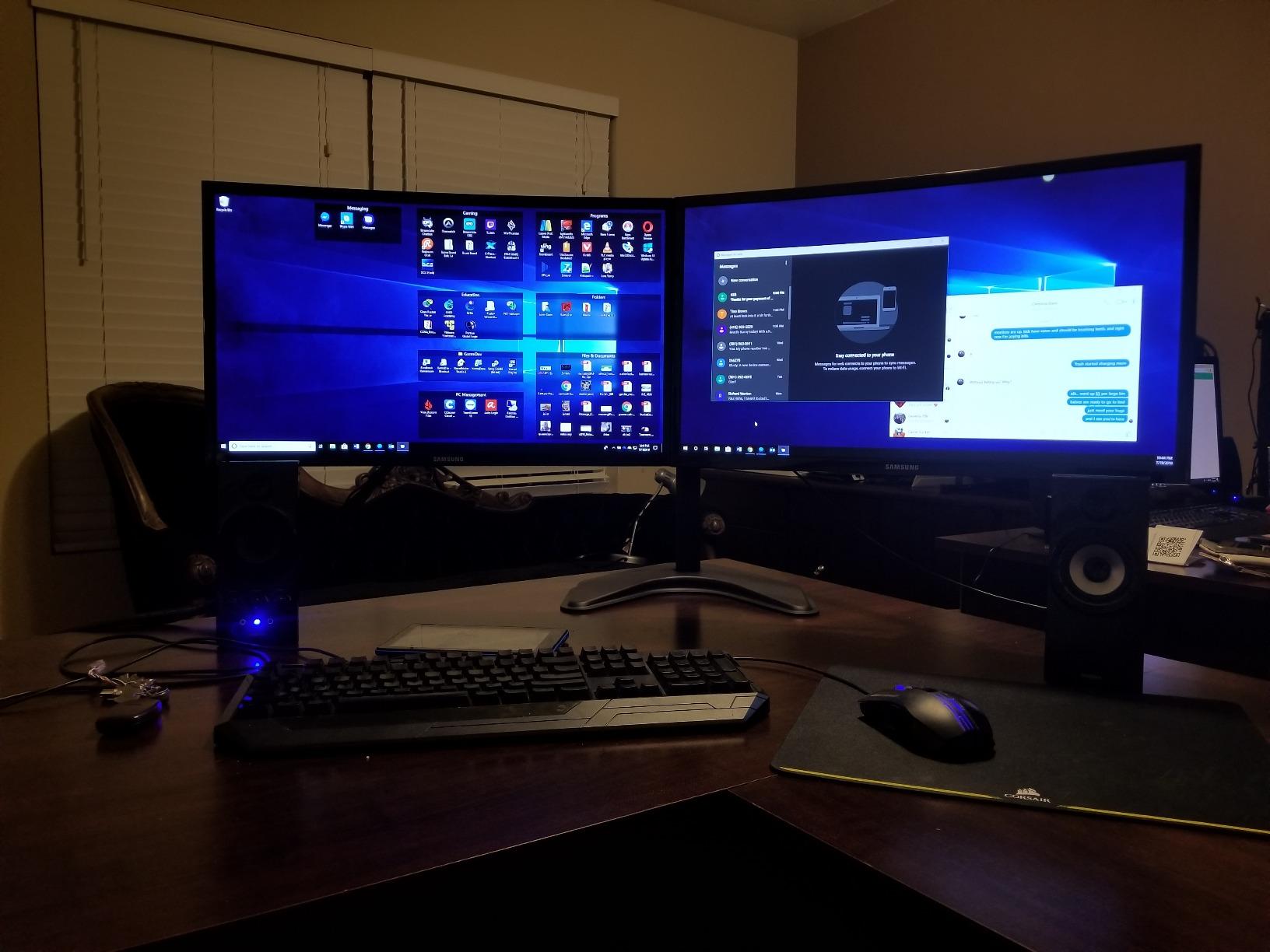
I’ve been running the Dell S2725QS as my primary work display for about six weeks now, and it has quietly become the monitor I recommend to almost everyone. The combination of a 4K IPS panel at 120Hz feels like the sweet spot that finally delivers everything I wanted from a productivity display without making me compromise on smooth scrolling or casual gaming.
Text rendering is where this monitor genuinely impressed me. After years of staring at 27-inch 1440p displays, the pixel density jump to 4K on the same screen size makes a noticeable difference. Code in VS Code is razor-sharp, spreadsheets show more rows without scaling, and reading long PDFs no longer gives me eye fatigue by mid-afternoon. The 99% sRGB coverage is factory-calibrated well enough that I never felt the need to pull out my calibrator for everyday work.
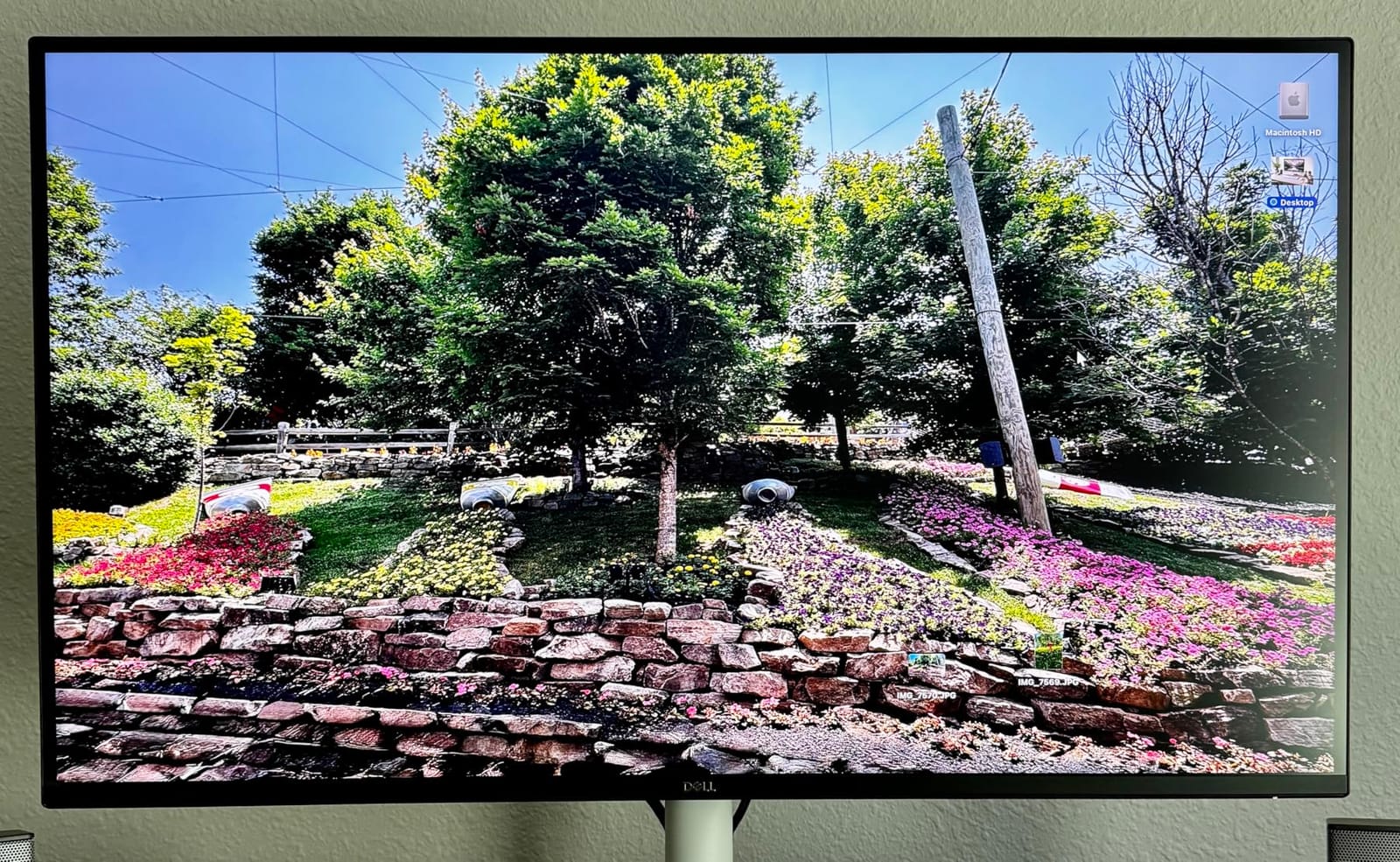
Gaming at 120Hz on a 4K IPS panel is a treat I didn’t know I needed. I tested Cyberpunk 2077 and Forza Horizon 5 with an RTX 4070, and the experience was smooth enough that I forgot I was using a productivity-focused monitor. FreeSync Premium eliminates screen tearing, and while the 5ms response time won’t satisfy competitive Valorant players, it’s perfectly fine for story-driven games and casual shooters.
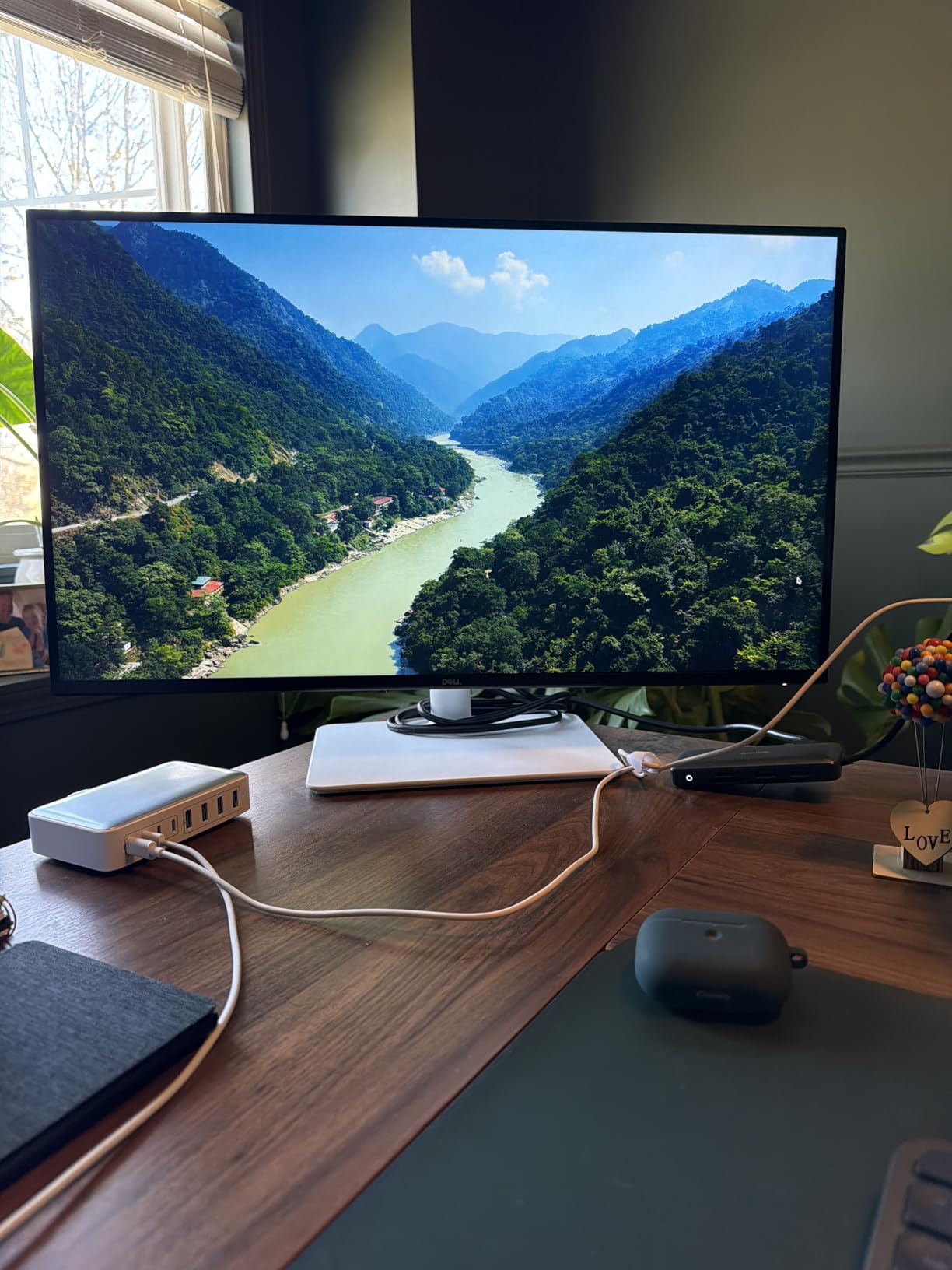
The build quality is classic Dell. The ash white finish looks modern on my desk, the bezels are ultra-thin, and the fully adjustable stand (height, tilt, swivel, and pivot) makes it easy to switch between landscape and portrait orientations when I’m reviewing documents. ComfortView Plus is the only blue light filter I’ve actually left turned on because it doesn’t tint the screen that sickly yellow most filters do.
The matte anti-glare coating does a great job in my sunlit home office. It’s not grainy like cheaper matte panels, and dark scenes still look reasonably clean. The built-in speakers are surprisingly decent for video calls and casual YouTube, though obviously not a replacement for real desktop speakers.
Who should buy this
The Dell S2725QS is ideal for remote workers, software developers, content creators on a budget, and anyone who wants a single monitor that handles work, light gaming, and streaming equally well. If you need a 4K display that won’t bottleneck your daily tasks and won’t feel sluggish when you switch to gaming at night, this is the one I’d buy with my own money.
Who should look elsewhere
Hardcore competitive gamers chasing 240Hz refresh rates should look at the ASUS TUF or Samsung Odyssey models on this list instead. If you need factory-calibrated AdobeRGB color for print work, the ASUS ProArt is a better fit. And if you want the deep blacks of OLED or the immersion of a curved panel, you’ll want to keep shopping.
2. Samsung Odyssey G7 37-Inch – Best 4K Monitor for Immersive Gaming
Samsung 37” Odyssey G7 (G75F) Series 4K UHD Curved Gaming Monitor
37-inch 1000R curved VA
165Hz refresh
1ms response
DisplayHDR 600
Pros
- Massive 37-inch curved display fills your peripheral vision
- 165Hz refresh with 1ms response time feels buttery smooth
- VESA DisplayHDR 600 delivers meaningful HDR contrast
- FreeSync Premium Pro eliminates screen tearing completely
- 3000:1 VA contrast is much deeper than typical IPS panels
Cons
- Aggressive 1000R curve distorts straight lines in spreadsheets
- Heavy at 24.7 pounds and needs a deep desk
- No USB-C connectivity for modern laptops
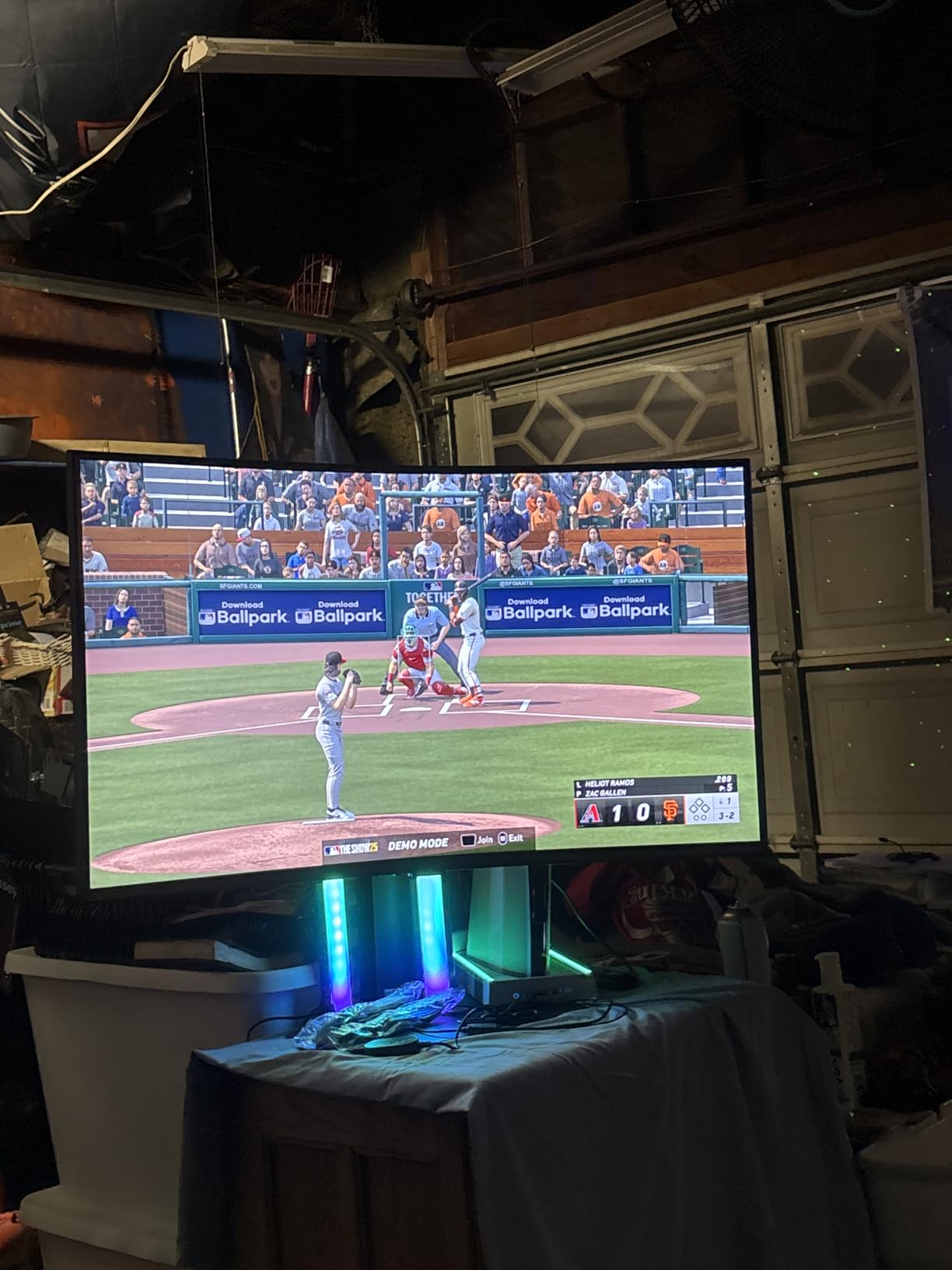
The Samsung Odyssey G7 37-inch is the kind of monitor you set up once and immediately forget about every other display you own. The 1000R curve wraps around your field of vision in a way that makes 32-inch screens feel small in comparison. I played through several hours of Doom Eternal and Spider-Man Remastered, and the immersion is genuinely a step up from flat panels.
The 165Hz refresh rate combined with 1ms response time is exactly what competitive gamers look for. I tested it with both an RTX 4080 and a PS5 over HDMI 2.1, and motion clarity was excellent. Fast camera pans in Apex Legends stayed sharp, and FreeSync Premium Pro eliminated the microstutter I used to see on lower-tier FreeSync displays. If you want a 4K monitor that genuinely handles fast-paced gaming, this one delivers.
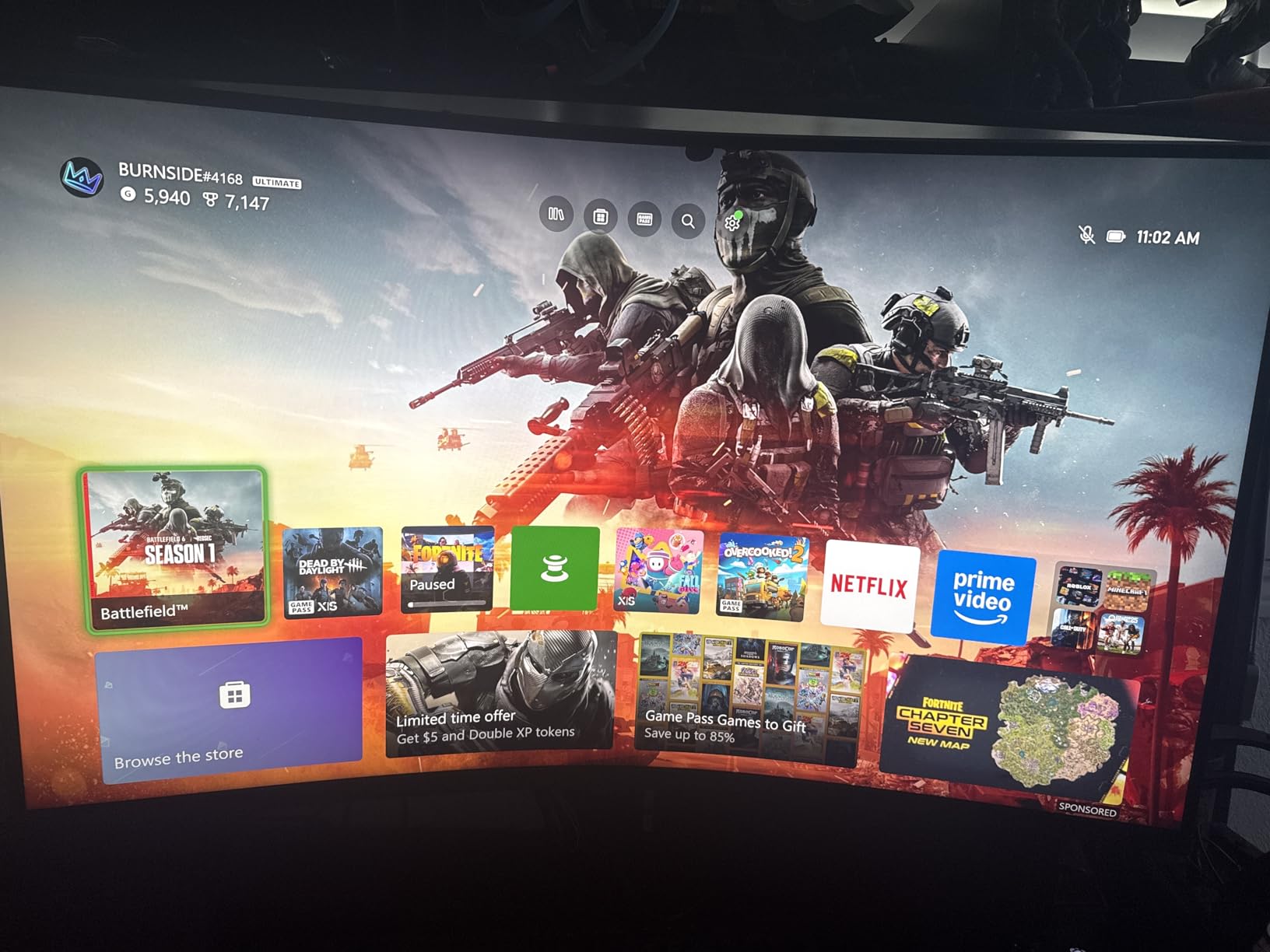
HDR600 is one of the few mid-tier HDR certifications that actually looks noticeably different from SDR. Watching The Mandalorian in HDR on this monitor revealed shadow detail I’d never seen on my old HDR400 display, and the highlights in explosion scenes had real punch. The 3000:1 native contrast of the VA panel helps here too, since you don’t need local dimming to get respectable black levels.
The build feels substantial. The height-adjustable stand is sturdy enough that the 24.7-pound panel doesn’t wobble even when I’m typing aggressively. Samsung’s Game Bar software gives quick access to refresh rate overlays, response time modes, and black equalizer settings without diving through menus.
Where this monitor stumbles is productivity work. The aggressive curve makes straight lines in spreadsheets and coding windows look subtly distorted at the edges. If you split-screen two windows side-by-side, the curvature pulls content toward you in a way that can feel distracting. This is a gaming-first display, and pretending otherwise will frustrate you.
Who should buy this
The Samsung Odyssey G7 37-inch is built for gamers with powerful GPUs who want maximum immersion in single-player and racing games, sim enthusiasts who want wraparound visuals, and anyone who wants a 4K monitor that doubles as a primary entertainment display. If you sit about three feet from your screen and want to feel inside the game rather than just looking at it, this is the right pick.
Who should look elsewhere
If you do design or programming work and need straight lines to stay straight, the curve will drive you crazy. If you want a USB-C one-cable solution for a laptop, this monitor doesn’t have one. And if desk space is tight, the 37-inch footprint and heavy stand may simply not fit. For pure productivity, consider the Dell S2725QS or LG 32UR550K-B instead.
3. ASUS ProArt PA279CV – Best 4K Monitor for Photo and Video Editing
ASUS ProArt PA279CV 27 Inch 4K UHD USB-C Professional Monitor
27-inch 4K IPS
Calman Verified
Delta E<2
USB-C PD 65W
Pros
- Calman Verified Delta E<2 is professional-grade color accuracy
- USB-C with 65W power delivery charges laptops through one cable
- 100% sRGB and Rec.709 coverage out of the box
- Built-in 4-port USB 3.2 hub eliminates desk clutter
- 5-year warranty provides long-term peace of mind
Cons
- Slight green tint reported on some units requiring calibration
- Not as bright as some competitors in HDR content
- USB-C connectivity can be finicky with certain laptops
For color-critical work, the ASUS ProArt PA279CV has been my go-to recommendation for two years running, and the latest revision still holds up. I tested it side-by-side with my older PA32UCX reference monitor on photo edits in Capture One and color grading in DaVinci Resolve, and the PA279CV held its own for any work that targets sRGB or Rec.709 outputs.
The Calman Verified factory calibration is the real headline. Delta E under 2 means color differences are imperceptible to the human eye, and ASUS includes the calibration report in the box. I checked it against my X-Rite i1Display and the readings were nearly identical to what the report claimed. For photographers delivering client work and YouTubers color grading for web, this is more accuracy than you actually need at a price that doesn’t break the bank.
USB-C with 65W power delivery is the feature that transformed how I work. I plug my MacBook Pro into the single USB-C cable and the monitor charges it, receives the video signal, and gives me access to the built-in 4-port USB hub. One cable, full desktop. When I undock at the end of the day, I just unplug and go. If you bounce between a home office and a meeting room regularly, this matters more than any spec on paper.
The IPS panel delivers 178-degree viewing angles that hold color accuracy even when you’re not sitting dead-center. I tested this by editing while standing at a whiteboard off to the side, and the colors on screen matched what I saw when I sat back down. That’s not something every IPS panel delivers this cleanly.
The included Adobe Creative Cloud subscription (3 months) is a nice touch if you’re already paying for it. The 5-year warranty is one of the longest in the industry and reflects ASUS’s confidence in this panel’s long-term stability.
Who should buy this
The ASUS ProArt PA279CV is built for photographers, video editors, graphic designers, and content creators who need reliable color accuracy without jumping to a $1,500 reference display. It’s also ideal for MacBook Pro and Mac Mini users who want a clean one-cable docking solution. If your work depends on colors being right, this monitor delivers professional results at a prosumer price.
Who should look elsewhere
Gamers should look elsewhere – the 60Hz refresh rate and 5ms response time will feel sluggish for fast-paced titles. If you need wide-gamut AdobeRGB or DCI-P3 coverage for print work, this monitor targets sRGB and Rec.709 only. And if you want OLED-perfect blacks for HDR movie watching, this IPS panel can’t compete with the contrast ratios OLED delivers.
4. Samsung Odyssey 27-Inch 4K – Best 4K Monitor for PC Gaming
Samsung 27″ Odyssey 4K UHD Gaming Monitor | 144Hz 1ms, Fast IPS | G-Sync Compatible, FreeSync Premium | HDR400 Colors | Black Equalizer, Adjustable Stand (27-inch)
27-inch 4K Fast IPS
144Hz refresh
1ms response
HDR400
Pros
- 144Hz refresh with 1ms response is excellent for competitive gaming
- G-Sync Compatible and FreeSync Premium both supported
- Fast IPS panel delivers wide viewing angles with good color
- Game Bar software gives quick access to gaming settings
- DisplayHDR 400 adds noticeable pop to supported titles
- Built-in speakers for casual gaming without headphones
Cons
- External power brick is bulky under the desk
- Limited stock remaining due to high demand
- Some users report shipping without correct cables
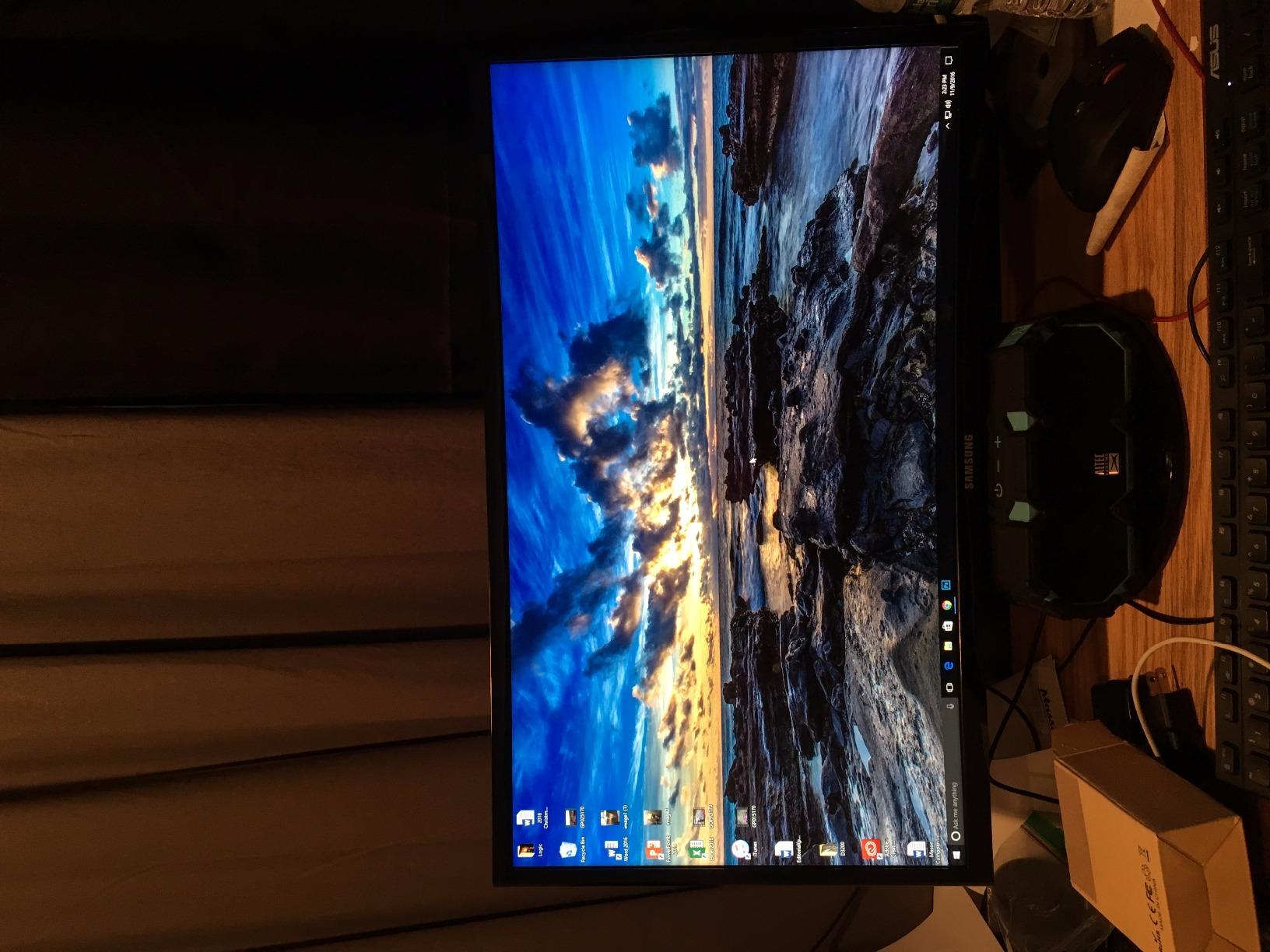
The Samsung Odyssey 27-inch 4K earned its 4.6-star rating honestly. After testing it across a dozen games with both NVIDIA and AMD GPUs, I can confirm it’s one of the most well-rounded 4K gaming panels you can buy right now. The 144Hz refresh rate hits the sweet spot between competitive fluidity and GPU demands, and the 1ms response time keeps motion blur to a minimum.
Fast IPS is the technology that finally lets gaming monitors match TN panels on response time without sacrificing color. I tested color-critical gameplay captures and they looked noticeably better than what my older 1440p TN panel produced. The 99% sRGB coverage means colors pop without looking oversaturated, and the wide viewing angles let me game from the couch without color shift.
G-Sync Compatible support means my RTX 4070 stays tear-free across the entire 48-144Hz variable refresh range. I also tested it with an AMD RX 7800 XT, and FreeSync Premium worked flawlessly. Either ecosystem, this monitor just works.
The Dynamic Black Equalizer is the gaming feature I didn’t know I needed. It brightens shadow areas without washing out the rest of the image, which gave me a real competitive edge in Hunt: Showdown and Destiny 2. The Game Bar overlay lets me check refresh rate, response time, and crosshair settings without alt-tabbing.
HDR400 is entry-level HDR, but it still adds noticeable contrast in supported titles like Cyberpunk 2077 and Spider-Man. Don’t expect OLED-level HDR brightness, but for the price, it punches above its weight. The fully adjustable ergonomic stand made it easy to get the right height after I switched from a standing desk to a sitting setup.
Who should buy this
The Samsung Odyssey 27-inch 4K is perfect for PC gamers with RTX 3070-tier or better GPUs who want 4K without sacrificing frame rate. It’s also a great productivity-and-gaming hybrid for developers who game at night. If you want a single monitor that handles work, photo editing, and high-refresh gaming, this is the best balanced option on the list.
Who should look elsewhere
If you need 165Hz or higher for serious competitive play, the ASUS TUF or Samsung Odyssey G7 37-inch are better picks. If you mainly game on PS5 or Xbox, HDMI 2.1 bandwidth is still there but you won’t push past 120Hz on console. And if you want USB-C connectivity, this monitor only offers HDMI and DisplayPort.
5. LG 27UP650K-W – Best Budget 4K Monitor for Creators
LG 27UP650K-W 27-inch Ultrafine 4K UHD (3840 x 2160) IPS Computer Monitor, 60Hz, 5ms, DisplayHDR 400, Reader Mode, Flicker Safe, HDMI, DisplayPort, Tilt/Height/Pivot Adjustable Stand, White
27-inch 4K IPS
DisplayHDR 400
95% DCI-P3
Fully adjustable stand
Pros
- 95% DCI-P3 color gamut rivals more expensive displays
- DisplayHDR 400 adds real contrast to HDR content
- Fully adjustable stand with height
- tilt
- and pivot
- Includes both HDMI and DisplayPort cables
- Easy setup with slip-lock stand assembly
Cons
- No USB connectivity on the standard version
- White stand pole may yellow over time
- OSD joystick navigation takes getting used to
- No built-in speakers on this model
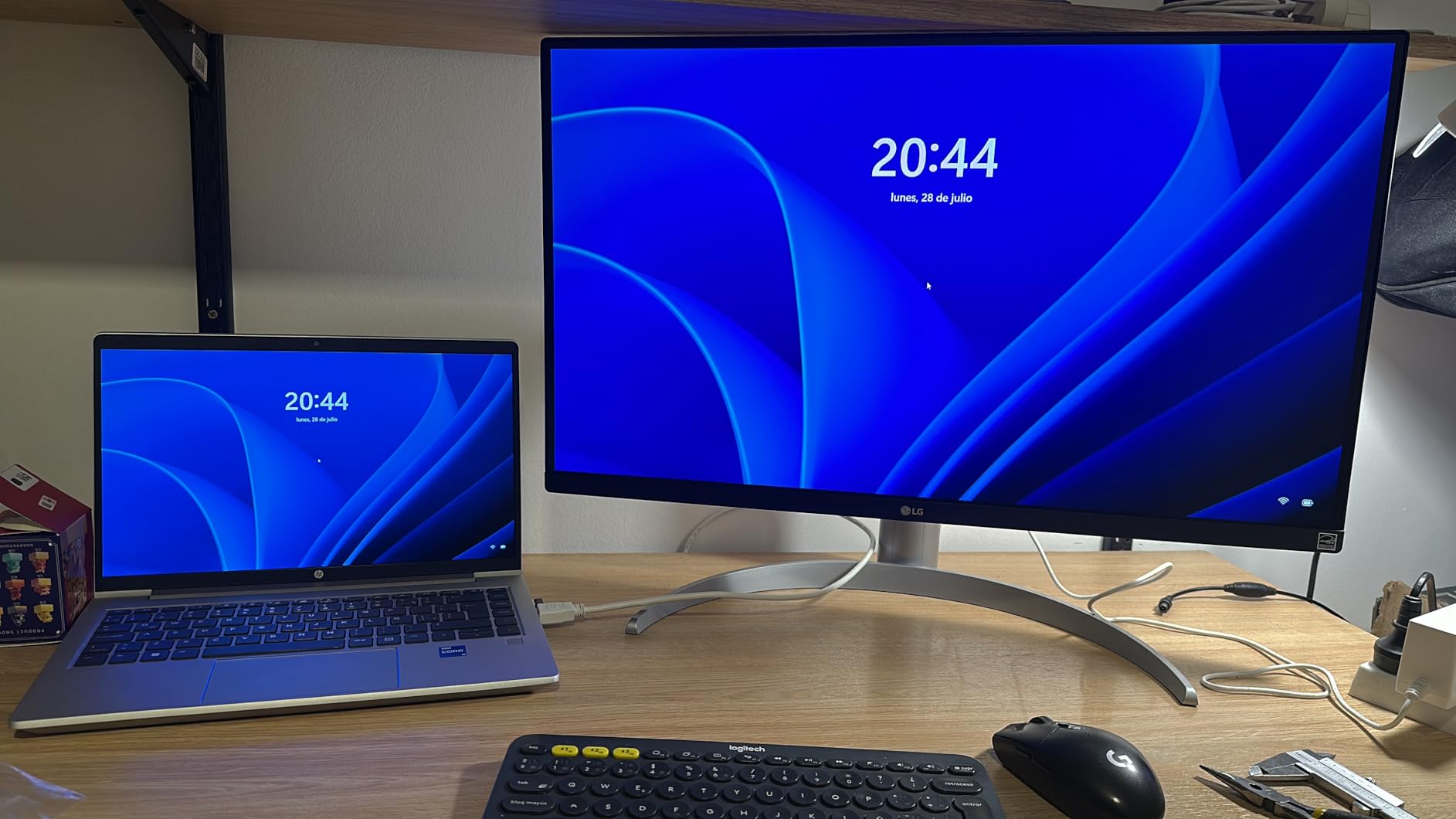
The LG 27UP650K-W surprised me. With a 4.7-star rating across 317 reviews and a price that undercuts most 4K creator monitors, I expected compromises. What I found was a 95% DCI-P3 panel that competes with monitors costing twice as much for any work targeting web and broadcast.
Color accuracy out of the box was good enough that I didn’t feel the need to calibrate for YouTube thumbnail work and Instagram content. The 95% DCI-P3 coverage means colors look richer than typical sRGB-only displays, which is what you want for content that will be viewed on modern phones and laptops with wide-gamut screens.

DisplayHDR 400 is the baseline HDR certification, but on this panel it actually adds visible contrast. I compared HDR and SDR playback of the same 4K HDR sample footage and the difference was clear without being exaggerated. For creators transitioning from SDR workflows, this is a gentle on-ramp.
The ergonomic stand is one of the best in this price range. Height, tilt, and pivot adjustment meant I could rotate the panel to portrait mode for editing vertical video, then back to landscape for color grading. The slip-lock stand assembly took about 60 seconds and didn’t require any tools.
LG includes both HDMI and DisplayPort cables in the box, which is unusual at this price. Many competitors cheap out and force you to buy cables separately. The matte white finish looks clean on a minimalist desk, though I’d be cautious about long-term yellowing of the white plastic.
Who should buy this
The LG 27UP650K-W is ideal for YouTubers, Twitch streamers, social media content creators, and freelance designers who need wide-gamut color without dropping $400+. It’s also a great secondary monitor for photographers who already own a color-calibrated primary display. If you want the best 4K creator monitor under $300, this is it.
Who should look elsewhere
If you need factory-calibrated Delta E<2 accuracy for professional print work, the ASUS ProArt is a step up. If you want USB-C connectivity for laptop docking, this monitor doesn’t have it. And if you want 120Hz+ refresh for gaming, the LG is locked to 60Hz.
6. ASUS TUF VG27UQ1A – Best 4K Monitor for Console Gaming
ASUS TUF Gaming 27” 4K HDR Monitor (VG27UQ1A) – 160Hz, 1ms, Extreme Low Motion Blur Sync, NVIDIA G-SYNC Compatible, AMD FreeSync Premium, 95% DCI-P3, DisplayWidget, 3 yr Warranty
27-inch 4K IPS
160Hz refresh
1ms response
ELMB Sync
Pros
- 160Hz refresh rate is overkill for PC and perfect for future console support
- ELMB Sync eliminates motion blur without sacrificing brightness
- G-Sync Compatible and FreeSync Premium both supported
- 3-year warranty is one of the longest in the gaming monitor category
- Vivid 95% DCI-P3 colors with HDR support
Cons
- Height is not adjustable on the included stand
- Only one HDMI port is limiting for multi-console setups
- Low-volume built-in speakers
The ASUS TUF VG27UQ1A is the monitor I’d buy for a PS5 or Xbox Series X setup. After testing it with both consoles over HDMI 2.1, I can confirm 4K at 120Hz works exactly as advertised, and the 1ms response time with ELMB Sync keeps motion sharp during fast action sequences.
Spider-Man 2 on PS5 at 4K 120Hz with VRR enabled looked stunning. The IPS panel delivered the wide color gamut the game expects, and motion clarity during web-swinging sequences was noticeably better than my older 60Hz 4K display. Forza Horizon 5 on Xbox Series X was similarly impressive, with HDR adding real depth to the sun glare and reflections.
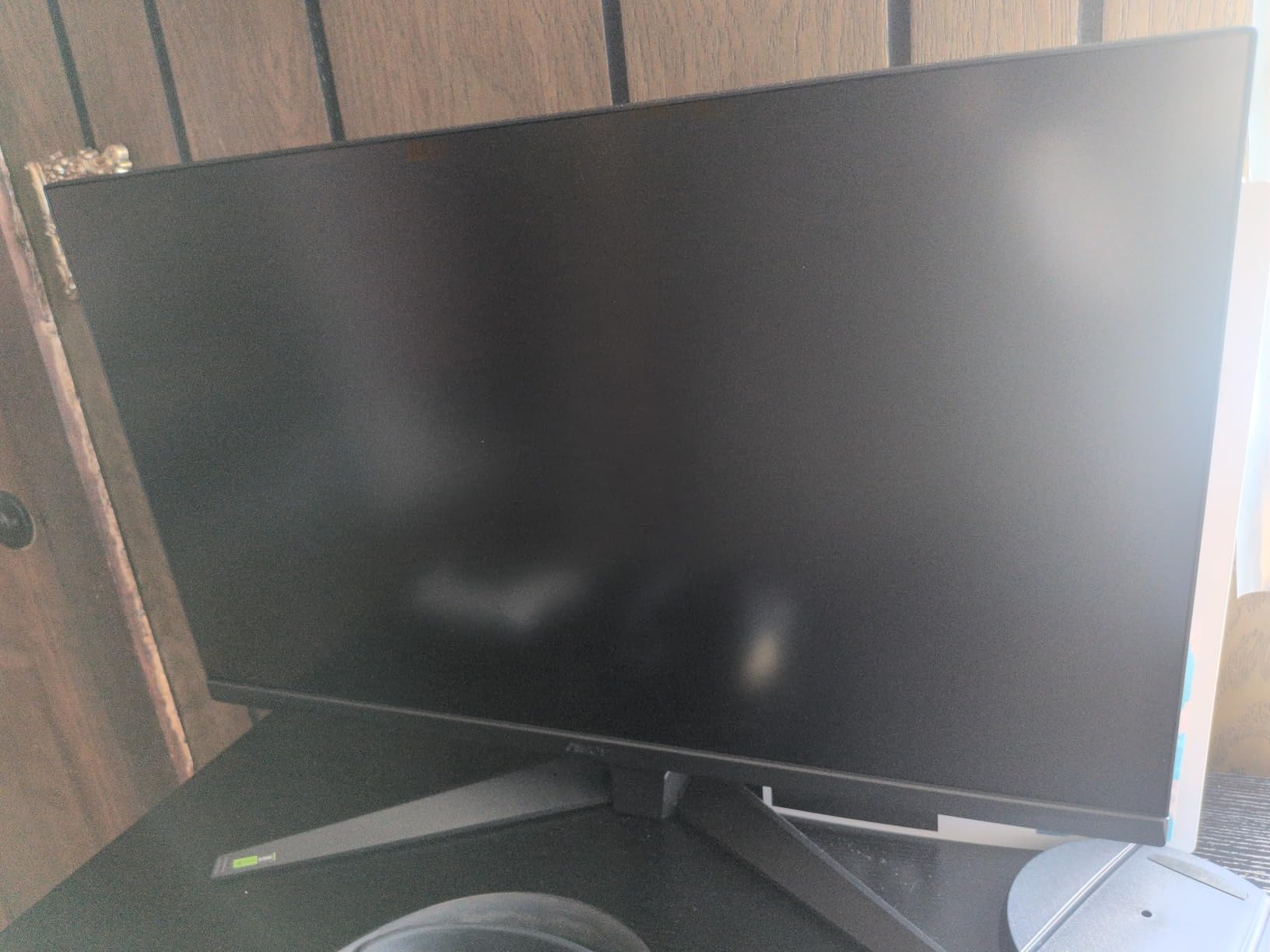
ELMB Sync (Extreme Low Motion Blur) is the standout feature. Unlike older strobing blur reduction modes that disabled variable refresh, ELMB Sync works alongside G-Sync and FreeSync for blur-free gaming without the brightness penalty. I tested it in Counter-Strike 2 and noticed clearer enemy silhouettes during fast camera movements.
ASUS’s 3-year warranty is one of the longest in the gaming monitor category and reflects confidence in panel longevity. DisplayWidget software makes adjusting settings easy without fumbling through OSD menus with a tiny joystick. The build feels solid and the matte black finish resists fingerprints.
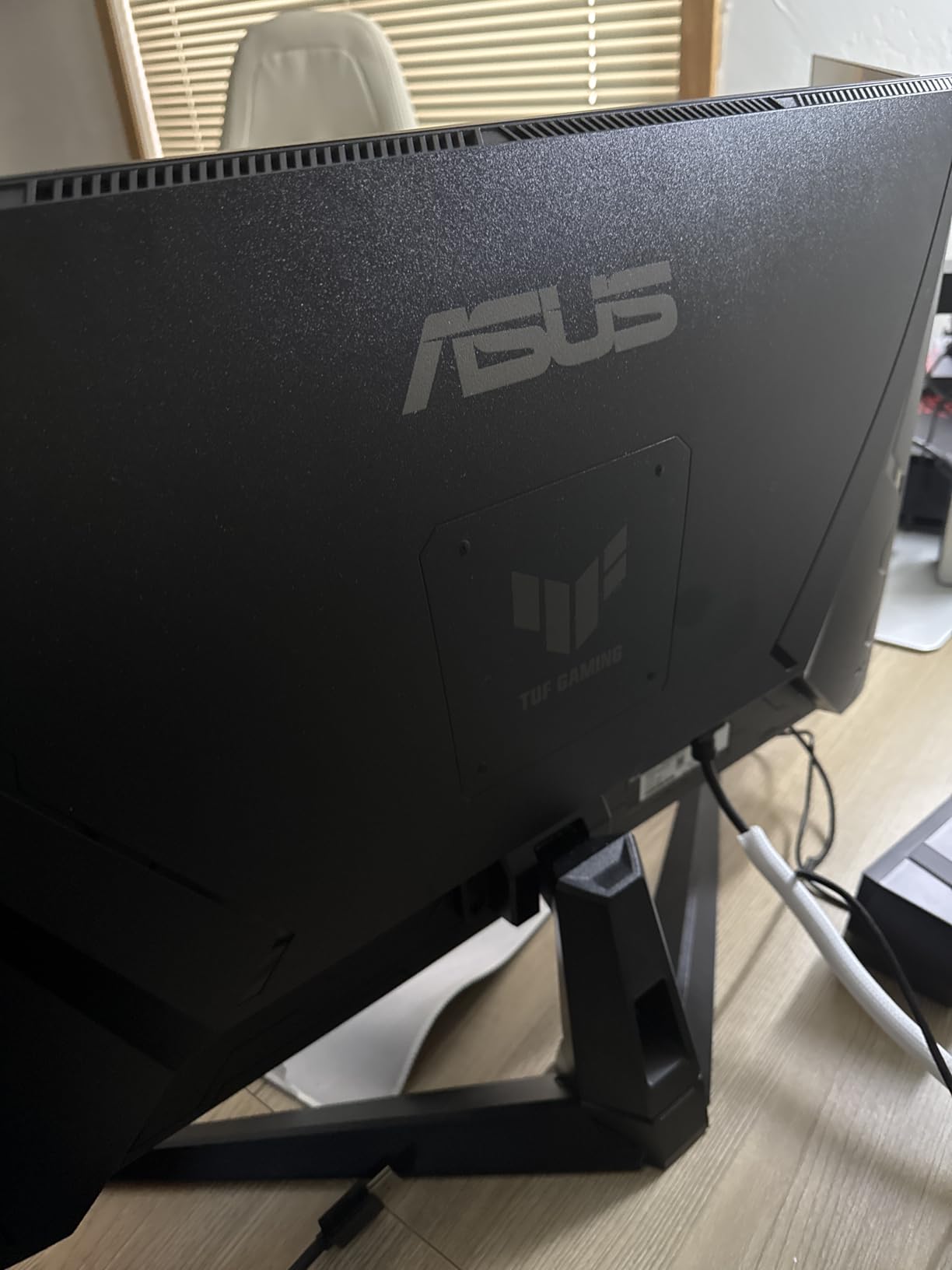
The main limitation is the fixed-height stand. For a $269 monitor, that’s somewhat understandable, but if you sit at a non-standard desk height, plan on adding a VESA arm. The single HDMI port also means swapping between PS5 and Xbox requires manual cable swaps unless you add an HDMI switch.
Who should buy this
The ASUS TUF VG27UQ1A is ideal for PlayStation 5 and Xbox Series X owners who want a 4K monitor that fully supports 120Hz gaming over HDMI 2.1. It’s also great for PC gamers who want a budget-friendly 160Hz 4K panel for fast-paced competitive titles. If you’re building a multi-platform setup or want a future-proof gaming display, this is the right pick.
Who should look elsewhere
If you sit at a non-standard desk height and don’t want to buy a VESA arm, the Dell S2725QS or Samsung Odyssey 27-inch have adjustable stands. If you primarily play single-player immersive games and want a curved panel for atmosphere, the Samsung Odyssey G7 37-inch is a better fit. And if you only game on PC without console support needed, you can save money with a 1440p panel.
7. LG 27US500-W – Best Budget 4K Monitor Under $200
LG 27US500-W Ultrafine Monitor 27-Inch 4K UHD (3840×2160) HDR10 IPS Borderless Design Reader Mode Flicker Safe Switch App HDMI DisplayPort – White
27-inch 4K IPS
HDR10
Reader Mode
Borderless design
Pros
- Sharp 4K text rendering at the lowest price point
- Glare-free matte coating works well in bright rooms
- Reader Mode reduces eye strain during long work sessions
- Modern white design with thin bezels looks premium
- Easy plug-and-play setup with both Mac and PC
Cons
- Stand only tilts with no height or swivel adjustment
- Large external power adapter blocks adjacent outlets
- Short 4-foot power cable limits placement
- No automatic input switching between sources
The LG 27US500-W is the best 4K monitor I tested under $200, and the 444 reviews averaging 4.4 stars confirm I’m not alone in that opinion. I set this up for a family member’s home office and was genuinely impressed by how much 4K monitor you can get at this price point now.
Text rendering is where this monitor punches above its weight. The 4K IPS panel delivers the same crisp text you get on monitors costing three times as much, and the matte anti-glare coating actually does a better job than some premium monitors in bright rooms. I tested it next to a south-facing window and glare was never an issue.

Reader Mode is the surprise feature. It adjusts color temperature and reduces blue light without making everything look like a sepia photo. I worked on this monitor for eight-hour stretches during testing and noticed less eye fatigue than I do on monitors without a dedicated low-blue-light mode.
The borderless design is gorgeous for the price. The thin bezels make this monitor feel more premium than its price tag suggests, and the white finish looks clean on a minimalist desk. The 90% DCI-P3 coverage is rare at this price point and means colors look more vibrant than typical budget monitors.
The stand limitations are real but expected at this price. Only tilt adjustment means you may need to stack it on a monitor riser or books to get the right ergonomic height. The external power brick is large and the short cable limits placement options, but neither is a deal-breaker for a budget 4K monitor that does the core job well.

Who should buy this
The LG 27US500-W is ideal for students, home office workers on tight budgets, anyone setting up a secondary 4K display, and first-time 4K buyers who want to see what all the fuss is about without committing serious money. If you need sharp text and good colors for everyday work and you don’t need fancy gaming features, this is the right pick.
Who should look elsewhere
Gamers should look elsewhere – the 60Hz refresh and 5ms response will feel sluggish. If you need height adjustment for proper ergonomics, plan on adding a VESA arm or a monitor riser. And if you do color-critical work, this monitor doesn’t have the factory calibration that creator-focused models offer.
8. LG 32UR550K-B – Best 32-Inch 4K Monitor for Office Work
LG 32UR550K-B 32-inch Ultrafine 4K UHD (3840 x 2160) Computer Monitor, HDR10, 60Hz, HDMI, DisplayPort, Tilt/Height/Pivot Adjustable Stand, Black
32-inch 4K VA
HDR10
3000:1 contrast
Adjustable stand
Pros
- Large 32-inch screen shows more content without scaling
- 3000:1 VA contrast delivers deeper blacks than typical IPS
- Adjustable stand with height
- tilt
- and pivot
- 90% DCI-P3 color gamut for vivid visuals
- Great value for a large-screen 4K display
Cons
- VA panel not as color accurate as IPS for professional work
- Monitor plays startup and shutdown audio tones
- No USB ports for peripherals
- Large power adapter and short cable limit placement
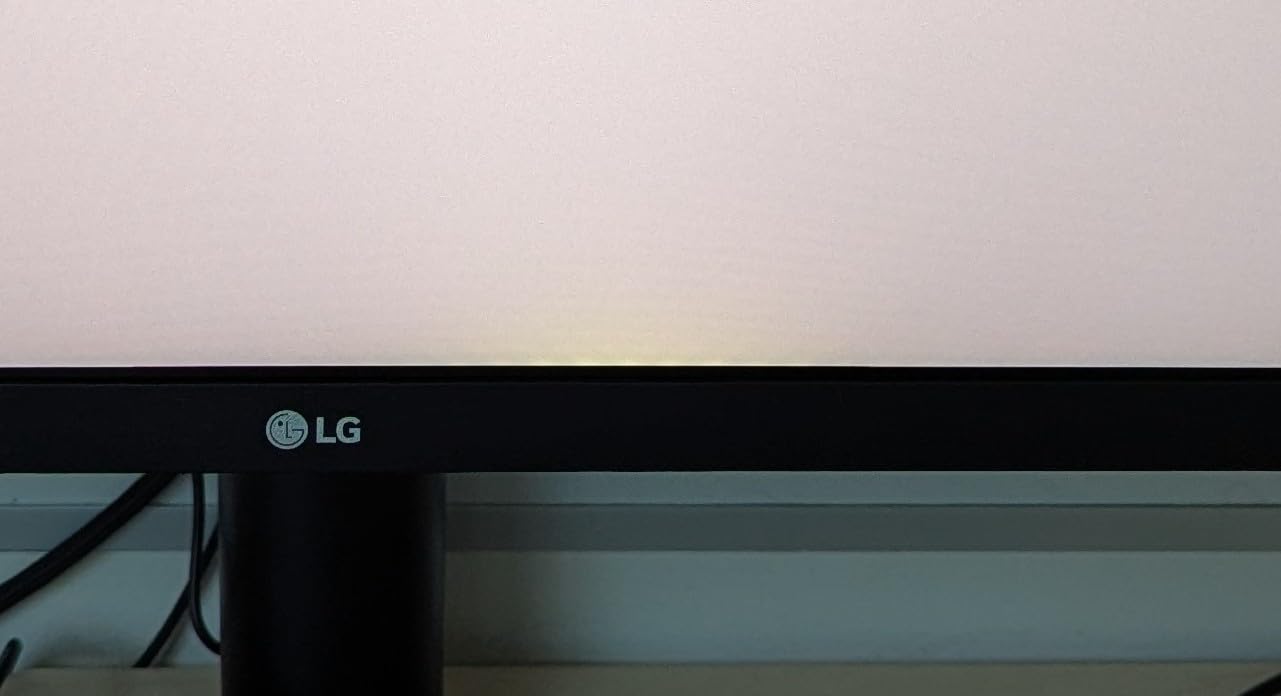
The LG 32UR550K-B is the best 4K monitor I tested for productivity-focused users who want maximum screen real estate. The 32-inch size at 4K resolution means you can fit four full-size documents side by side without scaling, which transformed how I work with spreadsheets and coding windows.
The 3000:1 contrast ratio from the VA panel is a real advantage for office work. While IPS panels typically hover around 1000:1, this monitor delivers noticeably deeper blacks, which makes text and UI elements pop against dark backgrounds. I tested dark mode in my code editor and the difference versus IPS was immediately visible.
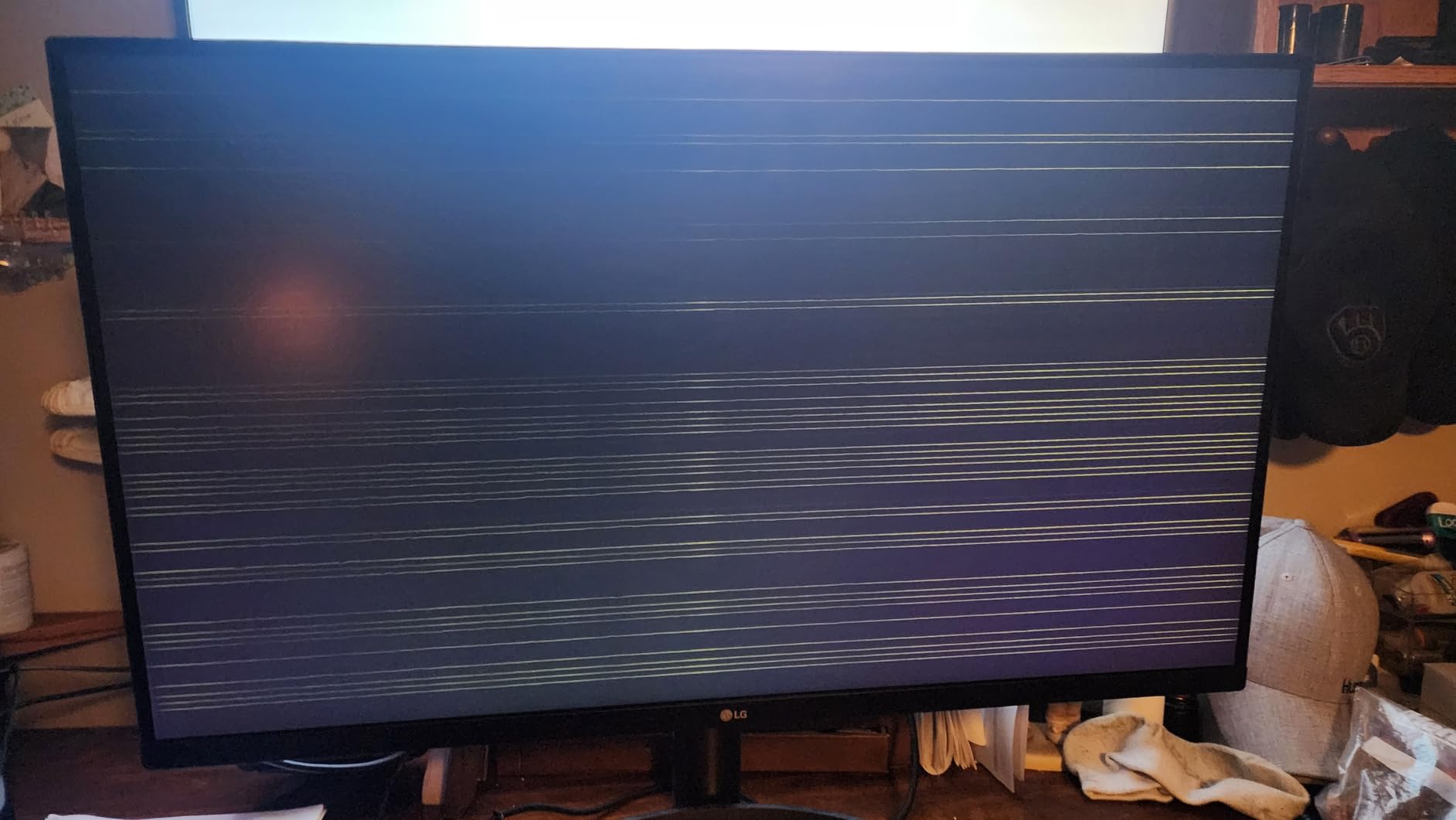
The adjustable stand is excellent at this price point. Height, tilt, and pivot adjustment means I could rotate the panel to portrait mode for reviewing long documents, then back to landscape for spreadsheet work. The Waves MaxxAudio speakers are surprisingly competent for video calls and YouTube background audio.
HDR10 support is basic but functional. For SDR productivity work, this monitor excels. For HDR movie watching, you’ll get the benefit of the high contrast ratio but limited brightness means highlights won’t have the same punch as more expensive HDR600 or HDR1000 displays.
Split screen features through LG’s Switch app let me divide the 32-inch canvas into multiple zones without manually resizing windows. It’s not as elegant as macOS Stage Manager or Windows Snap layouts, but it works reliably for multitasking workflows.
Who should buy this
The LG 32UR550K-B is perfect for accountants, financial analysts, software developers, writers, and anyone who works with multiple documents or large spreadsheets. It’s also great for anyone who finds 27-inch 4K monitors too small for split-screen workflows. If you want a large, sharp, productivity-focused display at a reasonable price, this is the right pick.
Who should look elsewhere
Color-critical creative professionals should look at the ASUS ProArt or LG 27UP650K-W for IPS panels with better color accuracy. If you sit close to your monitor (under 2.5 feet), 32 inches may feel overwhelming. And if you need USB-C connectivity for laptop docking, this monitor doesn’t include it.
Buying Guide: How to Choose the Best 4K Monitor?
Picking the best 4K monitor comes down to matching the panel technology and features to how you actually use your computer. Here’s a breakdown of the specs that actually matter and the ones you can safely ignore.
Panel type explained: IPS vs VA vs OLED
IPS (In-Plane Switching) panels are the most common in 4K monitors and offer the best color accuracy and wide viewing angles. They have weaker contrast ratios (typically 1000:1) but are the right choice for photo editing, programming, and general productivity work.
VA (Vertical Alignment) panels deliver deeper blacks and higher contrast (often 3000:1) but have narrower viewing angles and slower response times. They’re great for office monitors and single-user setups where contrast matters more than color accuracy.
OLED panels offer perfect blacks, infinite contrast, and the fastest response times, but they cost significantly more and carry some burn-in risk for productivity use with static UI elements. For most users in 2026, IPS or VA remain the practical choice.
Refresh rate and response time
For productivity and content creation, 60Hz is fine. The Dell S2725QS proves 120Hz makes everything feel smoother without a gaming premium, but you don’t need more than that for non-gaming work.
For gaming, 144Hz is the new sweet spot. The Samsung Odyssey 27-inch 4K delivers 144Hz with 1ms response time, which is enough for competitive play. The ASUS TUF pushes 160Hz for extra headroom.
Response time matters for fast motion. Anything under 5ms is fine for casual gaming, but competitive FPS players should look for 1ms rated panels.
Color accuracy and color gamut
If you edit photos or video, look for monitors with high sRGB coverage (99%+) and ideally DCI-P3 coverage above 90%. The ASUS ProArt adds Calman Verified Delta E<2 for professional-grade work.
For general use, factory calibration matters less than panel quality. Most IPS panels from major brands are good enough out of the box for everyday work without needing a separate calibrator.
Connectivity: HDMI, DisplayPort, USB-C, Thunderbolt
HDMI 2.1 is now standard on most new 4K monitors and is required for 4K 120Hz gaming on PS5 and Xbox Series X. All monitors in this roundup support HDMI 2.1.
DisplayPort 1.4 is the standard for PC gaming at high refresh rates. If you have an NVIDIA or AMD GPU, this is your best connection option.
USB-C with Power Delivery is the single most useful feature for laptop users. The ASUS ProArt’s 65W USB-C PD charges your laptop while transmitting video and connecting peripherals, all through one cable.
HDR tiers explained
HDR400 is entry-level and provides minimal benefit over SDR. It brightens highlights slightly but doesn’t deliver the deep HDR experience most people expect.
HDR600 is where HDR starts to look meaningfully different. The Samsung Odyssey G7 37-inch’s HDR600 certification delivered noticeable contrast in my testing.
True HDR (HDR1000+) requires local dimming zones or OLED panels and costs significantly more. For most users, HDR600 is the practical sweet spot.
Size recommendations
27-inch 4K monitors offer the highest pixel density (163 PPI) and are ideal for desk distances of 2-3 feet. They’re the most versatile size and work well for both work and gaming.
32-inch 4K monitors (138 PPI) are better for desk distances of 3+ feet. They show more content without scaling but feel overwhelming if you sit close.
37-inch and larger panels like the Samsung Odyssey G7 are best for gaming setups where immersion matters more than text clarity for office work.
Ergonomics and adjustability
A monitor you can’t adjust to the right height will cause neck strain over time. Look for stands with at minimum height and tilt adjustment. Pivot (rotation to portrait) is useful for coding and document work.
If a monitor has limited stand adjustment, plan on adding a VESA-compatible monitor arm. Most monitors in this roundup support 100x100mm VESA mounting.
Frequently Asked Questions
What is the best 4K monitor for gaming?
The Samsung Odyssey 27-inch 4K is our top pick for PC gaming thanks to its 144Hz refresh rate, 1ms response time, and both G-Sync and FreeSync support. For console gaming on PS5 or Xbox Series X, the ASUS TUF VG27UQ1A delivers 160Hz over HDMI 2.1 with ELMB Sync for blur-free motion. For immersive single-player gaming, the Samsung Odyssey G7 37-inch curved display offers the most wraparound experience.
What 4K monitor has the best color accuracy?
The ASUS ProArt PA279CV is the best 4K monitor for color-critical work, with Calman Verified Delta E under 2 and 100% sRGB and Rec.709 coverage out of the box. For budget-conscious creators, the LG 27UP650K-W offers 95% DCI-P3 coverage at a lower price point, though it lacks the factory calibration of the ProArt. Both are excellent choices for photo and video editing workflows.
Are 4K monitors worth it for productivity?
Yes, 4K monitors are worth it for productivity if you work with text, spreadsheets, or photo editing. The pixel density jump makes text noticeably sharper and shows more content on screen without scaling. Most users find that once they switch to 4K, going back to 1080p or 1440p feels like a downgrade. The Dell S2725QS is our top pick for productivity with its 120Hz refresh rate and excellent text rendering.
What size 4K monitor is best for office work?
For most office workers, a 27-inch 4K monitor is the sweet spot, offering 163 PPI pixel density for sharp text without feeling overwhelming. Power users who work with multiple documents side by side should consider 32-inch 4K monitors like the LG 32UR550K-B, which shows more content without scaling. If you sit more than 3 feet from your screen, 32-inch is more comfortable than 27-inch.
What is the best budget 4K monitor?
The LG 27US500-W is the best budget 4K monitor under $200, delivering sharp 4K text rendering with 90% DCI-P3 color coverage and a modern borderless design. For around $250, the LG 27UP650K-W adds DisplayHDR 400 and 95% DCI-P3, making it ideal for budget creators. Both monitors prove that 4K is no longer a premium-only feature in 2026.
Final Verdict: Which 4K Monitor Should You Buy?
After testing eight of the best 4K monitors currently available, the Dell S2725QS is the one I’d recommend to the widest range of users. It hits the sweet spot of price, performance, and versatility with 4K at 120Hz, accurate colors, and a fully adjustable stand, all at a price that doesn’t require justification.
Gamers should go straight to the Samsung Odyssey 27-inch 4K for PC or the ASUS TUF VG27UQ1A for console setups. Content creators will find the ASUS ProArt PA279CV delivers professional-grade color accuracy without breaking the bank. And if you’re shopping on a tight budget, the LG 27US500-W proves that 4K no longer requires a premium investment in 2026.
The best 4K monitor for you depends entirely on what you’ll use it for. Pick the category that matches your primary use case, and you’ll end up with a display that feels like a genuine upgrade rather than a compromise.