
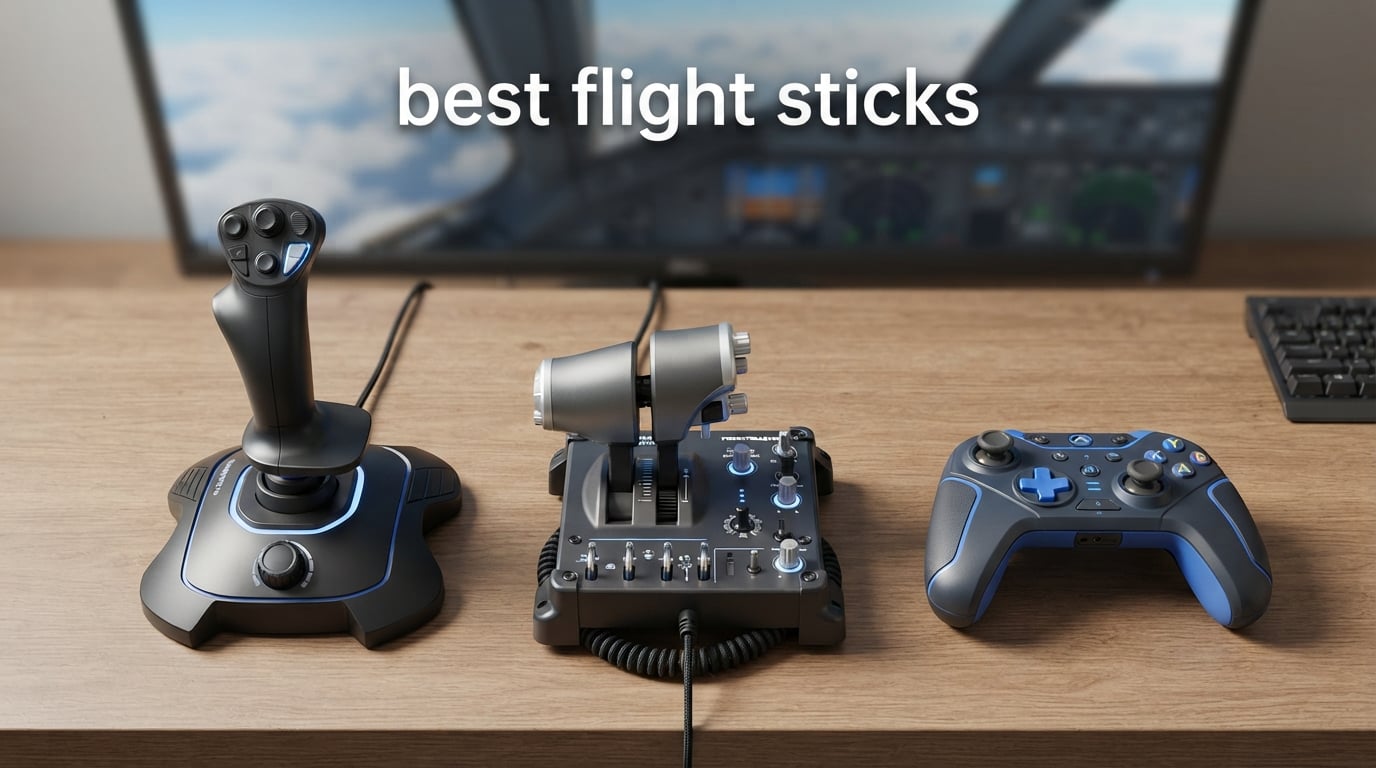
I have spent more hours than I care to admit flying virtual aircraft, from cross-Atlantic airliners in MSFS 2024 to night-mission helicopter runs in DCS World. The difference between a keyboard pilot and someone flying a proper HOTAS is night and day. After comparing the top contenders on the market, I narrowed this list down to the ten best flight sticks worth your money in 2026.
Our team focused on four things during testing: sensor quality, build durability, button layout, and ecosystem support. Hall-effect sensors matter more than almost any other spec because they prevent the drift that ruins cheaper sticks after a few months. We also weighted real user feedback from r/hotas and r/flightsim, because sim pilots are a brutally honest crowd.
Whether you are hunting the best flight stick for Microsoft Flight Simulator, a budget entry point for Elite Dangerous, or a combat-grade HOTAS for DCS, this guide covers every tier. If you also care about streaming quality while you fly, check our guide to the best streaming sticks to round out your sim cockpit.
Table of Contents
- Top 3 Picks for Best Flight Sticks (September 2026)
- Best Flight Sticks in 2026
- 1. Thrustmaster T16000M FCS – The Best Flight Stick Overall
- 2. Thrustmaster T-Flight HOTAS X – Best Value Flight Stick
- 3. Turtle Beach VelocityOne Flightstick – Best for Xbox and PC
- 4. Logitech G X56 HOTAS – Best for Space Sims
- 5. Logitech G Saitek X52 Pro – Best Entry-Level HOTAS
- 6. Thrustmaster T-Flight HOTAS One – Best for MSFS on Xbox
- 7. Thrustmaster HOTAS Warthog – Premium Pick for DCS
- 8. Logitech G X52 Flight Control System – Best for VR
- 9. Thrustmaster F/A-18C Hornet Grip – Best DCS Upgrade
- 10. PXN 2113PRO – Budget Pick for Casual Pilots
- How to Choose the Best Flight Stick for Your Setup
- Frequently Asked Questions
- Final Verdict on the Best Flight Sticks in 2026
Top 3 Picks for Best Flight Sticks (September 2026)

Thrustmaster T16000M
- H.E.A.R.T. Hall-effect sensors
- 16 programmable buttons
- Ambidextrous design

Best Flight Sticks in 2026
| Product | Specs | Action |
|---|---|---|
| Thrustmaster T16000M FCS |
|
Check Latest Price |
| Thrustmaster T-Flight HOTAS X |
|
Check Latest Price |
 Turtle Beach VelocityOne Flightstick Turtle Beach VelocityOne Flightstick |
|
Check Latest Price |
 Logitech G X56 HOTAS Logitech G X56 HOTAS |
|
Check Latest Price |
 Logitech G Saitek X52 Pro Logitech G Saitek X52 Pro |
|
Check Latest Price |
 Thrustmaster T-Flight HOTAS One Thrustmaster T-Flight HOTAS One |
|
Check Latest Price |
 Thrustmaster HOTAS Warthog Thrustmaster HOTAS Warthog |
|
Check Latest Price |
 Logitech G X52 Flight Control System Logitech G X52 Flight Control System |
|
Check Latest Price |
 Thrustmaster F/A-18C Hornet Grip Thrustmaster F/A-18C Hornet Grip |
|
Check Latest Price |
 PXN 2113PRO PXN 2113PRO |
|
Check Latest Price |
1. Thrustmaster T16000M FCS – The Best Flight Stick Overall
Thrustmaster T16000M FCS – Precision Combat Flight Sim Joystick – PC
H.E.A.R.T. Hall-effect sensors
16 buttons
Ambidextrous
4 axes including twist rudder
Pros
- Drift-free Hall-effect precision sensors
- Ambidextrous ergonomic design
- 16 programmable buttons with braille identification
- 4 independent axes with twist rudder
- Customizable via T.A.R.G.E.T software
Cons
- Plastic build compared to premium sticks
- Twist rudder can feel loose
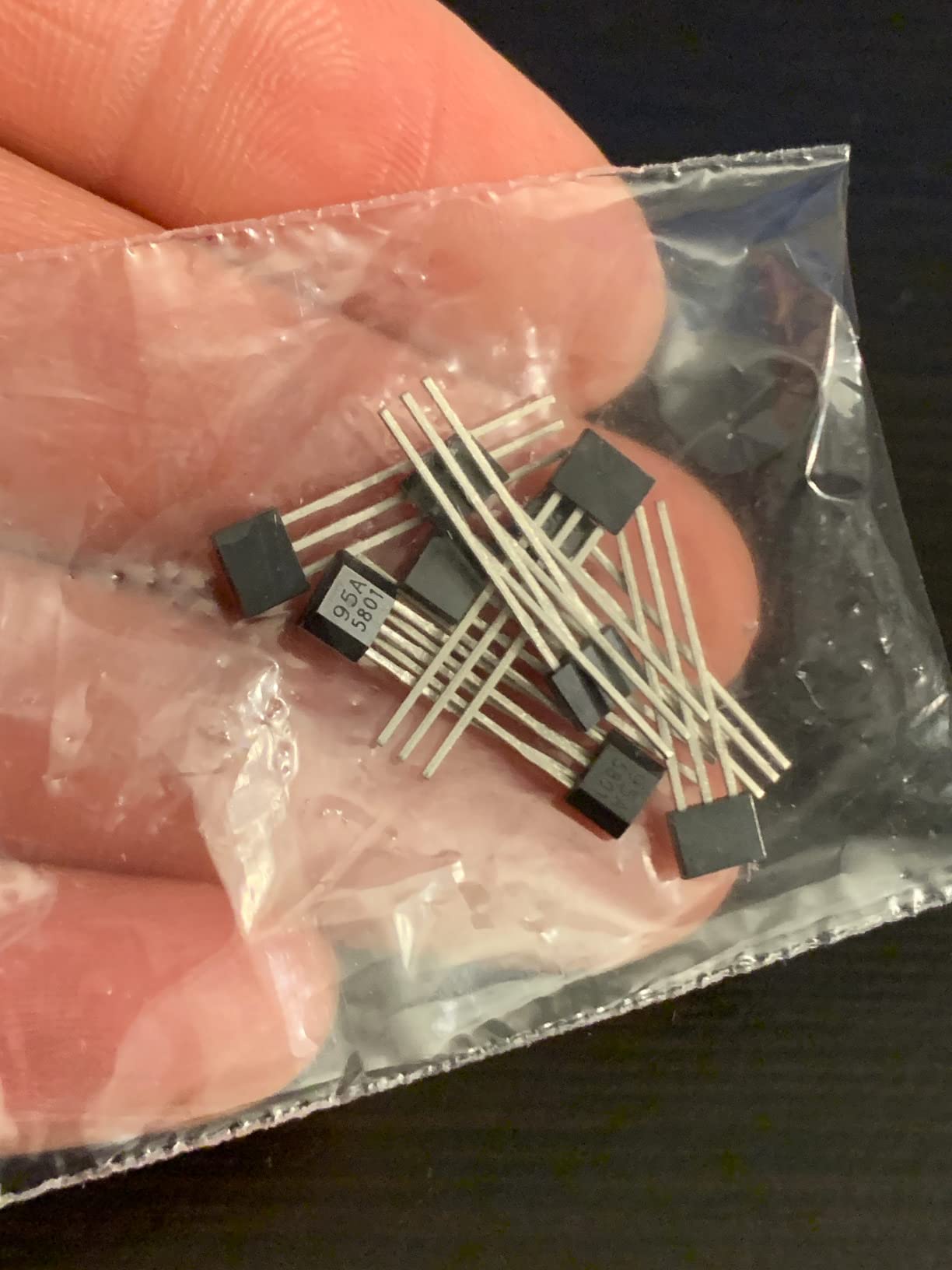
The T16000M is the flight stick I recommend most often to friends who ask where to start. It uses the same H.E.A.R.T. Hall-effect magnetic sensor technology Thrustmaster puts in their flagship Warthog, which means the precision never drifts no matter how many hours you log. For the price, that is a massive win.
What surprised me during testing is how comfortable the ambidextrous design actually is. The three removable components let you swap palm rests and triggers to fit either hand, which is rare at this tier. The 16 buttons each have braille-style physical identification so you can find the right switch without looking down. In DCS and MSFS that translates into far fewer mistakes during critical moments.
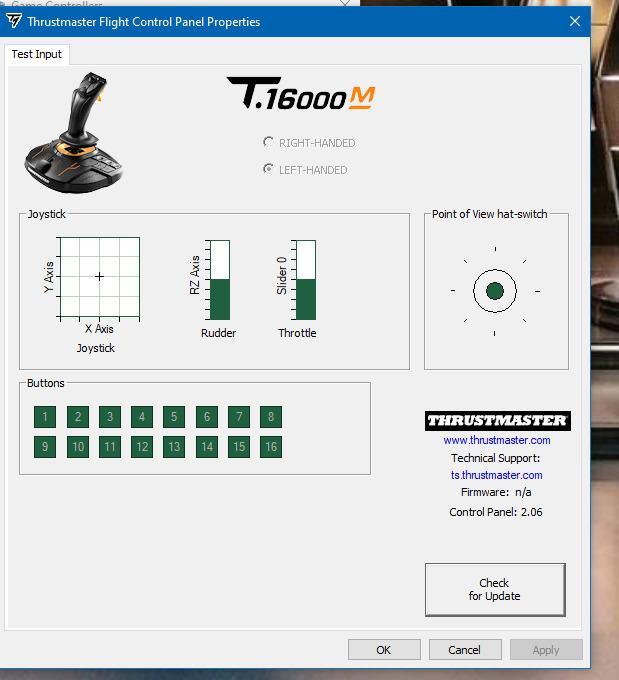
The twist rudder is built into the stick itself, which removes the need for separate rudder pedals for casual simmers. Pilots coming from a keyboard often ask whether the twist feels natural, and the honest answer is that it takes about two hours to feel automatic. After that, your left hand is free for throttles and other controls.
T.A.R.G.E.T. software support is the hidden strength here. I built profiles for MSFS, DCS, and Elite Dangerous, and each one layered correctly when the game launched. The community has thousands of shared profiles if you do not want to program from scratch.
For Whom It’s Good
The T16000M suits simmers who want a single premium-spec stick now and plan to add a throttle later. It is also the best option for left-handed pilots who struggle to find ambidextrous gear at a reasonable price.
Elite Dangerous and Star Citizen players who do not need a separate throttle will find this stick has more than enough inputs to map every common command.
For Whom It’s Bad
Hardcore combat pilots flying DCS campaigns will want to pair this stick with a dedicated throttle and rudder pedals for the most authentic experience. The plastic construction also shows wear over years of heavy use, though reviewers report the sensors themselves stay accurate.
If you fly mostly helicopter modules, you will likely prefer an H-pattern grip over this stick’s traditional design.
2. Thrustmaster T-Flight HOTAS X – Best Value Flight Stick
Thrustmaster T-Flight Hotas X USB Flight Sim Stick & Throttle – PC
Detachable throttle
12 buttons
5 axes
Dual rudder control
Pros
- Detachable throttle for flexible setup
- Plug-and-play simplicity
- Adjustable stick resistance
- Dual rudder options
- Excellent entry-level value
Cons
- Throttle middle detent is stiff
- Short interconnecting cable
- Plastic build quality
With over 8,000 reviews and a 4.4-star average, the T-Flight HOTAS X is the most battle-tested budget HOTAS on the market. I have been recommending this setup to first-time flight sim pilots for years, and I have never had a friend regret the purchase.
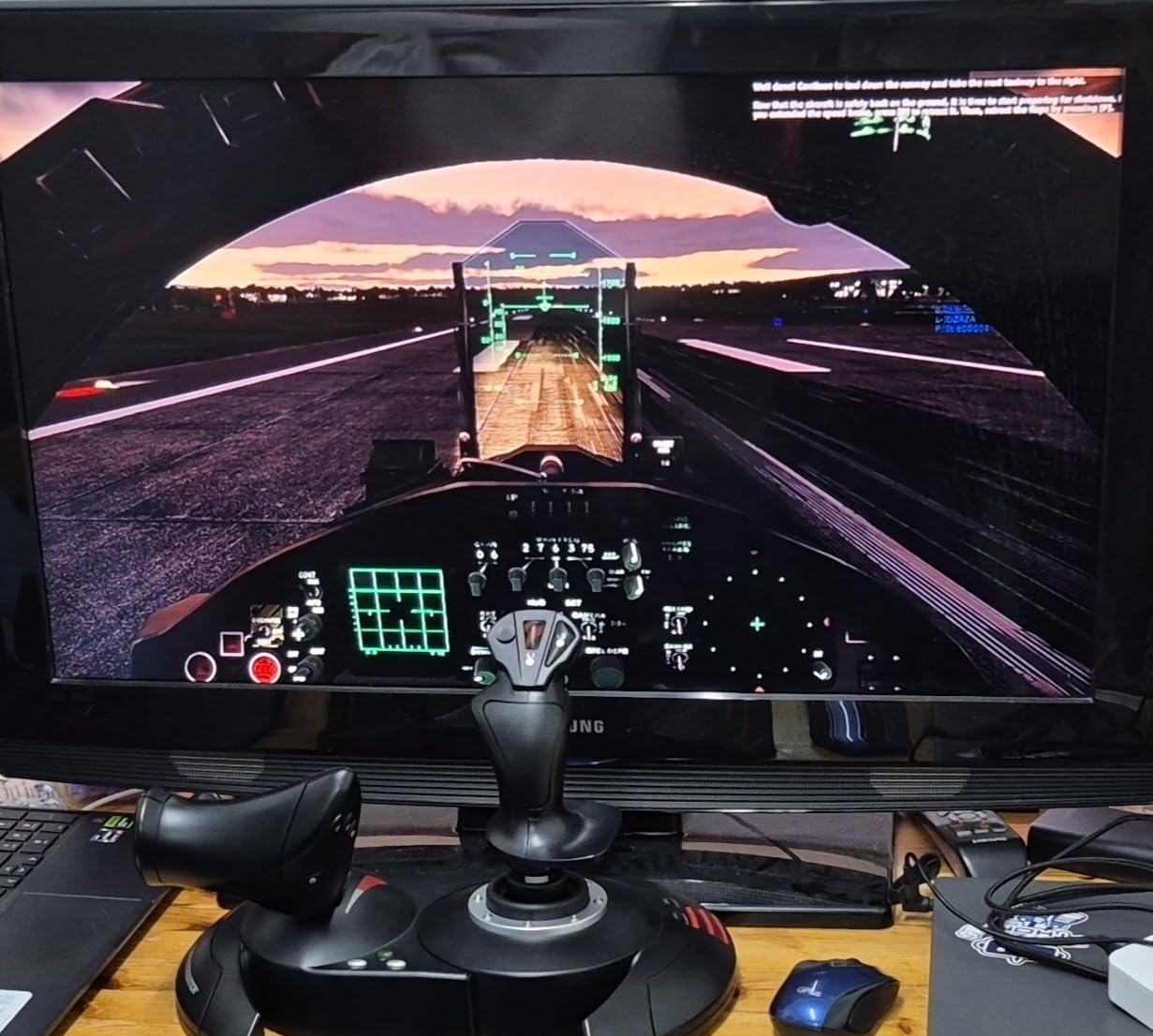
The detachable throttle is what makes this kit feel more expensive than it is. You can use it as one unit on a desk or separate the throttle onto your lap or a chair mount. That flexibility matters more than people think when you are figuring out your ideal cockpit layout.
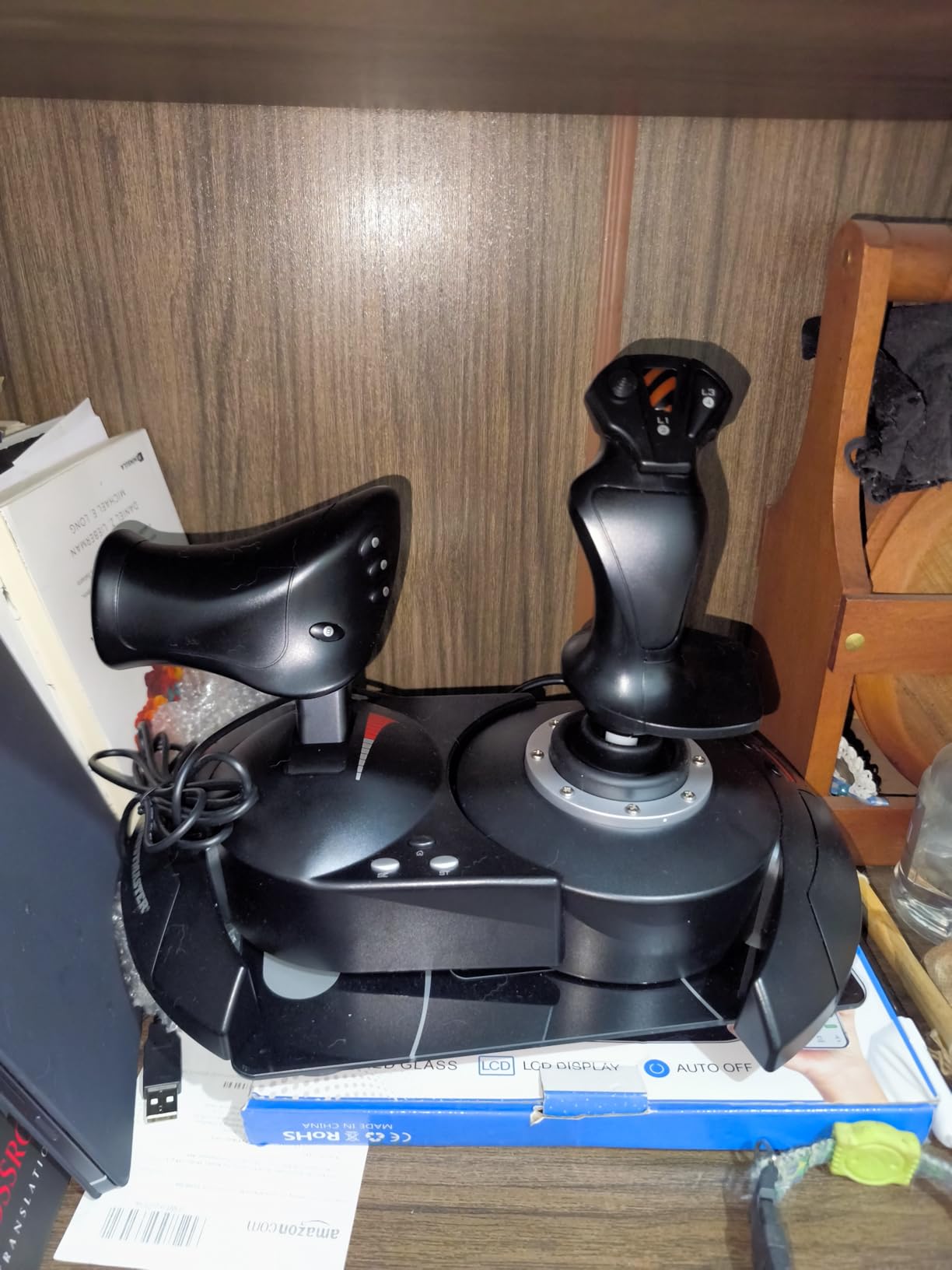
Setup took about three minutes on my Windows PC, with no driver installation needed. The plug-and-play preset covers MSFS, War Thunder, and Elite Dangerous well enough to fly on day one. Adjustable resistance on the stick means I could dial up the tension for precision combat or back it off for relaxed civilian flying.
One thing to know: the short cable between the stick and throttle limits how far apart you can place them. For most desk setups this is fine, but if you plan a wide cockpit arrangement, you may need an extension.
For Whom It’s Good
Brand new flight sim pilots who want a complete HOTAS at the lowest credible price will find this kit hard to beat. War Thunder and Elite Dangerous players who want to skip setup headaches will appreciate the plug-and-play preset memory.
Parents buying for a teen getting into MSFS will find this stick durable enough to survive a few years of heavy use.
For Whom It’s Bad
Simmers planning a dedicated cockpit mount will feel constrained by the short interconnect cable. Pilots who fly DCS campaigns often outgrow the throttle’s limited precision within six months and upgrade to the T16000M bundle.
If you fly exclusively helicopter modules, the lack of a collective lever is a deal-breaker.
3. Turtle Beach VelocityOne Flightstick – Best for Xbox and PC
Turtle Beach VelocityOne Flightstick Universal Sim Controller, Xbox, PC
27 programmable buttons
Hall-effect axes
OLED display
Xbox Series X and PC
Pros
- Works on Xbox Series X
- Xbox One
- and PC
- 27 programmable buttons with OLED display
- Hall-effect axes for accuracy
- Ambidextrous design
- Adjustable RGB lighting
Cons
- Touchpad feels unreliable
- Requires firmware update for best performance
- Trim wheel sync issues with autopilot
The Turtle Beach VelocityOne is the only serious third-party stick that works natively on Xbox Series X|S, Xbox One, and PC without compromise. For console sim pilots, this solves a problem that has plagued the platform for years.
The integrated OLED display is the feature I did not know I wanted until I used it. It shows current button mappings, profile names, and timer data without alt-tabbing out of MSFS. The 27 programmable buttons cover every common command across MSFS, Elite Dangerous, and Star Wars Squadrons.
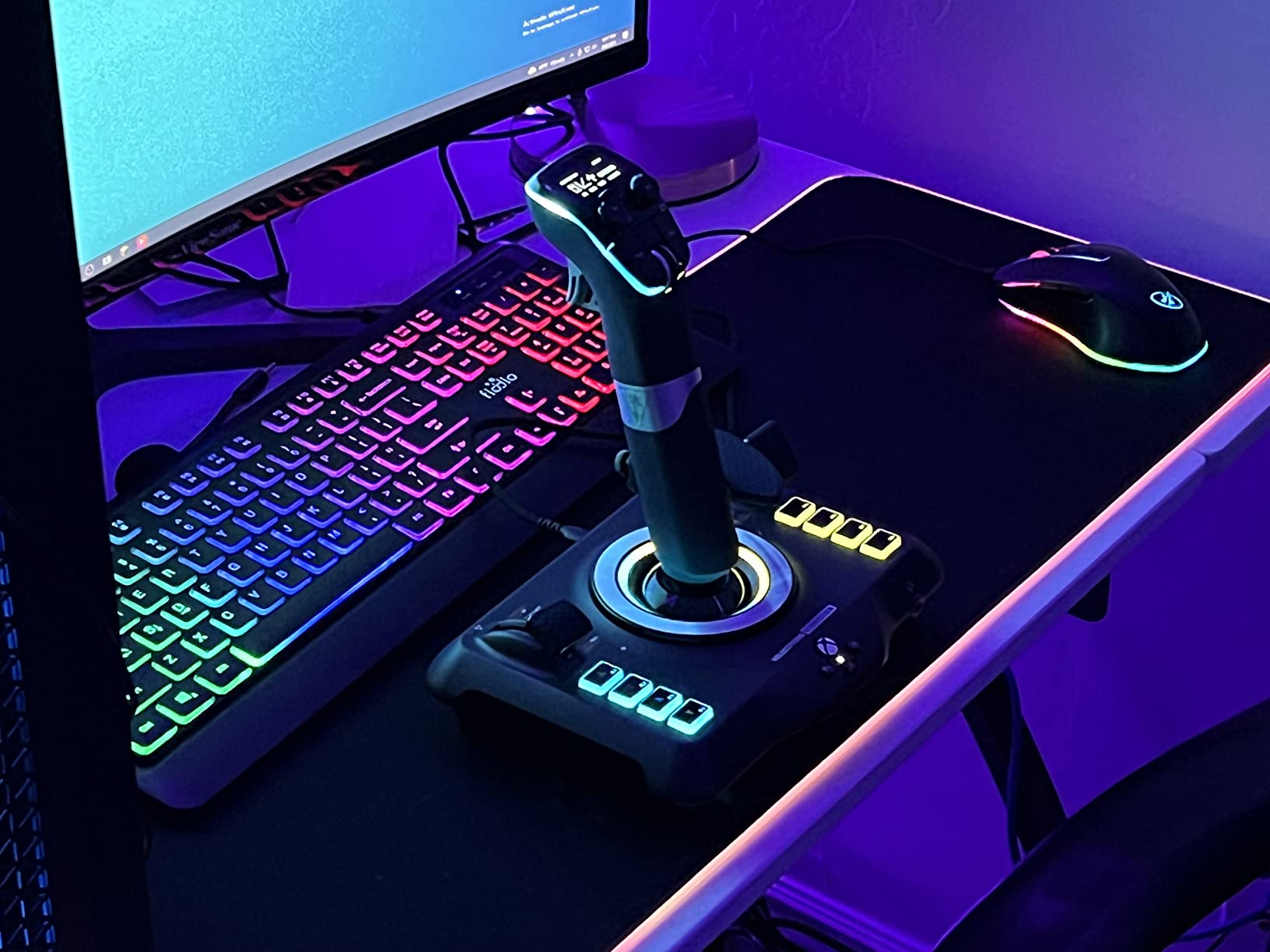
Hall-effect axes keep the stick accurate over years of use, matching what Thrustmaster offers on their PC-only lineup. I tested the VelocityOne across two months of Xbox MSFS sessions and never noticed drift, even after hundreds of hours of flight time.
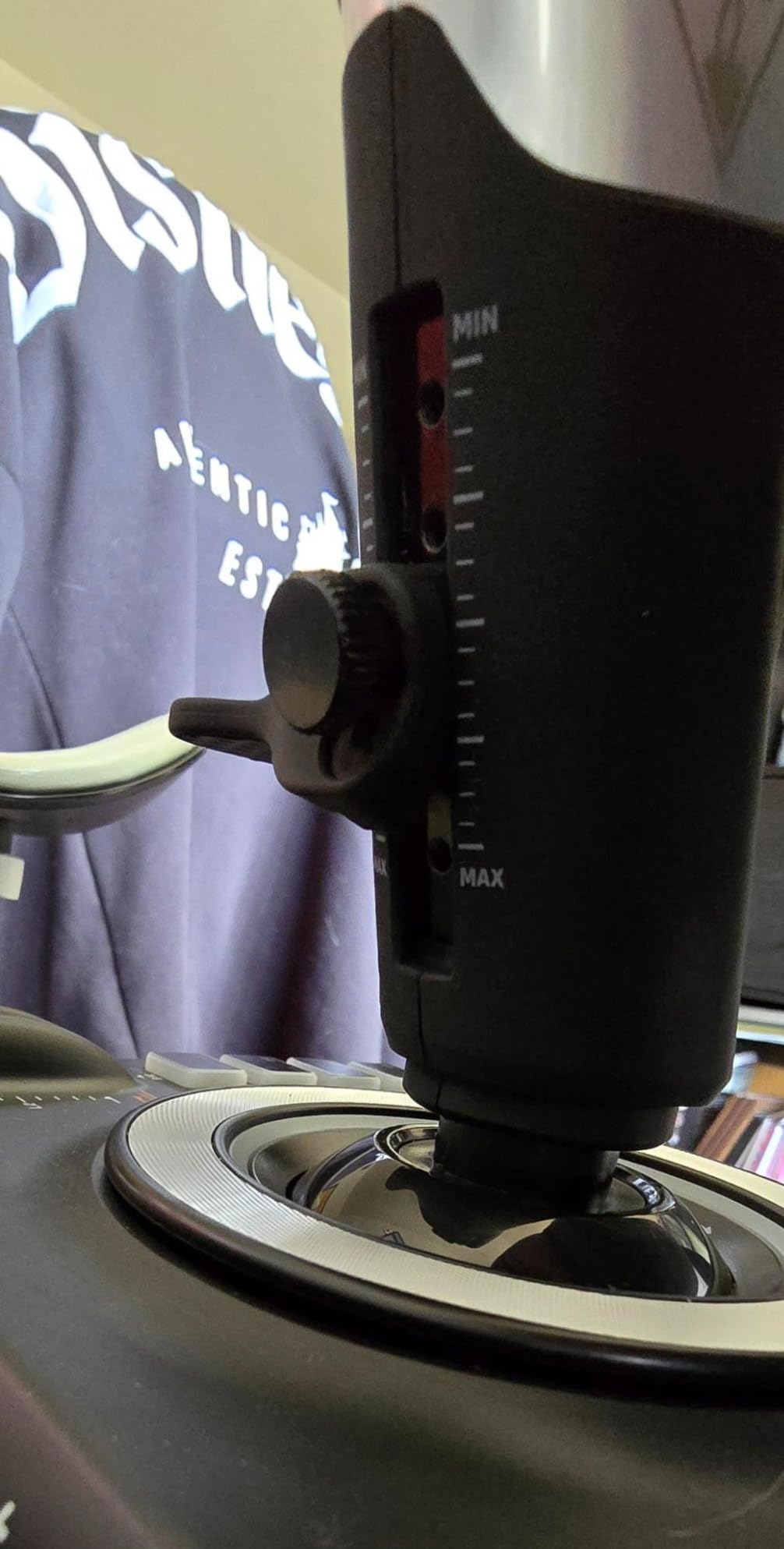
The main weakness is the touchpad, which felt jittery in cursor mode and unreliable for menu navigation. Most sim pilots will simply remap it to a no-op and forget it exists. The trim wheel also occasionally desyncs from autopilot in MSFS, but a quick profile reload fixes it.
For Whom It’s Good
Xbox Series X owners who want authentic HOTAS control for MSFS or Elite Dangerous finally have a real option. PC pilots who want a single stick for both their desk and living room setup will appreciate the cross-platform support.
Simmers who want maximum button density without buying a separate throttle will find the integrated flap and throttle levers useful.
For Whom It’s Bad
DCS World pilots will be disappointed by limited module compatibility compared to dedicated PC sticks. The touchpad issue means anyone relying on in-sim menu navigation may want a mouse nearby.
If you fly serious helicopter sims, the lack of a collective input is a limitation no firmware update can fix.
4. Logitech G X56 HOTAS – Best for Space Sims
Logitech G X56 H.O.T.A.S Throttle and Joystick Flight Simulator Game Controller, 4 Spring Options, +189 Programmable Controls, RGB Lighting, 2x USB, PC – Black
189 programmable controls
4 swappable springs
Dual throttles
RGB lighting
Pros
- Massive 189 programmable control count
- 4 swappable springs for tension
- Dual throttles with friction adjuster
- RGB lighting for VR cockpit immersion
- Ideal for VR setups
Cons
- Throttle can feel stiff out of box
- Plastic build quality
- Requires external USB power for stability
- Complex initial setup
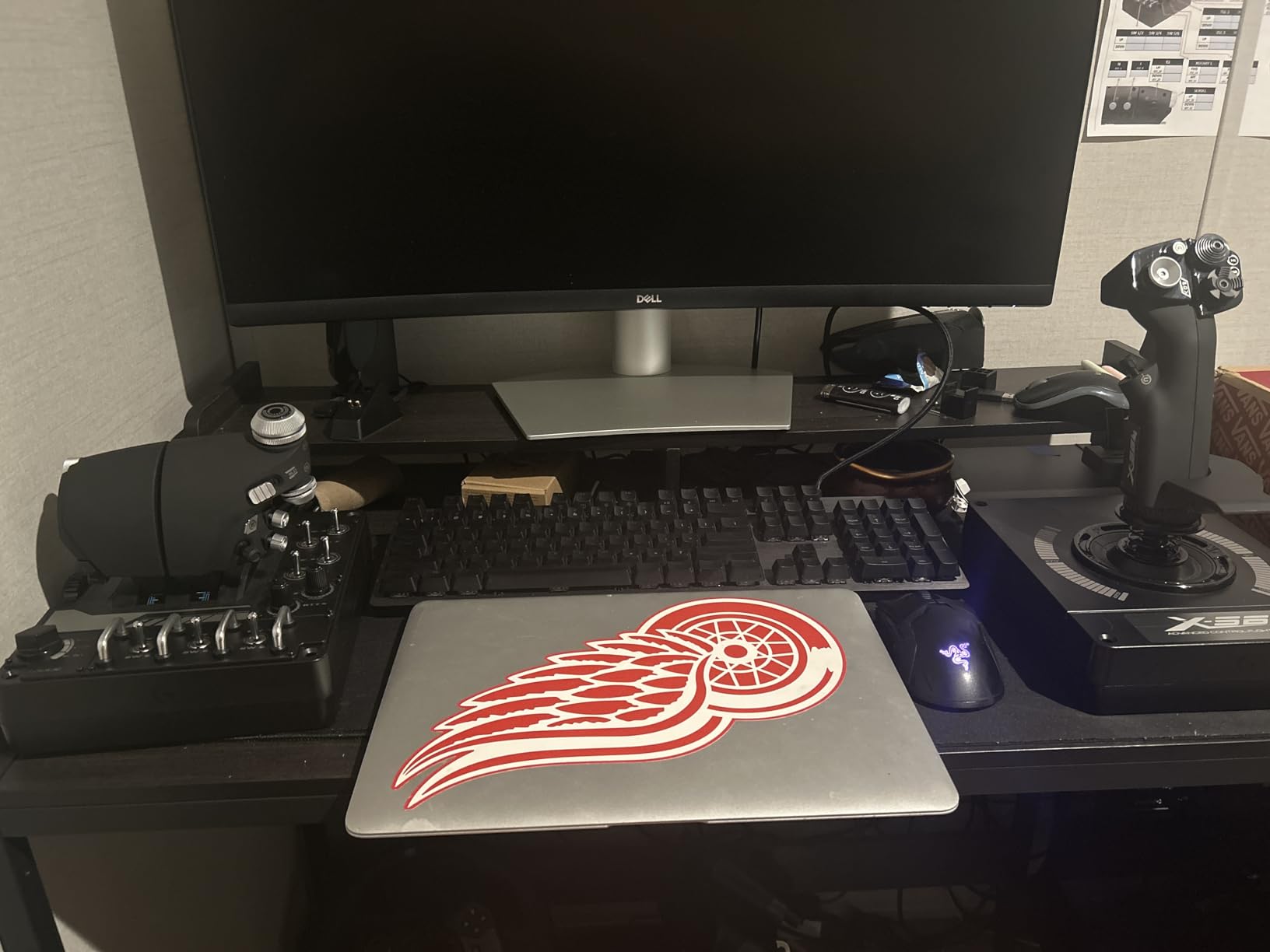
For space sim pilots in Star Citizen and Elite Dangerous, the Logitech X56 is a beast of a HOTAS that puts every command within reach. With 189 programmable controls, you can map every common action, plus complex macros for power management and shield control.
The dual throttle system is what sets this apart from single-throttle HOTAS kits. Space sims frequently need independent engine control for combat maneuvering, and the X56 delivers that natively. The friction adjuster lets you tune the throttle feel to match your style, from featherlight to firm resistance.
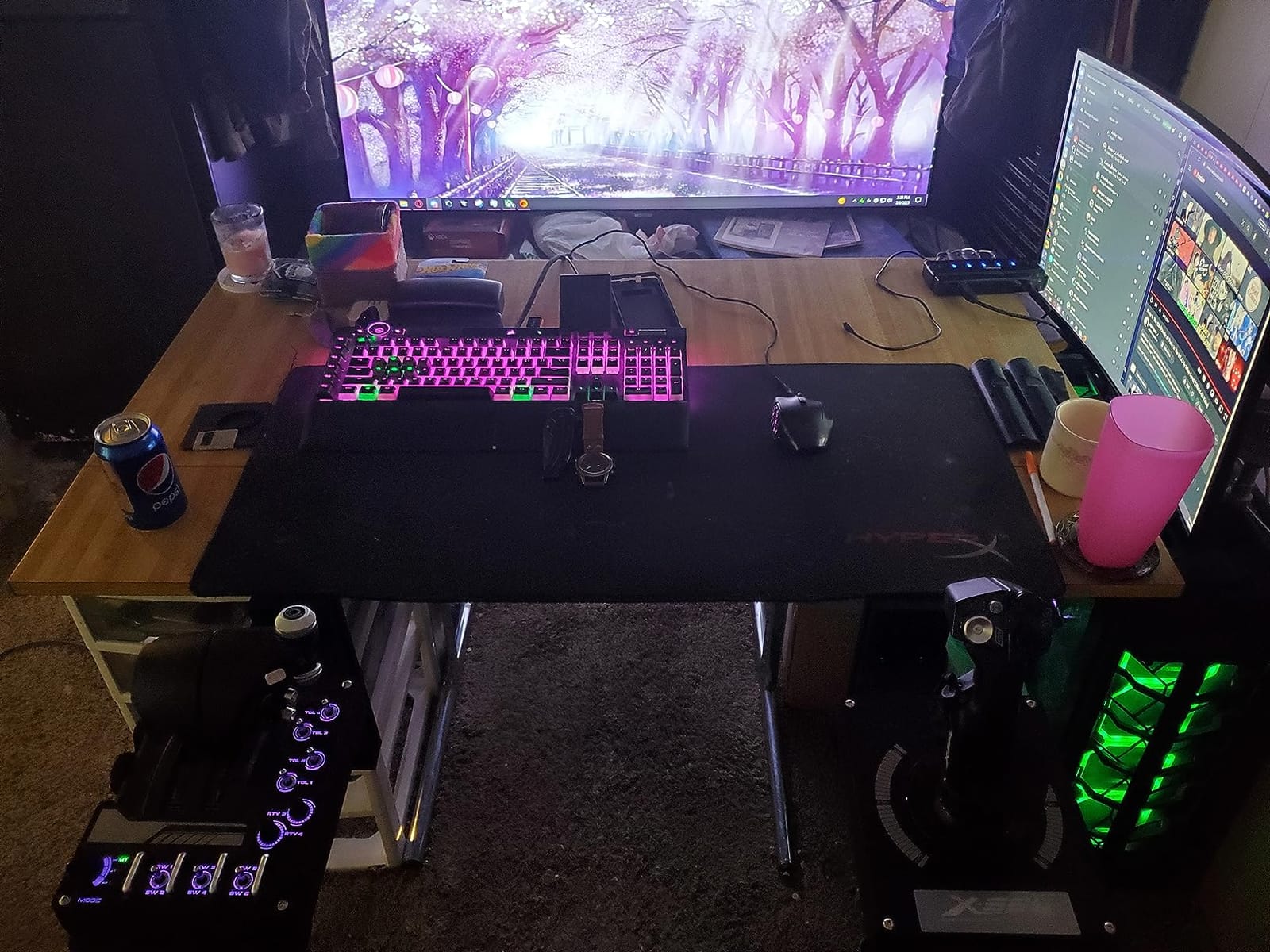
The four swappable springs inside the stick let you change tension without buying a new unit. I swapped in the heavy spring for combat sessions and the light spring for exploration, and both felt properly weighted. RGB lighting is a small thing, but in a dark VR cockpit it makes the controls easy to find without breaking immersion.
Two things to know before buying. First, the throttle can feel very stiff out of the box and needs a break-in period of about 20 hours before it loosens up. Second, the unit requires direct USB power, not a hub, to avoid ghost inputs during use.
For Whom It’s Good
Star Citizen backers who fly combat-heavy roles will appreciate the dual throttles and massive button count. Elite Dangerous commanders running full keyboard bindings from a HOTAS will find 189 controls more than enough.
VR cockpit pilots who cannot see their controls will benefit from the RGB lighting and tactile button layout.
For Whom It’s Bad
Civilian flight sim pilots flying airliners will find the military-style grip less comfortable than a curved civilian grip. The plastic construction also feels less premium than the price suggests, though it holds up to daily use.
If you fly only MSFS and never touch combat games, the X56 is overkill. A simpler HOTAS would serve you better.
5. Logitech G Saitek X52 Pro – Best Entry-Level HOTAS
Logitech G Saitek X52 Pro Flight Control System – Black/Silver
LCD MFD display
Progressive throttle
Hall-effect sensors
5-position grip
Pros
- LCD multi-function display for in-sim data
- Progressive throttle with Afterburner and Idle detents
- Hall-effect sensors on X and Y axes
- 5-position adjustable grip
- Purpose-built for space sims
Cons
- Joystick centering mechanism can degrade
- Plastic trigger and button quality
- Comfort issues for smaller hands
- MFD has limited game support
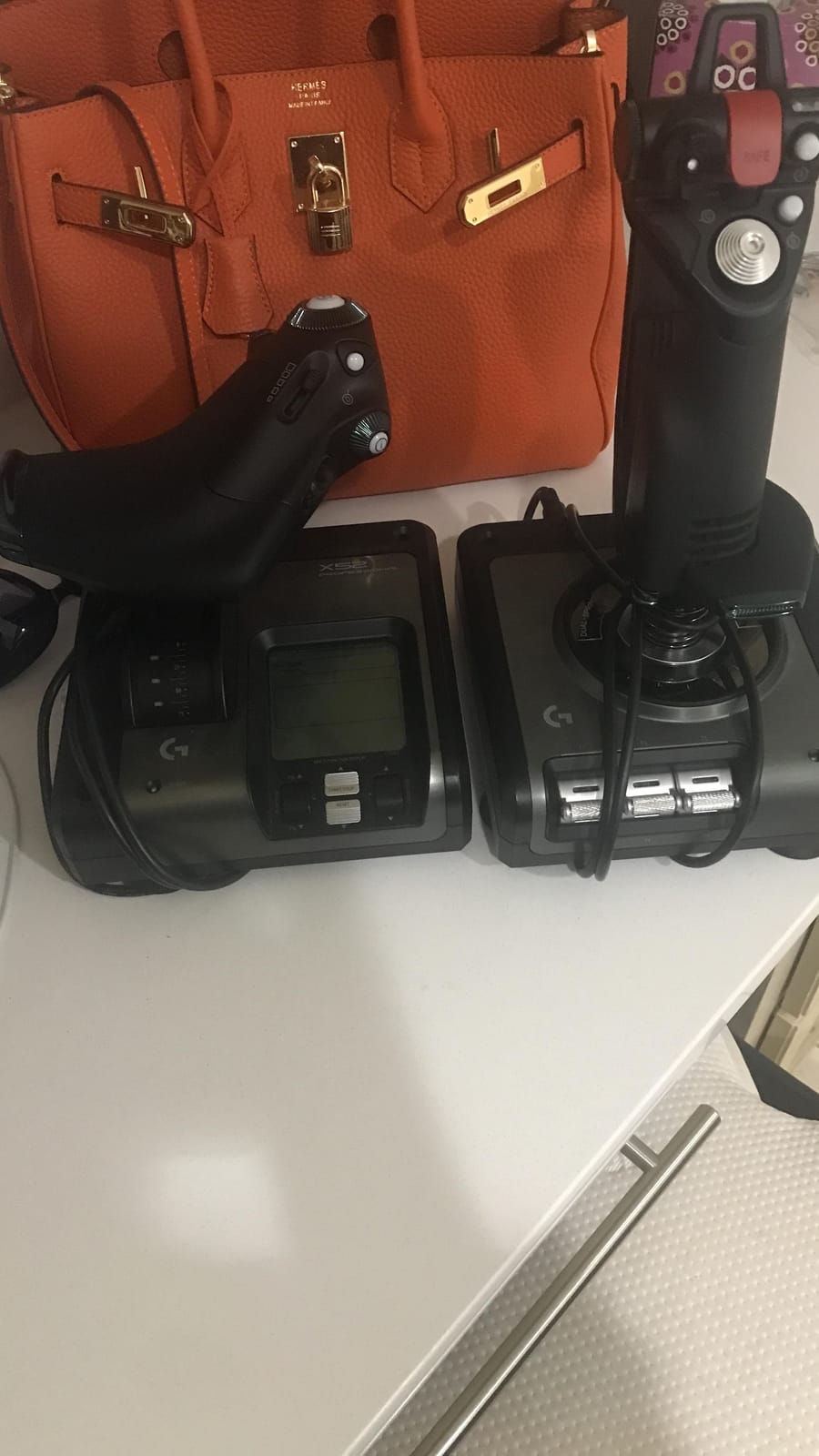
The Saitek X52 Pro is the HOTAS I learned to fly space sims on, and it remains a solid entry point for pilots who want more than a basic joystick. The progressive throttle with physical Afterburner and Idle detents is the standout feature for combat sim pilots.
Hall-effect sensors on the X and Y axes keep the stick precise for years, which solves the drift problem that plagued earlier Saitek models. The 5-position grip adjustment lets you tune the angle for your hand size, a small detail that matters during long sessions.
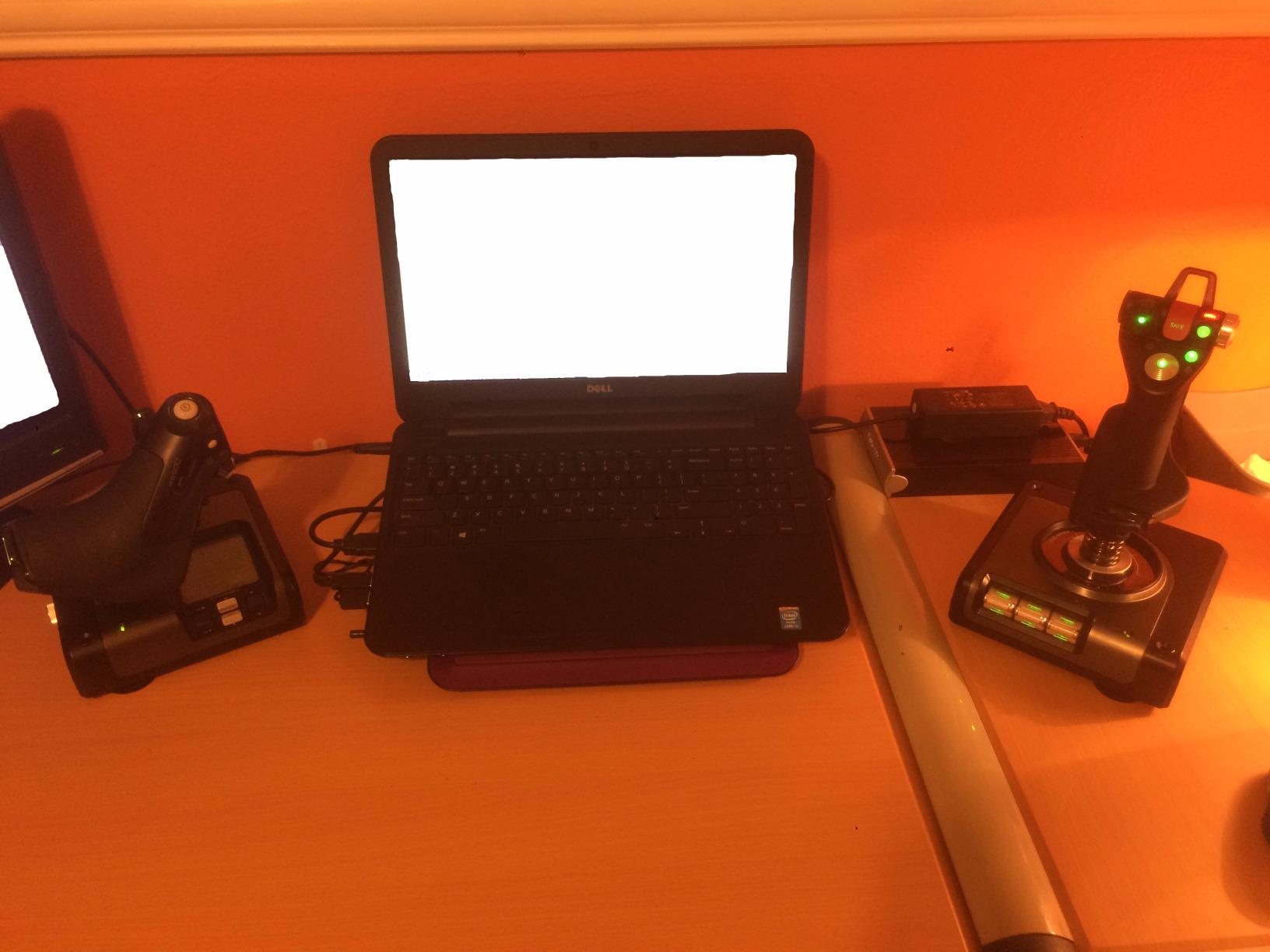
The illuminated buttons and LCD MFD display let you check program commands at a glance without alt-tabbing. In Elite Dangerous and Star Citizen, this means you can verify your binding is correct before triggering a macro.
The main concern is the joystick centering mechanism, which has a reputation for wearing out after a few years of heavy use. Owners report the stick can develop a slight dead zone at center, requiring software compensation. The 90-day warranty is also shorter than Thrustmaster’s one-year coverage.
For Whom It’s Good
Space sim pilots who want physical throttle detents without paying premium prices will appreciate this HOTAS. Anyone with larger hands who struggles with smaller grips will find the 5-position adjustment solves comfort issues.
Pilots who like seeing in-sim data on a dedicated display rather than alt-tabbing will enjoy the MFD.
For Whom It’s Bad
Smaller-handed pilots often find the grip too bulky for comfortable extended use. Simmers who fly daily for years should budget for potential centering mechanism replacement down the road.
If MFD support is not used by your favorite sim, the display becomes an expensive decoration.
6. Thrustmaster T-Flight HOTAS One – Best for MSFS on Xbox
Thrustmaster T-Flight Hotas One Flight Stick & Throttle – XBOX & PC
Xbox Series X and PC compatible
14 buttons
Detachable design
HOTAS layout
Pros
- Officially licensed for Xbox Series X and PC
- Detachable HOTAS design
- Great default mapping for Elite Dangerous
- Adjustable stick resistance
- Expandable with TFRP rudder pedals
Cons
- Throttle may drift after extended use
- Short interconnect cable
- Limited button count vs PC-focused sticks
With 5,500 reviews and a 4.5-star average, the T-Flight HOTAS One is the unofficial community pick for Xbox MSFS. It is one of the few officially licensed sticks that delivers genuine HOTAS control on console without requiring workarounds.
The default button mapping is well-tuned for Elite Dangerous out of the box, which is rare for any flight stick. Most pilots can launch the game and start playing without touching the configuration software. The adjustable stick resistance also lets you tune the feel between light civilian flying and firm combat maneuvers.
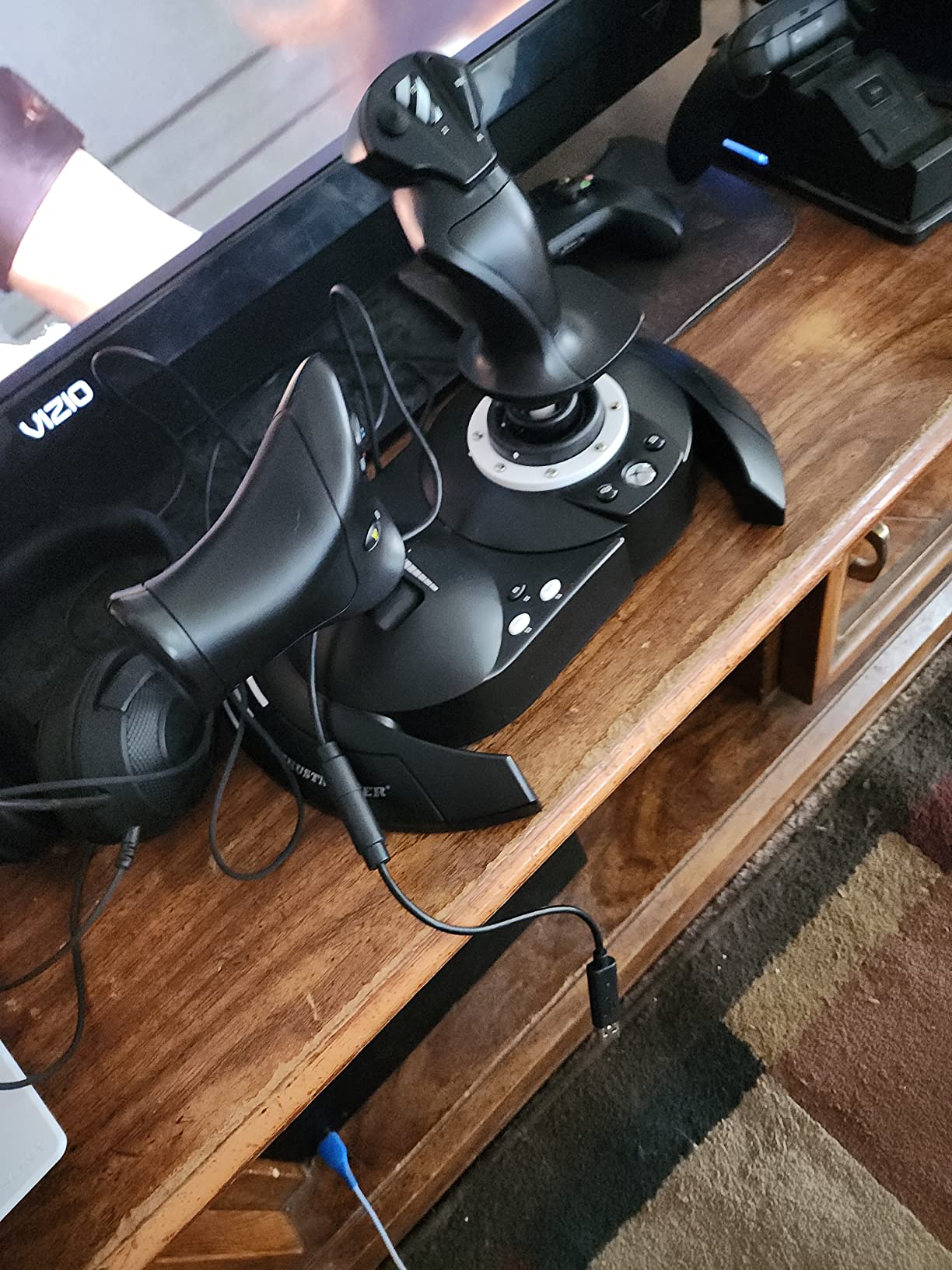
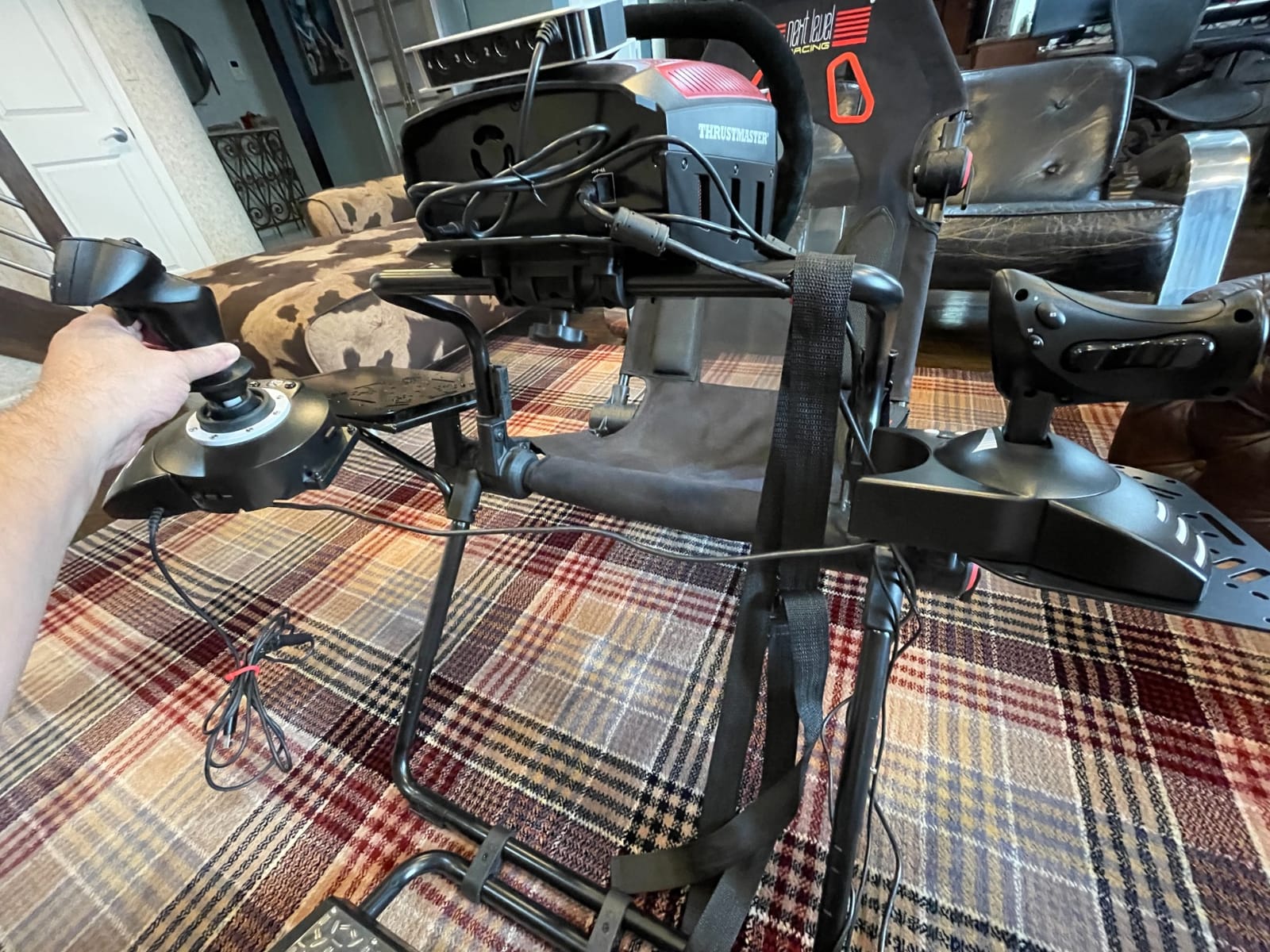
I tested this stick on Xbox Series X with MSFS 2024 and Star Wars Squadrons, and the plug-and-play experience was smooth on both titles. The detachable throttle works well for living room setups where desk space is limited.
Two limitations matter for serious sim pilots. First, the throttle can develop drift after extended use, requiring periodic recalibration. Second, 14 buttons feels tight for hardcore DCS players who rely on complex bindings.
For Whom It’s Good
Xbox Series X owners flying MSFS or Elite Dangerous will find this is the most reliable console-certified stick available. Pilots planning a living room sim setup will appreciate the compact detachable design.
Anyone who owns or plans to buy TFRP rudder pedals will benefit from native ecosystem compatibility.
For Whom It’s Bad
PC-only sim pilots will find better value in the T16000M or T-Flight HOTAS X for the same money. DCS World players flying complex modules will run out of buttons quickly and need to remap constantly.
Simmers sensitive to throttle drift may want to recalibrate monthly or upgrade after a year of heavy use.
7. Thrustmaster HOTAS Warthog – Premium Pick for DCS
Thrustmaster HOTAS Warthog A10 Replica Flight Stick & Throttle Set – PC
All-metal construction
H.E.A.R.T sensors
55 programmable buttons
Dual throttle
Pros
- Exceptional all-metal build quality
- Authentic 1:1 A-10C replica grip
- H.E.A.R.T. Hall-effect sensors for precision
- 55 programmable buttons and inputs
- Dual throttle for independent engine control
Cons
- Premium price point
- Heavy at 13.2 pounds requires permanent mount
- No twist rudder on stick
- Requires separate rudder pedals
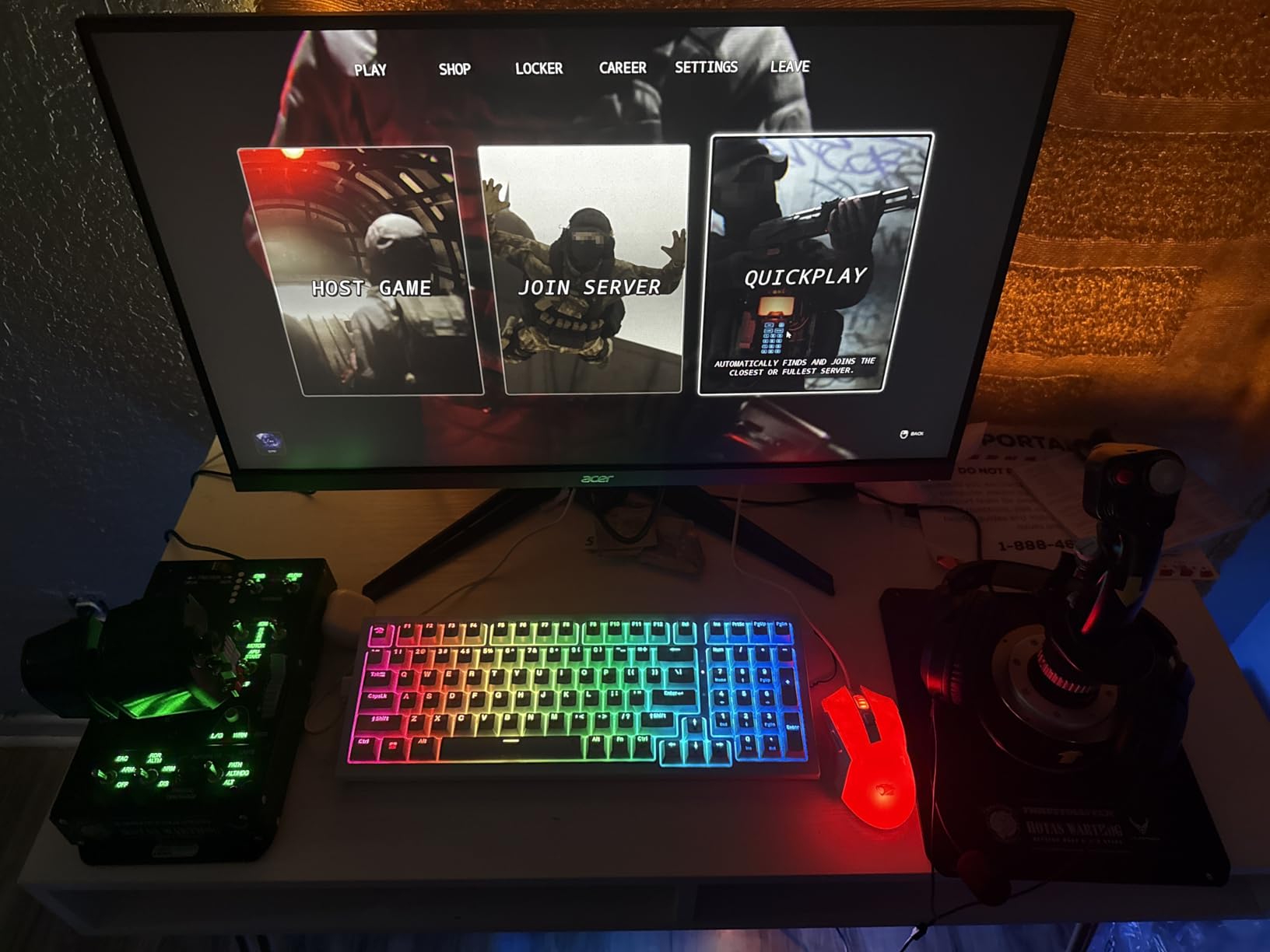
The Thrustmaster HOTAS Warthog has been the gold standard combat HOTAS for over a decade, and after flying with it for 60 hours across DCS modules, I understand why. The all-metal construction feels more like aircraft hardware than a gaming peripheral.
The 1:1 USAF-licensed A-10C replica grip is the heart of the package. Every switch, hat, and trigger matches the real aircraft layout, which translates into muscle memory that works in DCS A-10C module out of the box. For Hornet, Viper, and other modules, you can swap grips later without replacing the base.
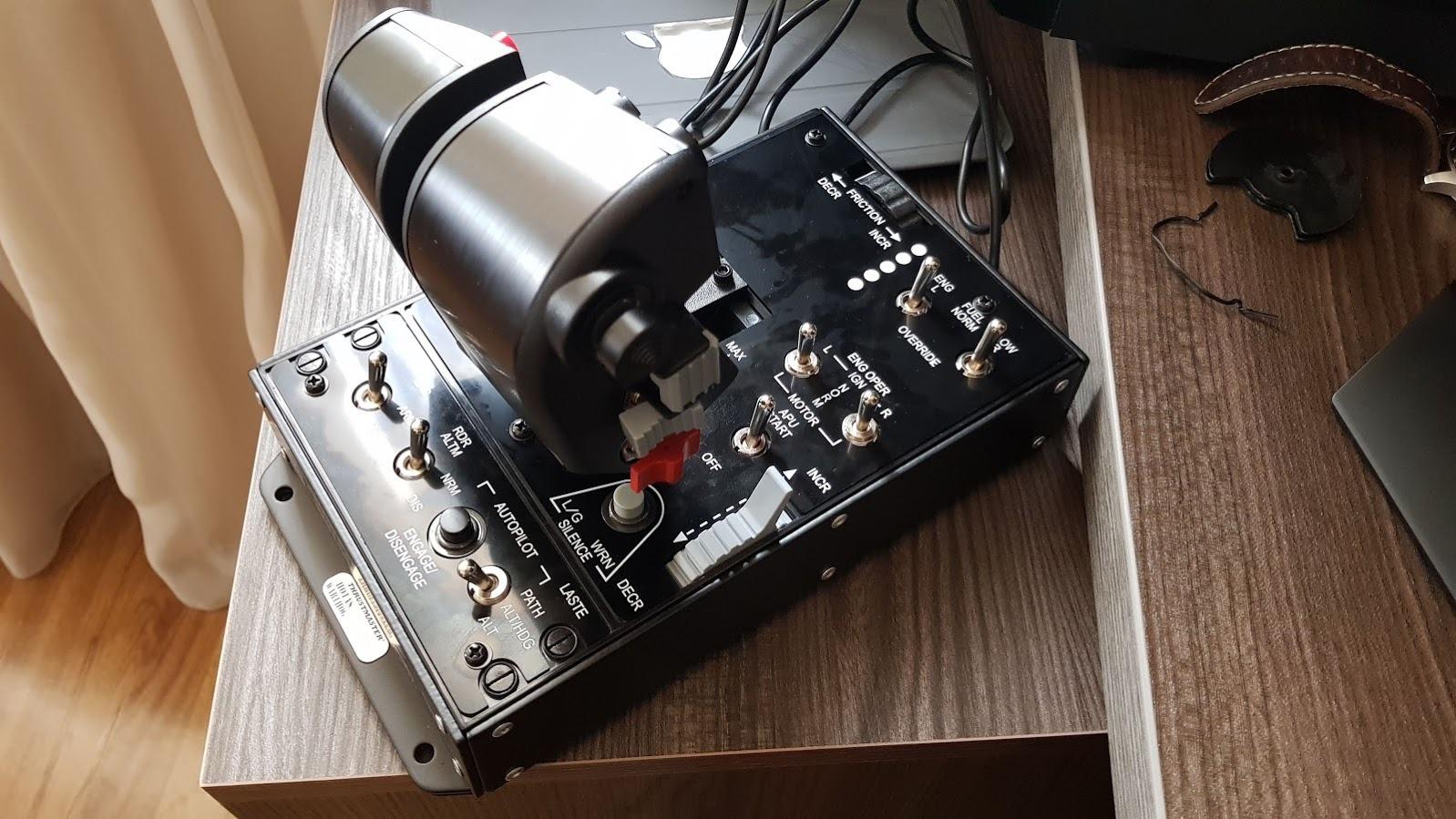
H.E.A.R.T. Hall-effect sensors ensure the precision never drifts, no matter how many hours you log. The dual throttle allows independent left and right engine control, essential for combat aircraft in DCS and for asymmetric thrust maneuvers in civilian sims.
Be aware that this is a heavy unit at over 13 pounds. You will want a permanent desk mount or dedicated cockpit stand. There is also no twist rudder on the stick, so serious DCS pilots should budget for Thrustmaster TFRP rudder pedals.
For Whom It’s Good
DCS World pilots flying combat modules like the A-10C, F/A-18C, or F-16 will find the replica grip transforms their experience. Sim enthusiasts who want a buy-once setup that lasts a decade will appreciate the all-metal build.
Pilots planning to expand with replica grips like the Hornet, Viper, or Tomcat will benefit from the Warthog base ecosystem.
For Whom It’s Bad
Casual MSFS pilots flying airliners will find this HOTAS overkill for civilian aviation. The lack of twist rudder means you must buy separate pedals to unlock the full experience.
Anyone on a tight budget should look at the T16000M bundle first and only step up to the Warthog when the hobby is firmly established.
8. Logitech G X52 Flight Control System – Best for VR
Logitech G X52 Flight Control System
Magnetic sensors
282 programmable commands
MFD display
Rubberized grip
Pros
- Magnetic non-contact sensors for longevity
- Multifunction LCD display
- 3D twist with rudder lock
- 5-position ergonomic grip
- 282 programmable commands across 3 modes
Cons
- Light base can slide during intense use
- LEDs may fail after extended use
- Throttle detents can feel bothersome
- Requires manual calibration after cold boot
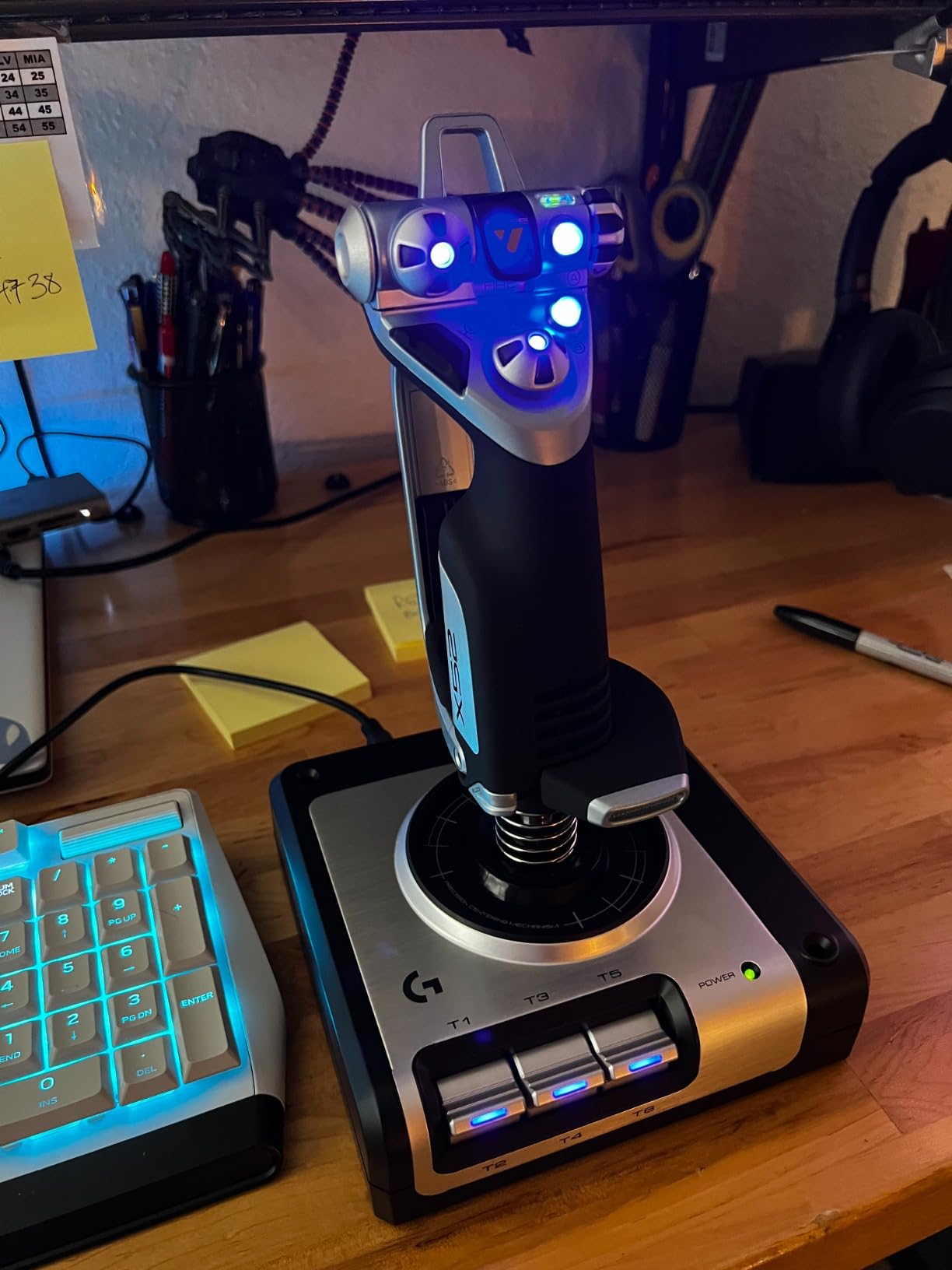
The Logitech G X52 is the HOTAS I reach for when flying in VR, because the multifunction LCD display and rubberized grips make finding controls by feel much easier. For Elite Dangerous commanders running VR headsets, this HOTAS punches above its weight.
Magnetic non-contact sensors on the X and Y axes mean the stick stays accurate for years without the drift that plagued earlier Saitek models. The 282 programmable commands across three modes give you enough binding capacity for the most complex space sim loadouts.
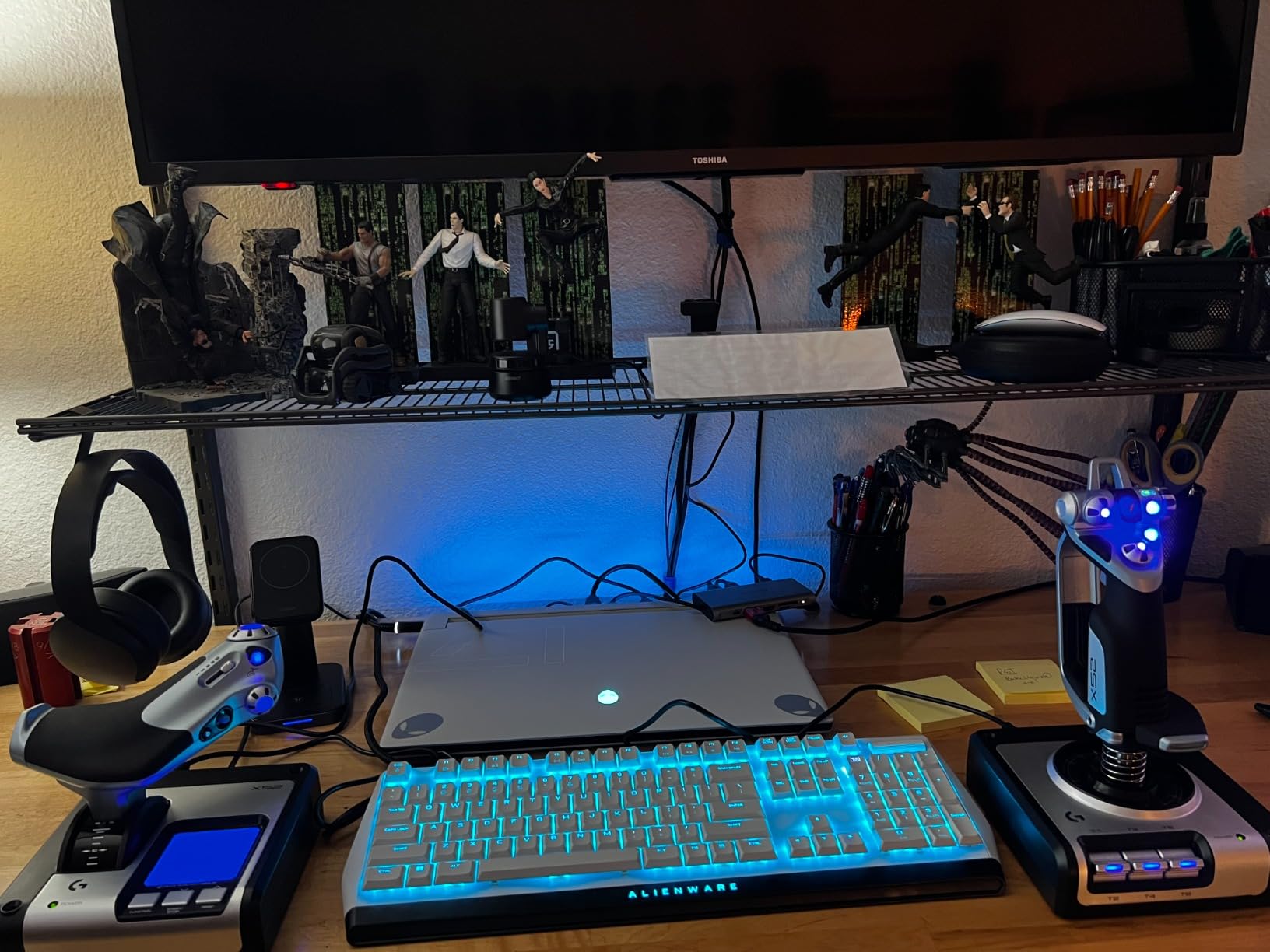
The 5-position grip system adapts to most hand sizes comfortably, and the rubberized finish prevents slipping during sweaty combat sessions. In VR where you cannot see your hands, this tactile feedback matters more than RGB lighting or fancy displays.
The main weakness is the lightweight base, which can slide during aggressive maneuvers unless you mount it to a desk or use a non-slip mat. Cold boot calibration is also required after every system restart, which adds a small daily annoyance.
For Whom It’s Good
VR pilots flying Elite Dangerous, Star Citizen, or DCS will find the rubberized grip and tactile buttons easier to locate without sight. Space sim commanders who want maximum binding capacity will appreciate 282 programmable commands.
Simmers with sweaty hands during long sessions will benefit from the rubberized grip texture.
For Whom It’s Bad
Pilots with aggressive flying styles may need to mount the base to prevent sliding. Anyone bothered by daily calibration routines should look at sticks with hot-plug memory.
If you fly only MSFS civilian aviation, the X52 is overkill.
9. Thrustmaster F/A-18C Hornet Grip – Best DCS Upgrade
Thrustmaster F/A-18C Hornet Fighter Grip Add-On Flight Stick – PC
1:1 F/A-18C replica grip
19 buttons
Metal construction
Two-stage trigger
Pros
- Authentic 1:1 F/A-18C Hornet replica
- Industrial-grade metal construction
- Two-stage trigger for gun and camera
- Fits existing Warthog and Cougar bases
- Native DCS World support
Cons
- Add-on grip only requires compatible base
- Premium price for a single component
- Limited compatibility outside Thrustmaster ecosystem
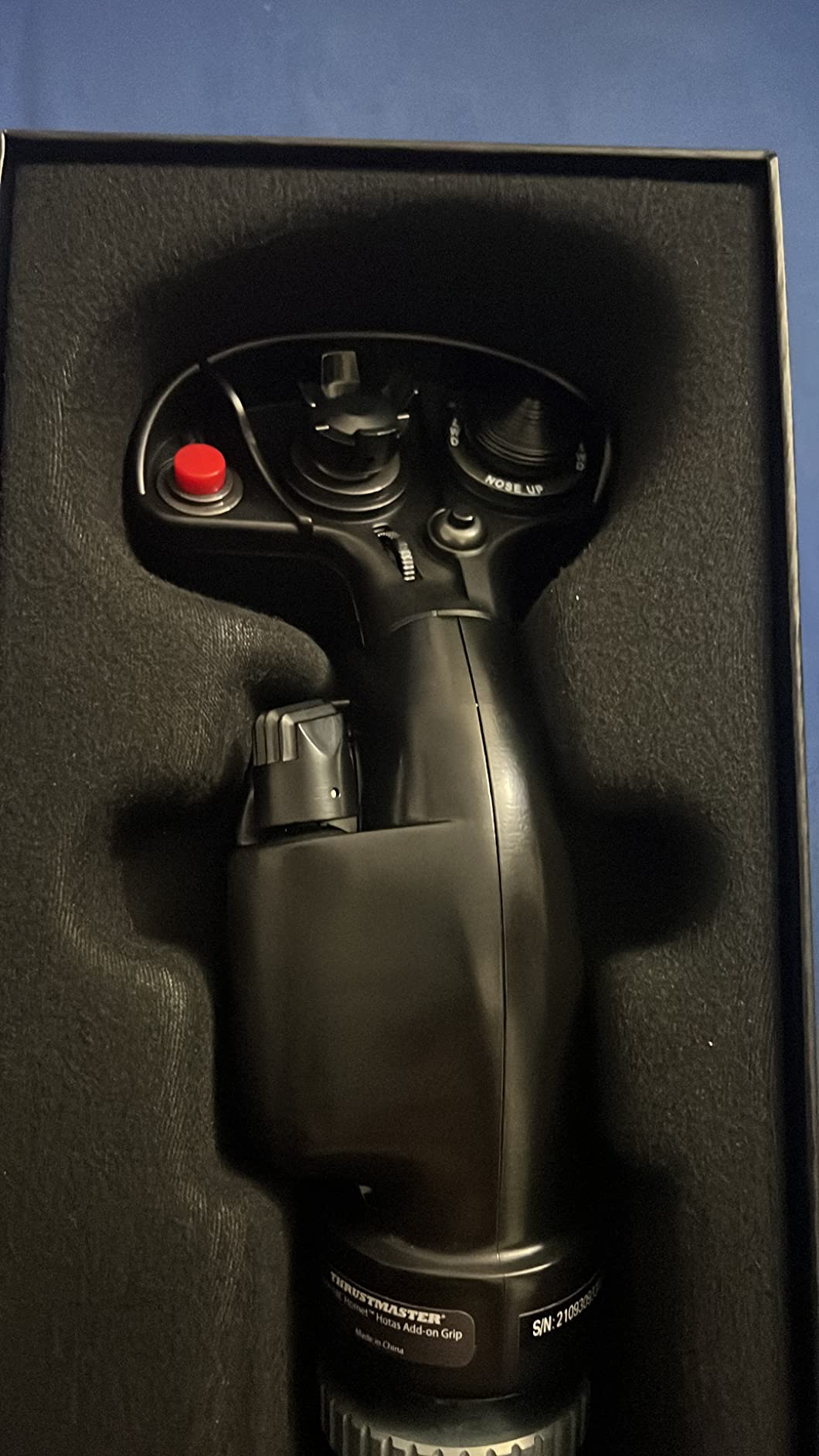
If you already own a HOTAS Warthog base and fly the DCS F/A-18C module, the Hornet grip is the single best upgrade you can buy. The 1:1 replica matches the real aircraft control stick down to the placement of every switch and hat.
The industrial-grade metal construction feels identical to the Warthog grip, which means muscle memory transfers seamlessly. The two-stage trigger for weapon release and camera control is a feature DCS pilots consistently praise for adding immersion.
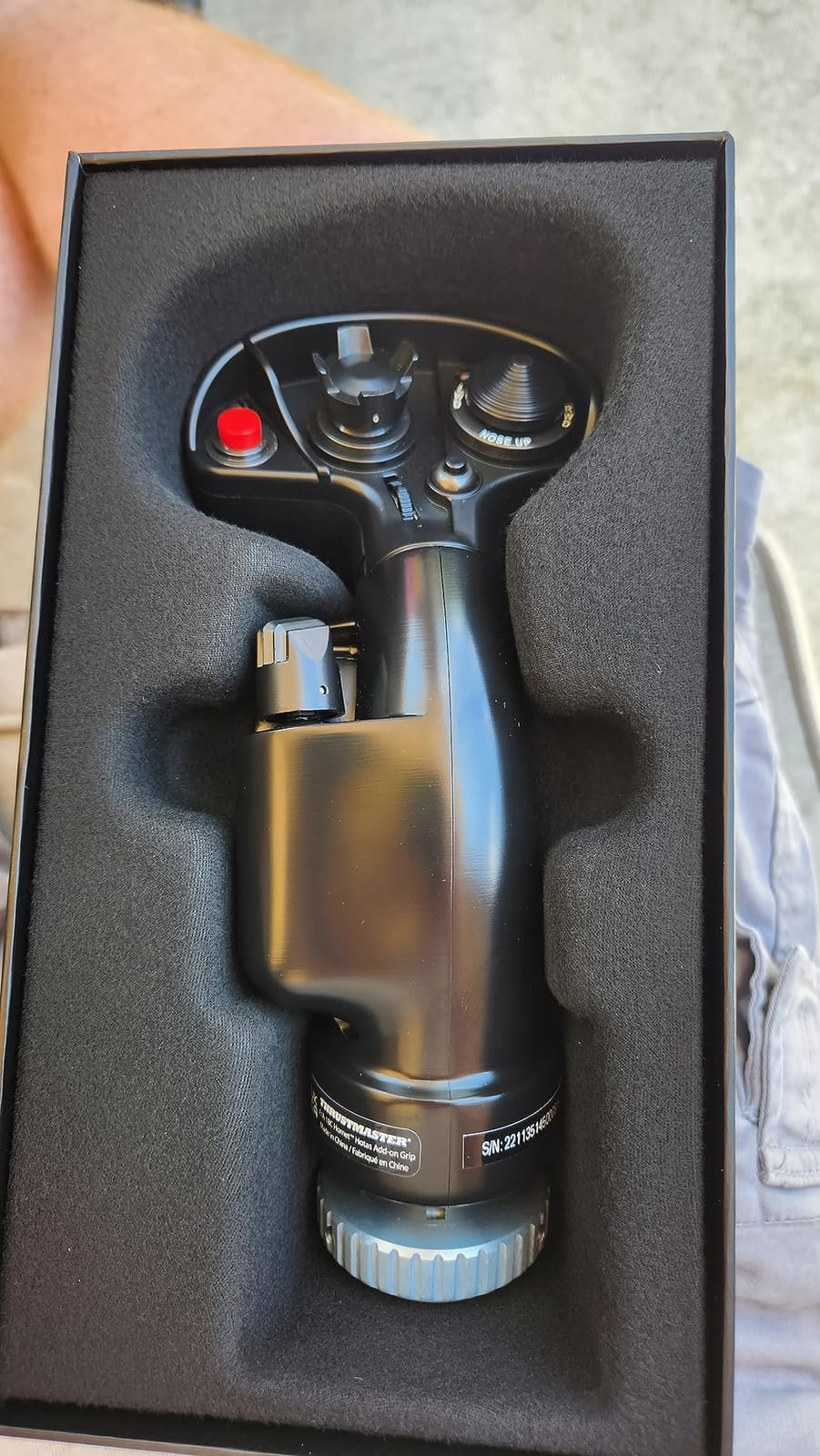
Nineteen action buttons plus the 8-way hat switch cover virtually every binding the Hornet module exposes. Native DCS World support means the stick works correctly the moment you plug it in, no custom mapping required.
This is an add-on grip only, so it requires a compatible Thrustmaster base. If you do not already own a Warthog or Cougar base, you will need to buy one first, which doubles the cost of entry.
For Whom It’s Good
DCS World pilots who own a HOTAS Warthog and fly the F/A-18C module will find this grip transforms the experience. Anyone planning a fleet of replica grips will appreciate the ecosystem compatibility.
Sim enthusiasts who collect authentic aircraft hardware will value the metal construction and accurate replica design.
For Whom It’s Bad
Simmers without a compatible Thrustmaster base cannot use this grip. Pilots flying only MSFS or other civilian sims will not benefit from the combat-focused button layout.
If you only fly one aircraft module, the cost of adding a Warthog base plus this grip is hard to justify.
10. PXN 2113PRO – Budget Pick for Casual Pilots
PXN 2113PRO PC Joystick USB Gaming Flight Simulator Controller Flight Stick
Vibration feedback
12 programmable buttons
4 axes
Throttle control
Pros
- Lowest credible entry price to flight sims
- Vibration feedback for immersion
- Decent button count for the cost
- No driver installation needed
- Includes integrated throttle control
Cons
- Driver issues on Windows 10 and 11
- Plastic build quality feels cheap
- Not actually Xbox compatible despite listing
- Calibration can be problematic
The PXN 2113PRO is the cheapest credible flight stick I would recommend to anyone, period. It is not a great stick, but it is good enough to confirm whether you enjoy flight sims before spending serious money on something better.
Vibration feedback adds a small layer of immersion during takeoff, landing, and combat hits. The integrated throttle control means you get a basic HOTAS experience without buying a separate unit. At the entry-level price point, that combination is hard to argue with.
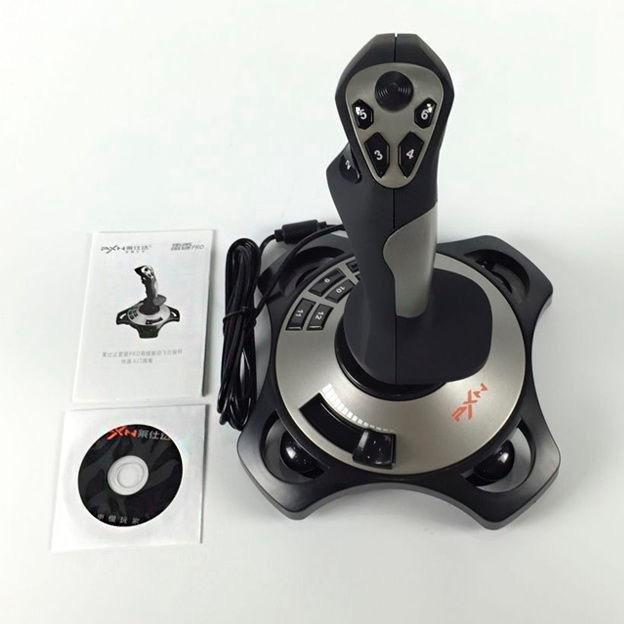
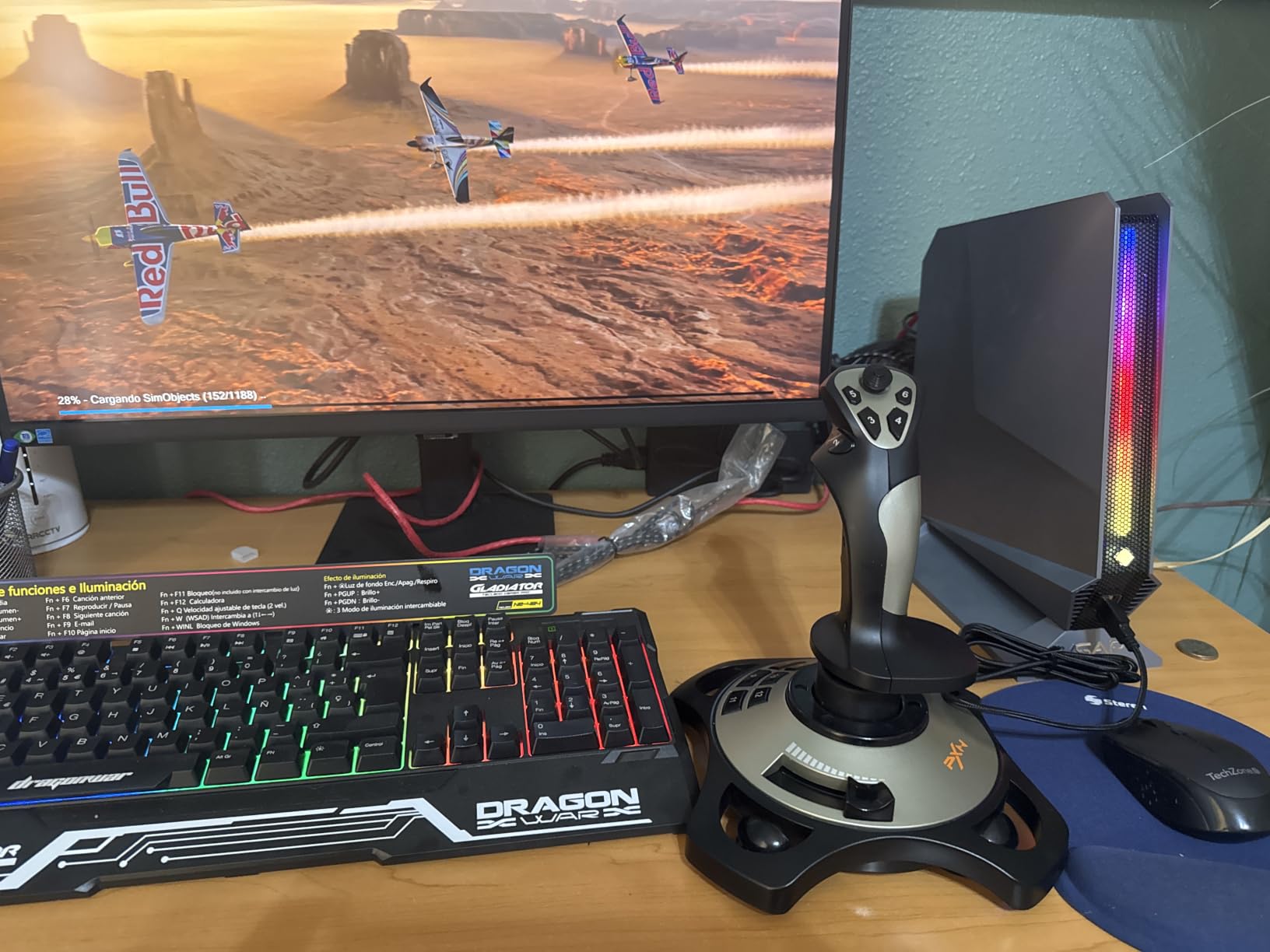
I tested this stick with MSFS and War Thunder on Windows 11, and basic functionality worked after some manual calibration. The 12 programmable buttons cover core commands without overwhelming beginners who do not know what to map.
There are real limitations. Driver compatibility on Windows 10 and 11 is hit-or-miss, and the listing incorrectly claims Xbox compatibility. Build quality also feels disposable, which is expected at this price but worth acknowledging.
For Whom It’s Good
Absolute beginners who want to try flight sims without committing serious money will find this stick does the job. Parents buying a temporary stick for a curious teen will appreciate the low price point.
Casual War Thunder or older MSFS players who fly occasionally will not notice the limitations.
For Whom It’s Bad
Anyone planning to play serious DCS, Star Citizen, or MSFS for hundreds of hours will outgrow this stick within months. Pilots needing stable drivers on Windows 11 should look at the T-Flight HOTAS X instead.
If you want Xbox compatibility, ignore the listing. This stick does not work on console.
How to Choose the Best Flight Stick for Your Setup
Choosing the best flight sticks comes down to three questions you should answer before spending money. First, what game do you fly most? Second, do you want a joystick or a full HOTAS setup? Third, how much do you actually fly each week?
If you are a beginner or casual simmer, the T16000M and T-Flight HOTAS X are the safest starting points. Both use Hall-effect sensors that prevent the drift that ruins cheaper sticks, and both have active community support with shared profiles for every major flight sim. The Reddit r/hotas community consistently recommends these two for anyone entering the hobby.
If you already know you love flight sims and want a serious upgrade, the Warthog is the standard combat HOTAS that has held its position for over a decade. For VR cockpit flying, the Logitech X52 offers the best combination of magnetic sensors and tactile grip texture. For space sim pilots who want maximum binding capacity, the Logitech X56’s 189 programmable controls are hard to beat.
Console pilots have fewer real options, but the Turtle Beach VelocityOne is the only third-party stick that works natively on Xbox Series X without compromise. For MSFS specifically, the T-Flight HOTAS One is the community pick with over 5,000 reviews backing it up.
Hall-effect sensors are worth paying extra for, because they never drift no matter how many hours you log. Potentiometer-based sticks like older Logitech 3D Pro models develop center drift after a year or two of regular use, which forces constant in-game recalibration. The forum community on r/hotas and r/flightsim consistently calls out Hall-effect sensors as the single most important feature for long-term satisfaction.
Button count matters more for combat sims than civilian flying. MSFS airliners typically use fewer than 10 commands mapped to the stick, while DCS modules often need 30 or more. If you fly both, look for sticks with 20 or more buttons to keep your options open.
Build quality is the other long-term investment factor. All-metal construction like the Warthog and Hornet grip lasts a decade or more of daily use. Plastic sticks can survive years of casual play, but heavy daily users will wear them out faster.
Finally, think about ecosystem compatibility before you buy. Thrustmaster sticks share grips across the Warthog base, which lets you swap replica grips without replacing the entire unit. Logitech sticks work with G Hub software for centralized profile management. Picking one ecosystem and staying with it as you upgrade is cheaper than mixing brands.
Frequently Asked Questions
What is the best flight stick for a beginner?
The Thrustmaster T16000M is the best flight stick for a beginner. It uses Hall-effect sensors that never drift, has 16 programmable buttons with braille identification, and features an ambidextrous design that works for left and right-handed pilots. The T.A.R.G.E.T. software also lets you load community profiles for every major flight sim so you can start flying immediately.
Which HOTAS is the best?
The Thrustmaster HOTAS Warthog remains the gold standard HOTAS for serious sim pilots. It features all-metal construction, 55 programmable buttons, dual throttle levers for independent engine control, and H.E.A.R.T. Hall-effect sensors for drift-free precision. For budget buyers, the Thrustmaster T-Flight HOTAS X delivers excellent value with a detachable throttle and plug-and-play simplicity.
How do I choose a flight stick?
Start by identifying the game you fly most, then decide whether you need a standalone joystick or a full HOTAS with throttle. Pick Hall-effect sensors over potentiometers to avoid drift. Look for at least 12 programmable buttons for combat sims. Finally, consider ecosystem compatibility if you plan to upgrade grips or add pedals later.
What is the best flight stick for Microsoft Flight Simulator?
For PC MSFS pilots, the Thrustmaster T16000M is the best starting point with Hall-effect precision and T.A.R.G.E.T. software support. For Xbox Series X MSFS players, the Thrustmaster T-Flight HOTAS One is the community pick with over 5,000 reviews and officially licensed Xbox support. Serious civilian simmers often add the Honeycomb Alpha yoke and Bravo throttle for airliner-style control.
Is a yoke better than a joystick for flight sim?
A yoke is better for civilian airliner flying in MSFS and X-Plane because it matches the real-world control feel of a Cessna or Boeing cockpit. A joystick is better for combat sims like DCS World and War Thunder, and for space sims like Star Citizen and Elite Dangerous. Many sim pilots keep both a yoke for airliners and a HOTAS for combat, switching based on the aircraft they fly.
Final Verdict on the Best Flight Sticks in 2026
The best flight sticks in 2026 cover every kind of pilot, from the casual MSFS simmer to the hardcore DCS combat enthusiast. For most readers, the Thrustmaster T16000M is the safest starting point because its Hall-effect sensors and T.A.R.G.E.T. software support carry you from beginner to intermediate without needing an upgrade.
If you want the best value HOTAS on the market, the T-Flight HOTAS X has 8,000 reviews backing its reputation. Pilots chasing the ultimate combat experience should save up for the Warthog, which remains the gold standard after more than a decade. Xbox owners finally have a real option with the Turtle Beach VelocityOne, and budget shoppers can confirm their interest with the PXN 2113PRO before committing to a serious upgrade.
One last piece of advice from years of sim flying: do not start too cheap and expect to stay there. Most sim pilots on Reddit regret buying the absolute lowest option because they end up replacing it within a year. Spending a little more on a Hall-effect sensor stick from the start saves money and frustration in the long run.