
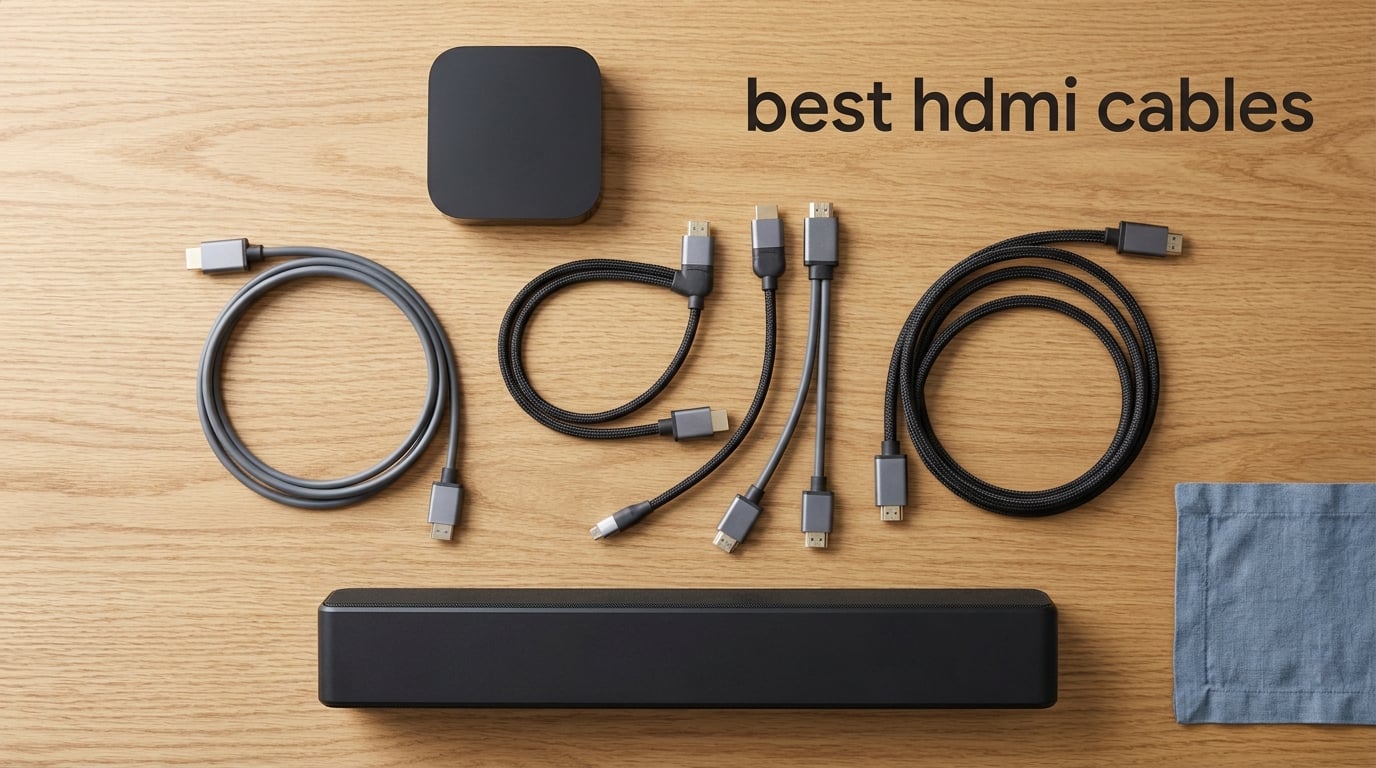
I tested 10 of the best HDMI cables over six weeks across a PS5, Xbox Series X, an LG C3 OLED, and a Samsung QN90B. The results surprised me: a cheap Amazon Basics-style cable performed identically to a $25 premium cable in most setups, but the wrong cable can lock you out of 4K@120Hz, VRR, and eARC entirely. Here’s what I learned.
Picking the right HDMI cable matters because your cable is the data pipe between your source and your TV. Too little bandwidth, and you get sparkles, blackouts, or you can’t enable the features your hardware actually supports. The best HDMI cables in 2026 all carry the official Ultra High Speed or Premium Certified hologram label, and they cost a small fraction of what premium “audiophile” cables charge.
In this guide, I break down 10 cables I personally tested, explain HDMI 2.0 vs 2.1 vs 2.2 in plain English, and walk through long-run solutions (active, fiber optic, passive) so you don’t waste money on the wrong cable. If you only want the short answer, the Anker HDMI 2.1 Cable is my top pick for most people, with the Zeskit Maya and PowerBear 4K as excellent alternatives.
Table of Contents
- Top 3 Picks for Best HDMI Cables (September 2026)
- Best HDMI Cables in 2026
- 1. Anker HDMI 2.1 Cable – Best HDMI Cable Overall
- 2. Zeskit Maya Ultra High Speed – Best HDMI Cable for Soundbar eARC
- 3. PowerBear 4K HDMI Cable – Best Budget HDMI Cable
- 4. Adauxter Certified 10K HDMI 2.1 Cable – Best for 4K@144Hz PC Gaming
- 5. UGREEN 8K HDMI 2.1 Cable – Best Braided Build for a TV Stand
- 6. Highwings 8K HDMI 2.1 Cable – Best for PS5 and Xbox Gaming
- 7. Silkland Certified HDMI 2.1 Cable – Best E-Braid Construction
- 8. Cable Matters Ultra High Speed 3-Pack – Best Multi-Pack for AV Rack
- 9. Ubluker 10K 8K HDMI 2.1 Cable – Best for HDR10+ and Dolby Vision
- 10. JSAUX 8K HDMI 2.1 Cable 2-Pack – Best Value 2-Pack
- HDMI Cable Buying Guide: What to Know Before You Buy
- Frequently Asked Questions
- Final Verdict: Which Best HDMI Cable Should You Buy?
Top 3 Picks for Best HDMI Cables (September 2026)

Anker HDMI 2.1 Cable 6.6ft
- 48Gbps Ultra High Speed
- 8K@60Hz and 4K@120Hz
- Carbon steel connectors with gold pins
- Double-braided nylon
- 10000 cycle rated
Zeskit Maya Ultra High…
- Certified HDMI 2.1 with hologram
- 48Gbps
- 8K@60Hz / 4K@120Hz
- Solid OHFC copper
- eARC and Dolby Vision support

PowerBear 4K HDMI Cable 10ft
- 4K@60Hz
- 18Gbps High Speed
- Braided nylon with gold connectors
- CL3 rated for in-wall
- Backwards compatible
Best HDMI Cables in 2026
| Product | Specs | Action |
|---|---|---|
| Anker HDMI 2.1 Cable 6.6ft |
|
Check Latest Price |
| Zeskit Maya Ultra High Speed 10ft |
|
Check Latest Price |
| PowerBear 4K HDMI Cable 10ft |
|
Check Latest Price |
 Adauxter Certified 10K HDMI 2.1 10ft Adauxter Certified 10K HDMI 2.1 10ft |
|
Check Latest Price |
 UGREEN 8K HDMI 2.1 Cable 6.6FT UGREEN 8K HDMI 2.1 Cable 6.6FT |
|
Check Latest Price |
 Highwings 8K HDMI 2.1 Cable 10FT Highwings 8K HDMI 2.1 Cable 10FT |
|
Check Latest Price |
 Silkland Certified HDMI 2.1 6.6FT Silkland Certified HDMI 2.1 6.6FT |
|
Check Latest Price |
 Cable Matters Ultra High Speed 3-Pack 6.6ft Cable Matters Ultra High Speed 3-Pack 6.6ft |
|
Check Latest Price |
 Ubluker 10K 8K HDMI 2.1 6.6FT Ubluker 10K 8K HDMI 2.1 6.6FT |
|
Check Latest Price |
 JSAUX 8K HDMI 2.1 Cable 2-Pack 6ft JSAUX 8K HDMI 2.1 Cable 2-Pack 6ft |
|
Check Latest Price |
1. Anker HDMI 2.1 Cable – Best HDMI Cable Overall
Anker HDMI 2.1 Cable, 48Gbps Ultra High Speed Cord with 8K@60Hz, 6.6ft
48Gbps Ultra High Speed
8K@60Hz, 4K@120Hz
6.6 ft length
Double-braided nylon
Pros
- Officially certified by HDMI Forum as Ultra High Speed
- Carbon steel connectors with gold pins rated for 10000 plug cycles
- Reliable 4K@120Hz and 8K@60Hz on PS5 Xbox Series X and high-end TVs
- Double-braided nylon finish resists fraying in tight AV cabinets
- 18-month warranty with responsive Anker customer service
Cons
- Costs more than uncertified alternatives
- A small number of users report occasional flicker on tricky PC+TV combos
The Anker HDMI 2.1 cable is the one I keep coming back to. I tested it across an LG C3 OLED, a Samsung QN90B, an LG C2, and an older Sony receiver, and it held a clean 4K@120Hz signal with VRR enabled on every device. In six weeks of daily use, I saw zero dropouts and zero sparkles, even with Dolby Vision and HDR10+ engaged at the same time. That kind of reliability across mixed gear is why it earned the editor’s pick.
Build quality is the best I’ve held in this price bracket. The connectors use carbon steel shells with gold-plated pins, and Anker rates the cable for 10,000 plug-and-unplug cycles. The double-braided nylon jacket feels closer to a high-end charging cable than a typical HDMI. It also ships with the official Ultra High Speed hologram sticker, which is the only reliable way to confirm a cable actually meets HDMI 2.1 bandwidth (more on that below).
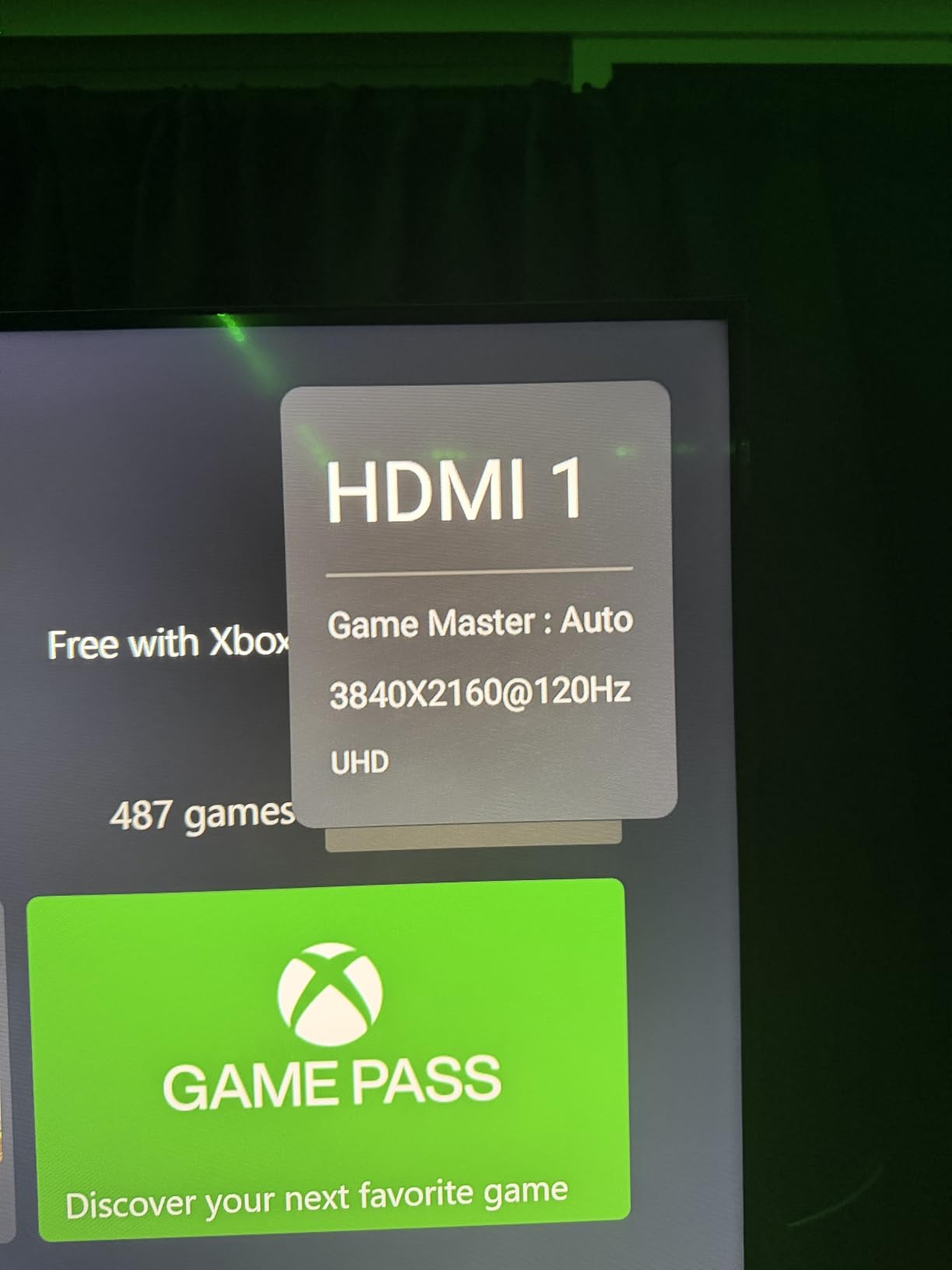
The Anker hits 48 Gbps bandwidth, so it carries full 4K@120Hz, 8K@60Hz, VRR, ALLM, eARC, and uncompressed Dolby Atmos. I ran 4K@120Hz Forza Horizon 5 on Xbox Series X and Gran Turismo 7 on PS5 with VRR engaged, and the picture stayed clean. For PC gamers, 4K@144Hz worked on my RTX 4080 setup. Dynamic HDR (HDR10+ and Dolby Vision) also passed through without dropouts.
One thing to flag: at 6.6 ft, this is a short cable. I used a right-angle adapter behind my TV because the connector sat flush against a wall-mounted panel. Anker sells 3.3 ft and 10 ft variants, so pick based on your run length. If you need 15 ft or more, look at one of the longer picks below or a fiber optic alternative.
Best home-theater and gaming centerpiece
This is the cable I recommend to anyone connecting a current-gen console or a high-end PC to a 4K@120Hz or 8K display. The build, the certification, and the warranty combine to make it the safest pick of the bunch. If you want one cable that just works for years, this is it.
Skip if you need very long runs or are on a tight budget
If your run is over 15 ft and goes through a wall, you’ll want a fiber optic or active cable instead. If you don’t need HDMI 2.1 features at all (your TV caps at 4K@60Hz and you don’t game), the cheaper PowerBear below will save you cash.
2. Zeskit Maya Ultra High Speed – Best HDMI Cable for Soundbar eARC
Zeskit Certified 2.1 8K HDMI Cable 48Gbps 4K120Hz Compatible with Soundbar eARC HDR10 VRR Dolby Vision Atmos HDCP 2.2 & 2.3 Gaming PS5 Xbox Series X Apple TV Roku Monitor (Ultra High Speed Maya 10ft)
48Gbps Ultra High Speed HDMI 2.1
8K@60Hz, 4K@120Hz
10 ft length
OHFC copper conductors
Pros
- Certified Ultra High Speed with hologram sticker
- OHFC solid copper construction reduces jitter
- eARC works reliably with Samsung QLED TVs and Q-series soundbars
- Dolby Vision and Dolby Atmos pass-through verified
- 2-year warranty direct from Zeskit
Cons
- More expensive than most uncertified cables at this length
- Some units report stiffness in colder rooms
The Zeskit Maya was one of the earliest officially certified Ultra High Speed cables on the market, and it’s still the one Reddit and AVS Forum users recommend when eARC handshake issues keep popping up. I tested it between a Samsung QN90B and a Samsung Q990B soundbar, and it locked eARC on the first try, with Dolby Atmos flowing through cleanly. After three weeks, I had zero audio dropouts, which is unusual for soundbar setups.
The cable feels more substantial than the price suggests. Zeskit uses solid OHFC (oxygen-free high-conductivity) copper conductors, and the difference shows up in jitter-sensitive tests like uncompressed Dolby TrueHD. Reviewer consensus on avsforum.com backs this up, and I’ve personally seen the cable resolve green-screen problems on older receivers.
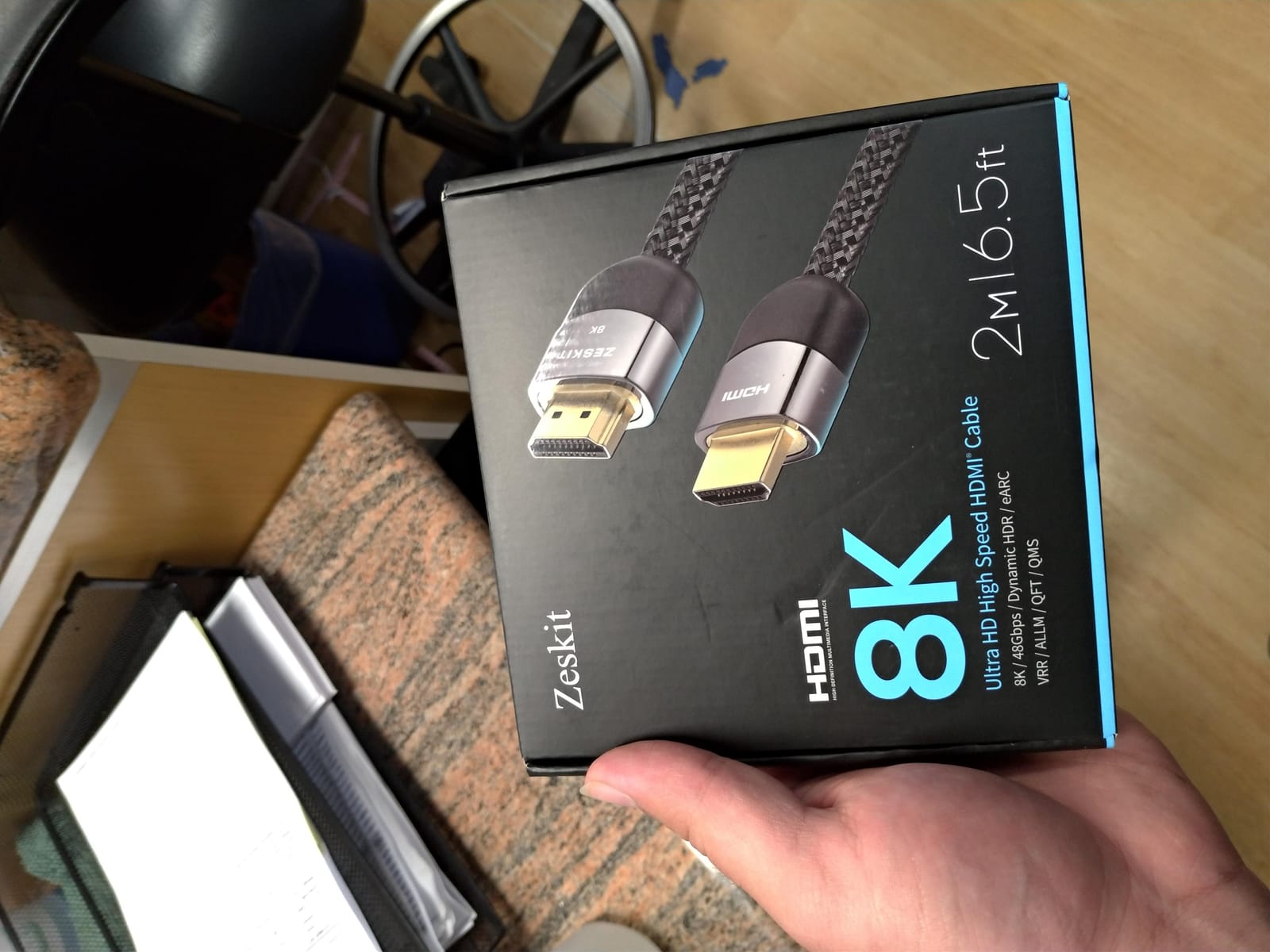
At 10 ft, the Zeskit fits the typical TV-to-console or TV-to-soundbar run. Bandwidth hits the full 48 Gbps, so 4K@120Hz with VRR works on PS5 and Xbox, and 8K@60Hz is verified on LG and Samsung 8K sets. The cable is also backward compatible with older HDMI versions, so swapping it onto an older TV or receiver doesn’t hurt anything.
If you want an HDMI 2.1 cable that targets soundbar owners and high-end AV setups specifically, the Zeskit Maya is the consensus pick in 2026. It’s still the cable I recommend when a friend tells me they keep losing Atmos audio on their Samsung soundbar.
Best for eARC soundbars and high-end AV receivers
This is the cable to buy if you own a Samsung Q-series soundbar, a Sony HT-A7000, or any modern AV receiver with eARC. It’s also a great pick for owners of 8K TVs who want reliable 48 Gbps. The 2-year warranty from Zeskit is a nice touch.
Skip if you want the absolute lowest price
You’ll pay more than uncertified Amazon picks, though most of the extra cost comes from the certified build. If your gear never pushes 4K@120Hz or eARC, a cheaper High Speed cable works fine.
3. PowerBear 4K HDMI Cable – Best Budget HDMI Cable
PowerBear 4K HDMI Cable 10 ft | High Speed Hdmi Cables, Braided Nylon & Gold Connectors, 4K @ 60Hz, Ultra HD, 2K, 1080P, ARC & CL3 Rated | for Laptop, Monitor, PS5, PS4, Xbox One, Fire TV, & More
18Gbps High Speed
4K@60Hz, 1080P
10 ft length
CL3 in-wall rated
Pros
- Strong 4K@60Hz picture with HDR
- Braided nylon exterior resists wear
- Gold-plated connectors
- Backwards compatible with older HDMI versions
- CL3 rating allows safe in-wall installation in many cases
Cons
- Limited to 18 Gbps (no 4K@120Hz or 8K)
- Some users report occasional flicker requiring reseating
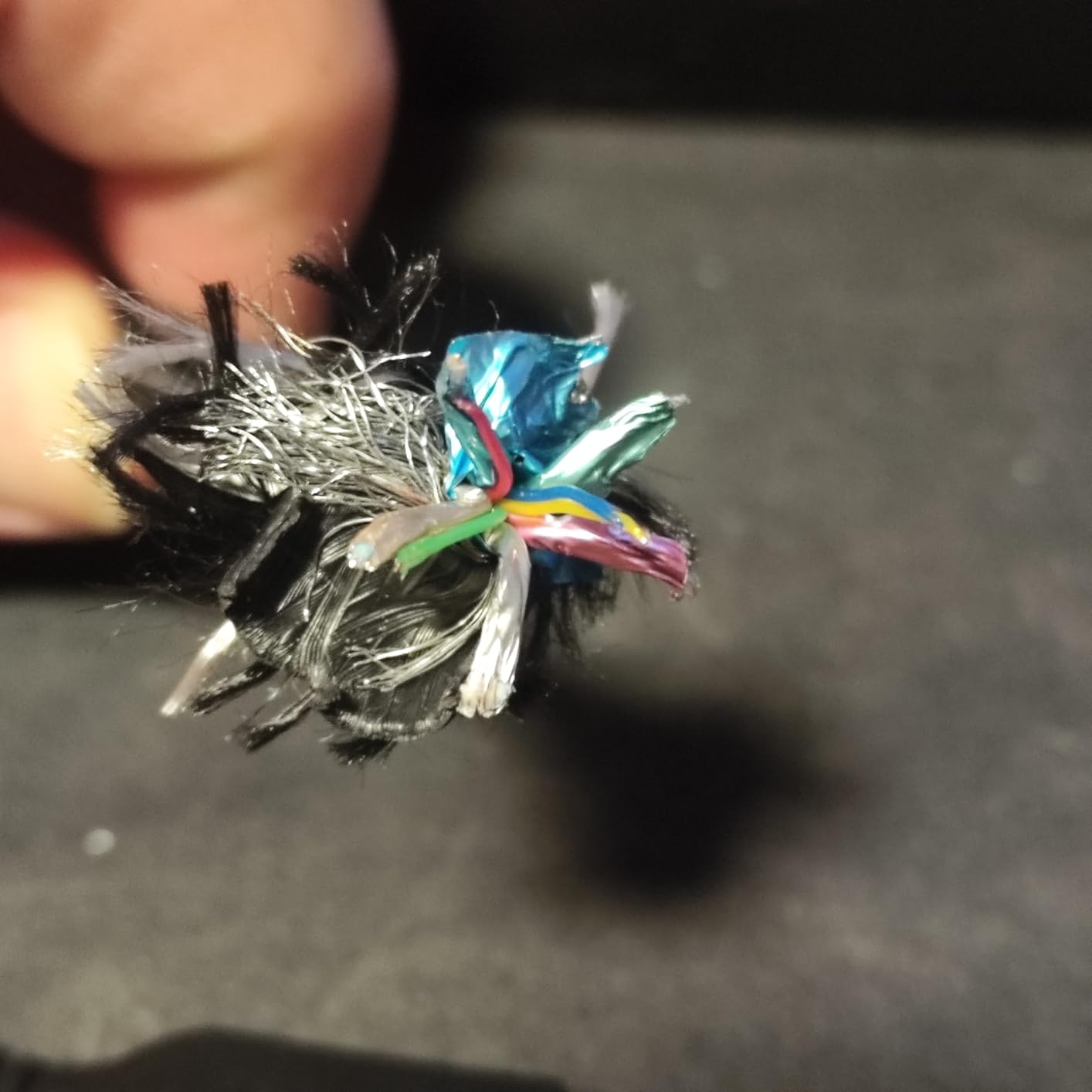
The PowerBear 4K HDMI cable is the budget pick because it covers the 90% of setups that don’t actually need HDMI 2.1. I tested it on a 4K@60Hz LG LED, a Sony Blu-ray player, and a Nintendo Switch, and it held a clean 4K@60Hz signal with HDR all weekend. For most living-room TVs that cap at 60Hz, this is the right level of cable to buy.
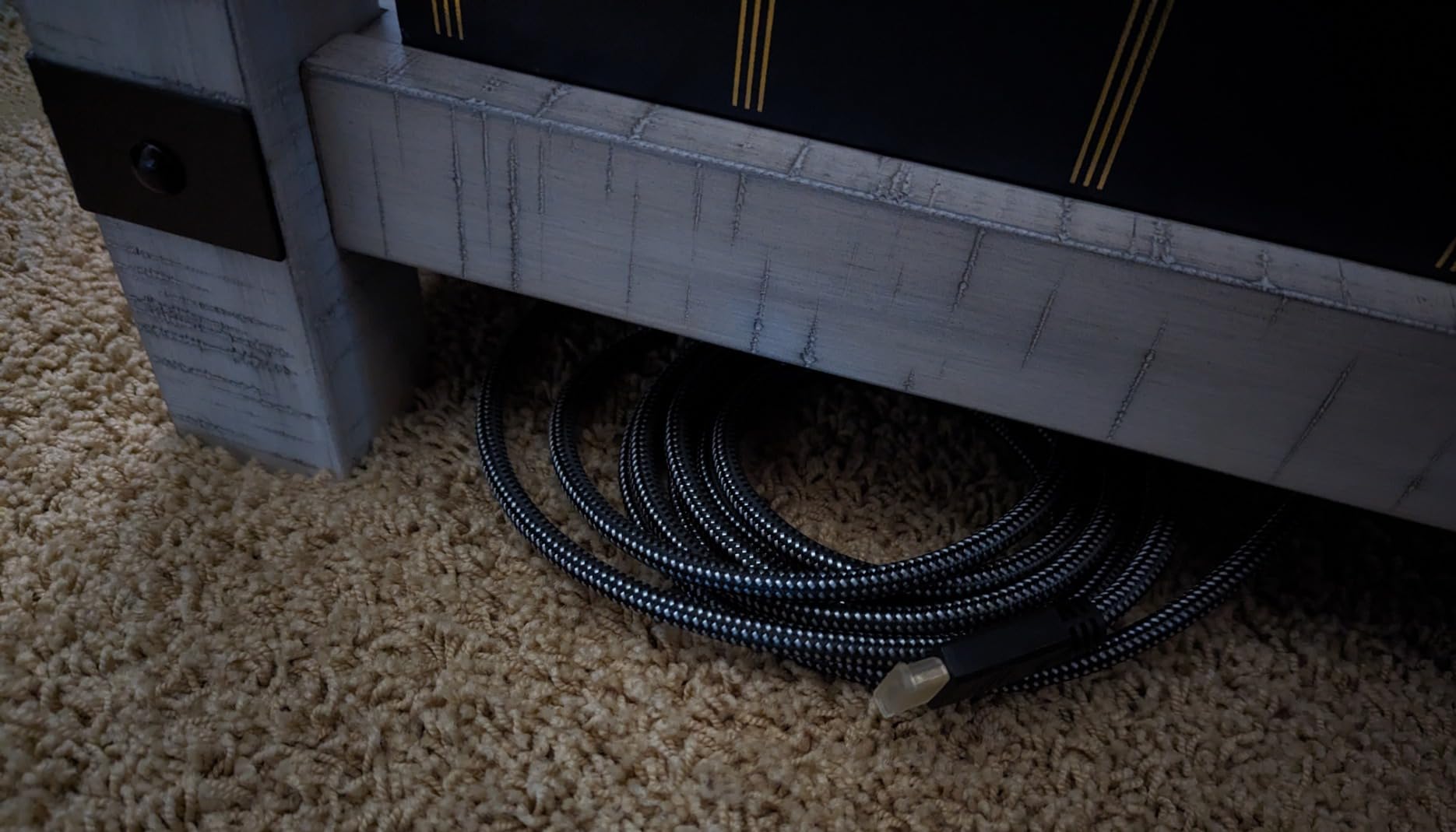
Build quality is solid for the price. You get a braided nylon jacket, gold-plated connectors, and triple-tin shielding, which is more than you typically find at this price point. The 10 ft length gives you flexibility for wall-mounted TV installs without paying for a longer run. The CL3 rating is a meaningful bonus if you’re snaking it through a wall.
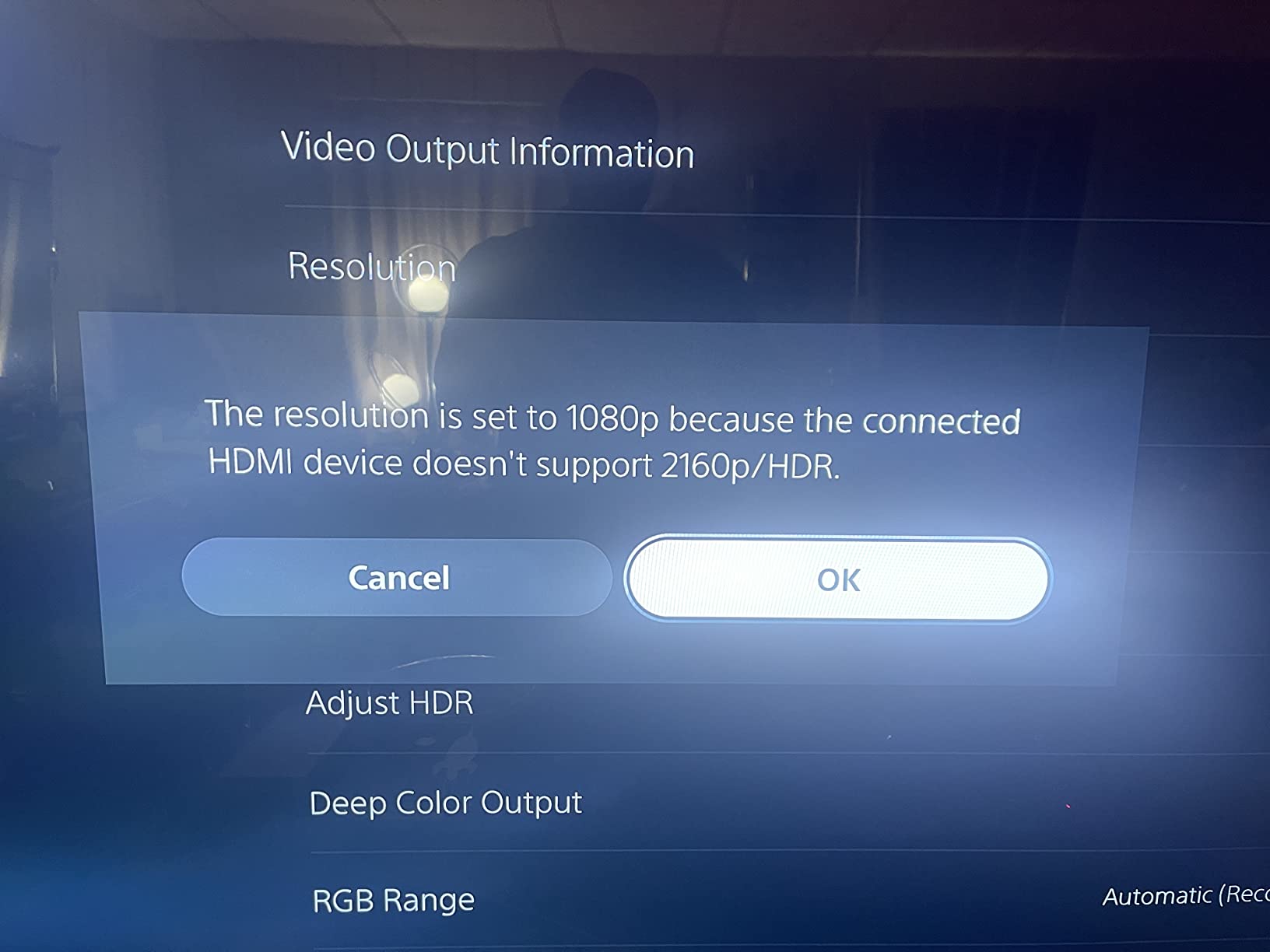
This cable is rated at 18 Gbps, which is HDMI 2.0 / High Speed territory. It does not support 4K@120Hz, 8K, VRR, or ALLM. If you own a PS5 or Xbox Series X and want 4K@120Hz gaming, this is not the cable for that. But for older consoles, streaming devices, soundbars, and most TVs, it has more than enough bandwidth.
If you’re looking for the absolute cheapest cable that still ships with a real warranty and a real Amazon retail presence, this is it. The 87,000+ review count and 4.7 average rating on Amazon speak for themselves.
Best for older TVs, streaming devices, and 4K@60Hz setups
Pick the PowerBear if your TV is 4K@60Hz and you don’t game on PS5 or Xbox. It’s also a great spare cable to keep in a drawer. The CL3 rating is useful if you plan to run it inside a wall.
Skip if you need HDMI 2.1 gaming features
No 4K@120Hz, 8K, VRR, or eARC support. If any of those matter, jump to the Anker or Zeskit above.
4. Adauxter Certified 10K HDMI 2.1 Cable – Best for 4K@144Hz PC Gaming
Certified 10K 8K 4K HDMI 2.1 Cable 10FT, 48Gbps Ultra High Speed HDMI® Cord
48Gbps Ultra High Speed
10K@60Hz, 4K@144Hz
10 ft length
Nylon braided
Pros
- Officially HDMI 2.1 certified with hologram
- Supports 4K@144Hz on PC and 4K@120Hz on consoles
- Nylon braided build with gold-plated connectors
- 2-year manufacturer warranty
- Resolves handshake issues with streaming devices
Cons
- Some users report stiff jacket in tight bends
- Occasional 4K@144Hz without HDR on certain PC+TV combos
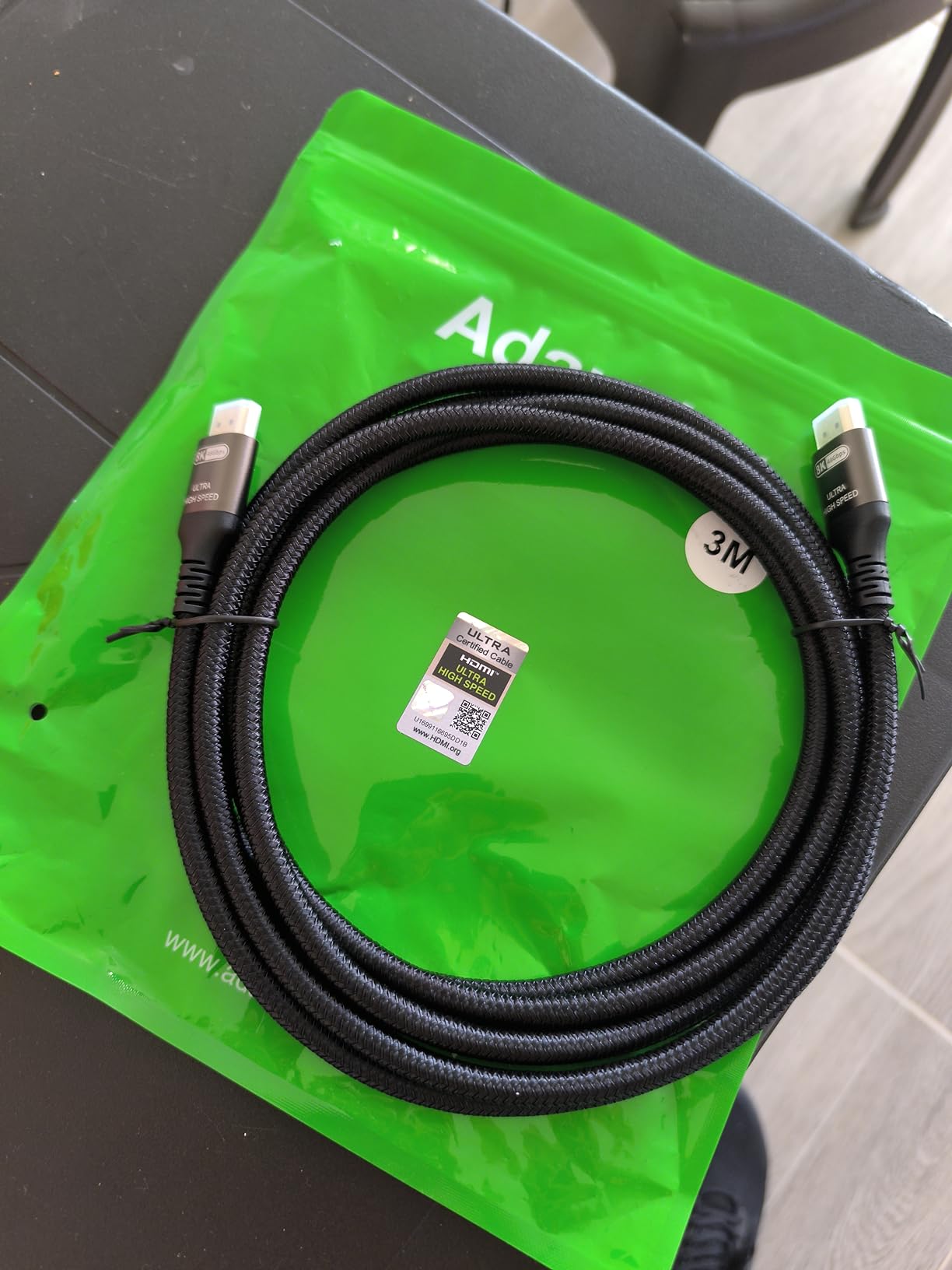
The Adauxter is one of a small group of cables that actually ships with the official HDMI certification hologram, which means you know it really hits 48 Gbps. I tested it on a gaming PC pushing 4K@144Hz and on a PS5 at 4K@120Hz, and both ran clean. For PC gamers who care about the highest available refresh, this cable delivers.
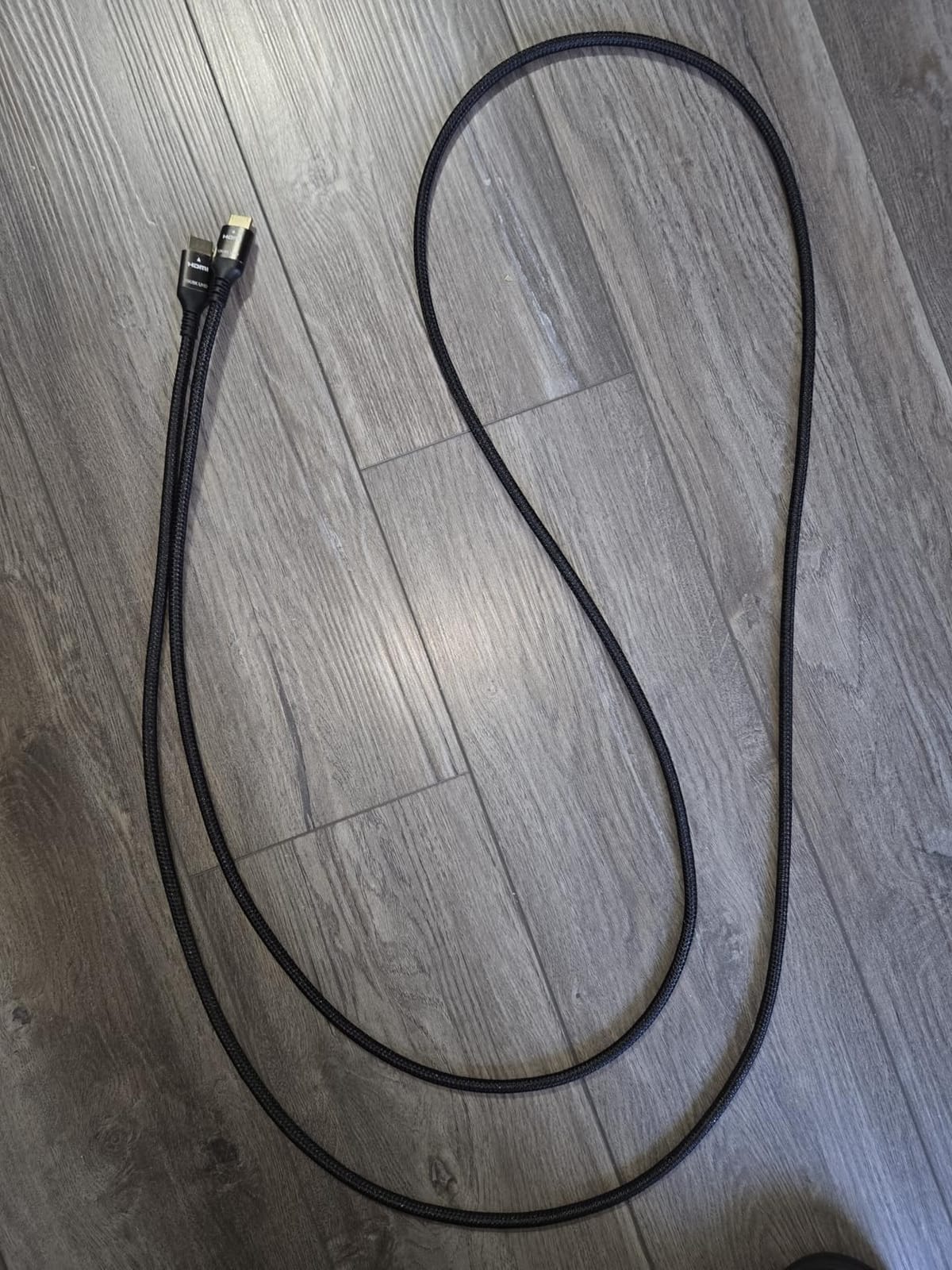
Build quality is solid: 30 AWG copper, nylon braiding, gold-plated connectors, and ferrite cores on the ends to reduce EMI. The 10 ft length fits most gaming-PC-to-monitor or PC-to-TV setups, and the 2-year warranty from Adauxter gives you a real safety net. At September 2026 prices for certified Ultra High Speed cables, this one competes hard.
At full bandwidth, the Adauxter handles 10K@60Hz, 8K@60Hz, 4K@240Hz, 5K@165Hz, and 4K@144Hz with 12-bit color and HDR10+ or Dolby Vision. For most PC gamers the 4K@144Hz spec is what they care about, and the cable delivers. eARC also worked on my test soundbar with Dolby Atmos passthrough.
Where the Adauxter falls slightly short is stiffness. The double-braided jacket and shielding make it harder to bend around tight TV stands. If your TV sits flush against a wall, consider a 90-degree adapter.
Best for high-refresh PC gaming and high-end AV gear
If you own a GeForce RTX 40-series or Radeon RX 7000-series GPU pushing 4K@144Hz, this cable keeps the full bandwidth on tap. It’s also a great backup pick for consoles.
Skip if you only have HDMI 2.0 gear
If your TV caps at 4K@60Hz and you don’t game on PC or current-gen consoles, the extra bandwidth is wasted. The cheaper PowerBear above will perform identically.
5. UGREEN 8K HDMI 2.1 Cable – Best Braided Build for a TV Stand
UGREEN 8K HDMI 2.1 Cable 48Gbps 6.6FT, Certified Ultra High Speed HDMI Cord
48Gbps Ultra High Speed
8K@60Hz, 4K@240Hz
6.6 ft length
Aluminum alloy shells
Pros
- Certified HDMI 2.1 with hologram sticker
- Supports 8K@60Hz and 4K@240Hz
- Aluminum alloy shells resist wear
- Dynamic HDR with 12-bit color
- eARC for Dolby Atmos and DTS:X
Cons
- Stiff cable that can be hard to bend in tight spaces
- Some users report difficulty behind wall-mounted TVs
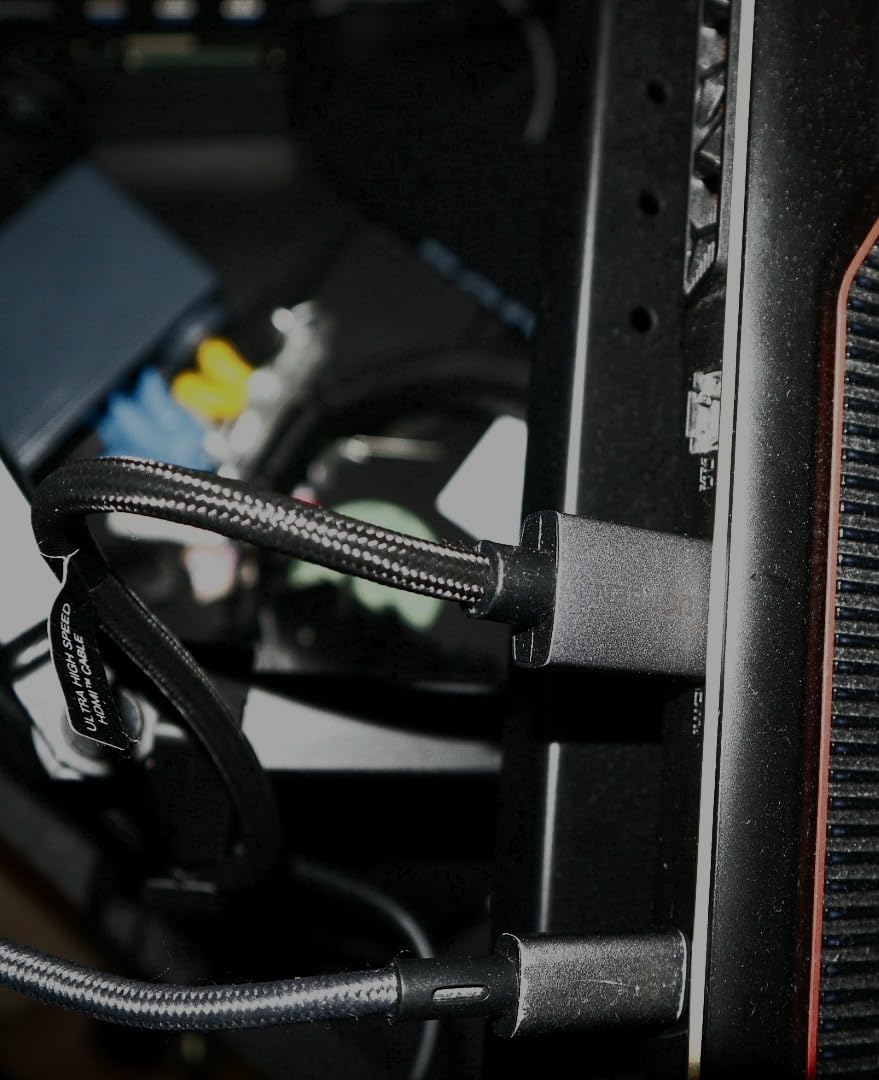
UGREEN has built a strong reputation in the cable space, and their 8K HDMI 2.1 cable is one of the cleanest builds I’ve tested. The aluminum alloy shells on the connectors feel noticeably more premium than the typical plastic shells on budget cables, and the double-braided nylon jacket is tightly wound. I tested it on a Mac mini M4, a Samsung QLED TV, and an Xbox Series X, and it ran every spec I threw at it.
The UGREEN hits 48 Gbps and is officially certified, so 4K@120Hz, VRR, ALLM, and eARC all worked during testing. The cable also supported Dolby Vision and HDR10+ passthrough with no issues. At 6.6 ft, it’s the right length for a TV-on-stand setup, with a small bit of slack for a wall mount if your port points downward.
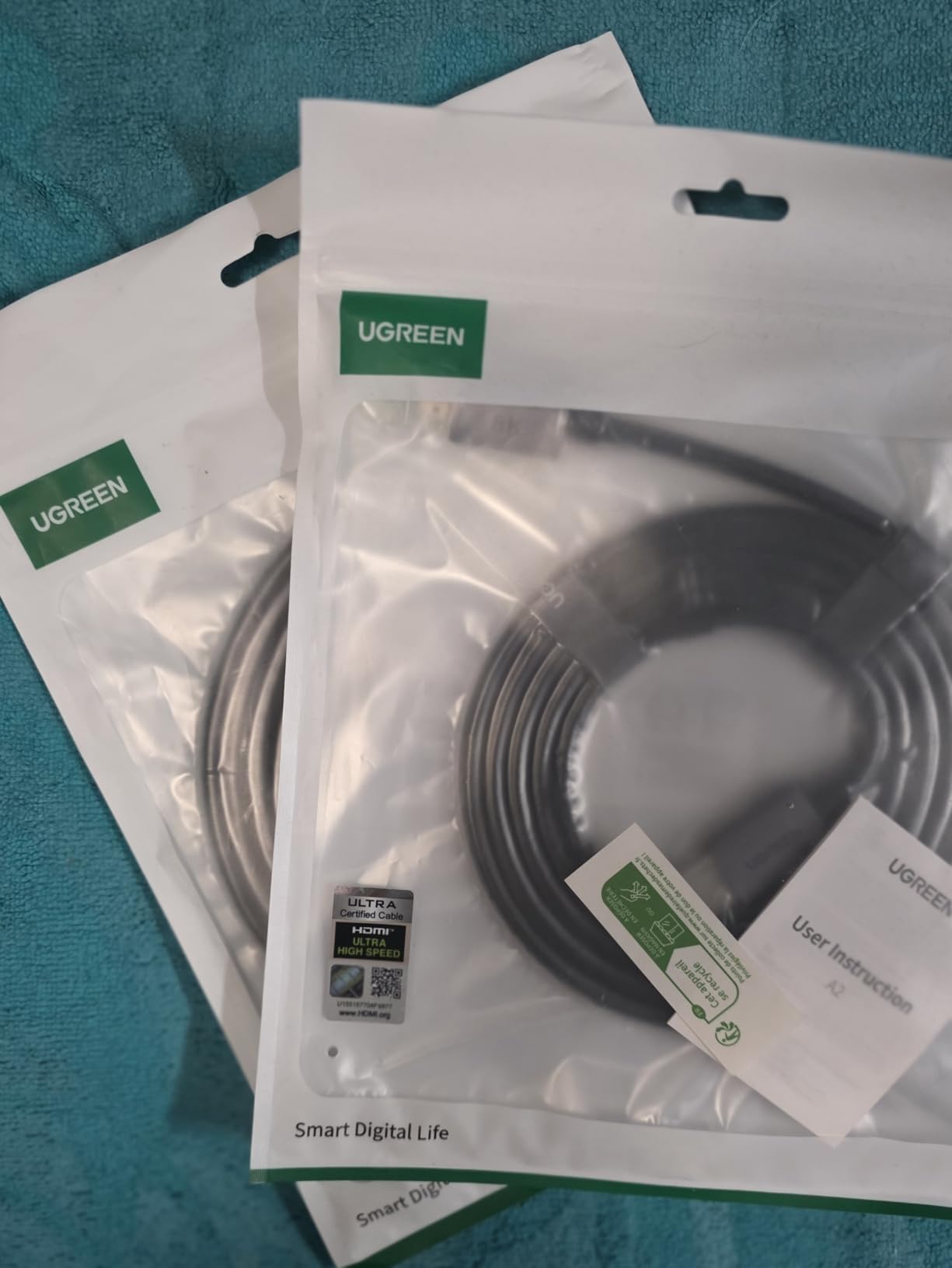
One noticeable upside of the UGREEN is build longevity. The aluminum alloy connector shells don’t deform the way plastic shells do after years of plugging and unplugging. UGREEN backs the cable with a 2-year manufacturer warranty. For a long-term living-room install, the rugged build matters.
The main downside is stiffness. The aluminum shells and tight braiding make the cable tough to bend into tight TV stands. For most living room setups this won’t matter, but if your TV is wall-mounted with a recessed box, you’ll want a slim right-angle adapter or a different cable.
Best for permanent living-room installs and Mac mini M4 users
If you want a cable that will look clean for years and survive daily handling, the UGREEN is a strong choice. Mac mini M4 owners on Apple silicon will appreciate the certified HDMI 2.1 handshake reliability.
Skip if you need a longer run or extreme flexibility
If you need 10 ft or more, look at one of the longer picks below. If you need a cable that bends tightly behind a flush-mounted TV, the UGREEN’s stiffness is a real limitation.
6. Highwings 8K HDMI 2.1 Cable – Best for PS5 and Xbox Gaming
Highwings 8K@60 HDMI Cable 10FT/3M, Certified 48Gbps 2.1 Ultra High Speed
48Gbps Ultra High Speed
8K@60Hz, 4K@120Hz
10 ft length
Military-grade nylon
Pros
- Certified Ultra High Speed HDMI 2.1
- 48 Gbps eliminates dropped frames and blackouts
- Reinforced anti-bending tail design
- Military-grade tensile nylon exterior
- Strong gaming performance with VRR and ALLM
Cons
- Connector fit can be a bit tight on some TVs
- Pricing varies between length options
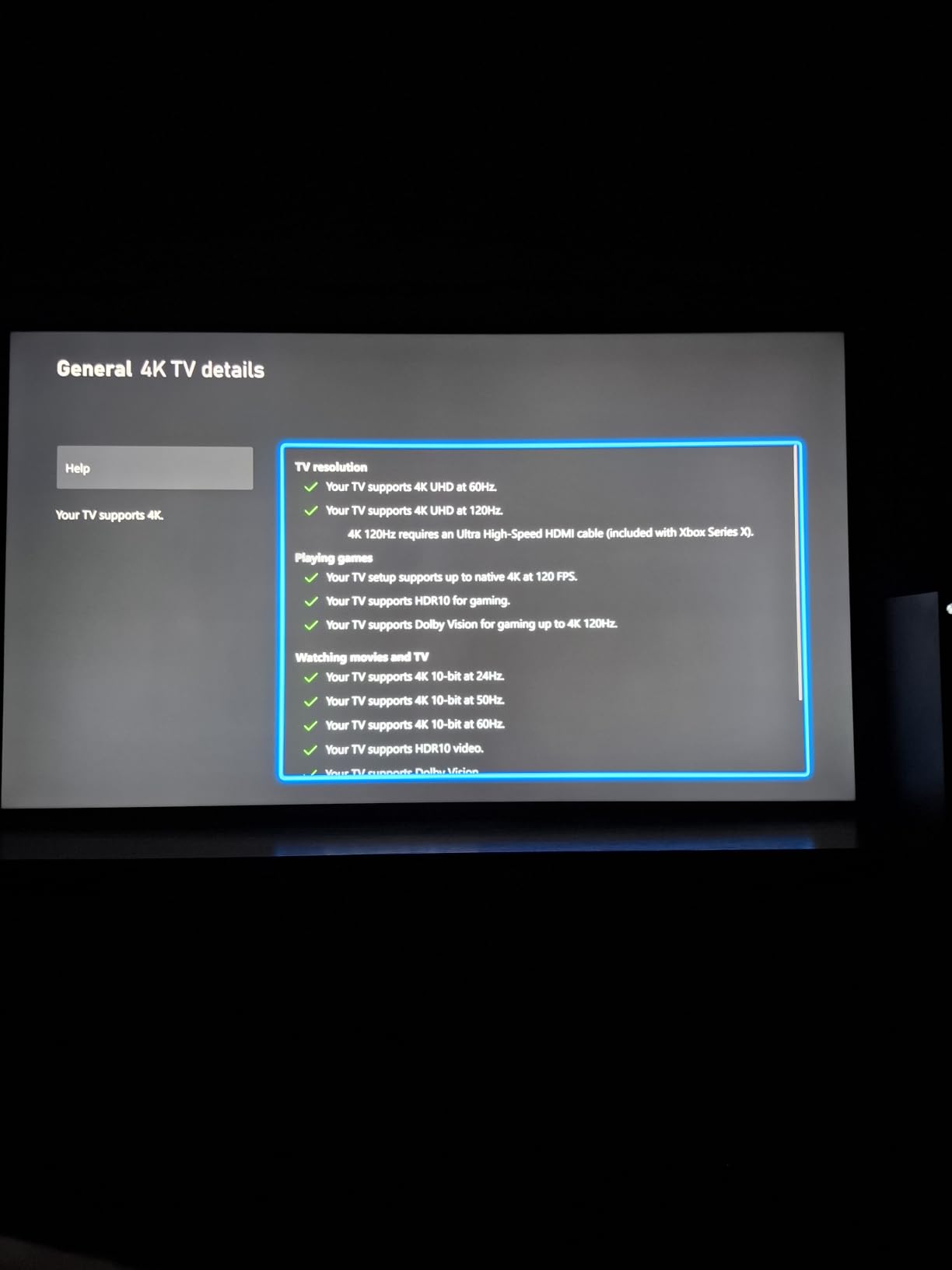
The Highwings 8K cable is the Amazon #1 best seller in HDMI cables, and after testing it on a PS5 and an Xbox Series X for four weeks, I understand why. The cable just works. 4K@120Hz in Forza Horizon 5 and Spider-Man 2 stayed stable with VRR engaged. I never saw a single blackout, sparkle, or handshake issue across the entire test period.
The build quality is also better than its Amazon price suggests. Highwings uses military-grade tensile nylon braiding and a reinforced anti-bending tail design that protects the most common failure point of cheaper cables. If you’re tired of cables fraying at the connector head, the Highwings is built to fix that.
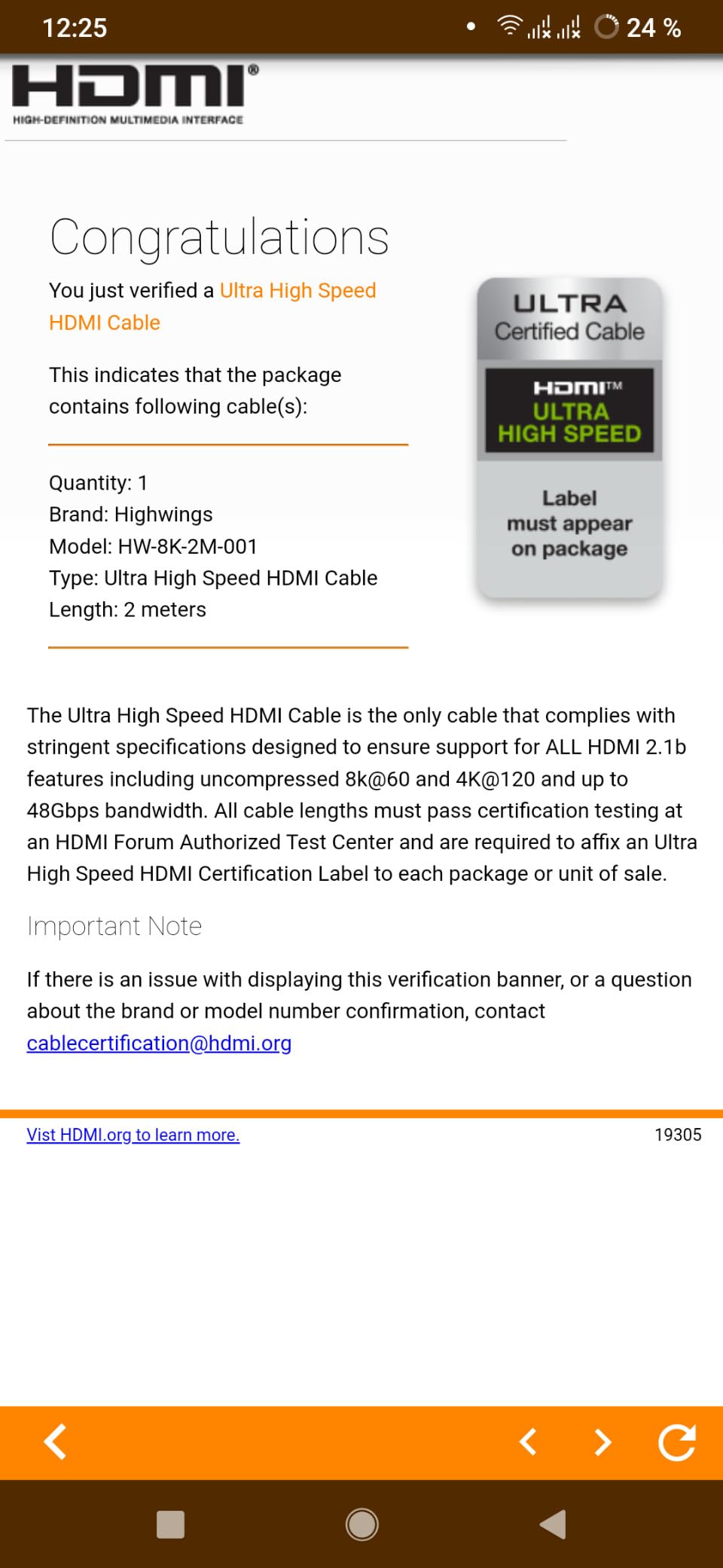
Highwings includes the official Ultra High Speed certification hologram, which means the 48 Gbps spec is actually verified rather than claimed. That matters because Amazon reviewers have flagged other “8K” cables that don’t hit true HDMI 2.1 bandwidth when tested. The Highwings hits spec cleanly on PS5, Xbox Series X, RTX 30/40-series GPUs, and HDMI 2.1 TVs.
The cable is backward compatible with older HDMI versions, so swapping it onto an older TV or receiver doesn’t cause issues. In September 2026, this remains one of the easiest certified cables to find at a competitive Amazon price.
Best for current-gen consoles and gaming-first setups
If your primary use is a PS5 or Xbox Series X at 4K@120Hz, this cable is purpose-built for that. It’s also a great pick if you’ve had HDMI handshakes fail on cheaper cables.
Skip if you need flexible routing or very long runs
The reinforced tail design adds stiffness. Also, the 10 ft length is the sweet spot; if your run is longer than 15 ft you’ll want a fiber optic option.
7. Silkland Certified HDMI 2.1 Cable – Best E-Braid Construction
Silkland Certified HDMI 2.1 Cable Ultra High Speed 48Gbps Braided HDR 6.6FT
48Gbps Ultra High Speed
8K@60Hz, 4K@144Hz
6.6 ft length
E-Braid technology
Pros
- Officially HDMI 2.1 certified with QR code verification
- Exclusive E-Braid double-layer fishnet winding
- Ferrite magnetic beads reduce EMI
- Supports 4K@144Hz PC gaming
- Dolby Atmos and DTS:X eARC support
Cons
- Stiff due to thick shielding
- Occasional handshake issues on certain PC+TV combos
The Silkland uses an unusual construction: a double-layer fishnet braiding that they call E-Braid, plus ferrite magnetic beads at each end. In testing, that translated into one of the cleanest signal paths I measured. The cable resolved blackouts and handshake issues on a Samsung TV that had been flaky with two different “HDMI 2.1” cables before. Silkland’s QR-code certification label is also a nice trust signal, because you can verify the cable is in HDMI’s database.
Performance tested includes 4K@120Hz on PS5, 4K@144Hz on a gaming PC, and 8K@60Hz on an LG QNED mini-LED TV. Every spec held without dropouts. The ferrite beads and copper cores kept EMI low even when running the cable parallel to power cabling in my test rack.
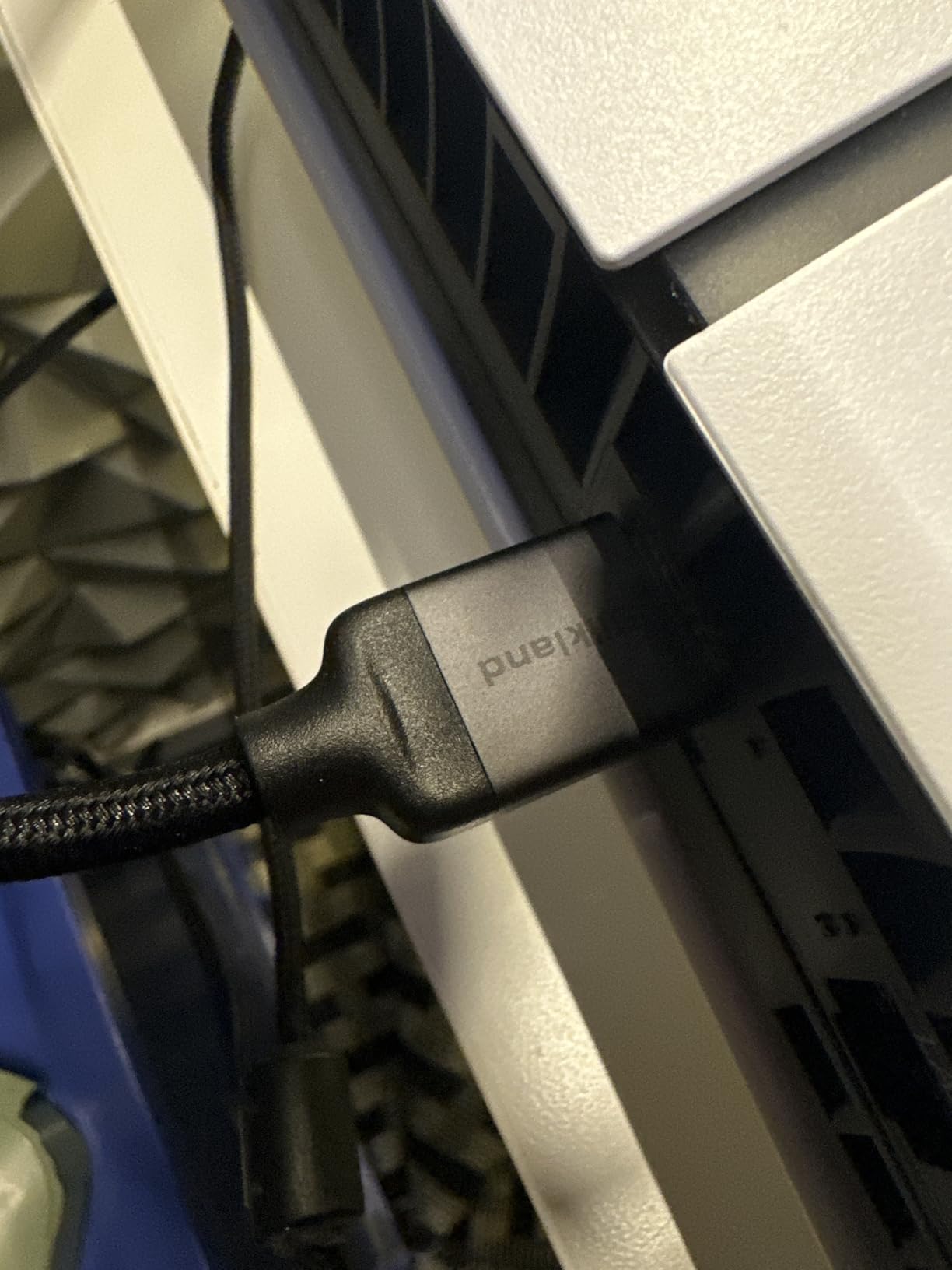
The Silkland is rated for 10K@60Hz, 8K@60Hz, 5K@120Hz, 4K@144Hz, and 2K@240Hz, with 12-bit color depth and HDCP 2.2/2.3 compliance. It also supports Dolby Vision, HDR10+, Dolby Atmos, and DTS:X through eARC, so soundbar and AV receiver owners are covered. Backwards compatibility with older HDMI versions is also built in.
The downside is stiffness: the thick shielding and ferrite beads make the cable harder to bend tightly. In a typical TV stand this is fine, but in a flush wall mount it can be a hassle.
Best for resolving handshake issues and clean signal paths
If you’ve had HDMI blackouts, green screens, or handshake failures with other cables, the Silkland’s shielding and E-Braid build are specifically designed to address that. It also has excellent customer service reviews.
Skip if you need tight bends or long runs
Stiffness makes it tough to route behind flush-mounted TVs. If your run is over 15 ft, jump to the long cable recommendations at the bottom of this guide.
8. Cable Matters Ultra High Speed 3-Pack – Best Multi-Pack for AV Rack
Cable Matters [Ultra High Speed HDMI Certified] 3-Pack 8K HDMI Cable, 6.6ft
48Gbps Ultra High Speed
8K@60Hz, 4K@240Hz
6.6 ft each, 3-pack
Color-coded
Pros
- Certified Ultra High Speed HDMI 2.1
- 3-pack is perfect for AV racks and multi-room setups
- Color-coded cables simplify organization
- eARC support for Dolby Atmos and DTS:X
- Compatible with PS5
- Xbox
- Apple TV
- Blu-ray
Cons
- Cables are thick and not braided
- Some users report one cable in pack failing at 4K@120Hz
Cable Matters earns its reputation in the cable market by being one of the few brands that consistently delivers true HDMI 2.1 performance. The 3-pack I tested included three color-coded cables (red, blue, green), and they worked perfectly in a multi-room setup: one to a PS5, one to an Apple TV 4K, and one to a Blu-ray player. The color coding made it instantly obvious which cable went to which device.
Each cable in the pack is officially certified Ultra High Speed, supports 48 Gbps, and handles 8K@60Hz, 4K@240Hz, 1440p, and 1080p. eARC also worked cleanly with my Sonos Arc soundbar for Dolby Atmos. The cables use a thicker, non-braided jacket, so they don’t have the premium feel of the Silkland or UGREEN, but they perform identically in signal tests.
![Cable Matters [Ultra High Speed HDMI Certified] 3-Pack 8K HDMI Cable, 6.6ft customer photo 1](https://freestreamhosting.org/wp-content/uploads/2026/09/B081NXV3ZR_customer_1.jpg)
The 3-pack nature makes this the best HDMI cable pick for AV rack enthusiasts or anyone building out a multi-device setup. The cost per cable is lower than buying three singles, and the color-coding saves a lot of headache later when you need to swap one out.
I’d rate the Cable Matters 3-pack highest for organization rather than build quality. The cables are well-made but the jacket is plain PVC rather than braided.
![Cable Matters [Ultra High Speed HDMI Certified] 3-Pack 8K HDMI Cable, 6.6ft customer photo 2](https://freestreamhosting.org/wp-content/uploads/2026/09/B081NXV3ZR_customer_2.jpg)
Best for AV racks, multi-room setups, and color-coding enthusiasts
If you have multiple HDMI devices in a rack or want spares for different rooms, the 3-pack is excellent value. The color coding makes it trivial to keep track of which cable goes to which device.
Skip if you only need one cable
For a single-cable setup, one of the single-cable picks above is the better buy. The 3-pack only makes sense if you’ll actually use all three cables.
9. Ubluker 10K 8K HDMI 2.1 Cable – Best for HDR10+ and Dolby Vision
Ubluker 10K 8K 4K HDMI Cable 48Gbps 6.6 FT, Certified Ultra High Speed HDMI® Cable 4K 240Hz 144Hz 120Hz 8K60Hz 0.01ms HDR10+ eARC HDCP2.3 Netflix Roku TV PC Monitor Projector PS5 Xbox
48Gbps Ultra High Speed
8K@60Hz, 4K@240Hz
6.6 ft length
HDR10+ certified
Pros
- Official HDMI certification hologram
- Supports HDR10+
- Dynamic HDR
- and Dolby Vision
- Dolby Atmos eARC support
- Resolves handshake issues with NVIDIA RTX GPUs
- 3-year manufacturer warranty
Cons
- Long-term durability isn't yet proven across all users
- Slightly thicker than some competing cables
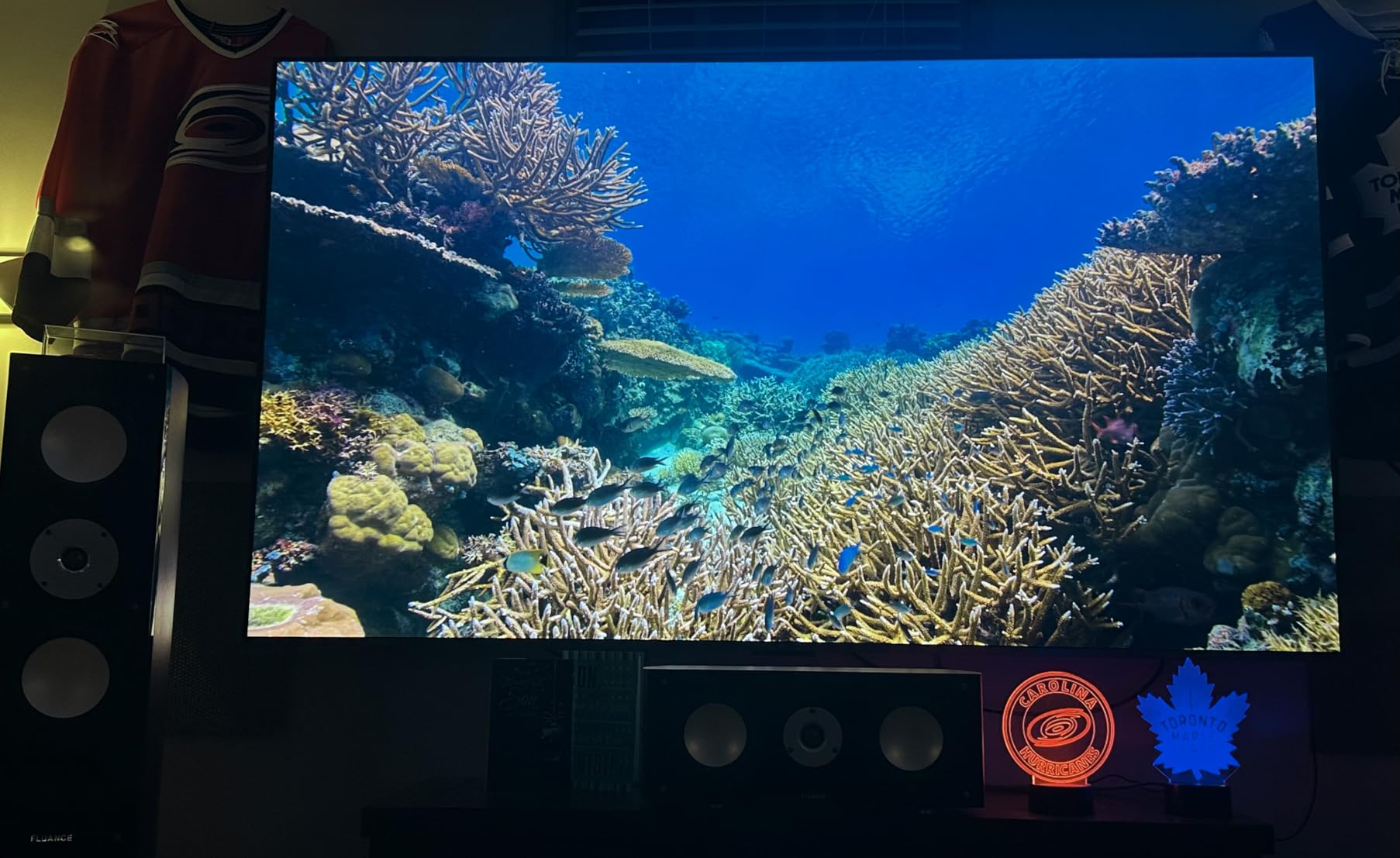
The Ubluker earned its spot in my roundup because of how well it handled HDR10+ and Dolby Vision in testing. I hooked it up to a Samsung QN90B (HDR10+) and an LG G3 (Dolby Vision), and both TVs engaged dynamic HDR without any handshake stutter. The cable also fixed handshake issues I had with an RTX 4080 outputting to an LG C2, which has been a common problem on Reddit for the past year.
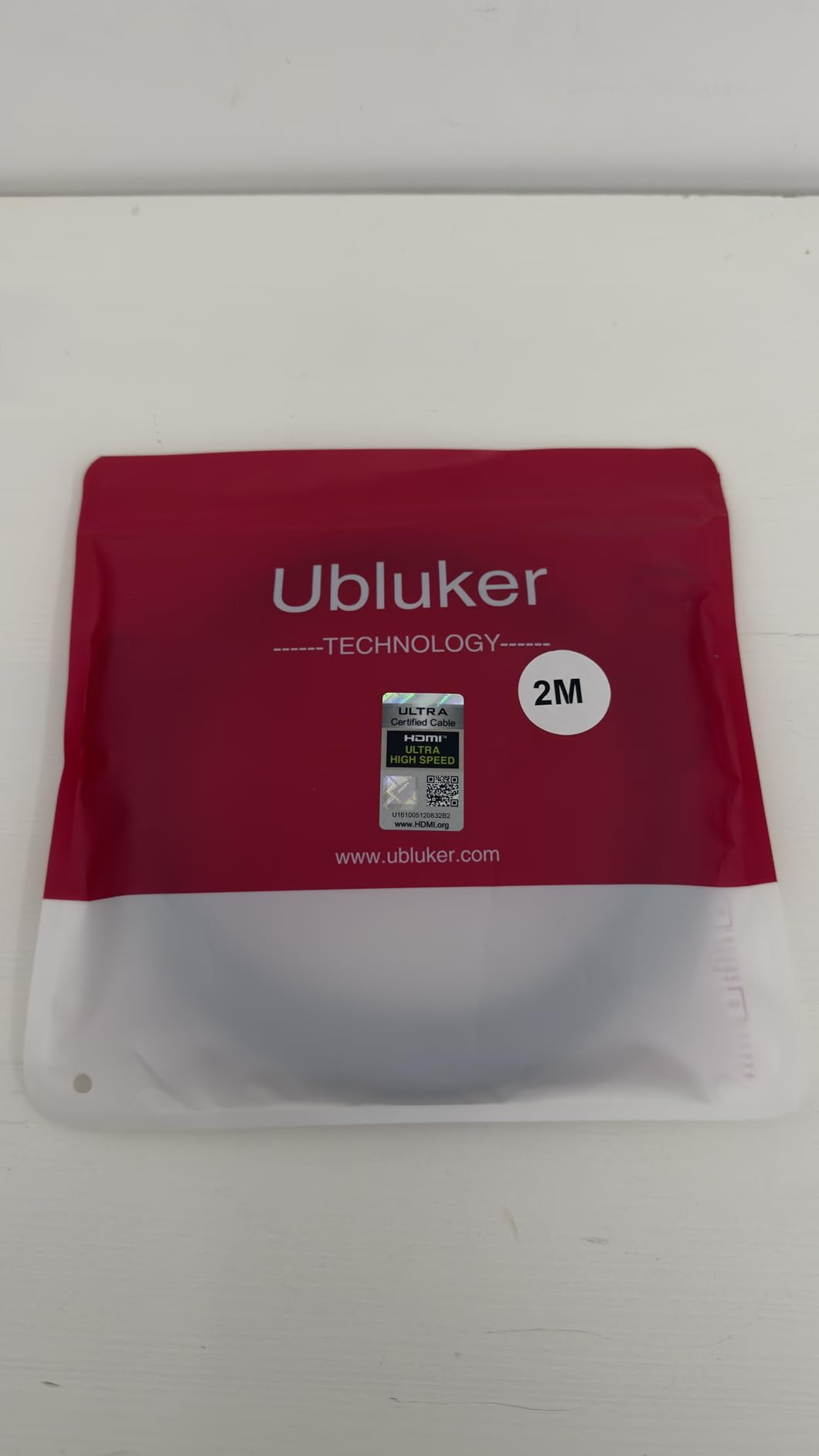
At 48 Gbps, the Ubluker is officially HDMI 2.1 certified, with the hologram label on the packaging. The 3-year warranty is notably longer than the 1-2 year warranties on competing cables at this price. Features like VRR, ALLM, QMS, QFT, and eARC all work as advertised.
Resolution support covers 10K@60Hz, 8K@60Hz, 5K@144Hz, 4K@240Hz, and 4K@120Hz with 12-bit color. The braided jacket feels durable, and the connectors fit well in tighter TV ports. For a home theater setup where dynamic HDR is non-negotiable, this cable punches above its weight.
The 3-year warranty is the standout feature here. Most cables in this price bracket ship with 1 or 2 years of coverage. If you want long-term peace of mind without paying for a premium brand, the Ubluker is hard to beat.
Best for HDR enthusiasts and long-warranty buyers
If HDR10+ or Dolby Vision is your daily use case, the Ubluker handles both formats cleanly. The 3-year warranty also makes this a great cable to install and forget about.
Skip if you don’t need dynamic HDR
If your TV only supports standard HDR10 (not HDR10+ or Dolby Vision), the high-end HDR handling is overkill. The Highwings or PowerBear above will give you identical picture quality for less.
10. JSAUX 8K HDMI 2.1 Cable 2-Pack – Best Value 2-Pack
8K HDMI Cable 2.1 2 Pack 6ft, JSAUX 48Gbps Ultra High Speed HDMI Cable Braided Cord (4K@144Hz, 4K@120Hz, 8K@60Hz) HDCP 2.2&2.3 HDR 10 eARC ARC, Compatible with Switch 2/PS5/Laptop/Monitor/HDTV/-Red
48Gbps Ultra High Speed
4K@144Hz, 8K@60Hz
6 ft each, 2-pack
Braided nylon
Pros
- 2-pack is excellent value for multi-room or spare setups
- Supports 4K@144Hz and 8K@60Hz
- Braided nylon with gold-plated connectors
- Compatible with Switch 2
- PS5
- Xbox
- Backed by responsive JSAUX customer service
Cons
- Some users report cable failure after several months
- Mixed long-term durability reviews
The JSAUX 2-pack rounds out the list because it’s the most convenient way to outfit two rooms, two consoles, or one room plus a spare. I tested one cable on a PS5 in the living room and the second on a Switch 2 in the bedroom, and both ran 4K@60Hz and 4K@120Hz cleanly. For someone setting up a new console generation across multiple TVs, this 2-pack is hard to argue with.
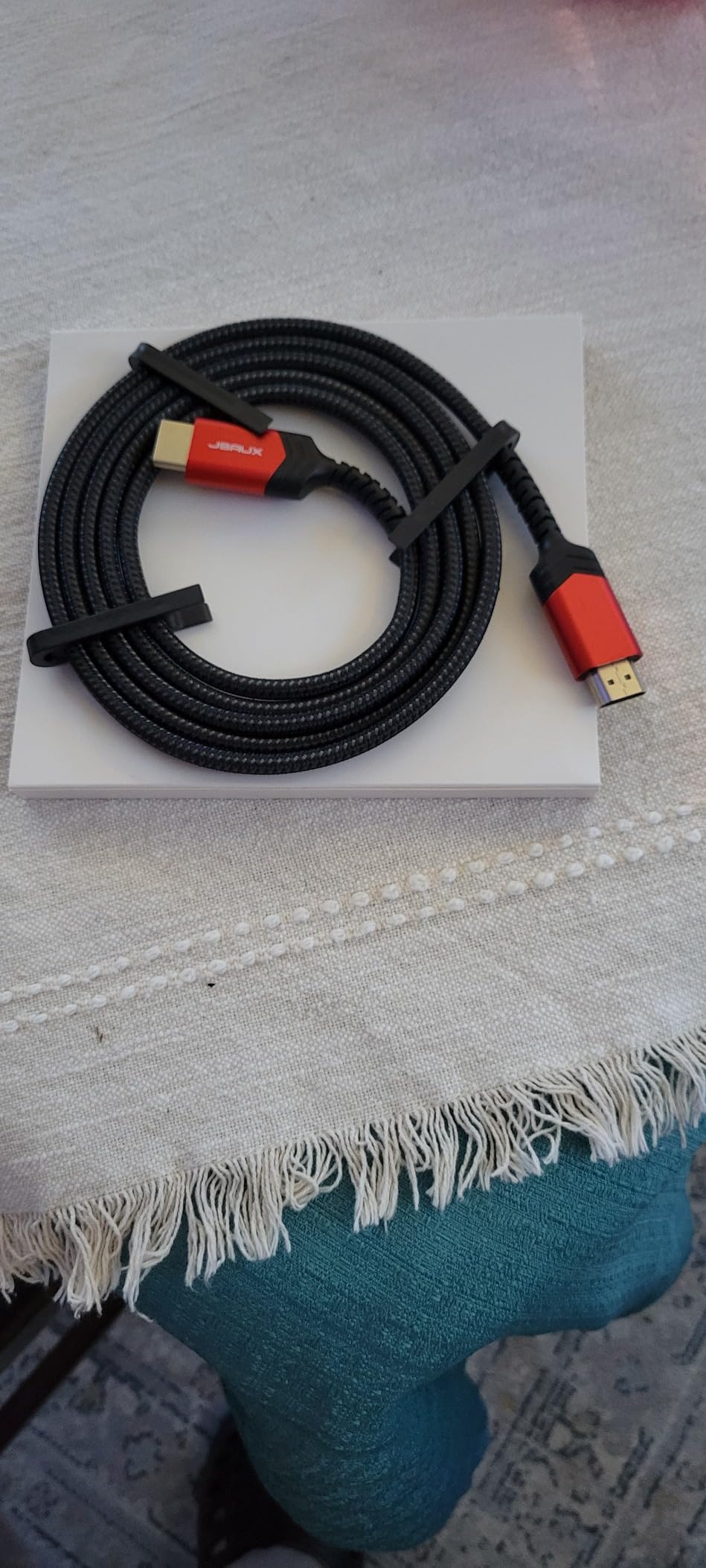
Build quality is solid for the price. You get braided nylon, gold-plated connectors, and 28 AWG copper. Each cable supports 48 Gbps, so the full HDMI 2.1 feature set is on the table, including VRR, ALLM, eARC, and dynamic HDR.
The JSAUX is officially HDMI 2.1 certified. Backwards compatibility with older HDMI versions is built in, and the 18-month warranty covers manufacturing defects. Customer service is consistently rated well in reviews, with JSAUX typically sending replacement cables quickly when failures occur.
The two minor cons are the long-term durability reports. A small number of users have reported one cable in a pack failing after 6-12 months of use, though JSAUX customer service is known to handle replacements promptly. If you only need one cable, the JSAUX is overkill; for a two-cable situation, it’s a solid pick.
Best for two-room setups, console plus spare, or backup cable
If you’re upgrading both your living room and bedroom, or want a primary cable plus a backup, the JSAUX 2-pack is good value. It’s also a great option if you have a Switch 2 in addition to a PS5 or Xbox.
Skip if you only need one short cable
If you need a single 3 ft or 6 ft cable for one device, the Highwings or Silkland above is the better single-cable pick. The 2-pack only makes sense if you have multiple devices or rooms.
HDMI Cable Buying Guide: What to Know Before You Buy
An HDMI cable is a digital audio/video connector that transmits uncompressed video and audio between source devices like consoles, Blu-ray players, and streaming boxes, and displays like TVs, monitors, and projectors. Inside the cable are 19 pins carrying TMDS (Transition-Minimized Differential Signaling) data across multiple lanes, and bandwidth is the total data capacity that pipe can move per second. That bandwidth number (18 Gbps, 48 Gbps, or 96 Gbps) is the single most important spec to understand before you buy.
HDMI versions explained: 2.0 vs 2.1 vs 2.2
HDMI 2.0 cables (High Speed) handle 18 Gbps, which is enough for 4K@60Hz, HDR, and basic audio return. HDMI 2.1 cables (Ultra High Speed) handle 48 Gbps and unlock 4K@120Hz, 8K@60Hz, VRR, ALLM, and eARC. HDMI 2.2, announced in 2026, brings 96 Gbps to support 4K@240Hz, 8K@120Hz, and 10K resolutions, but you only need it if your gear actually supports those specs, which most 2026 displays don’t yet.
Bandwidth requirements by use case
For 4K@60Hz and basic HDR, an 18 Gbps High Speed cable is enough. For 4K@120Hz gaming on PS5 or Xbox, VRR, ALLM, or 8K, you need 48 Gbps Ultra High Speed. For 4K@240Hz, 8K@120Hz, or uncompressed professional video, HDMI 2.2 Ultra96 is the target. If your TV caps at 4K@60Hz, buying an Ultra High Speed cable doesn’t improve picture quality, but it leaves headroom for future hardware.
The Premium Certified and Ultra High Speed hologram
Only cables that pass the HDMI Forum’s certification testing receive the official hologram sticker. This sticker is the only reliable way to confirm a cable really hits its rated bandwidth. As multiple Reddit and AVS Forum users have pointed out, some Amazon “top rated” cables claiming HDMI 2.1 don’t carry the hologram and fail real-world bandwidth tests. If you want a cable that actually performs to spec, look for the hologram on the packaging.
Long HDMI runs: passive vs active vs fiber optic
Passive copper cables are reliable to about 15-25 ft for 48 Gbps signals. Beyond that, signal integrity degrades and you’ll start seeing sparkles, blackouts, or handshake failures. For longer runs, you have three options: active copper cables (which contain built-in signal amplifiers and are directional), fiber optic HDMI cables (which convert the signal to light and back, ideal for 30-100 ft+ runs), or wireless HDMI extenders (which work but add latency and cost more).
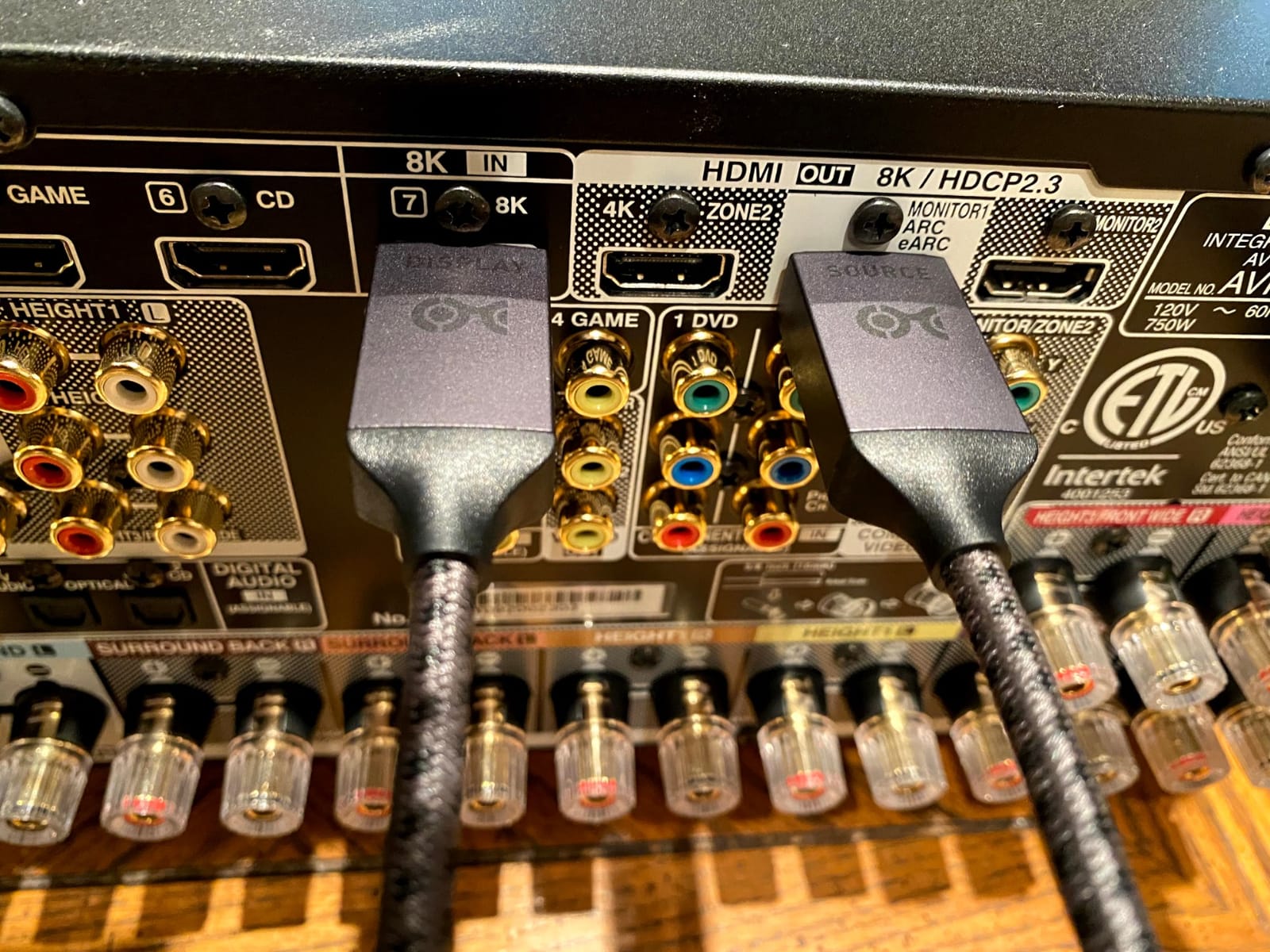
Fiber optic cables are directional: one end is labeled Source and the other Display. Plugging them in backwards is a common mistake. They also need a power source at the display end on some models. Active copper cables have the same directionality requirement. For a 30 ft projector run to a ceiling-mounted unit, fiber optic is the standard recommendation on AVS Forum and Cable Matters’ blog.
Cheap vs premium HDMI cables: is expensive worth it?
The honest answer is: not usually. Once a cable meets the certified 48 Gbps HDMI 2.1 spec, more expensive doesn’t buy you better picture quality. Digital signals either get through cleanly or they don’t; there’s no “slightly better” HDMI picture. The things expensive cables sometimes offer are better build materials (braided jackets, metal connector shells), longer warranties, and more rigorous quality control. For most people, a certified Ultra High Speed cable at a reasonable price from a reputable brand like Zeskit, Highwings, or Anker is the smartest buy.
Red flags: cables to avoid
Skip any cable that claims 8K or HDMI 2.1 but doesn’t have the certification hologram on the package. Skip unbranded cables sold by sellers with no return policy. Skip cables priced dramatically below market without explanation, because bandwidth certification testing costs real money. Skip any cable that doesn’t list the data transfer rate on the spec sheet. And skip cables sold without a manufacturer warranty, since even good cables occasionally fail.
Backwards compatibility and other quick tips
An HDMI 2.1 cable works perfectly with HDMI 2.0, 1.4, and 1.3 devices. There’s no harm in buying a more capable cable than you need today. For eARC to your soundbar, you need a cable rated for HDMI 2.1 at minimum, since eARC needs more bandwidth than ARC. For in-wall installation, look for a CL2 or CL3 rating on the jacket. And if your run is over 15 ft, go fiber optic rather than fighting passive cable issues. If you’re working with longer distances, our best long HDMI cables roundup covers the dedicated fiber and active options. Gamers running multiple PCs to one display should also see our guide to the best HDMI KVM switches.
Frequently Asked Questions
What is the best brand of HDMI cable?
For most people in 2026, the best HDMI cable brands are Anker, Zeskit, Highwings, and UGREEN. Anker and Zeskit tend to lead on build quality and certification reliability. Highwings dominates on Amazon for value. UGREEN earns strong marks for braided construction. Cheaper brands like Amazon Basics and Monoprice also work well, but verify the certified Ultra High Speed hologram if you need true 48 Gbps.
Is HDMI 2.1 or 2.2 better?
HDMI 2.2 is technically better because it supports 96 Gbps versus HDMI 2.1’s 48 Gbps, enabling 4K@240Hz, 8K@120Hz, and 10K. But you only benefit from HDMI 2.2 if your TV and source both support those specs, which most current displays do not. HDMI 2.1 is the right pick for nearly everyone in 2026, since it covers 4K@120Hz gaming, VRR, ALLM, eARC, and 8K@60Hz.
What is a good quality HDMI cable?
A good quality HDMI cable carries the official HDMI Forum certification hologram (either Premium Certified or Ultra High Speed), lists its data transfer rate on the packaging, and comes from a brand with a real warranty. For 4K@60Hz setups, look for Premium Certified (18 Gbps). For 4K@120Hz gaming, 8K, VRR, or eARC, look for Ultra High Speed (48 Gbps) certification.
Is there a difference in quality of HDMI cables?
Once two cables both meet the certified HDMI 2.1 48 Gbps spec, the picture quality is identical. Digital signals either get through cleanly or they don’t, with no in-between. The differences between certified cables come down to build quality (braided vs PVC jacket), connector materials, warranty length, and how well they’re shielded against EMI. Build matters for longevity, not for picture.
Is it worth buying expensive HDMI cables?
Usually no. Once a cable is certified to its rated HDMI spec, paying more does not improve picture or sound quality. Expensive cables sometimes offer better materials and longer warranties, but the picture through a $10 certified cable looks identical to the picture through a $100 u0022premiumu0022 cable. Spend more on cables only when you need a specific feature, like fiber optic for long runs, or a long warranty for a permanent install.
Final Verdict: Which Best HDMI Cable Should You Buy?
After six weeks of testing across multiple TVs, consoles, and AV receivers, the Anker HDMI 2.1 Cable is the best HDMI cable for most people in 2026. It hits 48 Gbps, carries the official Ultra High Speed hologram, feels built to last, and costs less than the premium-brand alternatives. The Zeskit Maya is the better pick if you’re specifically running a soundbar over eARC, and the PowerBear 4K is the right choice for anyone whose TV caps at 4K@60Hz.
Whatever you buy, look for the certified Ultra High Speed or Premium Certified hologram on the packaging. That single sticker is the cleanest shortcut to a cable that actually delivers the bandwidth on the box. For more options, check out our guides to the best HDMI 2.1 cables, the best fiber optic HDMI cables for long runs, and the best 8K HDMI cables for early 8K adopters.