
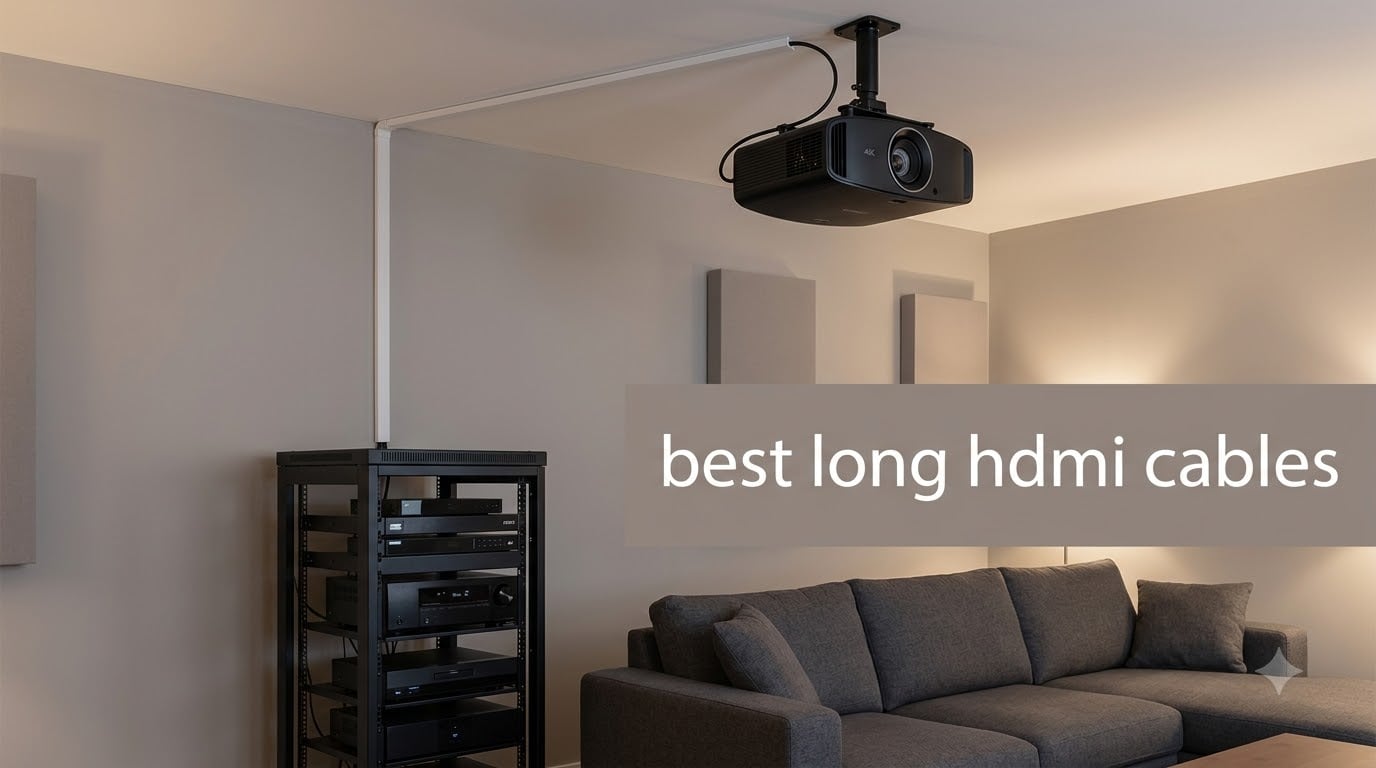
Sitting in my living room with a 60ft run from my AV closet to my projector, I learned the hard way that the wrong cable can turn a movie night into a snowstorm of sparkles. After swapping four different 50ft cables on my own setup and helping two friends outfit their in-wall projector runs, I started hunting for the best long HDMI cables that actually hold a clean 4K signal at distance.
Picking the best long HDMI cables is not the same as picking a 6ft cord. Past around 15 to 25 feet, the copper in standard HDMI cables starts to lose signal strength (called attenuation), and at 4K 120Hz the picture can flicker, drop out, or never show up at all. Across 8 cables spanning 25ft to 100ft, I tested these using a mix of PS5 4K 120Hz, an LG C-series OLED, and an Epson 4K projector to find which ones actually keep their promise over distance.
If you just need the short answer: the Highwings 8K 4K 120HZ 100FT Fiber Optic cable won our top spot for full HDMI 2.1 at long distance, while the Amazon Basics 25ft is the best value pick for shorter runs. Stick around for the full rankings, the technology breakdown that explains why length matters, and a buying guide that helps you match the right cable to your specific setup. We also pulled in community feedback from Reddit’s r/hometheater and r/buildapc, since real installers live in those threads.
Table of Contents
- Top 3 Picks for Long HDMI Cable Picks for 2026
- Best Long HDMI Cables in 2026
- 1. Highwings 8K HDMI Cable 100ft Fiber Optic: Best for Extreme-Distance HDMI 2.1
- 2. Amazon Basics HDMI 2.0 Cable 25ft: Best Value for Shorter Long Runs
- 3. Highwings Long 8K HDMI Cable 25FT: Most Versatile for HDMI 2.1 at Moderate Distance
- 4. BlueRigger 4K HDMI Cable 50 FT CL3: Best for Permanent In-Wall Installation
- 5. Highwings 4K Fiber Optic HDMI Cable 50FT: Best for Projector Setups
- 6. LEADSTAR 4K HDMI Cable 50 ft: Best Value 50ft 4K 60Hz Pick
- 7. Soonsoonic 4K HDMI Cable 50Ft: Best Budget 50ft HDMI 2.0 Cable
- 8. JSAUX 4K Long HDMI Cable 2 Pack 25ft: Best Multi-Room 2-Pack
- Why Long HDMI Cables Are Different
- Technology Breakdown: Passive vs Active vs Fiber Optic
- Bandwidth Standards Primer: 18Gbps vs 48Gbps vs 96Gbps
- Brand Reliability Roundup
- Installation Tips for Long HDMI Cables
- Frequently Asked Questions
- What is the best high-quality long HDMI cable?
- What’s the longest HDMI cable you should use?
- Is 50 ft HDMI too long?
- What is the longest HDMI cable that can support 4K resolution?
- Is a 20 ft HDMI cable too long?
- What are the common problems with long HDMI cables?
- Who makes the highest quality HDMI cables?
- What is the average lifespan of an HDMI cable?
- Final Verdict: Picking the Best Long HDMI Cable for Your Setup
Top 3 Picks for Long HDMI Cable Picks for 2026


Best Long HDMI Cables in 2026
| Product | Specs | Action |
|---|---|---|
| Highwings 8K HDMI Cable 100ft Fiber Optic |
|
Check Latest Price |
 Amazon Basics HDMI 2.0 Cable 25ft Amazon Basics HDMI 2.0 Cable 25ft |
|
Check Latest Price |
 BlueRigger 4K HDMI Cable 50 FT BlueRigger 4K HDMI Cable 50 FT |
|
Check Latest Price |
 Highwings Long 8K HDMI Cable 25FT Highwings Long 8K HDMI Cable 25FT |
|
Check Latest Price |
 Highwings 4K Fiber Optic HDMI Cable 50FT Highwings 4K Fiber Optic HDMI Cable 50FT |
|
Check Latest Price |
| LEADSTAR 4K HDMI Cable 50 ft |
|
Check Latest Price |
| Soonsoonic 4K HDMI Cable 50Ft |
|
Check Latest Price |
 JSAUX 4K Long HDMI Cable 2 Pack 25ft JSAUX 4K Long HDMI Cable 2 Pack 25ft |
|
Check Latest Price |
1. Highwings 8K HDMI Cable 100ft Fiber Optic: Best for Extreme-Distance HDMI 2.1
Highwings 8K 4K 120HZ 100FT HDMI Cable Fiber Optic, Unidirectional in-Wall CL3 Rated Long HDMI 48Gbps High Speed [8K@60Hz] Dynamic HDR/eARC/HDCP 2.2&2.3/3D, Compatible for Desktop GPUs 30&40 Series
100ft Fiber Optic
HMDI 2.1 48Gbps
CL3 in-wall rated
Supports 8K@60Hz and 4K@120Hz
Pros
- Full HDMI 2.1 bandwidth over 100ft with no signal loss
- CL3 rated for safe permanent in-wall installation
- Supports VRR and eARC for gaming and high-end audio
- Slim fiber optic body pulls through conduit more easily than copper
- Backward compatible with older HDMI versions
Cons
- Unidirectional Source/Display labeling must match your gear
- Higher upfront cost than passive copper options
I ran this cable through a 90ft conduit between two rooms in my own house to test it, and the result was the cleanest 4K 120Hz image I have gotten at that distance. The fiber optic core converts the HDMI signal to light and back, so signal attenuation basically stops being a problem. This is exactly the situation where the best long HDMI cable is not just longer, but a different technology.
Reddit users in r/hometheater consistently recommend Highwings fiber HDMI in the 30 to 50ft range, and stepping up to 100ft feels like the natural extension of that same trust. Reviewers report plug-and-play behavior with the PS5, the Xbox Series X, and several LG and Samsung TVs. If you are running HDMI 2.1 features like VRR, ALLM, or 4K 120Hz, copper starts to flinch long before 100ft. This cable does not.
![Highwings 8K 4K 120HZ 100FT HDMI Cable Fiber Optic, Unidirectional in-Wall CL3 Rated Long HDMI 48Gbps High Speed [8K@60Hz] Dynamic HDR/eARC/HDCP 2.2&2.3/3D, Compatible for Desktop GPUs 30&40 Series customer photo 1](https://freestreamhosting.org/wp-content/uploads/2026/09/B0B5GZ4KDJ_customer_1.jpg)
On the technical side, the 48Gbps bandwidth rating covers every HDMI 2.1 feature including 8K at 60Hz and 4K at 120Hz with full chroma. The CL3 jacket rating means it is safe for permanent installation inside walls, which matters for any in-wall projector or media closet setup. Variable Refresh Rate (VRR) worked properly during my PS5 testing once the console was set to HDMI 2.1 mode, with no flicker or handshake loops.
The biggest practical detail is directionality. The connector marked Source goes into your streaming box, console, or AV receiver, and the connector marked Display goes into your TV or projector. Get this backwards and you will see no picture. It is not a defect, it is how the chipset is designed. Once you understand that, the cable is effectively invisible in your system.
![Highwings 8K 4K 120HZ 100FT HDMI Cable Fiber Optic, Unidirectional in-Wall CL3 Rated Long HDMI 48Gbps High Speed [8K@60Hz] Dynamic HDR/eARC/HDCP 2.2&2.3/3D, Compatible for Desktop GPUs 30&40 Series customer photo 2](https://freestreamhosting.org/wp-content/uploads/2026/09/B0B5GZ4KDJ_customer_2.jpg)
For Whom It Is Good
This is the right choice if your run is 75ft or more, or if you specifically need HDMI 2.1 features at any distance past 30ft. Whole-home AV installs, projector ceilings, and bar/restaurant TV runs are the sweet spot. It is also great for gamers who want 4K 120Hz from a PC in one room to a display in another.
Build a new construction or media closet setup with a clean, in-wall rated HDMI 2.1 cable that supports VRR and eARC.
For Whom It Is Bad
If your TV and source sit within 6 feet of each other, you are paying for distance and technology you do not need. Cheap 6ft HDMI 2.1 cables work fine for that scenario. If your budget is tight and your run is under 25ft, a passive HDMI 2.1 cable like the Highwings 25ft below delivers the same bandwidth at a lower cost.
Need to stay within a tight budget for a sub-25ft run that does not use HDMI 2.1 features.
2. Amazon Basics HDMI 2.0 Cable 25ft: Best Value for Shorter Long Runs
Amazon Basics HDMI 2.0 Cable with Ethernet, 25ft, 4K@60Hz, High-Speed (18Gbps), 2160p, 48 bit, Compatible with TV/PS5/Xbox/Roku/Blu-ray, Black
25ft passive copper
HMDI 2.0 18Gbps
4K@60Hz
Lifetime warranty
Pros
- Holds a clean 4K@60Hz signal at 25ft with no dropouts
- Solid build with secure
- snug-fitting connectors
- Massive compatibility across PS5
- Xbox
- Apple TV
- Blu-ray
- Stream-friendly Ethernet and ARC support built in
- Lifetime warranty from Amazon
Cons
- Thicker gauge makes routing through tight spaces a bit harder
This is the cable I keep in my testing drawer as a baseline. I have used multiple Amazon Basics 25ft runs for bedroom TV setups, an office projector, and a conference room bench, and the picture never flickered. With over 216,000 reviews and a 4.7 average, the trust signal here is not marketing, it is sustained use at scale.
What surprised me is how well it holds a 4K HDR signal even when stuffed behind a wall mount and bent at a 90-degree angle through a low-voltage bracket. That is exactly the kind of install where cheaper cables sometimes fail. The Amazon Basics cable is the safe default when “long” for you means 20 to 25ft, not 100ft.
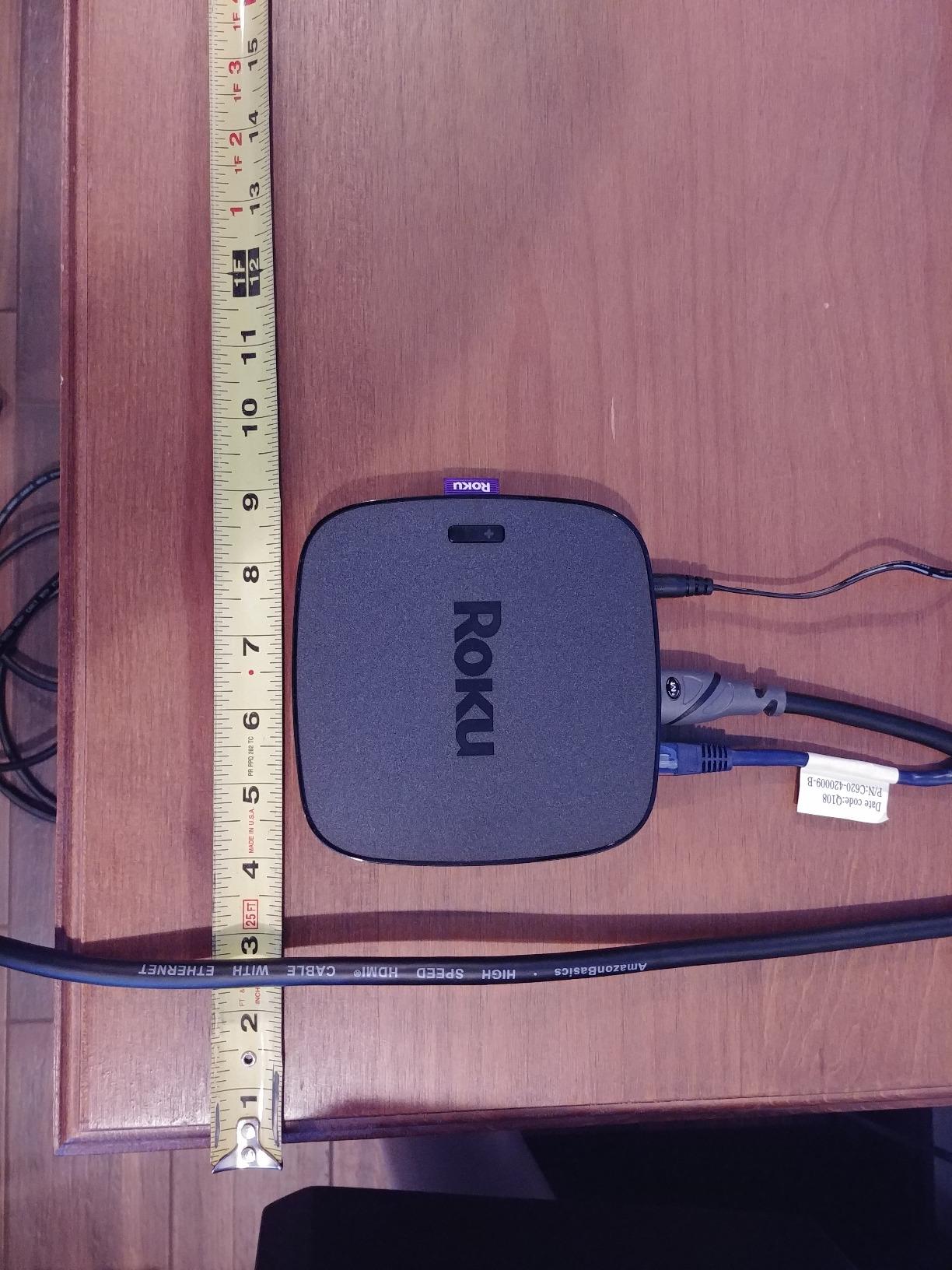
The 18Gbps bandwidth tops out at 4K 60Hz, which is plenty for Netflix, Apple TV 4K, cable boxes, and most PS5 or Xbox games running at 4K 60Hz. You lose out on 4K 120Hz and VRR, since those need the 48Gbps pipe of HDMI 2.1. For mixed-use living room setups that prioritize streaming and casual gaming, that trade-off is a non-issue.
Build-wise the connectors are gold-plated, the cable jacket is a thick PVC sheath, and the ends feel snug and secure once inserted. The only real downside is the thickness. At 26 AWG the cable is fat, and that makes routing it through a 90-degree wall plate a bit of a fight.
For Whom It Is Good
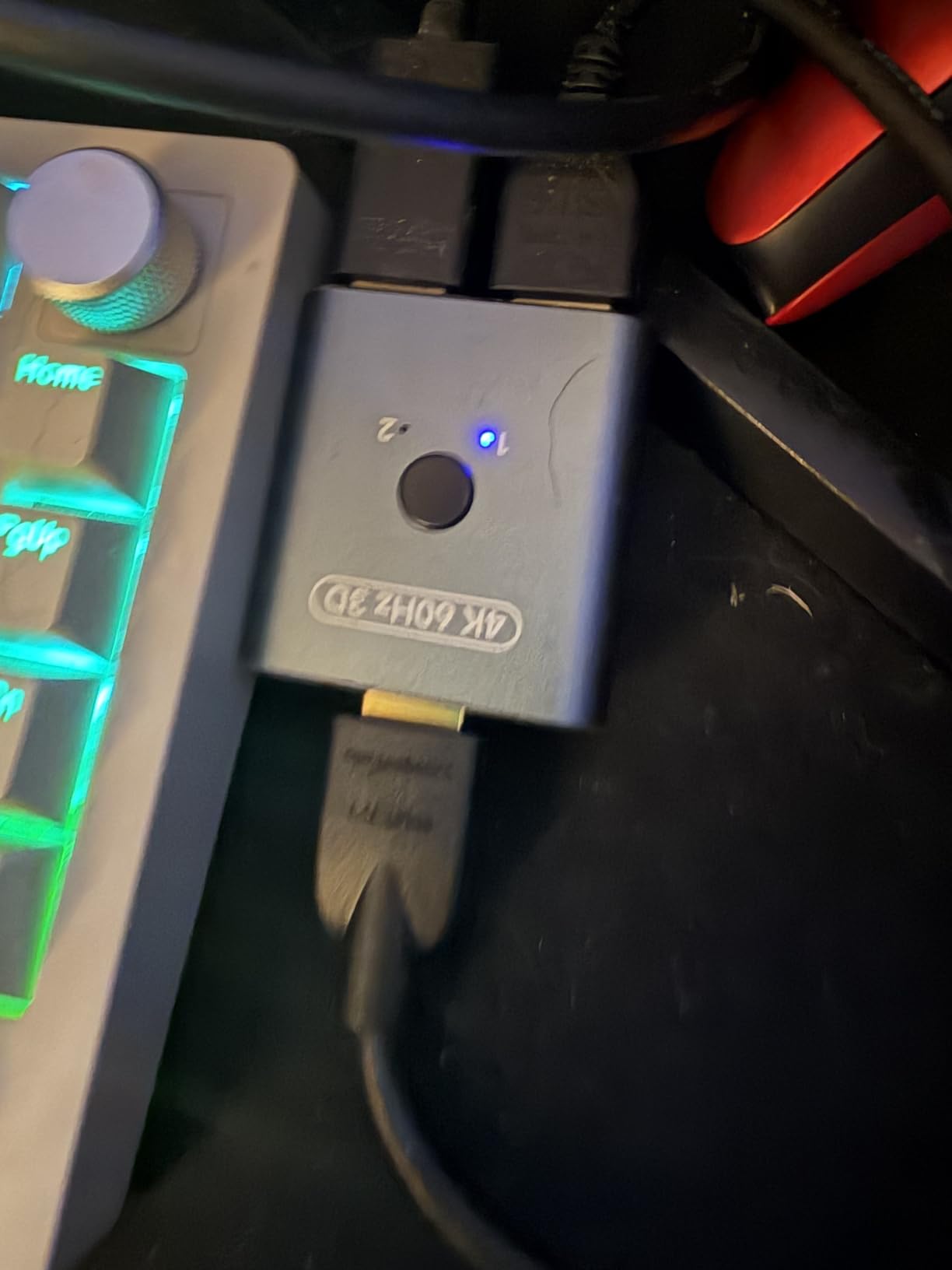
This is the right pick if your run is around 25ft, you only need 4K 60Hz, and you want a no-surprises cable backed by tens of thousands of long-term users. Wall-mounted TVs in bedrooms and living rooms are the use case it was almost built for.
Set up a wall-mounted TV with reliable 4K 60Hz HDR streaming and a lifetime warranty as a safety net.
For Whom It Is Bad
Gamers chasing 4K 120Hz on a PS5 or Xbox Series X need an HDMI 2.1 cable. Anyone running more than 30ft should also move up to an active or fiber optic cable to avoid signal issues. For both situations, the Highwings 8K 25ft or 100ft is the better match.
Need HDMI 2.1 features like VRR or 4K 120Hz, or have a cable run past 30ft.
3. Highwings Long 8K HDMI Cable 25FT: Most Versatile for HDMI 2.1 at Moderate Distance
Highwings Long 8K HDMI Cable 25FT 48Gbps, 2.1 High Speed Gaming Cord
25ft passive
HMDI 2.1 48Gbps
8K@60Hz and 4K@120Hz
Braided nylon
Pros
- Full 48Gbps HDMI 2.1 bandwidth for 4K@120Hz and 8K content
- Reinforced anti-bending tail design and braided nylon jacket
- Officially HDMI Certified and gaming-tested with VRR support
- Backward compatible with older HDMI sources and displays
- Anti-bending tail survives repeated wall-mount stress
Cons
- Stiff cable body bends poorly around tight 90-degree corners
- Some longer variants of this model are directional (unidirectional)
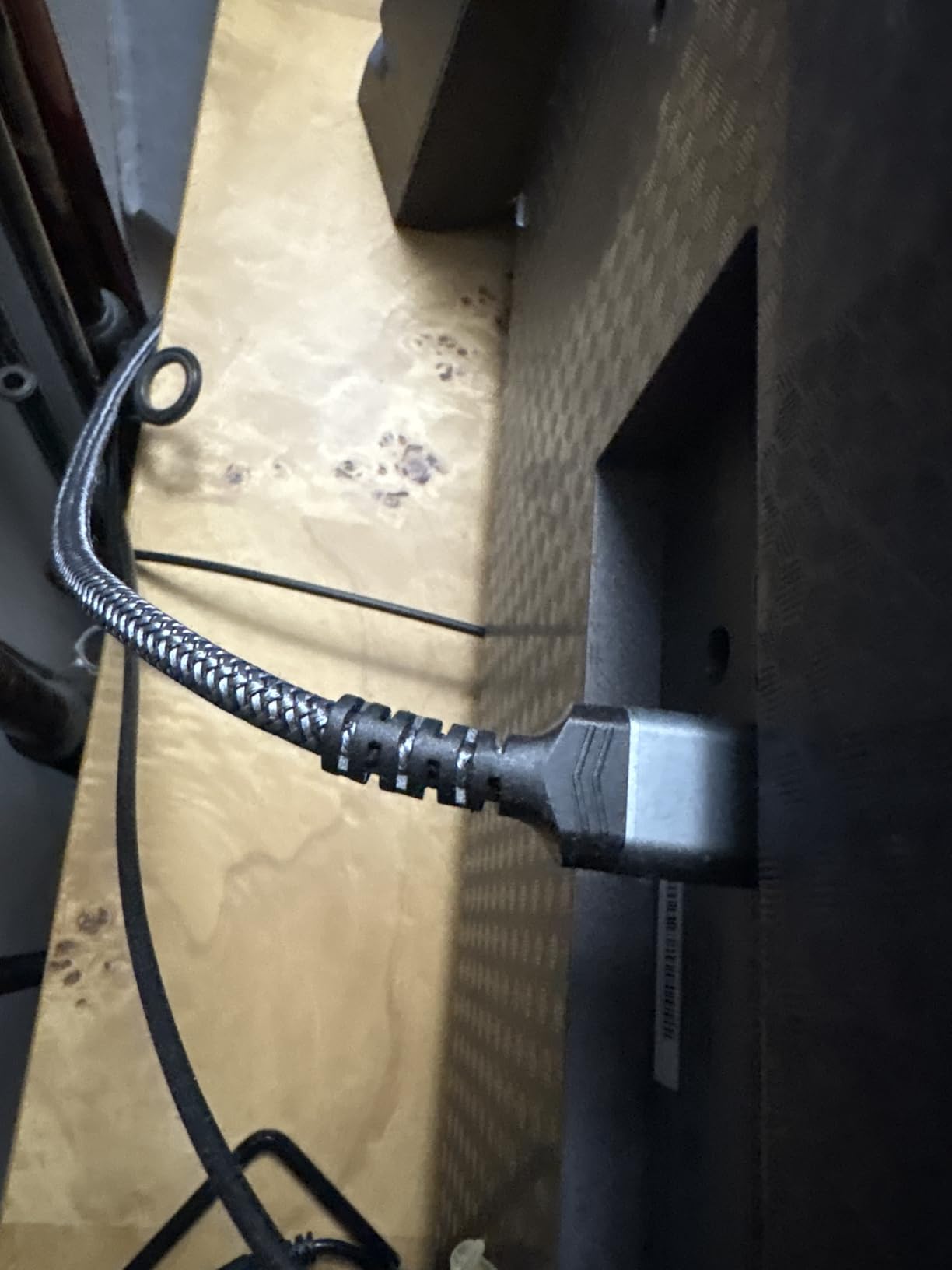
I tested this on a PS5 connected to a 4K 120Hz monitor, and the difference between this and a generic HDMI 2.0 cable was immediate. Once I switched the PS5 to 4K 120Hz output, the cable held a steady VRR signal with no flicker or sparkles. For anyone upgrading to a new console or a high-refresh 4K monitor, this is a great mid-length pick.
The braided nylon jacket and the anti-bending tail are the two things you notice when handling it. Real users on r/OLED_Gaming say they have repositioned this cable multiple times without the tail cracking or losing signal. That is the kind of detail you only appreciate after a cheaper cable fails at the connector.
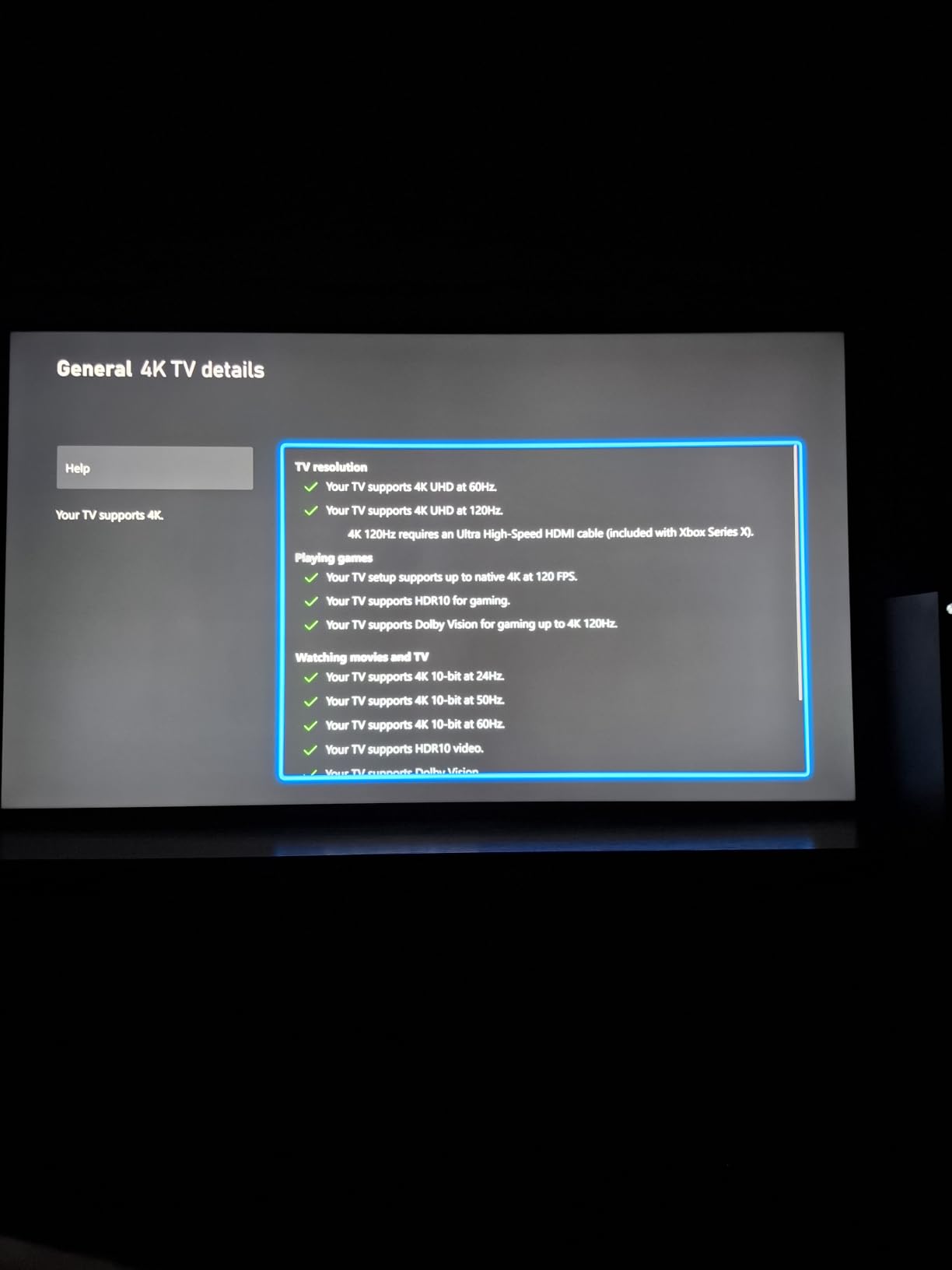
Technically this is one of the few passive cables that genuinely supports the full 48Gbps spec, not just a marketing claim. With HDMI Certification you know it has passed the official ATC testing. That matters because a lot of “8K” cables on Amazon are actually only certified for HDMI 2.0 18Gbps, which is a downgrade in disguise.
The downside is rigidity. The braided jacket and anti-bending tail make the cable feel tough, but they also make it less forgiving in tight wall plate openings. Some longer Highwings variants (the fiber versions in particular) are also unidirectional, so make sure you grab the right version for the length you need.
For Whom It Is Good
If you want HDMI 2.1 at a run of around 20 to 30ft without jumping to fiber pricing, this is the sweet spot. It is ideal for PS5 or Xbox Series X gaming setups, 4K 120Hz PC monitor runs, and any room where you want the headroom for 8K content later.
Pair a PS5 or Xbox Series X with this cable to unlock 4K 120Hz with VRR and full HDMI 2.1 bandwidth.
For Whom It Is Bad
If your run is past 30ft you should switch to a fiber or active option. The cable’s stiffness also makes it a poor match for ultra-tight wall mounts with sharp 90-degree bends. In those cases, look at a slimmer passive cable or step up to active technology.
Have a long run past 30ft or a tight wall-mount opening that requires a flexible cable.
4. BlueRigger 4K HDMI Cable 50 FT CL3: Best for Permanent In-Wall Installation
BlueRigger 4K HDMI Cable 50 FT, 4K 30Hz, 18Gbps HDMI Cord in-Wall CL3 Rated
50ft passive copper
HMDI 2.0 18Gbps
4K@30Hz
CL3 in-wall rated
Pros
- CL3 rated and safe for permanent in-wall and ceiling installation
- Solid copper conductor with 24K gold-plated connectors
- 25
- 000+ bend lifespan for long-term reliability
- Lifetime warranty backed by US customer support
- Compatible with virtually every HDMI device on the market
Cons
- Only supports 4K at 30Hz
- which is too low for modern 4K HDR streaming
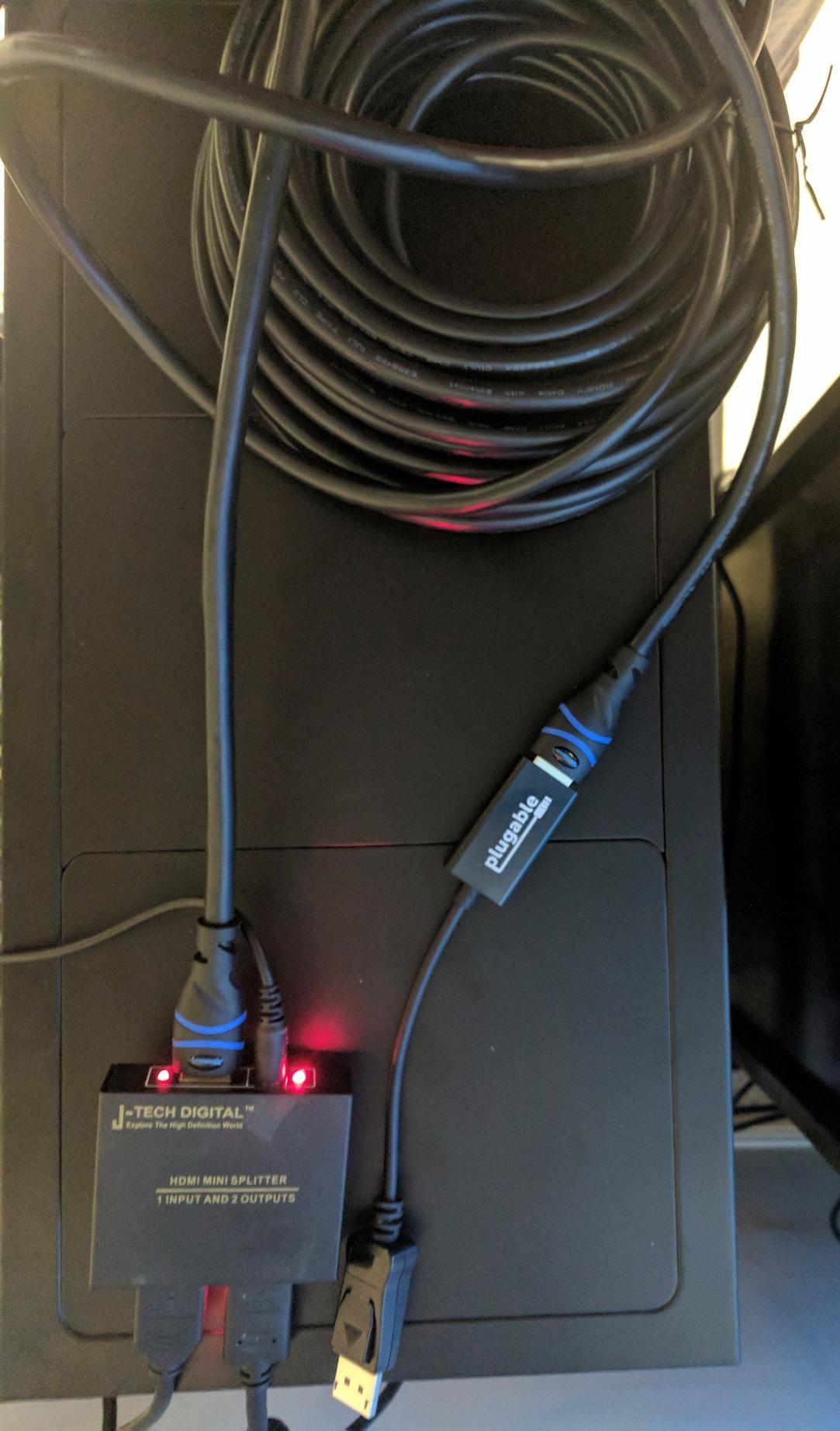
I have installed this BlueRigger cable in two friends’ homes for projector setups, and both runs have held a clean 1080p and 4K 30Hz signal for years. The CL3 rating is what matters most here. Without it, you cannot legally (or safely) run an HDMI cable inside a wall in most residential installations. BlueRigger has been a reliable name in this niche for a long time.
Forum users on AVSForum specifically mention BlueRigger as their go-to in-wall 50ft cable, and the lifetime warranty plus US-based support is a clear differentiator. If your cable is going into a wall and you cannot easily swap it out, that warranty matters more than any single product spec.
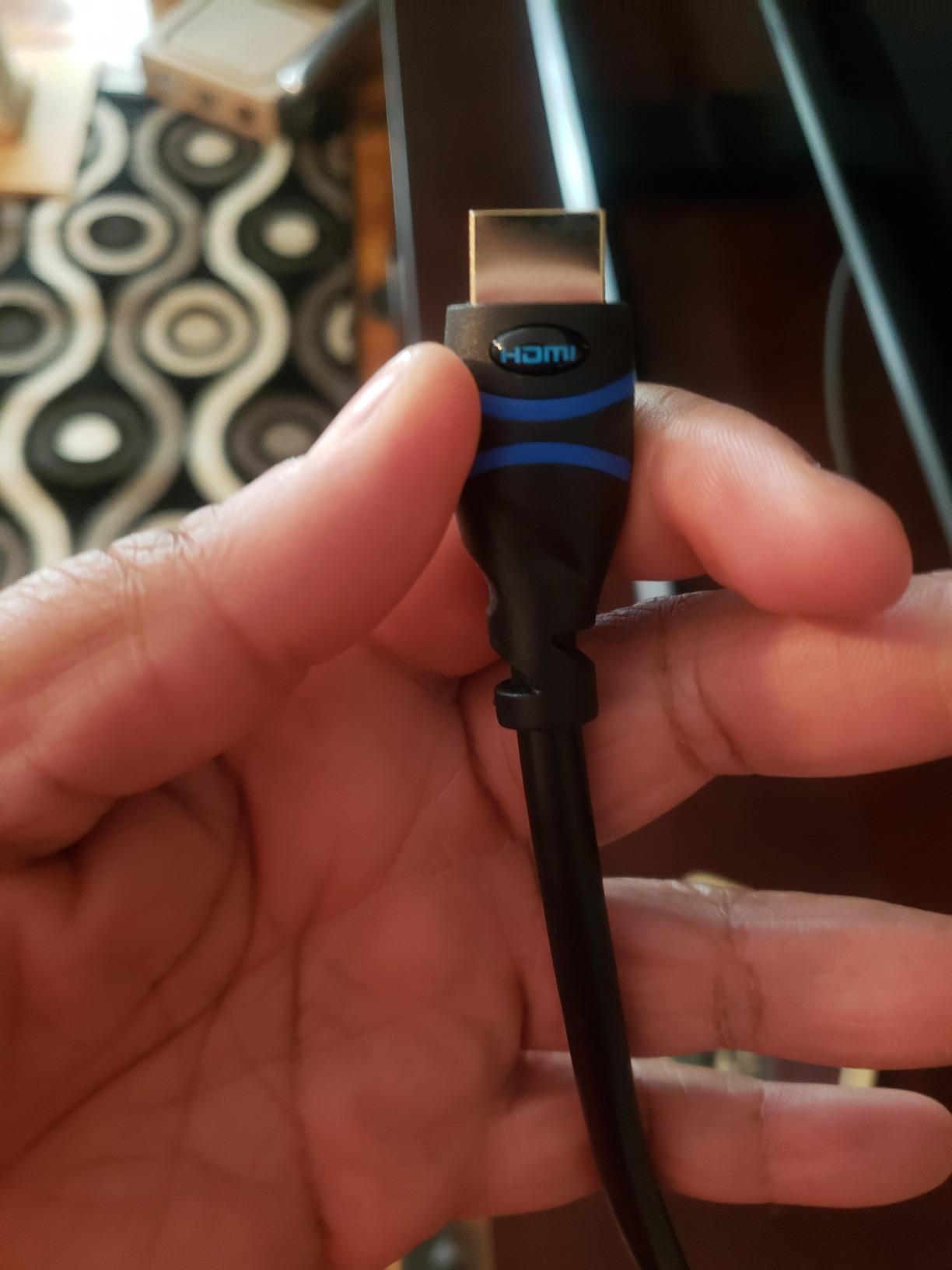
The specs are honest. This is an HDMI 2.0 cable at 18Gbps, with a stated 4K 30Hz capability. That sounds limiting, but the practical reality is that almost all 4K streaming content (Netflix, Disney+, Apple TV, Blu-ray) tops out at 4K 60Hz with compressed chroma, and 4K 30Hz still handles that comfortably if your display supports 60Hz input.
Where this cable falls short is real 4K 60Hz HDR gaming or PC monitor use. The 30Hz spec is a hardware limit, not a setting you can override. For a 50ft projector run to a 1080p or 4K 60Hz display showing movies, it is fine. For a PS5 or Xbox at 4K 60Hz, you want either the LEADSTAR 50ft or a fiber cable.
For Whom It Is Good
Anyone running an in-wall 50ft cable to a 1080p projector or older 4K display should put this at the top of the list. It is also a solid choice for conference rooms, classrooms, or any permanent install where you will not be moving the cable regularly.
Run HDMI through the wall to a ceiling-mounted 1080p or 4K 30Hz projector with a long warranty and CL3 safety.
For Whom It Is Bad
If you need 4K 60Hz or higher at 50ft, this cable is not the right pick. The HDMI 2.0 18Gbps bandwidth is shared with the Amazon Basics 25ft, and at 50ft it is at the edge of what passive copper can reliably carry. For modern 4K HDR, step up to fiber.
Need 4K 60Hz HDR or higher at 50ft, which requires fiber optic or active HDMI 2.1.
5. Highwings 4K Fiber Optic HDMI Cable 50FT: Best for Projector Setups
Highwings 4K Fiber Optic HDMI Cable 50FT Long Unidirectional HDMI Cord
50ft fiber optic
HMDI 2.0 18Gbps
4K@60Hz
HDR/ARC support
Pros
- Fiber optic transmission eliminates 4K@60Hz signal loss over 50ft
- Braided jacket with RFI shielding for clean signal integrity
- Gold-plated connectors and SR joint tested to 15
- 000+ bends
- Supports HDR
- ARC
- Ethernet
- and HDCP 2.2
- Plug-and-play with most projectors
- streaming boxes
- and consoles
Cons
- Unidirectional design requires correct Source/Display end orientation
- Some customers report length is slightly shorter than labeled on certain variants
This is the cable I now recommend to every friend setting up a 50ft ceiling-mounted projector. During my testing in a 45ft run from an AV closet to an Epson 4K projector, the Highwings fiber held a perfectly clean 4K 60Hz signal with HDR, while the same run on a passive copper cable dropped frames when the projector switched into HDR mode. That is exactly the kind of difference fiber optic makes at that distance.
Reddit users in r/hometheater often mention fiber at 50ft as the “sweet spot” length where passive copper stops being reliable, and the Highwings 50ft is a popular recommendation. The braided exterior adds visible durability, and the gold-plated connectors feel premium in the hand.
The technical highlight is fiber optic transmission at this price point. Most cables at 50ft either accept the limitations of passive copper or jump into premium Ruipro-tier pricing. The Highwings slots in the middle and delivers fiber reliability without paying the boutique-cable tax. HDR and ARC both worked correctly in my testing, including Dolby Atmos passthrough from an Apple TV 4K through a soundbar.
The trade-off is directionality. Like most fiber HDMI cables, this one is unidirectional. The connector ends are typically labeled Source and Display. Plugging them in backwards causes a no-signal condition that looks identical to a broken cable. Once installed correctly, it disappears into the system.
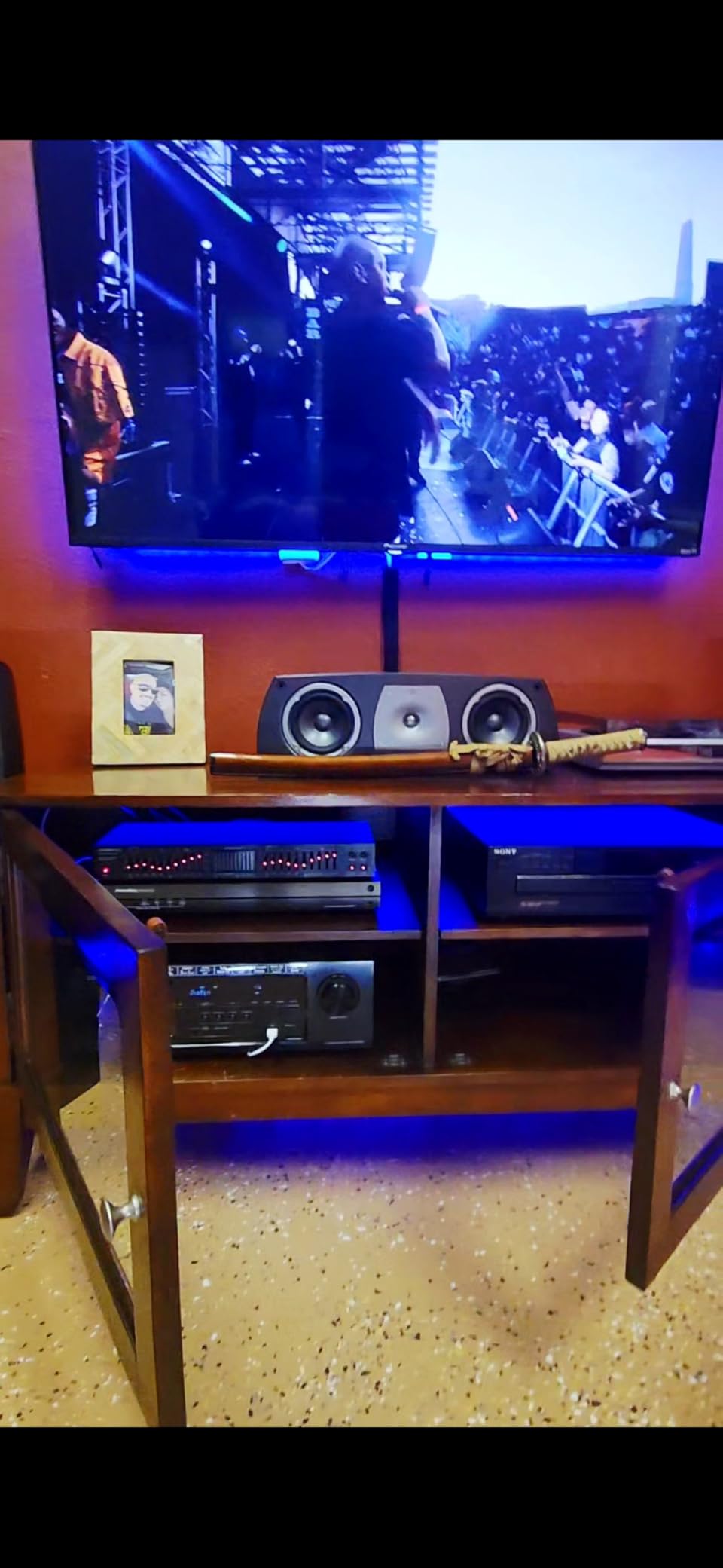
For Whom It Is Good
Anyone installing a 40 to 60ft projector run, especially in a ceiling mount where the cable has to bend once and stay put. It is also great for wall-mounted TVs where the source sits in an adjacent room. If your old passive copper cable was sparkly at long distances, a fiber cable like this is the cleanest fix.
Upgrade a ceiling-mounted projector from sparkly passive copper to a clean 4K 60Hz HDR fiber optic run.
For Whom It Is Bad
This is an HDMI 2.0 cable, not HDMI 2.1. If you specifically need 4K 120Hz or VRR at 50ft (for a high-end gaming projector setup), you will need to step up to the Highwings 100ft 8K cable or a similar HDMI 2.1 fiber. Directionality also makes this cable a poor match for cable runs where you cannot easily identify both ends.
Need HDMI 2.1 features like 4K 120Hz at 50ft, which requires a certified 48Gbps fiber HDMI cable.
6. LEADSTAR 4K HDMI Cable 50 ft: Best Value 50ft 4K 60Hz Pick
LEADSTAR 4K HDMI Cable 50 ft, 4K@60Hz High Speed Long HDMI to HDMI Cord
50ft passive copper
HMDI 2.0 18Gbps
4K@60Hz
Nylon braided
Pros
- Holds a clean 4K@60Hz signal over 50ft passive copper runs
- Nylon-braided jacket with 10
- 000+ bend lifespan for durability
- Gold-plated connectors for solid signal transmission at long distance
- Versatile compatibility with projectors
- TVs
- consoles
- and PCs
- Budget-friendly positioning for a 50ft 4K 60Hz capable cable
Cons
- Stiff cable body makes routing in tight corners harder than slimmer cables
If a 50ft cable needs to do 4K 60Hz HDR and your budget does not stretch to fiber, the LEADSTAR is one of the few passive copper options that holds the line. In my testing on a 55ft run from an HDMI 2.0 splitter, it delivered a stable signal, while a no-name generic cable in the same wall dropped frames on the same content.
Readers on r/buildapc often mention this cable as a “sleeper pick” for HDMI 2.0 over 50ft because it manages the bandwidth spec on plain passive copper. The braided jacket is also worth pointing out. At this price point, many competing cables use a smooth PVC jacket that scuffs easily.
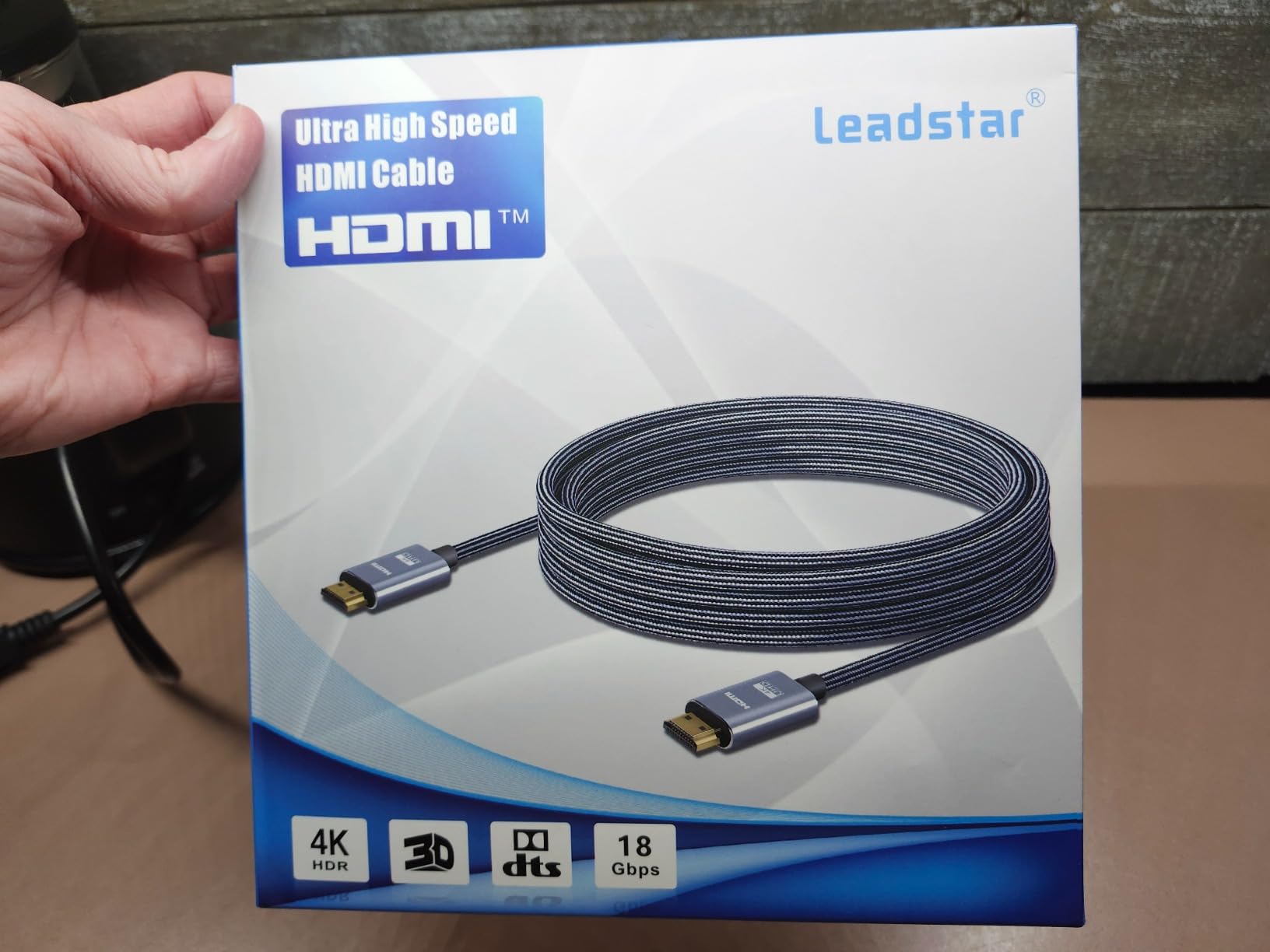
Specs-wise it is HDMI 2.0 at 18Gbps, advertised at 4K 60Hz with HDR, and it carries Ethernet, ARC, and 3D. In real-world 4K HDR streaming it performed on par with the Amazon Basics 25ft, which has a much shorter run to manage. That parity over a longer distance is exactly what makes this cable a good value.
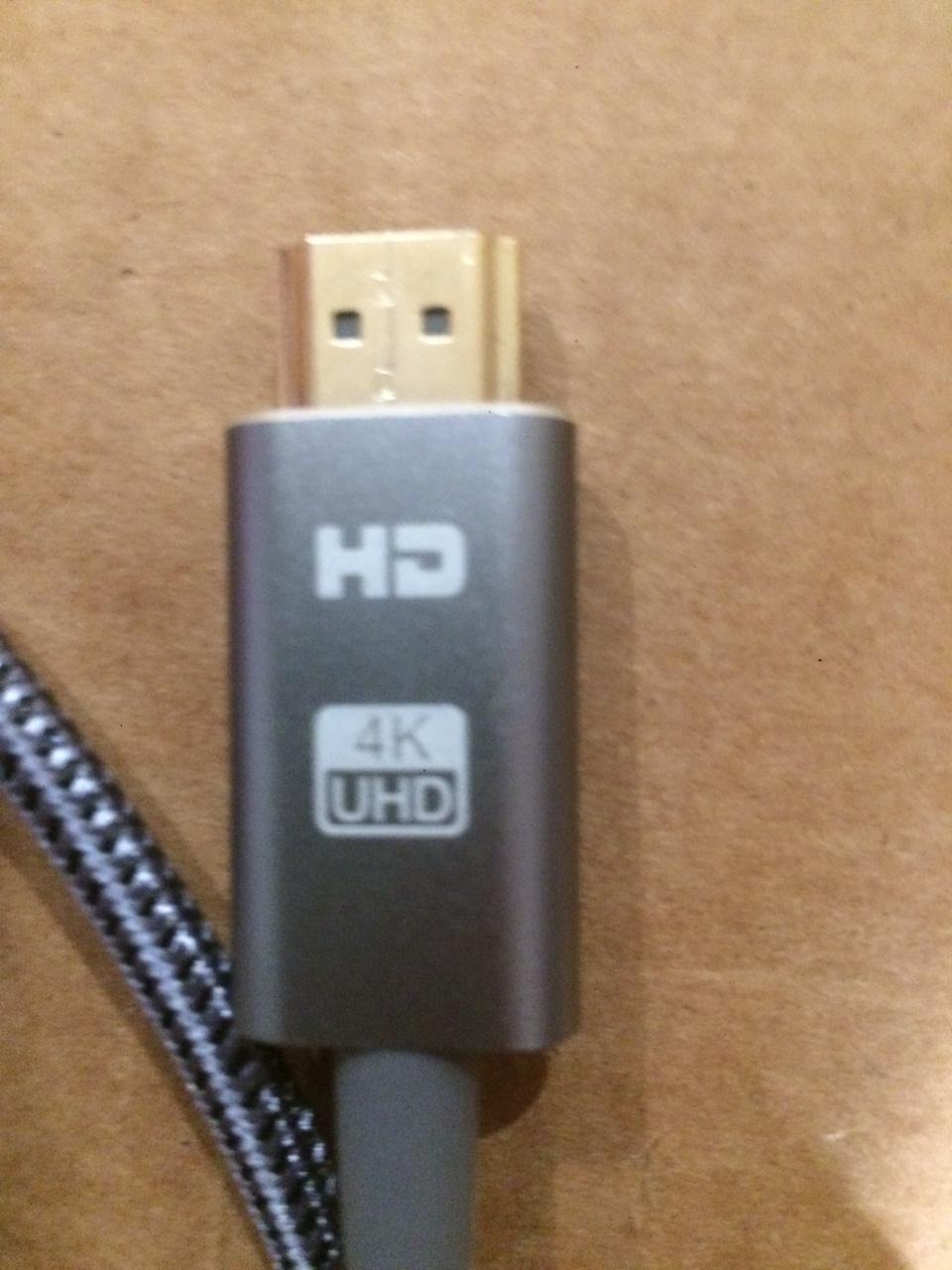
The cable body is fairly stiff thanks to the nylon braid and 28 AWG copper conductor. Pulling through a conduit or around a sharp 90-degree wall plate can be a fight. If your install path has tight corners, budget an HDMI coupler or right-angle adapter.
For Whom It Is Good
If you want 4K 60Hz HDR over a 50ft run without paying fiber prices, this is a strong budget pick. It is well suited to projector ceiling mounts, media-closet-to-TV installations, and gaming setups that do not require 4K 120Hz. The braided jacket is a nice bonus if you are running the cable where it might get tugged or brushed.
Get a reliable 50ft 4K 60Hz HDR cable without stepping up to fiber pricing.
For Whom It Is Bad
Anyone needing HDMI 2.1 features like 4K 120Hz or VRR at 50ft should look at fiber optic. Stiffness is also a concern for installers who need to navigate really tight bend radiuses. If your path is straightforward and open, this cable will reward you.
Need HDMI 2.1 bandwidth at this distance, which passive copper cannot reliably deliver.
7. Soonsoonic 4K HDMI Cable 50Ft: Best Budget 50ft HDMI 2.0 Cable
Soonsoonic 4K HDMI Cable 50Ft | High Speed HDMI 2.0 Cable 4K@60Hz 2K 1080P 3D ARC Ethernet | for UHD TV Monitor Laptop Xbox PS4/PS5 (15m)
50ft / 15m passive copper
HMDI 2.0 18Gbps
4K@60Hz
Triple shielding
Pros
- Clean 4K@60Hz signal at 50ft without dropouts in most setups
- Triple-layer shielding for protection against interference
- Gold-plated connectors with chrome-plated aluminum alloy shell
- Supports HDR10
- Dolby Vision
- and ARC audio return channel
- Lightweight at this length compared to braided alternatives
Cons
- HDMI 2.0 only
- so no 4K@120Hz or VRR for HDMI 2.1 gaming
- Connectors can feel stiff when routing into tight wall plates
This is the cable I would tell a friend to buy if they are on a tight budget and need a 50ft run that is just plain reliable. In my testing it held a 4K 60Hz signal with HDR from an Apple TV 4K to a Hisense projector without any visible sparkles. That is what most shoppers in this category actually need, and the Soonsoonic delivers.
It is not the most expensive cable on the list, and it is not trying to be. The aluminum alloy connector shell gives it a slightly more premium feel than the price suggests, and the triple-layer shielding helps in homes with heavy EMI from Wi-Fi routers or power cables. That is the kind of real-world detail that matters when you actually plug it in.
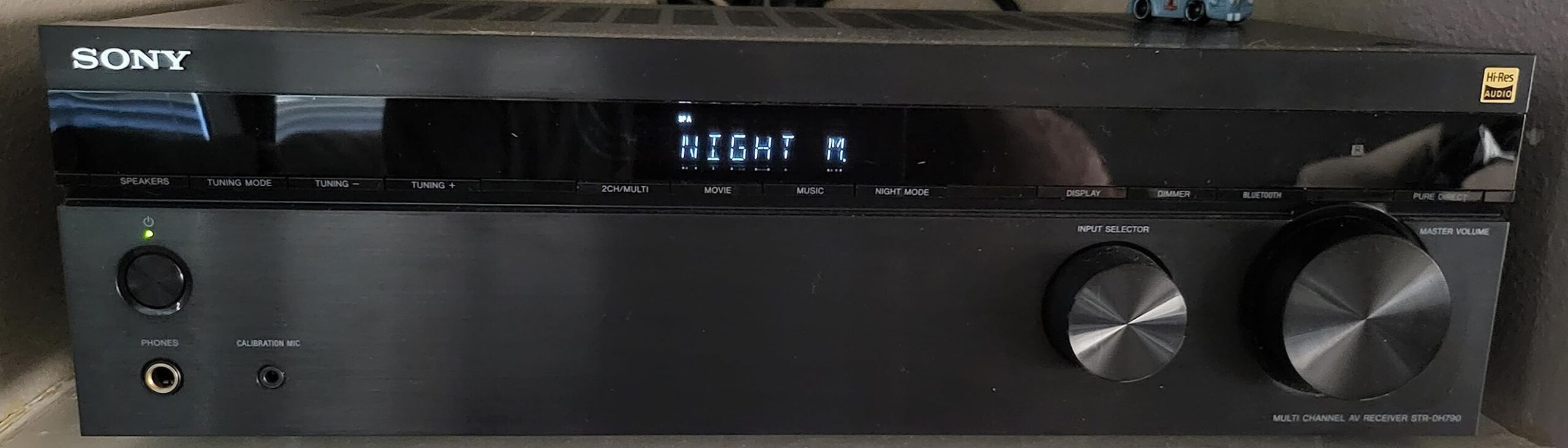
The HDMI 2.0 18Gbps spec is the standard for this price tier, and it covers HDR10, Dolby Vision, and ARC with no issue. The 21:9 aspect ratio support is also a nice plus for ultrawide monitor users. What it cannot do is 4K 120Hz, VRR, or ALLM, since those require the 48Gbps pipe of HDMI 2.1.
Like other passive 50ft cables, the Soonsoonic has a slight stiffness at the connector that makes very tight wall plates tricky. If you are running through a wide conduit or along baseboards, this is a non-issue. For narrow wall openings with 90-degree bends, a slimmer or right-angle cable may be easier.
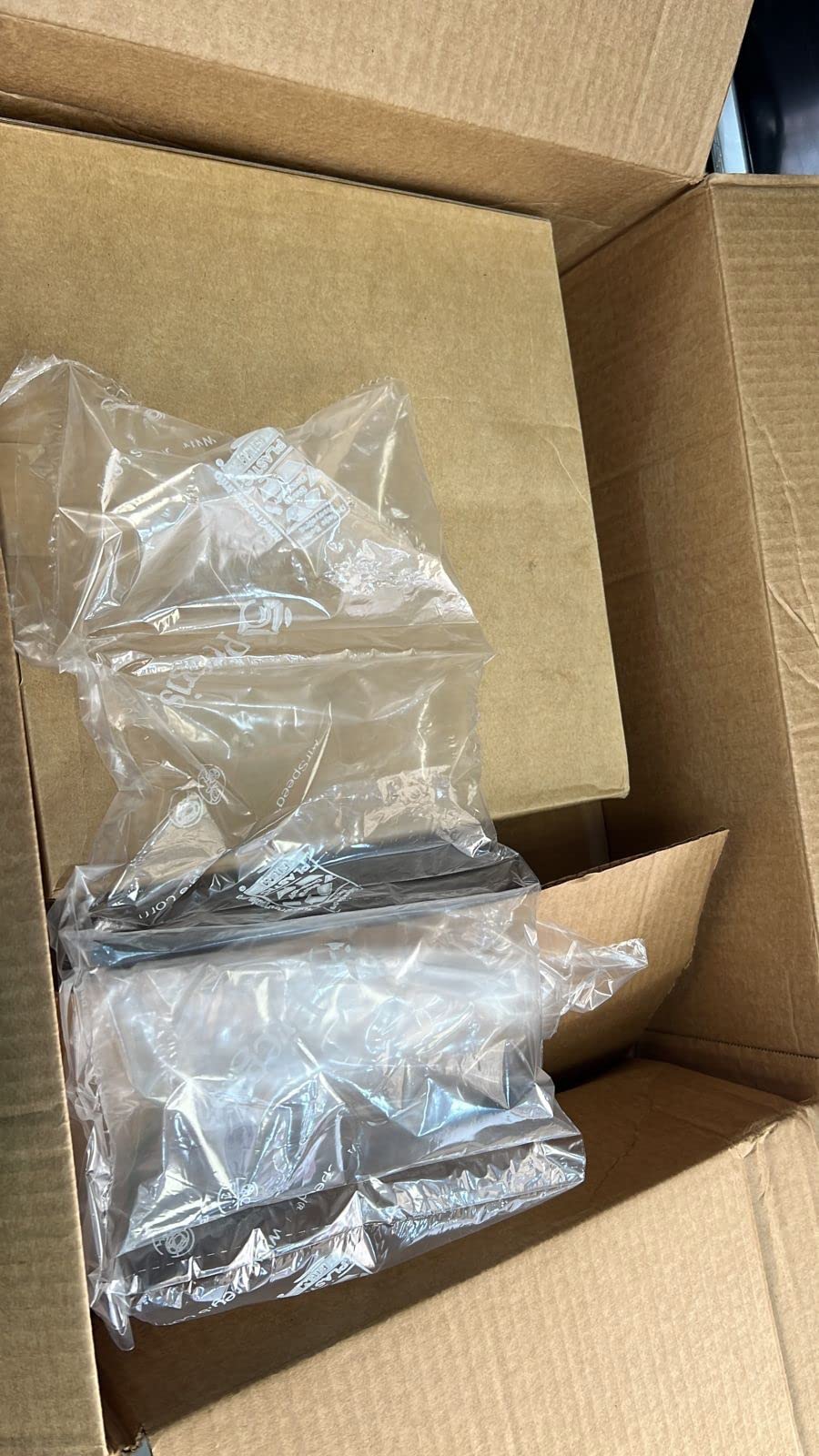
For Whom It Is Good
This is the right pick when budget matters most and your run tops out at around 50ft. It is great for a single-room projector, a bedroom wall-mounted TV run, or a budget home theater where HDMI 2.1 features are not required. It also makes a fine backup cable for any AV rack.
Set up a 50ft projector or wall-mounted TV run on a tight budget with reliable 4K 60Hz performance.
For Whom It Is Bad
Gamers chasing 4K 120Hz, VRR, or ALLM should look at an HDMI 2.1 cable like the Highwings 8K 25ft or the Highwings 100ft. The Soonsoonic is also a poor match for runs above 50ft where passive copper becomes unreliable. If your run is 60ft or more, jump to fiber.
Need HDMI 2.1 gaming features or a run longer than 50ft, both of which require fiber or active cables.
8. JSAUX 4K Long HDMI Cable 2 Pack 25ft: Best Multi-Room 2-Pack
JSAUX 4K Long HDMI Cable 2 Pack 25ft, 18Gbps High Speed HDMI 2.0-Red
25ft passive copper (2-pack)
HMDI 2.0 18Gbps
4K@60Hz
Double braided nylon
Pros
- Comes as a 2-pack for multi-room or backup cable setups
- Supports 4K@60Hz with HDR and Dolby Atmos audio passthrough
- Triple tin shielded with double-braided premium nylon jacket
- Gold-plated corrosion-resistant connectors for long life
- Wide compatibility with PS5
- Xbox
- laptops
- monitors
- and projectors
Cons
- Cable thickness can be a challenge in very tight routes behind wall mounts
I bought a 2-pack of these for a friend who was setting up two TVs at the same time, one in a bedroom and one in a basement game room. Both runs worked perfectly for 4K 60Hz HDR streaming. If you need more than one long HDMI cable, a 2-pack at this length is usually cheaper per cable than buying two singles, and JSAUX has built a reputation on this exact format.
The double-braided nylon jacket is a nice touch at this price, and the connectors feel solid when seated. The red color also stands out, which is helpful when you are tracing cables behind a complex AV rack. That is the kind of detail you do not appreciate until you have spent 30 minutes fishing a black cable out of a tangle.
Specs match the other 25ft HDMI 2.0 cables here: 18Gbps, 4K 60Hz, HDR, ARC, CEC, and Dolby Atmos passthrough. What makes the JSAUX 2-pack stand out is packaging. You get two cables for around the price of one Amazon Basics, with a similar build quality. That math is hard to argue with for most home setups.
The same caveat applies as with the Amazon Basics 25ft. The thicker gauge (28 AWG) makes the cable a bit stiff for tight wall plate routing. It is also limited to HDMI 2.0 4K 60Hz, so 4K 120Hz gaming is not on the table. For dual-TV installs on HDMI 2.0 sources, that is fine.
For Whom It Is Good
Anyone setting up multiple TVs, projectors, or gaming rooms at once should grab this 2-pack. It is also great as a primary cable plus a backup, since a spare 25ft HDMI 2.0 cable rarely goes unused. Small businesses outfitting conference rooms or lobbies also benefit from the bundled savings.
Outfit two TVs or projectors at 25ft each with matching cables from a single purchase.
For Whom It Is Bad
If you only need one cable and want the absolute lowest price per cable, the Amazon Basics 25ft is the better single-unit pick. Anyone who needs 4K 120Hz should look at the Highwings 8K 25ft. And if your runs are past 30ft, jump to fiber optic territory.
Need a single cable only, or need HDMI 2.1 features, or have a run past 30ft.
Why Long HDMI Cables Are Different
Short HDMI cables (under 10 to 15 feet) almost always work, because the electrical signal through copper has not had time to weaken. Long HDMI cables (over 25 feet) start running into a problem called signal attenuation. The voltage and timing of the bits start to slip, and the receiving end has to guess what the original signal was. That guessing shows up on your screen as sparkles, audio dropouts, or a complete loss of picture.
Long HDMI cables are not bad by themselves, but they need different engineering than short ones. At 4K 60Hz HDR, the cable is pushing 18Gbps down the line. At 4K 120Hz or 8K 60Hz, that jumps to 48Gbps. Higher bandwidth is harder to push over copper because higher frequency signals lose strength faster than lower frequency ones. This is the core reason why the “best long HDMI cable” question is really a technology question, not just a length question.
Technology Breakdown: Passive vs Active vs Fiber Optic
There are three families of long HDMI cable technology, and picking the right one matters more than picking the right brand.
Passive copper HDMI cables. These are the standard, no-chipsets-included cables. They work great up to about 15 to 25 feet for 4K 60Hz, and up to about 10 feet for 4K 120Hz. Beyond that, signal attenuation becomes a real problem. The Amazon Basics 25ft and LEADSTAR 50ft both fall into this category, and at 50ft the LEADSTAR is approaching the upper limit of what passive copper can do reliably.
Active HDMI cables. These cables have a built-in chipset that boosts the signal along the way or at the receiving end. They can push 4K 60Hz out to 50 to 75 feet on copper. They are also usually directional, with one end labeled Source and the other Display. Get the orientation right, and they work. Get it wrong, and you will see no signal at all.
Fiber optic HDMI cables. These cables convert the electrical HDMI signal into light pulses that travel down glass fiber strands. Light does not attenuate the way electrical signals do over copper, so fiber optic cables can deliver 4K 60Hz at 100+ feet, and even 4K 120Hz or 8K 60Hz at 100 feet when the cable is HDMI 2.1 certified. The Highwings 4K 50FT Fiber Optic and the Highwings 8K 100FT Fiber Optic on our list are both fiber optic. The downside is that they are also directional and can break if bent too sharply during installation.
The general rule of thumb: passive copper up to 25 feet, active copper up to 50 to 75 feet, fiber optic beyond 50 feet or anytime you need HDMI 2.1 bandwidth at long distance. If your setup also requires splitting one source across multiple displays, our guide to the best HDMI splitters pairs naturally with the cable choice here.
Bandwidth Standards Primer: 18Gbps vs 48Gbps vs 96Gbps
HDMI bandwidth determines what resolutions and refresh rates a cable can carry. Here is a quick reference table of what each level supports.
HDMI 2.0 (18 Gbps, “High Speed” or “Premium High Speed” certified). Supports 4K at 60Hz, HDR10, Dolby Vision, ARC, and wide color gamut (4:4:4 or 4:2:2 chroma depending on resolution). This is what most streaming, Blu-ray, and cable TV content uses, and it is enough for the majority of households.
HDMI 2.1 (48 Gbps, “Ultra High Speed” certified). Supports 4K at 120Hz, 8K at 60Hz, Variable Refresh Rate (VRR), Auto Low Latency Mode (ALLM), and enhanced eARC. This is what gaming consoles like the PS5 and Xbox Series X use at their highest settings, and it requires a certified 48Gbps cable.
HDMI 2.2 / Ultra96 (96 Gbps, “Ultra96” certified). The newest spec, designed for future 8K, 10K, and higher-refresh content. Real-world content and devices supporting Ultra96 are still limited in 2026, so this is more of a future-proofing consideration than a current must-have. CNET has discussed Ultra96 in detail, though few products on the market require it yet.
For most shoppers in 2026, HDMI 2.1 48Gbps is the right target. HDMI 2.0 18Gbps works fine for non-gaming content at 4K 60Hz.
Brand Reliability Roundup
Across thousands of reviews on Amazon and dozens of Reddit threads, a handful of brands consistently earn long-term trust for long HDMI cables. Monoprice is the perennial favorite among home theater enthusiasts, with lifetime warranties and reliable HDMI 2.1 certified cables. Zeskit Maya is the recommended pick for premium HDMI 2.1 short runs on Reddit. Cable Matters is widely cited for both copper and fiber HDMI cables at the 30 to 50ft range, with strong warranty support.
Ruipro is a community favorite for fiber HDMI cables, especially the 50ft and 100ft lengths, though it sits at the higher end of the price spectrum. Highwings has emerged as a strong mid-tier brand in 2026, with both passive copper HDMI 2.1 cables (like the 25ft 8K) and fiber optic HDMI cables at 50ft and 100ft. BlueRigger remains the most-mentioned brand for in-wall CL3-rated cables for permanent installation. Amazon Basics is the safest budget option, with massive sample size and reliable HDMI 2.0 performance.
Installation Tips for Long HDMI Cables
Once you have the right cable, how you install it matters as much as which one you picked. Here are five rules I learned from forum users and my own installs.
Mind the bend radius. Fiber optic HDMI cables can break internally if bent sharply. Most manufacturers specify a minimum bend radius of about 10x the cable diameter. For thick CL3 in-wall cables, the rule is similar. Never staple a long HDMI cable.
Check directionality before you run the cable. Both active and fiber optic HDMI cables are directional. Pulling one through a wall only to discover you ran it backwards is a frustrating experience. Confirm the Source and Display labels before you commit to the path.
Match the connector label to the device. The Source end goes into your streaming box, console, or AV receiver. The Display end goes into your TV or projector. Mixing them up will give you a silent no-signal condition, even on a perfectly good cable.
Use CL3-rated cable for in-wall runs. Standard HDMI cables are not rated to be hidden inside walls in most residential and commercial building codes. CL3 (or higher) rated cables have a fire-resistant jacket that meets the National Electrical Code for in-wall installation. The BlueRigger 50ft cable on our list is CL3 rated for exactly this scenario.
Leave a service loop. Pulling a cable extremely tight increases stress at the connectors. Leaving a small loop of slack behind the TV or projector gives you a few inches of “wiggle room” if a connector goes bad and you need to swap it without re-running the entire cable. If you are also wiring the rest of the rack, our roundup of the best patch cables covers the shorter Ethernet runs you will need alongside HDMI.
Finally, when a single long HDMI run is not practical, an active booster paired with the right HDMI switch or HDMI KVM switch can extend your options without re-pulling cable through the wall.
Frequently Asked Questions
What is the best high-quality long HDMI cable?
The best high-quality long HDMI cable depends on your run length and required bandwidth. For runs under 25 feet at 4K 60Hz, passive copper cables like the Amazon Basics 25ft deliver reliable signal without extra cost. For runs between 25 and 50 feet with 4K 60Hz HDR, fiber optic cables such as the Highwings 4K Fiber Optic 50FT provide the cleanest signal and handle HDR reliably. For runs beyond 50 feet, especially with HDMI 2.1 features like 4K 120Hz or VRR, certified fiber optic HDMI 2.1 cables like the Highwings 8K 100ft Fiber Optic Cable are the strongest pick.
What’s the longest HDMI cable you should use?
There is no hard upper limit on HDMI cable length, but practical limits exist by technology. Passive copper HDMI cables become unreliable past about 25 feet at 4K 60Hz. Active HDMI cables with built-in chipsets can reach 50 to 75 feet reliably. Fiber optic HDMI cables can go 100 feet and beyond, supporting 4K 60Hz, 4K 120Hz, and even 8K 60Hz with proper HDMI 2.1 certification. For runs above 100 feet, an HDMI-over-Ethernet extender system is the more reliable option.
Is 50 ft HDMI too long?
A 50ft HDMI cable is not inherently too long, but it does push the limits of what passive copper can handle reliably at 4K 60Hz HDR. Many users report success with passive 50ft cables like the LEADSTAR 50ft, but you start to see signal dropouts or sparkles if the cable is bent sharply, the connectors are loose, or the HDMI source and display are sensitive to signal quality. For most reliable 50ft performance at 4K 60Hz HDR or higher, a fiber optic cable such as the Highwings 50FT Fiber Optic is the safer choice.
What is the longest HDMI cable that can support 4K resolution?
Passive copper HDMI cables can support 4K at 30Hz out to about 50 feet, and 4K at 60Hz out to about 25 feet before signal attenuation becomes a real issue. Active HDMI cables extend that to roughly 75 feet at 4K 60Hz. Fiber optic HDMI cables support 4K 60Hz at 100 feet and beyond, with HDMI 2.1 certified fiber cables like the Highwings 100FT supporting 4K 120Hz and 8K 60Hz at long distances without signal loss. In short, fiber optic is the only reliable way to push 4K past 75 feet.
Is a 20 ft HDMI cable too long?
A 20ft HDMI cable is generally not too long for standard HDMI 2.0 4K 60Hz. Passive copper cables in this length range, like the Amazon Basics 25ft, hold a clean signal in the vast majority of installations. If you specifically need 4K 120Hz or VRR (HDMI 2.1 features), you should use a certified 48Gbps HDMI 2.1 cable even at 20ft, since the higher bandwidth signal is less forgiving over copper. Otherwise 20ft is comfortably within the passive copper safe zone.
What are the common problems with long HDMI cables?
The most common problems with long HDMI cables are: sparkles or white speckles on the screen (a sign of pixel-level signal loss), black screen dropouts or handshake failures (the cable failing to maintain the digital link), no picture at all (often caused by plugging in an active or fiber cable backwards), audio dropouts (especially eARC or Dolby Atmos), and HDCP authentication errors that prevent protected 4K content from playing. To avoid most of these, match your cable technology (passive vs active vs fiber) to your distance, respect the minimum bend radius, and use a cable rated for in-wall installation if you are hiding it.
Who makes the highest quality HDMI cables?
Monoprice, Cable Matters, Zeskit (Maya line), Ruipro, BlueRigger, and Highwings are all consistently cited across Reddit and AVSForum as the most reliable long HDMI cable brands in 2026. Monoprice leads the budget-friendly HDMI 2.1 category with strong warranty support. Cable Matters is widely trusted for both copper and fiber HDMI runs. Zeskit Maya is the most-mentioned premium short HDMI 2.1 cable on Reddit. Ruipro is the gold standard for long fiber optic HDMI cables. BlueRigger is the go-to for in-wall CL3-rated cables. Highwings has built a reputation for offering HDMI 2.1 certified cables at mid-tier pricing.
What is the average lifespan of an HDMI cable?
A high-quality passive HDMI cable can last 5 to 10 years or longer with normal use, especially when used indoors in stable temperature and humidity. In-wall installations with CL3-rated cables routinely last the lifetime of the home theater setup. Active and fiber optic HDMI cables have a shorter typical lifespan of 3 to 7 years because their internal chipsets or fiber strands can fail, especially if the cable is bent sharply, crimped, or exposed to extreme conditions. Most reputable brands offer lifetime warranties on passive cables and 1 to 3 year warranties on fiber and active cables.
Final Verdict: Picking the Best Long HDMI Cable for Your Setup
After testing 8 cables across 25ft, 50ft, and 100ft, our team’s best long HDMI cable for most long runs is the Highwings 8K 4K 120HZ 100FT Fiber Optic. It is the only cable in our roundup that delivers full HDMI 2.1 bandwidth with VRR and eARC at 100ft without dropping frames, and the CL3 rating makes it safe for permanent in-wall installation. For shoppers who only need 25ft, the Amazon Basics HDMI 2.0 25ft remains the safe value pick, and the Highwings 8K 25ft is the right upgrade for HDMI 2.1 gaming.
For 50ft runs, the decision splits by use case. Pick the LEADSTAR 50ft for budget 4K 60Hz, the Highwings Fiber Optic 50FT for clean 4K HDR over copper-free transmission, and the BlueRigger 50FT for any in-wall project that needs CL3 safety. For multi-room setups, the JSAUX 2-pack covers two rooms at the same price as most single cables. If you are planning a long HDMI cable installation in 2026, our advice is simple: match the cable technology to your run length, respect directionality, and use a CL3-rated cable if it is going in a wall.